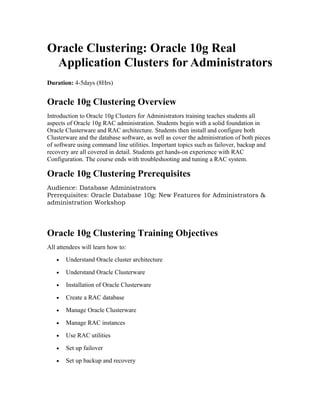
Oracle Clustering: Oracle 10g Real
Application Clusters for Administrators
Duration: 4-5days (8Hrs)
Oracle 10g Clustering Overview
Introduction to Oracle 10g Clusters for Administrators training teaches students all
aspects of Oracle 10g RAC administration. Students begin with a solid foundation in
Oracle Clusterware and RAC architecture. Students then install and configure both
Clusterware and the database software, as well as cover the administration of both pieces
of software using command line utilities. Important topics such as failover, backup and
recovery are all covered in detail. Students get hands-on experience with RAC
Configuration. The course ends with troubleshooting and tuning a RAC system.
Oracle 10g Clustering Prerequisites
Audience: Database Administrators
Prerequisites: Oracle Database 10g: New Features for Administrators &
administration Workshop
Oracle 10g Clustering Training Objectives
All attendees will learn how to:
• Understand Oracle cluster architecture
• Understand Oracle Clusterware
• Installation of Oracle Clusterware
• Create a RAC database
• Manage Oracle Clusterware
• Manage RAC instances
• Use RAC utilities
• Set up failover
• Set up backup and recovery
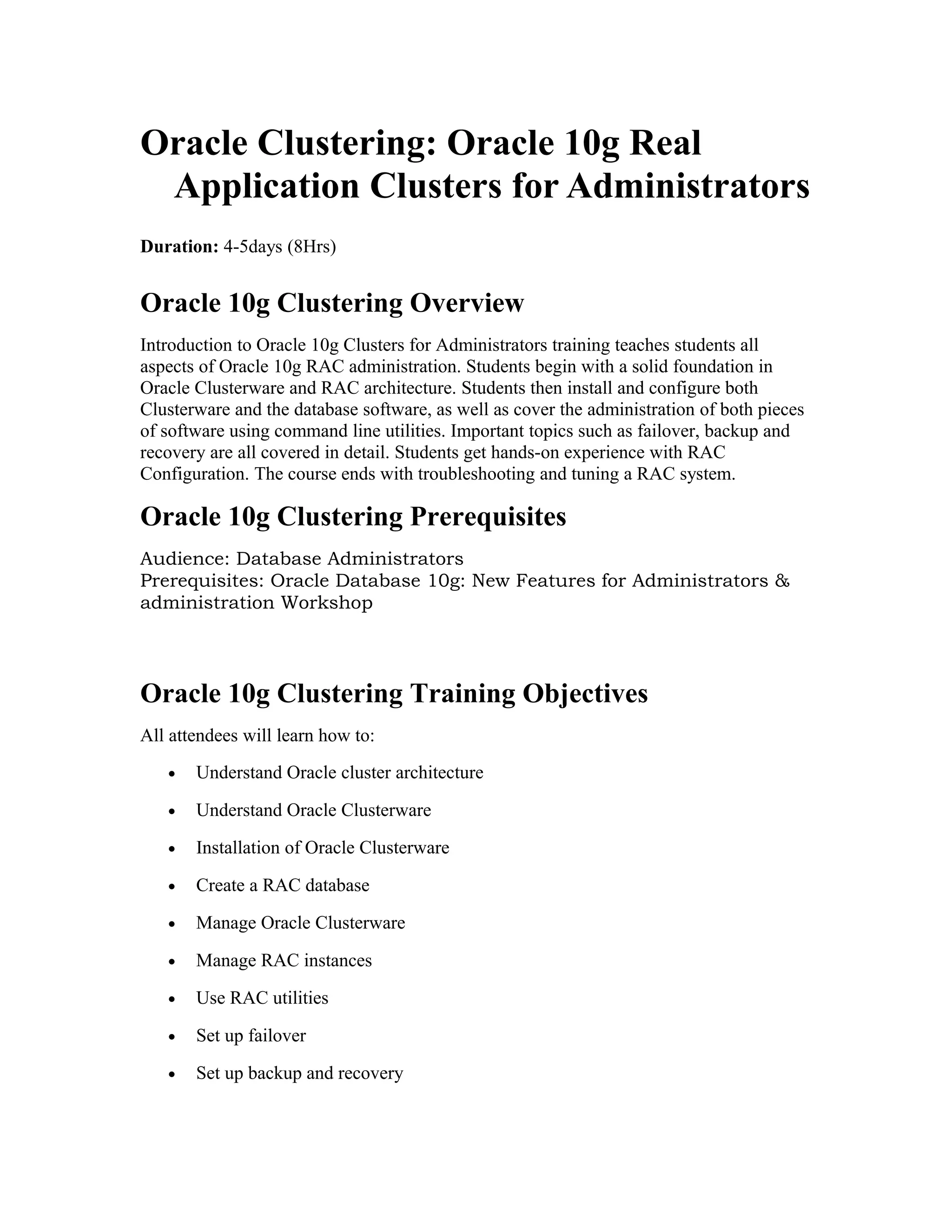
• Manage clusters
• Implement automatic storage management
• Troubleshoot RAC
• Tune RAC
Oracle 10g Clustering Training Outline
• Cluster Architecture
o Cluster Architecture
o Shared Storage
o Nodes and Interconnects
o Virtual IP Addresses
o Oracle Software
o Oracle Cluster Registry (OCR)
o The RAC Voting Disk
• Oracle Clusterware
o What is Oracle Clusterware?
o Oracle Clusterware Components
o Oracle Clusterware Processes
o Oracle Clusterware and Shared Storage
o Oracle Clusterware Preinstallation Steps
o Node Preparation
o Configuring SSH User Equivalency
o Installing Oracle Clusterware
o cluvfy – The Cluster Verification Utility
o Oracle Clusterware Postinstallation Steps
• Installing DB Software and Creating a RAC Database
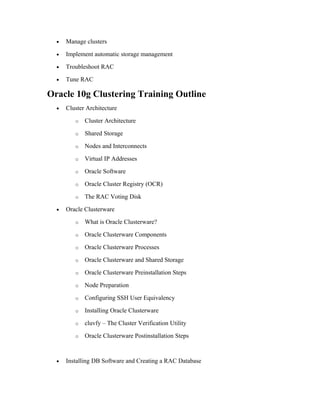
o Installation Overview
o Configuring the OS Environment
o Verifying System Readiness with the CVU
o Installing the Database Software
o Troubleshooting Installation Setup
o Recommended Postinstallation Tasks
o Running the VIPCA
o Creating a Cluster Database Using DBCA
o Database Pre-Creation Tasks
o Initialization Parameters
• RAC Database Architecture
o Oracle Single-Instance Architecture
o Overview of RAC
o RAC Architecture
o RAC Instances and Parameter Files
o RAC Database Components
o RAC Instance Background Processes
o Global Resource Directory
o Overview of Cache Fusion
o Cache Fusion Components – GES and GCS
o Cache Fusion Components – Resource Master and GRD
o Cache Fusion Background Processes
o Application Connection to RAC
• Managing Oracle Clusterware
o About Oracle Clusterware
o Backing Up and Recovering Voting Disks
o The OCR
o Changing the OCR Configuration
o Backing Up and Recovering the OCR
o Restoring from Automatic OCR Backups
• Automatic Storage Management
o ASM Overview
o Creating an ASM Instance
o ASM Initialization Parameters
o Accessing an ASM Instance
o ASM Startup and Shutdown
o Creating a Disk Group
o Changing a Disk Group
o Creating and Managing a Database
o Using Oracle-Managed Files
o Creating and Managing a Tablespace
o Creating and Managing Redo Logs
o Creating and Managing Control Files
o Creating and Managing Archive Logs
• ASM in a RAC Environment
o Overview of ASM and RAC
o Overview of Recovery Manager (RMAN) and ASM
o Creating ASM Instances for a RAC Database
o Migrating Tablespaces
o ASM and RAC Specifics
• RAC Instance Management
o Overview of RAC Instance Management
o Starting and Stopping a RAC Database
o Starting and Stopping a RAC Instance
o RAC Database Identical Parameters
o RAC Database Unique Parameters
o Changing Parameter Values
o Administering Undo Tablespaces in RAC
o Administering Redo Logs in RAC
• RAC Utilities
o The ocrcheck Utility
o The ocrdump Utility
o The crs_stat Utility
o The crsctl Utility
o The Server Control (SRVCTL) Utility
o SRVCTL ADD
o SRVCTL CONFIG
o SRVCTL ENABLE and DISABLE
o SRVCTL GETENV
o SRVCTL MODIFY
o SRVCTL RELOCATE
o SRVCTL STATUS
o SRVCTL REMOVE
o SRVCTL START
o SRVCTL STOP
• RAC Backup and Recovery
o Overview of RAC Backup and Recovery
o Log Archiving in RAC
o Undo Tablespaces in RAC
o Performing RMAN Backups of a RAC Database
o Recover the RAC Database with RMAN
• Services
o Overview of Services
o Types of Services
o Creating Services with DBCA
o Creating Services with SRVCTL
o Preferred and Available Instances for Services
o Using Services
o Managing Services
o Service Views
• Upgrading From 10.2.0.1.0 To 10.2.0.4.0 On RAC with Rolling Fashion.
• Adding and Deleting Node
o Adding and Deleting node with all details steps
• Networking in RAC.
o Transparent Application Failover (TAF)
o Client-Side vs. Server-Side TAF
o Configuring TAF on the Client
o Configuring TAF on the Server
o Using OEM to Configure TAF
o Using SRVCTL to Configure TAF
o Using DBCA to Configure TAF
o The DMBS_SERVICE Package
o Connecting to the Database with TAF
o Monitoring TAF Connections
• RAC Tuning
o RAC Tuning Methodology
o Using Performance Views in RAC
o Monitoring Cache Fusion
o Global Cache Latencies
o Monitoring Cache Transfers
o OEM – Cluster Database Performance
o OEM – RAC-Related Reports
o Using AWR in the RAC Environment
o Generating AWR Reports
o Analyzing AWR Reports
o Using ADDM in the RAC Environment
o Analyzing ADDM Reports
o RAC Tuning Tips
• RAC Troubleshooting
o The Oracle Clusterware Alert Log
o Clusterware Component Log Files
o Using crsctl to Diagnose Cluster Issues
o Troubleshooting the OCR
o RAC Database Alerts
o The oradebug Utility
• How to Clean Up After a Failed CRS Installation
• Conclusion Q & A

Oracle10g rac course_contents

  • 1.
    Oracle Clustering: Oracle10g Real Application Clusters for Administrators Duration: 4-5days (8Hrs) Oracle 10g Clustering Overview Introduction to Oracle 10g Clusters for Administrators training teaches students all aspects of Oracle 10g RAC administration. Students begin with a solid foundation in Oracle Clusterware and RAC architecture. Students then install and configure both Clusterware and the database software, as well as cover the administration of both pieces of software using command line utilities. Important topics such as failover, backup and recovery are all covered in detail. Students get hands-on experience with RAC Configuration. The course ends with troubleshooting and tuning a RAC system. Oracle 10g Clustering Prerequisites Audience: Database Administrators Prerequisites: Oracle Database 10g: New Features for Administrators & administration Workshop Oracle 10g Clustering Training Objectives All attendees will learn how to: • Understand Oracle cluster architecture • Understand Oracle Clusterware • Installation of Oracle Clusterware • Create a RAC database • Manage Oracle Clusterware • Manage RAC instances • Use RAC utilities • Set up failover • Set up backup and recovery
  • 2.
    • Manage clusters •Implement automatic storage management • Troubleshoot RAC • Tune RAC Oracle 10g Clustering Training Outline • Cluster Architecture o Cluster Architecture o Shared Storage o Nodes and Interconnects o Virtual IP Addresses o Oracle Software o Oracle Cluster Registry (OCR) o The RAC Voting Disk • Oracle Clusterware o What is Oracle Clusterware? o Oracle Clusterware Components o Oracle Clusterware Processes o Oracle Clusterware and Shared Storage o Oracle Clusterware Preinstallation Steps o Node Preparation o Configuring SSH User Equivalency o Installing Oracle Clusterware o cluvfy – The Cluster Verification Utility o Oracle Clusterware Postinstallation Steps • Installing DB Software and Creating a RAC Database
  • 3.
    o Installation Overview oConfiguring the OS Environment o Verifying System Readiness with the CVU o Installing the Database Software o Troubleshooting Installation Setup o Recommended Postinstallation Tasks o Running the VIPCA o Creating a Cluster Database Using DBCA o Database Pre-Creation Tasks o Initialization Parameters • RAC Database Architecture o Oracle Single-Instance Architecture o Overview of RAC o RAC Architecture o RAC Instances and Parameter Files o RAC Database Components o RAC Instance Background Processes o Global Resource Directory o Overview of Cache Fusion o Cache Fusion Components – GES and GCS o Cache Fusion Components – Resource Master and GRD o Cache Fusion Background Processes o Application Connection to RAC • Managing Oracle Clusterware o About Oracle Clusterware o Backing Up and Recovering Voting Disks o The OCR
  • 4.
    o Changing theOCR Configuration o Backing Up and Recovering the OCR o Restoring from Automatic OCR Backups • Automatic Storage Management o ASM Overview o Creating an ASM Instance o ASM Initialization Parameters o Accessing an ASM Instance o ASM Startup and Shutdown o Creating a Disk Group o Changing a Disk Group o Creating and Managing a Database o Using Oracle-Managed Files o Creating and Managing a Tablespace o Creating and Managing Redo Logs o Creating and Managing Control Files o Creating and Managing Archive Logs • ASM in a RAC Environment o Overview of ASM and RAC o Overview of Recovery Manager (RMAN) and ASM o Creating ASM Instances for a RAC Database o Migrating Tablespaces o ASM and RAC Specifics • RAC Instance Management o Overview of RAC Instance Management o Starting and Stopping a RAC Database
  • 5.
    o Starting andStopping a RAC Instance o RAC Database Identical Parameters o RAC Database Unique Parameters o Changing Parameter Values o Administering Undo Tablespaces in RAC o Administering Redo Logs in RAC • RAC Utilities o The ocrcheck Utility o The ocrdump Utility o The crs_stat Utility o The crsctl Utility o The Server Control (SRVCTL) Utility o SRVCTL ADD o SRVCTL CONFIG o SRVCTL ENABLE and DISABLE o SRVCTL GETENV o SRVCTL MODIFY o SRVCTL RELOCATE o SRVCTL STATUS o SRVCTL REMOVE o SRVCTL START o SRVCTL STOP • RAC Backup and Recovery o Overview of RAC Backup and Recovery o Log Archiving in RAC o Undo Tablespaces in RAC o Performing RMAN Backups of a RAC Database
  • 6.
    o Recover theRAC Database with RMAN • Services o Overview of Services o Types of Services o Creating Services with DBCA o Creating Services with SRVCTL o Preferred and Available Instances for Services o Using Services o Managing Services o Service Views • Upgrading From 10.2.0.1.0 To 10.2.0.4.0 On RAC with Rolling Fashion. • Adding and Deleting Node o Adding and Deleting node with all details steps • Networking in RAC. o Transparent Application Failover (TAF) o Client-Side vs. Server-Side TAF o Configuring TAF on the Client o Configuring TAF on the Server o Using OEM to Configure TAF o Using SRVCTL to Configure TAF o Using DBCA to Configure TAF o The DMBS_SERVICE Package o Connecting to the Database with TAF o Monitoring TAF Connections
  • 7.
    • RAC Tuning oRAC Tuning Methodology o Using Performance Views in RAC o Monitoring Cache Fusion o Global Cache Latencies o Monitoring Cache Transfers o OEM – Cluster Database Performance o OEM – RAC-Related Reports o Using AWR in the RAC Environment o Generating AWR Reports o Analyzing AWR Reports o Using ADDM in the RAC Environment o Analyzing ADDM Reports o RAC Tuning Tips • RAC Troubleshooting o The Oracle Clusterware Alert Log o Clusterware Component Log Files o Using crsctl to Diagnose Cluster Issues o Troubleshooting the OCR o RAC Database Alerts o The oradebug Utility • How to Clean Up After a Failed CRS Installation • Conclusion Q & A