Oracle WebCenter Content
(Enterprise Content Management)
Presented By: Masood Hussain Virk
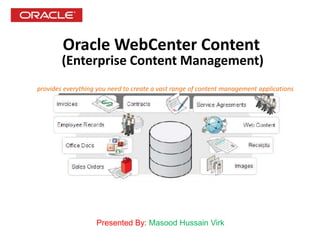
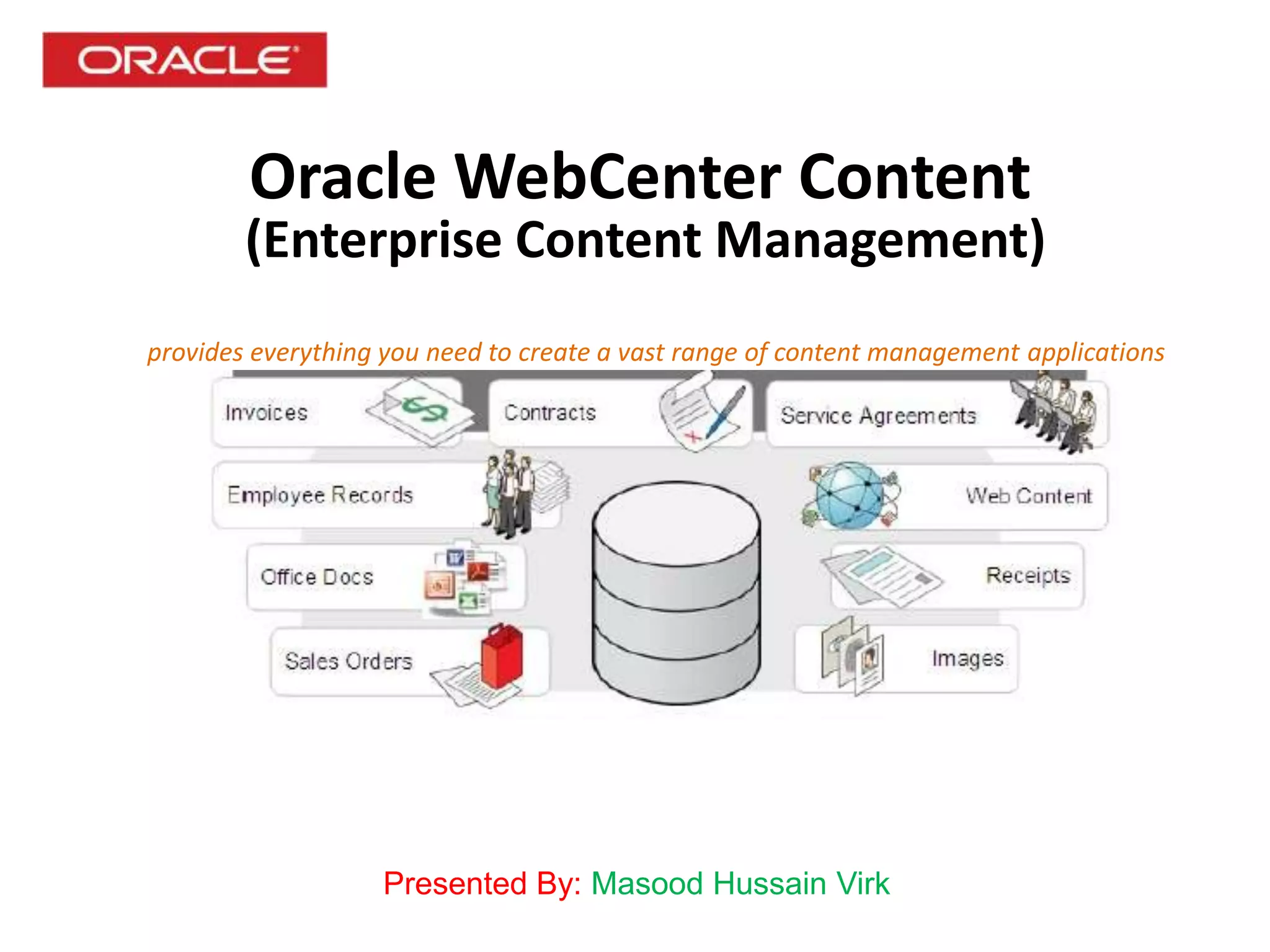
provides everything you need to create a vast range of content management applications
Oracle WebCenter Content
: https://pbad-ecmapp.pbad.sbg.com.sa:16201/cs/
: <enter your user name>
: <enter your password>
URL
User Name
Password
Oracle WebCenter Content
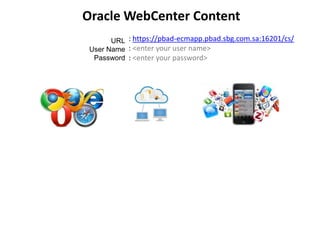
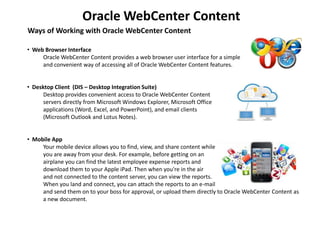
Ways of Working with Oracle WebCenter Content
• Web Browser Interface
Oracle WebCenter Content provides a web browser user interface for a simple
and convenient way of accessing all of Oracle WebCenter Content features.
• Desktop Client (DIS – Desktop Integration Suite)
Desktop provides convenient access to Oracle WebCenter Content
servers directly from Microsoft Windows Explorer, Microsoft Office
applications (Word, Excel, and PowerPoint), and email clients
(Microsoft Outlook and Lotus Notes).
• Mobile App
Your mobile device allows you to find, view, and share content while
you are away from your desk. For example, before getting on an
airplane you can find the latest employee expense reports and
download them to your Apple iPad. Then when you're in the air
and not connected to the content server, you can view the reports.
When you land and connect, you can attach the reports to an e-mail
and send them on to your boss for approval, or upload them directly to Oracle WebCenter Content as
a new document.

Oracle WebCenter Content User Training

  • 1.
    Oracle WebCenter Content (EnterpriseContent Management) Presented By: Masood Hussain Virk provides everything you need to create a vast range of content management applications
  • 2.
    Oracle WebCenter Content :https://pbad-ecmapp.pbad.sbg.com.sa:16201/cs/ : <enter your user name> : <enter your password> URL User Name Password
  • 3.
    Oracle WebCenter Content Waysof Working with Oracle WebCenter Content • Web Browser Interface Oracle WebCenter Content provides a web browser user interface for a simple and convenient way of accessing all of Oracle WebCenter Content features. • Desktop Client (DIS – Desktop Integration Suite) Desktop provides convenient access to Oracle WebCenter Content servers directly from Microsoft Windows Explorer, Microsoft Office applications (Word, Excel, and PowerPoint), and email clients (Microsoft Outlook and Lotus Notes). • Mobile App Your mobile device allows you to find, view, and share content while you are away from your desk. For example, before getting on an airplane you can find the latest employee expense reports and download them to your Apple iPad. Then when you're in the air and not connected to the content server, you can view the reports. When you land and connect, you can attach the reports to an e-mail and send them on to your boss for approval, or upload them directly to Oracle WebCenter Content as a new document.