On the way to low
latency
Artem Orobets
Smartling Inc
Long story short
We realized that latency is important for us
Our fabulous architecture supposed to work, but it didn’t
The issues that we have faced on the way
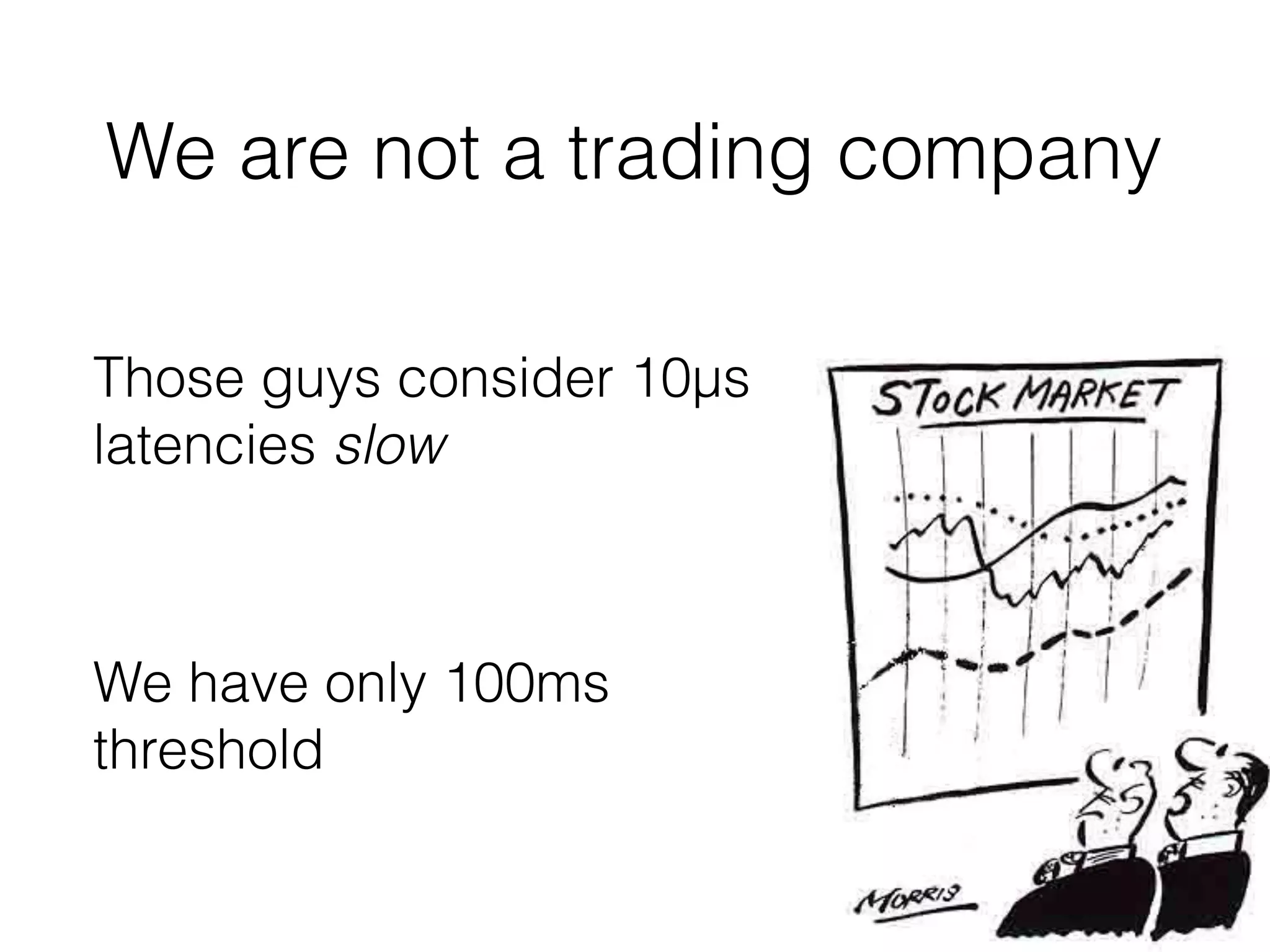
Those guys consider 10µs
latencies slow
We have only 100ms
threshold
We are not a trading company
What is low latency?
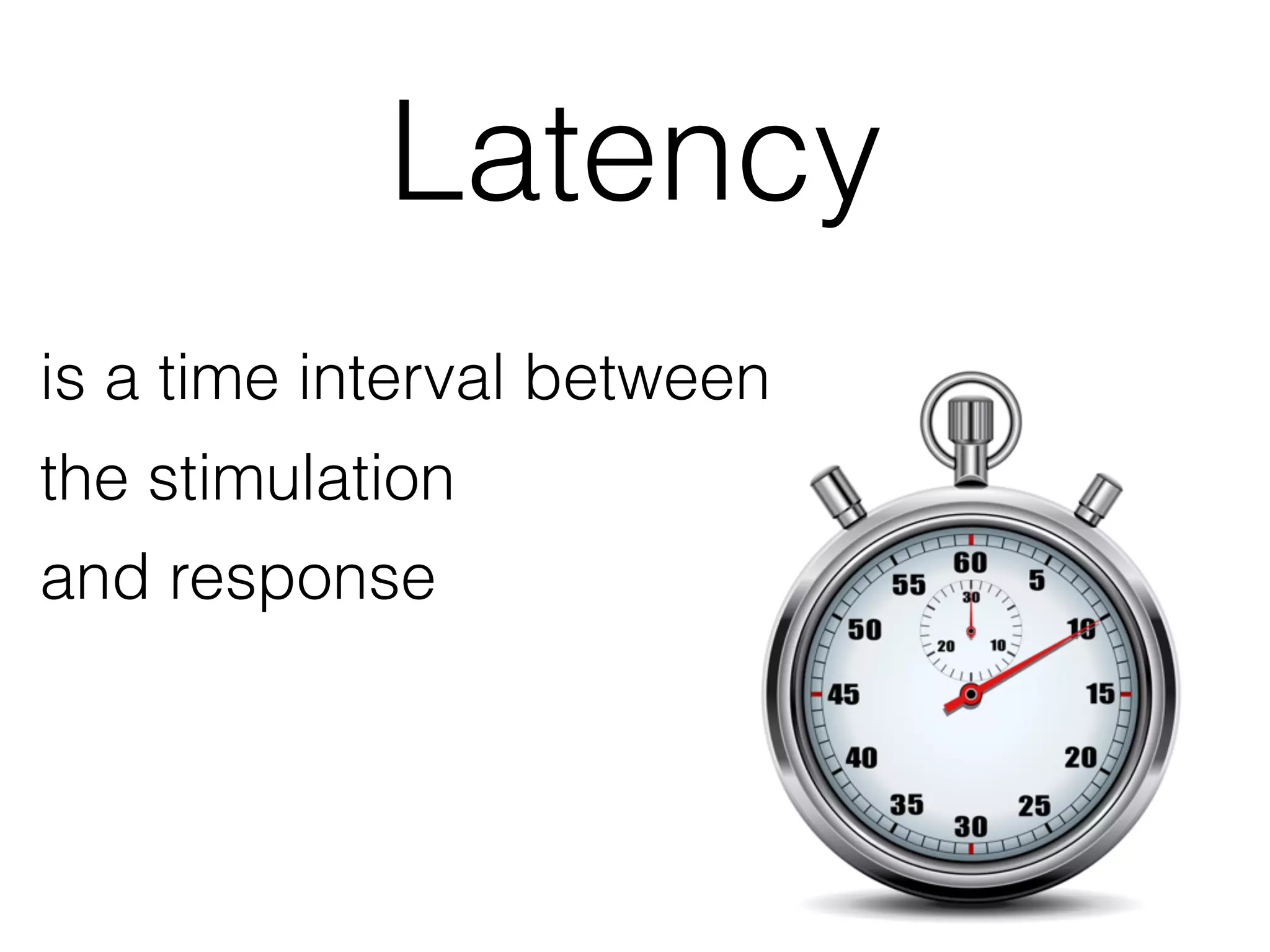
Latency
is a time interval between

the stimulation

and response
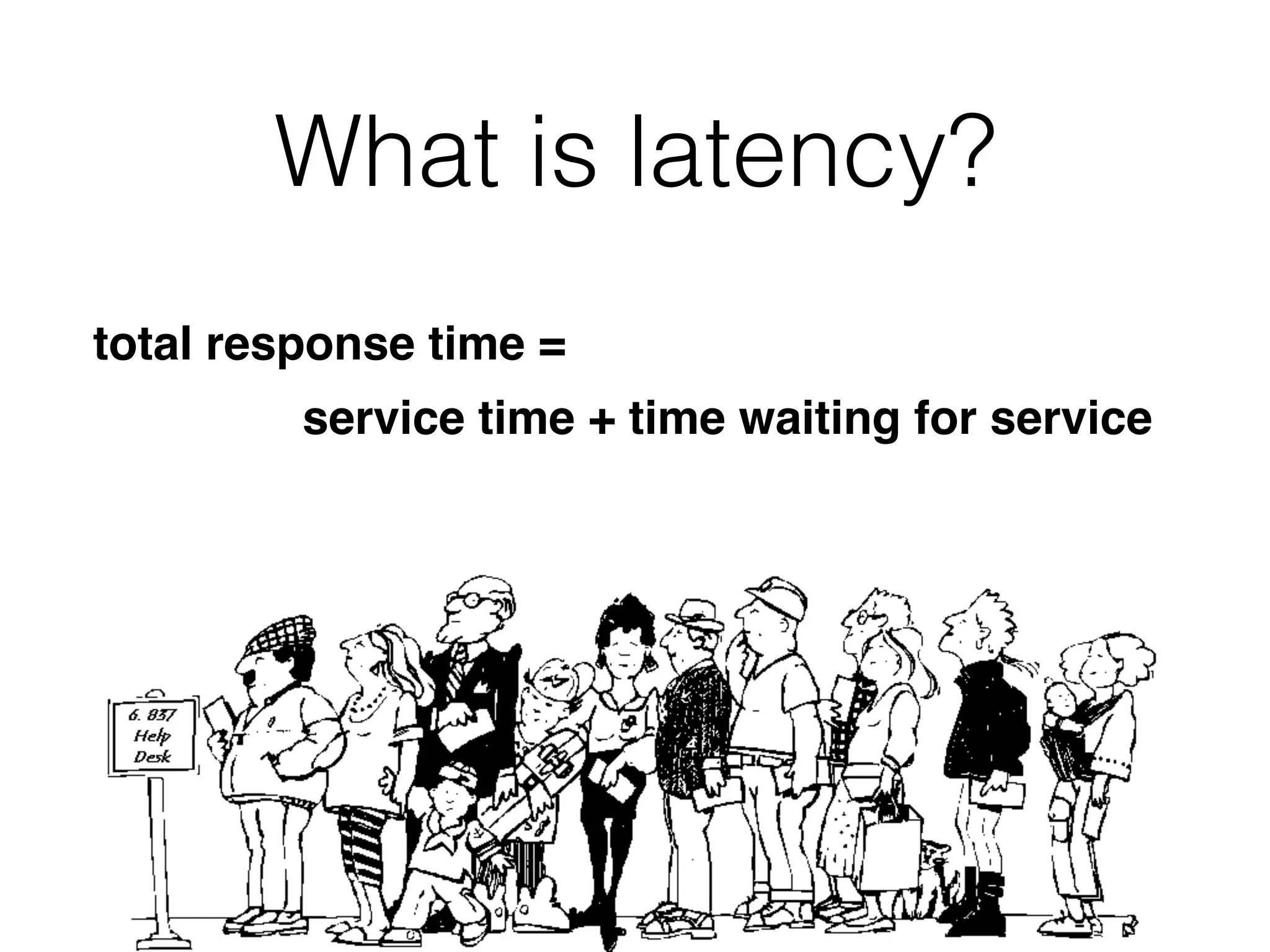
What is latency?
total response time = 

service time + time waiting for service
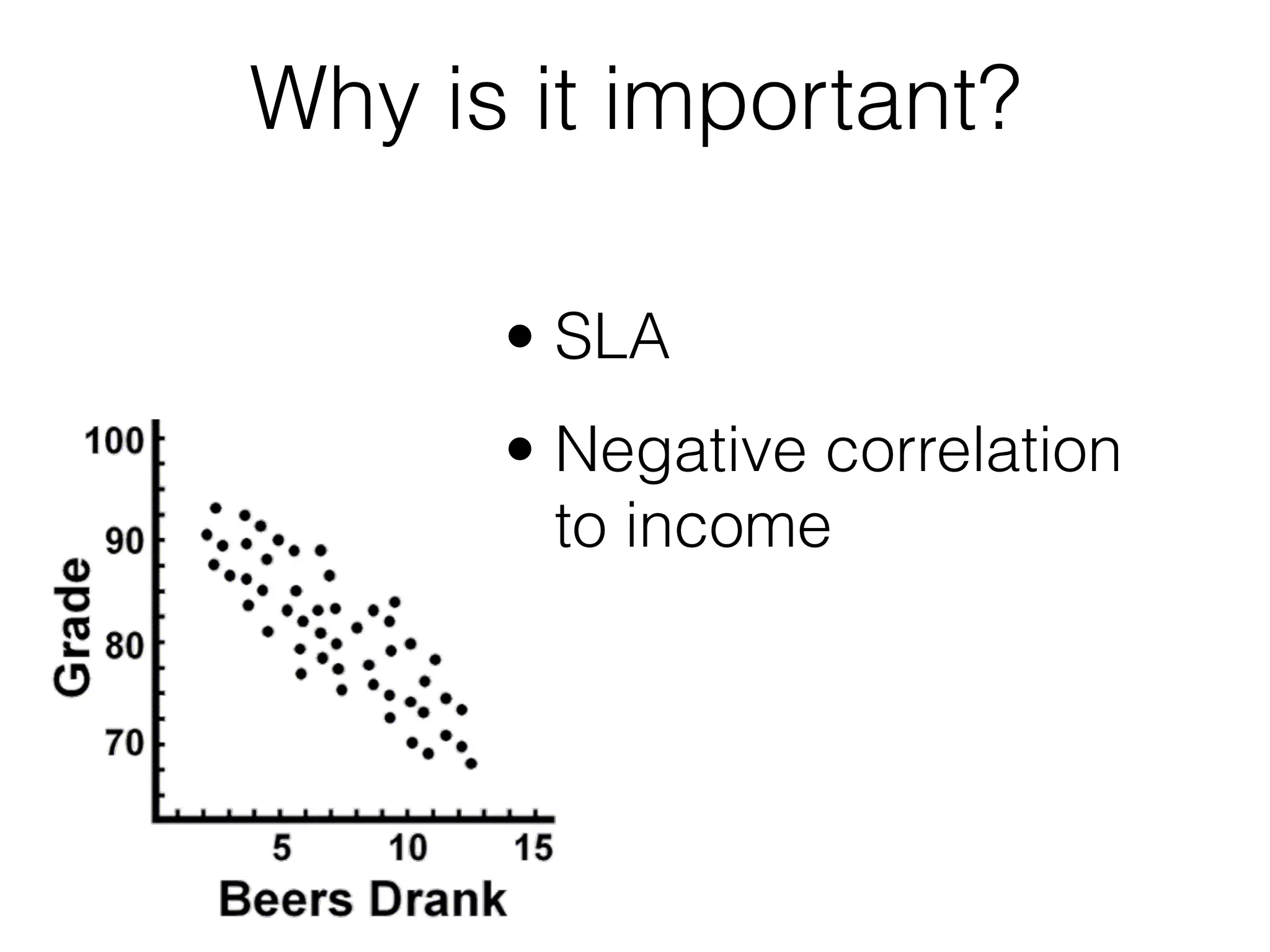
Why is it important?
• SLA
• Negative correlation
to income
Latencies about 50ms 

is barely noticeable for human
You mostly care about
throughput
How to measure it?
Duration of a single
test run
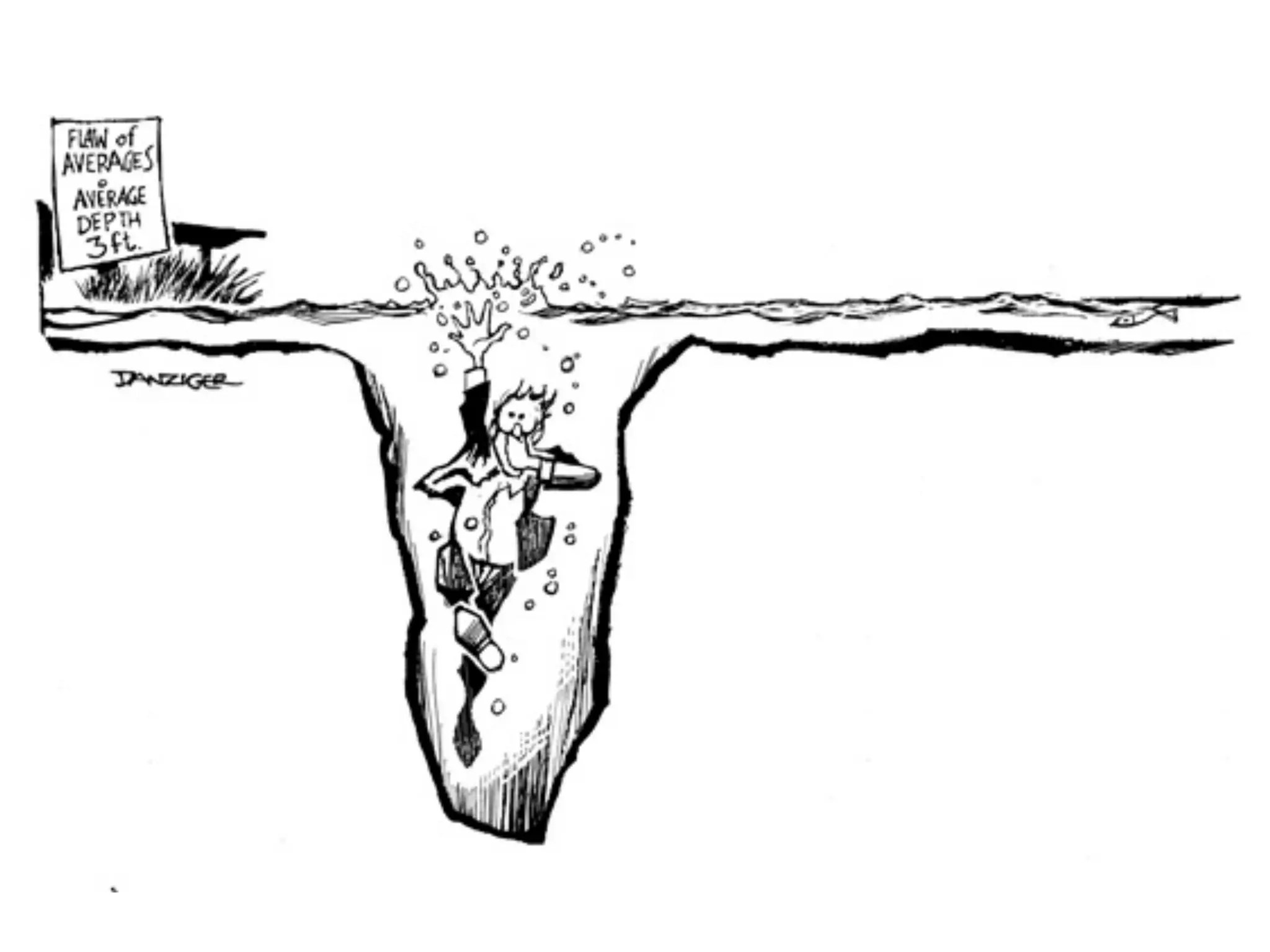
Average of test run
durations
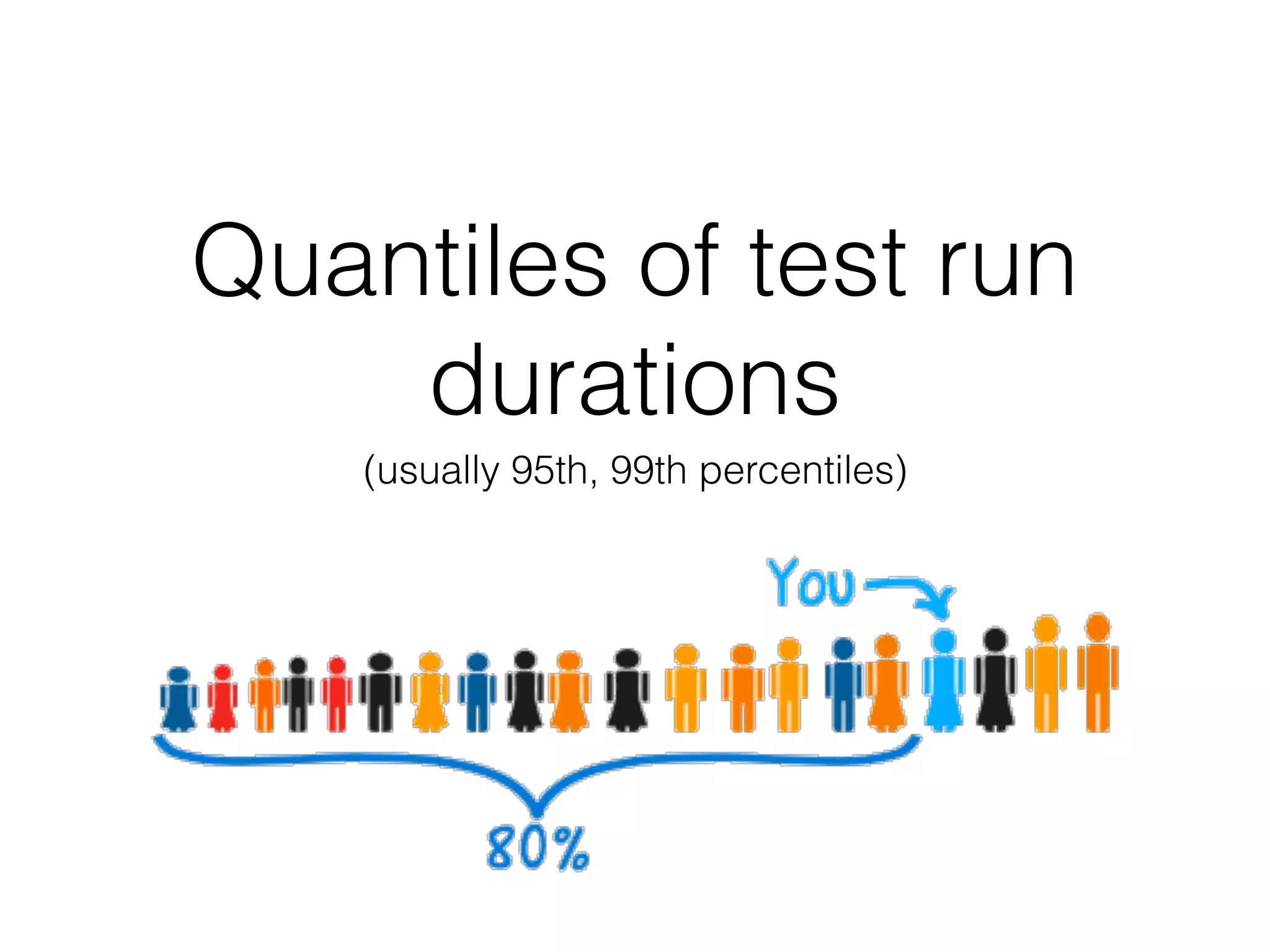
Quantiles of test run
durations
(usually 95th, 99th percentiles)
• to test
• to analyze
• to controle
Latency is more difficult to:
Design
Storage
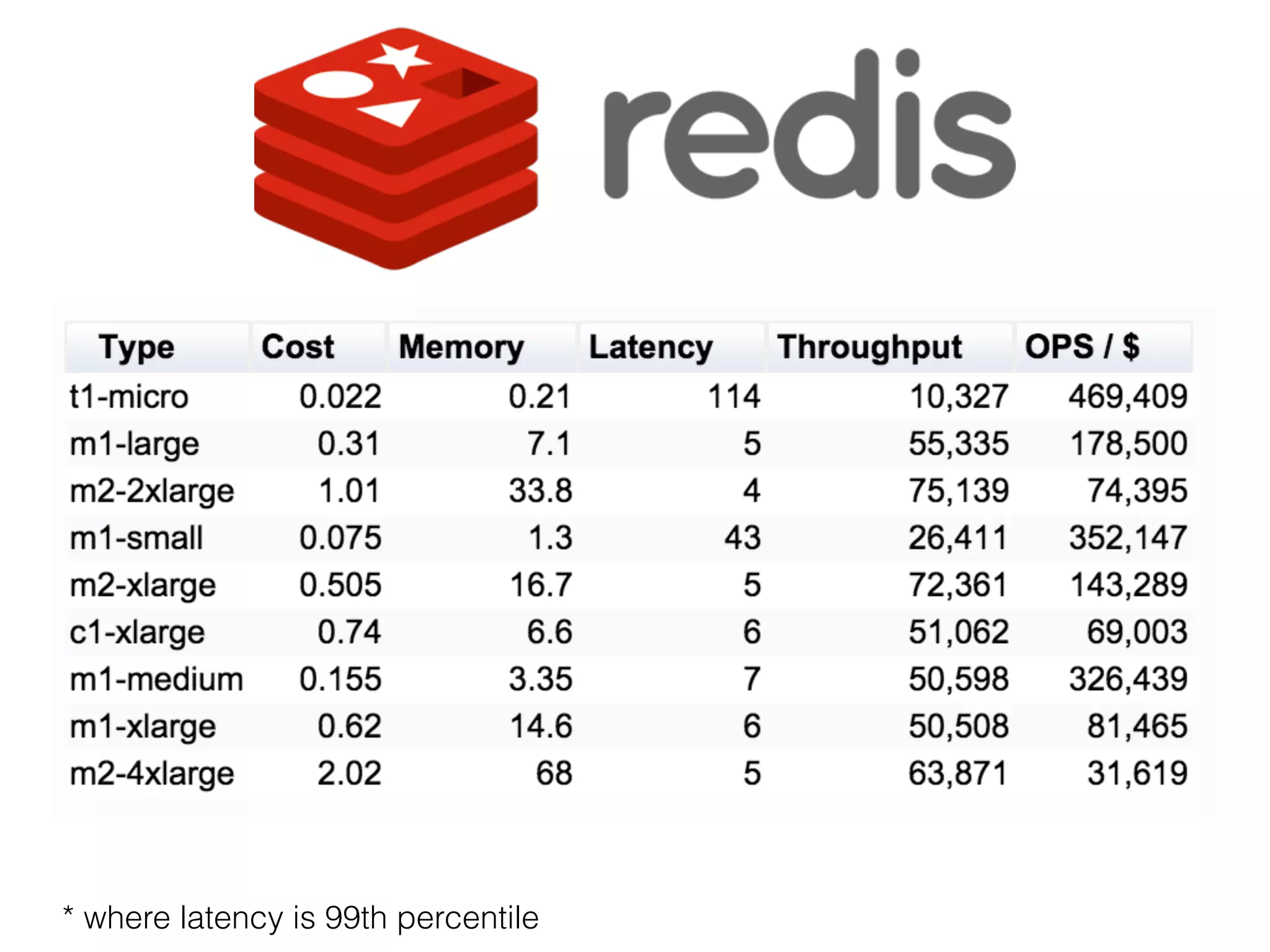
* where latency is 99th percentile
Context switch problem
In production we have about 4k connections
opened simultaneously
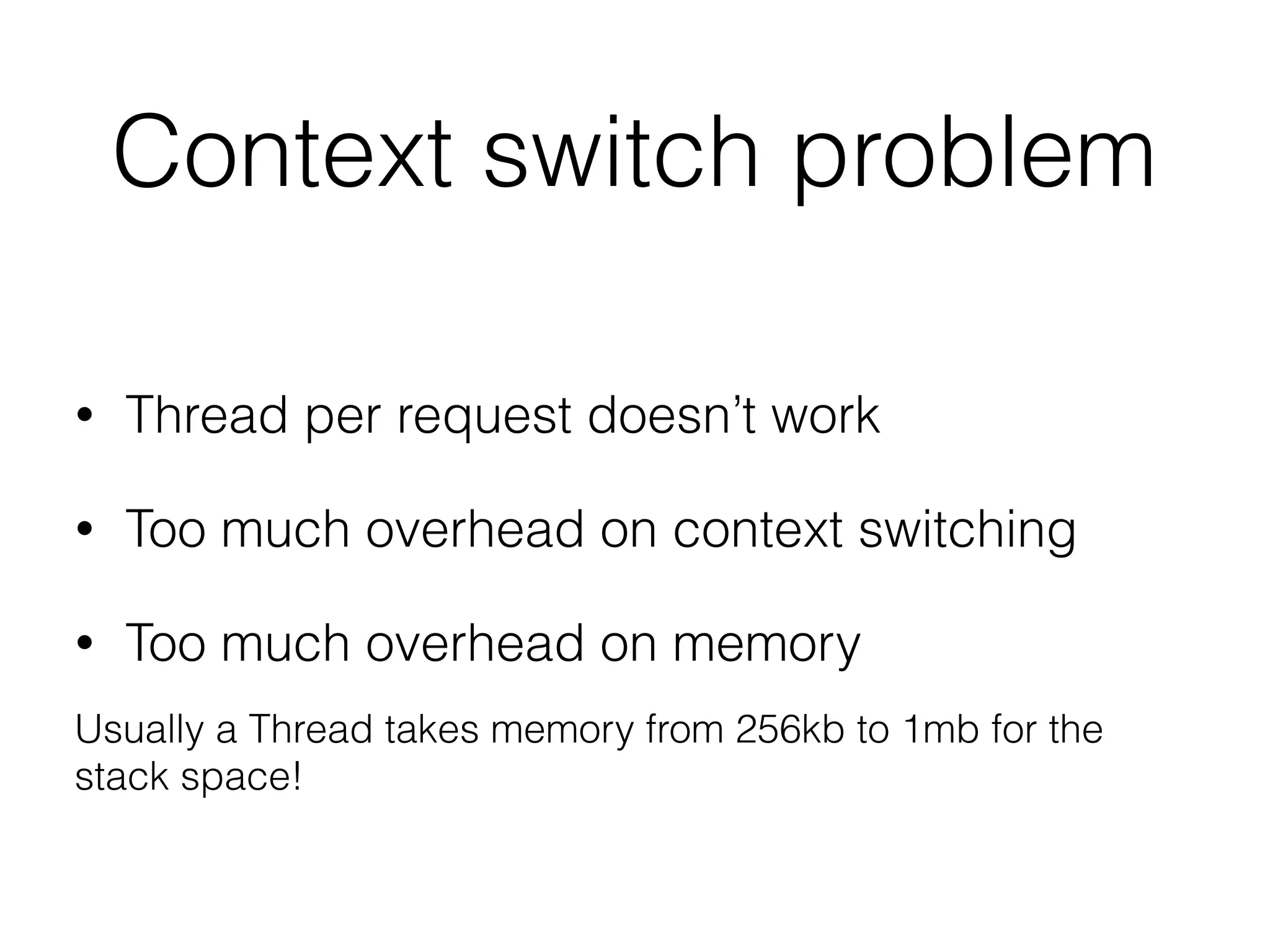
Context switch problem
• Thread per request doesn’t work
• Too much overhead on context switching
• Too much overhead on memory
Usually a Thread takes memory from 256kb to 1mb for the
stack space!
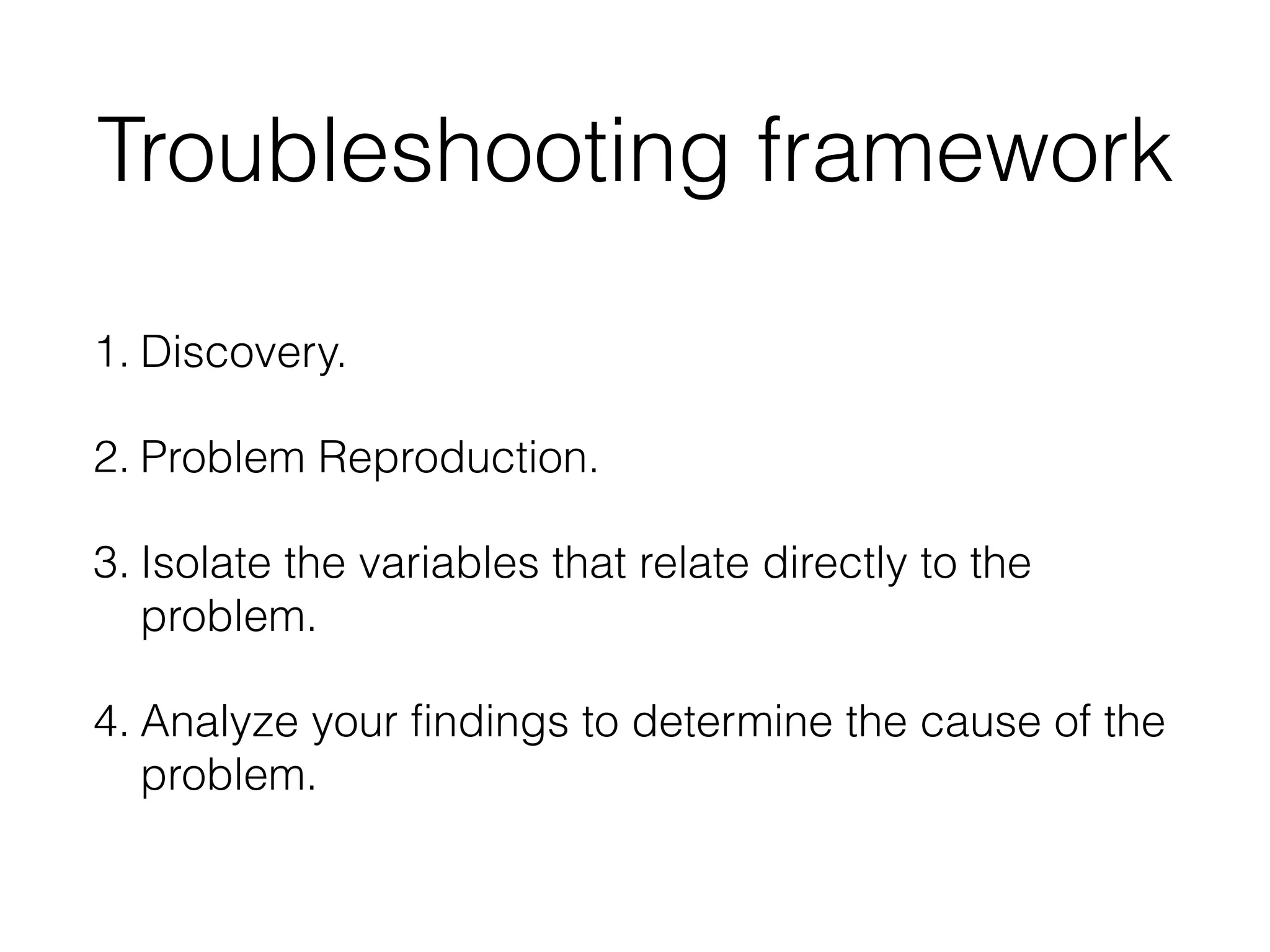
Troubleshooting framework
1. Discovery.
2. Problem Reproduction.
3. Isolate the variables that relate directly to the
problem.
4. Analyze your findings to determine the cause of the

problem.
We have have fixed a lot of
things that we believed were
the most problematic parts.
But they weren’t.
Find an evidence that proves
your suggestion
A good tool 

can give you a clue
• Proper logging and log analysis tool
• Performance tests
• Monitoring
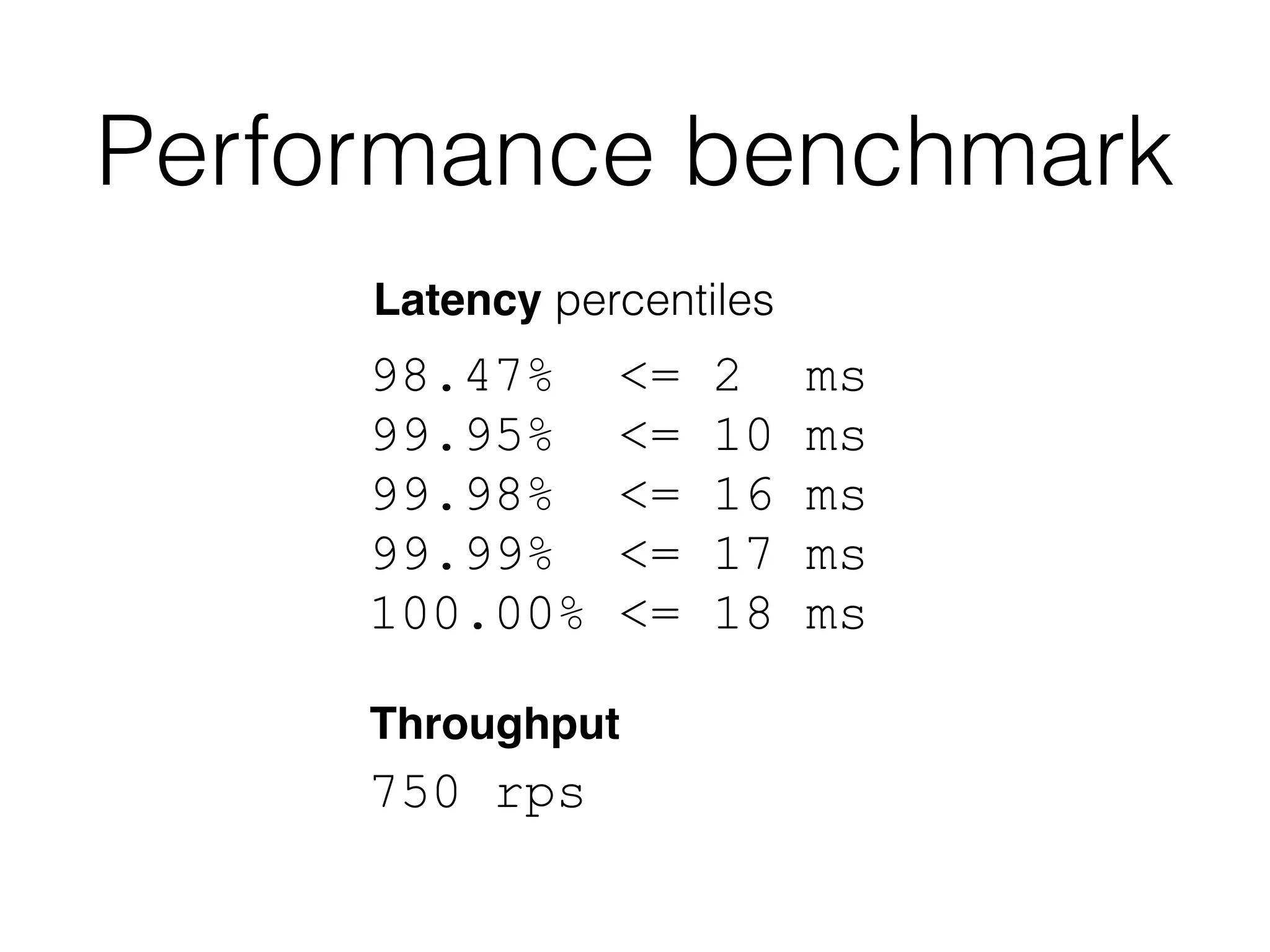
Performance benchmark
98.47% <= 2 ms
99.95% <= 10 ms
99.98% <= 16 ms
99.99% <= 17 ms
100.00% <= 18 ms
750 rps
Throughput
Latency percentiles
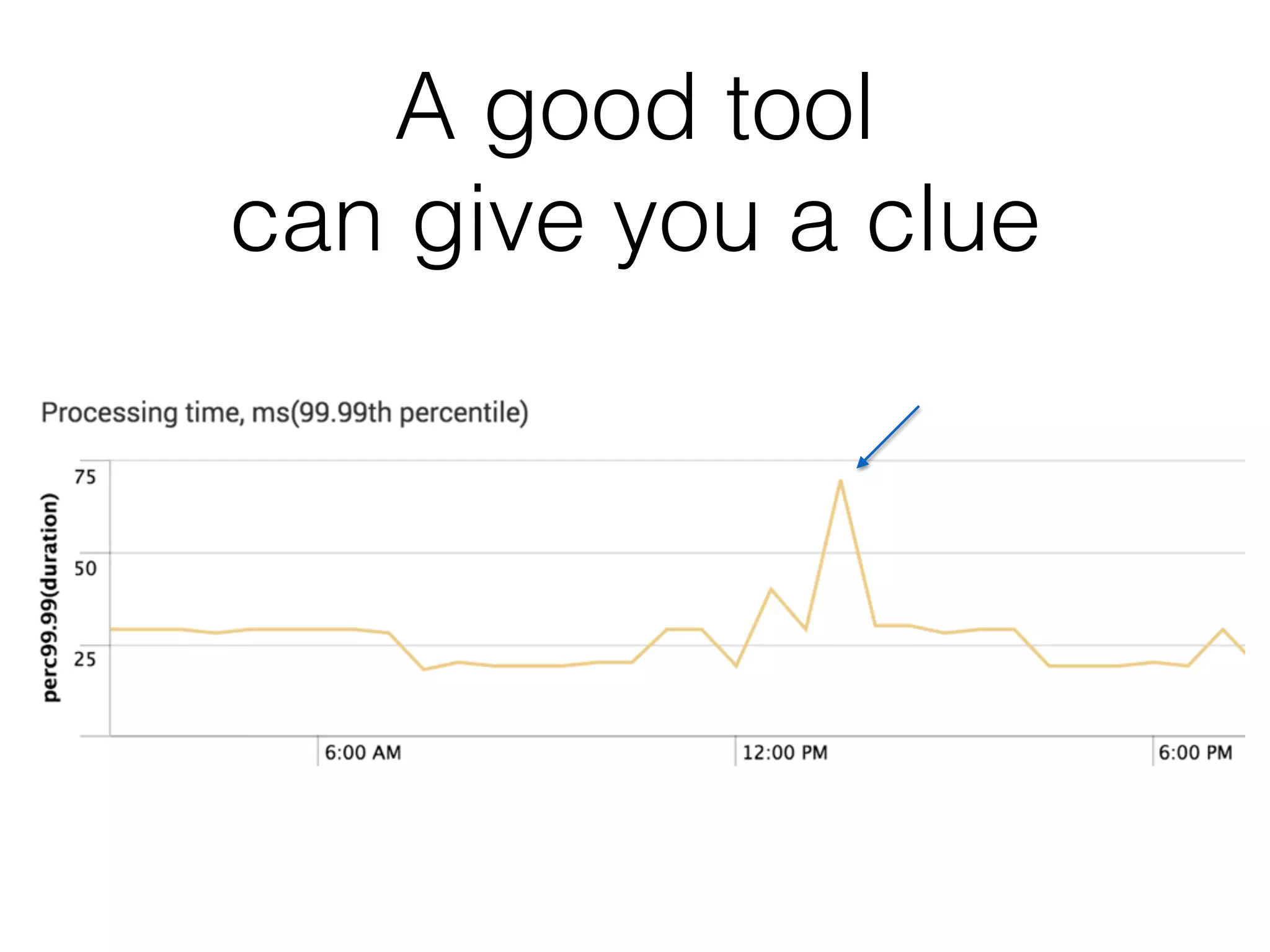
A good tool 

can give you a clue
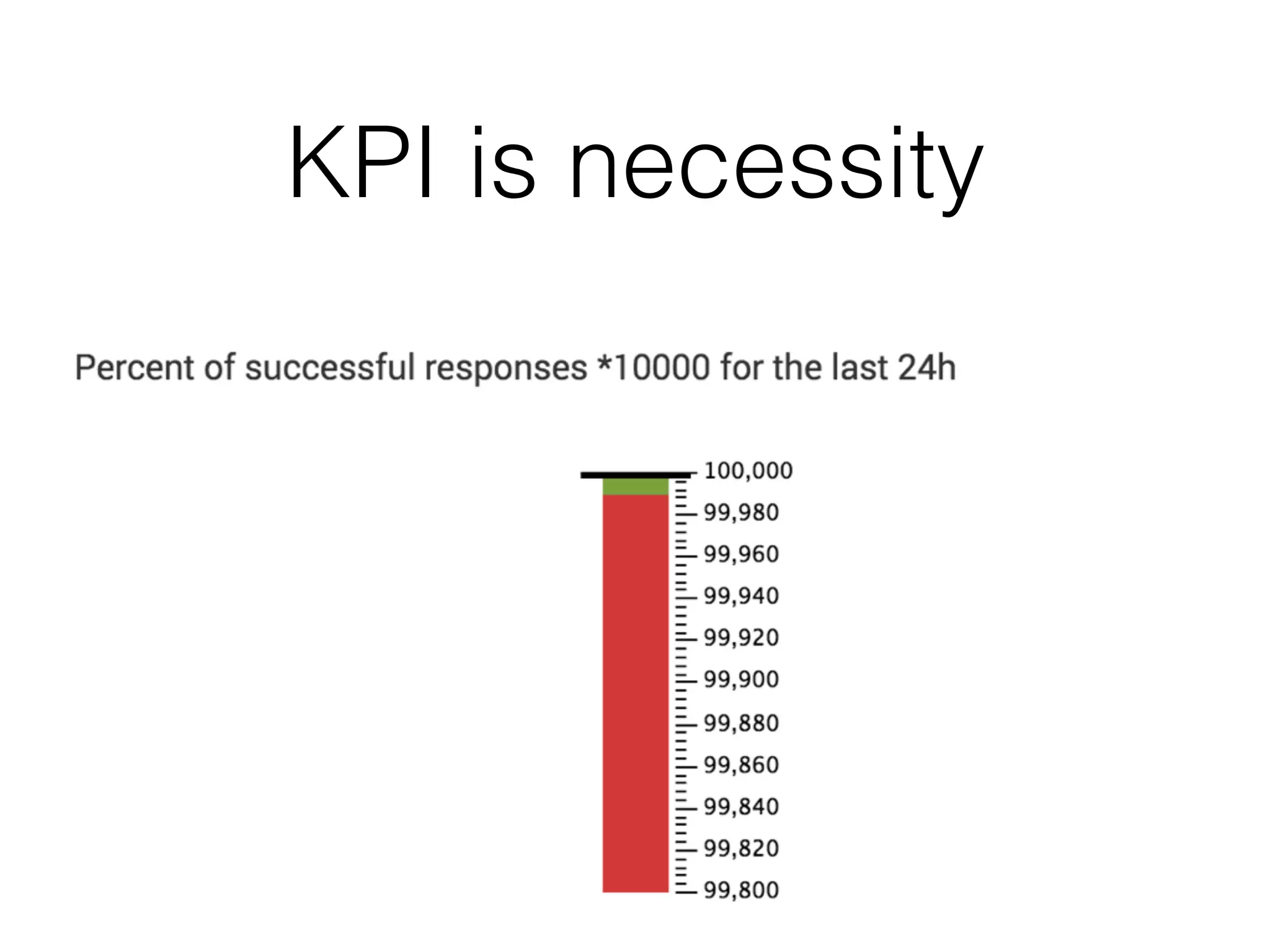
KPI is necessity
Problem that we faced
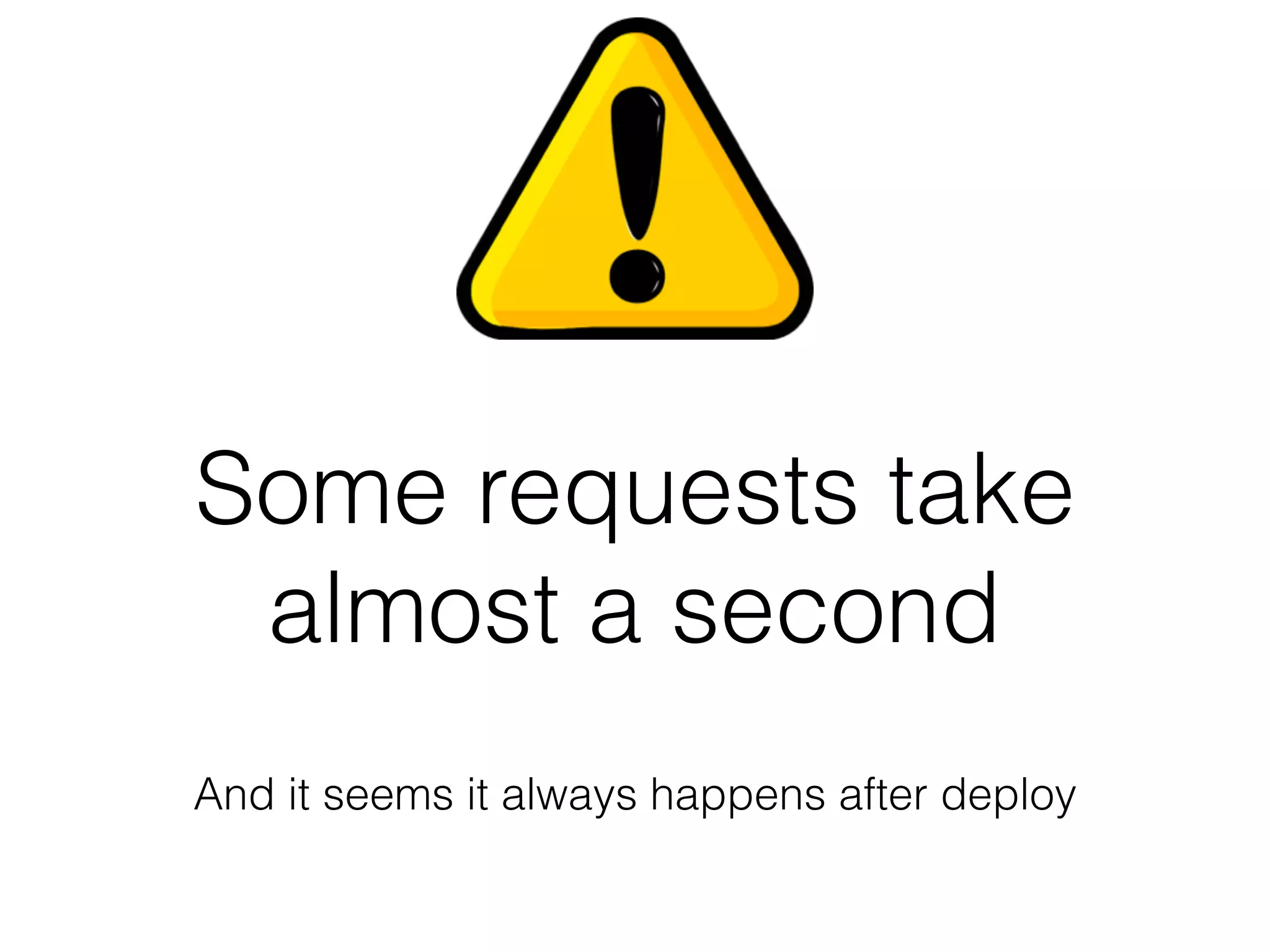
Some requests take
almost a second
And it seems it always happens after deploy
is so lazy
Smoke tests
• A good practice when you have continuous
delivery
• It makes all your code initialized by the time
real load comes in
Logging
Synchronous logging is not appropriate for
asynchronous application
log4j2: Asynchronous Loggers
for Low-Latency Logging
http://logging.apache.org/log4j/2.x/manual/async.html
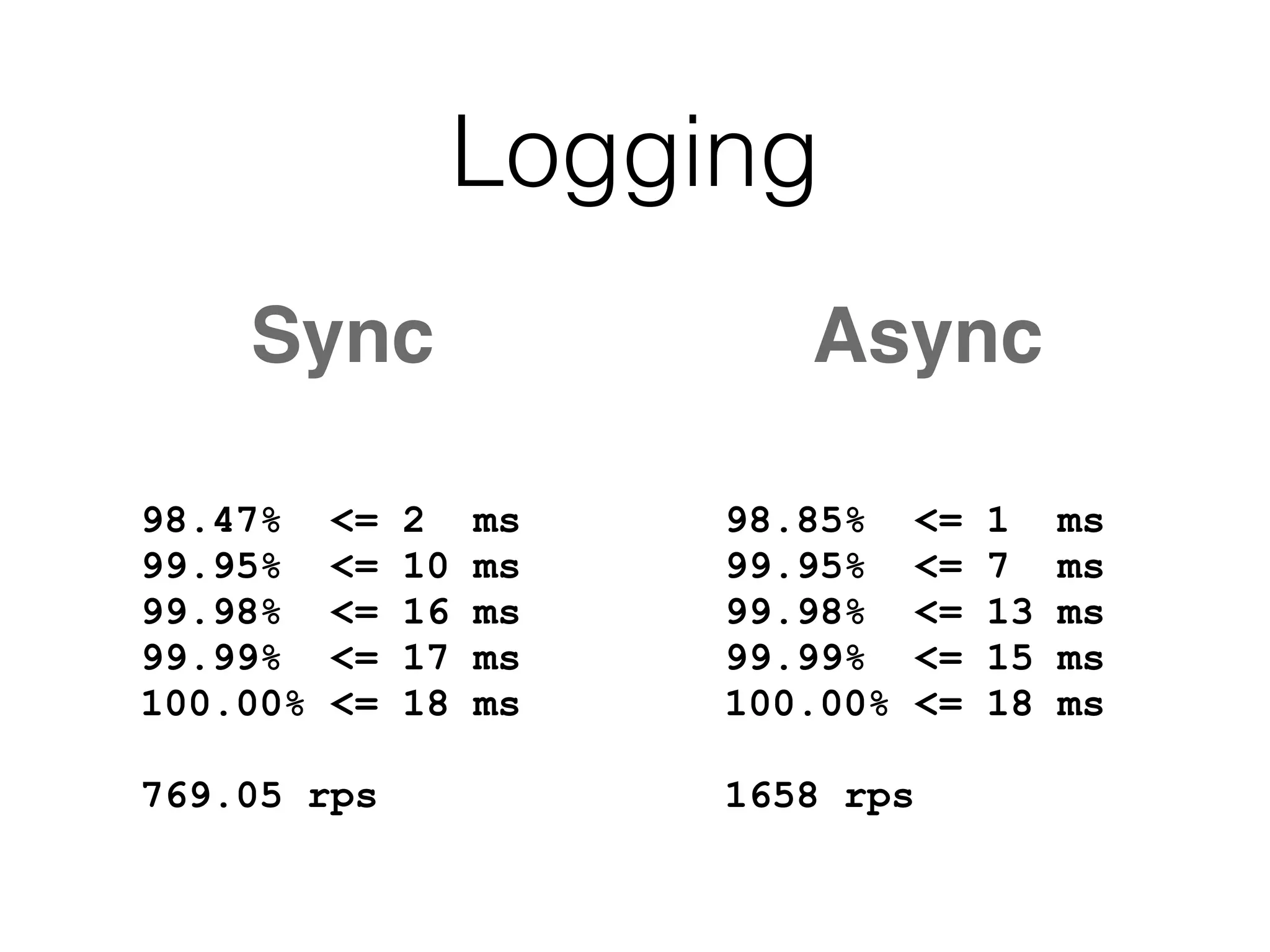
Sync Async
98.85% <= 1 ms
99.95% <= 7 ms
99.98% <= 13 ms
99.99% <= 15 ms
100.00% <= 18 ms
1658 rps
98.47% <= 2 ms
99.95% <= 10 ms
99.98% <= 16 ms
99.99% <= 17 ms
100.00% <= 18 ms
769.05 rps
Logging
Pauses 50-150ms
A network according
to logs
Disappear when I scroll
through logs via SSH
Any ideas?
TCP_NODELAY
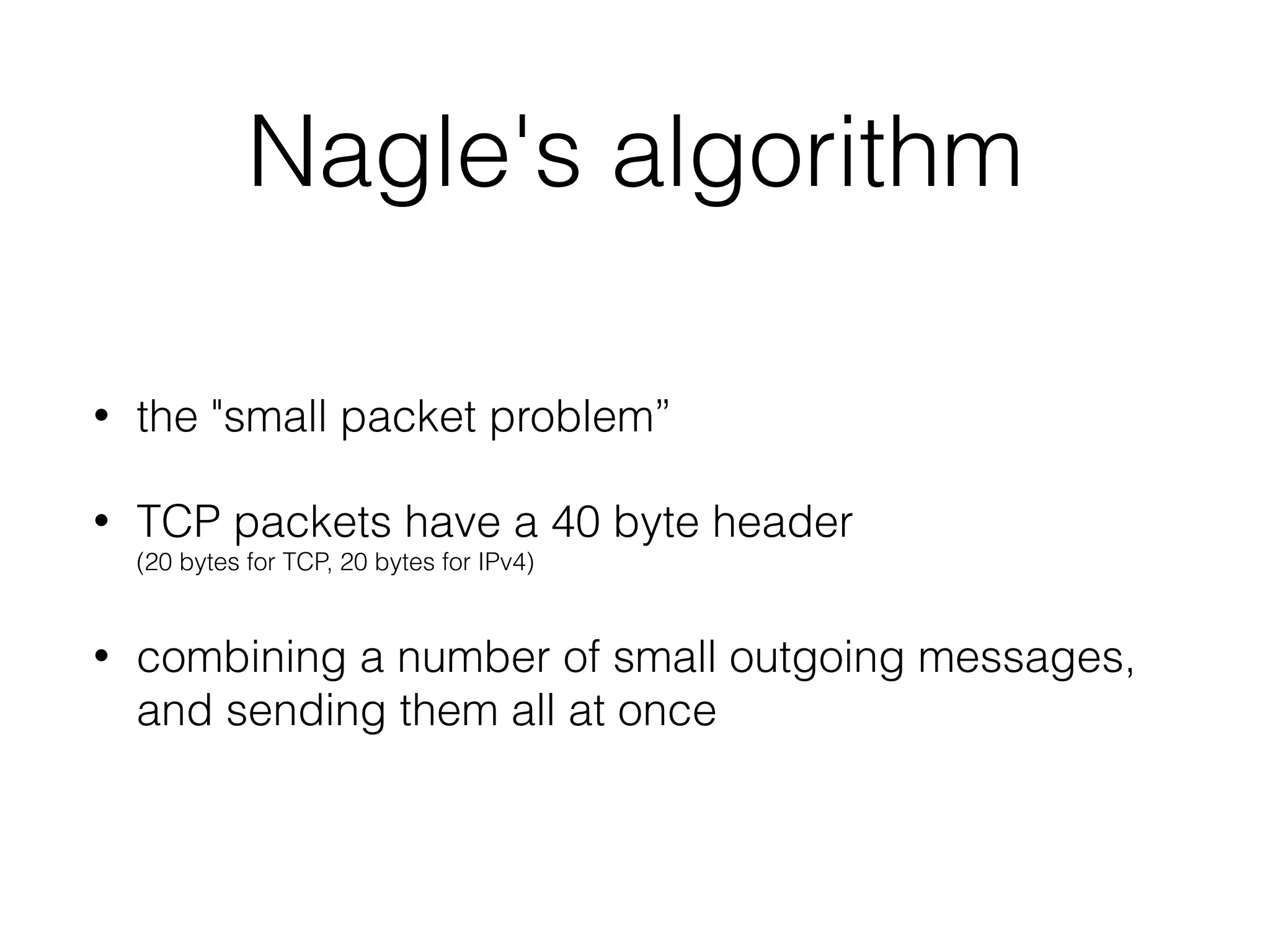
Nagle's algorithm
• the "small packet problem”
• TCP packets have a 40 byte header 

(20 bytes for TCP, 20 bytes for IPv4)
• combining a number of small outgoing messages,
and sending them all at once
• Pauses ~100 ms every couple of hours
• During connection creation
• Doesn’t reproduces on a local setup
How to diagnose that?
tcpdump -i eth0
TCPDUMP
15:47:57.250119 IP (tos 0x0, ttl 64, id 44402, offset
0, flags [DF], proto TCP (6), length 569)
192.168.3.131.58749 > 93.184.216.34.80: Flags
[P.], cksum 0x76b5 (correct), seq
3847355529:3847356046, ack 3021125542, win
4096, options [nop,nop,TS val 848825338 ecr
1053000005], length 517: HTTP, length: 517
GET / HTTP/1.1
Host: example.com
Connection: keep-alive
…
TCPDUMP
15:58:32.009884 IP (tos 0x0, ttl 255, id 39809, offset 0,
flags [none], proto UDP (17), length 63)
192.168.3.131.56546 > 192.168.3.1.53: [udp sum ok]
52969+ A? www.google.com.ua. …
15:58:32.012844 IP (tos 0x0, ttl 64, id 0, offset 0, flags
[DF], proto UDP (17), length 127)
192.168.3.1.53 > 192.168.3.131.56546: [udp sum ok]
52969 q: A? www.google.com.ua. …
DNS lookups
• After hours of looking through tcp dumps
• We have found that DNS lookups
sometimes take more than 100ms
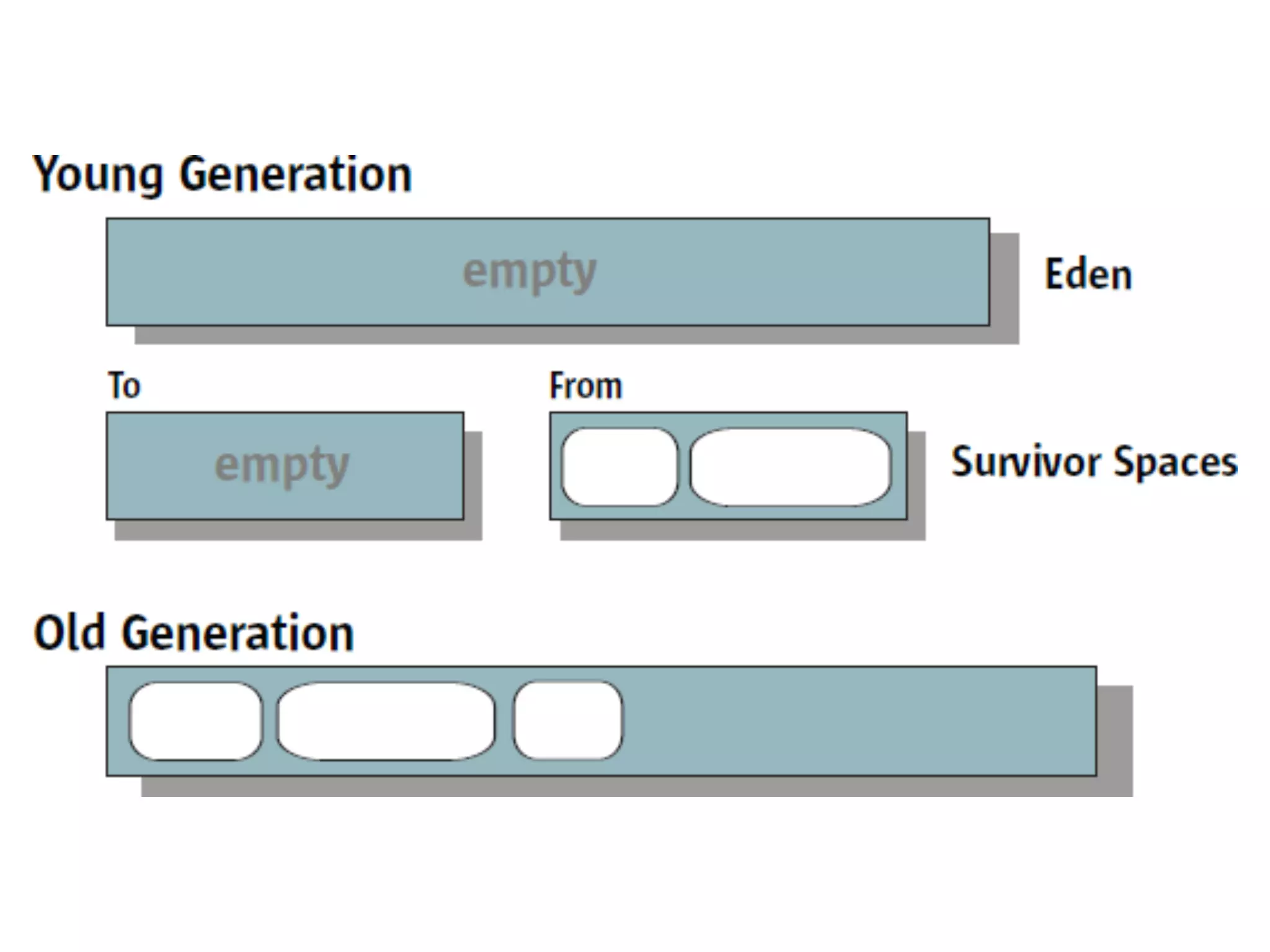
How much time GC
could take?
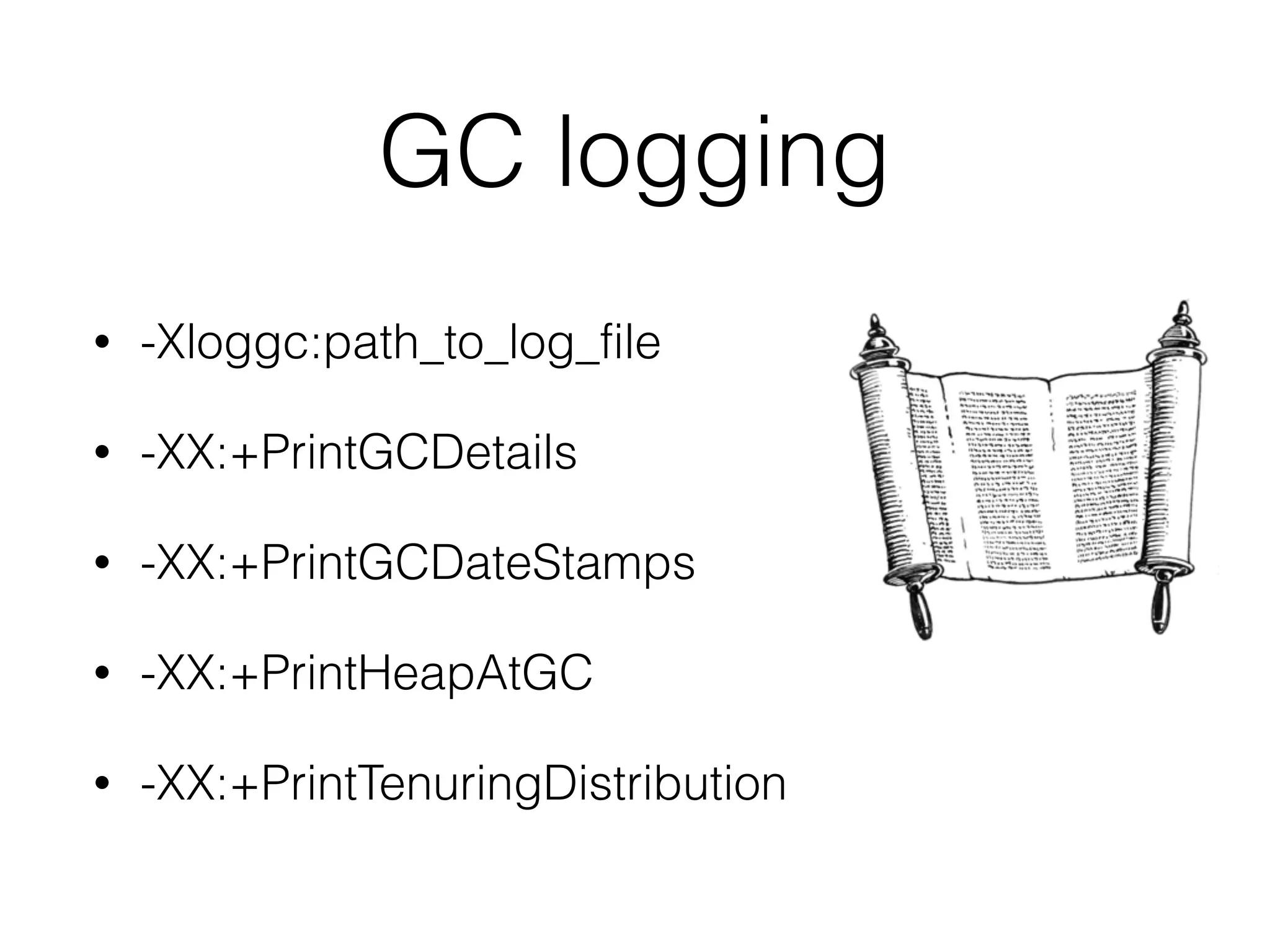
GC logging
• -Xloggc:path_to_log_file
• -XX:+PrintGCDetails
• -XX:+PrintGCDateStamps
• -XX:+PrintHeapAtGC
• -XX:+PrintTenuringDistribution
-XX:+PrintGCDetails
[GC (Allocation Failure) 260526.491: [ParNew
…
[Times: user=0.02 sys=0.00, real=0.01 secs]
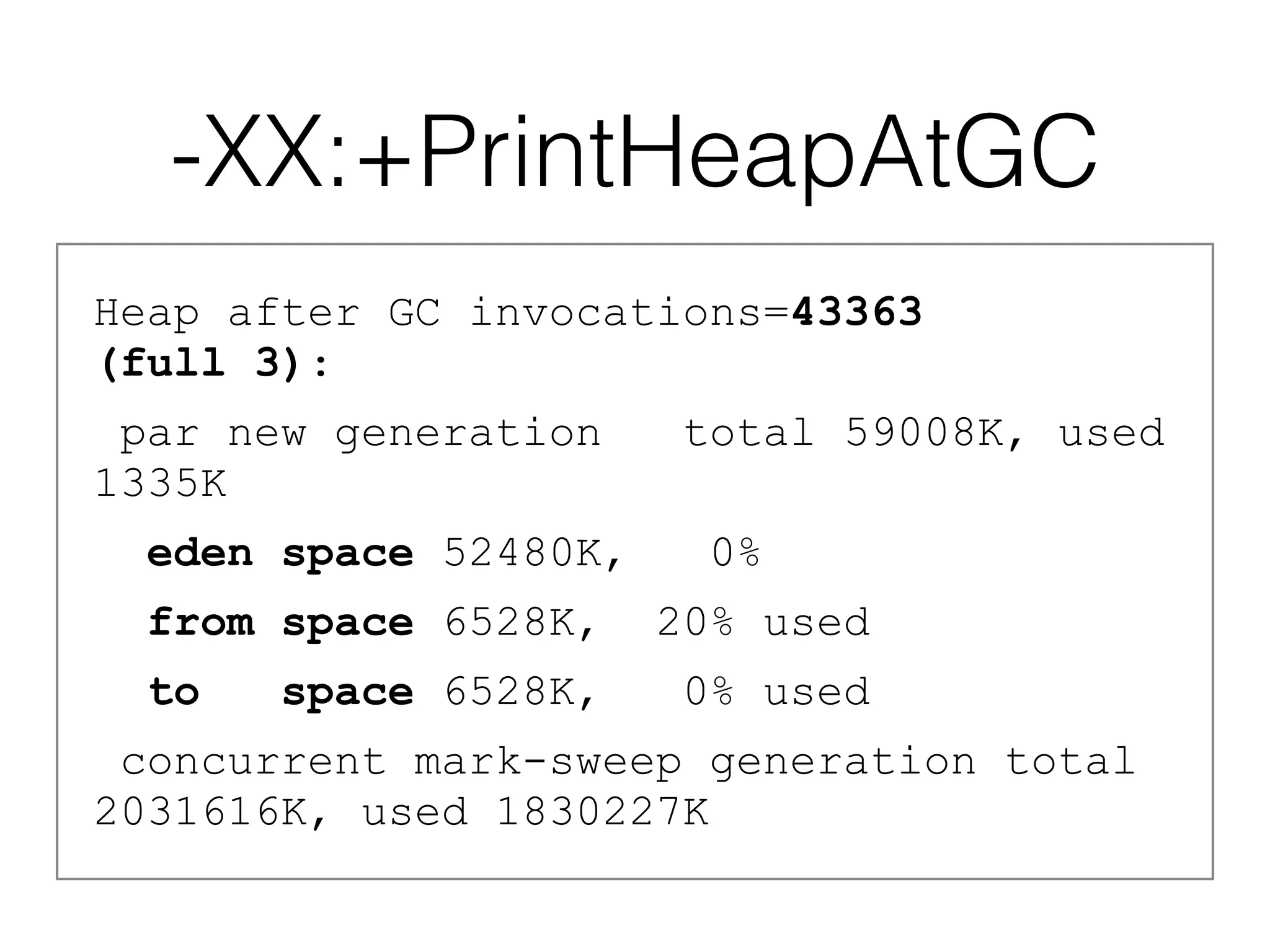
-XX:+PrintHeapAtGC
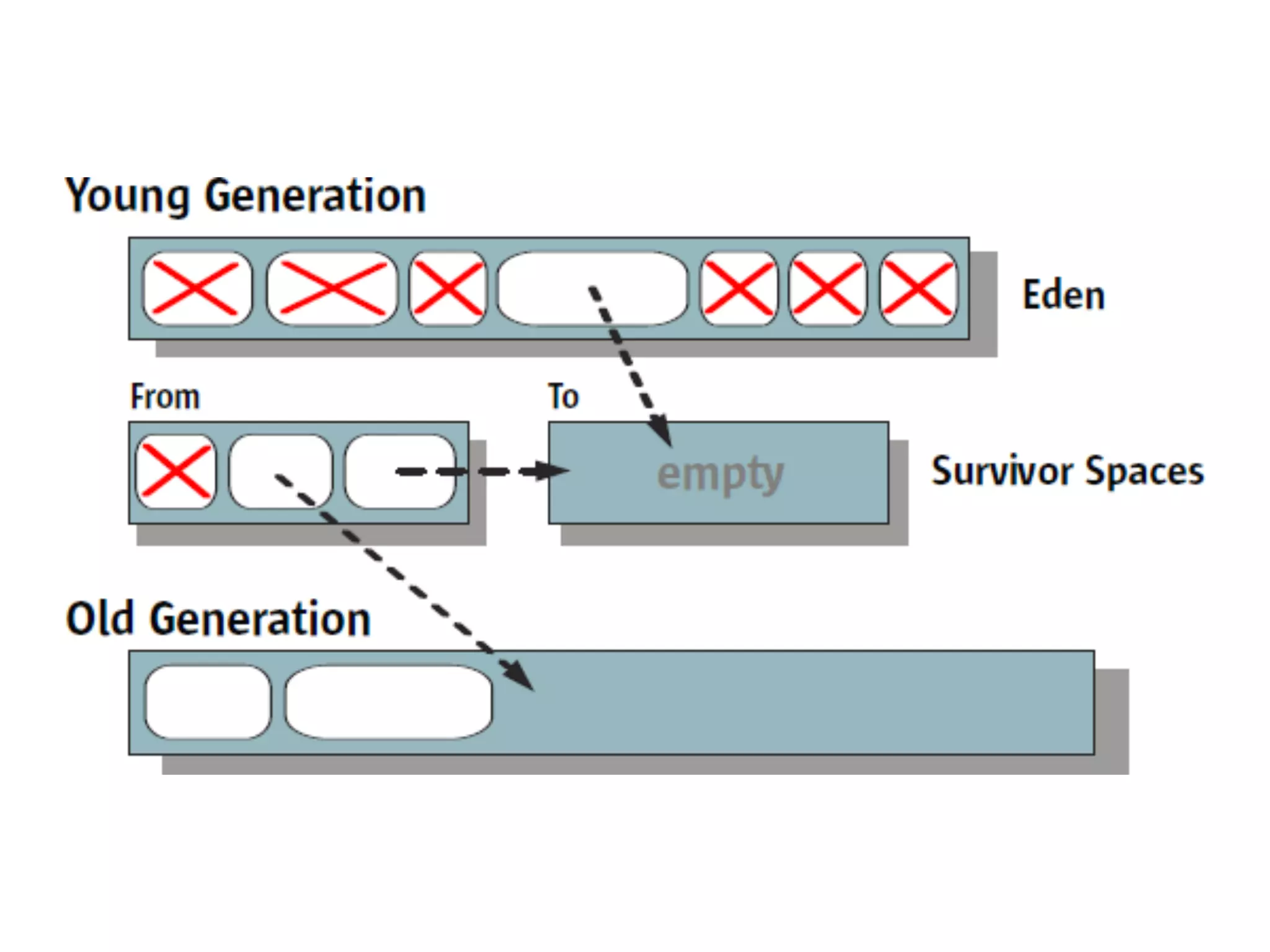
Heap after GC invocations=43363 

(full 3):
par new generation total 59008K, used
1335K
eden space 52480K, 0%
from space 6528K, 20% used
to space 6528K, 0% used
concurrent mark-sweep generation total
2031616K, used 1830227K
-XX:+PrintTenuringDistribution
Desired survivor size 3342336 bytes, new
threshold 2 (max 2)
- age 1: 878568 bytes, 878568 total
- age 2: 1616 bytes, 880184 total
: 53829K->1380K(59008K), 0.0083140 secs]
1884058K->1831609K(2090624K), 0.0084006 secs]
A big amount of wrappers
Significant allocation pressure
~100ms GC pauses
in logs
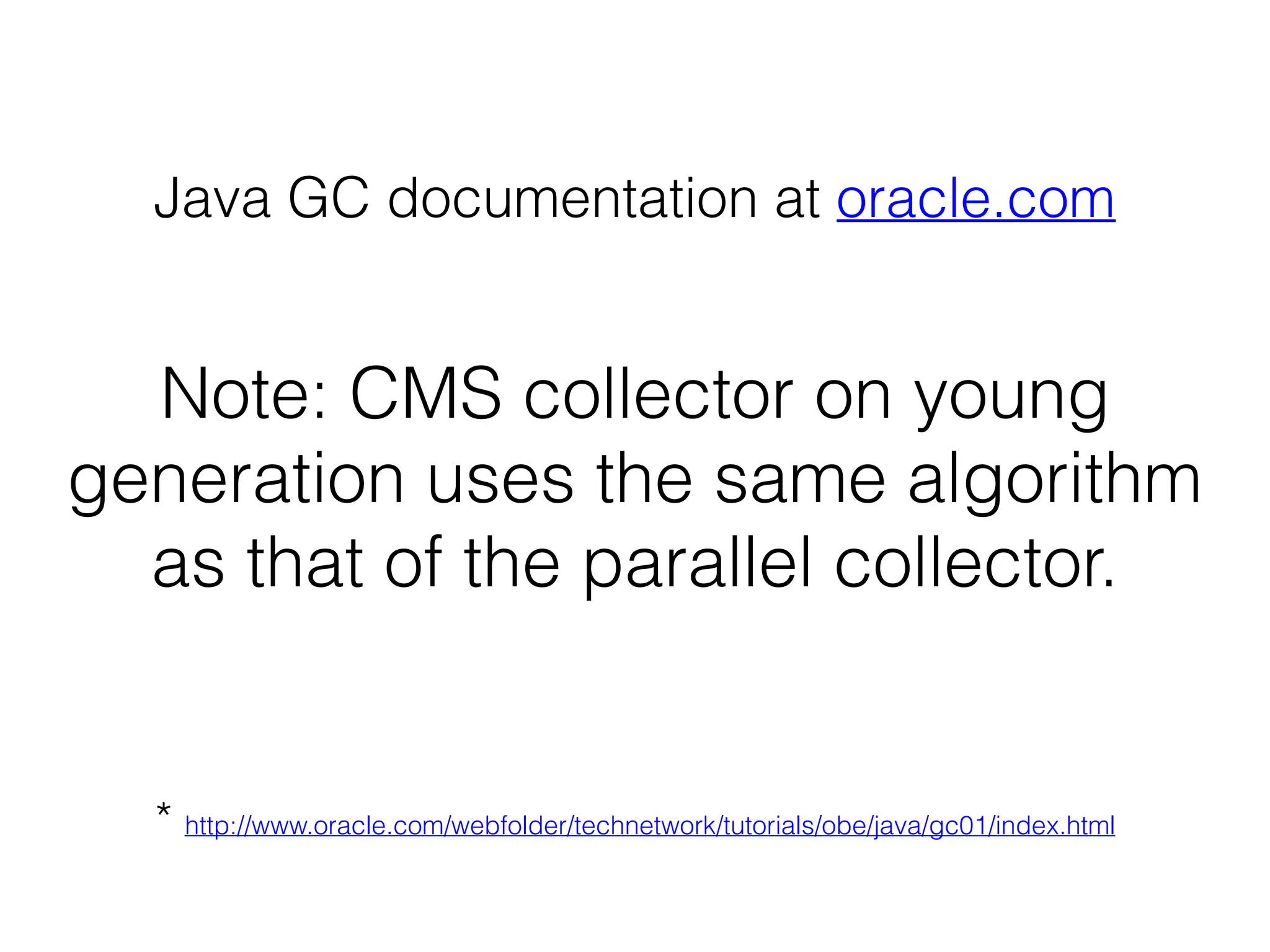
-XX:+UseConcMarkSweepGC
Note: CMS collector on young
generation uses the same algorithm
as that of the parallel collector.
Java GC documentation at oracle.com
* http://www.oracle.com/webfolder/technetwork/tutorials/obe/java/gc01/index.html
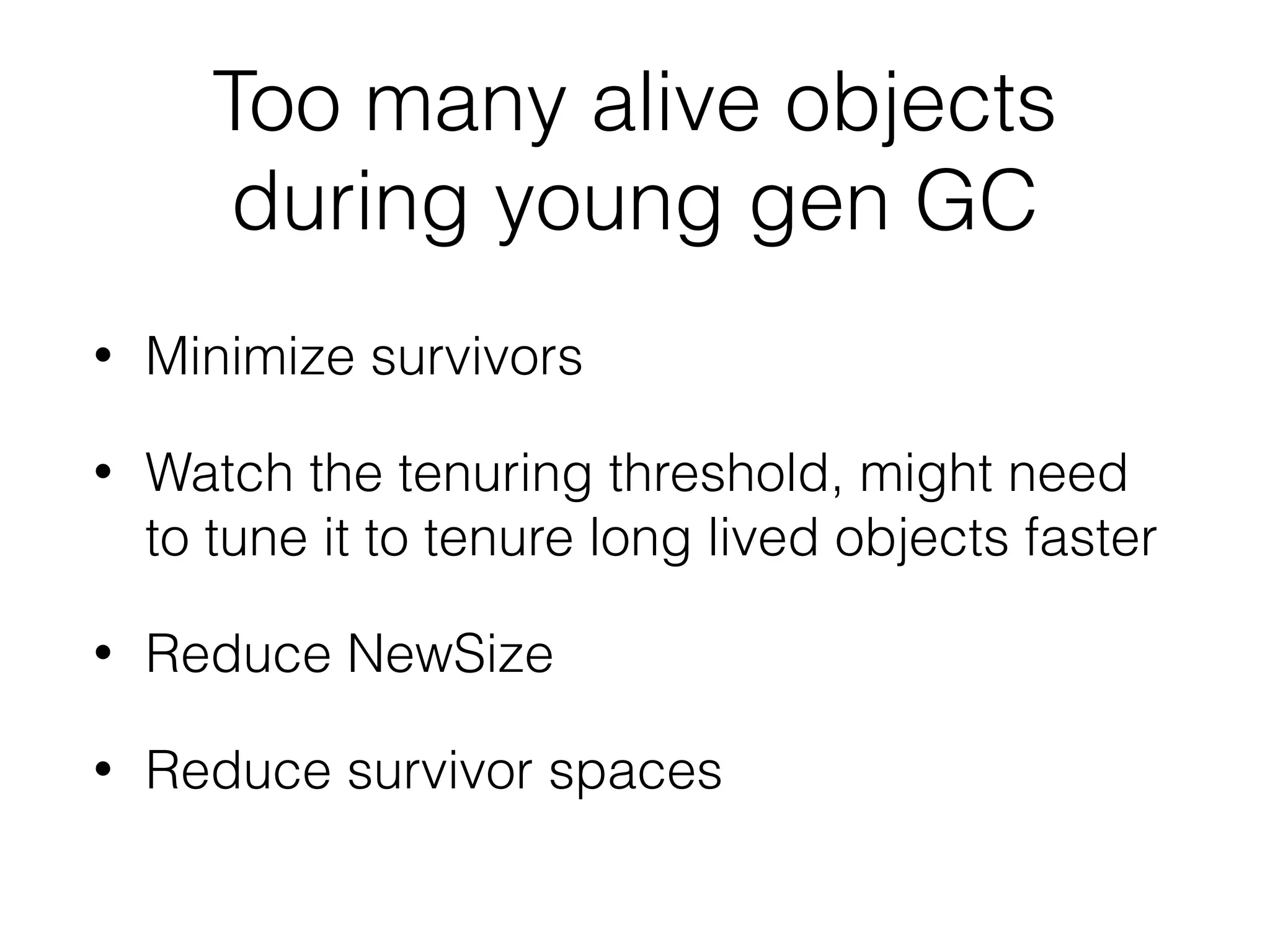
Too many alive objects
during young gen GC
• Minimize survivors
• Watch the tenuring threshold, might need
to tune it to tenure long lived objects faster


• Reduce NewSize
• Reduce survivor spaces
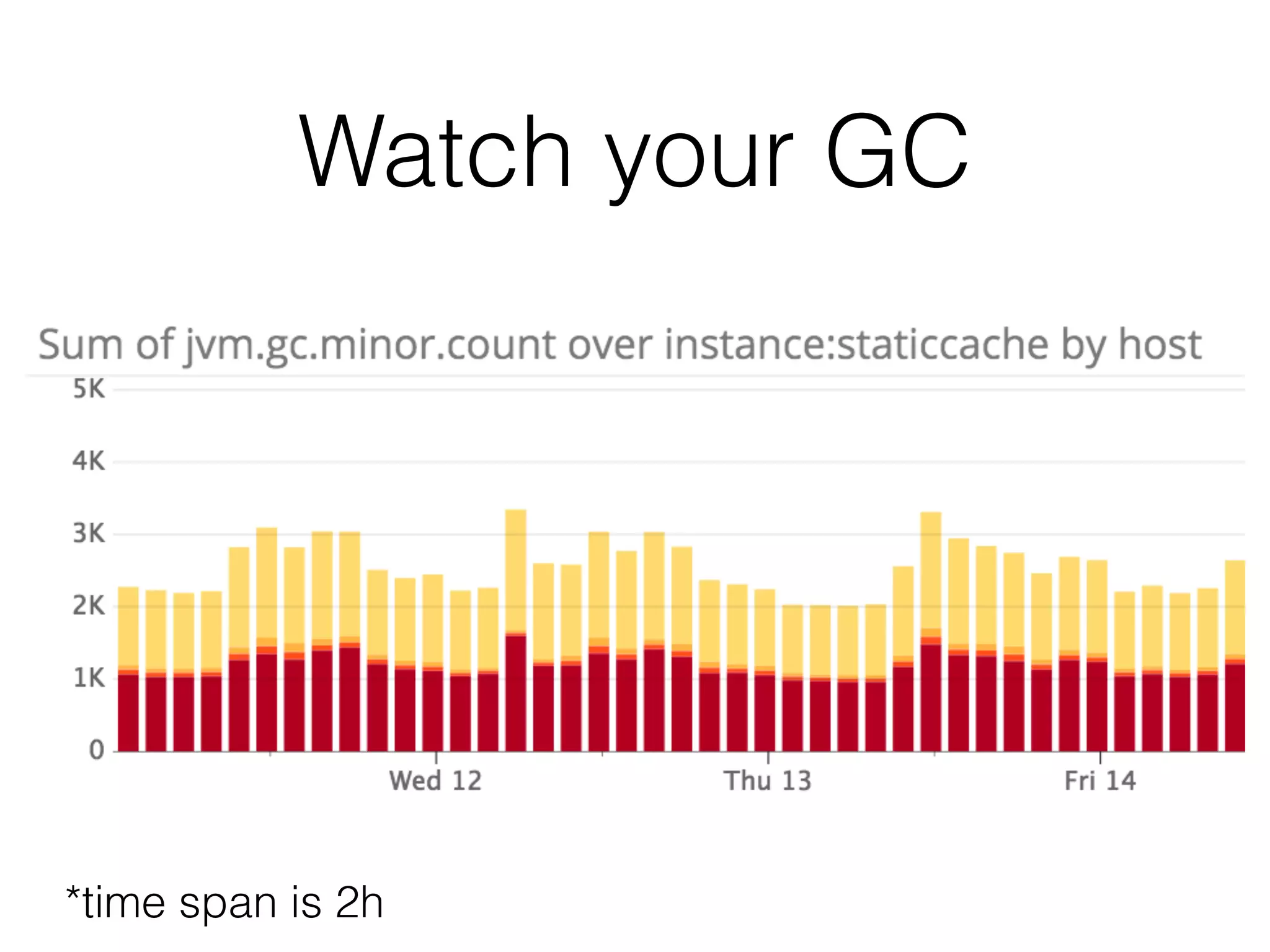
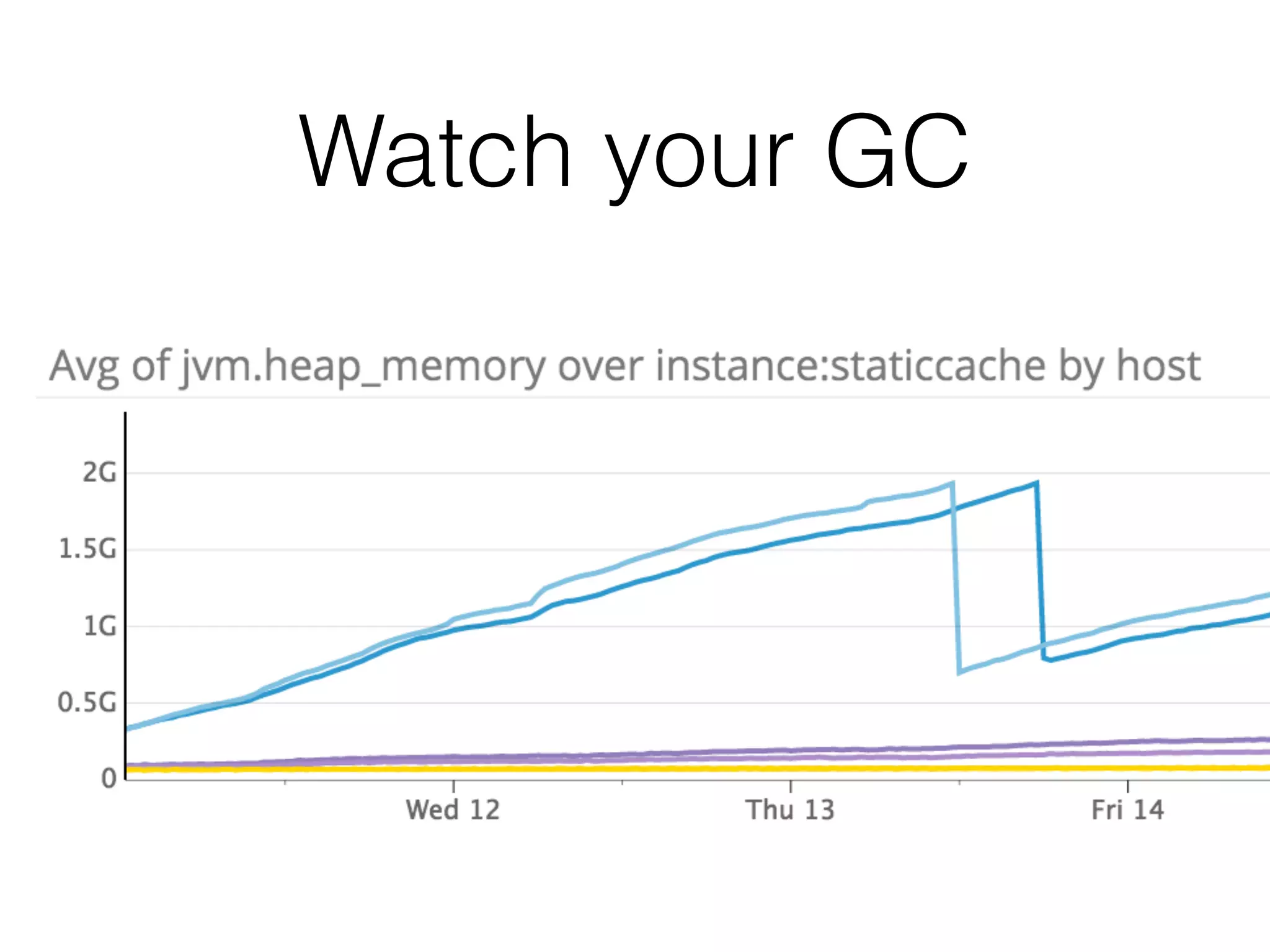
Watch your GC
*time span is 2h
Watch your GC
You should have
• a deeper understanding of the JVM, OS,
hardware …
• be brave
aorobets@smartling.com
http://tech.smartling.com/
aorobets@smartling.com

On the way to low latency (2nd edition)