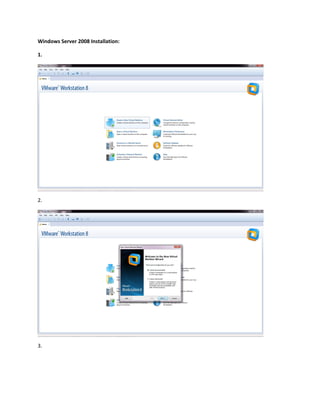
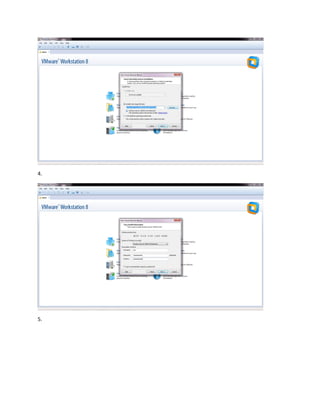
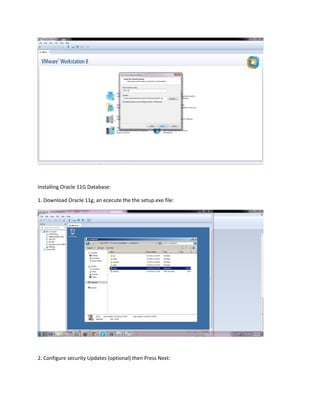
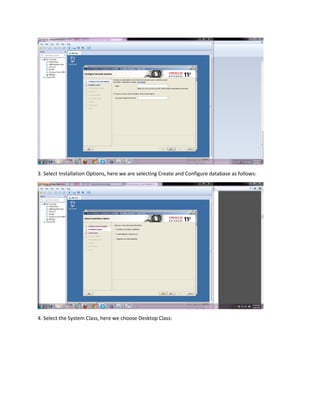
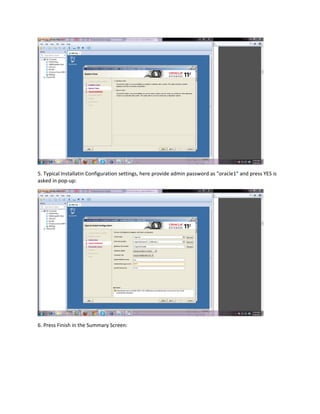
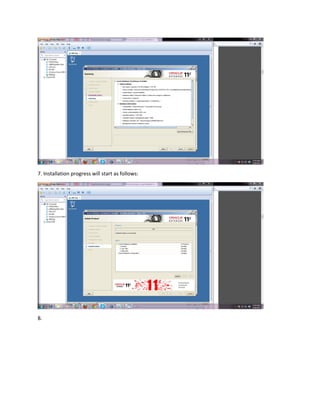
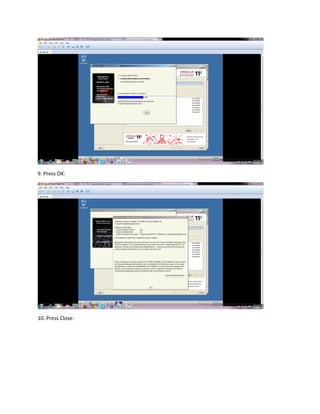
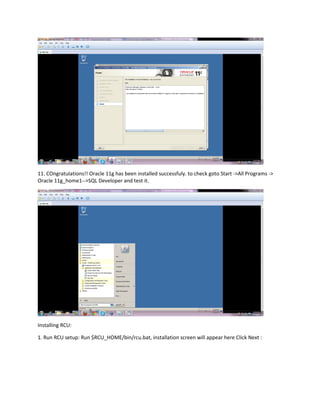
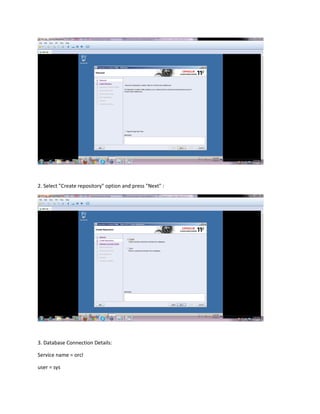
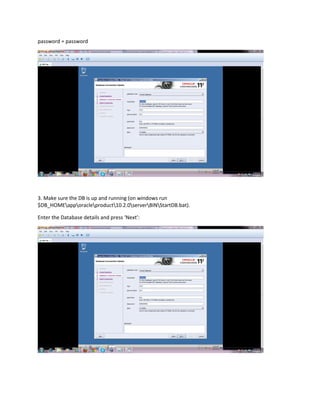
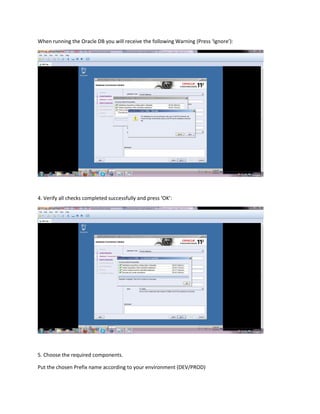
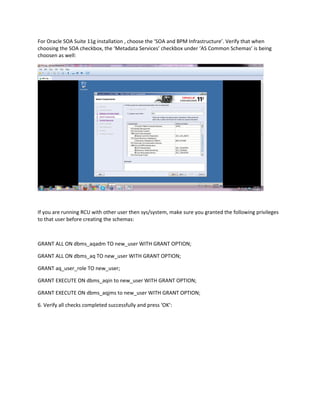
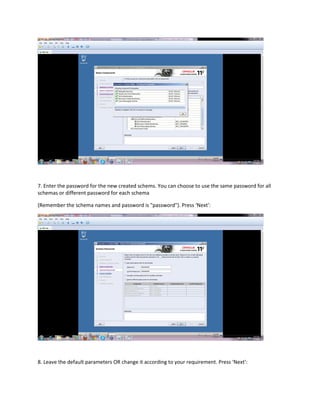
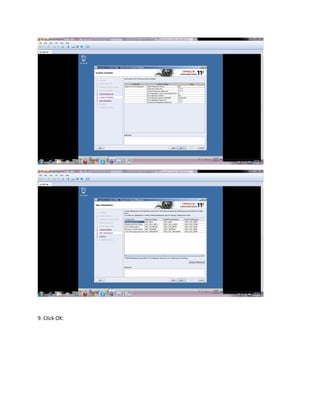
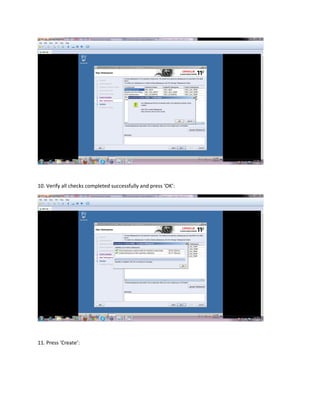
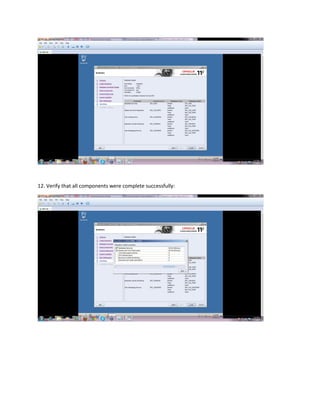
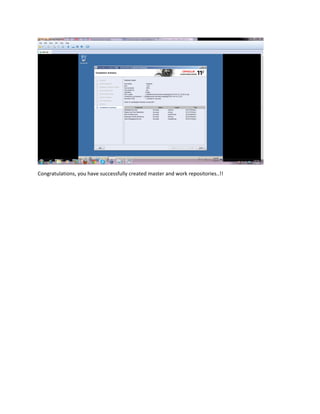
This document provides instructions for installing Windows Server 2008, Oracle 11g database, and RCU (Repository Creation Utility). It outlines the steps to download and execute Oracle 11g setup, select installation options such as database configuration and system class, and provide passwords. It also describes running RCU to create repositories, including specifying the database connection, choosing required components like SOA Infrastructure, and granting privileges to non-default users. The instructions conclude by verifying all components were created successfully.