Multimedia on the web.
            HTML5 Audio and Video


                    Christian Heilmann, MIT Boston, January 2012
I’m Chris.
What we will cover:
★   Quick history of Multimedia on the web
★   Annoyances with Flash
★   HTML5 audio and video
★   Painful stuff – codecs and conversion
★   Embedding
★   Controlling
★   Transforming
★   Realtime changes
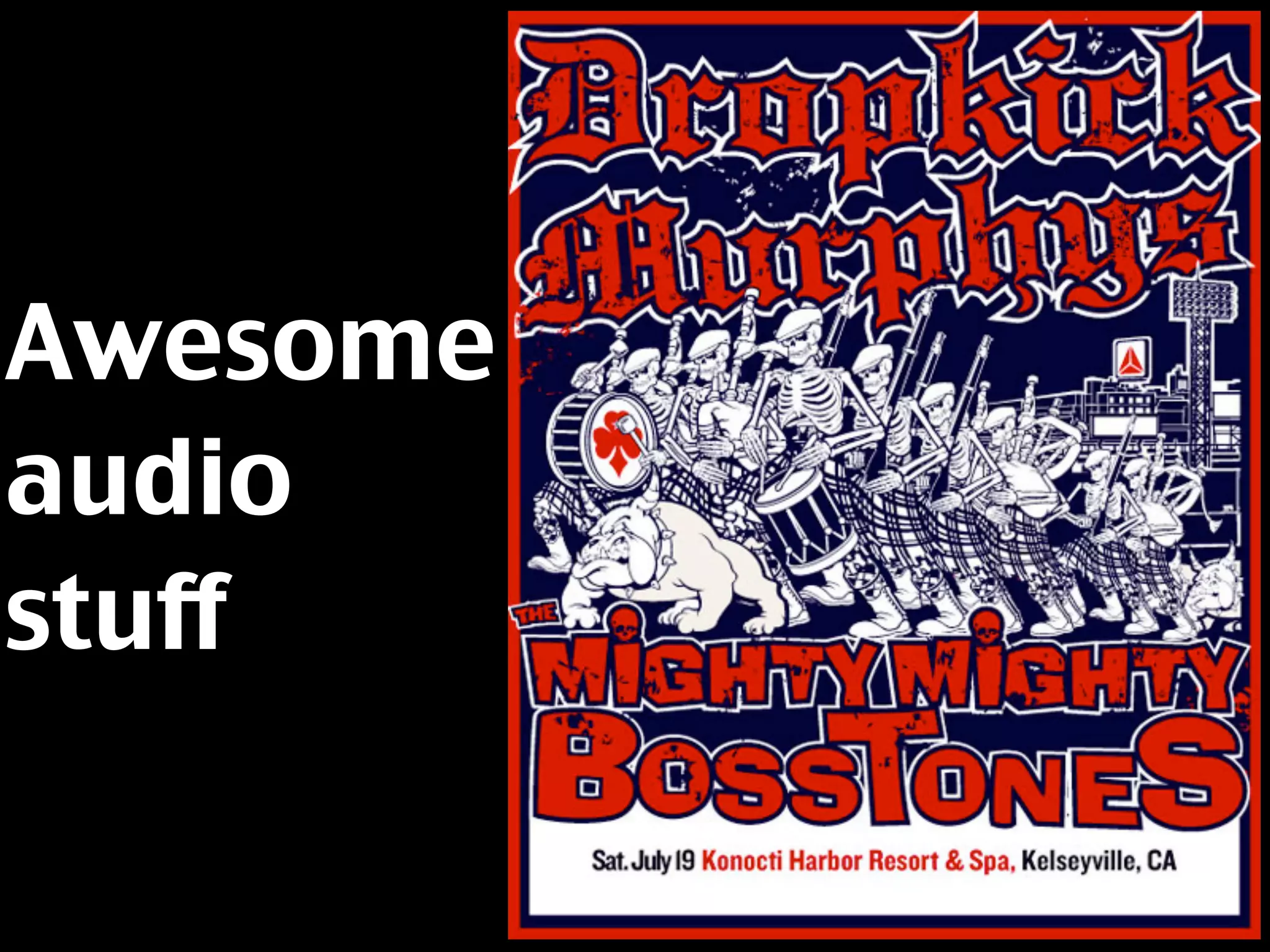
★   Awesome audio stuff
Quick history of
Multimedia on the web
First, there were
images.

JPG, GIF, PNG (later),
WBMP, ICO
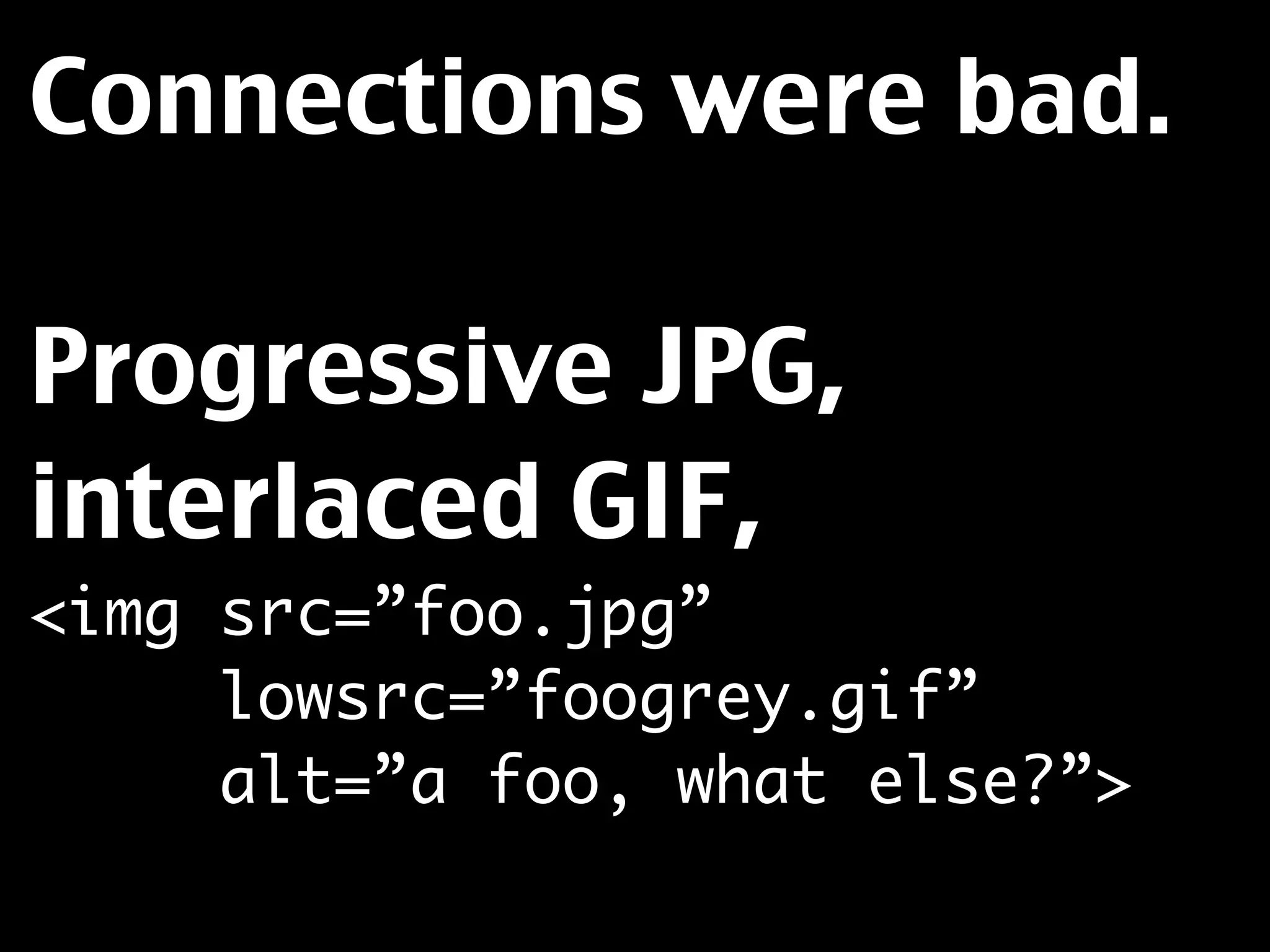
Connections were bad.

Progressive JPG,
interlaced GIF,
<img src=”foo.jpg”
     lowsrc=”foogrey.gif”
     alt=”a foo, what else?”>
Animation was done
with animated GIFs or
with JavaScript
animation.
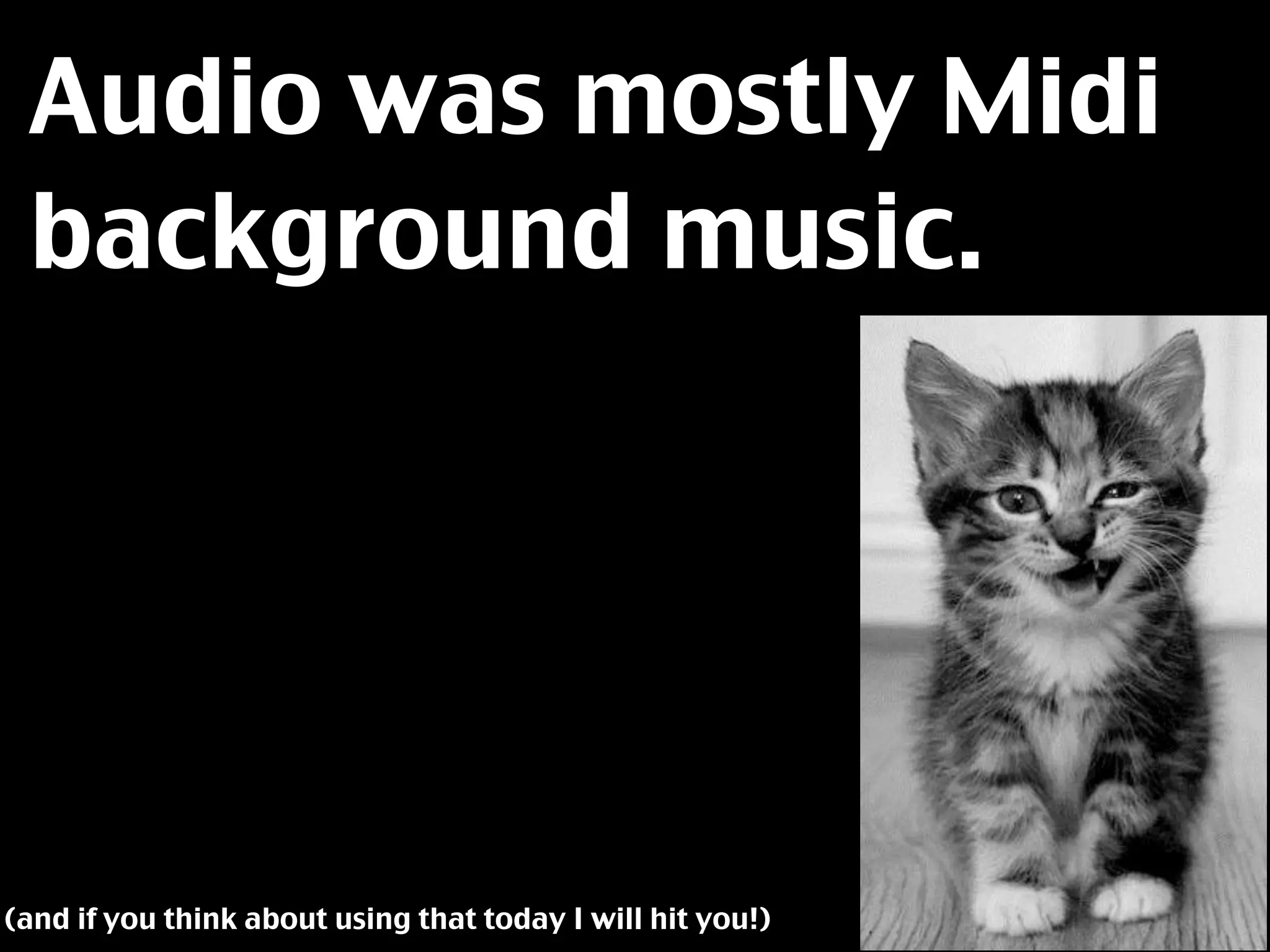
Audio was mostly Midi
 background music.


(and if you think about using that today I will hit you!)
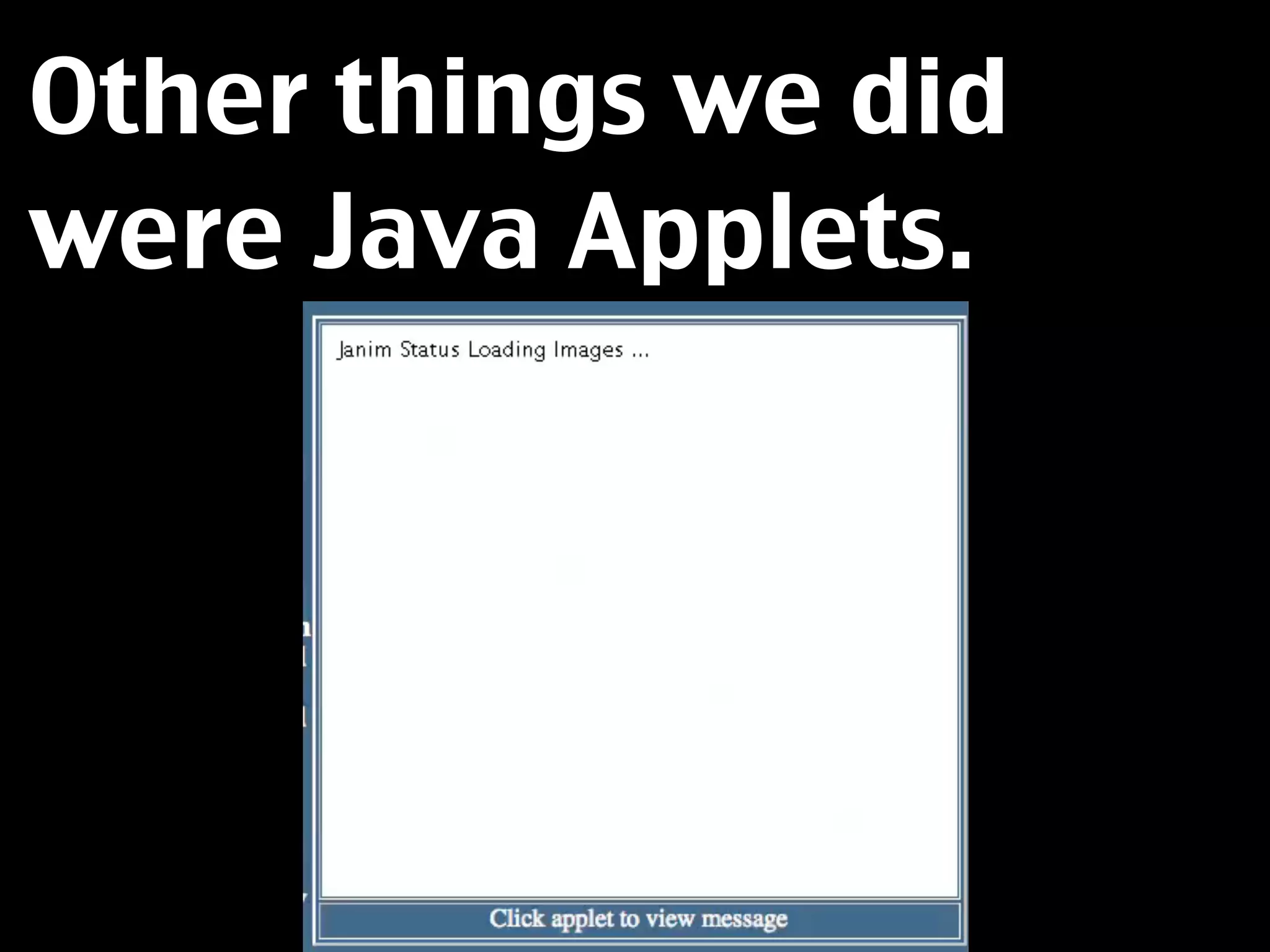
Other things we did
were Java Applets.
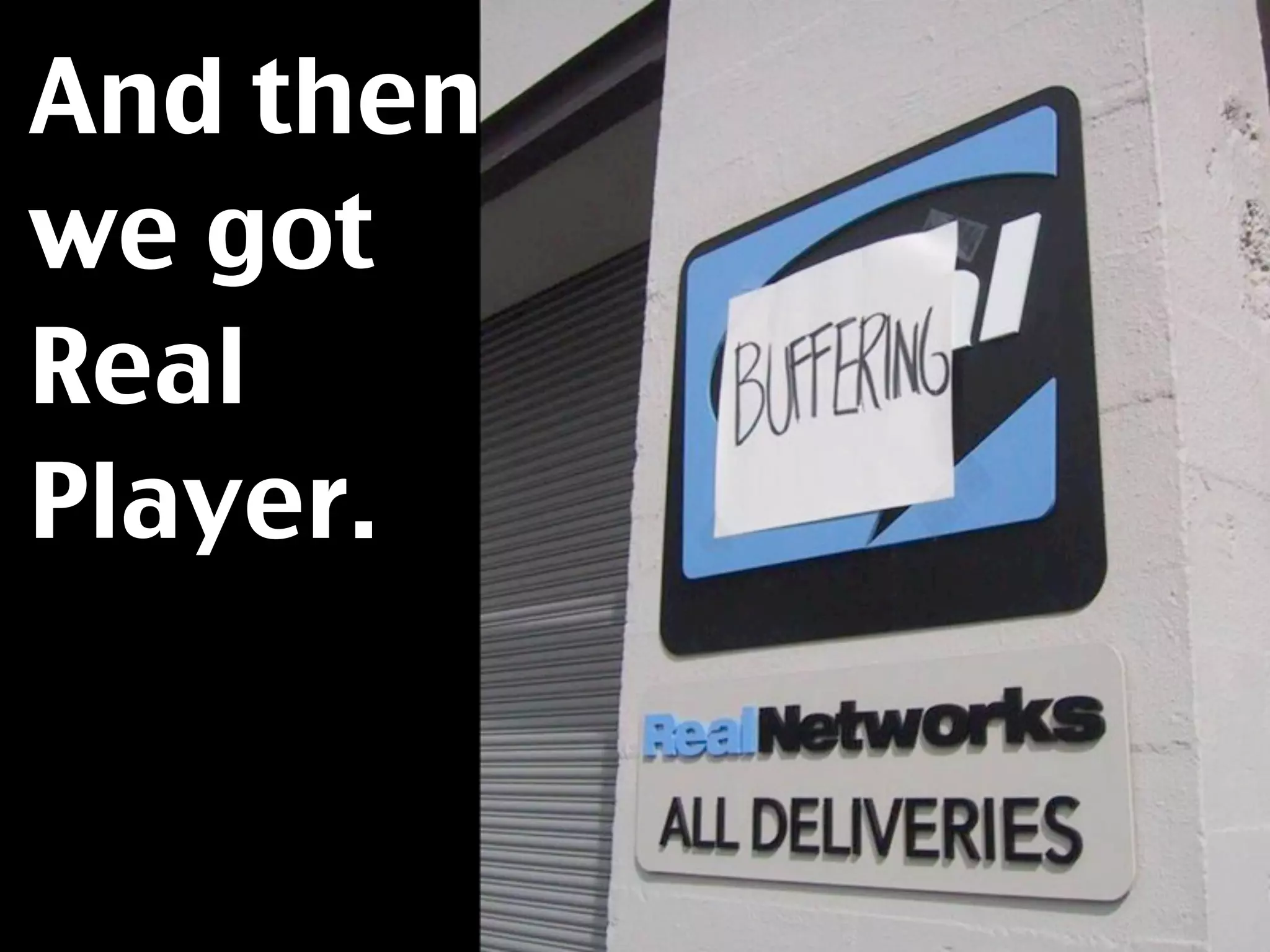
And then
we got
Real
Player.
And many others...
★ Quicktime  / Quicktime VR
★ Microsoft Media Player
★ Shockwave
★ Acrobat had some image
  editing features.
★ iPix / VRML and many other
  forgotten ones...
They all had the same
issues.
★ End users must install a
  plugin.
★ You need to upgrade the
  plugin constantly.
★ There is limited interaction
  with the rest of the page.
Another big issue is and
was security – plugins
are one of main attack
vectors for malware.
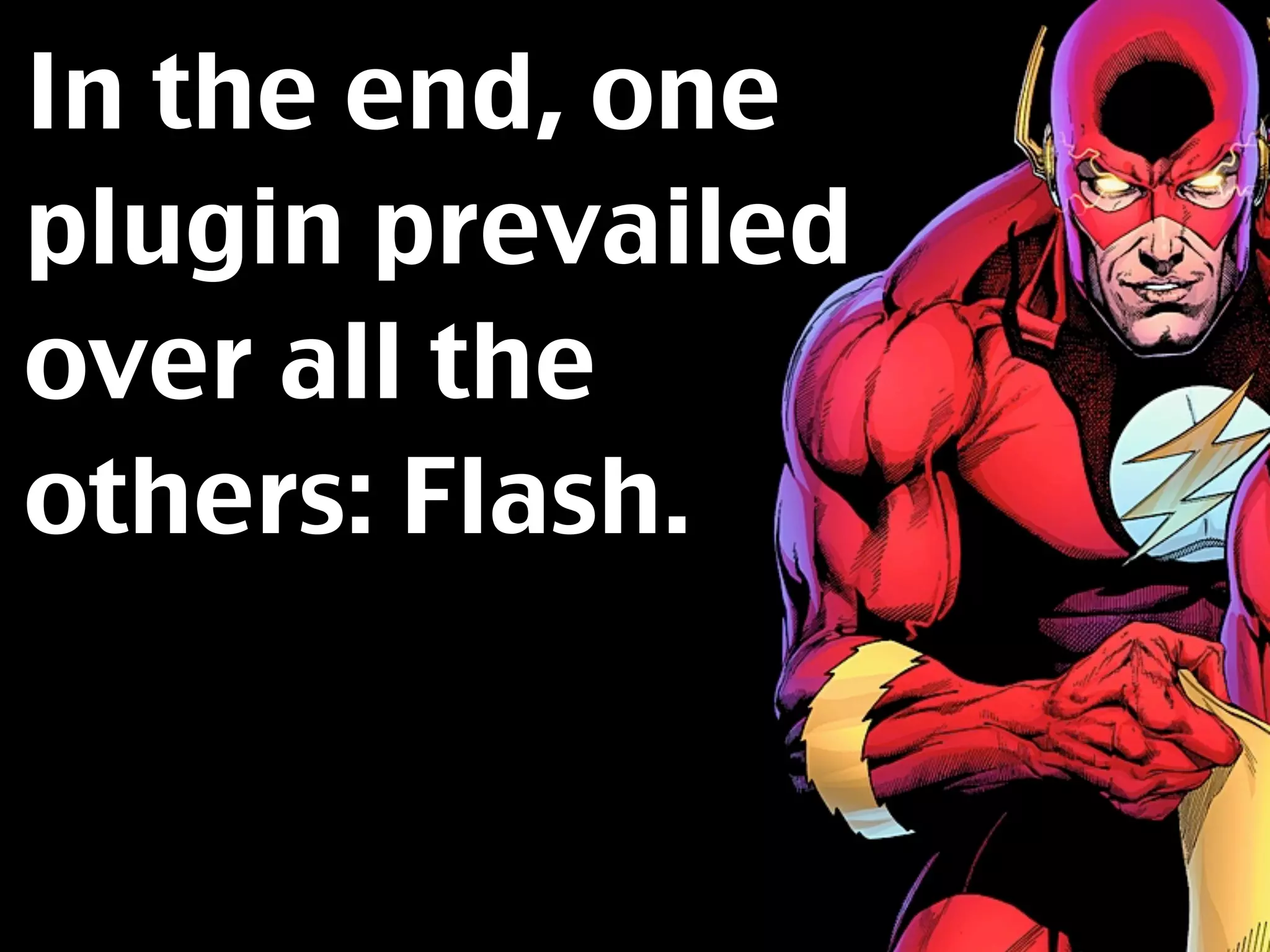
In the end, one
plugin prevailed
over all the
others: Flash.
With aggressive
marketing, clever
partnerships and a rich
dev environment Flash
became the multimedia
choice for the web.
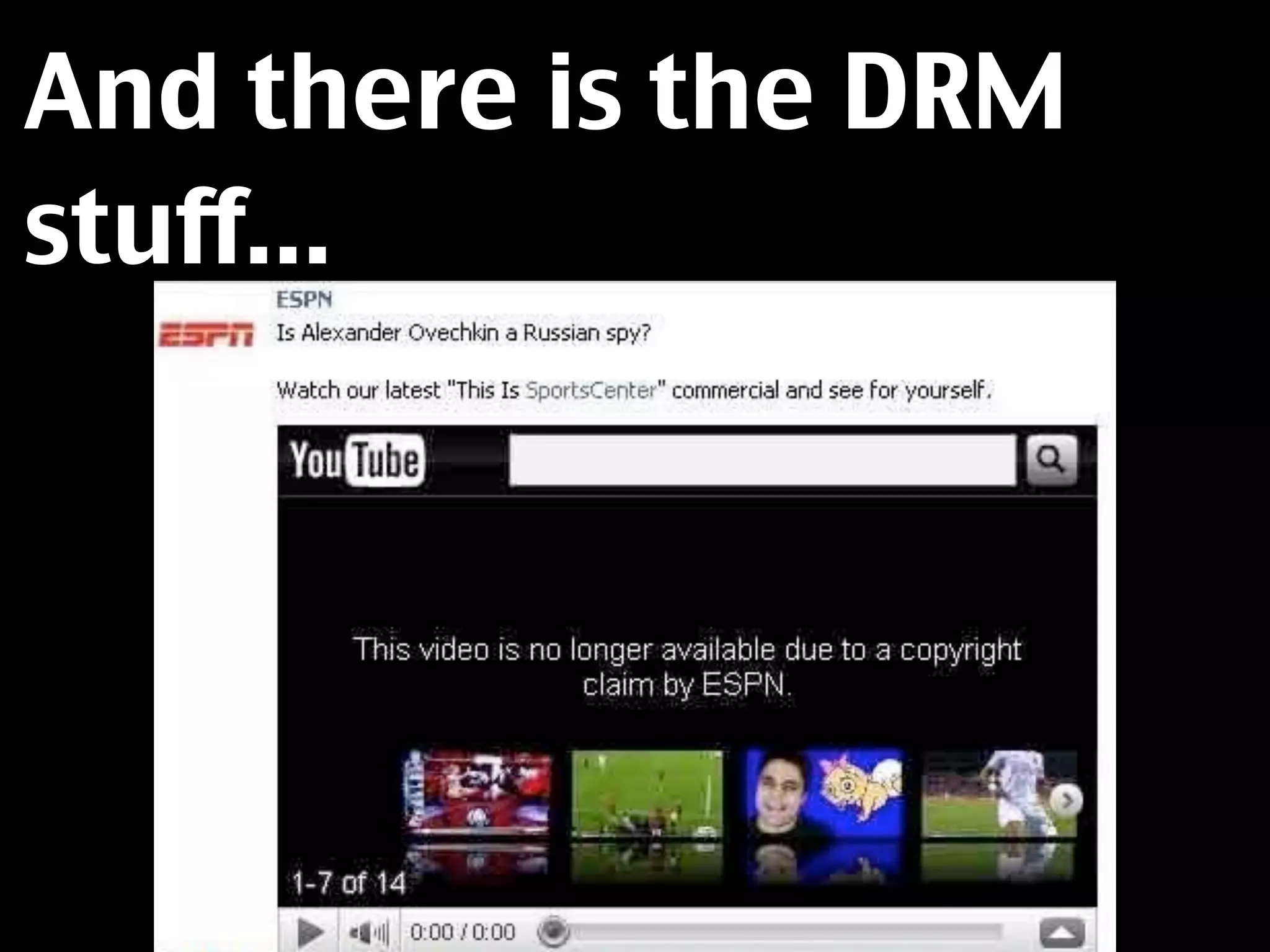
And there is the DRM
stuff...
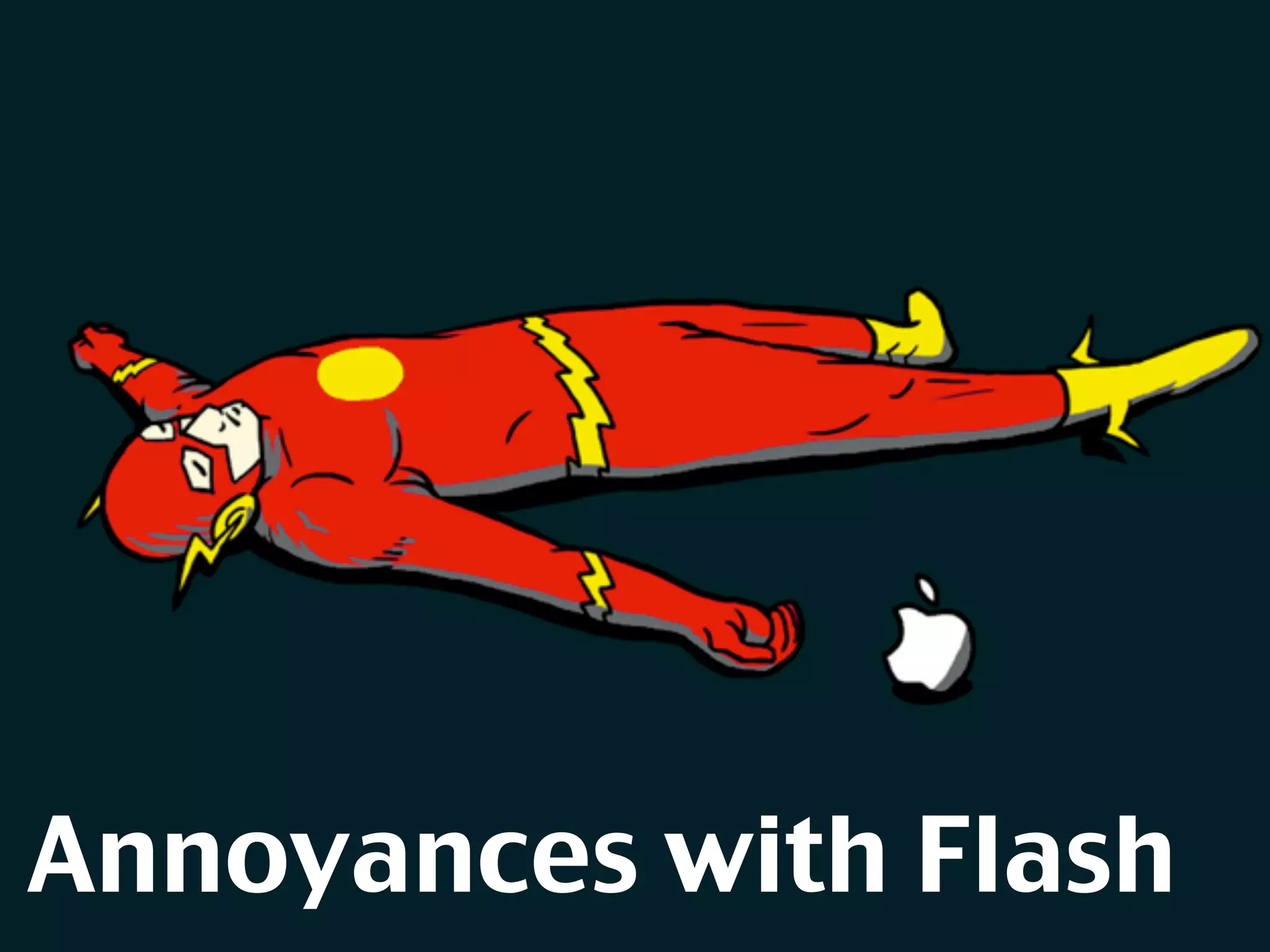
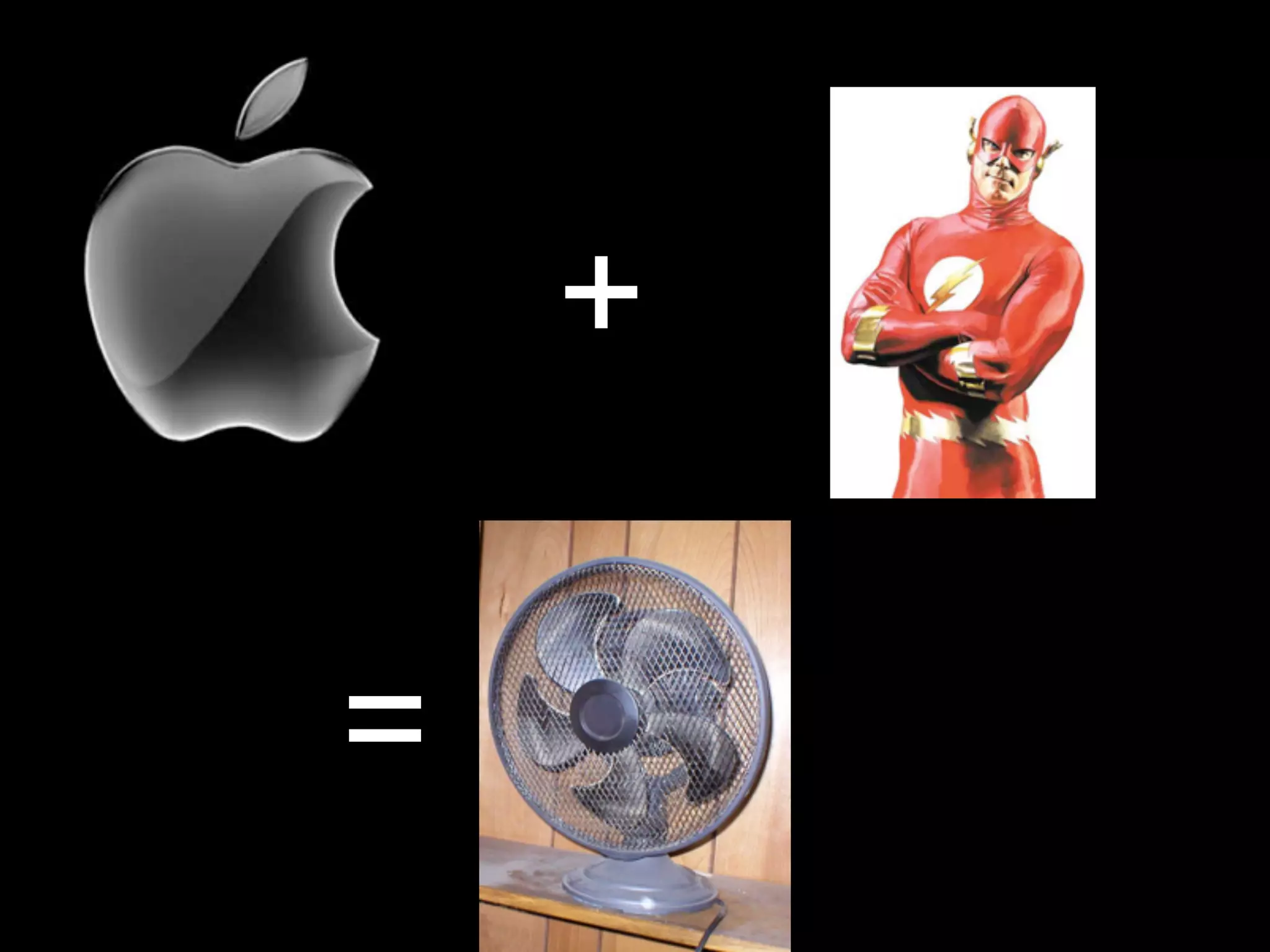
Annoyances with Flash
+
Apple and Flash movies means a lot of times your fan will start up.


                                     =
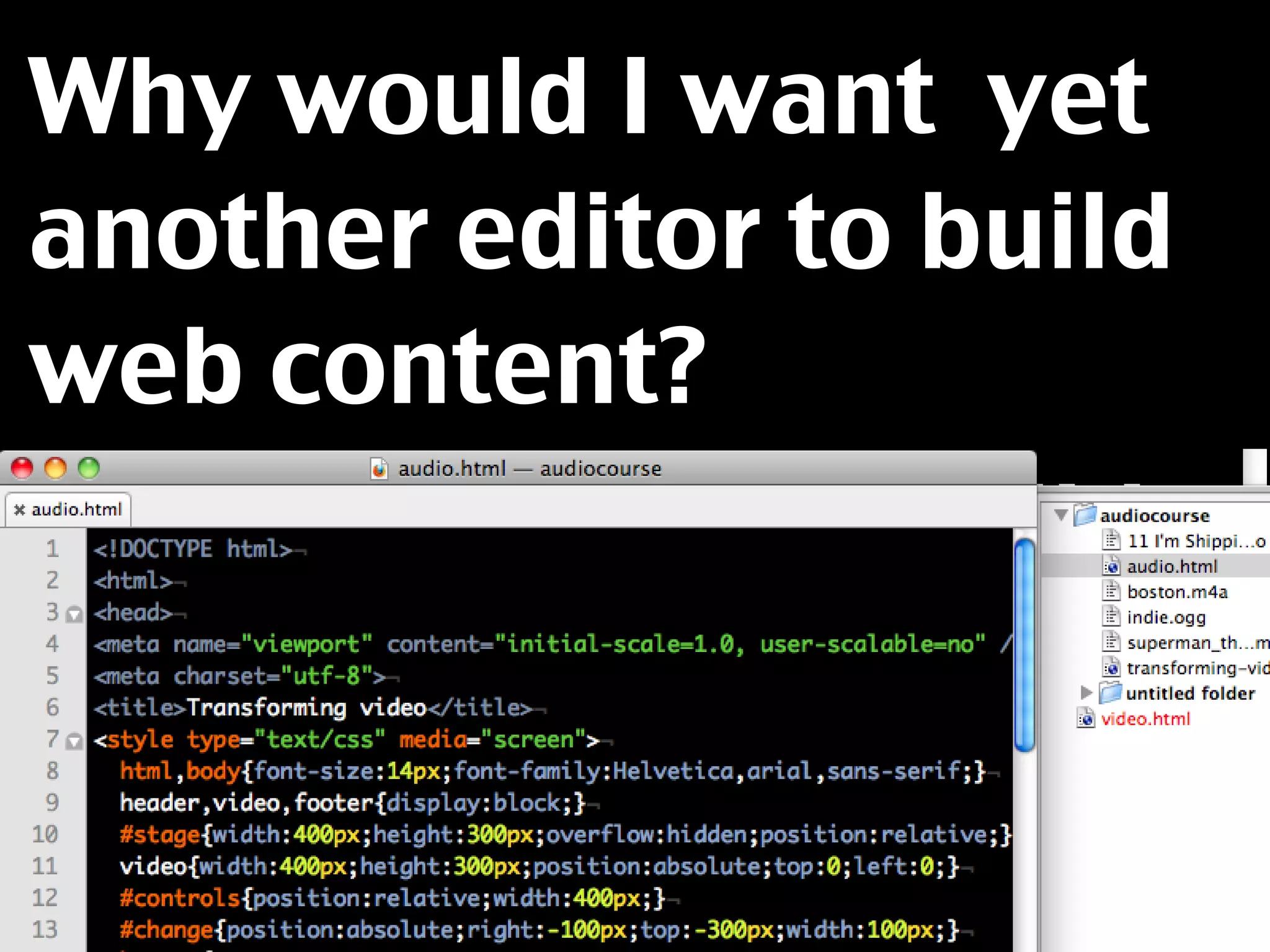
Why would I want yet
another editor to build
web content?
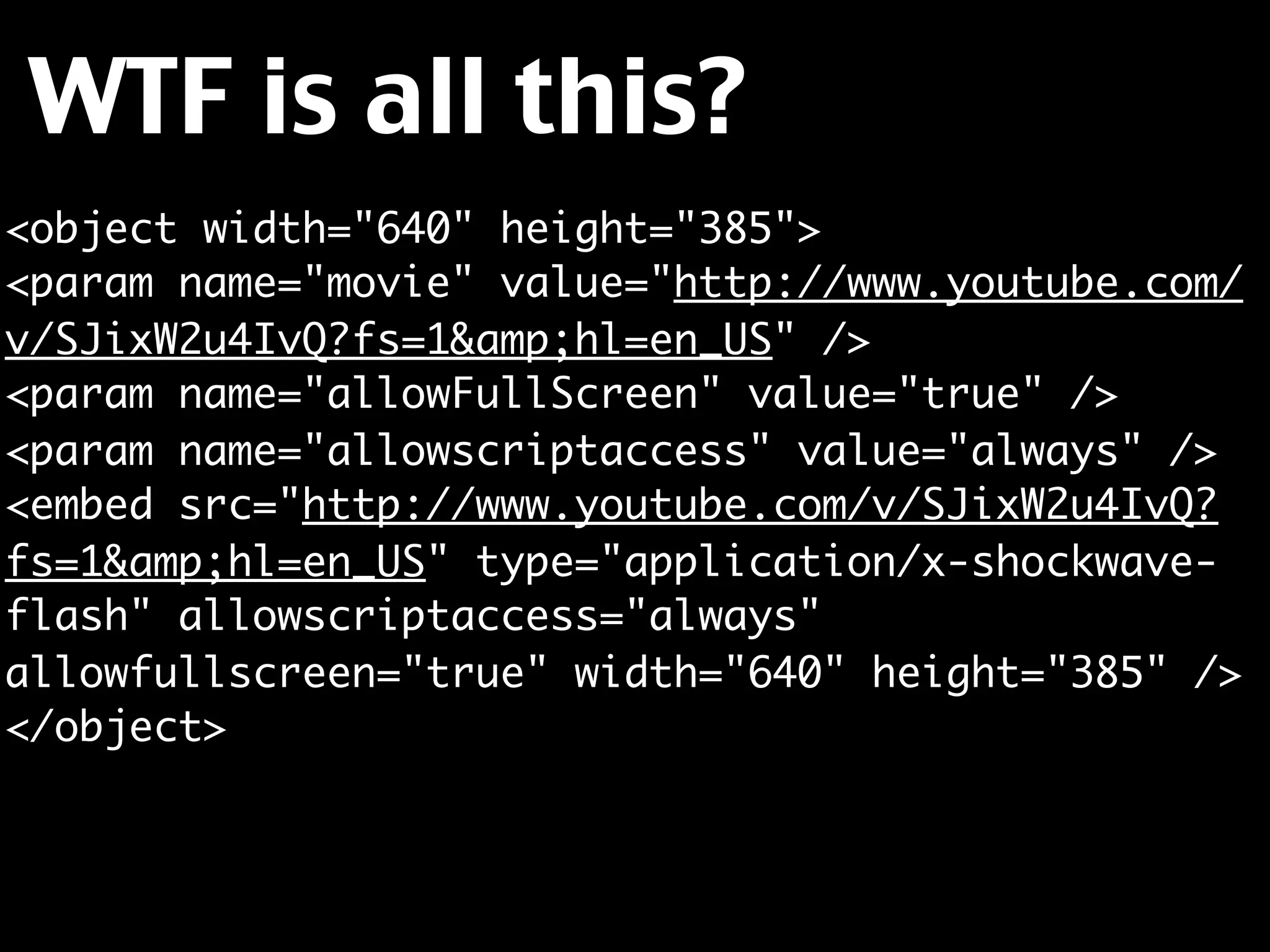
WTF is all this?
<object width="640" height="385">
<param name="movie" value="http://www.youtube.com/
v/SJixW2u4IvQ?fs=1&amp;hl=en_US" />
<param name="allowFullScreen" value="true" />
<param name="allowscriptaccess" value="always" />
<embed src="http://www.youtube.com/v/SJixW2u4IvQ?
fs=1&amp;hl=en_US" type="application/x-shockwave-
flash" allowscriptaccess="always"
allowfullscreen="true" width="640" height="385" />
</object>
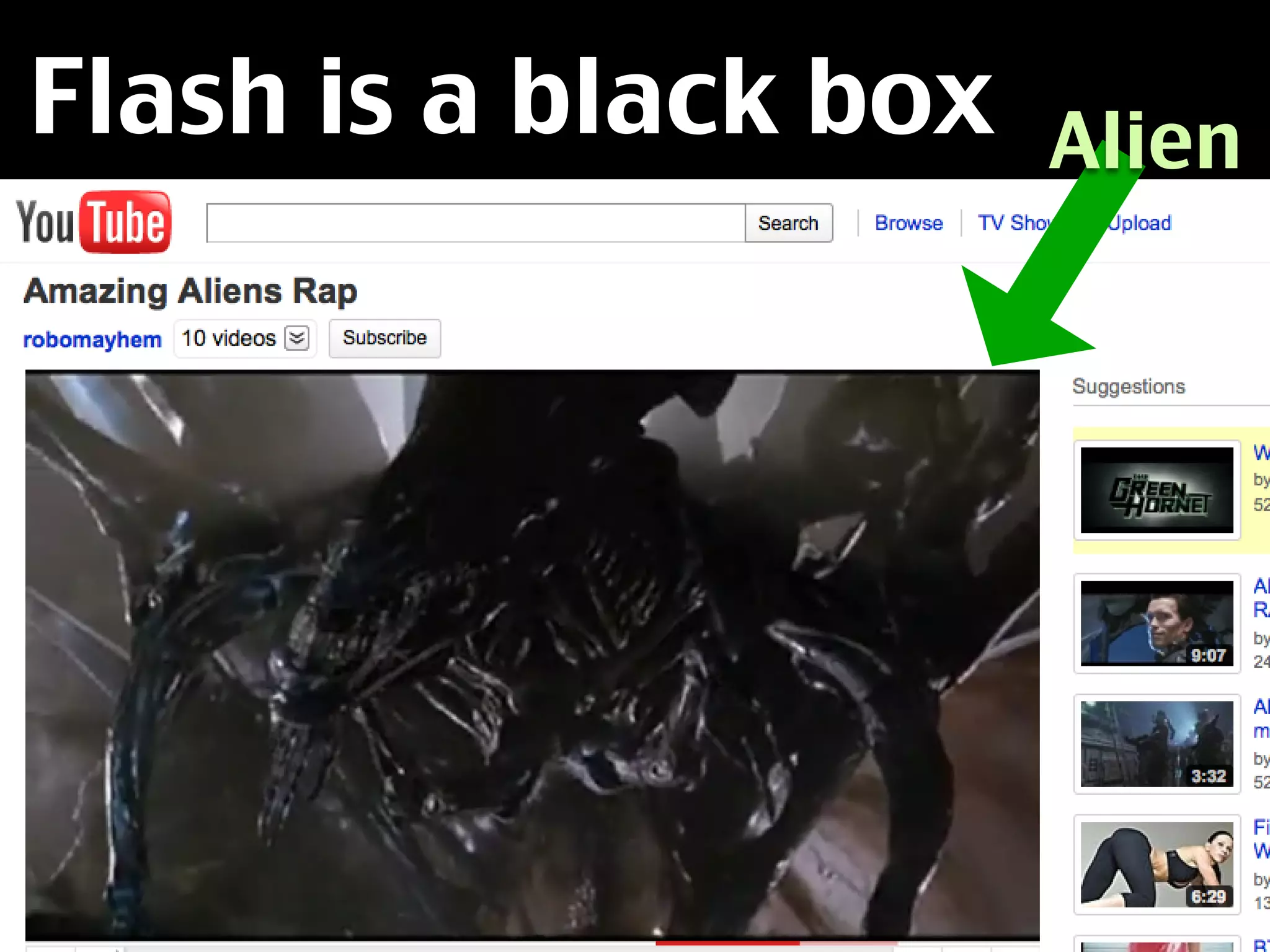
Flash is a black box   Alien
inside a document.
Therefore it is also an
accessibility problem.
★ Other browsers than IE don’t allow you
  to access Flash with a keyboard.
★ You are at the mercy of the developers
  to make their movies keyboard
  accessible.
★ Which is bad, as audio and video can
  help a lot of people to understand
  things.
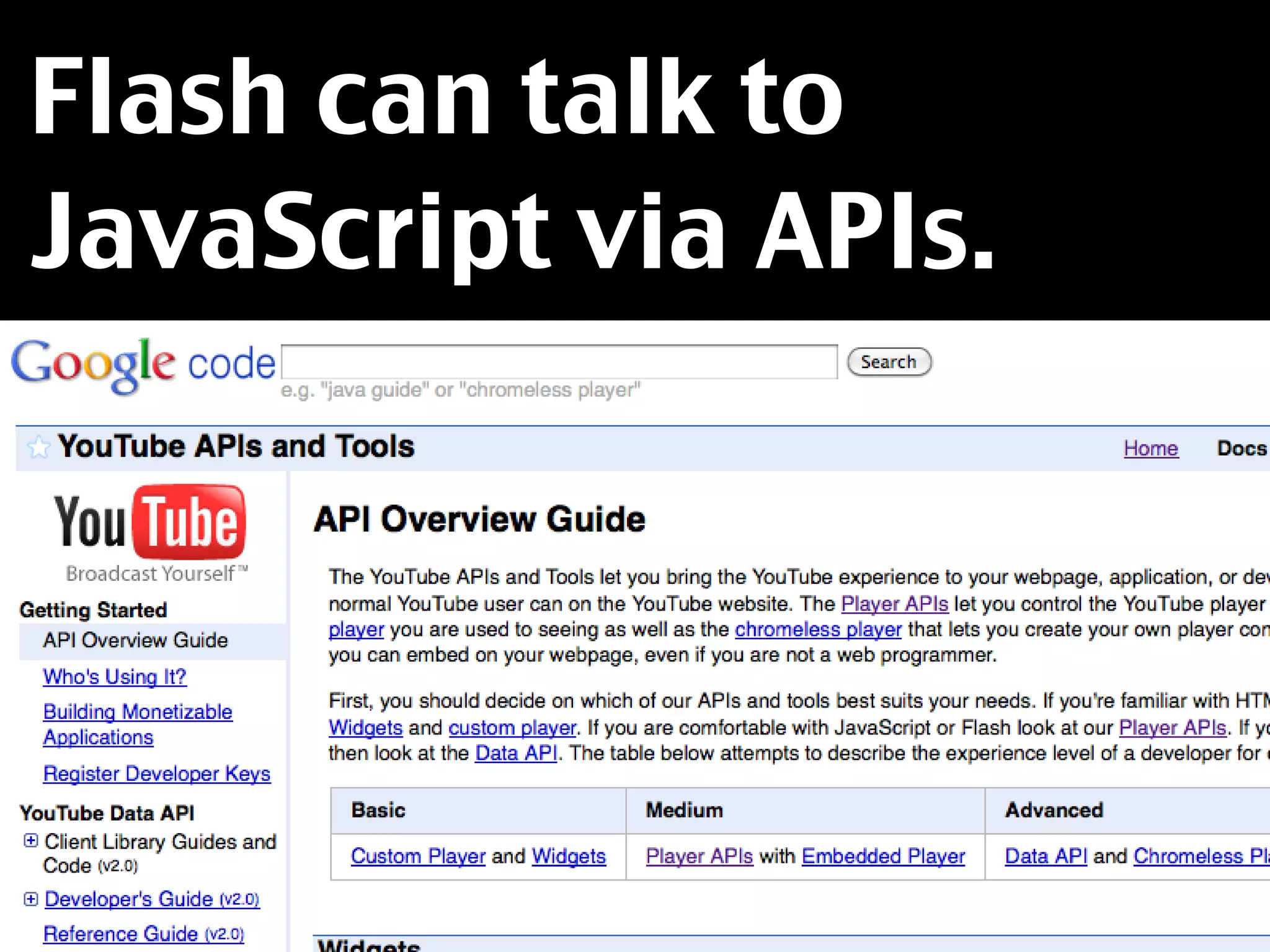
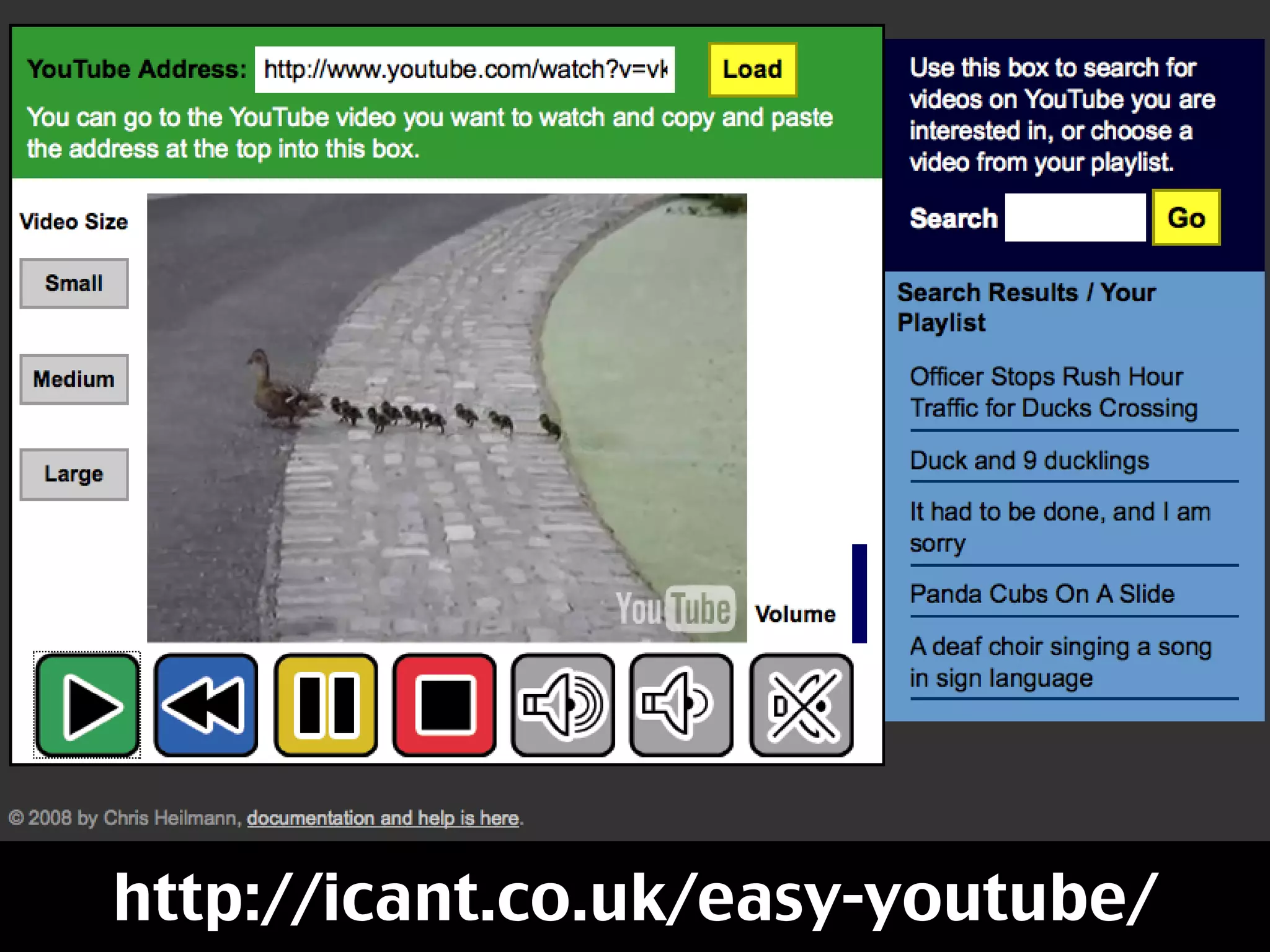
Flash can talk to
JavaScript via APIs.
http://icant.co.uk/easy-youtube/
You are at the mercy of
the API developers
though – what they
don’t make public, you
can’t reach.
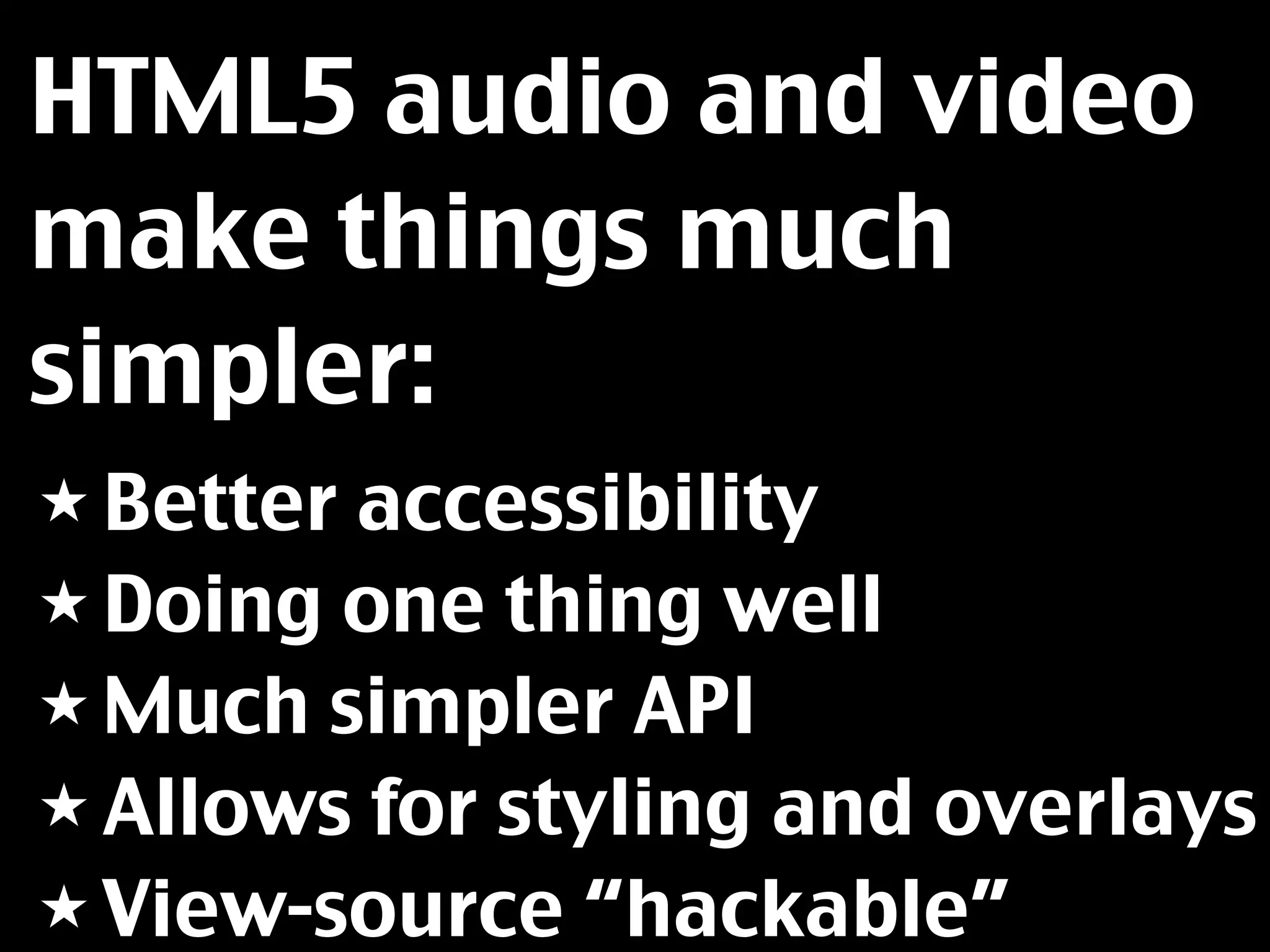
HTML5 audio and video
make things much
simpler:
★ Betteraccessibility
★ Doing one thing well
★ Much simpler API
★ Allows for styling and overlays
★ View-source “hackable”
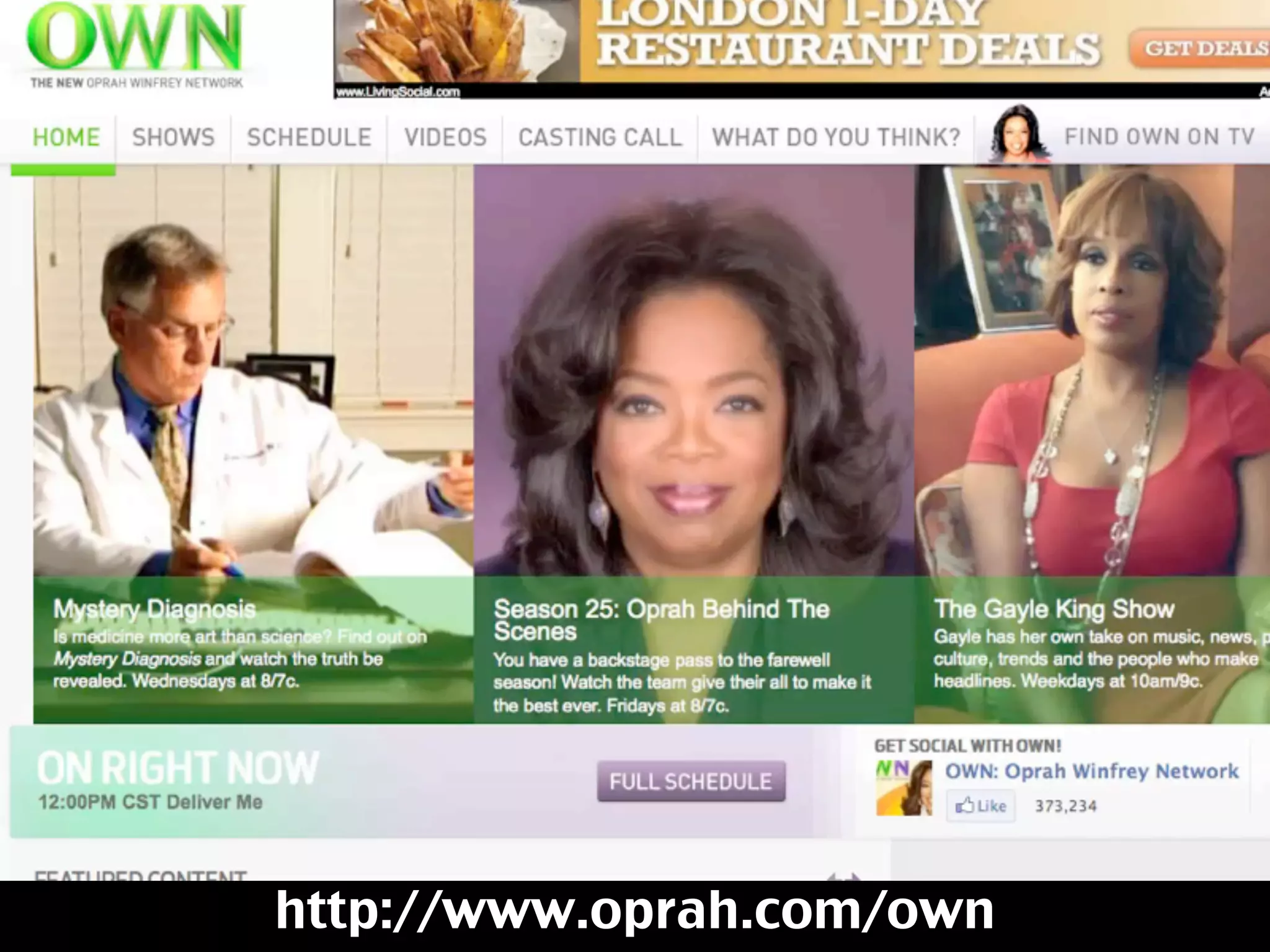
Screencast of Oprah’s web site


http://www.oprah.com/own
Painful stuff – Codecs
and conversion
So, we understood that
there is a need for an
open high-fidelity
technology if we really
want the web to be a
media.
What we didn’t quite
consider yet is
something that both
accelerated and
hindered innovation for
a long time.
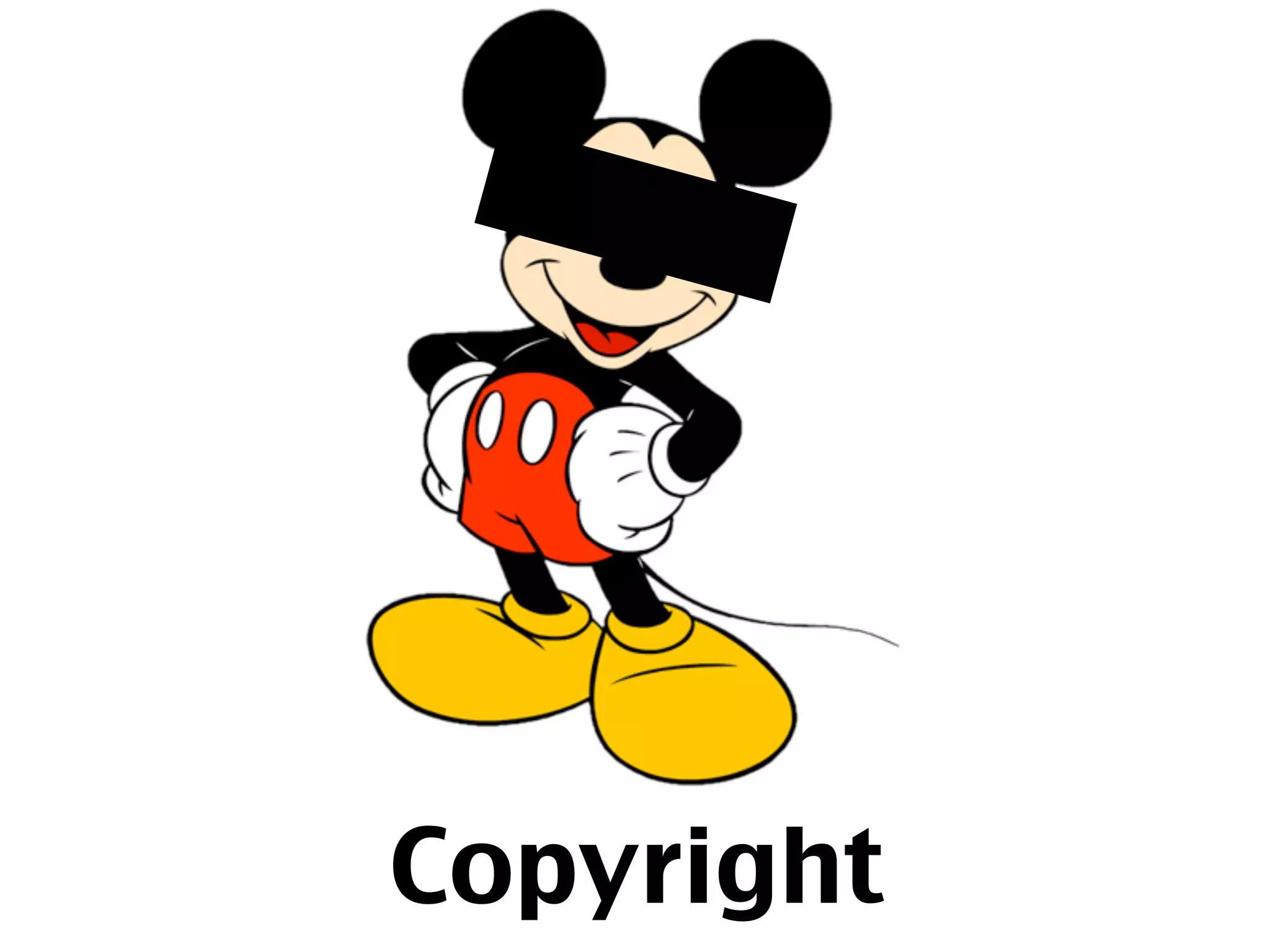
Copyright
Videos on the web are
encoded to make them
smaller – there is no
such things as an “AVI
File”...
They are containers for
video in a certain
compression and audio
in another.
The issue was that all
these compression
formats had their own
copyright and didn’t
work with open
technology like HTML5.
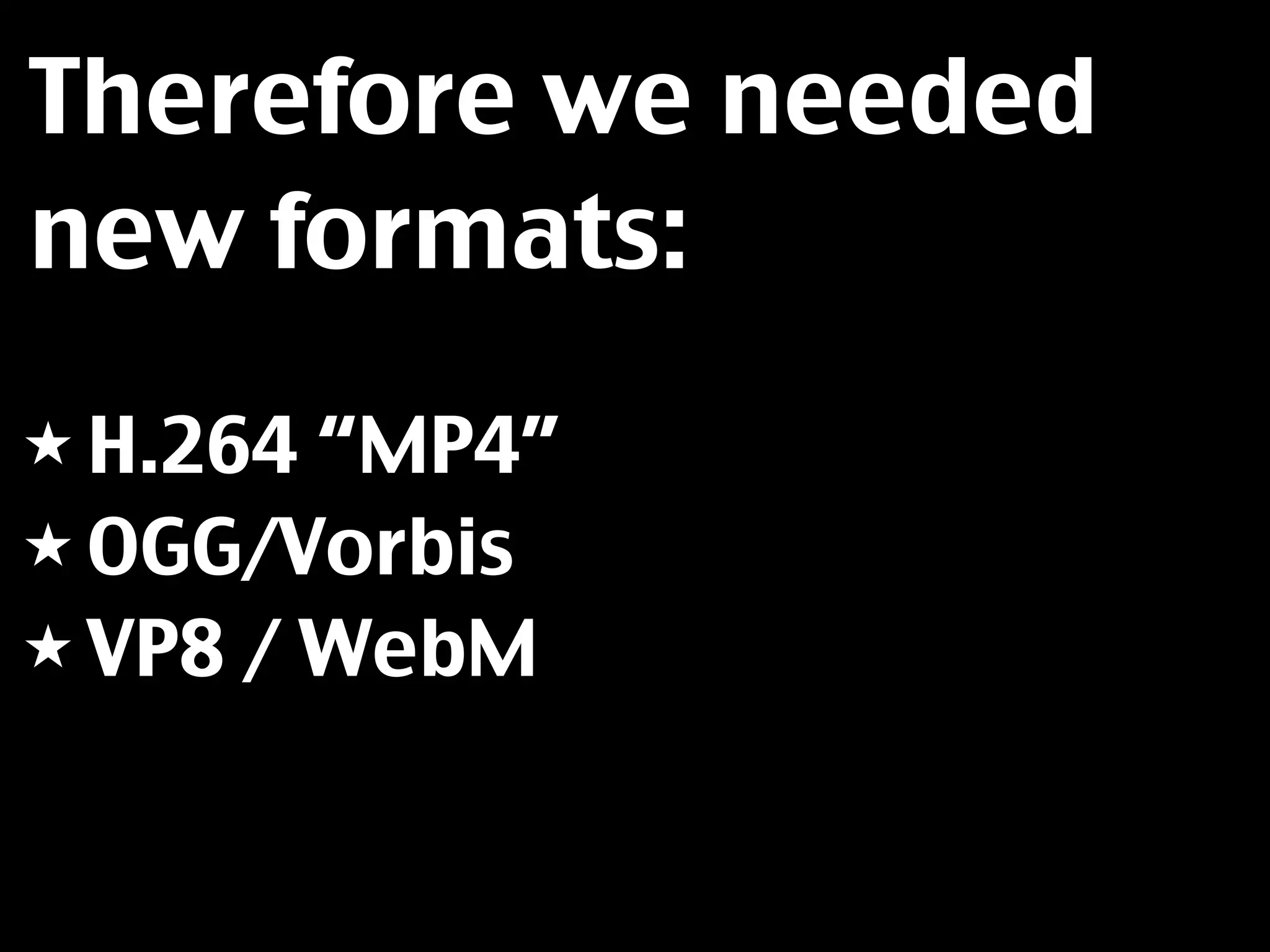
Therefore we needed
new formats:
★ H.264 “MP4”
★ OGG/Vorbis
★ VP8 / WebM
Our job is now to
convert the videos we
record to these open
formats – which can be
annoying.
The main annoyance is
that different browsers
support different
formats, which means
we need to provide
several versions :(
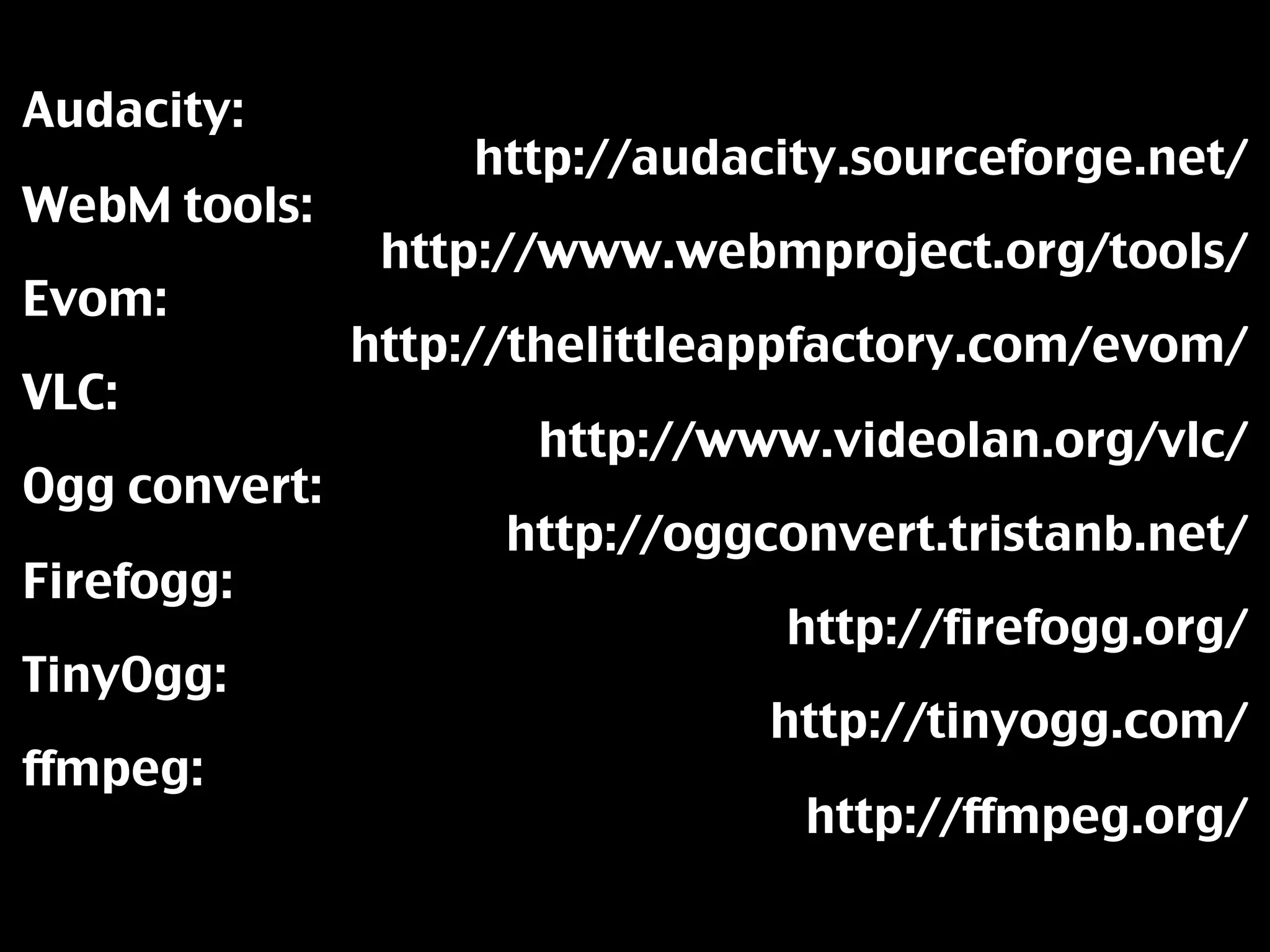
Audacity:
                   http://audacity.sourceforge.net/
WebM tools:
                http://www.webmproject.org/tools/
Evom:
               http://thelittleappfactory.com/evom/
VLC:
                      http://www.videolan.org/vlc/
Ogg convert:
                     http://oggconvert.tristanb.net/
Firefogg:
                                http://firefogg.org/
TinyOgg:
                                http://tinyogg.com/
ffmpeg:
                                 http://ffmpeg.org/
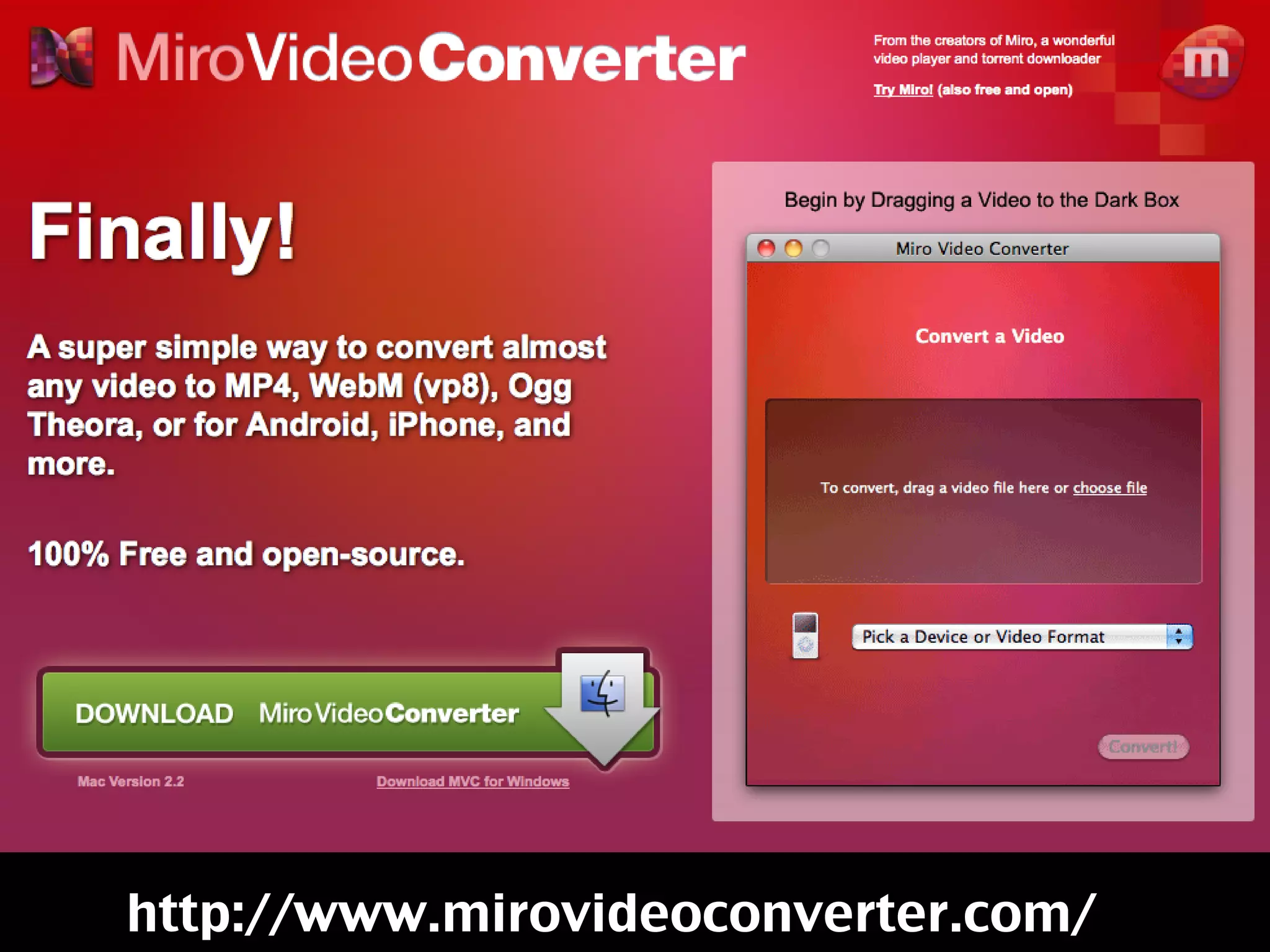
http://www.mirovideoconverter.com/
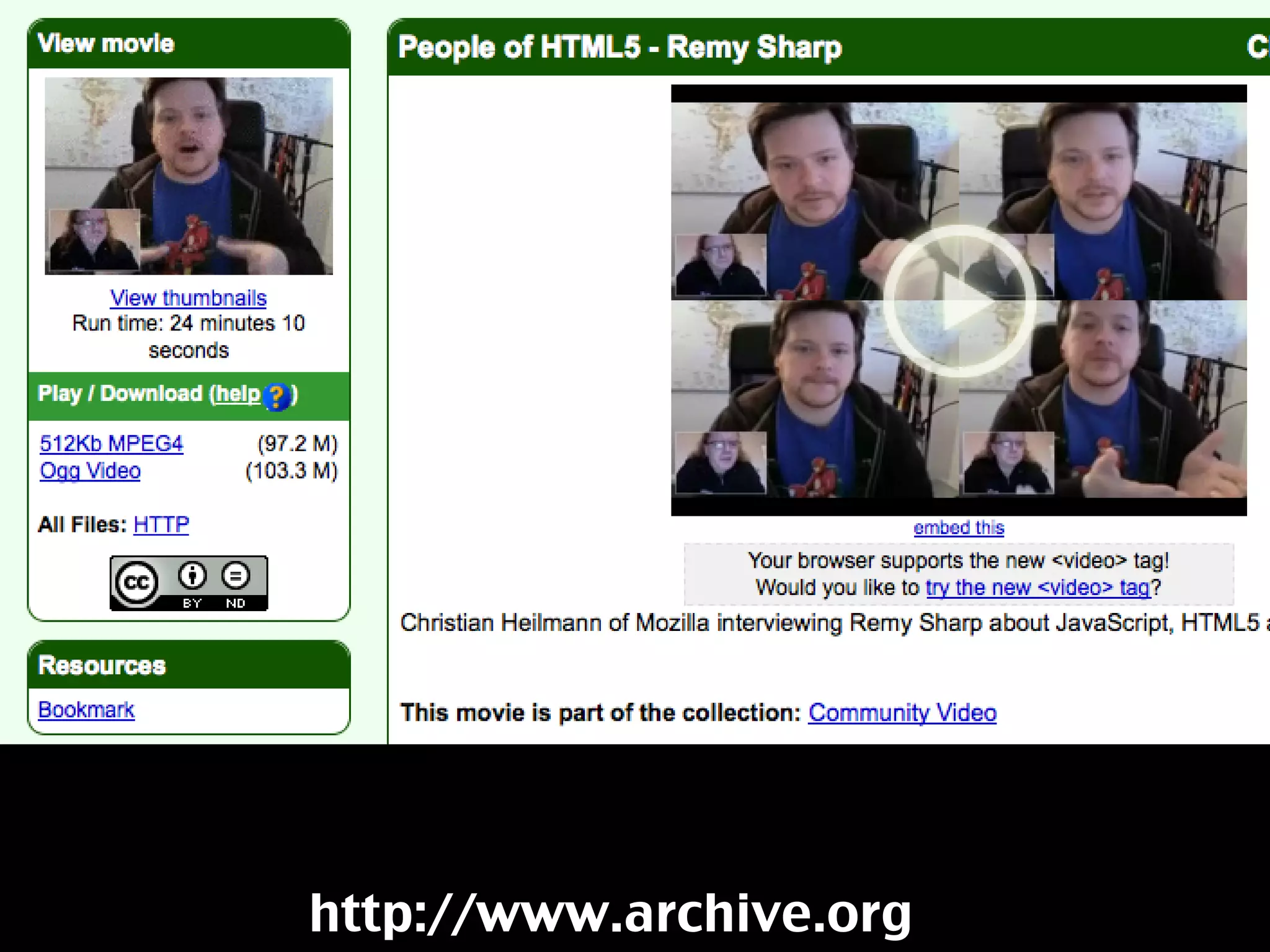
http://www.archive.org
Embedding
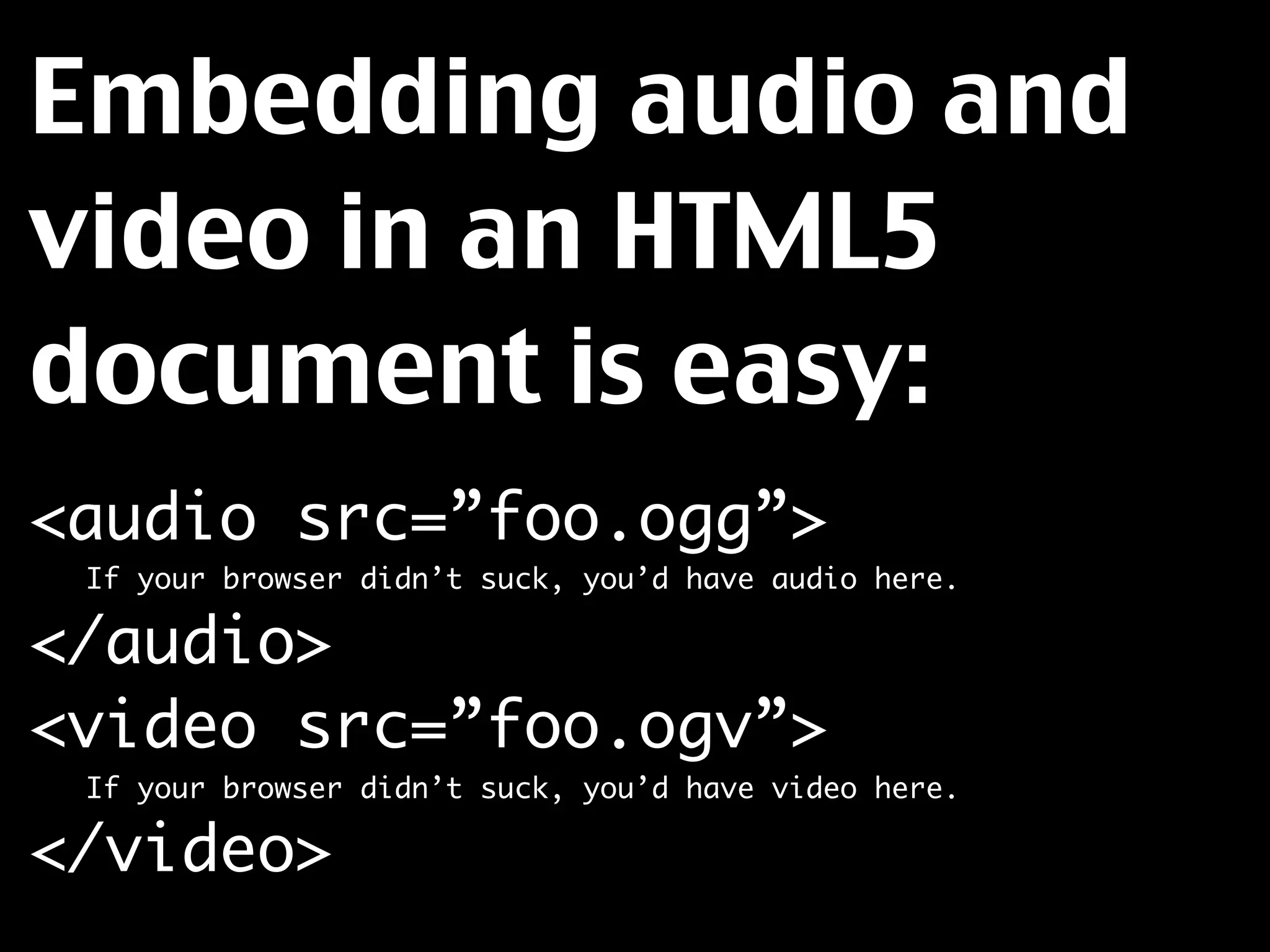
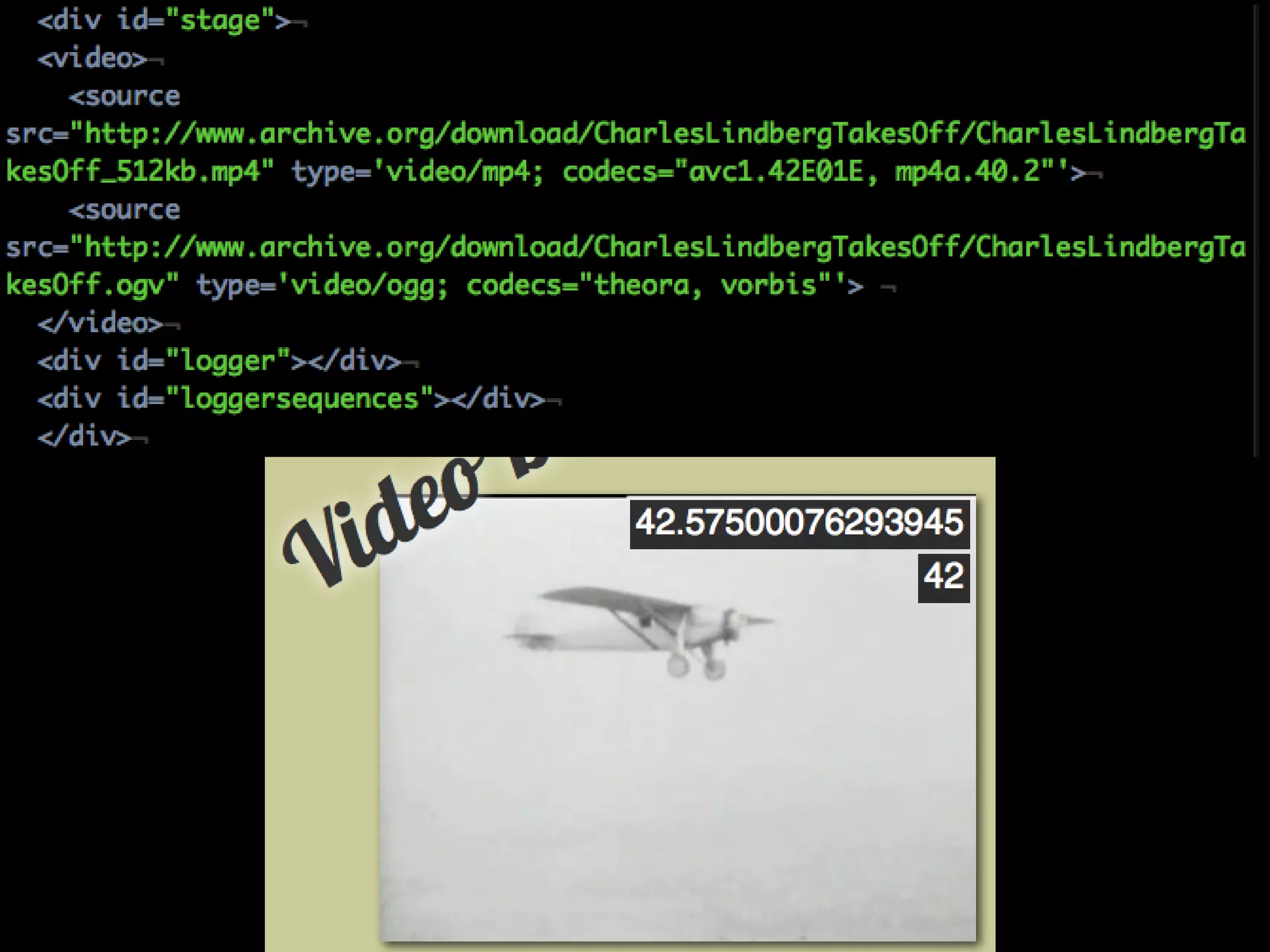
Embedding audio and
video in an HTML5
document is easy:
<audio src=”foo.ogg”>
	   If your browser didn’t suck, you’d have audio here.

</audio>
<video src=”foo.ogv”>
	   If your browser didn’t suck, you’d have video here.

</video>
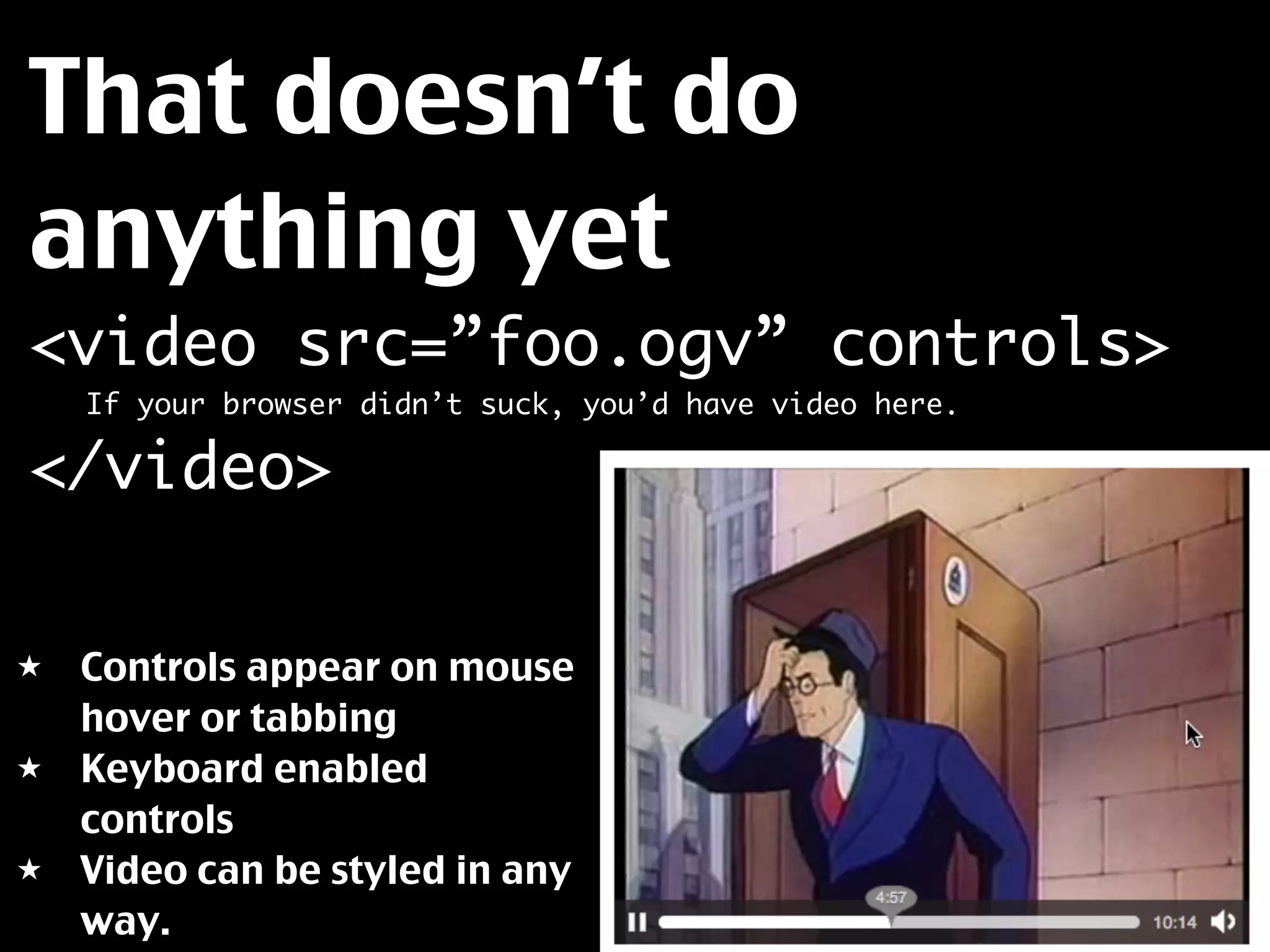
That doesn’t do
anything yet
<video src=”foo.ogv” controls>
	   If your browser didn’t suck, you’d have video here.

</video>

★   Controls appear on mouse
    hover or tabbing
★   Keyboard enabled
    controls
★   Video can be styled in any
    way.
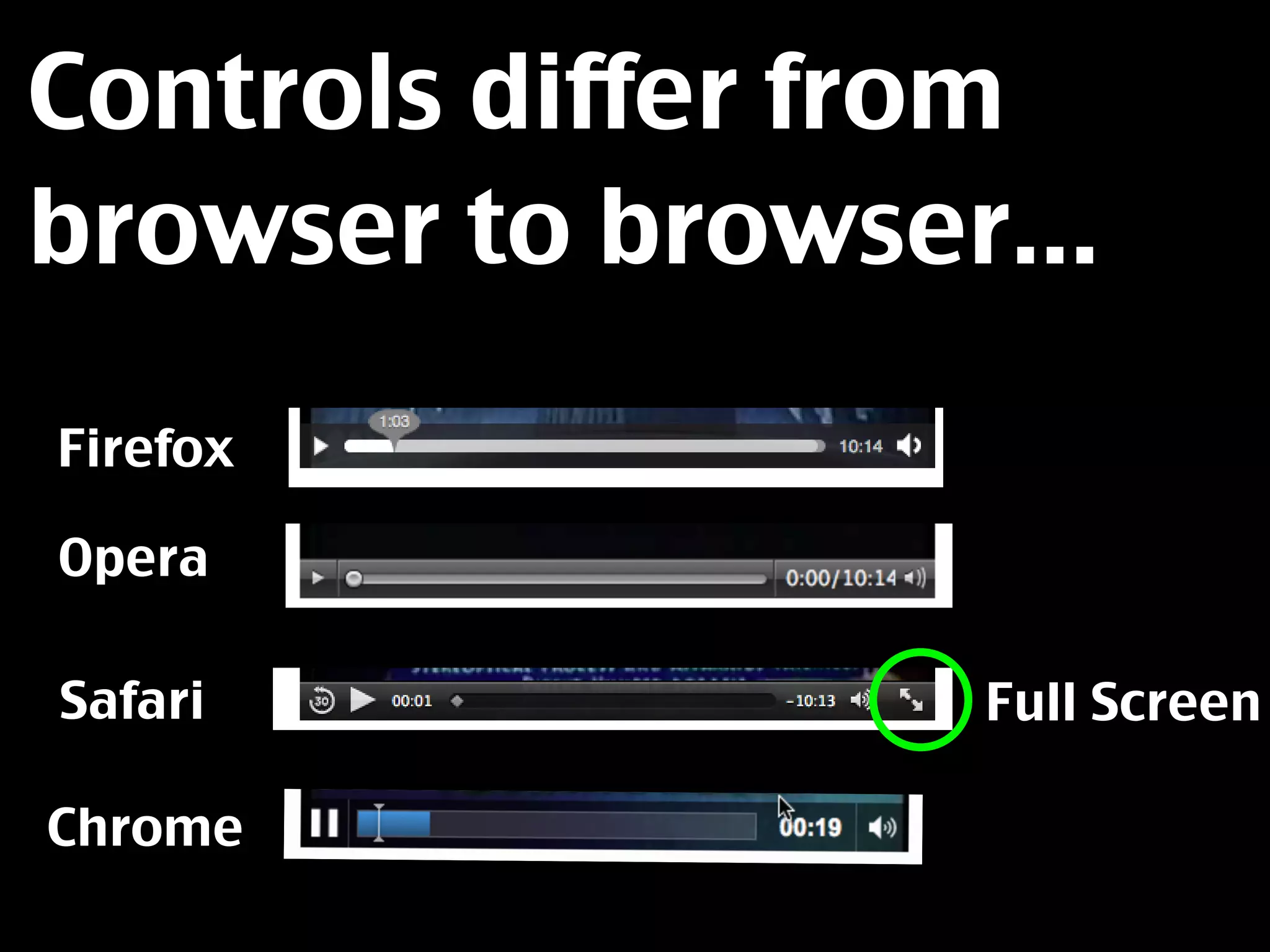
Controls differ from
browser to browser...

Firefox

Opera

Safari            Full Screen

Chrome
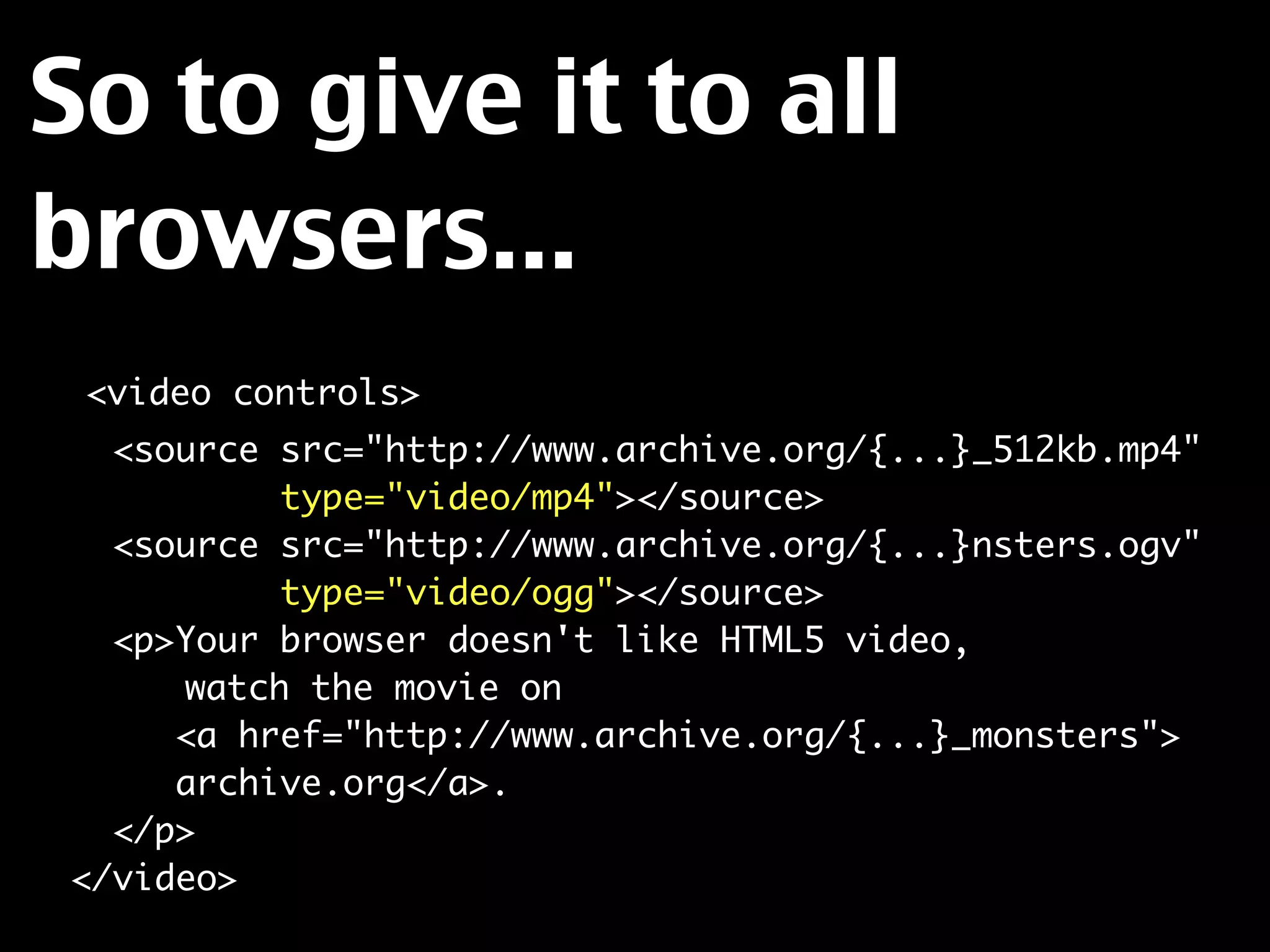
So to give it to all
browsers...
  <video controls>
    <source src="http://www.archive.org/{...}_512kb.mp4"
            type="video/mp4"></source>
    <source src="http://www.archive.org/{...}nsters.ogv"
            type="video/ogg"></source>
    <p>Your browser doesn't like HTML5 video,
	 	    watch the movie on
       <a href="http://www.archive.org/{...}_monsters">
       archive.org</a>.
    </p>
  </video>
Things to consider:

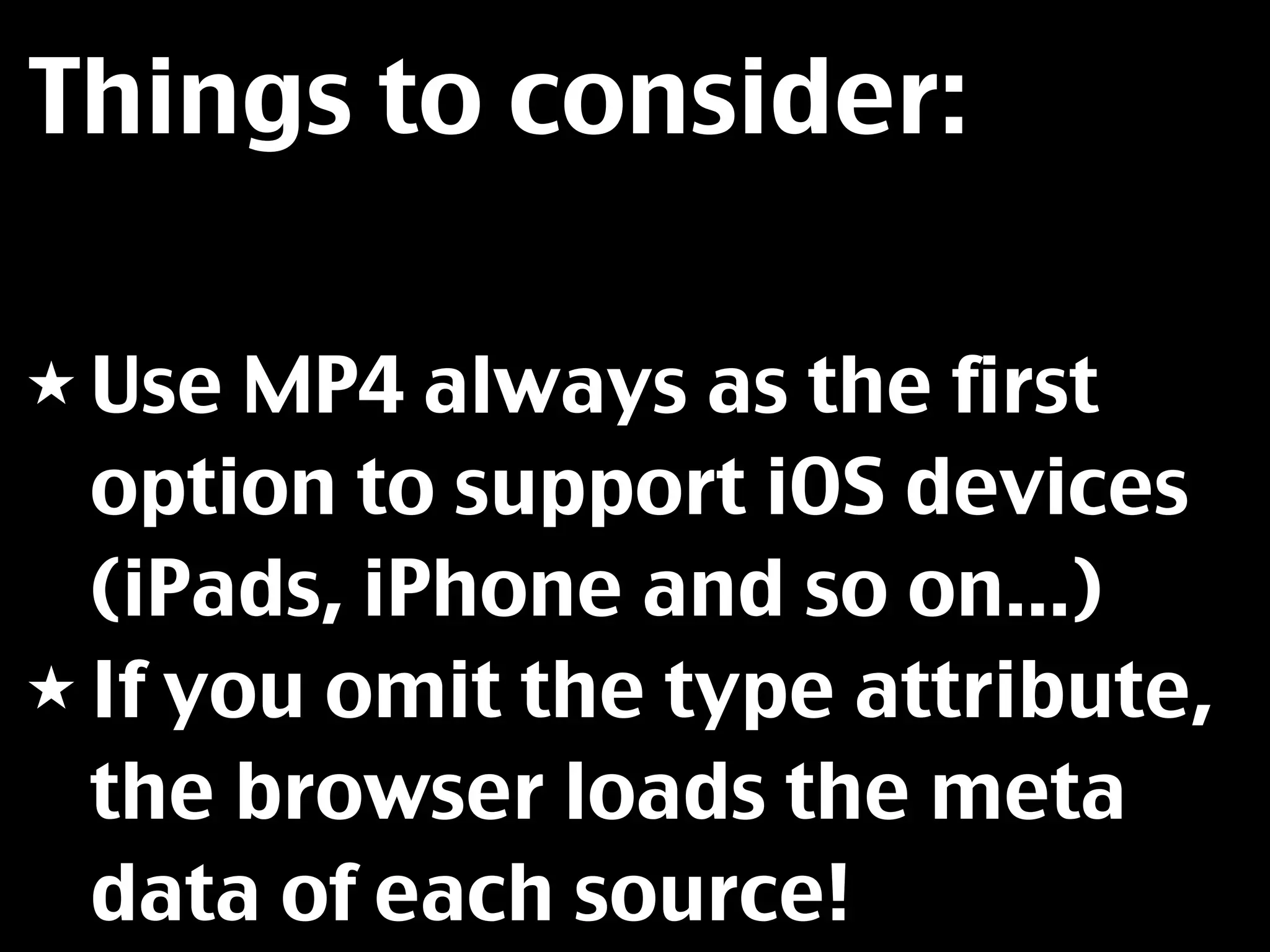
★ Use  MP4 always as the first
  option to support iOS devices
  (iPads, iPhone and so on...)
★ If you omit the type attribute,
  the browser loads the meta
  data of each source!
Media queries can save
bandwidth:
    <video controls>
     <source src="http://www.archive.org/{...}_512kb.mp4"
             type="video/mp4"
	   	 	 	    media="(min-device-width:800px)"></source>
     <source src="http://www.archive.org/{...}_low.mp4"
             type="video/mp4"></source>
     <source src="http://www.archive.org/{...}nsters.ogv"
             type="video/ogg"></source>
     <p>watch the movie on <a href="{...}_monsters">
        archive.org</a>.</p>
    </video>
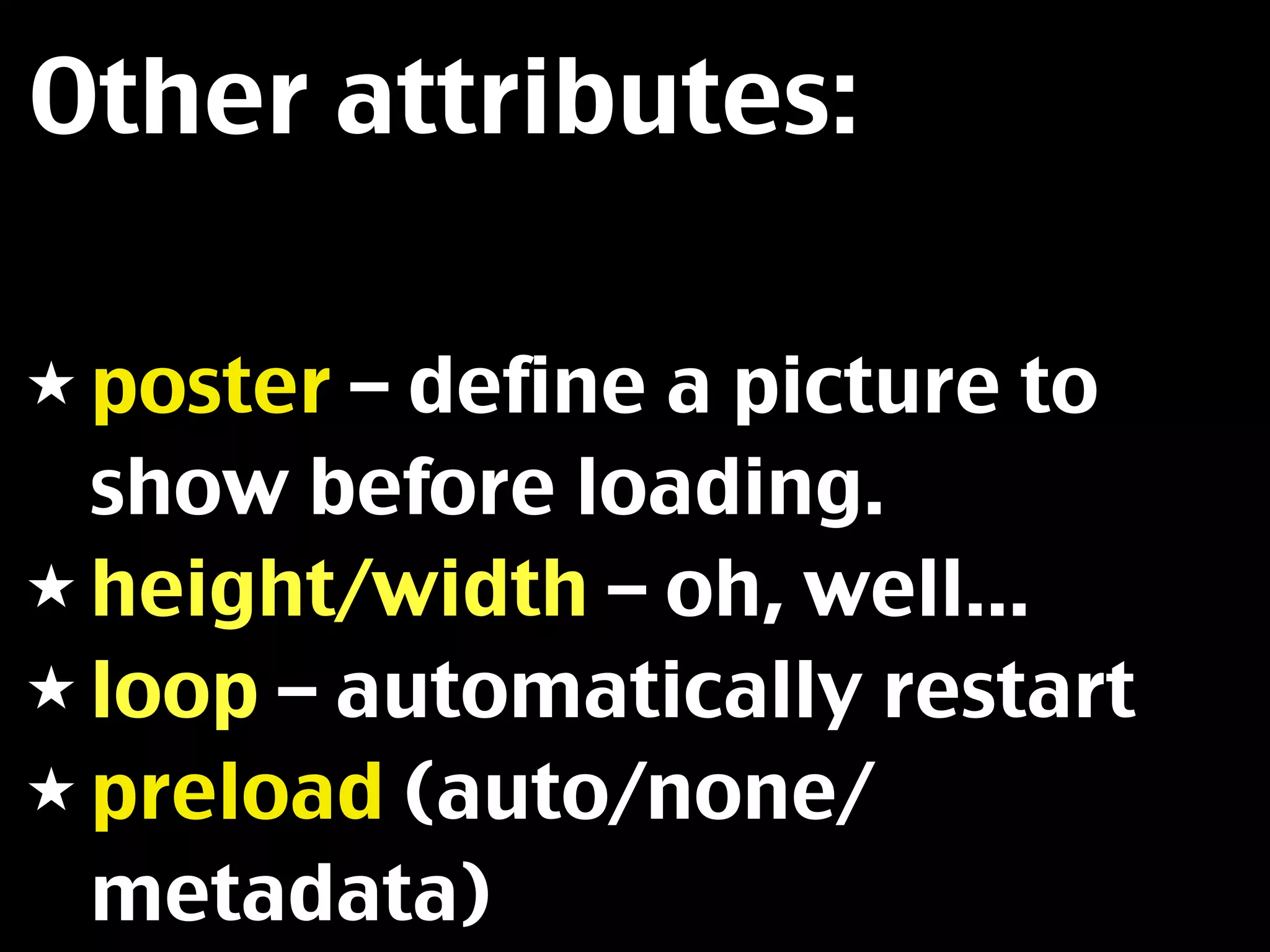
Other attributes:

★ poster – define a picture to
  show before loading.
★ height/width – oh, well...
★ loop – automatically restart
★ preload (auto/none/
  metadata)
But what if you don’t
like the controls?
Controlling
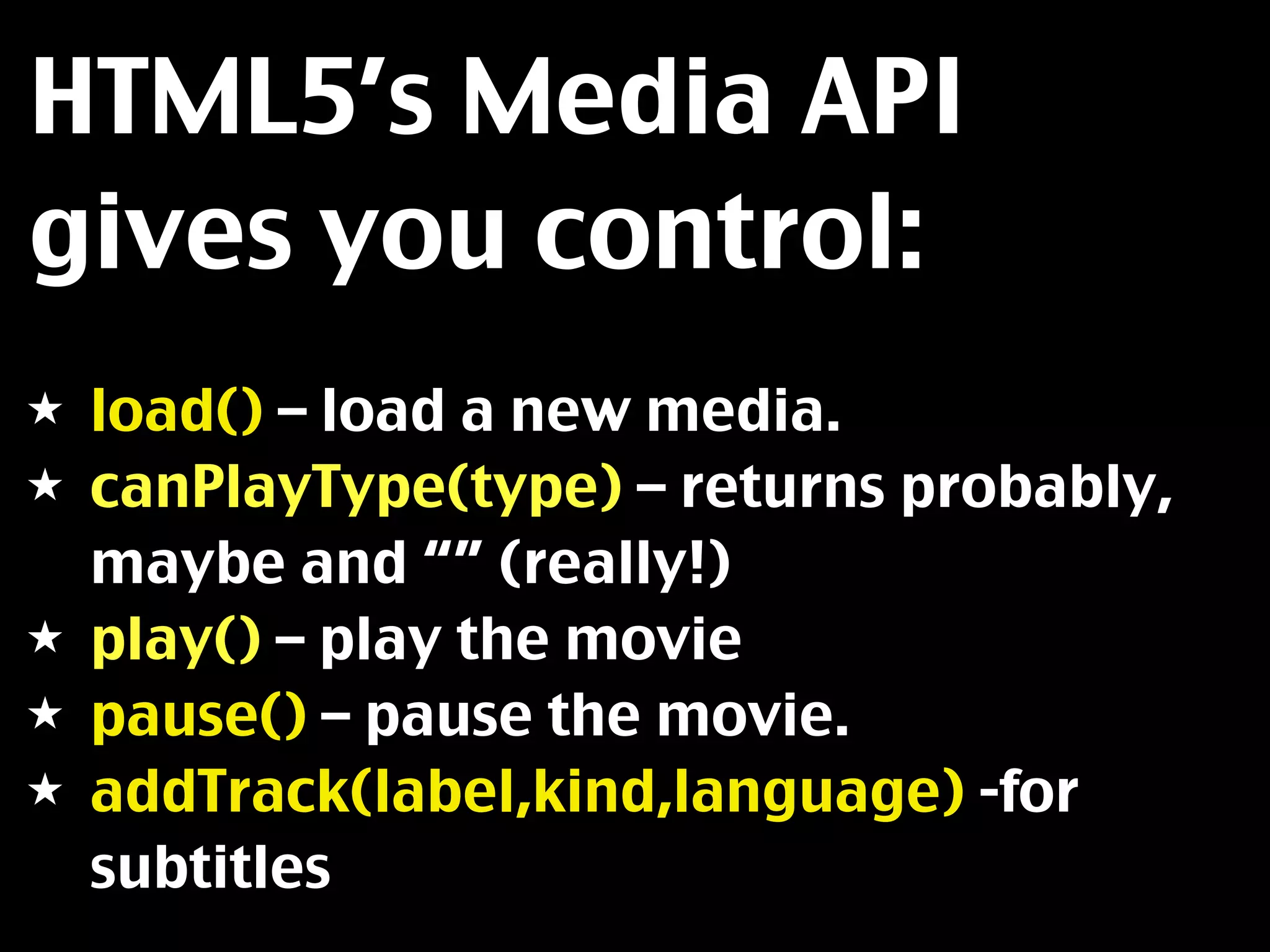
HTML5’s Media API
gives you control:
★   load() – load a new media.
★   canPlayType(type) – returns probably,
    maybe and “” (really!)
★   play() – play the movie
★   pause() – pause the movie.
★   addTrack(label,kind,language) -for
    subtitles
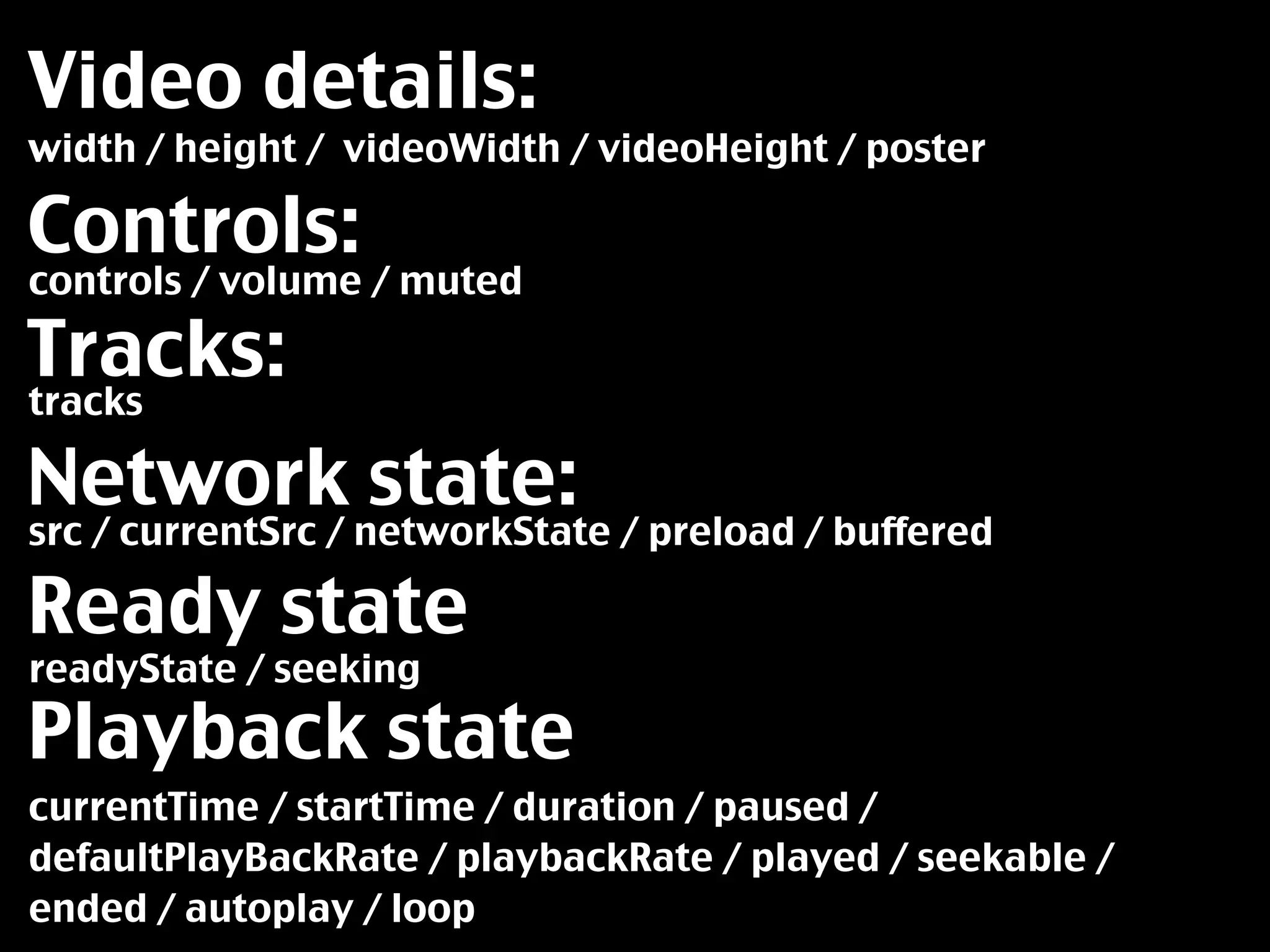
Video details:
width / height / videoWidth / videoHeight / poster

Controls:
controls / volume / muted

Tracks:
tracks

Network state:
src / currentSrc / networkState / preload / buffered

Ready state
readyState / seeking

Playback state
currentTime / startTime / duration / paused /
defaultPlayBackRate / playbackRate / played / seekable /
ended / autoplay / loop
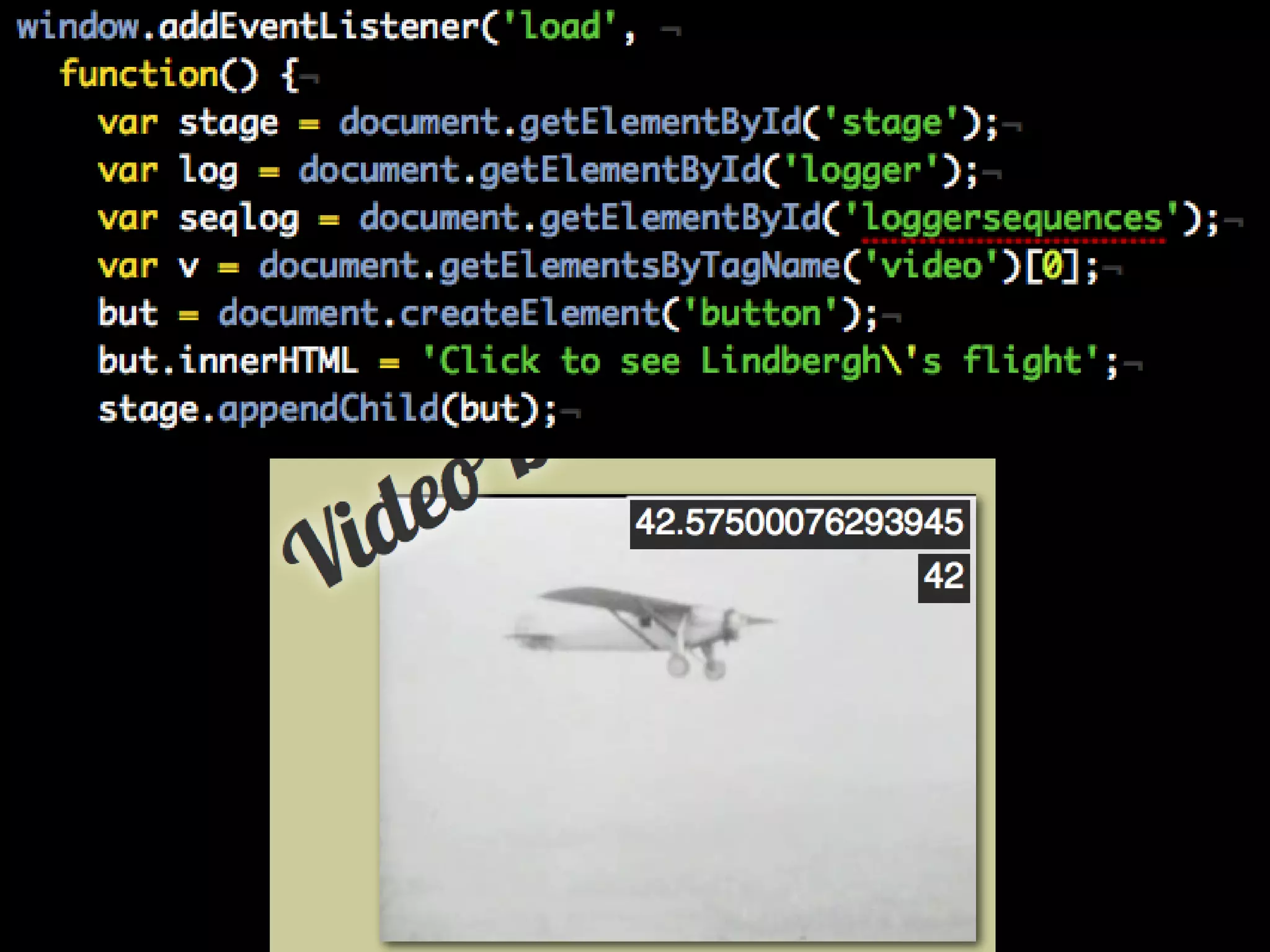
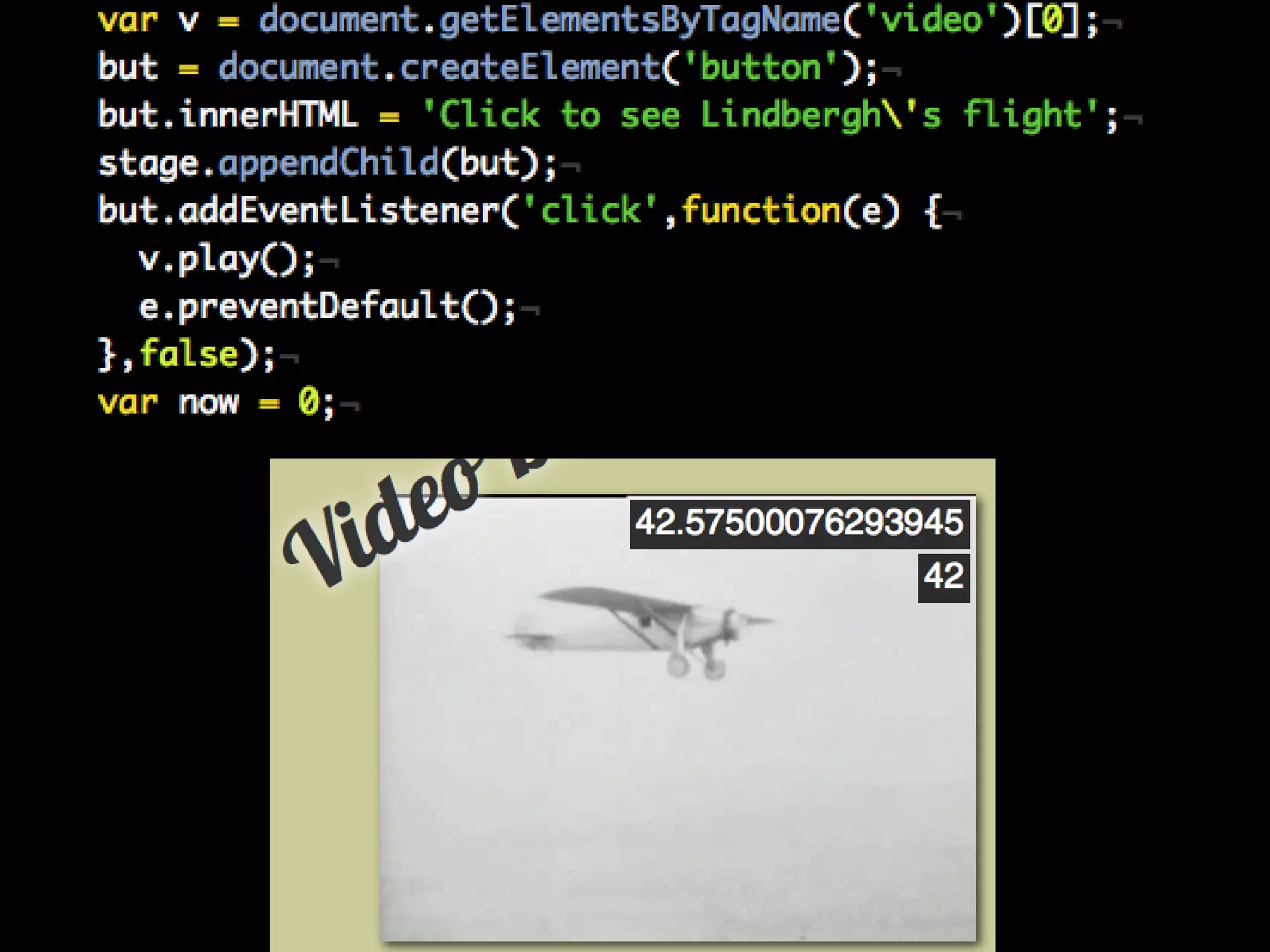
Writing a play button is
simple:
var audio = document.getElementsByTagName('audio')[0];
var play = document.getElementsByClassName('play')[0];
play.addEventListener('click',function(e){
  var t = e.target;
  if(audio.paused){
    audio.play();
    t.innerHTML = 'pause';
  } else {
    audio.pause();
    t.innerHTML = 'play';
  }
  e.preventDefault();
});
However, simply
checking properties is
not safe!
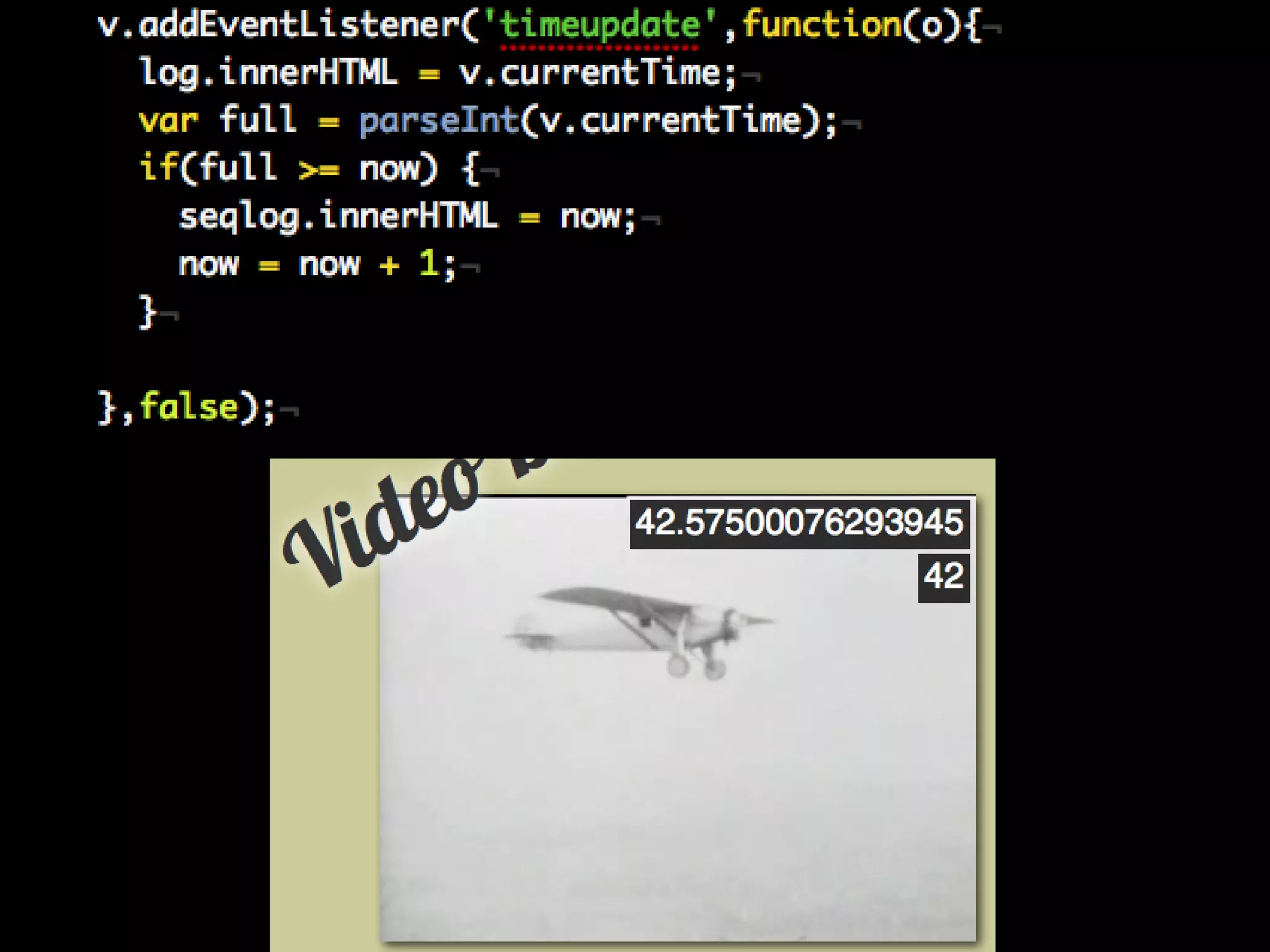
Any JS use gets much
safer by listening to
events.
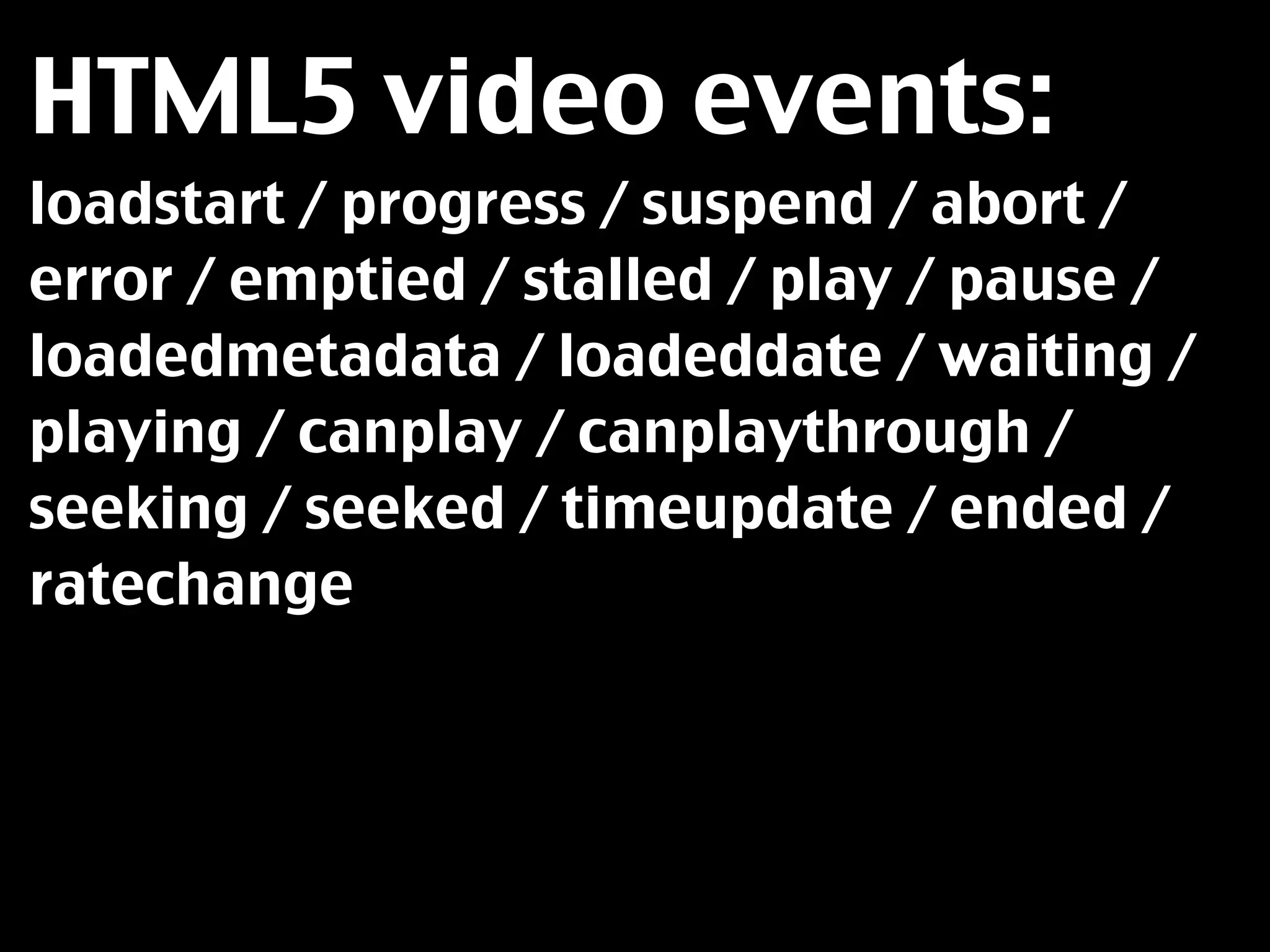
HTML5 video events:
loadstart / progress / suspend / abort /
error / emptied / stalled / play / pause /
loadedmetadata / loadeddate / waiting /
playing / canplay / canplaythrough /
seeking / seeked / timeupdate / ended /
ratechange
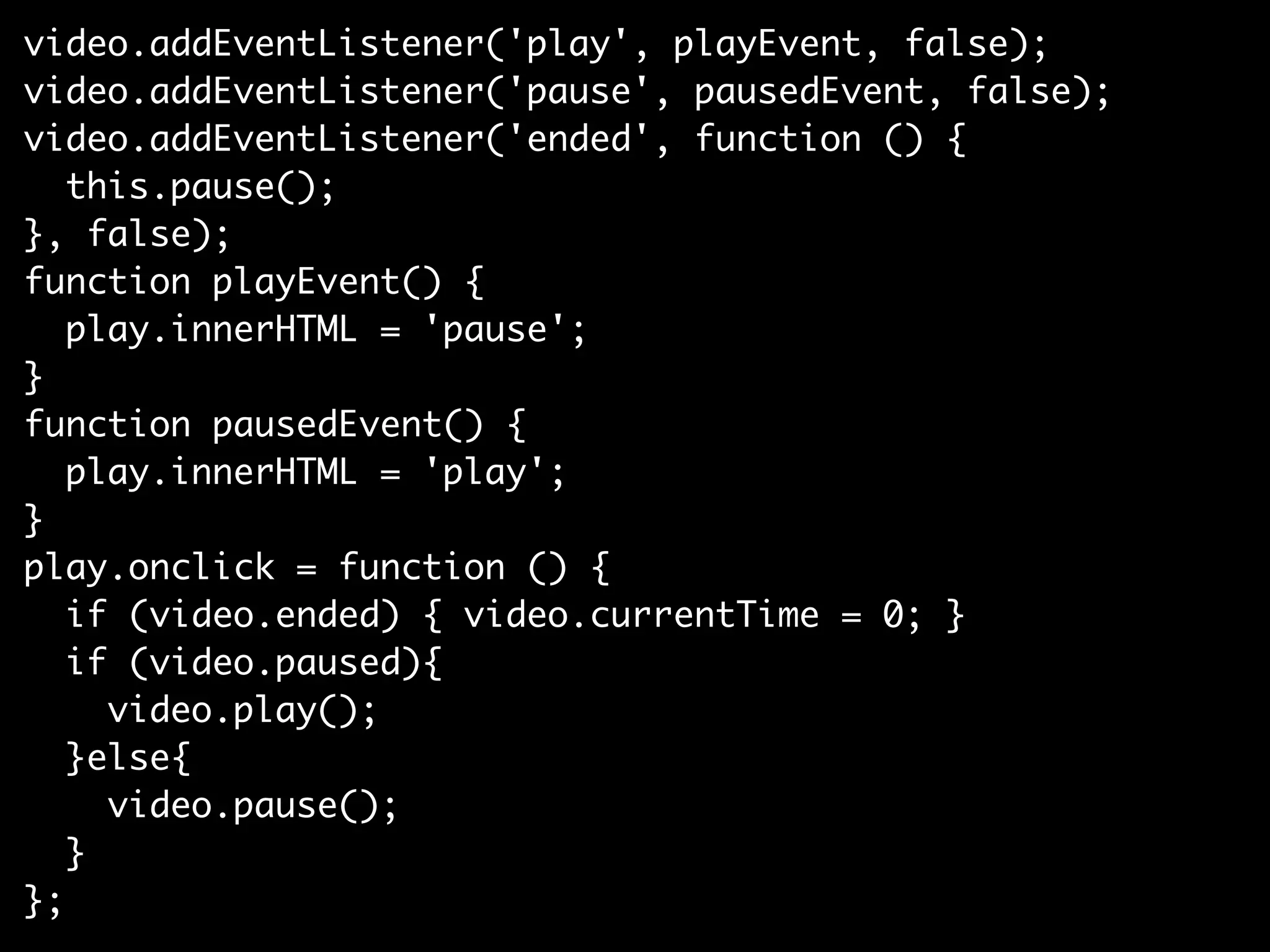
video.addEventListener('play', playEvent, false);
video.addEventListener('pause', pausedEvent, false);
video.addEventListener('ended', function () {
   this.pause();
}, false);
function playEvent() {
   play.innerHTML = 'pause';
}
function pausedEvent() {
   play.innerHTML = 'play';
}
play.onclick = function () {
   if (video.ended) { video.currentTime = 0; }
   if (video.paused){
     video.play();
   }else{
     video.pause();
   }
};
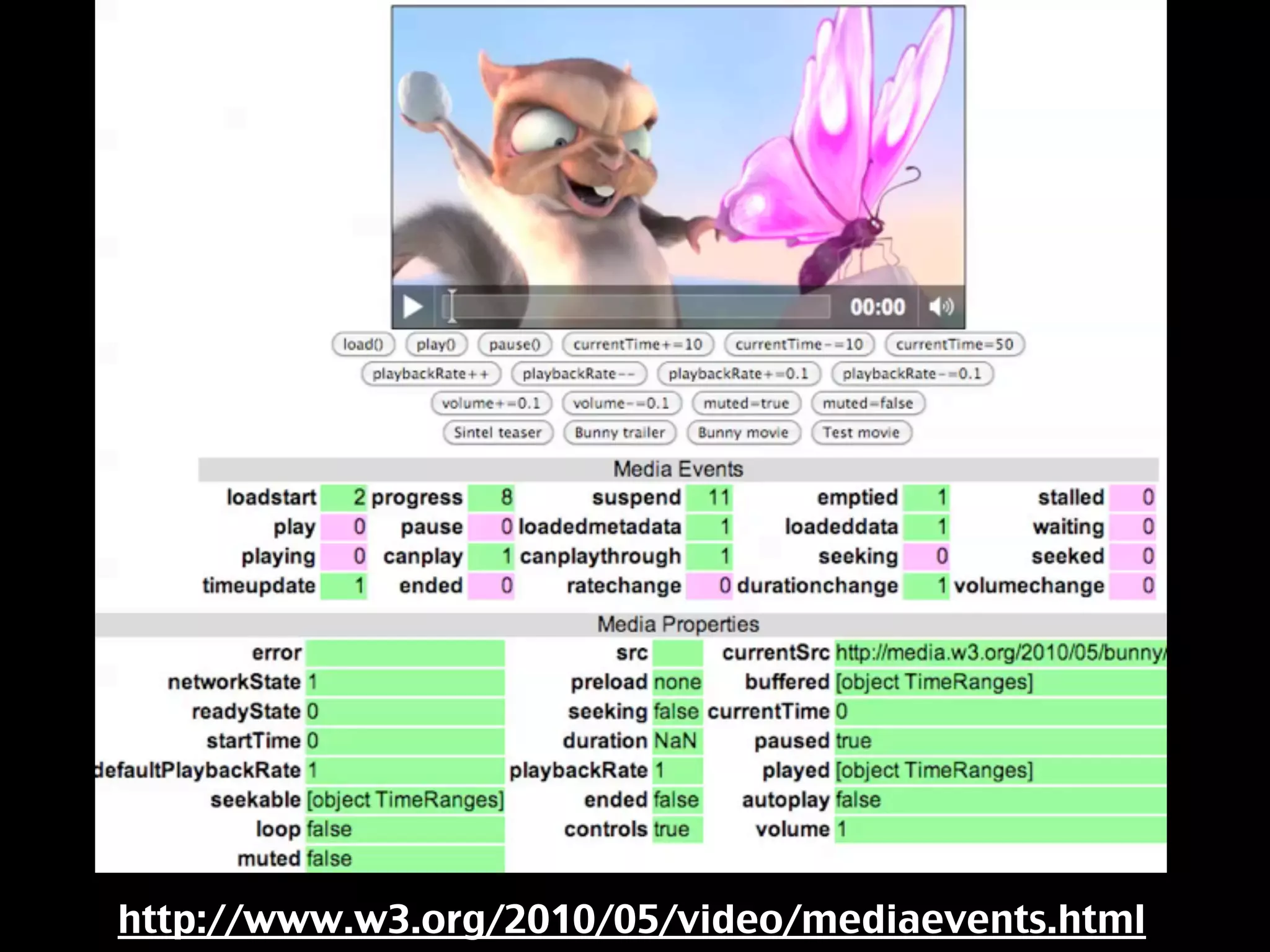
http://www.w3.org/2010/05/video/mediaevents.html
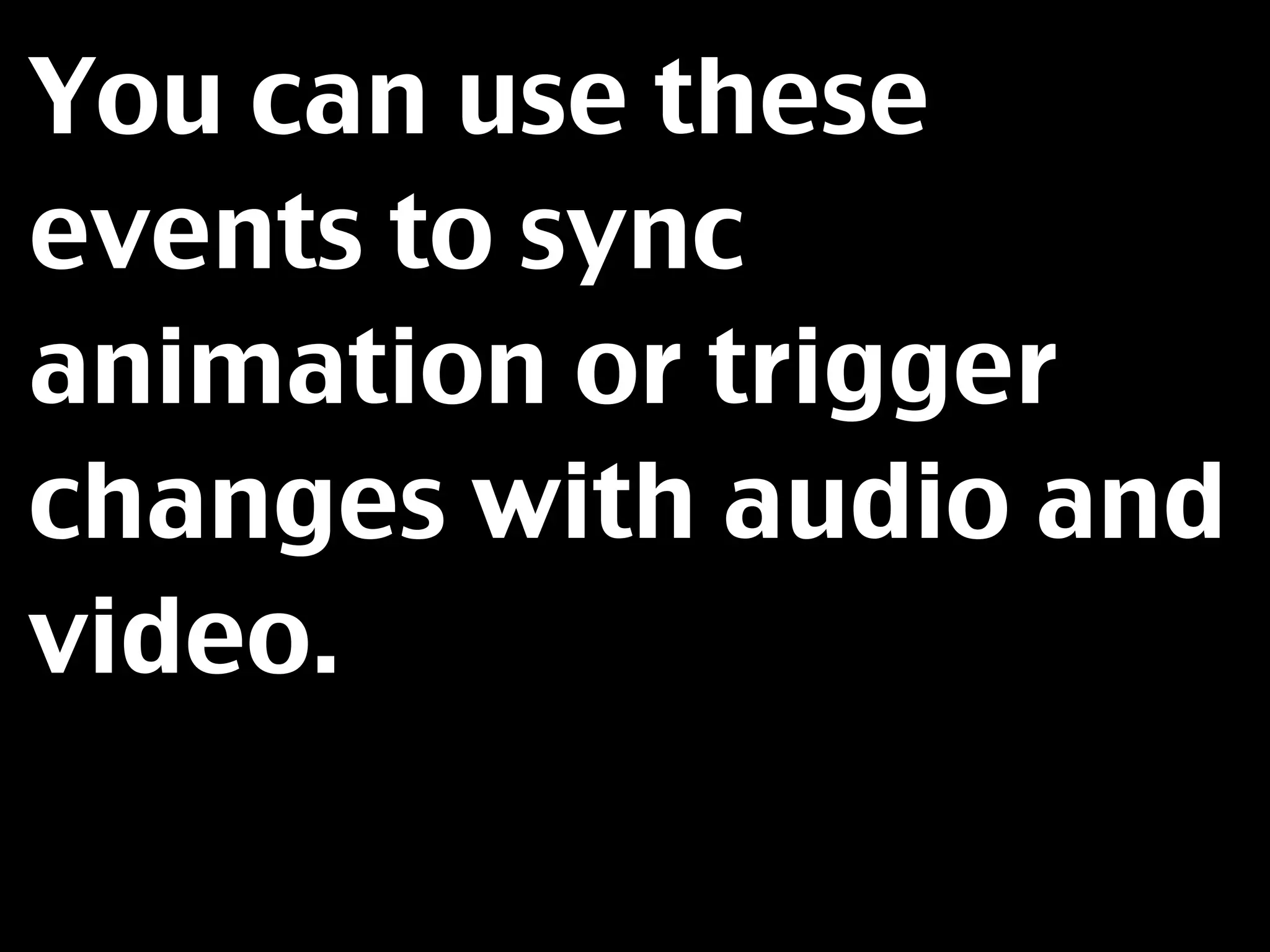
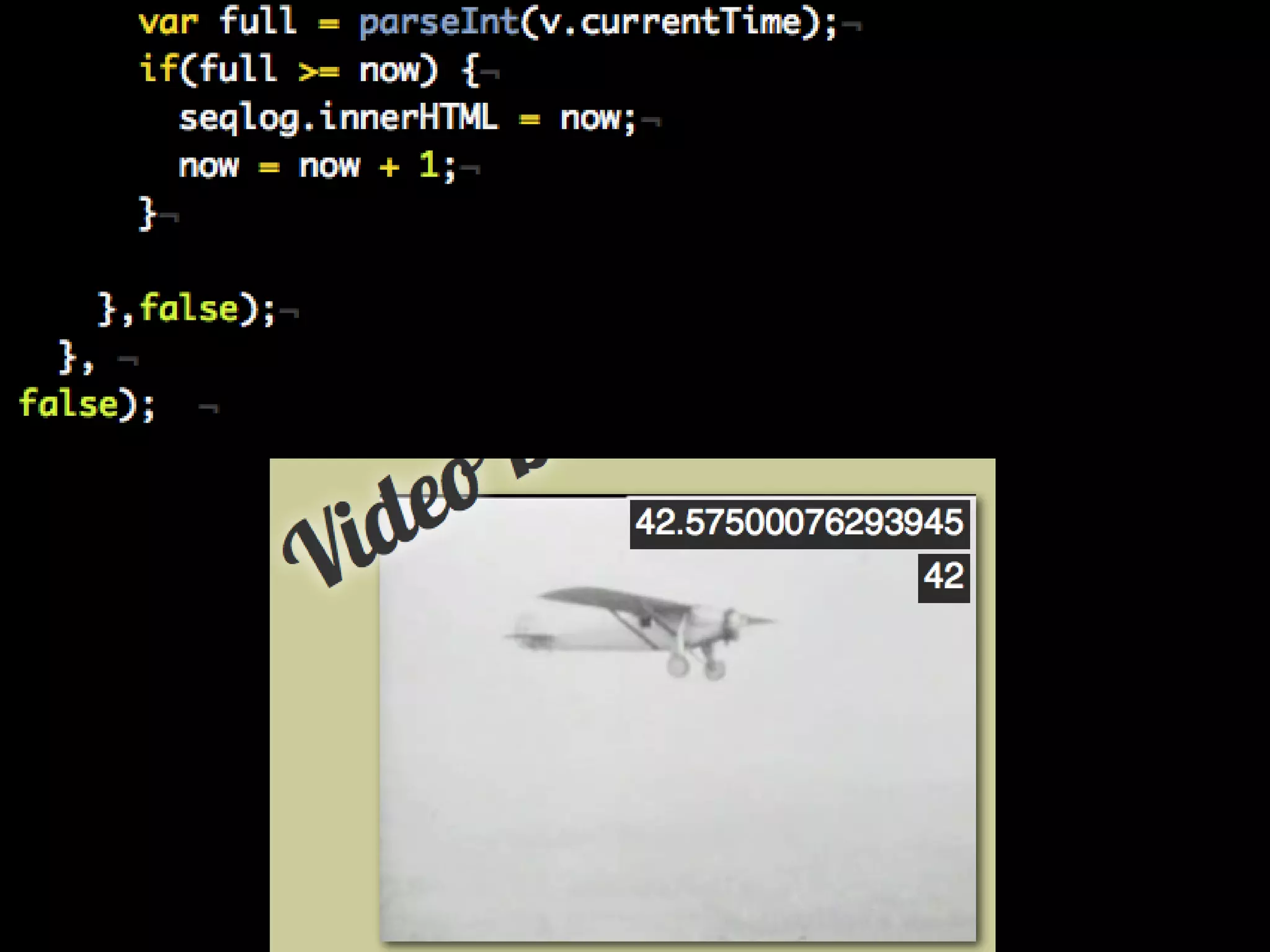
You can use these
events to sync
animation or trigger
changes with audio and
video.
http://isithackday.com/spirit-of-indiana/
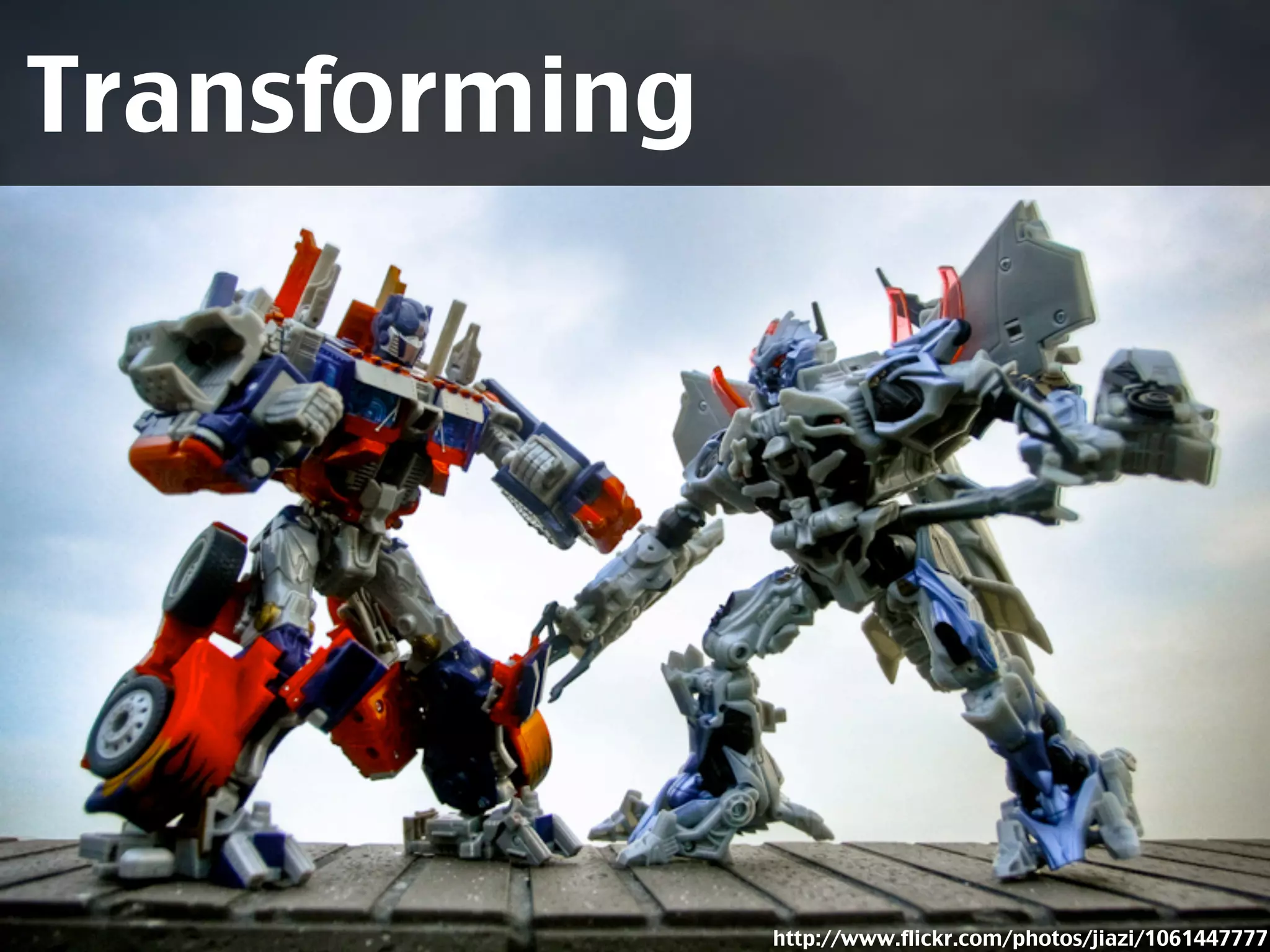
Transforming


               http://www.flickr.com/photos/jiazi/1061447777
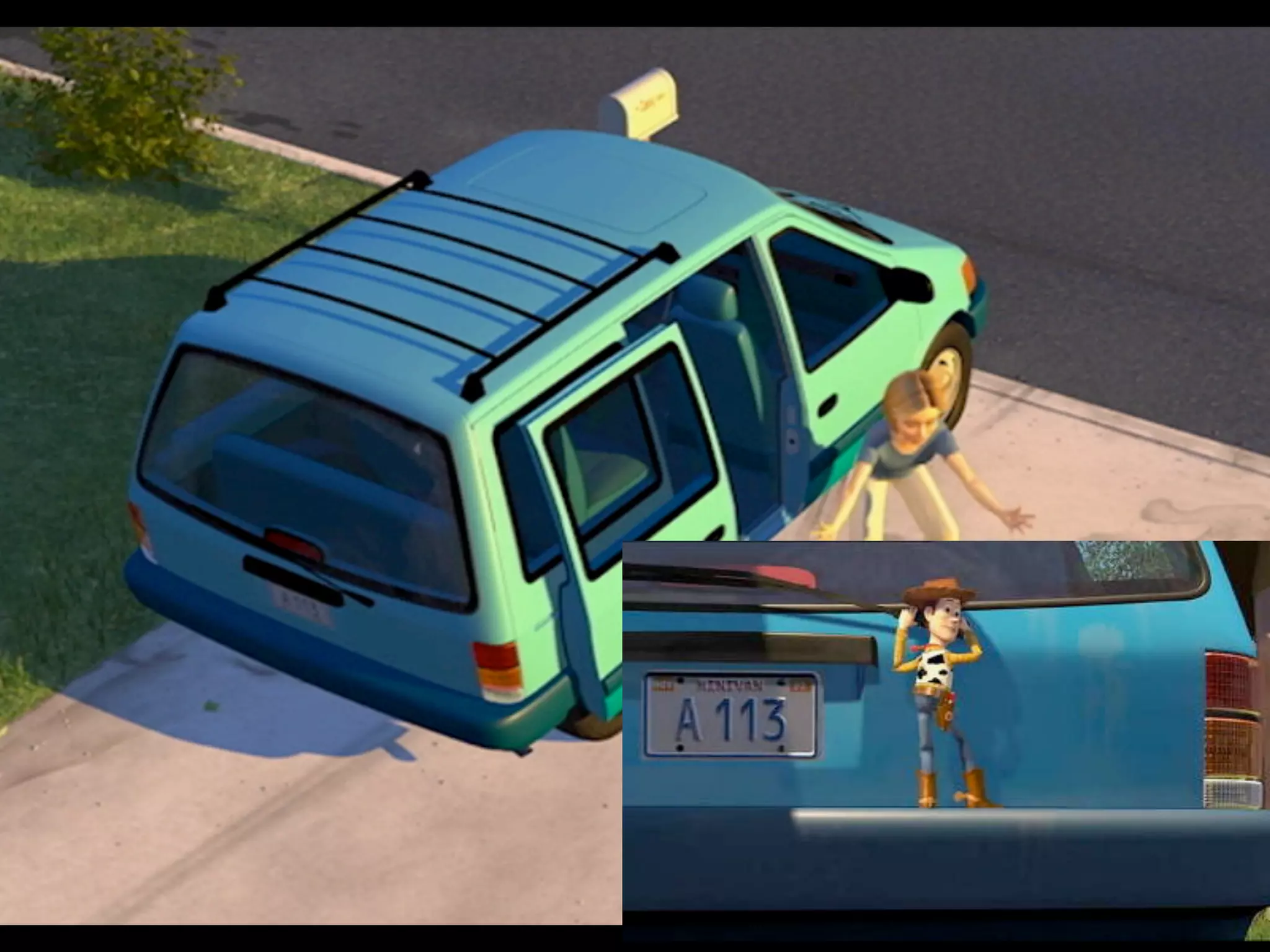
I am a film buff and I like to find easter eggs in
movies. Every pixar movie for example has A113
in it – the room in the uni a lot of pixar employees
had their animation lectures in. To find things like
that I sometimes zoom the screen and scan
around.

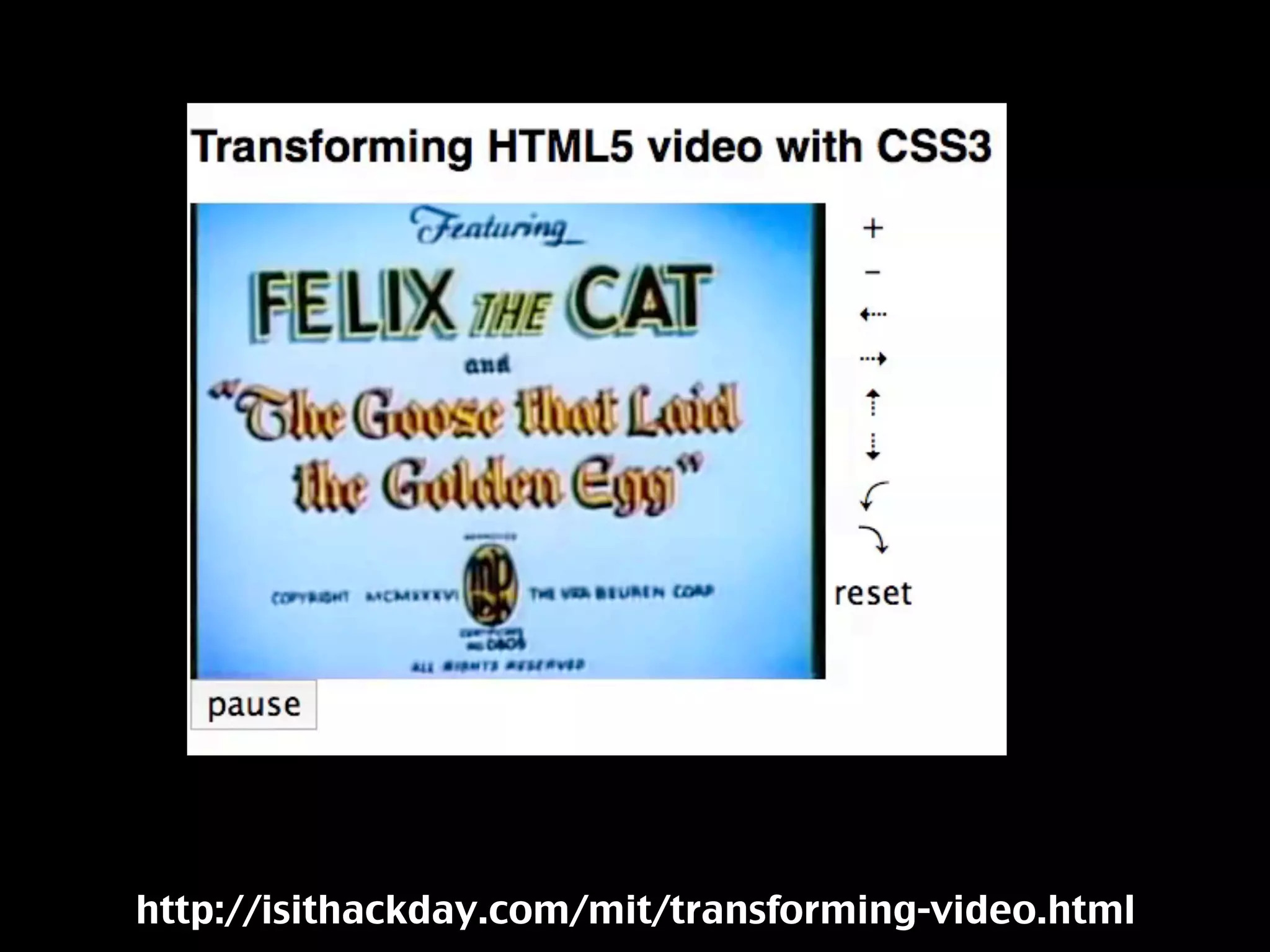
I thought this should be possible in HTML5.
http://isithackday.com/mit/transforming-video.html
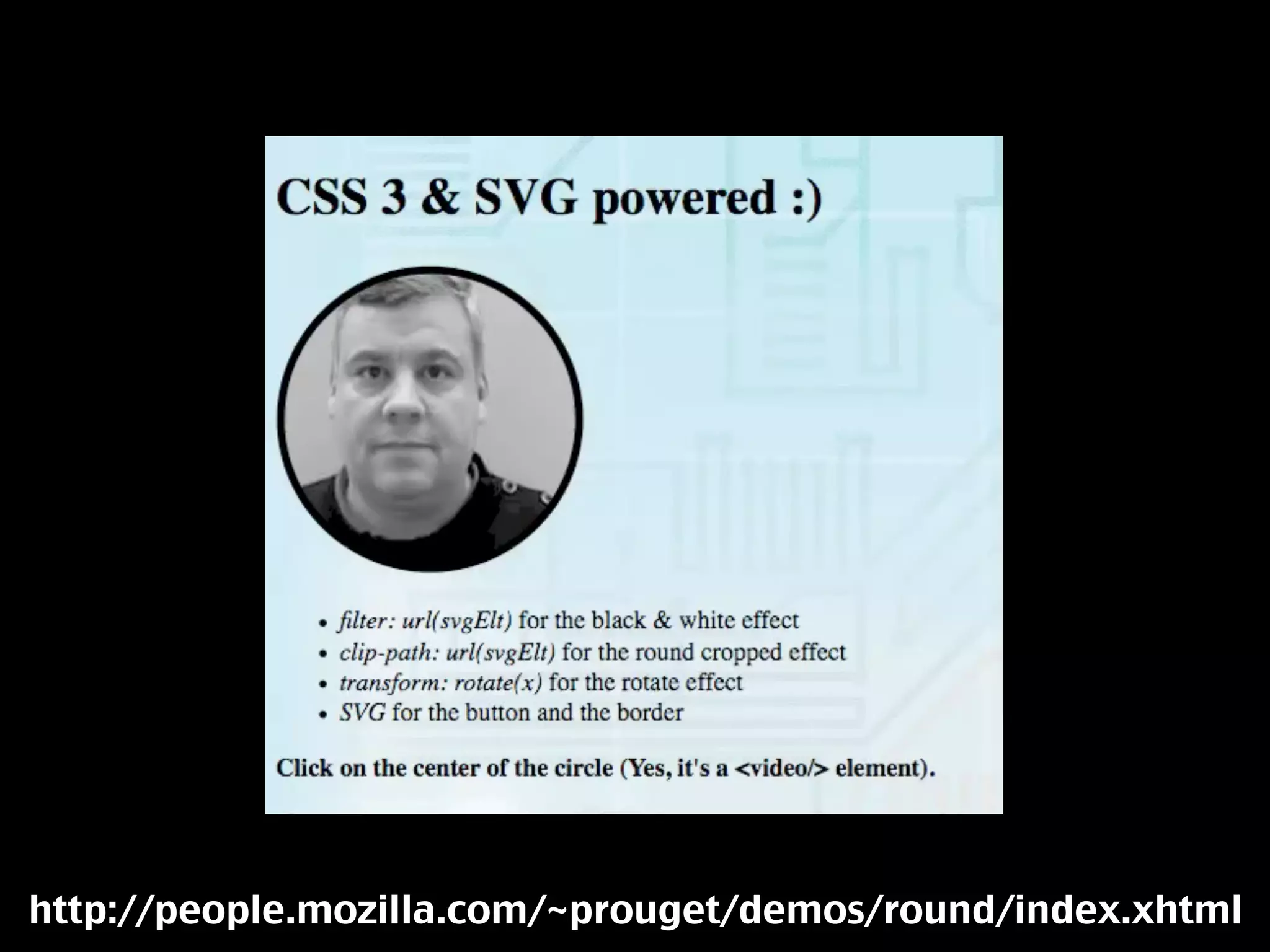
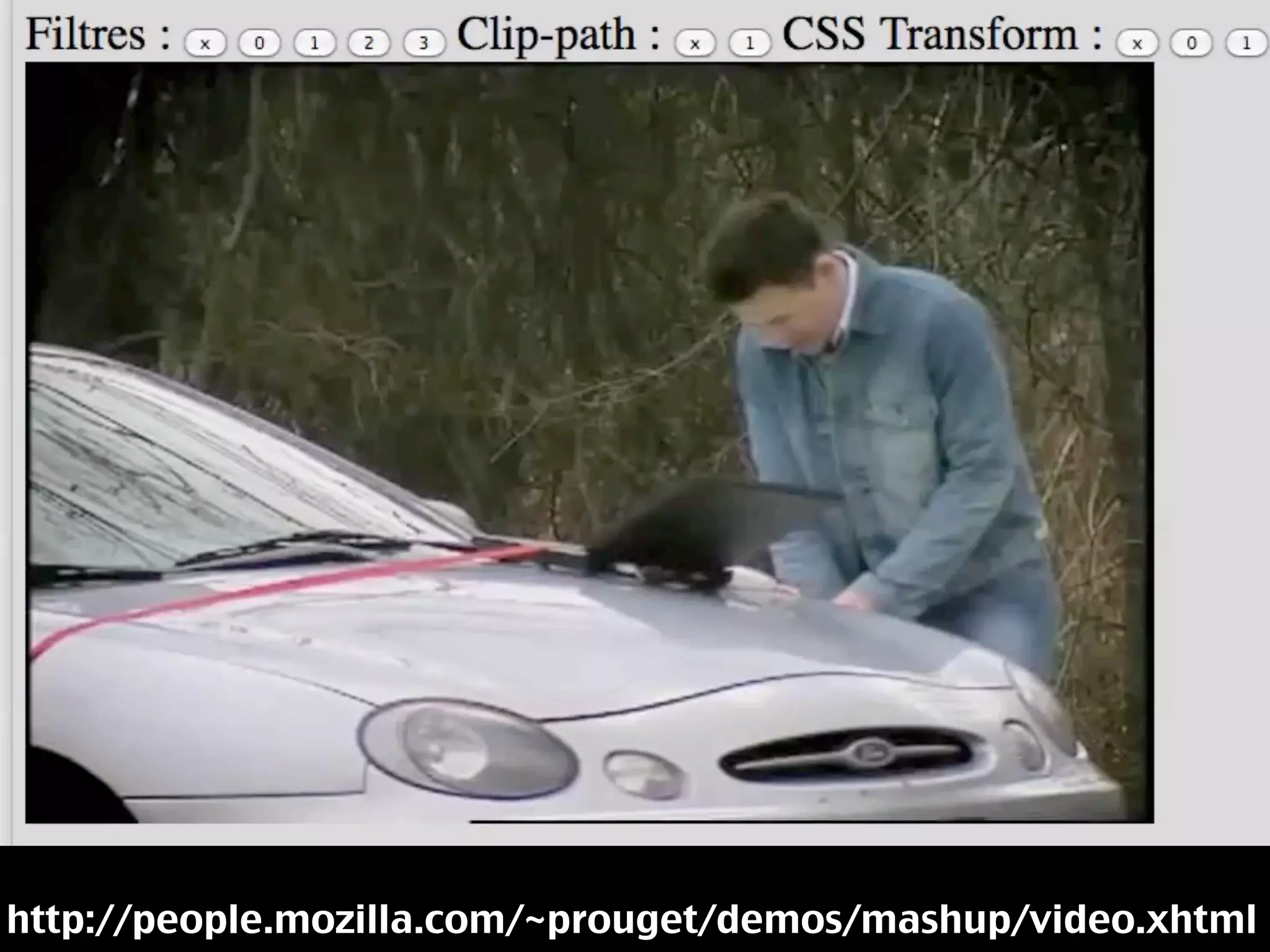
Using SVG and other
technologies you can
change the look and
feel of videos even
more.
http://people.mozilla.com/~prouget/demos/round/index.xhtml
http://people.mozilla.com/~prouget/demos/mashup/video.xhtml
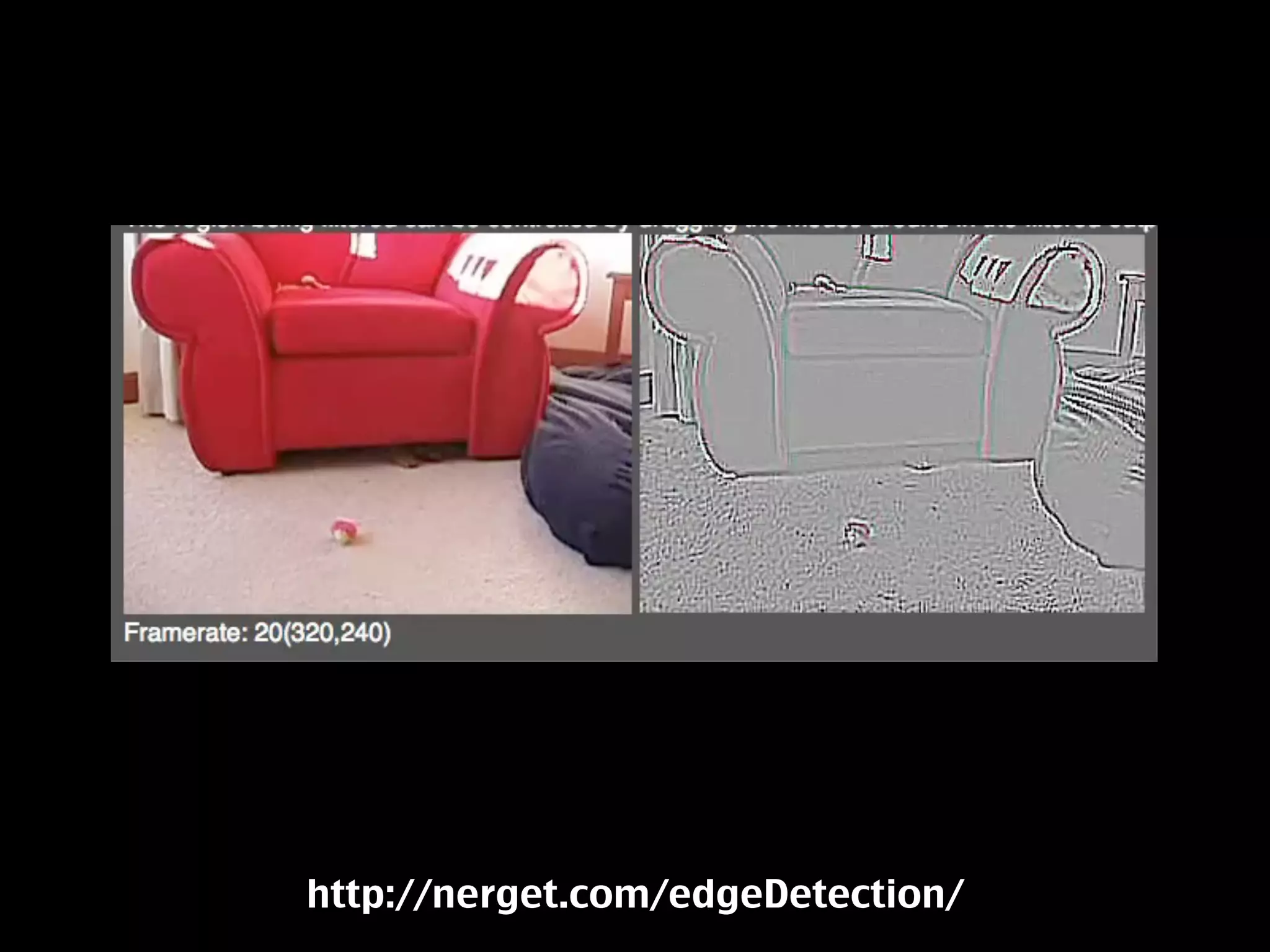
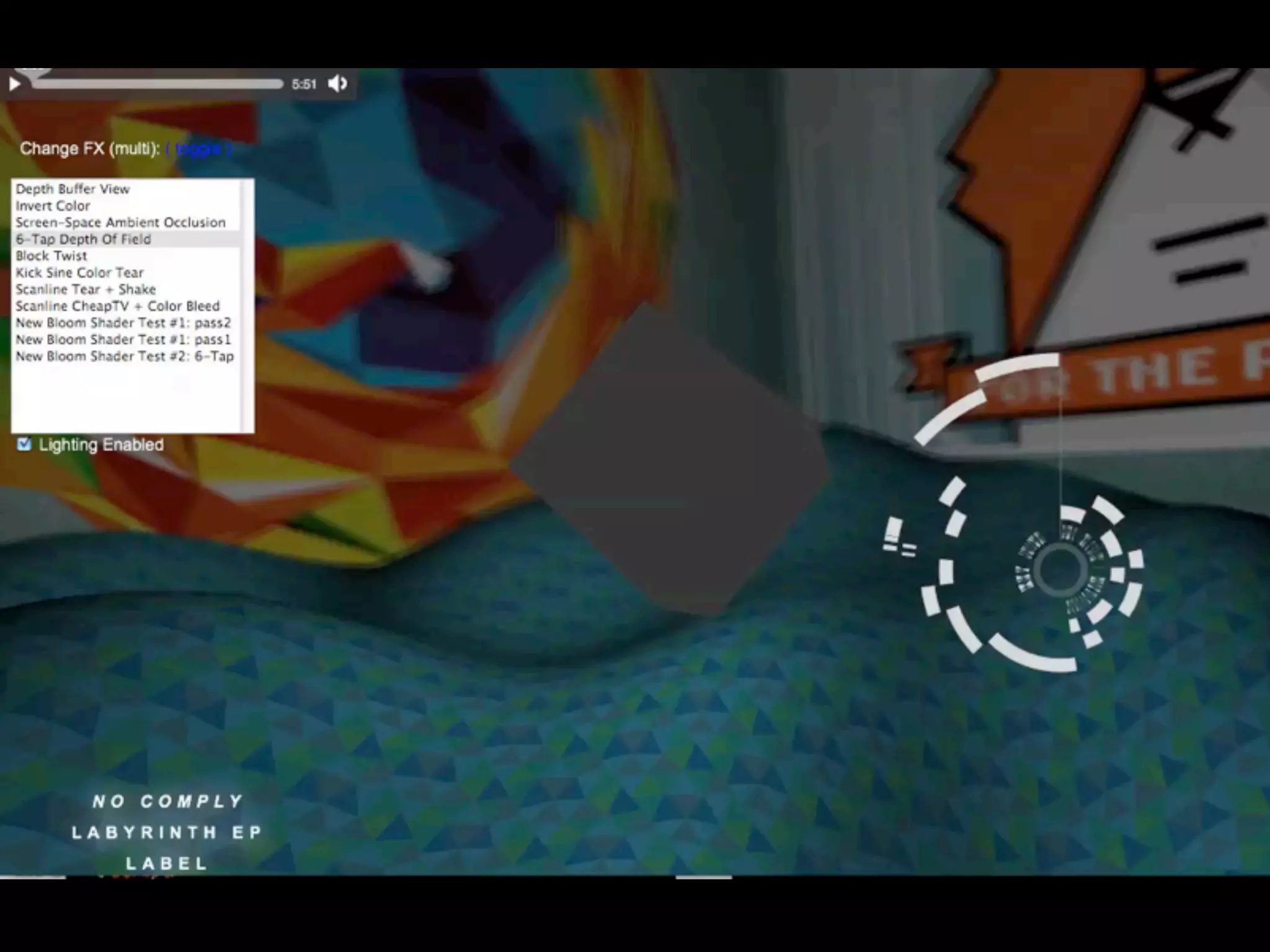
Realtime changes
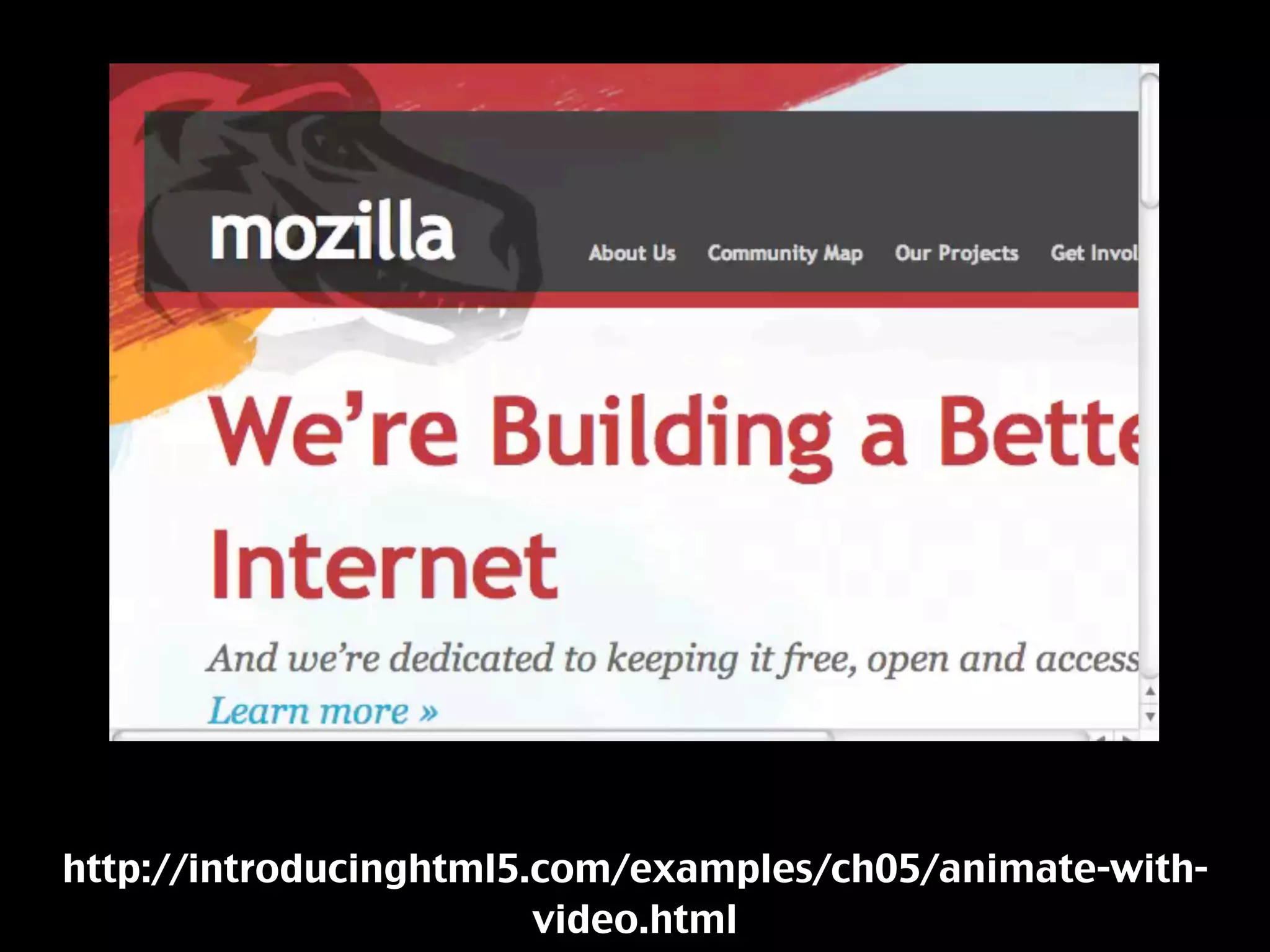
http://introducinghtml5.com/examples/ch05/animate-with-
                        video.html
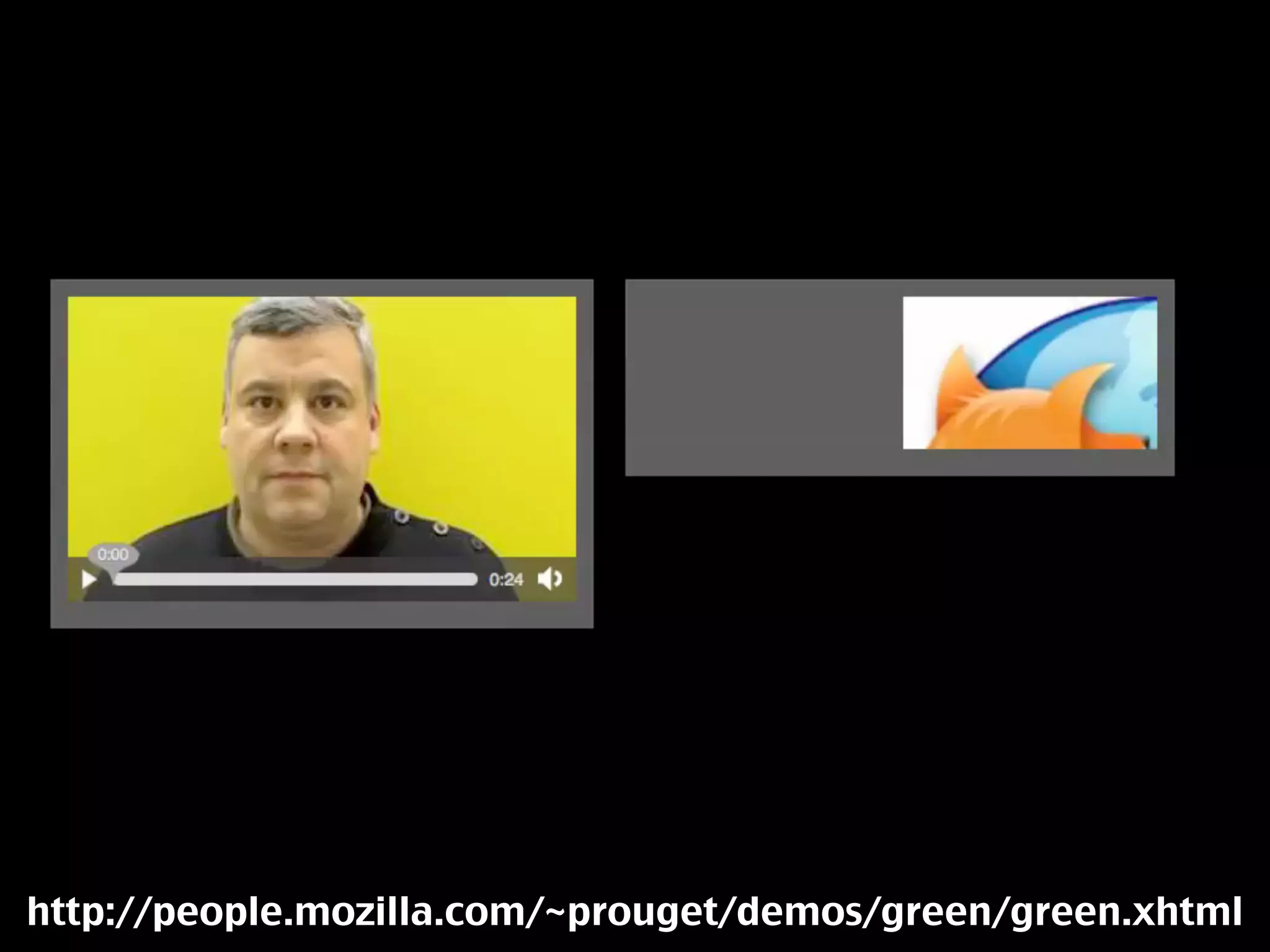
http://people.mozilla.com/~prouget/demos/green/green.xhtml
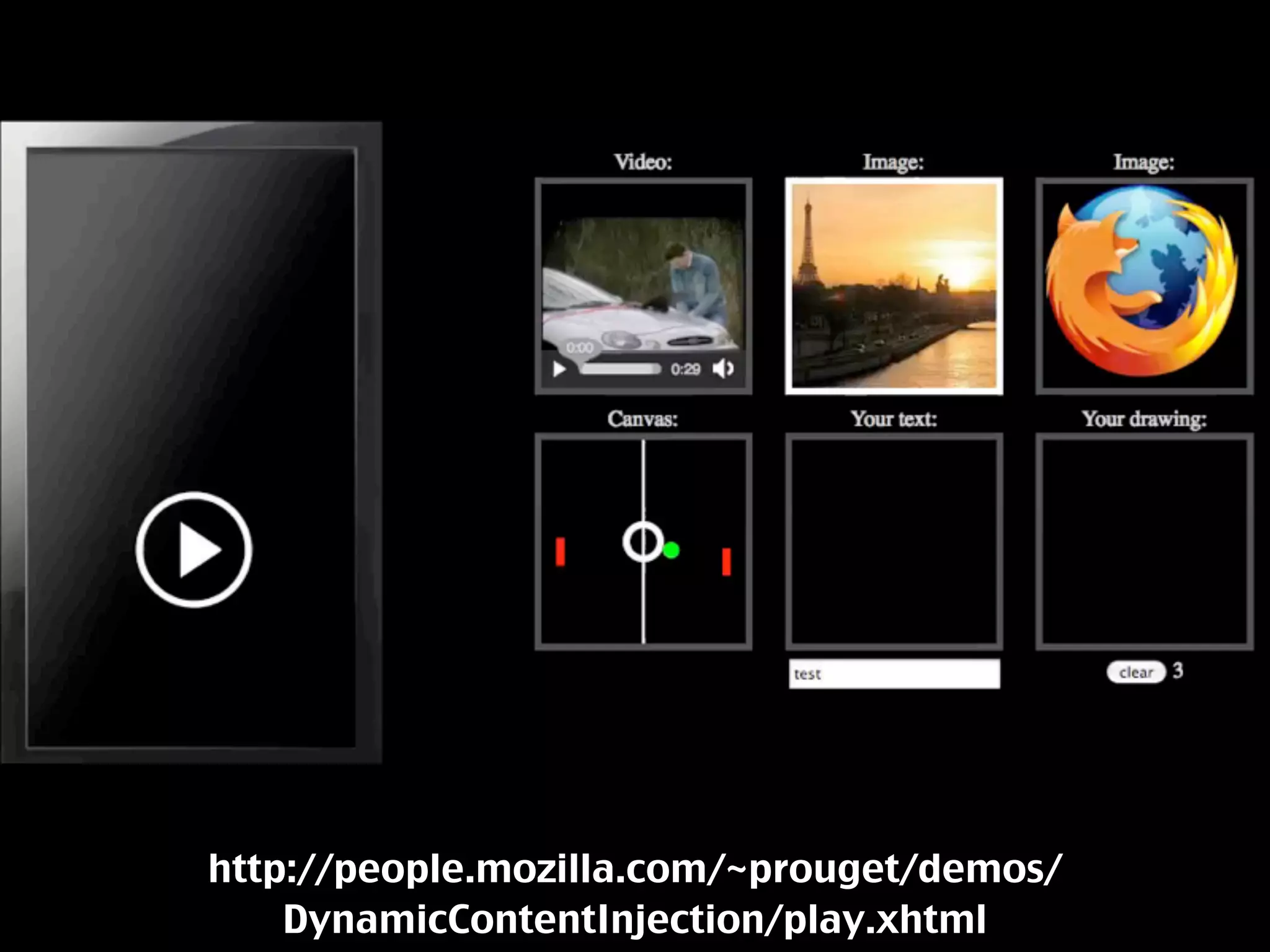
http://people.mozilla.com/~prouget/demos/
    DynamicContentInjection/play.xhtml
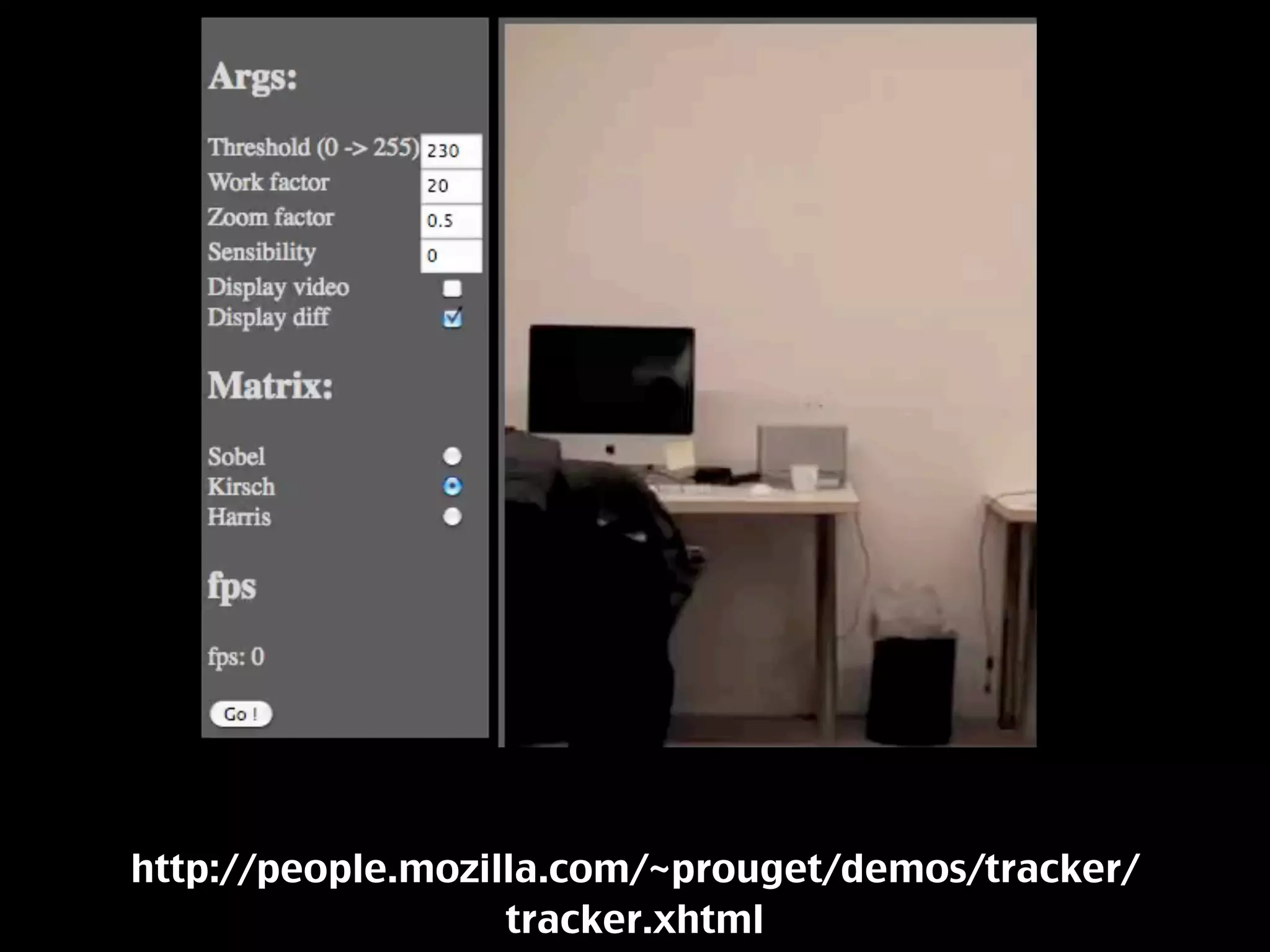
http://people.mozilla.com/~prouget/demos/tracker/
                   tracker.xhtml
http://nerget.com/edgeDetection/
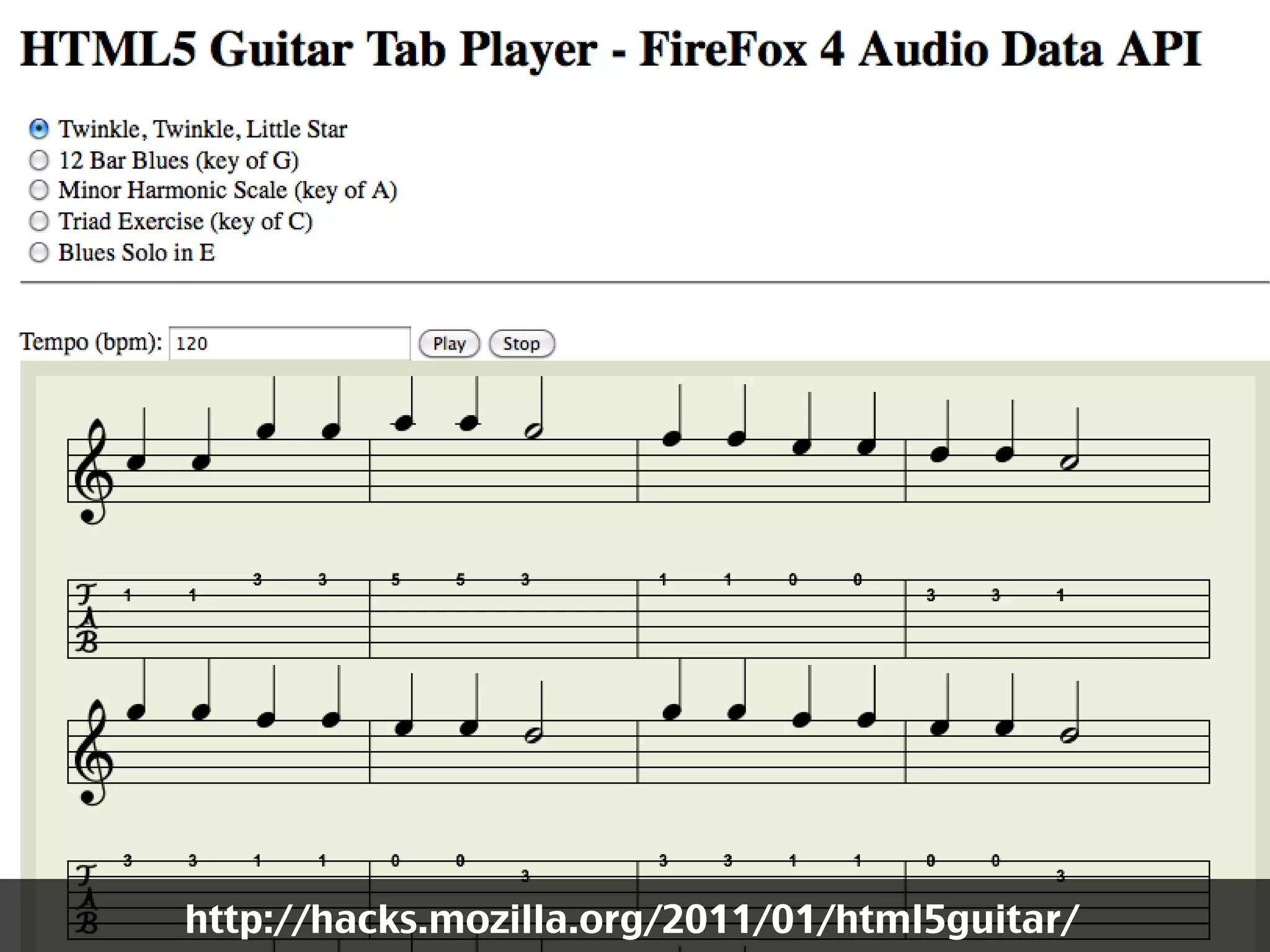
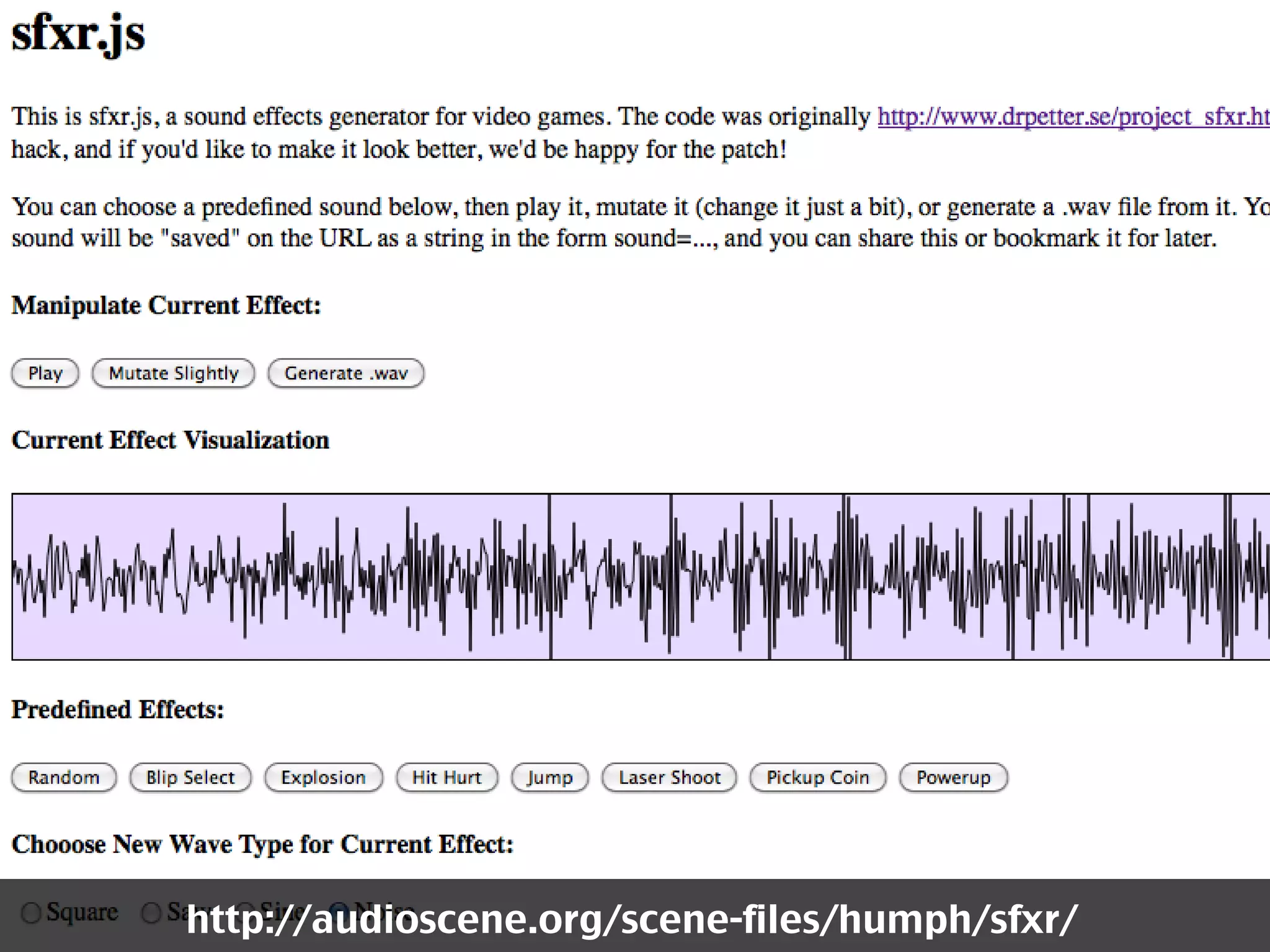
Awesome
audio
stuff
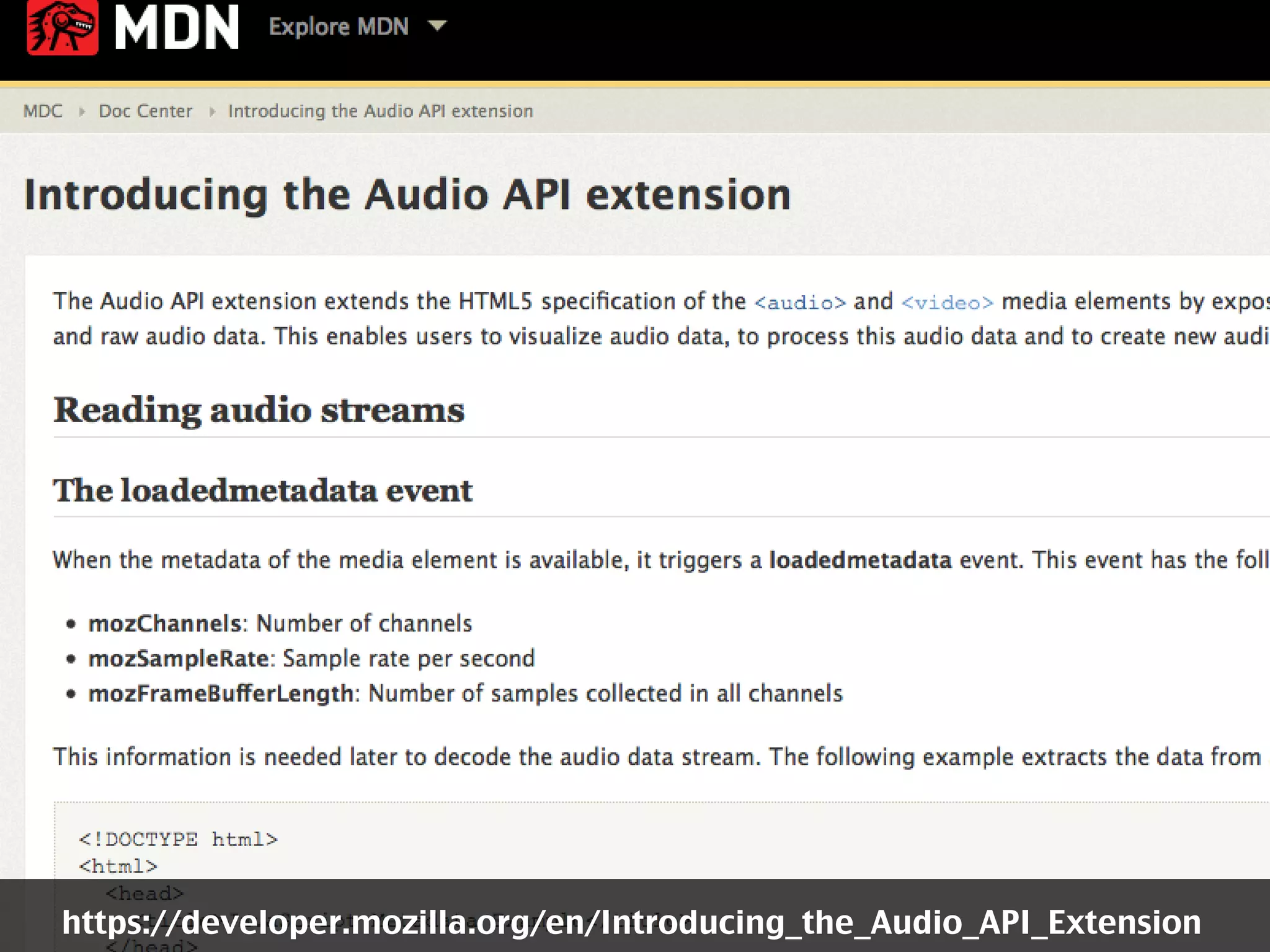
https://developer.mozilla.org/en/Introducing_the_Audio_API_Extension
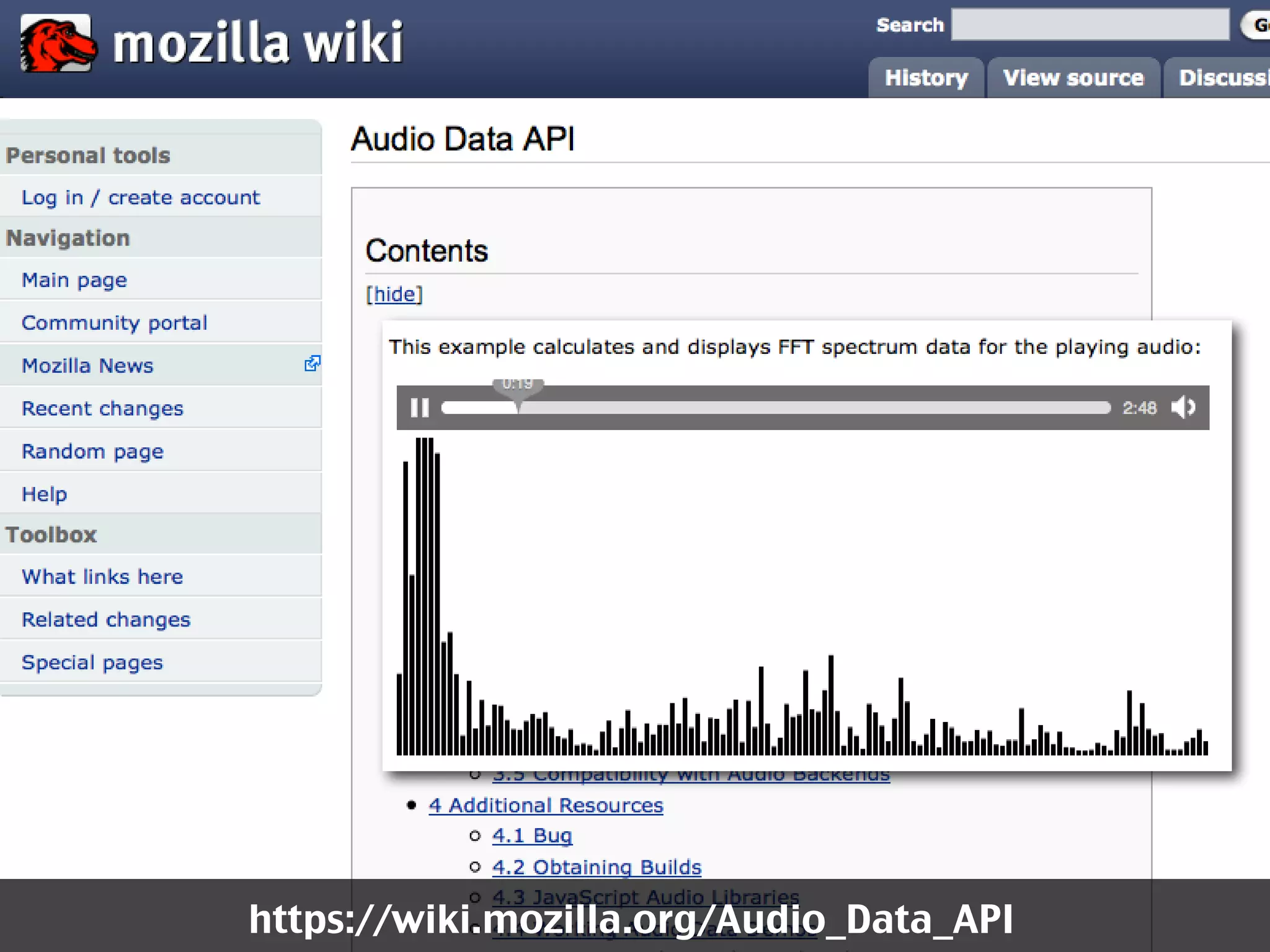
https://wiki.mozilla.org/Audio_Data_API
http://hacks.mozilla.org/2011/01/html5guitar/
http://audioscene.org/scene-files/humph/sfxr/
Thanks!

Chris Heilmann
@codepo8
http://icant.co.uk

Multimedia on the web - HTML5 video and audio