


HIGHEDWEB 2010


            HTML5
            DESIGN
                        ❦


Christopher Schmitt | http://twitter.com/@teleject
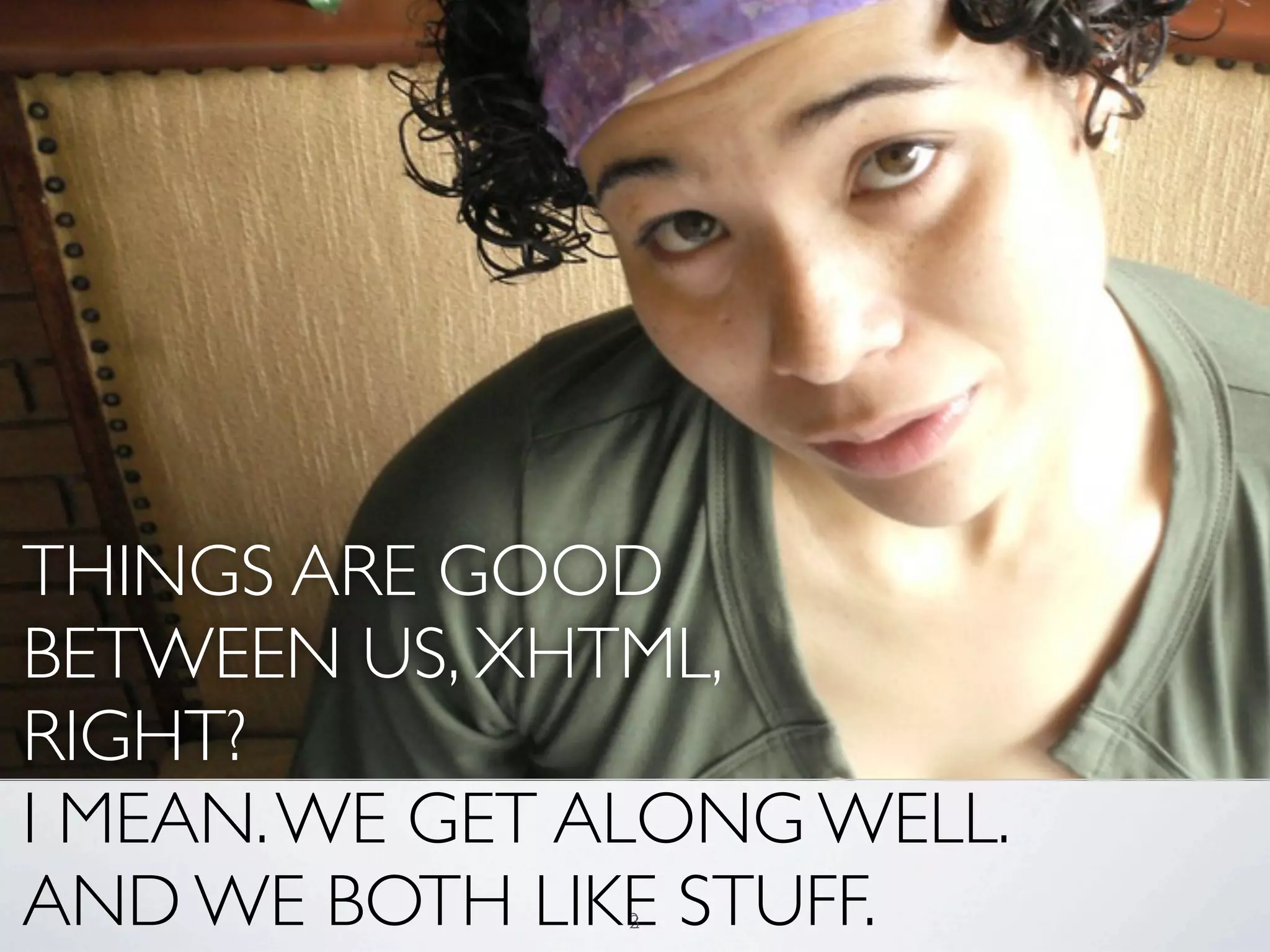
THINGS ARE GOOD
BETWEEN US, XHTML,
RIGHT?
I MEAN. WE GET ALONG WELL.
AND WE BOTH LIKE STUFF.
               2
               3
http://dev.opera.com/articles/view/mama-markup-validation-report/


                                3
4
“THE ATTEMPT TO GET THE
 WORLD TO SWITCH TO XML,
INCLUDING QUOTES AROUND
   ATTRIBUTE VALUES AND
 SLASHES IN EMPTY TAGS AND
  NAMESPACES ALL AT ONCE
       DIDN’T WORK.”
 SIR TIM BERNERS-LEE
            5
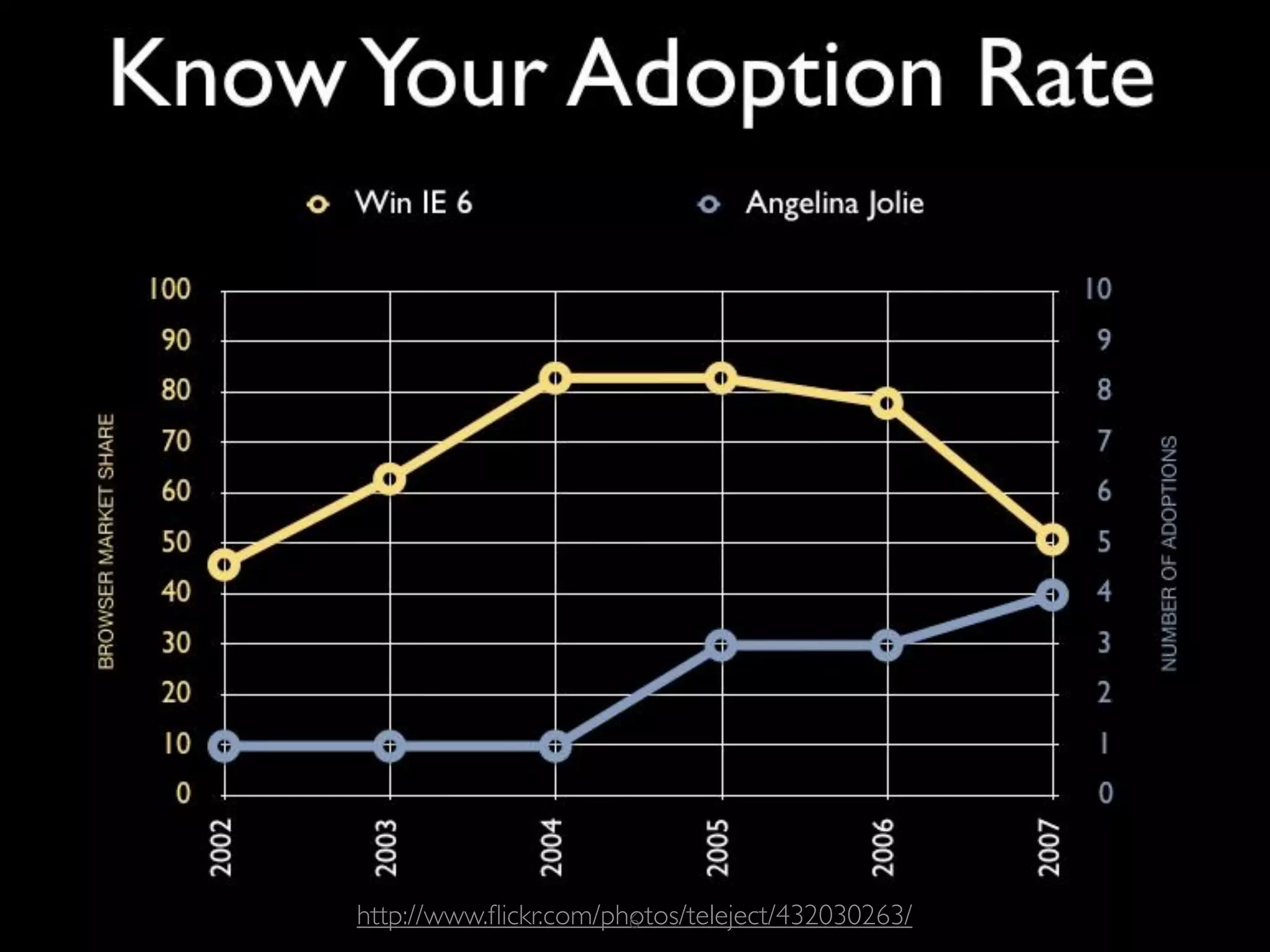
http://www.flickr.com/photos/teleject/432030263/
                       6
7
8
9
10
11
BLUEPRINTS VS REALITY


          12
“TAKE CARE
   OF THE LUXURIES AND
 THE NECESSITIES WILL TAKE
  CARE OF THEMSELVES.”
FRANK LLOYD WRIGHT

            13
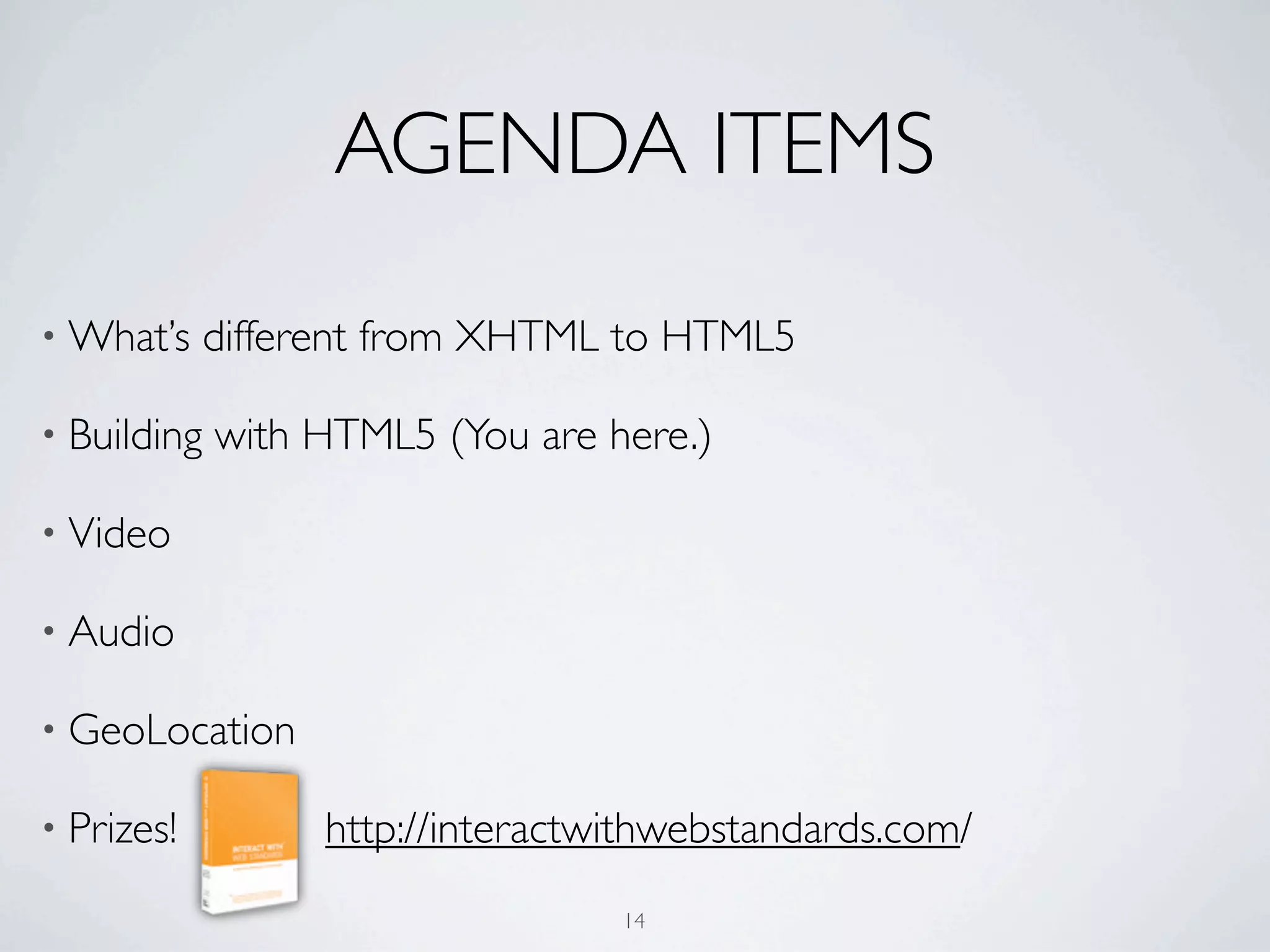
AGENDA ITEMS
• What’s     different from XHTML to HTML5

• Building   with HTML5 (You are here.)

• Video

• Audio

• GeoLocation

• Prizes!         http://interactwithwebstandards.com/
                                  14
BUILDING
WITH HTML5
    15
DOCTYPE


   16
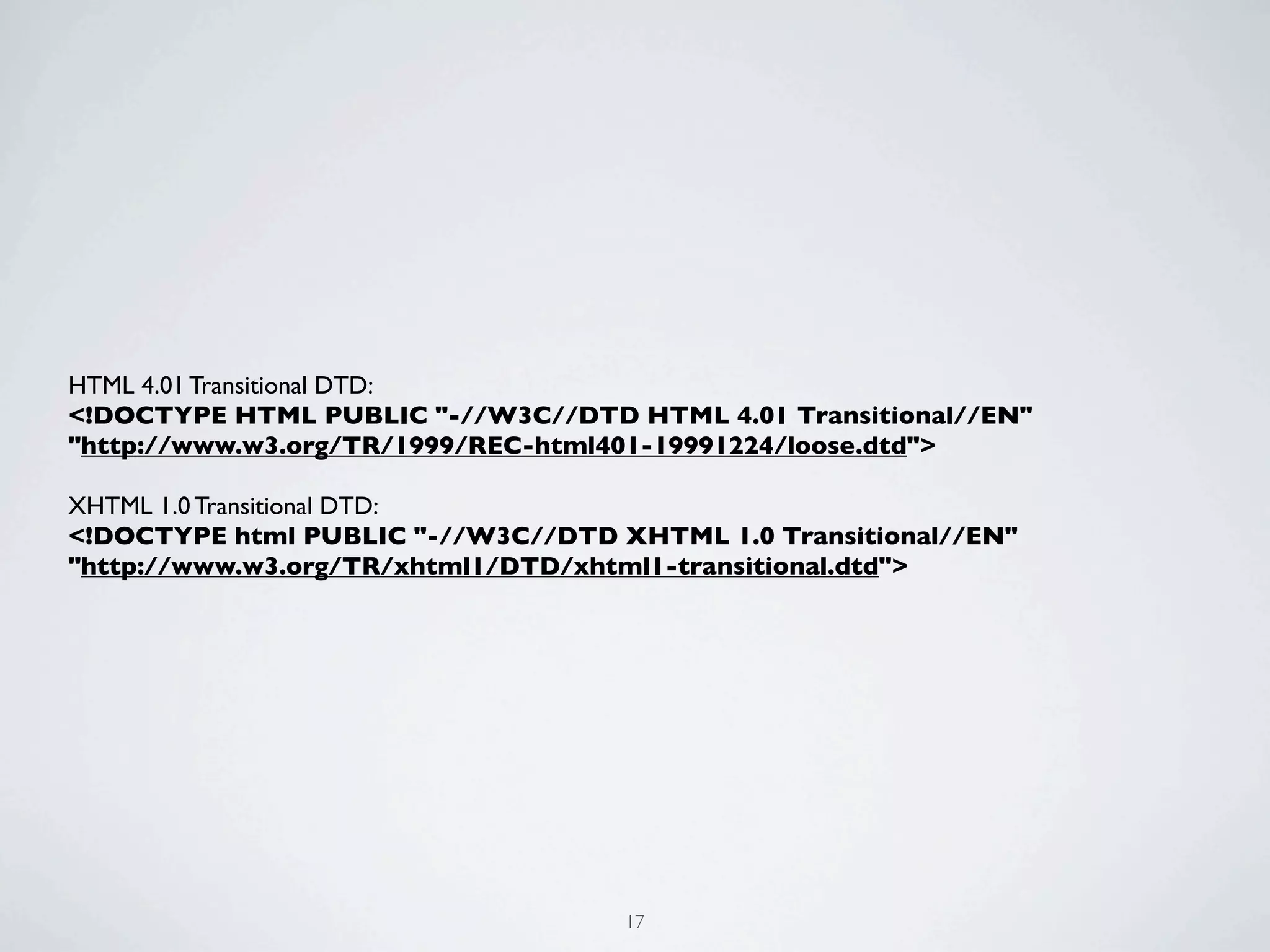
HTML 4.01 Transitional DTD:
<!DOCTYPE HTML PUBLIC "-//W3C//DTD HTML 4.01 Transitional//EN"
"http://www.w3.org/TR/1999/REC-html401-19991224/loose.dtd">

XHTML 1.0 Transitional DTD:
<!DOCTYPE html PUBLIC "-//W3C//DTD XHTML 1.0 Transitional//EN"
"http://www.w3.org/TR/xhtml1/DTD/xhtml1-transitional.dtd">


                                    17
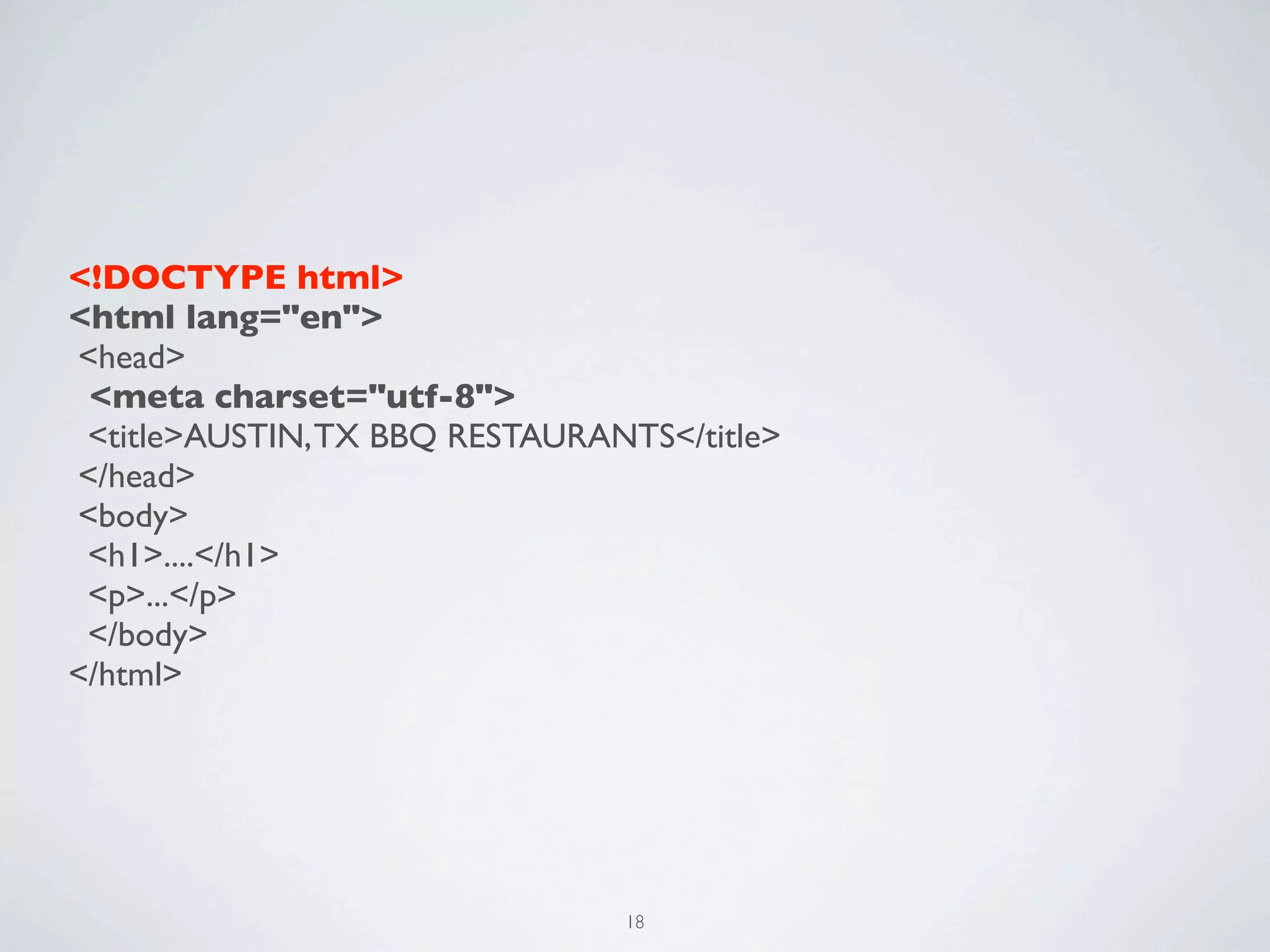
<!DOCTYPE html>
<html lang="en">
<head>
 <meta charset="utf-8">
 <title>AUSTIN, TX BBQ RESTAURANTS</title>
</head>
<body>
 <h1>....</h1>
 <p>...</p>
 </body>
</html>


                                18
EXERCISE
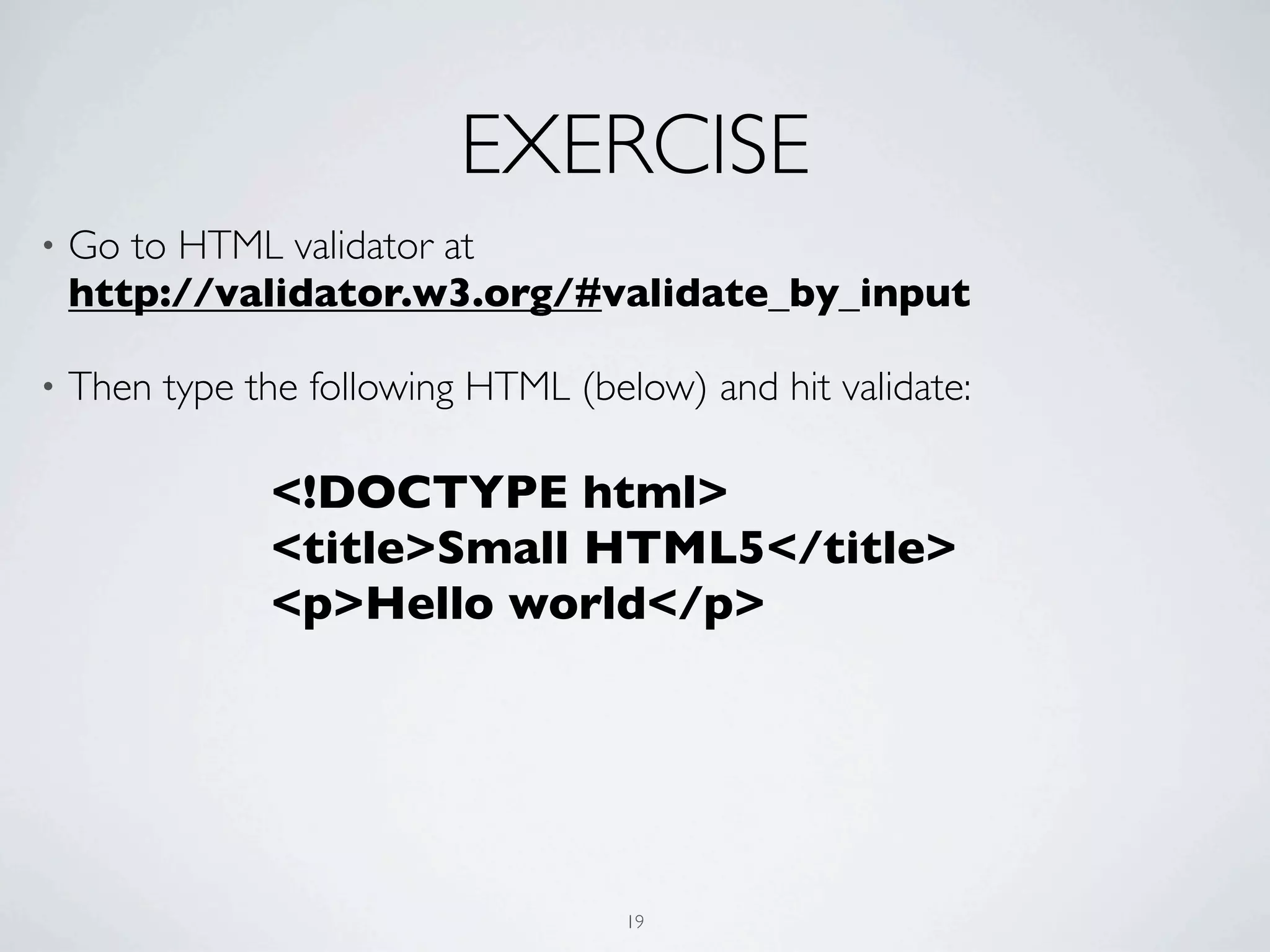
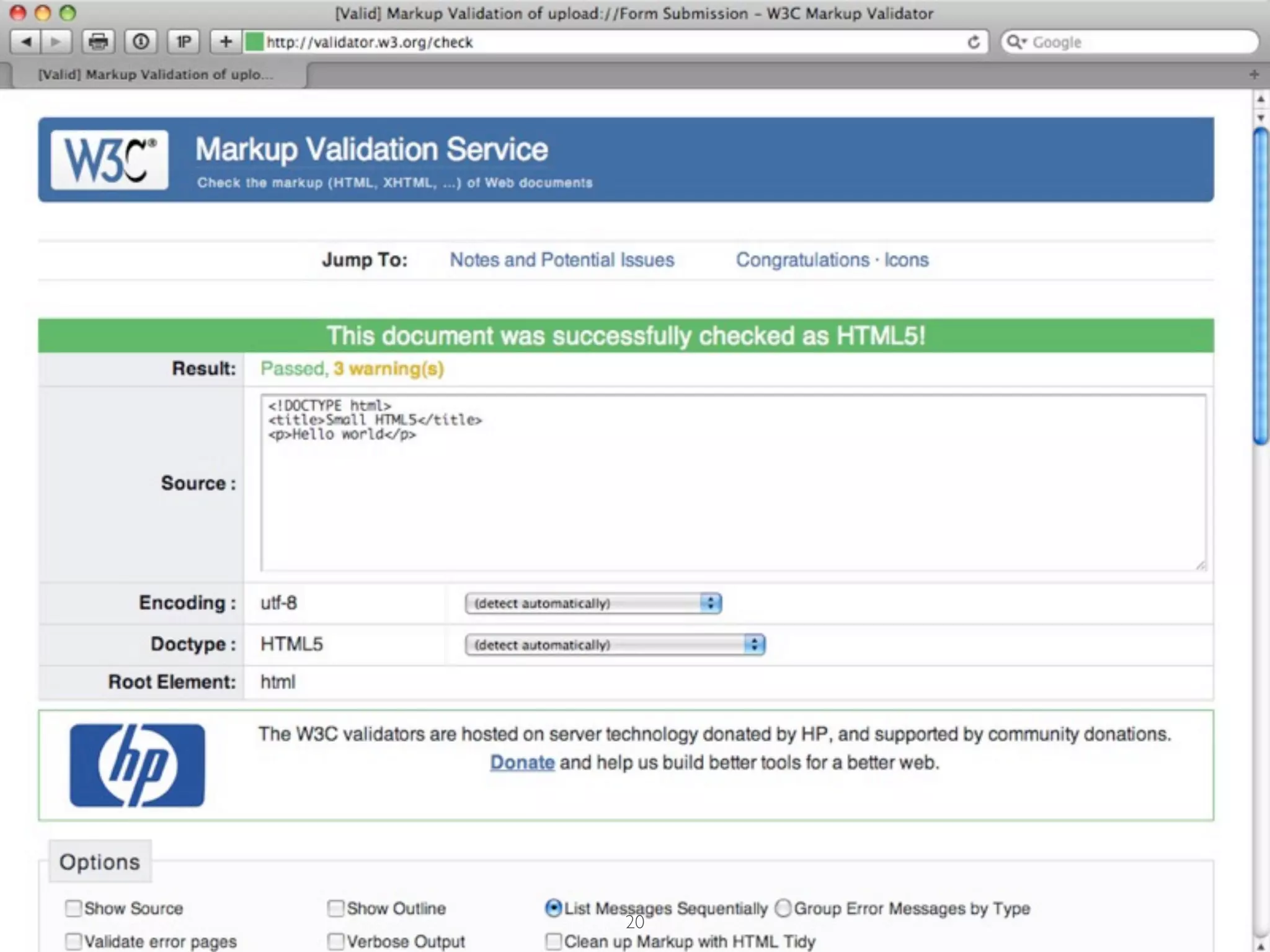
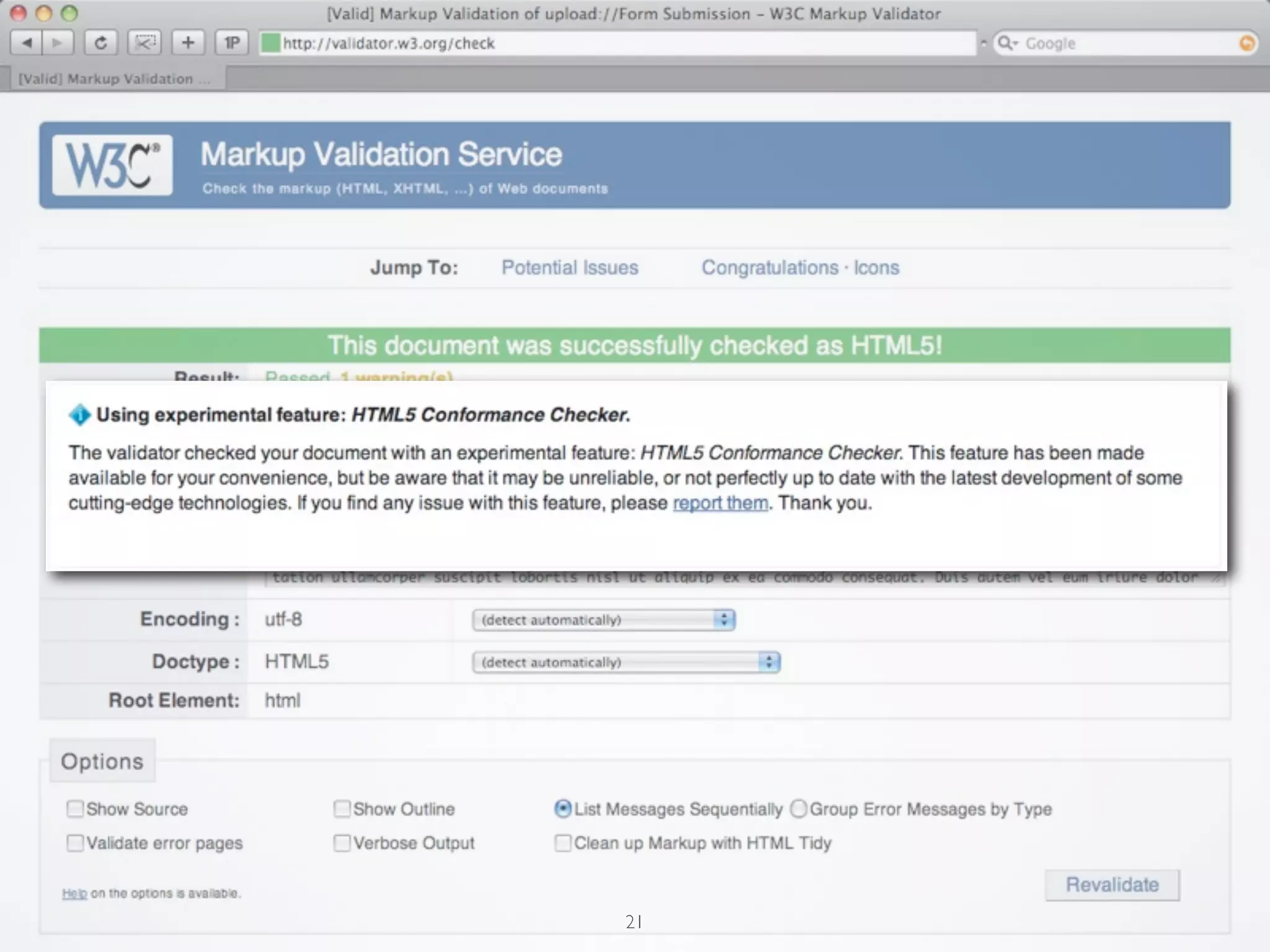
•   Go to HTML validator at
    http://validator.w3.org/#validate_by_input

•   Then type the following HTML (below) and hit validate:

                <!DOCTYPE html>
                <title>Small HTML5</title>
                <p>Hello world</p>


                                     19
20
21
SYNTAX


  22
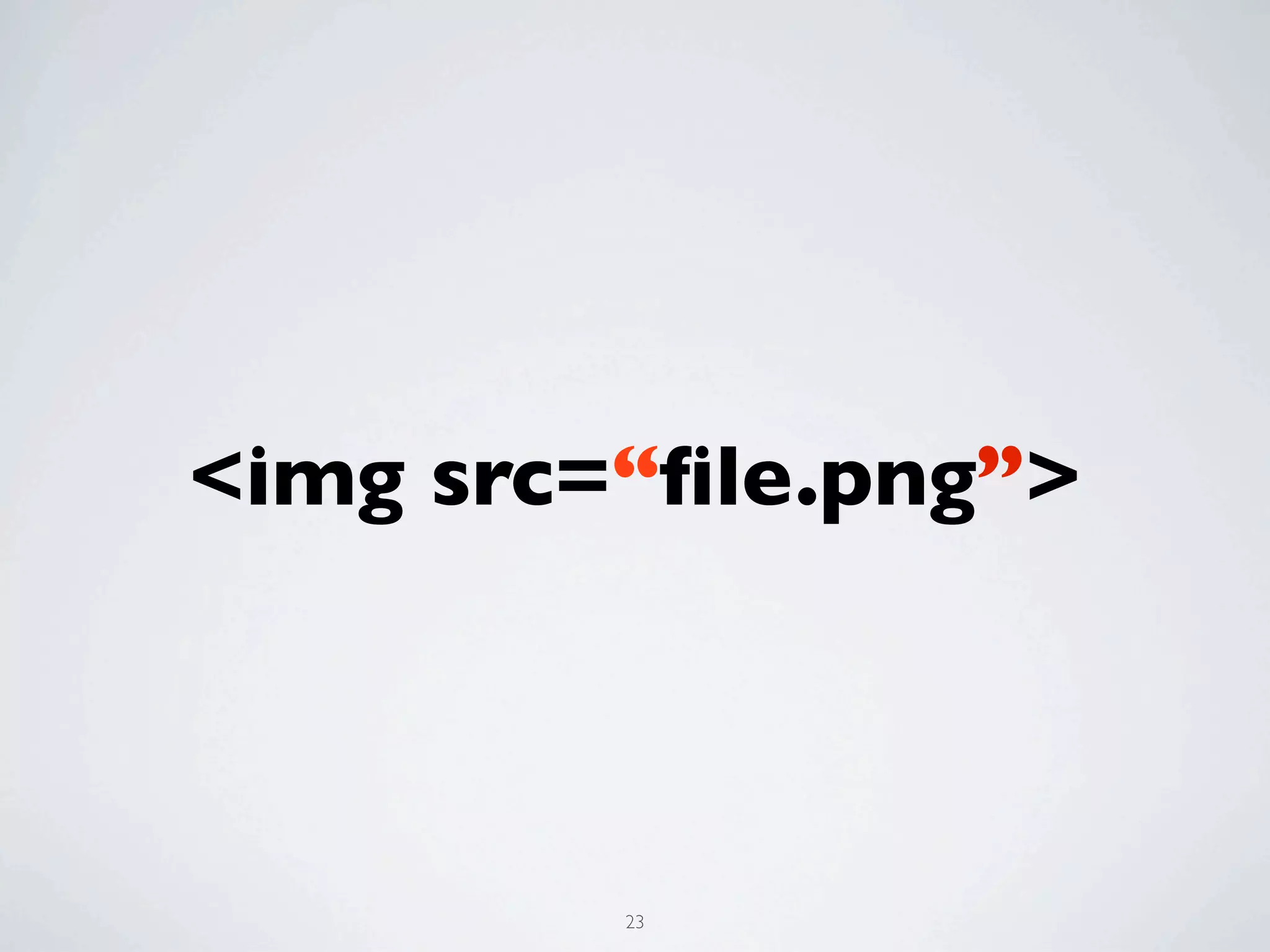
<img src=“file.png”>


         23
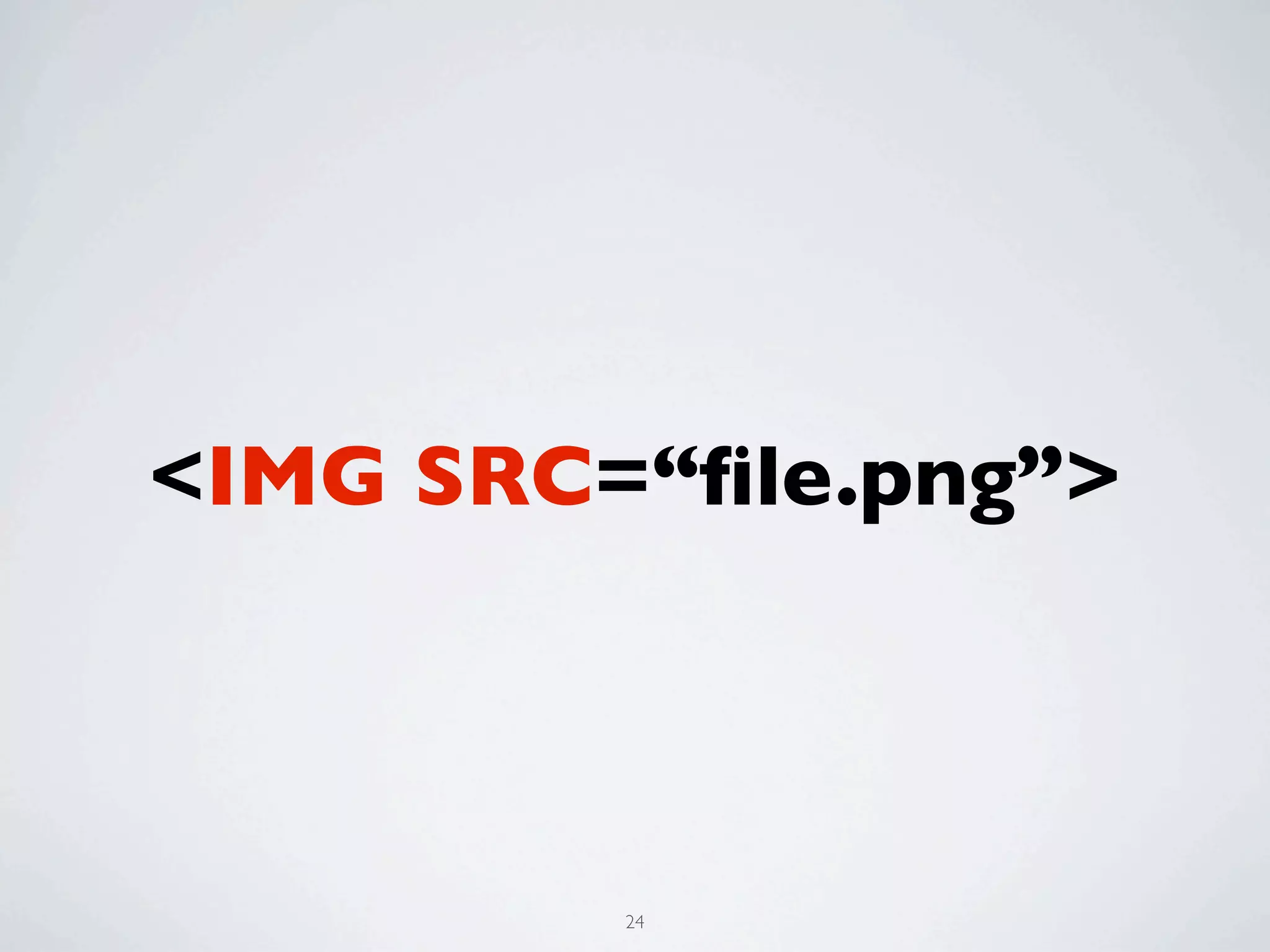
<IMG SRC=“file.png”>


         24
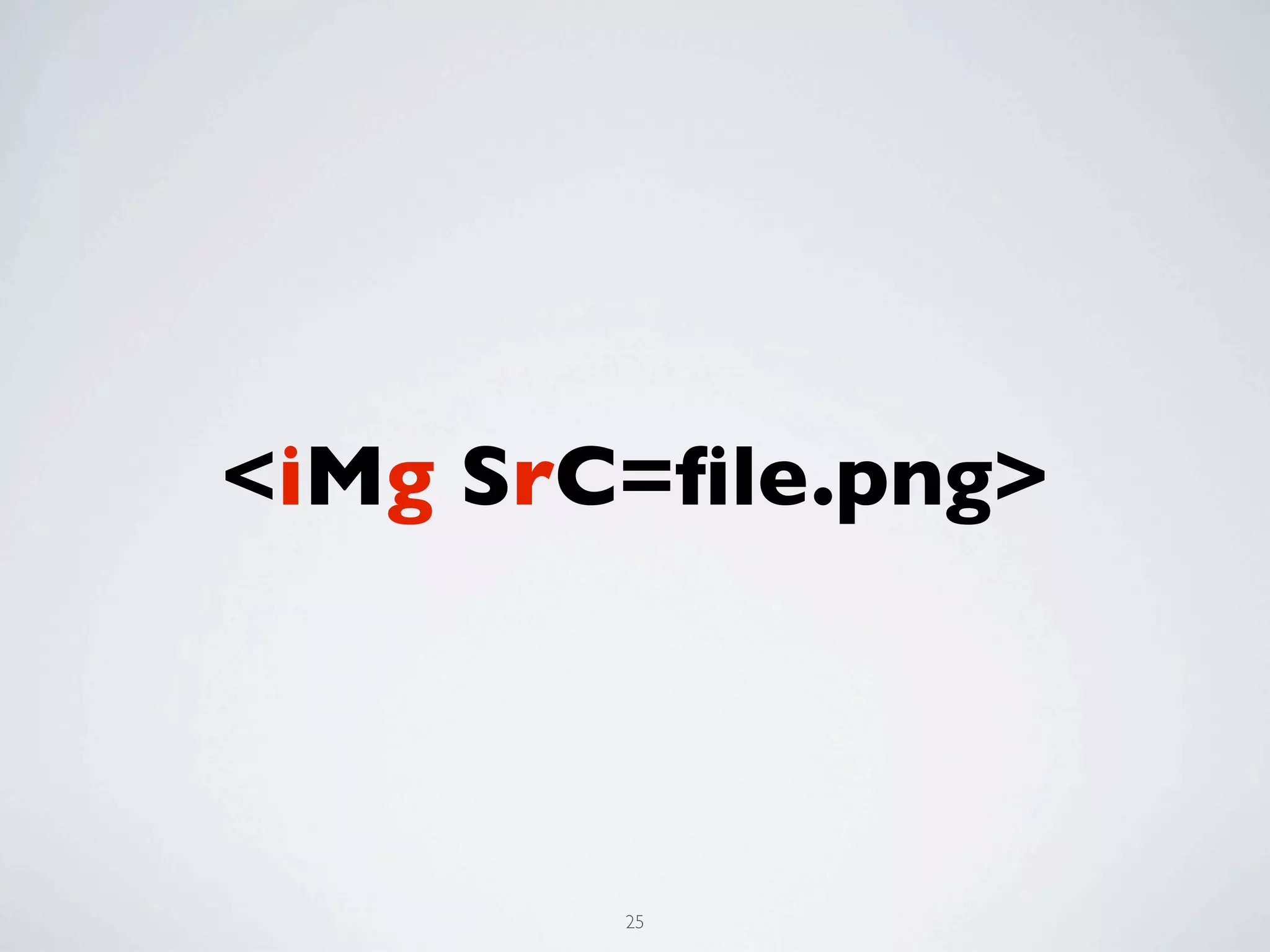
<iMg SrC=file.png>


        25
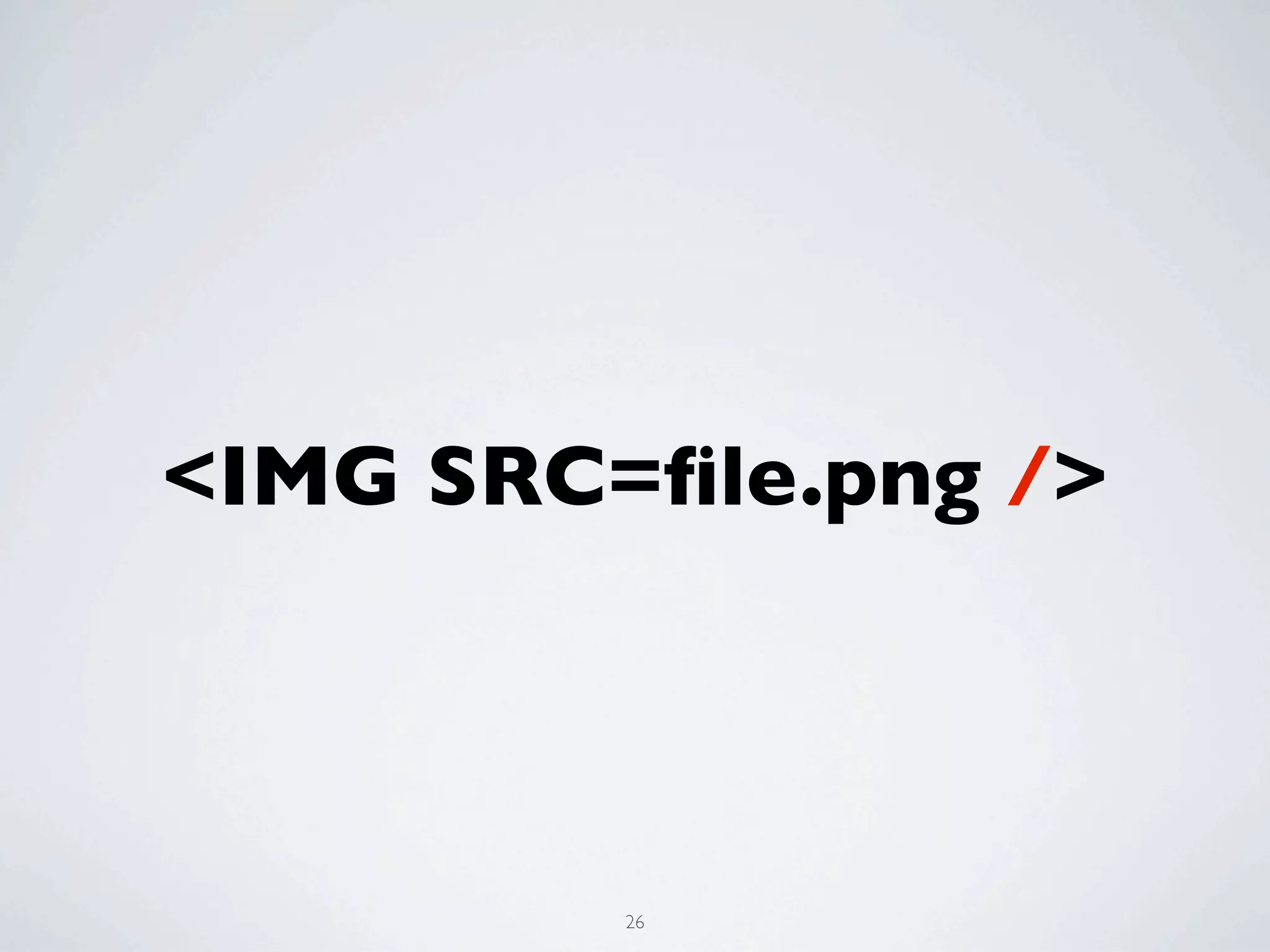
<IMG SRC=file.png />


         26
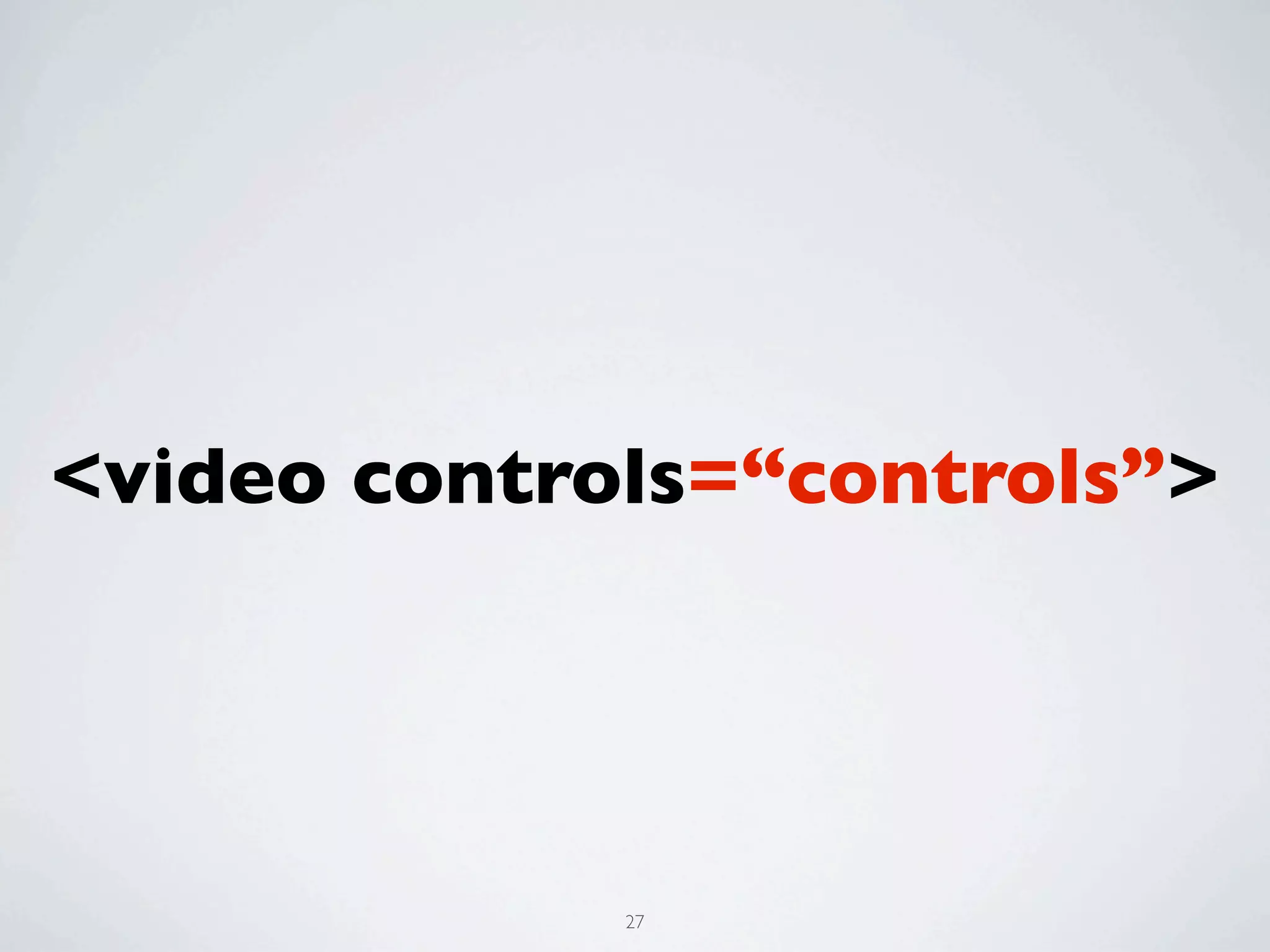
<video controls=“controls”>


             27
EVERYTHING THAT
WAS BAD IN 1999
IS GOOD AGAIN


                  28
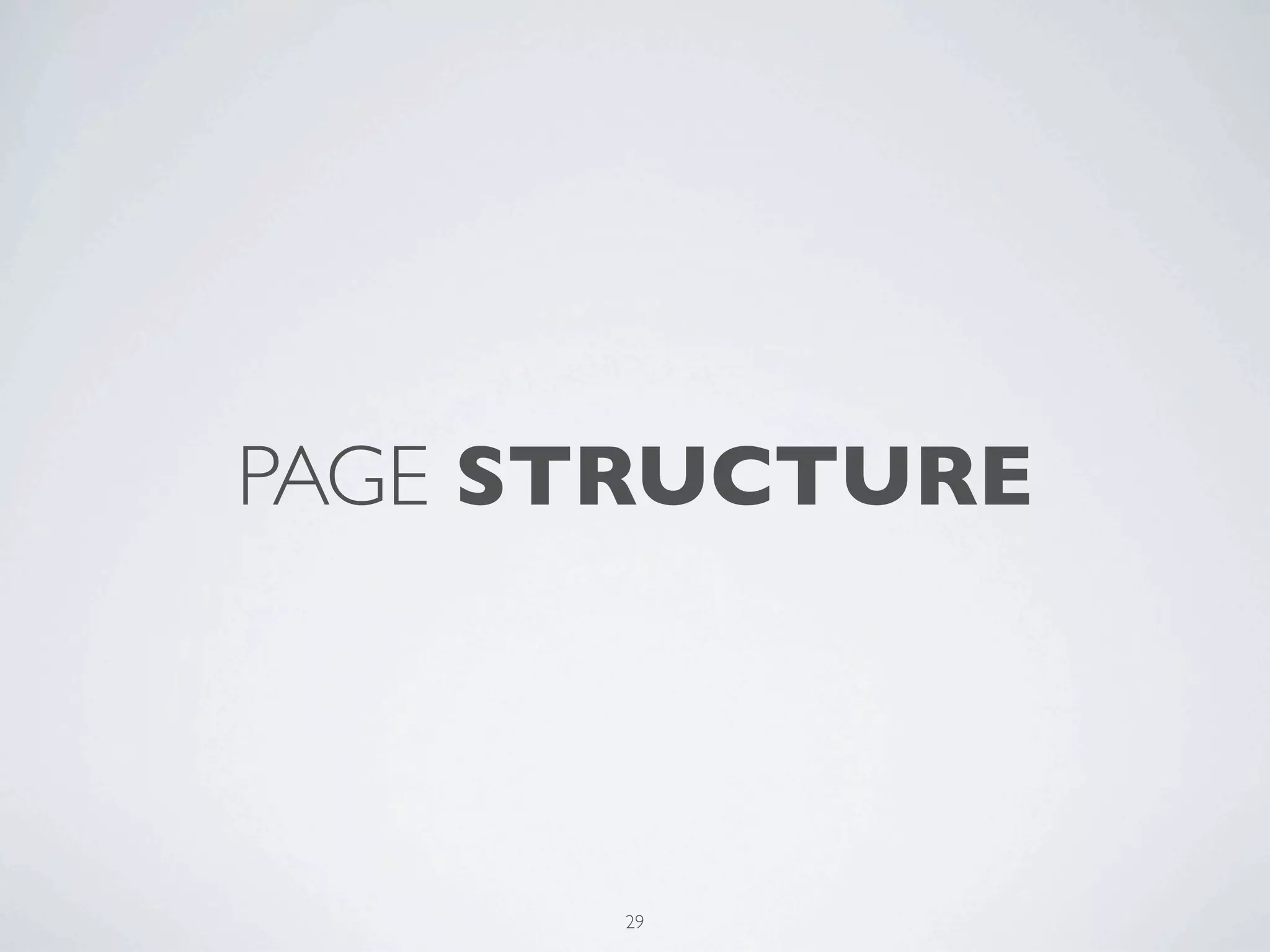
PAGE STRUCTURE


      29
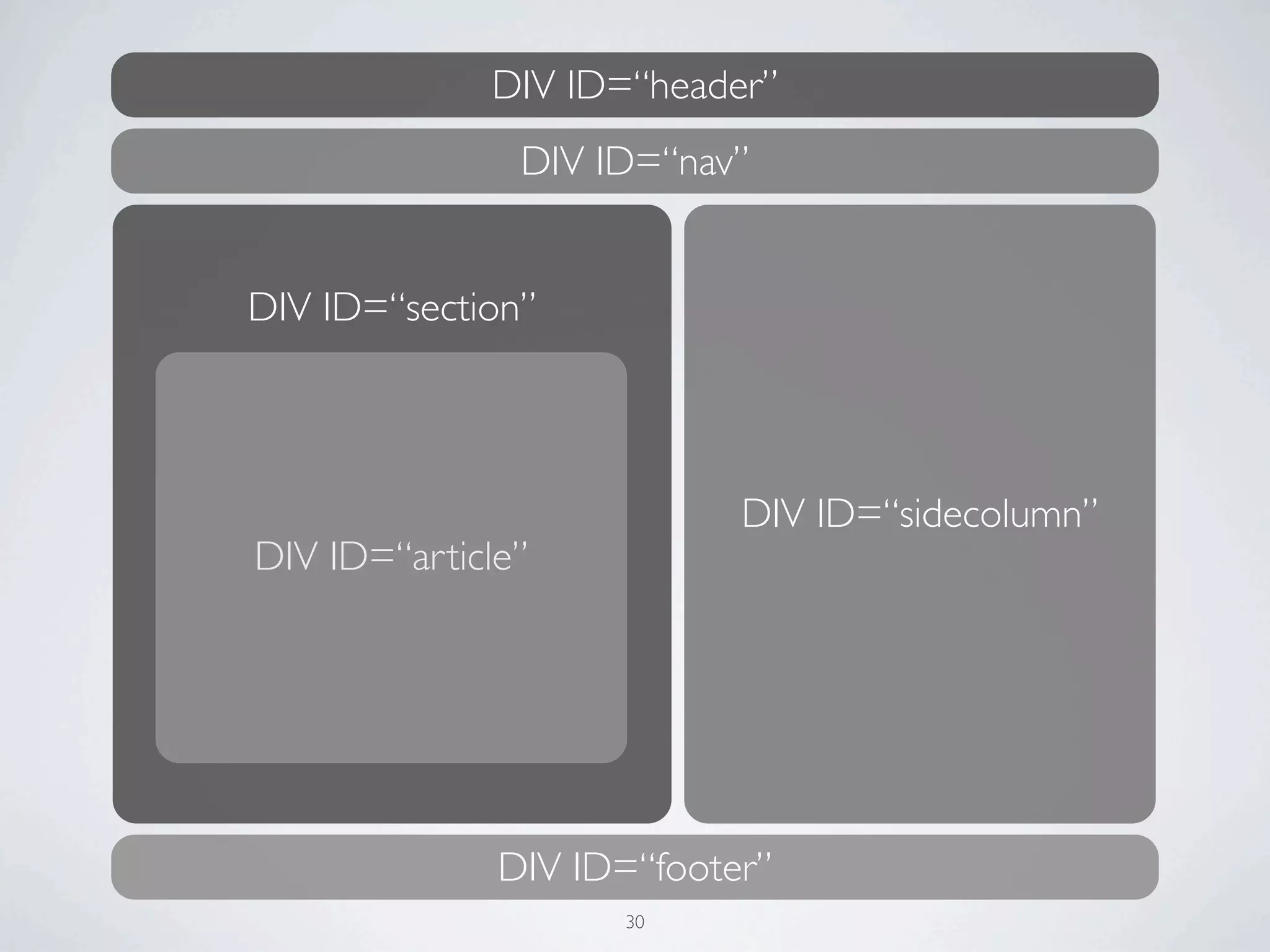
DIV ID=“header”
               DIV ID=“nav”


DIV ID=“section”


                           DIV ID=“sidecolumn”
DIV ID=“article”


              DIV ID=“footer”
                    30
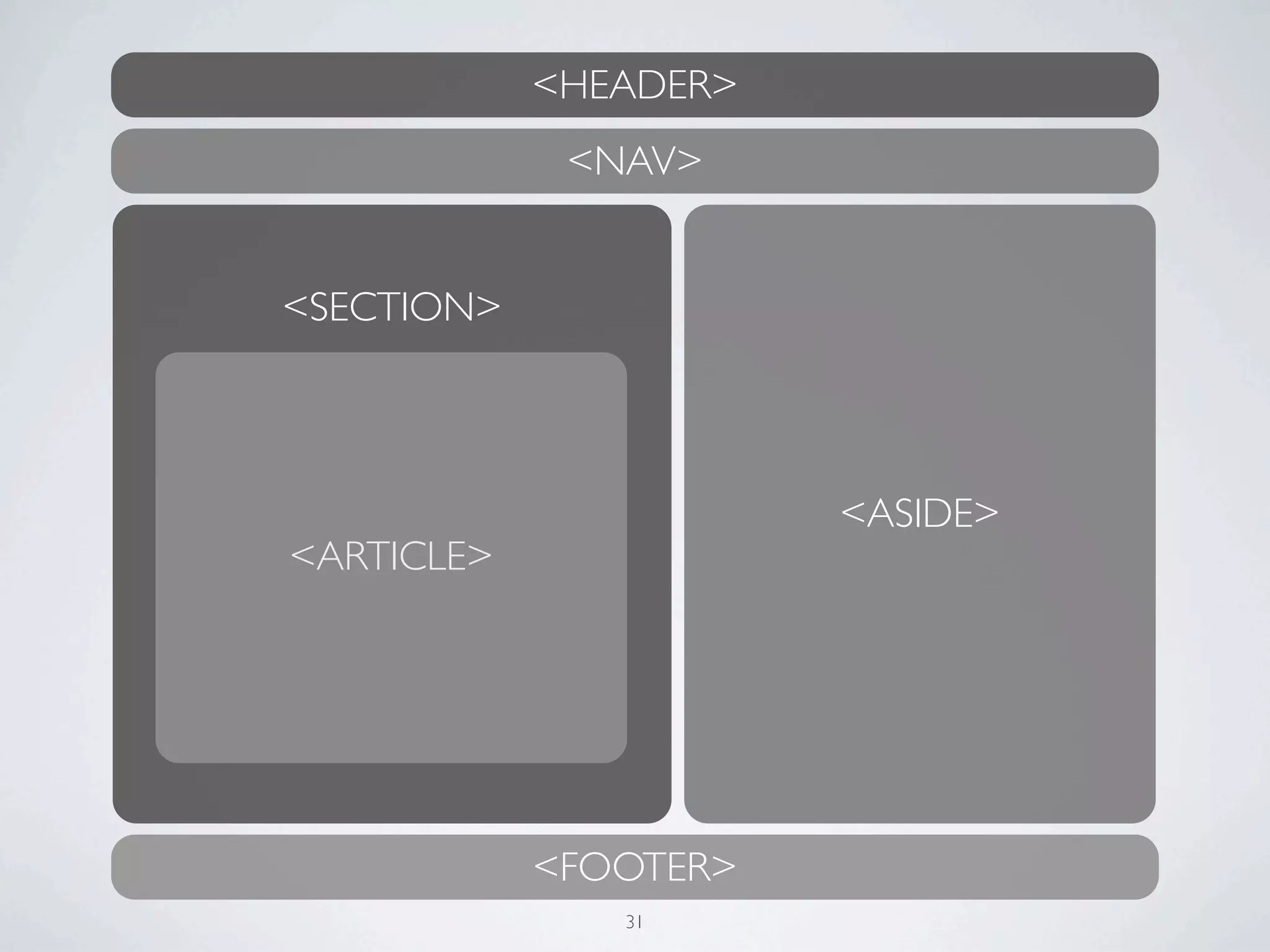
<HEADER>
             <NAV>


<SECTION>


                       <ASIDE>
<ARTICLE>


            <FOOTER>
               31
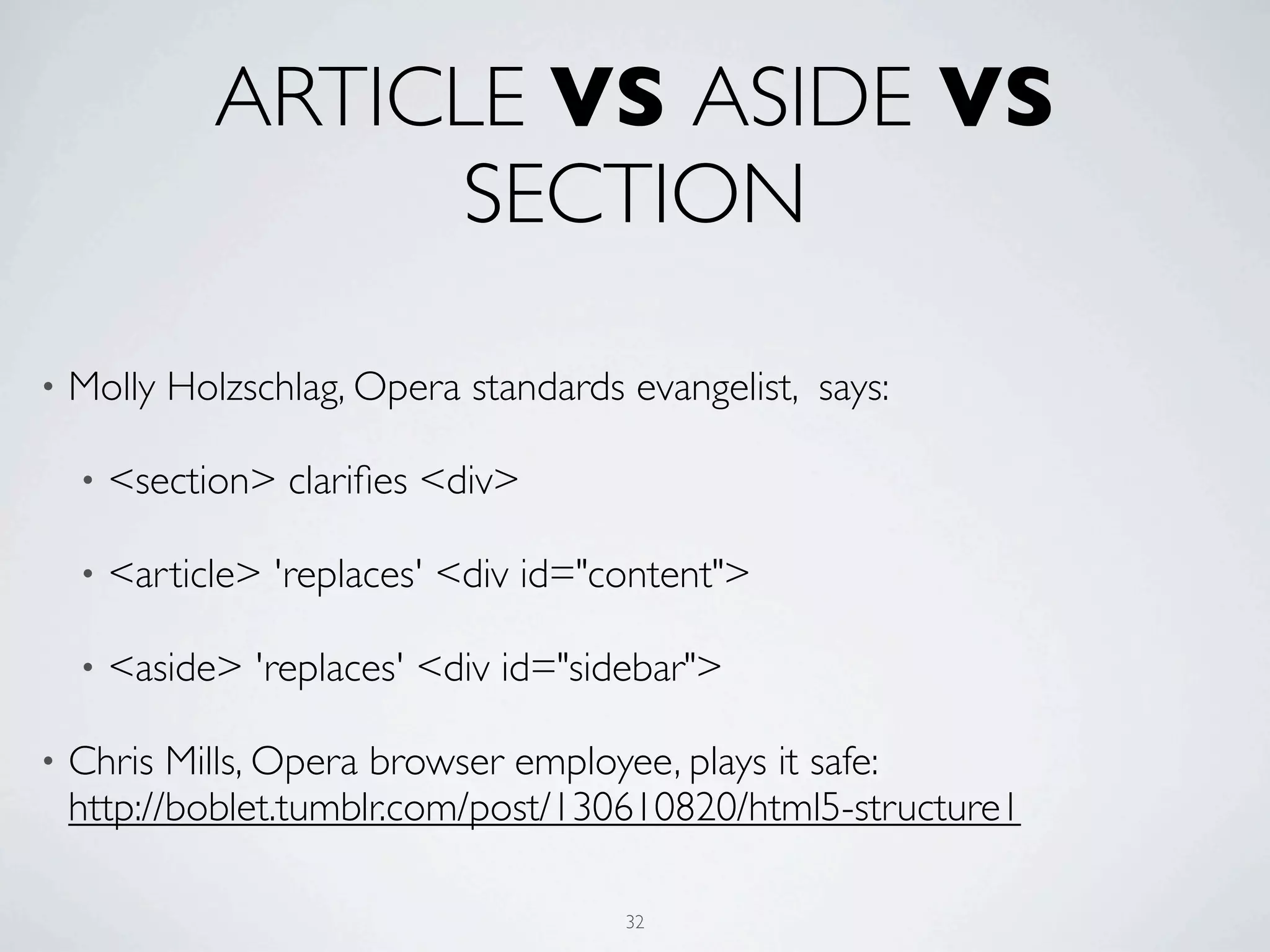
ARTICLE VS ASIDE VS
                   SECTION

•   Molly Holzschlag, Opera standards evangelist, says:

    •   <section> clarifies <div>

    •   <article> 'replaces' <div id="content">

    •   <aside> 'replaces' <div id="sidebar">

•   Chris Mills, Opera browser employee, plays it safe:
    http://boblet.tumblr.com/post/130610820/html5-structure1

                                       32
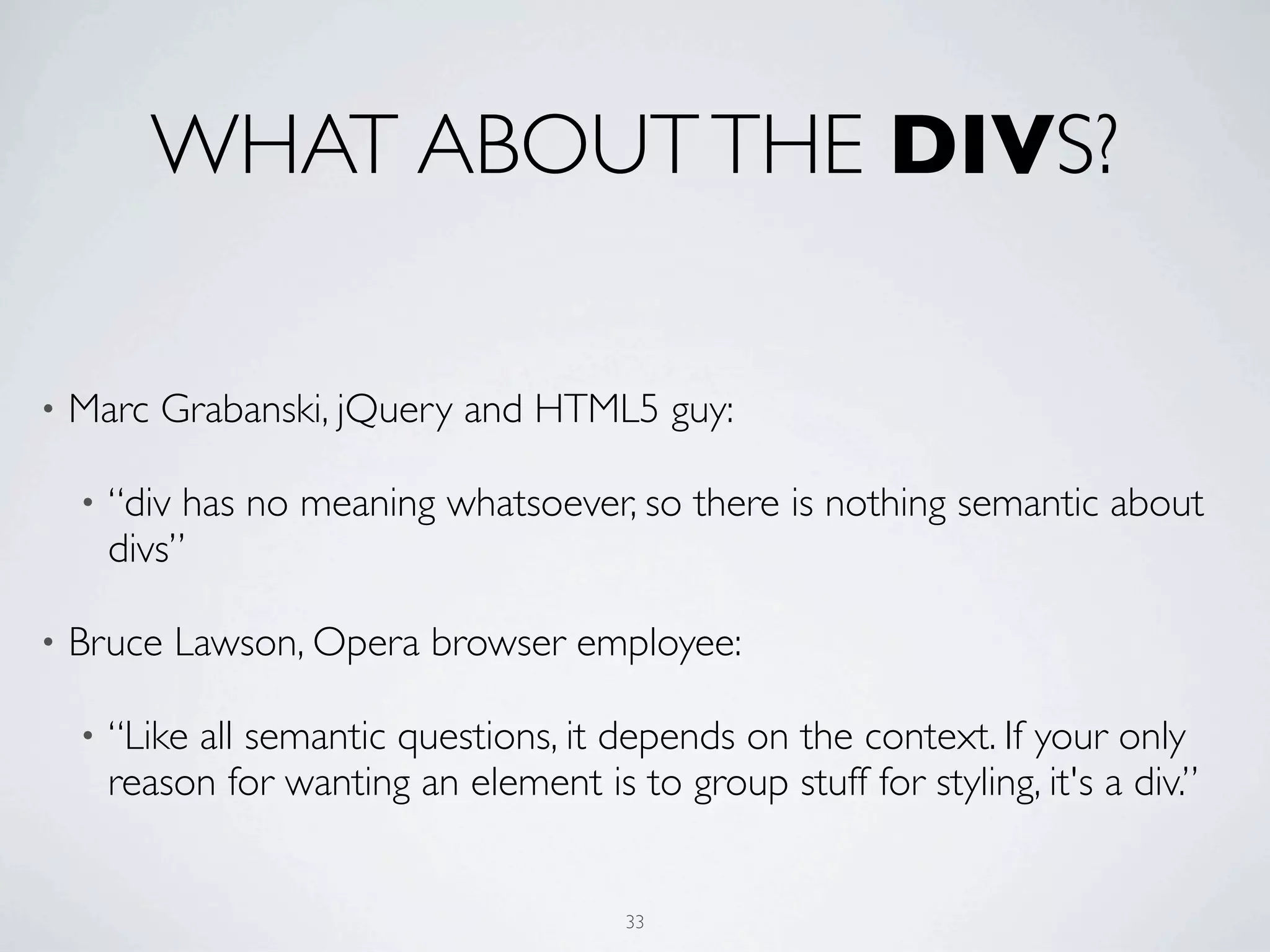
WHAT ABOUT THE DIVS?

•   Marc Grabanski, jQuery and HTML5 guy:

    •   “div has no meaning whatsoever, so there is nothing semantic about
        divs”

•   Bruce Lawson, Opera browser employee:

    •   “Like all semantic questions, it depends on the context. If your only
        reason for wanting an element is to group stuff for styling, it's a div.”


                                          33
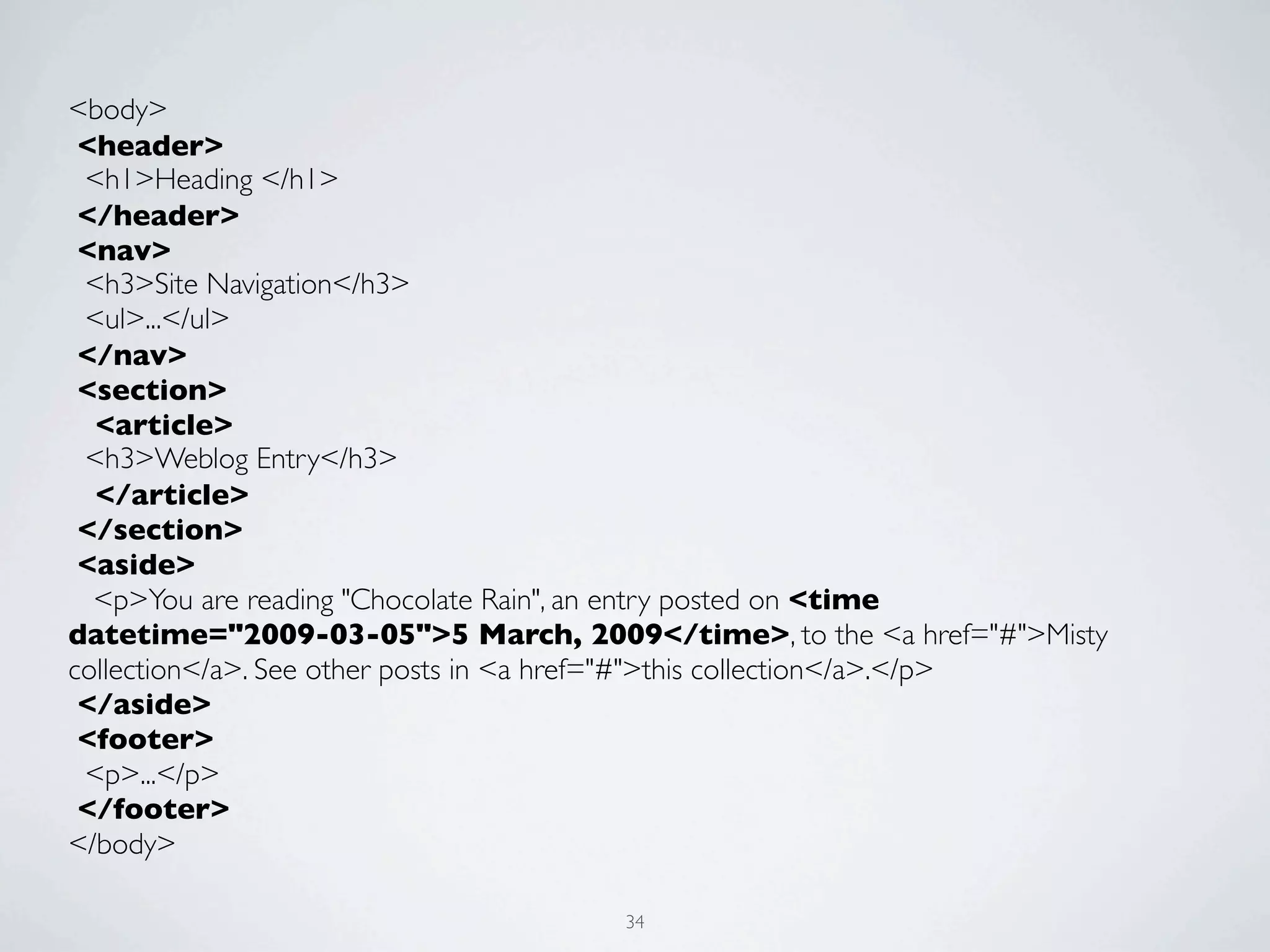
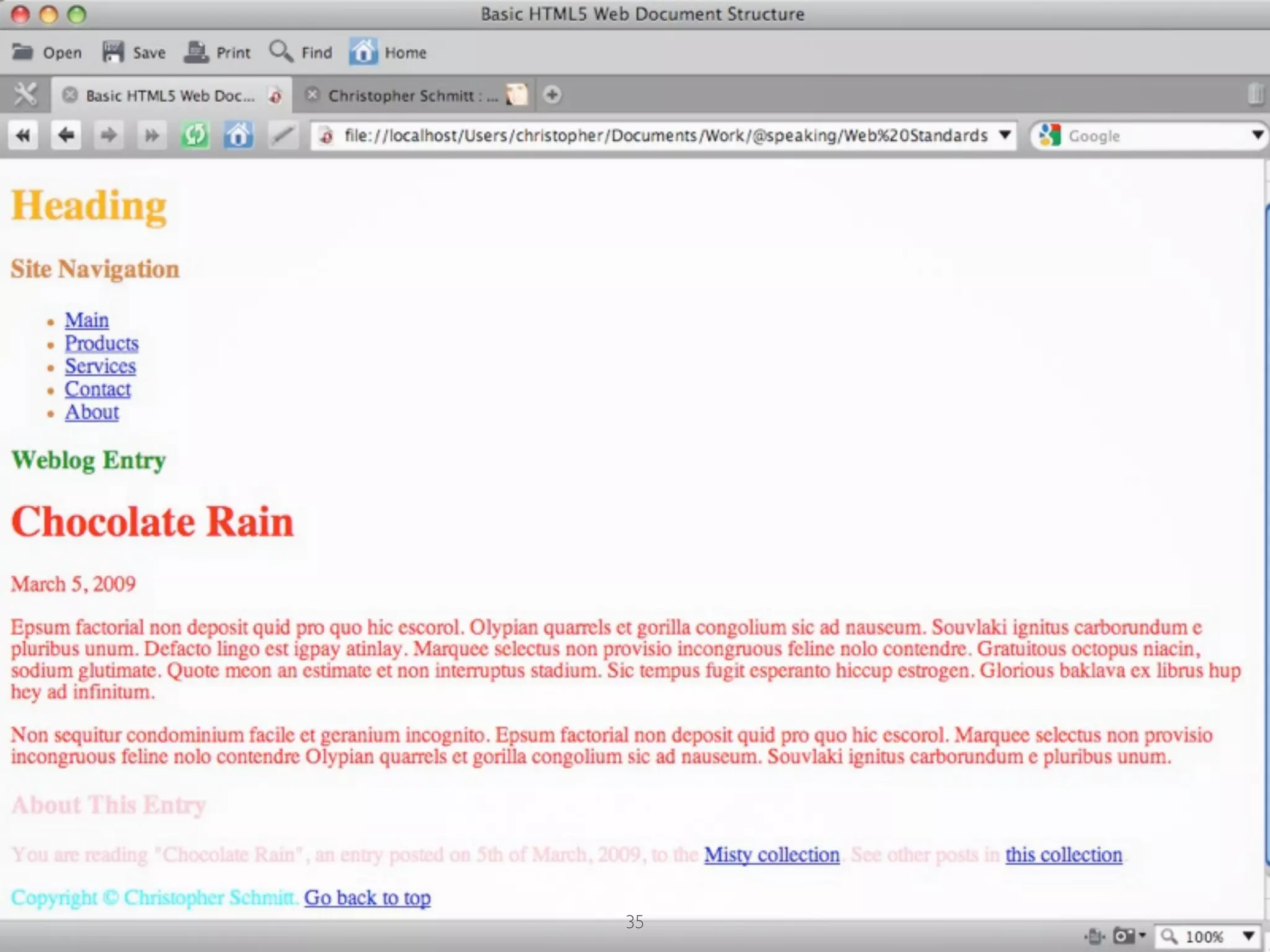
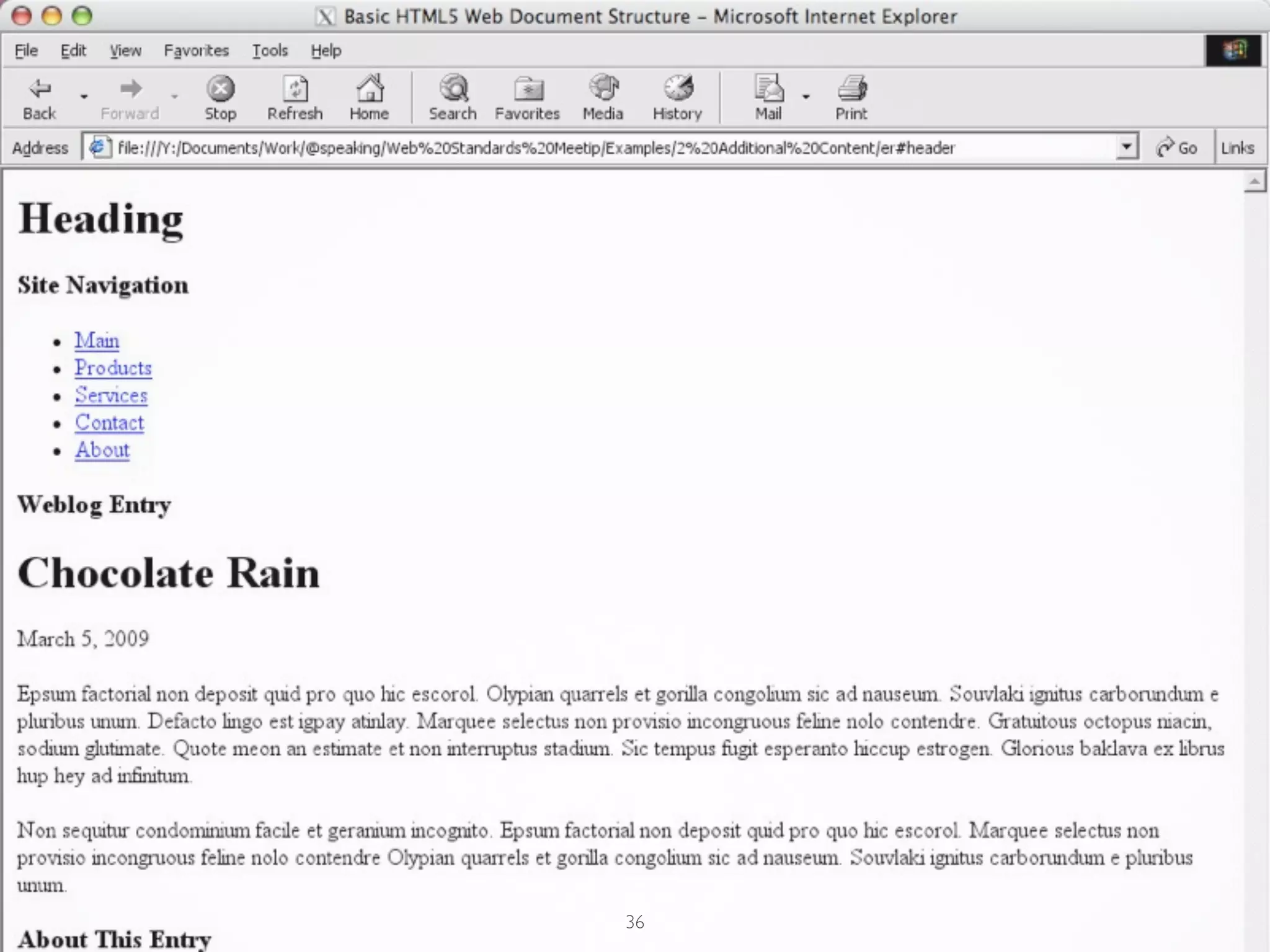
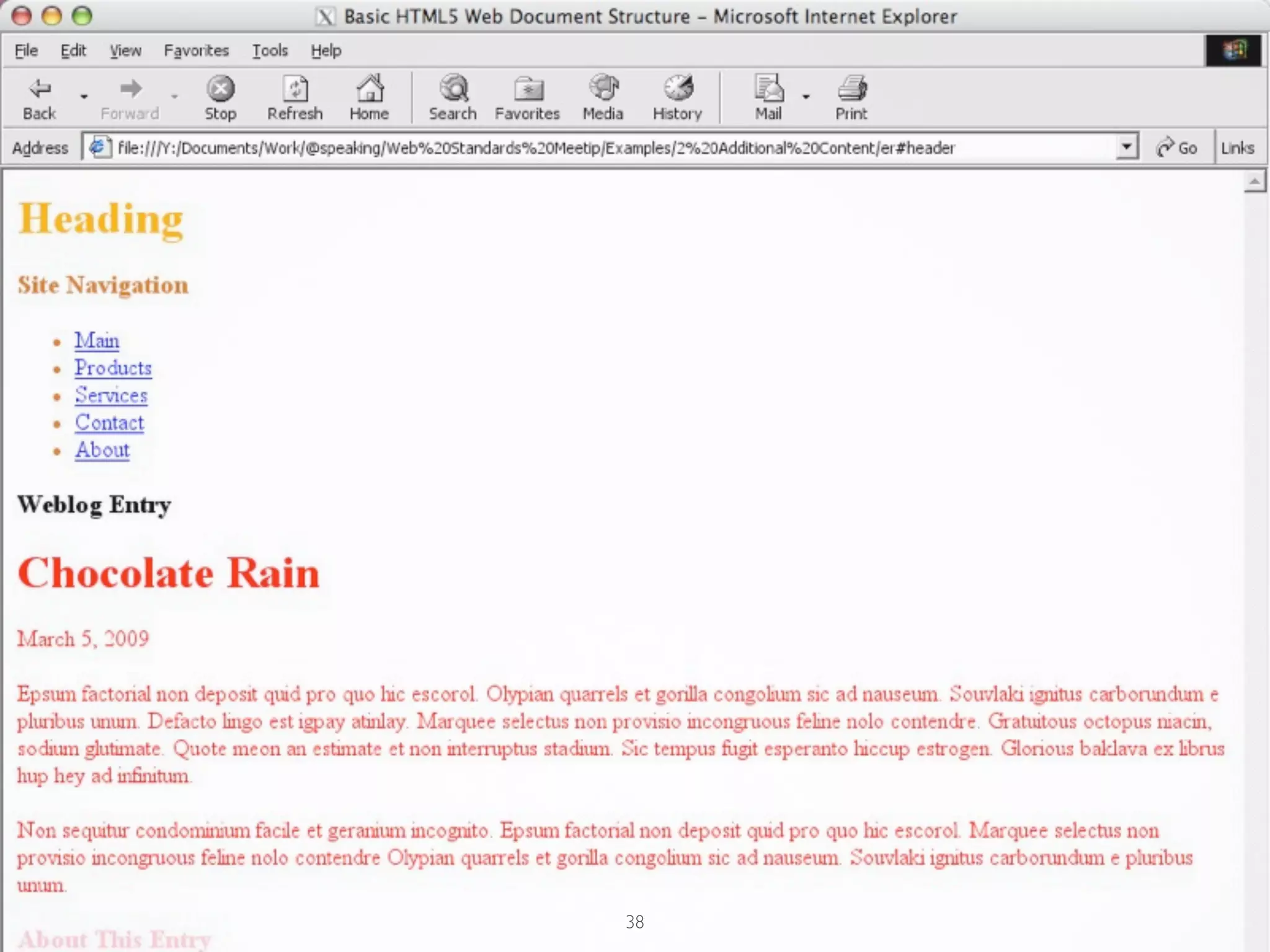
<body>
 <header>
 <h1>Heading </h1>
 </header>
 <nav>
 <h3>Site Navigation</h3>
 <ul>...</ul>	

 </nav>
 <section>
  <article>
 <h3>Weblog Entry</h3>
  </article>
 </section>	

 <aside>
  <p>You are reading "Chocolate Rain", an entry posted on <time
datetime="2009-03-05">5 March, 2009</time>, to the <a href="#">Misty
collection</a>. See other posts in <a href="#">this collection</a>.</p>
 </aside>
 <footer>
 <p>...</p>
 </footer>
</body>

                                      34
35
36
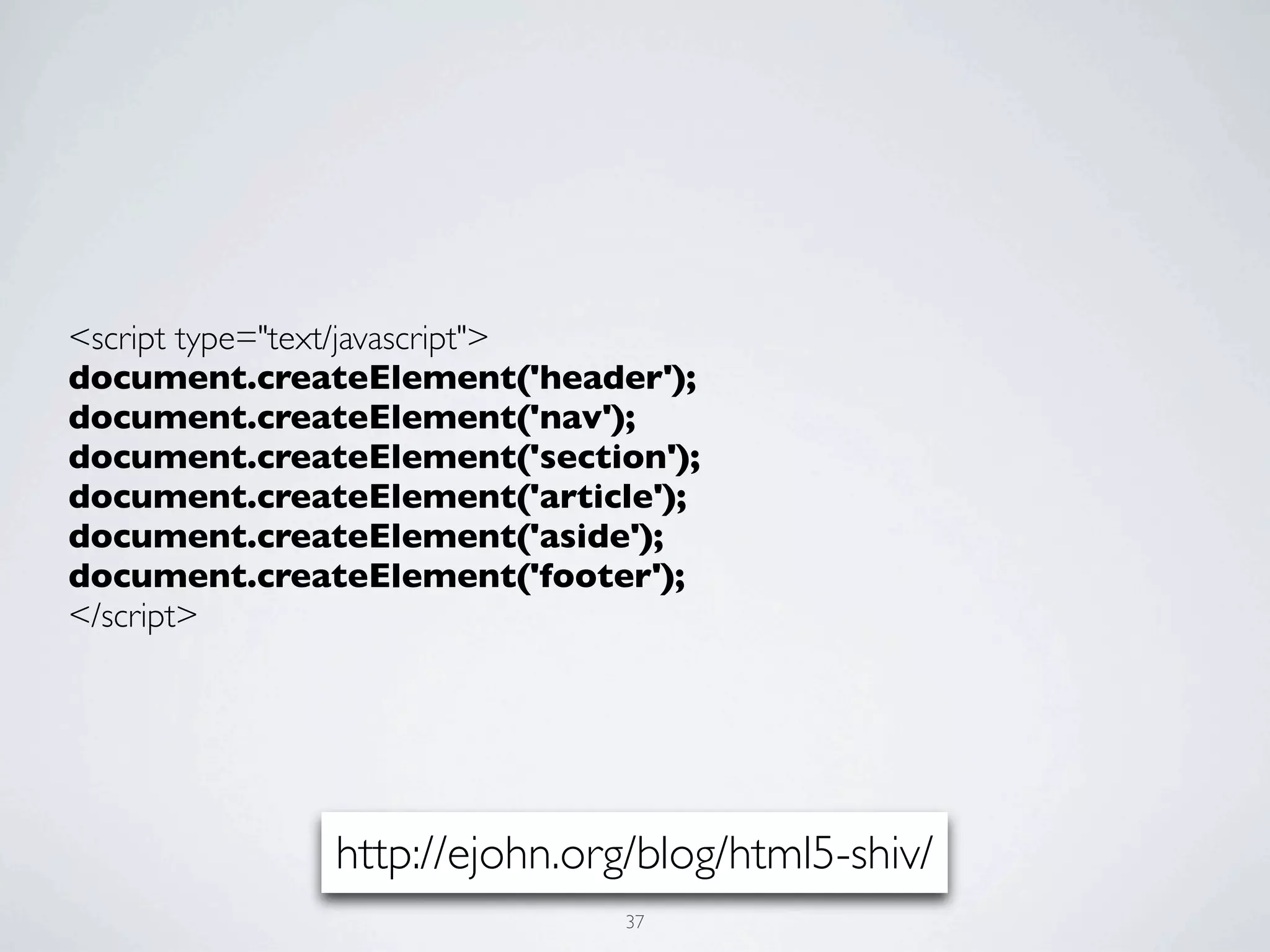
<script type="text/javascript">
document.createElement('header');
document.createElement('nav');
document.createElement('section');
document.createElement('article');
document.createElement('aside');
document.createElement('footer');
</script>


              http://ejohn.org/blog/html5-shiv/
                             37
38
PROGRESSIVELY
ENHANCED HTML5
(INFUSED WITH SHIM)


         39
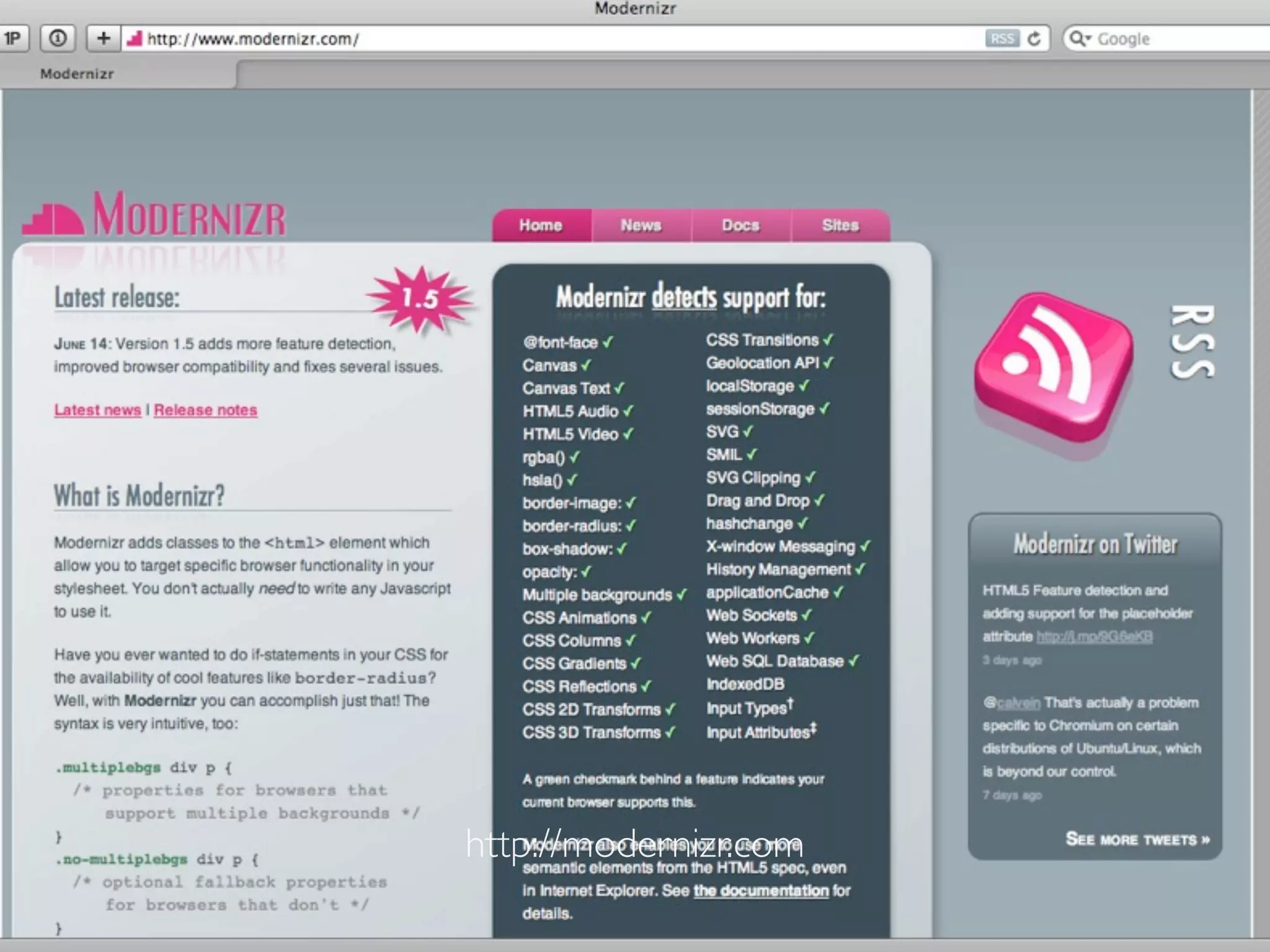
http://modernizr.com
http://modernizr.com/
          40
<script src="-/js/modernizr.min.js" type="text/
javascript" ></script>


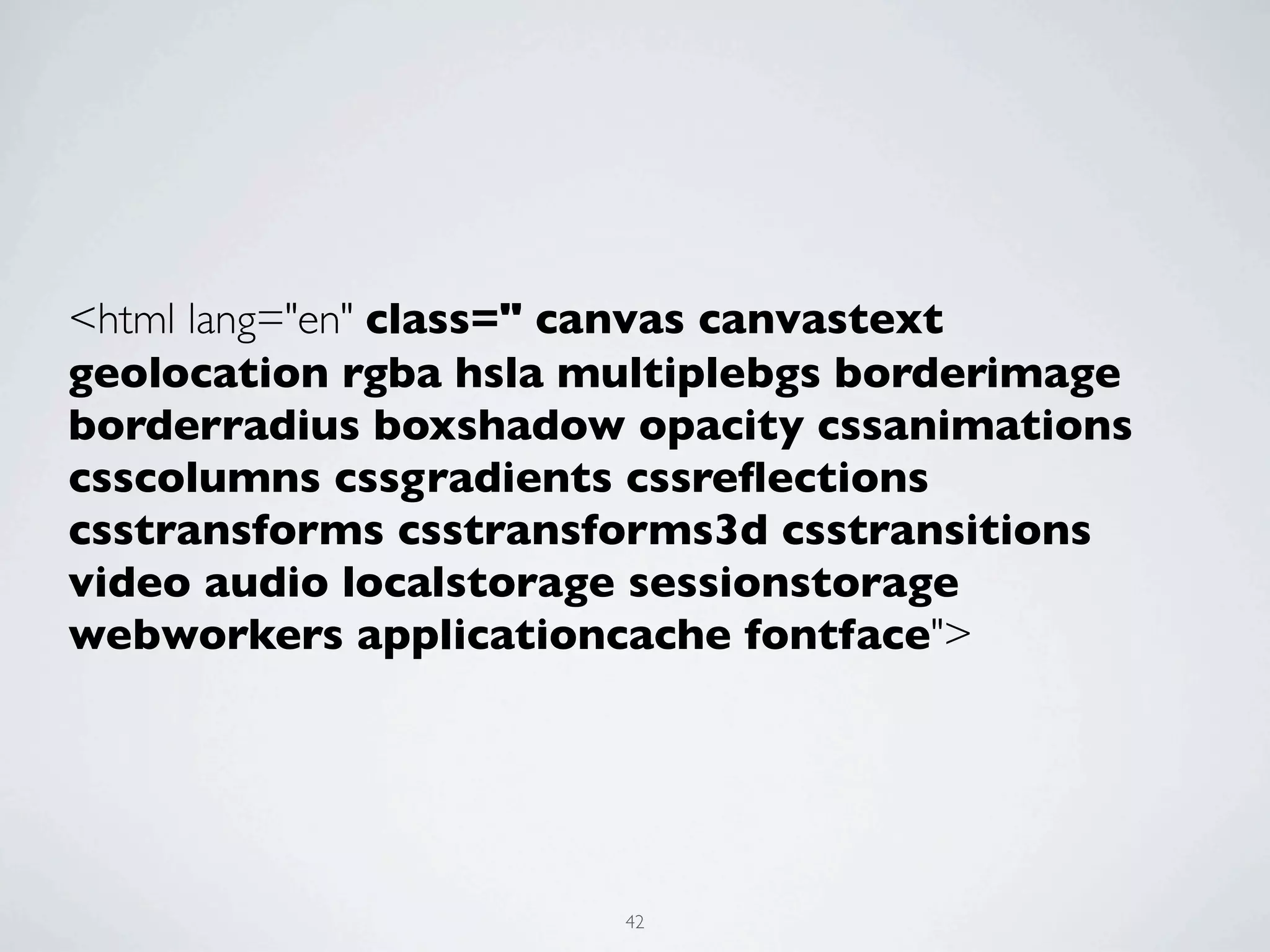
                          41
<html lang="en" class=" canvas canvastext
geolocation rgba hsla multiplebgs borderimage
borderradius boxshadow opacity cssanimations
csscolumns cssgradients cssreflections
csstransforms csstransforms3d csstransitions
video audio localstorage sessionstorage
webworkers applicationcache fontface">


                       42
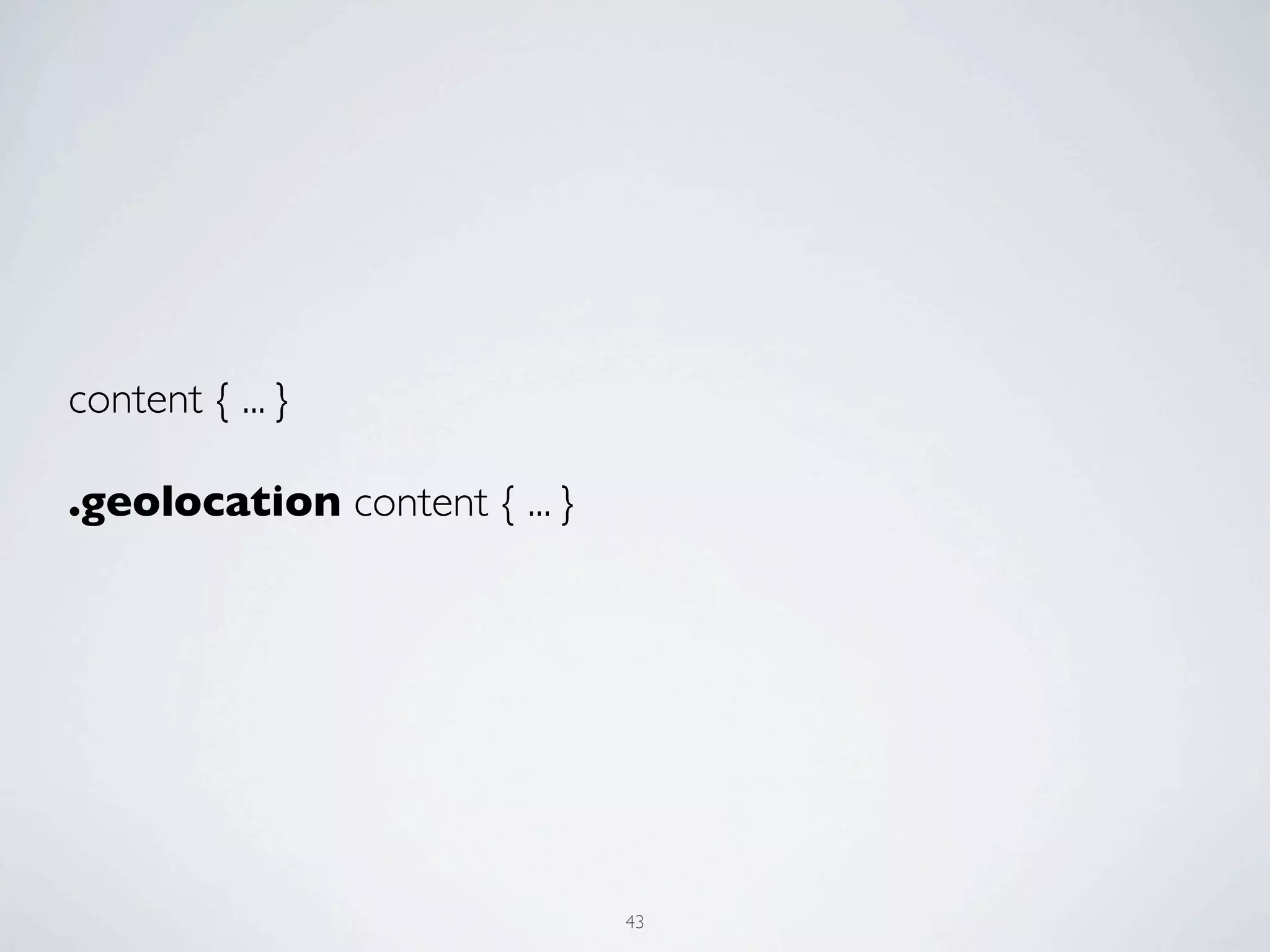
content { ... }

.geolocation content { ... }


                               43
CLOSERLOOK AT
HTML5 ELEMENTS


      44
HTML5 AUDIO


     45
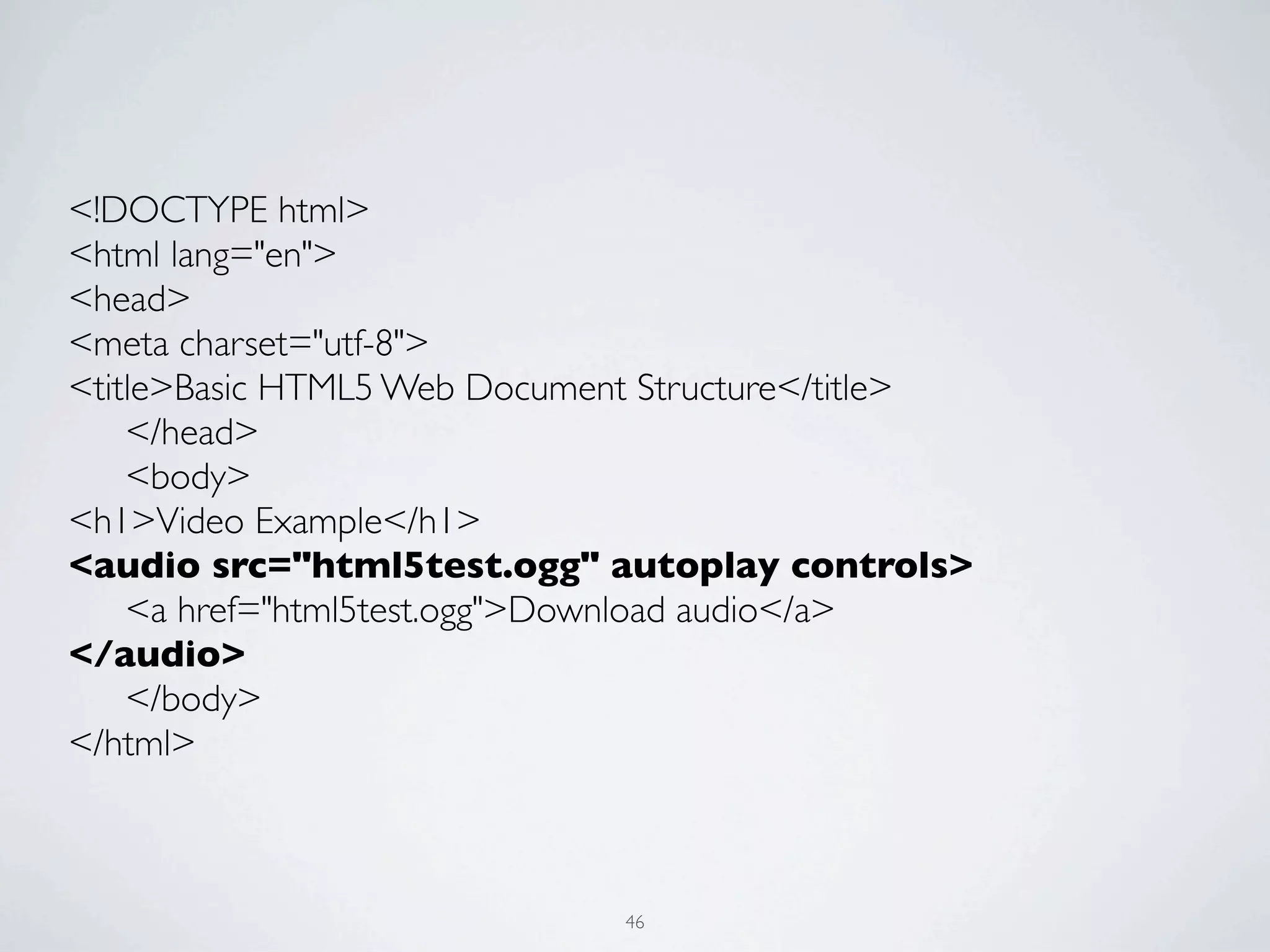
<!DOCTYPE html>
<html lang="en">
<head>
<meta charset="utf-8">
<title>Basic HTML5 Web Document Structure</title>
	

 </head>
	

 <body>
<h1>Video Example</h1>
<audio src="html5test.ogg" autoplay controls>
	

 <a href="html5test.ogg">Download audio</a>
</audio>
	

 </body>
</html>


                              46
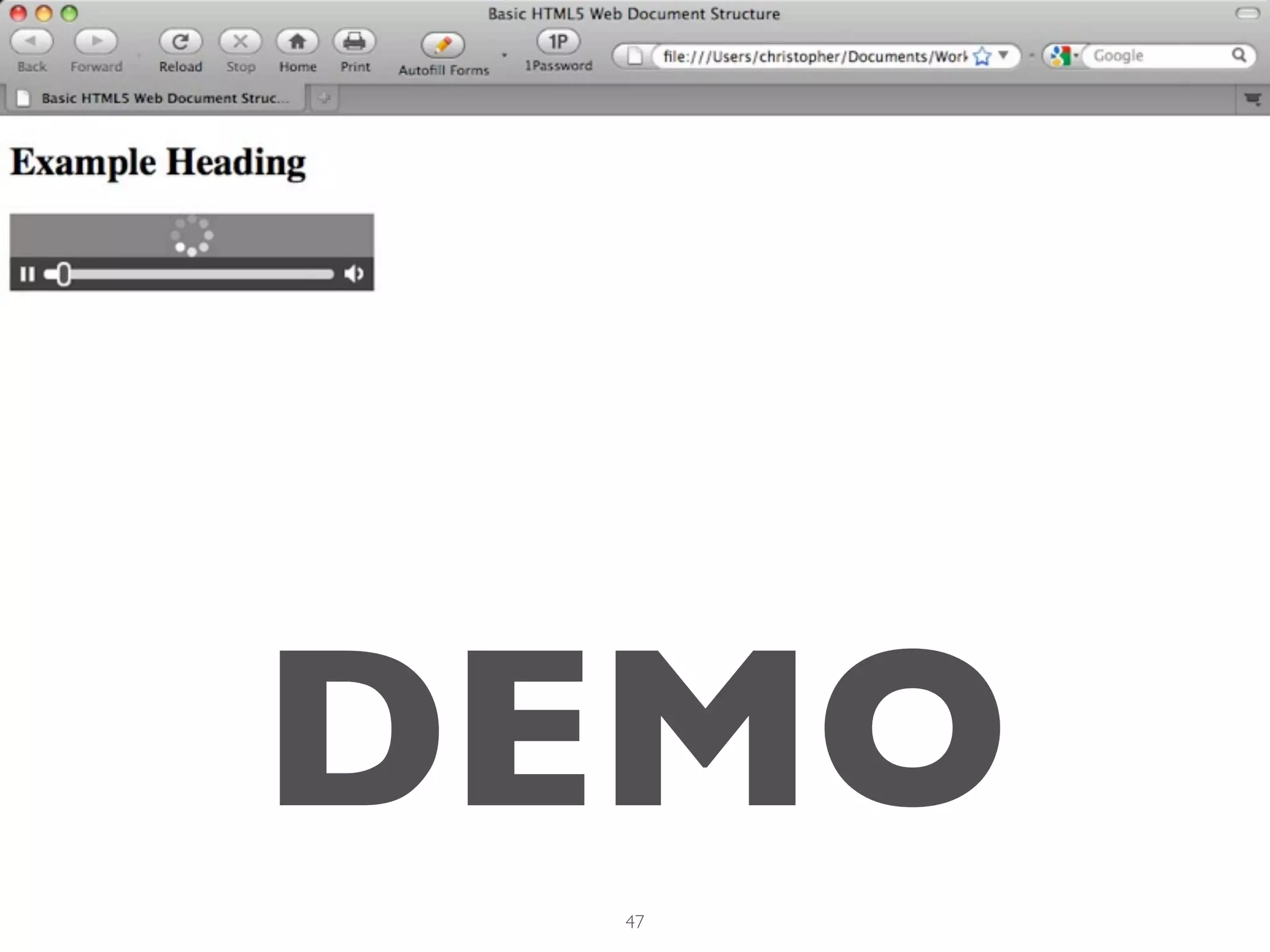
DEMO
 47
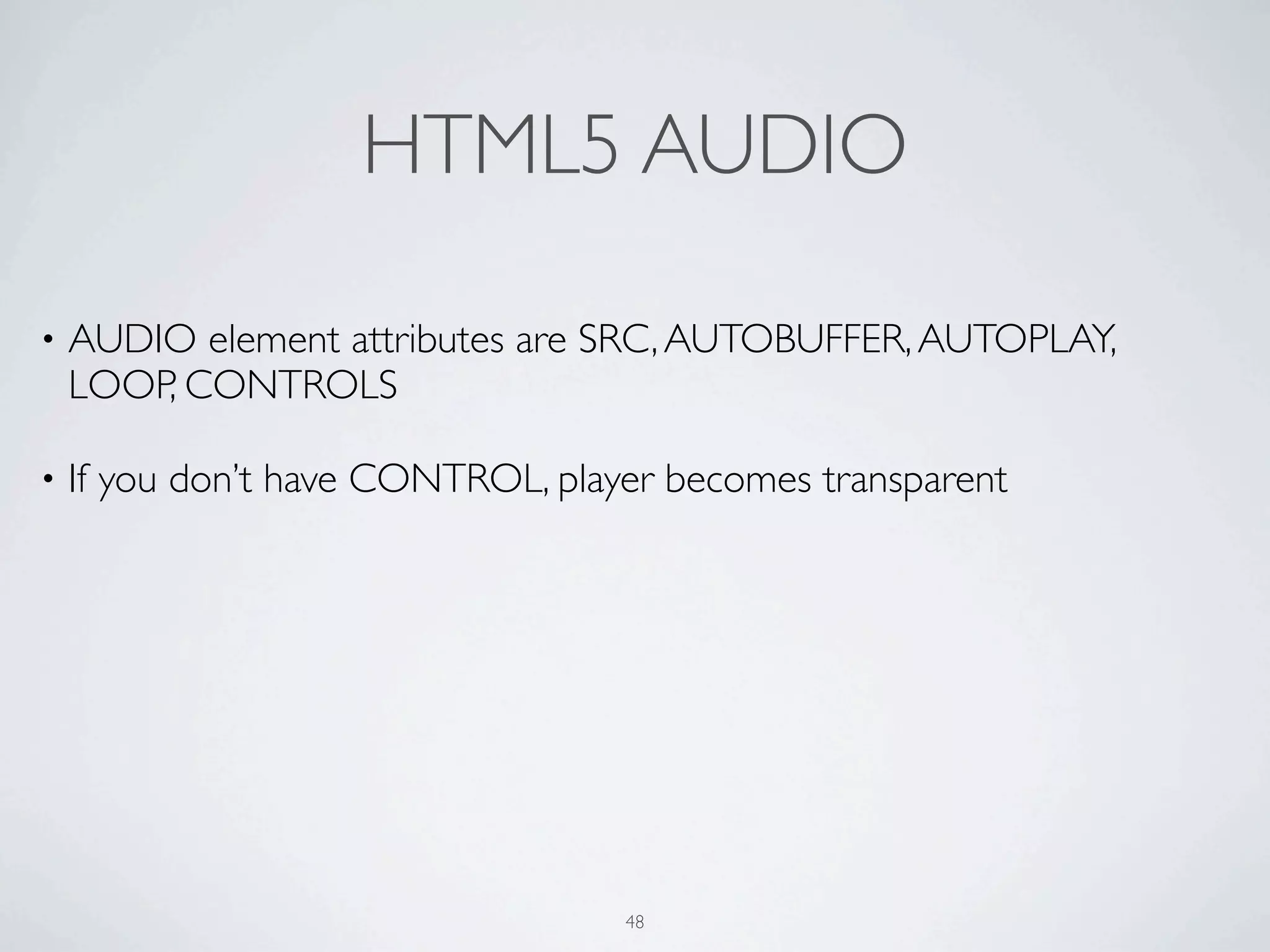
HTML5 AUDIO

•   AUDIO element attributes are SRC, AUTOBUFFER, AUTOPLAY,
    LOOP, CONTROLS

•   If you don’t have CONTROL, player becomes transparent


                                   48
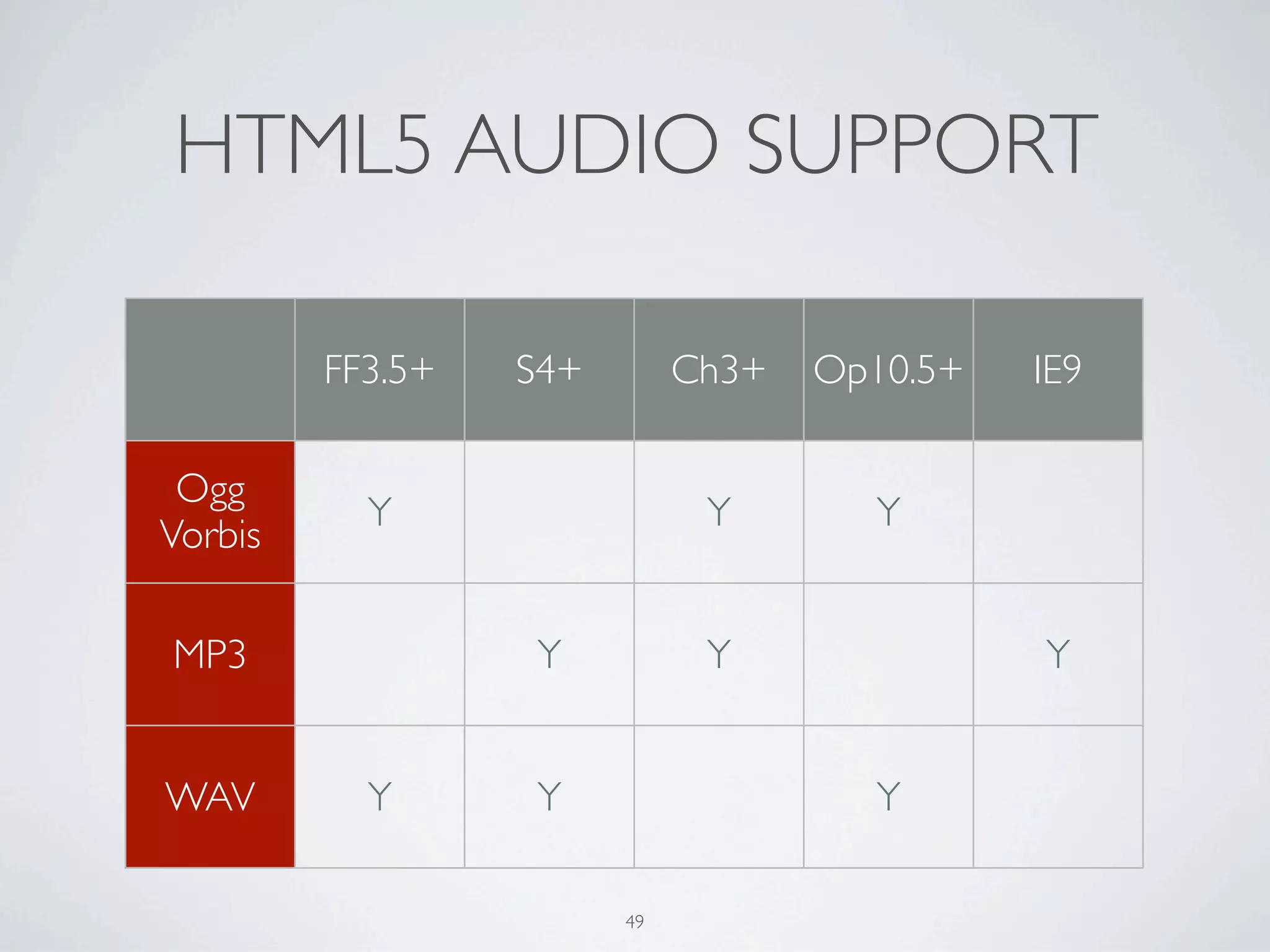
HTML5 AUDIO SUPPORT

         FF3.5+   S4+        Ch3+   Op10.5+   IE9

 Ogg
           Y                  Y       Y
Vorbis

MP3               Y           Y               Y


WAV        Y      Y                   Y

                        49
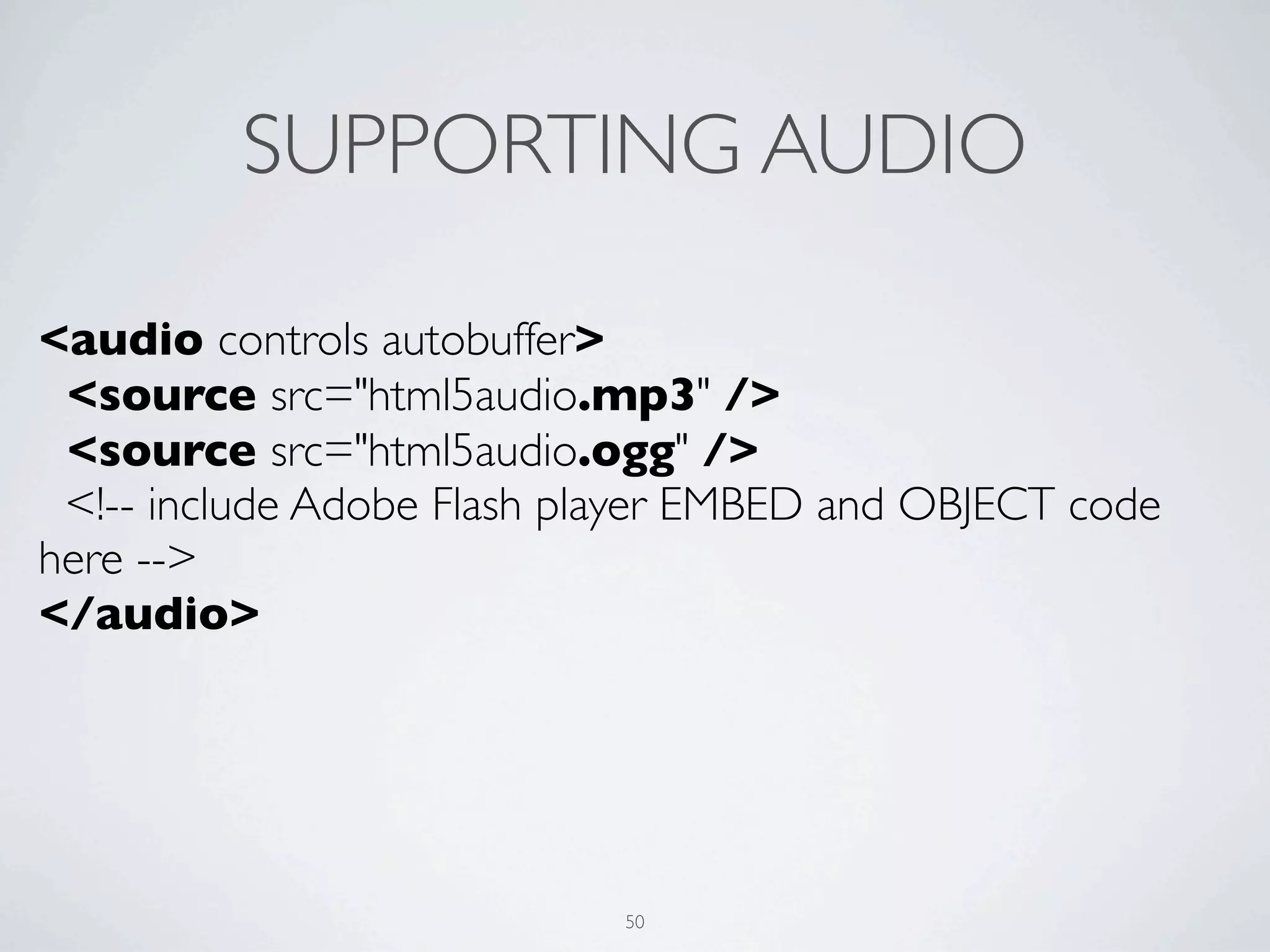
SUPPORTING AUDIO

<audio controls autobuffer>
 <source src="html5audio.mp3" />
 <source src="html5audio.ogg" />
 <!-- include Adobe Flash player EMBED and OBJECT code
here -->
</audio>


                            50
HTML5 VIDEO


     51
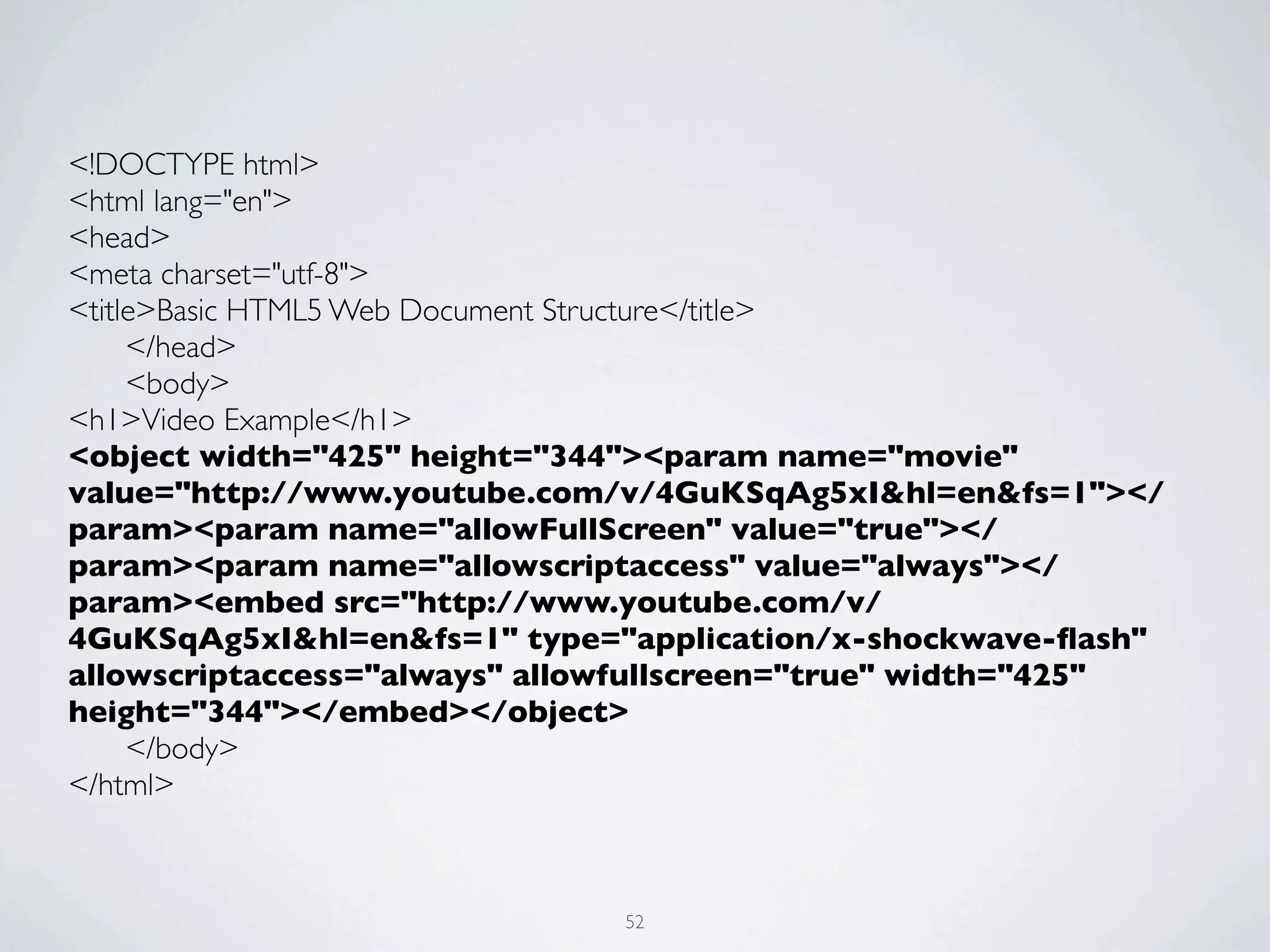
<!DOCTYPE html>
<html lang="en">
<head>
<meta charset="utf-8">
<title>Basic HTML5 Web Document Structure</title>
	

  </head>
	

  <body>
<h1>Video Example</h1>
<object width="425" height="344"><param name="movie"
value="http://www.youtube.com/v/4GuKSqAg5xI&hl=en&fs=1"></
param><param name="allowFullScreen" value="true"></
param><param name="allowscriptaccess" value="always"></
param><embed src="http://www.youtube.com/v/
4GuKSqAg5xI&hl=en&fs=1" type="application/x-shockwave-flash"
allowscriptaccess="always" allowfullscreen="true" width="425"
height="344"></embed></object>
	

  </body>
</html>


                               52
<!DOCTYPE html>
<html lang="en">
<head>
<meta charset="utf-8">
<title>Basic HTML5 Web Document Structure</title>
	

 </head>
	

 <body>
<h1>Video Example</h1>
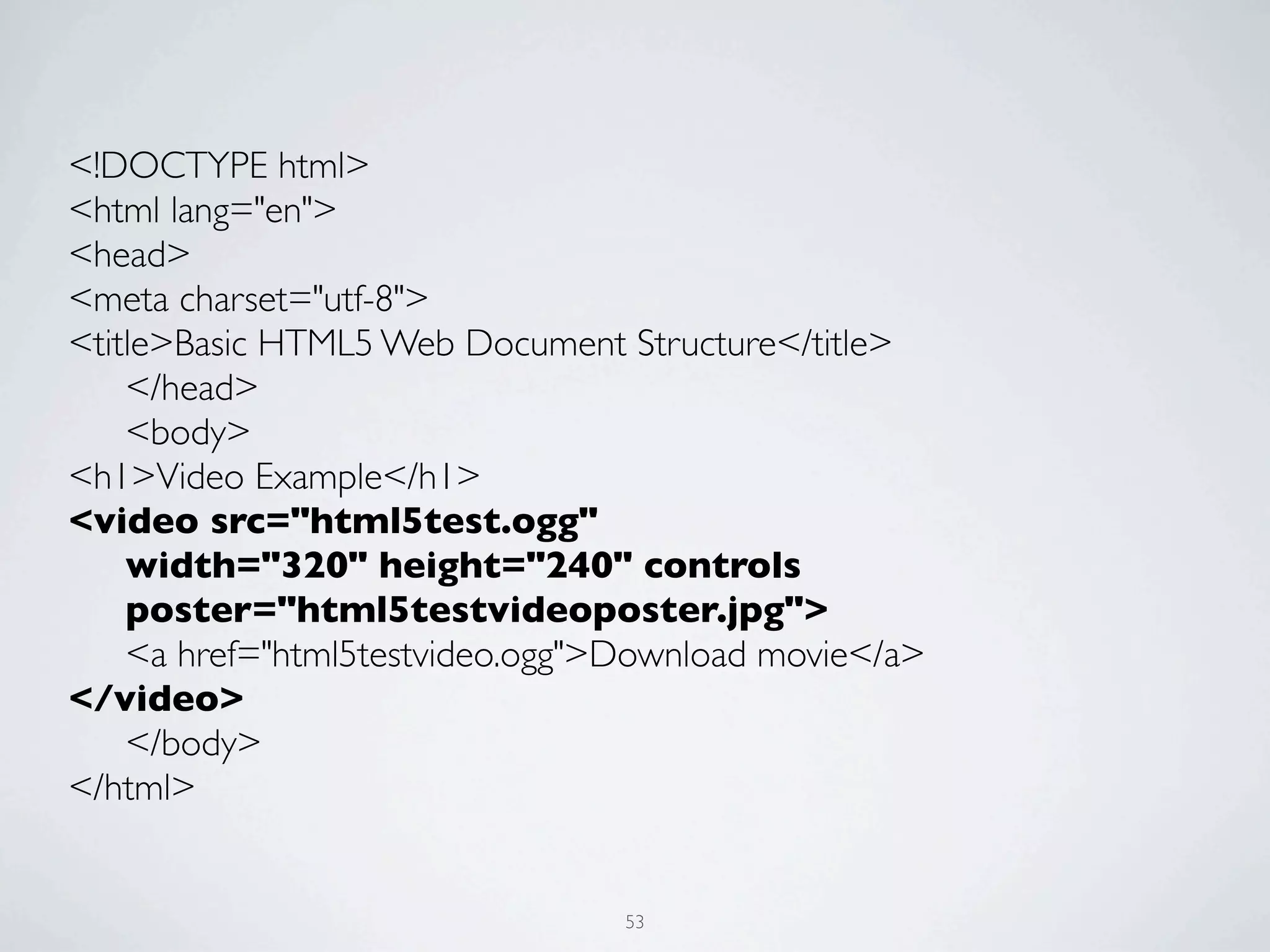
<video src="html5test.ogg"
	

 width="320" height="240" controls
	

 poster="html5testvideoposter.jpg">
	

 <a href="html5testvideo.ogg">Download movie</a>
</video>
	

 </body>
</html>


                                 53
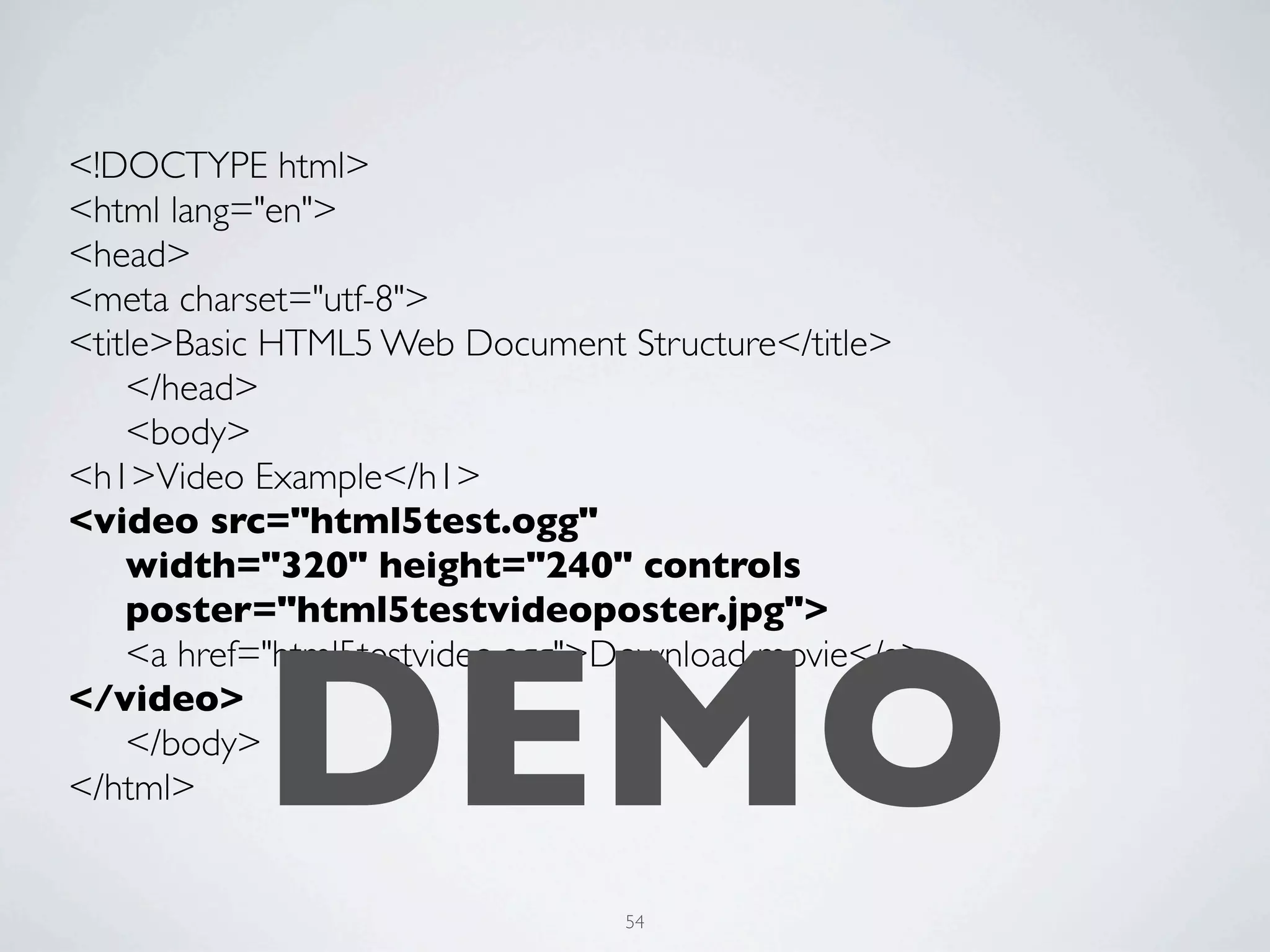
<!DOCTYPE html>
<html lang="en">
<head>
<meta charset="utf-8">
<title>Basic HTML5 Web Document Structure</title>
	

 </head>
	

 <body>
<h1>Video Example</h1>
<video src="html5test.ogg"
	

 width="320" height="240" controls
	

 poster="html5testvideoposter.jpg">


           DEMO
	

 <a href="html5testvideo.ogg">Download movie</a>
</video>
	

 </body>
</html>


                                 54
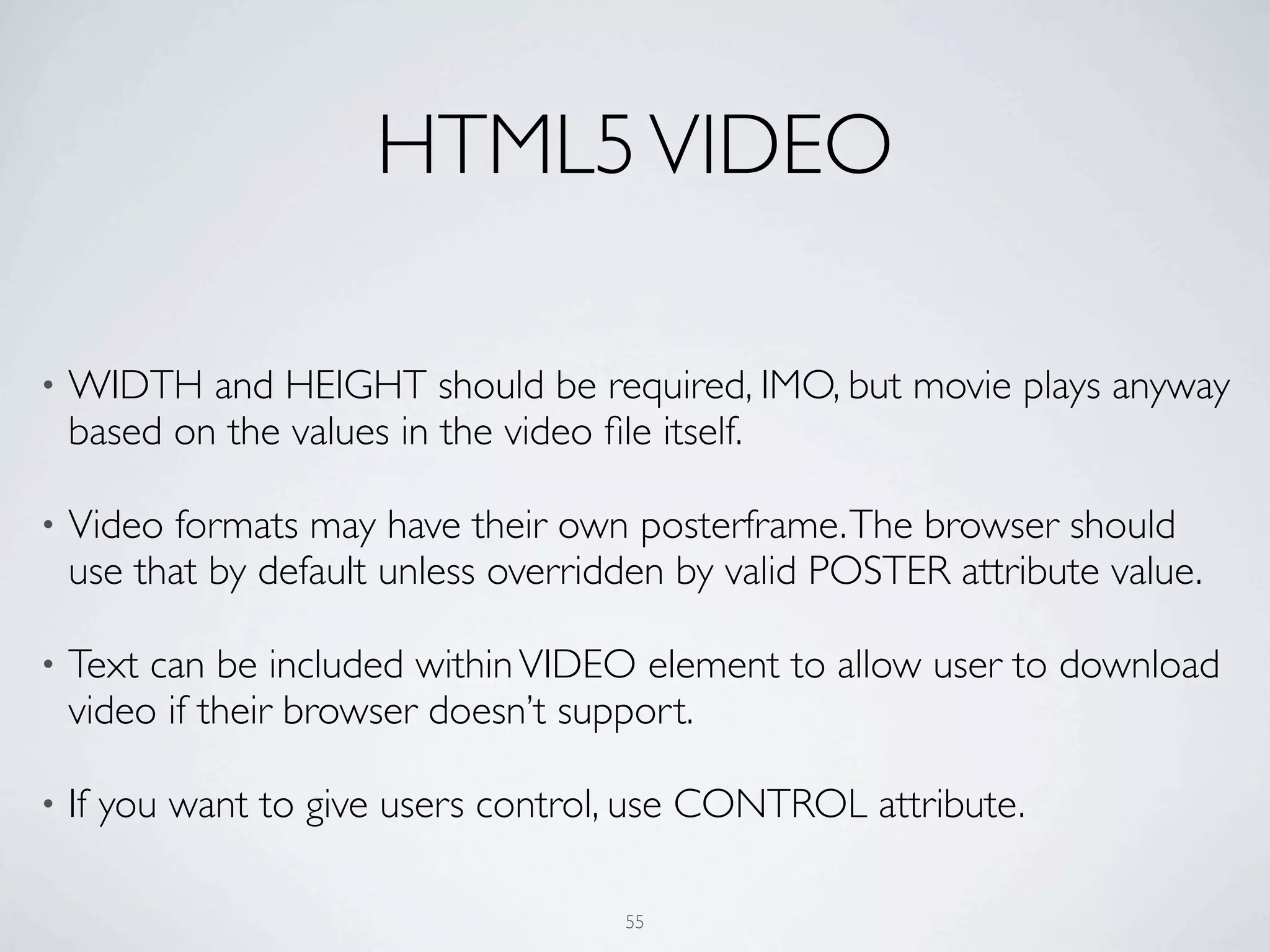
HTML5 VIDEO

•   WIDTH and HEIGHT should be required, IMO, but movie plays anyway
    based on the values in the video file itself.

•   Video formats may have their own posterframe. The browser should
    use that by default unless overridden by valid POSTER attribute value.

•   Text can be included within VIDEO element to allow user to download
    video if their browser doesn’t support.

•   If you want to give users control, use CONTROL attribute.

                                      55
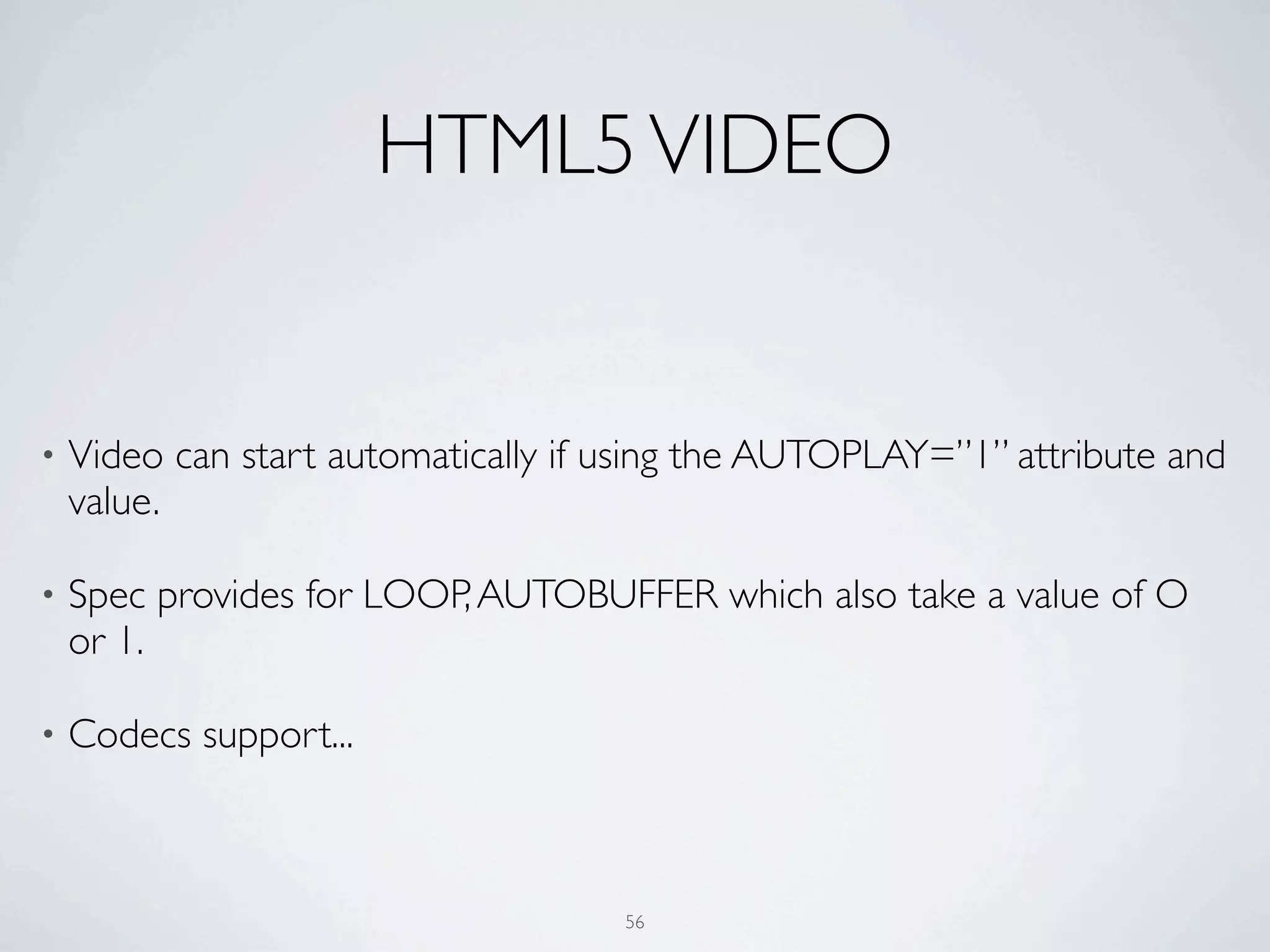
HTML5 VIDEO


•   Video can start automatically if using the AUTOPLAY=”1” attribute and
    value.

•   Spec provides for LOOP, AUTOBUFFER which also take a value of O
    or 1.

•   Codecs support...


                                     56
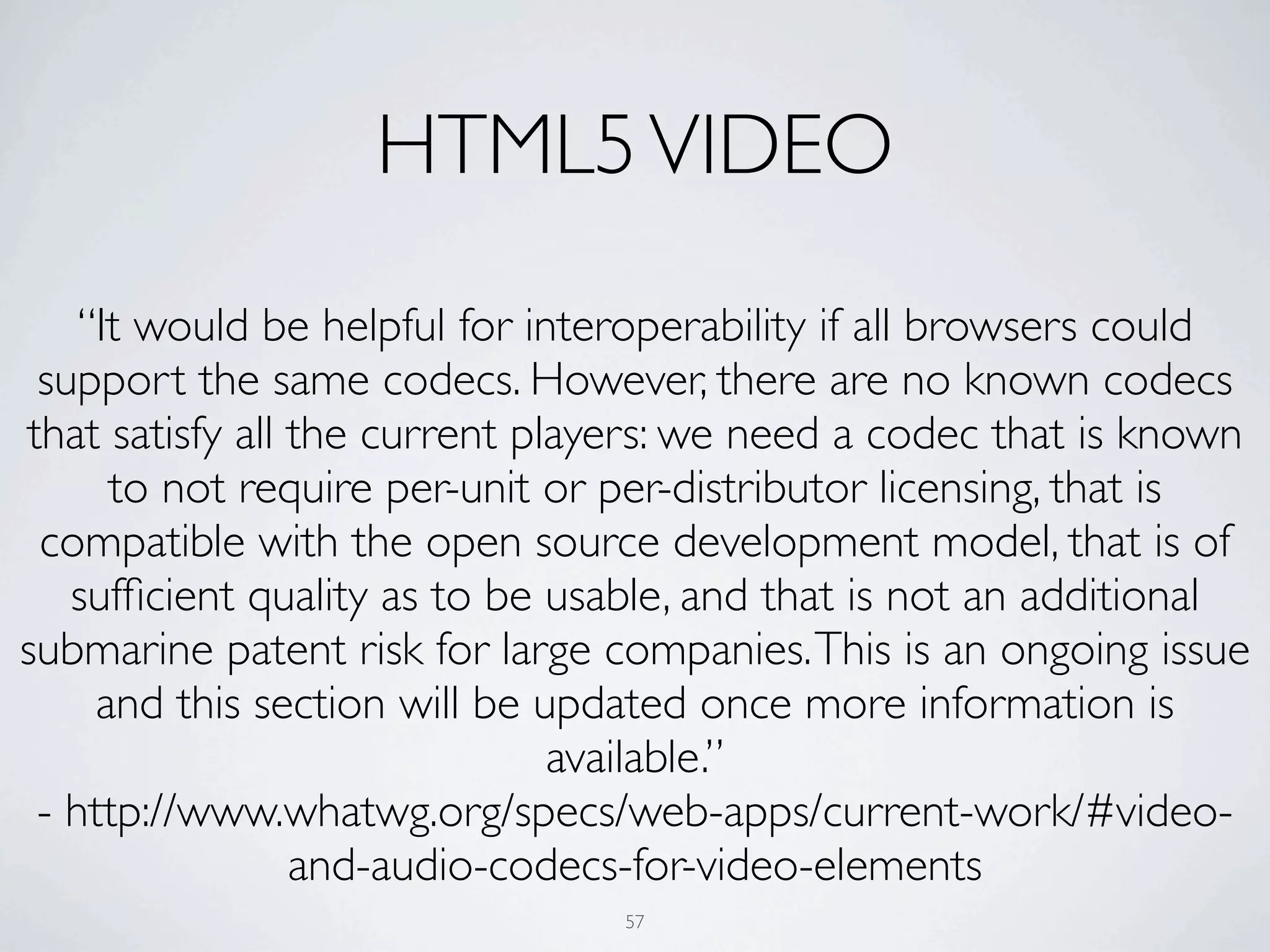
HTML5 VIDEO
    “It would be helpful for interoperability if all browsers could
 support the same codecs. However, there are no known codecs
that satisfy all the current players: we need a codec that is known
      to not require per-unit or per-distributor licensing, that is
 compatible with the open source development model, that is of
   sufficient quality as to be usable, and that is not an additional
submarine patent risk for large companies. This is an ongoing issue
     and this section will be updated once more information is
                               available.”
 - http://www.whatwg.org/specs/web-apps/current-work/#video-
                 and-audio-codecs-for-video-elements
                                57
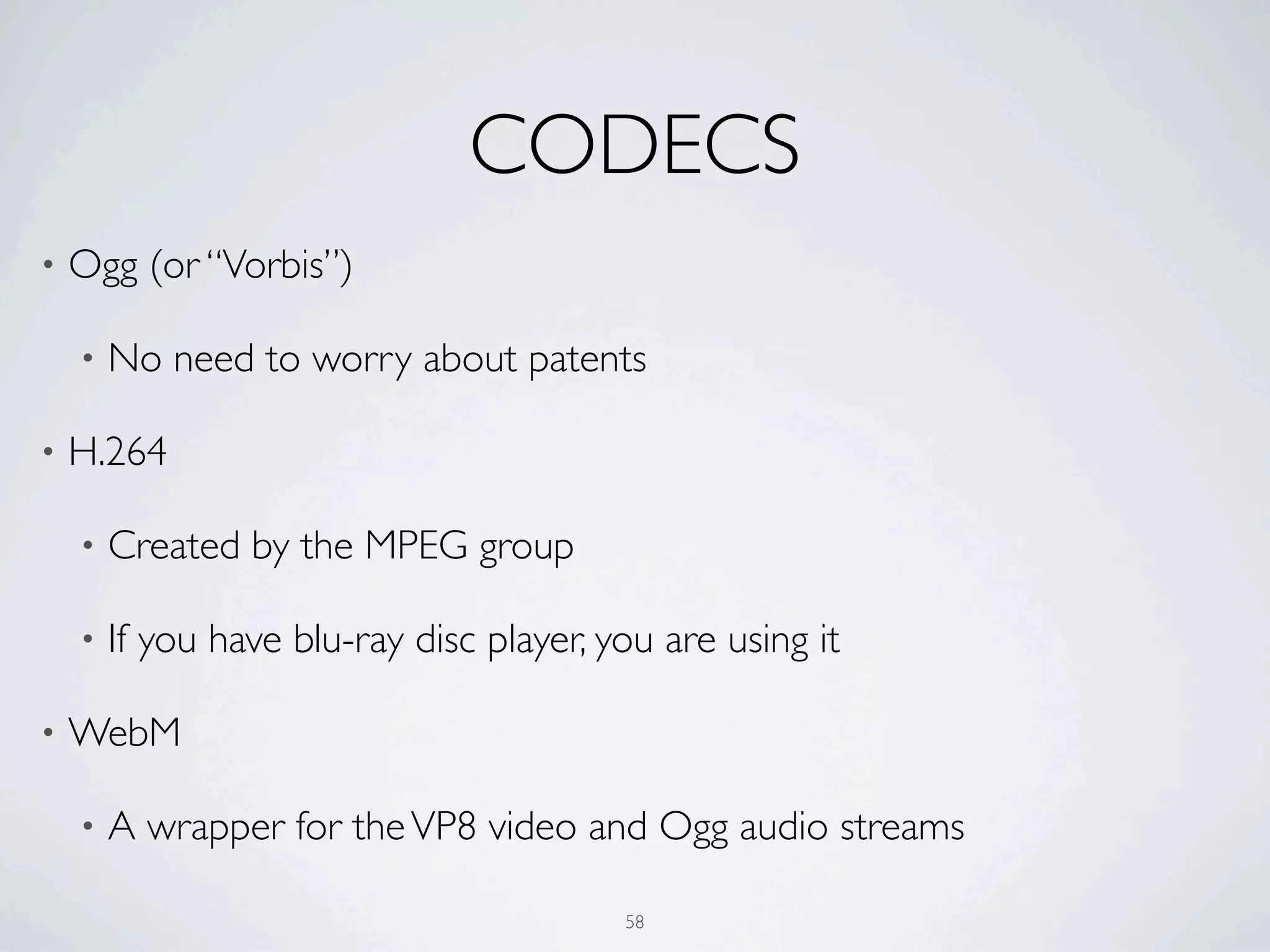
CODECS
•   Ogg (or “Vorbis”)

    •   No need to worry about patents

•   H.264

    •   Created by the MPEG group

    •   If you have blu-ray disc player, you are using it

•   WebM

    •   A wrapper for the VP8 video and Ogg audio streams

                                          58
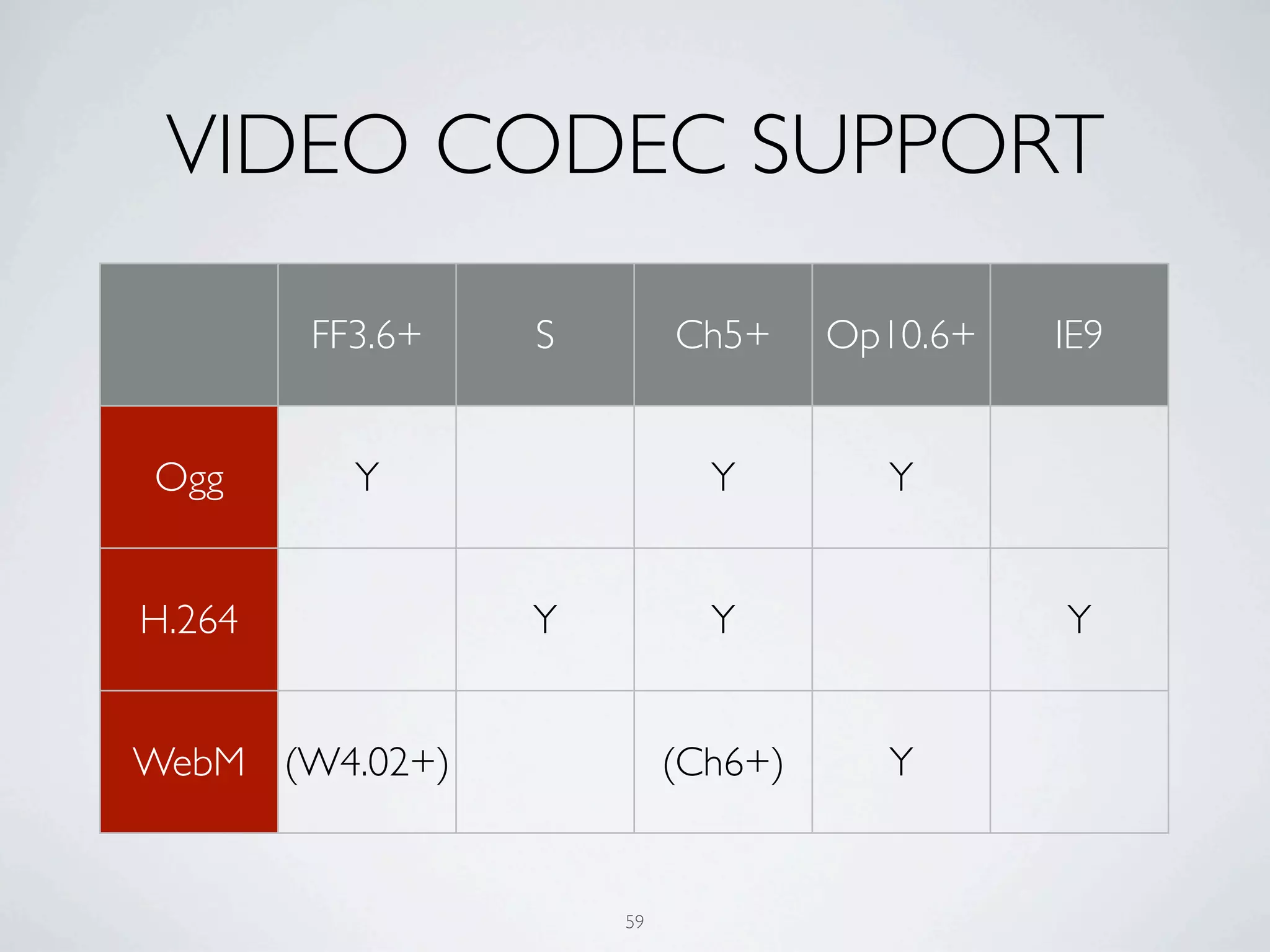
VIDEO CODEC SUPPORT

        FF3.6+   S        Ch5+     Op10.6+   IE9


Ogg       Y                 Y        Y


H.264            Y          Y                Y


WebM (W4.02+)             (Ch6+)     Y


                     59
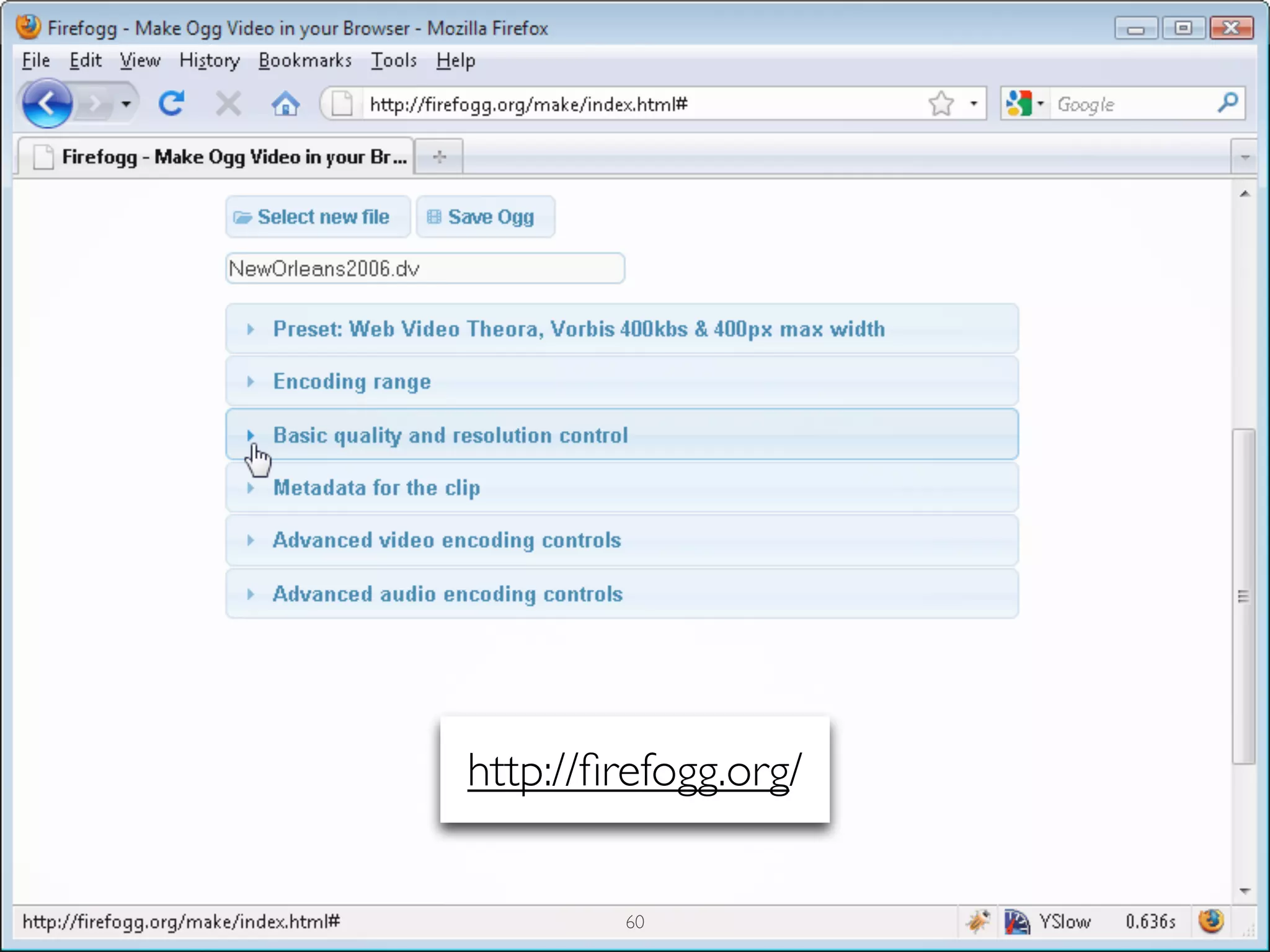
http://firefogg.org/


        60
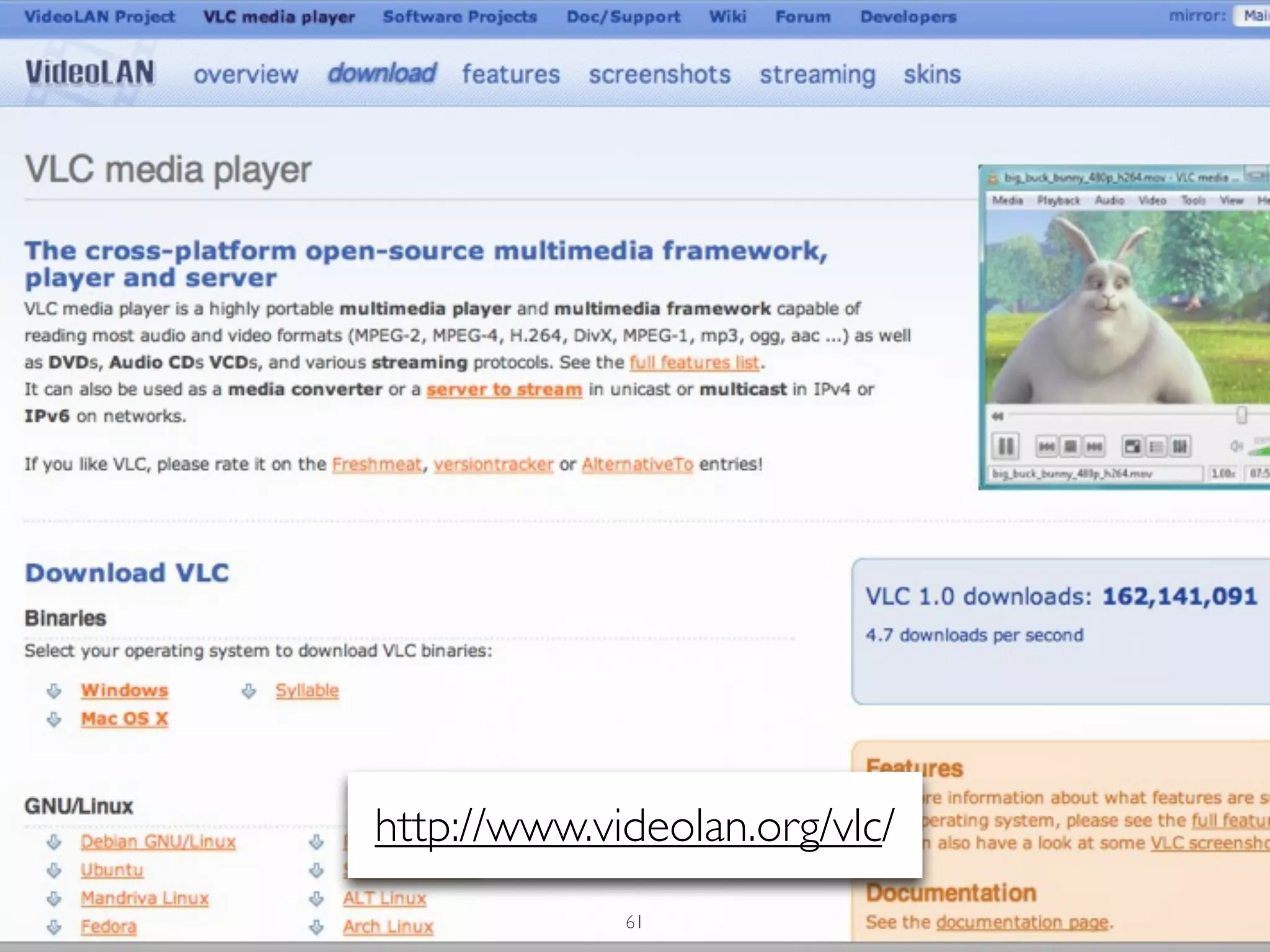
http://www.videolan.org/vlc/
             61
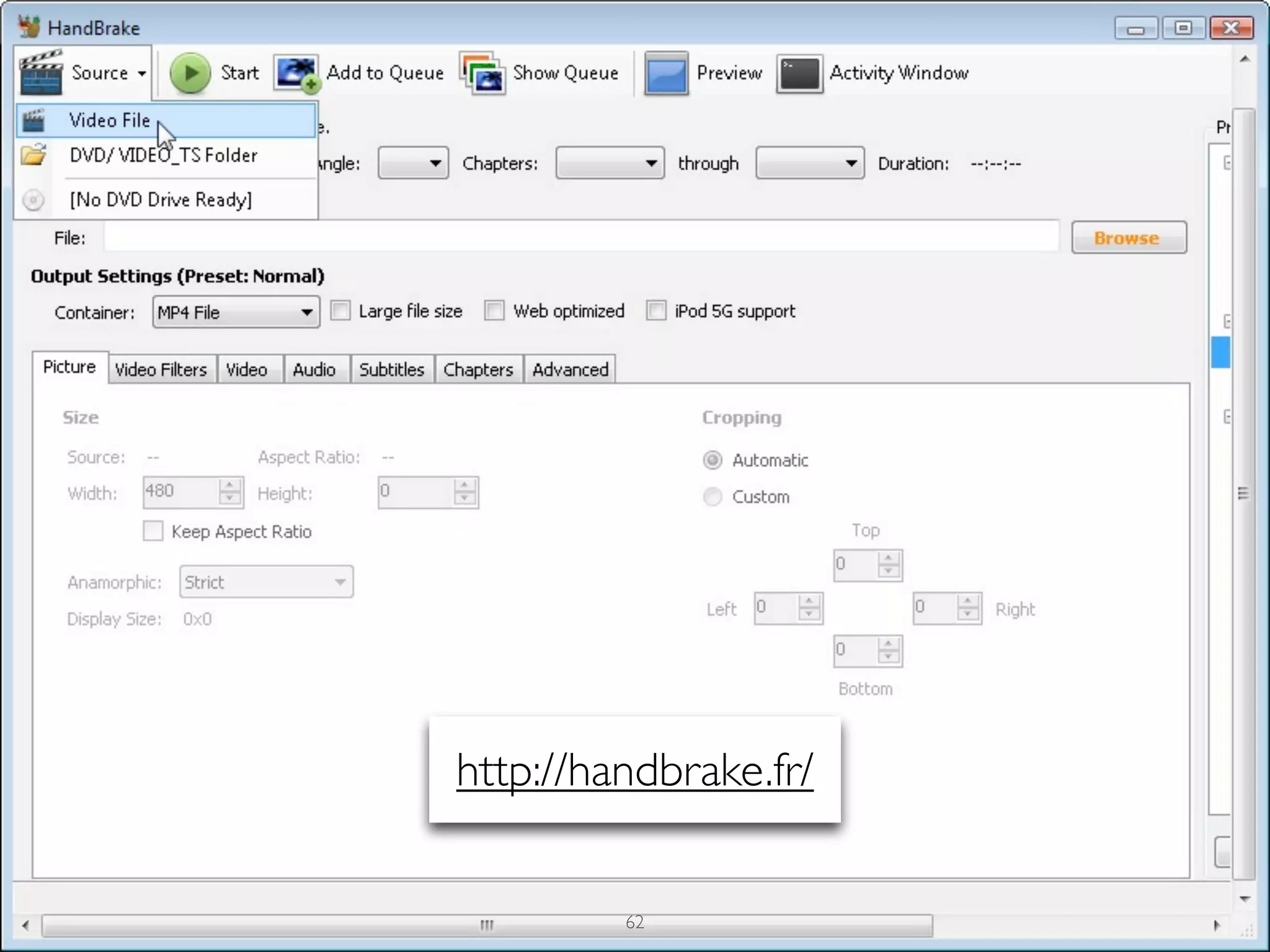
http://handbrake.fr/


         62
LESSONS LEARNED

•   Use VLC or Firefogg to encode common movie files types to OGG

•   H.264 encoding? Use Handbrake

•   If you are hot to trot for HTML5 Video, like, right now, check out Mark
    Pilgrim’s tutorial:
    http://diveintohtml5.org/video.html

    •   Good primer:
        http://dev.opera.com/articles/view/introduction-html5-video/


                                       63
64
65
<script>
	

   function playPause() {
	

     var myVideo = document.getElementsByTagName('video')[0];
	

     if (myVideo.paused)
	

       myVideo.play();
	

     else
	

       myVideo.pause();
	

   }
	

   </script>


                                    66
<input type=button onclick="playPause()" value="Play/Pause"
tabindex="0" />


                               67
HTML5 VIDEO & CAPTIONS


          68
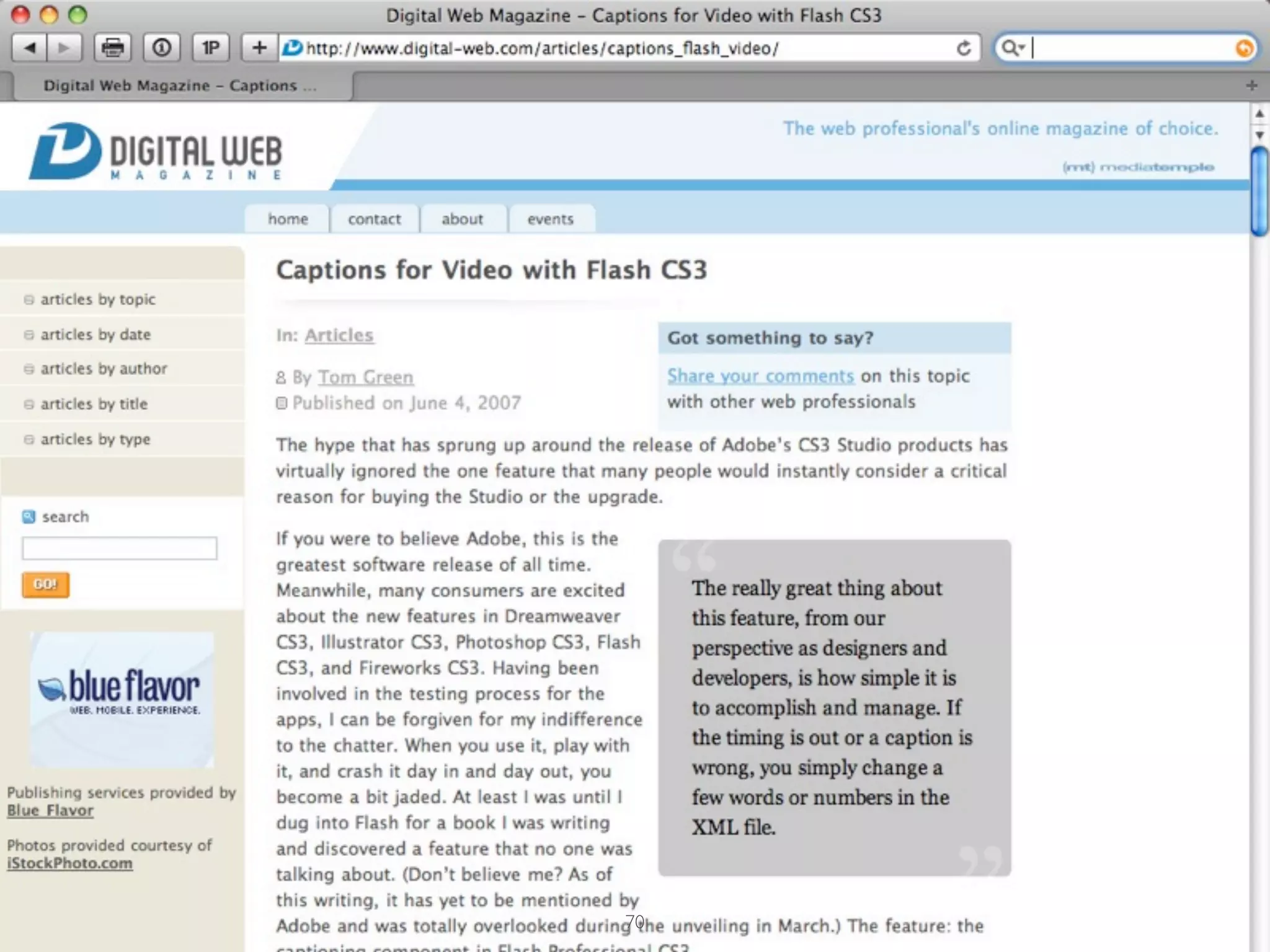
[Captioning] has been shown to improve
reading skills among adults who are non-
readers.


http://www.ldonline.org/article/35793
                    69
70
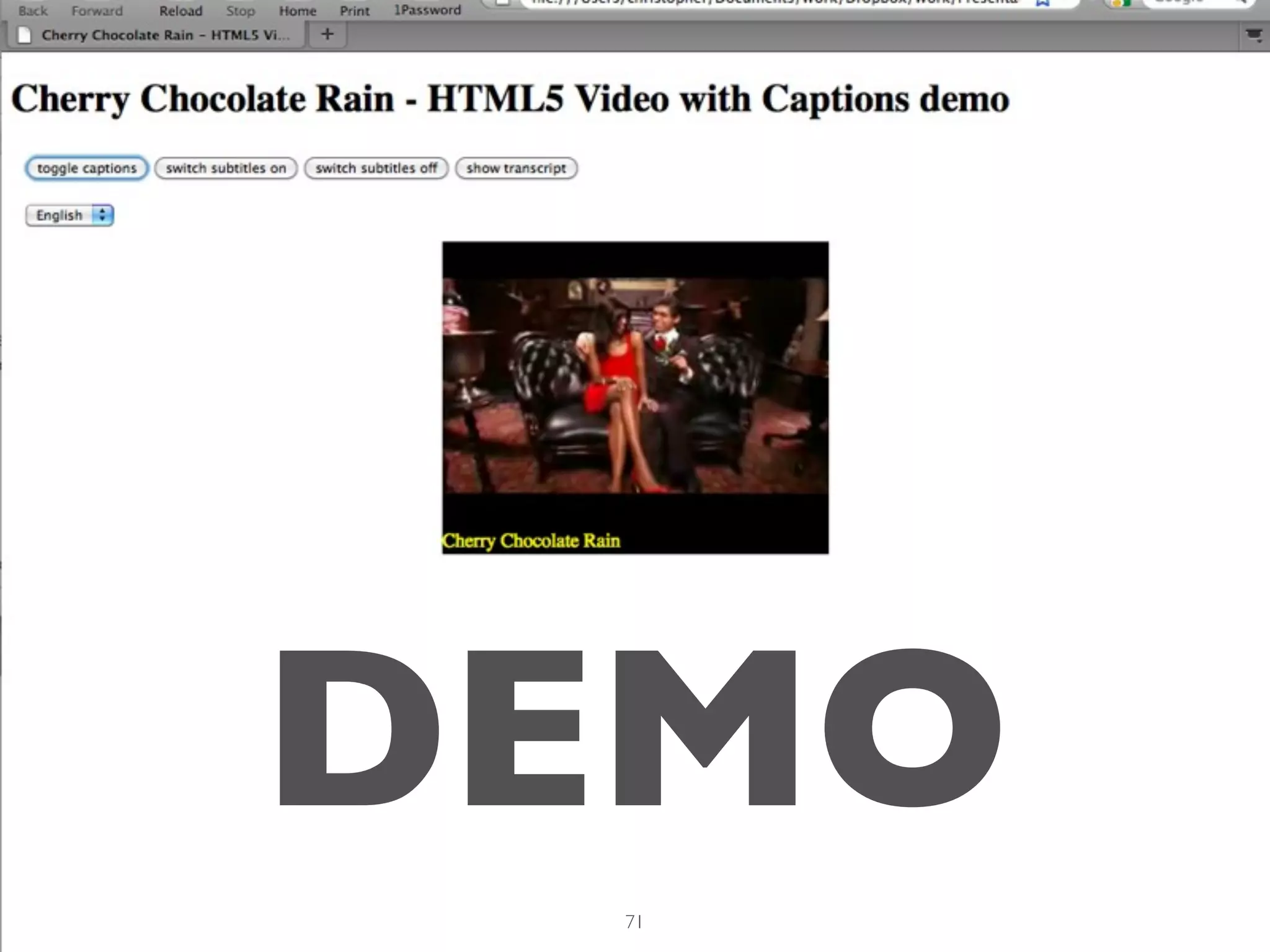
DEMO
 71
QUICK & DIRTY
CAPTIONING


      72
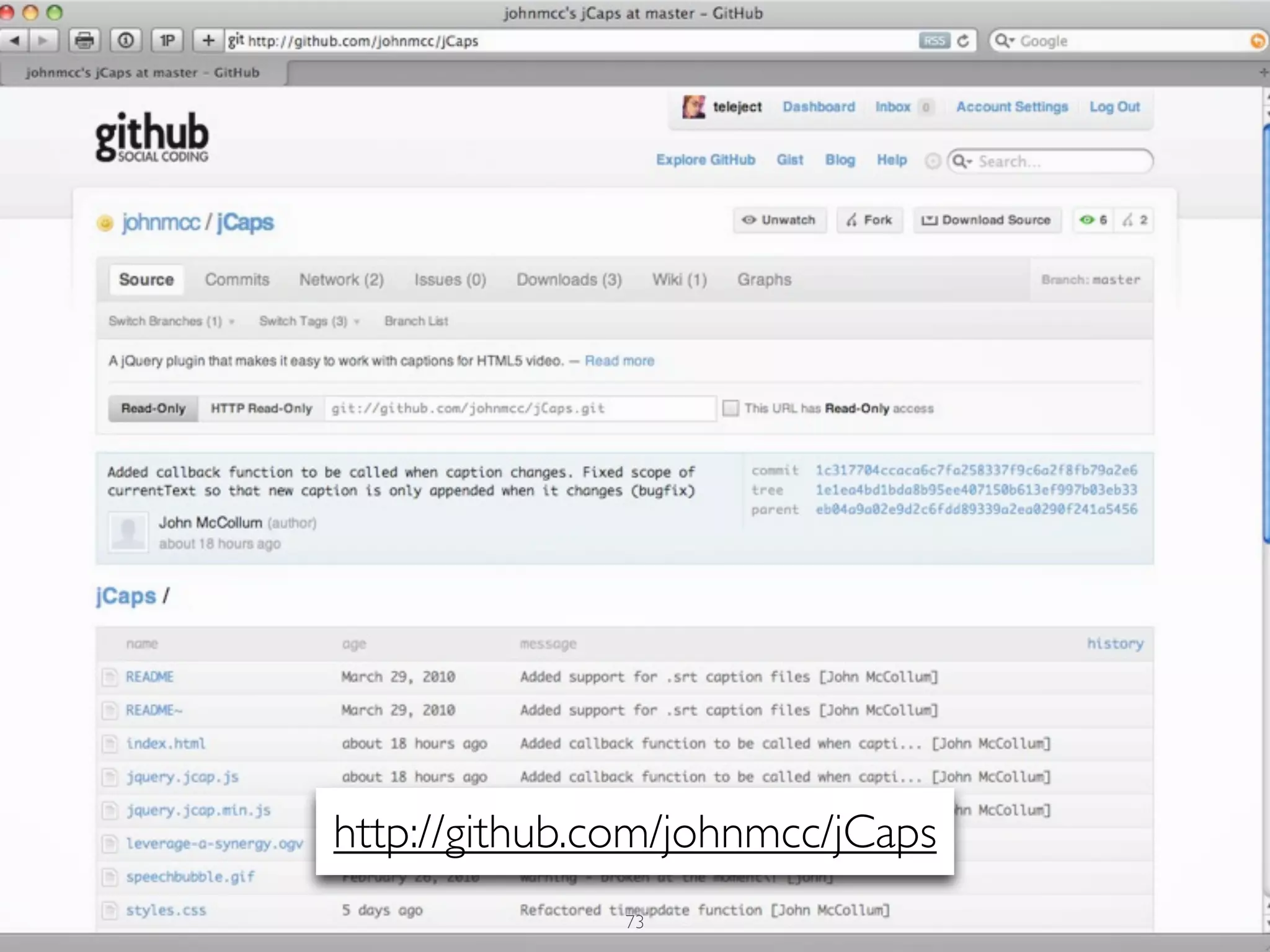
http://github.com/johnmcc/jCaps
               73
74
75
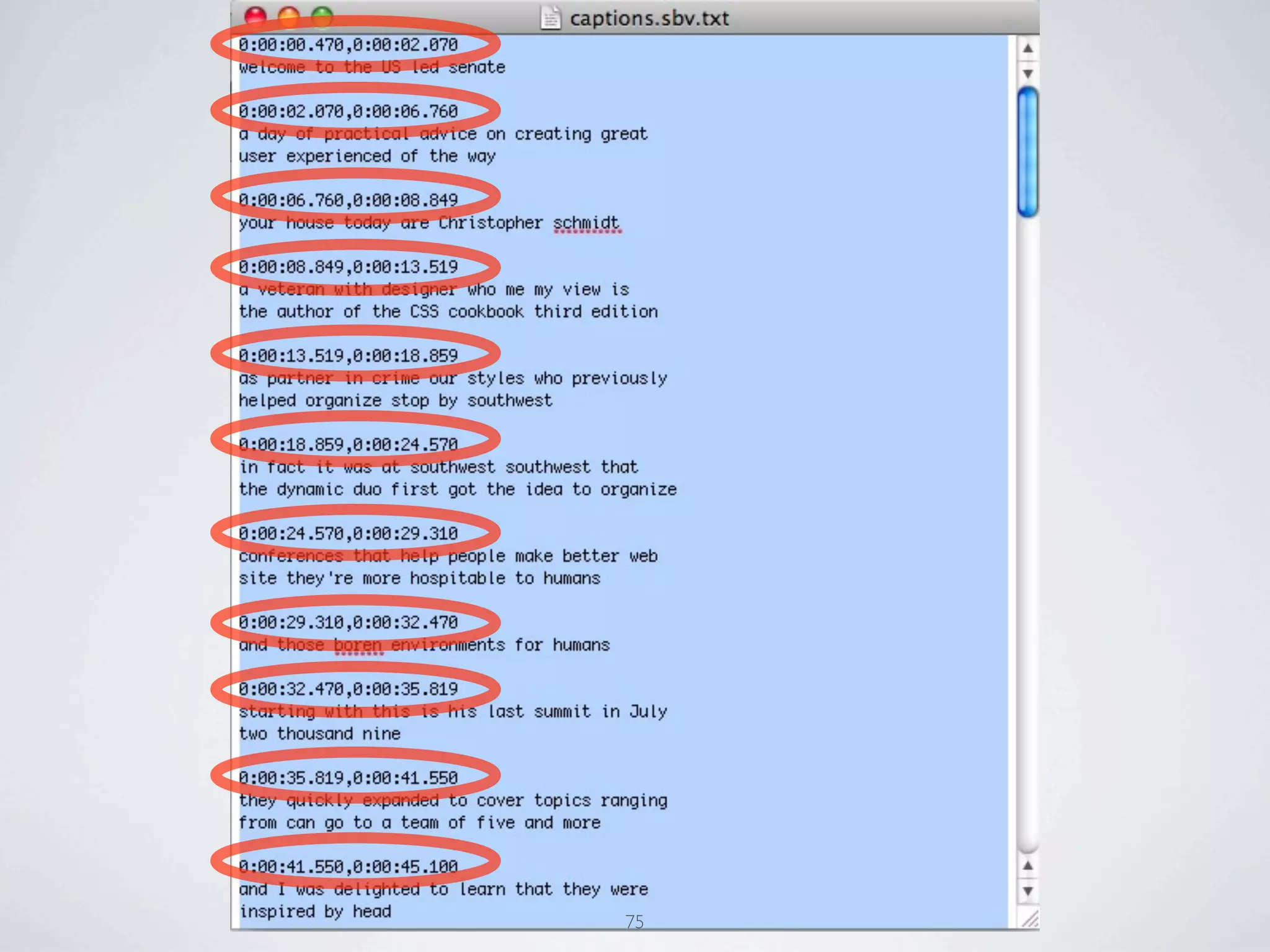
SRT FILES
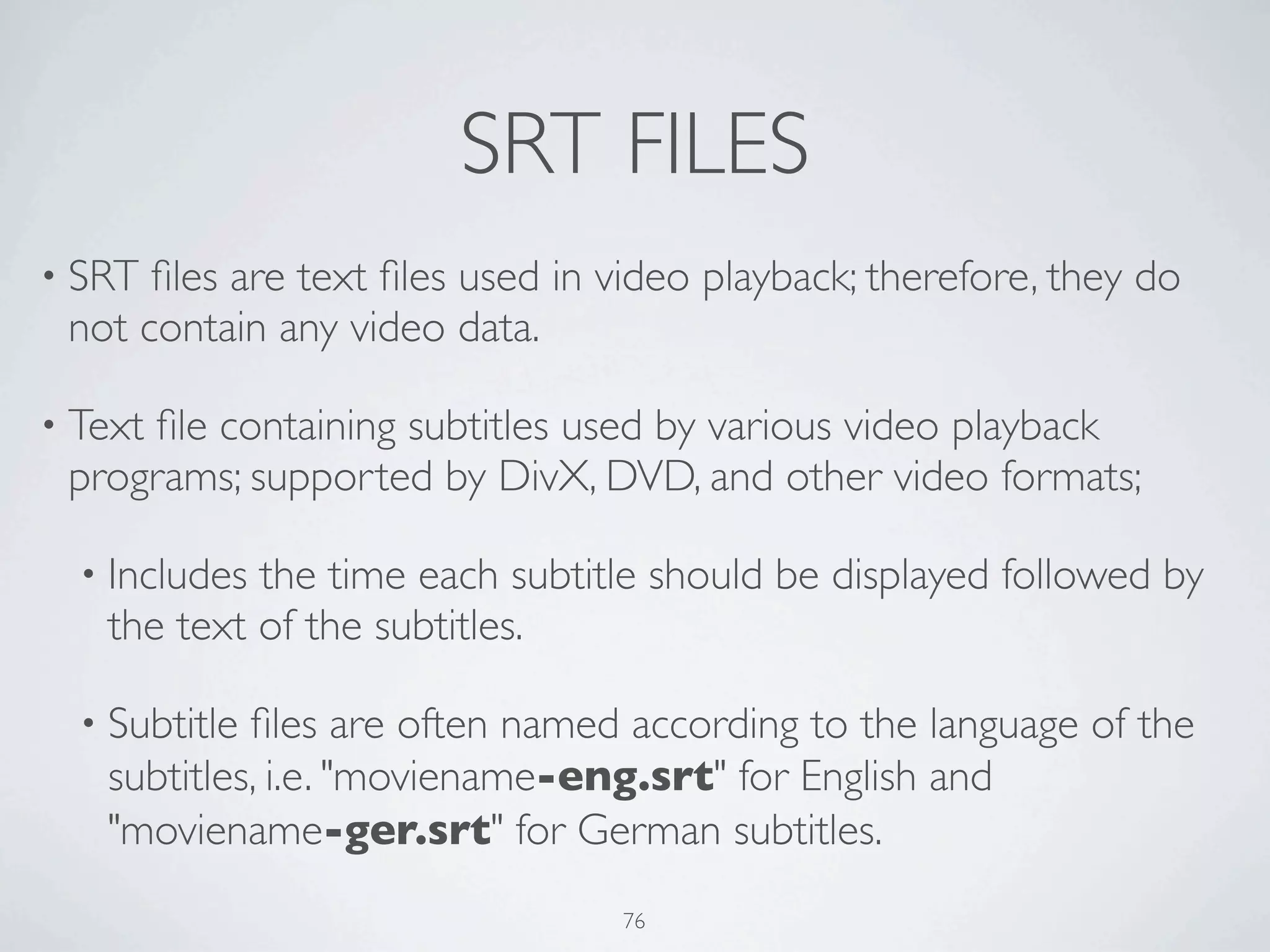
• SRT files are text files used in video playback; therefore, they do
 not contain any video data.

• Text
     file containing subtitles used by various video playback
 programs; supported by DivX, DVD, and other video formats;

  • Includesthe time each subtitle should be displayed followed by
   the text of the subtitles.

  • Subtitlefiles are often named according to the language of the
   subtitles, i.e. "moviename-eng.srt" for English and
   "moviename-ger.srt" for German subtitles.
                                 76
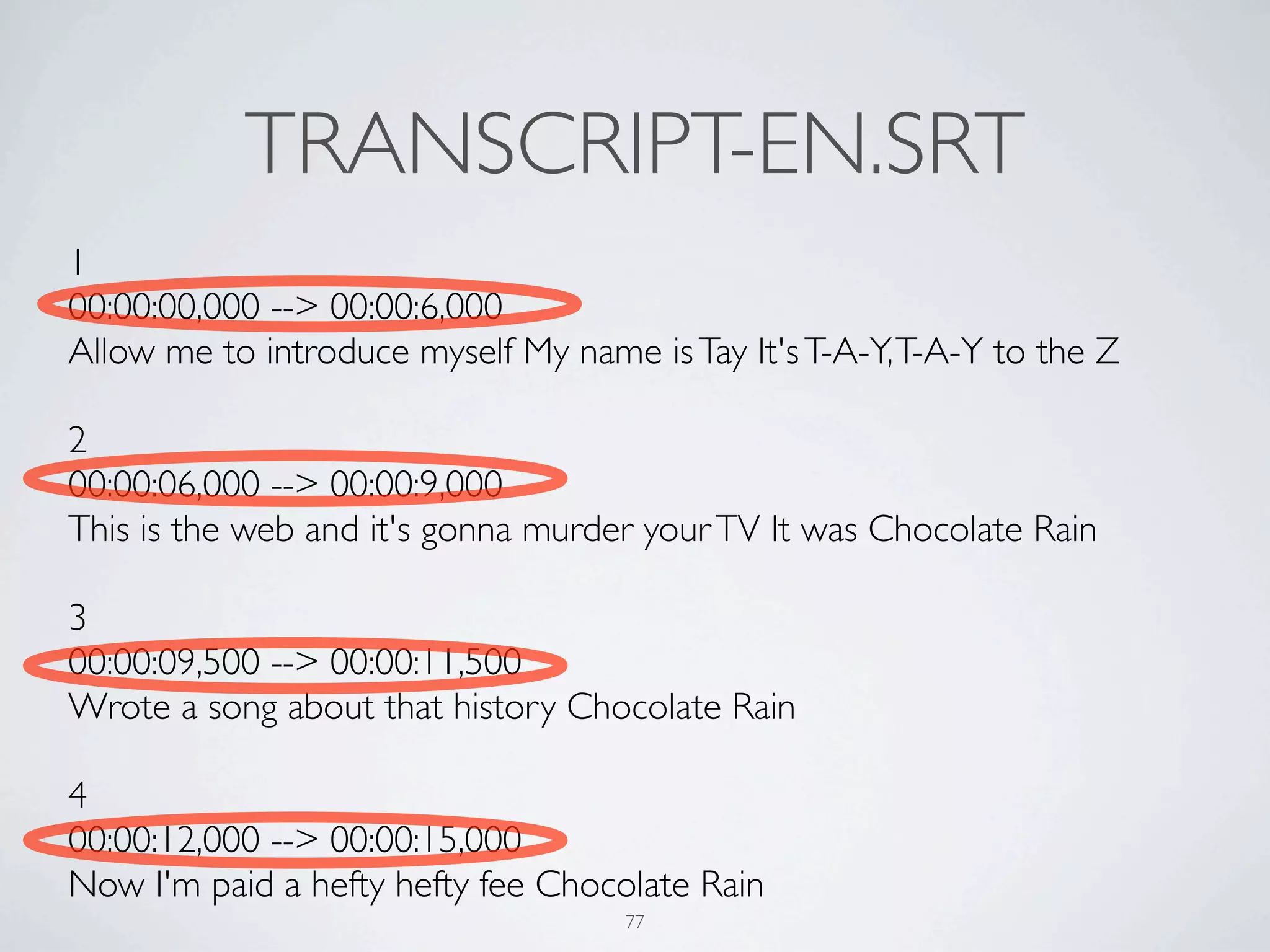
TRANSCRIPT-EN.SRT
1
00:00:00,000 --> 00:00:6,000
Allow me to introduce myself My name is Tay It's T-A-Y, T-A-Y to the Z

2
00:00:06,000 --> 00:00:9,000
This is the web and it's gonna murder your TV It was Chocolate Rain

3
00:00:09,500 --> 00:00:11,500
Wrote a song about that history Chocolate Rain

4
00:00:12,000 --> 00:00:15,000
Now I'm paid a hefty hefty fee Chocolate Rain
                                     77
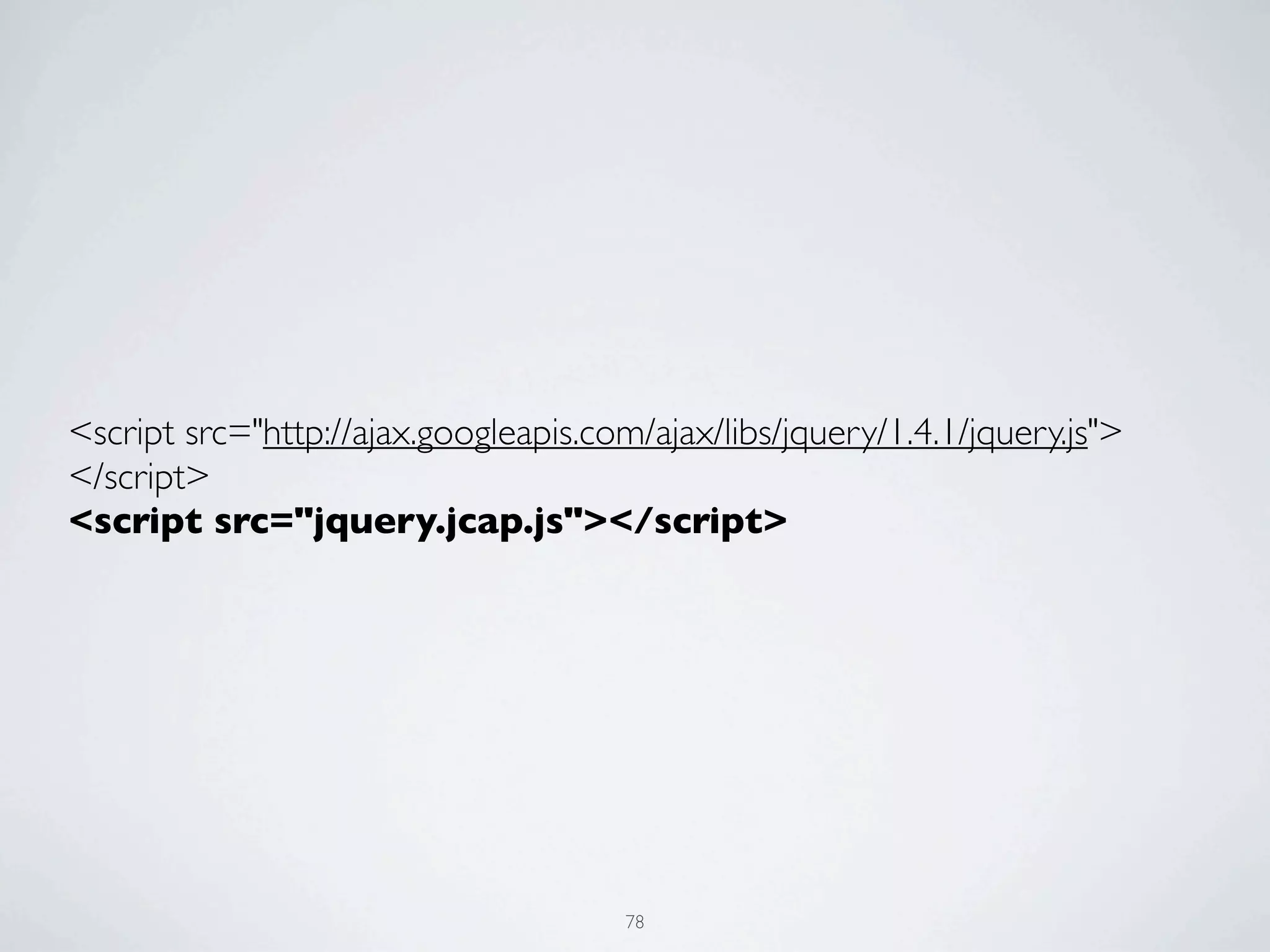
<script src="http://ajax.googleapis.com/ajax/libs/jquery/1.4.1/jquery.js">
</script>
<script src="jquery.jcap.js"></script>


                                       78
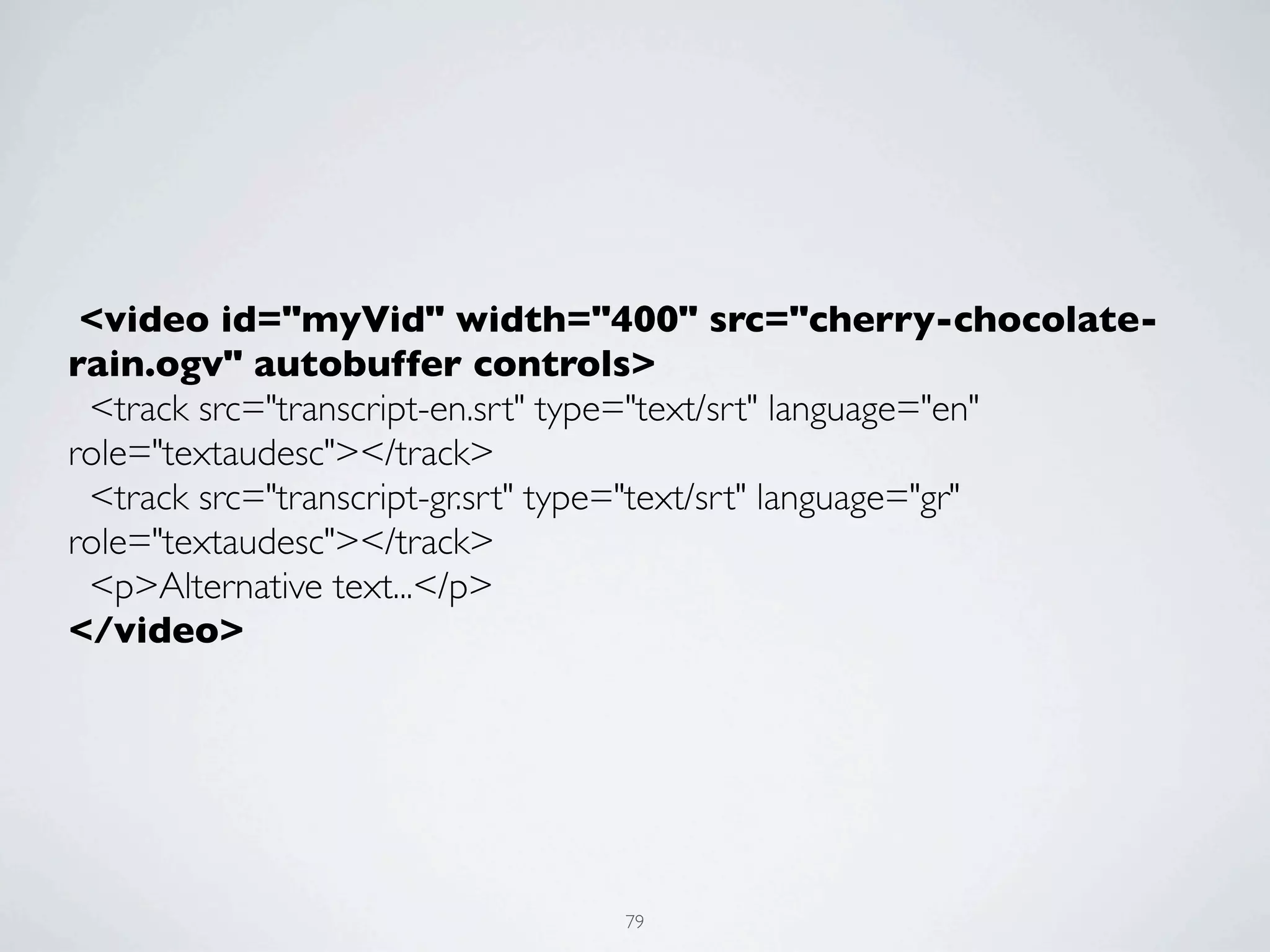
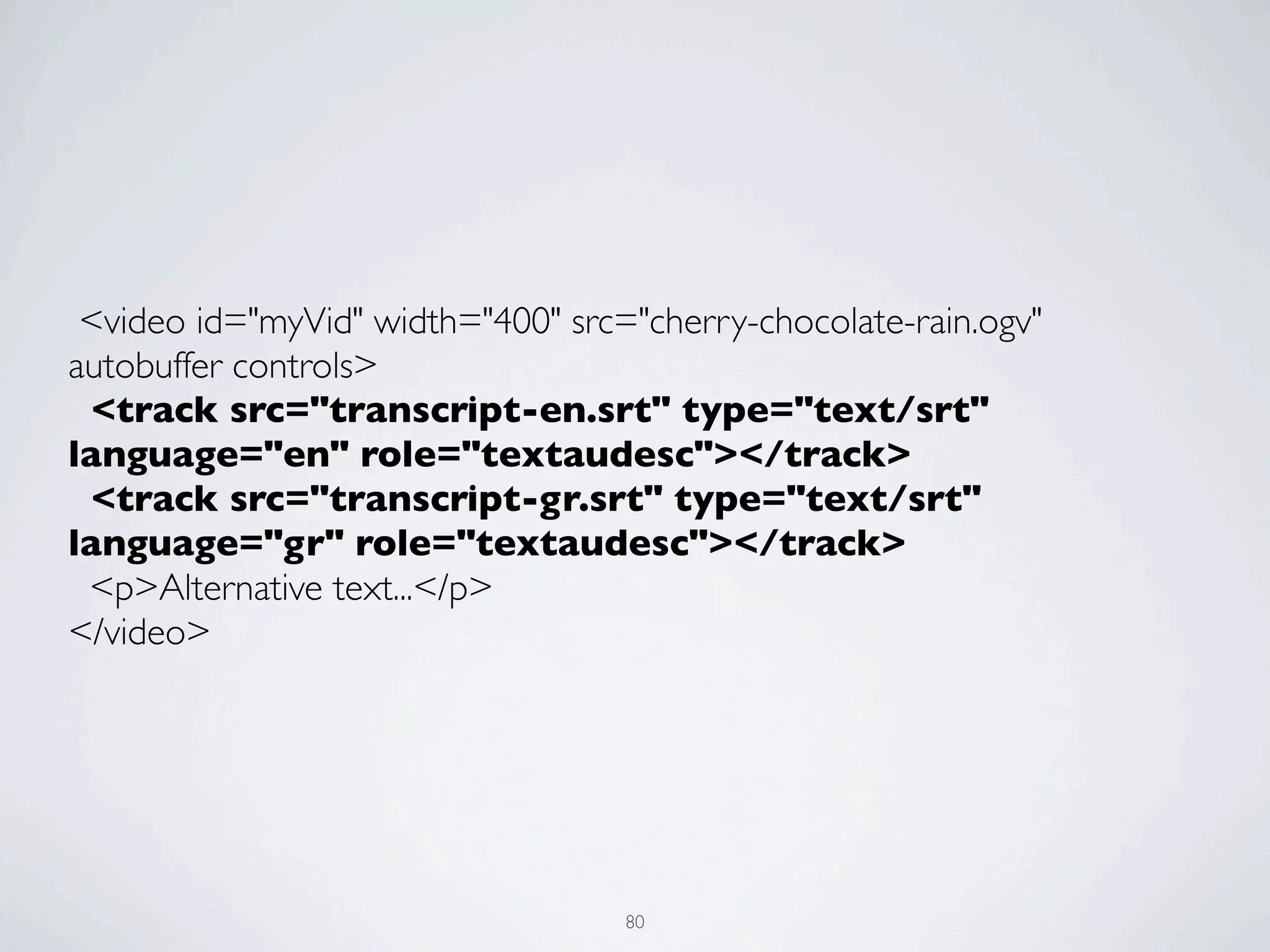
 <video id="myVid" width="400" src="cherry-chocolate-
rain.ogv" autobuffer controls>
  <track src="transcript-en.srt" type="text/srt" language="en"
role="textaudesc"></track>
  <track src="transcript-gr.srt" type="text/srt" language="gr"
role="textaudesc"></track>
  <p>Alternative text...</p>
</video>


                               79
 <video id="myVid" width="400" src="cherry-chocolate-rain.ogv"
autobuffer controls>
  <track src="transcript-en.srt" type="text/srt"
language="en" role="textaudesc"></track>
  <track src="transcript-gr.srt" type="text/srt"
language="gr" role="textaudesc"></track>
  <p>Alternative text...</p>
</video>


                                   80
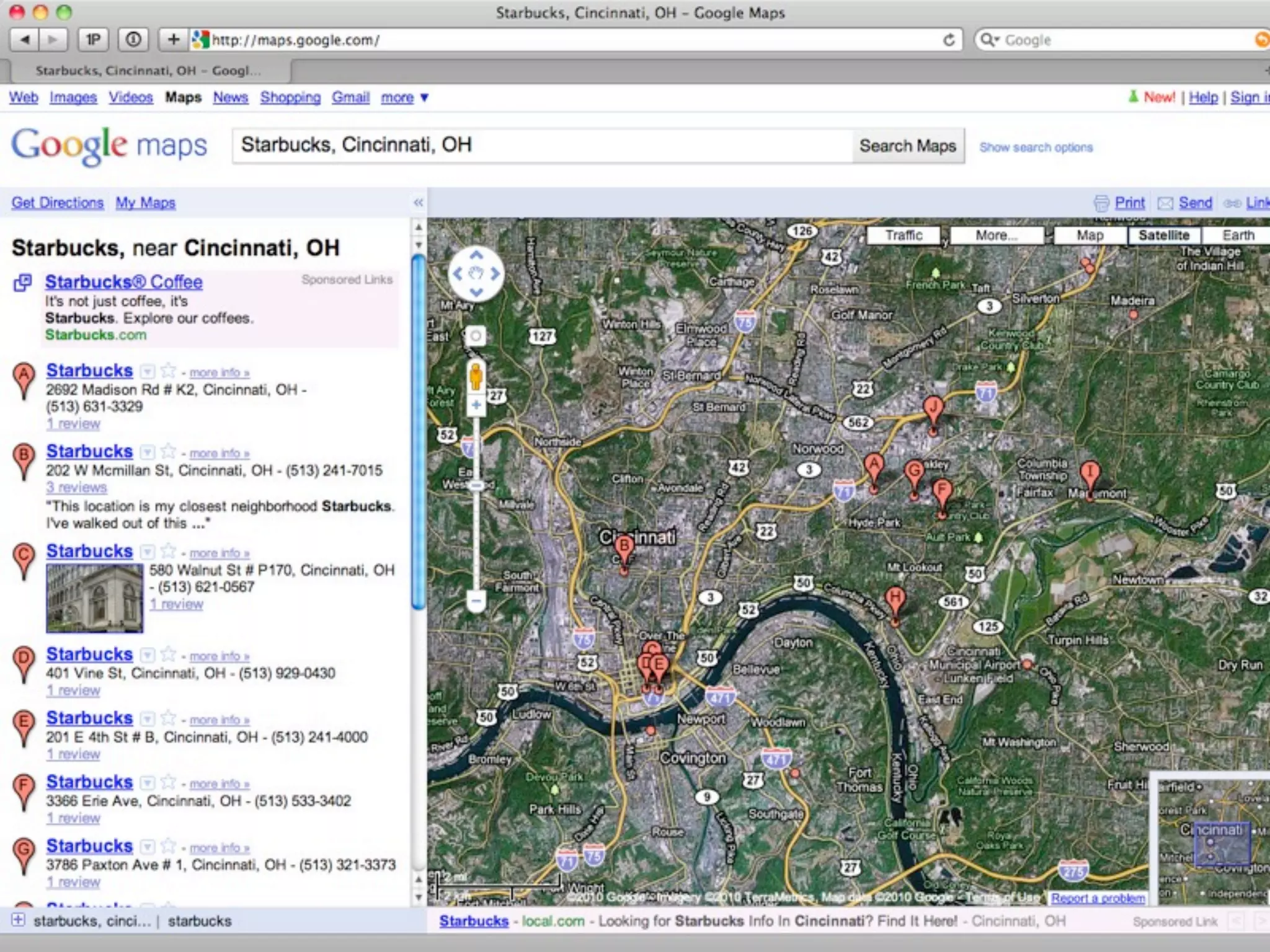
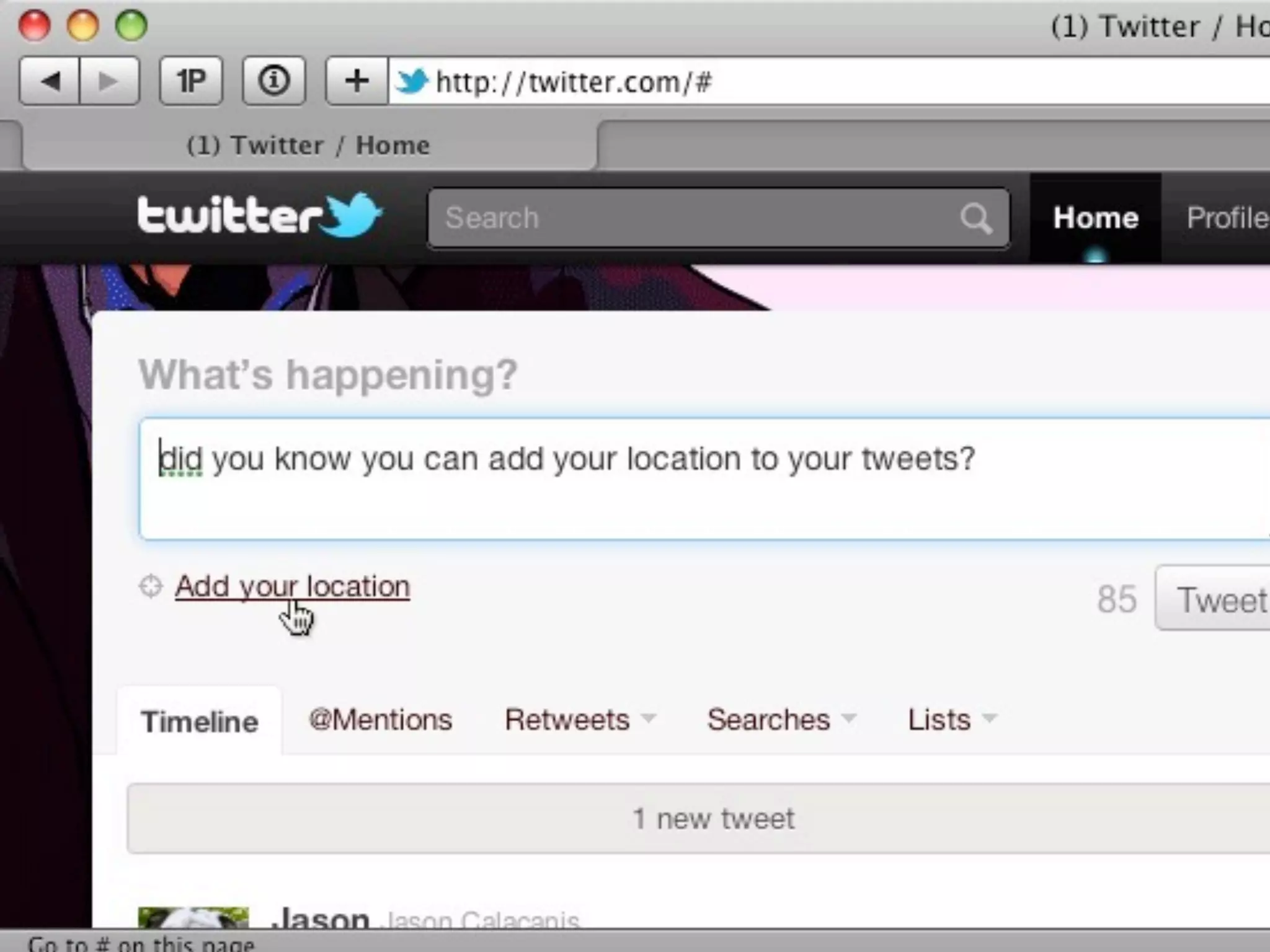
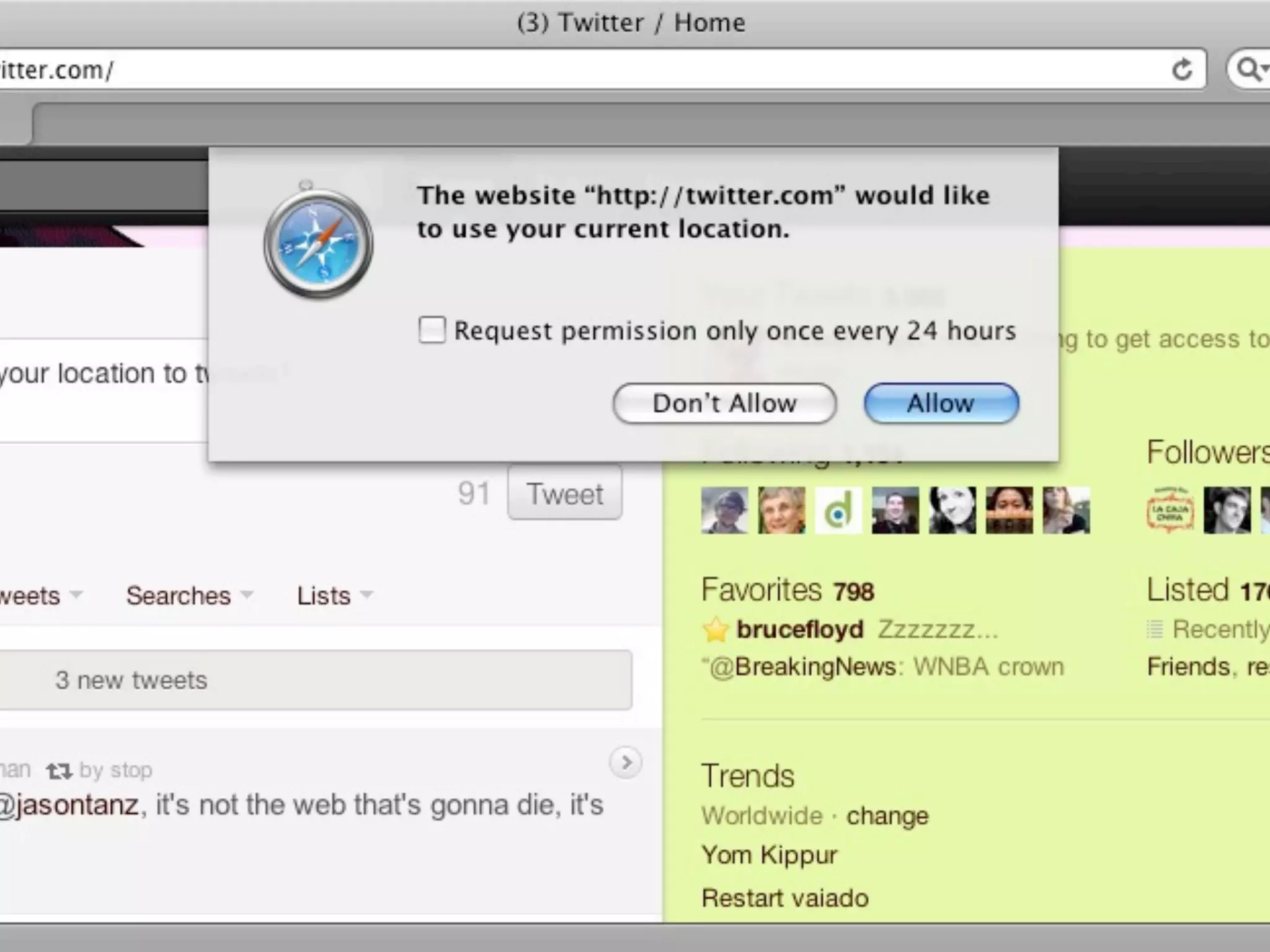
HTML5 & GEOLOCATION


         81
82
83
84
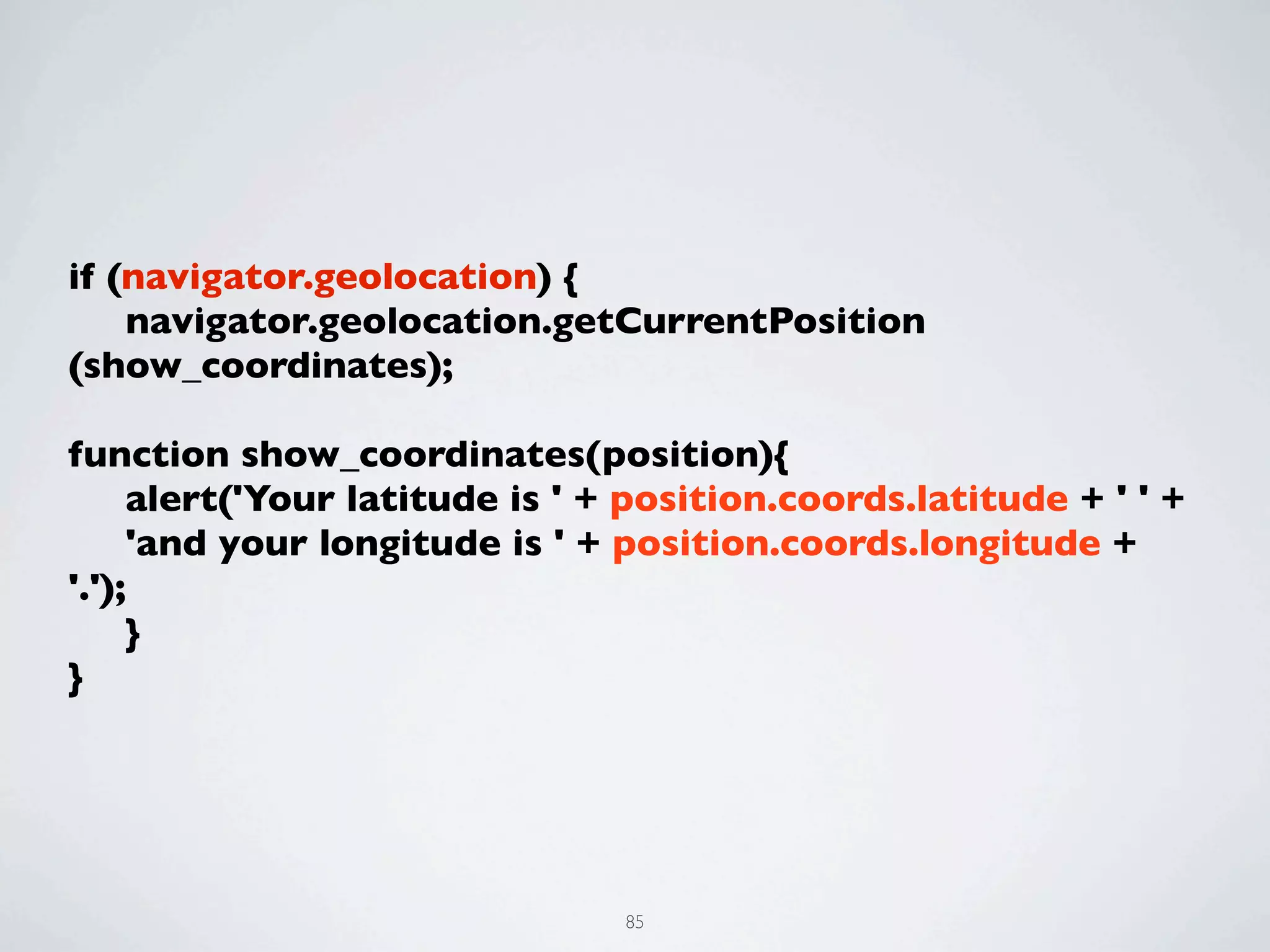
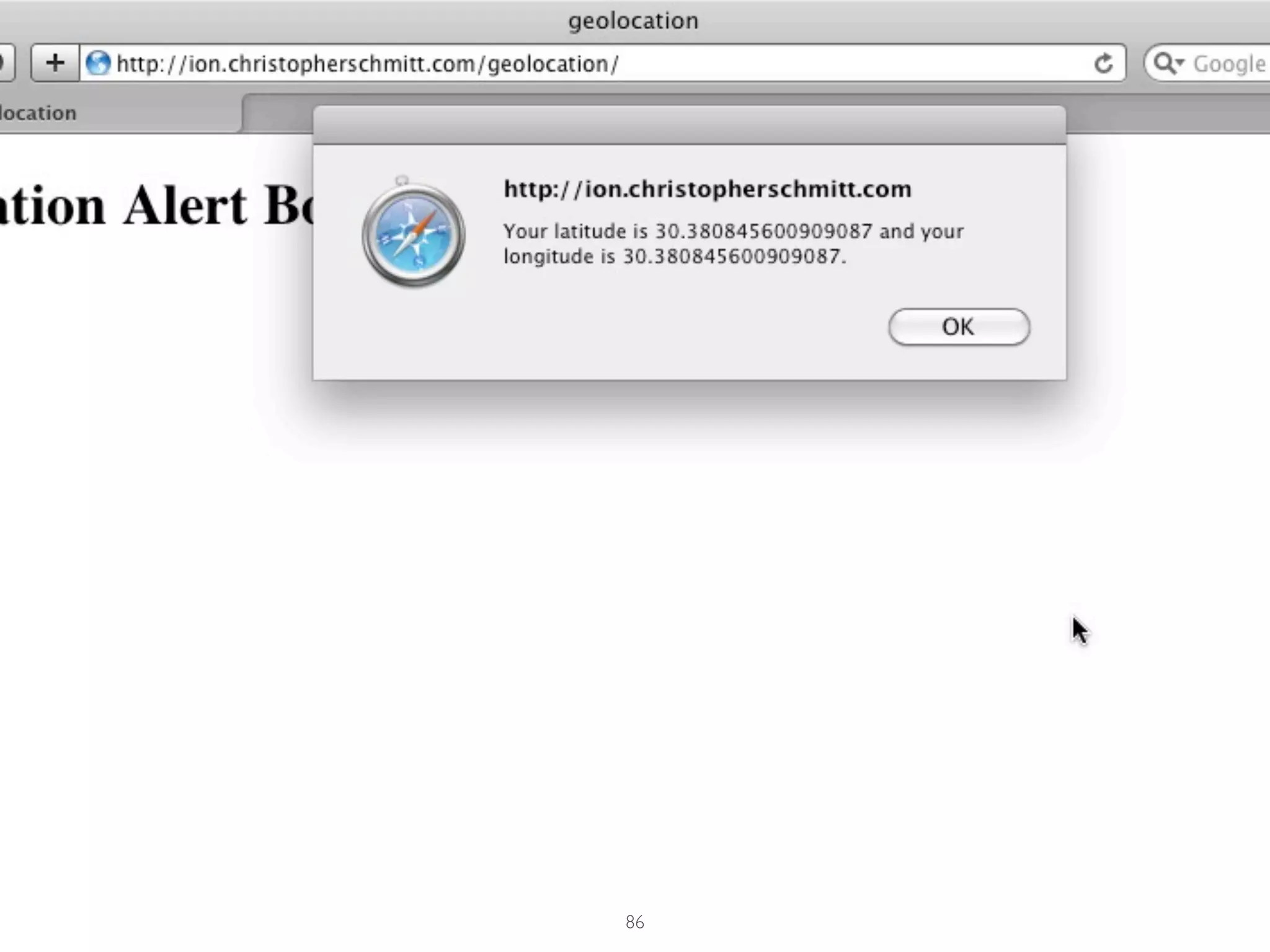
if (navigator.geolocation) {
	

 navigator.geolocation.getCurrentPosition
(show_coordinates);
	

function show_coordinates(position){
	

 alert('Your latitude is ' + position.coords.latitude + ' ' +
	

 'and your longitude is ' + position.coords.longitude +
'.');
	

 }
}


                               85
86
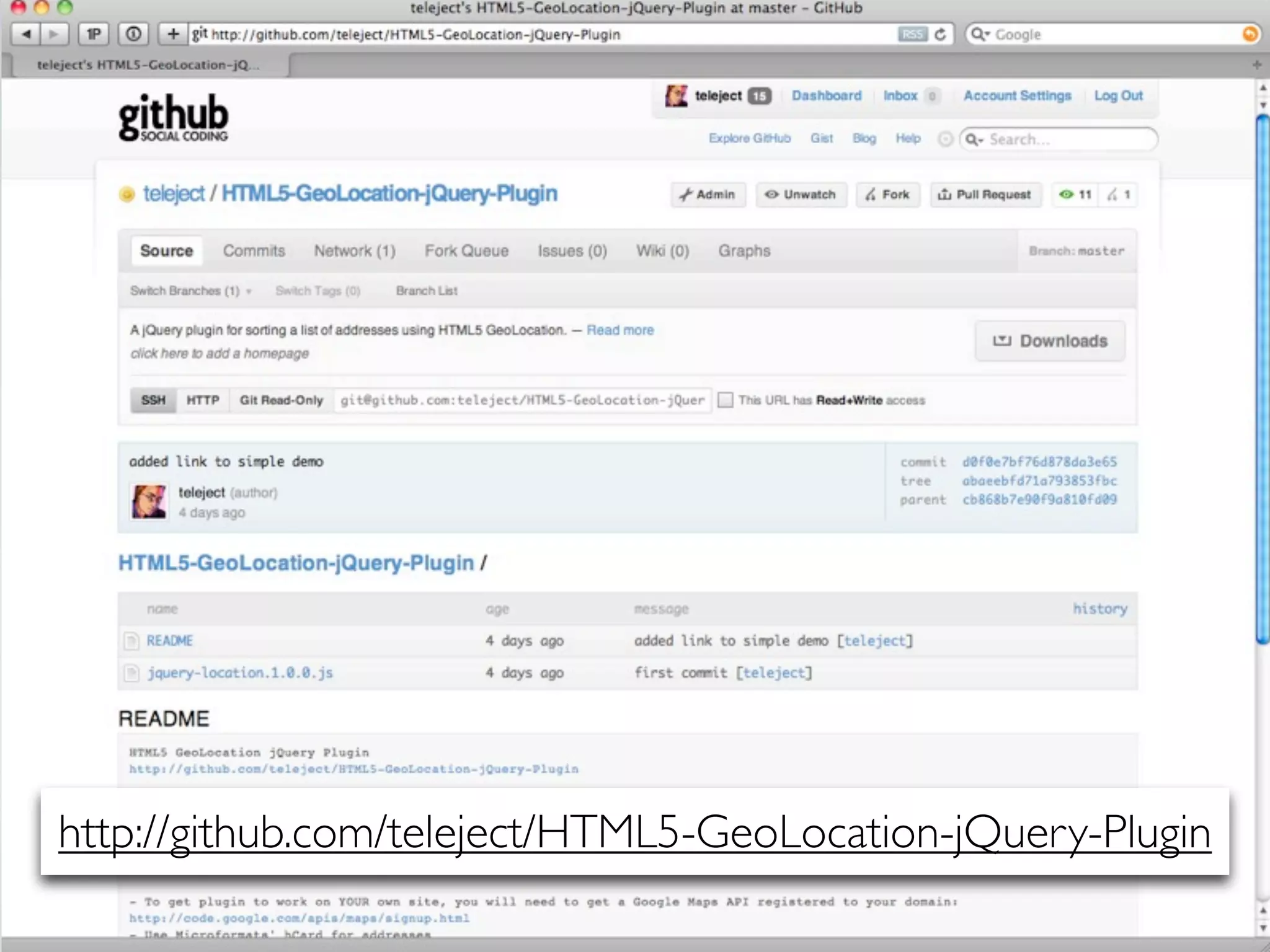
http://github.com/teleject/HTML5-GeoLocation-jQuery-Plugin
                            87
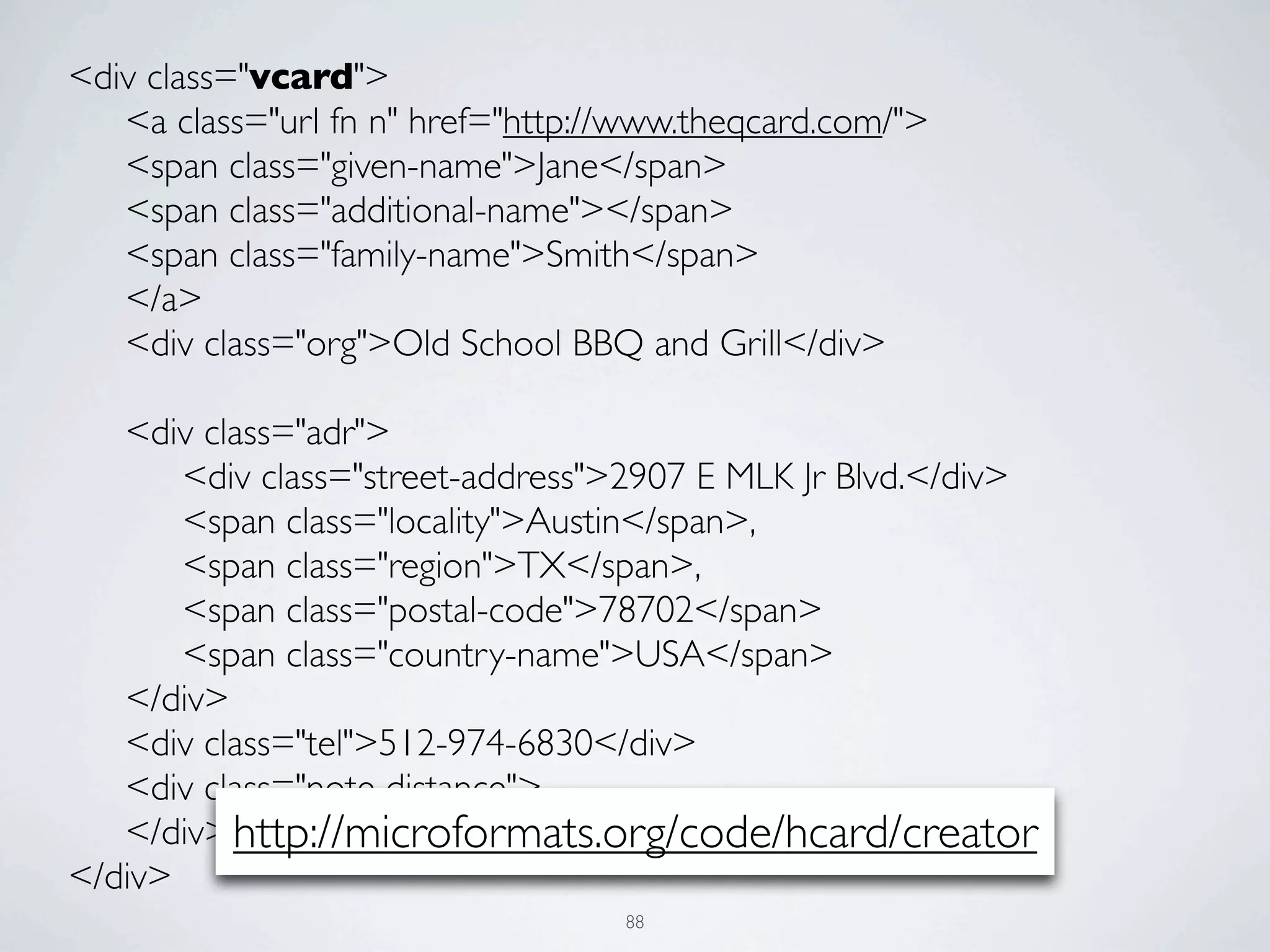
<div class="vcard">
	

 <a class="url fn n" href="http://www.theqcard.com/">
	

 <span class="given-name">Jane</span>
	

 <span class="additional-name"></span>
	

 <span class="family-name">Smith</span>
	

 </a>
	

 <div class="org">Old School BBQ and Grill</div>


 <div class="adr">


 <div class="street-address">2907 E MLK Jr Blvd.</div>


 <span class="locality">Austin</span>,


 <span class="region">TX</span>,


 <span class="postal-code">78702</span>


 <span class="country-name">USA</span>
	

 </div>
	

 <div class="tel">512-974-6830</div>
	

 <div class="note distance">
	

 </div> http://microformats.org/code/hcard/creator
</div>
                                    88
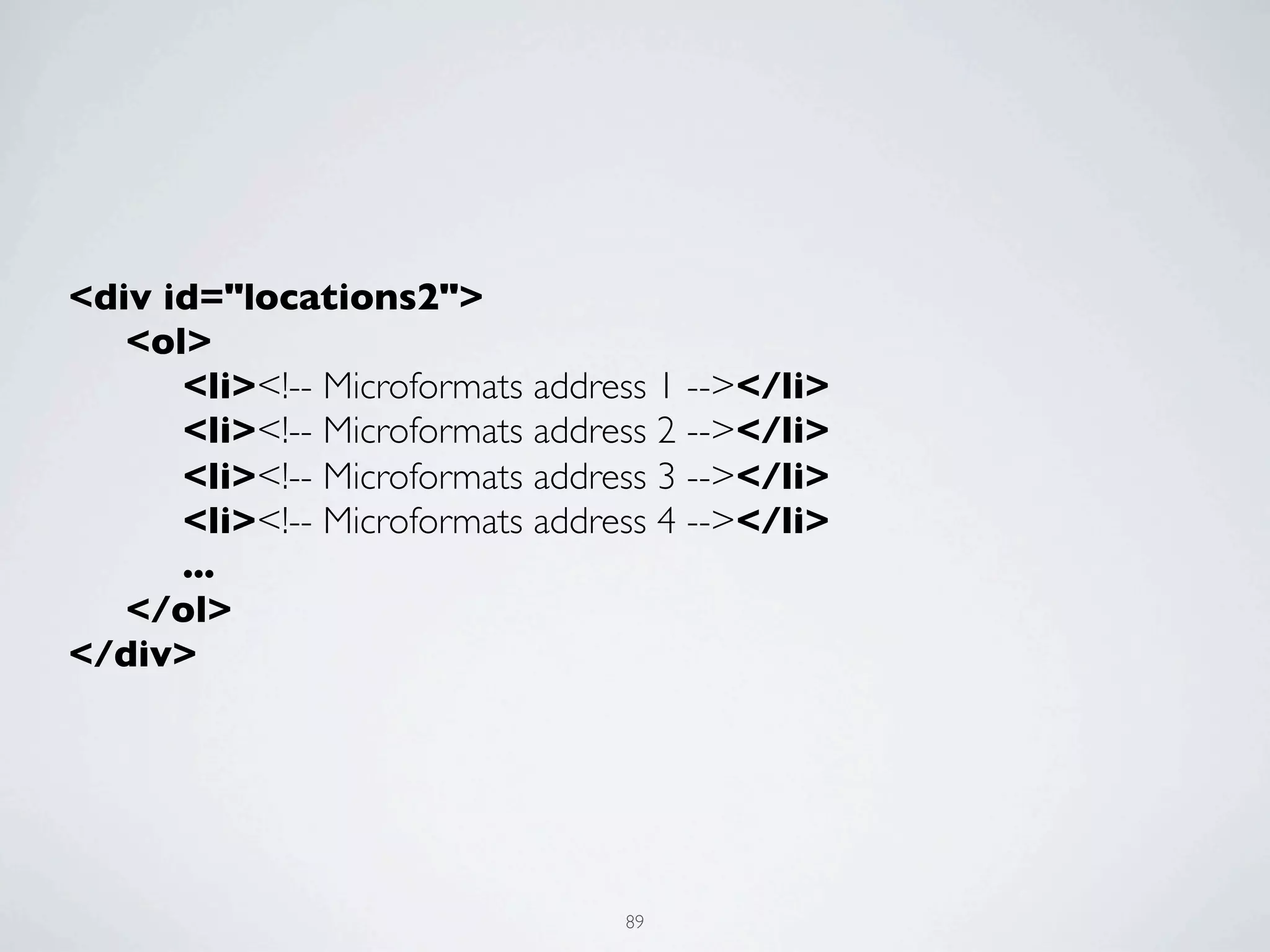
<div id="locations2">
	

 <ol>


 <li><!-- Microformats address 1 --></li>


 <li><!-- Microformats address 2 --></li>


 <li><!-- Microformats address 3 --></li>


 <li><!-- Microformats address 4 --></li>


 ...
	

 </ol>
</div>


                                   89
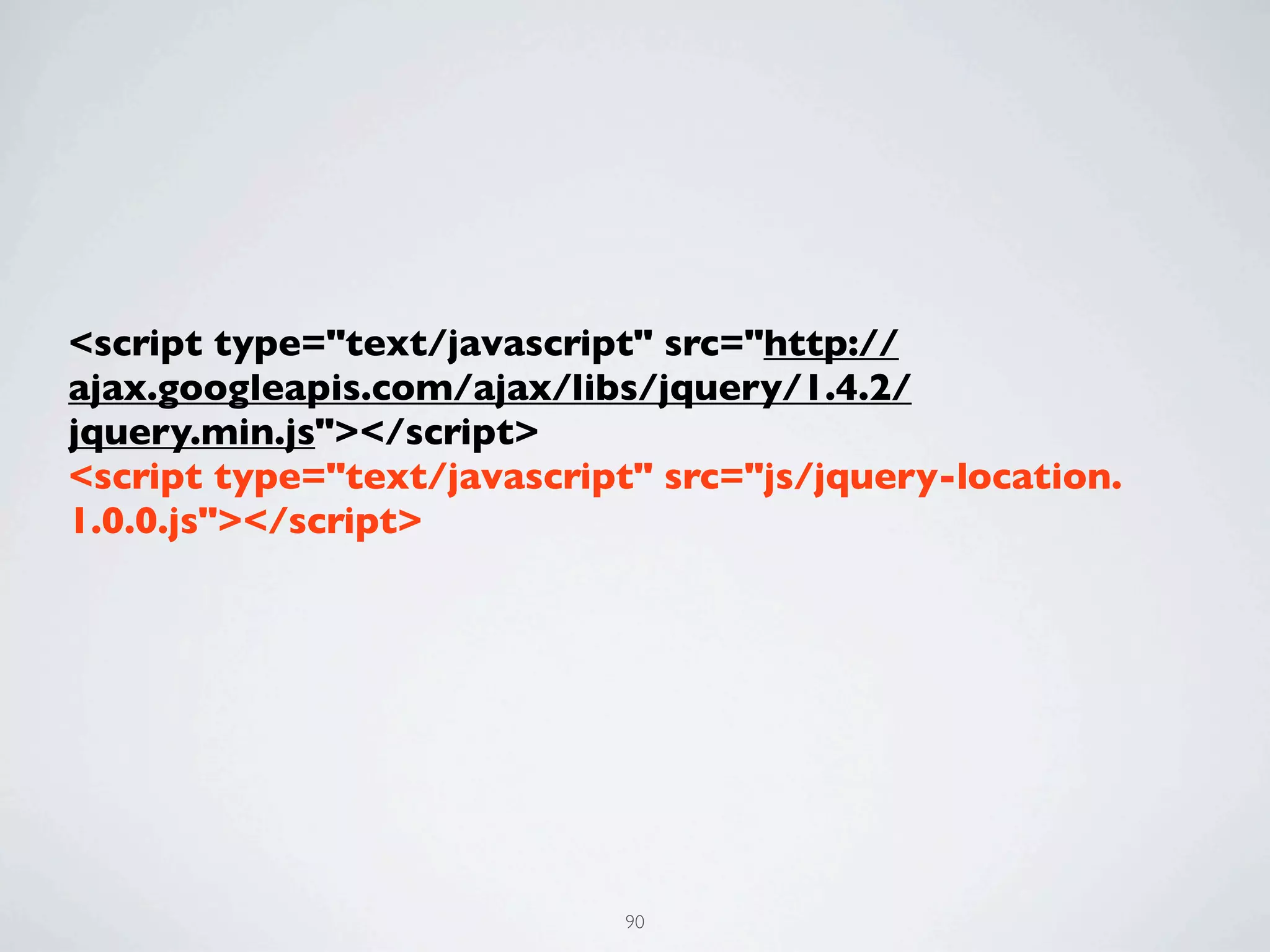
<script type="text/javascript" src="http://
ajax.googleapis.com/ajax/libs/jquery/1.4.2/
jquery.min.js"></script>
<script type="text/javascript" src="js/jquery-location.
1.0.0.js"></script>


                             90
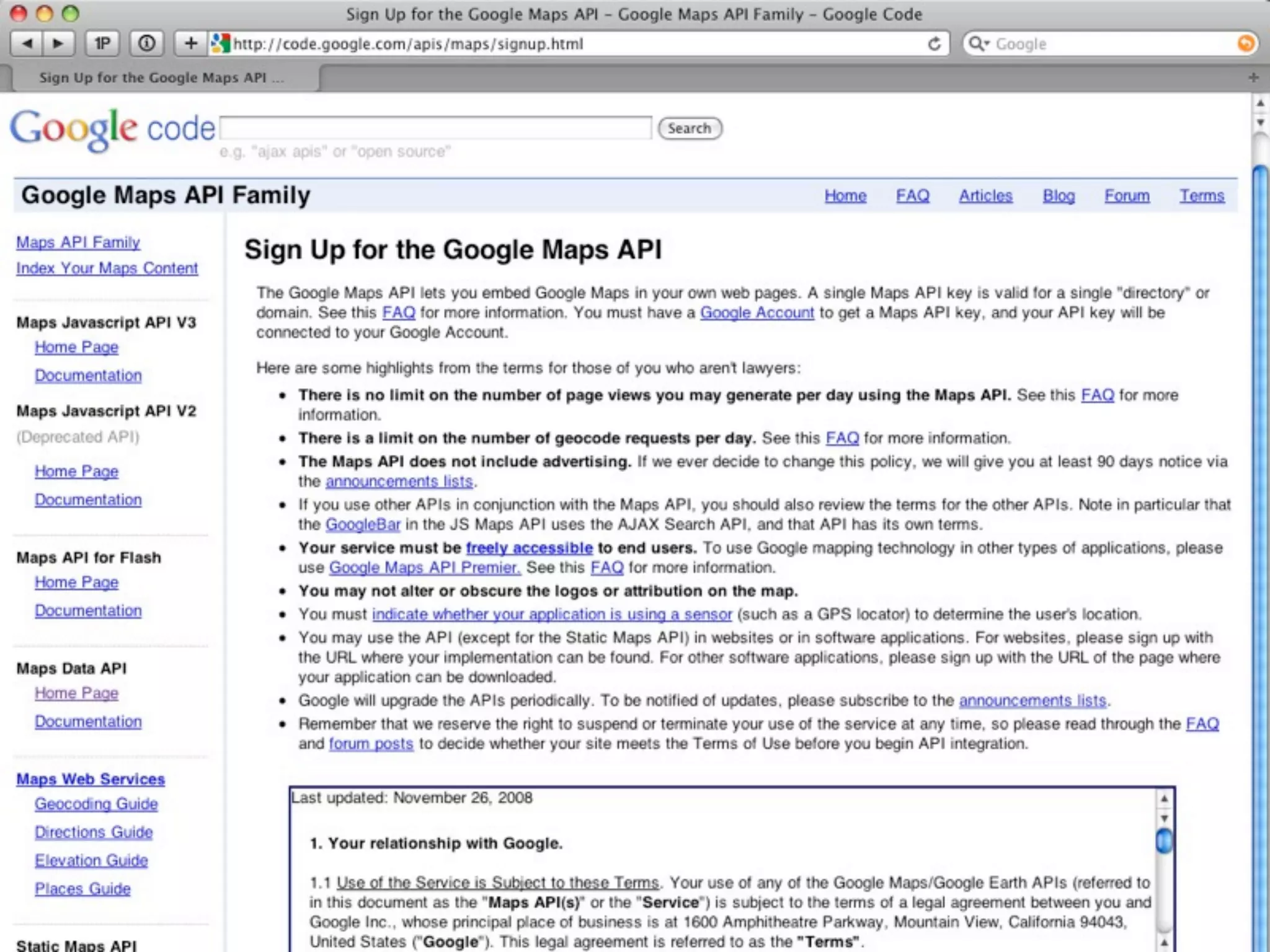
91
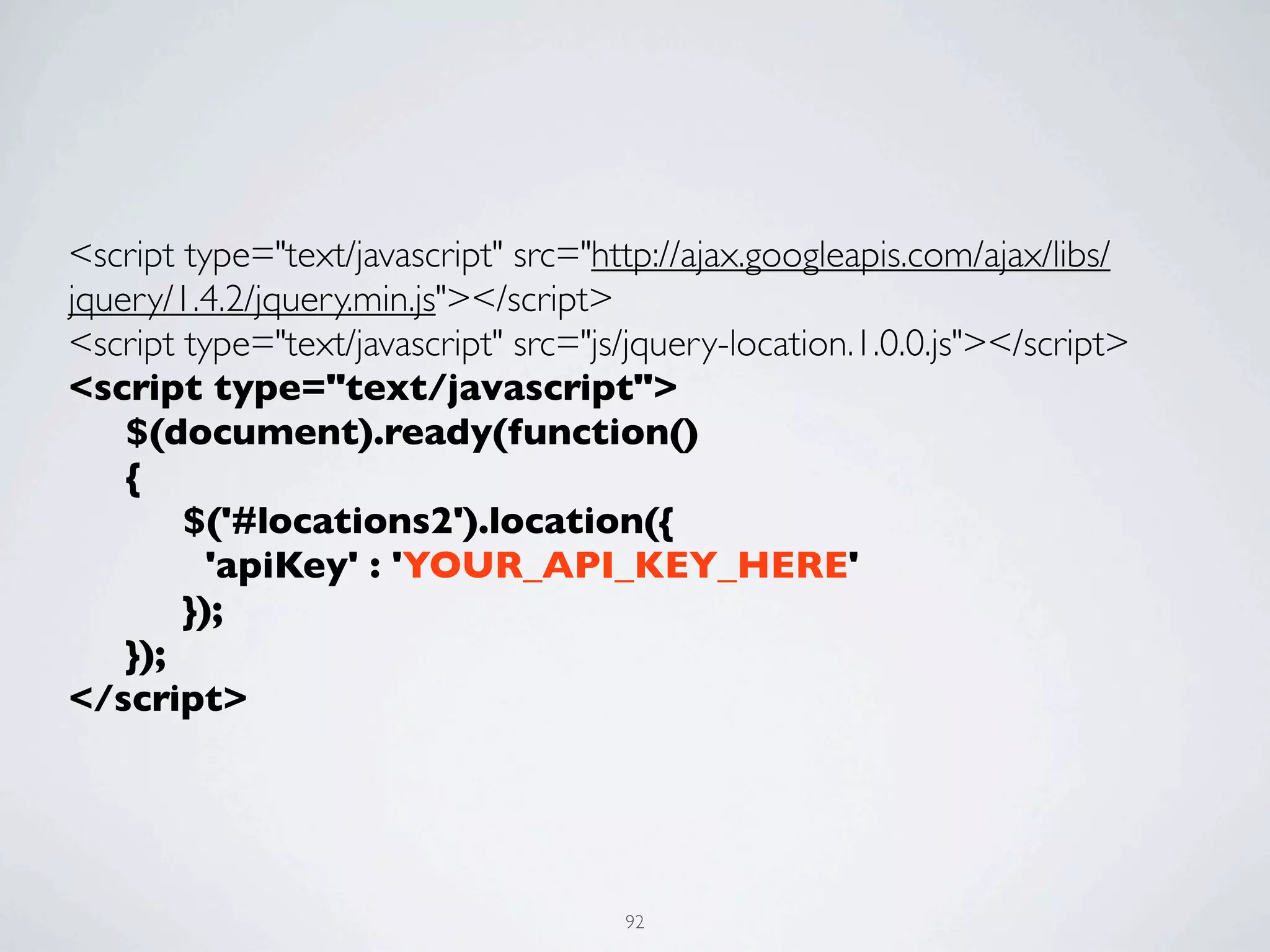
<script type="text/javascript" src="http://ajax.googleapis.com/ajax/libs/
jquery/1.4.2/jquery.min.js"></script>
<script type="text/javascript" src="js/jquery-location.1.0.0.js"></script>
<script type="text/javascript">
	

 $(document).ready(function()
	

 {


 $('#locations2').location({


   'apiKey' : 'YOUR_API_KEY_HERE'


 });	


 });
</script>


                                      92
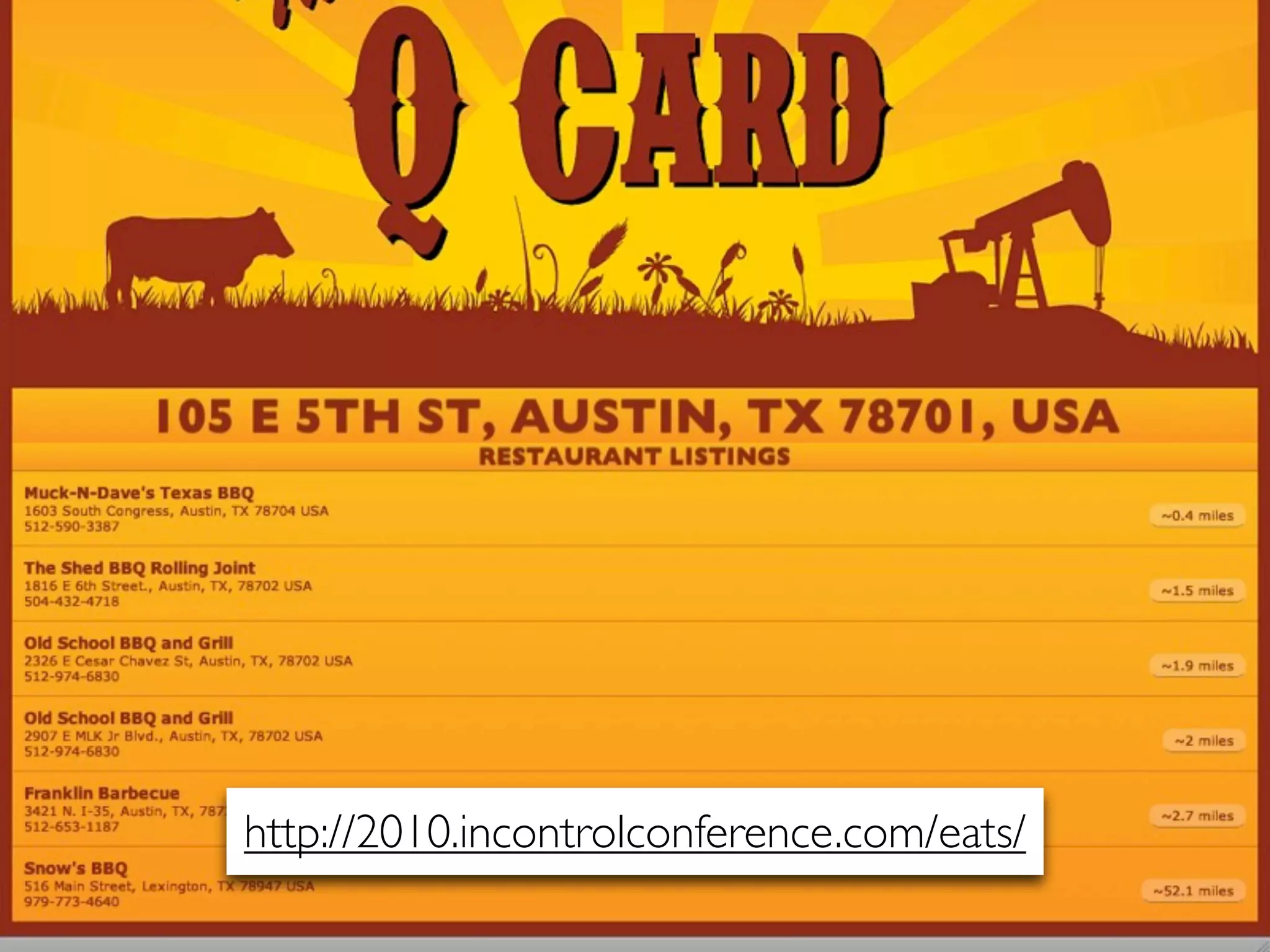
http://2010.incontrolconference.com/eats/
                   93
<div class="vcard">
	

 <a class="url fn n" href="http://www.theqcard.com/">
	

 <span class="given-name">Jane</span>
	

 <span class="additional-name"></span>
	

 <span class="family-name">Smith</span>
	

 </a>
	

 <div class="org">Old School BBQ and Grill</div>


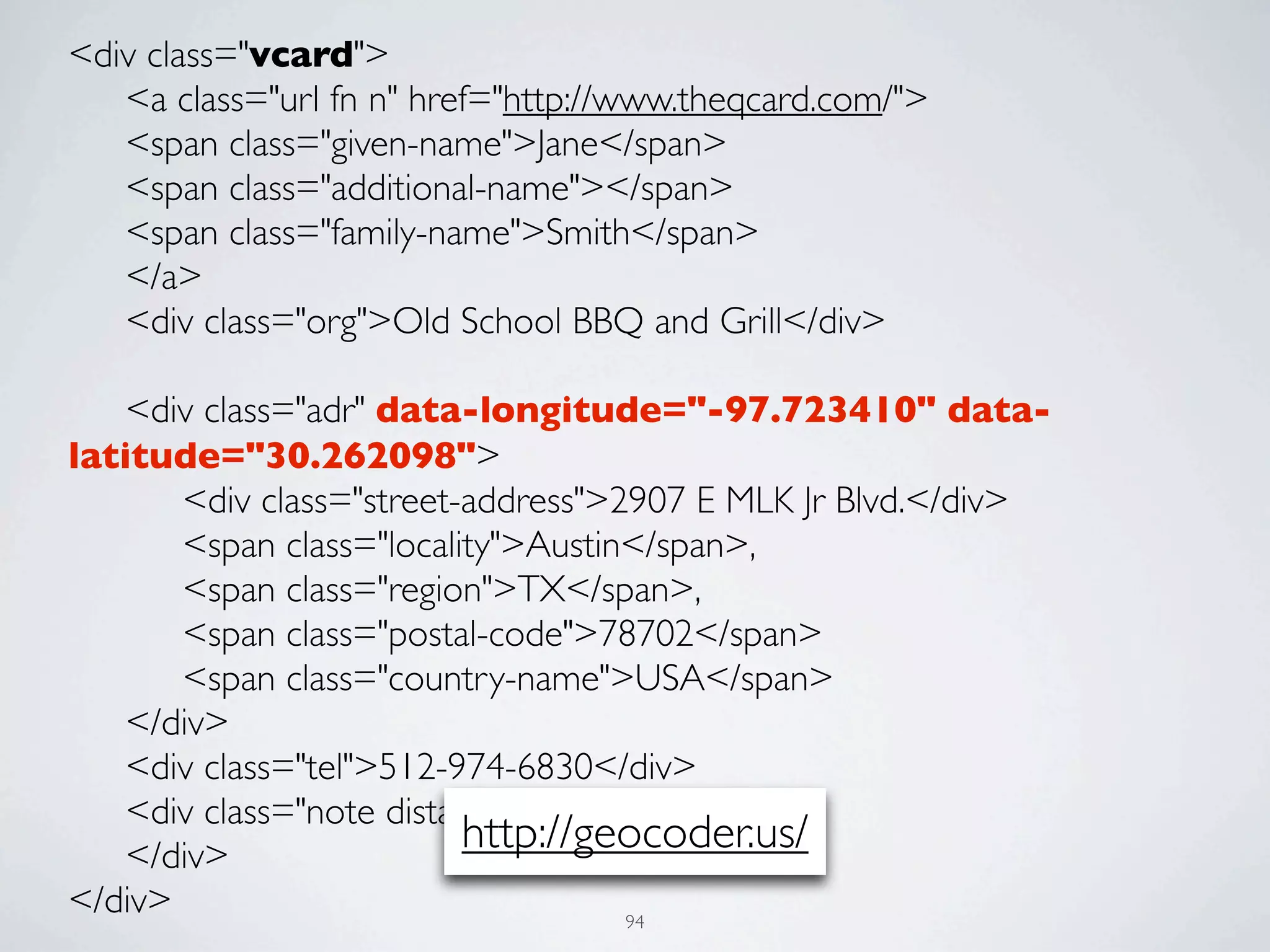
 <div class="adr" data-longitude="-97.723410" data-
latitude="30.262098">


 <div class="street-address">2907 E MLK Jr Blvd.</div>


 <span class="locality">Austin</span>,


 <span class="region">TX</span>,


 <span class="postal-code">78702</span>


 <span class="country-name">USA</span>
	

 </div>
	

 <div class="tel">512-974-6830</div>
	

 <div class="note distance">
	

 </div>
                           http://geocoder.us/
</div>                               94
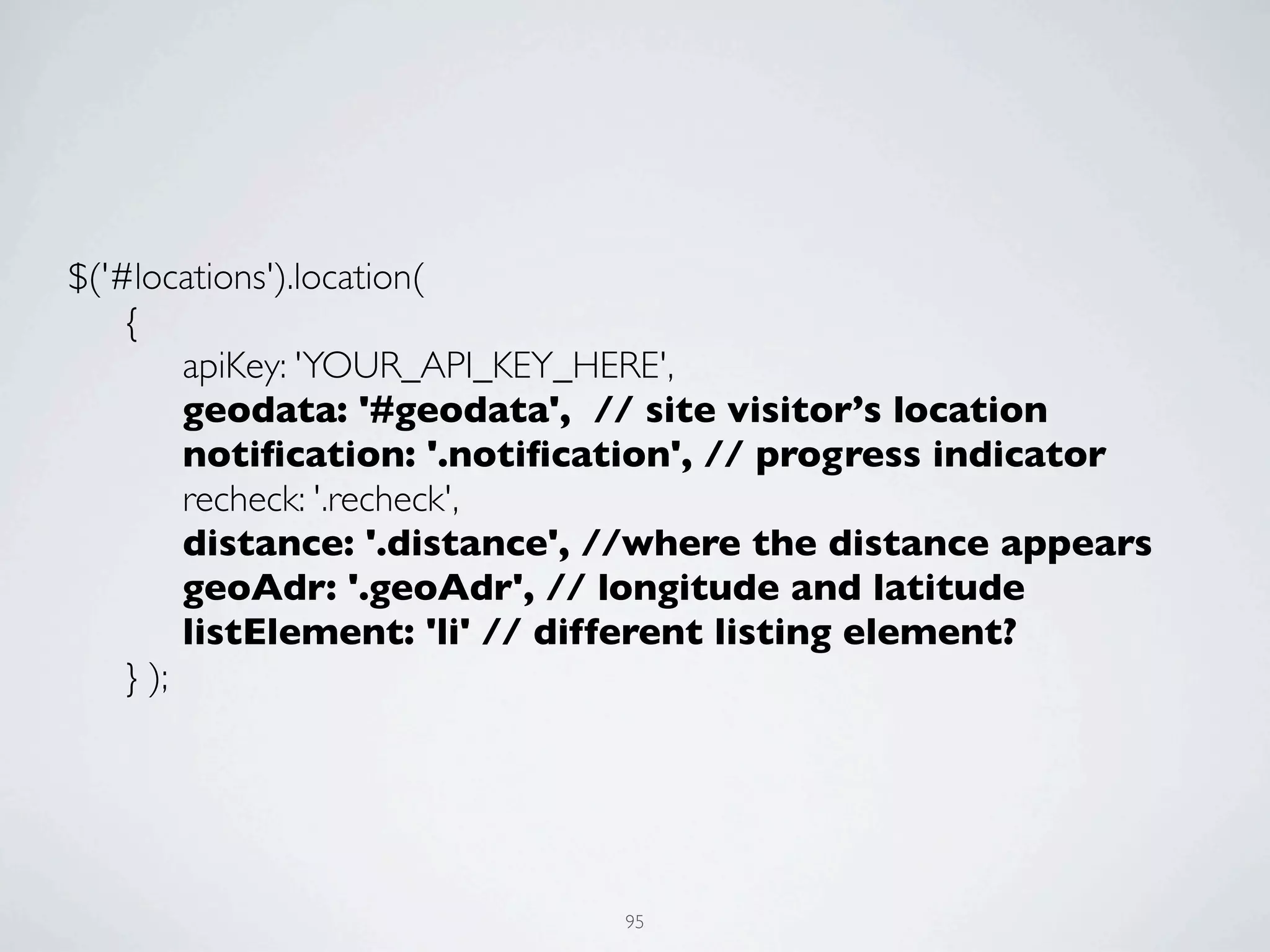
$('#locations').location(
	

 {


 apiKey: 'YOUR_API_KEY_HERE',


 geodata: '#geodata', // site visitor’s location


 notification: '.notification', // progress indicator


 recheck: '.recheck',


 distance: '.distance', //where the distance appears


 geoAdr: '.geoAdr', // longitude and latitude


 listElement: 'li' // different listing element?
	

 } );


                              95
XHTML, ...I THINK I WANT TO SEE
ANOTHER MARKUP SPEC.
                  96
TAKE AWAYS

• New   HTML5 elements for improved semantics

• HTML5 Audio

• HTML5 Video

 • Online   video with HTML+JS captioning

• HTML5   Geolocation

                                97
RECOMMENDED

         Design for Web Applications by Matt May and Wendy
• Universal
 Chisholm

• Bulletproof Ajax   by Jeremy Keith

• Designing   with Progressive Enhancement by Filament Group

• Microformats   Made Simple by Emily Lewis


                                       98
UPCOMING E4H EVENTS

• Online, live   ExpressionEngine Summit on Oct. 26th

  • http://enginesummit.com/

• Online, live   jQuery Summit on Nov. 16 and 17th

  • http://jquerysummit.com/

• HTML5      Conference

  • TBA...

                                   99
THANK YOU!
   Christopher Schmitt
schmitt@heatvision.com
http://twitter.com/teleject
             100

HTML5 Design

  • 1.
    HIGHEDWEB 2010 HTML5 DESIGN ❦ Christopher Schmitt | http://twitter.com/@teleject
  • 2.
    THINGS ARE GOOD BETWEENUS, XHTML, RIGHT? I MEAN. WE GET ALONG WELL. AND WE BOTH LIKE STUFF. 2 3
  • 3.
  • 4.
  • 5.
    “THE ATTEMPT TOGET THE WORLD TO SWITCH TO XML, INCLUDING QUOTES AROUND ATTRIBUTE VALUES AND SLASHES IN EMPTY TAGS AND NAMESPACES ALL AT ONCE DIDN’T WORK.” SIR TIM BERNERS-LEE 5
  • 6.
  • 7.
  • 8.
  • 9.
  • 10.
  • 11.
  • 12.
  • 13.
    “TAKE CARE OF THE LUXURIES AND THE NECESSITIES WILL TAKE CARE OF THEMSELVES.” FRANK LLOYD WRIGHT 13
  • 14.
    AGENDA ITEMS • What’s different from XHTML to HTML5 • Building with HTML5 (You are here.) • Video • Audio • GeoLocation • Prizes! http://interactwithwebstandards.com/ 14
  • 15.
  • 16.
  • 17.
    HTML 4.01 TransitionalDTD: <!DOCTYPE HTML PUBLIC "-//W3C//DTD HTML 4.01 Transitional//EN" "http://www.w3.org/TR/1999/REC-html401-19991224/loose.dtd"> XHTML 1.0 Transitional DTD: <!DOCTYPE html PUBLIC "-//W3C//DTD XHTML 1.0 Transitional//EN" "http://www.w3.org/TR/xhtml1/DTD/xhtml1-transitional.dtd"> 17
  • 18.
    <!DOCTYPE html> <html lang="en"> <head> <meta charset="utf-8"> <title>AUSTIN, TX BBQ RESTAURANTS</title> </head> <body> <h1>....</h1> <p>...</p> </body> </html> 18
  • 19.
    EXERCISE • Go to HTML validator at http://validator.w3.org/#validate_by_input • Then type the following HTML (below) and hit validate: <!DOCTYPE html> <title>Small HTML5</title> <p>Hello world</p> 19
  • 20.
  • 21.
  • 22.
  • 23.
  • 24.
  • 25.
  • 26.
  • 27.
  • 28.
    EVERYTHING THAT WAS BADIN 1999 IS GOOD AGAIN 28
  • 29.
  • 30.
    DIV ID=“header” DIV ID=“nav” DIV ID=“section” DIV ID=“sidecolumn” DIV ID=“article” DIV ID=“footer” 30
  • 31.
    <HEADER> <NAV> <SECTION> <ASIDE> <ARTICLE> <FOOTER> 31
  • 32.
    ARTICLE VS ASIDEVS SECTION • Molly Holzschlag, Opera standards evangelist, says: • <section> clarifies <div> • <article> 'replaces' <div id="content"> • <aside> 'replaces' <div id="sidebar"> • Chris Mills, Opera browser employee, plays it safe: http://boblet.tumblr.com/post/130610820/html5-structure1 32
  • 33.
    WHAT ABOUT THEDIVS? • Marc Grabanski, jQuery and HTML5 guy: • “div has no meaning whatsoever, so there is nothing semantic about divs” • Bruce Lawson, Opera browser employee: • “Like all semantic questions, it depends on the context. If your only reason for wanting an element is to group stuff for styling, it's a div.” 33
  • 34.
    <body> <header> <h1>Heading</h1> </header> <nav> <h3>Site Navigation</h3> <ul>...</ul> </nav> <section> <article> <h3>Weblog Entry</h3> </article> </section> <aside> <p>You are reading "Chocolate Rain", an entry posted on <time datetime="2009-03-05">5 March, 2009</time>, to the <a href="#">Misty collection</a>. See other posts in <a href="#">this collection</a>.</p> </aside> <footer> <p>...</p> </footer> </body> 34
  • 35.
  • 36.
  • 37.
  • 38.
  • 39.
  • 40.
  • 41.
  • 42.
    <html lang="en" class="canvas canvastext geolocation rgba hsla multiplebgs borderimage borderradius boxshadow opacity cssanimations csscolumns cssgradients cssreflections csstransforms csstransforms3d csstransitions video audio localstorage sessionstorage webworkers applicationcache fontface"> 42
  • 43.
    content { ...} .geolocation content { ... } 43
  • 44.
  • 45.
  • 46.
    <!DOCTYPE html> <html lang="en"> <head> <metacharset="utf-8"> <title>Basic HTML5 Web Document Structure</title> </head> <body> <h1>Video Example</h1> <audio src="html5test.ogg" autoplay controls> <a href="html5test.ogg">Download audio</a> </audio> </body> </html> 46
  • 47.
  • 48.
    HTML5 AUDIO • AUDIO element attributes are SRC, AUTOBUFFER, AUTOPLAY, LOOP, CONTROLS • If you don’t have CONTROL, player becomes transparent 48
  • 49.
    HTML5 AUDIO SUPPORT FF3.5+ S4+ Ch3+ Op10.5+ IE9 Ogg Y Y Y Vorbis MP3 Y Y Y WAV Y Y Y 49
  • 50.
    SUPPORTING AUDIO <audio controlsautobuffer> <source src="html5audio.mp3" /> <source src="html5audio.ogg" /> <!-- include Adobe Flash player EMBED and OBJECT code here --> </audio> 50
  • 51.
  • 52.
    <!DOCTYPE html> <html lang="en"> <head> <metacharset="utf-8"> <title>Basic HTML5 Web Document Structure</title> </head> <body> <h1>Video Example</h1> <object width="425" height="344"><param name="movie" value="http://www.youtube.com/v/4GuKSqAg5xI&hl=en&fs=1"></ param><param name="allowFullScreen" value="true"></ param><param name="allowscriptaccess" value="always"></ param><embed src="http://www.youtube.com/v/ 4GuKSqAg5xI&hl=en&fs=1" type="application/x-shockwave-flash" allowscriptaccess="always" allowfullscreen="true" width="425" height="344"></embed></object> </body> </html> 52
  • 53.
    <!DOCTYPE html> <html lang="en"> <head> <metacharset="utf-8"> <title>Basic HTML5 Web Document Structure</title> </head> <body> <h1>Video Example</h1> <video src="html5test.ogg" width="320" height="240" controls poster="html5testvideoposter.jpg"> <a href="html5testvideo.ogg">Download movie</a> </video> </body> </html> 53
  • 54.
    <!DOCTYPE html> <html lang="en"> <head> <metacharset="utf-8"> <title>Basic HTML5 Web Document Structure</title> </head> <body> <h1>Video Example</h1> <video src="html5test.ogg" width="320" height="240" controls poster="html5testvideoposter.jpg"> DEMO <a href="html5testvideo.ogg">Download movie</a> </video> </body> </html> 54
  • 55.
    HTML5 VIDEO • WIDTH and HEIGHT should be required, IMO, but movie plays anyway based on the values in the video file itself. • Video formats may have their own posterframe. The browser should use that by default unless overridden by valid POSTER attribute value. • Text can be included within VIDEO element to allow user to download video if their browser doesn’t support. • If you want to give users control, use CONTROL attribute. 55
  • 56.
    HTML5 VIDEO • Video can start automatically if using the AUTOPLAY=”1” attribute and value. • Spec provides for LOOP, AUTOBUFFER which also take a value of O or 1. • Codecs support... 56
  • 57.
    HTML5 VIDEO “It would be helpful for interoperability if all browsers could support the same codecs. However, there are no known codecs that satisfy all the current players: we need a codec that is known to not require per-unit or per-distributor licensing, that is compatible with the open source development model, that is of sufficient quality as to be usable, and that is not an additional submarine patent risk for large companies. This is an ongoing issue and this section will be updated once more information is available.” - http://www.whatwg.org/specs/web-apps/current-work/#video- and-audio-codecs-for-video-elements 57
  • 58.
    CODECS • Ogg (or “Vorbis”) • No need to worry about patents • H.264 • Created by the MPEG group • If you have blu-ray disc player, you are using it • WebM • A wrapper for the VP8 video and Ogg audio streams 58
  • 59.
    VIDEO CODEC SUPPORT FF3.6+ S Ch5+ Op10.6+ IE9 Ogg Y Y Y H.264 Y Y Y WebM (W4.02+) (Ch6+) Y 59
  • 60.
  • 61.
  • 62.
  • 63.
    LESSONS LEARNED • Use VLC or Firefogg to encode common movie files types to OGG • H.264 encoding? Use Handbrake • If you are hot to trot for HTML5 Video, like, right now, check out Mark Pilgrim’s tutorial: http://diveintohtml5.org/video.html • Good primer: http://dev.opera.com/articles/view/introduction-html5-video/ 63
  • 64.
  • 65.
  • 66.
    <script> function playPause() { var myVideo = document.getElementsByTagName('video')[0]; if (myVideo.paused) myVideo.play(); else myVideo.pause(); } </script> 66
  • 67.
    <input type=button onclick="playPause()"value="Play/Pause" tabindex="0" /> 67
  • 68.
    HTML5 VIDEO &CAPTIONS 68
  • 69.
    [Captioning] has beenshown to improve reading skills among adults who are non- readers. http://www.ldonline.org/article/35793 69
  • 70.
  • 71.
  • 72.
  • 73.
  • 74.
  • 75.
  • 76.
    SRT FILES • SRTfiles are text files used in video playback; therefore, they do not contain any video data. • Text file containing subtitles used by various video playback programs; supported by DivX, DVD, and other video formats; • Includesthe time each subtitle should be displayed followed by the text of the subtitles. • Subtitlefiles are often named according to the language of the subtitles, i.e. "moviename-eng.srt" for English and "moviename-ger.srt" for German subtitles. 76
  • 77.
    TRANSCRIPT-EN.SRT 1 00:00:00,000 --> 00:00:6,000 Allowme to introduce myself My name is Tay It's T-A-Y, T-A-Y to the Z 2 00:00:06,000 --> 00:00:9,000 This is the web and it's gonna murder your TV It was Chocolate Rain 3 00:00:09,500 --> 00:00:11,500 Wrote a song about that history Chocolate Rain 4 00:00:12,000 --> 00:00:15,000 Now I'm paid a hefty hefty fee Chocolate Rain 77
  • 78.
  • 79.
     <video id="myVid" width="400"src="cherry-chocolate- rain.ogv" autobuffer controls>   <track src="transcript-en.srt" type="text/srt" language="en" role="textaudesc"></track>   <track src="transcript-gr.srt" type="text/srt" language="gr" role="textaudesc"></track>   <p>Alternative text...</p> </video> 79
  • 80.
     <video id="myVid" width="400"src="cherry-chocolate-rain.ogv" autobuffer controls>   <track src="transcript-en.srt" type="text/srt" language="en" role="textaudesc"></track>   <track src="transcript-gr.srt" type="text/srt" language="gr" role="textaudesc"></track>   <p>Alternative text...</p> </video> 80
  • 81.
  • 82.
  • 83.
  • 84.
  • 85.
    if (navigator.geolocation) { navigator.geolocation.getCurrentPosition (show_coordinates); function show_coordinates(position){ alert('Your latitude is ' + position.coords.latitude + ' ' + 'and your longitude is ' + position.coords.longitude + '.'); } } 85
  • 86.
  • 87.
  • 88.
    <div class="vcard"> <aclass="url fn n" href="http://www.theqcard.com/"> <span class="given-name">Jane</span> <span class="additional-name"></span> <span class="family-name">Smith</span> </a> <div class="org">Old School BBQ and Grill</div> <div class="adr"> <div class="street-address">2907 E MLK Jr Blvd.</div> <span class="locality">Austin</span>, <span class="region">TX</span>, <span class="postal-code">78702</span> <span class="country-name">USA</span> </div> <div class="tel">512-974-6830</div> <div class="note distance"> </div> http://microformats.org/code/hcard/creator </div> 88
  • 89.
    <div id="locations2"> <ol> <li><!-- Microformats address 1 --></li> <li><!-- Microformats address 2 --></li> <li><!-- Microformats address 3 --></li> <li><!-- Microformats address 4 --></li> ... </ol> </div> 89
  • 90.
  • 91.
  • 92.
    <script type="text/javascript" src="http://ajax.googleapis.com/ajax/libs/ jquery/1.4.2/jquery.min.js"></script> <scripttype="text/javascript" src="js/jquery-location.1.0.0.js"></script> <script type="text/javascript"> $(document).ready(function() { $('#locations2').location({ 'apiKey' : 'YOUR_API_KEY_HERE' }); }); </script> 92
  • 93.
  • 94.
    <div class="vcard"> <aclass="url fn n" href="http://www.theqcard.com/"> <span class="given-name">Jane</span> <span class="additional-name"></span> <span class="family-name">Smith</span> </a> <div class="org">Old School BBQ and Grill</div> <div class="adr" data-longitude="-97.723410" data- latitude="30.262098"> <div class="street-address">2907 E MLK Jr Blvd.</div> <span class="locality">Austin</span>, <span class="region">TX</span>, <span class="postal-code">78702</span> <span class="country-name">USA</span> </div> <div class="tel">512-974-6830</div> <div class="note distance"> </div> http://geocoder.us/ </div> 94
  • 95.
    $('#locations').location( { apiKey: 'YOUR_API_KEY_HERE', geodata: '#geodata', // site visitor’s location notification: '.notification', // progress indicator recheck: '.recheck', distance: '.distance', //where the distance appears geoAdr: '.geoAdr', // longitude and latitude listElement: 'li' // different listing element? } ); 95
  • 96.
    XHTML, ...I THINKI WANT TO SEE ANOTHER MARKUP SPEC. 96
  • 97.
    TAKE AWAYS • New HTML5 elements for improved semantics • HTML5 Audio • HTML5 Video • Online video with HTML+JS captioning • HTML5 Geolocation 97
  • 98.
    RECOMMENDED Design for Web Applications by Matt May and Wendy • Universal Chisholm • Bulletproof Ajax by Jeremy Keith • Designing with Progressive Enhancement by Filament Group • Microformats Made Simple by Emily Lewis 98
  • 99.
    UPCOMING E4H EVENTS •Online, live ExpressionEngine Summit on Oct. 26th • http://enginesummit.com/ • Online, live jQuery Summit on Nov. 16 and 17th • http://jquerysummit.com/ • HTML5 Conference • TBA... 99
  • 100.
    THANK YOU! Christopher Schmitt schmitt@heatvision.com http://twitter.com/teleject 100