Simple Audio for Journalism Students: Gathering, Editing and Posting to the Web
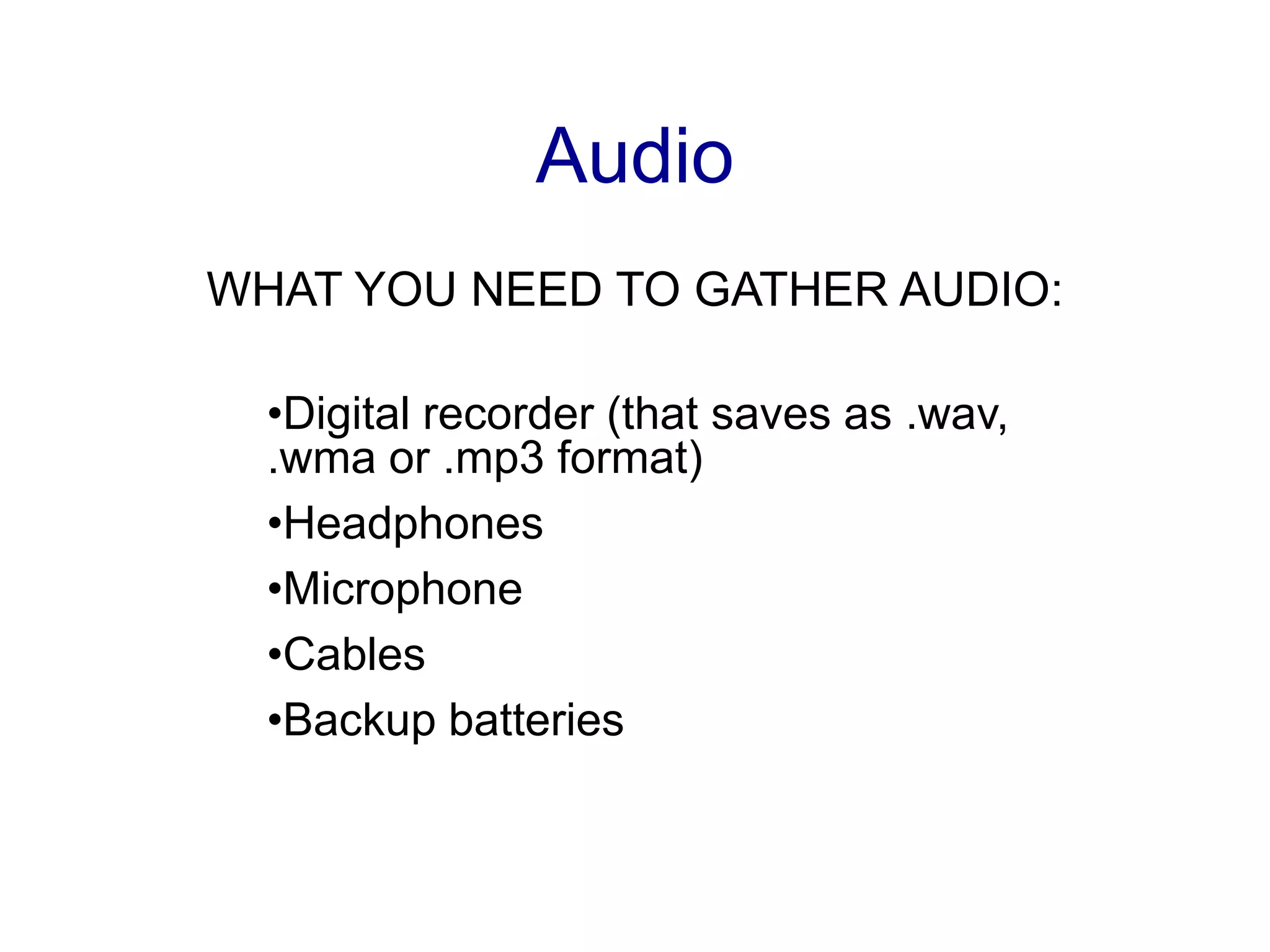
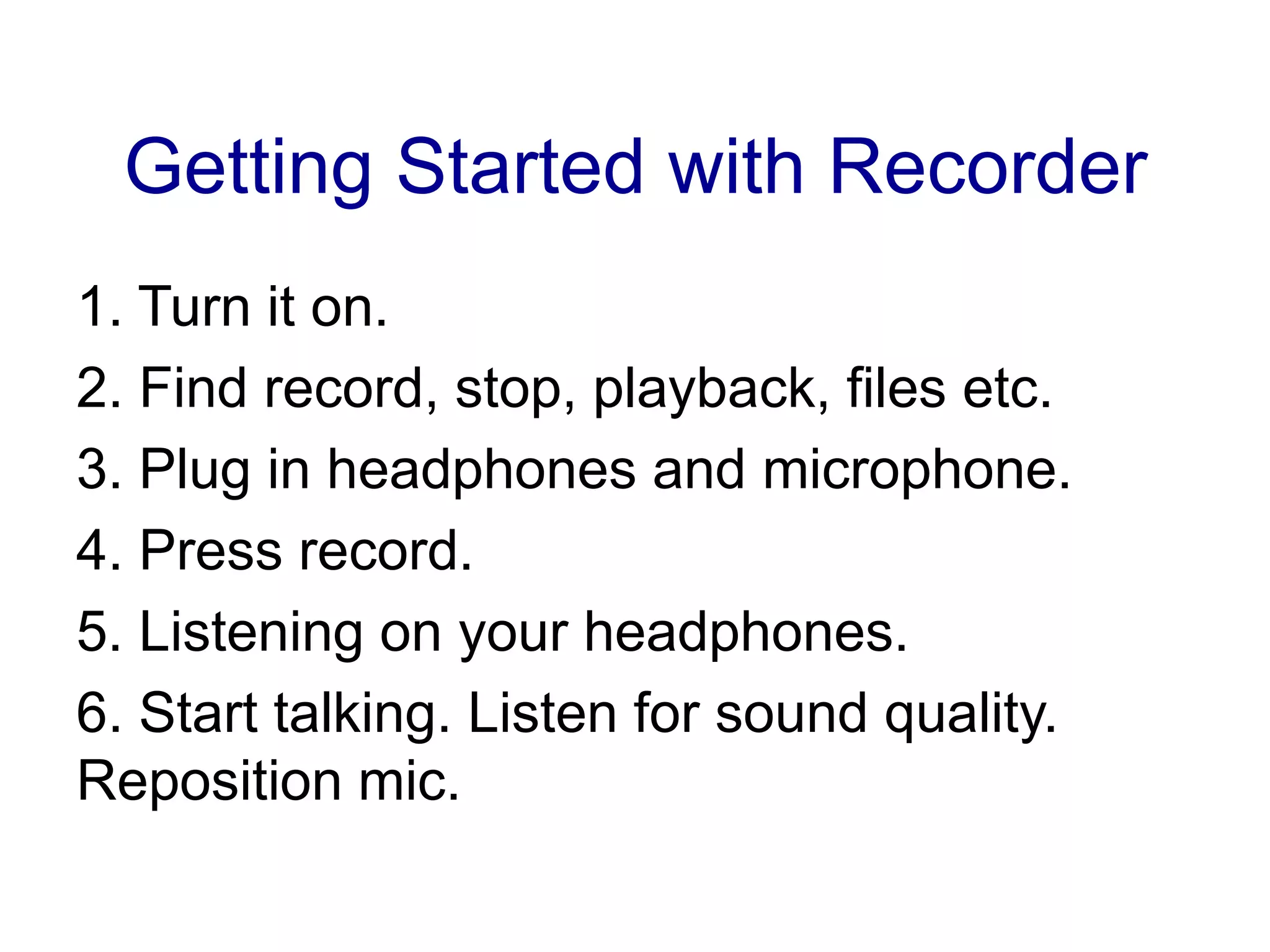
This document provides guidance on gathering, recording, and editing audio for multimedia projects. It discusses the necessary equipment for audio recording like digital recorders, microphones, and headphones. It offers tips for conducting interviews such as finding a quiet place, asking open-ended questions, and getting identifying information from subjects. It also explains how to collect additional audio like room tones and sound effects. Finally, it reviews common audio file formats and provides instructions for using audio editing software to convert files and trim recordings for posting online.
Get an ID:Name, age, occupation, location.Tips for InterviewingWhen you are done interviewing, let the recorder continue to run. Sometimes this is when you get the best stuff.
17.
Make sure youhave your ID.Collect Other SoundsRoom ToneThe background sound of the room. Turn on your recorder and let it run For 2 min.Use it to loop under your interview later.
18.
Collect Other SoundSoundEffectsMakes audio more vivid.Car doors slamming. Eggs frying. Dogs barking. Birds chirping. Gavel pounding. Dentist drilling. Etc.
Editing AudioCommon Typesof Audio Files You Should Be Able to Recognize.wma (windows media audio).wav (uncompressed windows file).mp3 (most universal audio format).aiff (Mac and standard podcasting format)
21.
Editing Audio1. Plugyour recorder into the USB.2. Drag your audio file(s) onto your desktop.3. Make a copy. Ctrl and Click. Duplicate.4. Edit the copy, NOT the original.
22.
Editing AudioSwitch AudioConverterA free downloadWorks on both Macs and PCAvailable in Boz 134Go>Applications>Switch
23.
Editing AudioSwitch AudioConverterGo>Applications>SwitchDrag file in3. Output as .aiff for Garageband .wav for Audacity4. Hit “Convert” button