HTML5 (and friends)
HISTORY, OVERVIEW AND CURRENT STATUS


Patrick H. Lauke / jsDay / Verona / 11 Maggio 2011
Web Evangelist at Opera
!javaScriptExpert
doesn't matter!
HTML5 makes things easy
       (even for noobs like me)
...should I use HTML5 today?
www.textfiles.com/underconstruction
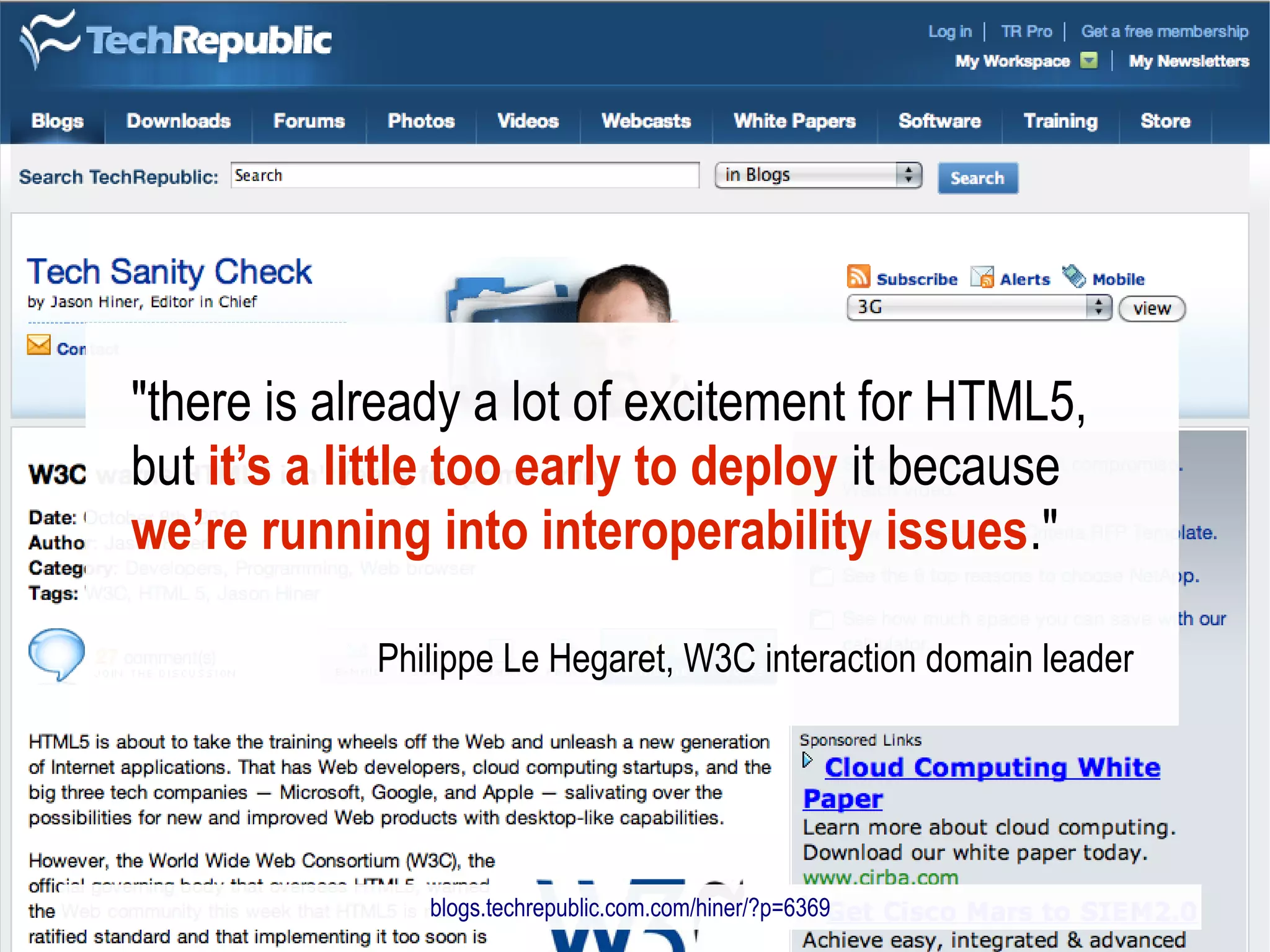
"there is already a lot of excitement for HTML5,
but it’s a little too early to deploy it because
we’re running into interoperability issues."

            Philippe Le Hegaret, W3C interaction domain leader


               blogs.techrepublic.com.com/hiner/?p=6369
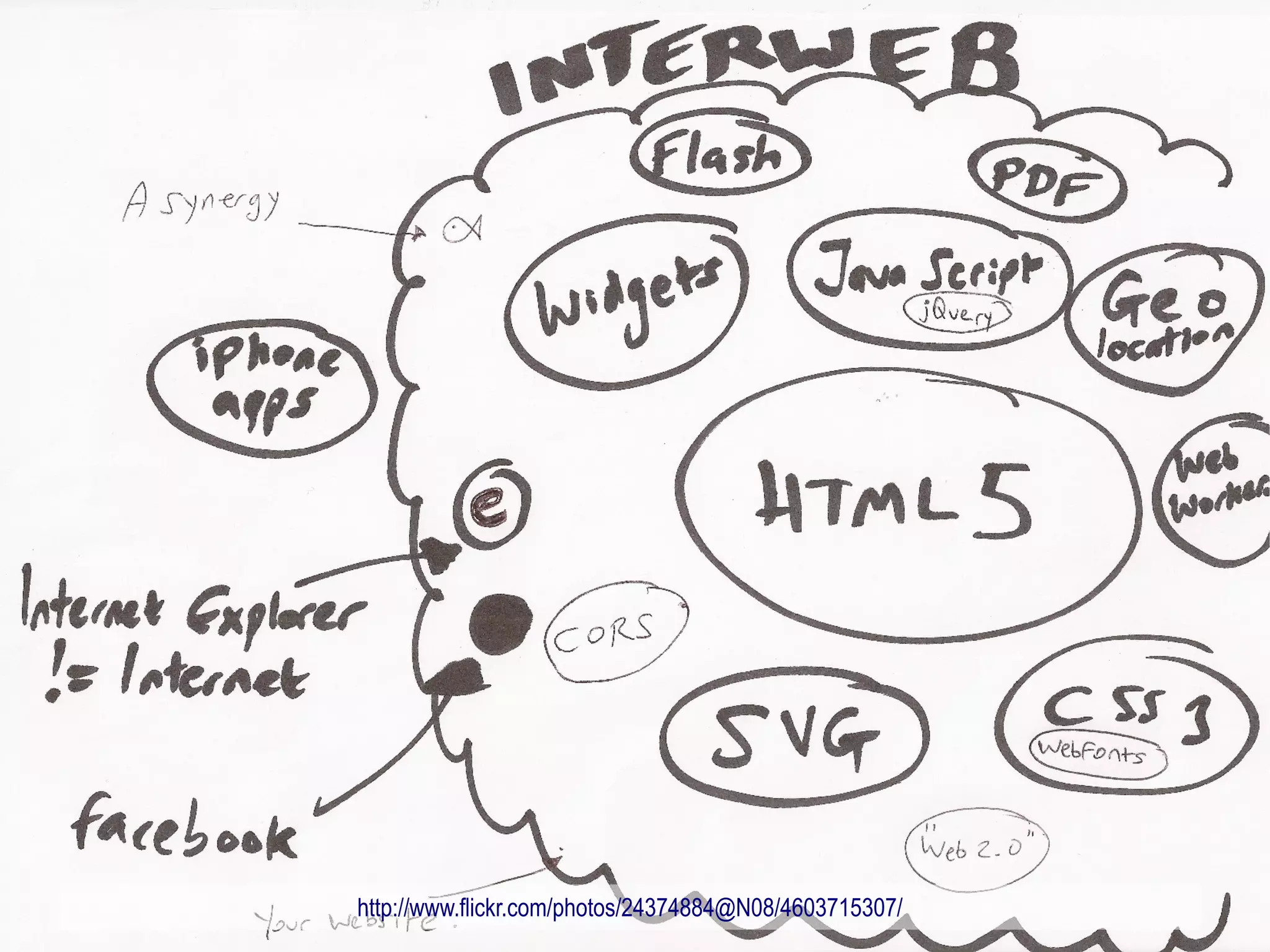
http://www.flickr.com/photos/24374884@N08/4603715307/
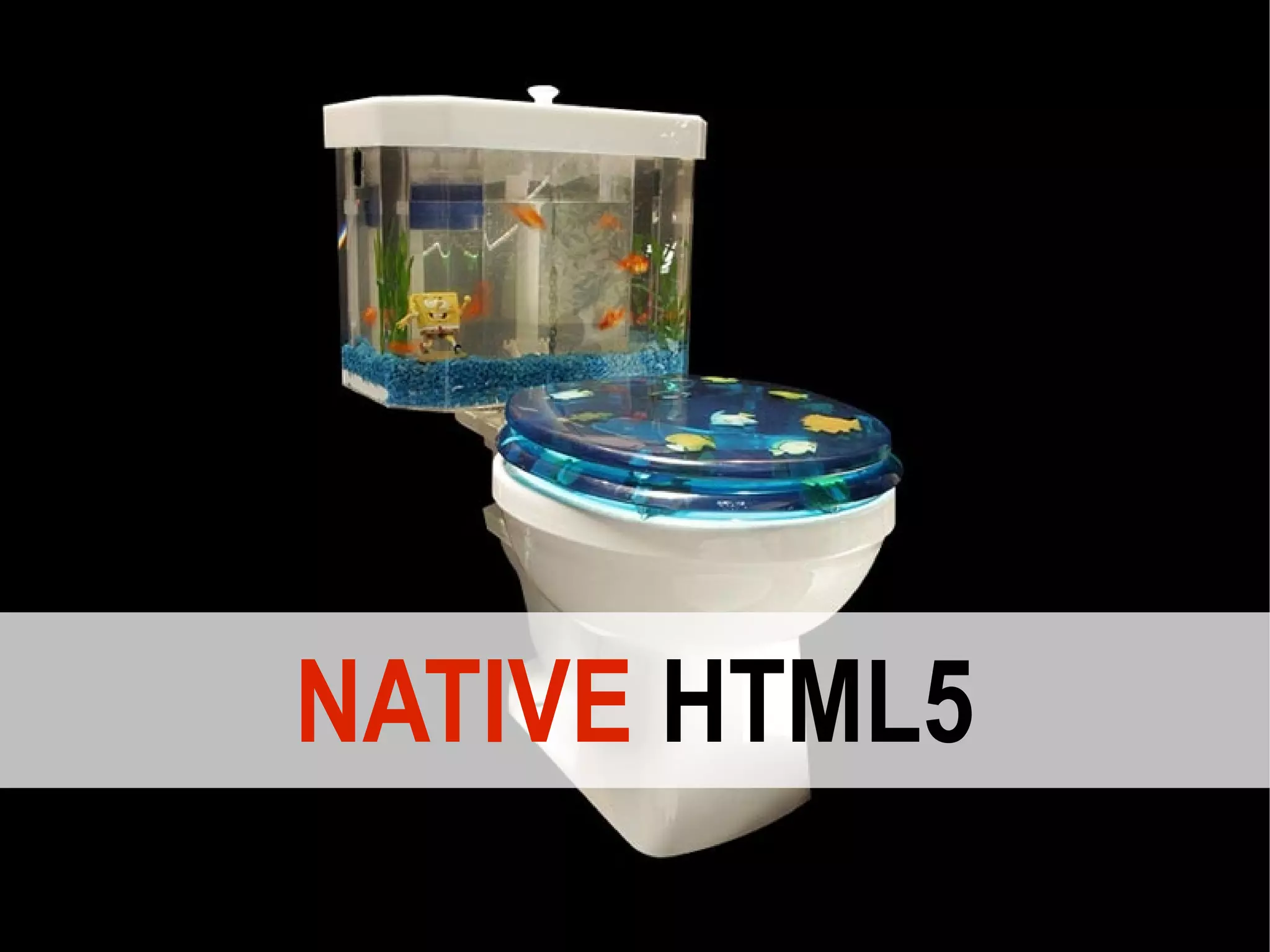
NATIVE HTML5
HTML5…without the hype?
A brief history of HTML5

 1999 HTML 4.01
 2000 XHTML 1.0
2004 W3C focus on XHTML 2.0
 …the future is XML-based!
       http://www.flickr.com/photos/craiga/17071467/
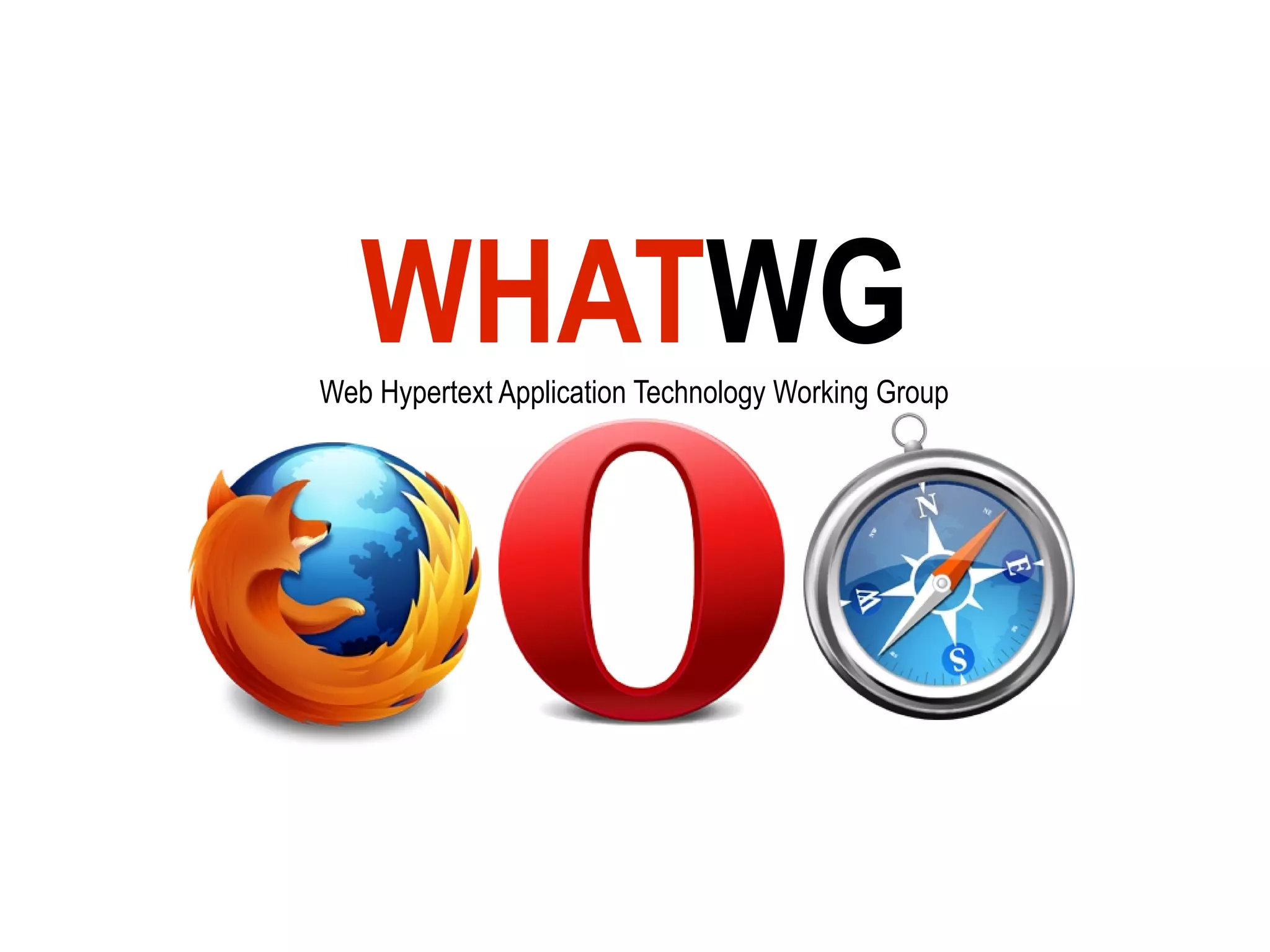
WHATWG
Web Hypertext Application Technology Working Group
2007 W3C HTML5 WG
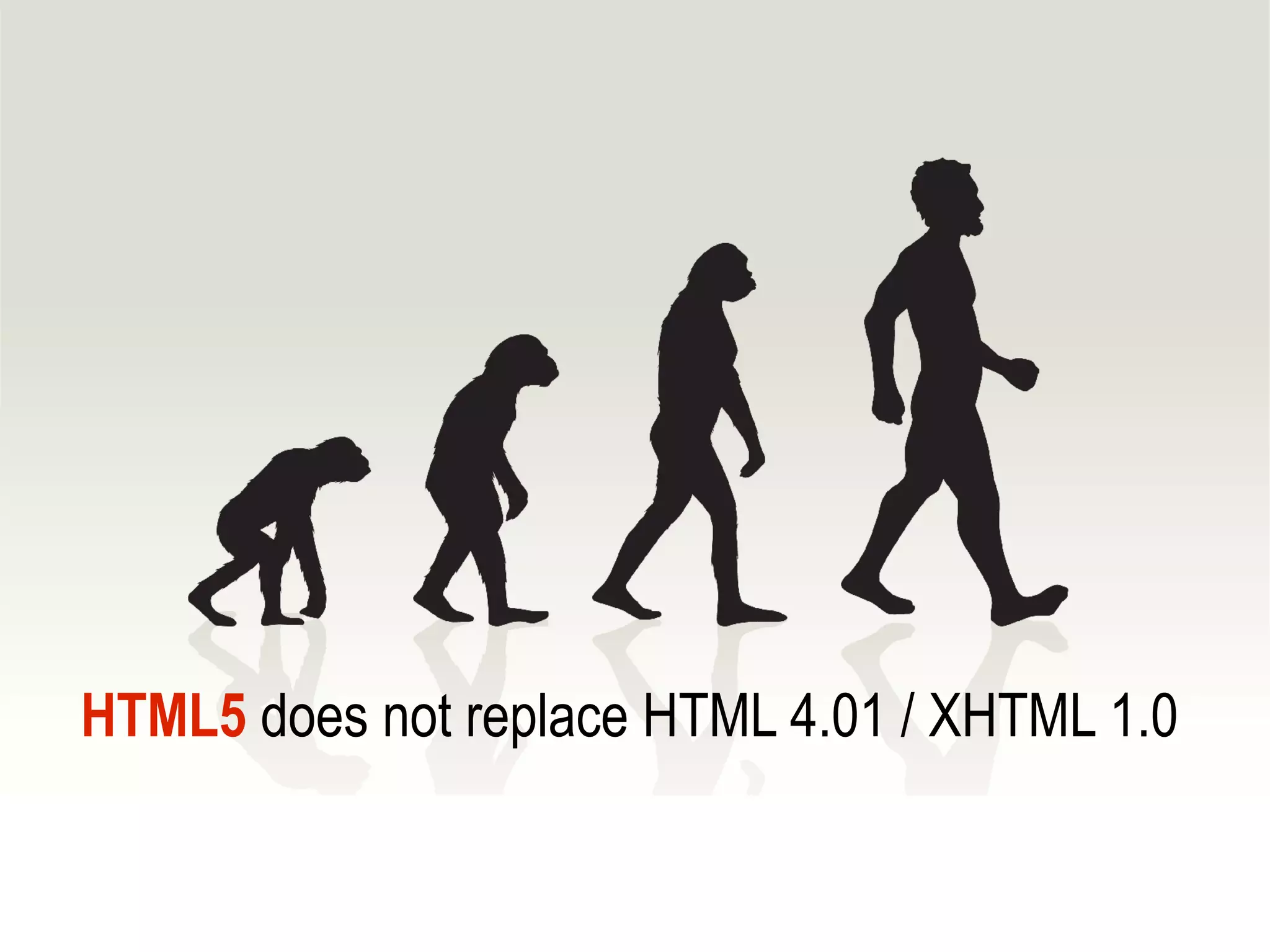
HTML5 does not replace HTML 4.01 / XHTML 1.0
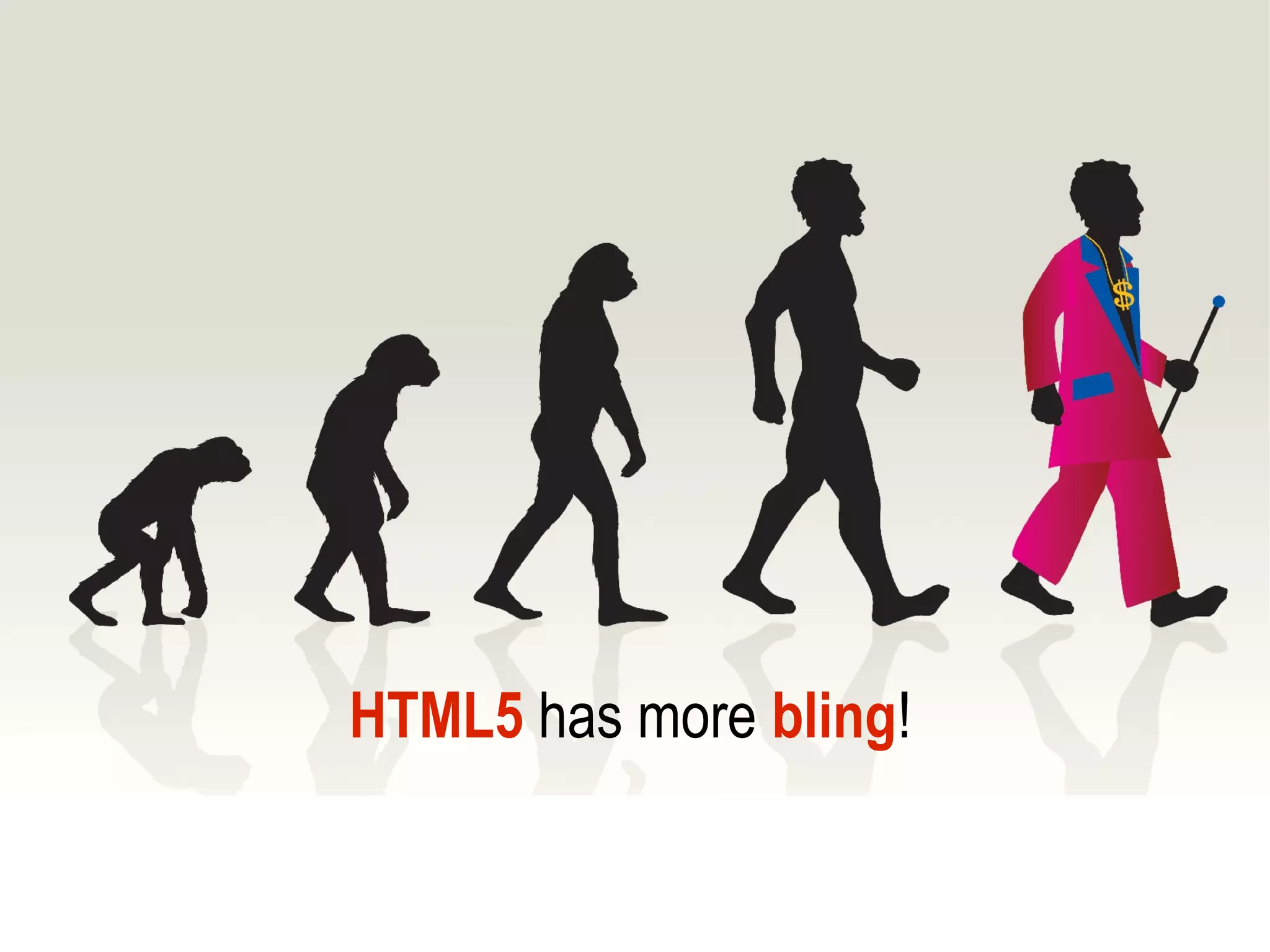
HTML5 has more bling!
“...extending the language to better support
Web applications [...] This puts HTML in
direct competition with other
technologies[...] , in particular Flash and
Silverlight.”
Ian Hickson, Editor of HTML5
http://lists.w3.org/Archives/Public/public-html/2009Jan/0215.html
HTML4.01 primarily defined
   markup elements
HTML5 supercedes
HTML 4.01, XHTML 1.0
and DOM Level 2 HTML
HTML5 adds/redefines
     markup elements
header, footer, nav, article …
HTML5 extends
 DOM Level 2 HTML
  innerHTML / outerHTML
getElementsByClassName()
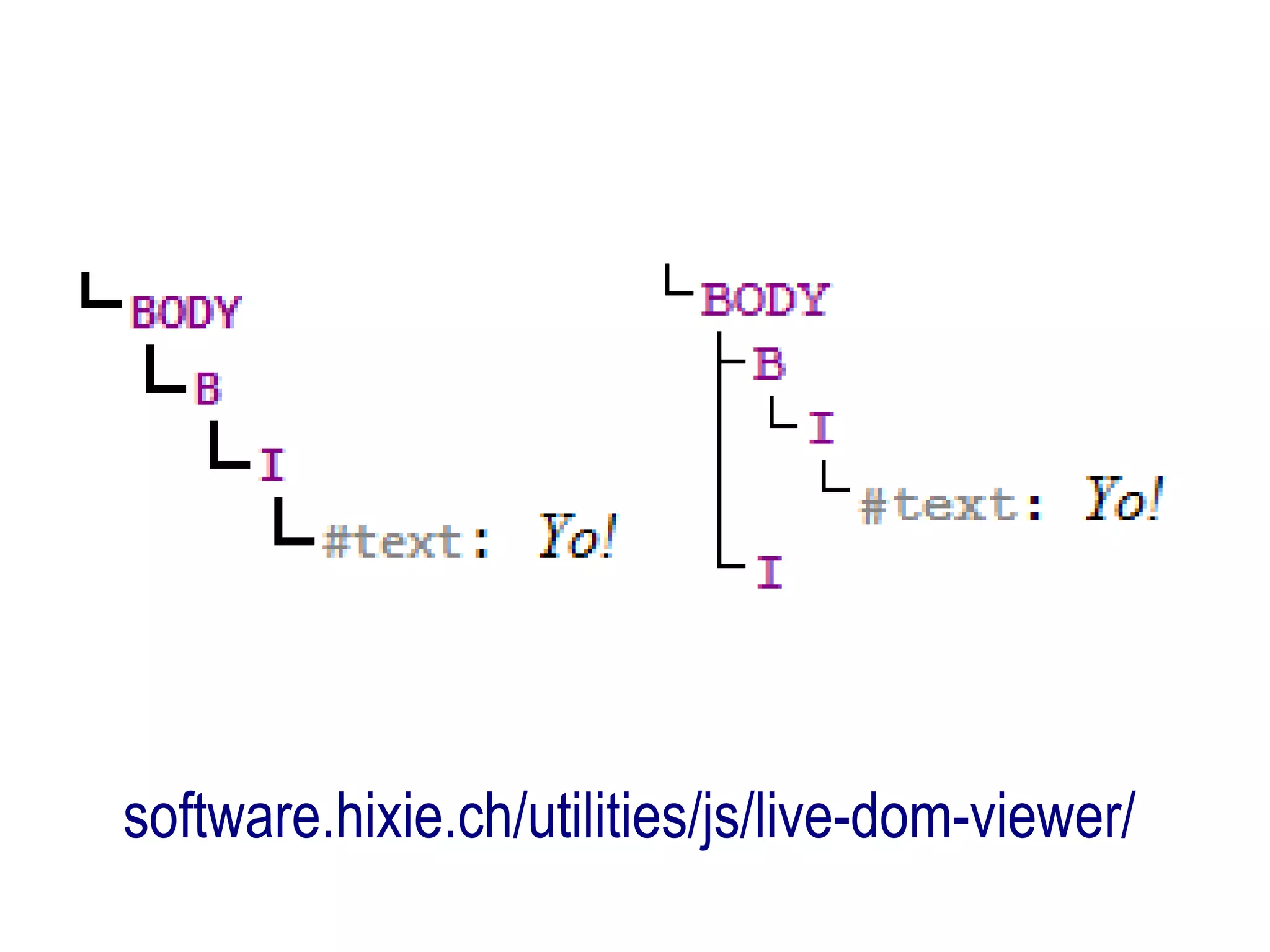
HTML5 aimed at browser devs

   detailed algorithms for
 processing/error correction
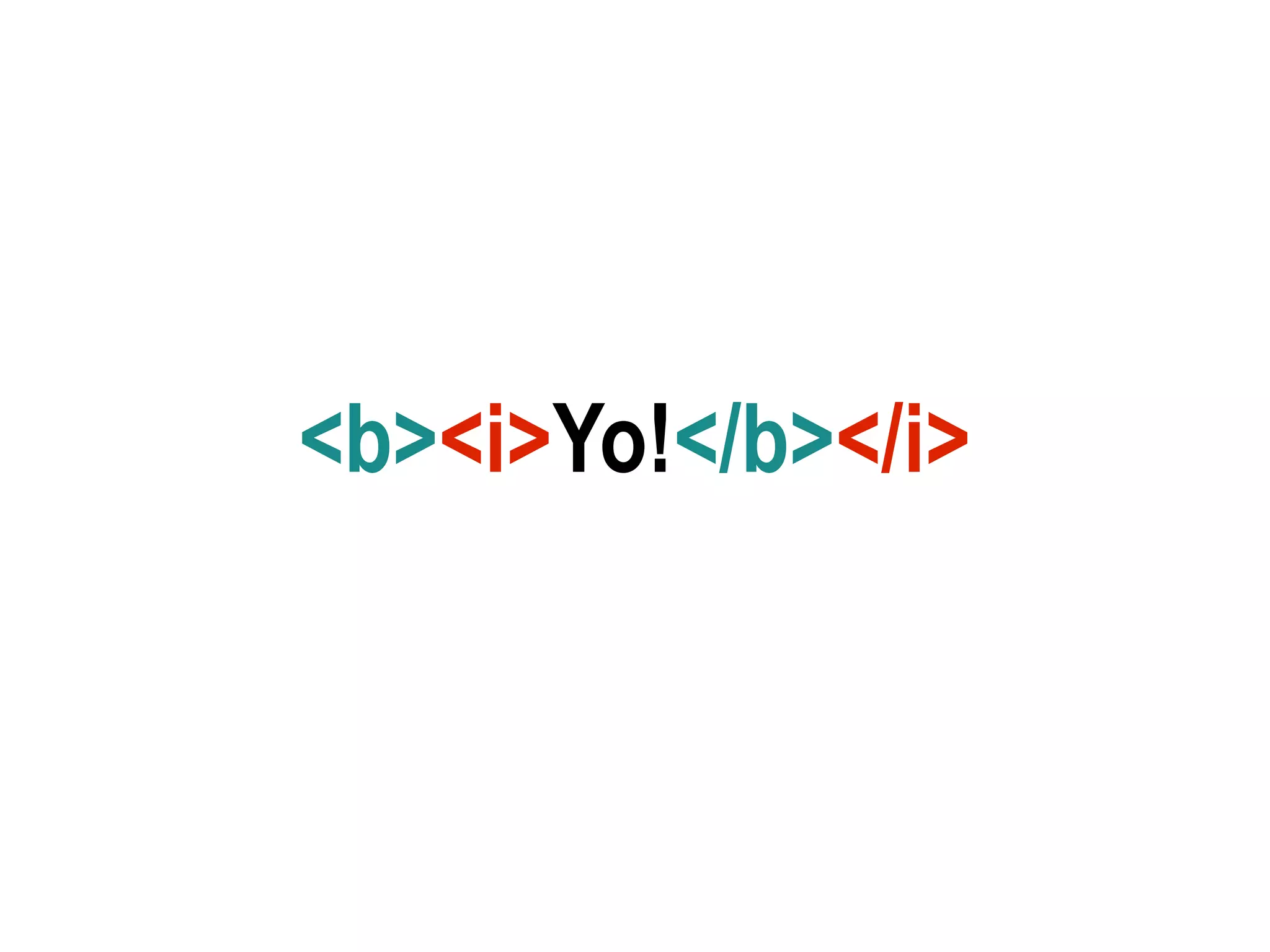
<b><i>Yo!</b></i>
software.hixie.ch/utilities/js/live-dom-viewer/
1. forms
2. multimedia
3. web apps
1. forms
2. multimedia
3. web apps
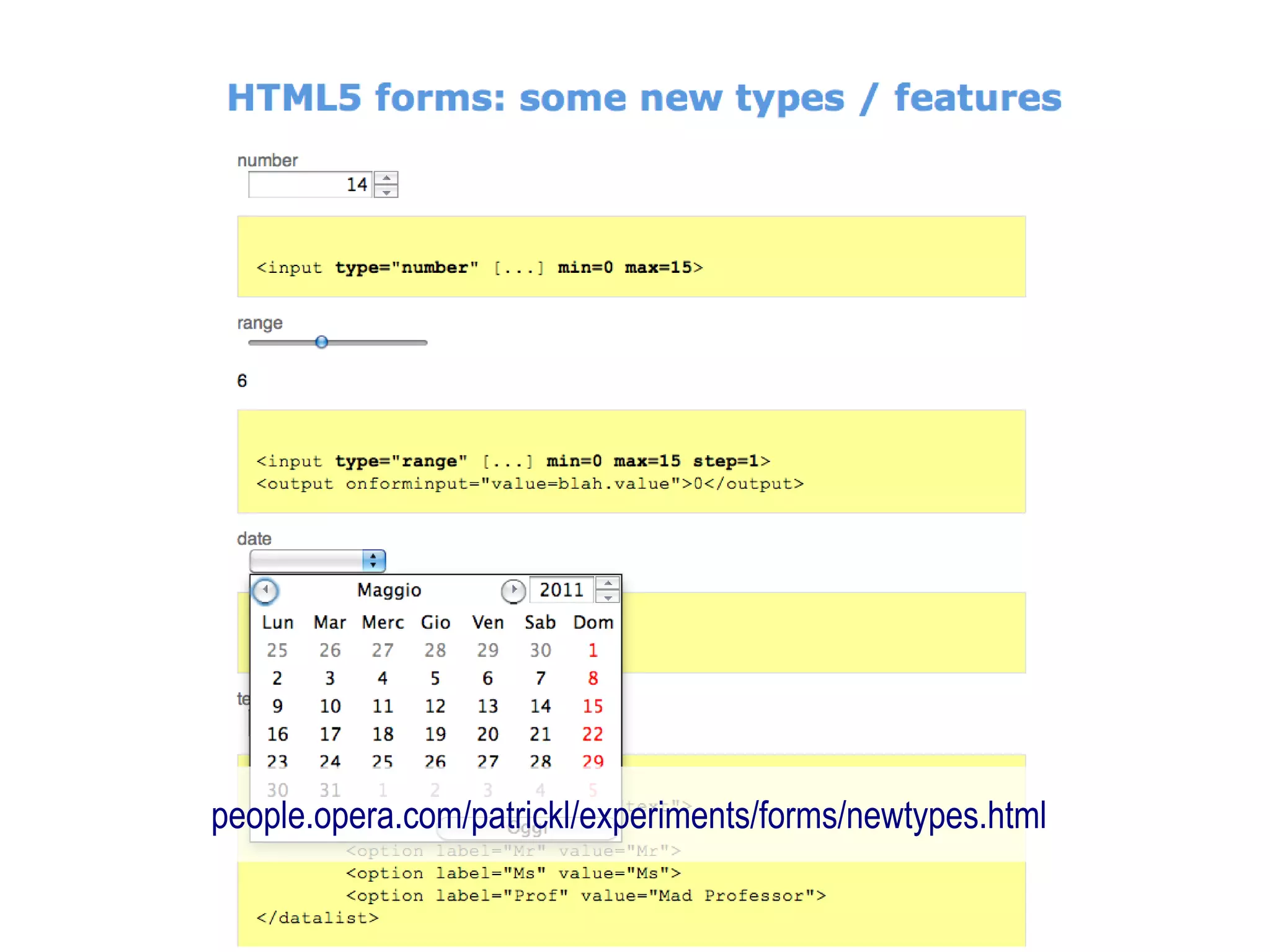
improved form elements
because the web is more interactive
jqueryui.com
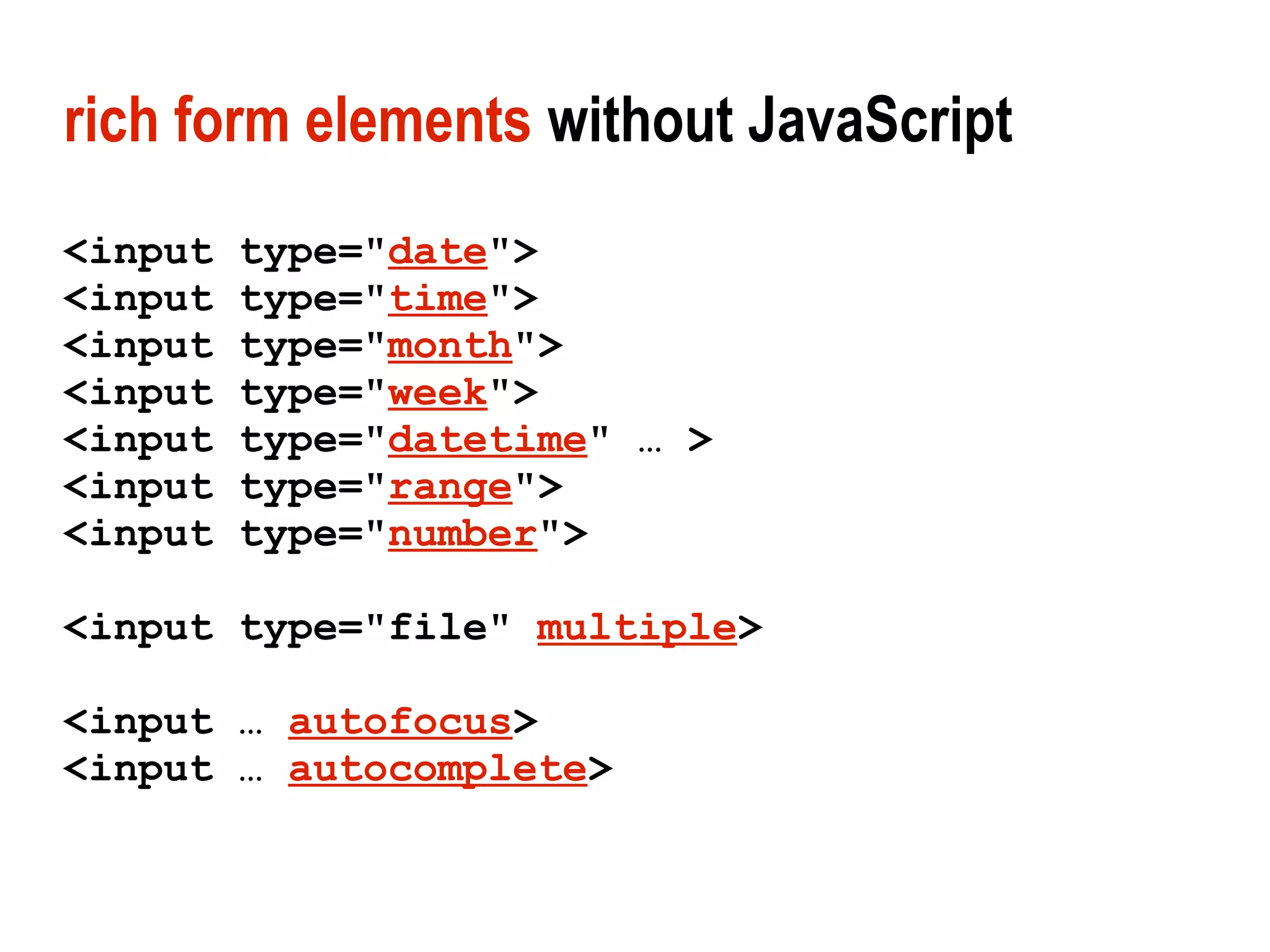
rich form elements without JavaScript
<input   type="date">
<input   type="time">
<input   type="month">
<input   type="week">
<input   type="datetime" … >
<input   type="range">
<input   type="number">

<input type="file" multiple>

<input … autofocus>
<input … autocomplete>
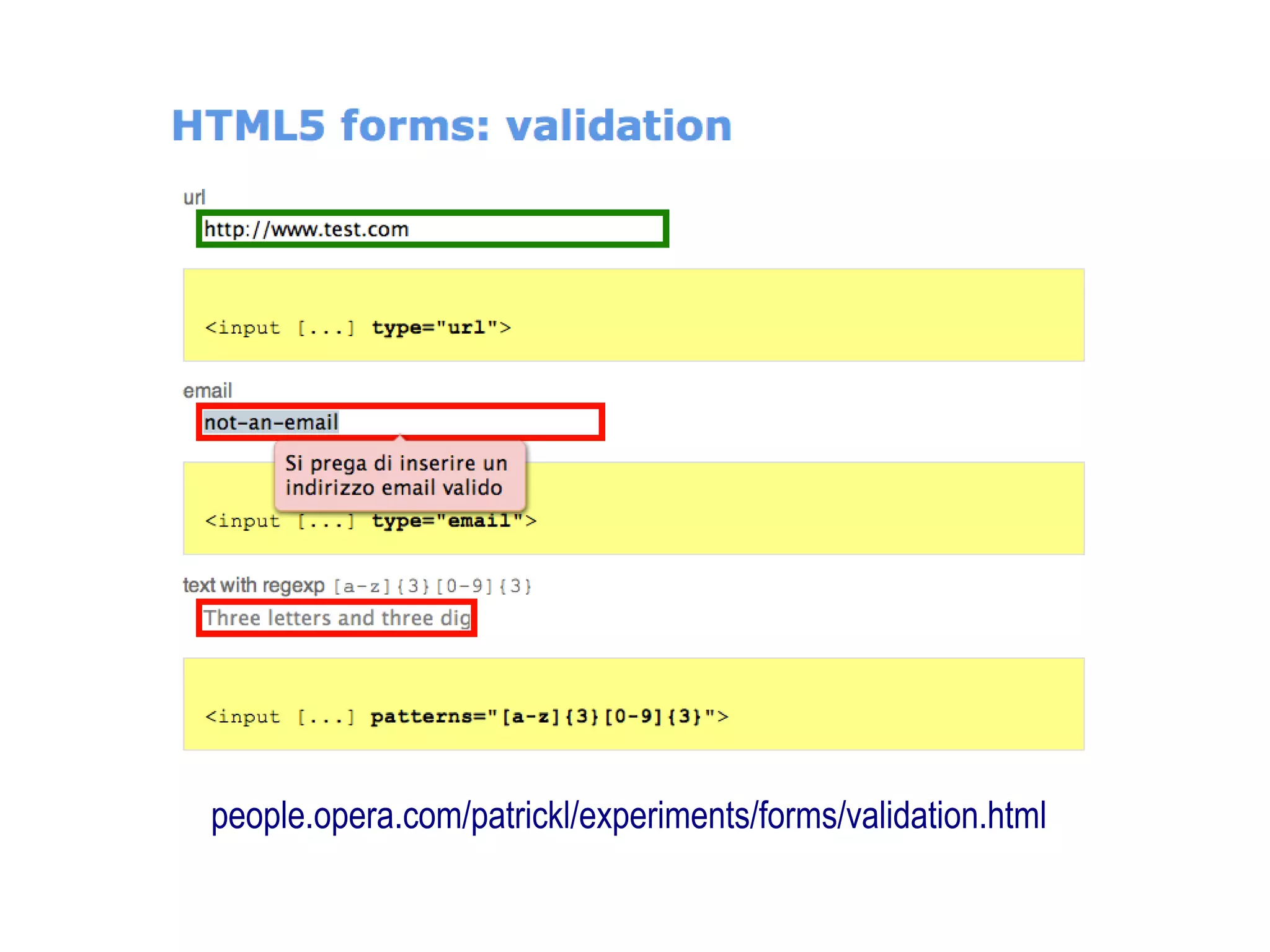
built-in validation without JavaScript
<input   … required>
<input   type="tel">
<input   type="email">
<input   type="url">
<input   … pattern="[a-z]{3}[0-9]{3}">
<input   type="number" min="1" max="5">
…
people.opera.com/patrickl/experiments/forms/newtypes.html
people.opera.com/patrickl/experiments/forms/validation.html
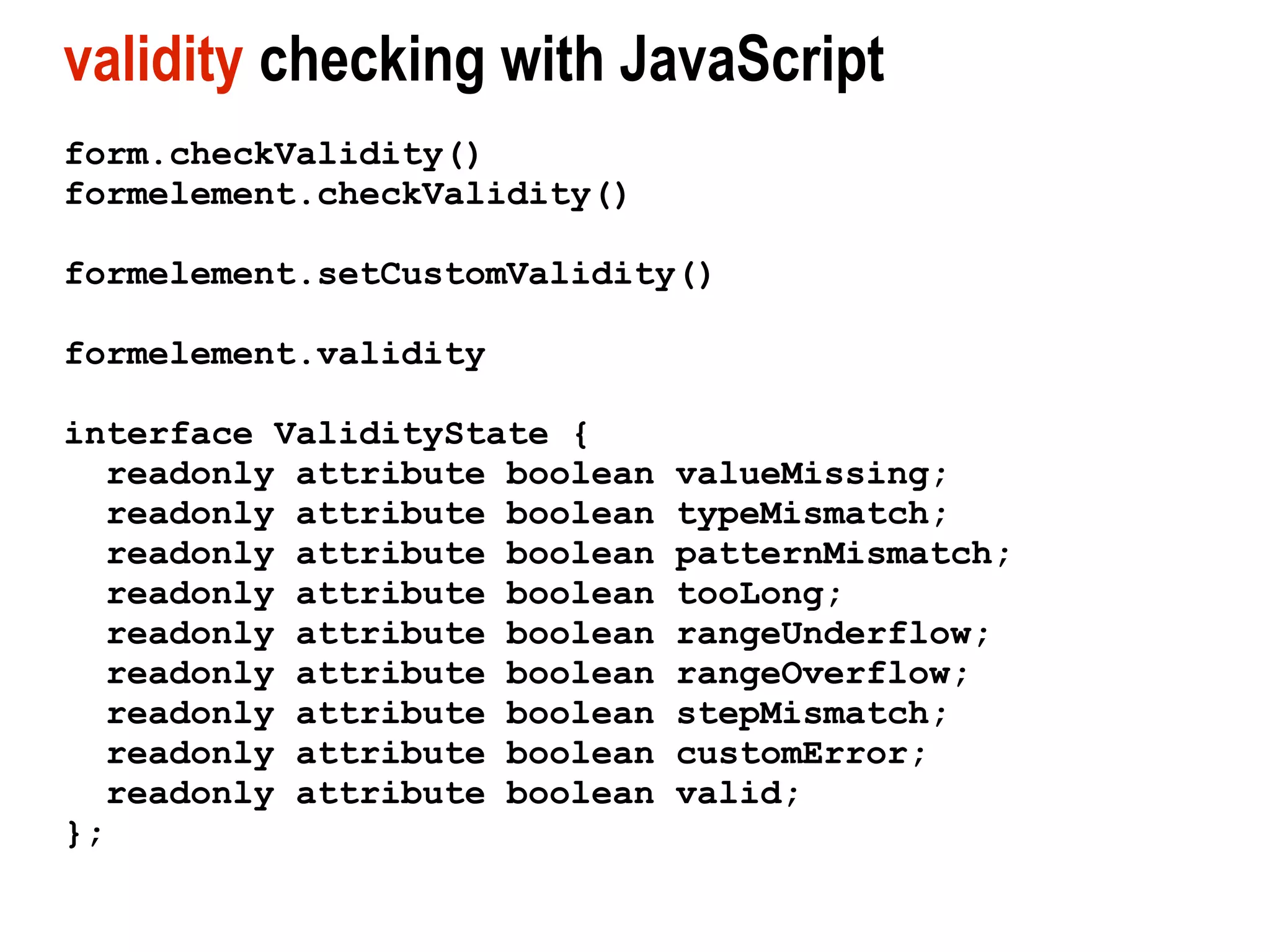
validity checking with JavaScript
form.checkValidity()
formelement.checkValidity()

formelement.setCustomValidity()

formelement.validity

interface ValidityState {
  readonly attribute boolean   valueMissing;
  readonly attribute boolean   typeMismatch;
  readonly attribute boolean   patternMismatch;
  readonly attribute boolean   tooLong;
  readonly attribute boolean   rangeUnderflow;
  readonly attribute boolean   rangeOverflow;
  readonly attribute boolean   stepMismatch;
  readonly attribute boolean   customError;
  readonly attribute boolean   valid;
};
1. forms
2. multimedia
3. web apps
making your site Fonzie compliant...
<video>
Adobe Flash currently most common
    video delivery mechanism
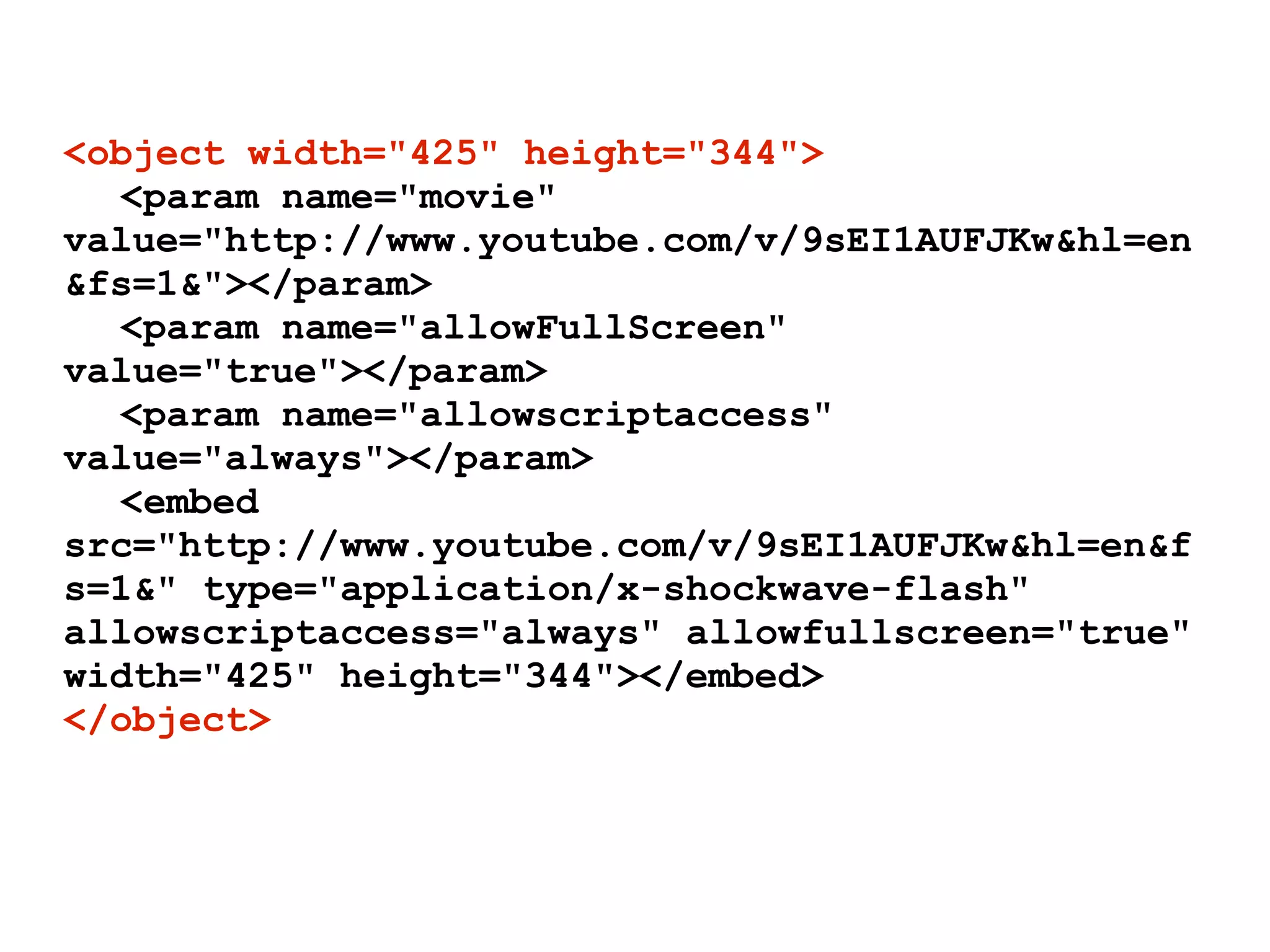
<object width="425" height="344">
  <param name="movie"
value="http://www.youtube.com/v/9sEI1AUFJKw&hl=en
&fs=1&"></param>
  <param name="allowFullScreen"
value="true"></param>
  <param name="allowscriptaccess"
value="always"></param>
  <embed
src="http://www.youtube.com/v/9sEI1AUFJKw&hl=en&f
s=1&" type="application/x-shockwave-flash"
allowscriptaccess="always" allowfullscreen="true"
width="425" height="344"></embed>
</object>
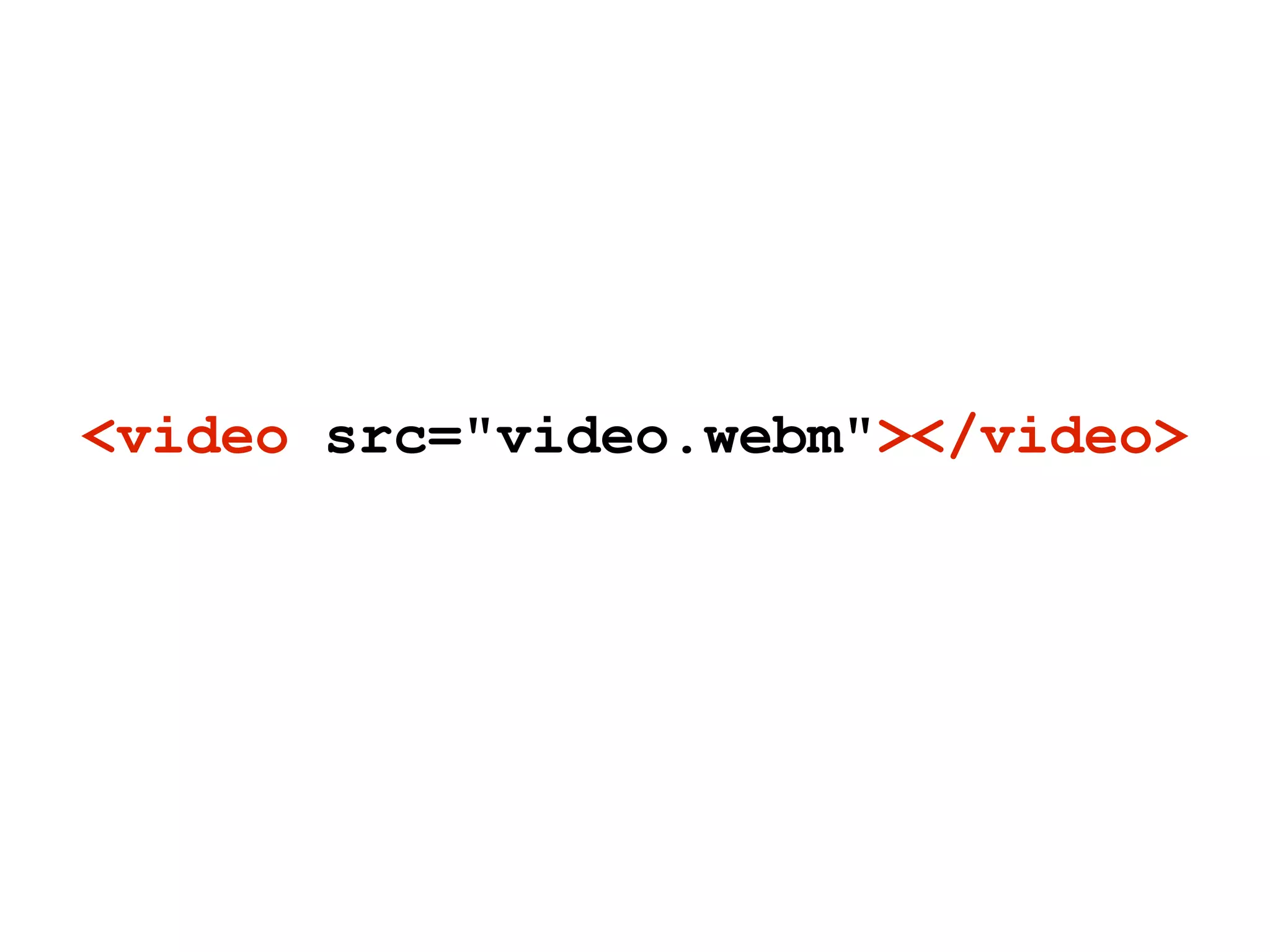
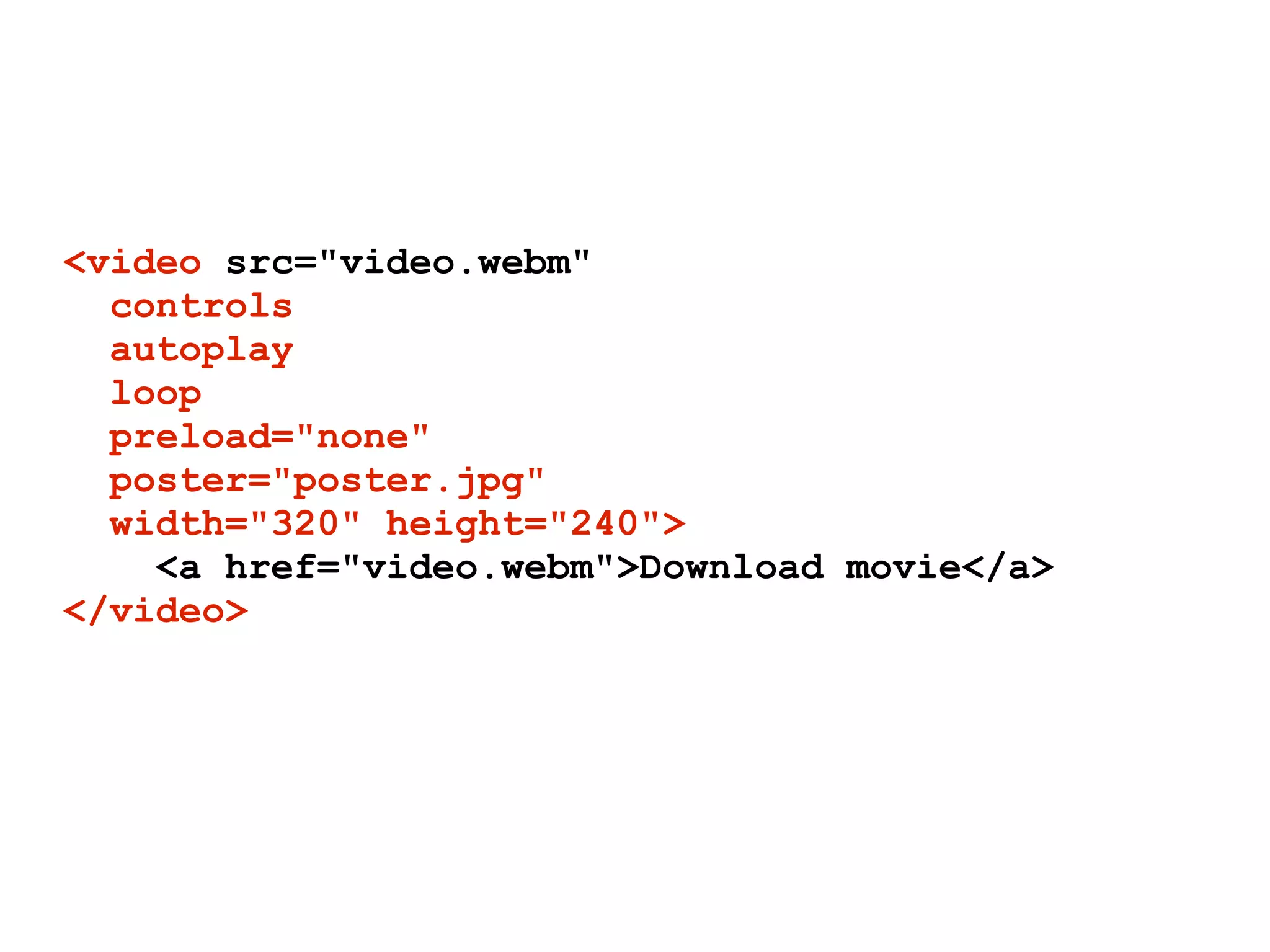
<video src="video.webm"></video>
<video src="video.webm"
  controls
  autoplay
  loop
  preload="none"
  poster="poster.jpg"
  width="320" height="240">
    <a href="video.webm">Download movie</a>
</video>
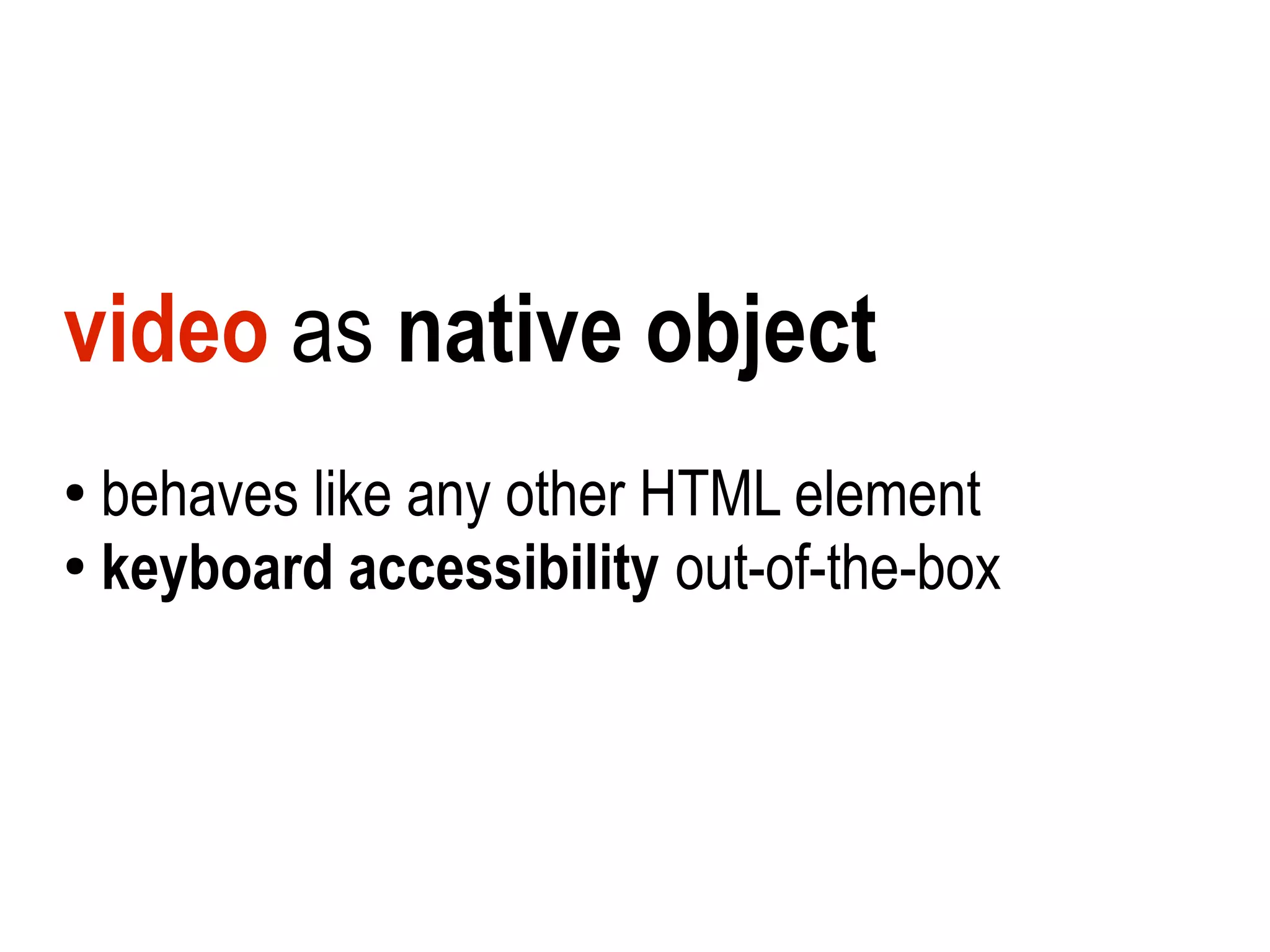
video as native object
●
  behaves like any other HTML element
●
  keyboard accessibility out-of-the-box
powerful (simple) API
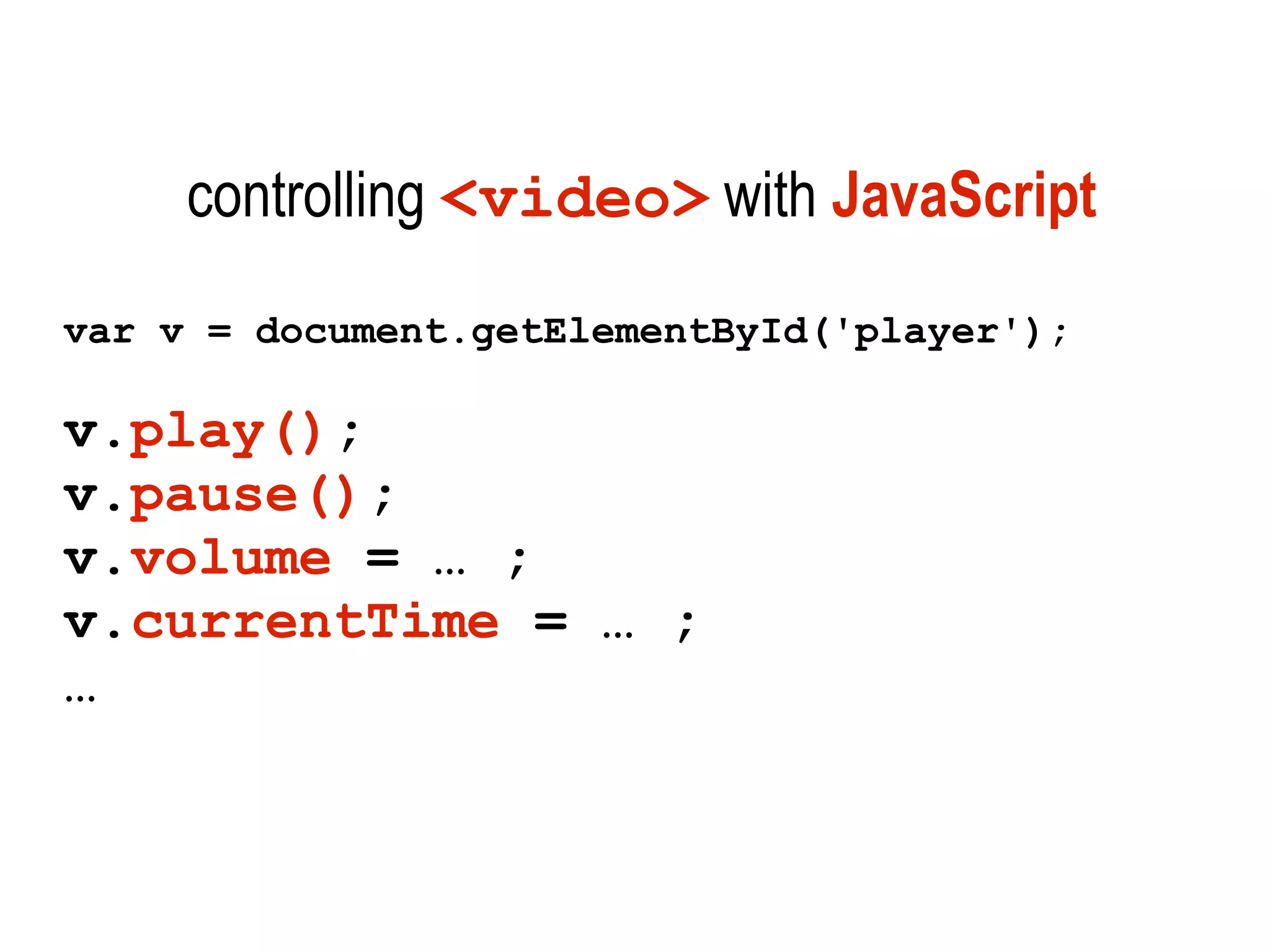
controlling <video> with JavaScript
var v = document.getElementById('player');

v.play();
v.pause();
v.volume = … ;
v.currentTime = … ;
…
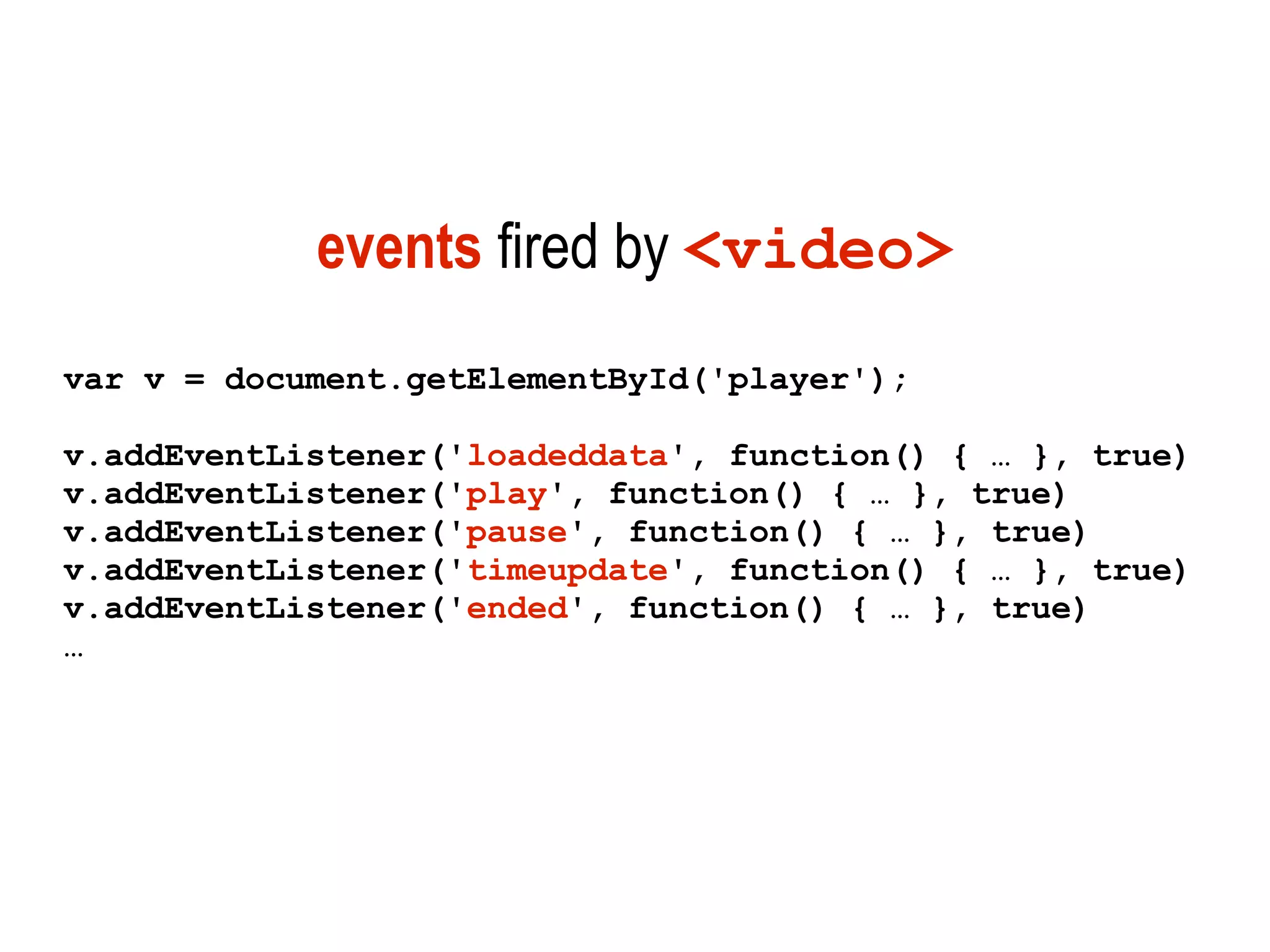
events fired by <video>
var v = document.getElementById('player');

v.addEventListener('loadeddata', function() { … }, true)
v.addEventListener('play', function() { … }, true)
v.addEventListener('pause', function() { … }, true)
v.addEventListener('timeupdate', function() { … }, true)
v.addEventListener('ended', function() { … }, true)
…
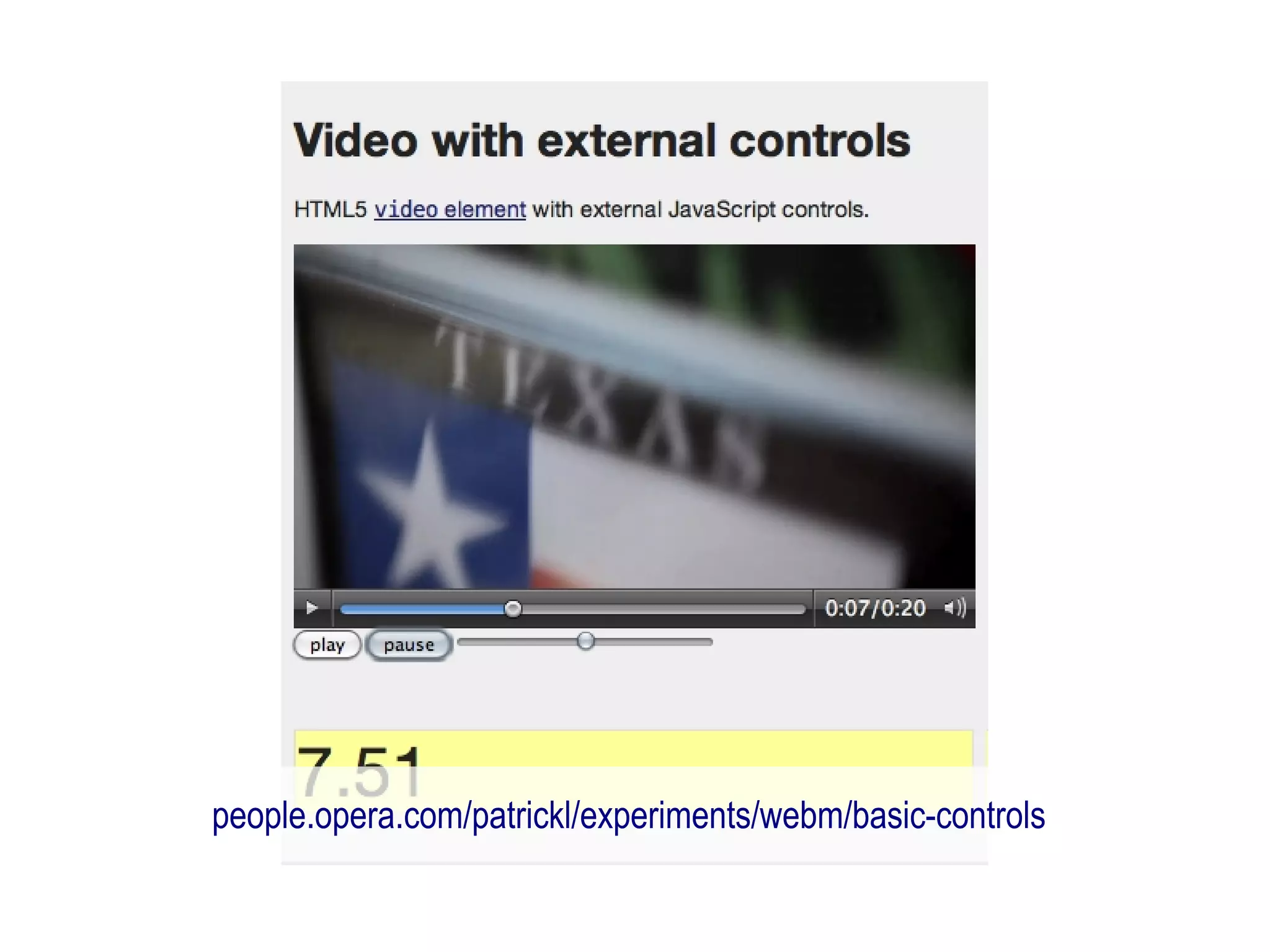
people.opera.com/patrickl/experiments/webm/basic-controls
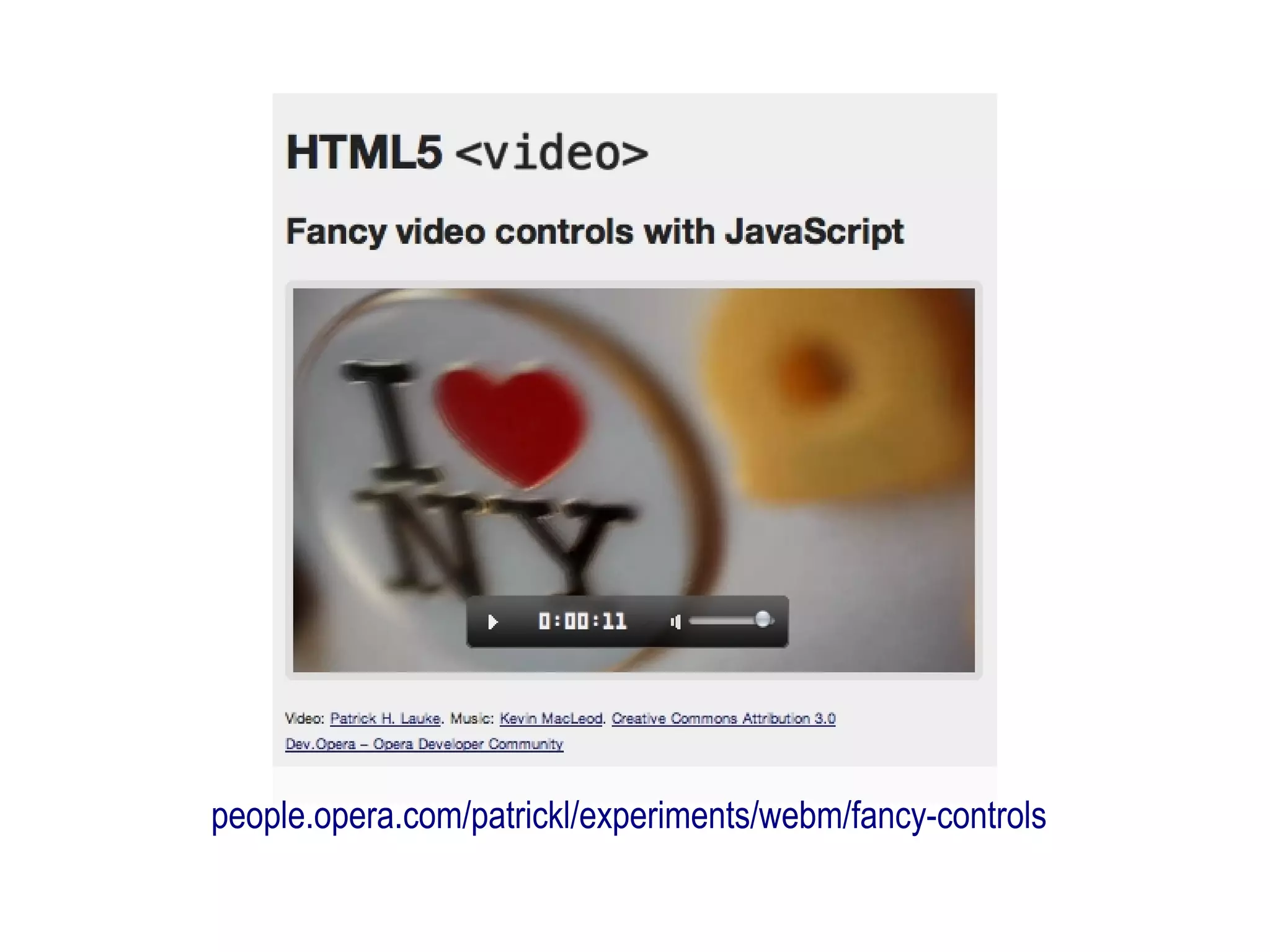
people.opera.com/patrickl/experiments/webm/fancy-controls
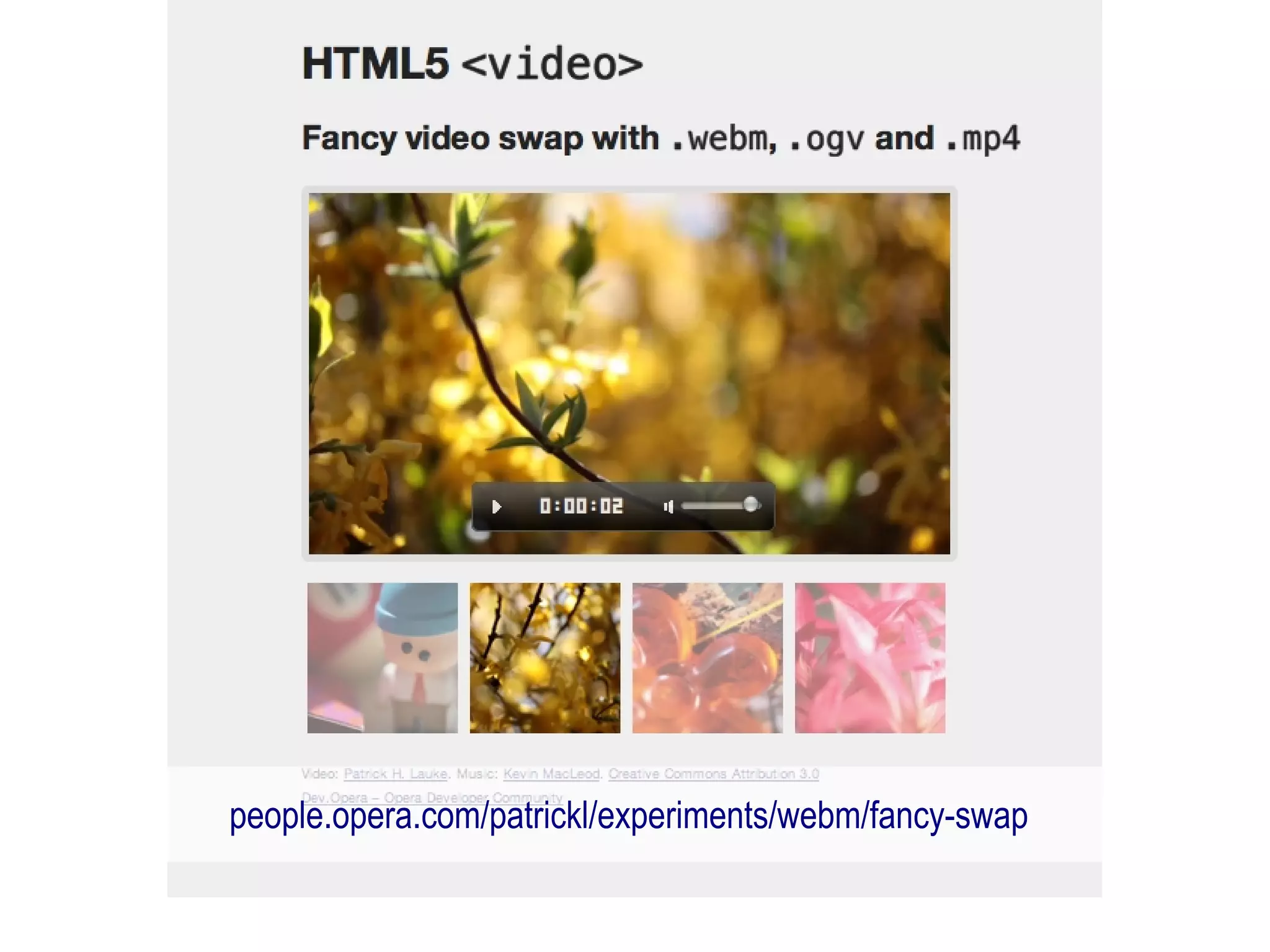
people.opera.com/patrickl/experiments/webm/fancy-swap
HTML5 means all your
old dHTML is cool again!
video formats
 the big debate?
HTML5 does not specify
 video container/codec
   (same as with images in HTML 4.01)
MP4/H.264
    or
Ogg Theora
    or
WebM/VP8
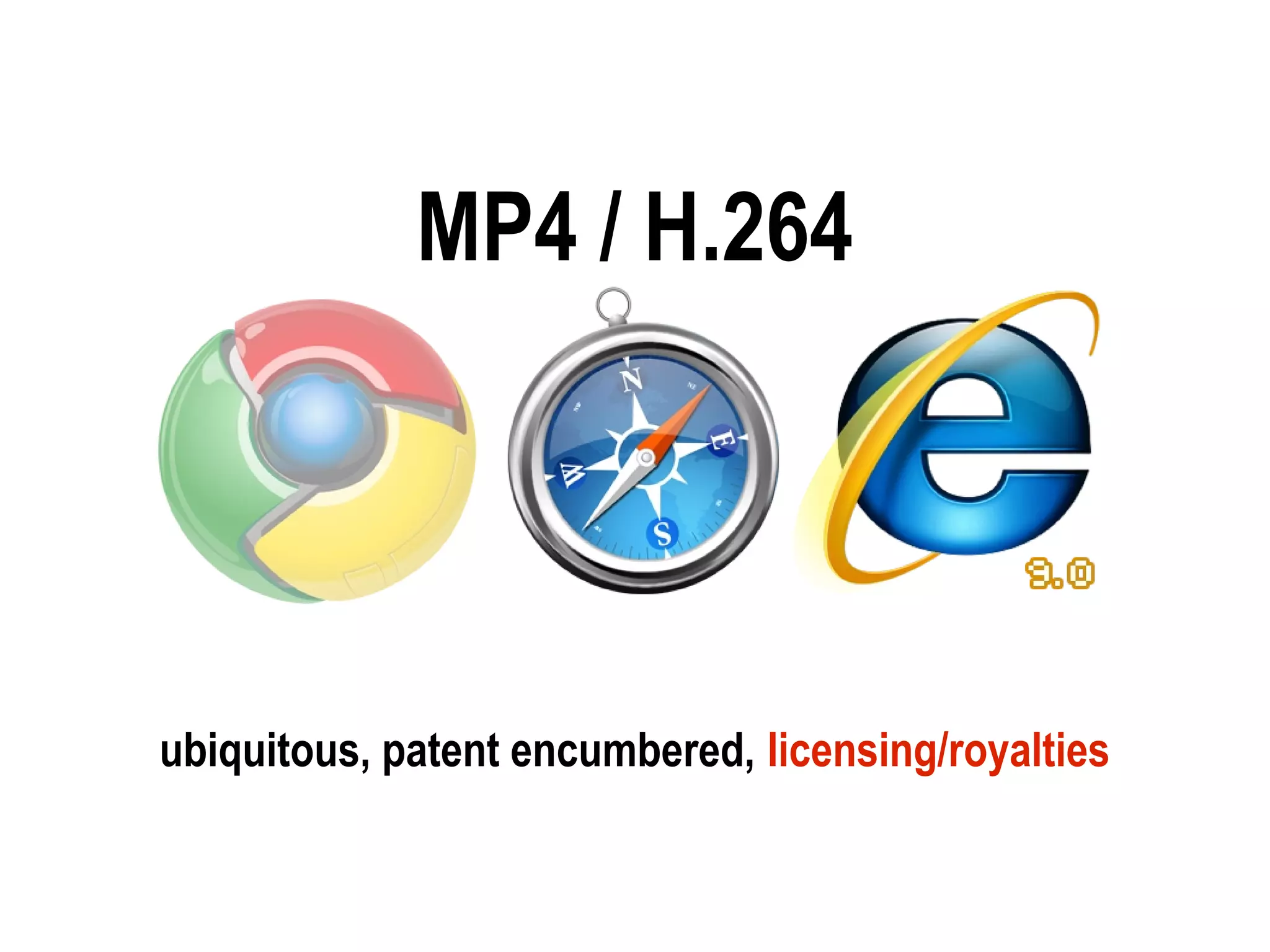
MP4 / H.264


ubiquitous, patent encumbered, licensing/royalties
Ogg Theora


    free and open, no licensing fees
not many tools for it, not web optimised
WebM / VP8


  open and royalty-free, web-optimised
support by hardware and software vendors
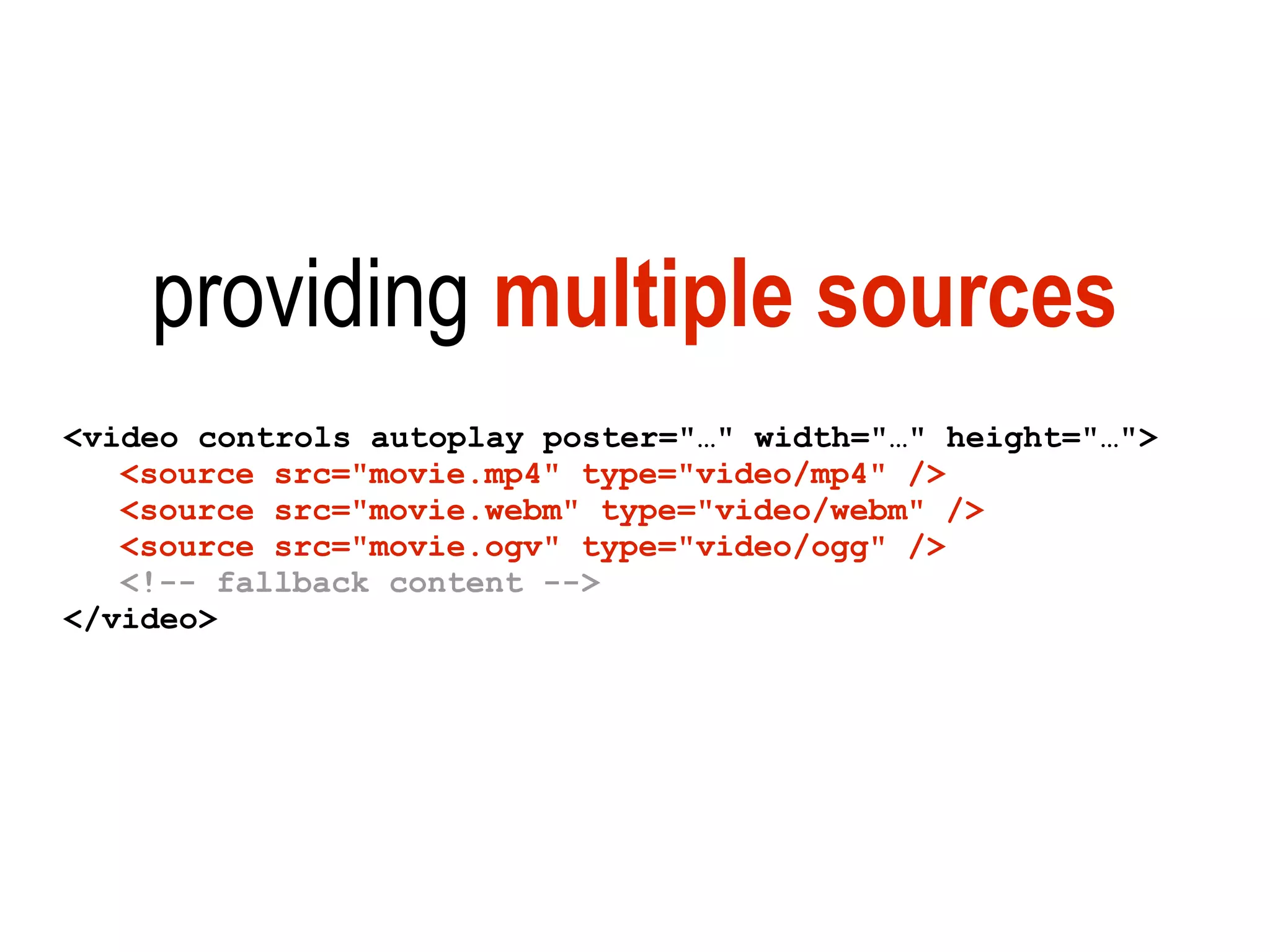
providing multiple sources
<video controls autoplay poster="…" width="…" height="…">
   <source src="movie.mp4" type="video/mp4" />
   <source src="movie.webm" type="video/webm" />
   <source src="movie.ogv" type="video/ogg" />
   <!-- fallback content -->
</video>
flash fallback for older browsers
 http://camendesign.com/code/video_for_everybody
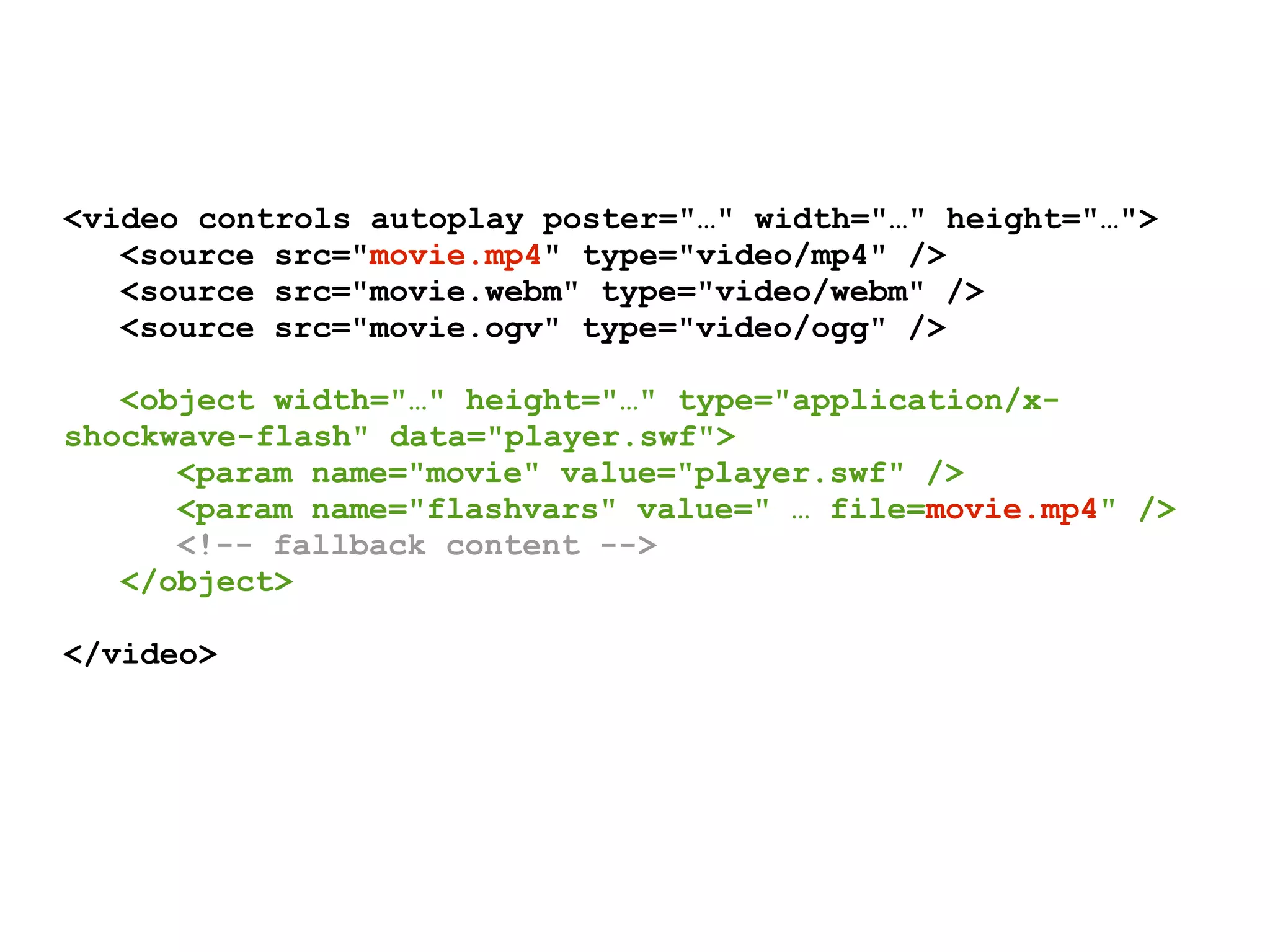
<video controls autoplay poster="…" width="…" height="…">
   <source src="movie.mp4" type="video/mp4" />
   <source src="movie.webm" type="video/webm" />
   <source src="movie.ogv" type="video/ogg" />

   <object width="…" height="…" type="application/x-
shockwave-flash" data="player.swf">
      <param name="movie" value="player.swf" />
      <param name="flashvars" value=" … file=movie.mp4" />
      <!-- fallback content -->
   </object>

</video>
<audio>
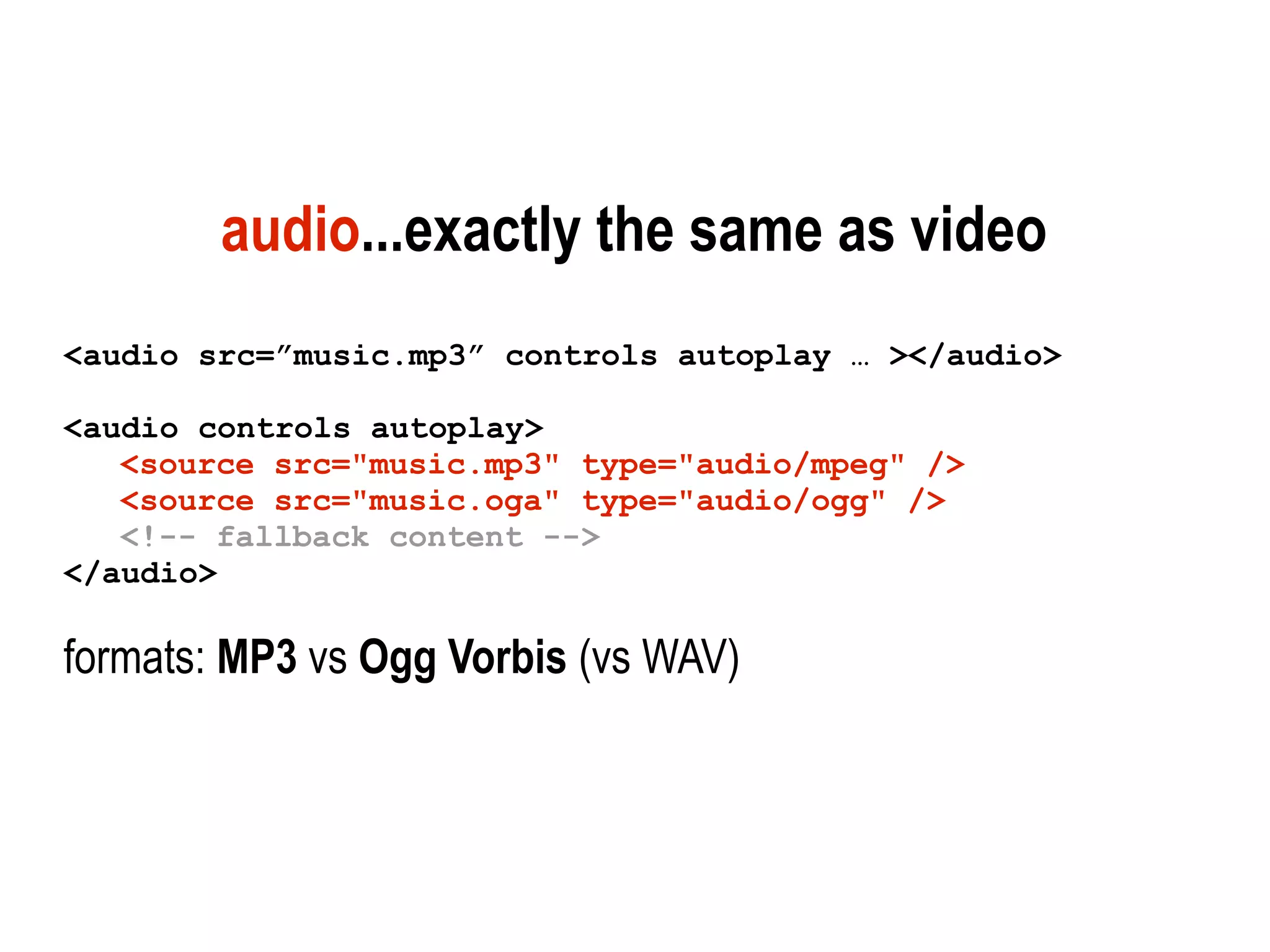
audio...exactly the same as video
<audio src=”music.mp3” controls autoplay … ></audio>

<audio controls autoplay>
   <source src="music.mp3" type="audio/mpeg" />
   <source src="music.oga" type="audio/ogg" />
   <!-- fallback content -->
</audio>

formats: MP3 vs Ogg Vorbis (vs WAV)
<canvas>
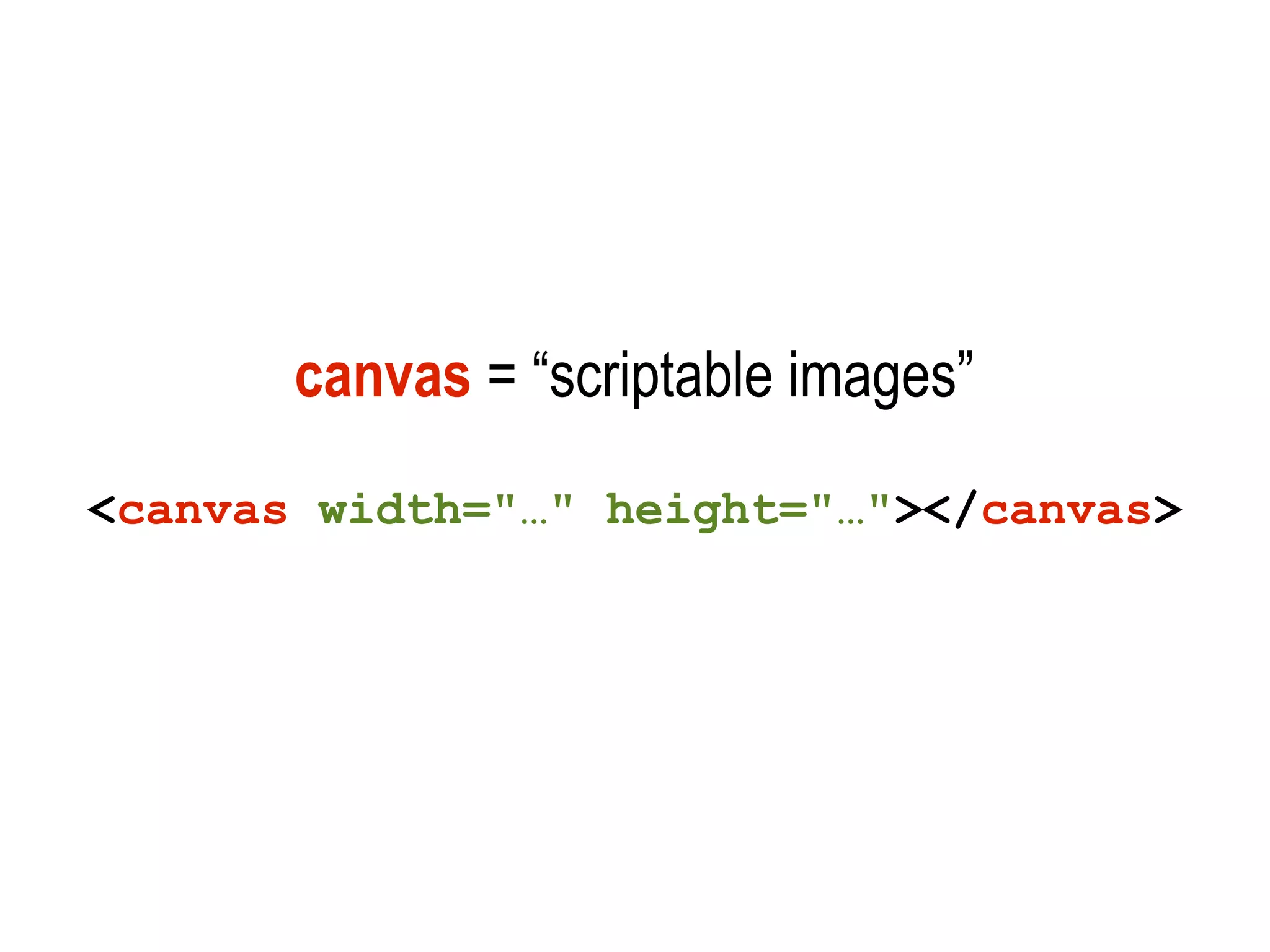
canvas = “scriptable images”
<canvas width="…" height="…"></canvas>
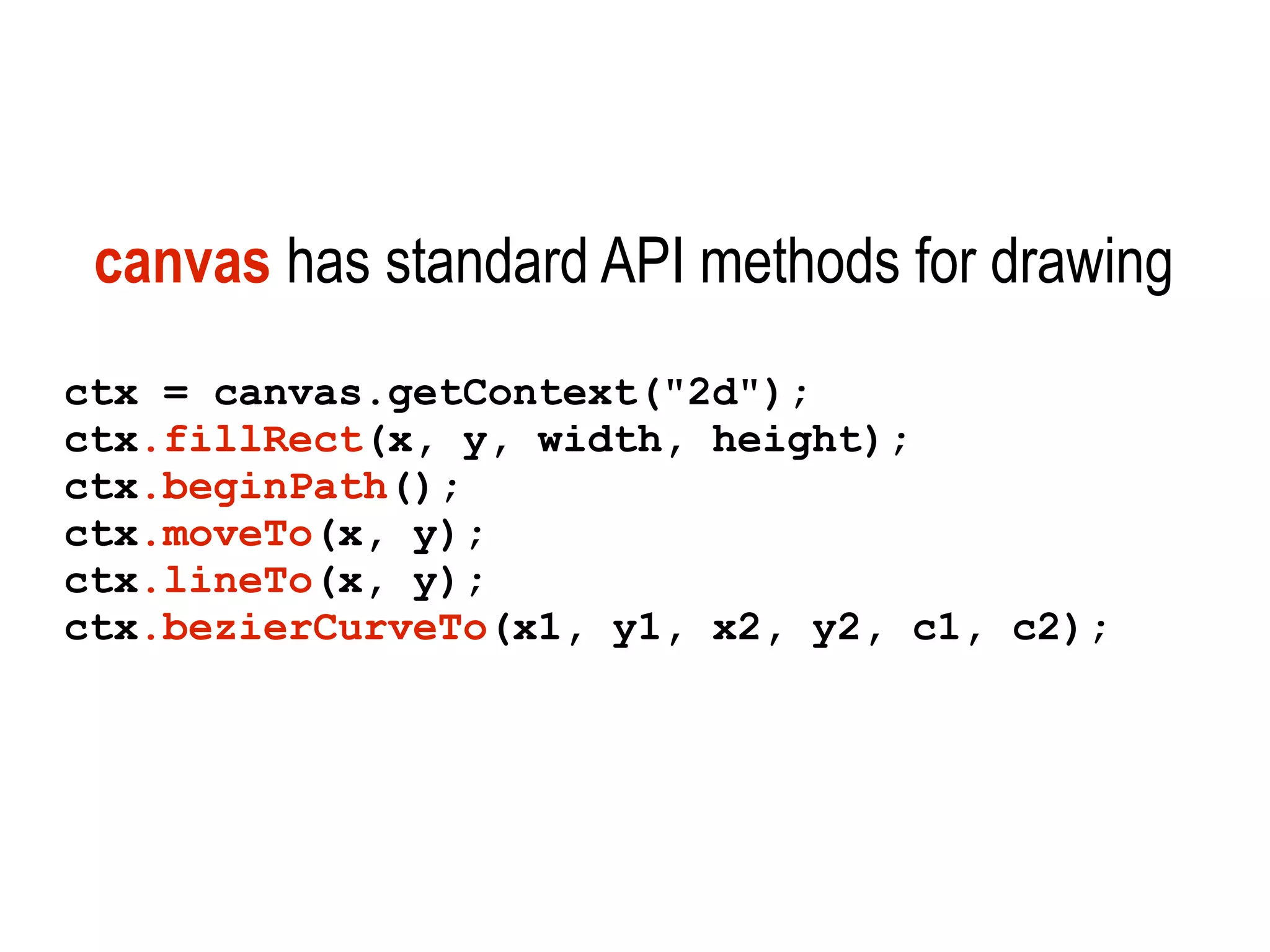
canvas has standard API methods for drawing
ctx = canvas.getContext("2d");
ctx.fillRect(x, y, width, height);
ctx.beginPath();
ctx.moveTo(x, y);
ctx.lineTo(x, y);
ctx.bezierCurveTo(x1, y1, x2, y2, c1, c2);
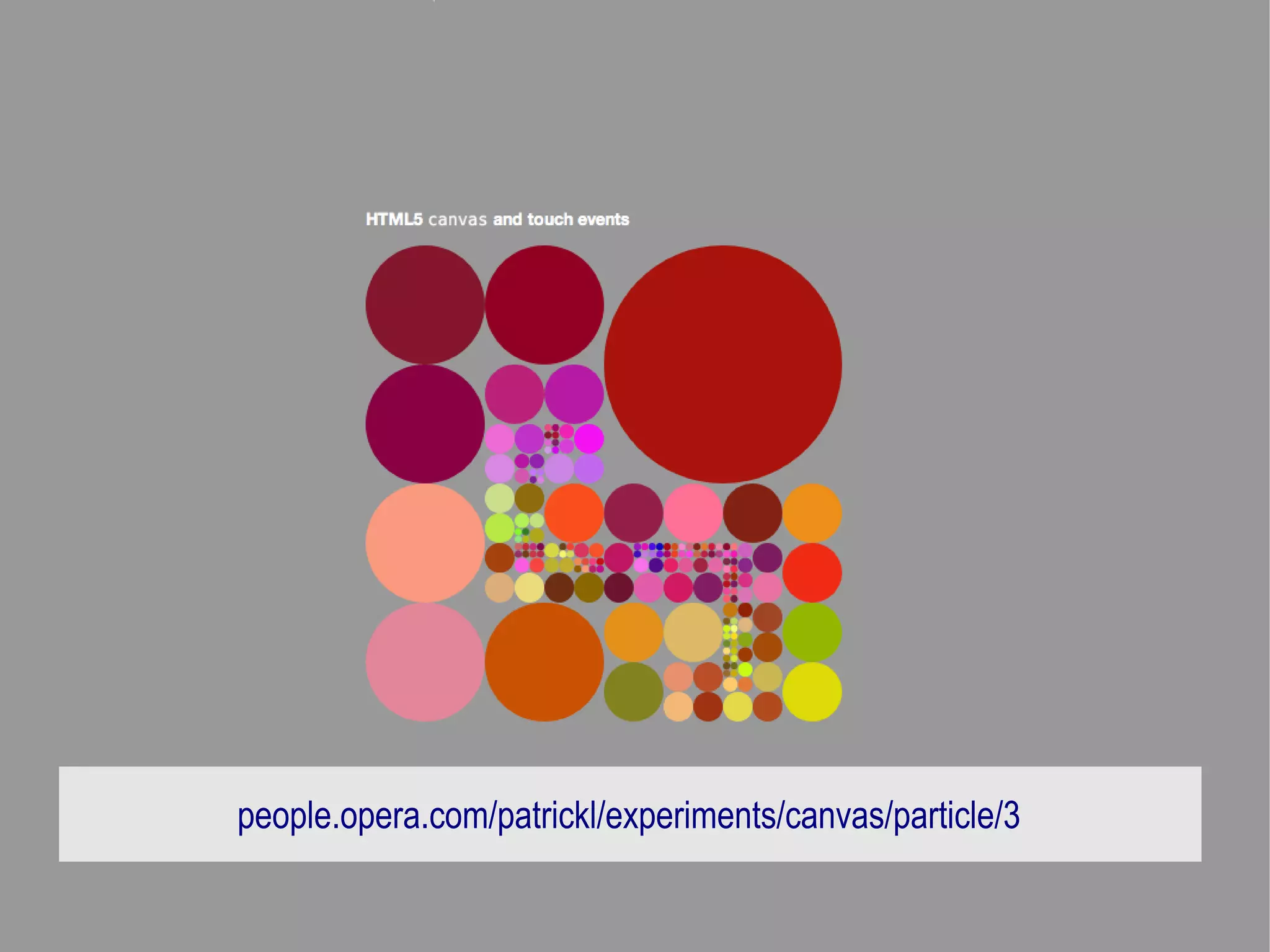
people.opera.com/patrickl/experiments/canvas/particle/3
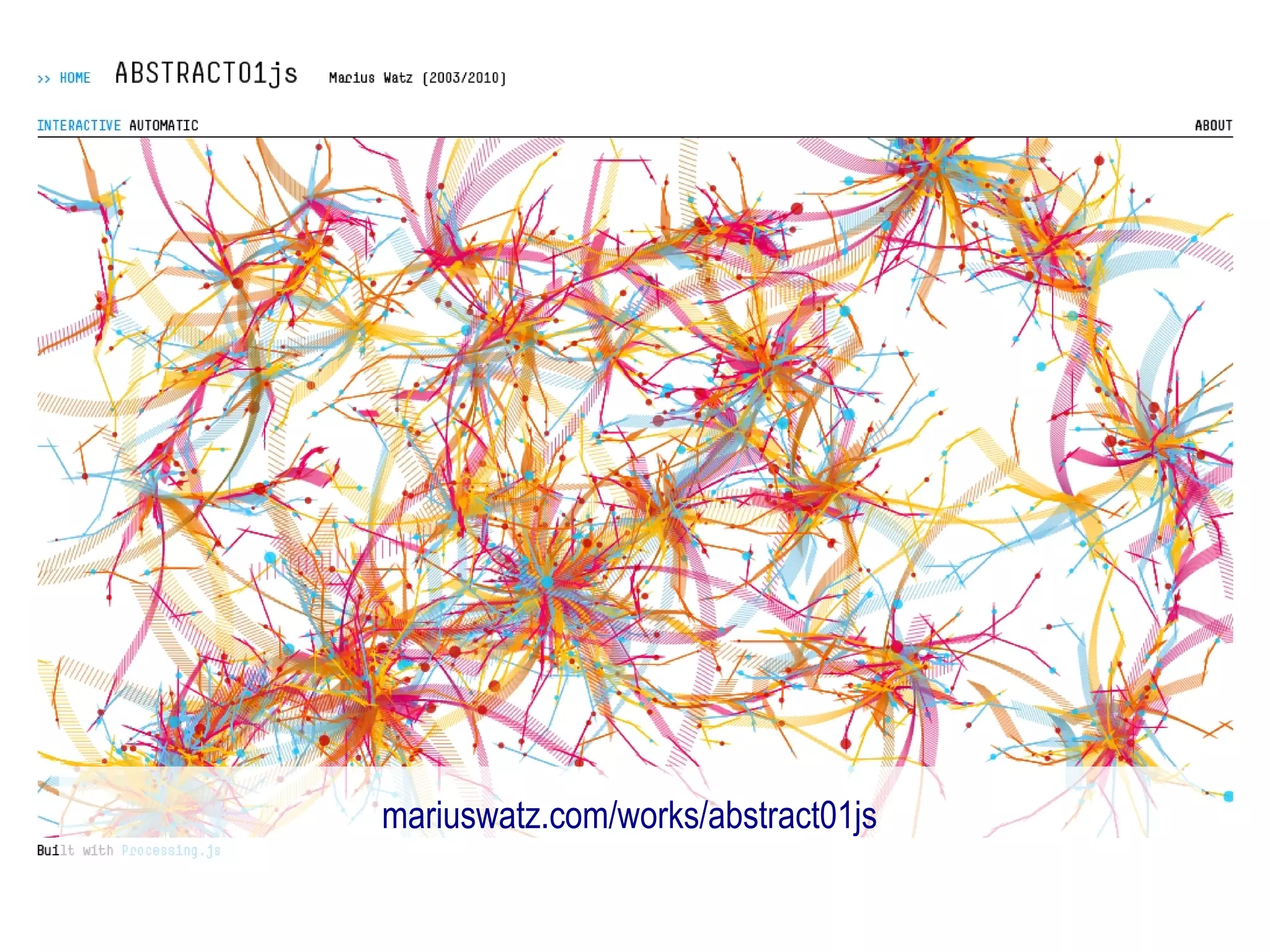
mariuswatz.com/works/abstract01js
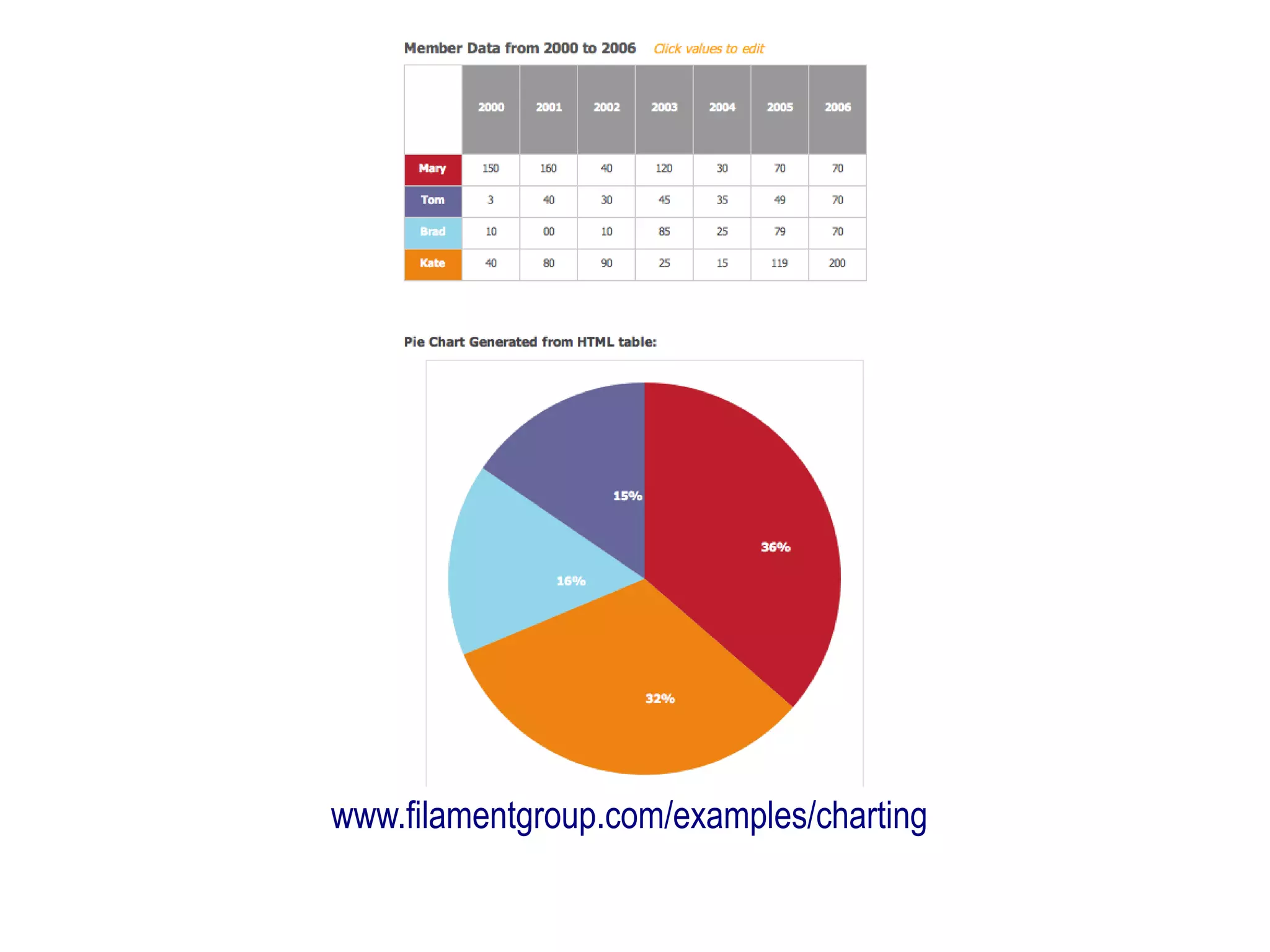
canvas drawing ready-made images
ctx = canvas.getContext("2d");

var logo = new Image();
logo.src = 'logo.png';

ctx.drawImage(logo,x1,y1,w1,h1,x2,y2,w2,h2);

or call in an existing image already on the page
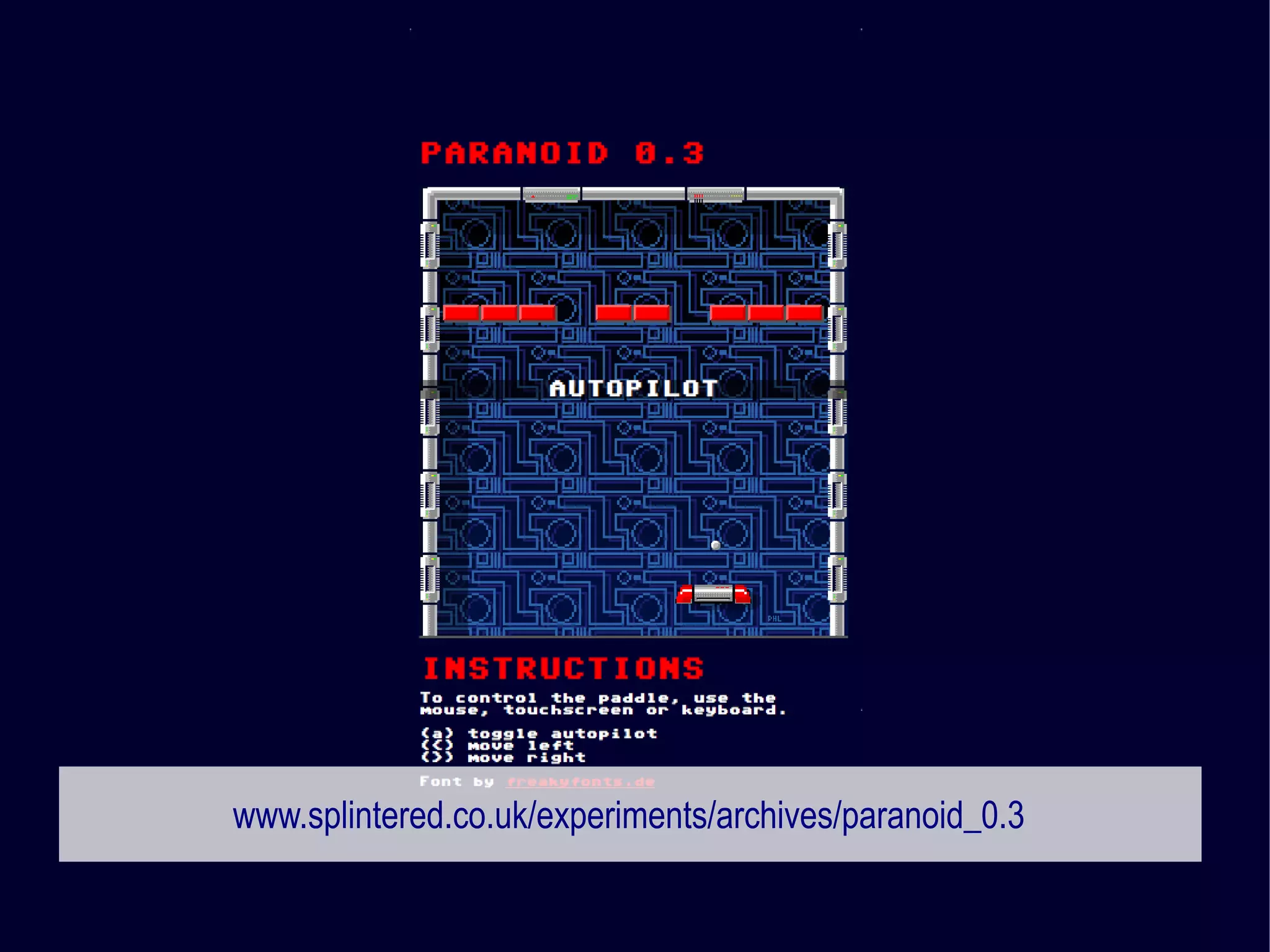
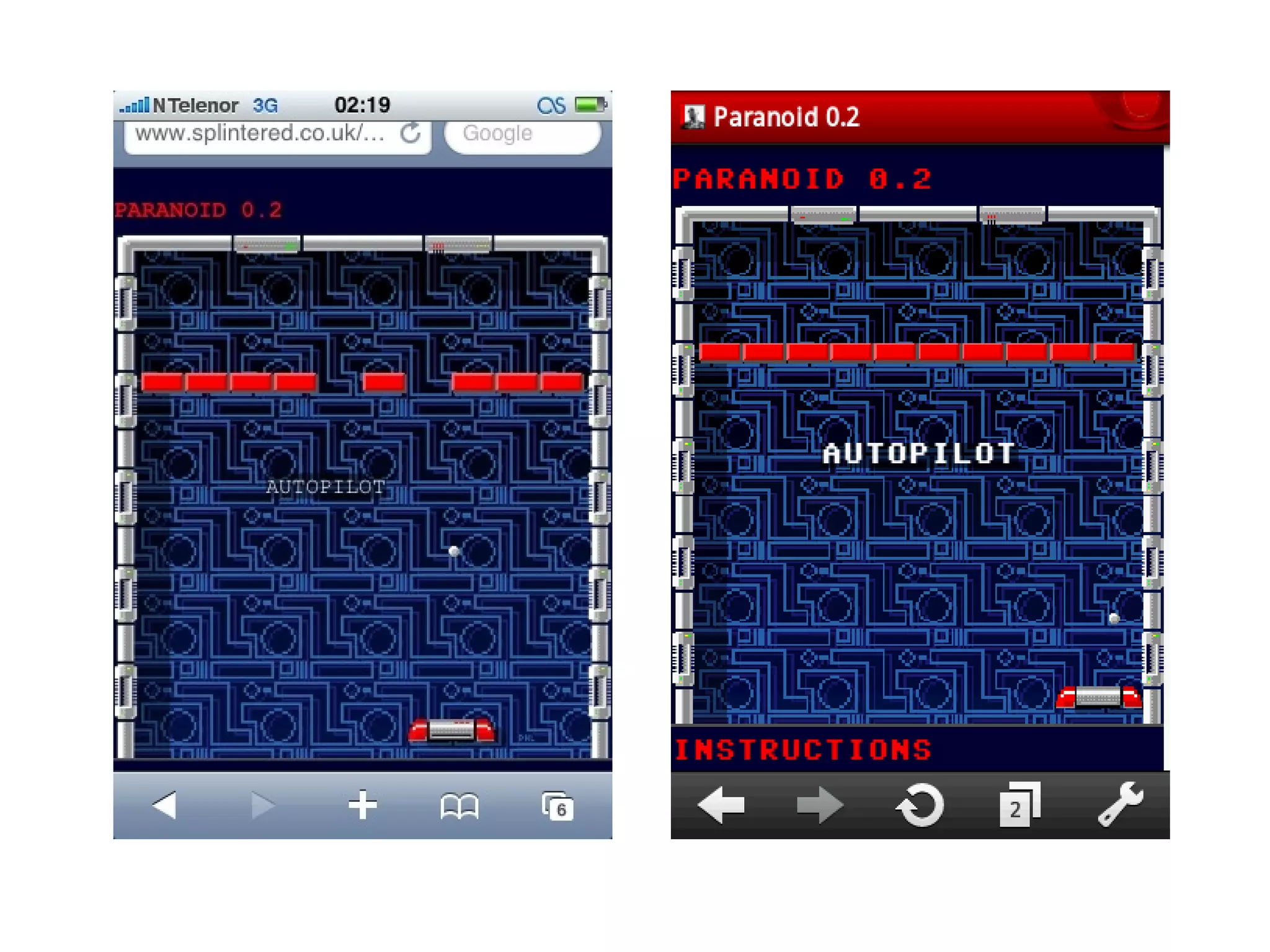
www.splintered.co.uk/experiments/archives/paranoid_0.3
canvas access to image data array
ctx = canvas.getContext("2d");
canvasData = ctx.getImageData(x,y,w,h);

[R,G,B,A,R,G,B,A,R,G,B,A,R,G,B,A, … ]
www.splintered.co.uk/experiments/archives/canvas-ambilight
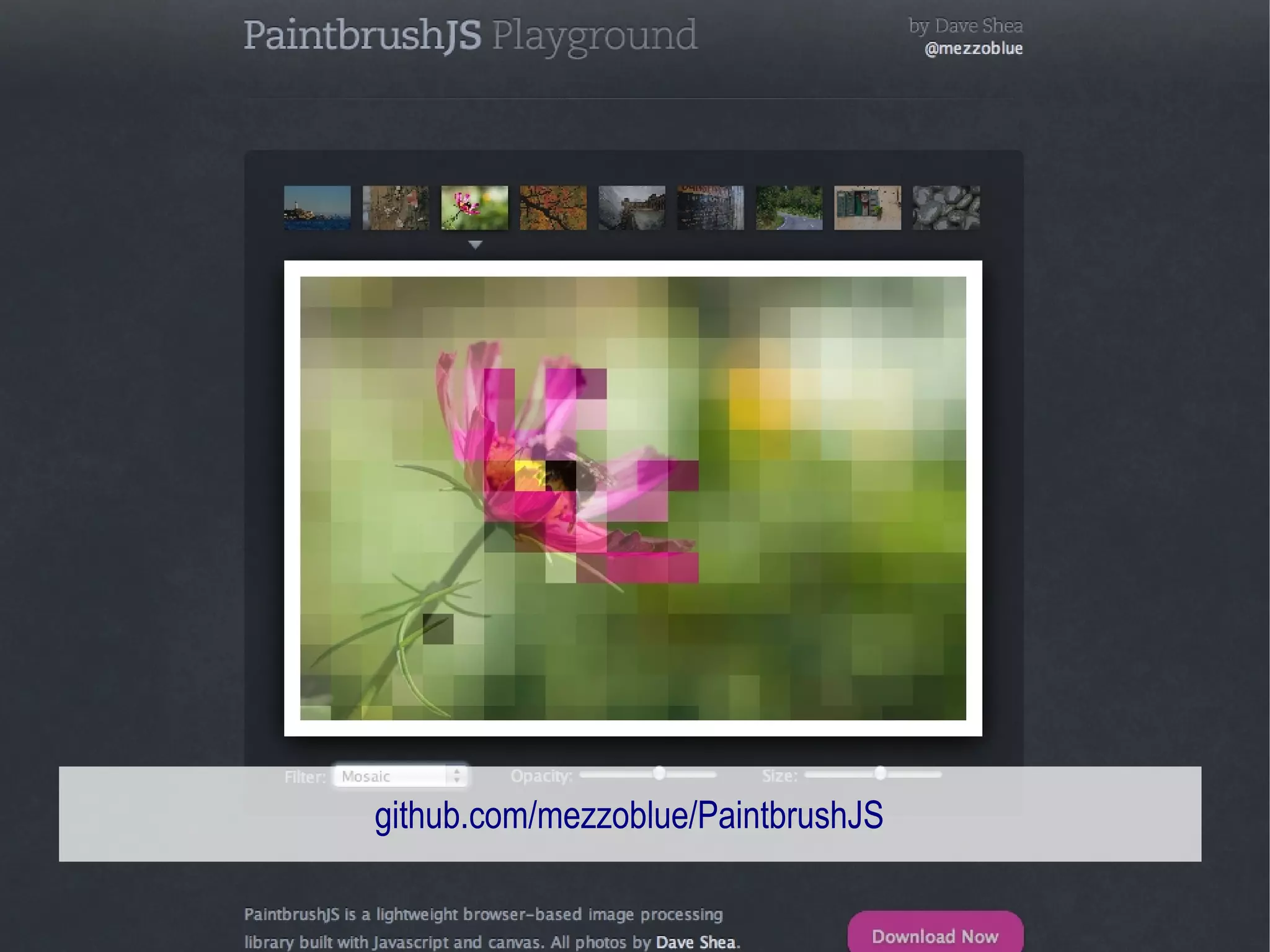
github.com/mezzoblue/PaintbrushJS
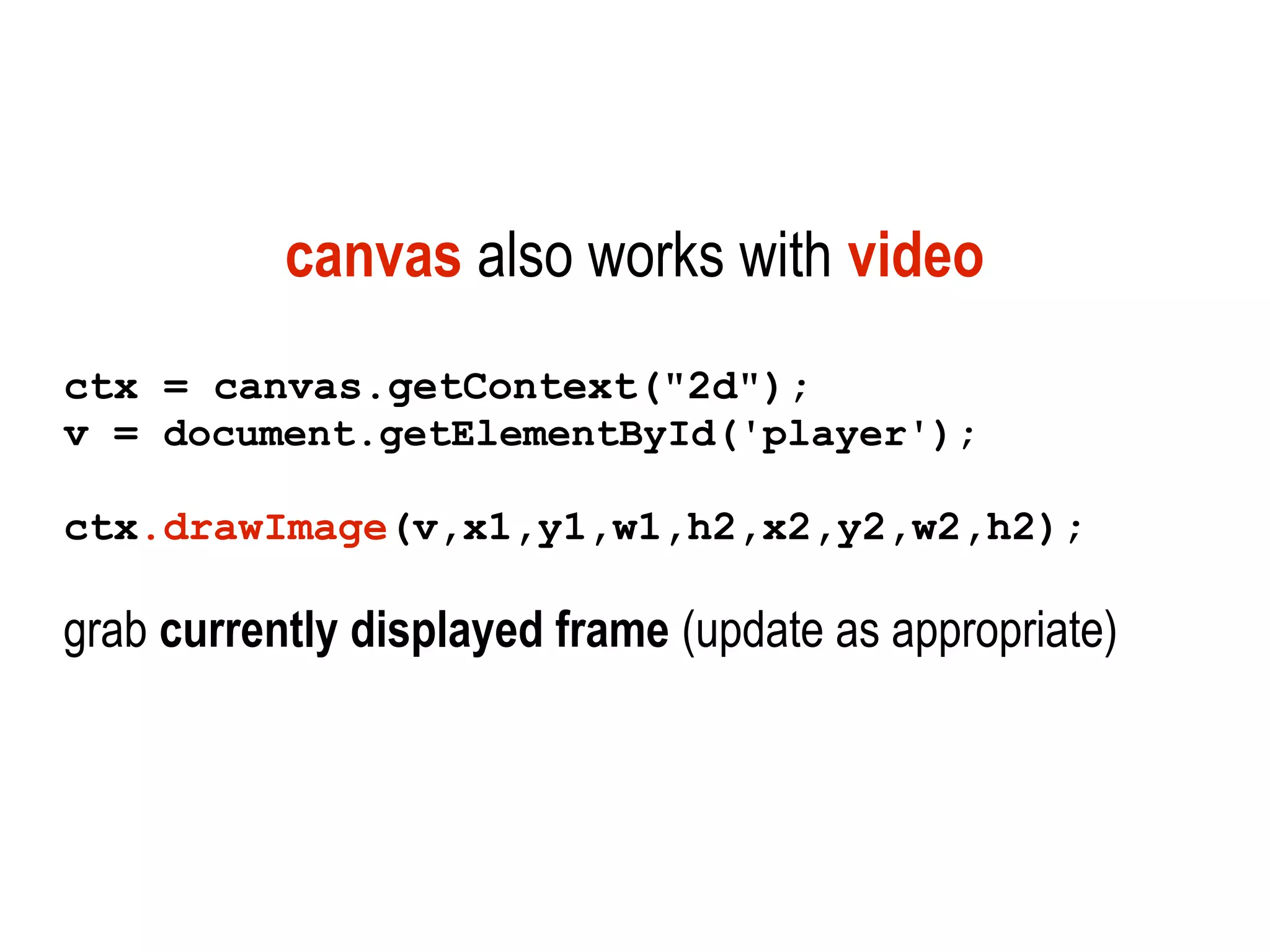
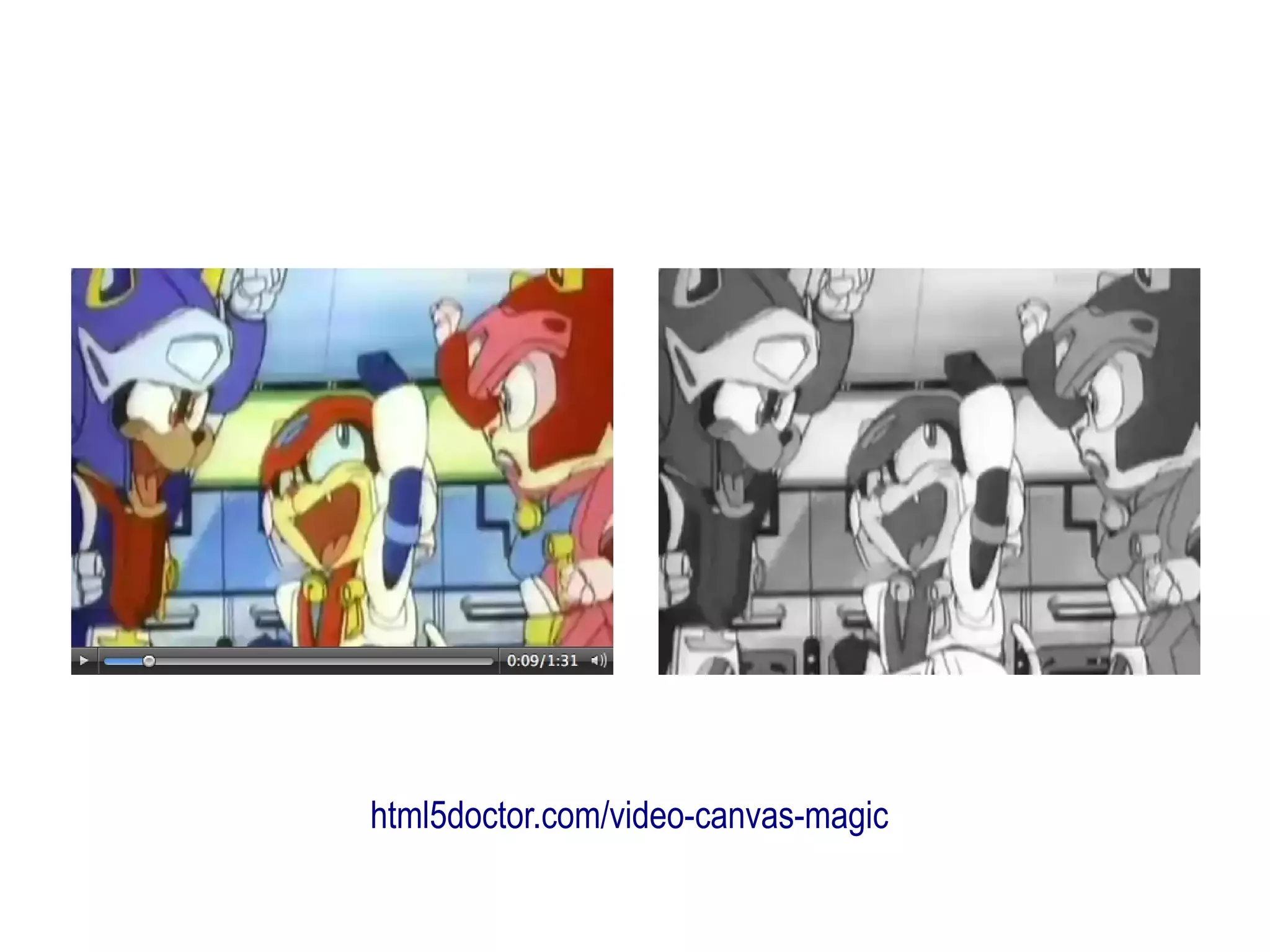
canvas also works with video
ctx = canvas.getContext("2d");
v = document.getElementById('player');

ctx.drawImage(v,x1,y1,w1,h2,x2,y2,w2,h2);

grab currently displayed frame (update as appropriate)
html5doctor.com/video-canvas-magic
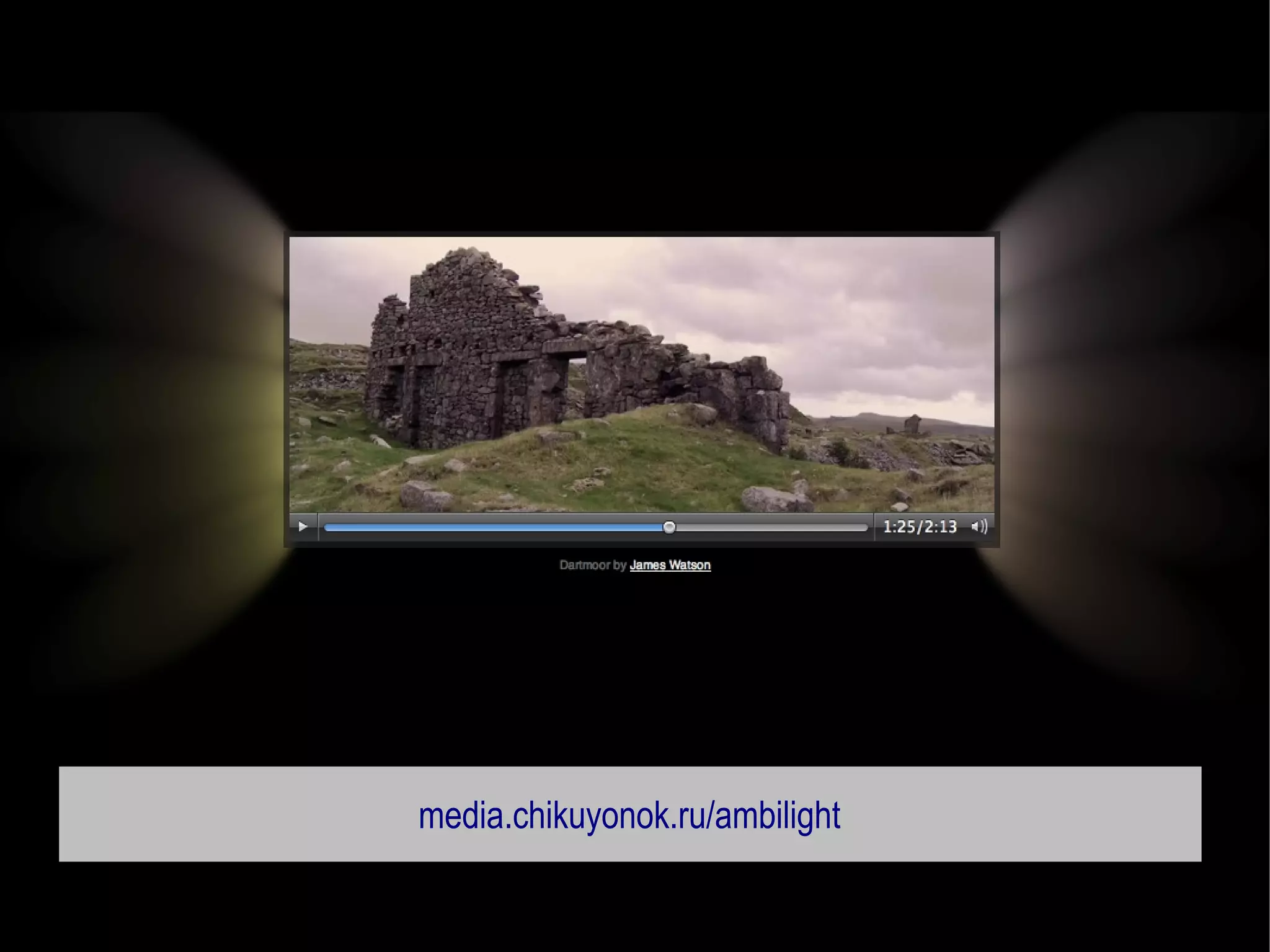
media.chikuyonok.ru/ambilight
www.filamentgroup.com/examples/charting
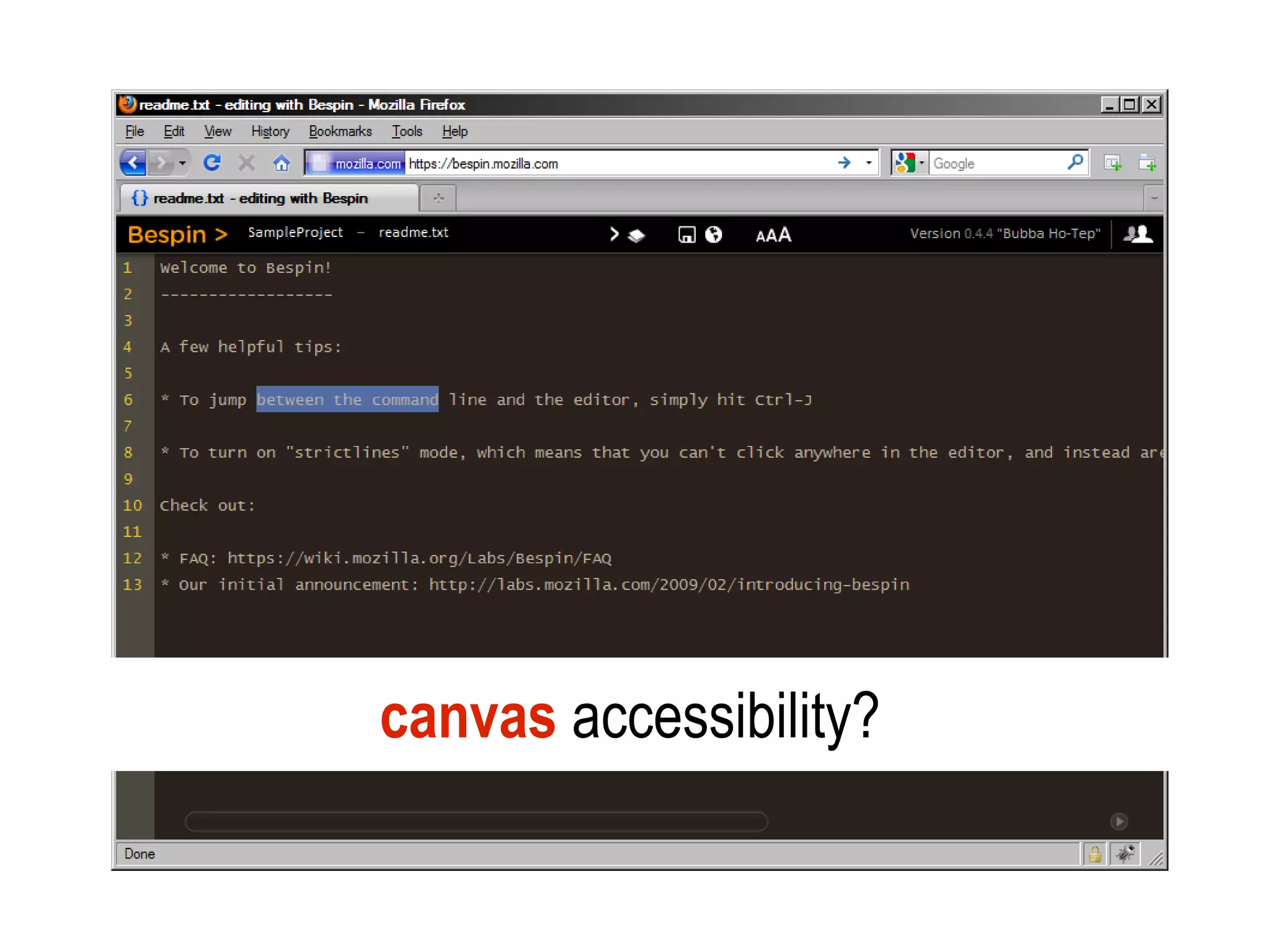
canvas accessibility?
video, audio and canvas on any device
           without plugins
         (Java / Flash / Silverlight not ubiquitous)
1. forms
2. multimedia
3. web apps
HTML5 (and friends) has
lots more APIs for developers
      (for powerful client-side apps)
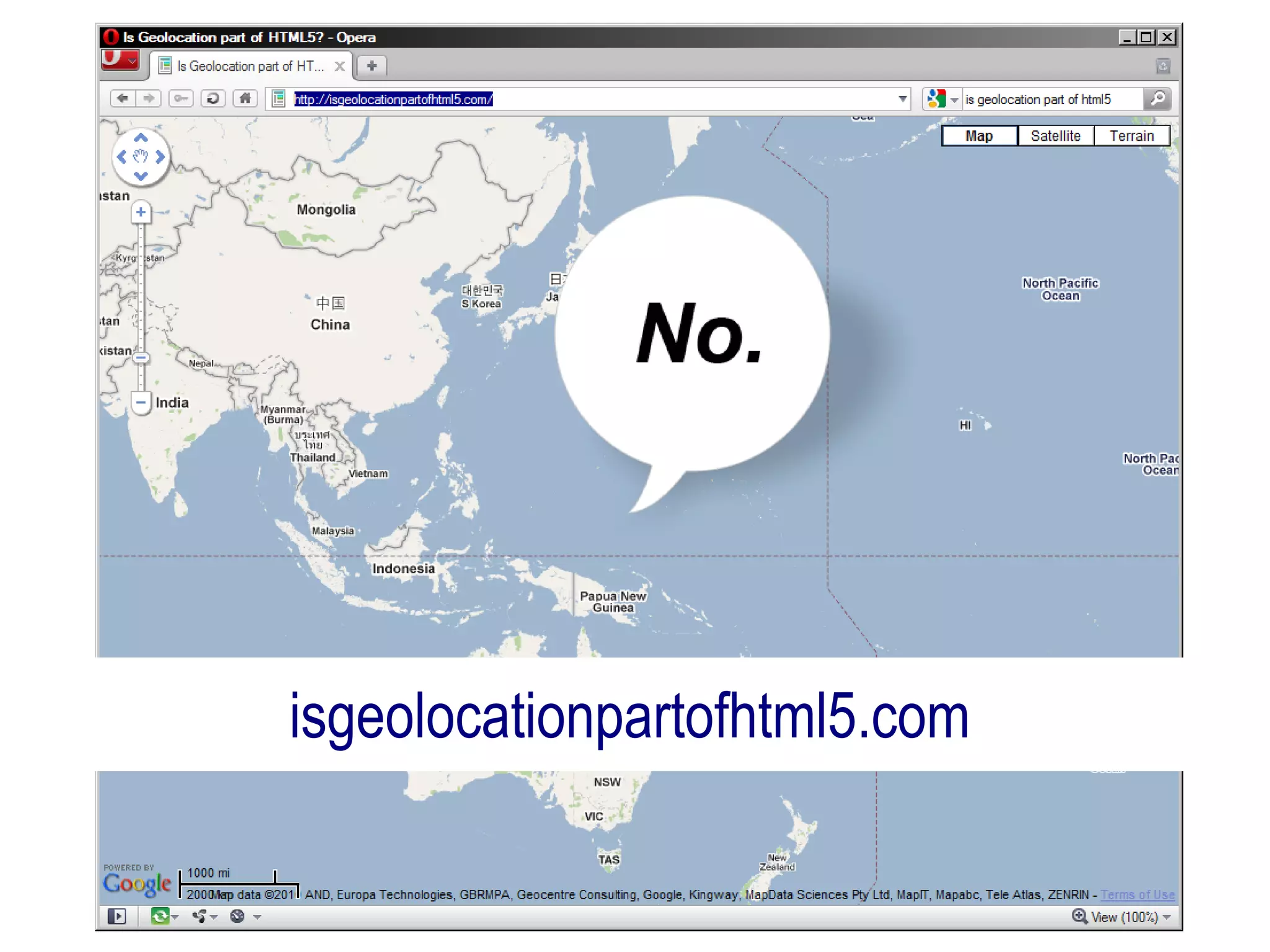
isgeolocationpartofhtml5.com
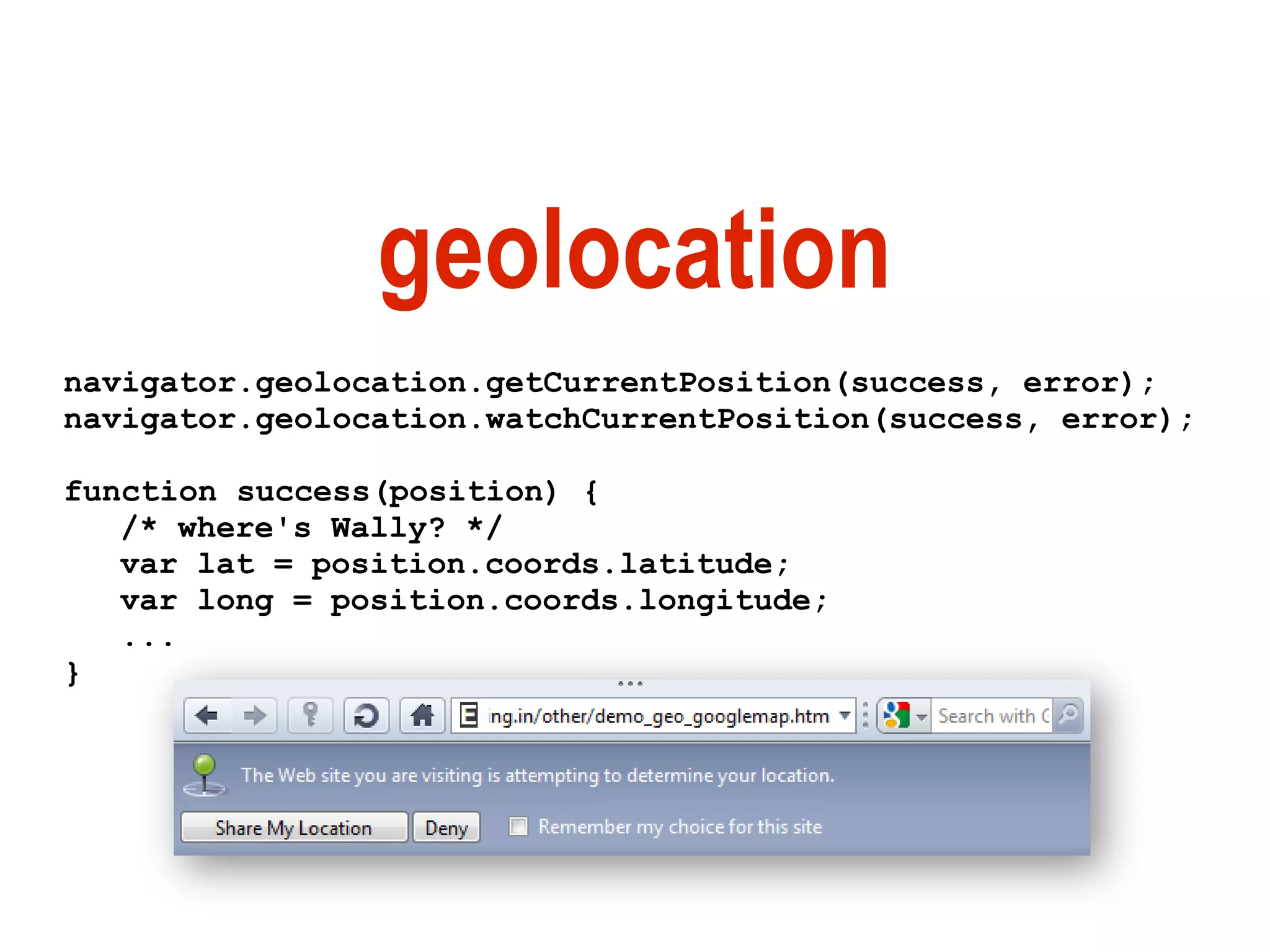
geolocation
navigator.geolocation.getCurrentPosition(success, error);
navigator.geolocation.watchCurrentPosition(success, error);

function success(position) {
   /* where's Wally? */
   var lat = position.coords.latitude;
   var long = position.coords.longitude;
   ...
}
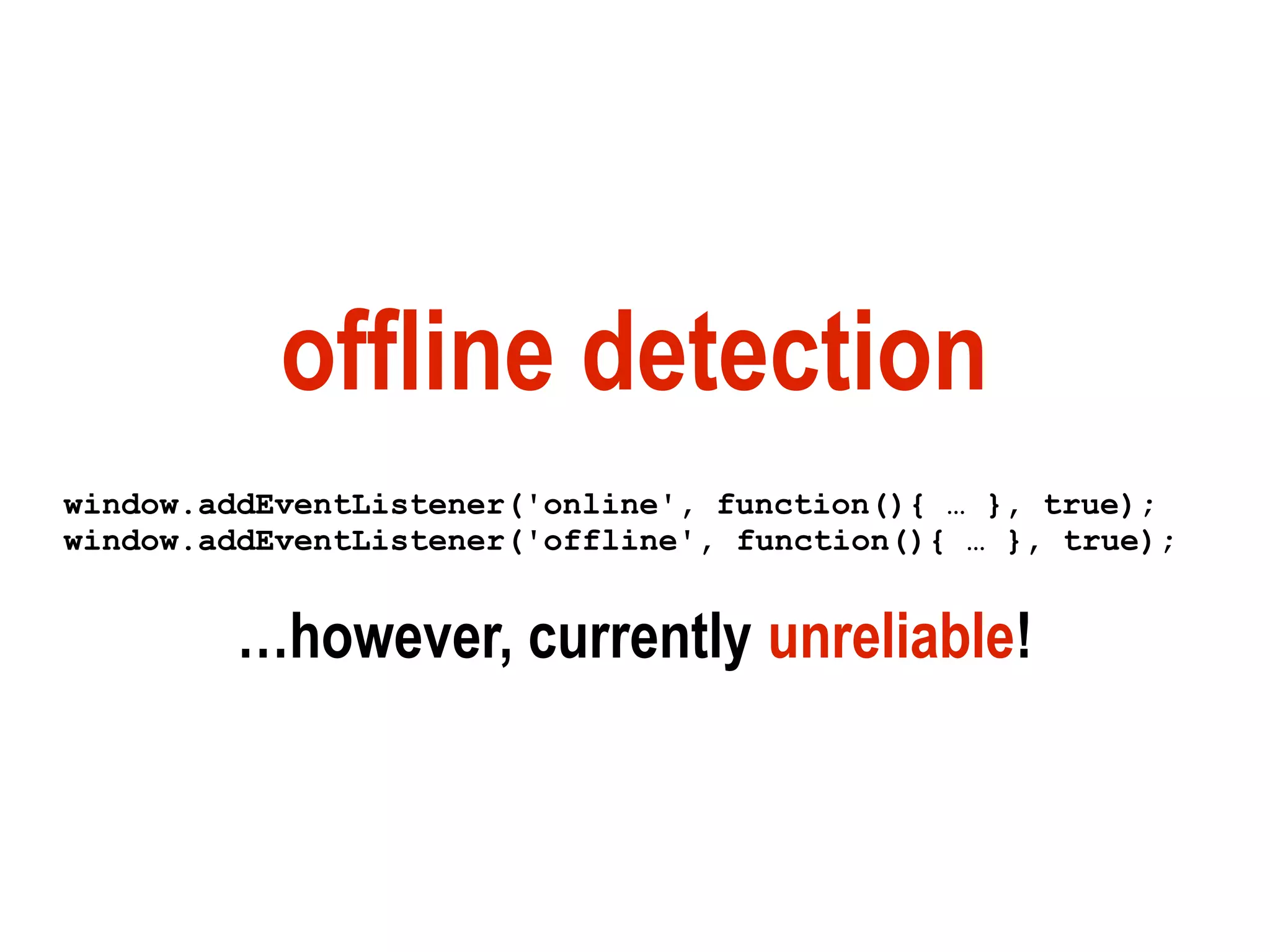
offline detection
window.addEventListener('online', function(){ … }, true);
window.addEventListener('offline', function(){ … }, true);


         …however, currently unreliable!
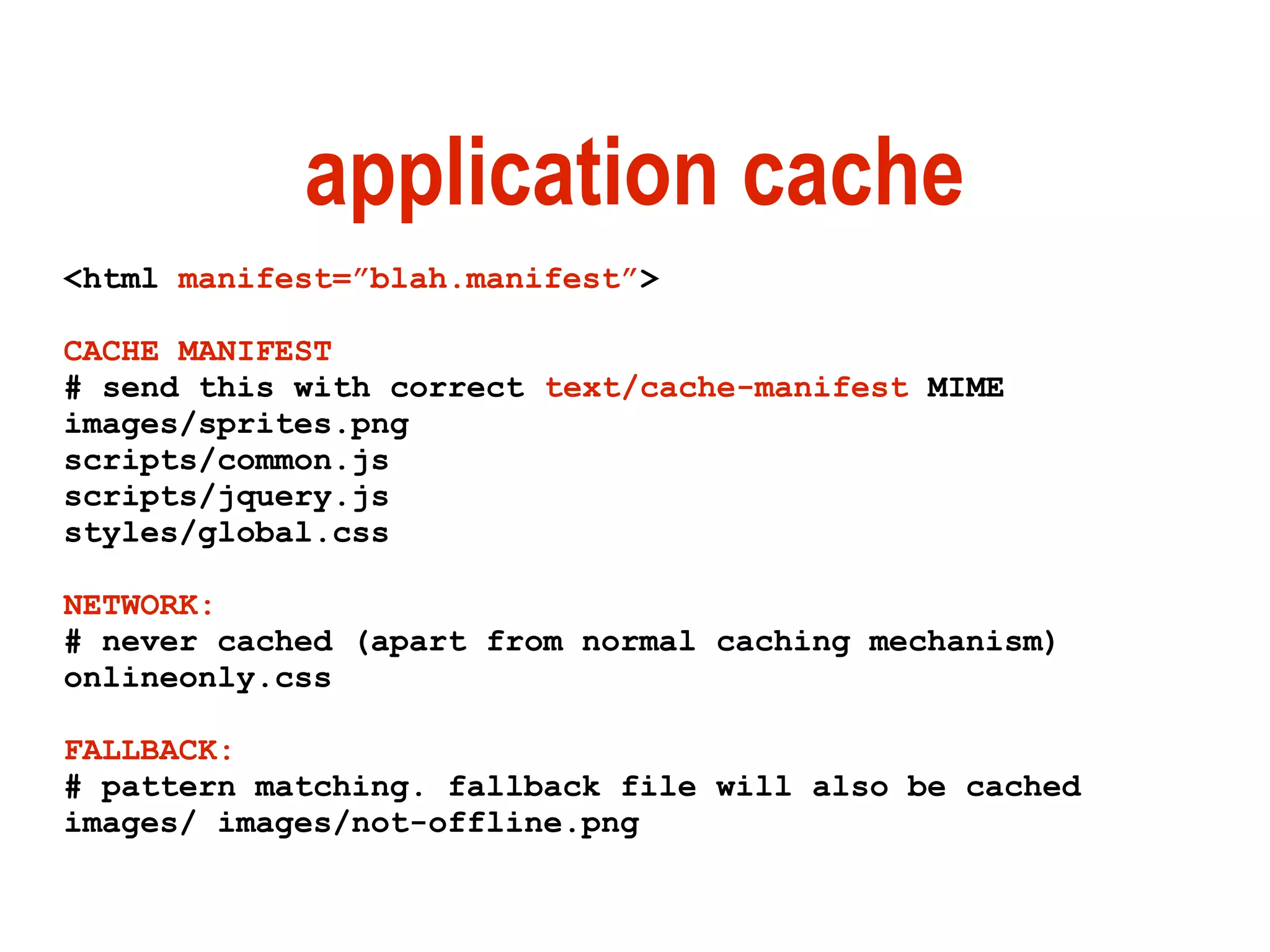
application cache
<html manifest=”blah.manifest”>

CACHE MANIFEST
# send this with correct text/cache-manifest MIME
images/sprites.png
scripts/common.js
scripts/jquery.js
styles/global.css

NETWORK:
# never cached (apart from normal caching mechanism)
onlineonly.css

FALLBACK:
# pattern matching. fallback file will also be cached
images/ images/not-offline.png
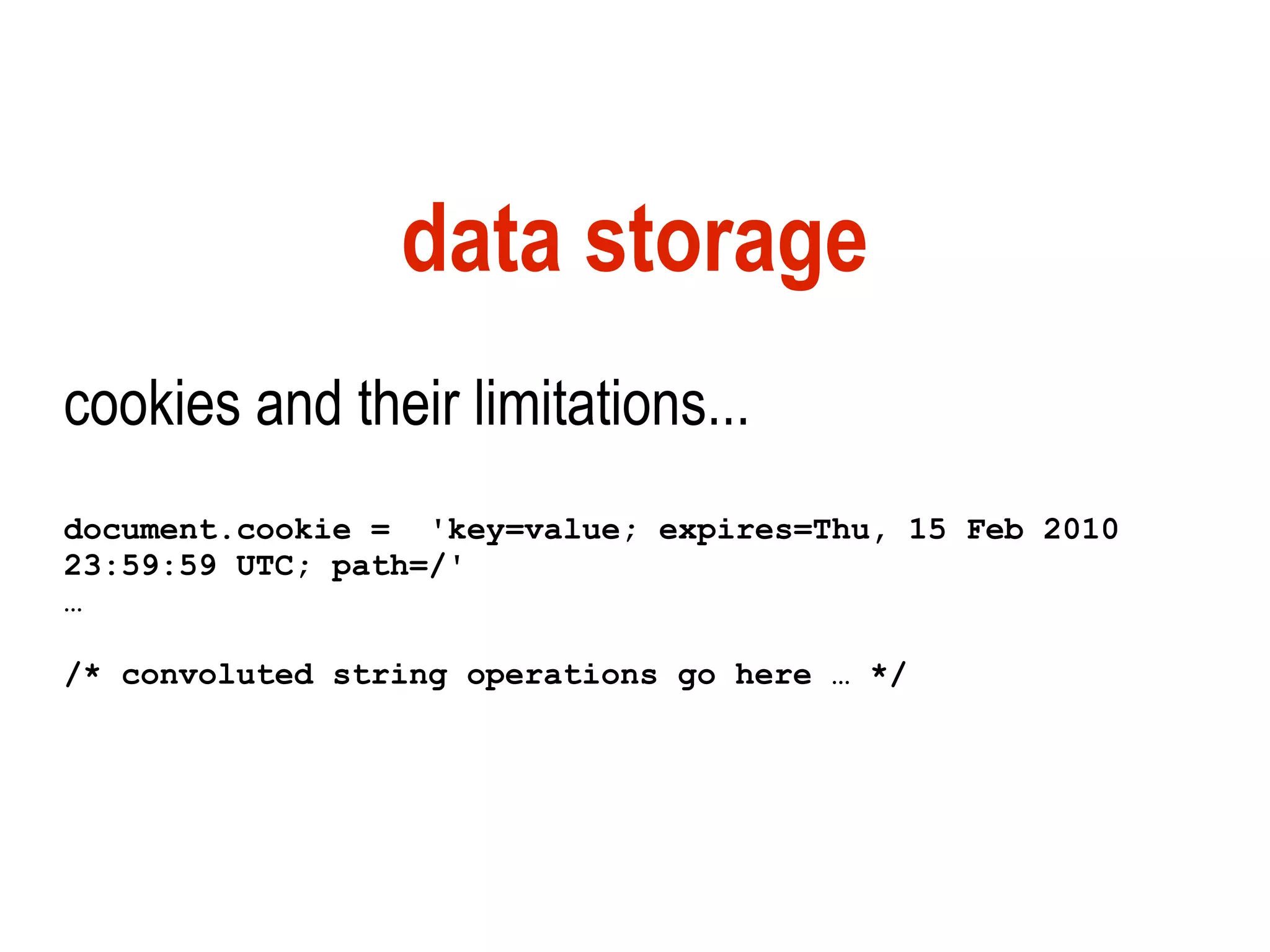
data storage
cookies and their limitations...
document.cookie = 'key=value; expires=Thu, 15 Feb 2010
23:59:59 UTC; path=/'
…

/* convoluted string operations go here … */
localStorage/sessionStorage
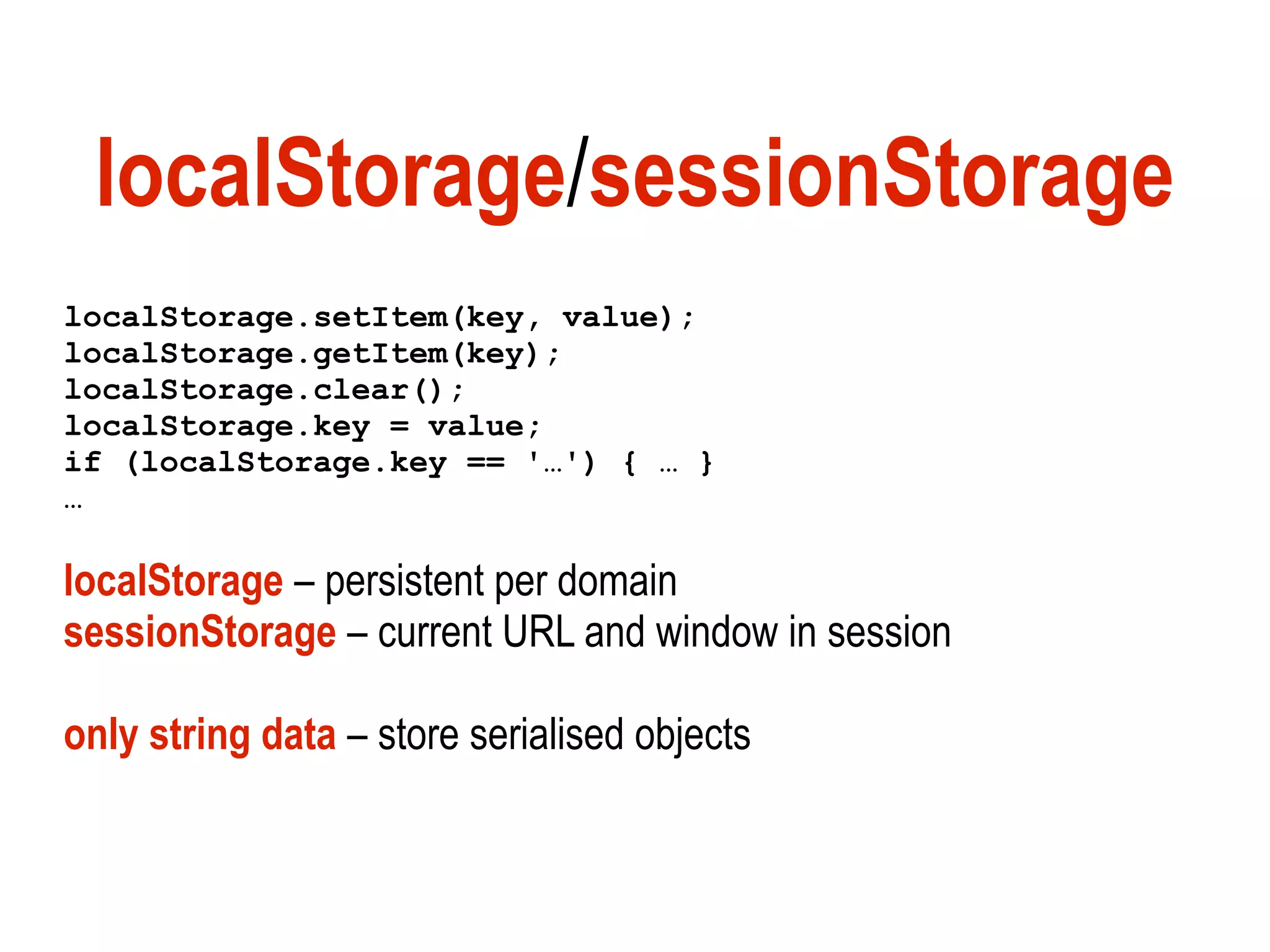
localStorage.setItem(key, value);
localStorage.getItem(key);
localStorage.clear();
localStorage.key = value;
if (localStorage.key == '…') { … }
…

localStorage – persistent per domain
sessionStorage – current URL and window in session

only string data – store serialised objects
WebSQL
relational DB / SQL in browser
var db =
openDatabase(dbName, version, displayName, expectedSize);

db.transaction(function(tx) {
   tx.executeSql(sqlStatement, [], function (tx, result) {
      /* do something with the results */
   });
});

not being developed further (IE/Mozilla prefer IndexedDB)
– nonetheless available right now in Opera+WebKit!
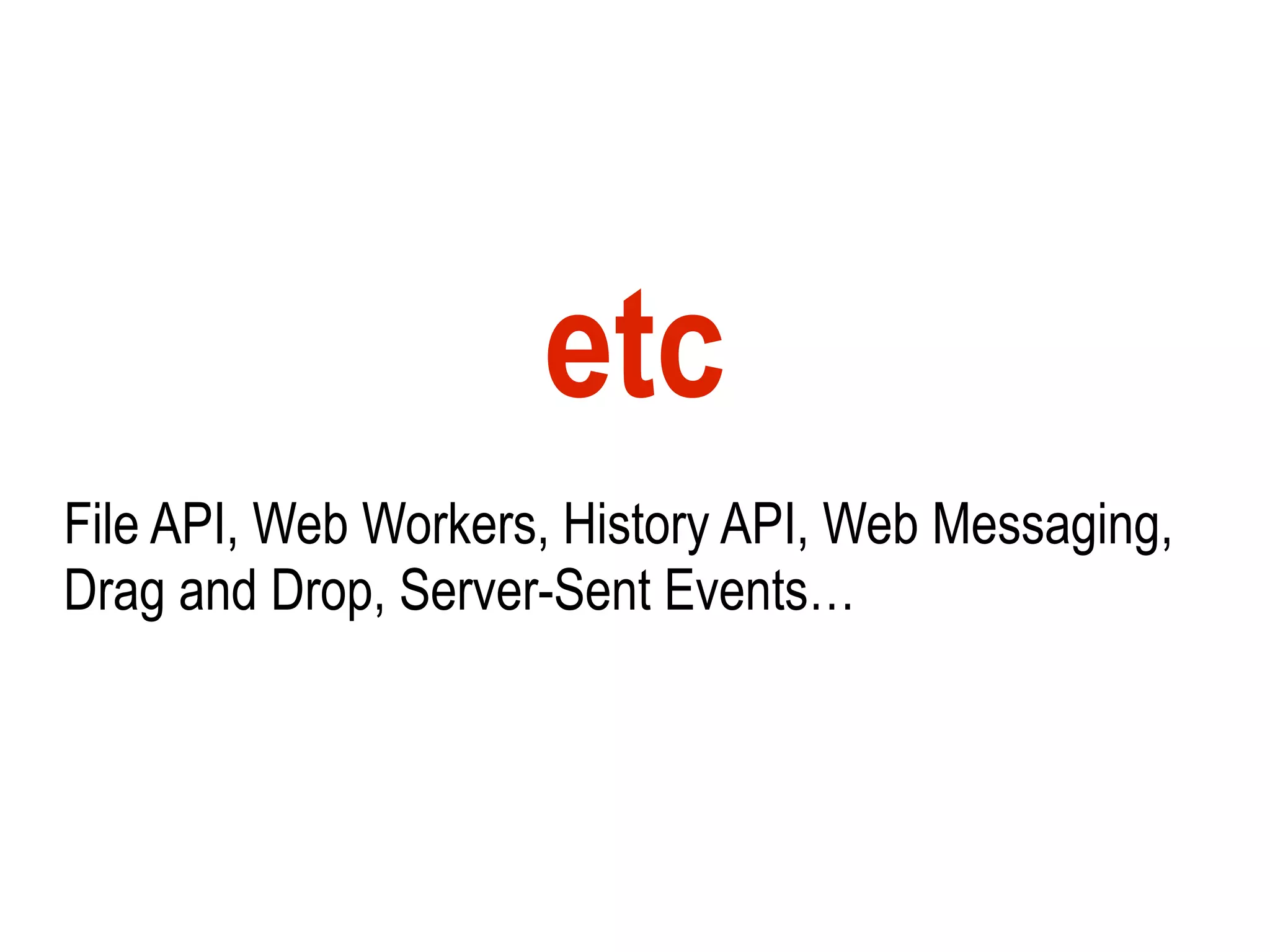
etc
File API, Web Workers, History API, Web Messaging,
Drag and Drop, Server-Sent Events…
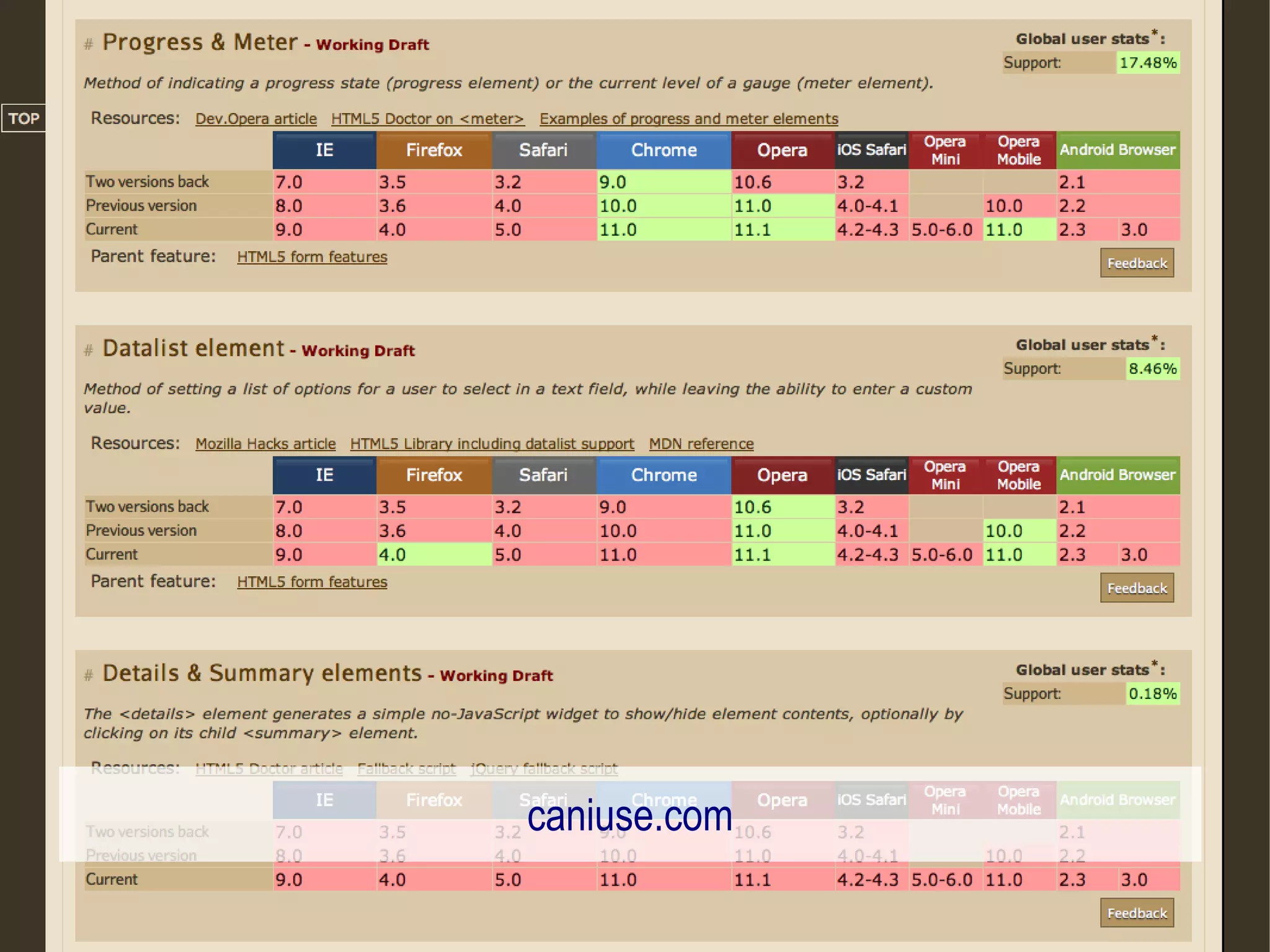
is it all safe to use, right now?
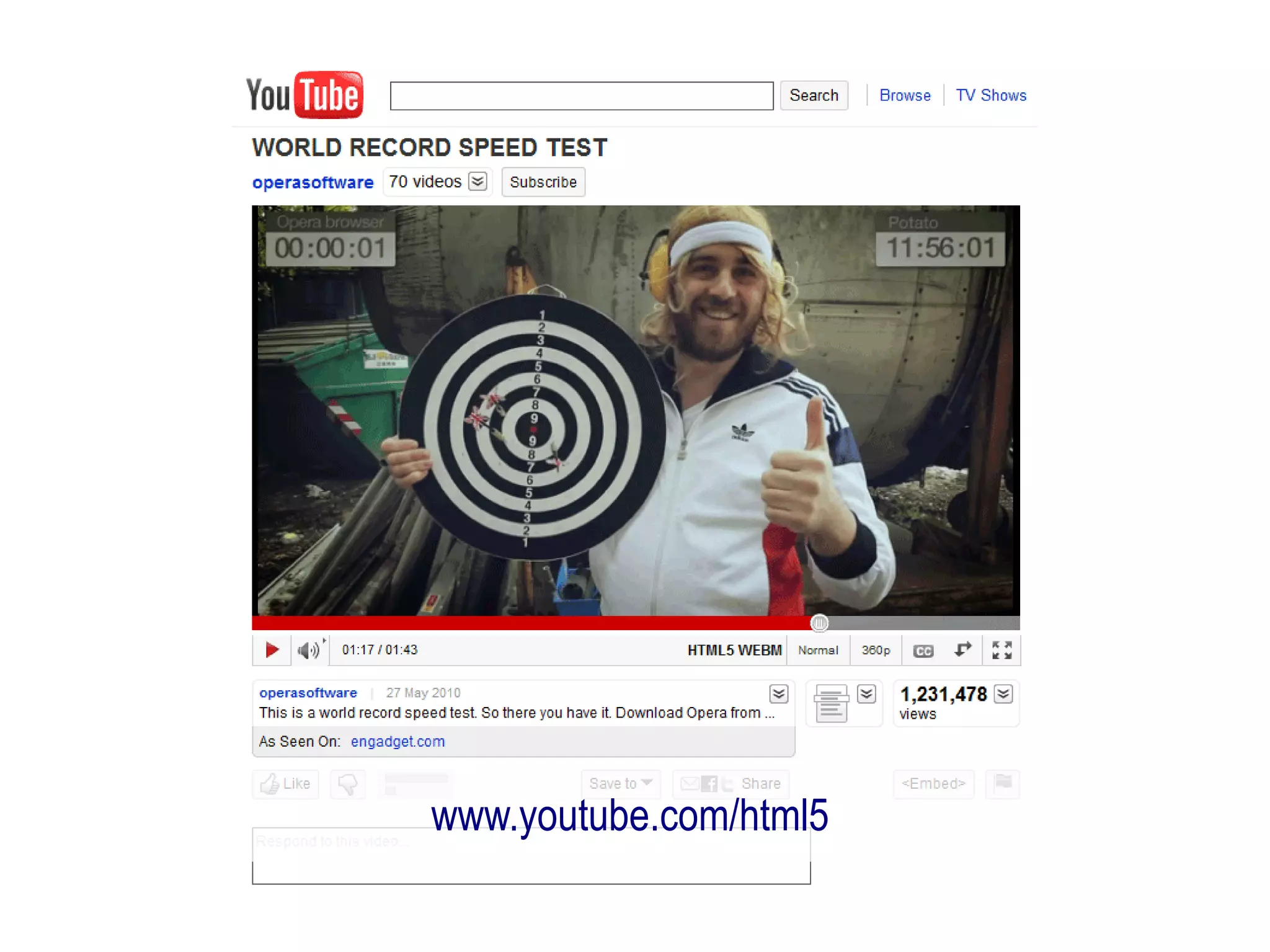
www.youtube.com/html5
caniuse.com
don't do browser sniffing


      http://www.flickr.com/photos/timdorr/2096272747/
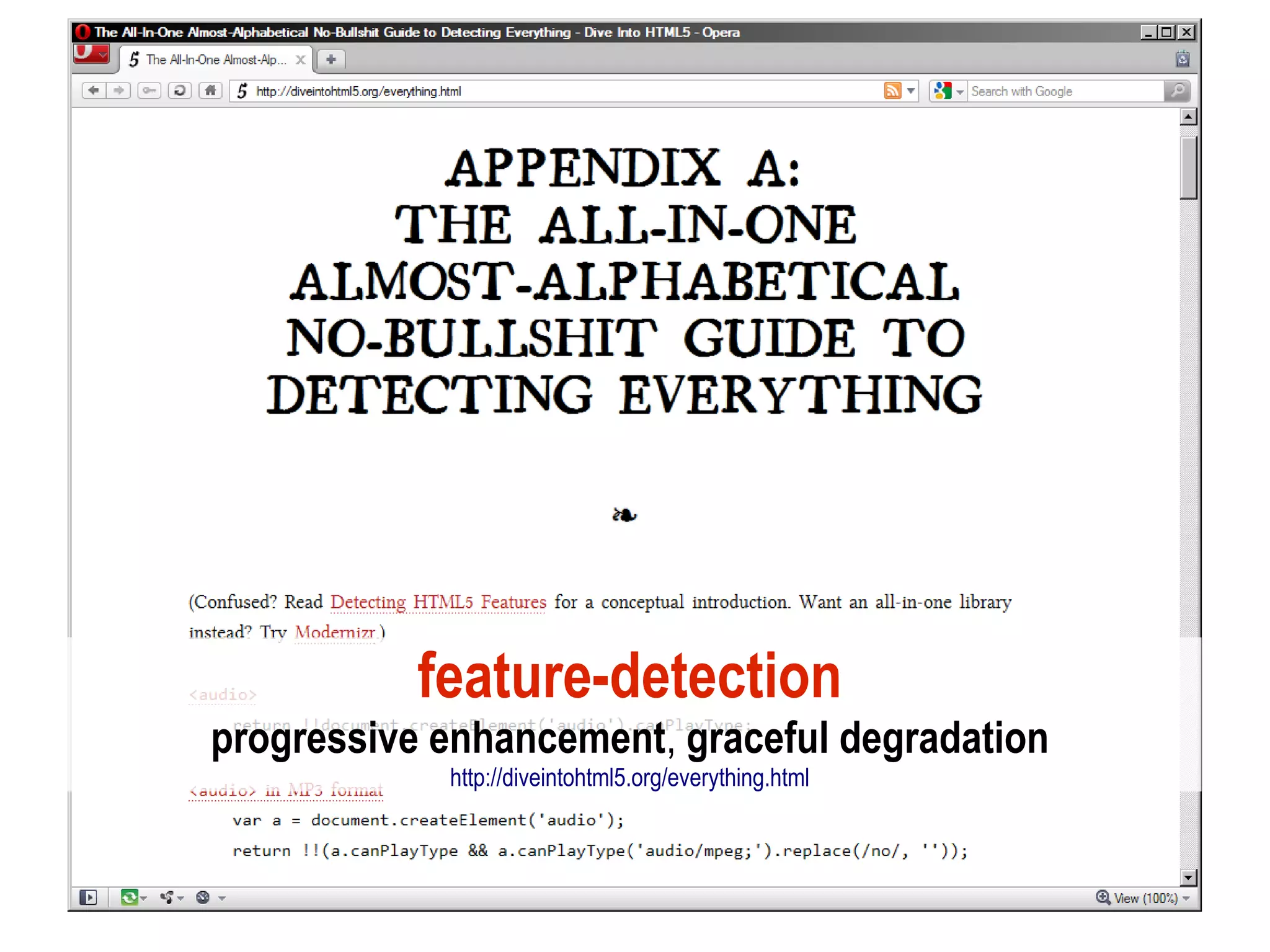
feature-detection
progressive enhancement, graceful degradation
            http://diveintohtml5.org/everything.html
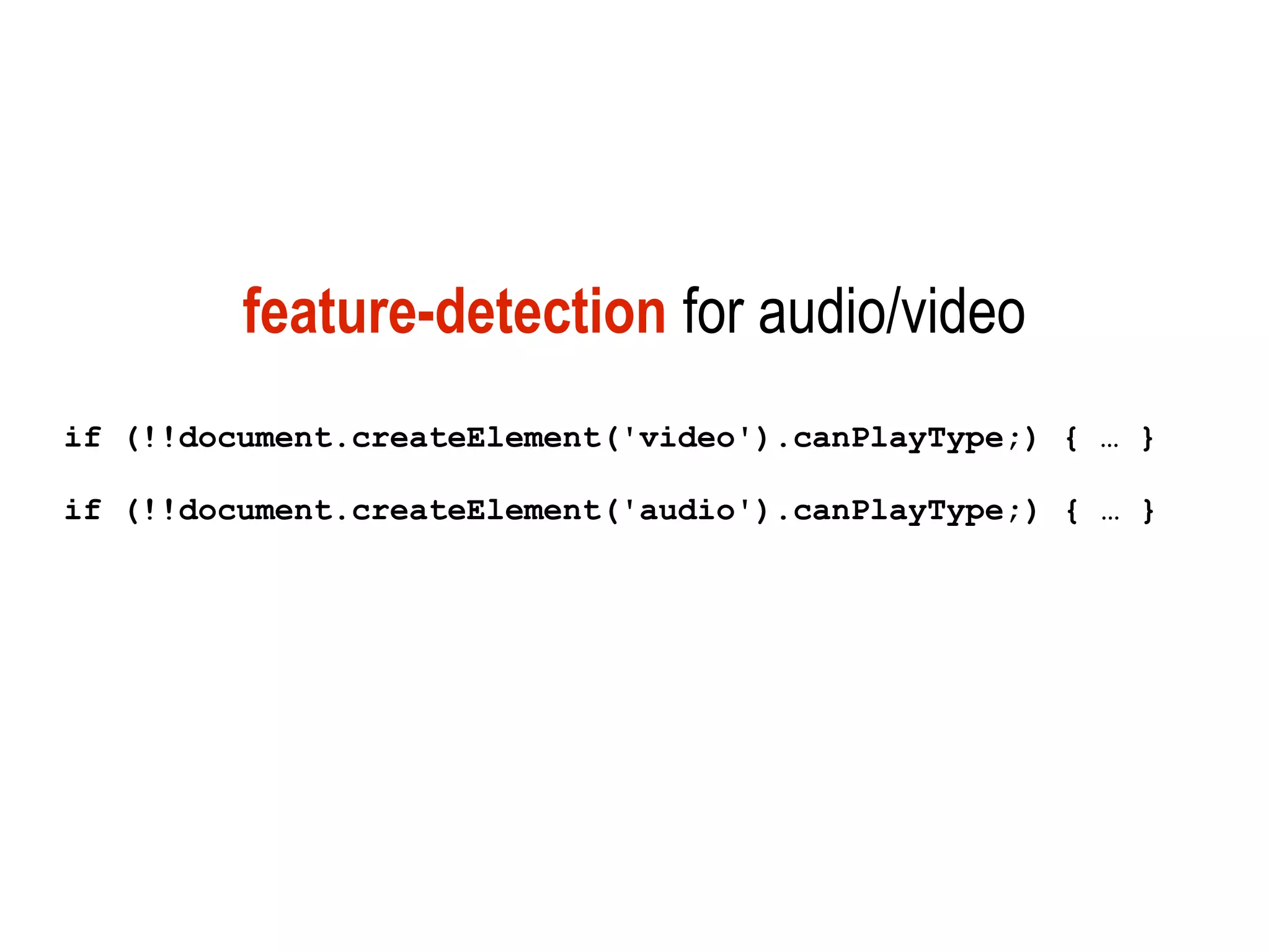
feature-detection for audio/video
if (!!document.createElement('video').canPlayType;) { … }

if (!!document.createElement('audio').canPlayType;) { … }
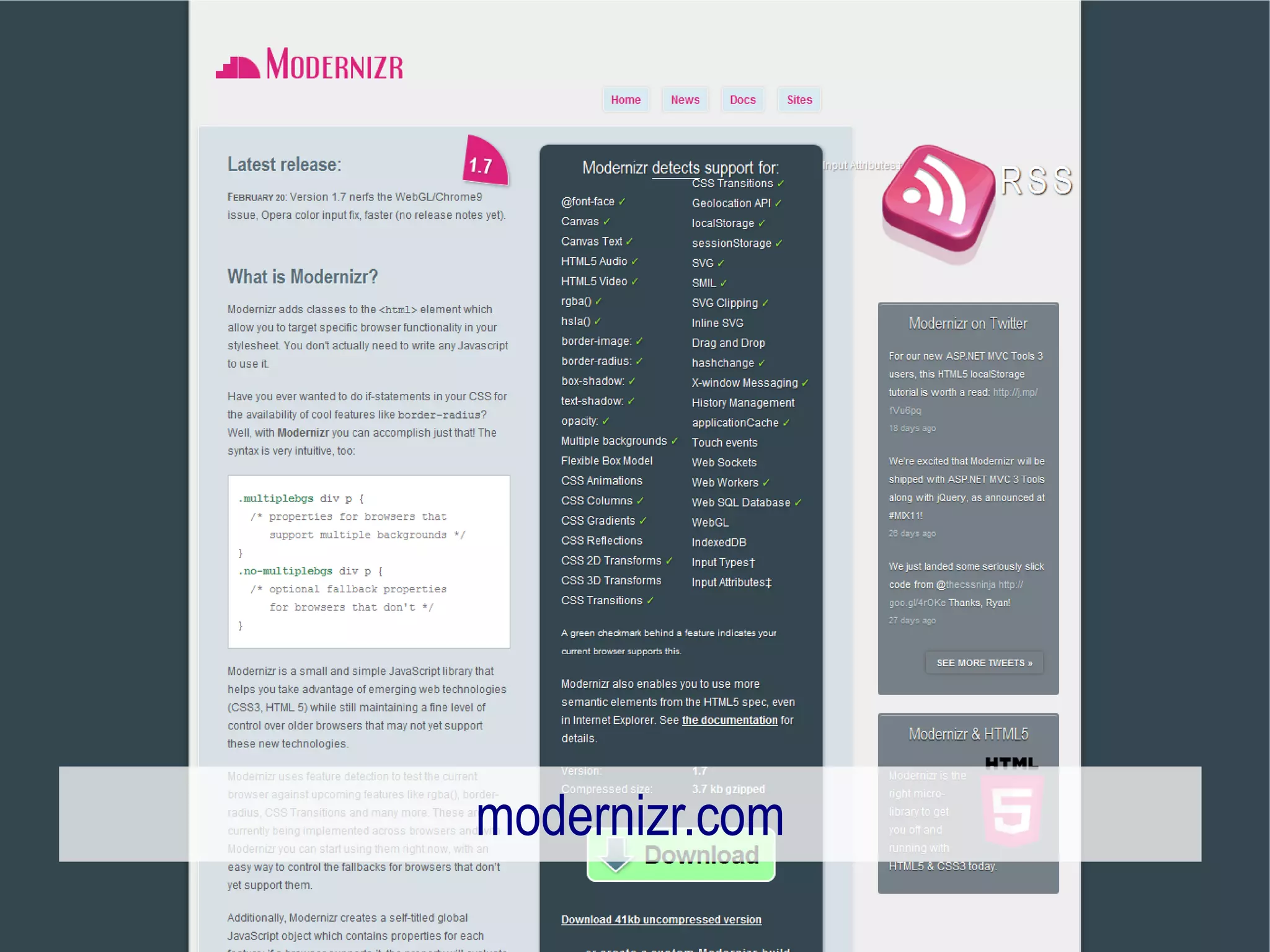
modernizr.com
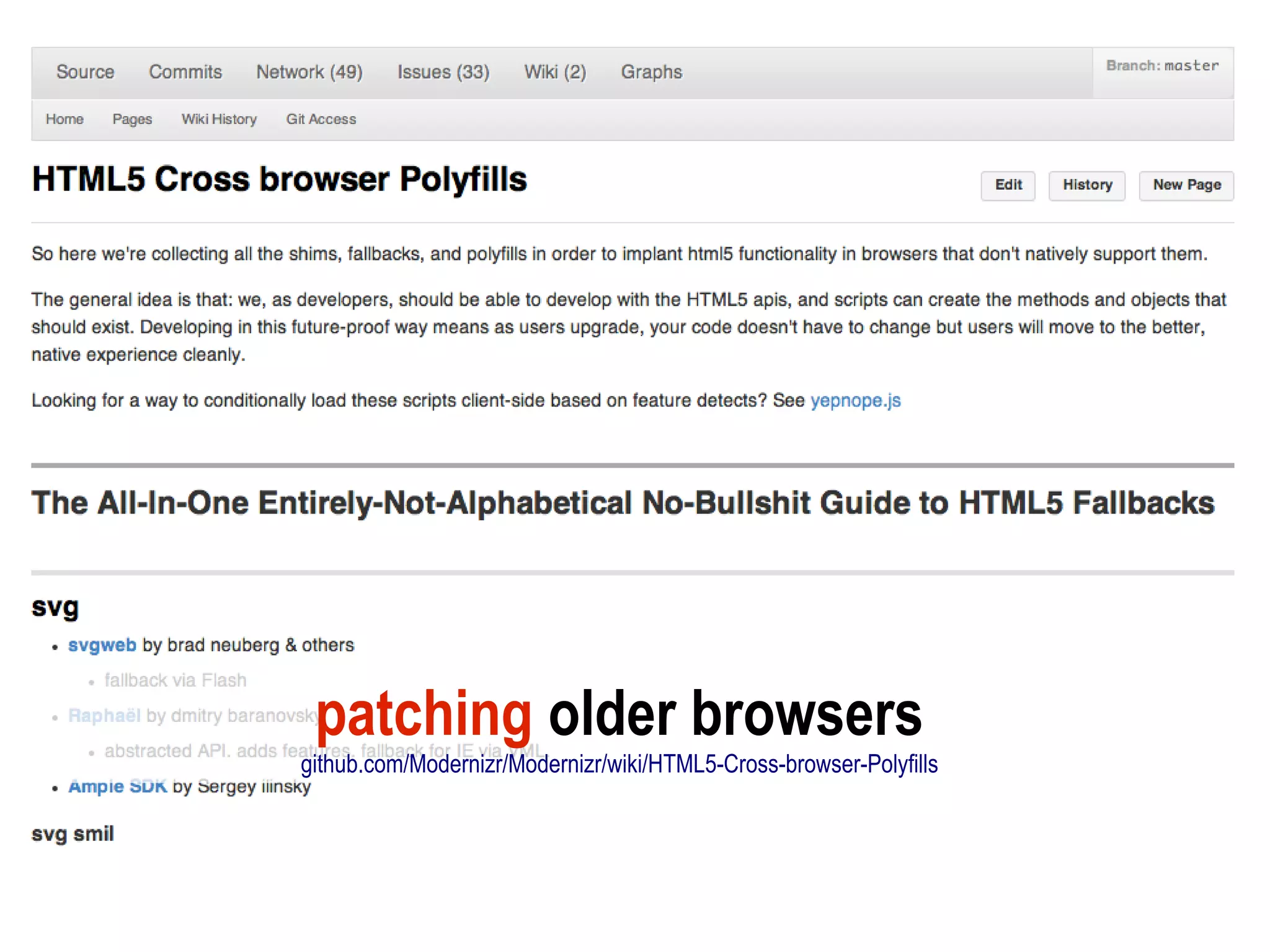
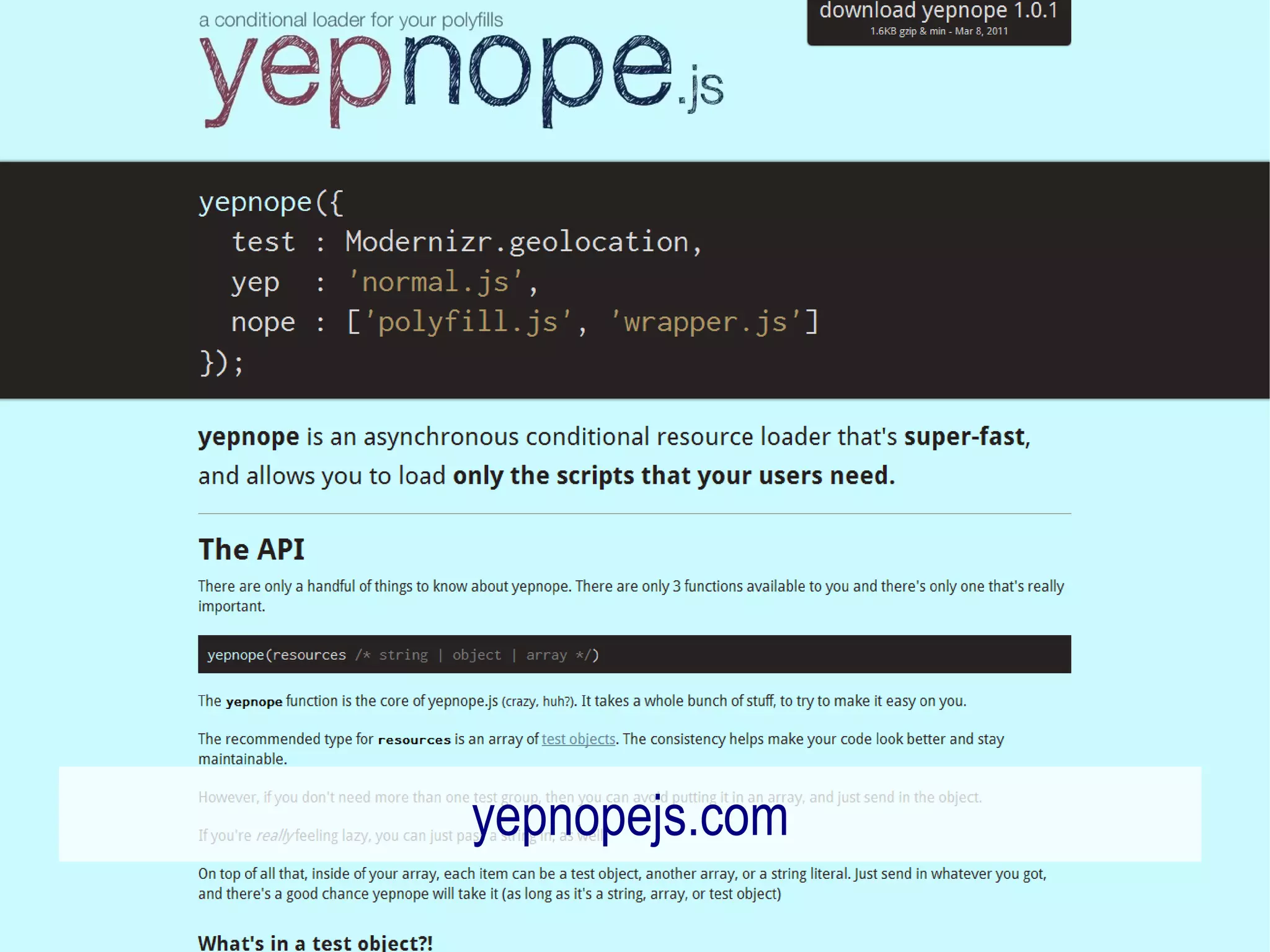
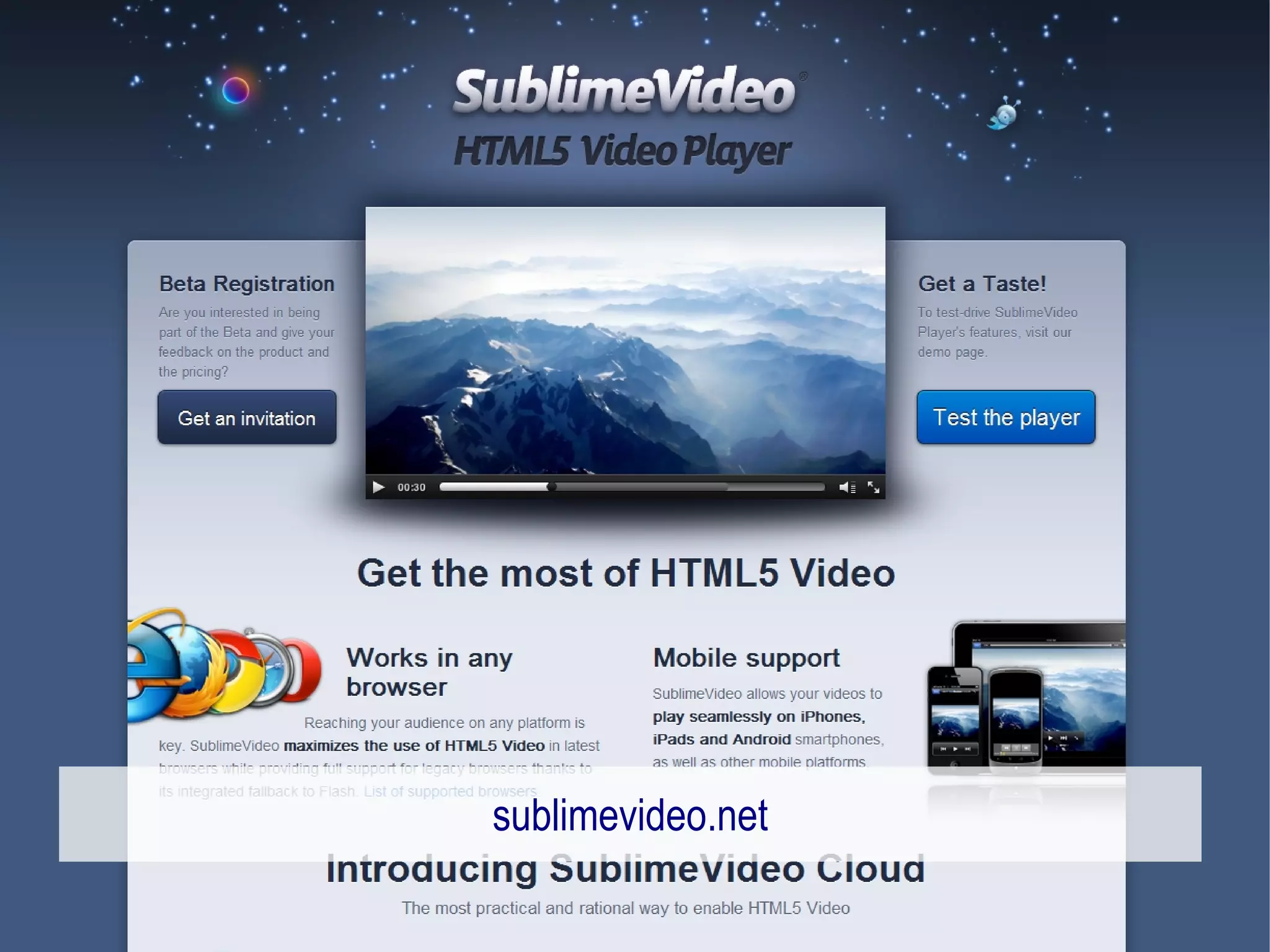
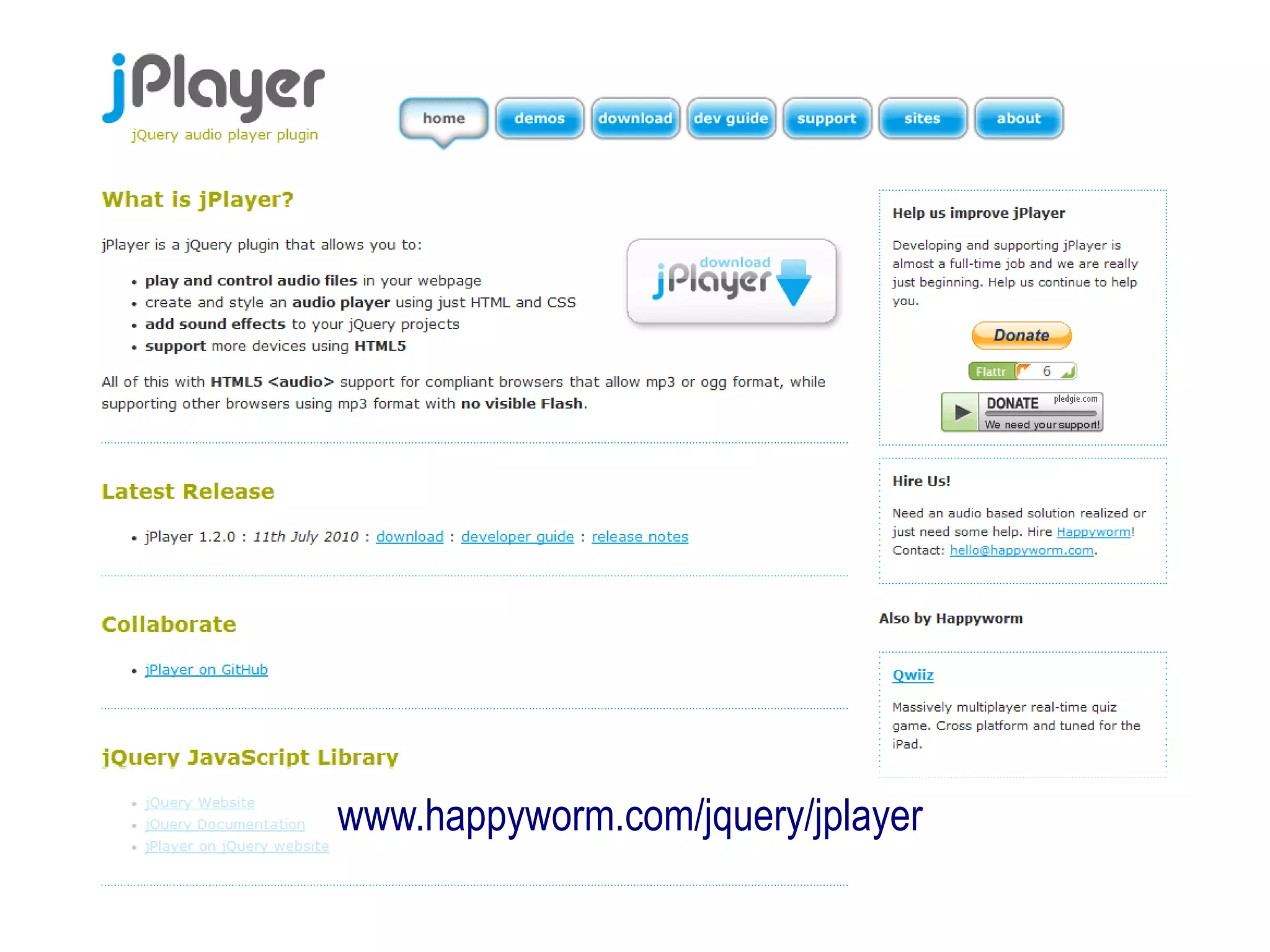
patching older browsers
github.com/Modernizr/Modernizr/wiki/HTML5-Cross-browser-Polyfills
yepnopejs.com
sublimevideo.net
www.happyworm.com/jquery/jplayer
HTML5 as Flashkiller?
not a question of
HTML5 replacing Flash...
giving developers a choice!
...should I use HTML5 today?
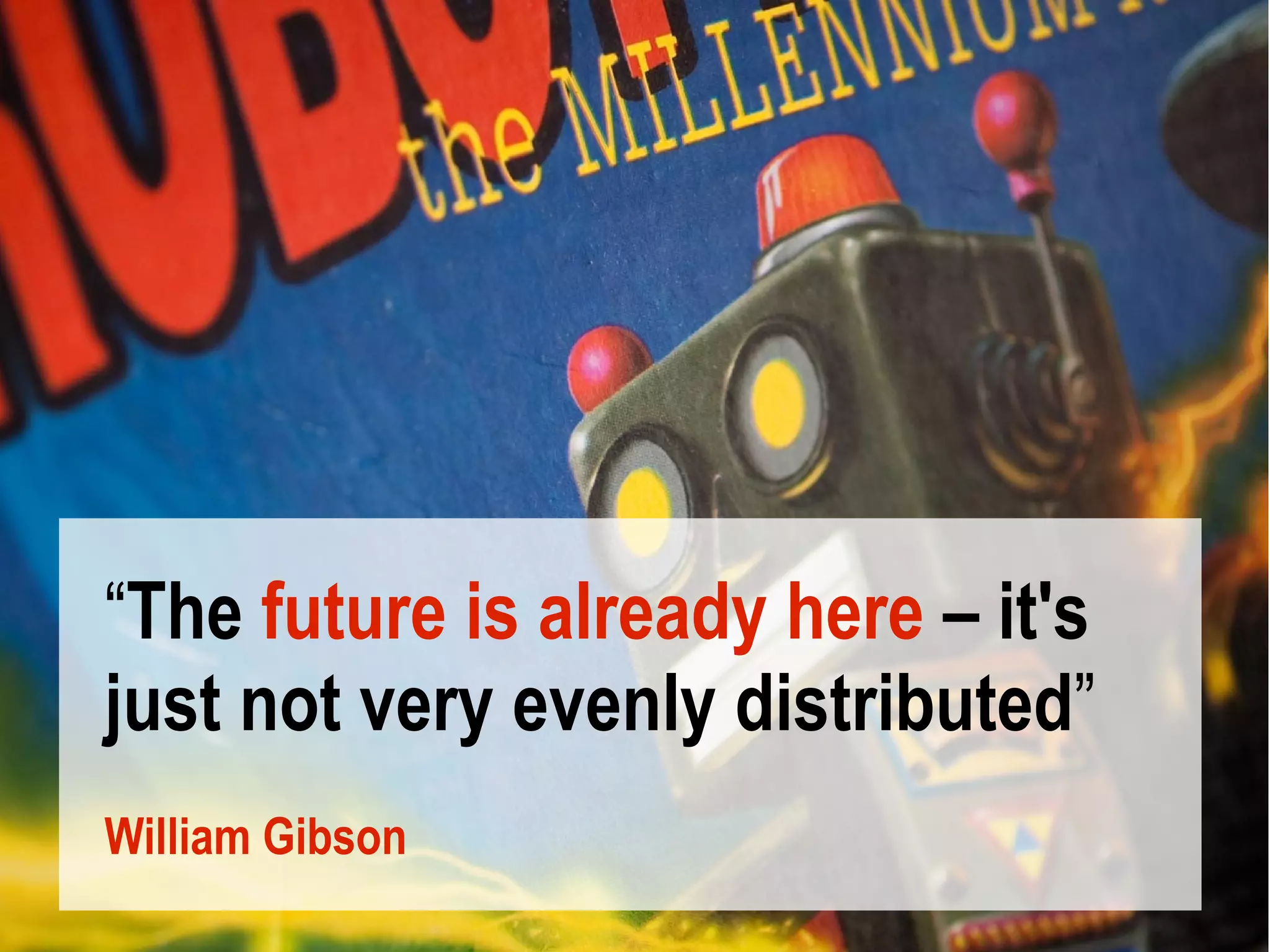
“The future is already here – it's
just not very evenly distributed”
William Gibson
www.opera.com/developer
   patrick.lauke@opera.com

HTML5 (and friends) - History, overview and current status - jsDay Verona 11.05.2011