HTML5 multimedia
Where we are, where we're going
Bruce Lawson
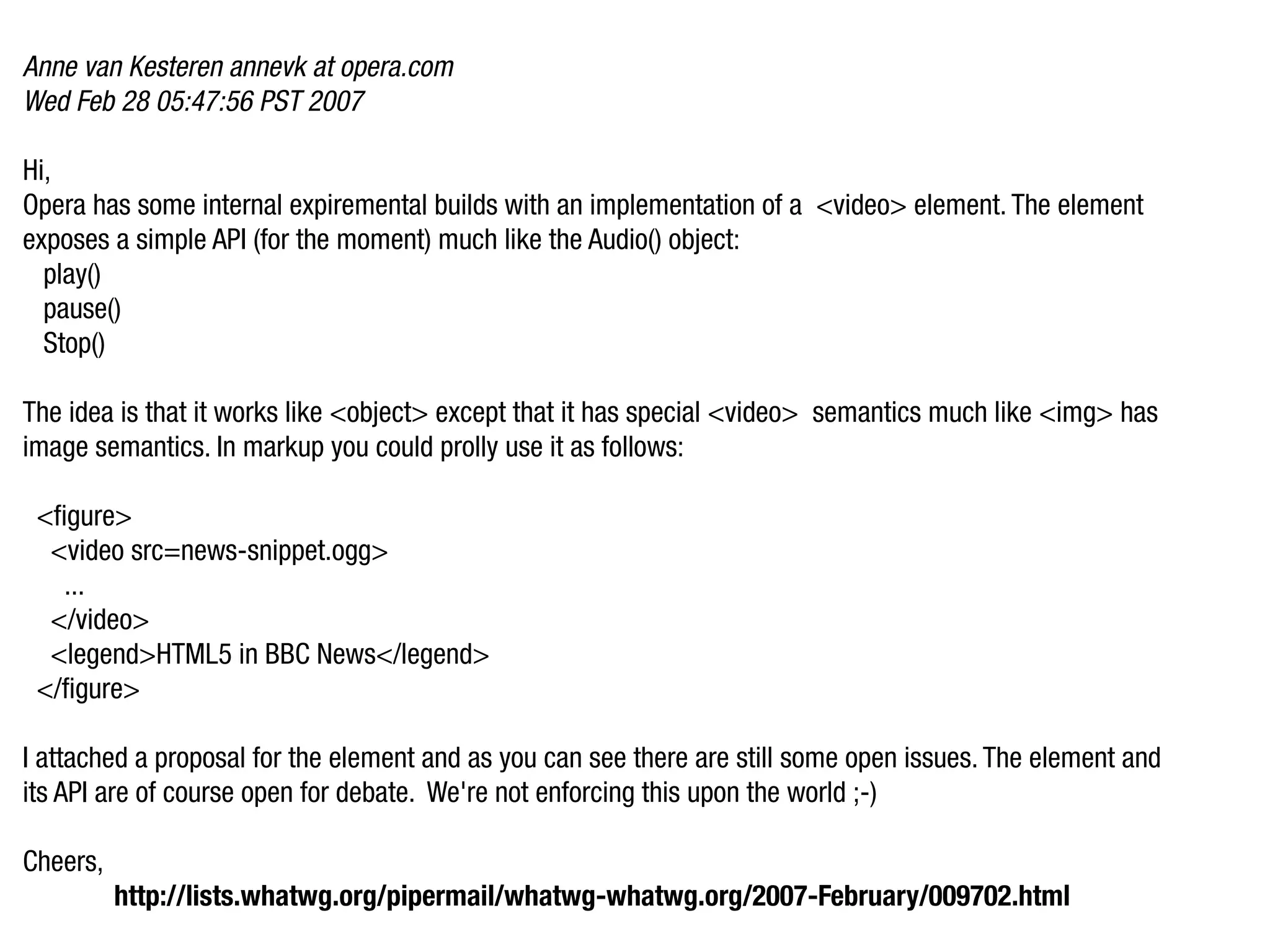
Anne van Kesteren annevk at opera.com
Wed Feb 28 05:47:56 PST 2007

Hi,
Opera has some internal expiremental builds with an implementation of a <video> element. The element
exposes a simple API (for the moment) much like the Audio() object:
  play()
  pause()
  Stop()

The idea is that it works like <object> except that it has special <video> semantics much like <img> has
image semantics. In markup you could prolly use it as follows:

 <figure>
  <video src=news-snippet.ogg>
   ...
  </video>
  <legend>HTML5 in BBC News</legend>
 </figure>

I attached a proposal for the element and as you can see there are still some open issues. The element and
its API are of course open for debate. We're not enforcing this upon the world ;-)

Cheers,
          http://lists.whatwg.org/pipermail/whatwg-whatwg.org/2007-February/009702.html
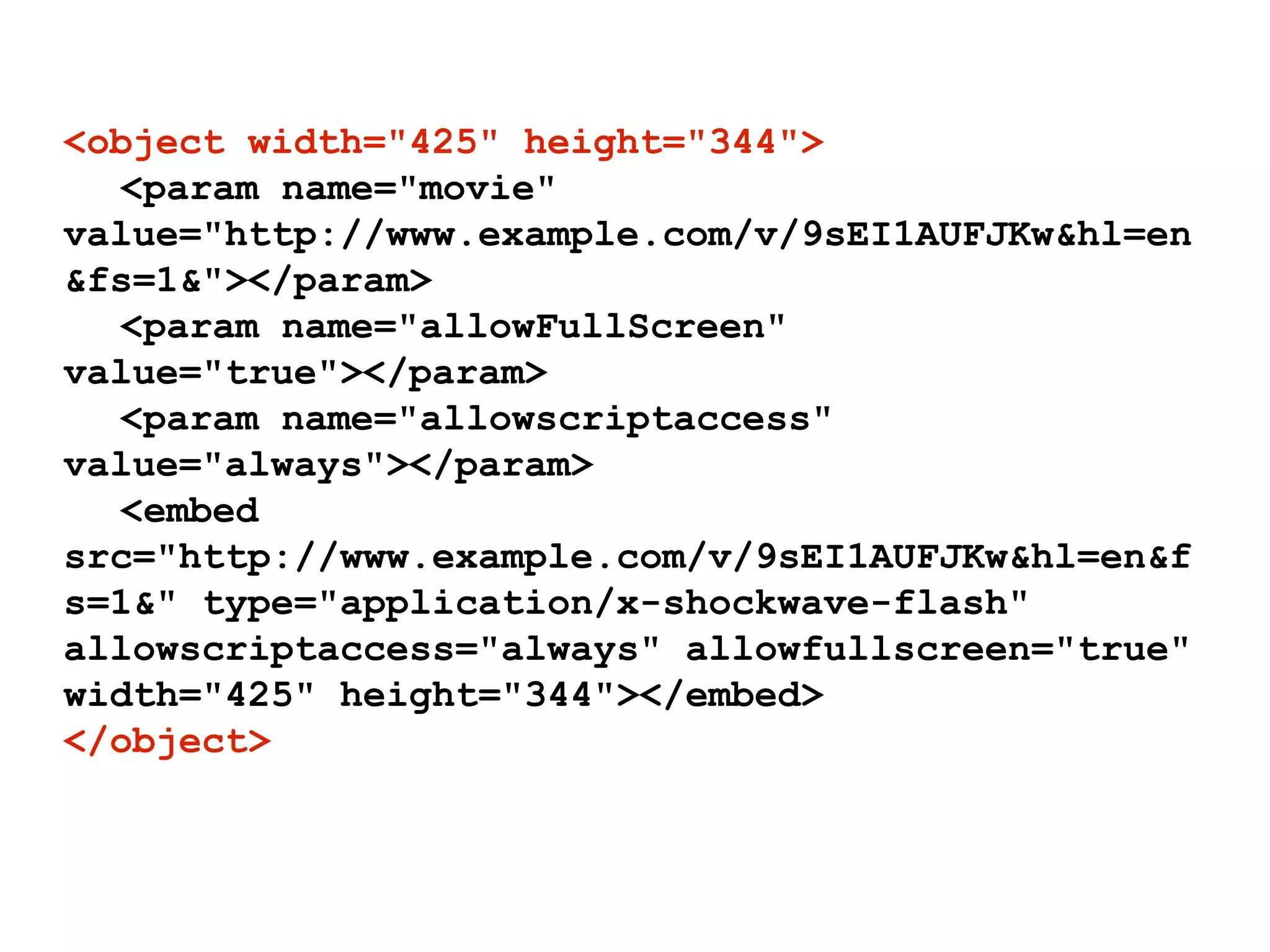
<object width="425" height="344">
  <param name="movie"
value="http://www.example.com/v/9sEI1AUFJKw&hl=en
&fs=1&"></param>
  <param name="allowFullScreen"
value="true"></param>
  <param name="allowscriptaccess"
value="always"></param>
  <embed
src="http://www.example.com/v/9sEI1AUFJKw&hl=en&f
s=1&" type="application/x-shockwave-flash"
allowscriptaccess="always" allowfullscreen="true"
width="425" height="344"></embed>
</object>
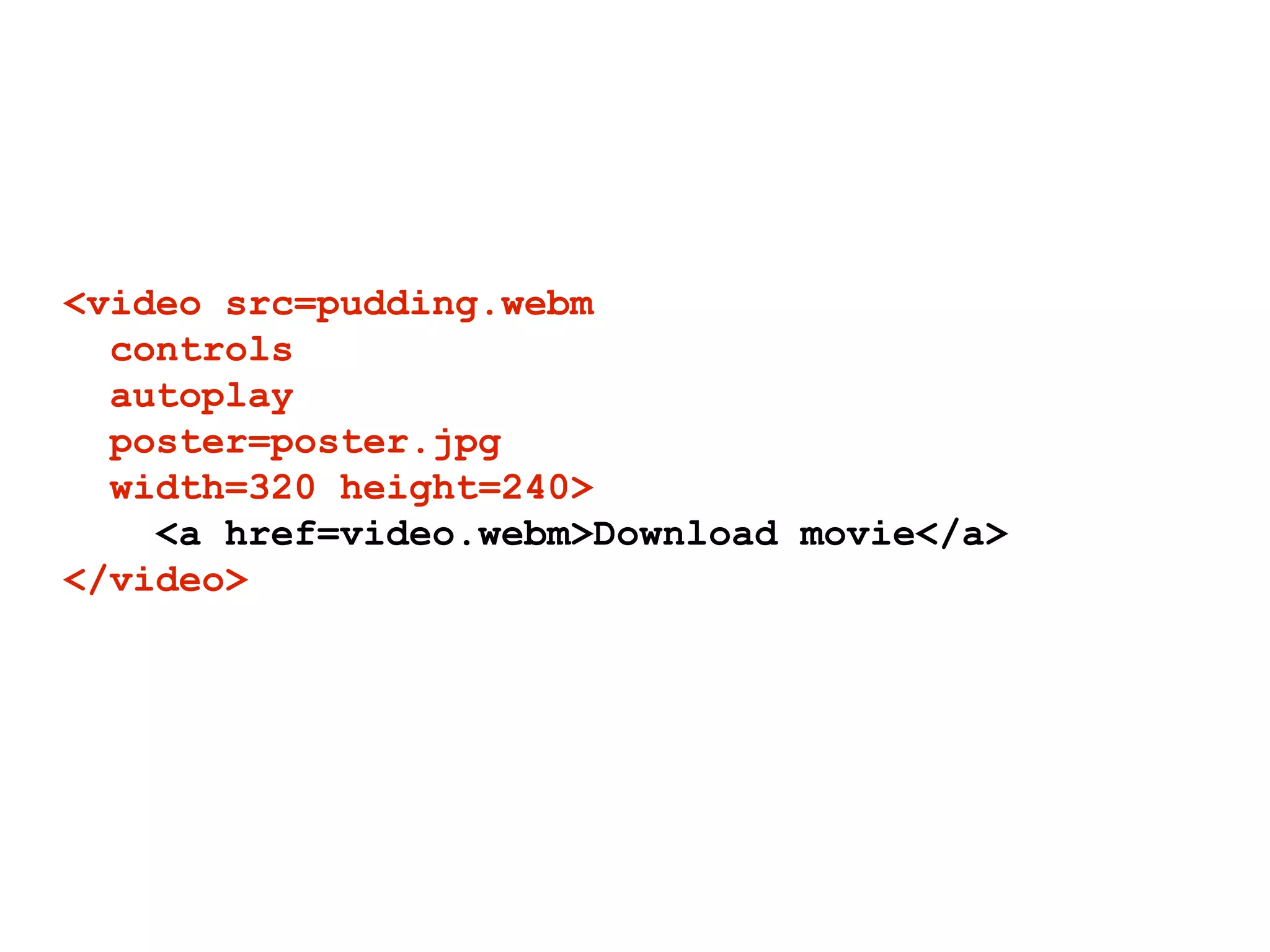
<video src=pudding.webm
  controls
  autoplay
  poster=poster.jpg
  width=320 height=240>
    <a href=video.webm>Download movie</a>
</video>
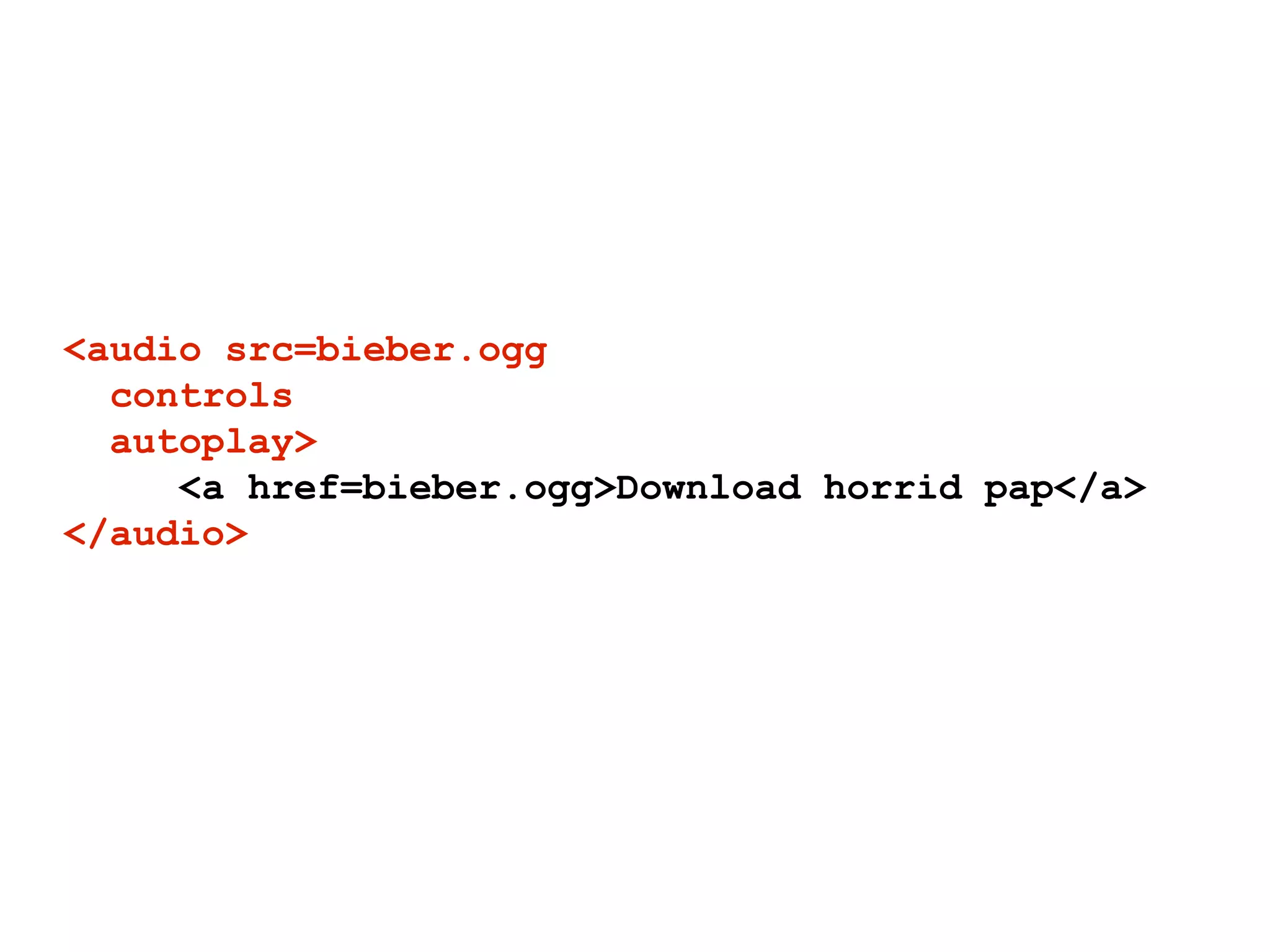
<audio src=bieber.ogg
  controls
  autoplay>
     <a href=bieber.ogg>Download horrid pap</a>
</audio>
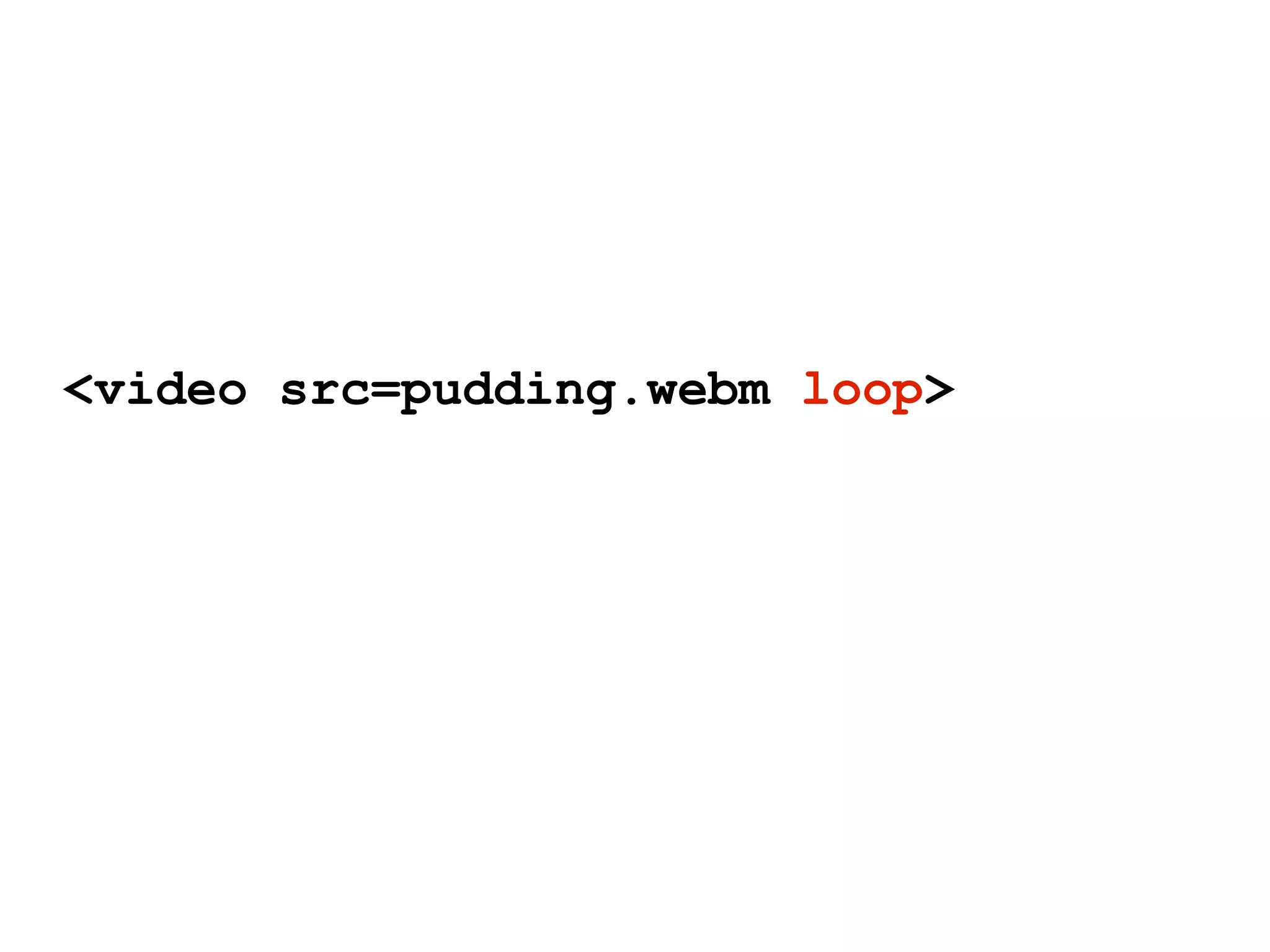
<video src=pudding.webm loop>
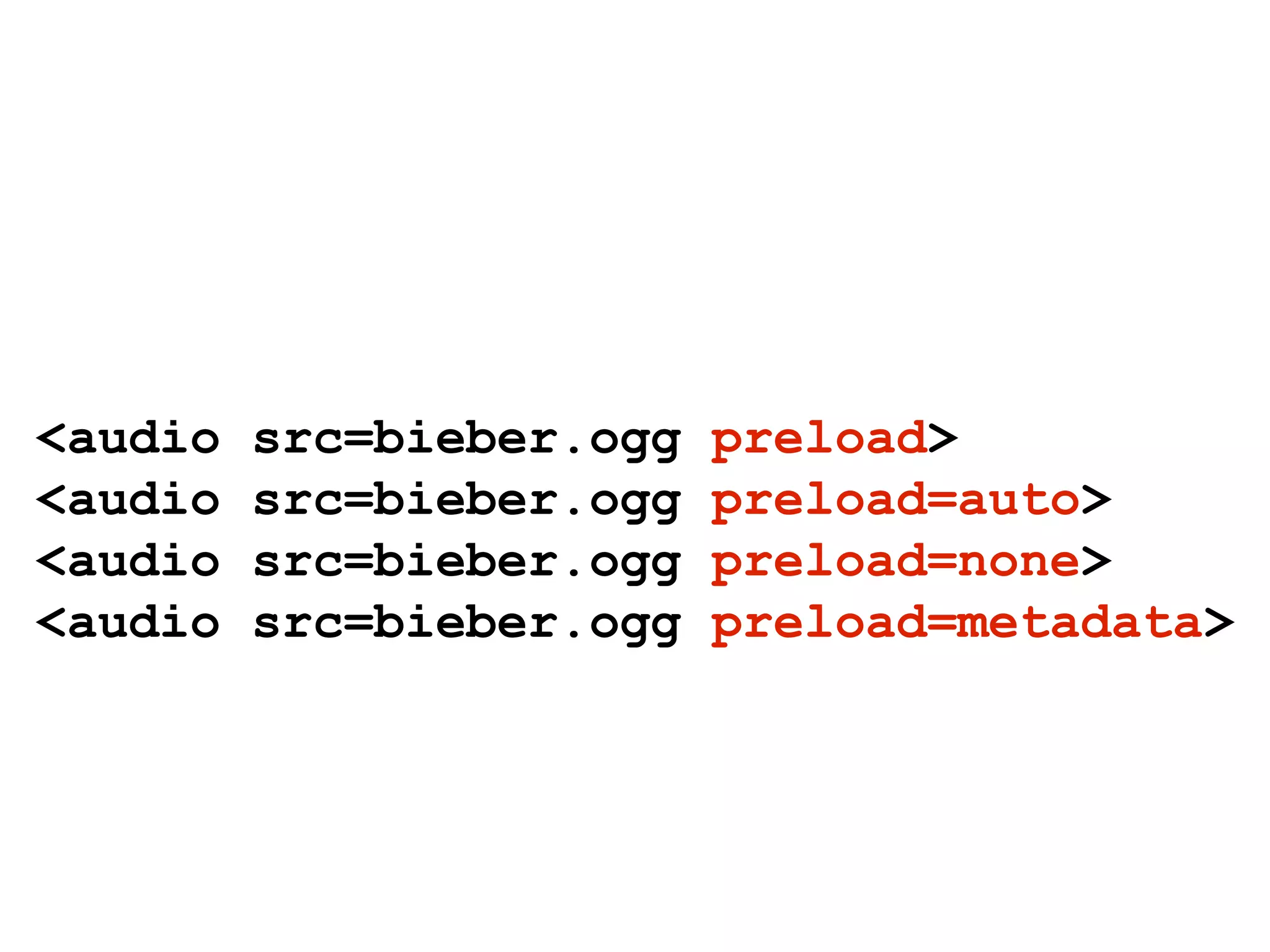
<audio   src=bieber.ogg   preload>
<audio   src=bieber.ogg   preload=auto>
<audio   src=bieber.ogg   preload=none>
<audio   src=bieber.ogg   preload=metadata>
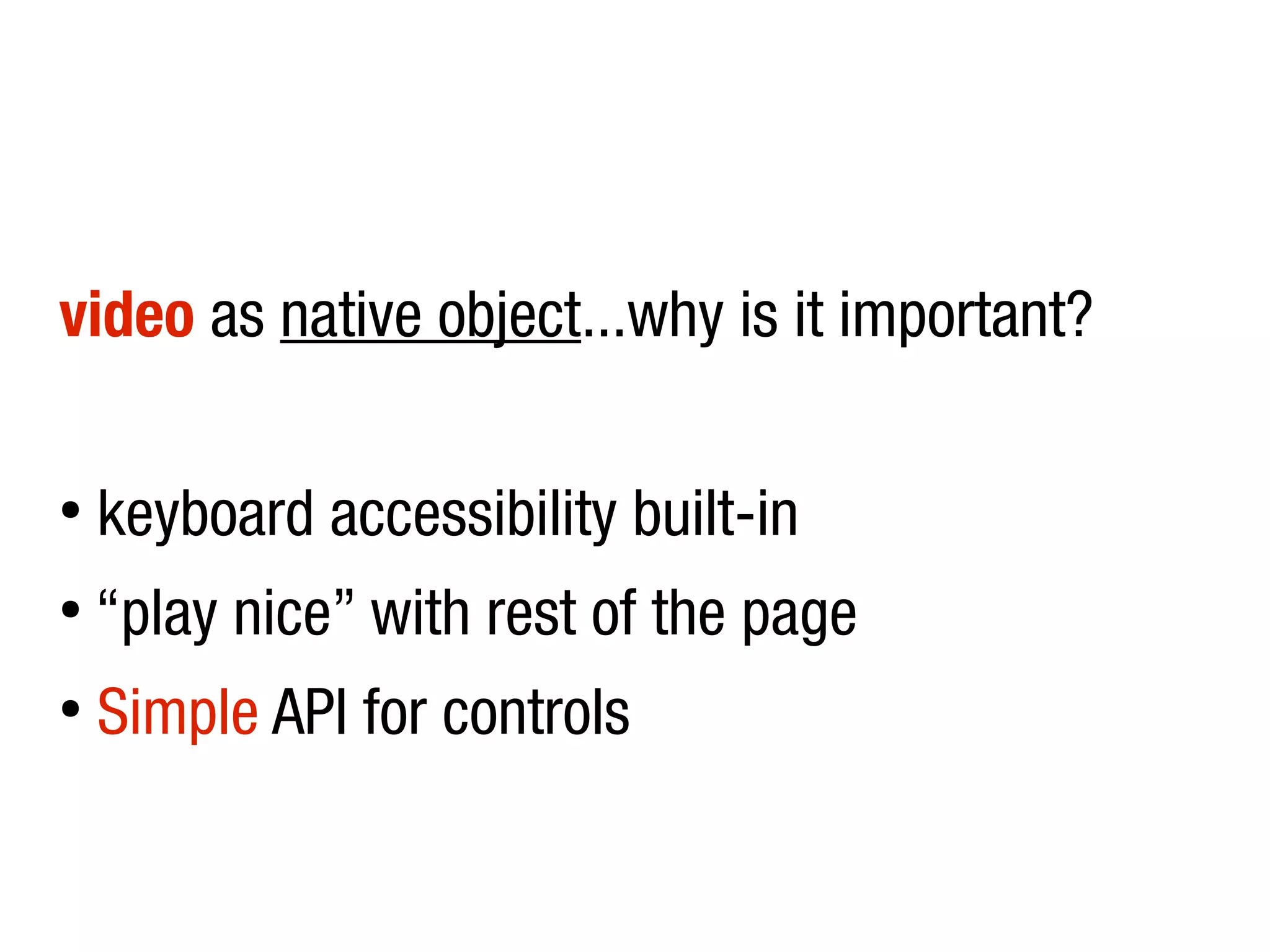
video as native object...why is it important?

â—Ź
    keyboard accessibility built-in
â—Ź
    “play nice” with rest of the page
â—Ź
    Simple API for controls
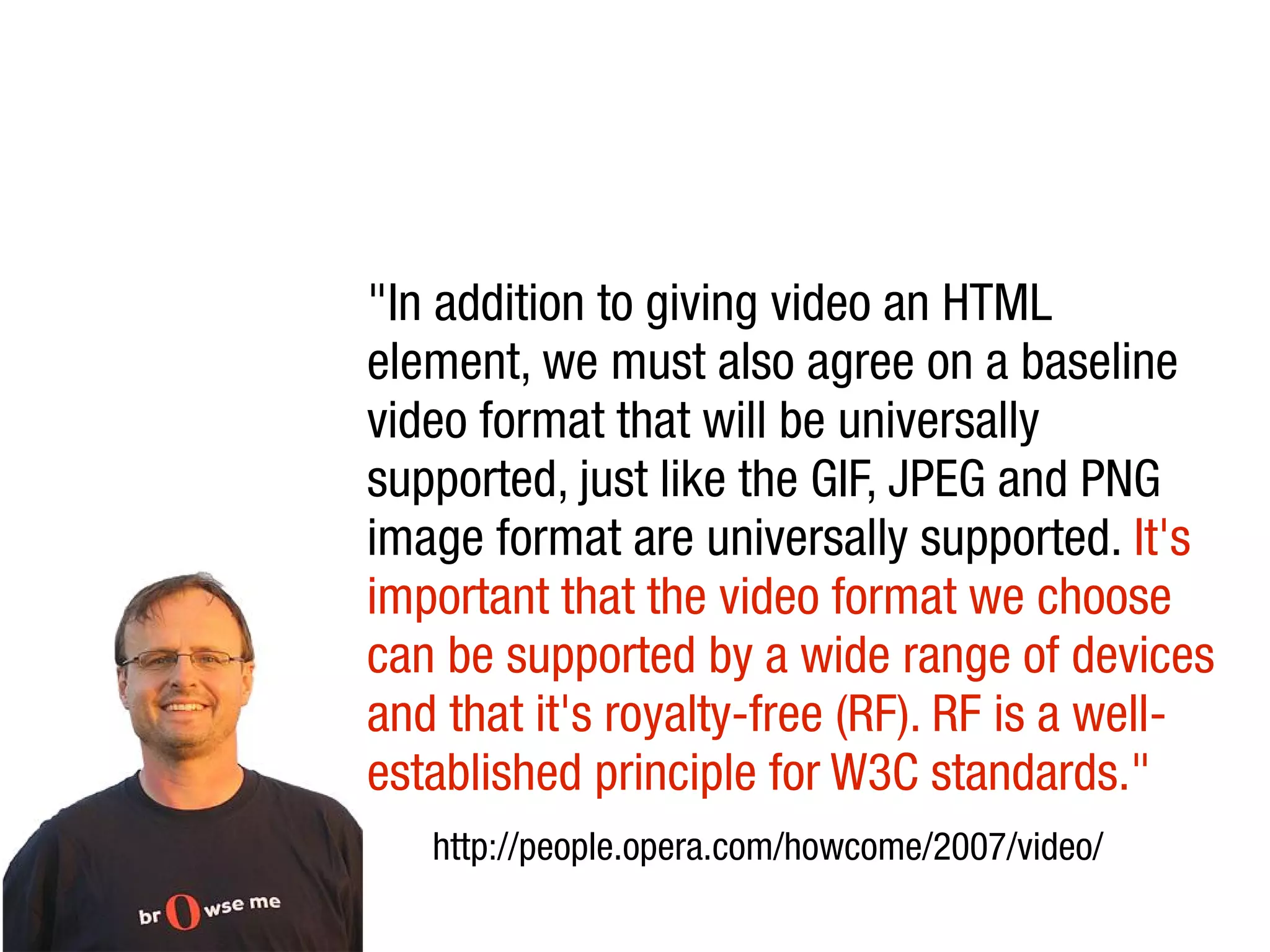
"In addition to giving video an HTML
element, we must also agree on a baseline
video format that will be universally
supported, just like the GIF, JPEG and PNG
image format are universally supported. It's
important that the video format we choose
can be supported by a wide range of devices
and that it's royalty-free (RF). RF is a well-
established principle for W3C standards."
   http://people.opera.com/howcome/2007/video/
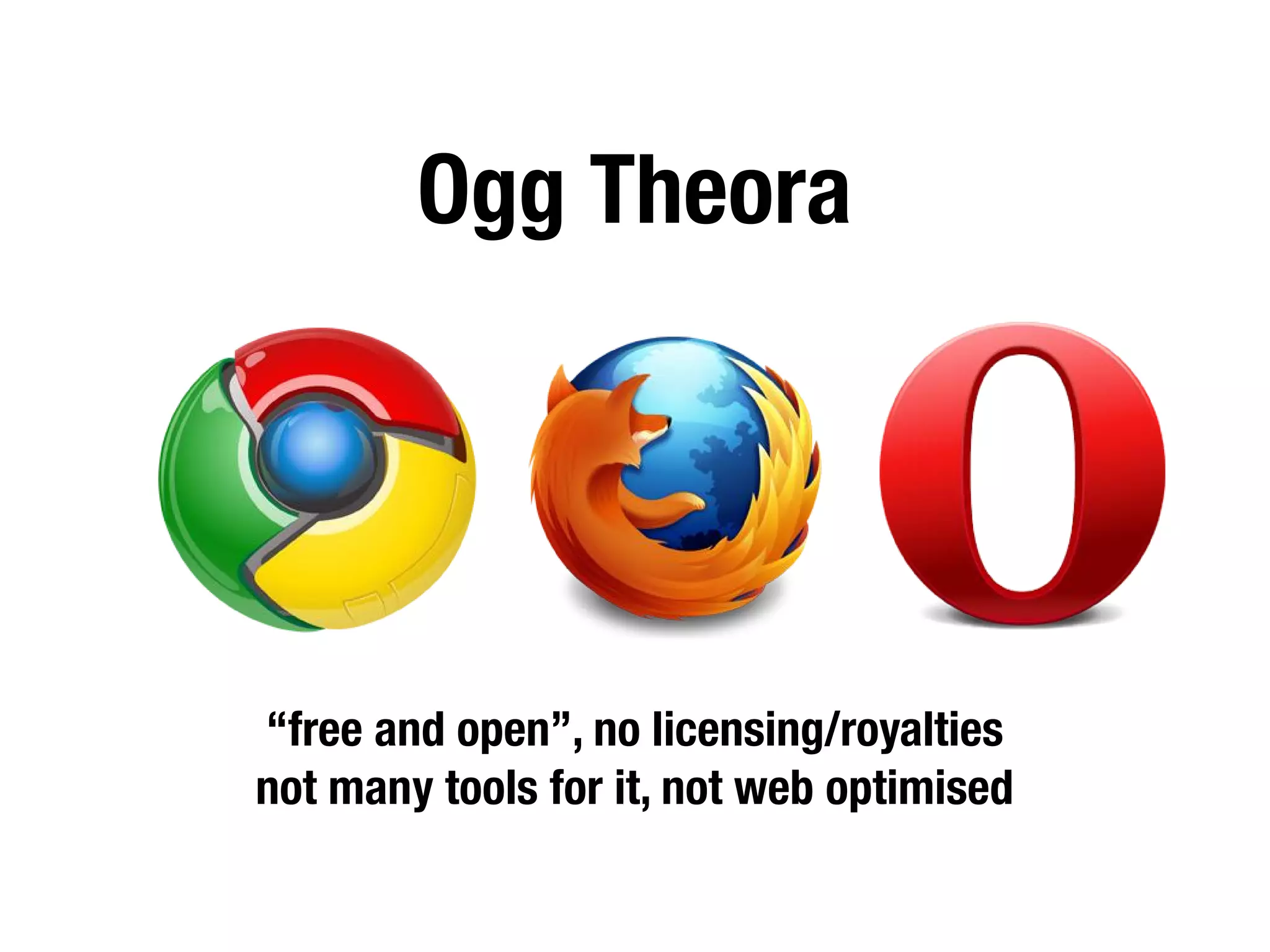
Ogg Theora


“free and open”, no licensing/royalties
not many tools for it, not web optimised
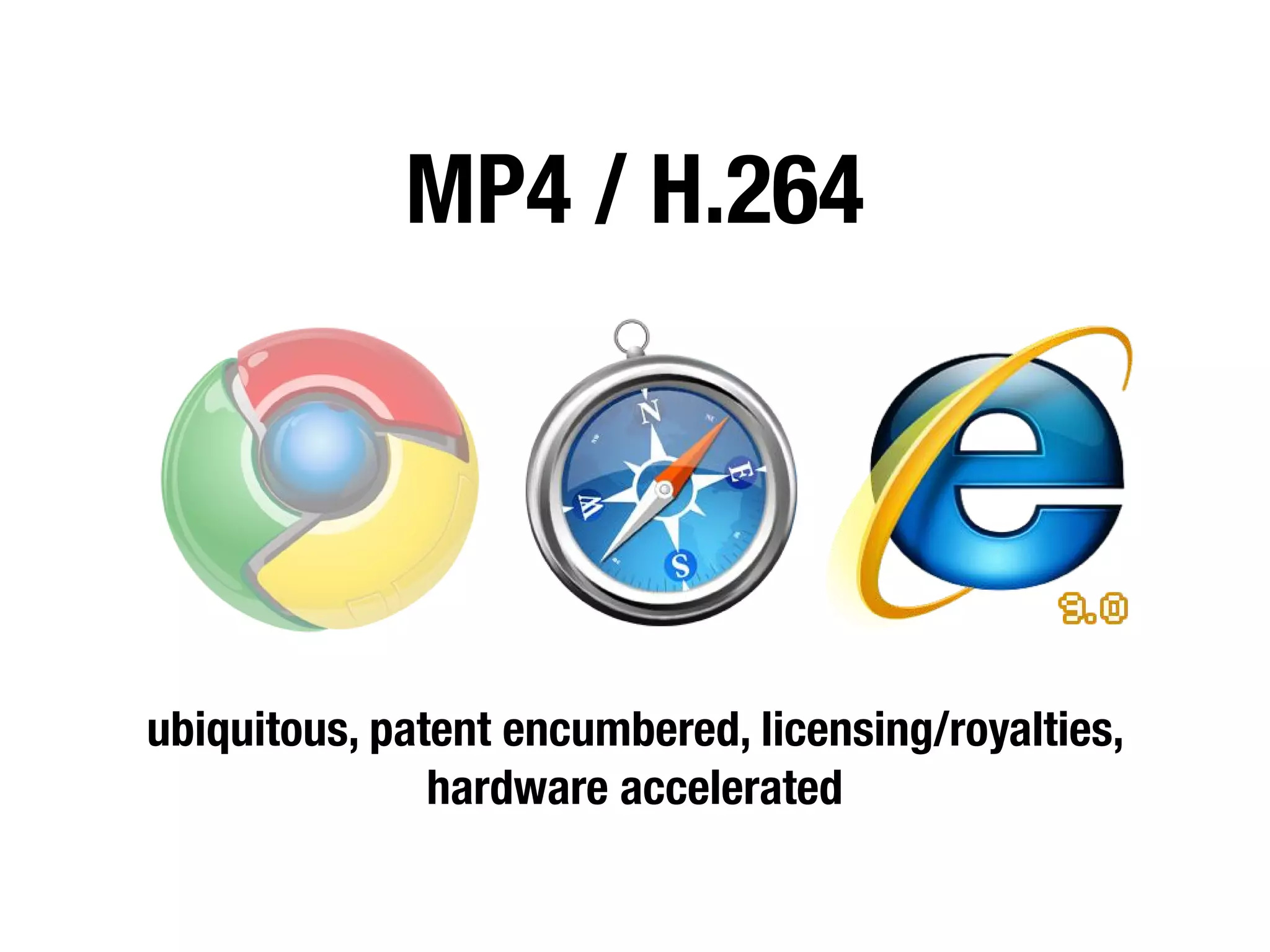
MP4 / H.264


ubiquitous, patent encumbered, licensing/royalties,
               hardware accelerated
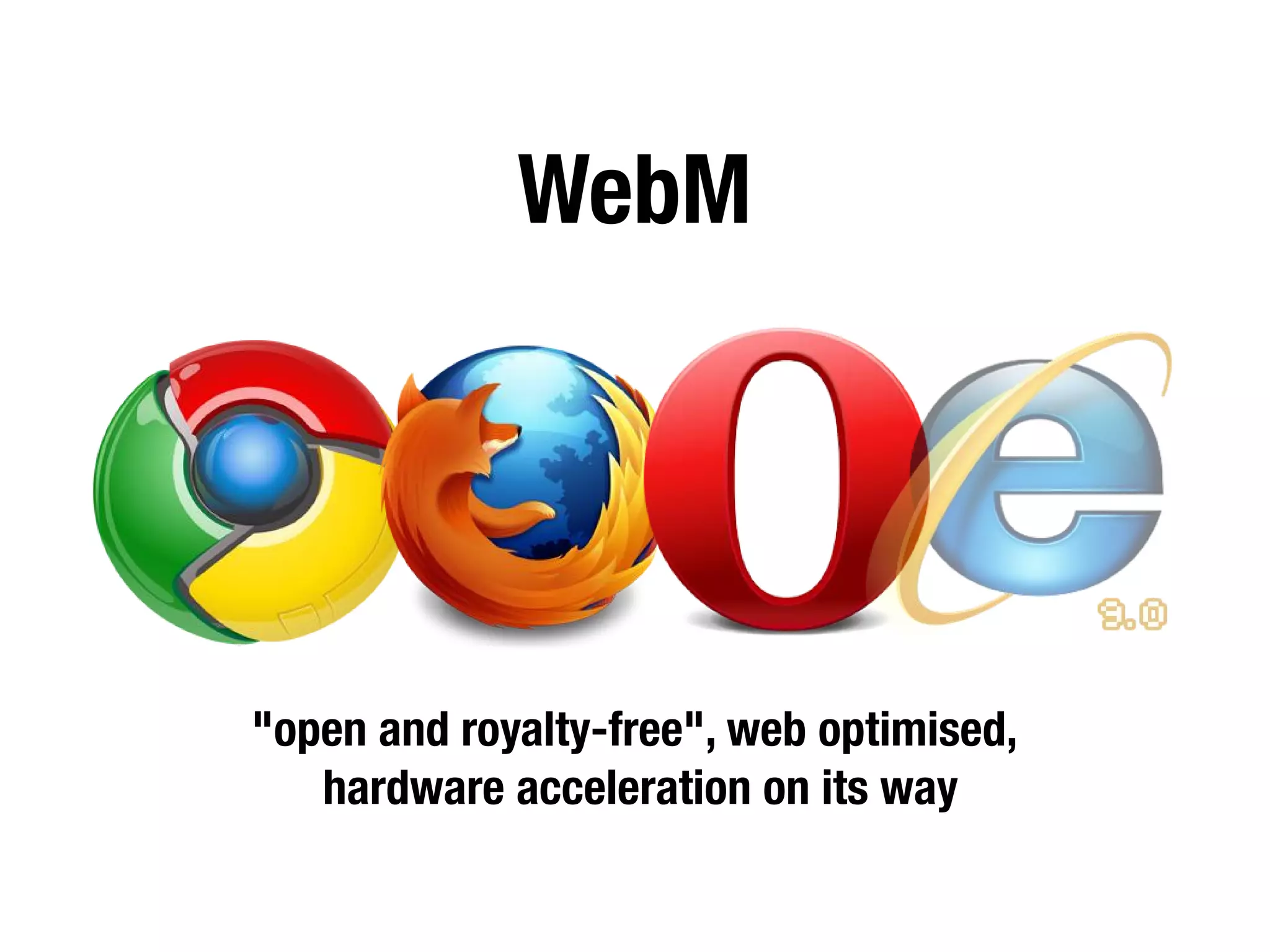
WebM


"open and royalty-free", web optimised,
   hardware acceleration on its way
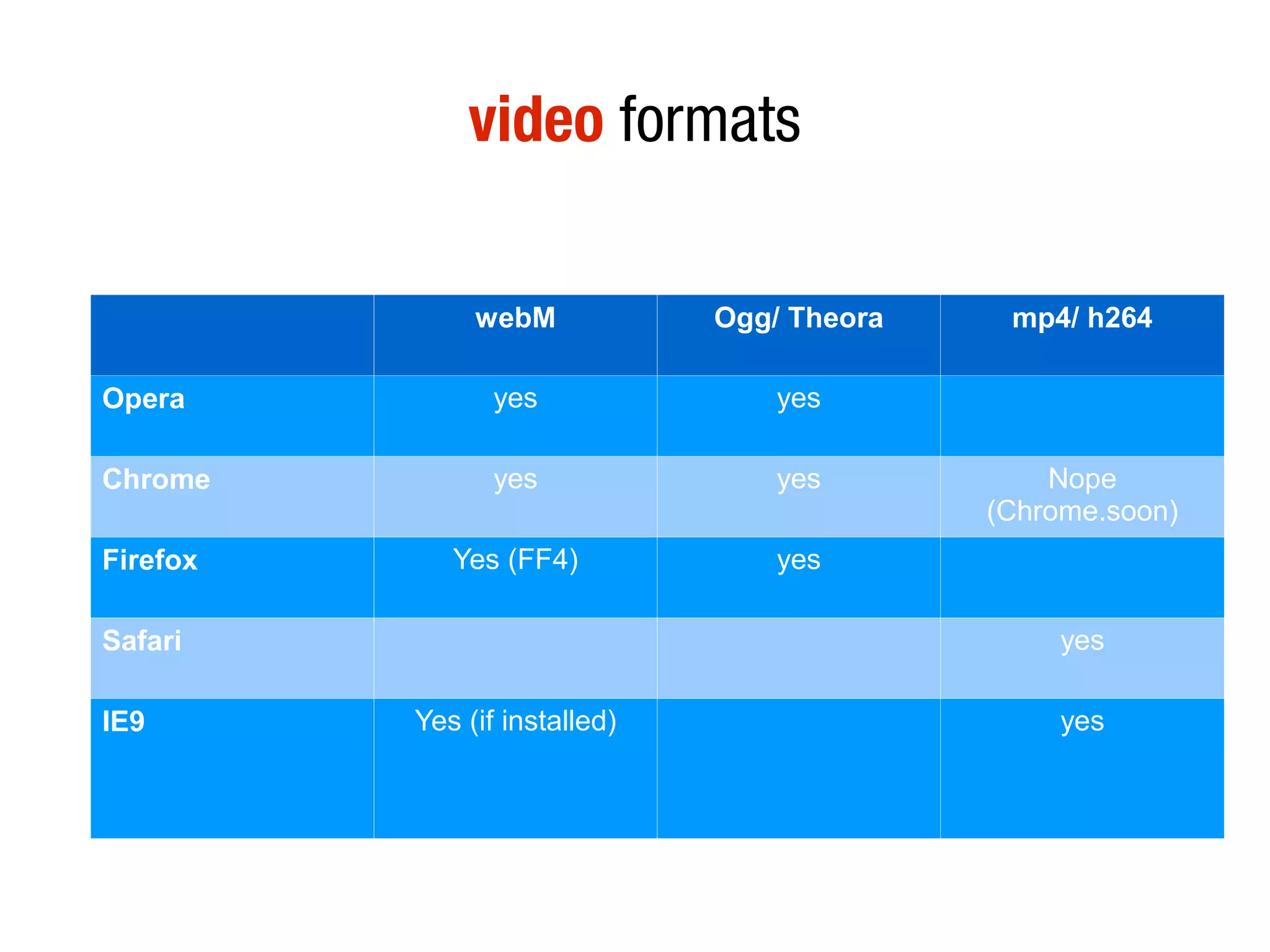
video formats

               webM            Ogg/ Theora    mp4/ h264

Opera            yes               yes

Chrome           yes               yes           Nope
                                             (Chrome.soon)
Firefox      Yes (FF4)             yes

Safari                                            yes

IE9       Yes (if installed)                      yes
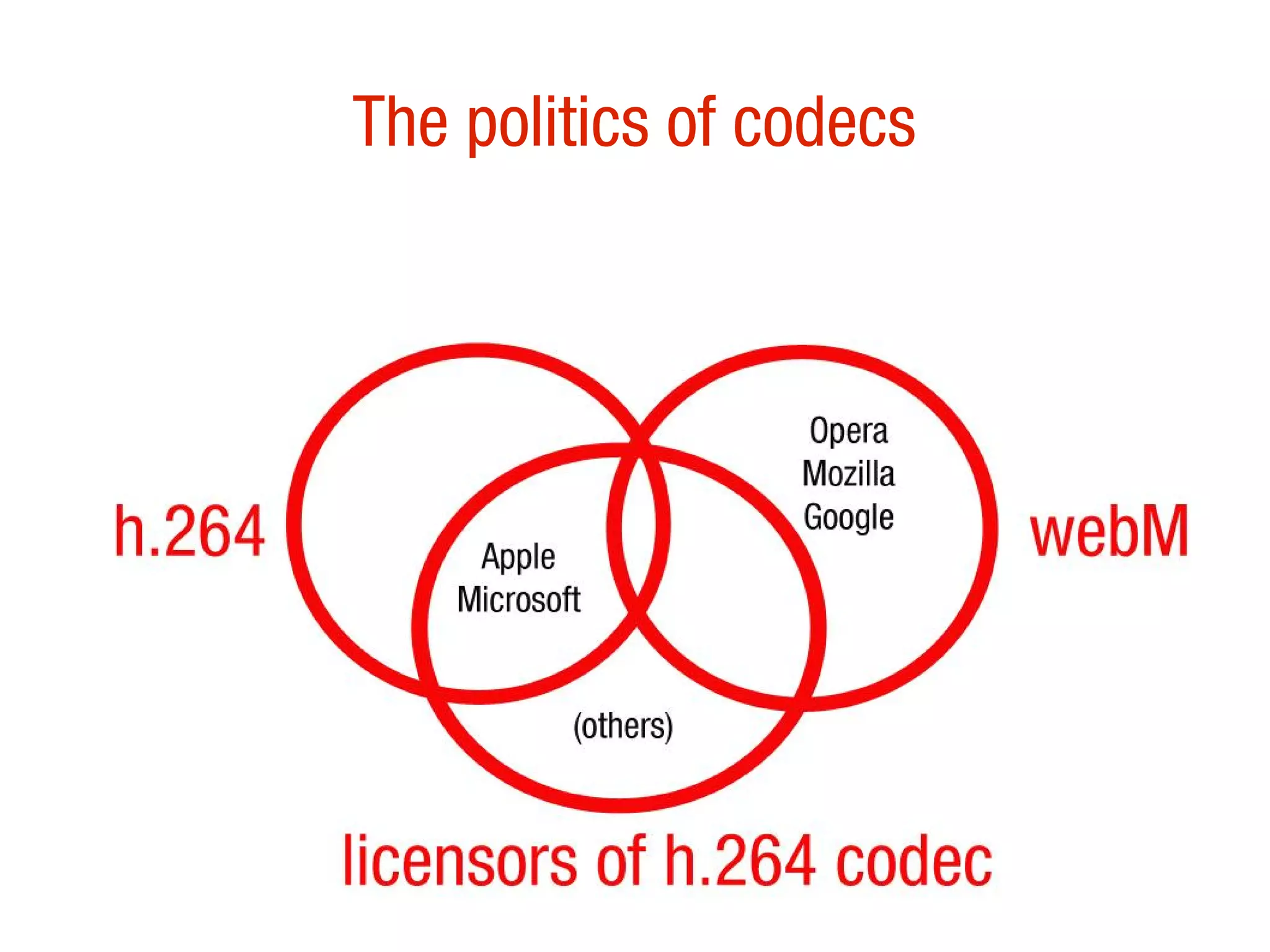
The politics of codecs
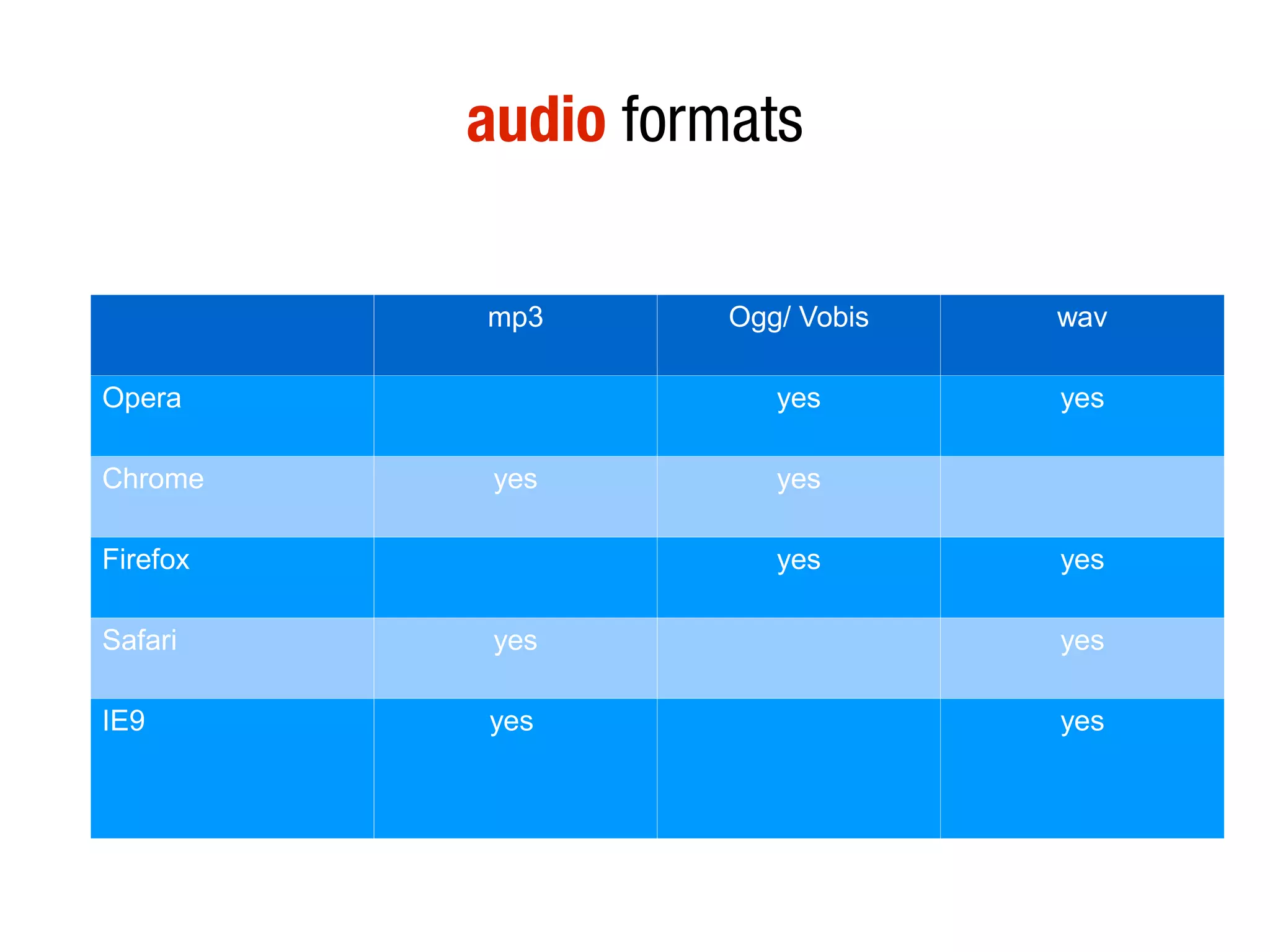
audio formats

          mp3       Ogg/ Vobis   wav

Opera                  yes       yes

Chrome     yes         yes

Firefox                yes       yes

Safari     yes                   yes

IE9       yes                    yes
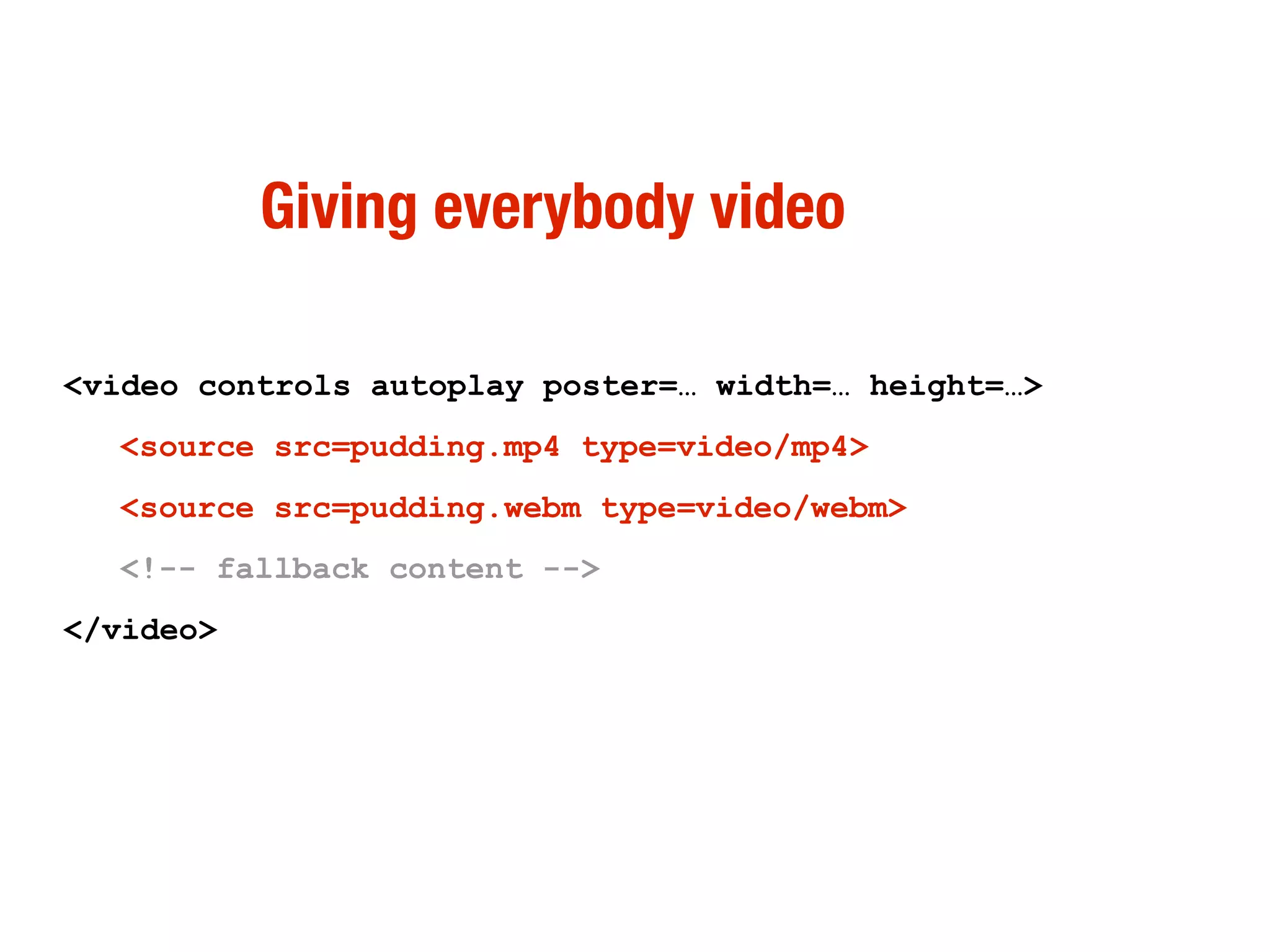
Giving everybody video

<video controls autoplay poster=… width=… height=…>
  <source src=pudding.mp4 type=video/mp4>
  <source src=pudding.webm type=video/webm>
  <!-- fallback content -->
</video>
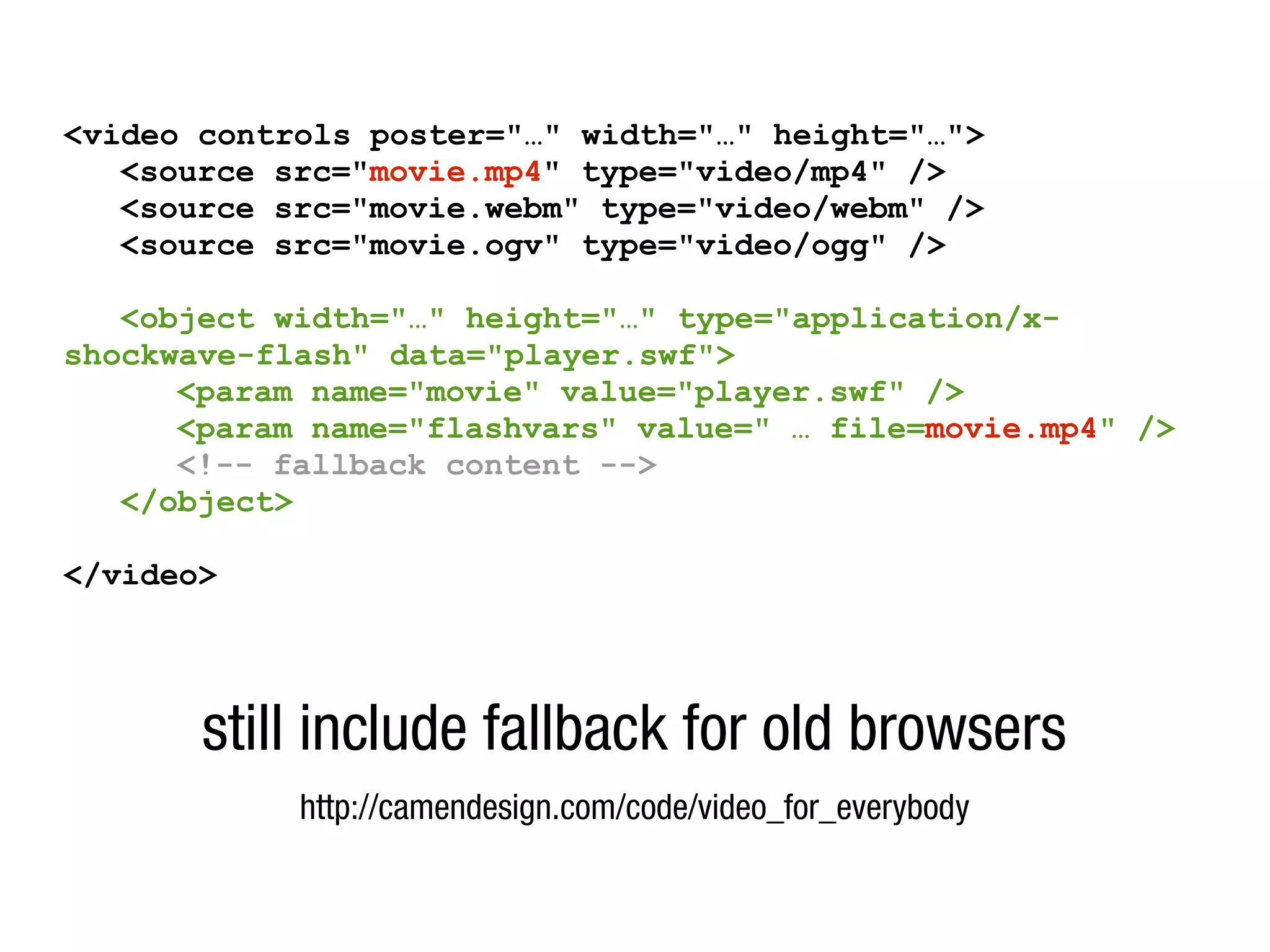
<video controls poster="…" width="…" height="…">
   <source src="movie.mp4" type="video/mp4" />
   <source src="movie.webm" type="video/webm" />
   <source src="movie.ogv" type="video/ogg" />

   <object width="…" height="…" type="application/x-
shockwave-flash" data="player.swf">
      <param name="movie" value="player.swf" />
      <param name="flashvars" value=" … file=movie.mp4" />
      <!-- fallback content -->
   </object>

</video>


       still include fallback for old browsers
            http://camendesign.com/code/video_for_everybody
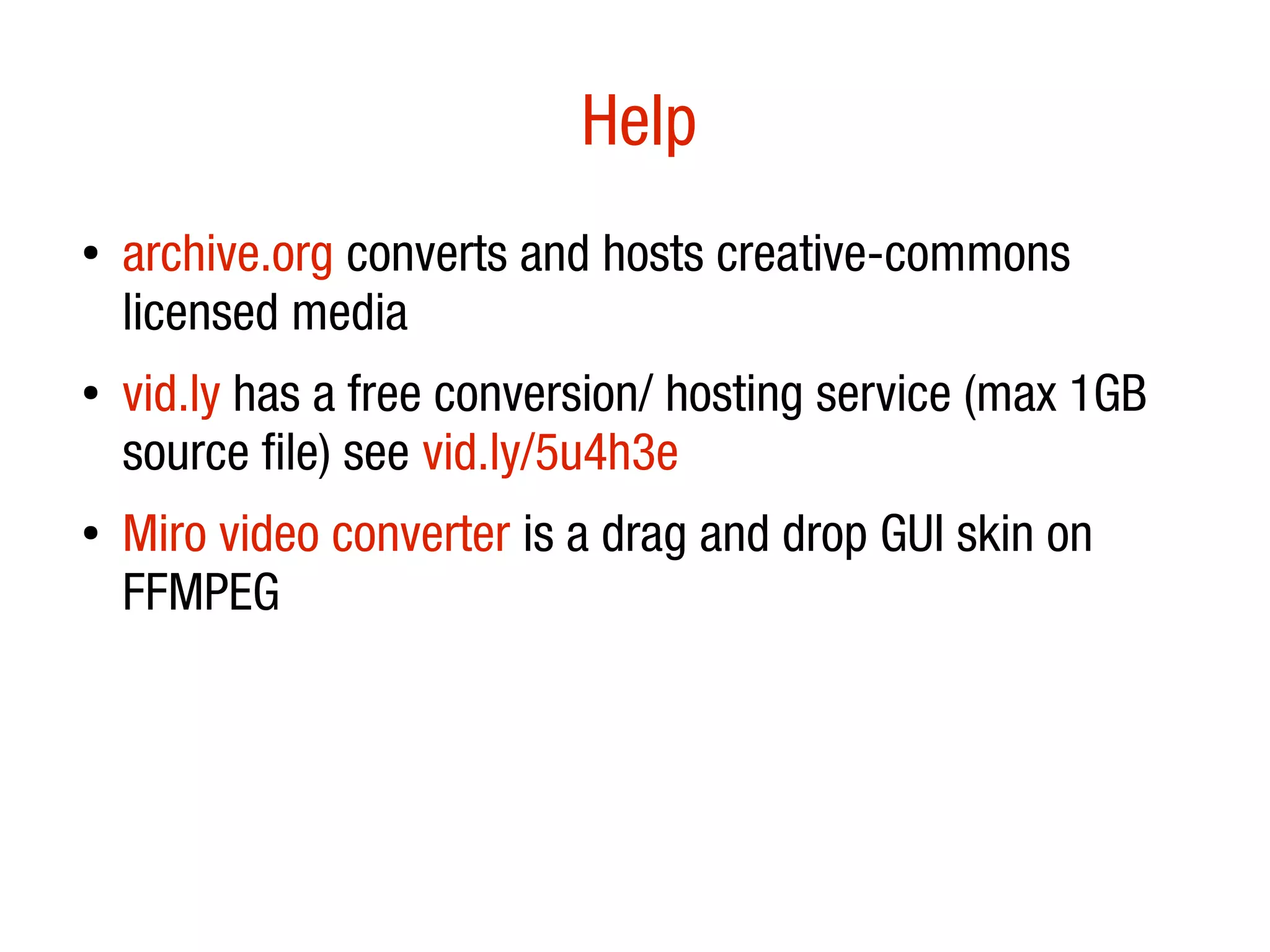
Help
â—Ź
    archive.org converts and hosts creative-commons
    licensed media
â—Ź   vid.ly has a free conversion/ hosting service (max 1GB
    source file) see vid.ly/5u4h3e
â—Ź   Miro video converter is a drag and drop GUI skin on
    FFMPEG
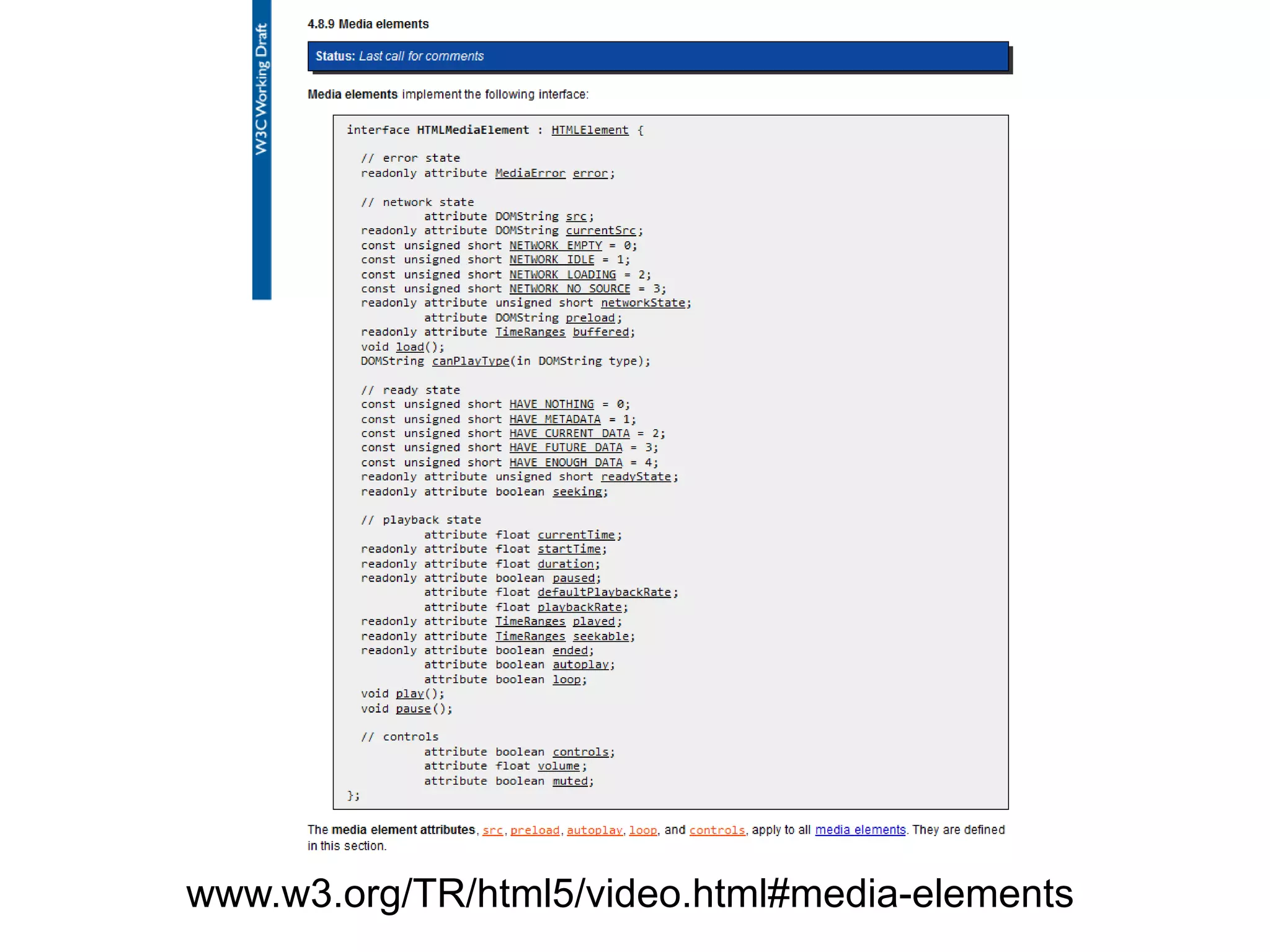
powerful (simple) API
www.w3.org/TR/html5/video.html#media-elements
controlling <video> with JavaScript
var v = document.getElementByTagName('video')
[0];

v.play();
v.pause();
v.volume = … ;
v.currentTime = … ;
…
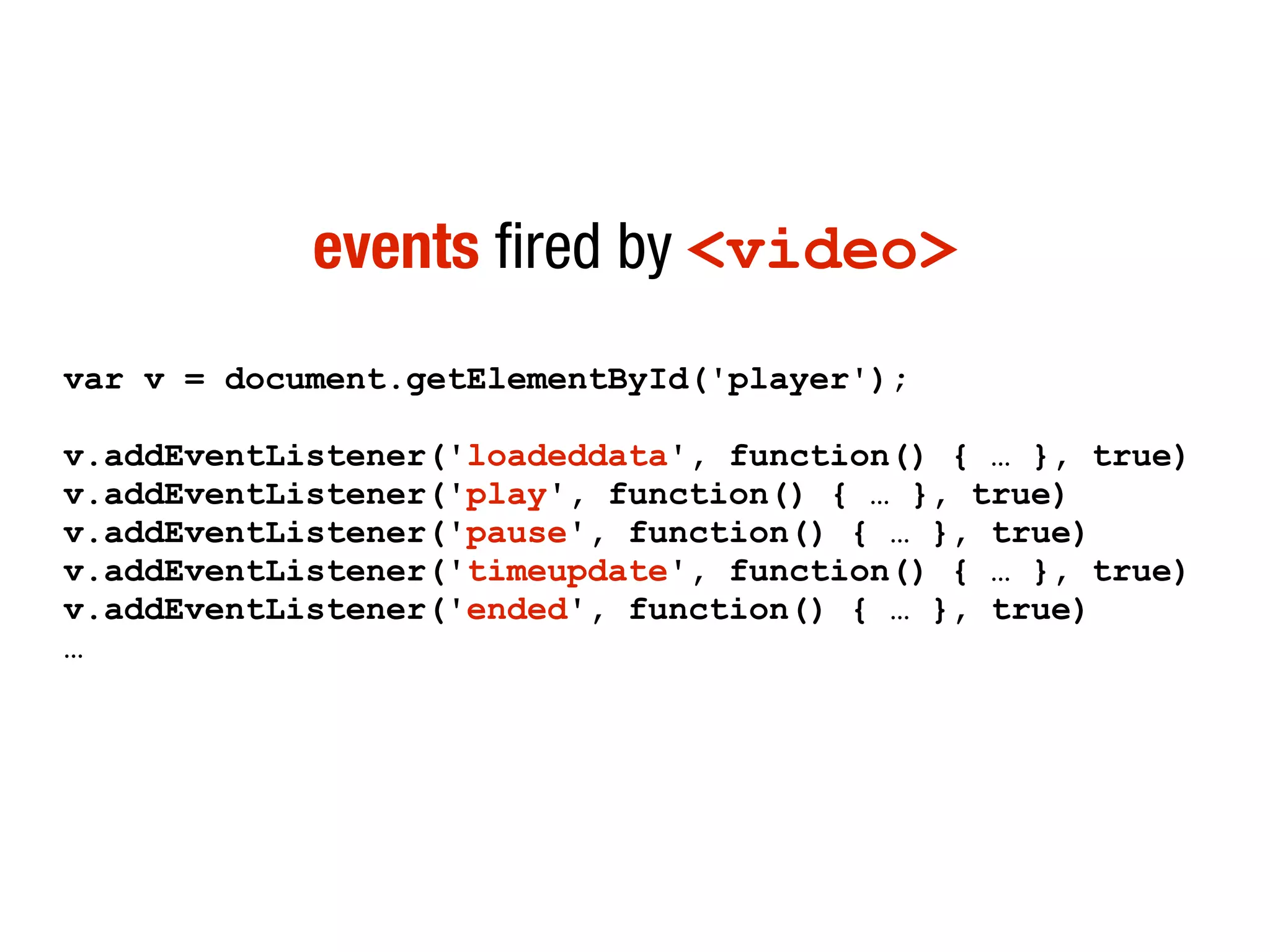
events fired by <video>
var v = document.getElementById('player');

v.addEventListener('loadeddata', function() { … }, true)
v.addEventListener('play', function() { … }, true)
v.addEventListener('pause', function() { … }, true)
v.addEventListener('timeupdate', function() { … }, true)
v.addEventListener('ended', function() { … }, true)
…
Race condition:
html5demos.com/video
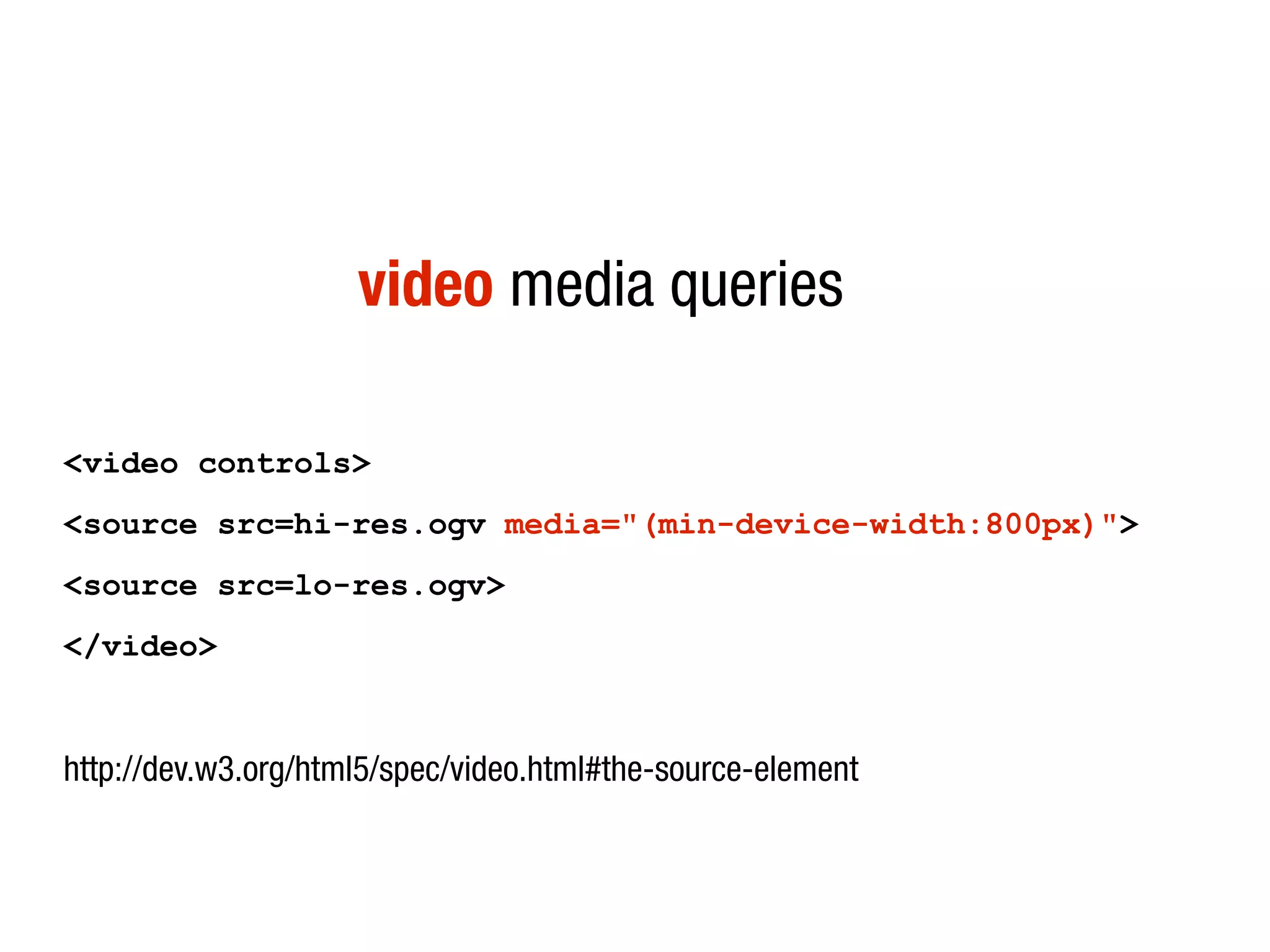
video media queries

<video controls>
<source src=hi-res.ogv media="(min-device-width:800px)">
<source src=lo-res.ogv>
</video>


http://dev.w3.org/html5/spec/video.html#the-source-element
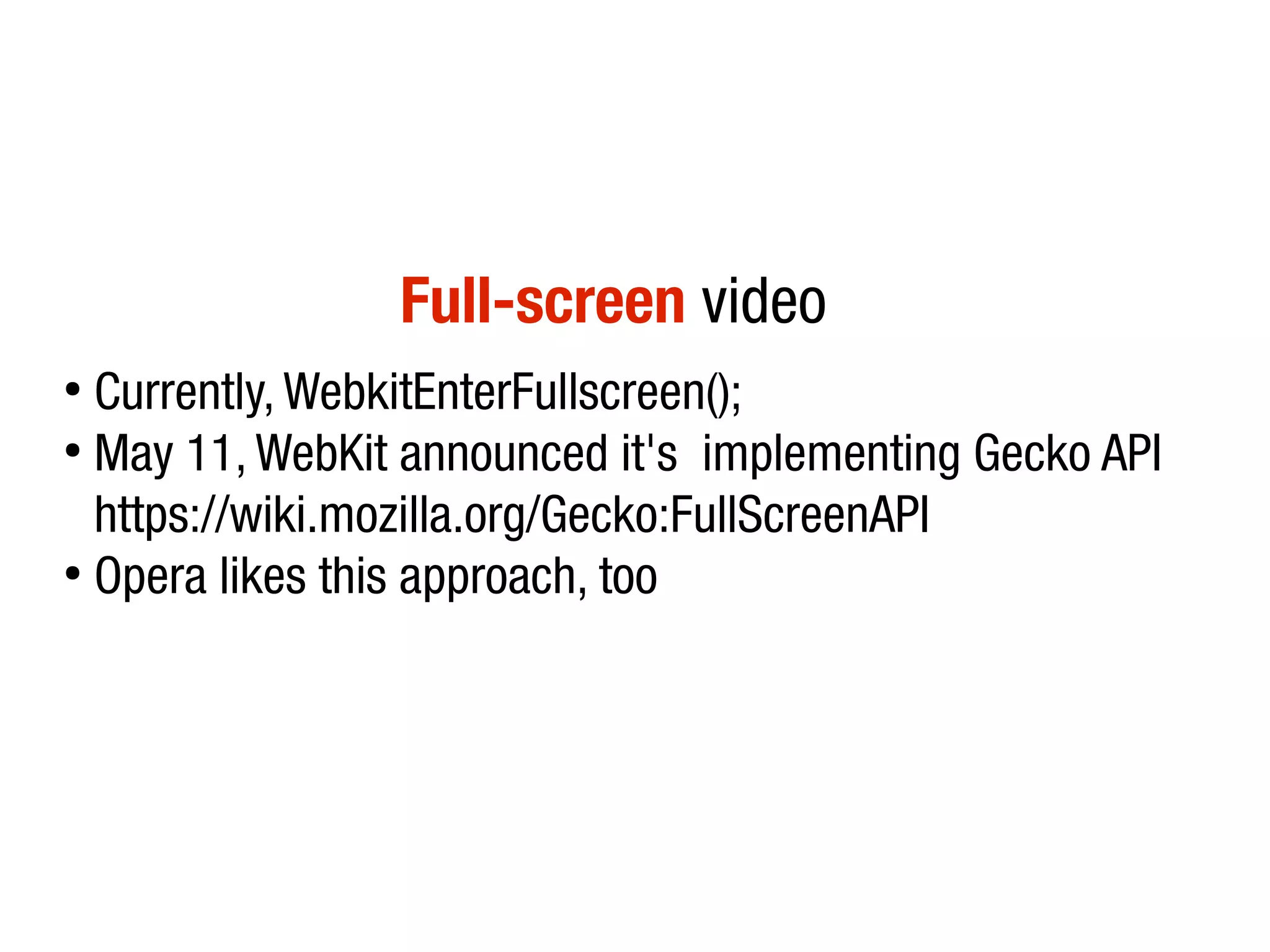
Full-screen video
â—Ź
  Currently, WebkitEnterFullscreen();
â—Ź
  May 11, WebKit announced it's implementing Gecko API
  https://wiki.mozilla.org/Gecko:FullScreenAPI
â—Ź
  Opera likes this approach, too
<video> accessibility
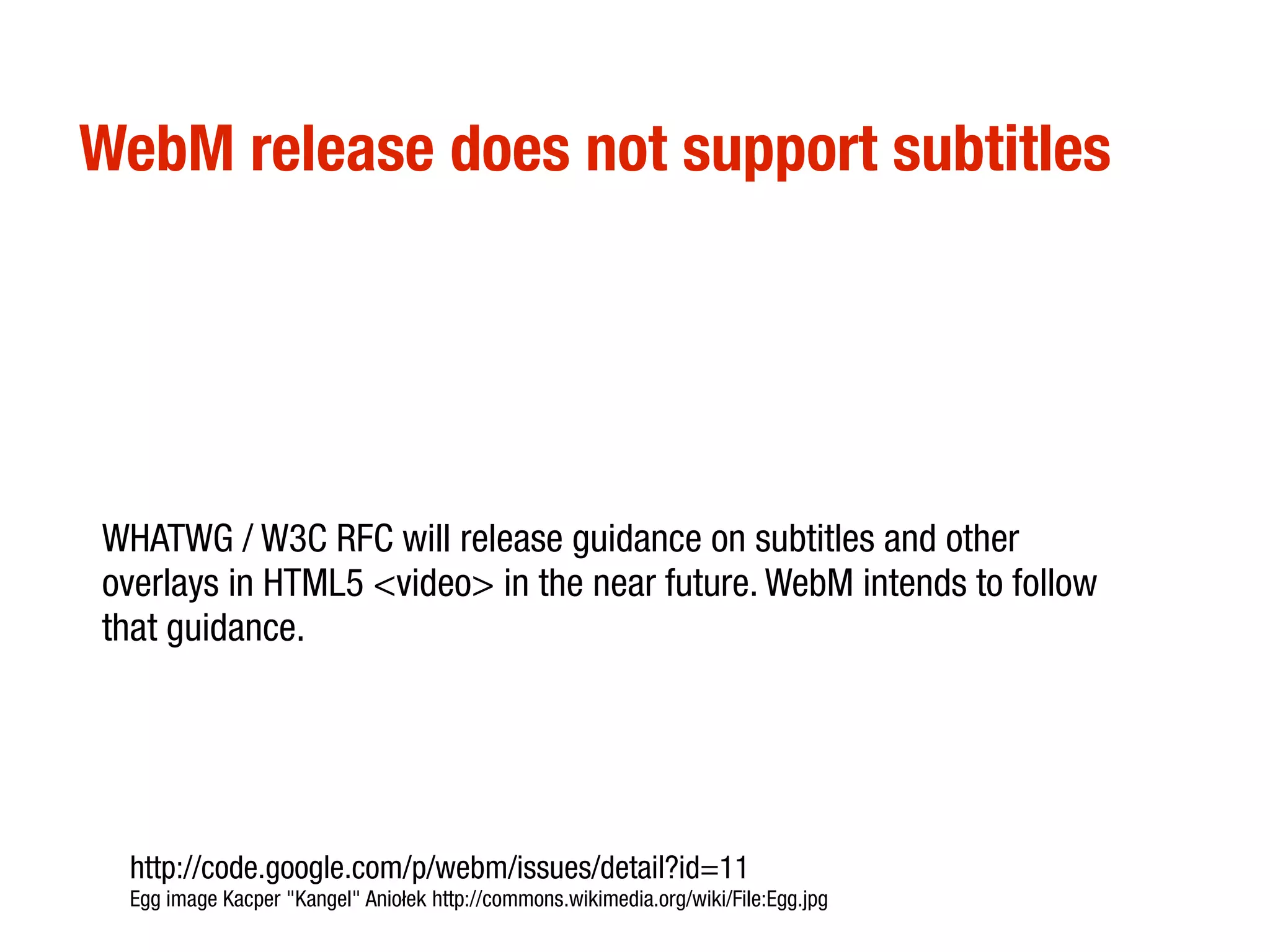
WebM release does not support subtitles


WHATWG / W3C RFC will release guidance on subtitles and other
overlays in HTML5 <video> in the near future. WebM intends to follow
that guidance.


 http://code.google.com/p/webm/issues/detail?id=11
 Egg image Kacper "Kangel" Aniołek http://commons.wikimedia.org/wiki/File:Egg.jpg
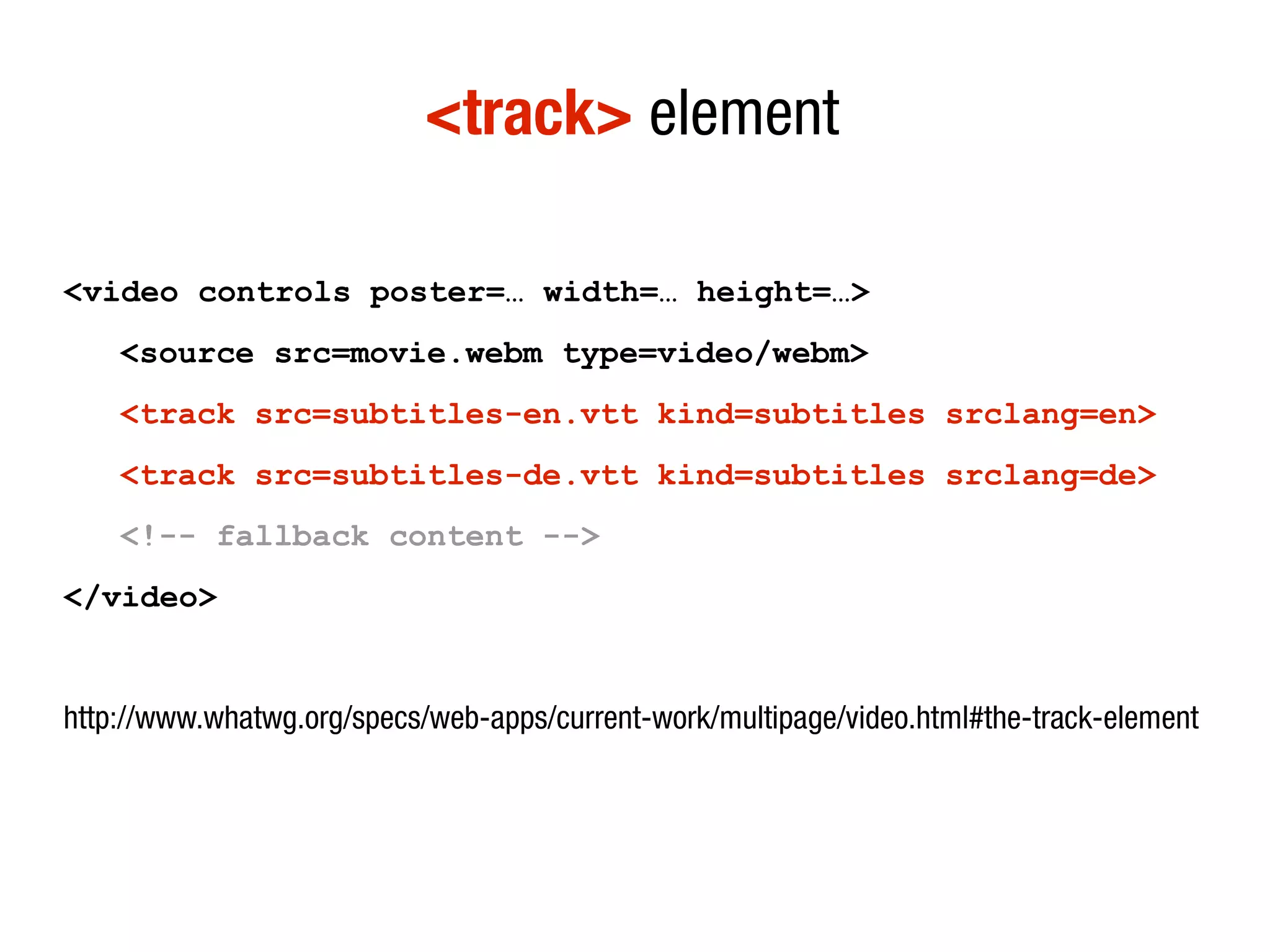
<track> element

<video controls poster=… width=… height=…>
    <source src=movie.webm type=video/webm>
    <track src=subtitles-en.vtt kind=subtitles srclang=en>
    <track src=subtitles-de.vtt kind=subtitles srclang=de>
    <!-- fallback content -->
</video>


http://www.whatwg.org/specs/web-apps/current-work/multipage/video.html#the-track-element
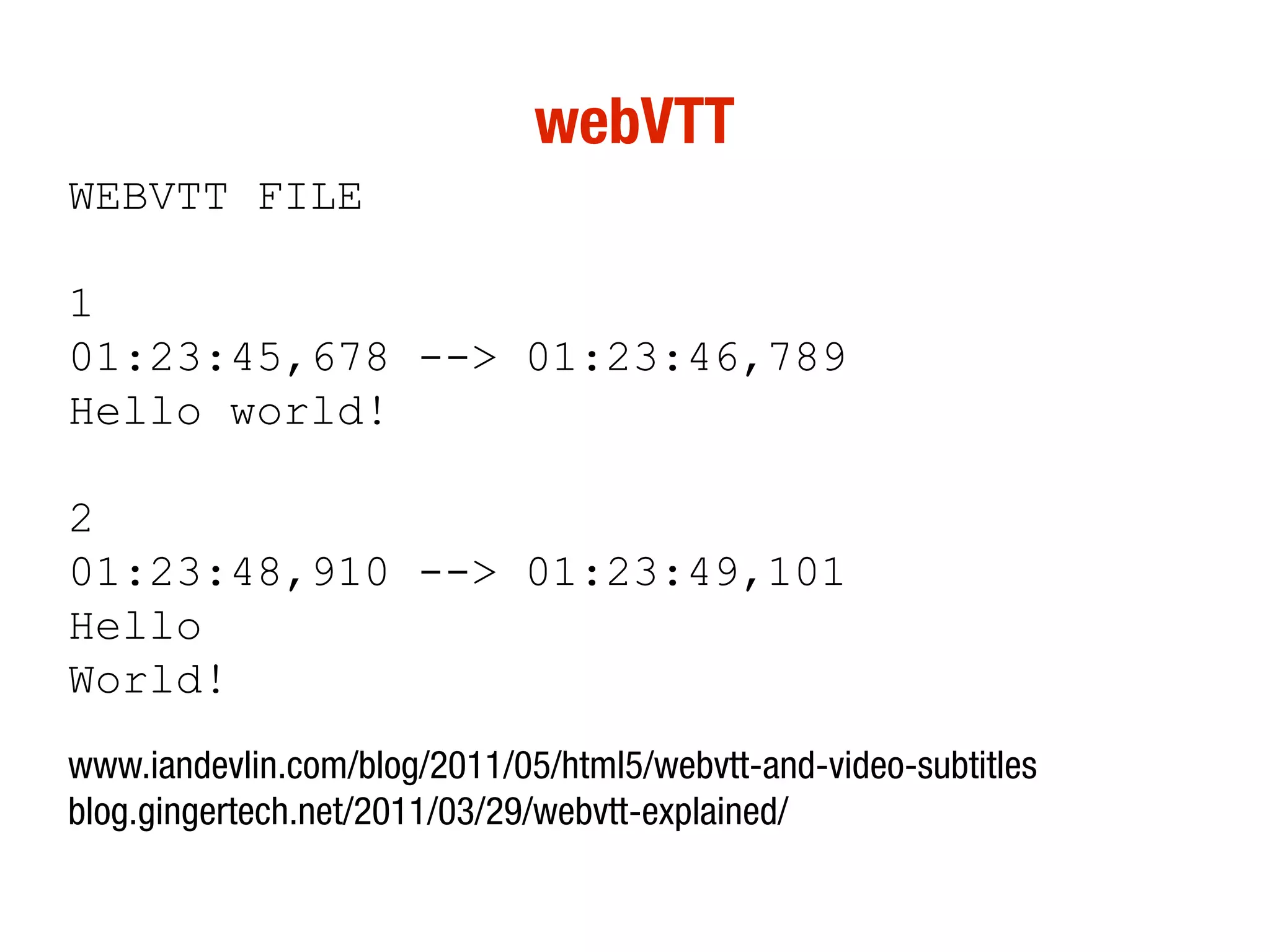
webVTT
WEBVTT FILE

1
01:23:45,678 --> 01:23:46,789
Hello world!

2
01:23:48,910 --> 01:23:49,101
Hello
World!
www.iandevlin.com/blog/2011/05/html5/webvtt-and-video-subtitles
blog.gingertech.net/2011/03/29/webvtt-explained/
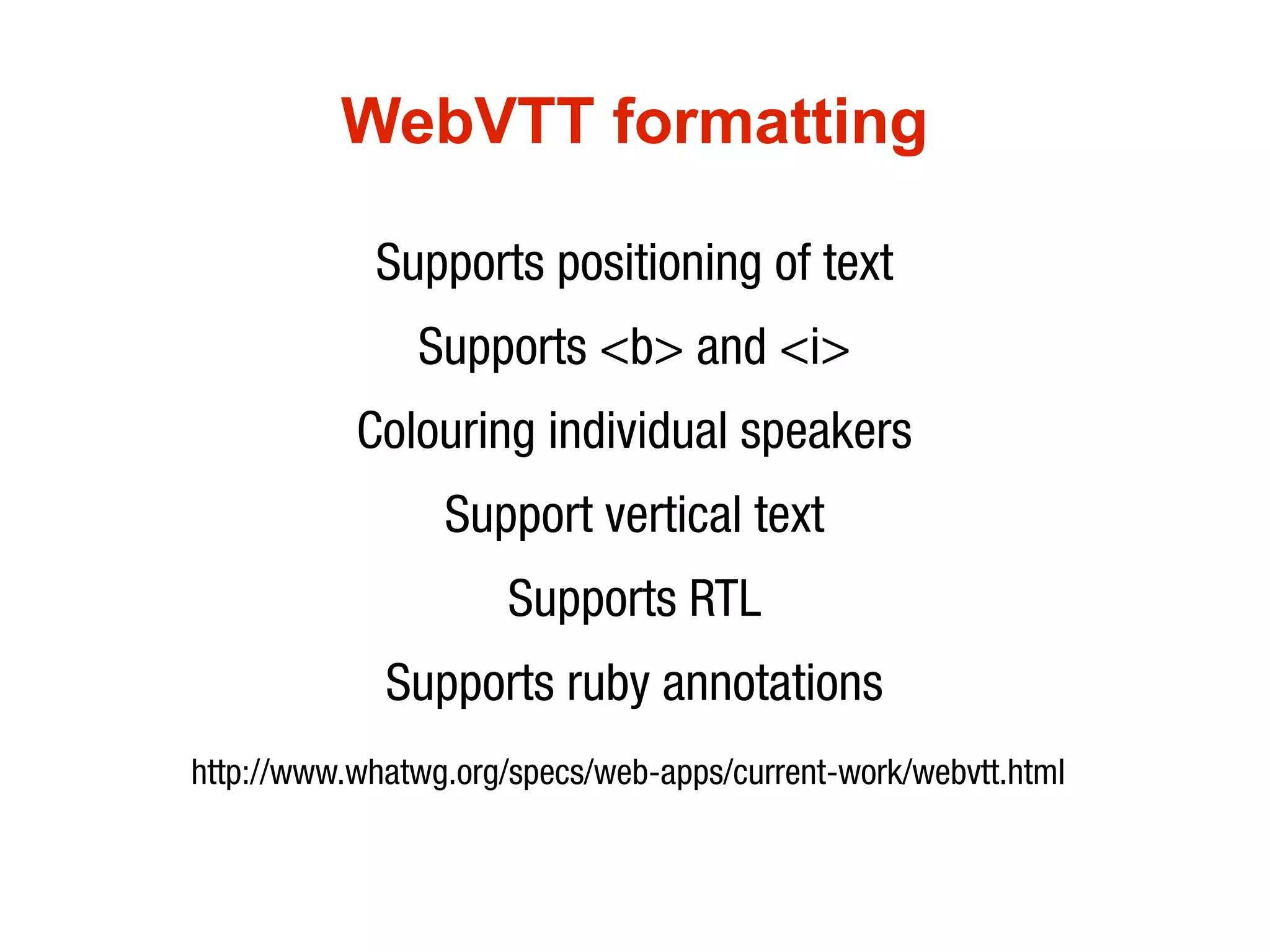
WebVTT formatting

            Supports positioning of text
               Supports <b> and <i>
           Colouring individual speakers
                 Support vertical text
                      Supports RTL
             Supports ruby annotations
http://www.whatwg.org/specs/web-apps/current-work/webvtt.html
<track> polyfill
http://www.delphiki.com/html5/playr/
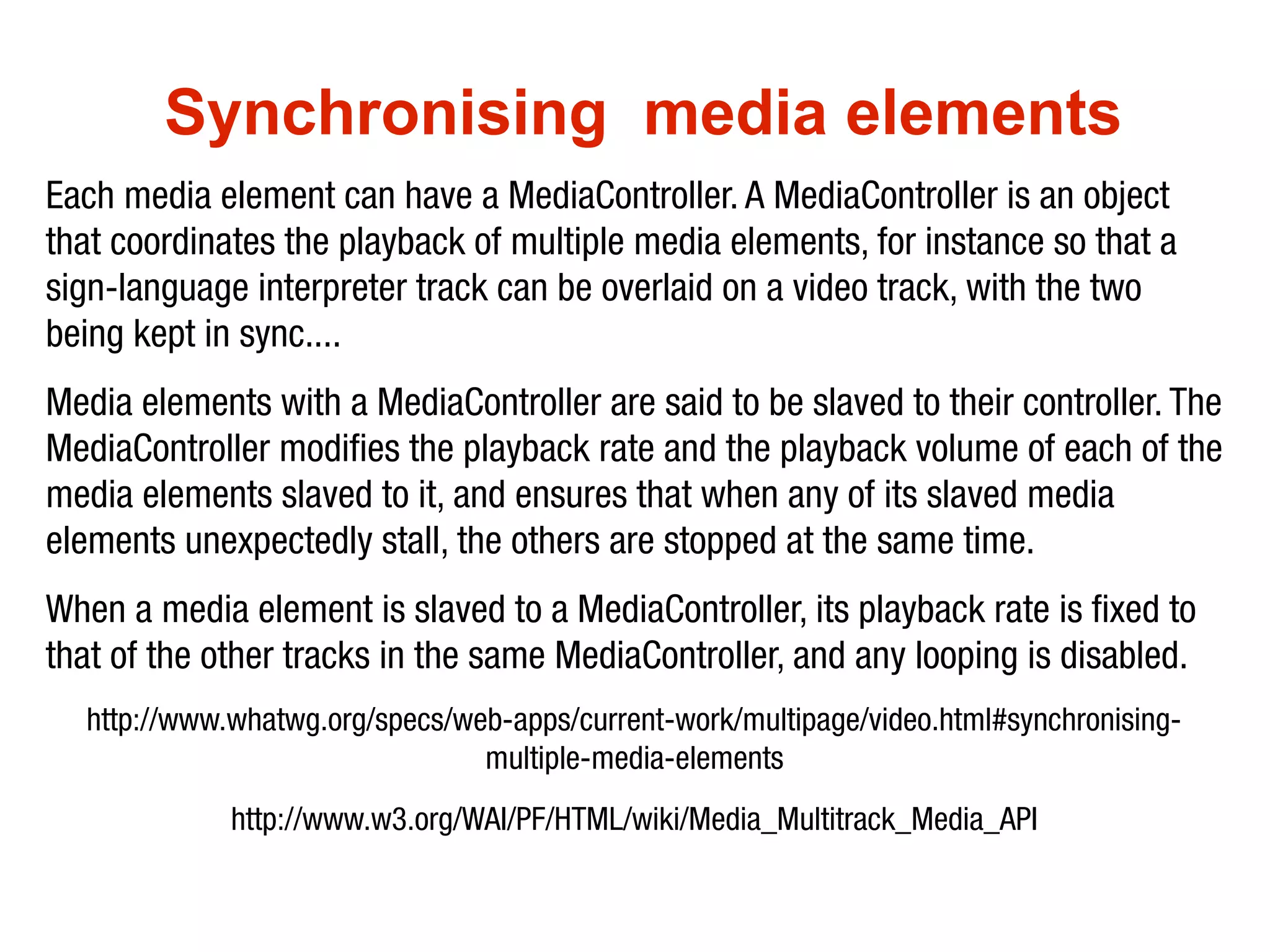
Synchronising media elements
Each media element can have a MediaController. A MediaController is an object
that coordinates the playback of multiple media elements, for instance so that a
sign-language interpreter track can be overlaid on a video track, with the two
being kept in sync....
Media elements with a MediaController are said to be slaved to their controller. The
MediaController modifies the playback rate and the playback volume of each of the
media elements slaved to it, and ensures that when any of its slaved media
elements unexpectedly stall, the others are stopped at the same time.
When a media element is slaved to a MediaController, its playback rate is fixed to
that of the other tracks in the same MediaController, and any looping is disabled.
  http://www.whatwg.org/specs/web-apps/current-work/multipage/video.html#synchronising-
                                multiple-media-elements
             http://www.w3.org/WAI/PF/HTML/wiki/Media_Multitrack_Media_API
How mature is all this?
                               Looping latency
               people.opera.com/patrickl/experiments/audio/hacky-looper/

 HTML5 video issues on the iPad and how to solve them
blog.millermedeiros.com/2011/03/html5-video-issues-on-the-ipad-and-how-to-solve-them/

               Unsolved HTML5 video issues on iOS
      http://blog.millermedeiros.com/2011/04/unsolved-html5-video-issues-on-ios/

                  Audio Sprites (and fixes for iOS)
                      remysharp.com/2010/12/23/audio-sprites/
“...extending the language to better support Web
applications … This puts HTML in direct competition
with other technologies intended for applications deployed
over the Web, in particular Flash and Silverlight.”


Ian Hickson, Editor of HTML5
http://lists.w3.org/Archives/Public/public-html/2009Jan/0215.html
DRM on HTML5 without changes

                  Henri Sivonen
lists.whatwg.org/htdig.cgi/whatwg-whatwg.org/2010-
                  July/027051.html
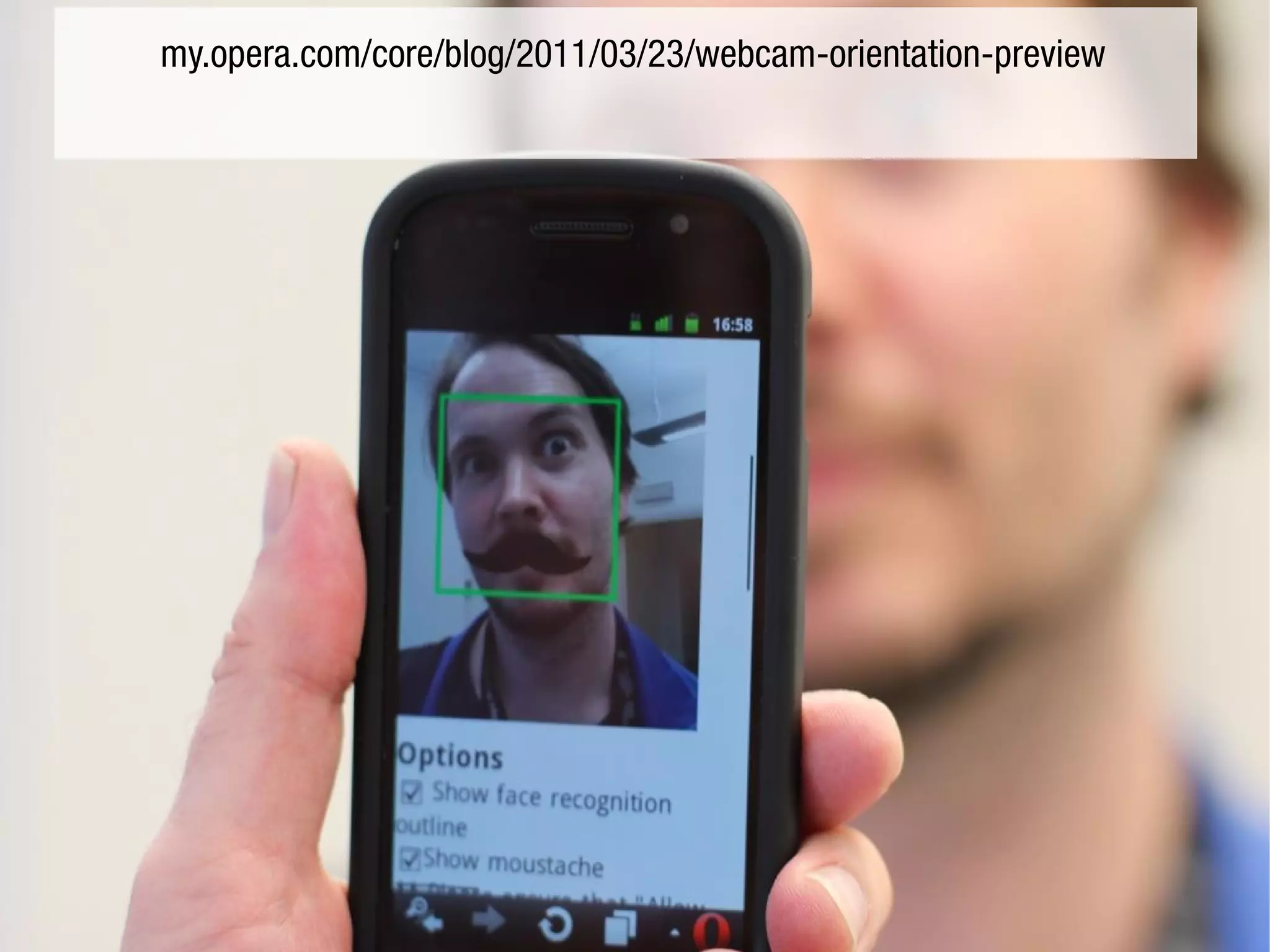
getUserMedia API
(previously known as "HTML5 <device>")
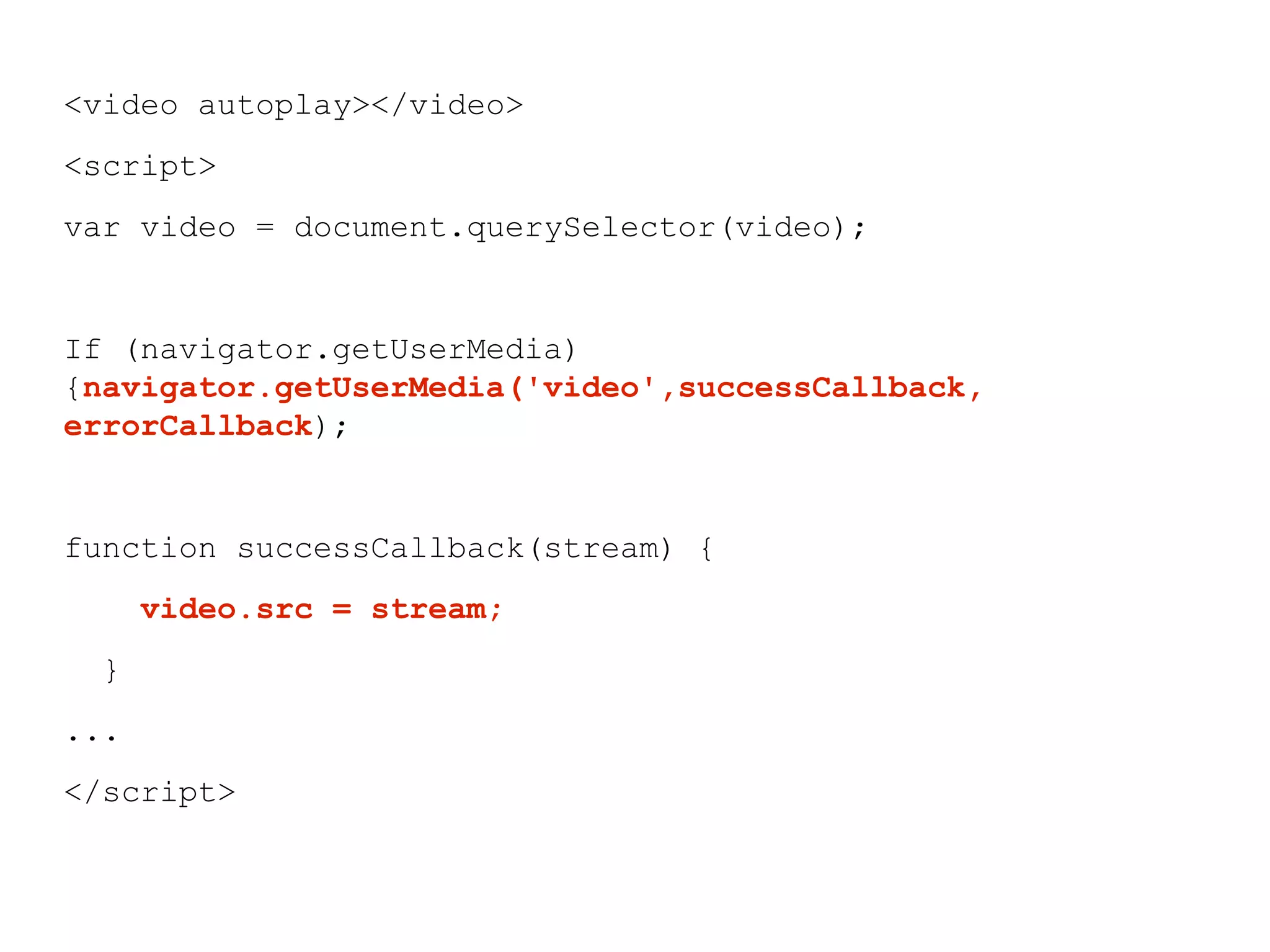
<video autoplay></video>
<script>
var video = document.querySelector(video);


If (navigator.getUserMedia)
{navigator.getUserMedia('video',successCallback,
errorCallback);


function successCallback(stream) {
      video.src = stream;
  }
...
</script>
my.opera.com/core/blog/2011/03/23/webcam-orientation-preview
Thanks
 Mike Taylor @miketaylr for JS help, and Patrick Lauke
@patrick_h_lauke for the Hixie voice. (What does that "H"
                      stand for?)


 Ian Devlin @iandevlin and Silvia Pfeiffer @silviapfeiffer for
                      webVTT advice


 Philip Jägenstedt @foolip and Simon Pieters @zcorpan for
implementing/ QA-ing multimedia in Opera and explaining it
                to me slowly and patiently

HTML5 Multimedia: where we are, where we're going

  • 1.
    HTML5 multimedia Where weare, where we're going Bruce Lawson
  • 2.
    Anne van Kesterenannevk at opera.com Wed Feb 28 05:47:56 PST 2007 Hi, Opera has some internal expiremental builds with an implementation of a <video> element. The element exposes a simple API (for the moment) much like the Audio() object: play() pause() Stop() The idea is that it works like <object> except that it has special <video> semantics much like <img> has image semantics. In markup you could prolly use it as follows: <figure> <video src=news-snippet.ogg> ... </video> <legend>HTML5 in BBC News</legend> </figure> I attached a proposal for the element and as you can see there are still some open issues. The element and its API are of course open for debate. We're not enforcing this upon the world ;-) Cheers, http://lists.whatwg.org/pipermail/whatwg-whatwg.org/2007-February/009702.html
  • 3.
    <object width="425" height="344"> <param name="movie" value="http://www.example.com/v/9sEI1AUFJKw&hl=en &fs=1&"></param> <param name="allowFullScreen" value="true"></param> <param name="allowscriptaccess" value="always"></param> <embed src="http://www.example.com/v/9sEI1AUFJKw&hl=en&f s=1&" type="application/x-shockwave-flash" allowscriptaccess="always" allowfullscreen="true" width="425" height="344"></embed> </object>
  • 4.
    <video src=pudding.webm controls autoplay poster=poster.jpg width=320 height=240> <a href=video.webm>Download movie</a> </video>
  • 5.
    <audio src=bieber.ogg controls autoplay> <a href=bieber.ogg>Download horrid pap</a> </audio>
  • 6.
  • 7.
    <audio src=bieber.ogg preload> <audio src=bieber.ogg preload=auto> <audio src=bieber.ogg preload=none> <audio src=bieber.ogg preload=metadata>
  • 8.
    video as nativeobject...why is it important? ● keyboard accessibility built-in ● “play nice” with rest of the page ● Simple API for controls
  • 9.
    "In addition togiving video an HTML element, we must also agree on a baseline video format that will be universally supported, just like the GIF, JPEG and PNG image format are universally supported. It's important that the video format we choose can be supported by a wide range of devices and that it's royalty-free (RF). RF is a well- established principle for W3C standards." http://people.opera.com/howcome/2007/video/
  • 10.
    Ogg Theora “free andopen”, no licensing/royalties not many tools for it, not web optimised
  • 11.
    MP4 / H.264 ubiquitous,patent encumbered, licensing/royalties, hardware accelerated
  • 12.
    WebM "open and royalty-free",web optimised, hardware acceleration on its way
  • 13.
    video formats webM Ogg/ Theora mp4/ h264 Opera yes yes Chrome yes yes Nope (Chrome.soon) Firefox Yes (FF4) yes Safari yes IE9 Yes (if installed) yes
  • 14.
  • 15.
    audio formats mp3 Ogg/ Vobis wav Opera yes yes Chrome yes yes Firefox yes yes Safari yes yes IE9 yes yes
  • 16.
    Giving everybody video <videocontrols autoplay poster=… width=… height=…> <source src=pudding.mp4 type=video/mp4> <source src=pudding.webm type=video/webm> <!-- fallback content --> </video>
  • 17.
    <video controls poster="…"width="…" height="…"> <source src="movie.mp4" type="video/mp4" /> <source src="movie.webm" type="video/webm" /> <source src="movie.ogv" type="video/ogg" /> <object width="…" height="…" type="application/x- shockwave-flash" data="player.swf"> <param name="movie" value="player.swf" /> <param name="flashvars" value=" … file=movie.mp4" /> <!-- fallback content --> </object> </video> still include fallback for old browsers http://camendesign.com/code/video_for_everybody
  • 18.
    Help â—Ź archive.org converts and hosts creative-commons licensed media â—Ź vid.ly has a free conversion/ hosting service (max 1GB source file) see vid.ly/5u4h3e â—Ź Miro video converter is a drag and drop GUI skin on FFMPEG
  • 19.
  • 20.
  • 21.
    controlling <video> withJavaScript var v = document.getElementByTagName('video') [0]; v.play(); v.pause(); v.volume = … ; v.currentTime = … ; …
  • 22.
    events fired by<video> var v = document.getElementById('player'); v.addEventListener('loadeddata', function() { … }, true) v.addEventListener('play', function() { … }, true) v.addEventListener('pause', function() { … }, true) v.addEventListener('timeupdate', function() { … }, true) v.addEventListener('ended', function() { … }, true) …
  • 23.
  • 24.
    video media queries <videocontrols> <source src=hi-res.ogv media="(min-device-width:800px)"> <source src=lo-res.ogv> </video> http://dev.w3.org/html5/spec/video.html#the-source-element
  • 25.
    Full-screen video â—Ź Currently, WebkitEnterFullscreen(); â—Ź May 11, WebKit announced it's implementing Gecko API https://wiki.mozilla.org/Gecko:FullScreenAPI â—Ź Opera likes this approach, too
  • 26.
  • 27.
    WebM release doesnot support subtitles WHATWG / W3C RFC will release guidance on subtitles and other overlays in HTML5 <video> in the near future. WebM intends to follow that guidance. http://code.google.com/p/webm/issues/detail?id=11 Egg image Kacper "Kangel" Aniołek http://commons.wikimedia.org/wiki/File:Egg.jpg
  • 28.
    <track> element <video controlsposter=… width=… height=…> <source src=movie.webm type=video/webm> <track src=subtitles-en.vtt kind=subtitles srclang=en> <track src=subtitles-de.vtt kind=subtitles srclang=de> <!-- fallback content --> </video> http://www.whatwg.org/specs/web-apps/current-work/multipage/video.html#the-track-element
  • 29.
    webVTT WEBVTT FILE 1 01:23:45,678 -->01:23:46,789 Hello world! 2 01:23:48,910 --> 01:23:49,101 Hello World! www.iandevlin.com/blog/2011/05/html5/webvtt-and-video-subtitles blog.gingertech.net/2011/03/29/webvtt-explained/
  • 30.
    WebVTT formatting Supports positioning of text Supports <b> and <i> Colouring individual speakers Support vertical text Supports RTL Supports ruby annotations http://www.whatwg.org/specs/web-apps/current-work/webvtt.html
  • 31.
  • 32.
    Synchronising media elements Eachmedia element can have a MediaController. A MediaController is an object that coordinates the playback of multiple media elements, for instance so that a sign-language interpreter track can be overlaid on a video track, with the two being kept in sync.... Media elements with a MediaController are said to be slaved to their controller. The MediaController modifies the playback rate and the playback volume of each of the media elements slaved to it, and ensures that when any of its slaved media elements unexpectedly stall, the others are stopped at the same time. When a media element is slaved to a MediaController, its playback rate is fixed to that of the other tracks in the same MediaController, and any looping is disabled. http://www.whatwg.org/specs/web-apps/current-work/multipage/video.html#synchronising- multiple-media-elements http://www.w3.org/WAI/PF/HTML/wiki/Media_Multitrack_Media_API
  • 33.
    How mature isall this? Looping latency people.opera.com/patrickl/experiments/audio/hacky-looper/ HTML5 video issues on the iPad and how to solve them blog.millermedeiros.com/2011/03/html5-video-issues-on-the-ipad-and-how-to-solve-them/ Unsolved HTML5 video issues on iOS http://blog.millermedeiros.com/2011/04/unsolved-html5-video-issues-on-ios/ Audio Sprites (and fixes for iOS) remysharp.com/2010/12/23/audio-sprites/
  • 34.
    “...extending the languageto better support Web applications … This puts HTML in direct competition with other technologies intended for applications deployed over the Web, in particular Flash and Silverlight.” Ian Hickson, Editor of HTML5 http://lists.w3.org/Archives/Public/public-html/2009Jan/0215.html
  • 35.
    DRM on HTML5without changes Henri Sivonen lists.whatwg.org/htdig.cgi/whatwg-whatwg.org/2010- July/027051.html
  • 36.
  • 37.
    <video autoplay></video> <script> var video= document.querySelector(video); If (navigator.getUserMedia) {navigator.getUserMedia('video',successCallback, errorCallback); function successCallback(stream) { video.src = stream; } ... </script>
  • 38.
  • 39.
    Thanks Mike Taylor@miketaylr for JS help, and Patrick Lauke @patrick_h_lauke for the Hixie voice. (What does that "H" stand for?) Ian Devlin @iandevlin and Silvia Pfeiffer @silviapfeiffer for webVTT advice Philip Jägenstedt @foolip and Simon Pieters @zcorpan for implementing/ QA-ing multimedia in Opera and explaining it to me slowly and patiently