Monitoring your workload hosted on
Microsoft Azure
Vikram Pendse
Microsoft MVP – Azure
Cloud Solution Architect at e-Zest Solutions Ltd.
@VikramPendse
vikram.pendse@e-zest.in
Enter Text
Agenda
• Need of Monitoring
• Various Monitoring Services
• Azure Policy
• References
• Q & A
Enter Text
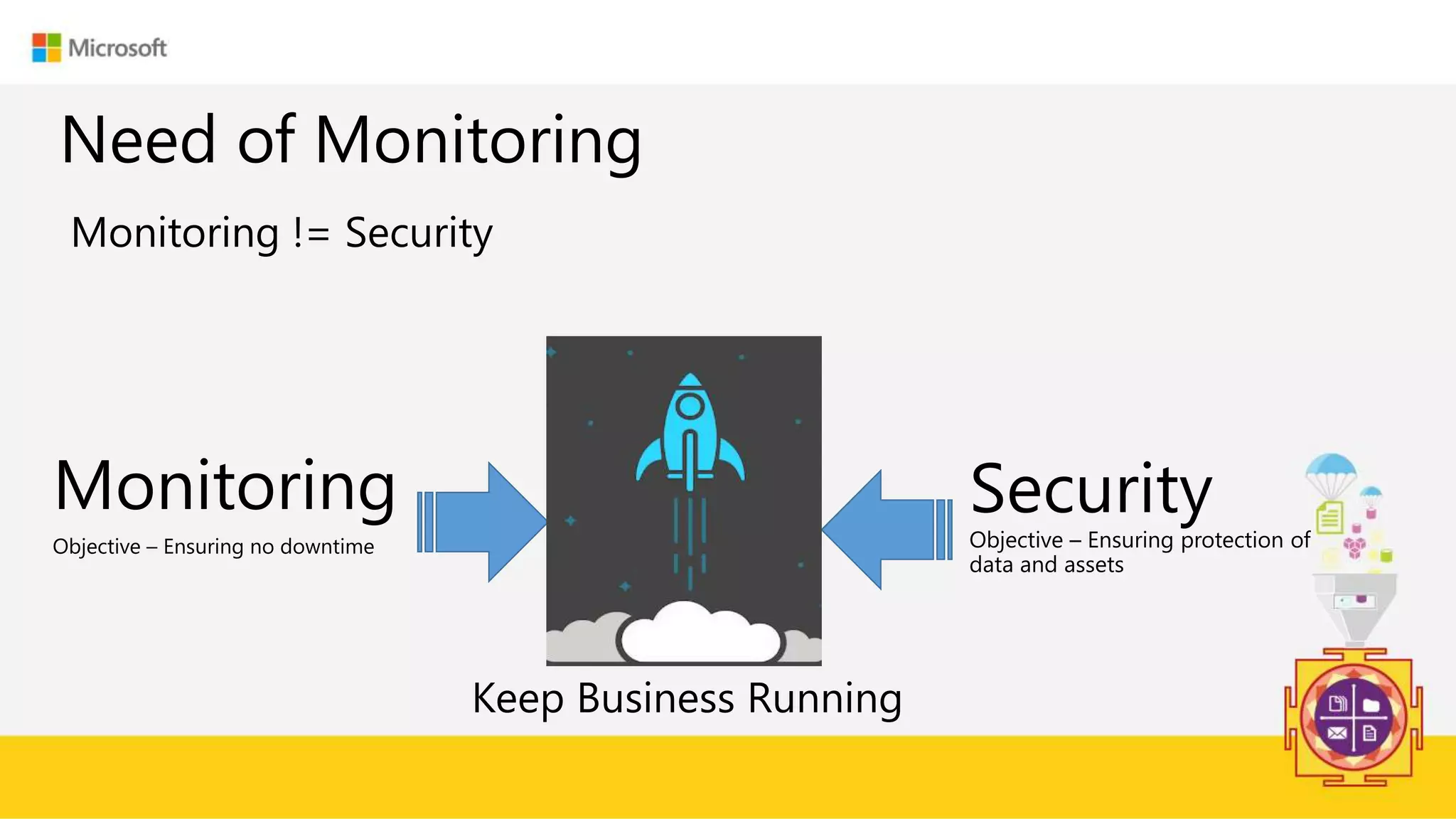
Need of Monitoring
Monitoring != Security
Monitoring
Objective – Ensuring no downtime
Security
Objective – Ensuring protection of
data and assets
Keep Business Running
Enter Text
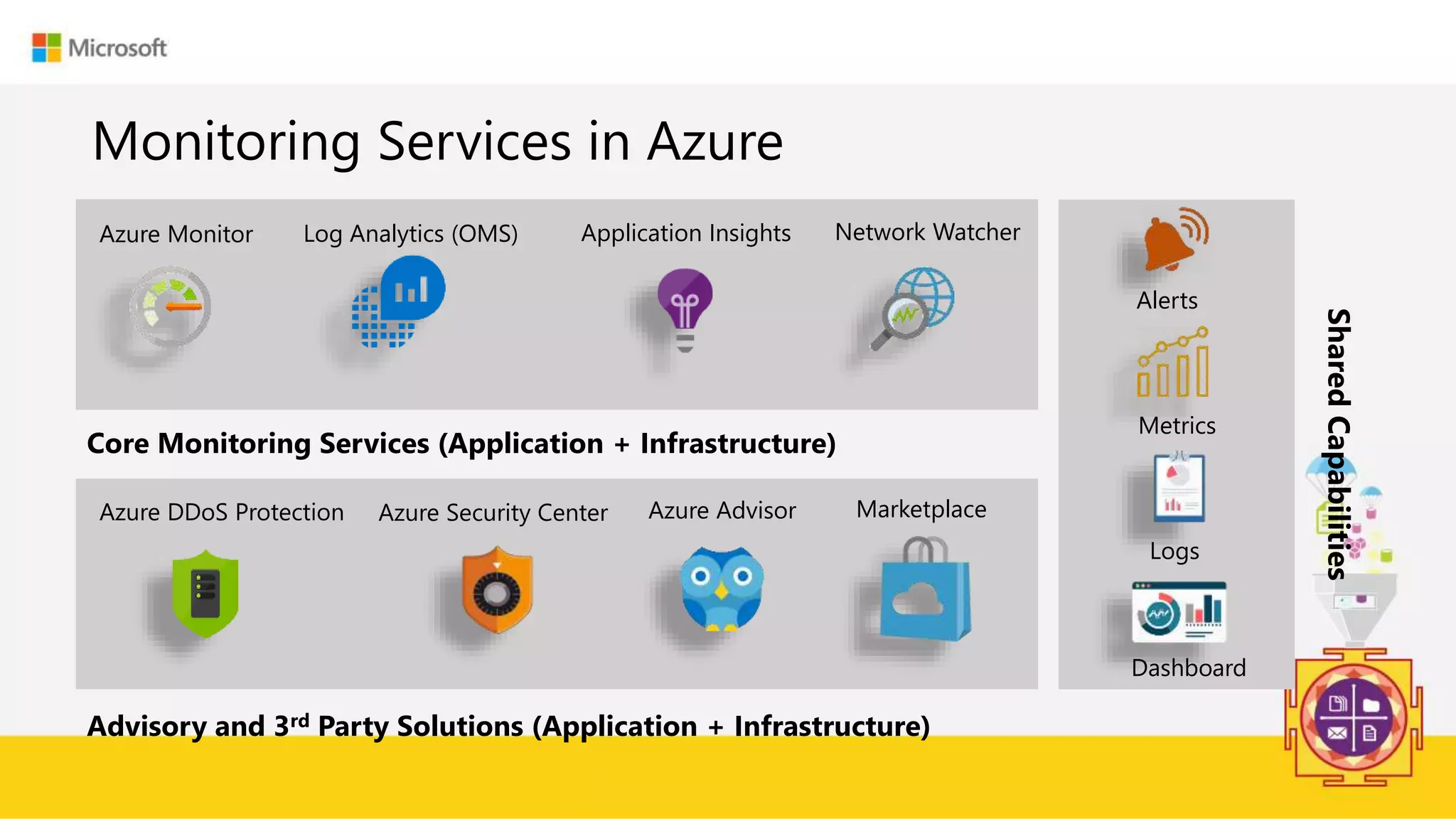
Monitoring Services in Azure
Azure Monitor Log Analytics (OMS) Application Insights Network Watcher
Azure DDoS Protection Azure Security Center
Core Monitoring Services (Application + Infrastructure)
Azure Advisor
Advisory and 3rd Party Solutions (Application + Infrastructure)
Marketplace
Alerts
Metrics
Dashboard
Logs
SharedCapabilities
Enter Text
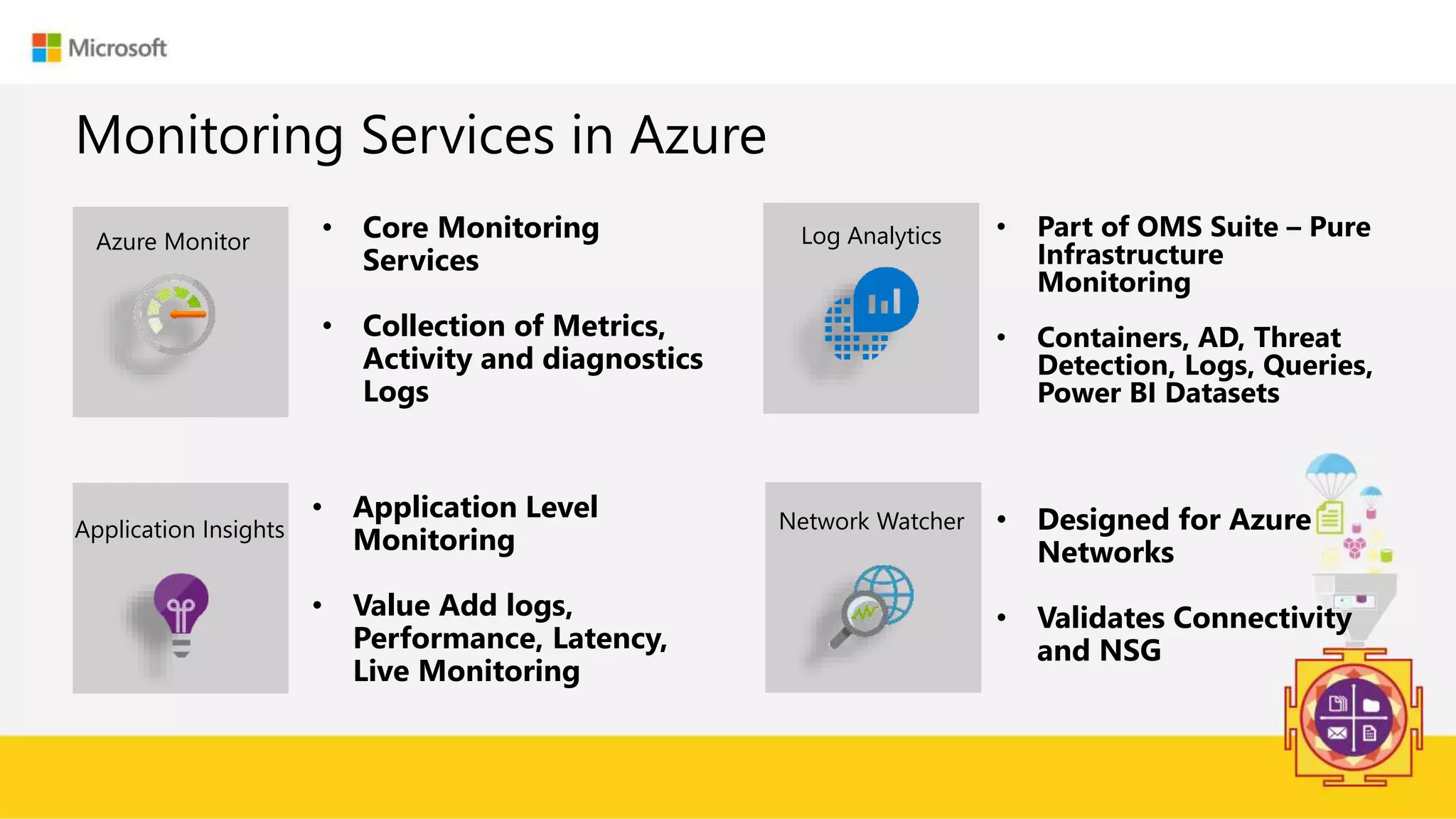
Monitoring Services in Azure
Azure Monitor • Core Monitoring
Services
• Collection of Metrics,
Activity and diagnostics
Logs
Application Insights Network Watcher
Log Analytics
• Application Level
Monitoring
• Value Add logs,
Performance, Latency,
Live Monitoring
• Part of OMS Suite – Pure
Infrastructure
Monitoring
• Containers, AD, Threat
Detection, Logs, Queries,
Power BI Datasets
• Designed for Azure
Networks
• Validates Connectivity
and NSG
Enter Text
Demo
• DDoS
• Network Watcher
• Azure Monitor
• Log Analytics
• Application Insight
• Azure Security Center
• Azure Advisor
* Disclaimer – Few Services / Configurations / Options are in Preview
Enter Text
Azure Policy
Azure Policies
Policy != RBAC
• Define and Enforcement of Policy (Standards)
• During the Deployment and the existing deployment
• Subscription Level and Resource Group Level
• Define  Apply  Compliance
Enter Text
Demo
Azure Policies
{
"properties": {
"mode": "all",
"parameters": {},
"displayName": "Deny cool access tiering for storage accounts",
"description": "Ensures there's no usage of cool access tiering for storage.",
"policyRule": {
"if": {
"allOf": [
{
"field": "type",
"equals": "Microsoft.Storage/storageAccounts"
},
{
"field": "kind",
"equals": "BlobStorage"
},
{
"field": "Microsoft.Storage/storageAccounts/accessTier",
"equals": "cool"
}
]
},
"then": {
"effect": "deny"
}
}
}
}
Enter Text
References
• http://www.e-zest.com/monitoring-your-microsoft-azure-workload
• http://www.dotnetcurry.com/author/vikram-pendse
• https://azure.microsoft.com
• https://www.microsoftazurevidyapeeth.com/
Enter Text
https://bit.ly/2wWgCiE https://bit.ly/2O1GqBn
Enter Text Thank You
@VikramPendse
vikram.pendse@e-zest.in

Monitoring your workload hosted on Microsoft Azure

  • 1.
    Monitoring your workloadhosted on Microsoft Azure Vikram Pendse Microsoft MVP – Azure Cloud Solution Architect at e-Zest Solutions Ltd. @VikramPendse vikram.pendse@e-zest.in
  • 2.
    Enter Text Agenda • Needof Monitoring • Various Monitoring Services • Azure Policy • References • Q & A
  • 3.
    Enter Text Need ofMonitoring Monitoring != Security Monitoring Objective – Ensuring no downtime Security Objective – Ensuring protection of data and assets Keep Business Running
  • 4.
    Enter Text Monitoring Servicesin Azure Azure Monitor Log Analytics (OMS) Application Insights Network Watcher Azure DDoS Protection Azure Security Center Core Monitoring Services (Application + Infrastructure) Azure Advisor Advisory and 3rd Party Solutions (Application + Infrastructure) Marketplace Alerts Metrics Dashboard Logs SharedCapabilities
  • 5.
    Enter Text Monitoring Servicesin Azure Azure Monitor • Core Monitoring Services • Collection of Metrics, Activity and diagnostics Logs Application Insights Network Watcher Log Analytics • Application Level Monitoring • Value Add logs, Performance, Latency, Live Monitoring • Part of OMS Suite – Pure Infrastructure Monitoring • Containers, AD, Threat Detection, Logs, Queries, Power BI Datasets • Designed for Azure Networks • Validates Connectivity and NSG
  • 6.
    Enter Text Demo • DDoS •Network Watcher • Azure Monitor • Log Analytics • Application Insight • Azure Security Center • Azure Advisor * Disclaimer – Few Services / Configurations / Options are in Preview
  • 7.
    Enter Text Azure Policy AzurePolicies Policy != RBAC • Define and Enforcement of Policy (Standards) • During the Deployment and the existing deployment • Subscription Level and Resource Group Level • Define  Apply  Compliance
  • 8.
    Enter Text Demo Azure Policies { "properties":{ "mode": "all", "parameters": {}, "displayName": "Deny cool access tiering for storage accounts", "description": "Ensures there's no usage of cool access tiering for storage.", "policyRule": { "if": { "allOf": [ { "field": "type", "equals": "Microsoft.Storage/storageAccounts" }, { "field": "kind", "equals": "BlobStorage" }, { "field": "Microsoft.Storage/storageAccounts/accessTier", "equals": "cool" } ] }, "then": { "effect": "deny" } } } }
  • 9.
    Enter Text References • http://www.e-zest.com/monitoring-your-microsoft-azure-workload •http://www.dotnetcurry.com/author/vikram-pendse • https://azure.microsoft.com • https://www.microsoftazurevidyapeeth.com/
  • 10.
  • 11.
    Enter Text ThankYou @VikramPendse vikram.pendse@e-zest.in