A gentle, friendly overview


       Antonio Pintus


        CRS4, 08/09/2011

               1
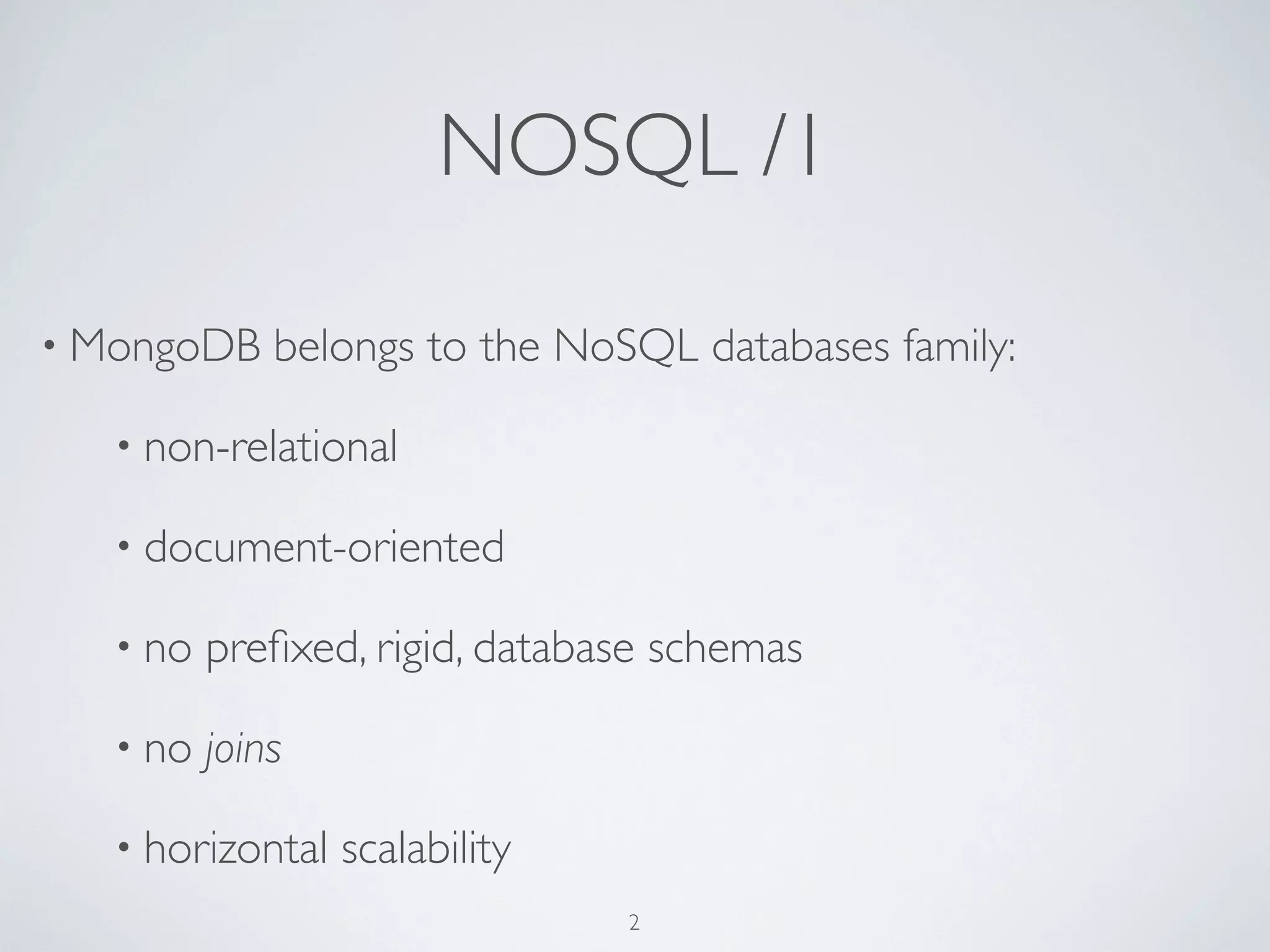
NOSQL /1

• MongoDB     belongs to the NoSQL databases family:

   • non-relational

   • document-oriented

   • no   prefixed, rigid, database schemas

   • no   joins

   • horizontal   scalability
                                2
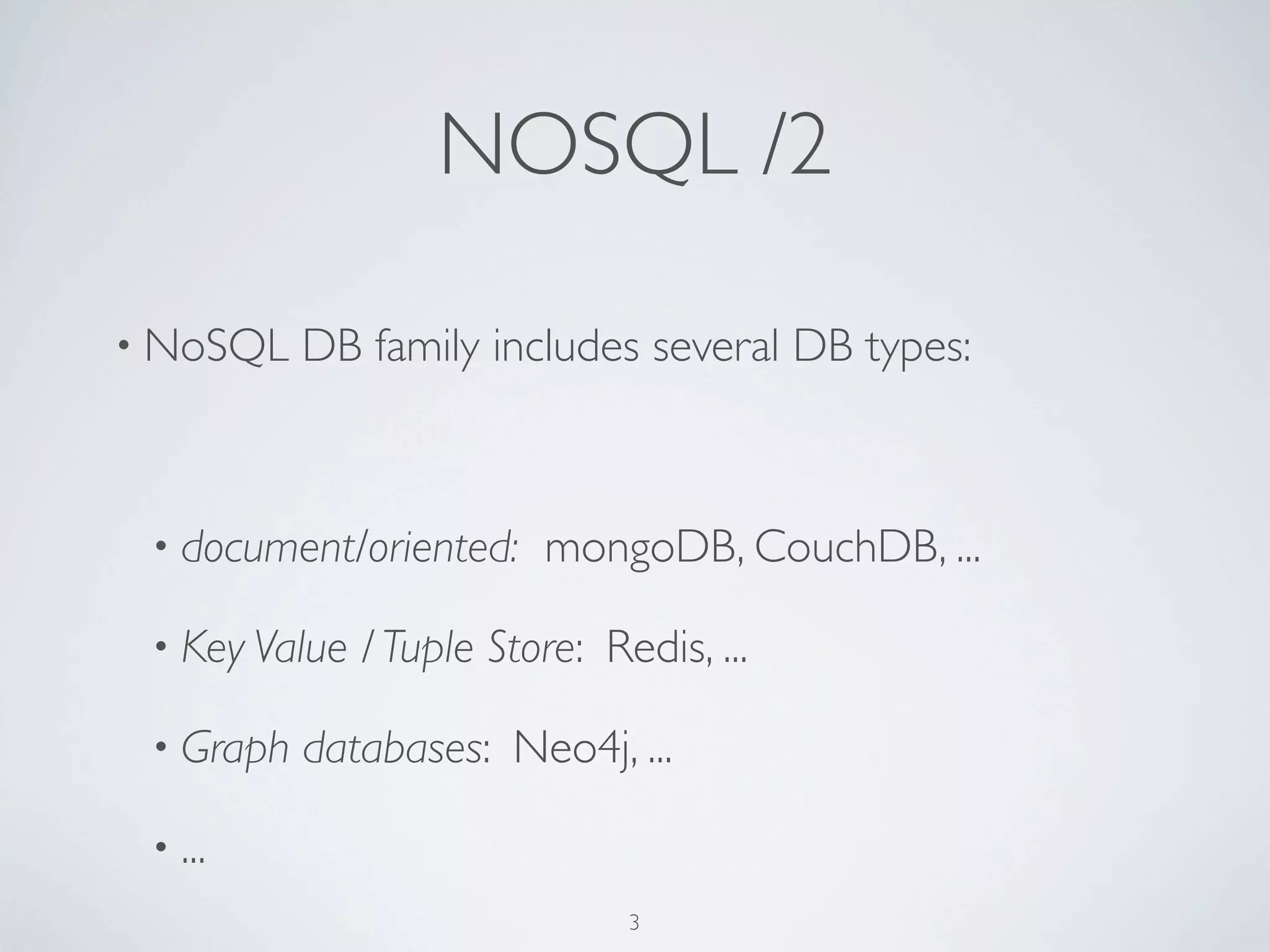
NOSQL /2

• NoSQL    DB family includes several DB types:


 • document/oriented:     mongoDB, CouchDB, ...

 • Key Value   / Tuple Store: Redis, ...

 • Graph   databases: Neo4j, ...

 • ...
                                3
MongoDB

• Performant: C++                 • document-based      queries

• Schema-free                     • Map/Reduce

• Full   index support            • GridFS

• No     transactions             •a   JavaScript interactive shell

• Scalable: replication   +
 sharding

                              4
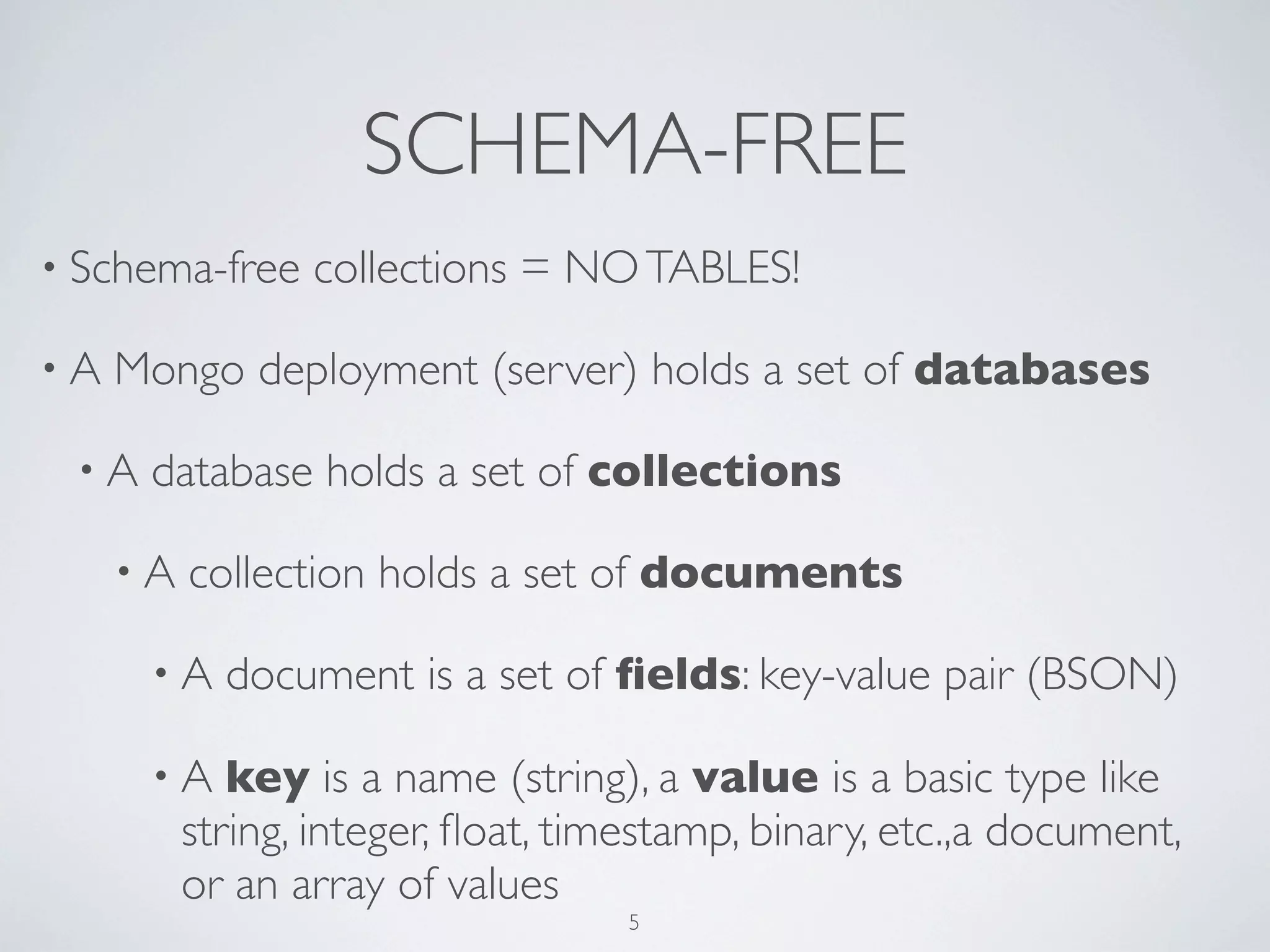
SCHEMA-FREE
• Schema-free    collections = NO TABLES!

•A   Mongo deployment (server) holds a set of databases

 •A   database holds a set of collections

     •A   collection holds a set of documents

      •A    document is a set of fields: key-value pair (BSON)

      •A     key is a name (string), a value is a basic type like
          string, integer, float, timestamp, binary, etc.,a document,
          or an array of values
                                   5
DATA FORMAT

• document/oriented

• stores   JSON-style documents: BSON (Binary JSON):

      • JSON       + other data types. E.g., Date type and a BinData
           type.

      • Can    reference other documents

• lightweight, traversable, efficient
                                    6
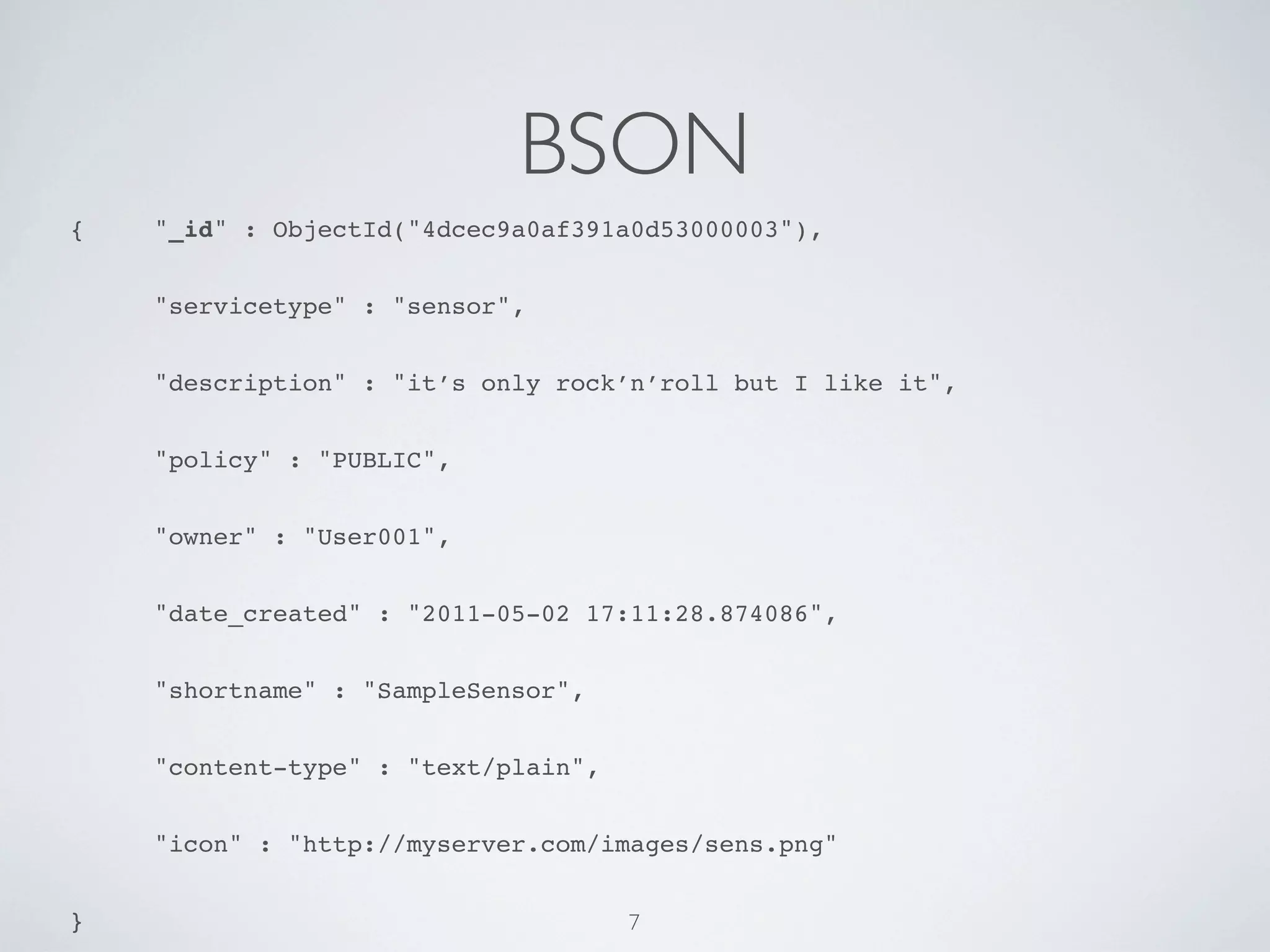
BSON
{!   "_id" : ObjectId("4dcec9a0af391a0d53000003"),


!    "servicetype" : "sensor",


!    "description" : "it’s only rock’n’roll but I like it",


!    "policy" : "PUBLIC",


!    "owner" : "User001",


!    "date_created" : "2011-05-02 17:11:28.874086",


!    "shortname" : "SampleSensor",


!    "content-type" : "text/plain",


!    "icon" : "http://myserver.com/images/sens.png"


}                                     7
COLLECTIONS

• More   or less, same concept as “table” but dynamic, schema-
 free


• collection   of BSON documents


• documents can have heterogeneous data structure in the
 same collection
                                8
QUERIES
• query    by documents

• Examples     (using the interactive shell):
    •   db.mycollection.find( {"policy" : "PUBLIC"} );


    •   db.mycollection.findOne({"policy" : "PUBLIC", “owner”:”User001”});


    •   db.mycollection.find({"policy" : "PUBLIC", “owner”:”User001”}).limit(2);


    •   db.mycollection.find( {"policy" : "PUBLIC"}, {“shortname”:1} );


    •   db.mycollection.find({"counter": {$gt:2}});


• conditional    ops: <,   <=, >, >=, $and, $in, $or,
  $nor, ...
                                        9
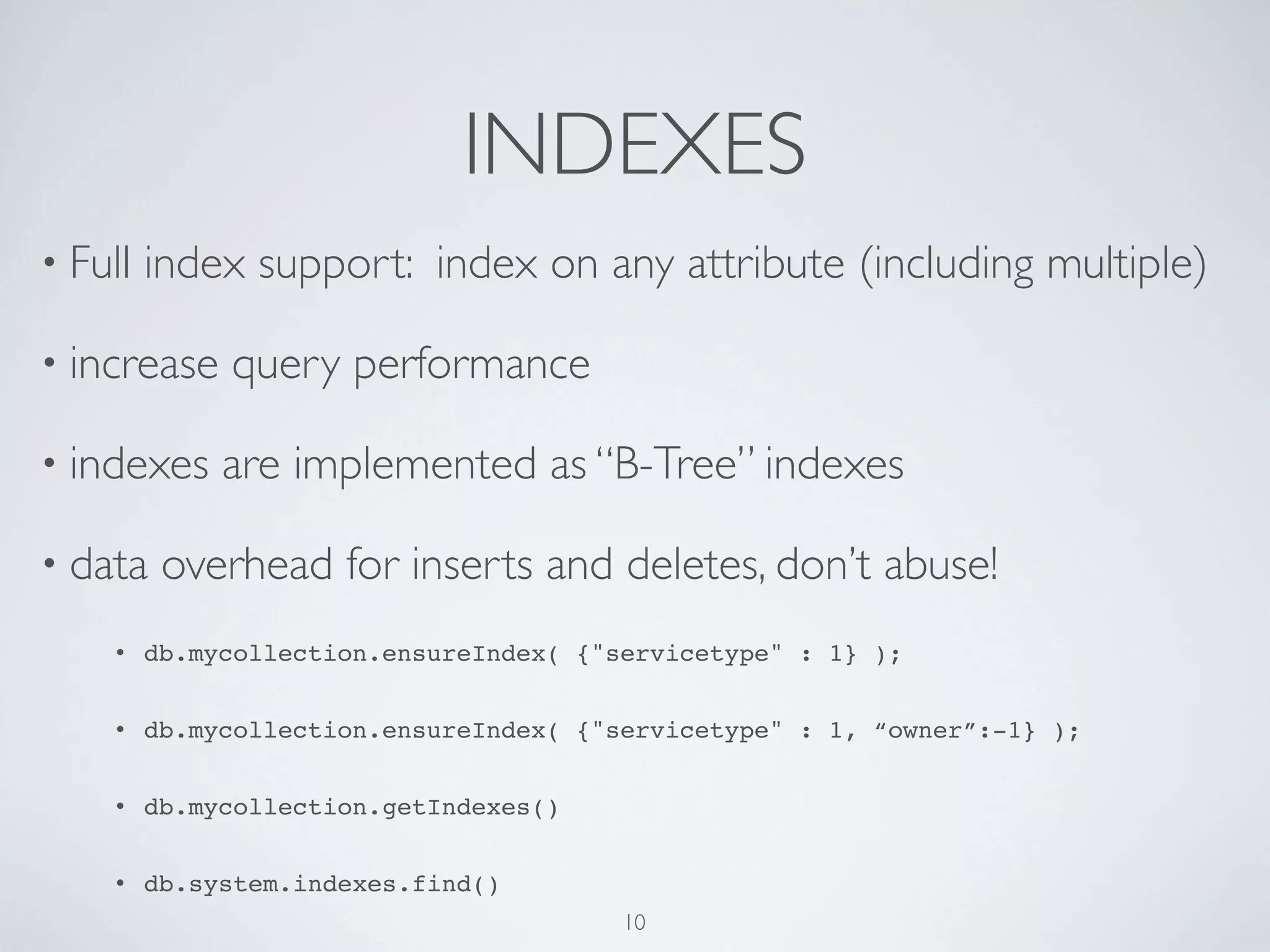
INDEXES
• Full   index support: index on any attribute (including multiple)

• increase    query performance

• indexes     are implemented as “B-Tree” indexes

• data    overhead for inserts and deletes, don’t abuse!
    •    db.mycollection.ensureIndex( {"servicetype" : 1} );


    •    db.mycollection.ensureIndex( {"servicetype" : 1, “owner”:-1} );


    •    db.mycollection.getIndexes()


    •    db.system.indexes.find()
                                         10
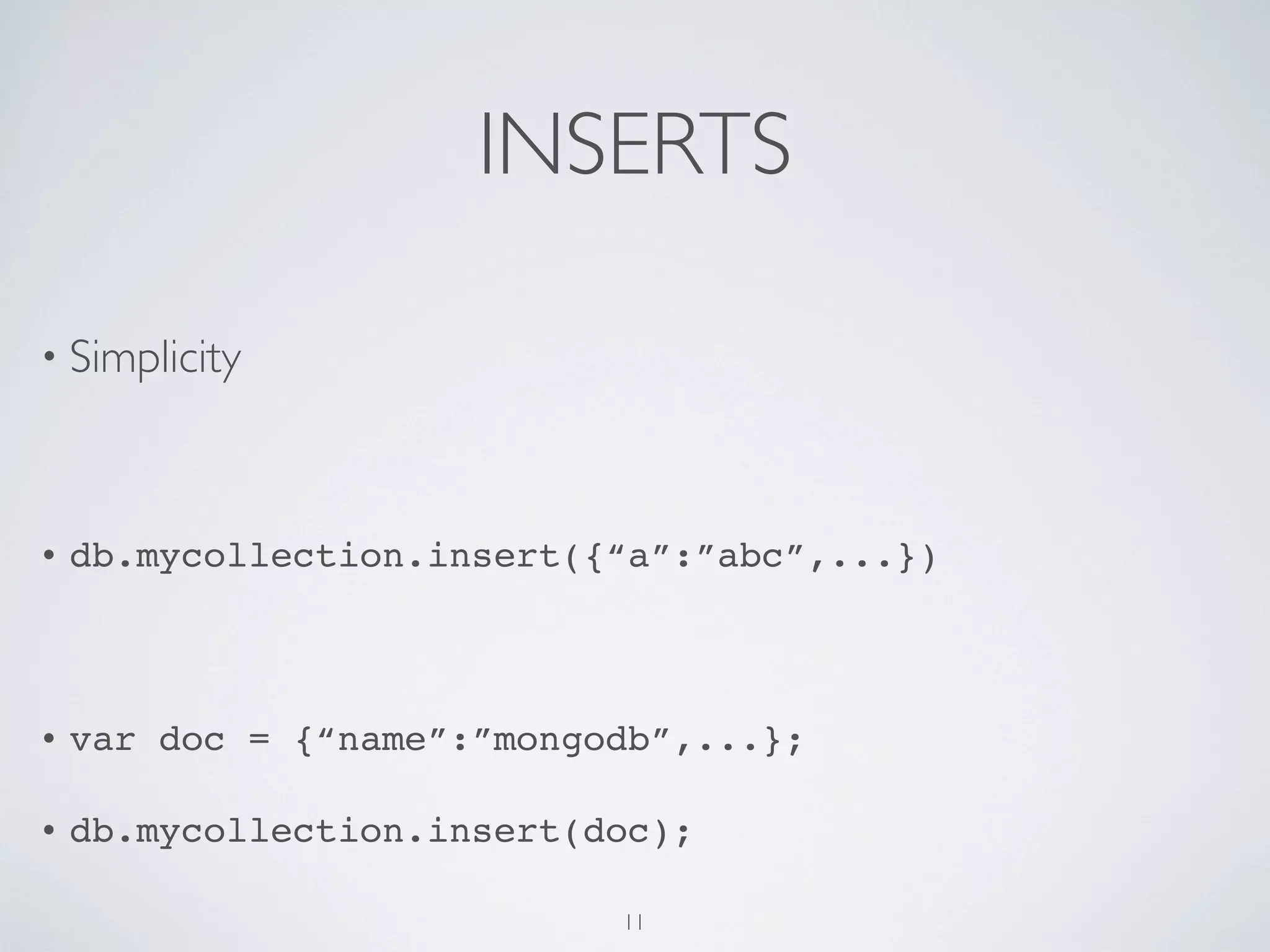
INSERTS

• Simplicity


•   db.mycollection.insert({“a”:”abc”,...})


•   var doc = {“name”:”mongodb”,...};

•   db.mycollection.insert(doc);

                            11
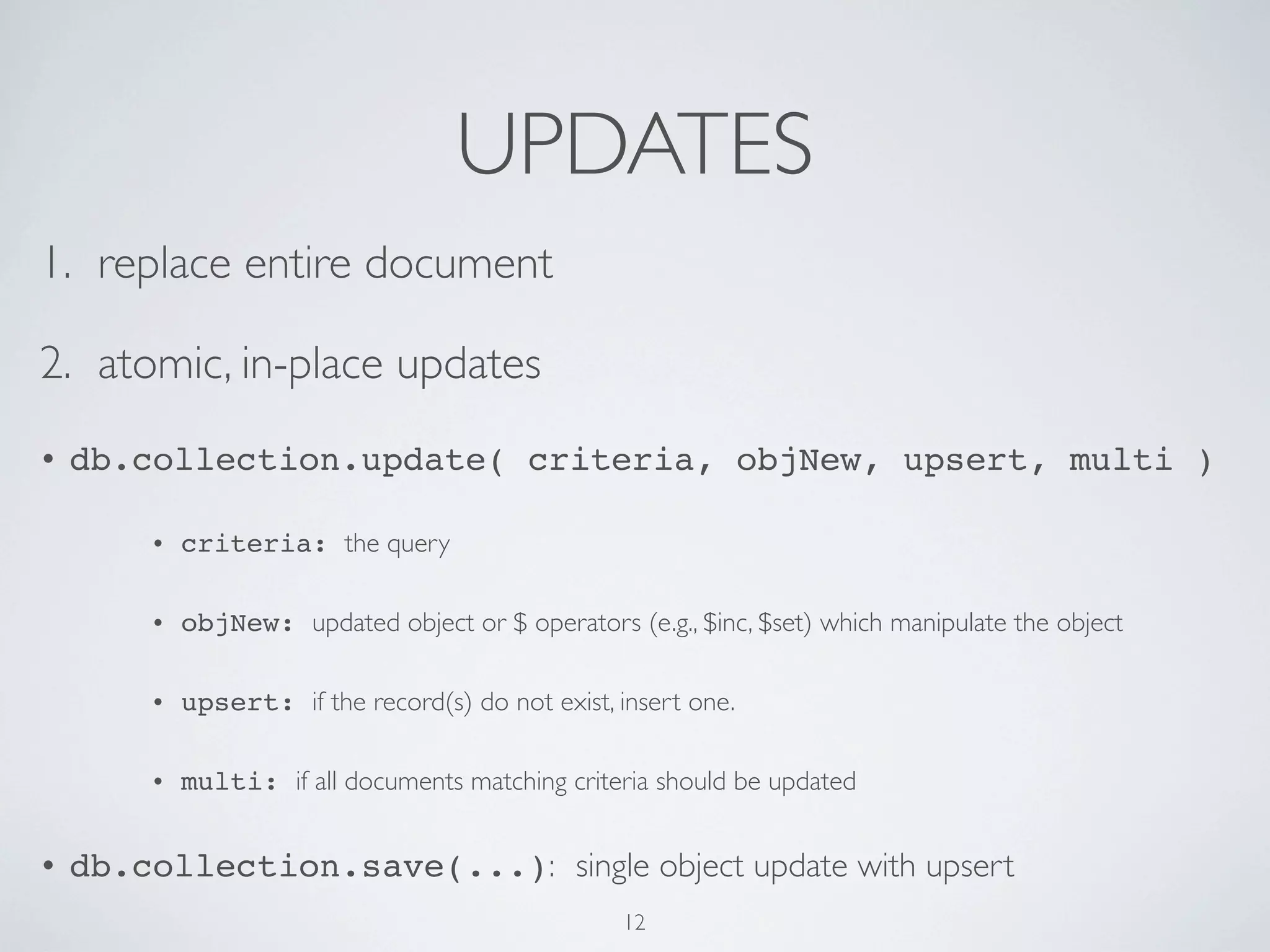
UPDATES
1. replace entire document

2. atomic, in-place updates
•   db.collection.update( criteria, objNew, upsert, multi )

        •   criteria: the query

        •   objNew: updated object or $ operators (e.g., $inc, $set) which manipulate the object

        •   upsert: if the record(s) do not exist, insert one.

        •   multi: if all documents matching criteria should be updated


•   db.collection.save(...): single object update with upsert
                                                   12
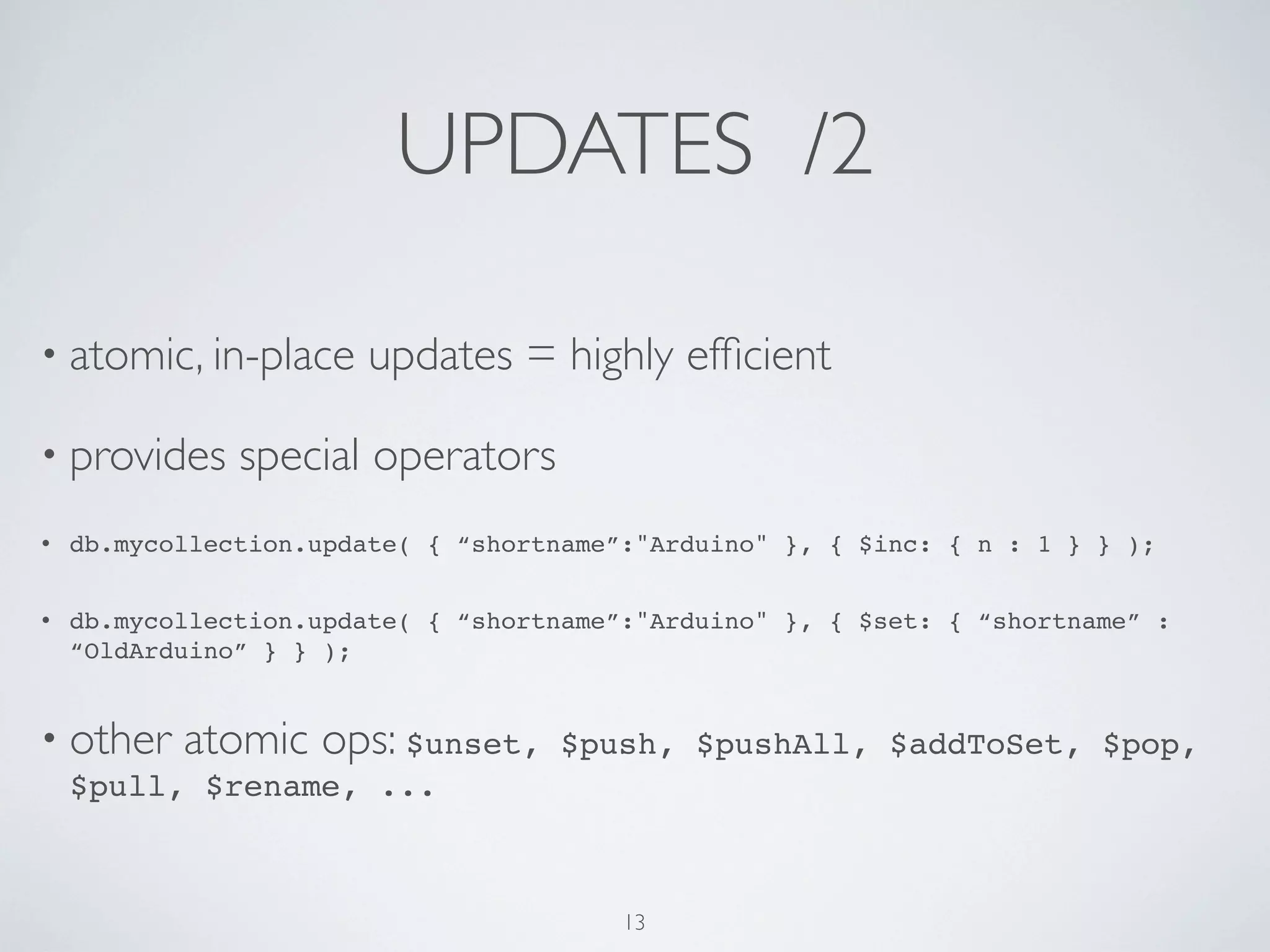
UPDATES /2

• atomic, in-place      updates = highly efficient

• provides     special operators
•   db.mycollection.update( { “shortname”:"Arduino" }, { $inc: { n : 1 } } );


•   db.mycollection.update( { “shortname”:"Arduino" }, { $set: { “shortname” :
    “OldArduino” } } );


• other    atomic ops: $unset,      $push, $pushAll, $addToSet, $pop,
    $pull, $rename, ...


                                         13
Mongo DISTRIBUTION
• Mac, Linux, Solaris, Win

• mongod: database         server.

      •   By default, port=27017, store path=/data/db.

      •   Override with --dbpath, --port command options


• mongo: interactive       JavaScript shell

• mongos: sharding        controller server
                                      14
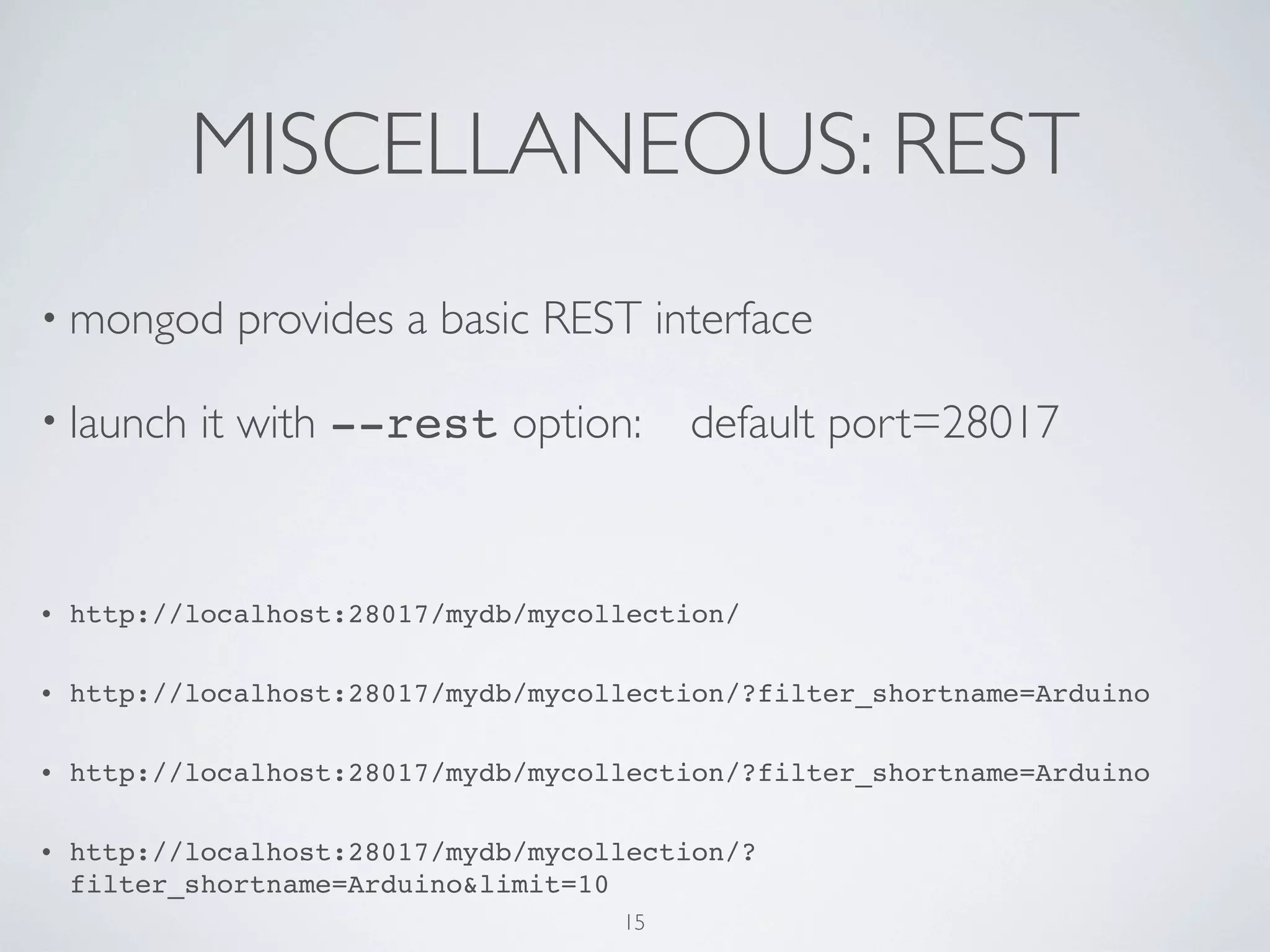
MISCELLANEOUS: REST
• mongod      provides a basic REST interface

• launch    it with --rest option:        default port=28017


•   http://localhost:28017/mydb/mycollection/

•   http://localhost:28017/mydb/mycollection/?filter_shortname=Arduino

•   http://localhost:28017/mydb/mycollection/?filter_shortname=Arduino

•   http://localhost:28017/mydb/mycollection/?
    filter_shortname=Arduino&limit=10
                                     15
GOOD FOR

• event   logging

• high   performance small read/writes

• Web:  real-time inserts, updates, and queries. Auto-sharding
 (scalability) and replication are provided.

• Real-time   stats/analytics

                                16
LESS GOOD FOR


• Systems   with heavy transactional nature

• Traditional   Business Intelligence

• (obviously)   System and problems requiring SQL


                                   17
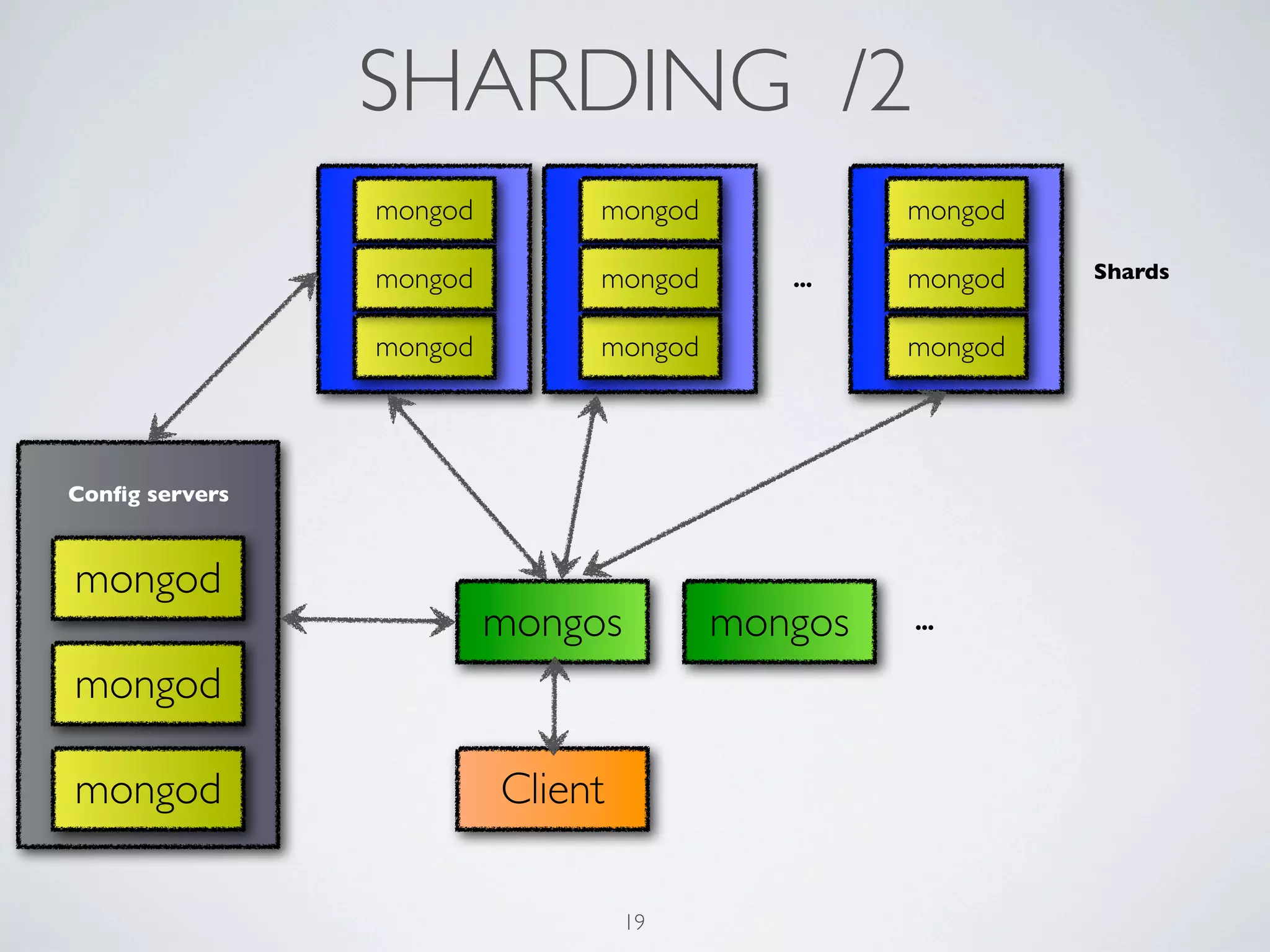
SHARDING /1

• Horizontal   scalability: MongoDB auto-sharding

   • partitioning   by keys

   • auto-balancing

   • easy   addition of new servers

   • no   single points-of-failure

   • automatic    failover/replica-sets
                                     18
SHARDING /2
                mongod        mongod            mongod

                mongod        mongod      ...   mongod   Shards


                mongod        mongod            mongod


Config servers


mongod
                         mongos        mongos   ...


mongod

mongod                   Client

                                  19
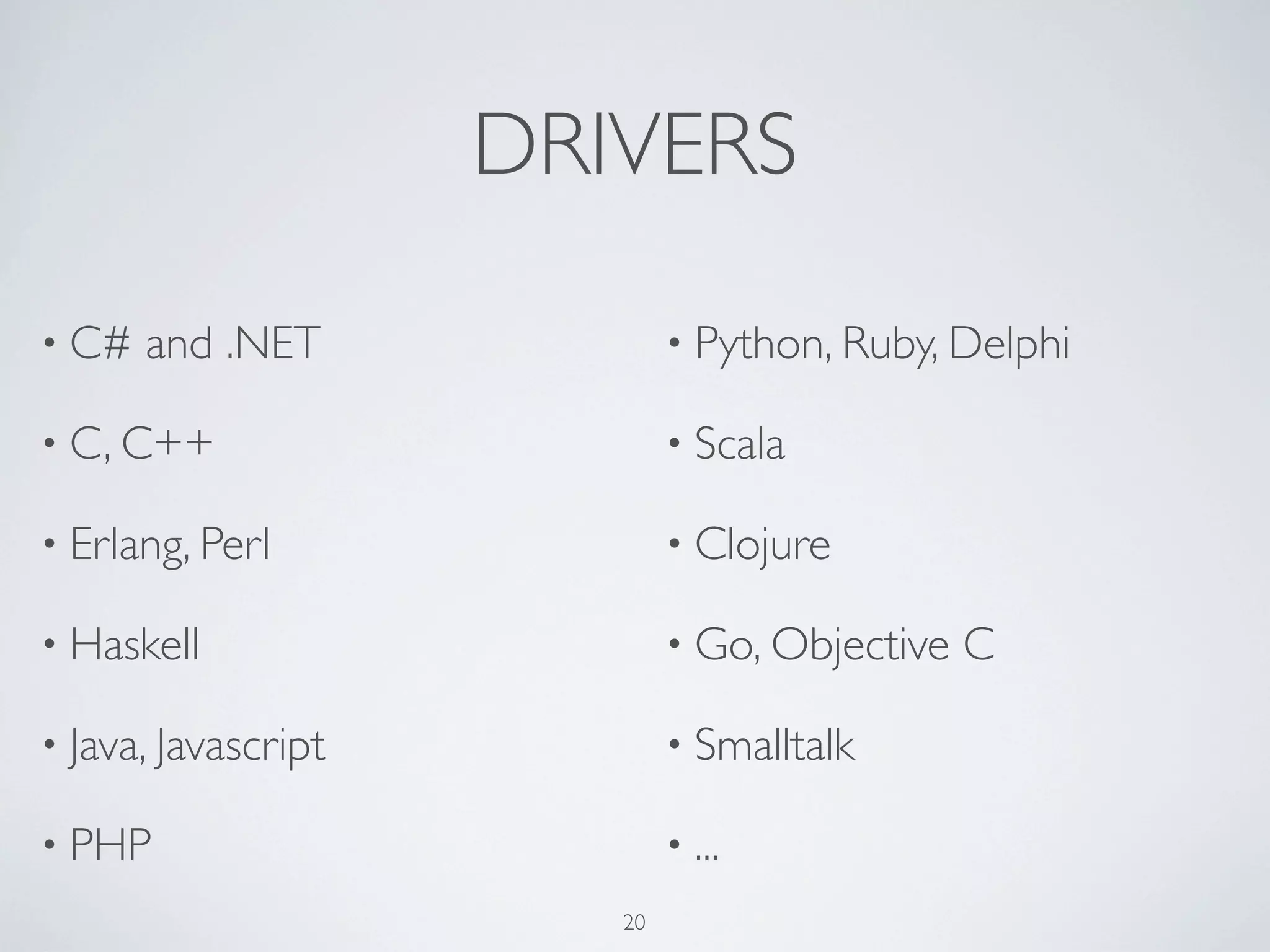
DRIVERS

• C#   and .NET              • Python, Ruby, Delphi

• C, C++                     • Scala

• Erlang, Perl               • Clojure

• Haskell                    • Go, Objective   C

• Java, Javascript           • Smalltalk

• PHP                        • ...
                        20
PyMongo

• Recommended       MongoDB driver for the Python language

• An   easy way to install it (Mac, Linux):


       •   easy_install pymongo

       •   easy_install -U pymongo


                                   21
QUICK-START: INSERT
• (obviously)   mongod must be running ;-)
import pymongo
from pymongo import Connection

conn = Connection()     # default localhost:27017; conn=Connection('myhost',9999)

db = conn['test_db']     # gets the database

test_coll = db['testcoll']     # gets the desired collection

doc = {"name":"slides.txt", "author":"Antonio", "type":"text", "tags":
["mongodb", "python", "slides"]}   # a dict

test_coll.insert(doc)     # inserts document into the collection


• lazycreation: collections and databases are created when the
 first document is inserted into them
                                          22
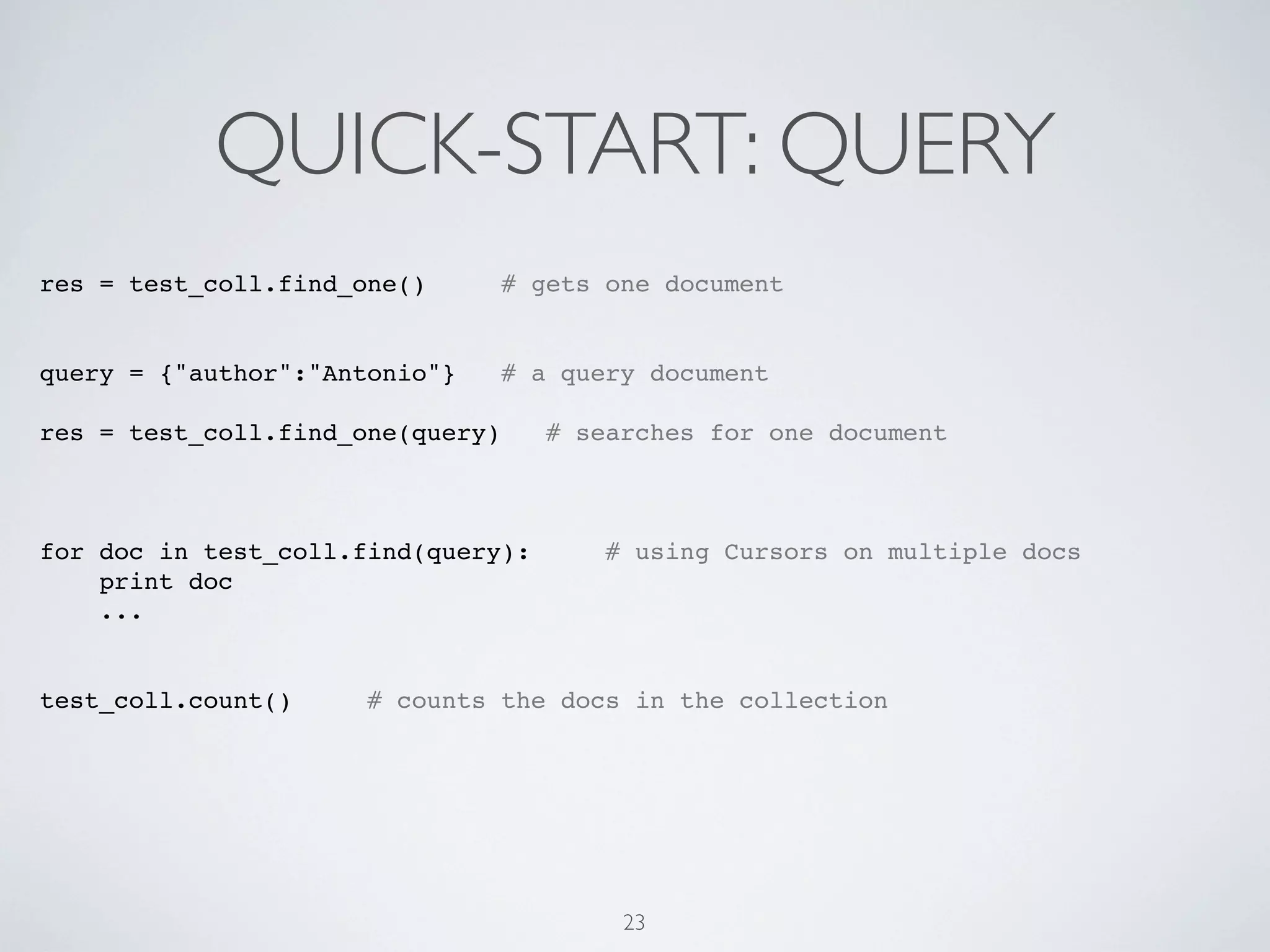
QUICK-START: QUERY
res = test_coll.find_one()        # gets one document


query = {"author":"Antonio"}      # a query document

res = test_coll.find_one(query)      # searches for one document


for doc in test_coll.find(query):        # using Cursors on multiple docs
    print doc
    ...


test_coll.count()     # counts the docs in the collection


                                          23
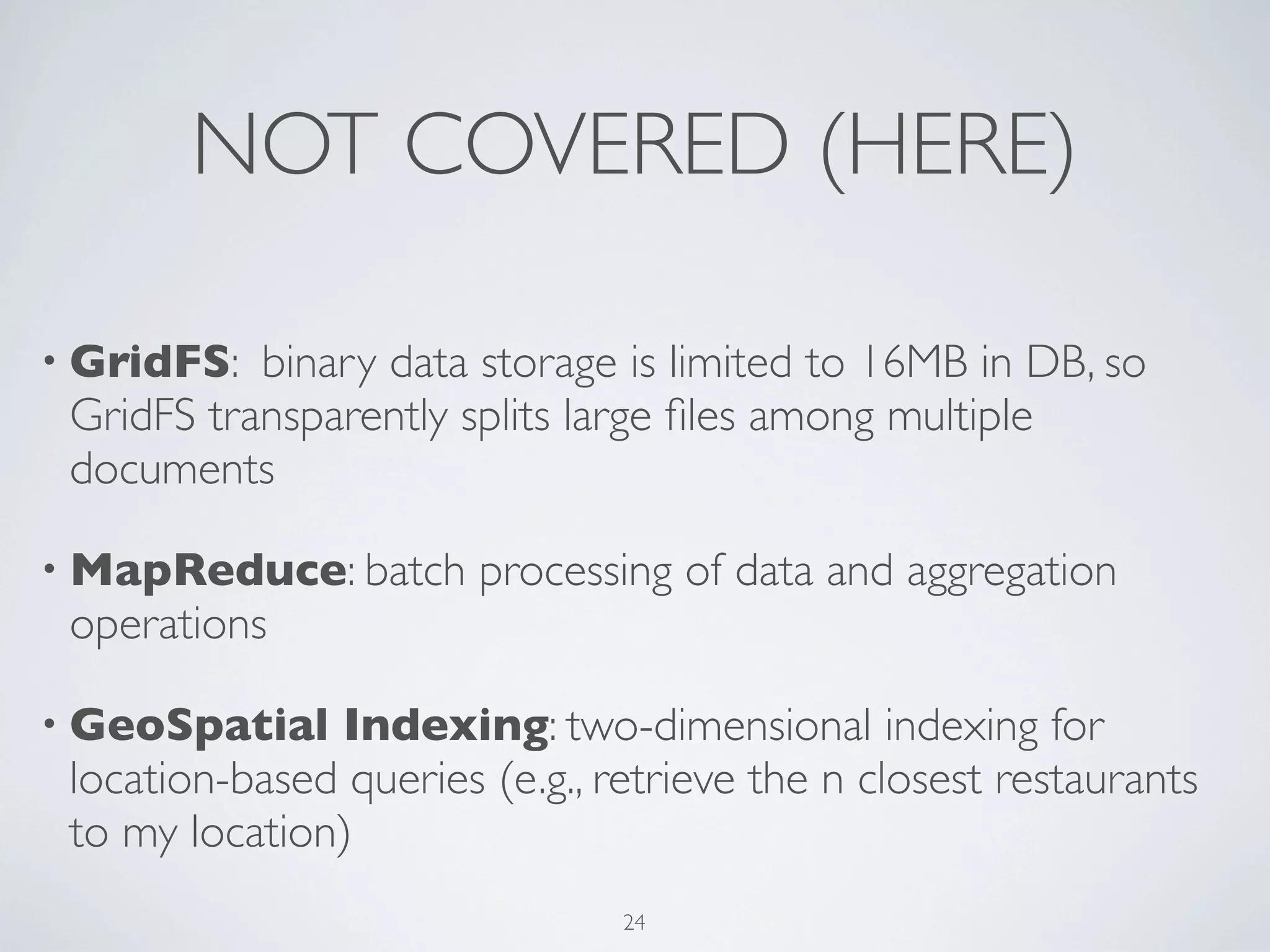
NOT COVERED (HERE)

• GridFS:  binary data storage is limited to 16MB in DB, so
 GridFS transparently splits large files among multiple
 documents

• MapReduce: batch      processing of data and aggregation
 operations

• GeoSpatial   Indexing: two-dimensional indexing for
 location-based queries (e.g., retrieve the n closest restaurants
 to my location)
                                24
IN PRODUCTION (some...)


           25
26
Paraimpu LOVES MongoDB

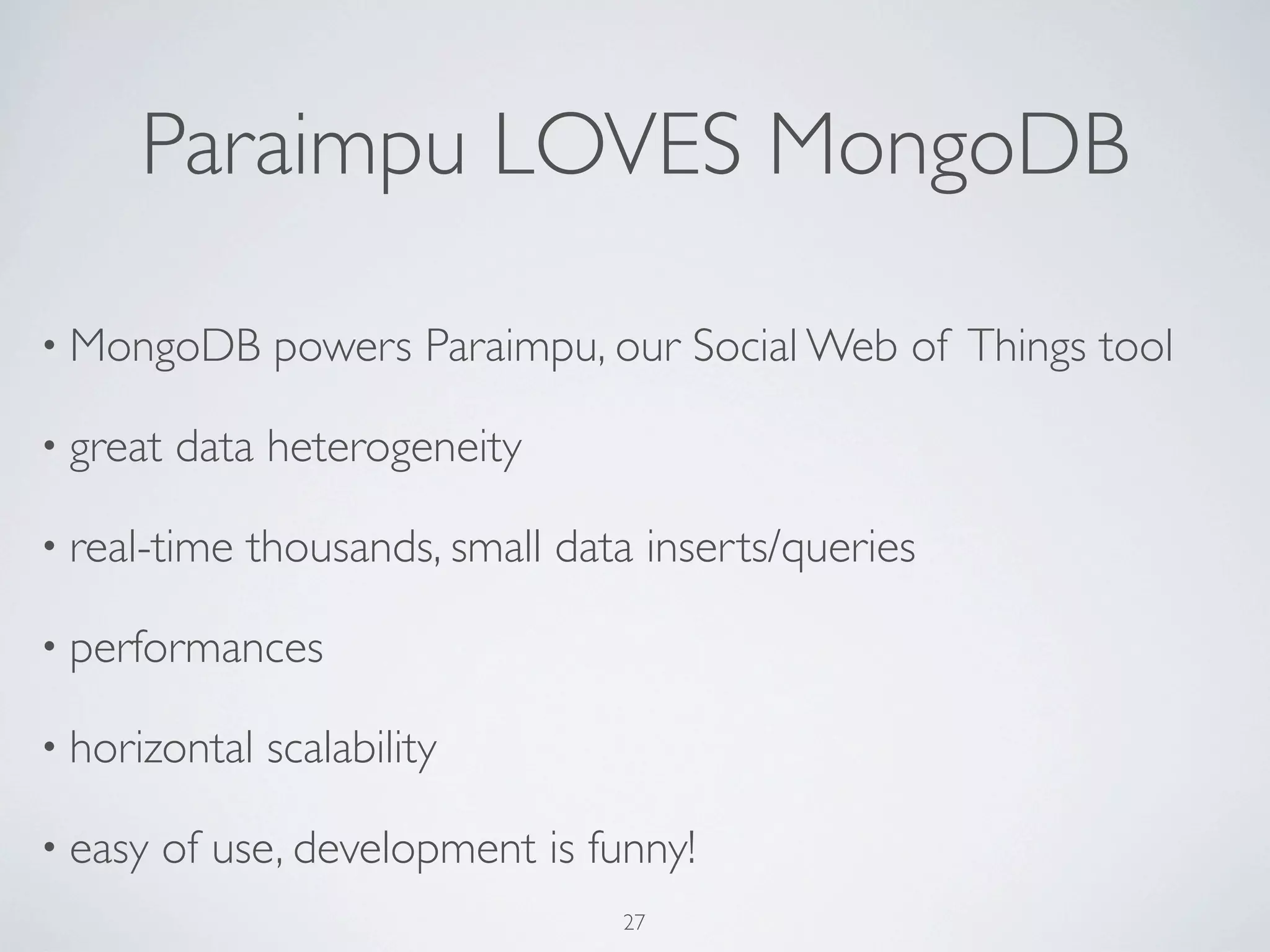
• MongoDB      powers Paraimpu, our Social Web of Things tool

• great   data heterogeneity

• real-time   thousands, small data inserts/queries

• performances

• horizontal   scalability

• easy   of use, development is funny!
                                  27
REFERENCES
• http://www.mongodb.org/

• http://www.mongodb.org/display/DOCS/Manual

• http://www.mongodb.org/display/DOCS/Slides+and+Video


• pymongo:    http://api.mongodb.org/python/


• Paraimpu:   http://paraimpu.crs4.it
                                  28
THANK YOU

Antonio Pintus

                 email:     pintux@crs4.it

                 twitter:   @apintux

                                       29

MongoDB: a gentle, friendly overview

  • 1.
    A gentle, friendlyoverview Antonio Pintus CRS4, 08/09/2011 1
  • 2.
    NOSQL /1 • MongoDB belongs to the NoSQL databases family: • non-relational • document-oriented • no prefixed, rigid, database schemas • no joins • horizontal scalability 2
  • 3.
    NOSQL /2 • NoSQL DB family includes several DB types: • document/oriented: mongoDB, CouchDB, ... • Key Value / Tuple Store: Redis, ... • Graph databases: Neo4j, ... • ... 3
  • 4.
    MongoDB • Performant: C++ • document-based queries • Schema-free • Map/Reduce • Full index support • GridFS • No transactions •a JavaScript interactive shell • Scalable: replication + sharding 4
  • 5.
    SCHEMA-FREE • Schema-free collections = NO TABLES! •A Mongo deployment (server) holds a set of databases •A database holds a set of collections •A collection holds a set of documents •A document is a set of fields: key-value pair (BSON) •A key is a name (string), a value is a basic type like string, integer, float, timestamp, binary, etc.,a document, or an array of values 5
  • 6.
    DATA FORMAT • document/oriented •stores JSON-style documents: BSON (Binary JSON): • JSON + other data types. E.g., Date type and a BinData type. • Can reference other documents • lightweight, traversable, efficient 6
  • 7.
    BSON {! "_id" : ObjectId("4dcec9a0af391a0d53000003"), ! "servicetype" : "sensor", ! "description" : "it’s only rock’n’roll but I like it", ! "policy" : "PUBLIC", ! "owner" : "User001", ! "date_created" : "2011-05-02 17:11:28.874086", ! "shortname" : "SampleSensor", ! "content-type" : "text/plain", ! "icon" : "http://myserver.com/images/sens.png" } 7
  • 8.
    COLLECTIONS • More or less, same concept as “table” but dynamic, schema- free • collection of BSON documents • documents can have heterogeneous data structure in the same collection 8
  • 9.
    QUERIES • query by documents • Examples (using the interactive shell): • db.mycollection.find( {"policy" : "PUBLIC"} ); • db.mycollection.findOne({"policy" : "PUBLIC", “owner”:”User001”}); • db.mycollection.find({"policy" : "PUBLIC", “owner”:”User001”}).limit(2); • db.mycollection.find( {"policy" : "PUBLIC"}, {“shortname”:1} ); • db.mycollection.find({"counter": {$gt:2}}); • conditional ops: <, <=, >, >=, $and, $in, $or, $nor, ... 9
  • 10.
    INDEXES • Full index support: index on any attribute (including multiple) • increase query performance • indexes are implemented as “B-Tree” indexes • data overhead for inserts and deletes, don’t abuse! • db.mycollection.ensureIndex( {"servicetype" : 1} ); • db.mycollection.ensureIndex( {"servicetype" : 1, “owner”:-1} ); • db.mycollection.getIndexes() • db.system.indexes.find() 10
  • 11.
    INSERTS • Simplicity • db.mycollection.insert({“a”:”abc”,...}) • var doc = {“name”:”mongodb”,...}; • db.mycollection.insert(doc); 11
  • 12.
    UPDATES 1. replace entiredocument 2. atomic, in-place updates • db.collection.update( criteria, objNew, upsert, multi ) • criteria: the query • objNew: updated object or $ operators (e.g., $inc, $set) which manipulate the object • upsert: if the record(s) do not exist, insert one. • multi: if all documents matching criteria should be updated • db.collection.save(...): single object update with upsert 12
  • 13.
    UPDATES /2 • atomic,in-place updates = highly efficient • provides special operators • db.mycollection.update( { “shortname”:"Arduino" }, { $inc: { n : 1 } } ); • db.mycollection.update( { “shortname”:"Arduino" }, { $set: { “shortname” : “OldArduino” } } ); • other atomic ops: $unset, $push, $pushAll, $addToSet, $pop, $pull, $rename, ... 13
  • 14.
    Mongo DISTRIBUTION • Mac,Linux, Solaris, Win • mongod: database server. • By default, port=27017, store path=/data/db. • Override with --dbpath, --port command options • mongo: interactive JavaScript shell • mongos: sharding controller server 14
  • 15.
    MISCELLANEOUS: REST • mongod provides a basic REST interface • launch it with --rest option: default port=28017 • http://localhost:28017/mydb/mycollection/ • http://localhost:28017/mydb/mycollection/?filter_shortname=Arduino • http://localhost:28017/mydb/mycollection/?filter_shortname=Arduino • http://localhost:28017/mydb/mycollection/? filter_shortname=Arduino&limit=10 15
  • 16.
    GOOD FOR • event logging • high performance small read/writes • Web: real-time inserts, updates, and queries. Auto-sharding (scalability) and replication are provided. • Real-time stats/analytics 16
  • 17.
    LESS GOOD FOR •Systems with heavy transactional nature • Traditional Business Intelligence • (obviously) System and problems requiring SQL 17
  • 18.
    SHARDING /1 • Horizontal scalability: MongoDB auto-sharding • partitioning by keys • auto-balancing • easy addition of new servers • no single points-of-failure • automatic failover/replica-sets 18
  • 19.
    SHARDING /2 mongod mongod mongod mongod mongod ... mongod Shards mongod mongod mongod Config servers mongod mongos mongos ... mongod mongod Client 19
  • 20.
    DRIVERS • C# and .NET • Python, Ruby, Delphi • C, C++ • Scala • Erlang, Perl • Clojure • Haskell • Go, Objective C • Java, Javascript • Smalltalk • PHP • ... 20
  • 21.
    PyMongo • Recommended MongoDB driver for the Python language • An easy way to install it (Mac, Linux): • easy_install pymongo • easy_install -U pymongo 21
  • 22.
    QUICK-START: INSERT • (obviously) mongod must be running ;-) import pymongo from pymongo import Connection conn = Connection() # default localhost:27017; conn=Connection('myhost',9999) db = conn['test_db'] # gets the database test_coll = db['testcoll'] # gets the desired collection doc = {"name":"slides.txt", "author":"Antonio", "type":"text", "tags": ["mongodb", "python", "slides"]} # a dict test_coll.insert(doc) # inserts document into the collection • lazycreation: collections and databases are created when the first document is inserted into them 22
  • 23.
    QUICK-START: QUERY res =test_coll.find_one() # gets one document query = {"author":"Antonio"} # a query document res = test_coll.find_one(query) # searches for one document for doc in test_coll.find(query): # using Cursors on multiple docs print doc ... test_coll.count() # counts the docs in the collection 23
  • 24.
    NOT COVERED (HERE) •GridFS: binary data storage is limited to 16MB in DB, so GridFS transparently splits large files among multiple documents • MapReduce: batch processing of data and aggregation operations • GeoSpatial Indexing: two-dimensional indexing for location-based queries (e.g., retrieve the n closest restaurants to my location) 24
  • 25.
  • 26.
  • 27.
    Paraimpu LOVES MongoDB •MongoDB powers Paraimpu, our Social Web of Things tool • great data heterogeneity • real-time thousands, small data inserts/queries • performances • horizontal scalability • easy of use, development is funny! 27
  • 28.
    REFERENCES • http://www.mongodb.org/ • http://www.mongodb.org/display/DOCS/Manual •http://www.mongodb.org/display/DOCS/Slides+and+Video • pymongo: http://api.mongodb.org/python/ • Paraimpu: http://paraimpu.crs4.it 28
  • 29.
    THANK YOU Antonio Pintus email: pintux@crs4.it twitter: @apintux 29