Network
Components and
Design
Network Components and Design
Networks connect computers and devices to share data, files,
and internet access.
Example: A school network that connects computers in
classrooms and offices.
LAN vs WAN
•LAN (Local Area Network): Small area like a school or office.
️
🖥️Example: A school computer lab network.
•WAN (Wide Area Network): Covers large areas, connects multiple LANs.
🌐 Example: A bank’s branches connected nationwide.
•Router: Connects LAN to WAN or the internet.
Network Topologies
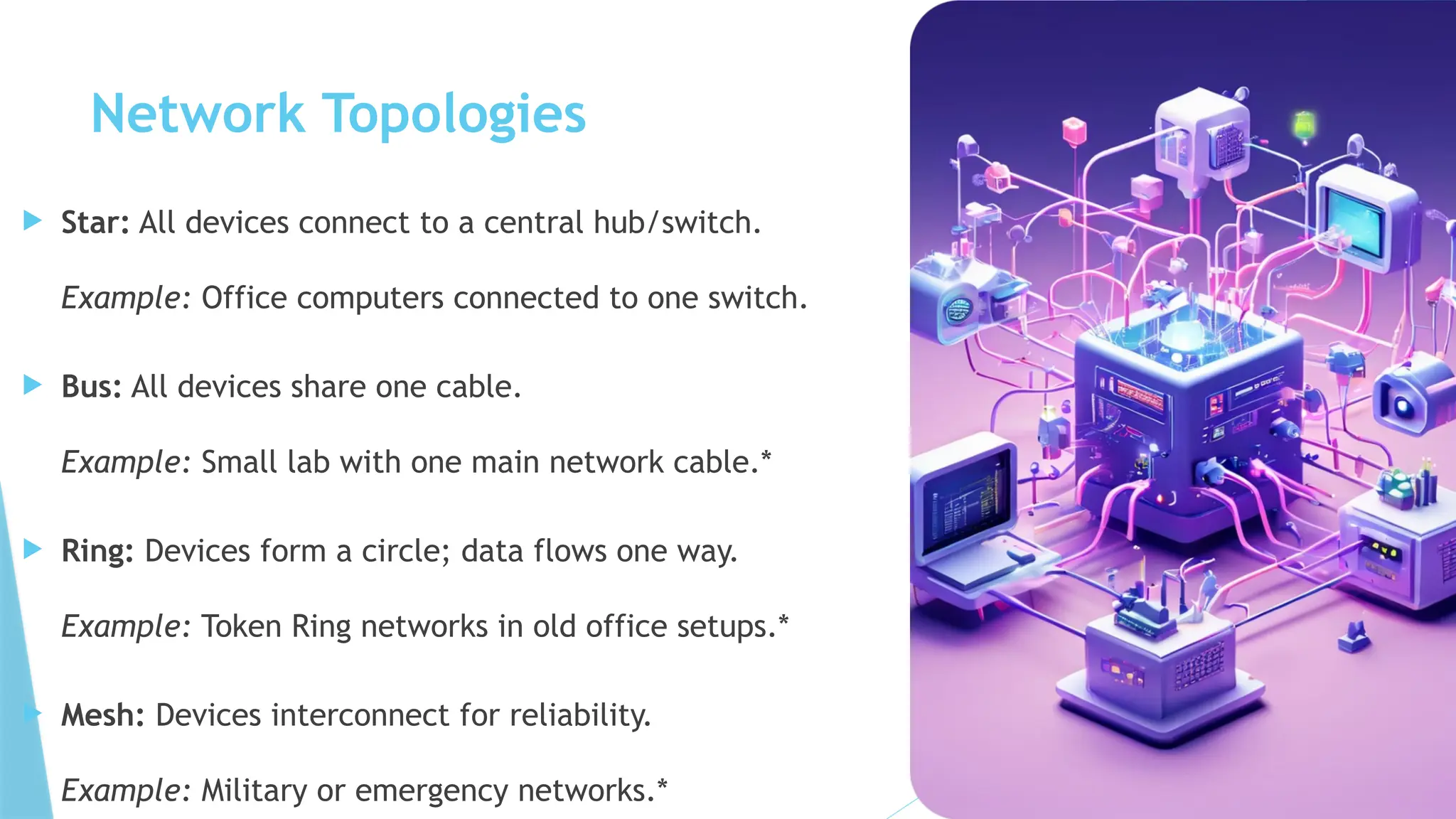
 Star: All devices connect to a central hub/switch.
Example: Office computers connected to one switch.
 Bus: All devices share one cable.
Example: Small lab with one main network cable.*
 Ring: Devices form a circle; data flows one way.
Example: Token Ring networks in old office setups.*
 Mesh: Devices interconnect for reliability.
Example: Military or emergency networks.*
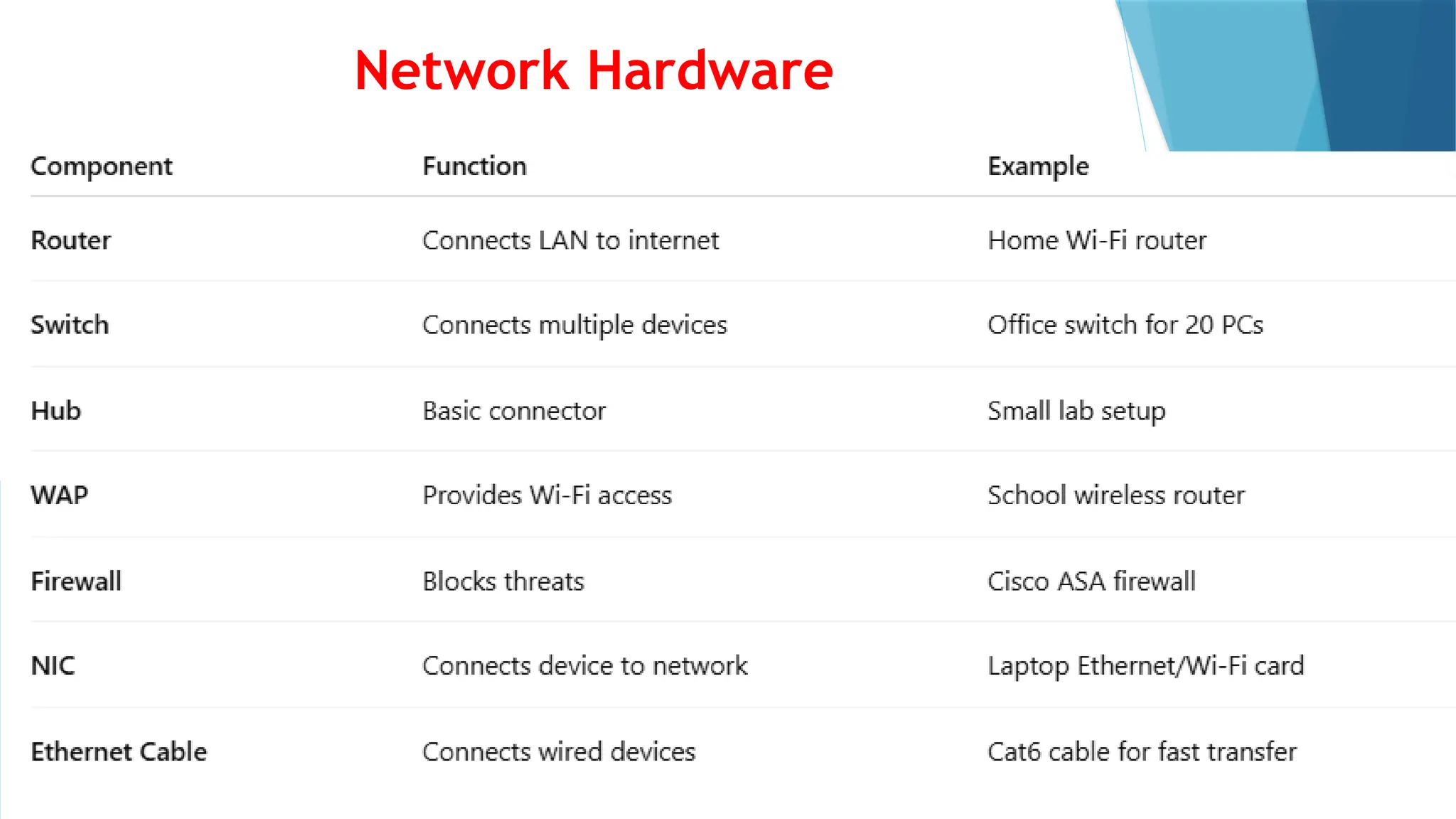
Network Hardware
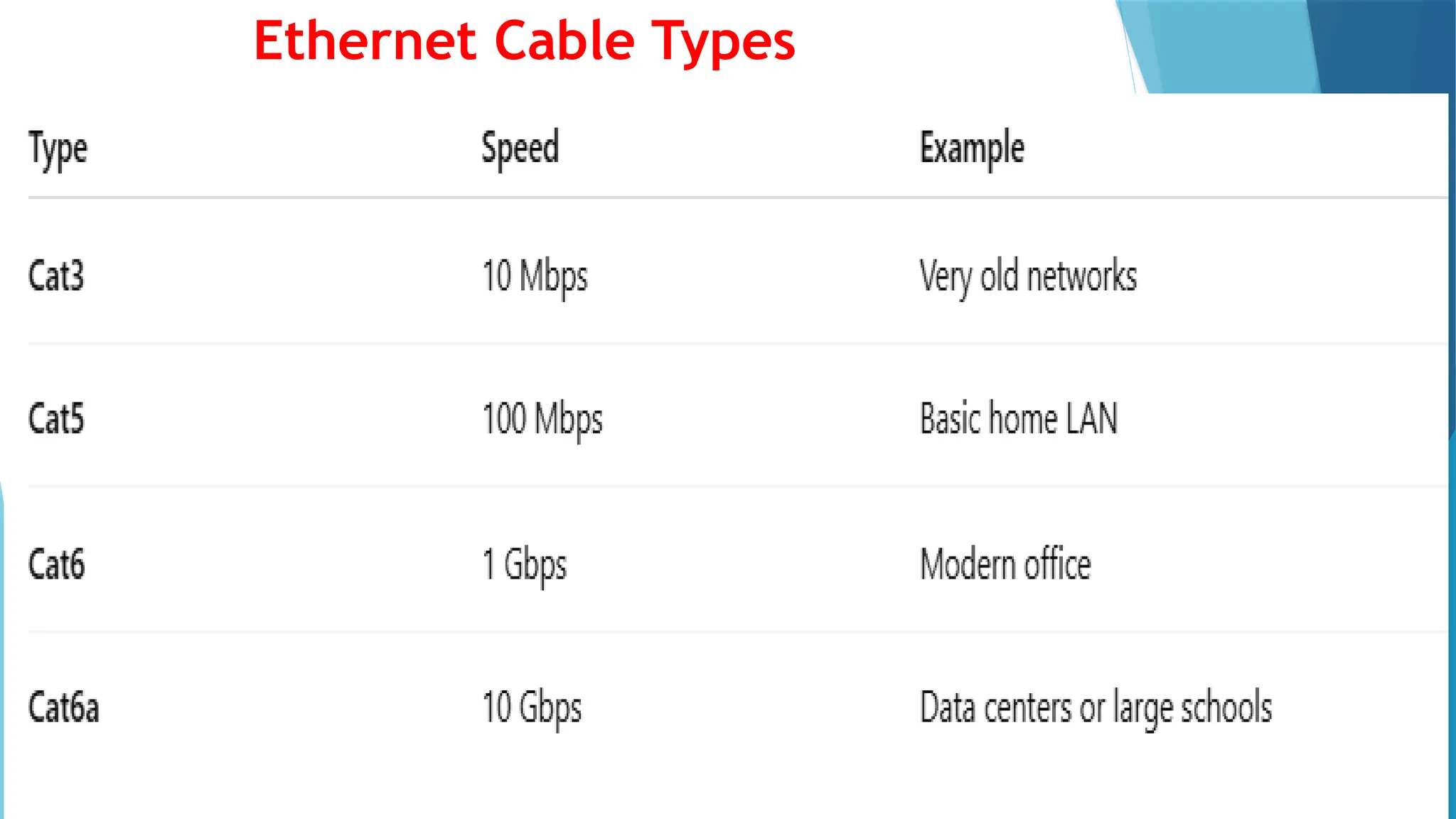
Ethernet Cable Types
Network Types
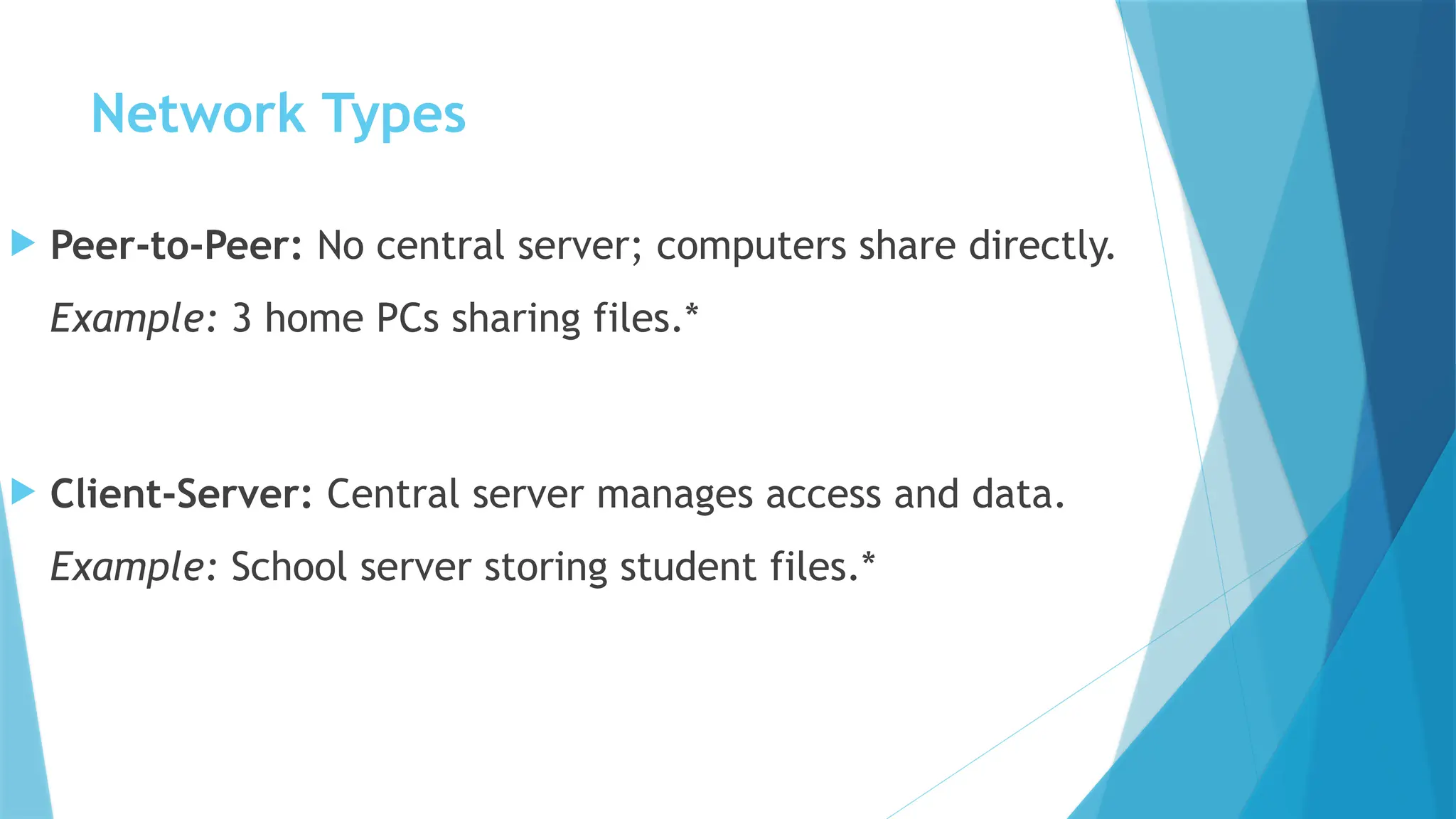
 Peer-to-Peer: No central server; computers share directly.
Example: 3 home PCs sharing files.*
 Client-Server: Central server manages access and data.
Example: School server storing student files.*
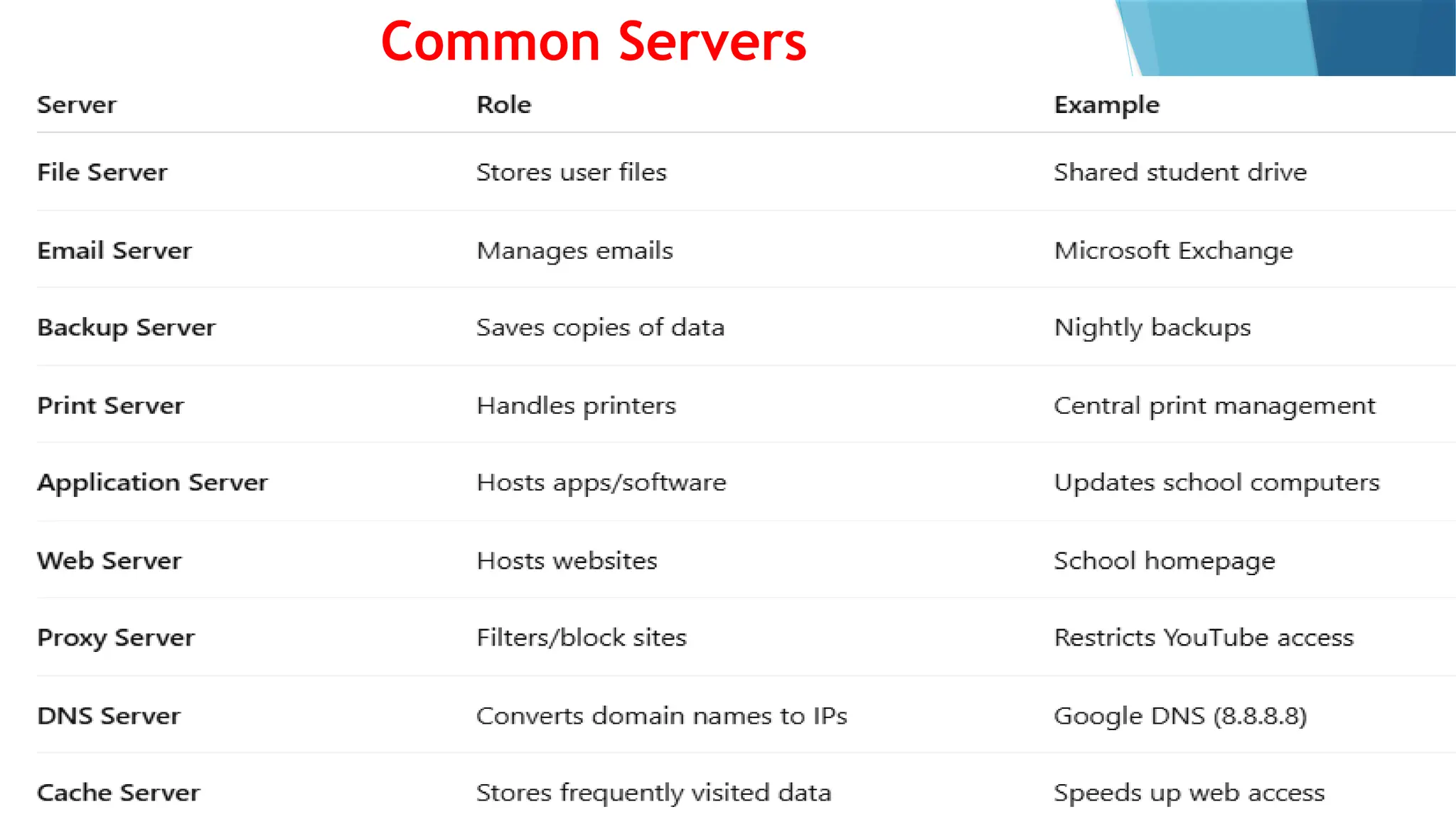
Common Servers
Remote Access & VPN
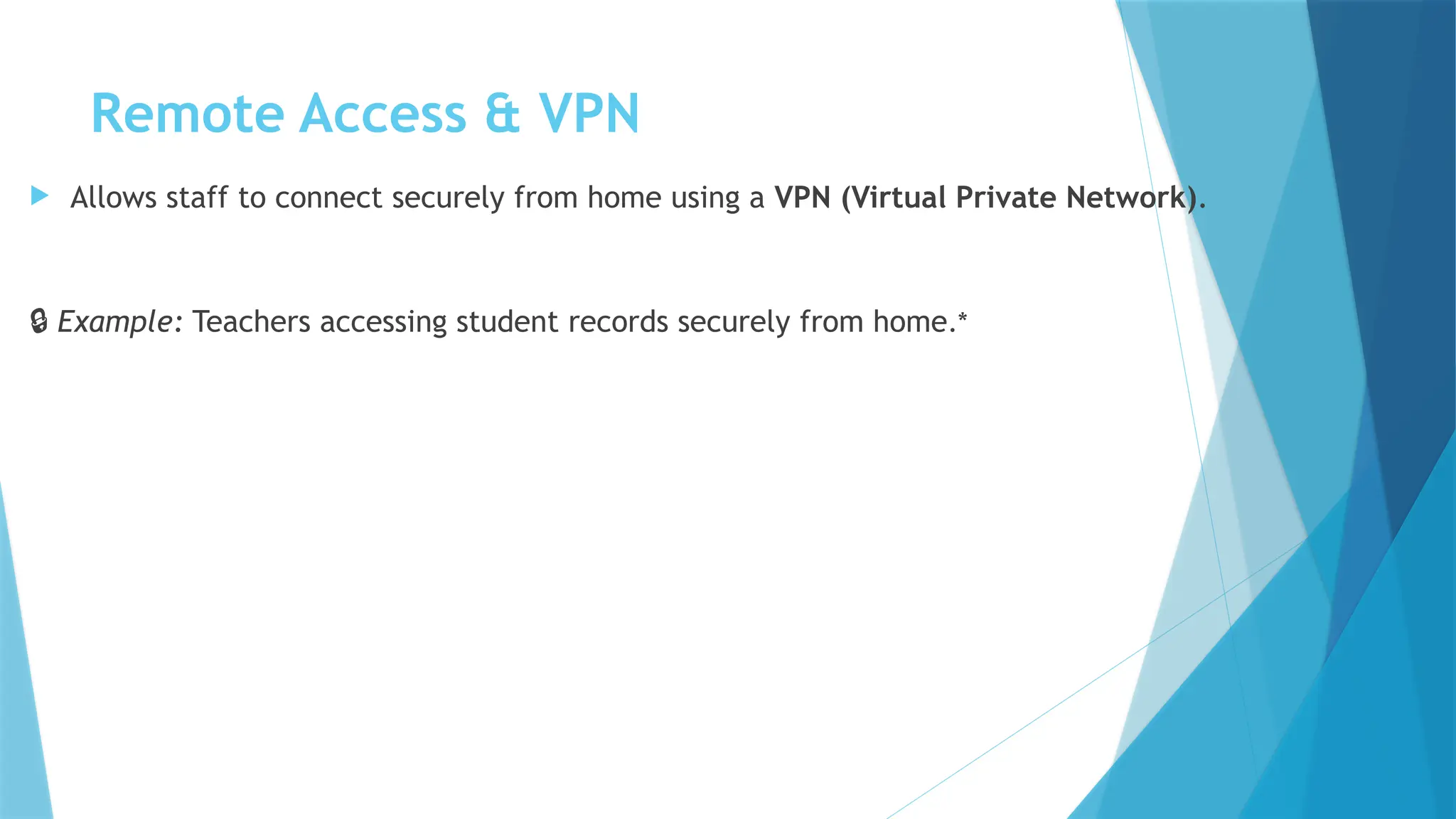
 Allows staff to connect securely from home using a VPN (Virtual Private Network).
🔒 Example: Teachers accessing student records securely from home.*
Firewall Process
 Data enters from the internet.
 Firewall checks for threats.
 Unsafe traffic is blocked.
 Safe data is allowed into the LAN.
Example: School firewall blocks social media sites.*
Wireless Access
 Devices connect to the network using WAPs (Wireless Access Points).
 Laptops, tablets, and phones use Wi-Fi instead of cables.
 WAPs connect to switches or routers.
Example: Teachers access school LAN through Wi-Fi.*
Remote Access (VPN)
 Employees connect from home through a VPN (Virtual Private
Network) for secure, encrypted access.

Example: A teacher logging into the school server remotely
.*
Client-Server Networks
 Advantages:
✅ Central control (easy management)
✅ High security
✅ Scalable for growth
 Disadvantages:
❌ Higher cost
❌ Needs technical skills
❌ Server failure affects all users
HOME-WORK
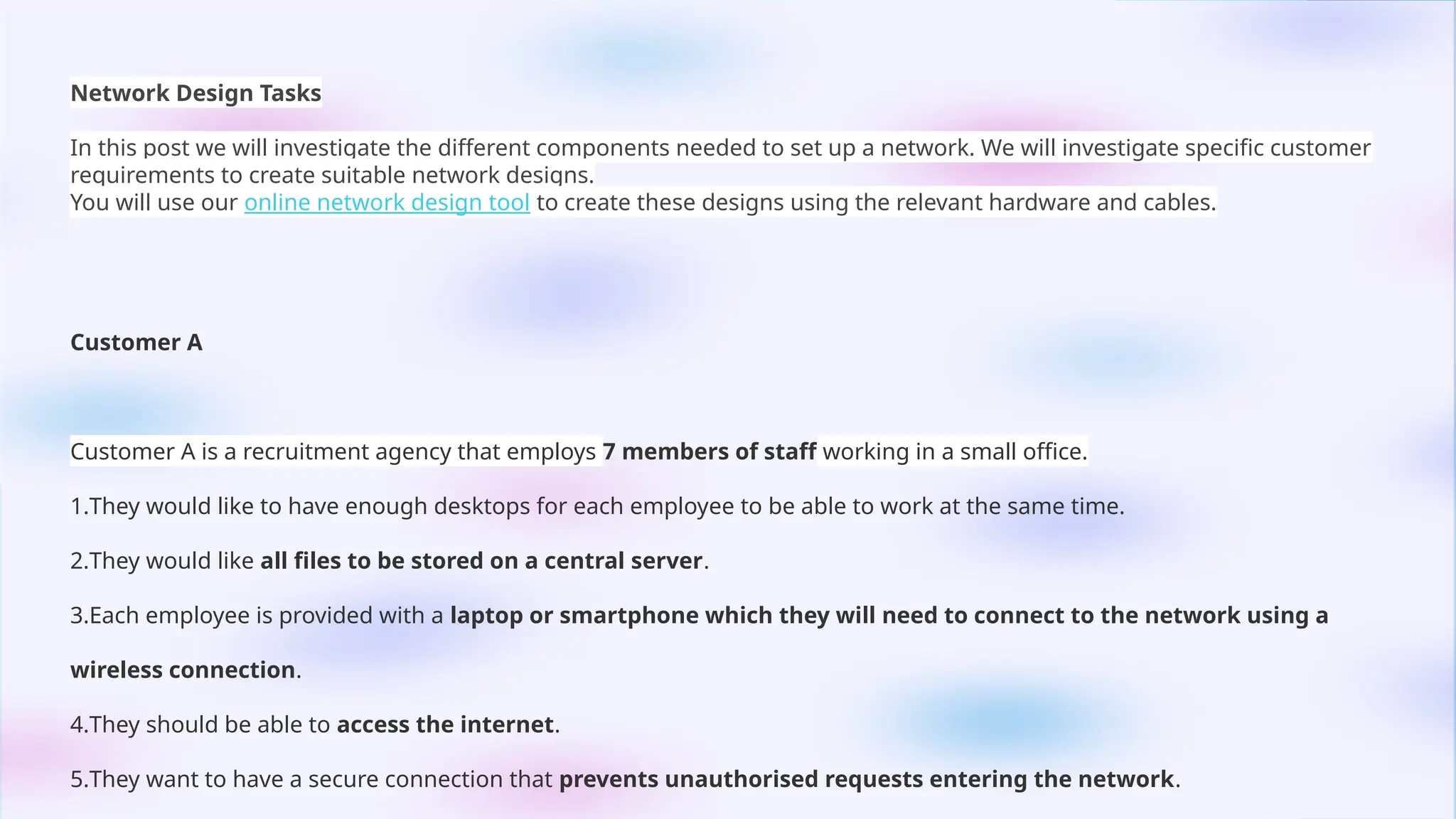
Network Design Tasks
In this post we will investigate the different components needed to set up a network. We will investigate specific customer
requirements to create suitable network designs.
You will use our online network design tool to create these designs using the relevant hardware and cables.
Customer A
Customer A is a recruitment agency that employs 7 members of staff working in a small office.
1.They would like to have enough desktops for each employee to be able to work at the same time.
2.They would like all files to be stored on a central server.
3.Each employee is provided with a laptop or smartphone which they will need to connect to the network using a
wireless connection.
4.They should be able to access the internet.
5.They want to have a secure connection that prevents unauthorised requests entering the network.
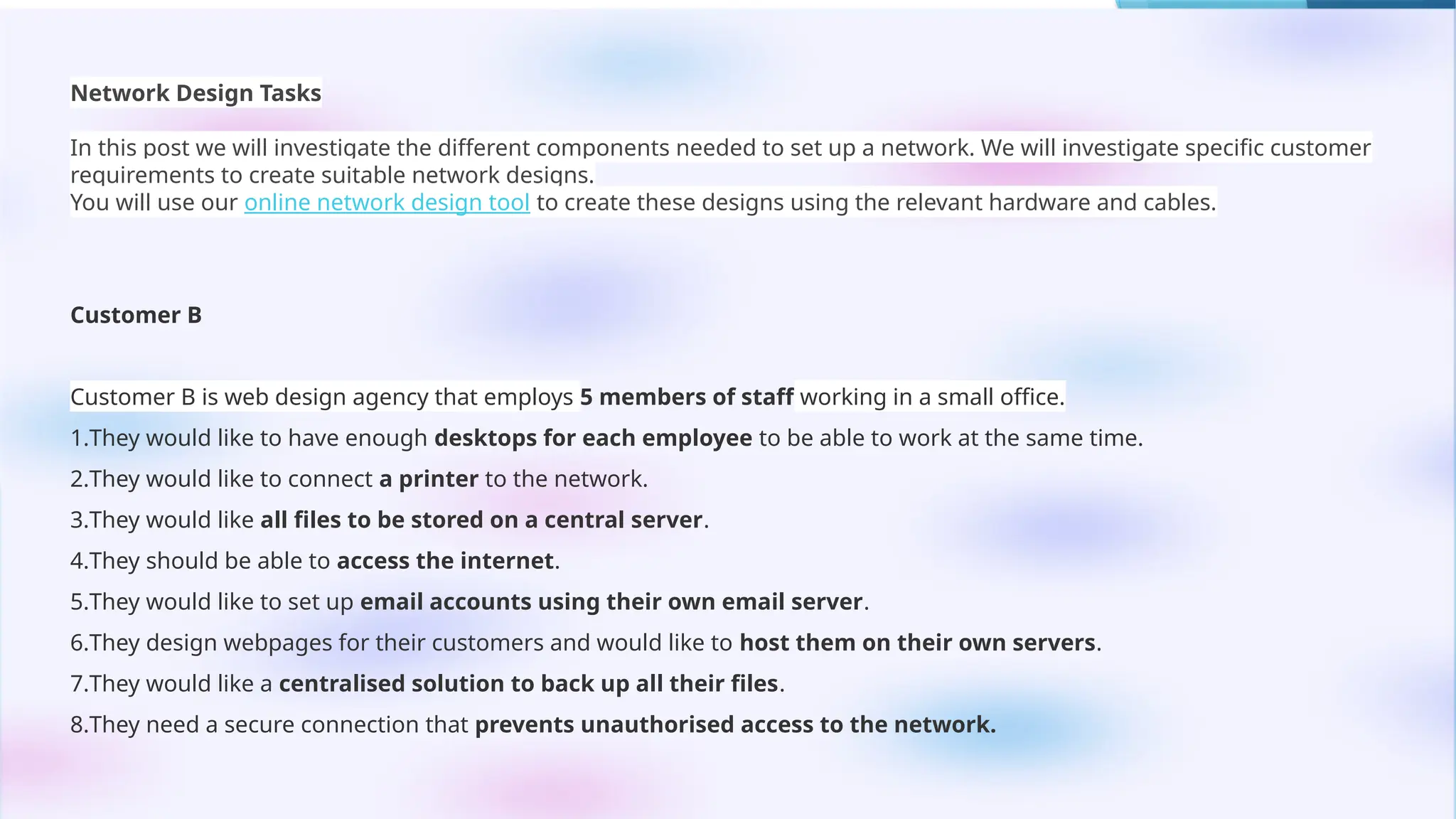
Network Design Tasks
In this post we will investigate the different components needed to set up a network. We will investigate specific customer
requirements to create suitable network designs.
You will use our online network design tool to create these designs using the relevant hardware and cables.
Customer B
Customer B is web design agency that employs 5 members of staff working in a small office.
1.They would like to have enough desktops for each employee to be able to work at the same time.
2.They would like to connect a printer to the network.
3.They would like all files to be stored on a central server.
4.They should be able to access the internet.
5.They would like to set up email accounts using their own email server.
6.They design webpages for their customers and would like to host them on their own servers.
7.They would like a centralised solution to back up all their files.
8.They need a secure connection that prevents unauthorised access to the network.
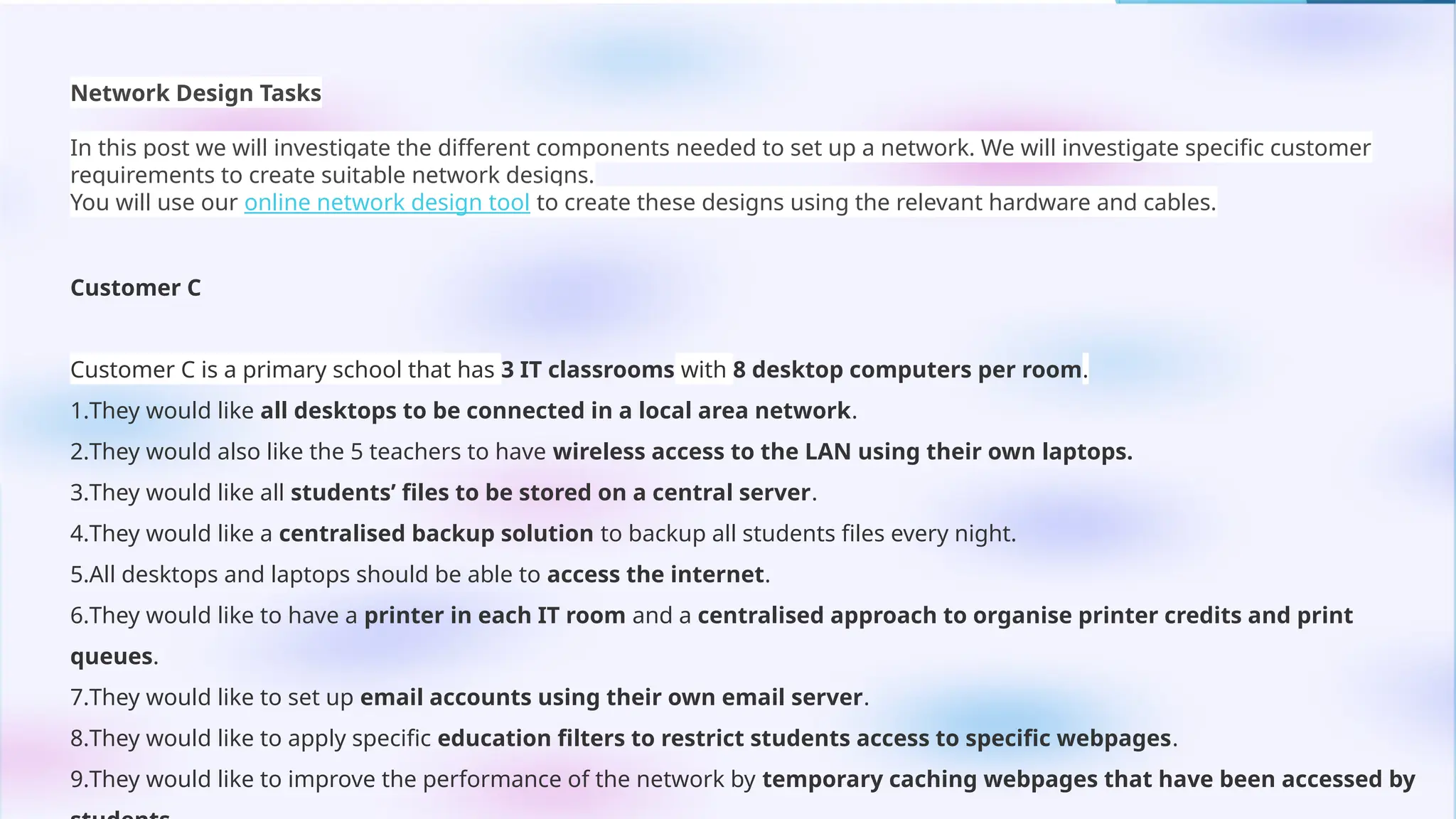
Network Design Tasks
In this post we will investigate the different components needed to set up a network. We will investigate specific customer
requirements to create suitable network designs.
You will use our online network design tool to create these designs using the relevant hardware and cables.
Customer C
Customer C is a primary school that has 3 IT classrooms with 8 desktop computers per room.
1.They would like all desktops to be connected in a local area network.
2.They would also like the 5 teachers to have wireless access to the LAN using their own laptops.
3.They would like all students’ files to be stored on a central server.
4.They would like a centralised backup solution to backup all students files every night.
5.All desktops and laptops should be able to access the internet.
6.They would like to have a printer in each IT room and a centralised approach to organise printer credits and print
queues.
7.They would like to set up email accounts using their own email server.
8.They would like to apply specific education filters to restrict students access to specific webpages.
9.They would like to improve the performance of the network by temporary caching webpages that have been accessed by

Module 2 Component 12 and 13.pptx for students

  • 1.
    Network Components and Design Network Componentsand Design Networks connect computers and devices to share data, files, and internet access. Example: A school network that connects computers in classrooms and offices.
  • 2.
    LAN vs WAN •LAN(Local Area Network): Small area like a school or office. ️ 🖥️Example: A school computer lab network. •WAN (Wide Area Network): Covers large areas, connects multiple LANs. 🌐 Example: A bank’s branches connected nationwide. •Router: Connects LAN to WAN or the internet.
  • 3.
    Network Topologies  Star:All devices connect to a central hub/switch. Example: Office computers connected to one switch.  Bus: All devices share one cable. Example: Small lab with one main network cable.*  Ring: Devices form a circle; data flows one way. Example: Token Ring networks in old office setups.*  Mesh: Devices interconnect for reliability. Example: Military or emergency networks.*
  • 4.
  • 5.
  • 6.
    Network Types  Peer-to-Peer:No central server; computers share directly. Example: 3 home PCs sharing files.*  Client-Server: Central server manages access and data. Example: School server storing student files.*
  • 7.
  • 8.
    Remote Access &VPN  Allows staff to connect securely from home using a VPN (Virtual Private Network). 🔒 Example: Teachers accessing student records securely from home.*
  • 9.
    Firewall Process  Dataenters from the internet.  Firewall checks for threats.  Unsafe traffic is blocked.  Safe data is allowed into the LAN. Example: School firewall blocks social media sites.*
  • 10.
    Wireless Access  Devicesconnect to the network using WAPs (Wireless Access Points).  Laptops, tablets, and phones use Wi-Fi instead of cables.  WAPs connect to switches or routers. Example: Teachers access school LAN through Wi-Fi.*
  • 11.
    Remote Access (VPN) Employees connect from home through a VPN (Virtual Private Network) for secure, encrypted access.  Example: A teacher logging into the school server remotely .*
  • 12.
    Client-Server Networks  Advantages: ✅Central control (easy management) ✅ High security ✅ Scalable for growth  Disadvantages: ❌ Higher cost ❌ Needs technical skills ❌ Server failure affects all users
  • 13.
  • 14.
    Network Design Tasks Inthis post we will investigate the different components needed to set up a network. We will investigate specific customer requirements to create suitable network designs. You will use our online network design tool to create these designs using the relevant hardware and cables. Customer A Customer A is a recruitment agency that employs 7 members of staff working in a small office. 1.They would like to have enough desktops for each employee to be able to work at the same time. 2.They would like all files to be stored on a central server. 3.Each employee is provided with a laptop or smartphone which they will need to connect to the network using a wireless connection. 4.They should be able to access the internet. 5.They want to have a secure connection that prevents unauthorised requests entering the network.
  • 15.
    Network Design Tasks Inthis post we will investigate the different components needed to set up a network. We will investigate specific customer requirements to create suitable network designs. You will use our online network design tool to create these designs using the relevant hardware and cables. Customer B Customer B is web design agency that employs 5 members of staff working in a small office. 1.They would like to have enough desktops for each employee to be able to work at the same time. 2.They would like to connect a printer to the network. 3.They would like all files to be stored on a central server. 4.They should be able to access the internet. 5.They would like to set up email accounts using their own email server. 6.They design webpages for their customers and would like to host them on their own servers. 7.They would like a centralised solution to back up all their files. 8.They need a secure connection that prevents unauthorised access to the network.
  • 16.
    Network Design Tasks Inthis post we will investigate the different components needed to set up a network. We will investigate specific customer requirements to create suitable network designs. You will use our online network design tool to create these designs using the relevant hardware and cables. Customer C Customer C is a primary school that has 3 IT classrooms with 8 desktop computers per room. 1.They would like all desktops to be connected in a local area network. 2.They would also like the 5 teachers to have wireless access to the LAN using their own laptops. 3.They would like all students’ files to be stored on a central server. 4.They would like a centralised backup solution to backup all students files every night. 5.All desktops and laptops should be able to access the internet. 6.They would like to have a printer in each IT room and a centralised approach to organise printer credits and print queues. 7.They would like to set up email accounts using their own email server. 8.They would like to apply specific education filters to restrict students access to specific webpages. 9.They would like to improve the performance of the network by temporary caching webpages that have been accessed by