Evan Coyne Maloney Principal Engineer
Mobile
Gracefully handling changes
to your server-side data model
Mobile
Things change.
…sometimes more often than we’d like.
Mobile
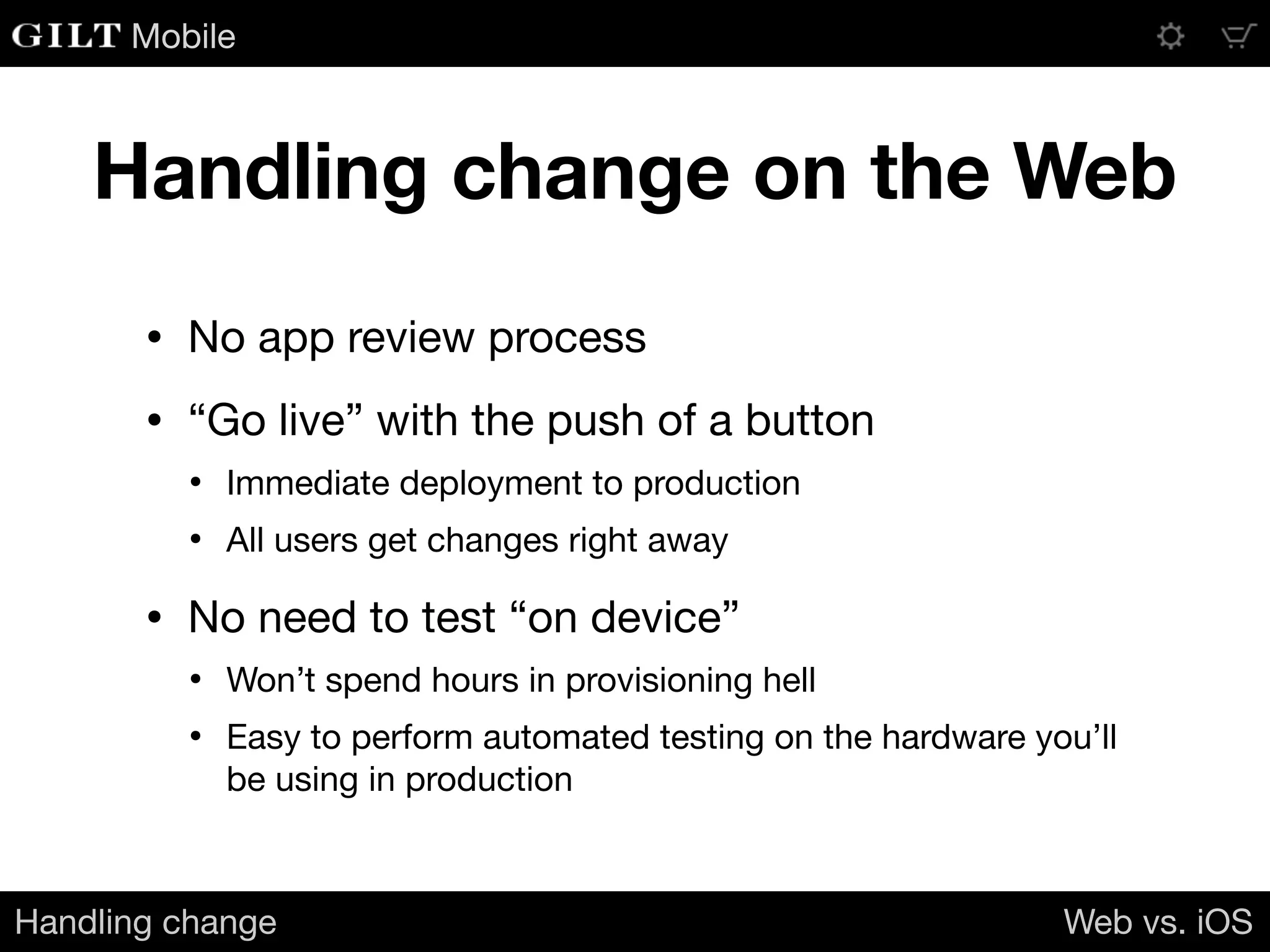
Handling change on the Web
• No app review process

• “Go live” with the push of a button

• Immediate deployment to production

• All users get changes right away

• No need to test “on device”

• Won’t spend hours in provisioning hell

• Easy to perform automated testing on the hardware you’ll
be using in production
Handling change Web vs. iOS
Mobile
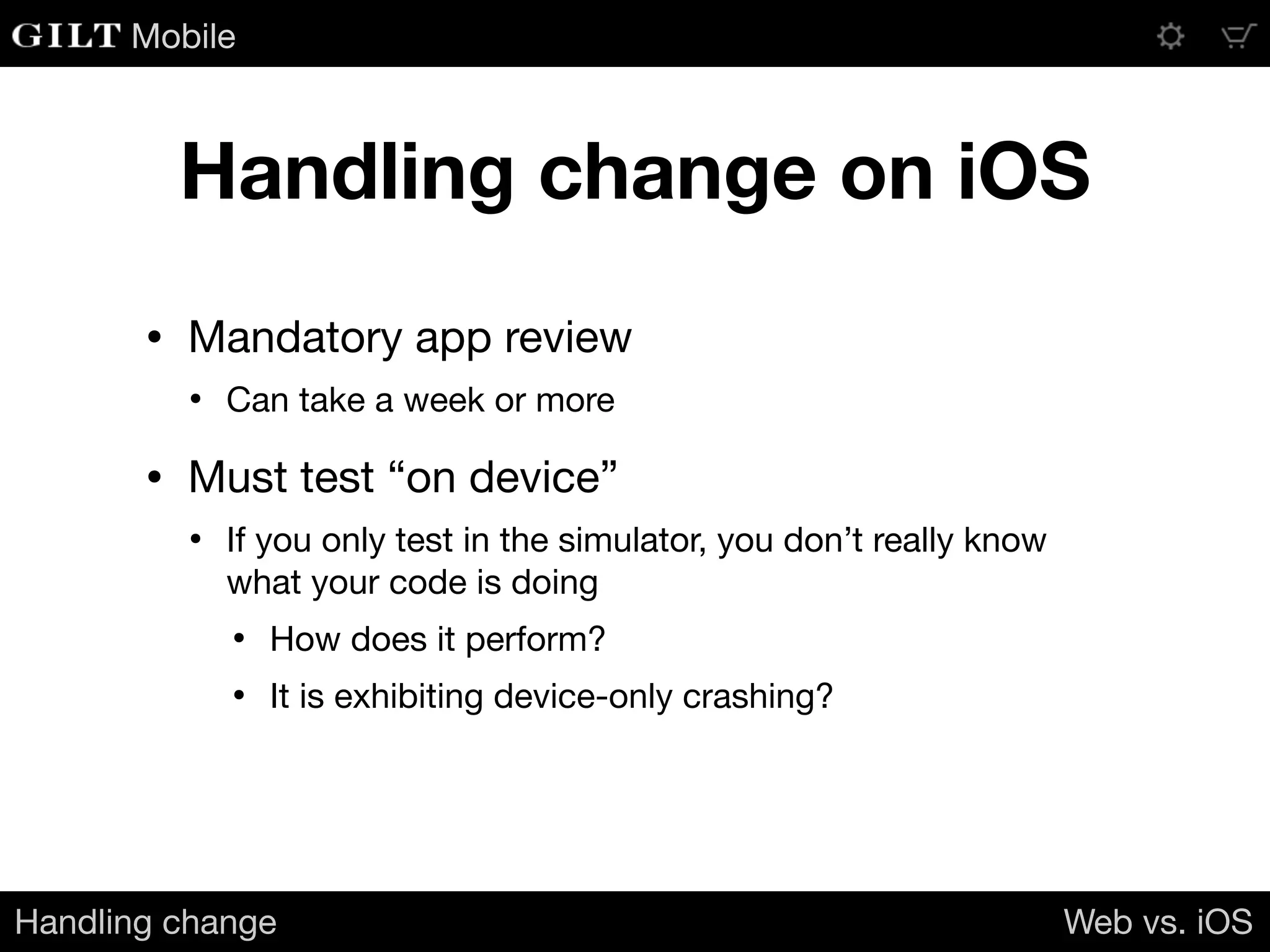
Handling change on iOS
• Mandatory app review

• Can take a week or more

• Must test “on device”

• If you only test in the simulator, you don’t really know
what your code is doing

• How does it perform?

• It is exhibiting device-only crashing?
Handling change Web vs. iOS
Mobile
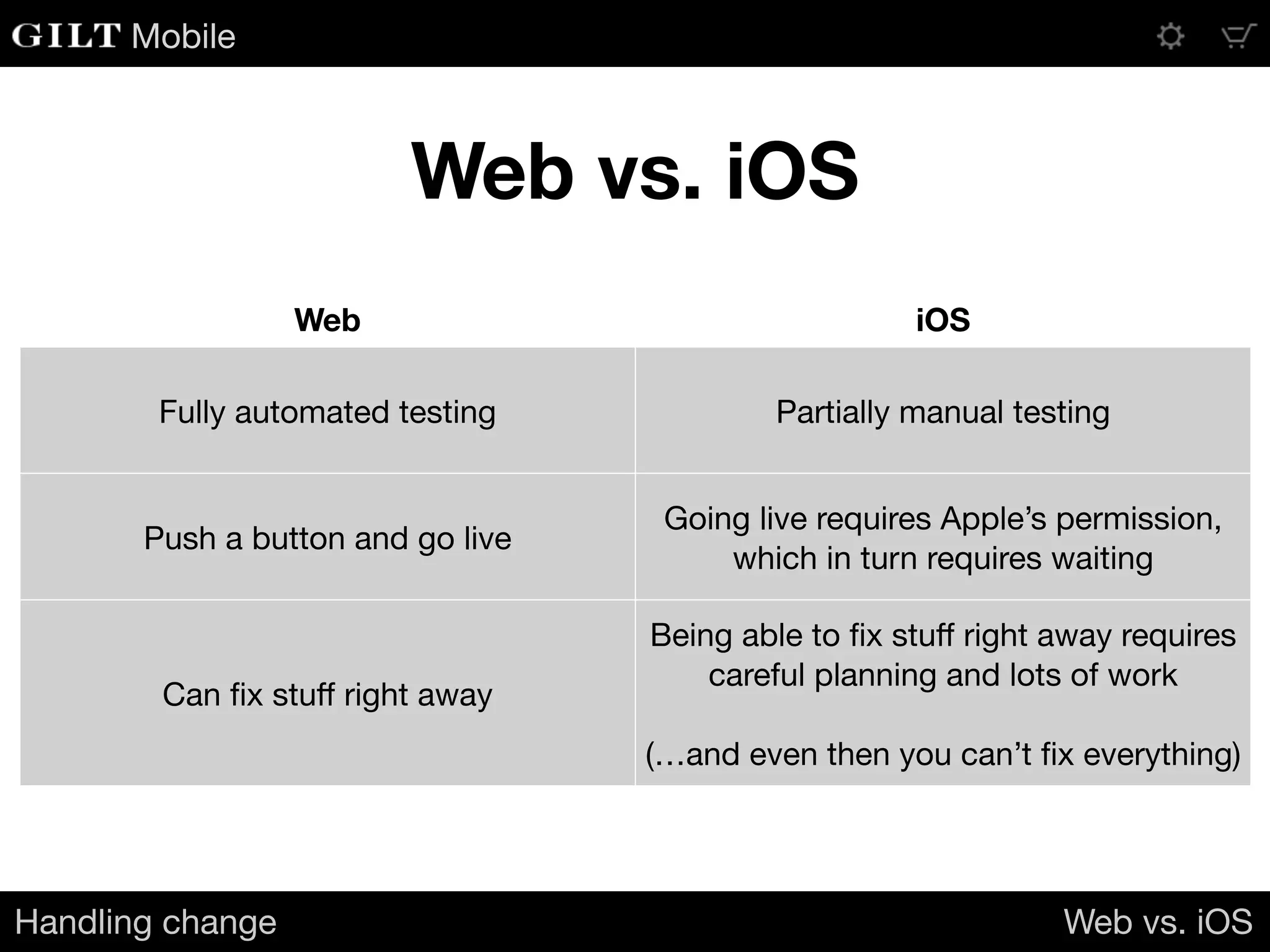
Web vs. iOS
Handling change Web vs. iOS
Web iOS
Fully automated testing Partially manual testing
Push a button and go live
Going live requires Apple’s permission,
which in turn requires waiting
Can fix stuff right away
Being able to fix stuff right away requires
careful planning and lots of work

(…and even then you can’t fix everything)
Mobile
These differences
have consequences
Your iOS apps can become an anchor

on your server-side environment
Handling change Web vs. iOS
Mobile
An Example
Mobile
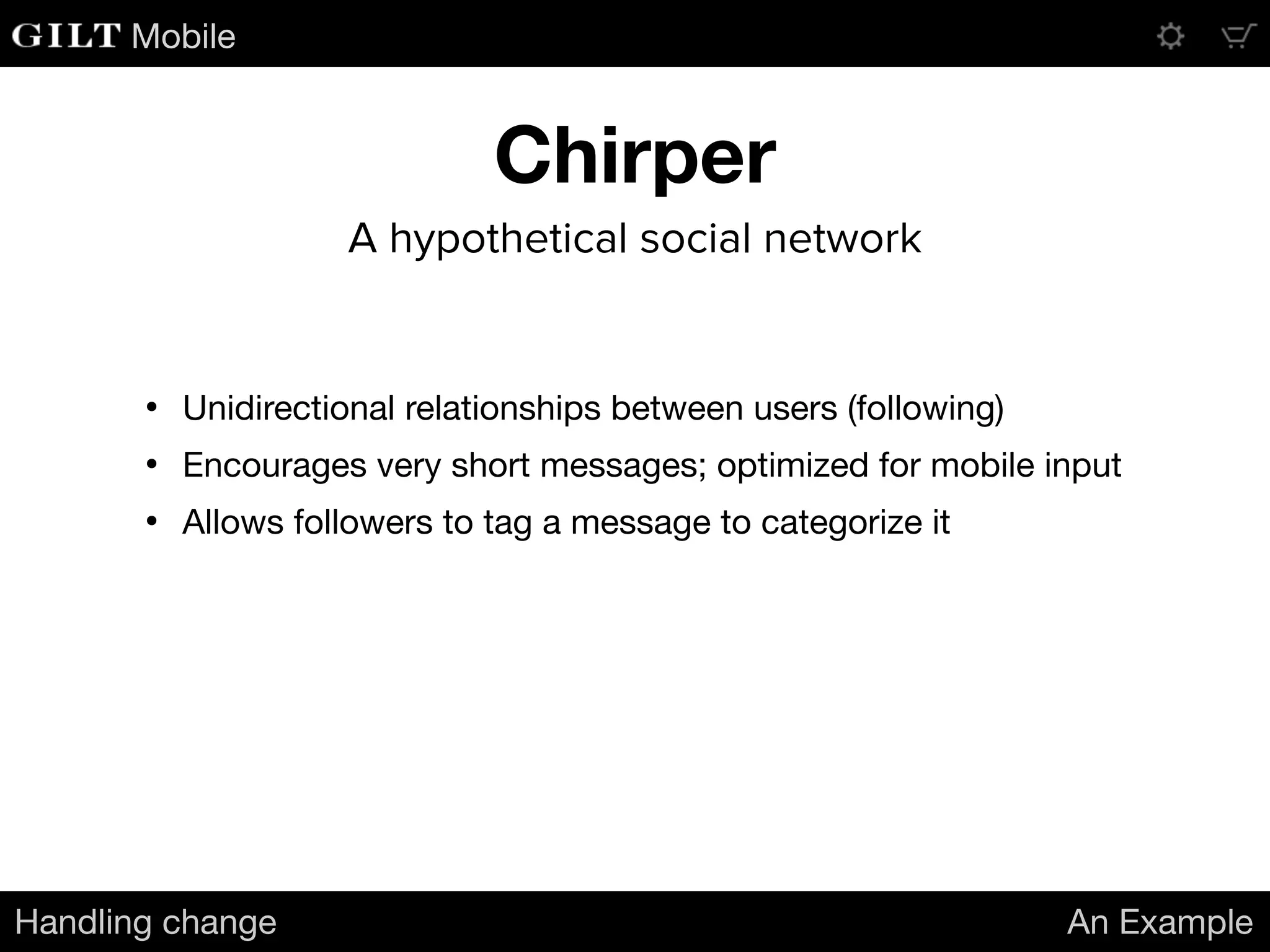
Chirper
Handling change An Example
A hypothetical social network
• Unidirectional relationships between users (following)

• Encourages very short messages; optimized for mobile input

• Allows followers to tag a message to categorize it
Mobile
Chirper
Handling change An Example
A hypothetical social network
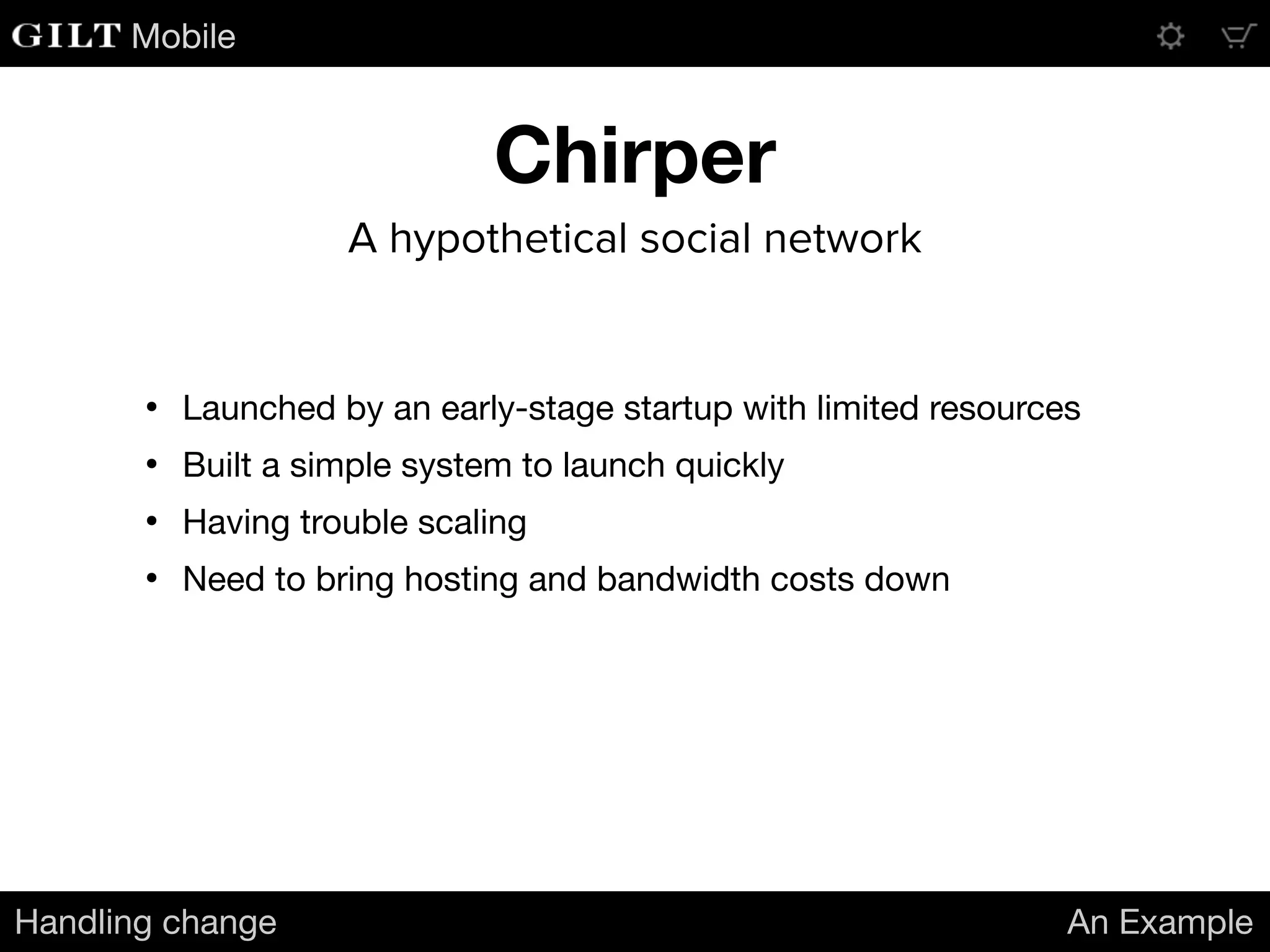
• Launched by an early-stage startup with limited resources 

• Built a simple system to launch quickly

• Having trouble scaling

• Need to bring hosting and bandwidth costs down
Mobile
Chirper’s Message Feed
Handling change An Example
• The feed contains all messages that:

• Are new to the user

• Were delivered previously, but have newly-applied tags
[{
"message_id": 10271972,
"message": "Is there going to be an encore? I really hope they play Penelope!",
"author_id": 5375,
"tags": ["Pinback", "concert"]
}]
• When the Chirper app launches, it retrieves the updated message feed from
the server

• Messages in the feed arrive within a JSON array:
Mobile
Not the most efficient
Handling change An Example
• Any time anyone tags a message, the entire message will be
re-sent in the feed update, even though previously-received
messages are already stored in the client app

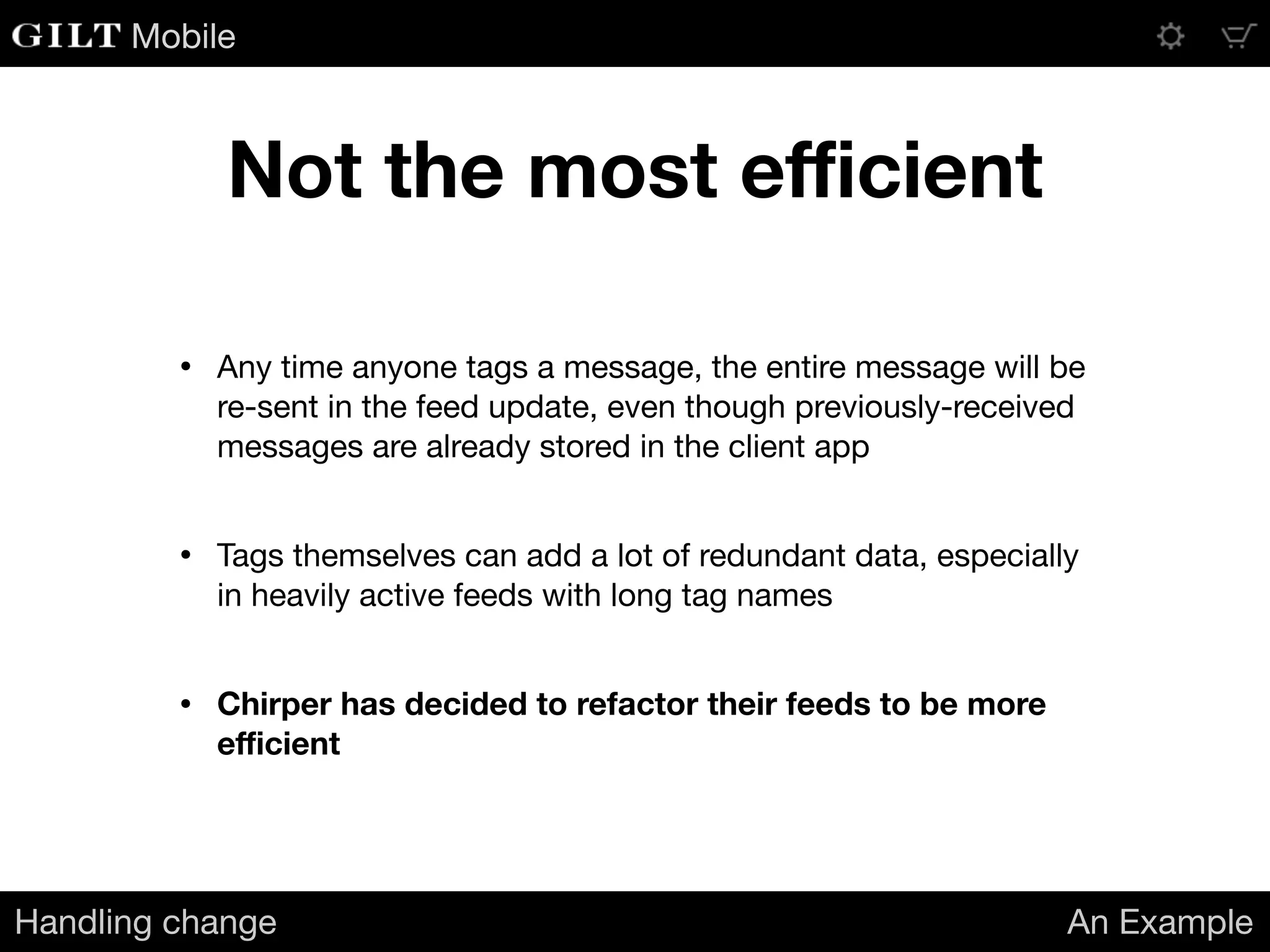
• Tags themselves can add a lot of redundant data, especially
in heavily active feeds with long tag names

• Chirper has decided to refactor their feeds to be more
efficient
Mobile
An example scenario
Handling change An Example
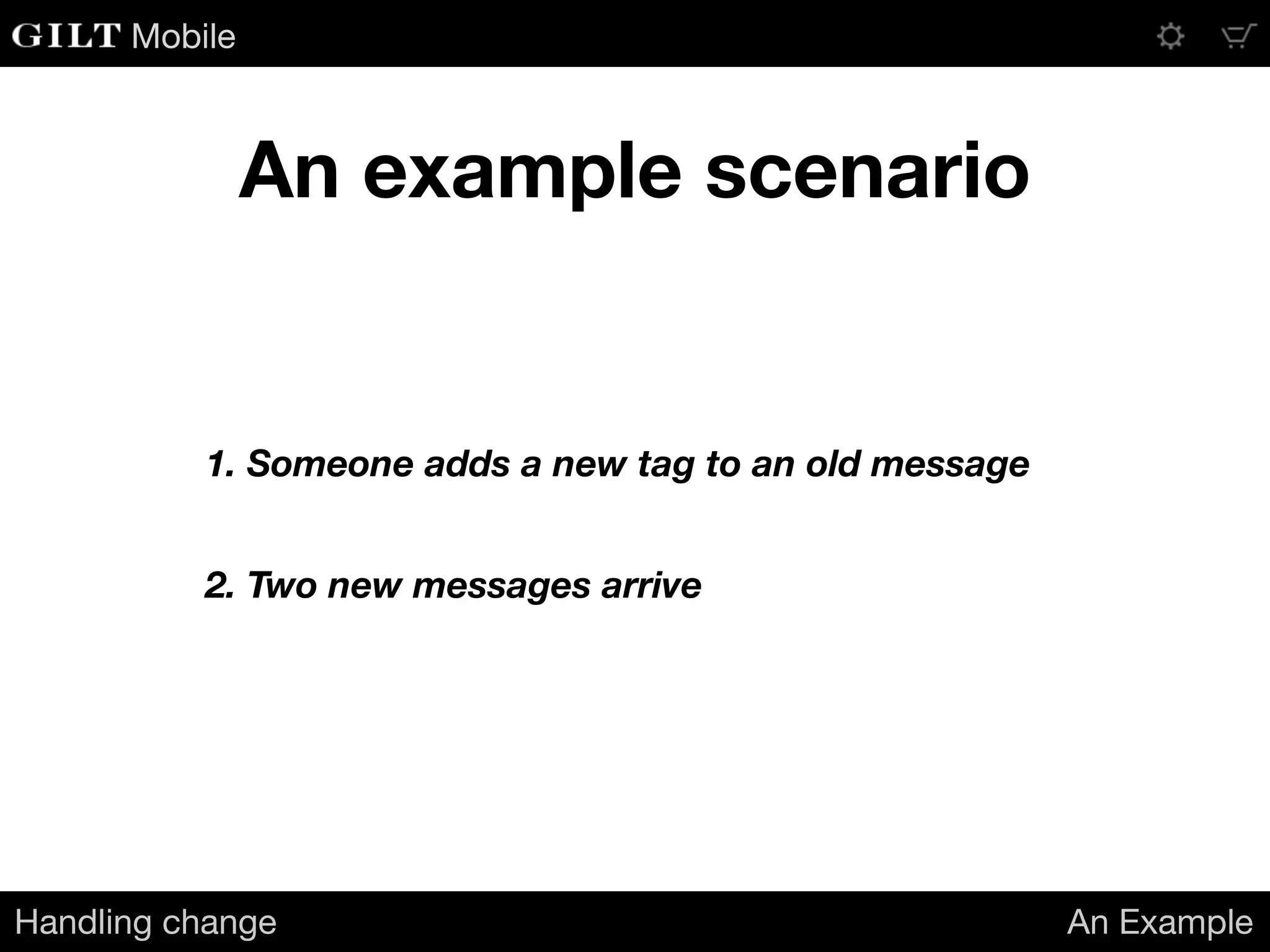
1. Someone adds a new tag to an old message
2. Two new messages arrive
Mobile
How it looks in the current feed
Handling change An Example
[{
"message_id": 10271972,
"content": "Is there going to be an encore? I really hope they play Penelope!",
"author_id": 5375,
"tags": ["Pinback", "concert", "live music"],
"is_tag_update": true
},
{
"message_id": 10272003,
"content": "I like the live Penelope so much better than the album version.",
"author_id": 6022,
"tags": ["Pinback", "concert", "live music"]
},
{
"message_id": 10272012,
"content": "They played that last night. Expect June or Grey Machine tonight.",
"author_id": 4216,
"tags": ["Pinback", "concert", "live music"]
}]
503 bytes (compact JSON)
Mobile
A refactored feed
Handling change An Example
{
"tags": ["Pinback", "concert", "live music"],
"message_tags": {
"10271972": [ 0, 1, 2 ],
"10272003": [ 0, 1, 2 ],
"10272012": [ 0, 1, 2 ]
},
"messages": {
"10272003": {
"content": "I like the live Penelope so much better than the album version.",
"author_id": 6022
},
"10272012": {
"content": "They played that last night. Expect June or Grey Machine tonight.",
"author_id": 4216
}
}
}
344 bytes (compact JSON)
Mobile
Success?
Handling change An Example
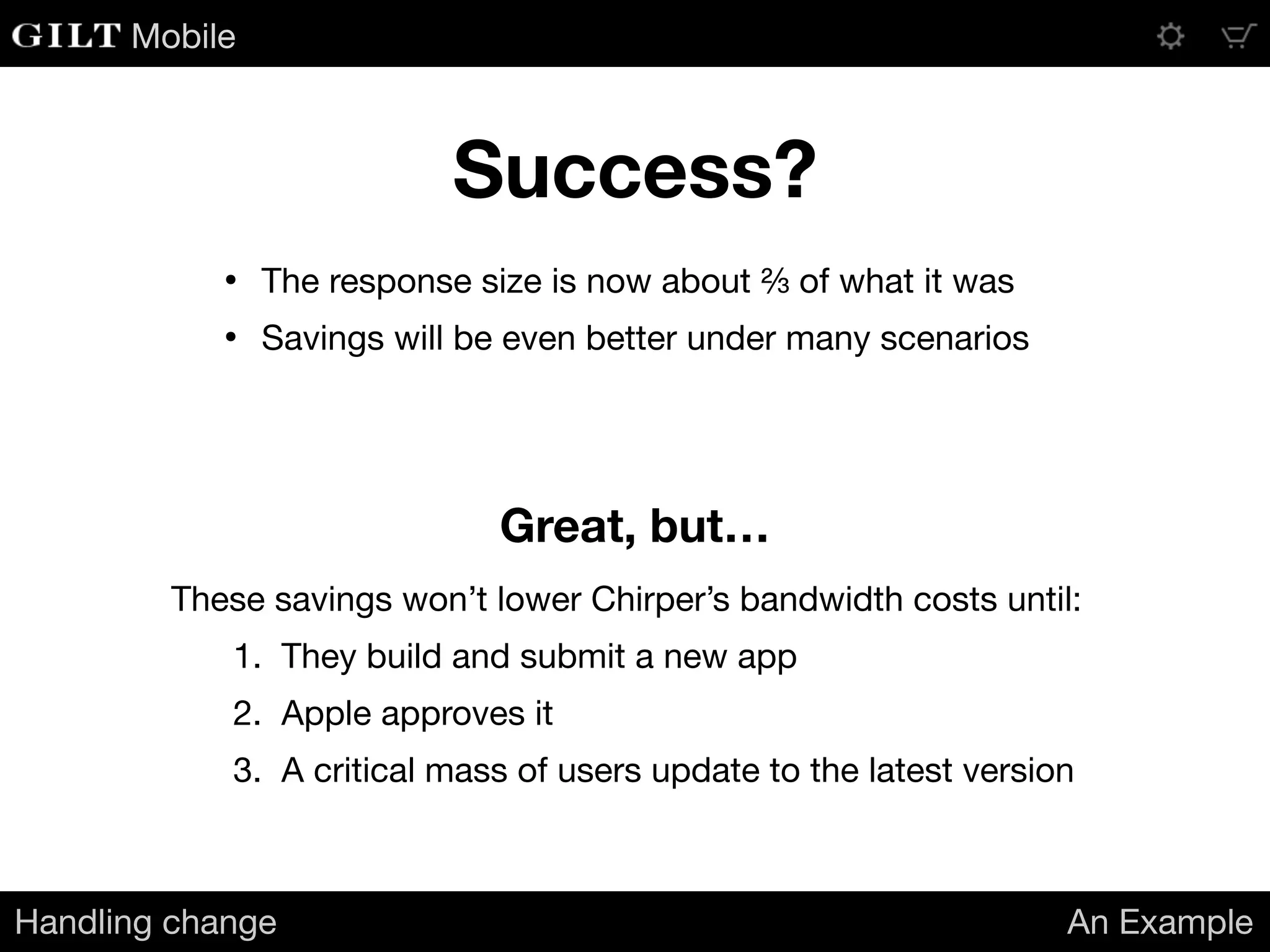
• The response size is now about ⅔ of what it was

• Savings will be even better under many scenarios
Great, but…
These savings won’t lower Chirper’s bandwidth costs until:

1. They build and submit a new app

2. Apple approves it

3. A critical mass of users update to the latest version
Mobile
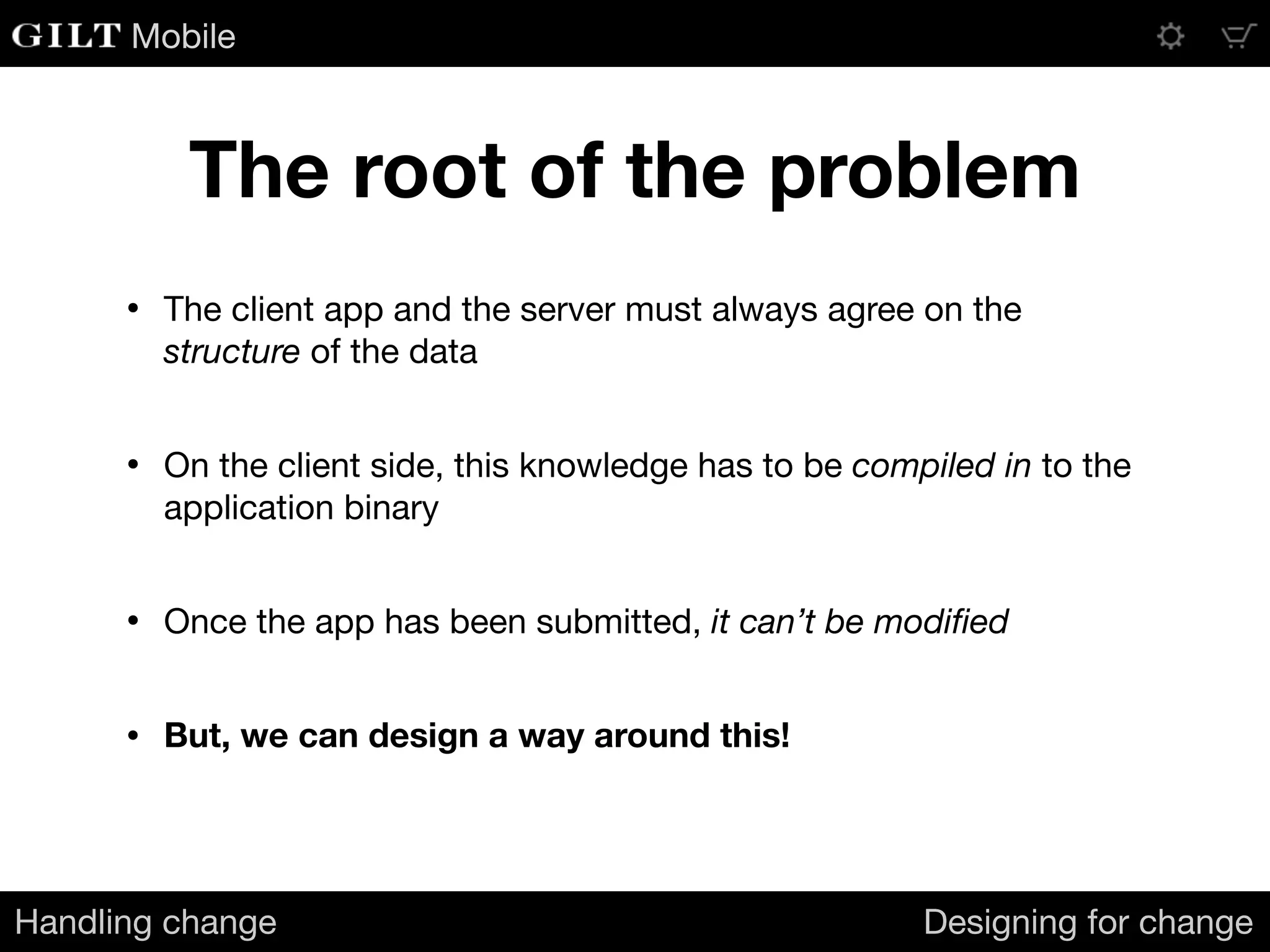
The root of the problem
Handling change Designing for change
• The client app and the server must always agree on the
structure of the data

• On the client side, this knowledge has to be compiled in to the
application binary

• Once the app has been submitted, it can’t be modified

• But, we can design a way around this!
Mobile
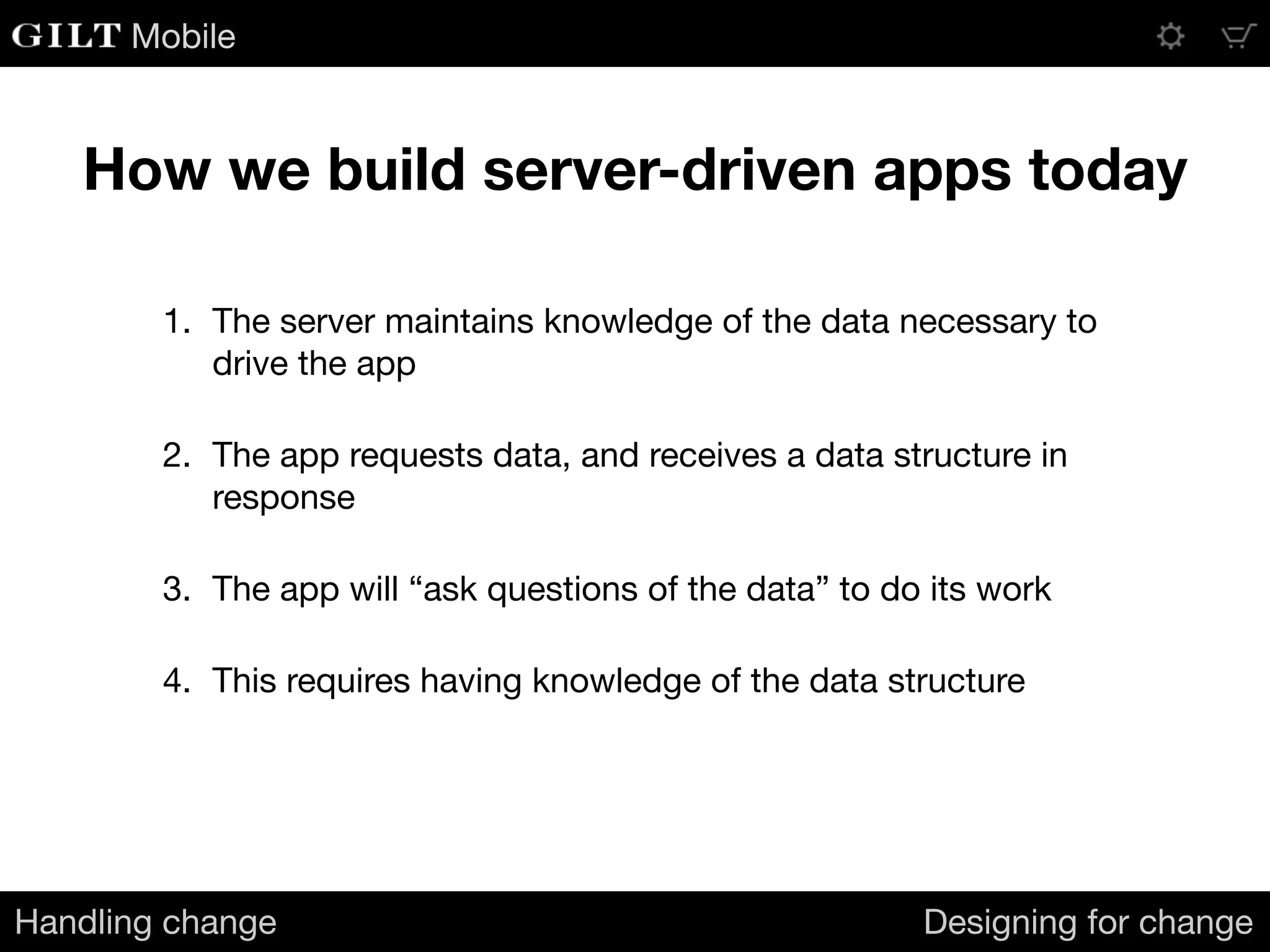
How we build server-driven apps today
Handling change Designing for change
1. The server maintains knowledge of the data necessary to
drive the app

2. The app requests data, and receives a data structure in
response

3. The app will “ask questions of the data” to do its work

4. This requires having knowledge of the data structure
Mobile
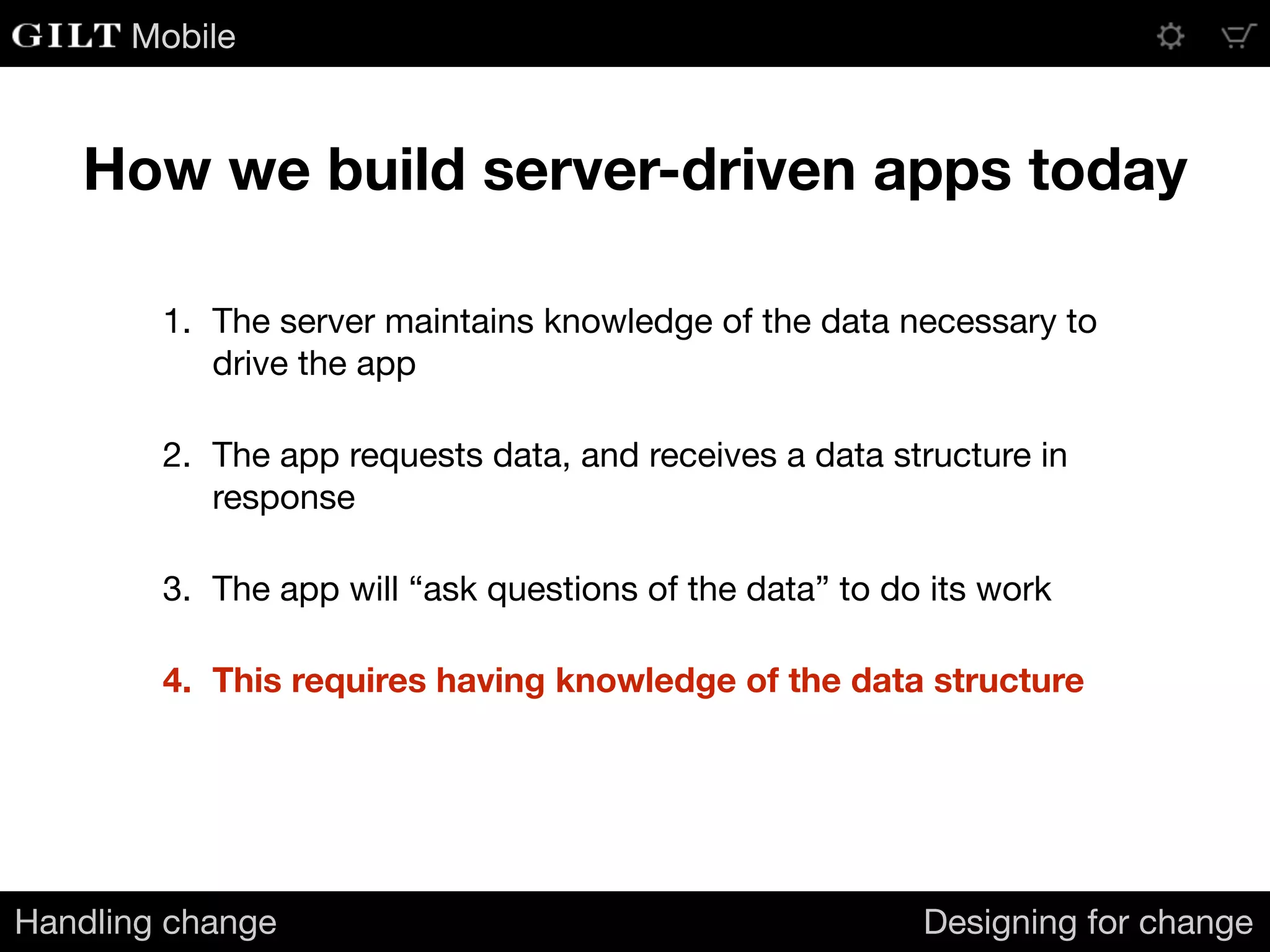
How we build server-driven apps today
Handling change Designing for change
1. The server maintains knowledge of the data necessary to
drive the app

2. The app requests data, and receives a data structure in
response

3. The app will “ask questions of the data” to do its work

4. This requires having knowledge of the data structure
Mobile
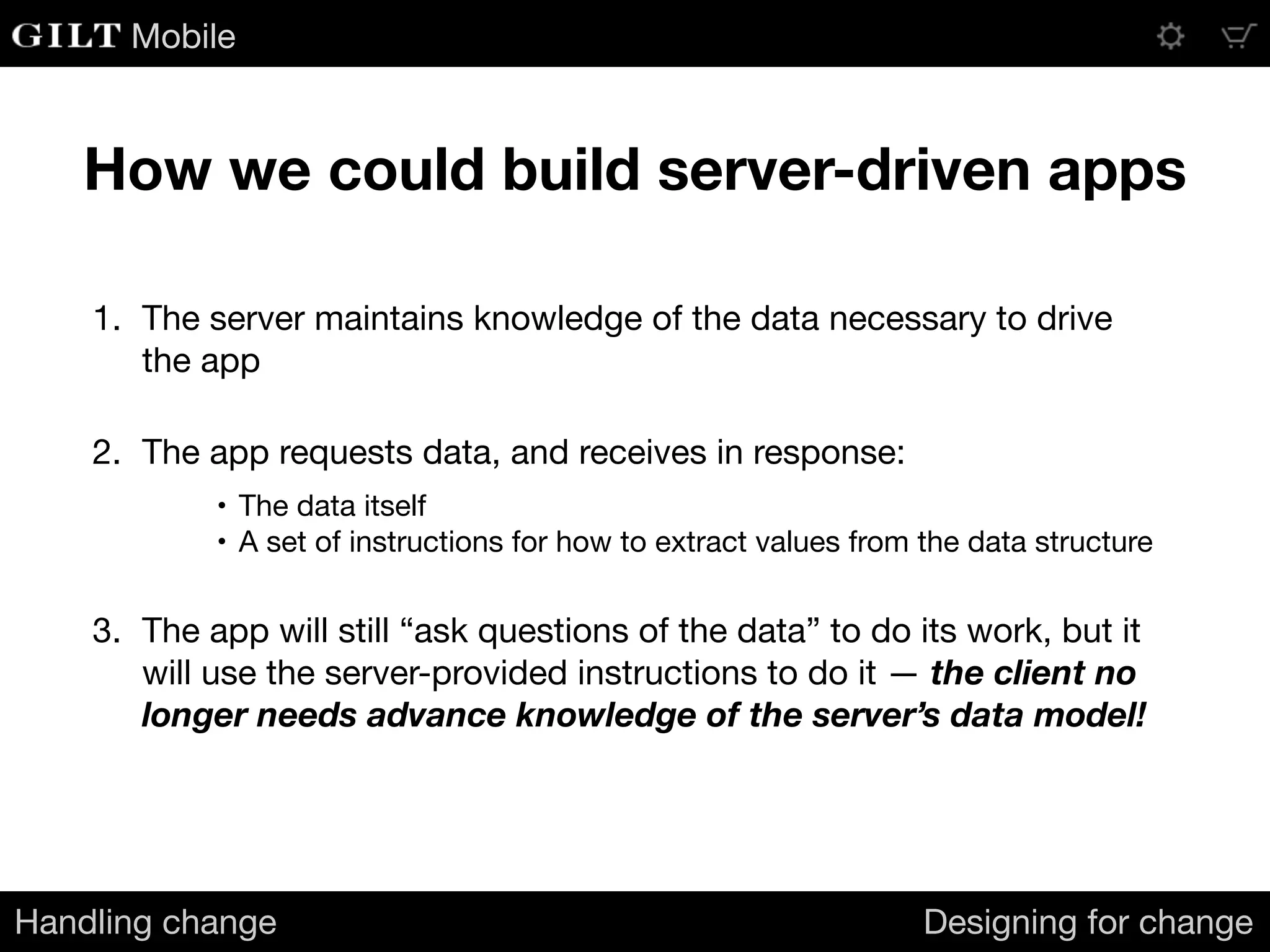
How we could build server-driven apps
Handling change Designing for change
1. The server maintains knowledge of the data necessary to drive
the app

2. The app requests data, and receives in response:

• The data itself

• A set of instructions for how to extract values from the data structure

3. The app will still “ask questions of the data” to do its work, but it
will use the server-provided instructions to do it — the client no
longer needs advance knowledge of the server’s data model!
Mobile
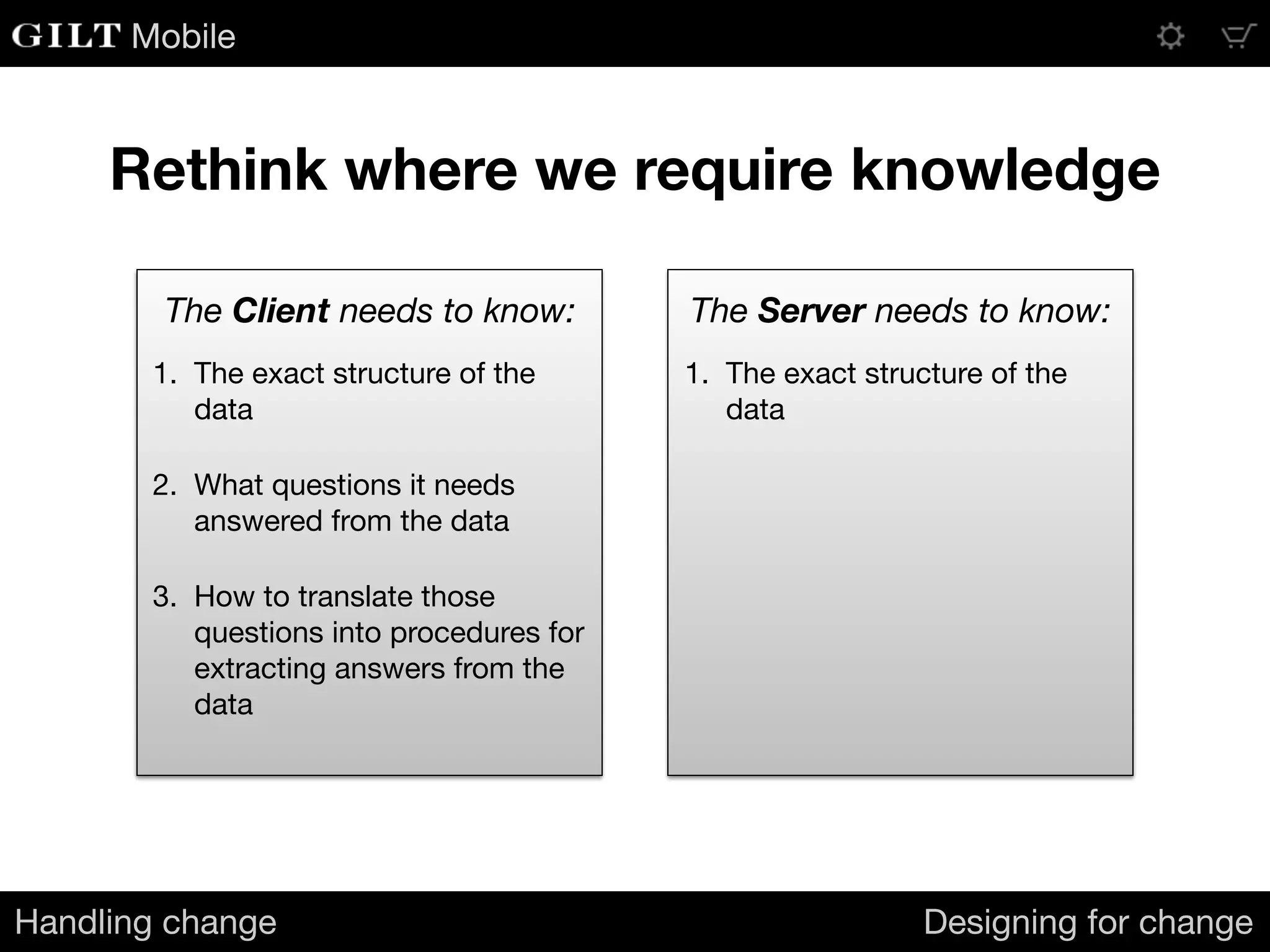
1. The exact structure of the
data 

2. What questions it needs
answered from the data

3. How to translate those
questions into procedures for
extracting answers from the
data
The Client needs to know: The Server needs to know:
1. The exact structure of the
data
Rethink where we require knowledge
Handling change Designing for change
Mobile
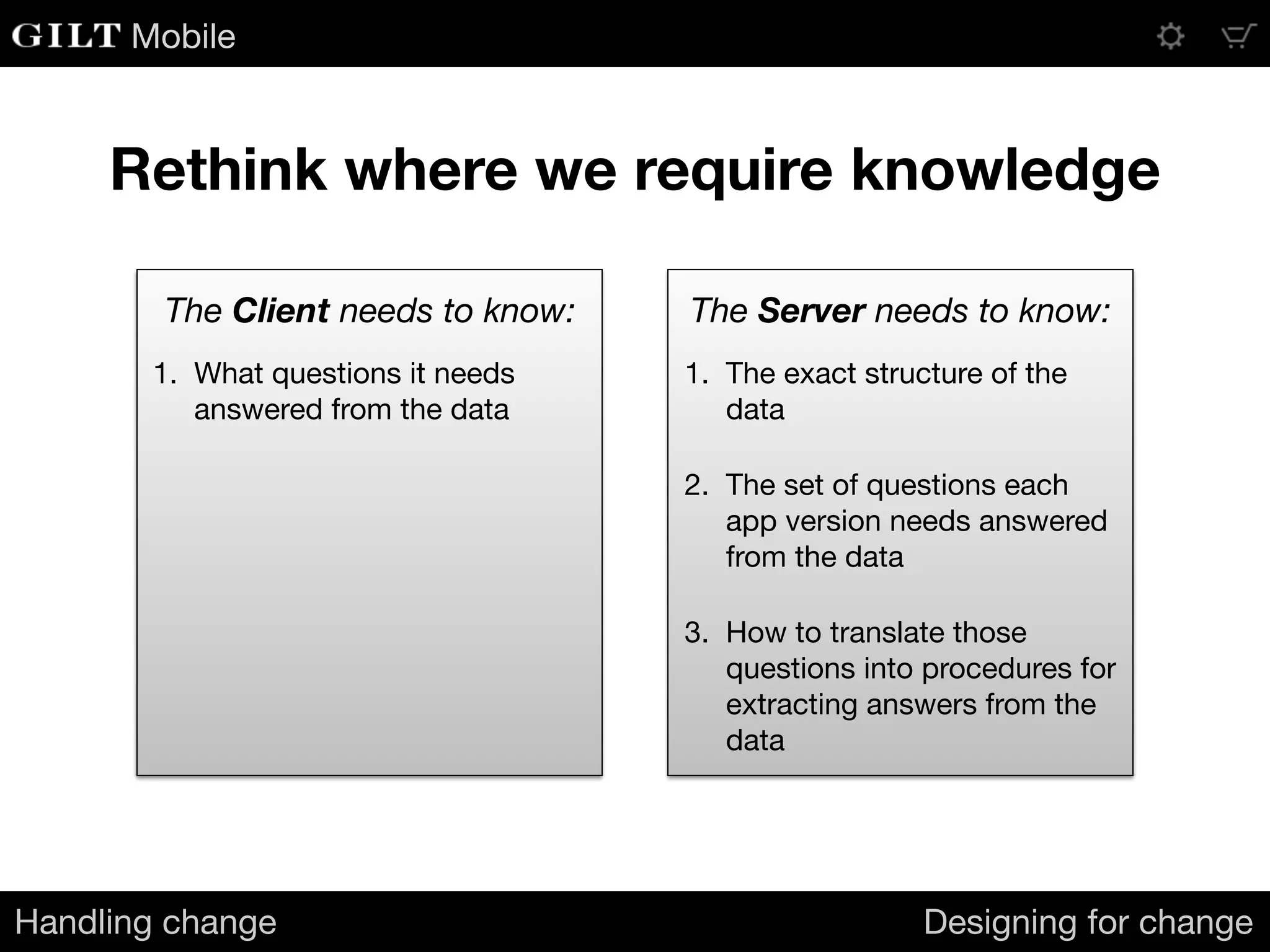
Rethink where we require knowledge
Handling change Designing for change
1. What questions it needs
answered from the data
1. The exact structure of the
data

2. The set of questions each
app version needs answered
from the data

3. How to translate those
questions into procedures for
extracting answers from the
data
The Client needs to know: The Server needs to know:
Mobile
How can we do this?
Handling change Designing for change
Mobile
Introducing
Mockingbird Expressions
Mobile
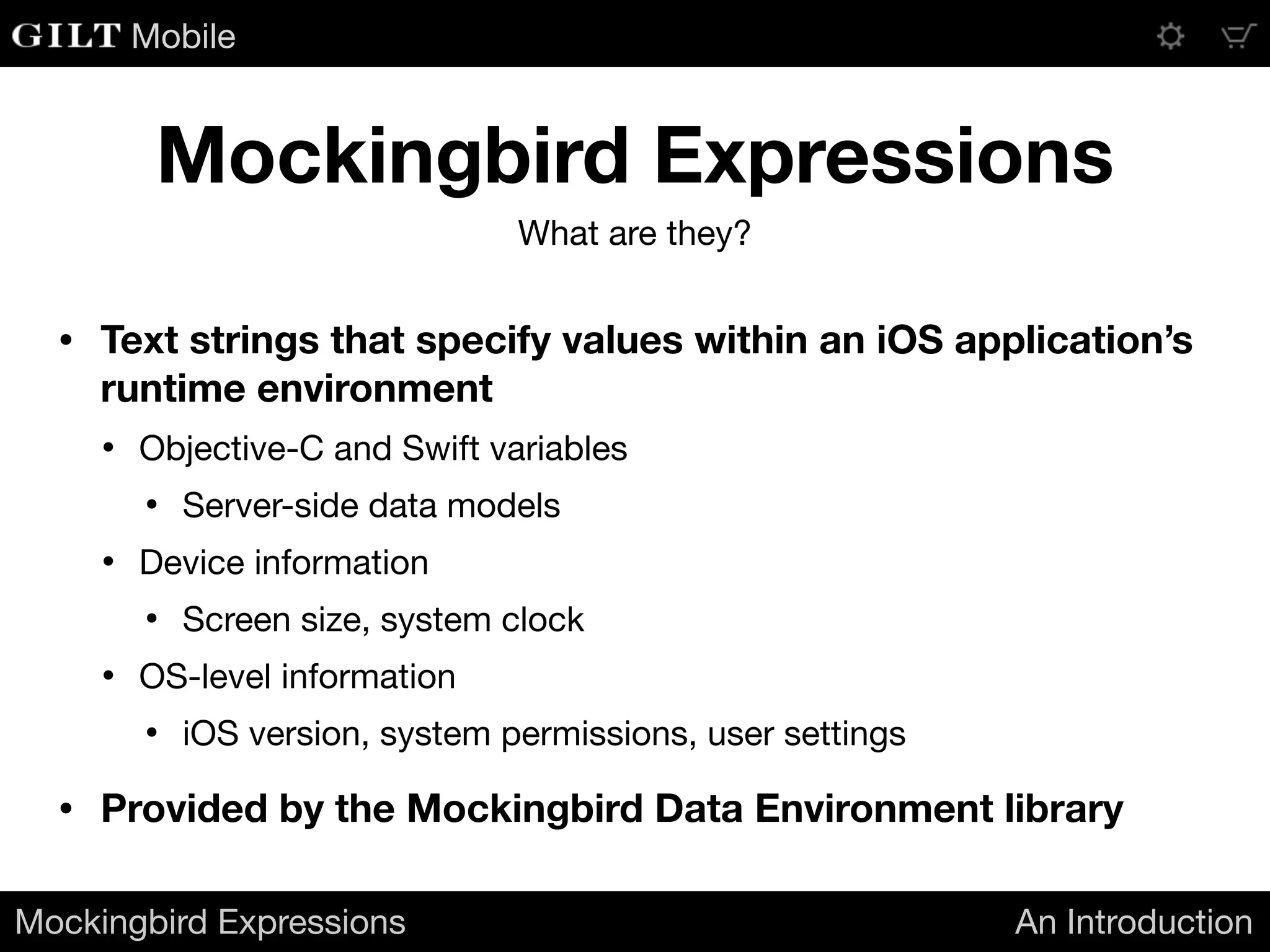
• Text strings that specify values within an iOS application’s
runtime environment
• Objective-C and Swift variables

• Server-side data models

• Device information

• Screen size, system clock

• OS-level information

• iOS version, system permissions, user settings

• Provided by the Mockingbird Data Environment library
Mockingbird Expressions An Introduction
Mockingbird Expressions
What are they?
Mobile
Mockingbird Expressions An Introduction
Mockingbird Expressions
What do they look like?
Variables Functions
The expression: The expression:
$foo ^currentTime()
Returns the object bound to the Mockingbird variable
name “foo”.
Returns an NSDate object containing the current time.
$dict[key].propVal ^formatLongDate(^currentTime())
Selects the object associated with key from the
NSDictionary bound to the name “dict”, and returns
the value of its propVal property.
Returns an NSString containing the current date in the
format “August 11, 2014”.
$UIDevice.model ^filter($users|$item.firstName == Jill)
Equivalent to the Objective-C code:

[[UIDevice currentDevice] model]
Returns a subset of the collection $users containing
only the items whose firstName property equals “Jill”.
Mobile
We can use
Mockingbird Expressions
to describe how to extract
answers from data
Mockingbird Expressions An Introduction
Mobile
Chirper + Mockingbird
Mobile
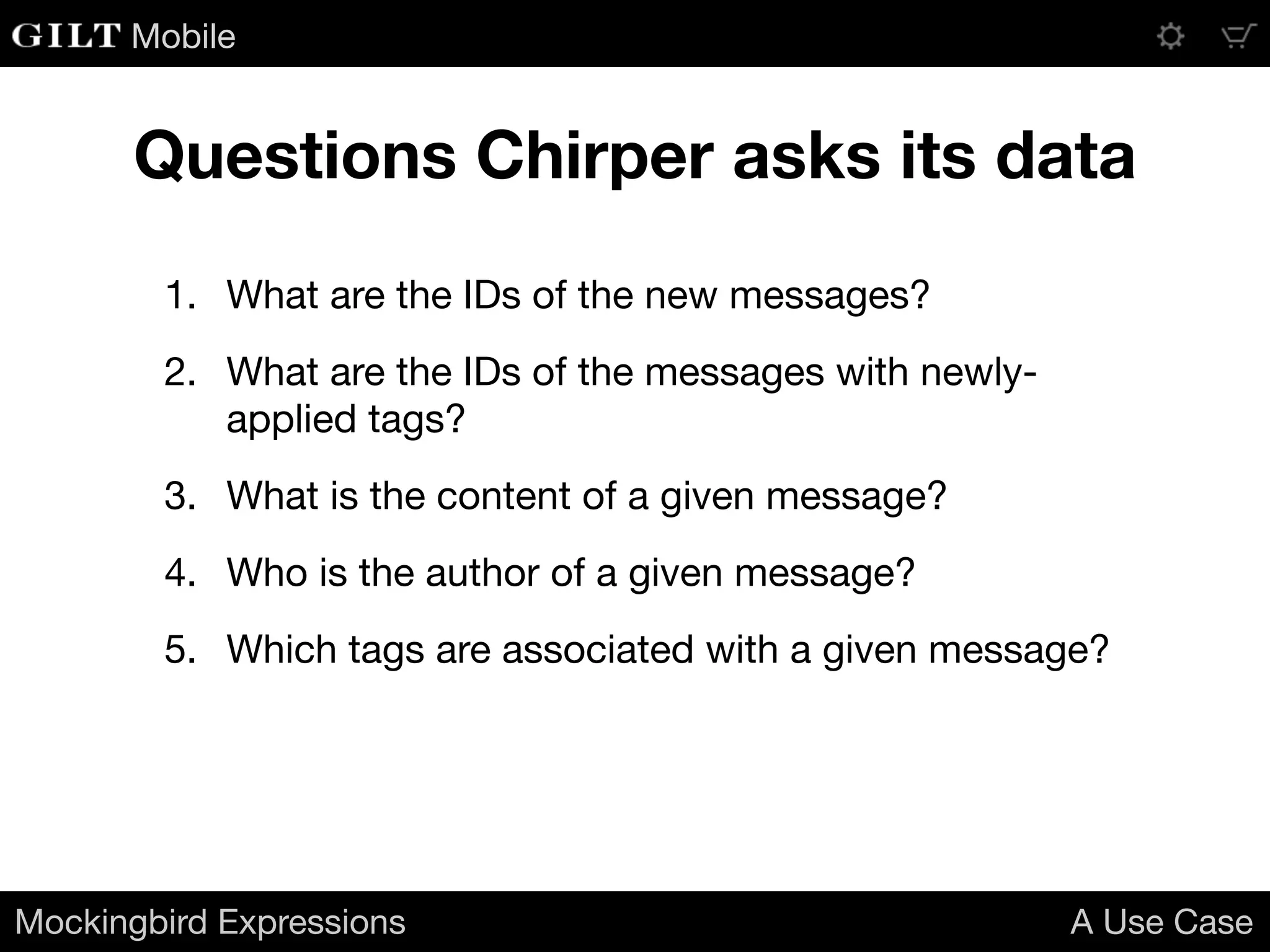
1. What are the IDs of the new messages?

2. What are the IDs of the messages with newly-
applied tags?

3. What is the content of a given message?

4. Who is the author of a given message?

5. Which tags are associated with a given message?
Mockingbird Expressions A Use Case
Questions Chirper asks its data
Mobile
[{
"message_id": 10271972,
"content": "Is there going to be an encore? I really hope they play Penelope!",
"author_id": 5375,
"tags": ["Pinback", "concert", "live music"],
"is_tag_update": true
},
{
"message_id": 10272003,
"content": "I like the live Penelope so much better than the album version.",
"author_id": 6022,
"tags": ["Pinback", "concert", "live music"]
},
{
"message_id": 10272012,
"content": "They played that last night. Expect June or Grey Machine tonight.",
"author_id": 4216,
"tags": ["Pinback", "concert", "live music"]
}]
{
"tags": ["Pinback", "concert", "live music"],
"message_tags": {
"10271972": [ 0, 1, 2 ],
"10272003": [ 0, 1, 2 ],
"10272012": [ 0, 1, 2 ]
},
"messages": {
"10272003": {
"content": "I like the live Penelope so mu
"author_id": 6022
},
"10272012": {
"content": "They played that last night. E
"author_id": 4216
}
}
}
Mockingbird Expressions A Use Case
1. What are the IDs of the new messages?
^list(^filter($feed|!$item.is_tag_update)|$item.message_id)Old feed
New feed^list($feed.messages|$key)
Mobile
2. What are the IDs of the messages with newly-applied tags?
[{
"message_id": 10271972,
"content": "Is there going to be an encore? I really hope they play Penelope!",
"author_id": 5375,
"tags": ["Pinback", "concert", "live music"],
"is_tag_update": true
},
{
"message_id": 10272003,
"content": "I like the live Penelope so much better than the album version.",
"author_id": 6022,
"tags": ["Pinback", "concert", "live music"]
},
{
"message_id": 10272012,
"content": "They played that last night. Expect June or Grey Machine tonight.",
"author_id": 4216,
"tags": ["Pinback", "concert", "live music"]
}]
{
"tags": ["Pinback", "concert", "live music"],
"message_tags": {
"10271972": [ 0, 1, 2 ],
"10272003": [ 0, 1, 2 ],
"10272012": [ 0, 1, 2 ]
},
"messages": {
"10272003": {
"content": "I like the live Penelope so mu
"author_id": 6022
},
"10272012": {
"content": "They played that last night. E
"author_id": 4216
}
}
}
Mockingbird Expressions A Use Case
^list(^filter($feed|$item.is_tag_update)|$item.message_id)
^filter(^list($feed.message_tags|$key)|!$feed.messages[$item])
Old feed
New feed
Mobile
3. What is the content of a given message?
[{
"message_id": 10271972,
"content": "Is there going to be an encore? I really hope they play Penelope!",
"author_id": 5375,
"tags": ["Pinback", "concert", "live music"],
"is_tag_update": true
},
{
"message_id": 10272003,
"content": "I like the live Penelope so much better than the album version.",
"author_id": 6022,
"tags": ["Pinback", "concert", "live music"]
},
{
"message_id": 10272012,
"content": "They played that last night. Expect June or Grey Machine tonight.",
"author_id": 4216,
"tags": ["Pinback", "concert", "live music"]
}]
{
"tags": ["Pinback", "concert", "live music"],
"message_tags": {
"10271972": [ 0, 1, 2 ],
"10272003": [ 0, 1, 2 ],
"10272012": [ 0, 1, 2 ]
},
"messages": {
"10272003": {
"content": "I like the live Penelope so mu
"author_id": 6022
},
"10272012": {
"content": "They played that last night. E
"author_id": 4216
}
}
}
Mockingbird Expressions A Use Case
^associate($feed|$item.message_id|$item.content)[$id]
$feed.messages[$id].content
Old feed
New feed
Mobile
4. Who is the author of a given message?
[{
"message_id": 10271972,
"content": "Is there going to be an encore? I really hope they play Penelope!",
"author_id": 5375,
"tags": ["Pinback", "concert", "live music"],
"is_tag_update": true
},
{
"message_id": 10272003,
"content": "I like the live Penelope so much better than the album version.",
"author_id": 6022,
"tags": ["Pinback", "concert", "live music"]
},
{
"message_id": 10272012,
"content": "They played that last night. Expect June or Grey Machine tonight.",
"author_id": 4216,
"tags": ["Pinback", "concert", "live music"]
}]
{
"tags": ["Pinback", "concert", "live music"],
"message_tags": {
"10271972": [ 0, 1, 2 ],
"10272003": [ 0, 1, 2 ],
"10272012": [ 0, 1, 2 ]
},
"messages": {
"10272003": {
"content": "I like the live Penelope so mu
"author_id": 6022
},
"10272012": {
"content": "They played that last night. E
"author_id": 4216
}
}
}
Mockingbird Expressions A Use Case
^associate($feed|$item.message_id|$item.author_id)[$id]
$feed.messages[$id].author_id
Old feed
New feed
Mobile
5. Which tags are associated with a given message?
[{
"message_id": 10271972,
"content": "Is there going to be an encore? I really hope they play Penelope!",
"author_id": 5375,
"tags": ["Pinback", "concert", "live music"],
"is_tag_update": true
},
{
"message_id": 10272003,
"content": "I like the live Penelope so much better than the album version.",
"author_id": 6022,
"tags": ["Pinback", "concert", "live music"]
},
{
"message_id": 10272012,
"content": "They played that last night. Expect June or Grey Machine tonight.",
"author_id": 4216,
"tags": ["Pinback", "concert", "live music"]
}]
{
"tags": ["Pinback", "concert", "live music"],
"message_tags": {
"10271972": [ 0, 1, 2 ],
"10272003": [ 0, 1, 2 ],
"10272012": [ 0, 1, 2 ]
},
"messages": {
"10272003": {
"content": "I like the live Penelope so mu
"author_id": 6022
},
"10272012": {
"content": "They played that last night. E
"author_id": 4216
}
}
}
Mockingbird Expressions A Use Case
^associate($feed|$item.message_id|$item.tags)[$id]
^list($feed.message_tags[$id]|$feed.tags[$item])
Old feed
New feed
Mobile
{
"new_message_ids": "^list(^filter($feed|!$item.is_tag_update)|$item.message_id)",
"newly_tagged_message_ids": "^list(^filter($feed|$item.is_tag_update)|$item.message_id)",
"content_for_message_with_id": "^associate($feed|$item.message_id|$item.content)[$id]",
"author_id_for_message_with_id": "^associate($feed|$item.message_id|$item.author_id)[$id]",
"tags_for_message_with_id": "^associate($feed|$item.message_id|$item.tags)[$id]"
}
Mockingbird Expressions A Use Case
Old feed
We can now separate out the
expressions needed to query the data
{
"new_message_ids": "^list($feed.messages|$key)",
"newly_tagged_message_ids": "^filter(^list($feed.message_tags|$key)|!$feed.messages[$item])",
"content_for_message_with_id": "$feed.messages[$id].content",
"author_id_for_message_with_id": "$feed.messages[$id].author_id",
"tags_for_message_with_id": "^list($feed.message_tags[$id]|$feed.tags[$item])"
}
New feed
Mobile
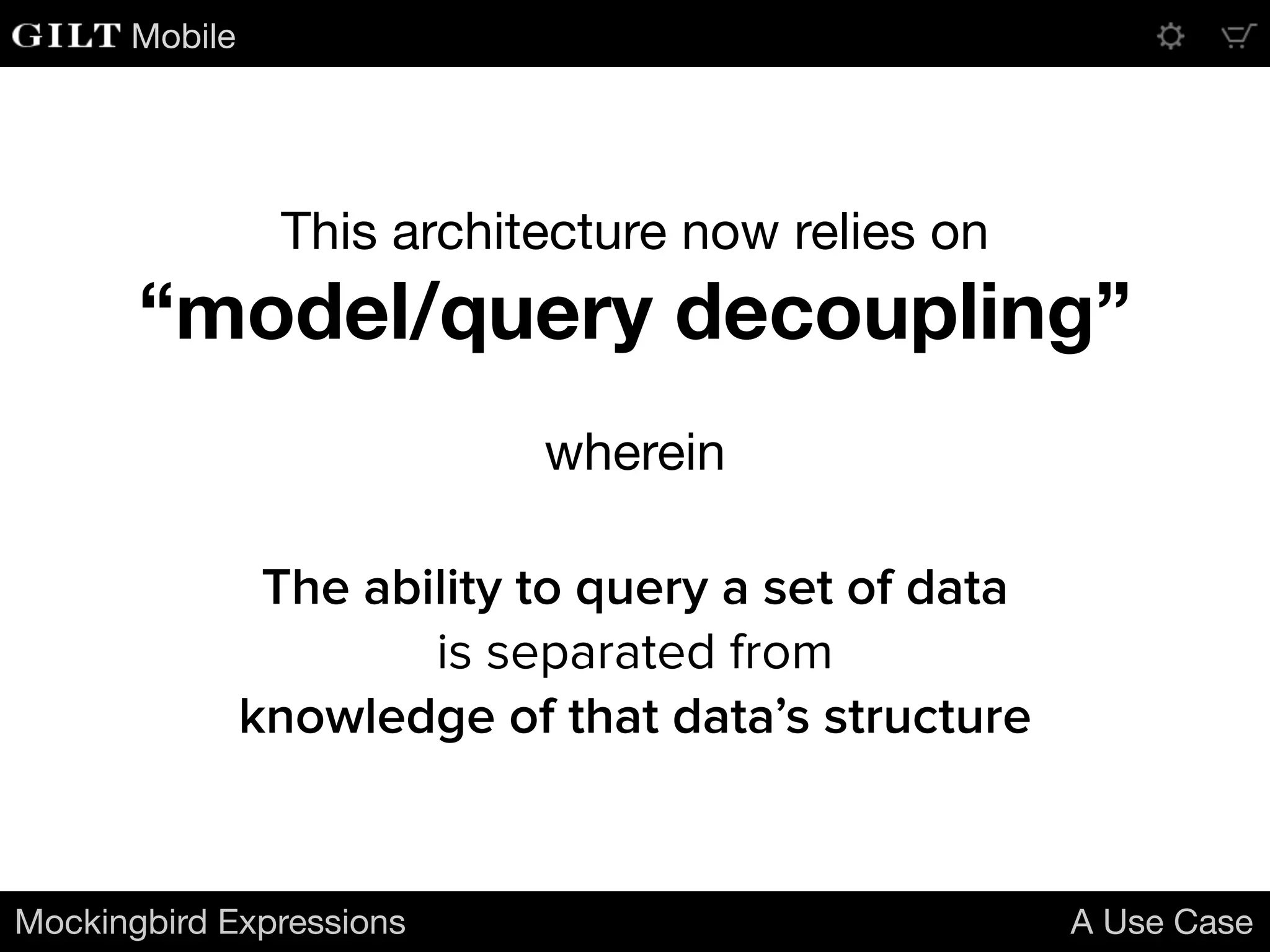
This architecture now relies on

“model/query decoupling”
wherein
Mockingbird Expressions A Use Case
The ability to query a set of data
is separated from
knowledge of that data’s structure
Mobile
How would this work in practice?
Mobile
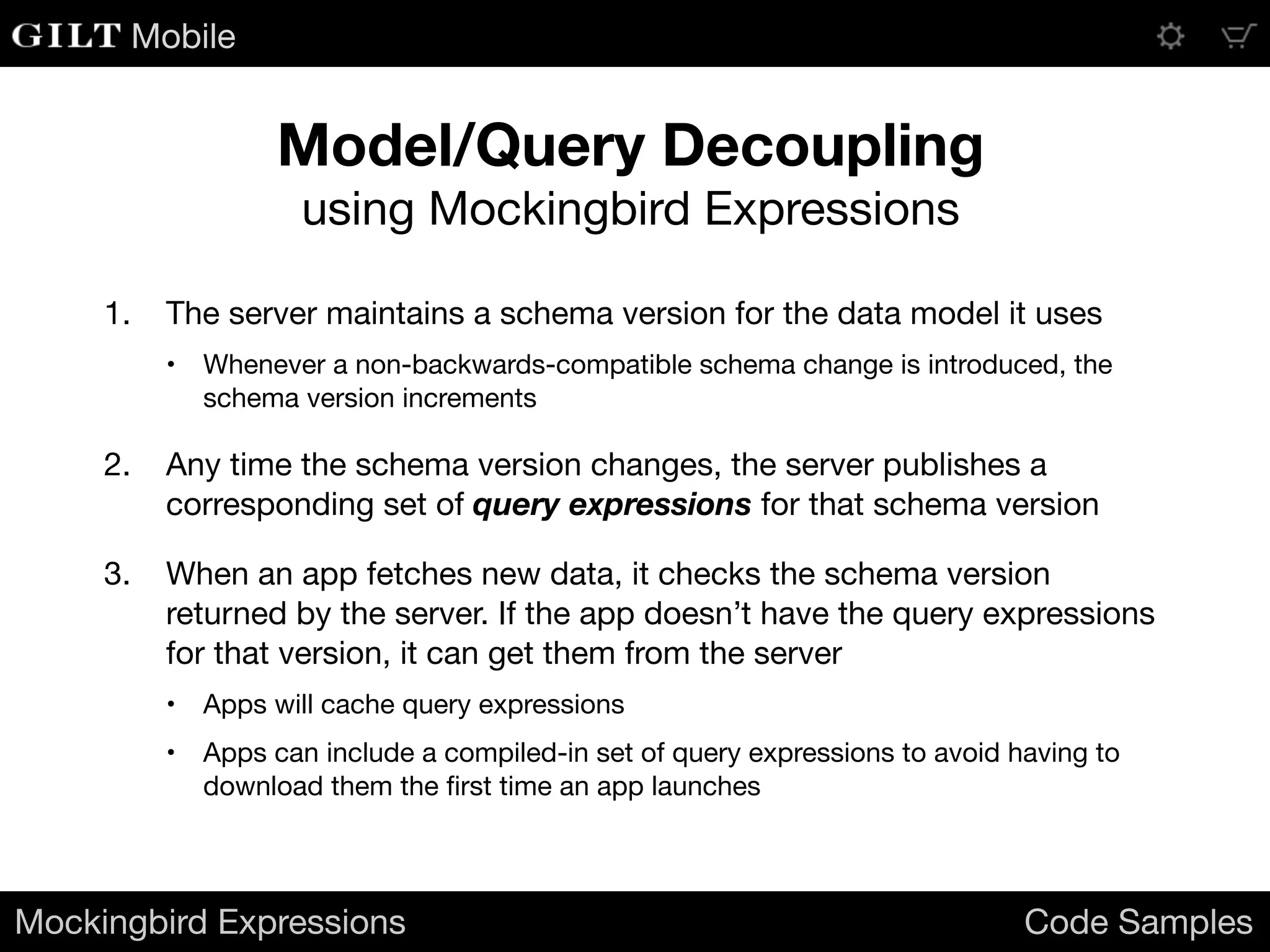
1. The server maintains a schema version for the data model it uses

• Whenever a non-backwards-compatible schema change is introduced, the
schema version increments

2. Any time the schema version changes, the server publishes a
corresponding set of query expressions for that schema version

3. When an app fetches new data, it checks the schema version
returned by the server. If the app doesn’t have the query expressions
for that version, it can get them from the server

• Apps will cache query expressions

• Apps can include a compiled-in set of query expressions to avoid having to
download them the first time an app launches
Mockingbird Expressions Code Samples
Model/Query Decoupling
using Mockingbird Expressions
Mobile
1. When we retrieve feed data from the server, we expose it to the
variable space:
Mockingbird Expressions Code Samples
Populating the
Mockingbird Data Environment
NSData* json = ... // Unicode text containing JSON structure from server
id feedData = [NSJSONSerialization JSONObjectWithData:json options:0 error:nil];
[[MBVariableSpace instance] setVariable:@"feed" value:feedData];
The expression $feed now refers to the value of feedData
2. We load the query expressions associated with the current schema into a
dictionary and expose it to the variable space:
NSDictionary* queries = ... // query names -> expressions
[[MBVariableSpace instance] setVariable:@"queries" value:queries];
The expression $queries now refers to the NSDictionary queries
Mobile
3. Query for new messages:
Mockingbird Expressions Code Samples
Querying the data
NSString* query = [MBExpression asString:@"$queries.new_message_ids"];
NSArray* newMessageIDs = [MBExpression asObject:query];
The array newMessageIDs contains two elements:
( 10272003, 10272012 )
4. Query for messages with updated tags:
NSString* query = [MBExpression asString:@"$queries.newly_tagged_message_ids"];
NSArray* newlyTaggedMessageIDs = [MBExpression asObject:query];
The array newlyTaggedMessageIDs contains one element:
( 10271972 )
5. Get the content of a message given a message ID:
[[MBVariableSpace instance] setVariable:@"id" value:@(10272003)];
NSString* query = [MBExpression asString:@"$queries.content_for_message_with_id"];
NSString* content = [MBExpression asNumber:query];
The string content is “I like the live Penelope so much better than the album version.”
Mobile
Mockingbird Expressions Code Samples
Querying the data
7. Get the tags associated with a given message:
[[MBVariableSpace instance] setVariable:@"id" value:@(10272012)];
NSString* query = [MBExpression asString:@"$queries.tags_for_message_with_id"];
NSArray* tags = [MBExpression asObject:query];
The array tags contains three elements:
( "Pinback", "concert", "live music" )
6. Get the author ID of a message given a message ID:
[[MBVariableSpace instance] setVariable:@"id" value:@(10271972)];
NSString* query = [MBExpression asString:@"$queries.author_id_for_message_with_id"];
NSNumber* authorID = [MBExpression asNumber:query];
The NSNumber authorID contains the integer value 5375.
Mobile
What can you use this for?
Mobile
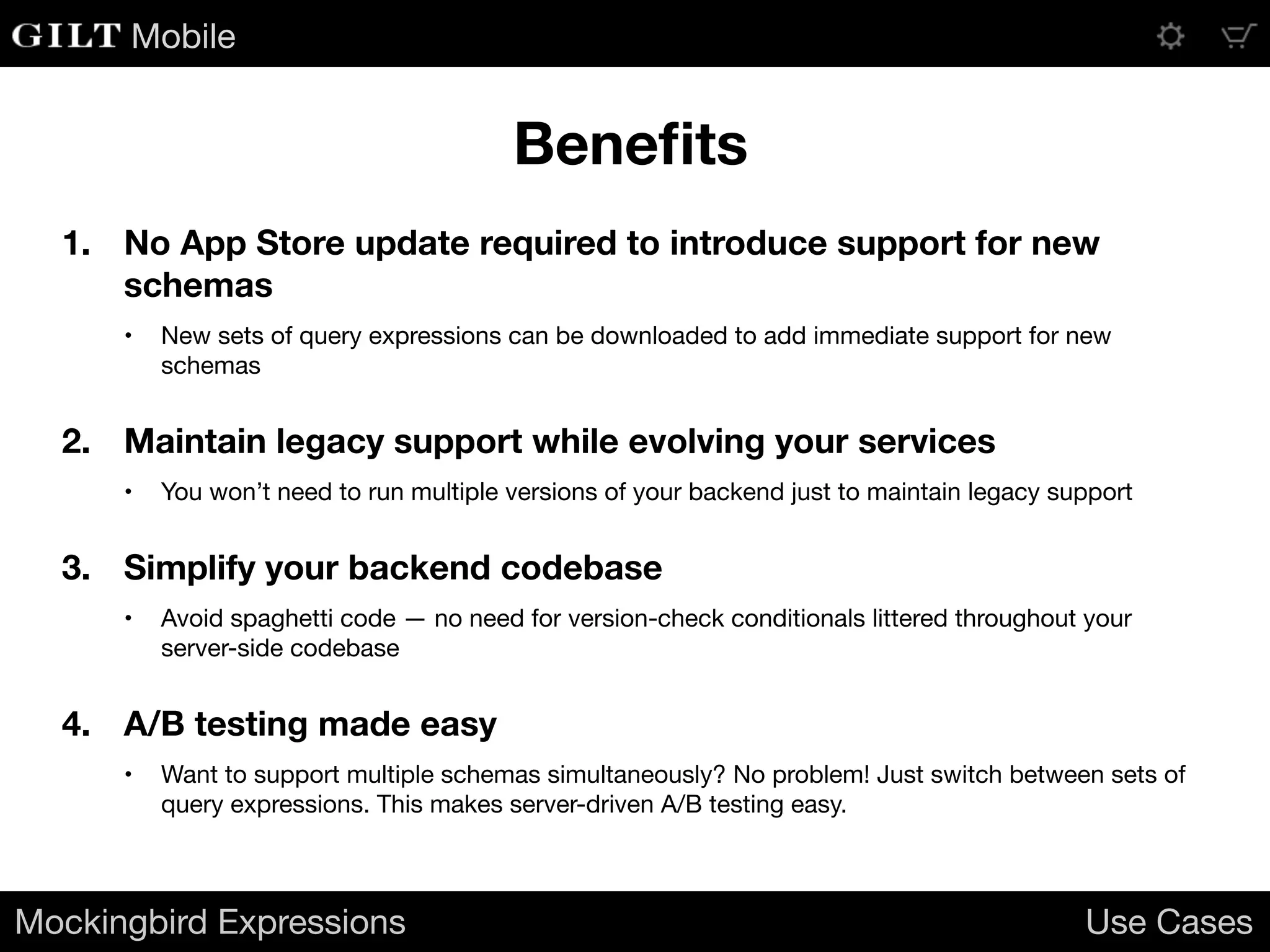
1. No App Store update required to introduce support for new
schemas
• New sets of query expressions can be downloaded to add immediate support for new
schemas

2. Maintain legacy support while evolving your services
• You won’t need to run multiple versions of your backend just to maintain legacy support

3. Simplify your backend codebase
• Avoid spaghetti code — no need for version-check conditionals littered throughout your
server-side codebase

4. A/B testing made easy
• Want to support multiple schemas simultaneously? No problem! Just switch between sets of
query expressions. This makes server-driven A/B testing easy.

Mockingbird Expressions Use Cases
Benefits
Mobile
When can you use this?
Mobile
Mockingbird Availability
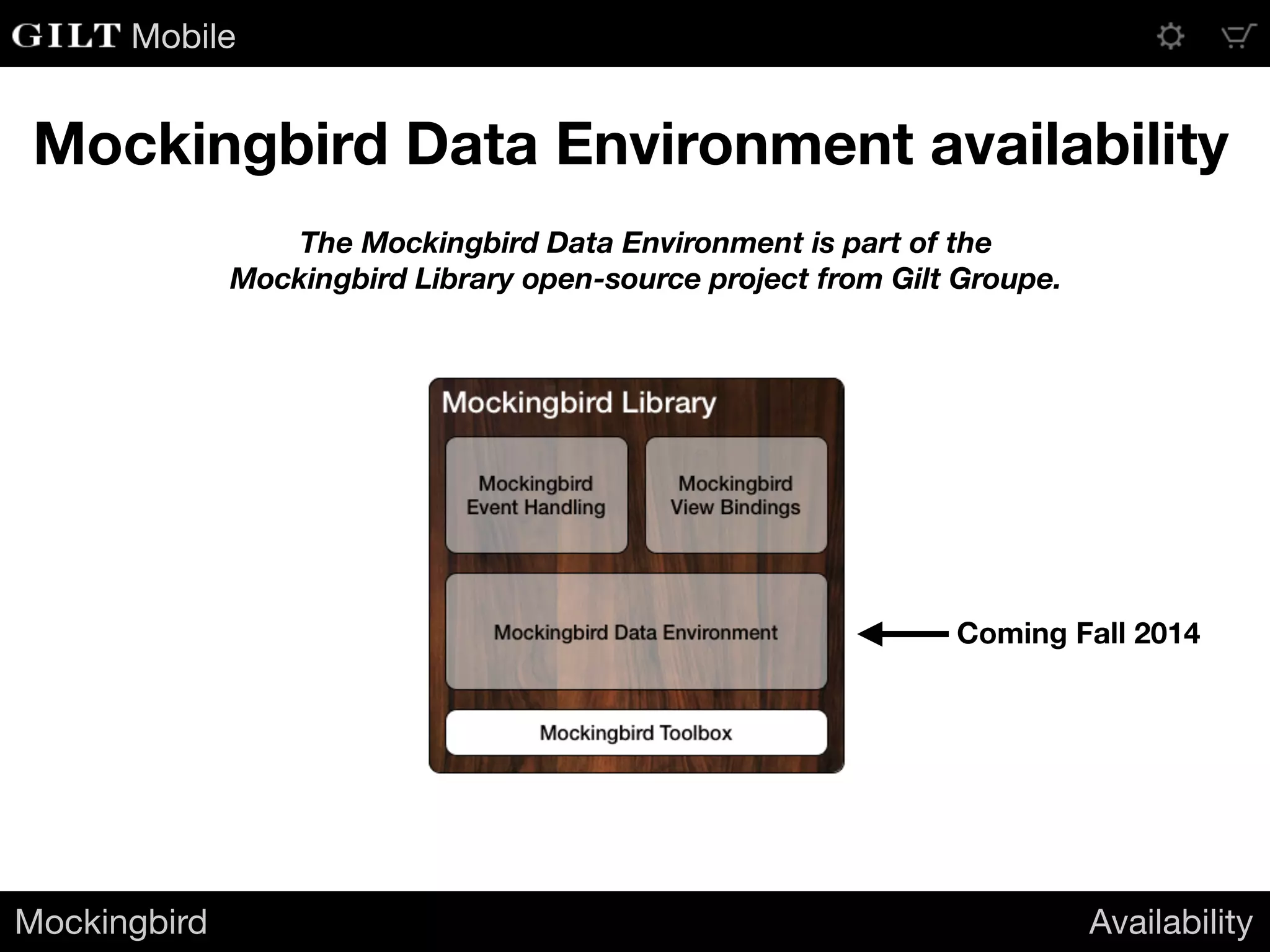
Mockingbird Data Environment availability
The Mockingbird Data Environment is part of the
Mockingbird Library open-source project from Gilt Groupe.
Coming Fall 2014
Mobile
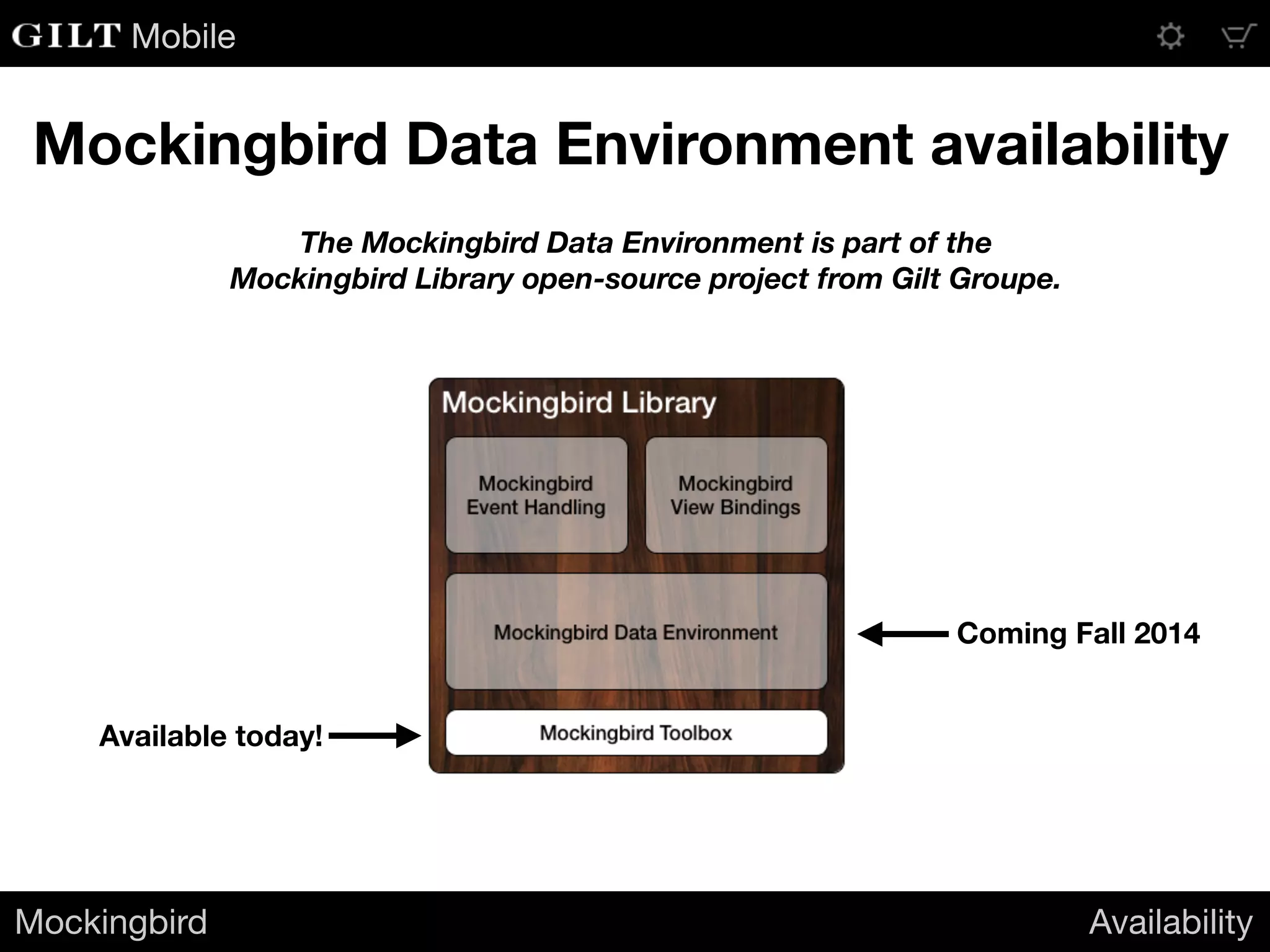
Mockingbird Data Environment availability
Available today!
Coming Fall 2014
Mockingbird Availability
The Mockingbird Data Environment is part of the
Mockingbird Library open-source project from Gilt Groupe.
Mobile
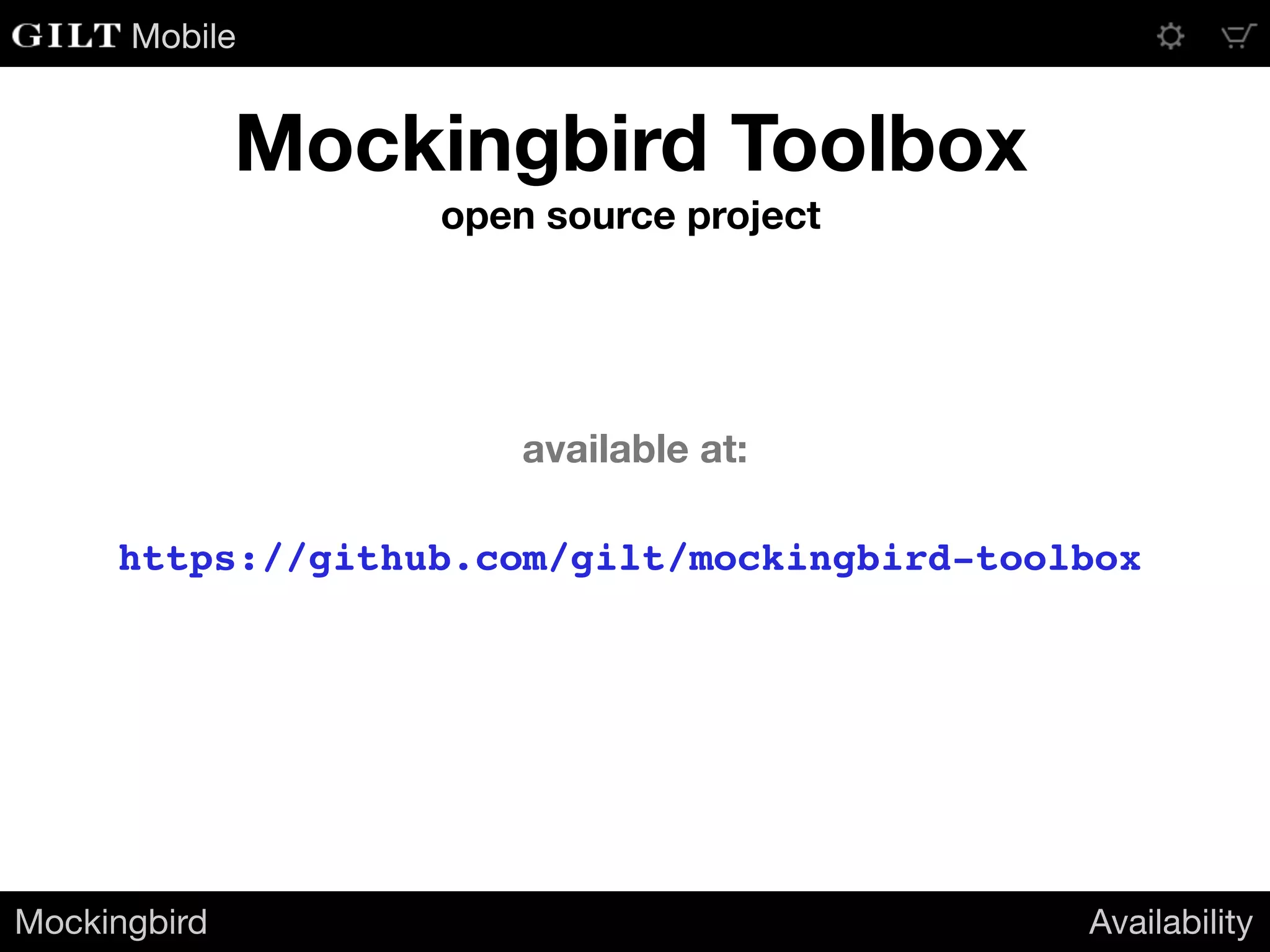
Mockingbird Toolbox
open source project
https://github.com/gilt/mockingbird-toolbox
Mockingbird Availability
available at:
Evan Coyne Maloney Principal Engineer
Mobile
Gracefully handling changes
to your server-side data model

Handling Changes to Your Server-Side Data Model

  • 1.
    Evan Coyne MaloneyPrincipal Engineer Mobile Gracefully handling changes to your server-side data model
  • 2.
  • 3.
    Mobile Handling change onthe Web • No app review process • “Go live” with the push of a button • Immediate deployment to production • All users get changes right away • No need to test “on device” • Won’t spend hours in provisioning hell • Easy to perform automated testing on the hardware you’ll be using in production Handling change Web vs. iOS
  • 4.
    Mobile Handling change oniOS • Mandatory app review • Can take a week or more • Must test “on device” • If you only test in the simulator, you don’t really know what your code is doing • How does it perform? • It is exhibiting device-only crashing? Handling change Web vs. iOS
  • 5.
    Mobile Web vs. iOS Handlingchange Web vs. iOS Web iOS Fully automated testing Partially manual testing Push a button and go live Going live requires Apple’s permission, which in turn requires waiting Can fix stuff right away Being able to fix stuff right away requires careful planning and lots of work (…and even then you can’t fix everything)
  • 6.
    Mobile These differences have consequences YouriOS apps can become an anchor on your server-side environment Handling change Web vs. iOS
  • 7.
  • 8.
    Mobile Chirper Handling change AnExample A hypothetical social network • Unidirectional relationships between users (following) • Encourages very short messages; optimized for mobile input • Allows followers to tag a message to categorize it
  • 9.
    Mobile Chirper Handling change AnExample A hypothetical social network • Launched by an early-stage startup with limited resources • Built a simple system to launch quickly • Having trouble scaling • Need to bring hosting and bandwidth costs down
  • 10.
    Mobile Chirper’s Message Feed Handlingchange An Example • The feed contains all messages that: • Are new to the user • Were delivered previously, but have newly-applied tags [{ "message_id": 10271972, "message": "Is there going to be an encore? I really hope they play Penelope!", "author_id": 5375, "tags": ["Pinback", "concert"] }] • When the Chirper app launches, it retrieves the updated message feed from the server • Messages in the feed arrive within a JSON array:
  • 11.
    Mobile Not the mostefficient Handling change An Example • Any time anyone tags a message, the entire message will be re-sent in the feed update, even though previously-received messages are already stored in the client app • Tags themselves can add a lot of redundant data, especially in heavily active feeds with long tag names • Chirper has decided to refactor their feeds to be more efficient
  • 12.
    Mobile An example scenario Handlingchange An Example 1. Someone adds a new tag to an old message 2. Two new messages arrive
  • 13.
    Mobile How it looksin the current feed Handling change An Example [{ "message_id": 10271972, "content": "Is there going to be an encore? I really hope they play Penelope!", "author_id": 5375, "tags": ["Pinback", "concert", "live music"], "is_tag_update": true }, { "message_id": 10272003, "content": "I like the live Penelope so much better than the album version.", "author_id": 6022, "tags": ["Pinback", "concert", "live music"] }, { "message_id": 10272012, "content": "They played that last night. Expect June or Grey Machine tonight.", "author_id": 4216, "tags": ["Pinback", "concert", "live music"] }] 503 bytes (compact JSON)
  • 14.
    Mobile A refactored feed Handlingchange An Example { "tags": ["Pinback", "concert", "live music"], "message_tags": { "10271972": [ 0, 1, 2 ], "10272003": [ 0, 1, 2 ], "10272012": [ 0, 1, 2 ] }, "messages": { "10272003": { "content": "I like the live Penelope so much better than the album version.", "author_id": 6022 }, "10272012": { "content": "They played that last night. Expect June or Grey Machine tonight.", "author_id": 4216 } } } 344 bytes (compact JSON)
  • 15.
    Mobile Success? Handling change AnExample • The response size is now about ⅔ of what it was • Savings will be even better under many scenarios Great, but… These savings won’t lower Chirper’s bandwidth costs until: 1. They build and submit a new app 2. Apple approves it 3. A critical mass of users update to the latest version
  • 16.
    Mobile The root ofthe problem Handling change Designing for change • The client app and the server must always agree on the structure of the data • On the client side, this knowledge has to be compiled in to the application binary • Once the app has been submitted, it can’t be modified • But, we can design a way around this!
  • 17.
    Mobile How we buildserver-driven apps today Handling change Designing for change 1. The server maintains knowledge of the data necessary to drive the app 2. The app requests data, and receives a data structure in response 3. The app will “ask questions of the data” to do its work 4. This requires having knowledge of the data structure
  • 18.
    Mobile How we buildserver-driven apps today Handling change Designing for change 1. The server maintains knowledge of the data necessary to drive the app 2. The app requests data, and receives a data structure in response 3. The app will “ask questions of the data” to do its work 4. This requires having knowledge of the data structure
  • 19.
    Mobile How we couldbuild server-driven apps Handling change Designing for change 1. The server maintains knowledge of the data necessary to drive the app 2. The app requests data, and receives in response: • The data itself • A set of instructions for how to extract values from the data structure 3. The app will still “ask questions of the data” to do its work, but it will use the server-provided instructions to do it — the client no longer needs advance knowledge of the server’s data model!
  • 20.
    Mobile 1. The exactstructure of the data 2. What questions it needs answered from the data 3. How to translate those questions into procedures for extracting answers from the data The Client needs to know: The Server needs to know: 1. The exact structure of the data Rethink where we require knowledge Handling change Designing for change
  • 21.
    Mobile Rethink where werequire knowledge Handling change Designing for change 1. What questions it needs answered from the data 1. The exact structure of the data 2. The set of questions each app version needs answered from the data 3. How to translate those questions into procedures for extracting answers from the data The Client needs to know: The Server needs to know:
  • 22.
    Mobile How can wedo this? Handling change Designing for change
  • 23.
  • 24.
    Mobile • Text stringsthat specify values within an iOS application’s runtime environment • Objective-C and Swift variables • Server-side data models • Device information • Screen size, system clock • OS-level information • iOS version, system permissions, user settings • Provided by the Mockingbird Data Environment library Mockingbird Expressions An Introduction Mockingbird Expressions What are they?
  • 25.
    Mobile Mockingbird Expressions AnIntroduction Mockingbird Expressions What do they look like? Variables Functions The expression: The expression: $foo ^currentTime() Returns the object bound to the Mockingbird variable name “foo”. Returns an NSDate object containing the current time. $dict[key].propVal ^formatLongDate(^currentTime()) Selects the object associated with key from the NSDictionary bound to the name “dict”, and returns the value of its propVal property. Returns an NSString containing the current date in the format “August 11, 2014”. $UIDevice.model ^filter($users|$item.firstName == Jill) Equivalent to the Objective-C code: [[UIDevice currentDevice] model] Returns a subset of the collection $users containing only the items whose firstName property equals “Jill”.
  • 26.
    Mobile We can use MockingbirdExpressions to describe how to extract answers from data Mockingbird Expressions An Introduction
  • 27.
  • 28.
    Mobile 1. What arethe IDs of the new messages? 2. What are the IDs of the messages with newly- applied tags? 3. What is the content of a given message? 4. Who is the author of a given message? 5. Which tags are associated with a given message? Mockingbird Expressions A Use Case Questions Chirper asks its data
  • 29.
    Mobile [{ "message_id": 10271972, "content": "Isthere going to be an encore? I really hope they play Penelope!", "author_id": 5375, "tags": ["Pinback", "concert", "live music"], "is_tag_update": true }, { "message_id": 10272003, "content": "I like the live Penelope so much better than the album version.", "author_id": 6022, "tags": ["Pinback", "concert", "live music"] }, { "message_id": 10272012, "content": "They played that last night. Expect June or Grey Machine tonight.", "author_id": 4216, "tags": ["Pinback", "concert", "live music"] }] { "tags": ["Pinback", "concert", "live music"], "message_tags": { "10271972": [ 0, 1, 2 ], "10272003": [ 0, 1, 2 ], "10272012": [ 0, 1, 2 ] }, "messages": { "10272003": { "content": "I like the live Penelope so mu "author_id": 6022 }, "10272012": { "content": "They played that last night. E "author_id": 4216 } } } Mockingbird Expressions A Use Case 1. What are the IDs of the new messages? ^list(^filter($feed|!$item.is_tag_update)|$item.message_id)Old feed New feed^list($feed.messages|$key)
  • 30.
    Mobile 2. What arethe IDs of the messages with newly-applied tags? [{ "message_id": 10271972, "content": "Is there going to be an encore? I really hope they play Penelope!", "author_id": 5375, "tags": ["Pinback", "concert", "live music"], "is_tag_update": true }, { "message_id": 10272003, "content": "I like the live Penelope so much better than the album version.", "author_id": 6022, "tags": ["Pinback", "concert", "live music"] }, { "message_id": 10272012, "content": "They played that last night. Expect June or Grey Machine tonight.", "author_id": 4216, "tags": ["Pinback", "concert", "live music"] }] { "tags": ["Pinback", "concert", "live music"], "message_tags": { "10271972": [ 0, 1, 2 ], "10272003": [ 0, 1, 2 ], "10272012": [ 0, 1, 2 ] }, "messages": { "10272003": { "content": "I like the live Penelope so mu "author_id": 6022 }, "10272012": { "content": "They played that last night. E "author_id": 4216 } } } Mockingbird Expressions A Use Case ^list(^filter($feed|$item.is_tag_update)|$item.message_id) ^filter(^list($feed.message_tags|$key)|!$feed.messages[$item]) Old feed New feed
  • 31.
    Mobile 3. What isthe content of a given message? [{ "message_id": 10271972, "content": "Is there going to be an encore? I really hope they play Penelope!", "author_id": 5375, "tags": ["Pinback", "concert", "live music"], "is_tag_update": true }, { "message_id": 10272003, "content": "I like the live Penelope so much better than the album version.", "author_id": 6022, "tags": ["Pinback", "concert", "live music"] }, { "message_id": 10272012, "content": "They played that last night. Expect June or Grey Machine tonight.", "author_id": 4216, "tags": ["Pinback", "concert", "live music"] }] { "tags": ["Pinback", "concert", "live music"], "message_tags": { "10271972": [ 0, 1, 2 ], "10272003": [ 0, 1, 2 ], "10272012": [ 0, 1, 2 ] }, "messages": { "10272003": { "content": "I like the live Penelope so mu "author_id": 6022 }, "10272012": { "content": "They played that last night. E "author_id": 4216 } } } Mockingbird Expressions A Use Case ^associate($feed|$item.message_id|$item.content)[$id] $feed.messages[$id].content Old feed New feed
  • 32.
    Mobile 4. Who isthe author of a given message? [{ "message_id": 10271972, "content": "Is there going to be an encore? I really hope they play Penelope!", "author_id": 5375, "tags": ["Pinback", "concert", "live music"], "is_tag_update": true }, { "message_id": 10272003, "content": "I like the live Penelope so much better than the album version.", "author_id": 6022, "tags": ["Pinback", "concert", "live music"] }, { "message_id": 10272012, "content": "They played that last night. Expect June or Grey Machine tonight.", "author_id": 4216, "tags": ["Pinback", "concert", "live music"] }] { "tags": ["Pinback", "concert", "live music"], "message_tags": { "10271972": [ 0, 1, 2 ], "10272003": [ 0, 1, 2 ], "10272012": [ 0, 1, 2 ] }, "messages": { "10272003": { "content": "I like the live Penelope so mu "author_id": 6022 }, "10272012": { "content": "They played that last night. E "author_id": 4216 } } } Mockingbird Expressions A Use Case ^associate($feed|$item.message_id|$item.author_id)[$id] $feed.messages[$id].author_id Old feed New feed
  • 33.
    Mobile 5. Which tagsare associated with a given message? [{ "message_id": 10271972, "content": "Is there going to be an encore? I really hope they play Penelope!", "author_id": 5375, "tags": ["Pinback", "concert", "live music"], "is_tag_update": true }, { "message_id": 10272003, "content": "I like the live Penelope so much better than the album version.", "author_id": 6022, "tags": ["Pinback", "concert", "live music"] }, { "message_id": 10272012, "content": "They played that last night. Expect June or Grey Machine tonight.", "author_id": 4216, "tags": ["Pinback", "concert", "live music"] }] { "tags": ["Pinback", "concert", "live music"], "message_tags": { "10271972": [ 0, 1, 2 ], "10272003": [ 0, 1, 2 ], "10272012": [ 0, 1, 2 ] }, "messages": { "10272003": { "content": "I like the live Penelope so mu "author_id": 6022 }, "10272012": { "content": "They played that last night. E "author_id": 4216 } } } Mockingbird Expressions A Use Case ^associate($feed|$item.message_id|$item.tags)[$id] ^list($feed.message_tags[$id]|$feed.tags[$item]) Old feed New feed
  • 34.
    Mobile { "new_message_ids": "^list(^filter($feed|!$item.is_tag_update)|$item.message_id)", "newly_tagged_message_ids": "^list(^filter($feed|$item.is_tag_update)|$item.message_id)", "content_for_message_with_id":"^associate($feed|$item.message_id|$item.content)[$id]", "author_id_for_message_with_id": "^associate($feed|$item.message_id|$item.author_id)[$id]", "tags_for_message_with_id": "^associate($feed|$item.message_id|$item.tags)[$id]" } Mockingbird Expressions A Use Case Old feed We can now separate out the expressions needed to query the data { "new_message_ids": "^list($feed.messages|$key)", "newly_tagged_message_ids": "^filter(^list($feed.message_tags|$key)|!$feed.messages[$item])", "content_for_message_with_id": "$feed.messages[$id].content", "author_id_for_message_with_id": "$feed.messages[$id].author_id", "tags_for_message_with_id": "^list($feed.message_tags[$id]|$feed.tags[$item])" } New feed
  • 35.
    Mobile This architecture nowrelies on “model/query decoupling” wherein Mockingbird Expressions A Use Case The ability to query a set of data is separated from knowledge of that data’s structure
  • 36.
    Mobile How would thiswork in practice?
  • 37.
    Mobile 1. The servermaintains a schema version for the data model it uses • Whenever a non-backwards-compatible schema change is introduced, the schema version increments 2. Any time the schema version changes, the server publishes a corresponding set of query expressions for that schema version 3. When an app fetches new data, it checks the schema version returned by the server. If the app doesn’t have the query expressions for that version, it can get them from the server • Apps will cache query expressions • Apps can include a compiled-in set of query expressions to avoid having to download them the first time an app launches Mockingbird Expressions Code Samples Model/Query Decoupling using Mockingbird Expressions
  • 38.
    Mobile 1. When weretrieve feed data from the server, we expose it to the variable space: Mockingbird Expressions Code Samples Populating the Mockingbird Data Environment NSData* json = ... // Unicode text containing JSON structure from server id feedData = [NSJSONSerialization JSONObjectWithData:json options:0 error:nil]; [[MBVariableSpace instance] setVariable:@"feed" value:feedData]; The expression $feed now refers to the value of feedData 2. We load the query expressions associated with the current schema into a dictionary and expose it to the variable space: NSDictionary* queries = ... // query names -> expressions [[MBVariableSpace instance] setVariable:@"queries" value:queries]; The expression $queries now refers to the NSDictionary queries
  • 39.
    Mobile 3. Query fornew messages: Mockingbird Expressions Code Samples Querying the data NSString* query = [MBExpression asString:@"$queries.new_message_ids"]; NSArray* newMessageIDs = [MBExpression asObject:query]; The array newMessageIDs contains two elements: ( 10272003, 10272012 ) 4. Query for messages with updated tags: NSString* query = [MBExpression asString:@"$queries.newly_tagged_message_ids"]; NSArray* newlyTaggedMessageIDs = [MBExpression asObject:query]; The array newlyTaggedMessageIDs contains one element: ( 10271972 ) 5. Get the content of a message given a message ID: [[MBVariableSpace instance] setVariable:@"id" value:@(10272003)]; NSString* query = [MBExpression asString:@"$queries.content_for_message_with_id"]; NSString* content = [MBExpression asNumber:query]; The string content is “I like the live Penelope so much better than the album version.”
  • 40.
    Mobile Mockingbird Expressions CodeSamples Querying the data 7. Get the tags associated with a given message: [[MBVariableSpace instance] setVariable:@"id" value:@(10272012)]; NSString* query = [MBExpression asString:@"$queries.tags_for_message_with_id"]; NSArray* tags = [MBExpression asObject:query]; The array tags contains three elements: ( "Pinback", "concert", "live music" ) 6. Get the author ID of a message given a message ID: [[MBVariableSpace instance] setVariable:@"id" value:@(10271972)]; NSString* query = [MBExpression asString:@"$queries.author_id_for_message_with_id"]; NSNumber* authorID = [MBExpression asNumber:query]; The NSNumber authorID contains the integer value 5375.
  • 41.
    Mobile What can youuse this for?
  • 42.
    Mobile 1. No AppStore update required to introduce support for new schemas • New sets of query expressions can be downloaded to add immediate support for new schemas 2. Maintain legacy support while evolving your services • You won’t need to run multiple versions of your backend just to maintain legacy support 3. Simplify your backend codebase • Avoid spaghetti code — no need for version-check conditionals littered throughout your server-side codebase 4. A/B testing made easy • Want to support multiple schemas simultaneously? No problem! Just switch between sets of query expressions. This makes server-driven A/B testing easy. Mockingbird Expressions Use Cases Benefits
  • 43.
  • 44.
    Mobile Mockingbird Availability Mockingbird DataEnvironment availability The Mockingbird Data Environment is part of the Mockingbird Library open-source project from Gilt Groupe. Coming Fall 2014
  • 45.
    Mobile Mockingbird Data Environmentavailability Available today! Coming Fall 2014 Mockingbird Availability The Mockingbird Data Environment is part of the Mockingbird Library open-source project from Gilt Groupe.
  • 46.
    Mobile Mockingbird Toolbox open sourceproject https://github.com/gilt/mockingbird-toolbox Mockingbird Availability available at:
  • 47.
    Evan Coyne MaloneyPrincipal Engineer Mobile Gracefully handling changes to your server-side data model