Mobile Game
Design
What makes it different?
What’s this about?
● Mobile Games are different from
PC/Console
● How can we work with the strengths
● How can we avoid the weaknesses
● The Future
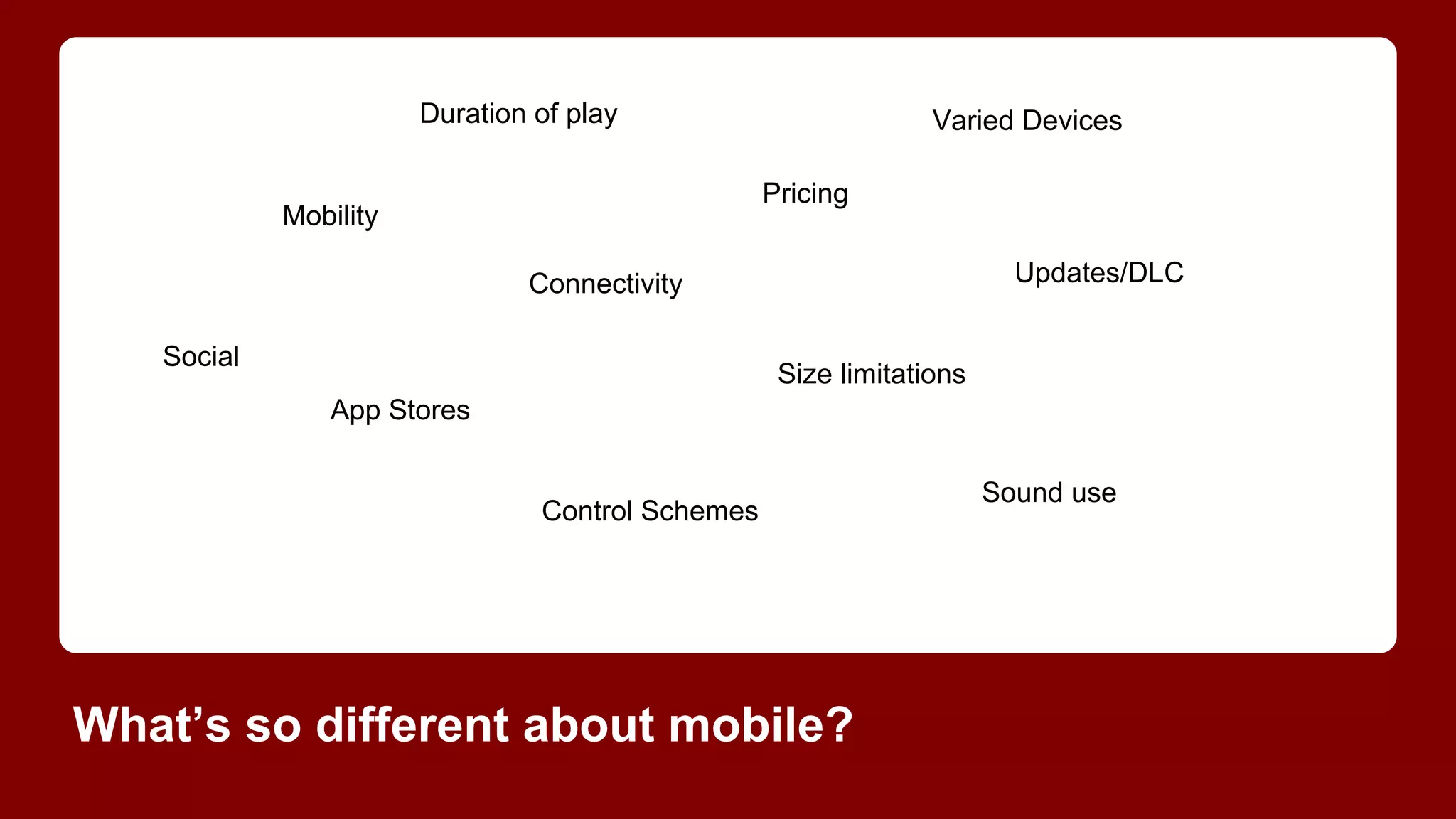
Duration of play

Varied Devices
Pricing

Mobility

Updates/DLC

Connectivity
Social

Size limitations
App Stores

Control Schemes

What’s so different about mobile?

Sound use
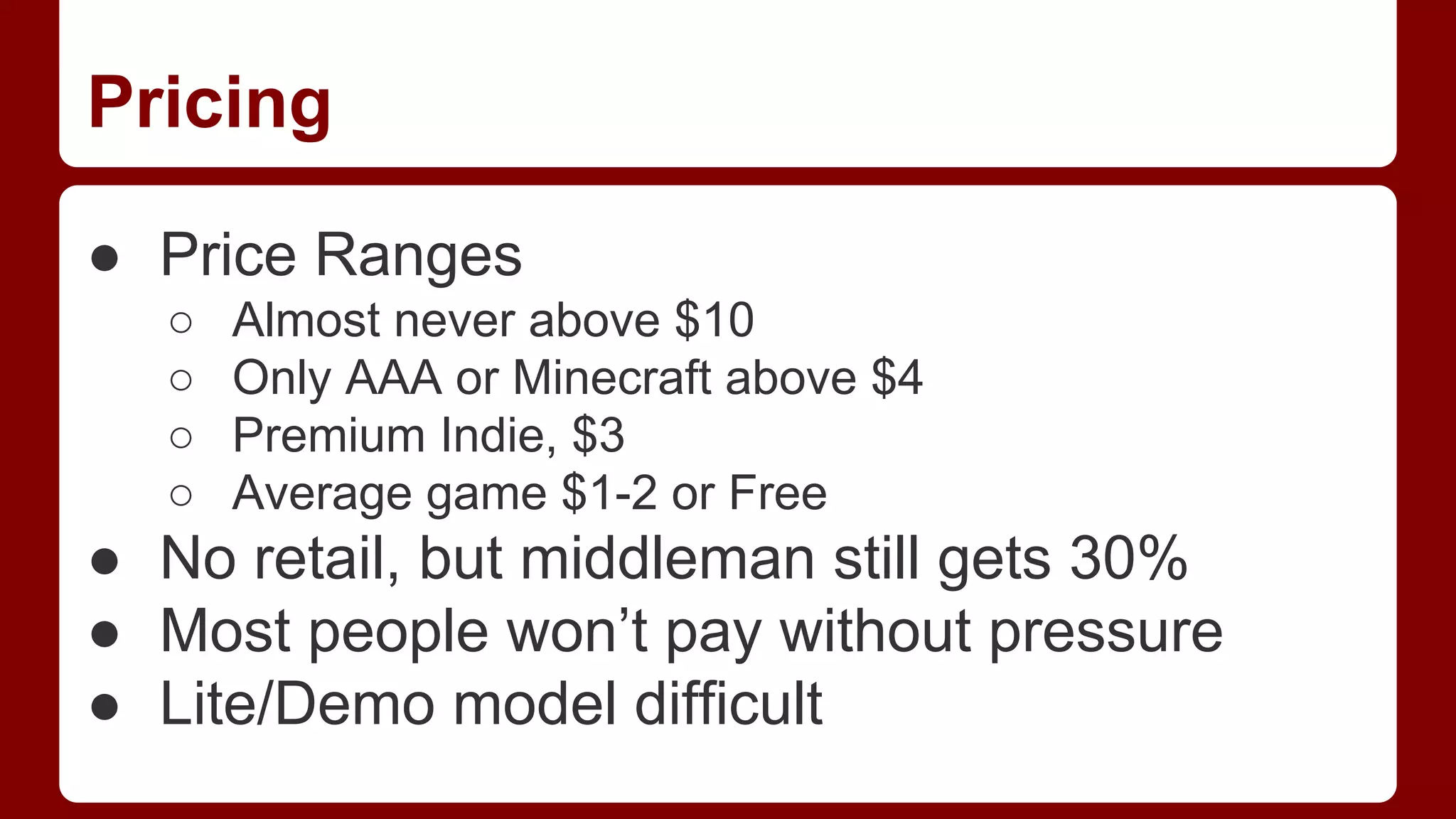
Pricing
● Price Ranges
○
○
○
○

Almost never above $10
Only AAA or Minecraft above $4
Premium Indie, $3
Average game $1-2 or Free

● No retail, but middleman still gets 30%
● Most people won’t pay without pressure
● Lite/Demo model difficult
Mobility
● More portable than a game boy
● Mostly played during “downtime”
○
○
○
○

Poop gaming
Car/Bus/Train rides
Waiting in lines
Chillin’ in bed

● Usually used as a time killer
Play Duration
● Short bursts
● Easily interruptible by text, calls, real life
● Session length affects when played
Connectivity
●
●
●
●

Always “potentially” connected
Speed and reception erratic
Great for bursts, but easily interrupted
Push notifications, useful but interruptive
Social
●
●
●
●
●

Very little face to face play
Good support for FB/Twitter/Game Center
Text and e-mail under-utilized
Non-multiplayer interactions with friends
Multiplayer with friends and randoms
Size restrictions
●
●
●
●

Small phone drives
OTA download limits vs Wi-Fi
Update install space
Graphics/RAM memory limits
Updates/DLC
●
●
●
●

DLC sold as In App Purchases
Easier to update than consoles
Can’t force updates unlike Steam/Facebook
Updates have the gatekeeper still
Control Schemes
●
●
●
●
●

No physical controls (mostly)
Touch and Accelerometer only
Multi-touch possible, screen size limits
Often takes screen/GUI space
Has to be simple
Sound issues
●
●
●
●

Often play with sound off/limited volume
Often playing privately in public
Social games are bad with sound too
Sound cues and hooks more difficult
App store markets
●
●
●
●

Apple and Google control, at their whim
There are some alternatives like Amazon
Charts and editorials vital to sales
Videos only on Play, visual style matters!
How can we use this knowledge?
Less content, more systems
● Content is expensive in both $ and memory
● Content is like movie studio props and sets,
rearrange and re-dress to maximize use
● Systemic/Procedural design has replayability
● Great for Puzzle games:Tetris, Bejeweled
● Great for Player content games: Minecraft
● Great for Rogue-like RPGs
Shorter play cycles/sessions
●
●
●
●
●
●

Make progress/hook em in 30 seconds
Easy in, hard out addictivity or Check-ins
Limitations can leave them wanting more
Keep attention length requirements short
Plan for interruptions
Use local push to get em back
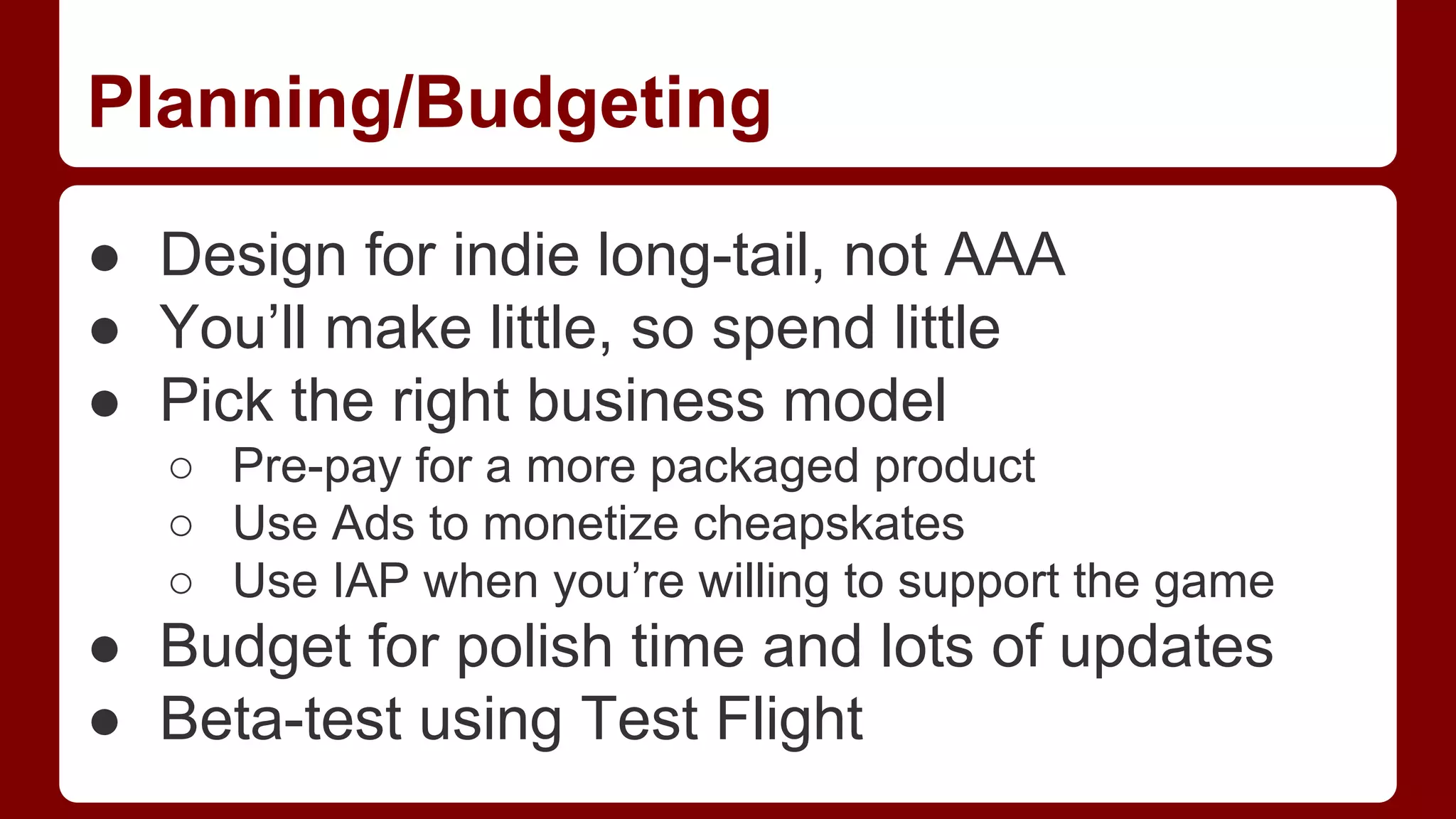
Planning/Budgeting
● Design for indie long-tail, not AAA
● You’ll make little, so spend little
● Pick the right business model
○ Pre-pay for a more packaged product
○ Use Ads to monetize cheapskates
○ Use IAP when you’re willing to support the game

● Budget for polish time and lots of updates
● Beta-test using Test Flight
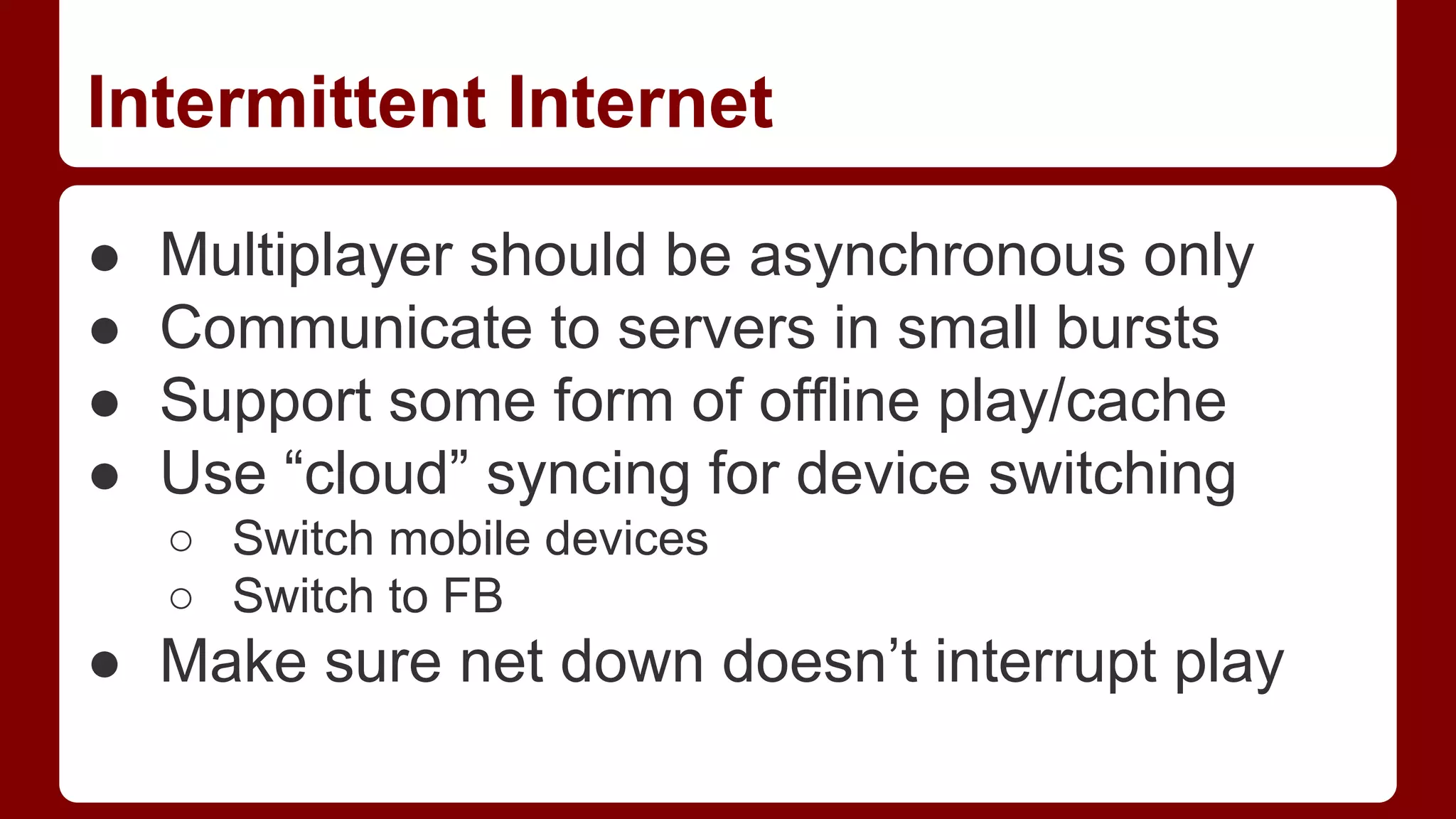
Intermittent Internet
●
●
●
●

Multiplayer should be asynchronous only
Communicate to servers in small bursts
Support some form of offline play/cache
Use “cloud” syncing for device switching
○ Switch mobile devices
○ Switch to FB

● Make sure net down doesn’t interrupt play
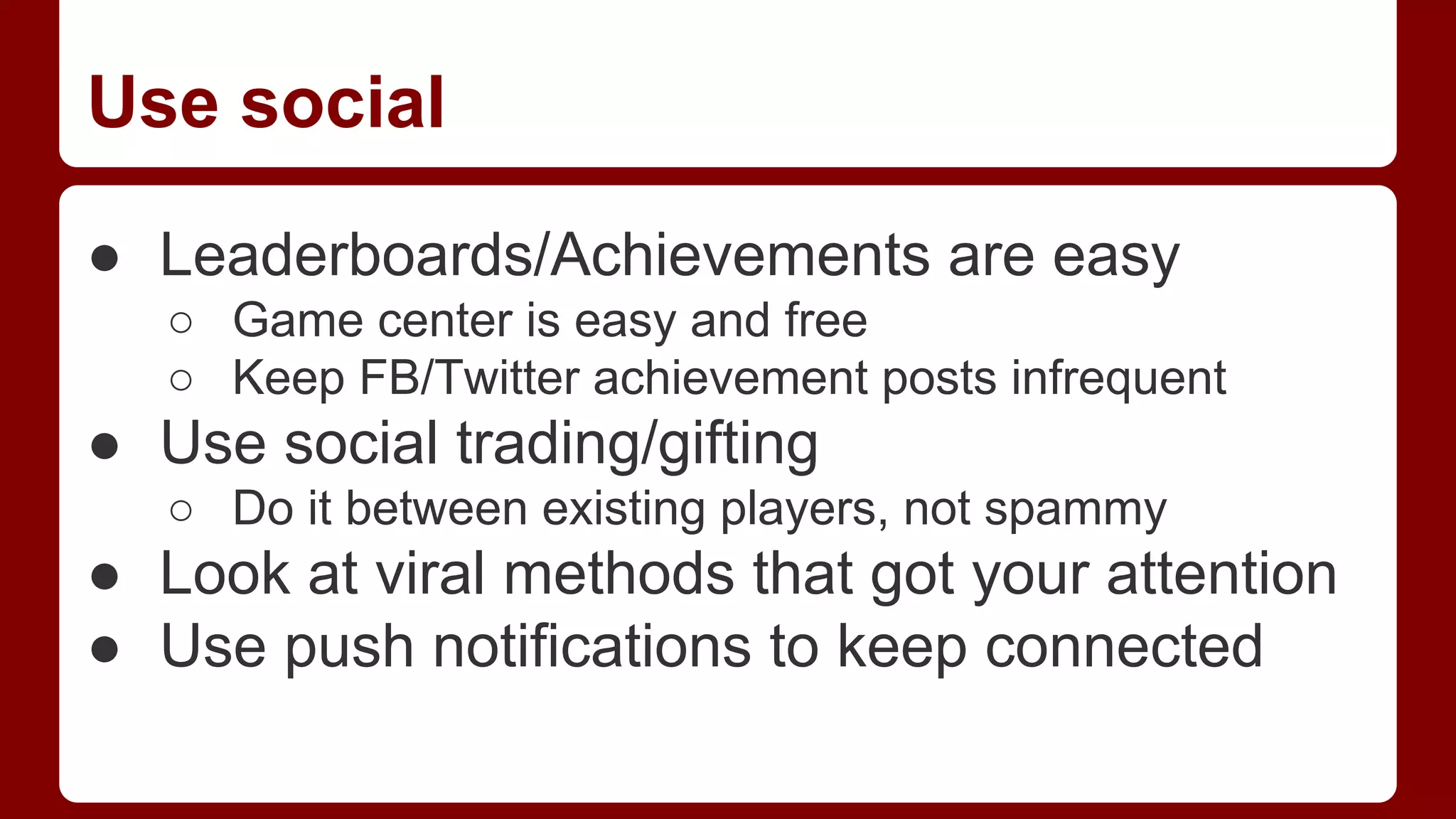
Use social
● Leaderboards/Achievements are easy
○ Game center is easy and free
○ Keep FB/Twitter achievement posts infrequent

● Use social trading/gifting
○ Do it between existing players, not spammy

● Look at viral methods that got your attention
● Use push notifications to keep connected
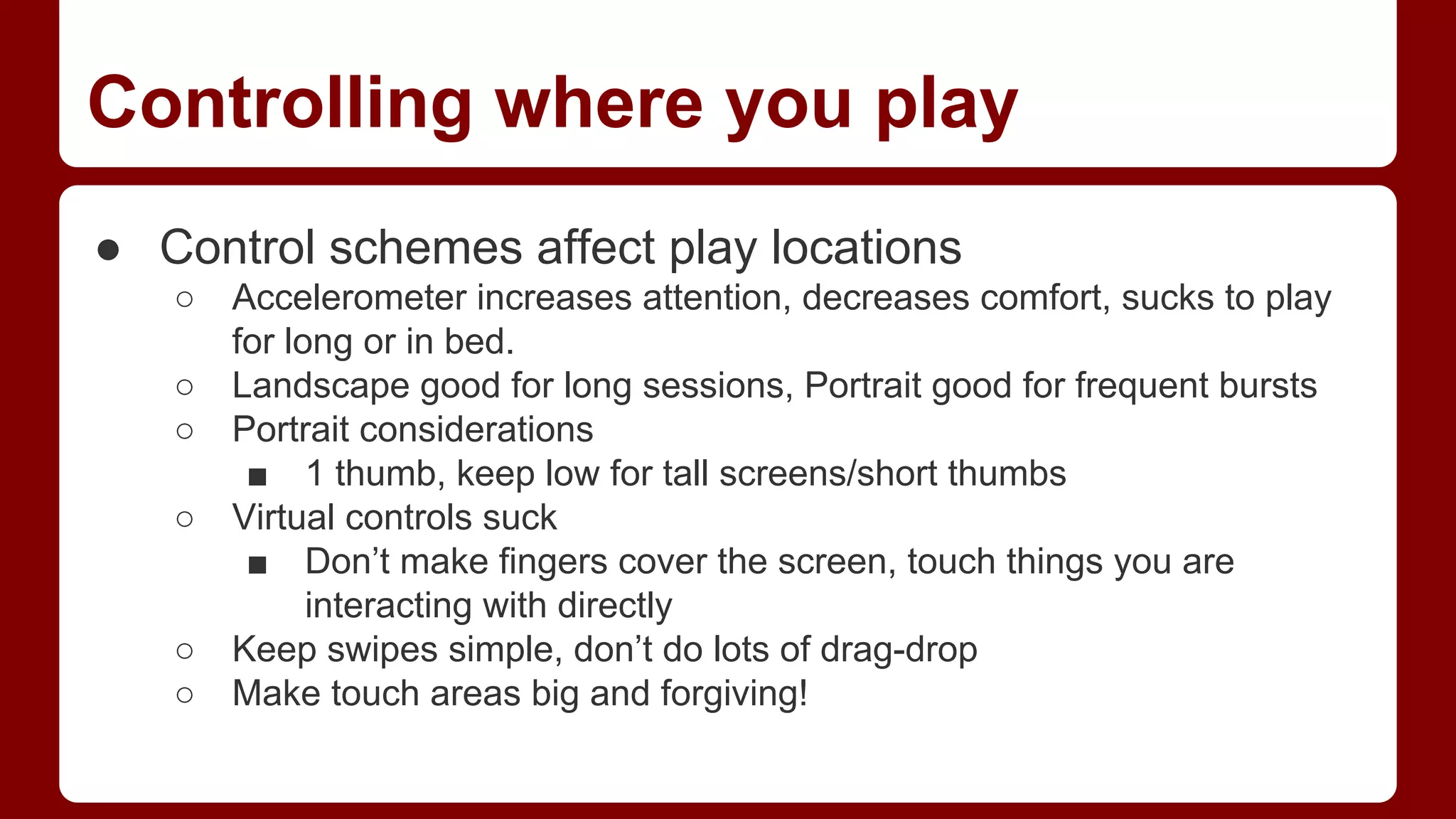
Controlling where you play
● Control schemes affect play locations
○
○
○
○

○
○

Accelerometer increases attention, decreases comfort, sucks to play
for long or in bed.
Landscape good for long sessions, Portrait good for frequent bursts
Portrait considerations
■ 1 thumb, keep low for tall screens/short thumbs
Virtual controls suck
■ Don’t make fingers cover the screen, touch things you are
interacting with directly
Keep swipes simple, don’t do lots of drag-drop
Make touch areas big and forgiving!
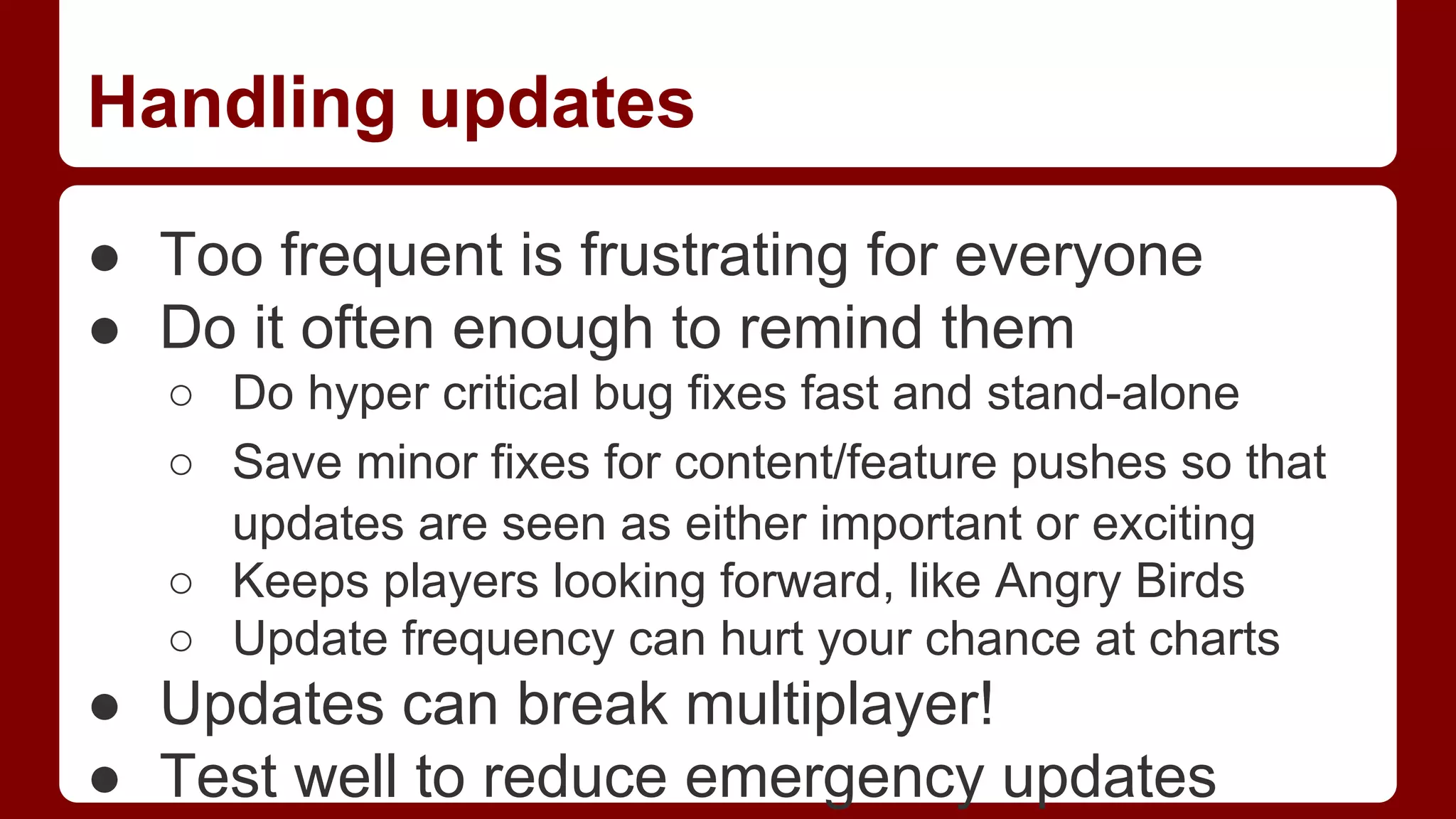
Handling updates
● Too frequent is frustrating for everyone
● Do it often enough to remind them
○ Do hyper critical bug fixes fast and stand-alone
○ Save minor fixes for content/feature pushes so that
updates are seen as either important or exciting
○ Keeps players looking forward, like Angry Birds
○ Update frequency can hurt your chance at charts

● Updates can break multiplayer!
● Test well to reduce emergency updates
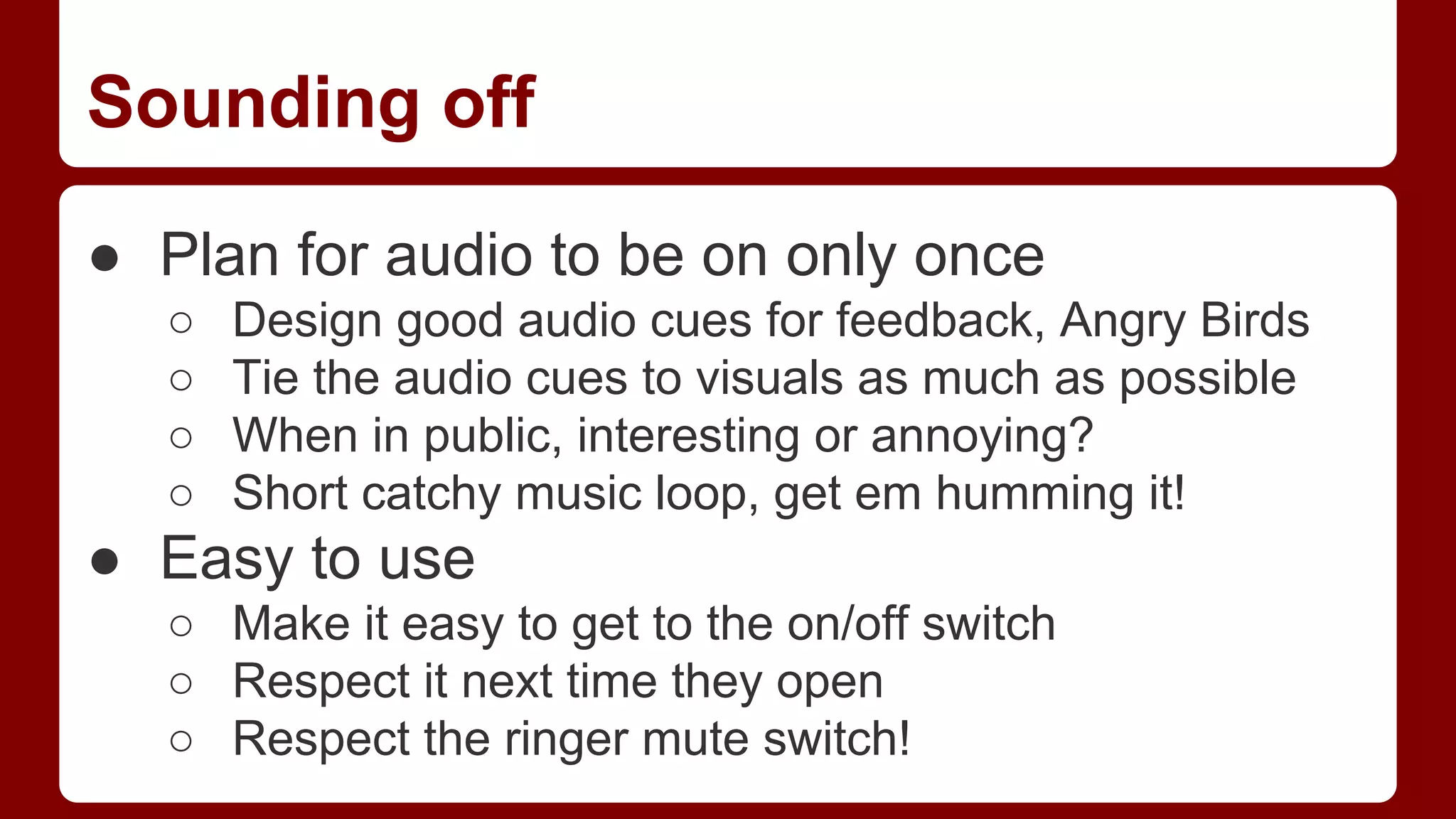
Sounding off
● Plan for audio to be on only once
○
○
○
○

Design good audio cues for feedback, Angry Birds
Tie the audio cues to visuals as much as possible
When in public, interesting or annoying?
Short catchy music loop, get em humming it!

● Easy to use
○ Make it easy to get to the on/off switch
○ Respect it next time they open
○ Respect the ringer mute switch!
Questions?

Devin Becker, devin@devinbecker.com

Mobile game design: What makes it different?

  • 1.
  • 2.
    What’s this about? ●Mobile Games are different from PC/Console ● How can we work with the strengths ● How can we avoid the weaknesses ● The Future
  • 3.
    Duration of play VariedDevices Pricing Mobility Updates/DLC Connectivity Social Size limitations App Stores Control Schemes What’s so different about mobile? Sound use
  • 4.
    Pricing ● Price Ranges ○ ○ ○ ○ Almostnever above $10 Only AAA or Minecraft above $4 Premium Indie, $3 Average game $1-2 or Free ● No retail, but middleman still gets 30% ● Most people won’t pay without pressure ● Lite/Demo model difficult
  • 5.
    Mobility ● More portablethan a game boy ● Mostly played during “downtime” ○ ○ ○ ○ Poop gaming Car/Bus/Train rides Waiting in lines Chillin’ in bed ● Usually used as a time killer
  • 6.
    Play Duration ● Shortbursts ● Easily interruptible by text, calls, real life ● Session length affects when played
  • 7.
    Connectivity ● ● ● ● Always “potentially” connected Speedand reception erratic Great for bursts, but easily interrupted Push notifications, useful but interruptive
  • 8.
    Social ● ● ● ● ● Very little faceto face play Good support for FB/Twitter/Game Center Text and e-mail under-utilized Non-multiplayer interactions with friends Multiplayer with friends and randoms
  • 9.
    Size restrictions ● ● ● ● Small phonedrives OTA download limits vs Wi-Fi Update install space Graphics/RAM memory limits
  • 10.
    Updates/DLC ● ● ● ● DLC sold asIn App Purchases Easier to update than consoles Can’t force updates unlike Steam/Facebook Updates have the gatekeeper still
  • 11.
    Control Schemes ● ● ● ● ● No physicalcontrols (mostly) Touch and Accelerometer only Multi-touch possible, screen size limits Often takes screen/GUI space Has to be simple
  • 12.
    Sound issues ● ● ● ● Often playwith sound off/limited volume Often playing privately in public Social games are bad with sound too Sound cues and hooks more difficult
  • 13.
    App store markets ● ● ● ● Appleand Google control, at their whim There are some alternatives like Amazon Charts and editorials vital to sales Videos only on Play, visual style matters!
  • 14.
    How can weuse this knowledge?
  • 15.
    Less content, moresystems ● Content is expensive in both $ and memory ● Content is like movie studio props and sets, rearrange and re-dress to maximize use ● Systemic/Procedural design has replayability ● Great for Puzzle games:Tetris, Bejeweled ● Great for Player content games: Minecraft ● Great for Rogue-like RPGs
  • 16.
    Shorter play cycles/sessions ● ● ● ● ● ● Makeprogress/hook em in 30 seconds Easy in, hard out addictivity or Check-ins Limitations can leave them wanting more Keep attention length requirements short Plan for interruptions Use local push to get em back
  • 17.
    Planning/Budgeting ● Design forindie long-tail, not AAA ● You’ll make little, so spend little ● Pick the right business model ○ Pre-pay for a more packaged product ○ Use Ads to monetize cheapskates ○ Use IAP when you’re willing to support the game ● Budget for polish time and lots of updates ● Beta-test using Test Flight
  • 18.
    Intermittent Internet ● ● ● ● Multiplayer shouldbe asynchronous only Communicate to servers in small bursts Support some form of offline play/cache Use “cloud” syncing for device switching ○ Switch mobile devices ○ Switch to FB ● Make sure net down doesn’t interrupt play
  • 19.
    Use social ● Leaderboards/Achievementsare easy ○ Game center is easy and free ○ Keep FB/Twitter achievement posts infrequent ● Use social trading/gifting ○ Do it between existing players, not spammy ● Look at viral methods that got your attention ● Use push notifications to keep connected
  • 20.
    Controlling where youplay ● Control schemes affect play locations ○ ○ ○ ○ ○ ○ Accelerometer increases attention, decreases comfort, sucks to play for long or in bed. Landscape good for long sessions, Portrait good for frequent bursts Portrait considerations ■ 1 thumb, keep low for tall screens/short thumbs Virtual controls suck ■ Don’t make fingers cover the screen, touch things you are interacting with directly Keep swipes simple, don’t do lots of drag-drop Make touch areas big and forgiving!
  • 21.
    Handling updates ● Toofrequent is frustrating for everyone ● Do it often enough to remind them ○ Do hyper critical bug fixes fast and stand-alone ○ Save minor fixes for content/feature pushes so that updates are seen as either important or exciting ○ Keeps players looking forward, like Angry Birds ○ Update frequency can hurt your chance at charts ● Updates can break multiplayer! ● Test well to reduce emergency updates
  • 22.
    Sounding off ● Planfor audio to be on only once ○ ○ ○ ○ Design good audio cues for feedback, Angry Birds Tie the audio cues to visuals as much as possible When in public, interesting or annoying? Short catchy music loop, get em humming it! ● Easy to use ○ Make it easy to get to the on/off switch ○ Respect it next time they open ○ Respect the ringer mute switch!
  • 23.