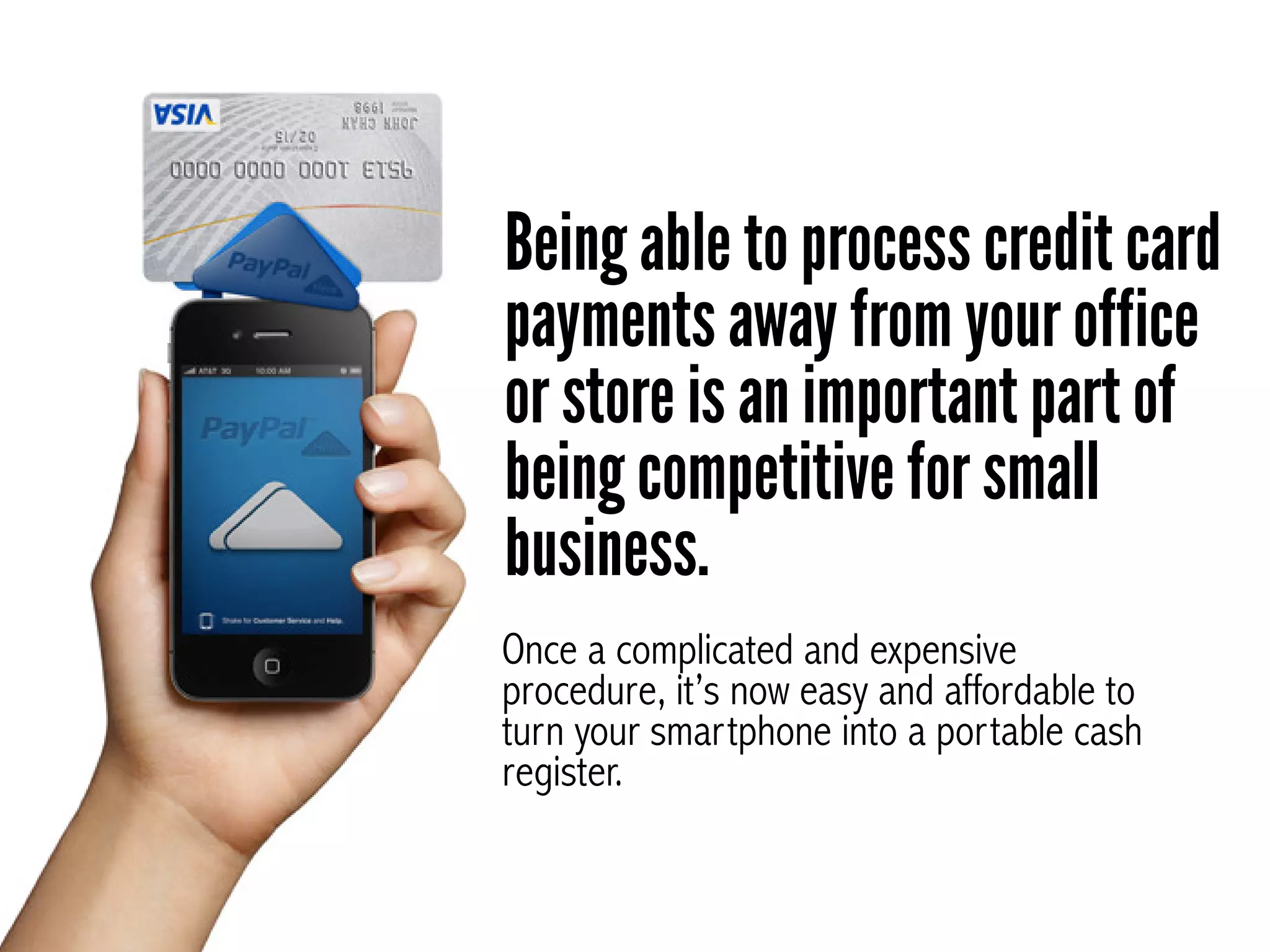
Being able to process credit card
payments away from your office
or store is an important part of
being competitive for small
business.
Once a complicated and expensive
procedure, it’s now easy and affordable to
turn your smartphone into a portable cash
register.
Our Top Choice for Mobile
Payment Processing for
Small Business Owners
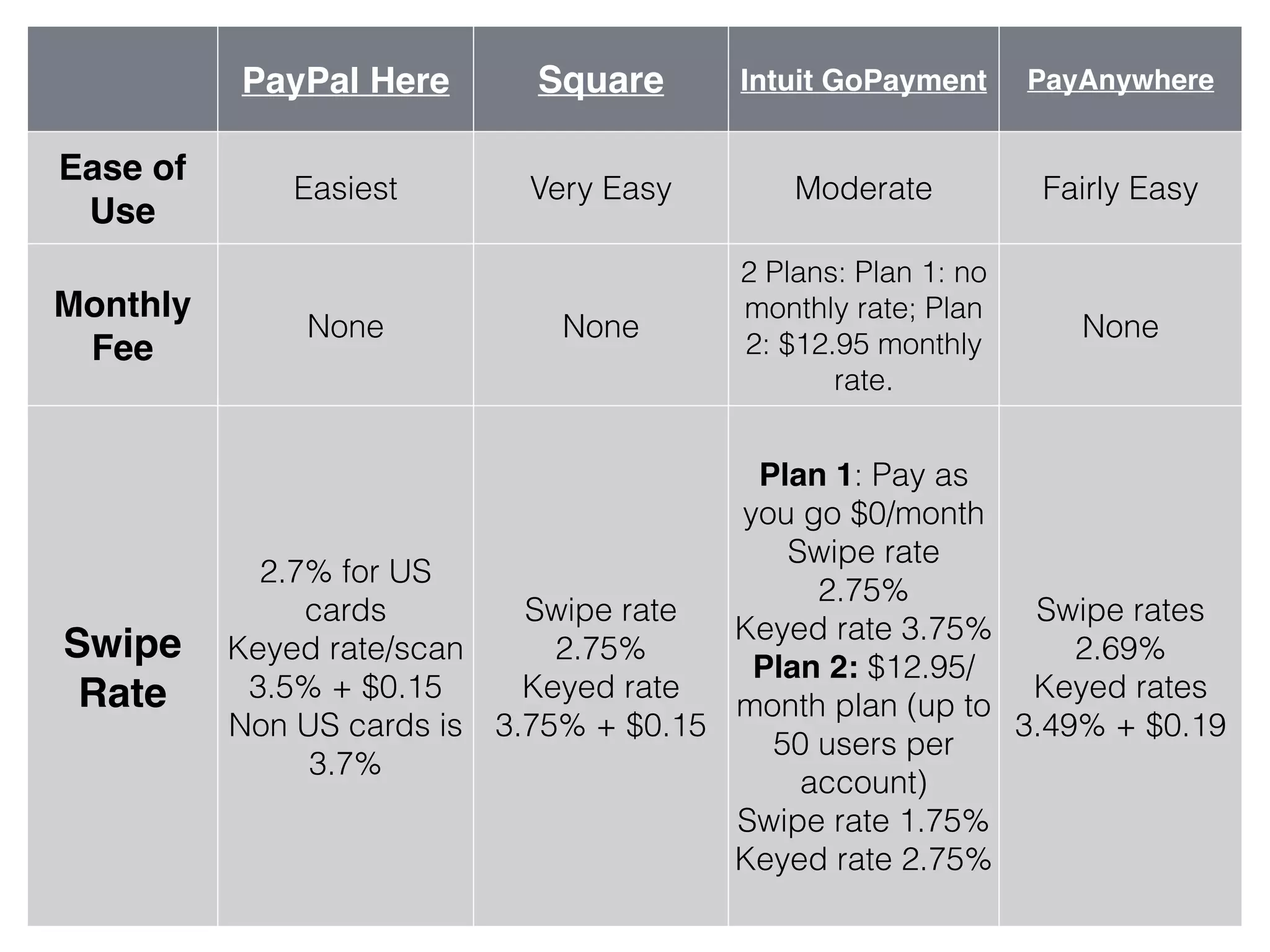
PayPal Here Square Intuit GoPayment PayAnywhere
Ease of
Use
Easiest Very Easy Moderate Fairly Easy
Monthly
Fee
None None
2 Plans: Plan 1: no
monthly rate; Plan
2: $12.95 monthly
rate.
None
Swipe
Rate
2.7% for US
cards
Keyed rate/scan
3.5% + $0.15
Non US cards is
3.7%
Swipe rate
2.75%
Keyed rate
3.75% + $0.15
Plan 1: Pay as
you go $0/month
Swipe rate
2.75%
Keyed rate 3.75%
Plan 2: $12.95/
month plan (up to
50 users per
account)
Swipe rate 1.75%
Keyed rate 2.75%
Swipe rates
2.69%
Keyed rates
3.49% + $0.19
PayPal Here Square Intuit GoPayment PayAnywhere
Free App
and Card
Reader?
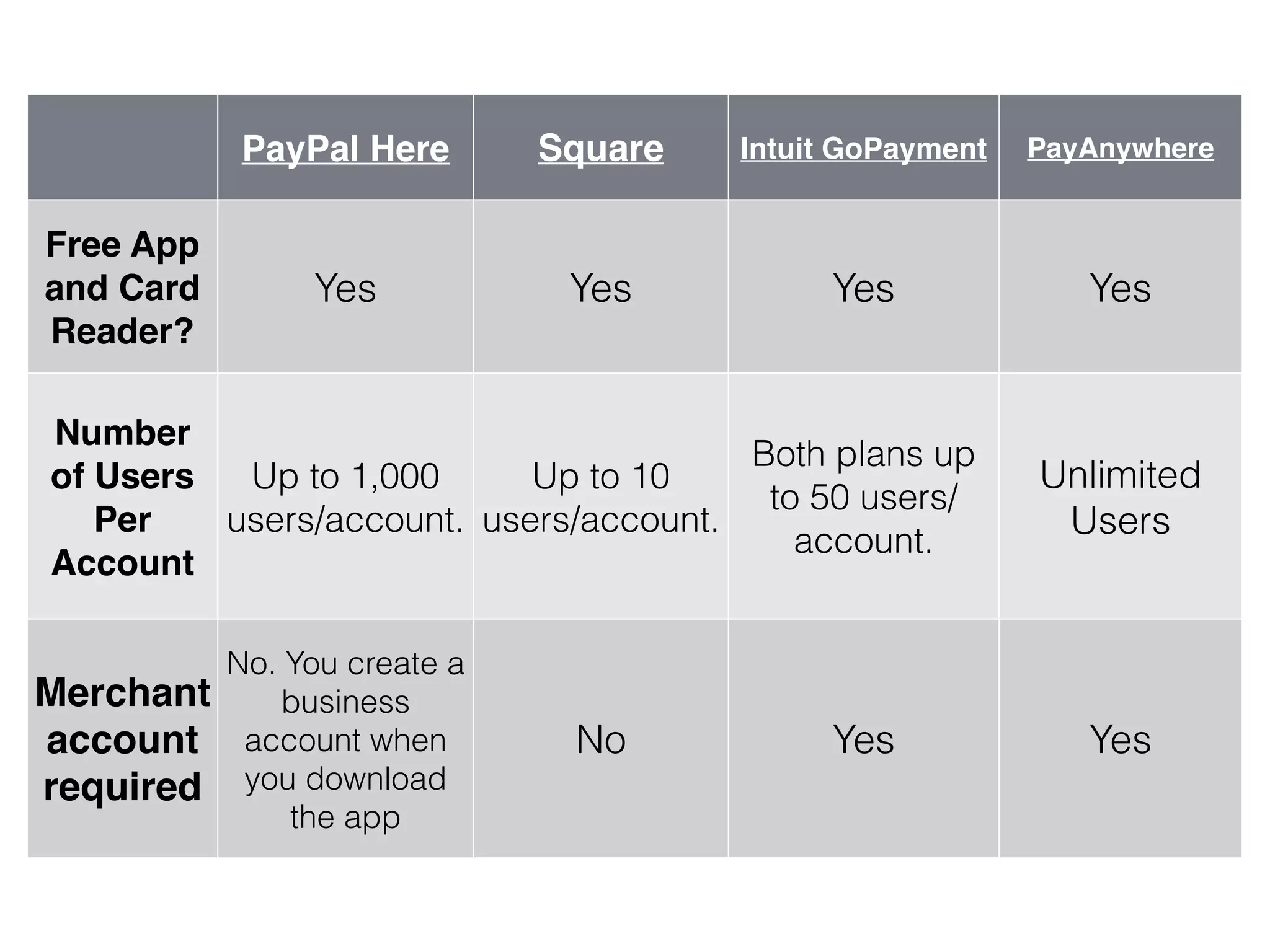
Yes Yes Yes Yes
Number
of Users
Per
Account
Up to 1,000
users/account.
Up to 10
users/account.
!
Both plans up
to 50 users/
account.
Unlimited
Users
Merchant
account
required
No. You create a
business
account when
you download
the app
No Yes Yes
PayPal Here Square Intuit GoPayment PayAnywhere
Reliability/
Glitichines
s!
(all have
complaint
s about
glitchiness
that are
corrected)
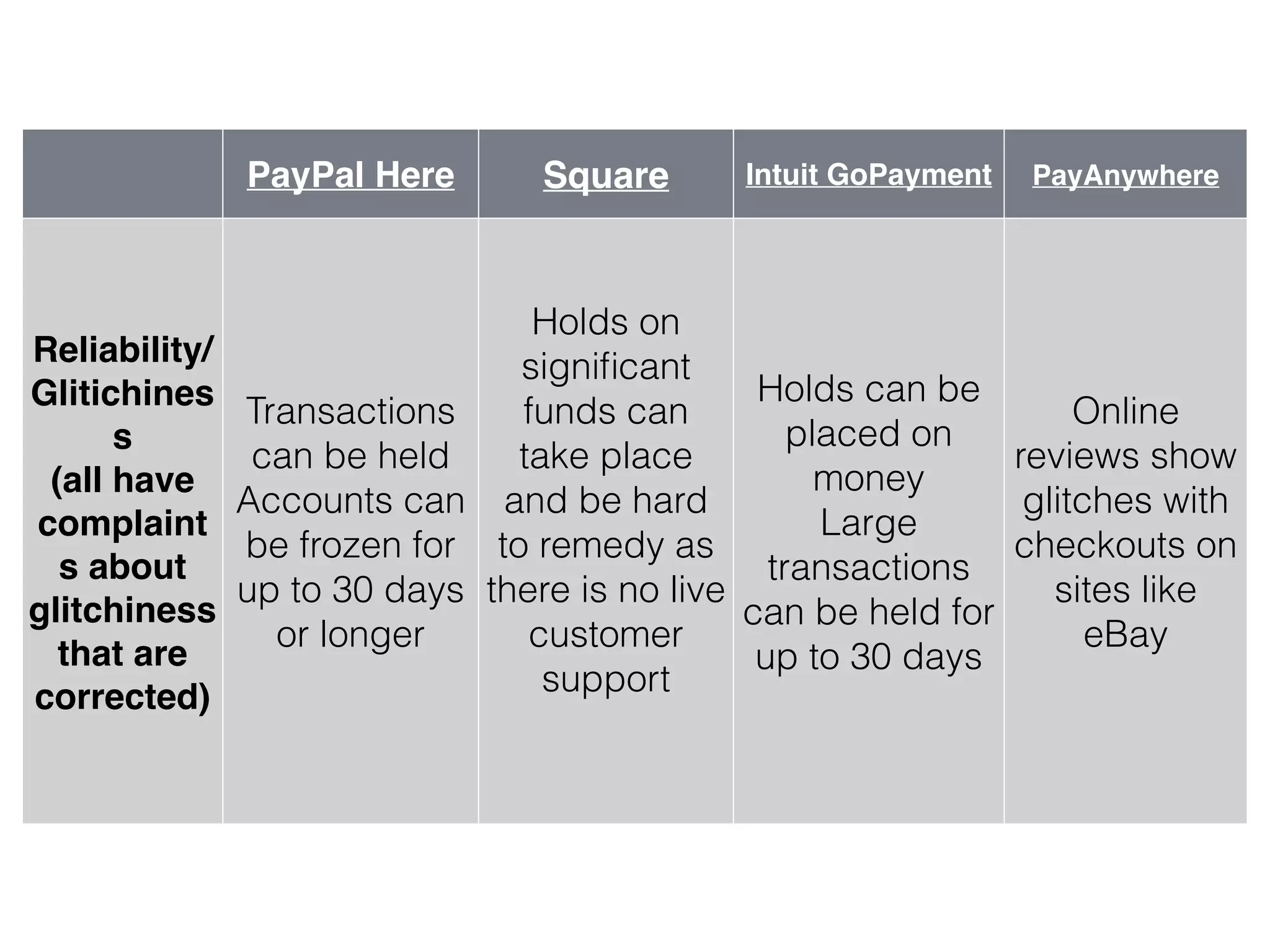
Transactions
can be held
Accounts can
be frozen for
up to 30 days
or longer
Holds on
significant
funds can
take place
and be hard
to remedy as
there is no live
customer
support
Holds can be
placed on
money
Large
transactions
can be held for
up to 30 days
!
Online
reviews show
glitches with
checkouts on
sites like
eBay
PayPal Here Square Intuit GoPayment PayAnywhere
Phone &
Device
Compatibility
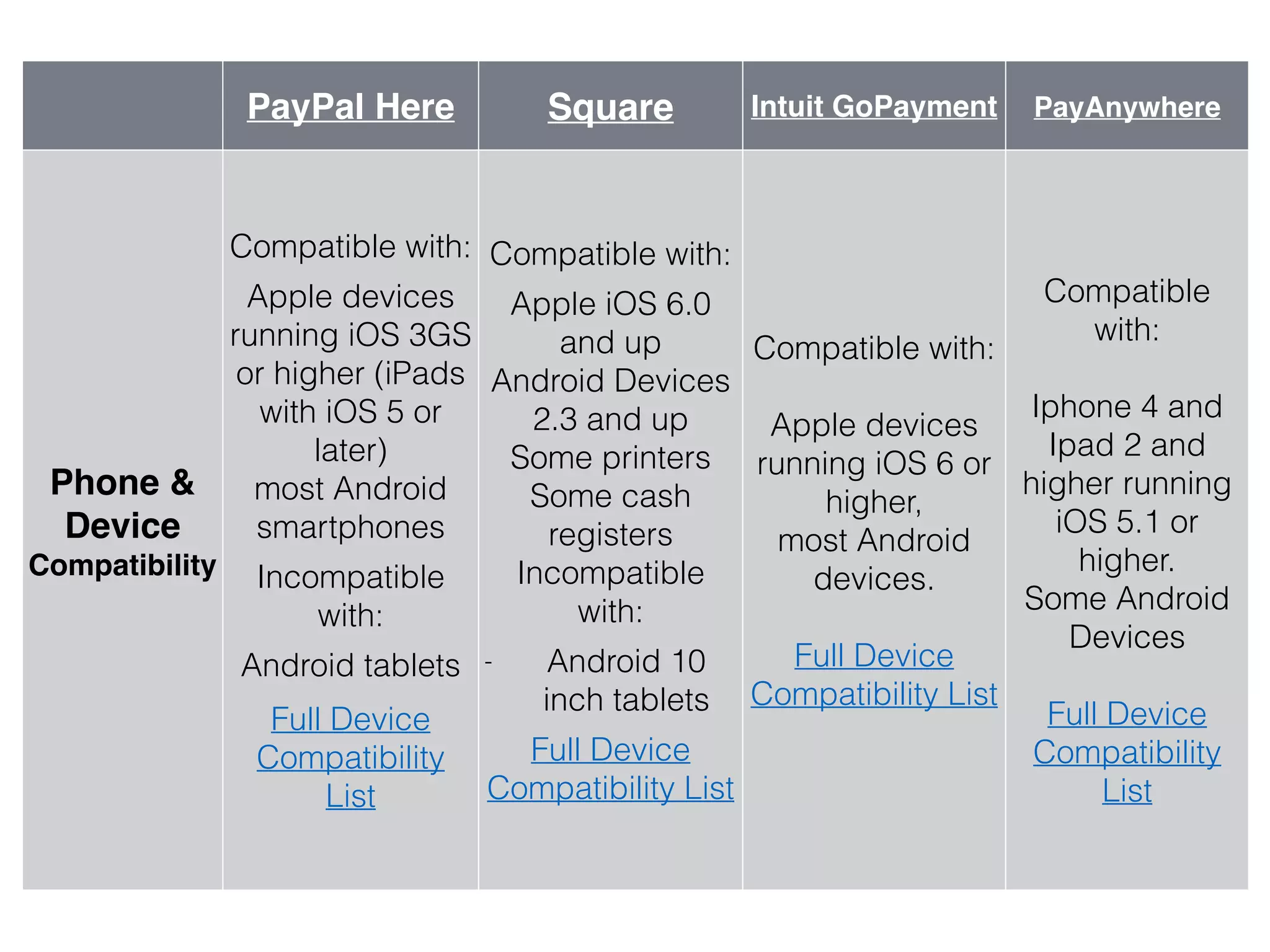
Compatible with:
!Apple devices
running iOS 3GS
or higher (iPads
with iOS 5 or
later)
most Android
smartphones
!Incompatible
with:
!Android tablets
!Full Device
Compatibility
List
Compatible with:
Apple iOS 6.0
and up
Android Devices
2.3 and up
Some printers
Some cash
registers
Incompatible
with:
!- Android 10
inch tablets
!Full Device
Compatibility List
Compatible with:
!
Apple devices
running iOS 6 or
higher,
most Android
devices.
!
Full Device
Compatibility List
!
Compatible
with:
!
Iphone 4 and
Ipad 2 and
higher running
iOS 5.1 or
higher.
Some Android
Devices
!
Full Device
Compatibility
List
PayPal Here Square Intuit GoPayment PayAnywhere
Payment
Options
!
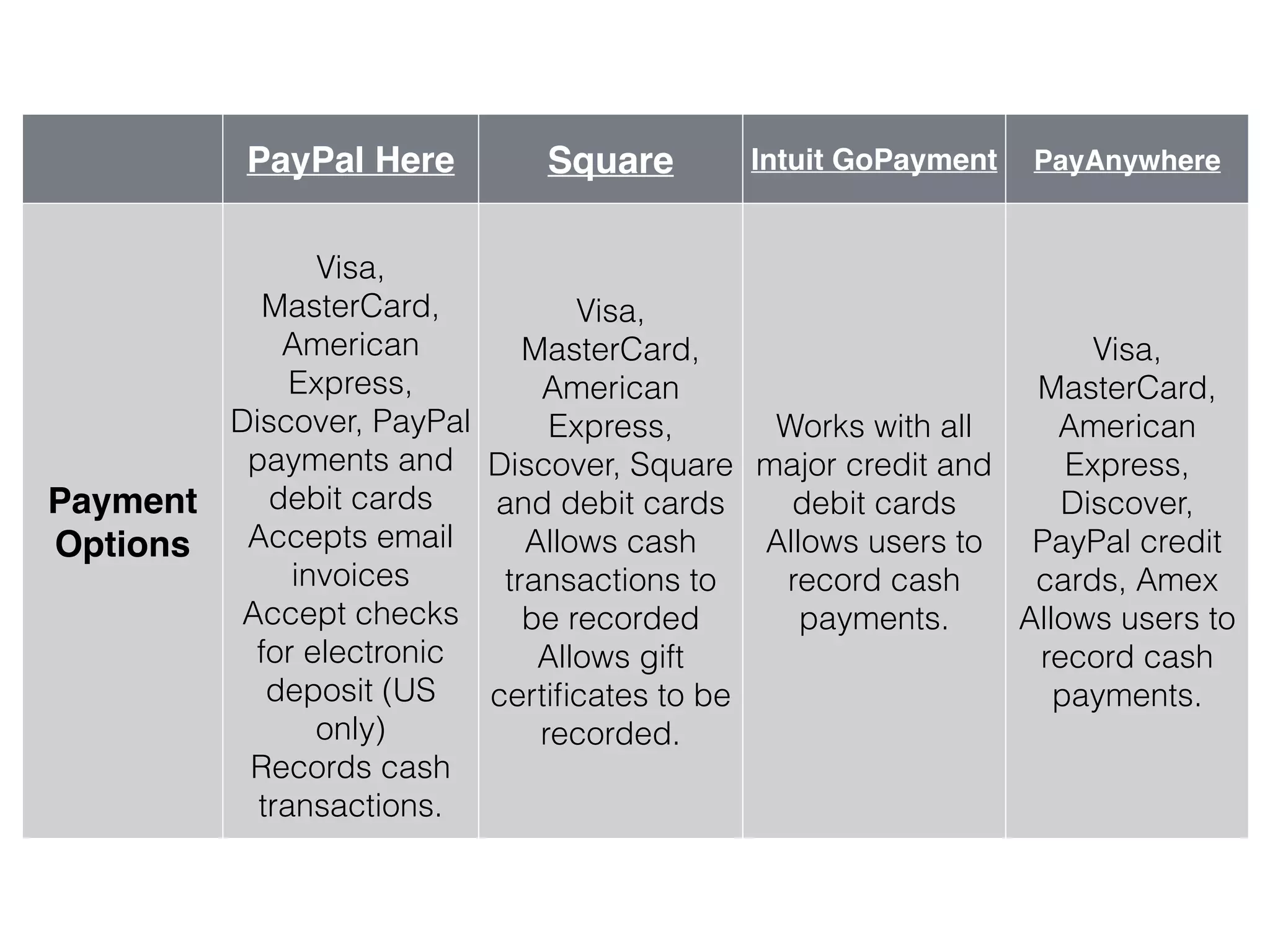
Visa,
MasterCard,
American
Express,
Discover, PayPal
payments and
debit cards
Accepts email
invoices
Accept checks
for electronic
deposit (US
only)
Records cash
transactions.
Visa,
MasterCard,
American
Express,
Discover, Square
and debit cards
Allows cash
transactions to
be recorded
Allows gift
certificates to be
recorded.
Works with all
major credit and
debit cards
Allows users to
record cash
payments.
Visa,
MasterCard,
American
Express,
Discover,
PayPal credit
cards, Amex
Allows users to
record cash
payments.
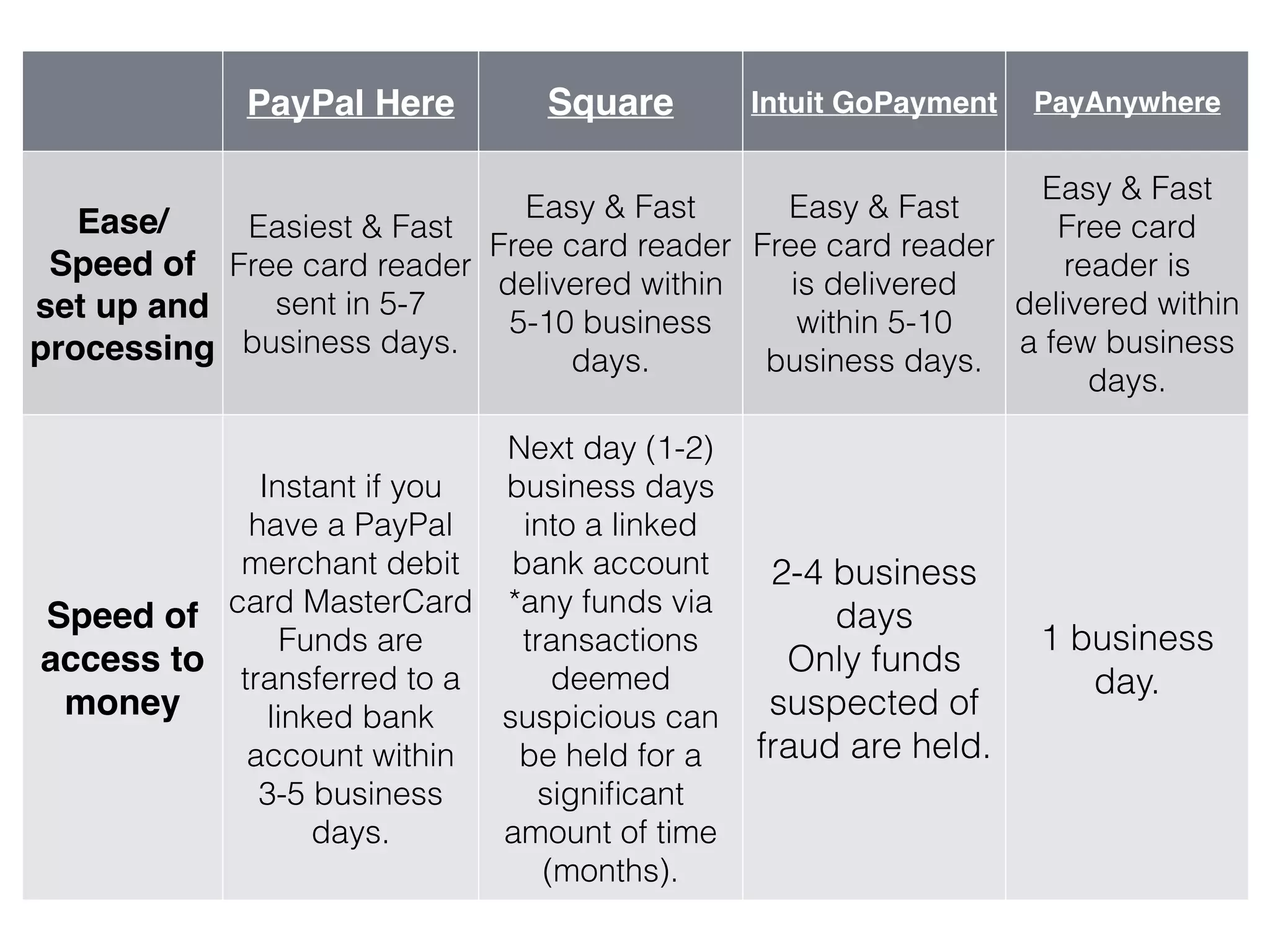
PayPal Here Square Intuit GoPayment PayAnywhere
Ease/
Speed of
set up and
processing
Easiest & Fast
Free card reader
sent in 5-7
business days.
Easy & Fast
Free card reader
delivered within
5-10 business
days.
Easy & Fast
Free card reader
is delivered
within 5-10
business days.
Easy & Fast
Free card
reader is
delivered within
a few business
days.
Speed of
access to
money
Instant if you
have a PayPal
merchant debit
card MasterCard
Funds are
transferred to a
linked bank
account within
3-5 business
days.
Next day (1-2)
business days
into a linked
bank account
*any funds via
transactions
deemed
suspicious can
be held for a
significant
amount of time
(months).
2-4 business
days
Only funds
suspected of
fraud are held.
1 business
day.
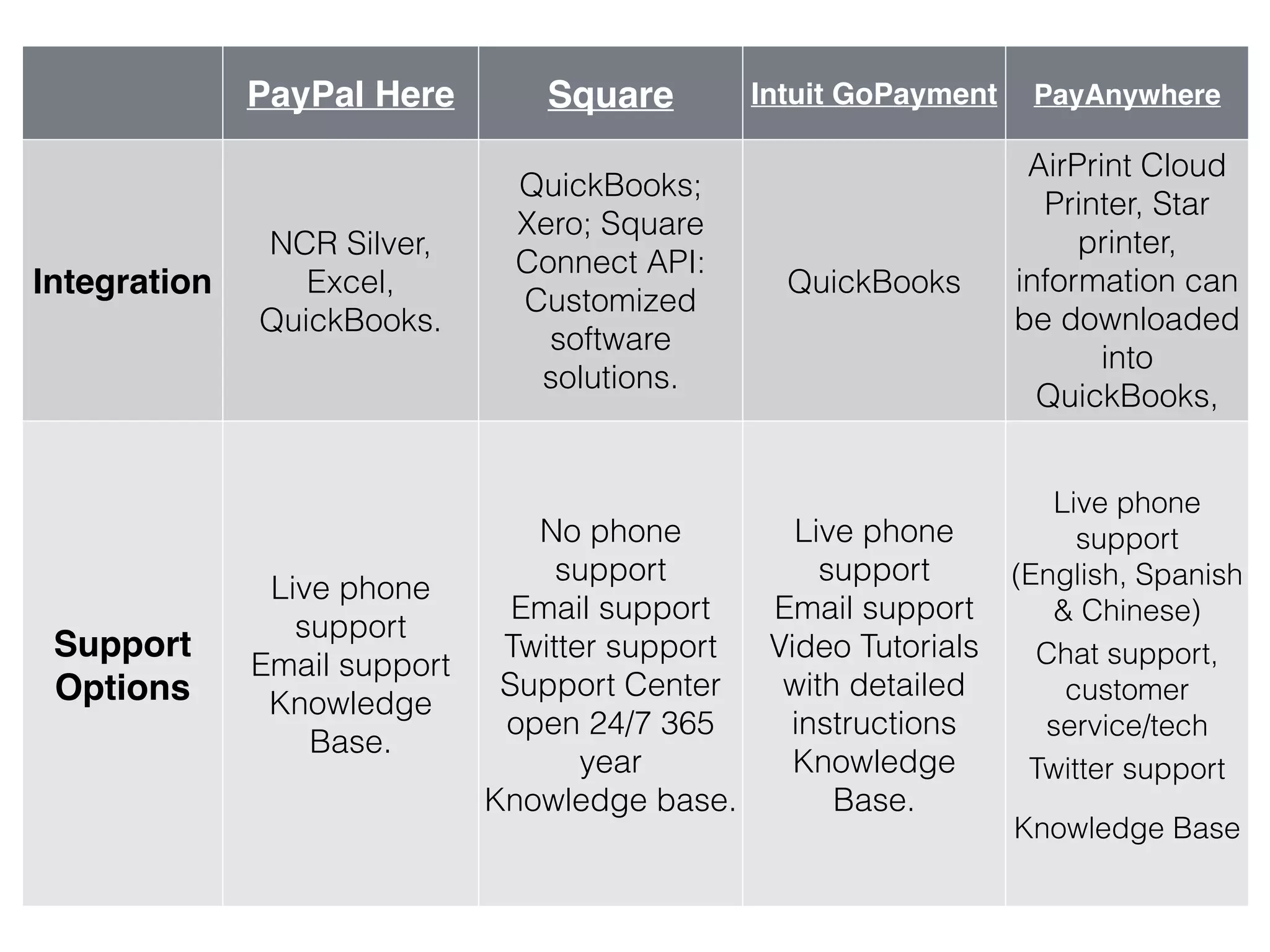
PayPal Here Square Intuit GoPayment PayAnywhere
Integration
NCR Silver,
Excel,
QuickBooks.
QuickBooks;
Xero; Square
Connect API:
Customized
software
solutions.
QuickBooks
AirPrint Cloud
Printer, Star
printer,
information can
be downloaded
into
QuickBooks,
cash registers
Support
Options
Live phone
support
Email support
Knowledge
Base.
No phone
support
Email support
Twitter support
Support Center
open 24/7 365
year
Knowledge base.
Live phone
support
Email support
Video Tutorials
with detailed
instructions
Knowledge
Base.
Live phone
support
(English, Spanish
& Chinese)
!Chat support,
customer
service/tech
!Twitter support
!
Knowledge Base
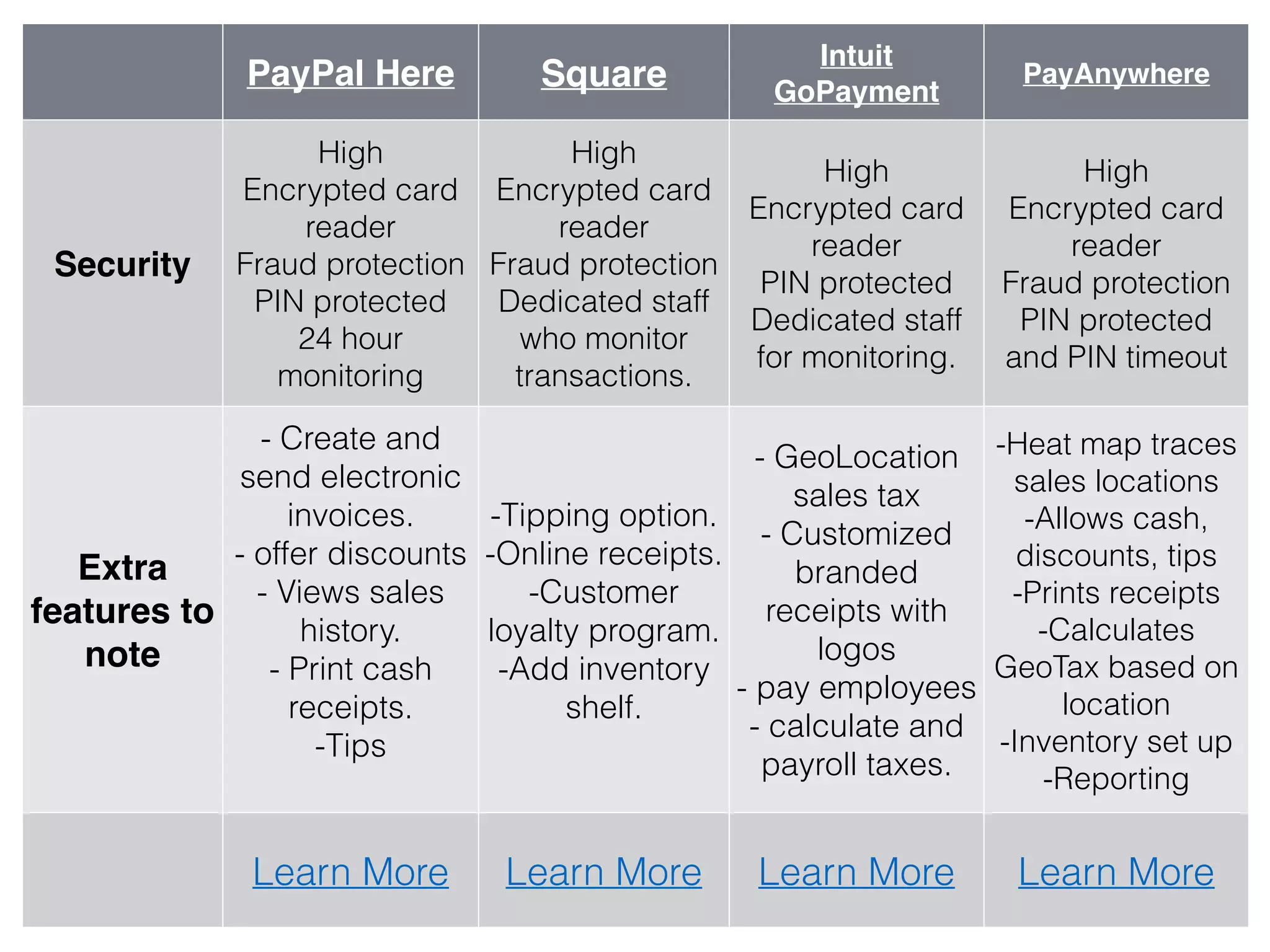
PayPal Here Square
Intuit
GoPayment
PayAnywhere
Security
High
Encrypted card
reader
Fraud protection
PIN protected
24 hour
monitoring
High
Encrypted card
reader
Fraud protection
Dedicated staff
who monitor
transactions.
High
Encrypted card
reader
PIN protected
Dedicated staff
for monitoring.
High
Encrypted card
reader
Fraud protection
PIN protected
and PIN timeout
Extra
features to
note
- Create and
send electronic
invoices.
- offer discounts
- Views sales
history.
- Print cash
receipts. 

-Tips
-Tipping option.
-Online receipts.
-Customer
loyalty program.
-Add inventory
shelf.
- GeoLocation
sales tax
- Customized
branded
receipts with
logos
- pay employees
- calculate and
payroll taxes.
-Heat map traces
sales locations
-Allows cash,
discounts, tips
-Prints receipts
-Calculates
GeoTax based on
location
-Inventory set up
-Reporting
Learn More Learn More Learn More Learn More
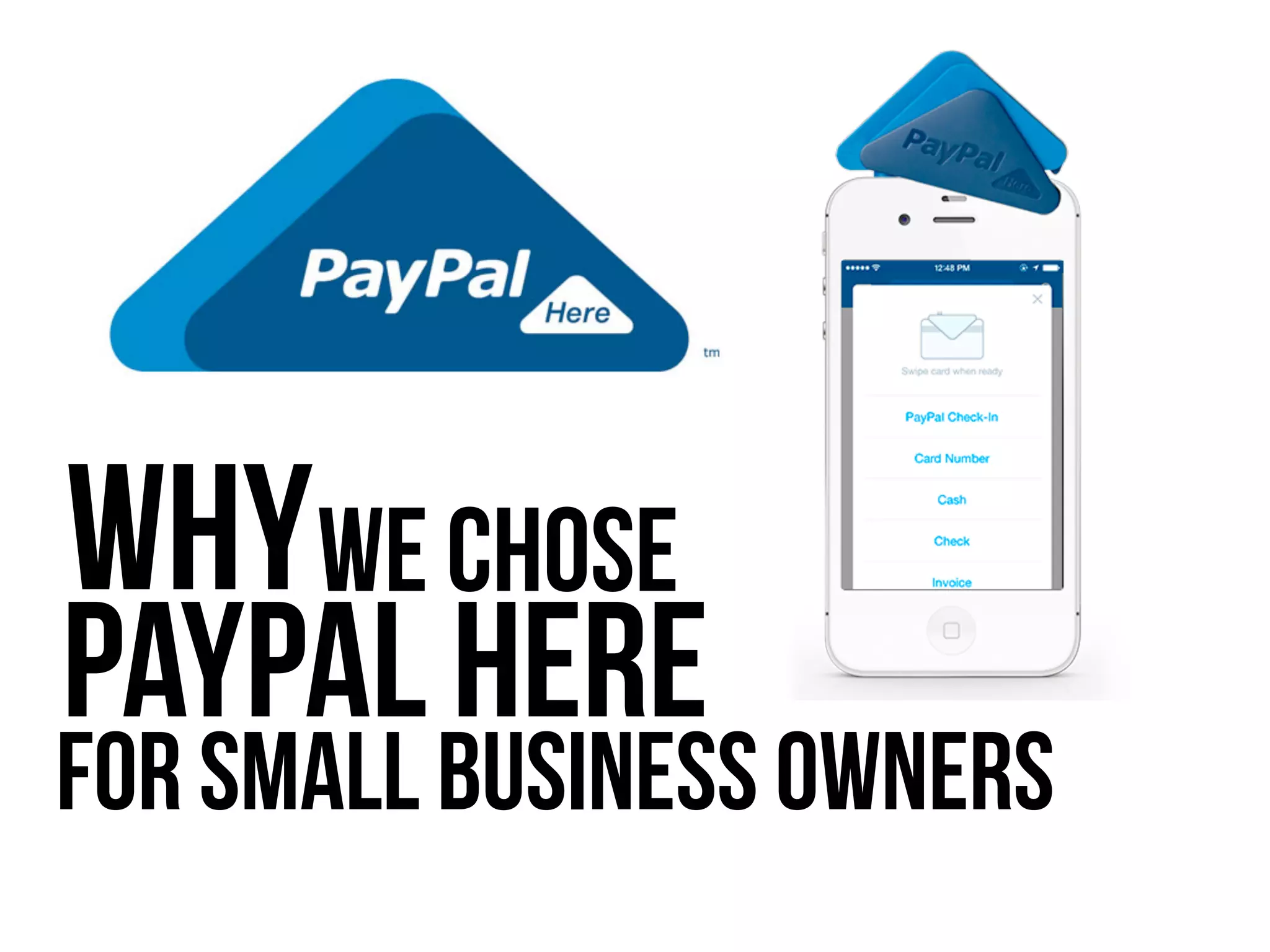
for Small Business Owners
WhyWe Chose
PayPal Here
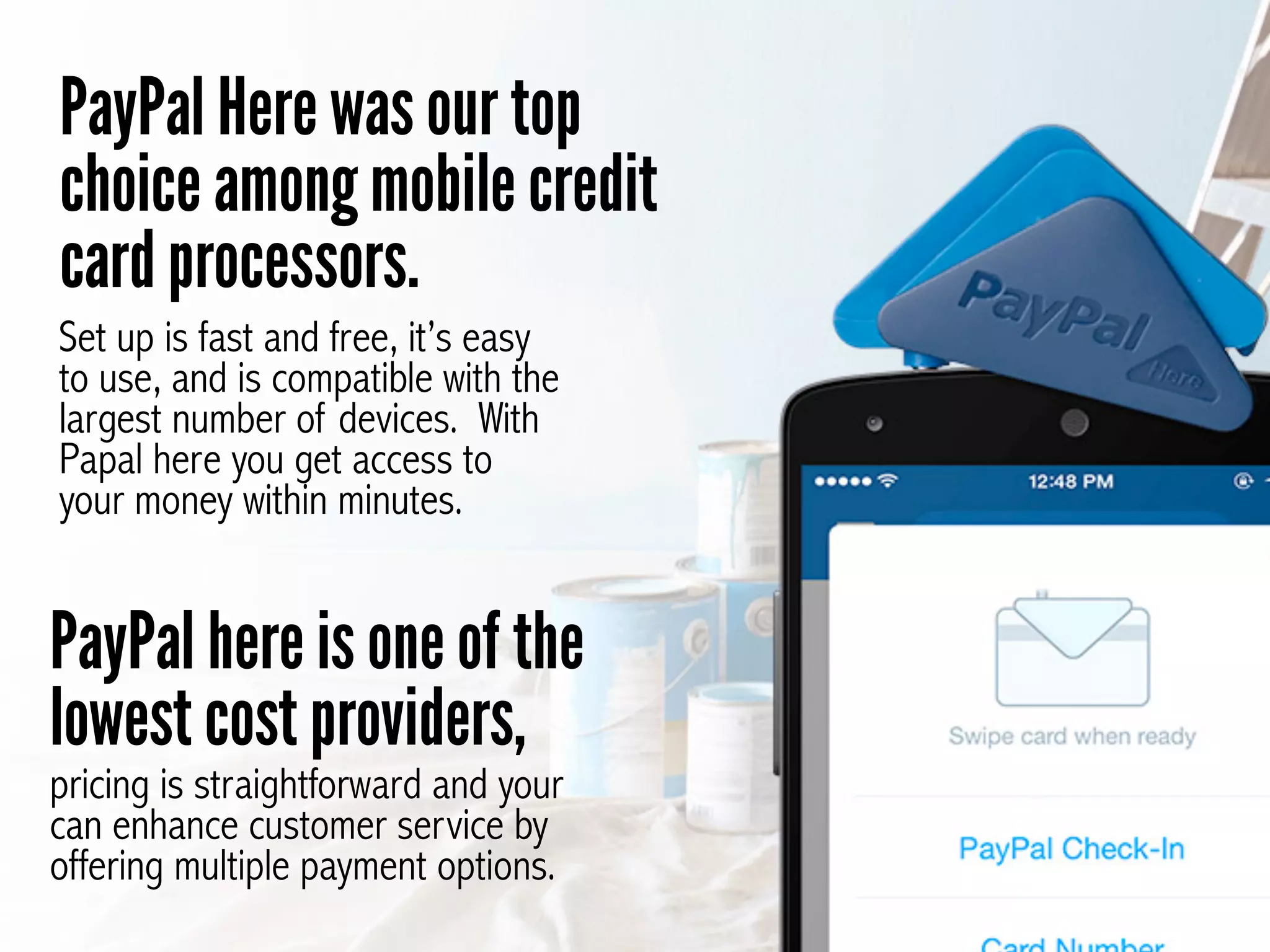
PayPal Here was our top
choice among mobile credit
card processors.
Set up is fast and free, it’s easy
to use, and is compatible with the
largest number of devices. With
Papal here you get access to
your money within minutes.
PayPal here is one of the
lowest cost providers,
pricing is straightforward and your
can enhance customer service by
offering multiple payment options.
Does PayPal Here
have drawbacks?
Holding procedures can block
access to funds and it isn’t
compatible with Android tablets.
Overall, however, with a Better
Business Bureau rating of A+, we
feel that PayPal Here is the top mobile
credit card processing provider for small business.
VS
In-Depth
Review
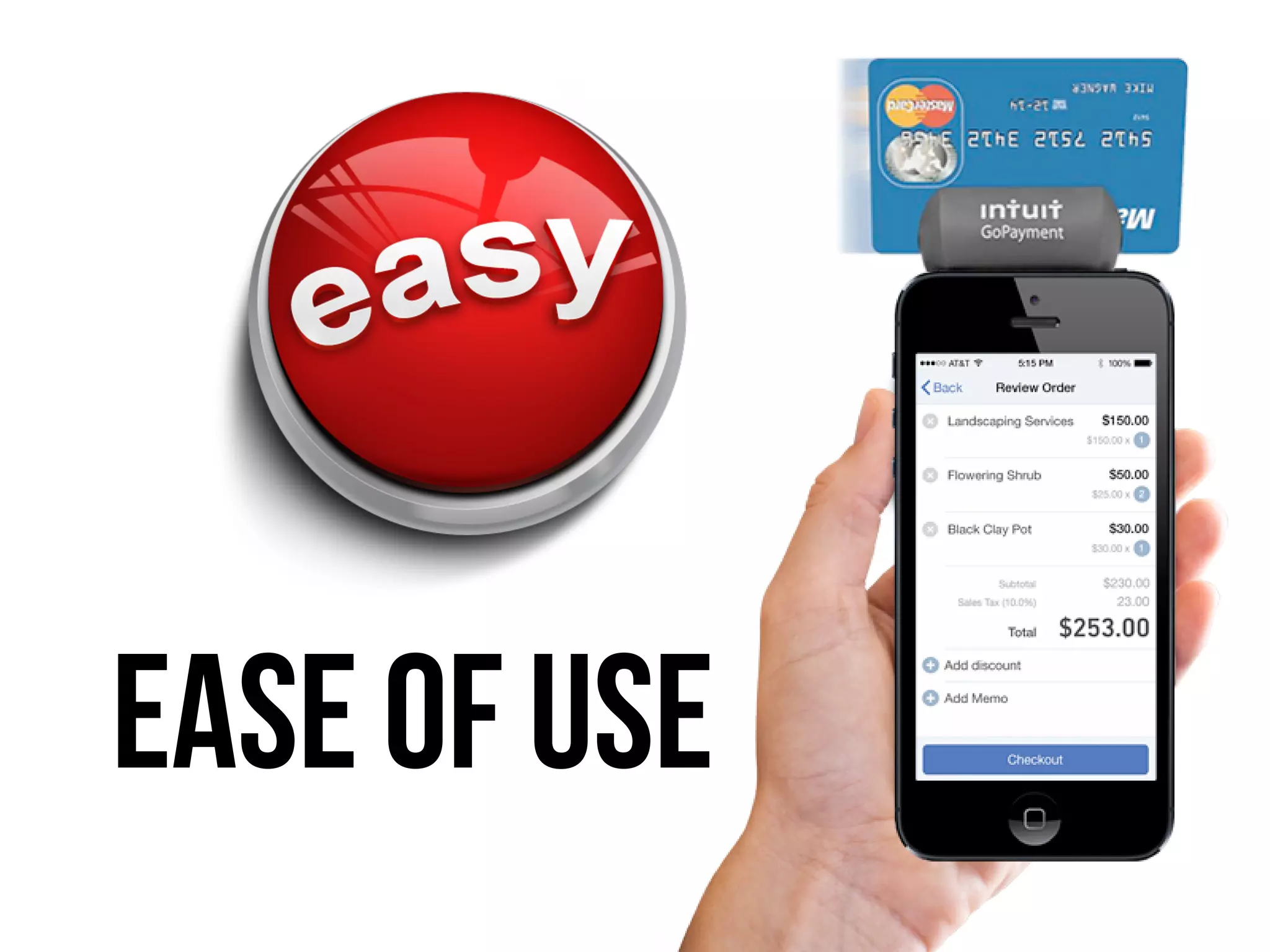
Ease of Use
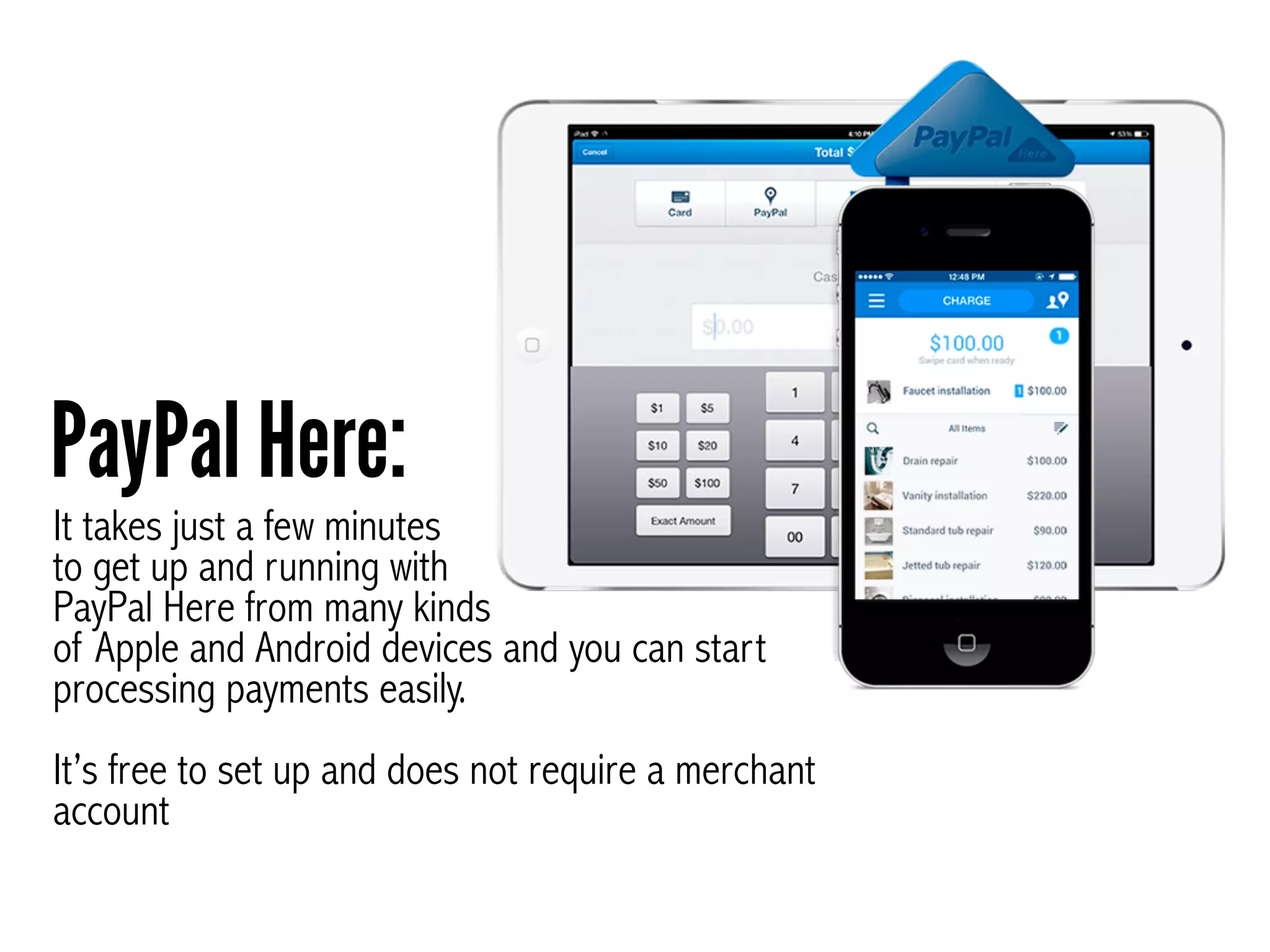
It takes just a few minutes
to get up and running with
PayPal Here from many kinds
of Apple and Android devices and you can start
processing payments easily.


It’s free to set up and does not require a merchant
account
PayPal Here:
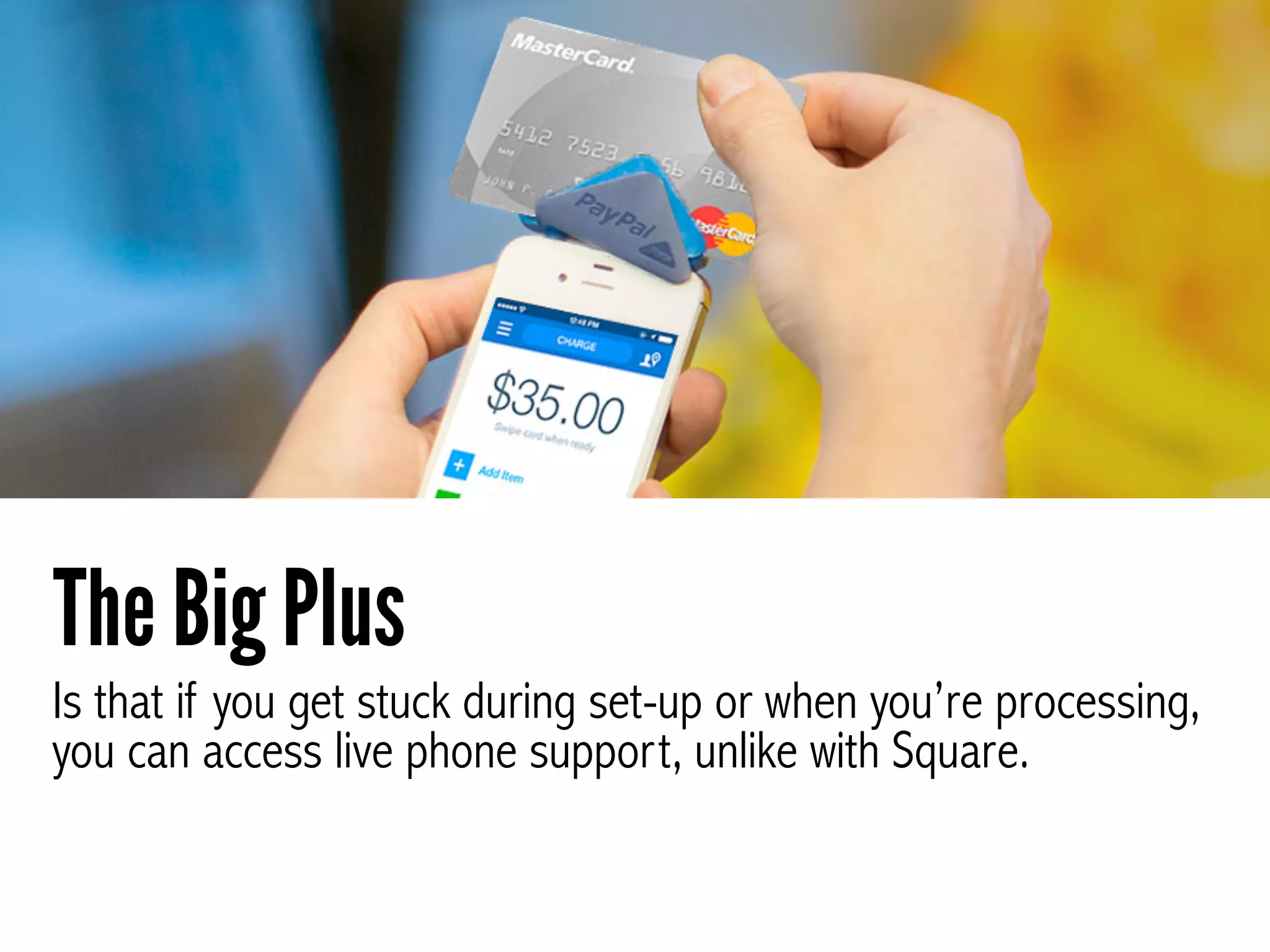
Is that if you get stuck during set-up or when you’re processing,
you can access live phone support, unlike with Square.
The Big Plus
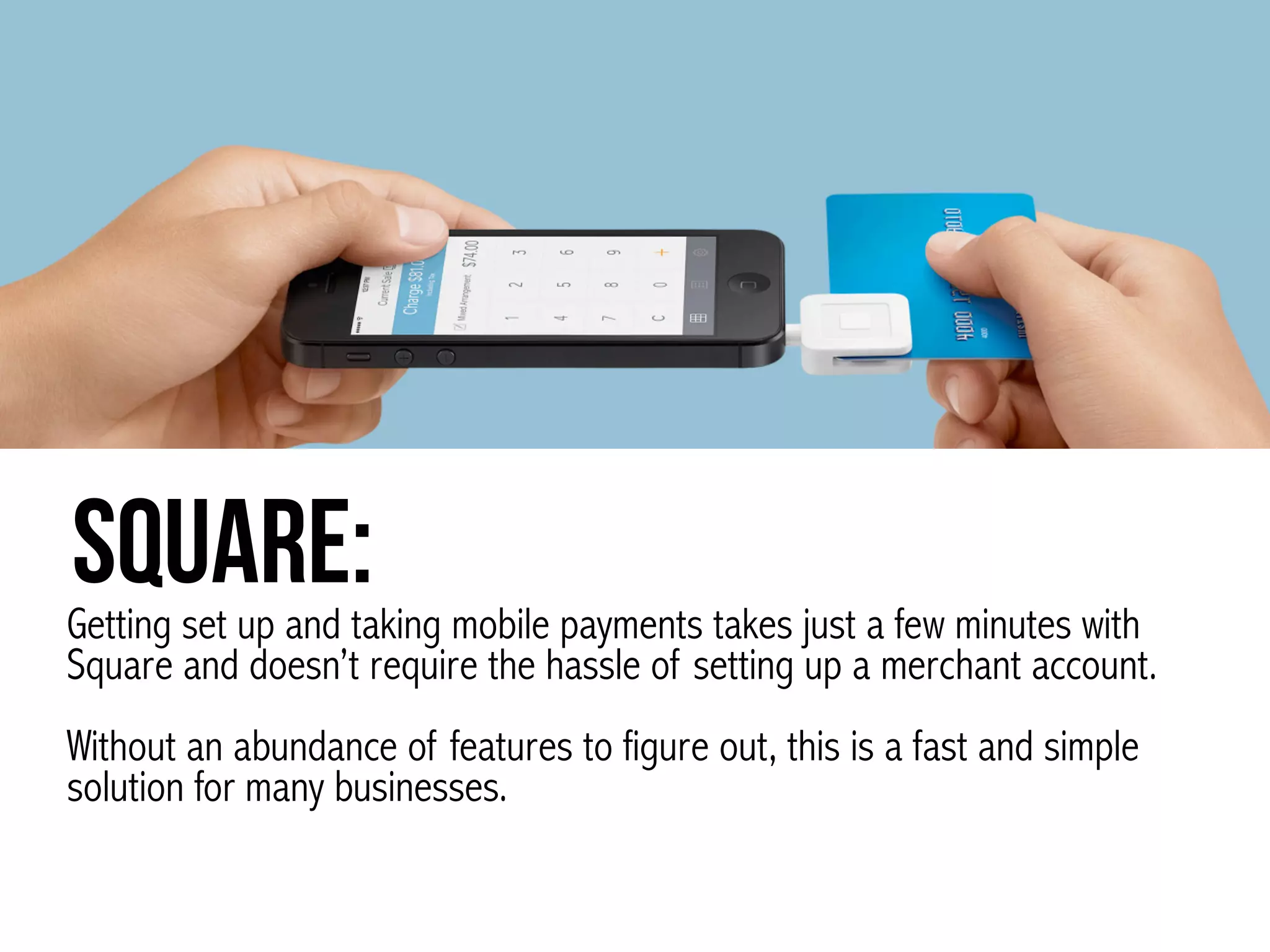
Square:Getting set up and taking mobile payments takes just a few minutes with
Square and doesn’t require the hassle of setting up a merchant account. 


Without an abundance of features to figure out, this is a fast and simple
solution for many businesses.
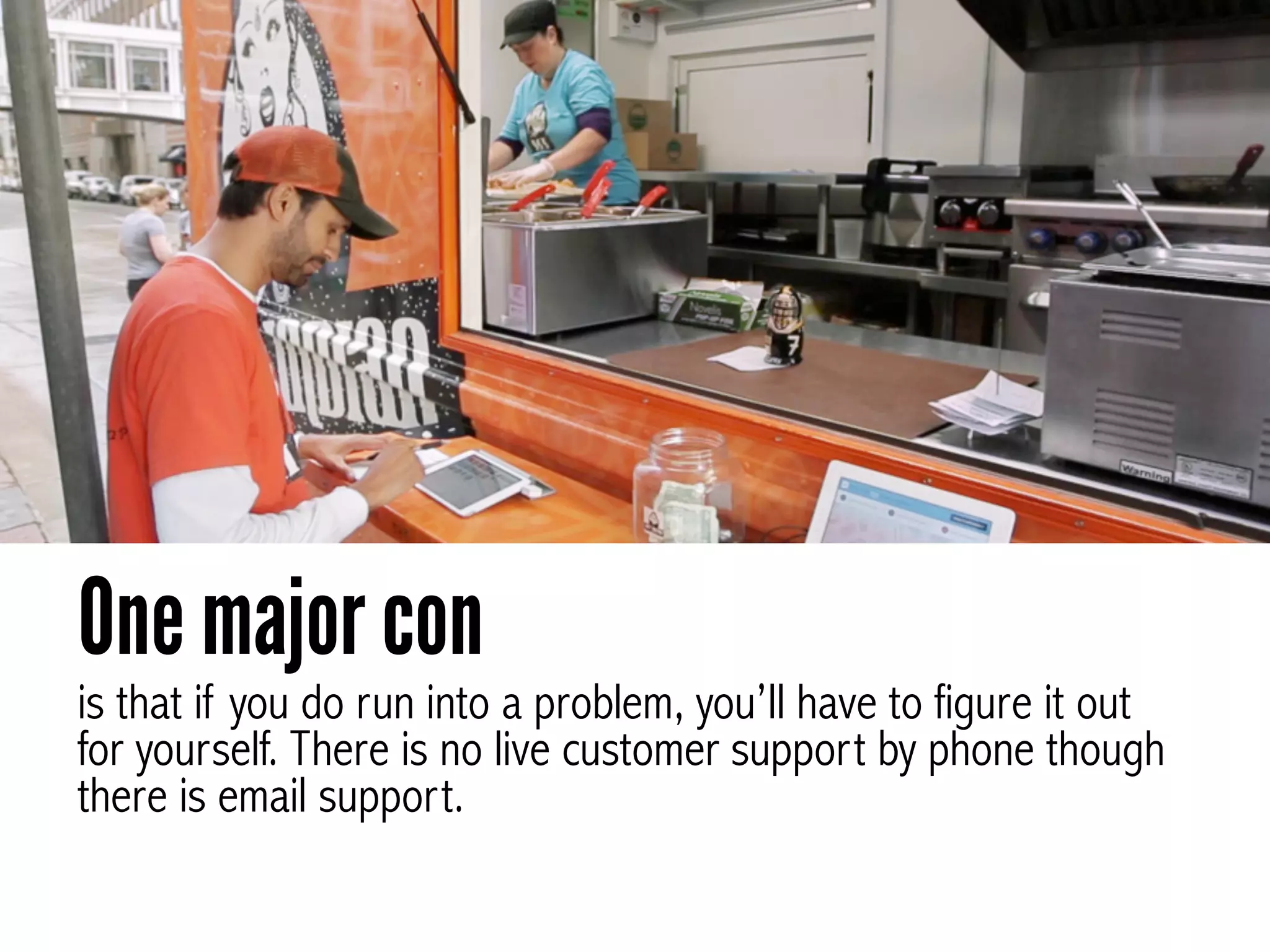
is that if you do run into a problem, you’ll have to figure it out
for yourself. There is no live customer support by phone though
there is email support.
One major con
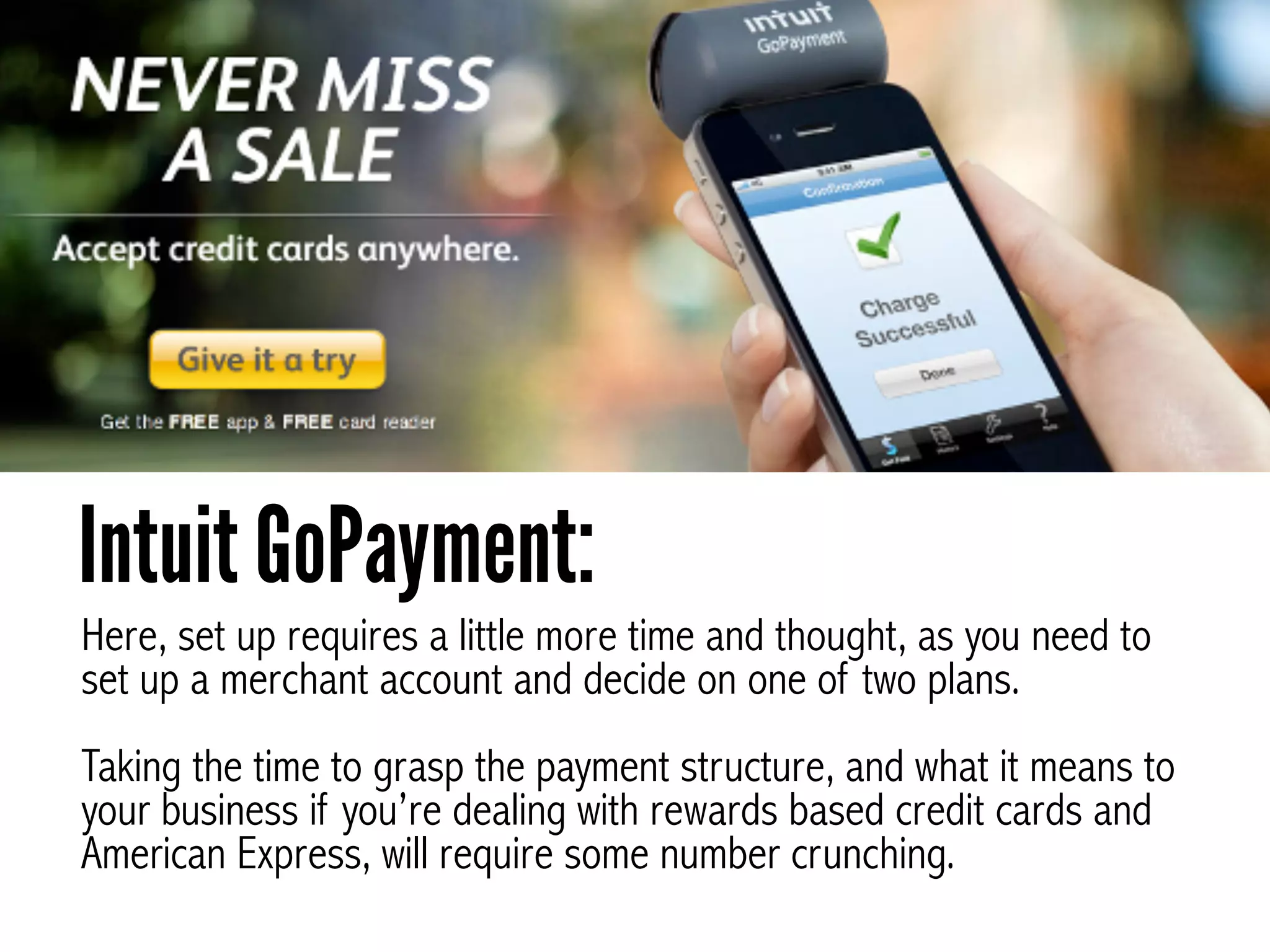
Here, set up requires a little more time and thought, as you need to
set up a merchant account and decide on one of two plans.


Taking the time to grasp the payment structure, and what it means to
your business if you’re dealing with rewards based credit cards and
American Express, will require some number crunching.
Intuit GoPayment:
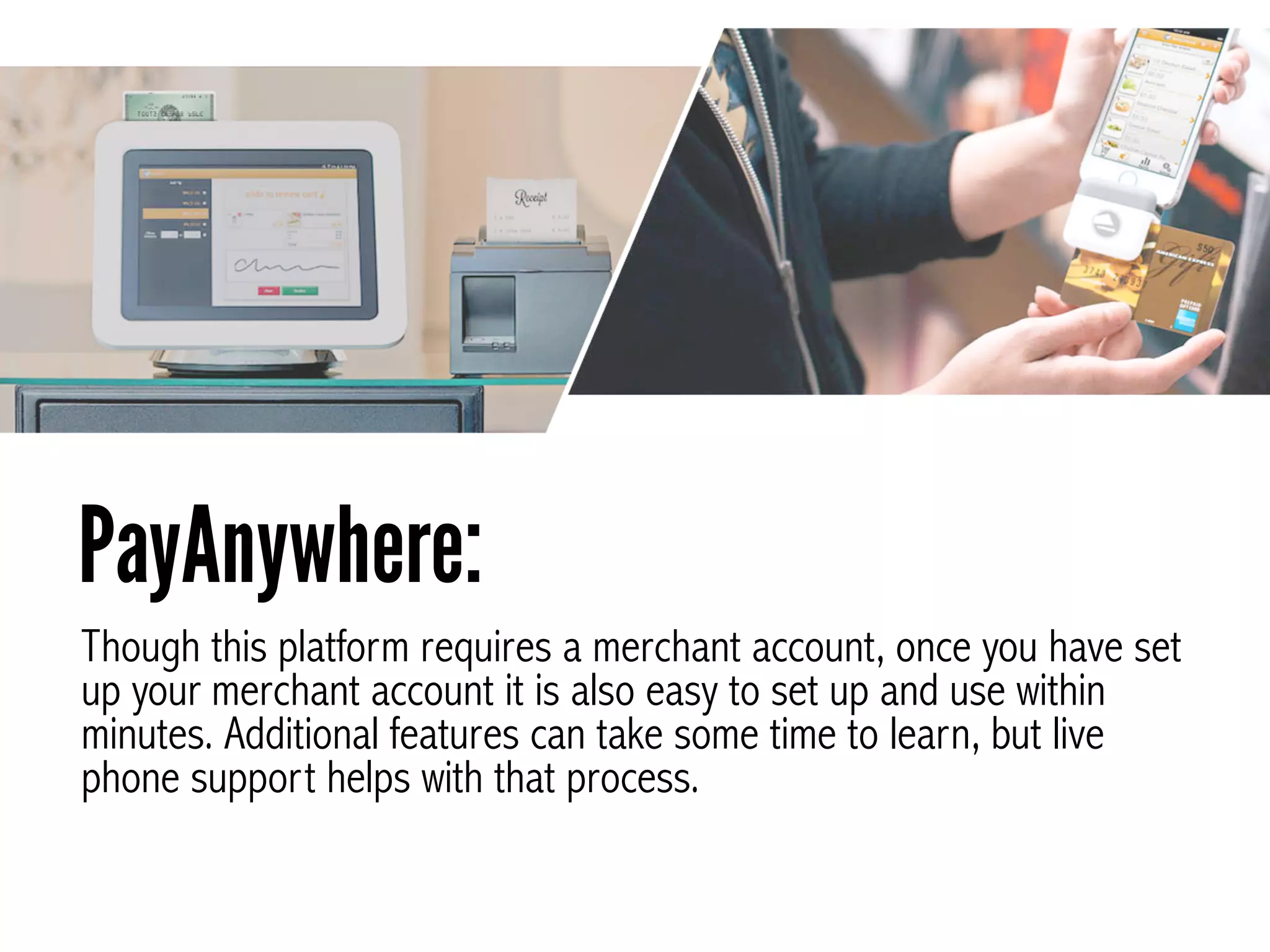
Though this platform requires a merchant account, once you have set
up your merchant account it is also easy to set up and use within
minutes. Additional features can take some time to learn, but live
phone support helps with that process.
PayAnywhere:
Pricing
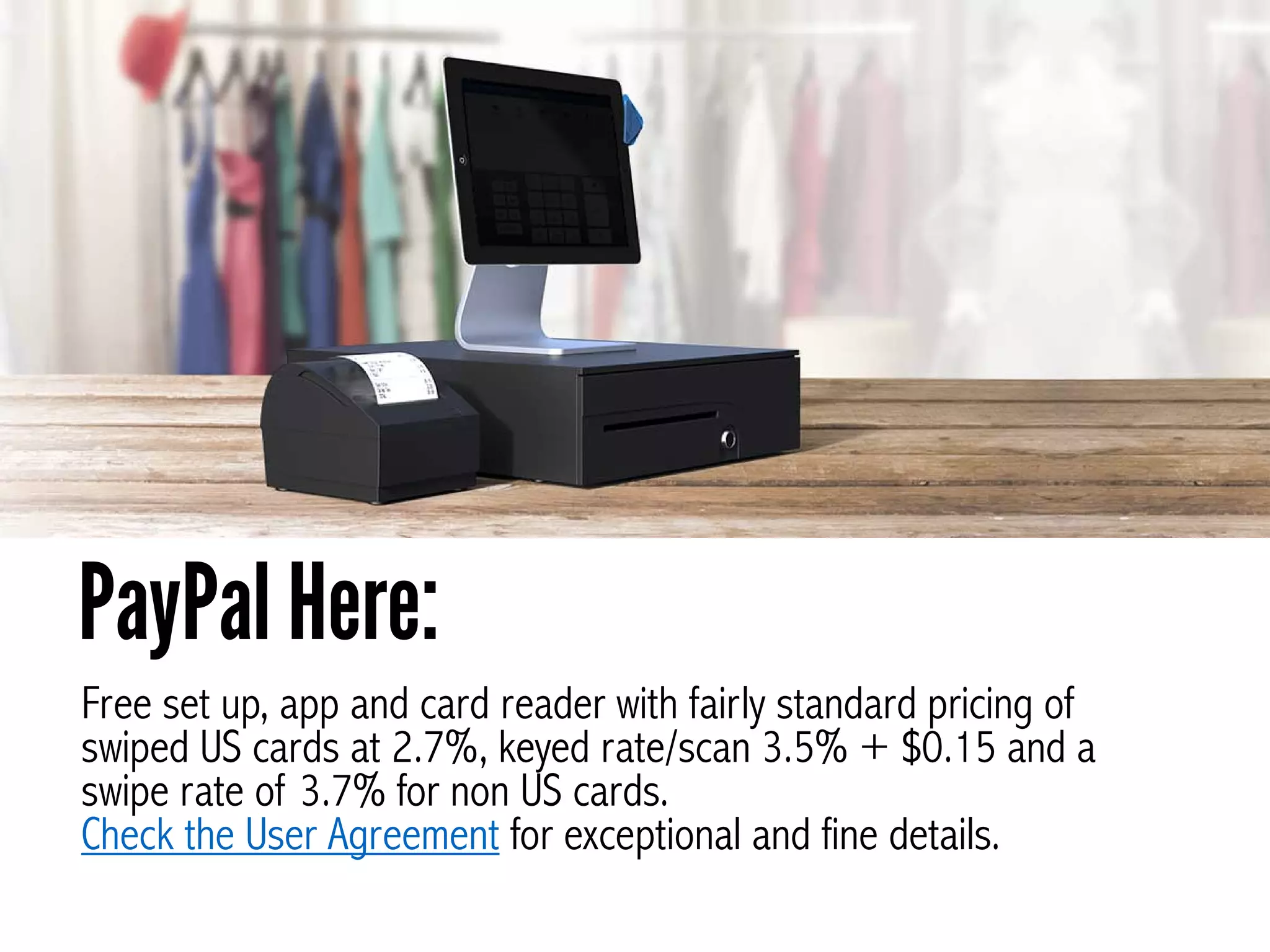
Free set up, app and card reader with fairly standard pricing of
swiped US cards at 2.7%, keyed rate/scan 3.5% + $0.15 and a
swipe rate of 3.7% for non US cards.
Check the User Agreement for exceptional and fine details.
PayPal Here:
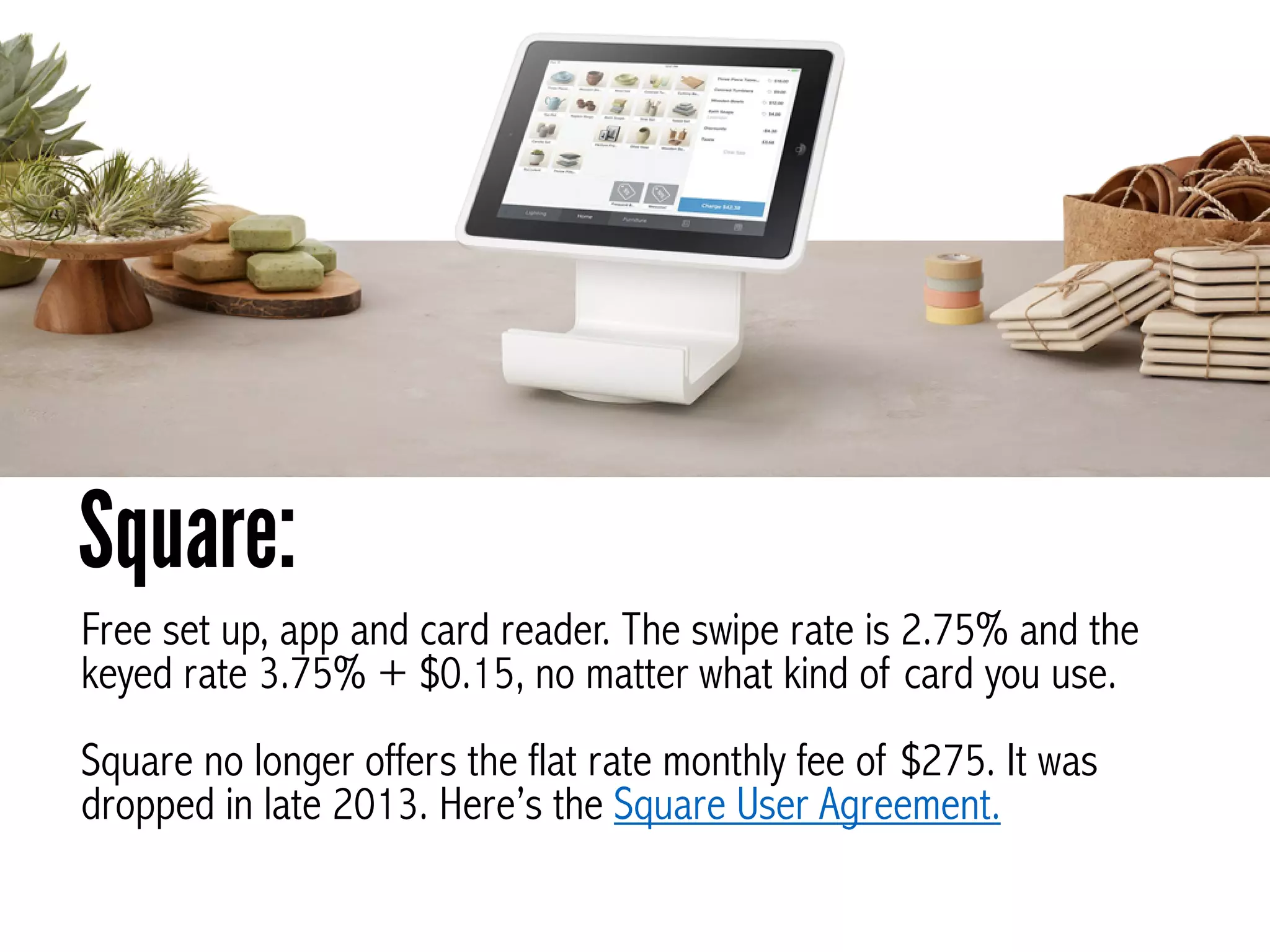
Free set up, app and card reader. The swipe rate is 2.75% and the
keyed rate 3.75% + $0.15, no matter what kind of card you use.
!
Square no longer offers the flat rate monthly fee of $275. It was
dropped in late 2013. Here’s the Square User Agreement.
Square:
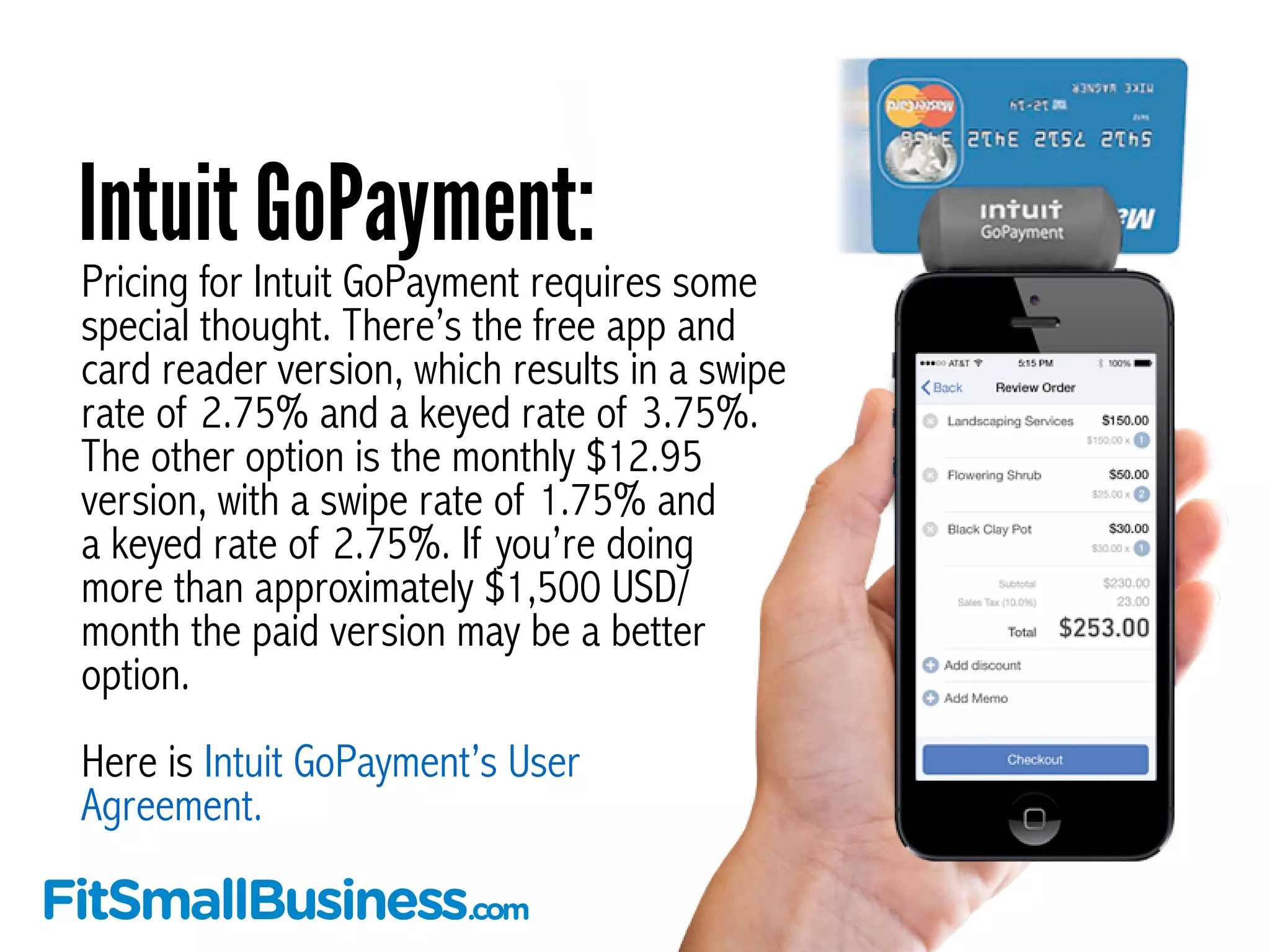
Pricing for Intuit GoPayment requires some
special thought. There’s the free app and
card reader version, which results in a swipe
rate of 2.75% and a keyed rate of 3.75%.
The other option is the monthly $12.95
version, with a swipe rate of 1.75% and
a keyed rate of 2.75%. If you’re doing
more than approximately $1,500 USD/
month the paid version may be a better
option.
!
Here is Intuit GoPayment’s User
Agreement.
Intuit GoPayment:
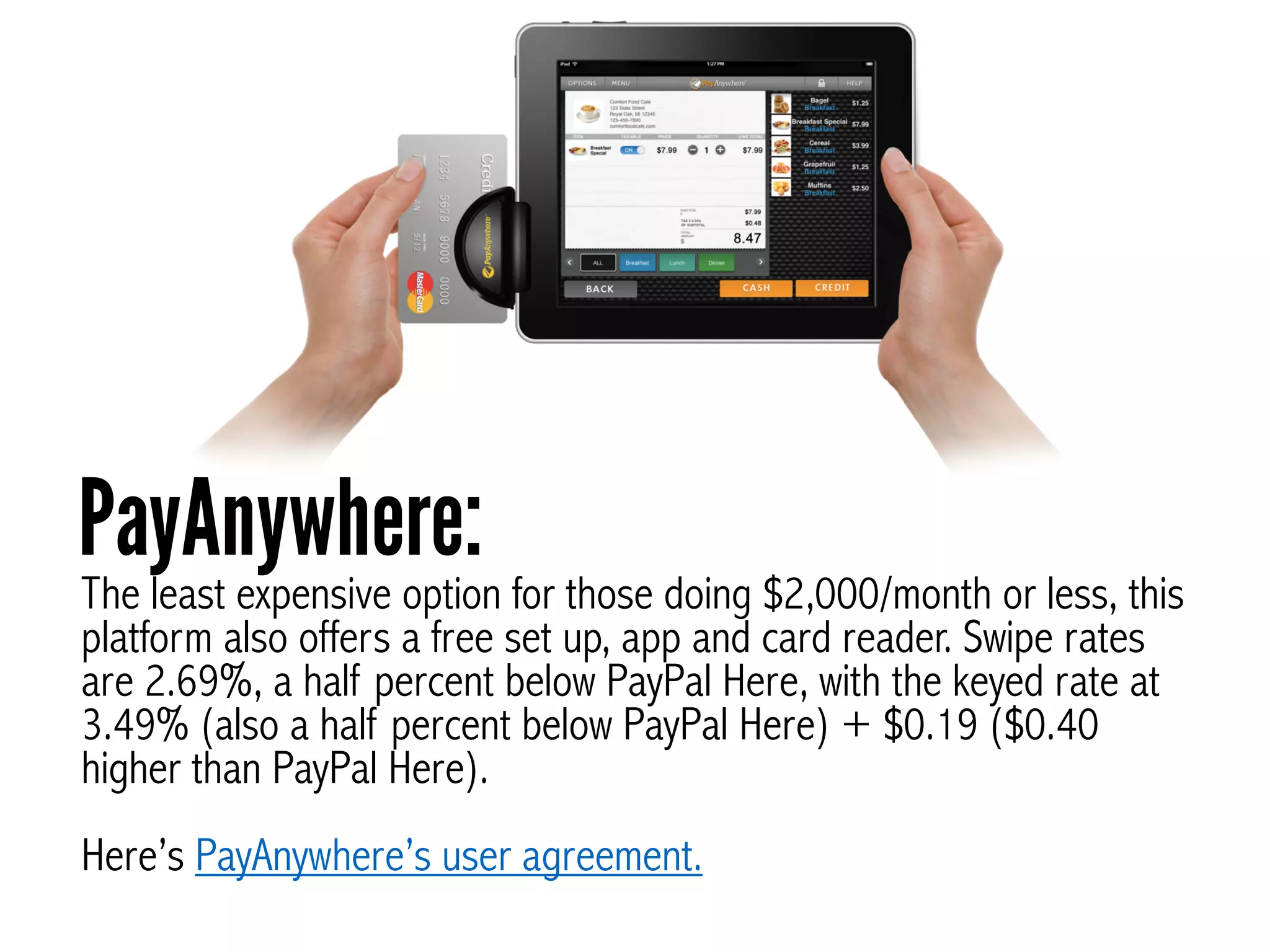
The least expensive option for those doing $2,000/month or less, this
platform also offers a free set up, app and card reader. Swipe rates
are 2.69%, a half percent below PayPal Here, with the keyed rate at
3.49% (also a half percent below PayPal Here) + $0.19 ($0.40
higher than PayPal Here).
!
Here’s PayAnywhere’s user agreement.
PayAnywhere:
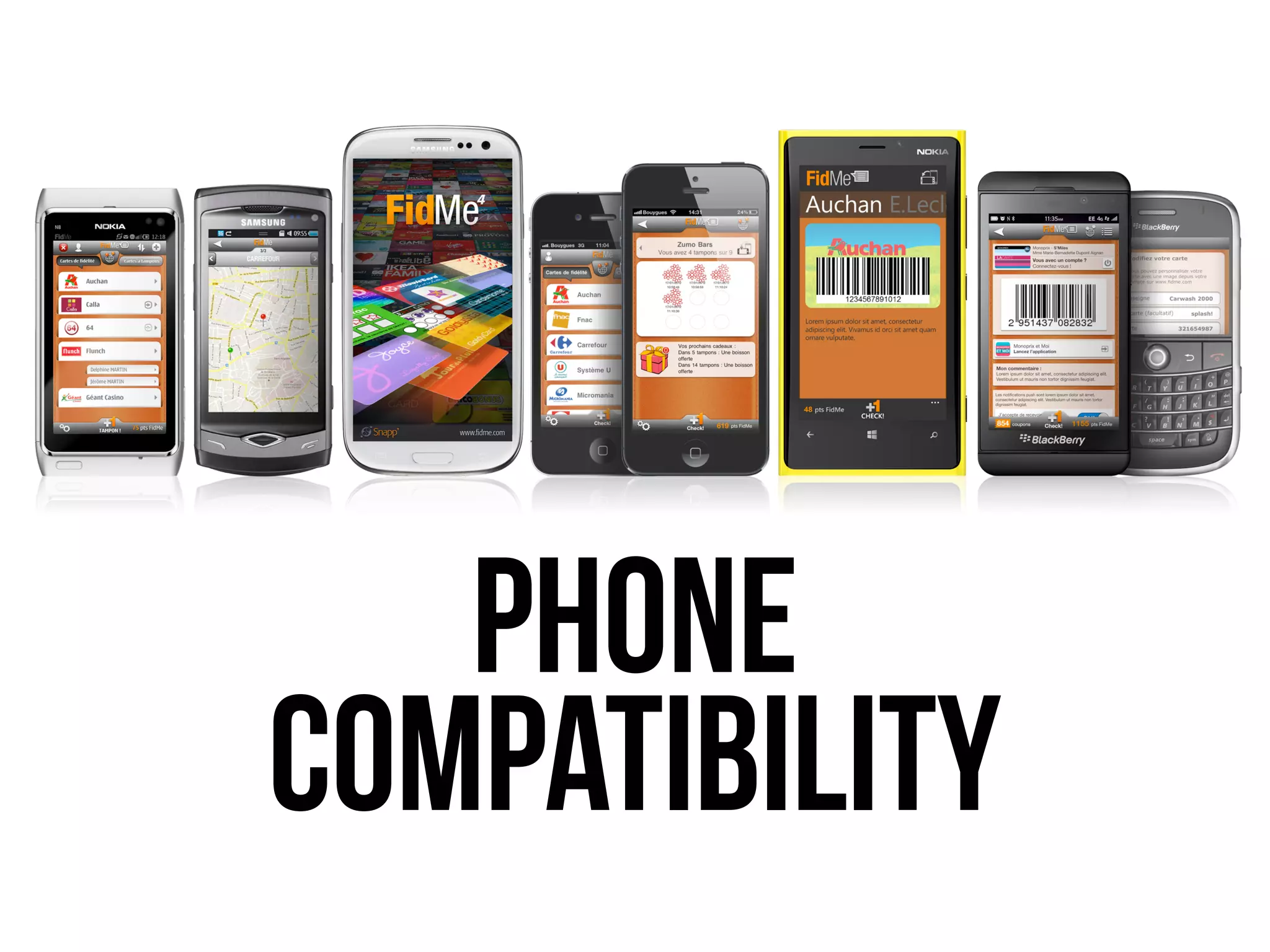
Phone
Compatibility
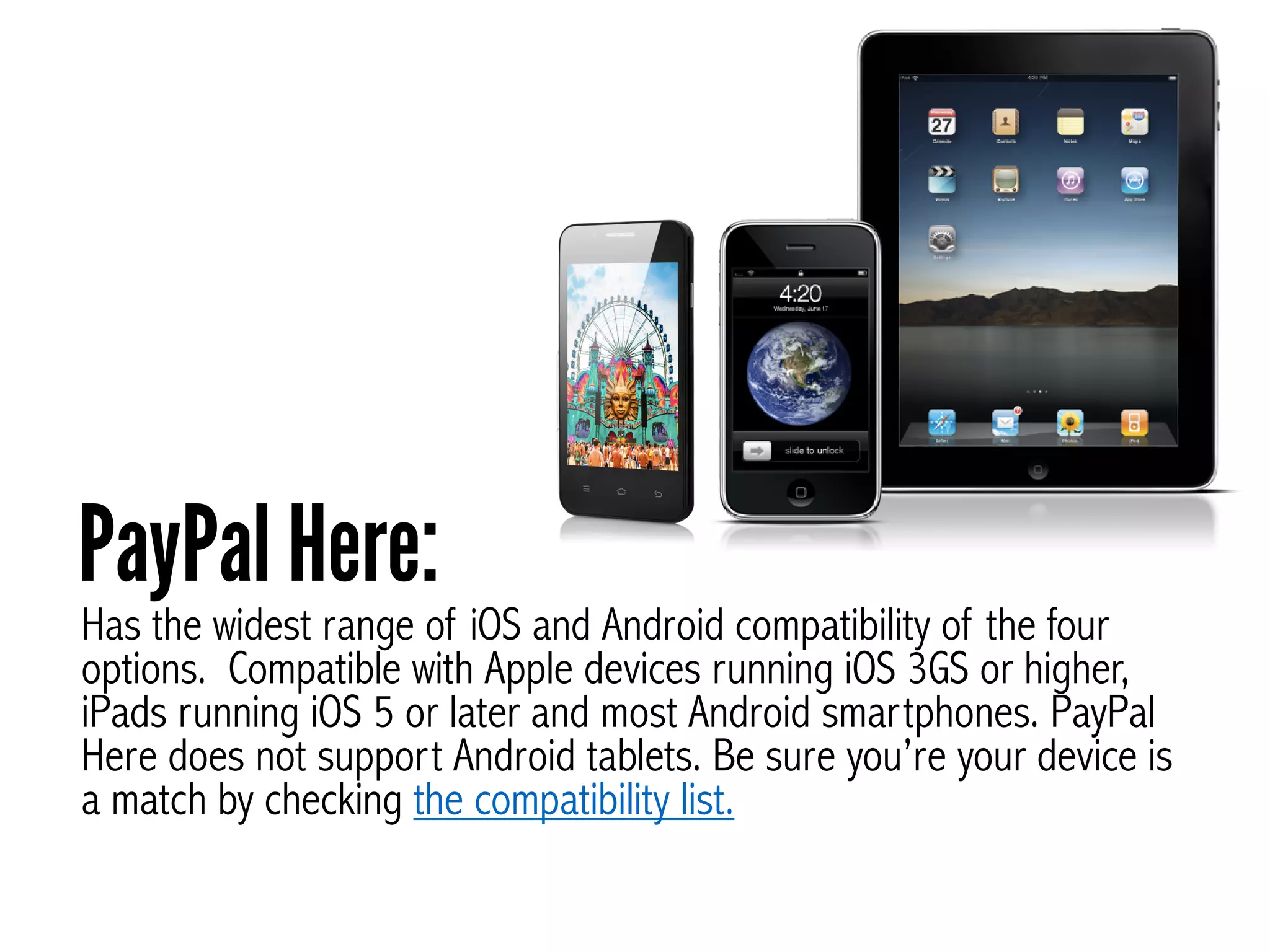
Has the widest range of iOS and Android compatibility of the four
options. Compatible with Apple devices running iOS 3GS or higher,
iPads running iOS 5 or later and most Android smartphones. PayPal
Here does not support Android tablets. Be sure you’re your device is
a match by checking the compatibility list.
PayPal Here:
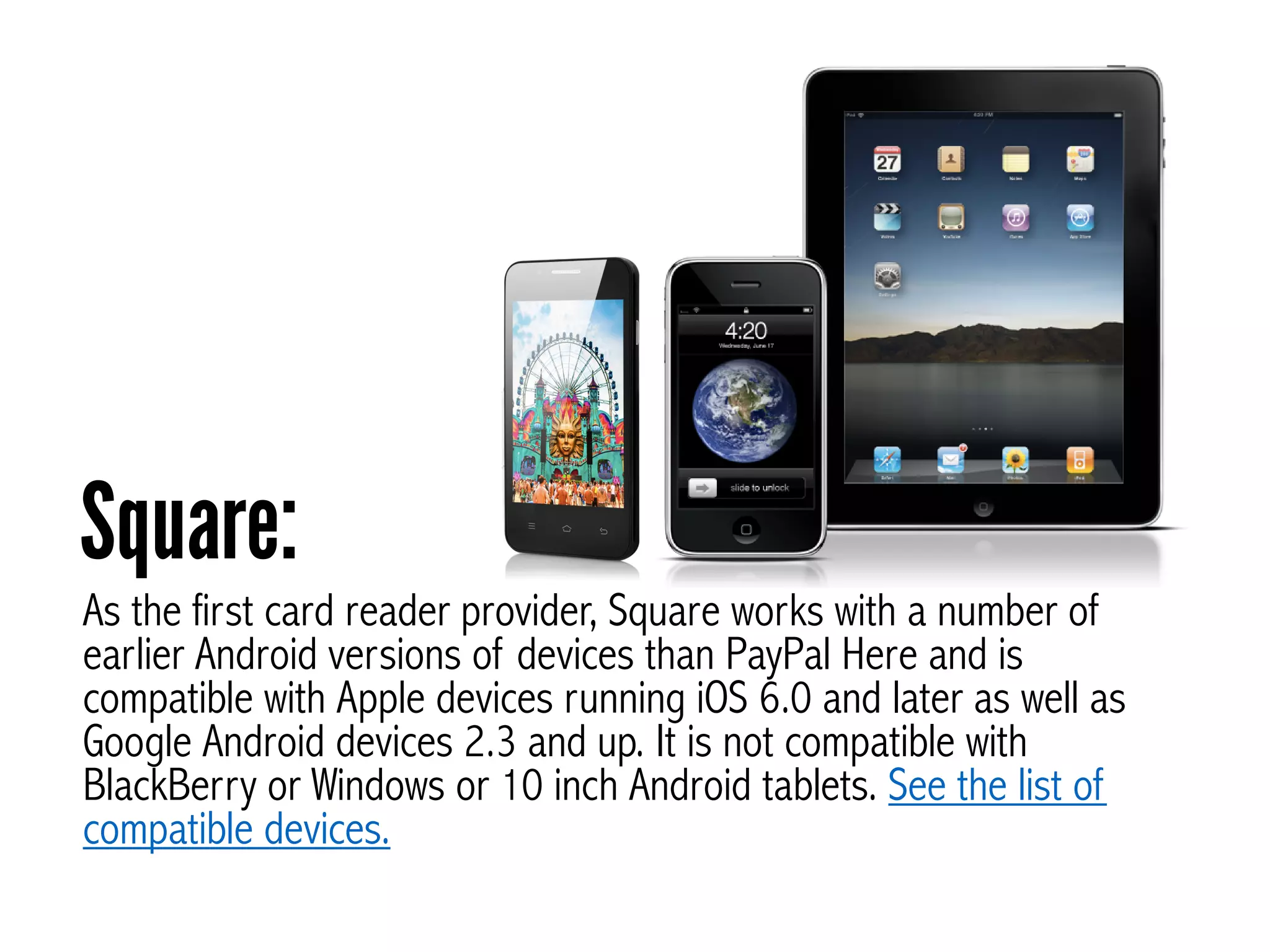
As the first card reader provider, Square works with a number of
earlier Android versions of devices than PayPal Here and is
compatible with Apple devices running iOS 6.0 and later as well as
Google Android devices 2.3 and up. It is not compatible with
BlackBerry or Windows or 10 inch Android tablets. See the list of
compatible devices.
Square:
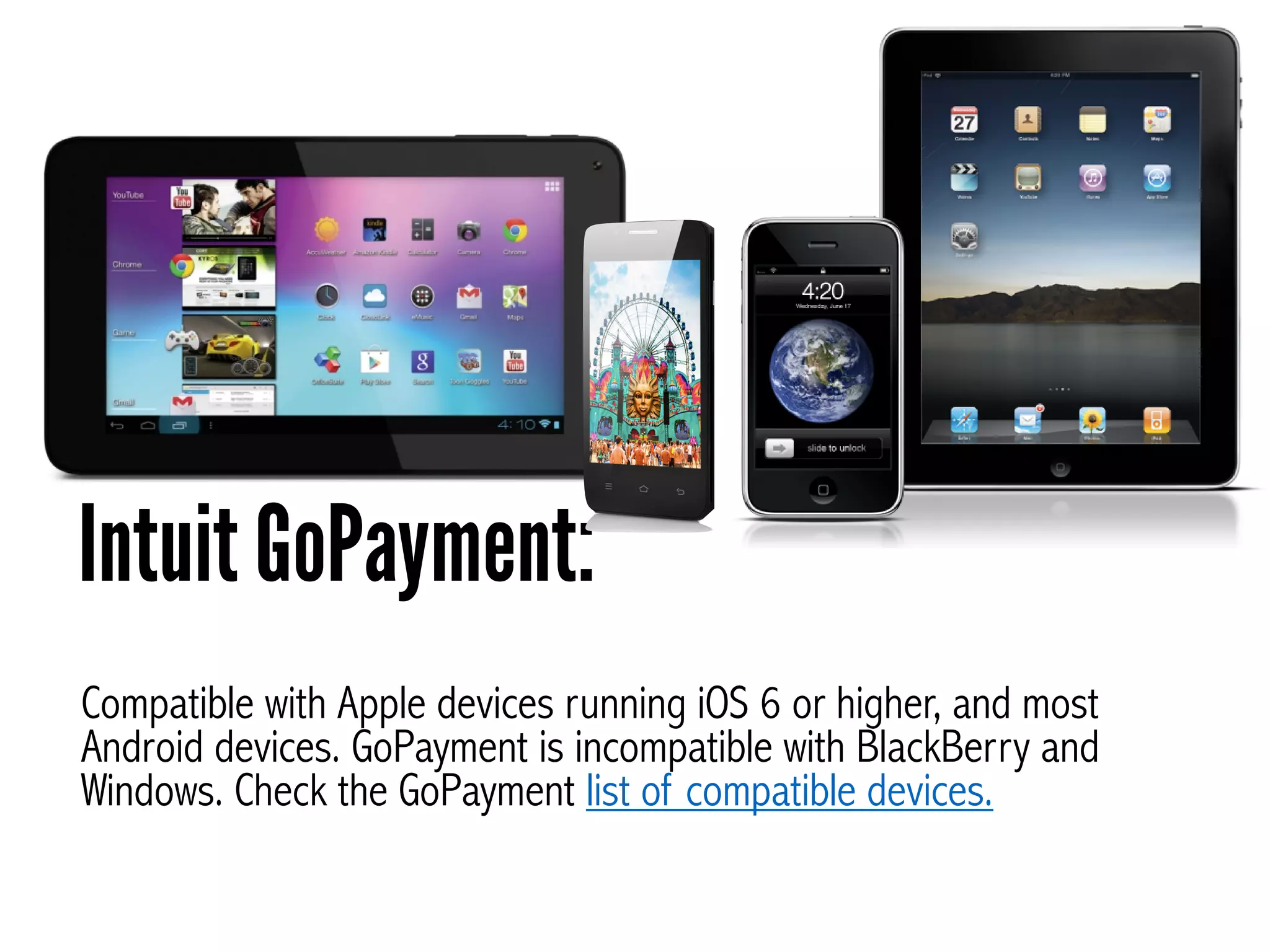
Compatible with Apple devices running iOS 6 or higher, and most
Android devices. GoPayment is incompatible with BlackBerry and
Windows. Check the GoPayment list of compatible devices.
Intuit GoPayment:
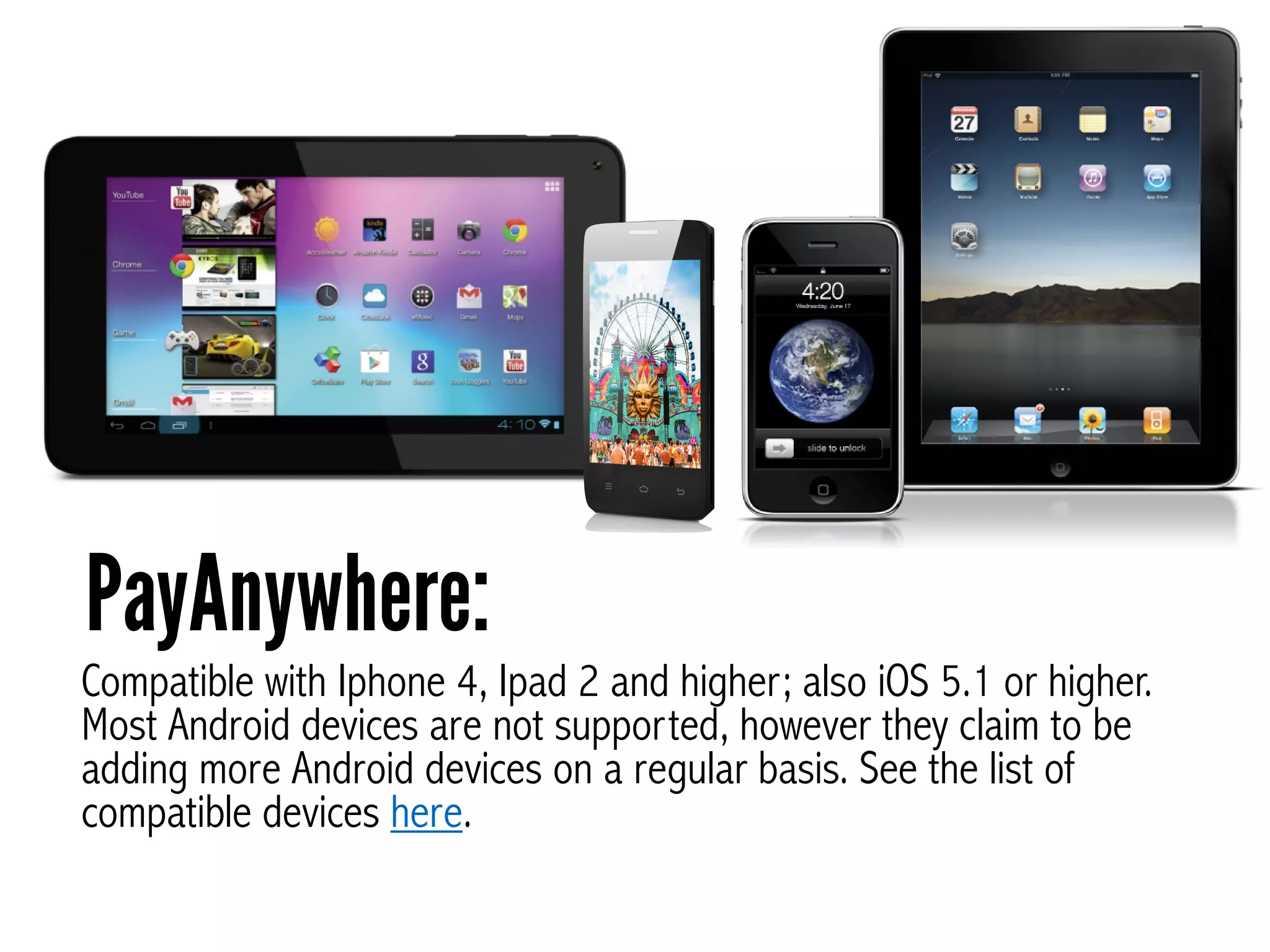
Compatible with Iphone 4, Ipad 2 and higher; also iOS 5.1 or higher.
Most Android devices are not supported, however they claim to be
adding more Android devices on a regular basis. See the list of
compatible devices here.
PayAnywhere:
Payment OptionsMost mobile credit card processors take all of the major credit
and debit cards. However some charge more for American
Express, Discover and non-US cards.
Your customers can pay with Visa, MasterCard, American Express,
Discover, and of course, PayPal. You can also accept electronic
checks (US) and track cash payments. Extra charges apply to non-US
cards.
PayPal Here:
Square accepts most major credit and debit cards, Square payments.
and allows you to track both cash payments and gift certificates.
Square:
All major credit cards and debit cards are accepted.
However, higher rates apply to rewards based credit
cards, American Express and Discover.
Intuit GoPayment:
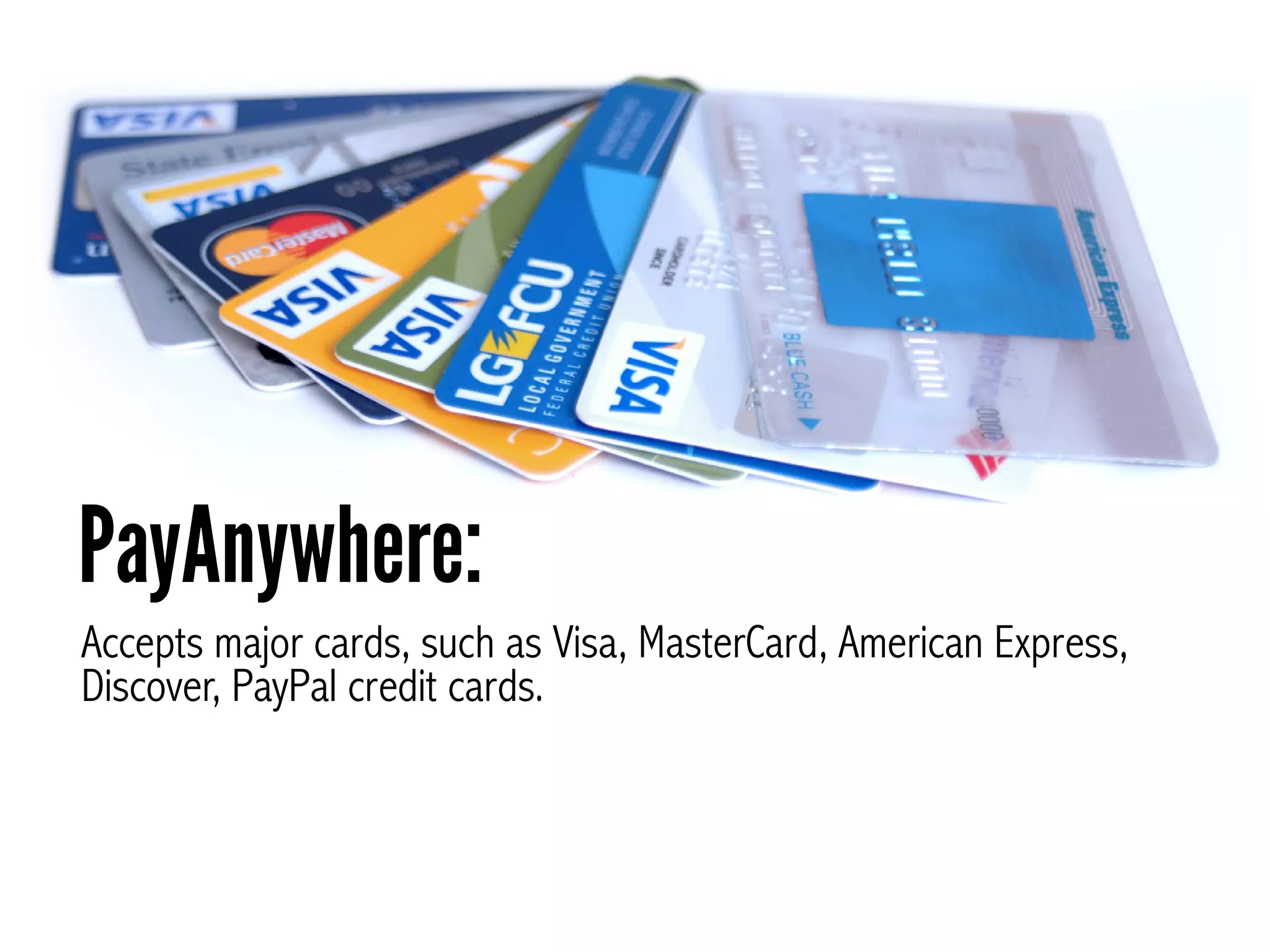
Accepts major cards, such as Visa, MasterCard, American Express,
Discover, PayPal credit cards.
PayAnywhere:
Speed of Access
to Money
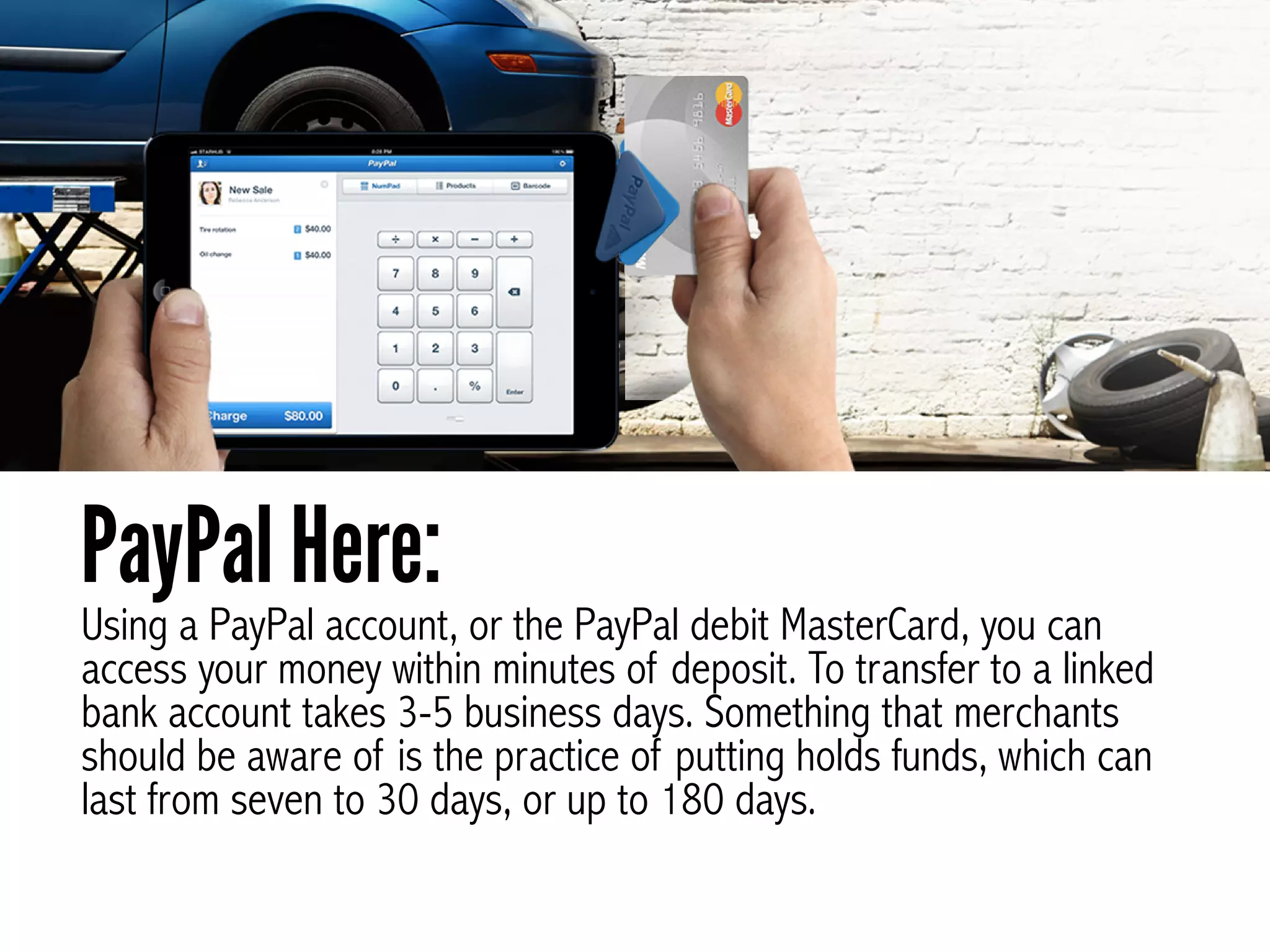
Using a PayPal account, or the PayPal debit MasterCard, you can
access your money within minutes of deposit. To transfer to a linked
bank account takes 3-5 business days. Something that merchants
should be aware of is the practice of putting holds funds, which can
last from seven to 30 days, or up to 180 days.
PayPal Here:
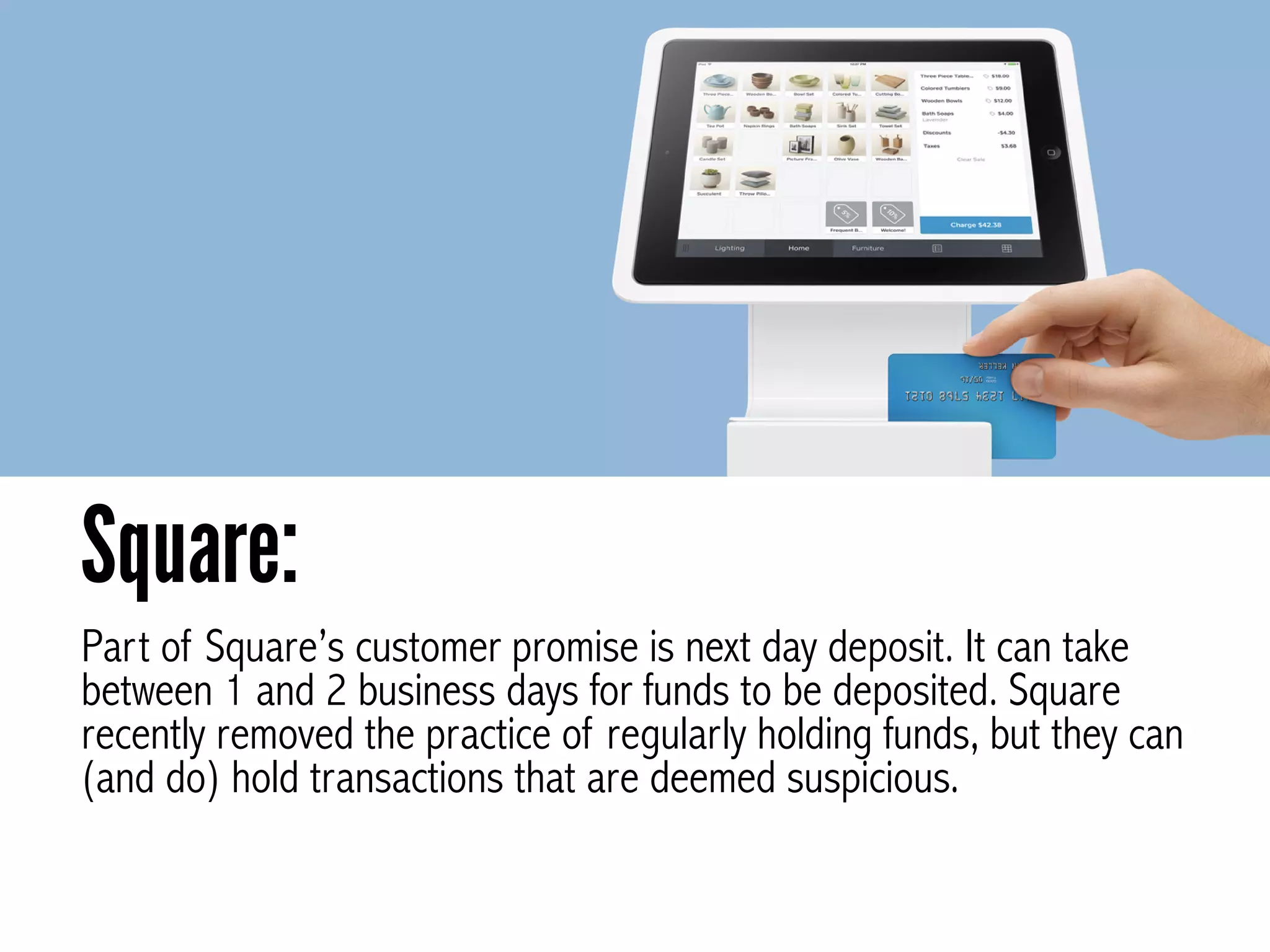
Part of Square’s customer promise is next day deposit. It can take
between 1 and 2 business days for funds to be deposited. Square
recently removed the practice of regularly holding funds, but they can
(and do) hold transactions that are deemed suspicious.
Square:
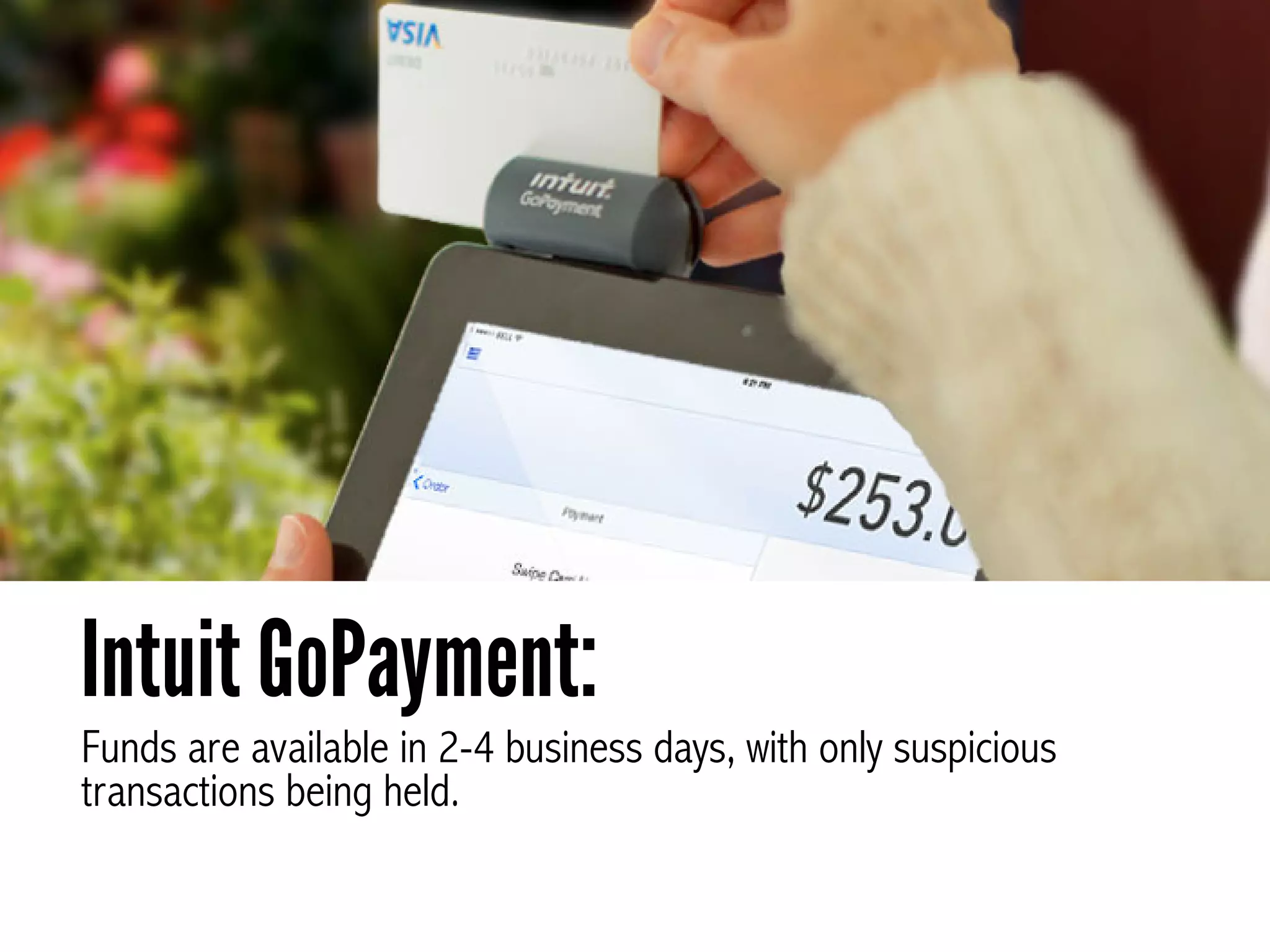
Funds are available in 2-4 business days, with only suspicious
transactions being held.
Intuit GoPayment:
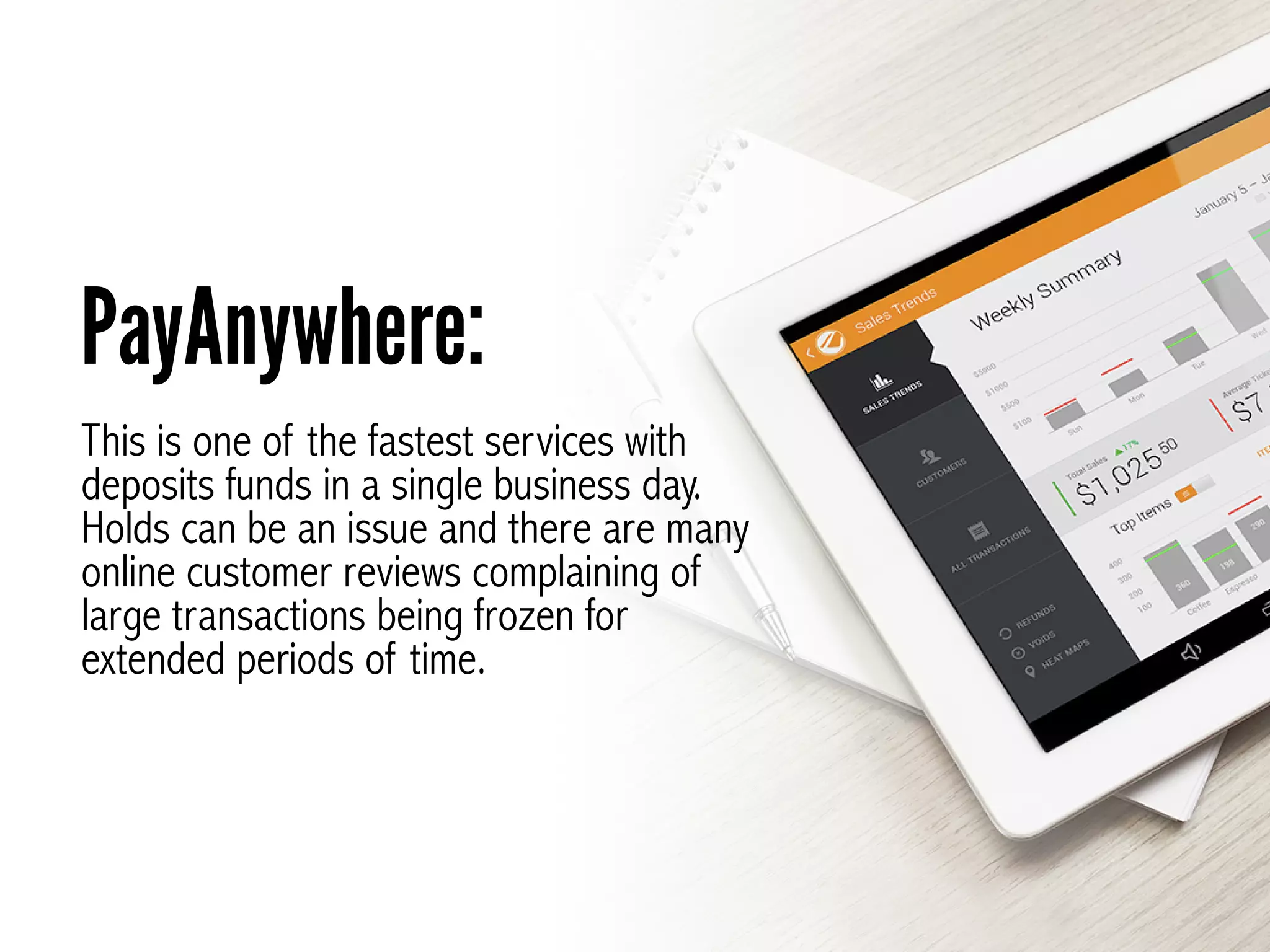
This is one of the fastest services with
deposits funds in a single business day.
Holds can be an issue and there are many
online customer reviews complaining of
large transactions being frozen for
extended periods of time.
PayAnywhere:
Integration
This works with QuickBooks,
Excel and services like NCR Silver
sales products.
PayPal Here:
Integrations include QuickBooks, Xero and
some customized solutions.
Square:
Integrated with QuickBooks and Intuit Point of
Sales products.
Intuit GoPayment:
Works with several cloud printers and QuickBook.
Square:
Security
PayPay Here is well protected with
encryption of information, fraud
protection, PINs and 24 hour
monitoring.
PayPal Here:
Dedicated staff monitor activity. Information is encrypted
card reader and you are PIN protected.
Intuit GoPayment:
This platform offers an encrypted card reader, fraud protection and is
PIN protected with a timeout.
PayAnywhere:
Extra

Features
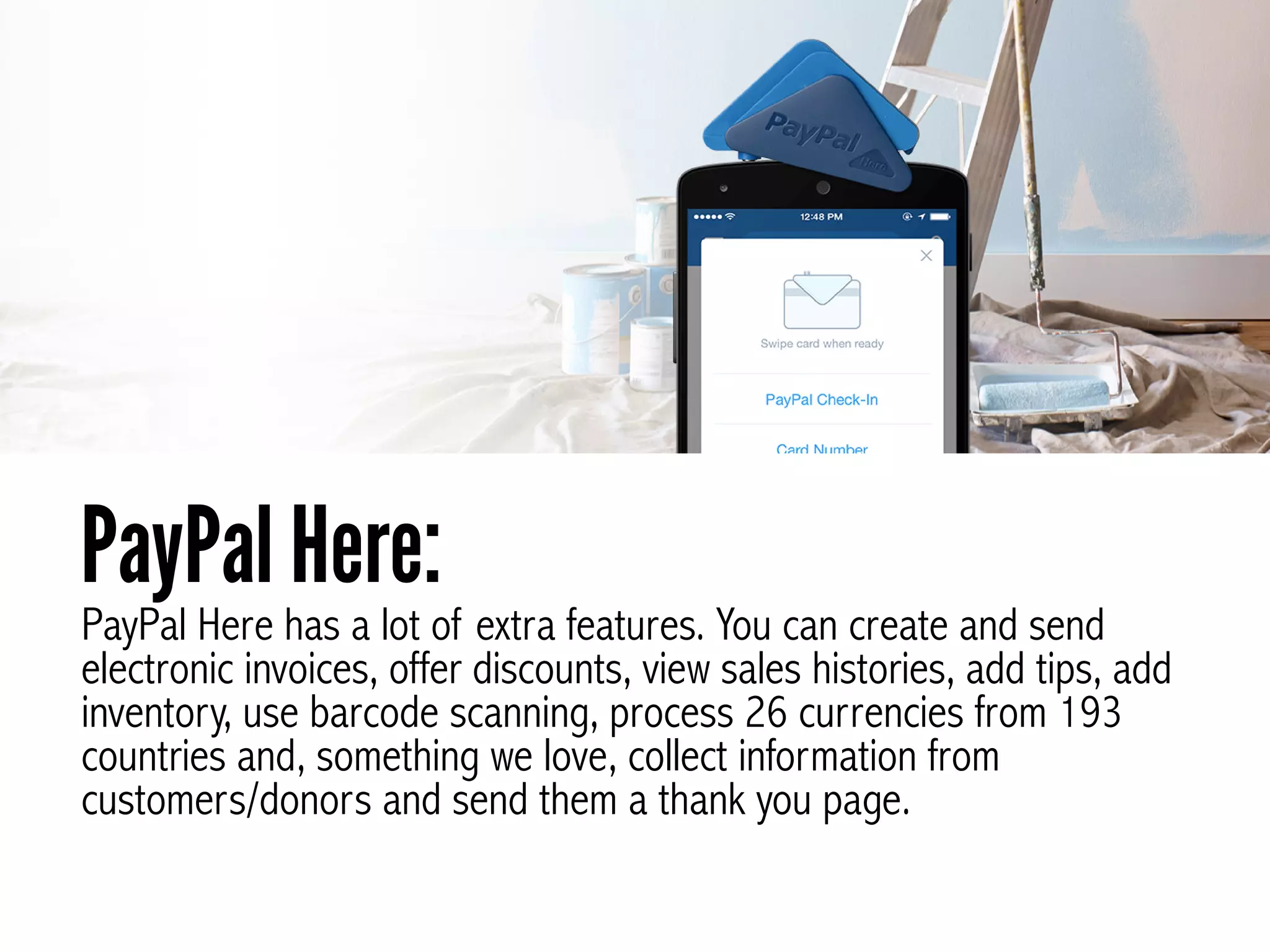
PayPal Here has a lot of extra features. You can create and send
electronic invoices, offer discounts, view sales histories, add tips, add
inventory, use barcode scanning, process 26 currencies from 193
countries and, something we love, collect information from
customers/donors and send them a thank you page.
PayPal Here:
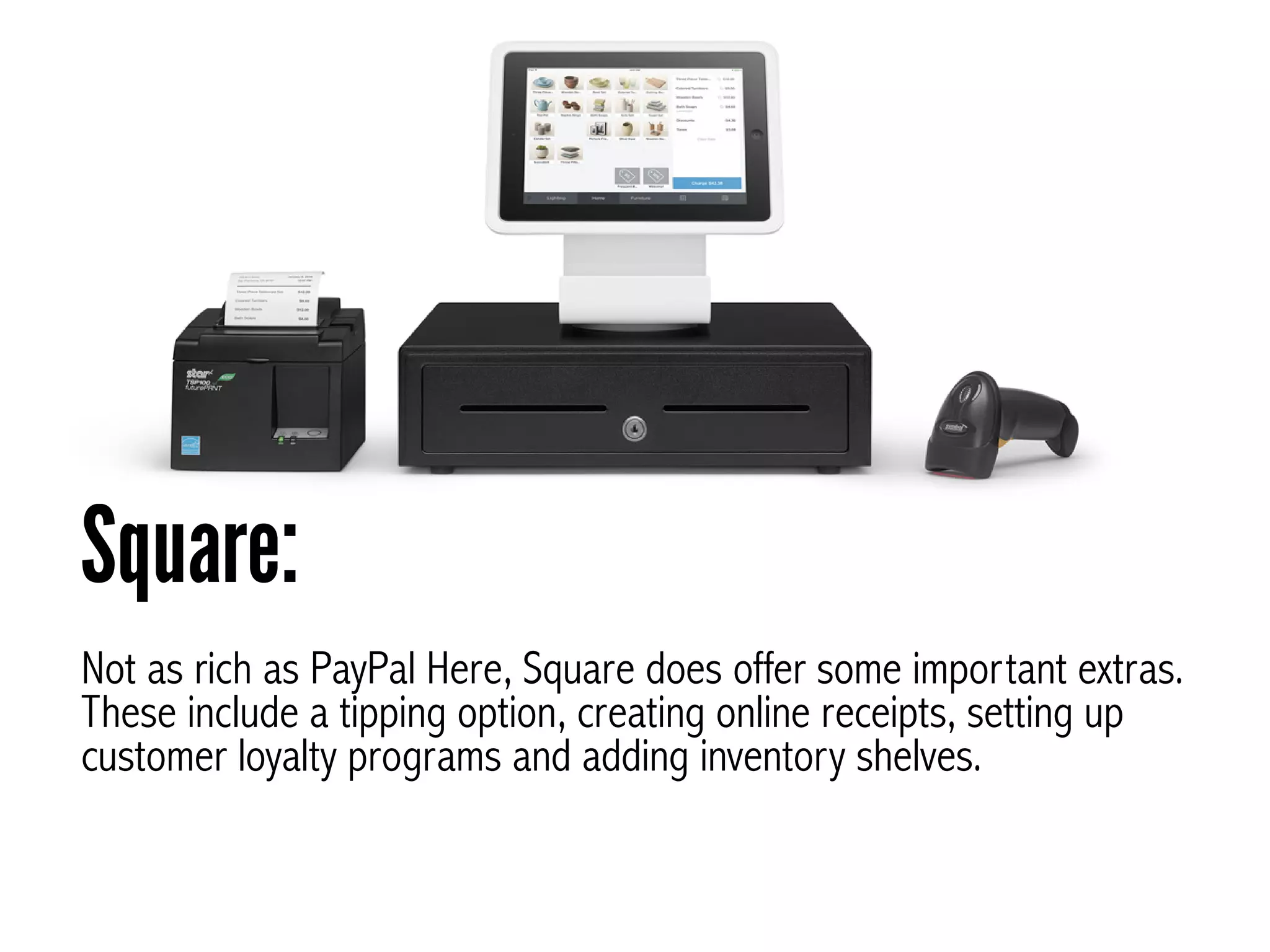
Not as rich as PayPal Here, Square does offer some important extras.
These include a tipping option, creating online receipts, setting up
customer loyalty programs and adding inventory shelves.
Square:
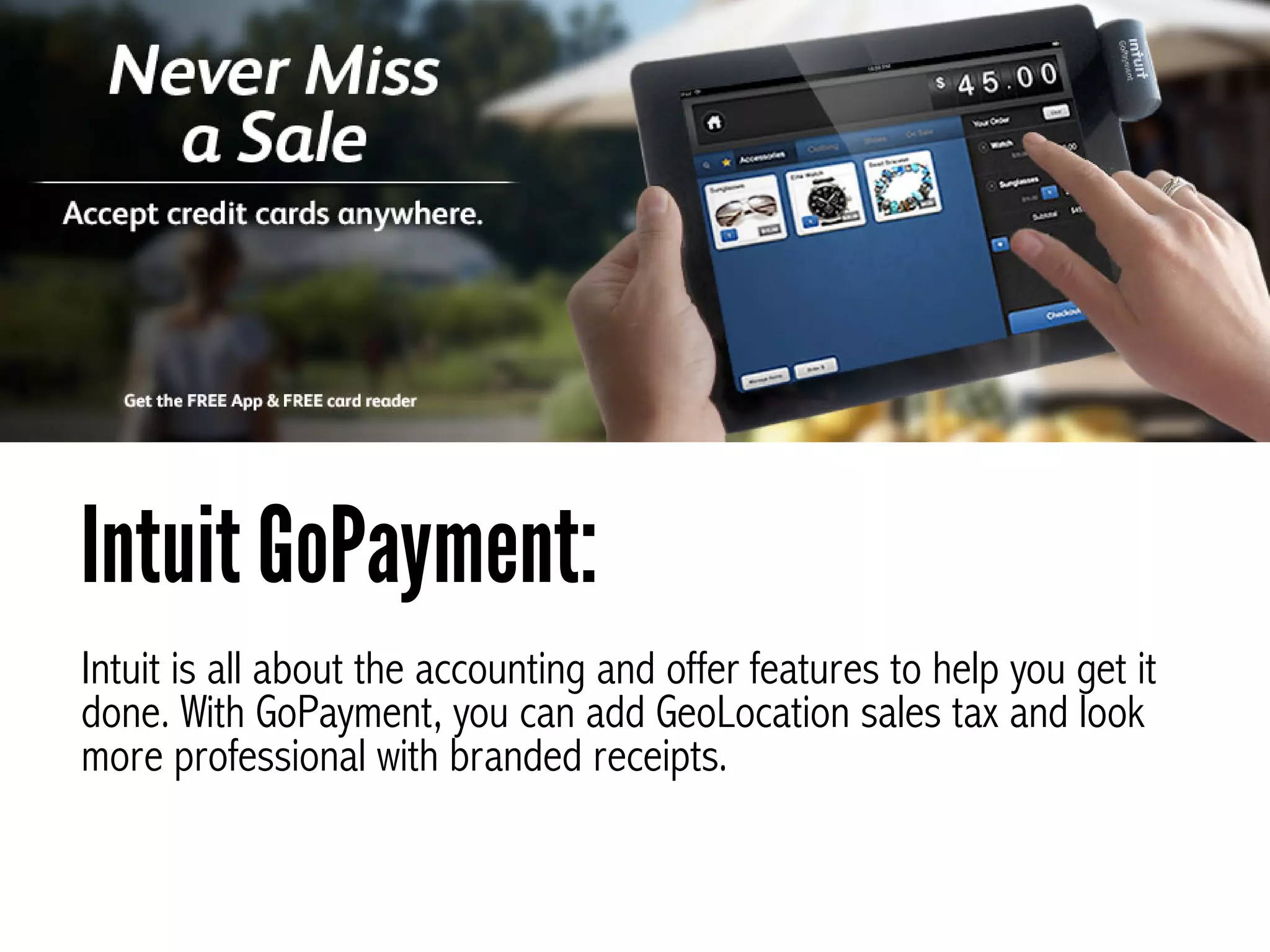
Intuit is all about the accounting and offer features to help you get it
done. With GoPayment, you can add GeoLocation sales tax and look
more professional with branded receipts.
Intuit GoPayment:
Extra goodies from
PayAnywhere include heat
maps that help you identify hot
sales locations, printable
receipts, GeoTax calculation
based on where you are,
inventory set up and reporting.
PayAnywhere:
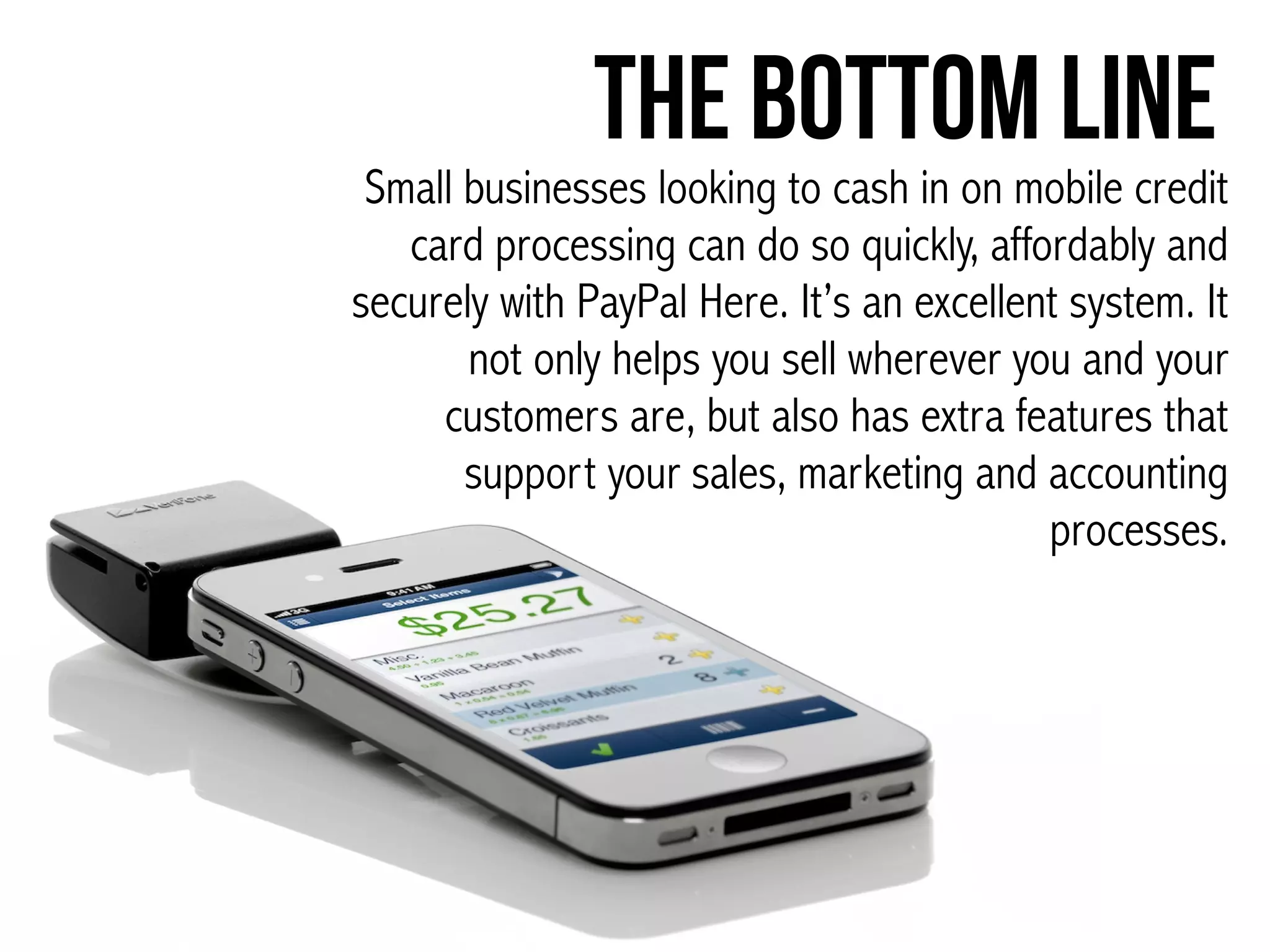
The Bottom Line
Small businesses looking to cash in on mobile credit
card processing can do so quickly, affordably and
securely with PayPal Here. It’s an excellent system. It
not only helps you sell wherever you and your
customers are, but also has extra features that
support your sales, marketing and accounting
processes.
Click here to tweet
this presentation.
Join The Community:
www.FitSmallBusiness.com
See the full article here

Mobile Credit Card Processing: The Top 4 Options Compared

  • 2.
    Being able toprocess credit card payments away from your office or store is an important part of being competitive for small business. Once a complicated and expensive procedure, it’s now easy and affordable to turn your smartphone into a portable cash register.
  • 3.
    Our Top Choicefor Mobile Payment Processing for Small Business Owners
  • 4.
    PayPal Here SquareIntuit GoPayment PayAnywhere Ease of Use Easiest Very Easy Moderate Fairly Easy Monthly Fee None None 2 Plans: Plan 1: no monthly rate; Plan 2: $12.95 monthly rate. None Swipe Rate 2.7% for US cards Keyed rate/scan 3.5% + $0.15 Non US cards is 3.7% Swipe rate 2.75% Keyed rate 3.75% + $0.15 Plan 1: Pay as you go $0/month Swipe rate 2.75% Keyed rate 3.75% Plan 2: $12.95/ month plan (up to 50 users per account) Swipe rate 1.75% Keyed rate 2.75% Swipe rates 2.69% Keyed rates 3.49% + $0.19
  • 5.
    PayPal Here SquareIntuit GoPayment PayAnywhere Free App and Card Reader? Yes Yes Yes Yes Number of Users Per Account Up to 1,000 users/account. Up to 10 users/account. ! Both plans up to 50 users/ account. Unlimited Users Merchant account required No. You create a business account when you download the app No Yes Yes
  • 6.
    PayPal Here SquareIntuit GoPayment PayAnywhere Reliability/ Glitichines s! (all have complaint s about glitchiness that are corrected) Transactions can be held Accounts can be frozen for up to 30 days or longer Holds on significant funds can take place and be hard to remedy as there is no live customer support Holds can be placed on money Large transactions can be held for up to 30 days ! Online reviews show glitches with checkouts on sites like eBay
  • 7.
    PayPal Here SquareIntuit GoPayment PayAnywhere Phone & Device Compatibility Compatible with: !Apple devices running iOS 3GS or higher (iPads with iOS 5 or later) most Android smartphones !Incompatible with: !Android tablets !Full Device Compatibility List Compatible with: Apple iOS 6.0 and up Android Devices 2.3 and up Some printers Some cash registers Incompatible with: !- Android 10 inch tablets !Full Device Compatibility List Compatible with: ! Apple devices running iOS 6 or higher, most Android devices. ! Full Device Compatibility List ! Compatible with: ! Iphone 4 and Ipad 2 and higher running iOS 5.1 or higher. Some Android Devices ! Full Device Compatibility List
  • 8.
    PayPal Here SquareIntuit GoPayment PayAnywhere Payment Options ! Visa, MasterCard, American Express, Discover, PayPal payments and debit cards Accepts email invoices Accept checks for electronic deposit (US only) Records cash transactions. Visa, MasterCard, American Express, Discover, Square and debit cards Allows cash transactions to be recorded Allows gift certificates to be recorded. Works with all major credit and debit cards Allows users to record cash payments. Visa, MasterCard, American Express, Discover, PayPal credit cards, Amex Allows users to record cash payments.
  • 9.
    PayPal Here SquareIntuit GoPayment PayAnywhere Ease/ Speed of set up and processing Easiest & Fast Free card reader sent in 5-7 business days. Easy & Fast Free card reader delivered within 5-10 business days. Easy & Fast Free card reader is delivered within 5-10 business days. Easy & Fast Free card reader is delivered within a few business days. Speed of access to money Instant if you have a PayPal merchant debit card MasterCard Funds are transferred to a linked bank account within 3-5 business days. Next day (1-2) business days into a linked bank account *any funds via transactions deemed suspicious can be held for a significant amount of time (months). 2-4 business days Only funds suspected of fraud are held. 1 business day.
  • 10.
    PayPal Here SquareIntuit GoPayment PayAnywhere Integration NCR Silver, Excel, QuickBooks. QuickBooks; Xero; Square Connect API: Customized software solutions. QuickBooks AirPrint Cloud Printer, Star printer, information can be downloaded into QuickBooks, cash registers Support Options Live phone support Email support Knowledge Base. No phone support Email support Twitter support Support Center open 24/7 365 year Knowledge base. Live phone support Email support Video Tutorials with detailed instructions Knowledge Base. Live phone support (English, Spanish & Chinese) !Chat support, customer service/tech !Twitter support ! Knowledge Base
  • 11.
    PayPal Here Square Intuit GoPayment PayAnywhere Security High Encryptedcard reader Fraud protection PIN protected 24 hour monitoring High Encrypted card reader Fraud protection Dedicated staff who monitor transactions. High Encrypted card reader PIN protected Dedicated staff for monitoring. High Encrypted card reader Fraud protection PIN protected and PIN timeout Extra features to note - Create and send electronic invoices. - offer discounts - Views sales history. - Print cash receipts. 
 -Tips -Tipping option. -Online receipts. -Customer loyalty program. -Add inventory shelf. - GeoLocation sales tax - Customized branded receipts with logos - pay employees - calculate and payroll taxes. -Heat map traces sales locations -Allows cash, discounts, tips -Prints receipts -Calculates GeoTax based on location -Inventory set up -Reporting Learn More Learn More Learn More Learn More
  • 12.
    for Small BusinessOwners WhyWe Chose PayPal Here
  • 13.
    PayPal Here wasour top choice among mobile credit card processors. Set up is fast and free, it’s easy to use, and is compatible with the largest number of devices. With Papal here you get access to your money within minutes. PayPal here is one of the lowest cost providers, pricing is straightforward and your can enhance customer service by offering multiple payment options.
  • 14.
    Does PayPal Here havedrawbacks? Holding procedures can block access to funds and it isn’t compatible with Android tablets. Overall, however, with a Better Business Bureau rating of A+, we feel that PayPal Here is the top mobile credit card processing provider for small business.
  • 15.
  • 16.
  • 17.
    It takes justa few minutes to get up and running with PayPal Here from many kinds of Apple and Android devices and you can start processing payments easily.
 
 It’s free to set up and does not require a merchant account PayPal Here:
  • 18.
    Is that ifyou get stuck during set-up or when you’re processing, you can access live phone support, unlike with Square. The Big Plus
  • 19.
    Square:Getting set upand taking mobile payments takes just a few minutes with Square and doesn’t require the hassle of setting up a merchant account. 
 
 Without an abundance of features to figure out, this is a fast and simple solution for many businesses.
  • 20.
    is that ifyou do run into a problem, you’ll have to figure it out for yourself. There is no live customer support by phone though there is email support. One major con
  • 21.
    Here, set uprequires a little more time and thought, as you need to set up a merchant account and decide on one of two plans.
 
 Taking the time to grasp the payment structure, and what it means to your business if you’re dealing with rewards based credit cards and American Express, will require some number crunching. Intuit GoPayment:
  • 22.
    Though this platformrequires a merchant account, once you have set up your merchant account it is also easy to set up and use within minutes. Additional features can take some time to learn, but live phone support helps with that process. PayAnywhere:
  • 23.
  • 24.
    Free set up,app and card reader with fairly standard pricing of swiped US cards at 2.7%, keyed rate/scan 3.5% + $0.15 and a swipe rate of 3.7% for non US cards. Check the User Agreement for exceptional and fine details. PayPal Here:
  • 25.
    Free set up,app and card reader. The swipe rate is 2.75% and the keyed rate 3.75% + $0.15, no matter what kind of card you use. ! Square no longer offers the flat rate monthly fee of $275. It was dropped in late 2013. Here’s the Square User Agreement. Square:
  • 26.
    Pricing for IntuitGoPayment requires some special thought. There’s the free app and card reader version, which results in a swipe rate of 2.75% and a keyed rate of 3.75%. The other option is the monthly $12.95 version, with a swipe rate of 1.75% and a keyed rate of 2.75%. If you’re doing more than approximately $1,500 USD/ month the paid version may be a better option. ! Here is Intuit GoPayment’s User Agreement. Intuit GoPayment:
  • 27.
    The least expensiveoption for those doing $2,000/month or less, this platform also offers a free set up, app and card reader. Swipe rates are 2.69%, a half percent below PayPal Here, with the keyed rate at 3.49% (also a half percent below PayPal Here) + $0.19 ($0.40 higher than PayPal Here). ! Here’s PayAnywhere’s user agreement. PayAnywhere:
  • 28.
  • 29.
    Has the widestrange of iOS and Android compatibility of the four options. Compatible with Apple devices running iOS 3GS or higher, iPads running iOS 5 or later and most Android smartphones. PayPal Here does not support Android tablets. Be sure you’re your device is a match by checking the compatibility list. PayPal Here:
  • 30.
    As the firstcard reader provider, Square works with a number of earlier Android versions of devices than PayPal Here and is compatible with Apple devices running iOS 6.0 and later as well as Google Android devices 2.3 and up. It is not compatible with BlackBerry or Windows or 10 inch Android tablets. See the list of compatible devices. Square:
  • 31.
    Compatible with Appledevices running iOS 6 or higher, and most Android devices. GoPayment is incompatible with BlackBerry and Windows. Check the GoPayment list of compatible devices. Intuit GoPayment:
  • 32.
    Compatible with Iphone4, Ipad 2 and higher; also iOS 5.1 or higher. Most Android devices are not supported, however they claim to be adding more Android devices on a regular basis. See the list of compatible devices here. PayAnywhere:
  • 33.
    Payment OptionsMost mobilecredit card processors take all of the major credit and debit cards. However some charge more for American Express, Discover and non-US cards.
  • 34.
    Your customers canpay with Visa, MasterCard, American Express, Discover, and of course, PayPal. You can also accept electronic checks (US) and track cash payments. Extra charges apply to non-US cards. PayPal Here:
  • 35.
    Square accepts mostmajor credit and debit cards, Square payments. and allows you to track both cash payments and gift certificates. Square:
  • 36.
    All major creditcards and debit cards are accepted. However, higher rates apply to rewards based credit cards, American Express and Discover. Intuit GoPayment:
  • 37.
    Accepts major cards,such as Visa, MasterCard, American Express, Discover, PayPal credit cards. PayAnywhere:
  • 38.
  • 39.
    Using a PayPalaccount, or the PayPal debit MasterCard, you can access your money within minutes of deposit. To transfer to a linked bank account takes 3-5 business days. Something that merchants should be aware of is the practice of putting holds funds, which can last from seven to 30 days, or up to 180 days. PayPal Here:
  • 40.
    Part of Square’scustomer promise is next day deposit. It can take between 1 and 2 business days for funds to be deposited. Square recently removed the practice of regularly holding funds, but they can (and do) hold transactions that are deemed suspicious. Square:
  • 41.
    Funds are availablein 2-4 business days, with only suspicious transactions being held. Intuit GoPayment:
  • 42.
    This is oneof the fastest services with deposits funds in a single business day. Holds can be an issue and there are many online customer reviews complaining of large transactions being frozen for extended periods of time. PayAnywhere:
  • 43.
  • 44.
    This works withQuickBooks, Excel and services like NCR Silver sales products. PayPal Here: Integrations include QuickBooks, Xero and some customized solutions. Square: Integrated with QuickBooks and Intuit Point of Sales products. Intuit GoPayment: Works with several cloud printers and QuickBook. Square:
  • 45.
    Security PayPay Here iswell protected with encryption of information, fraud protection, PINs and 24 hour monitoring. PayPal Here: Dedicated staff monitor activity. Information is encrypted card reader and you are PIN protected. Intuit GoPayment: This platform offers an encrypted card reader, fraud protection and is PIN protected with a timeout. PayAnywhere:
  • 46.
  • 47.
    PayPal Here hasa lot of extra features. You can create and send electronic invoices, offer discounts, view sales histories, add tips, add inventory, use barcode scanning, process 26 currencies from 193 countries and, something we love, collect information from customers/donors and send them a thank you page. PayPal Here:
  • 48.
    Not as richas PayPal Here, Square does offer some important extras. These include a tipping option, creating online receipts, setting up customer loyalty programs and adding inventory shelves. Square:
  • 49.
    Intuit is allabout the accounting and offer features to help you get it done. With GoPayment, you can add GeoLocation sales tax and look more professional with branded receipts. Intuit GoPayment:
  • 50.
    Extra goodies from PayAnywhereinclude heat maps that help you identify hot sales locations, printable receipts, GeoTax calculation based on where you are, inventory set up and reporting. PayAnywhere:
  • 51.
    The Bottom Line Smallbusinesses looking to cash in on mobile credit card processing can do so quickly, affordably and securely with PayPal Here. It’s an excellent system. It not only helps you sell wherever you and your customers are, but also has extra features that support your sales, marketing and accounting processes.
  • 52.
    Click here totweet this presentation. Join The Community: www.FitSmallBusiness.com See the full article here