MMC Rest API – User Groups
Introduction
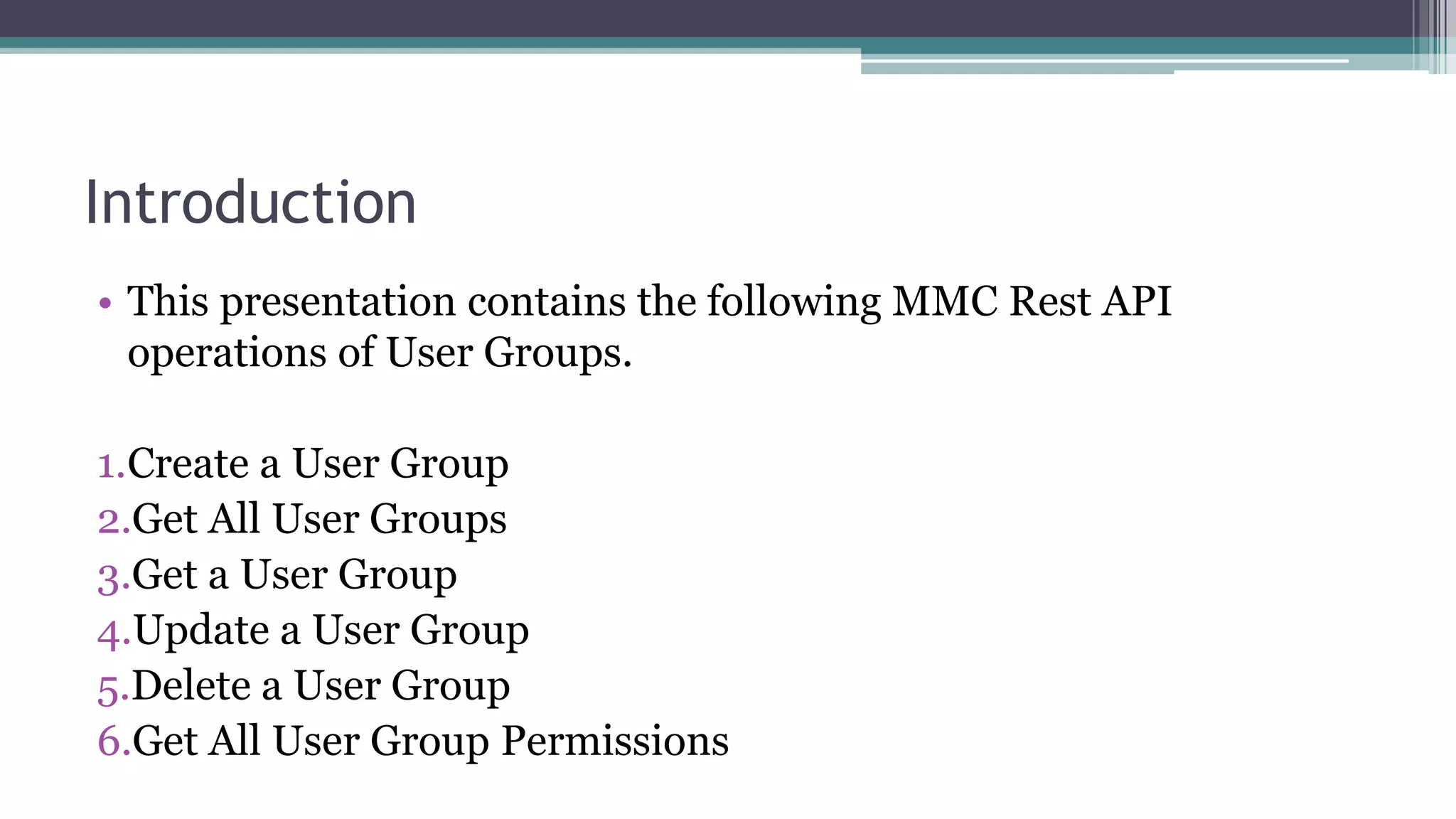
• This presentation contains the following MMC Rest API
operations of User Groups.
1.Create a User Group
2.Get All User Groups
3.Get a User Group
4.Update a User Group
5.Delete a User Group
6.Get All User Group Permissions
Create a User Group
• To create a user group, need to provide the group name,
description and Permissions as shown in the below URL.
• curl --basic -u username:password -d '{ "name" :
"NewUserGroup", "description": "View and Delete Events",
"permissions": ["VIEW_ACTIVITY","TRACKING_DELETE"] }' --
header 'Content-Type: application/json'
http://localhost:8585/mmc/api/usergroups
• HTTP Method: POST
Get All User Groups
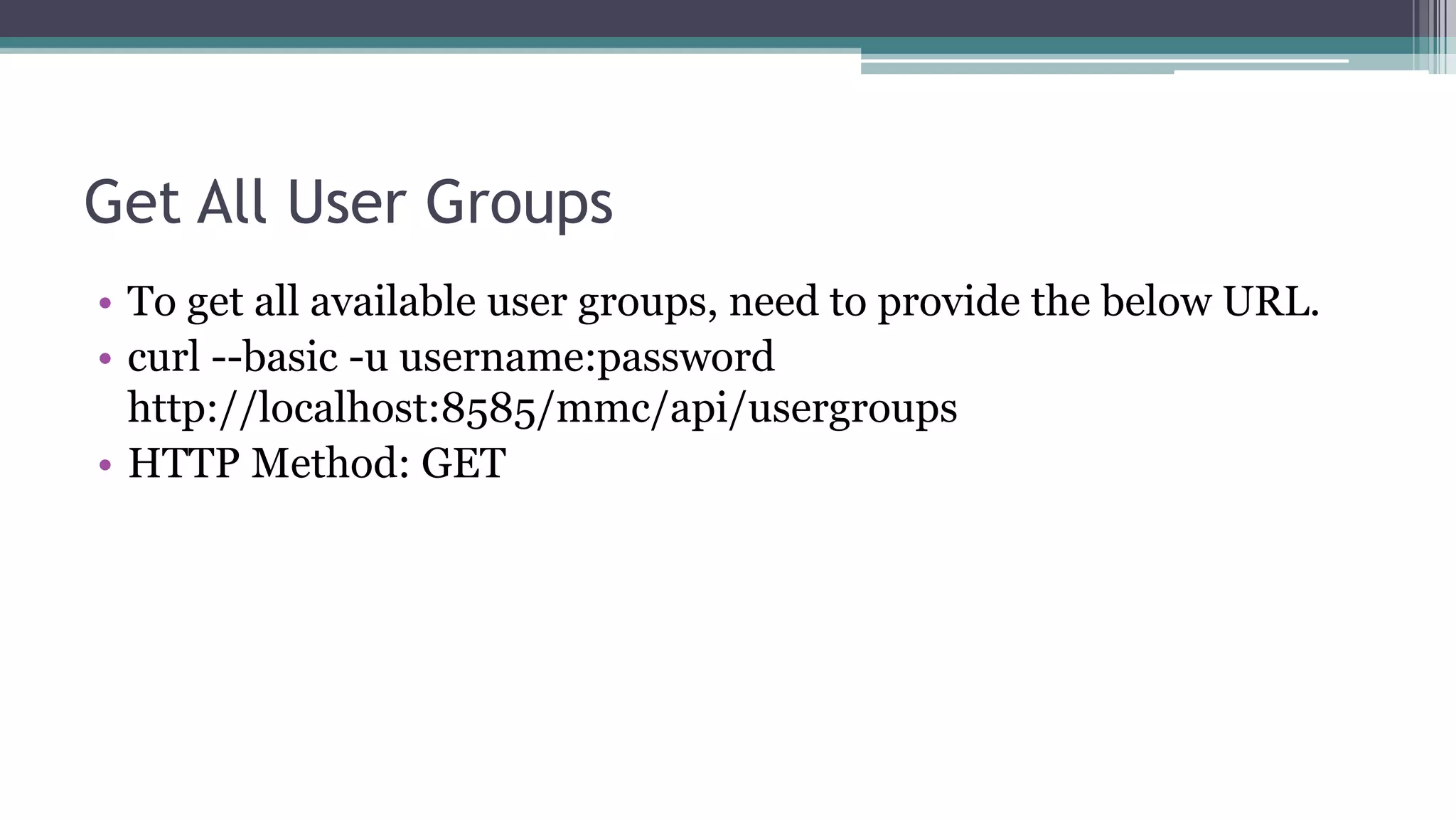
• To get all available user groups, need to provide the below URL.
• curl --basic -u username:password
http://localhost:8585/mmc/api/usergroups
• HTTP Method: GET
Get a User Group
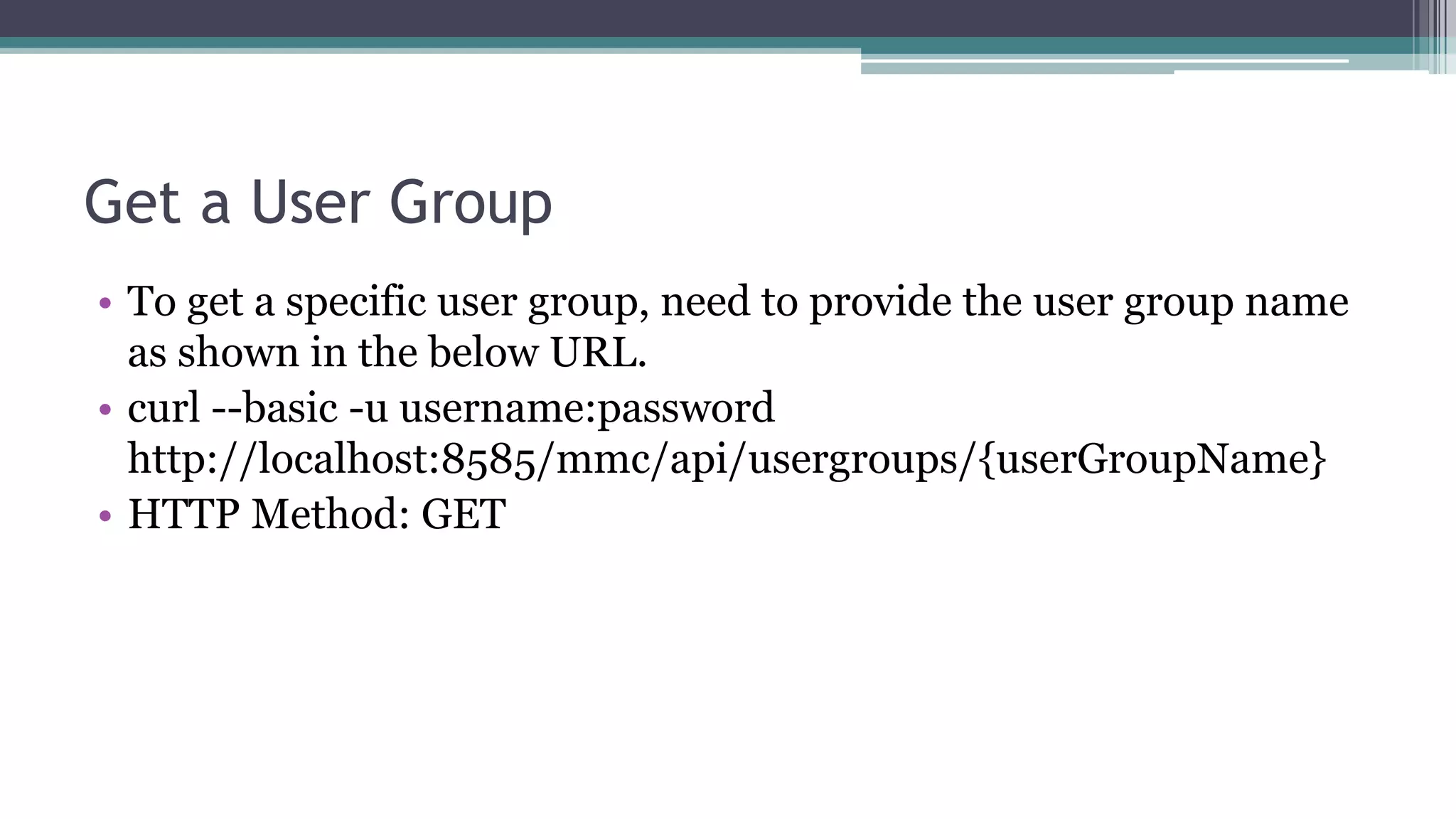
• To get a specific user group, need to provide the user group name
as shown in the below URL.
• curl --basic -u username:password
http://localhost:8585/mmc/api/usergroups/{userGroupName}
• HTTP Method: GET
Update a User Group
• To update a specific user group, need to provide the json string as
shown in the below URL.
• curl --basic -u username:password -X PUT -d { "name" :
"NewUserGroup", "description": "View and Delete Events",
"permissions": ["VIEW_ACTIVITY","TRACKING_DELETE"] }" --
header 'Content-Type: application/json'
http://localhost:8585/mmc/api/usergroups/Deployers
• HTTP Method: PUT
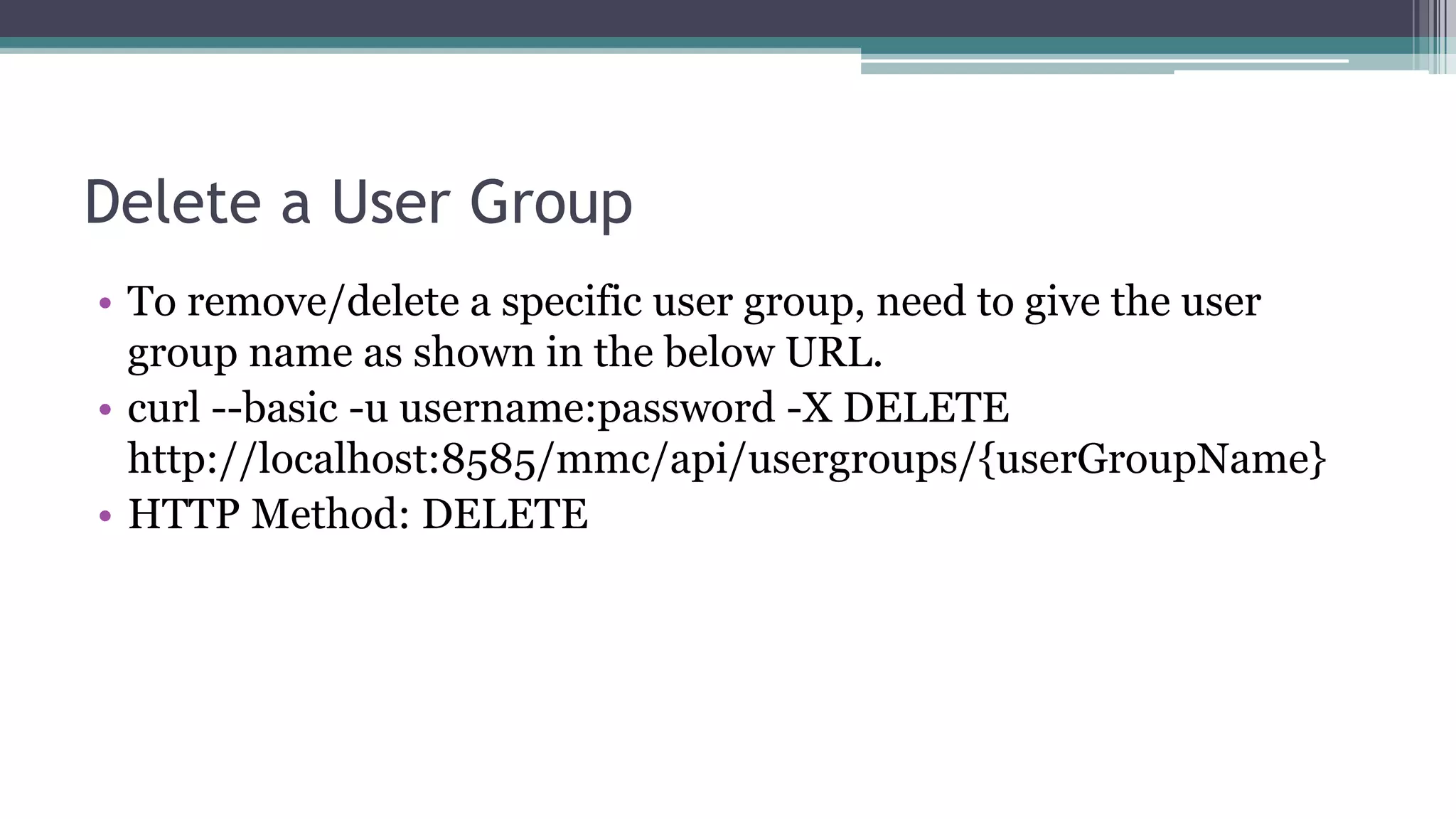
Delete a User Group
• To remove/delete a specific user group, need to give the user
group name as shown in the below URL.
• curl --basic -u username:password -X DELETE
http://localhost:8585/mmc/api/usergroups/{userGroupName}
• HTTP Method: DELETE
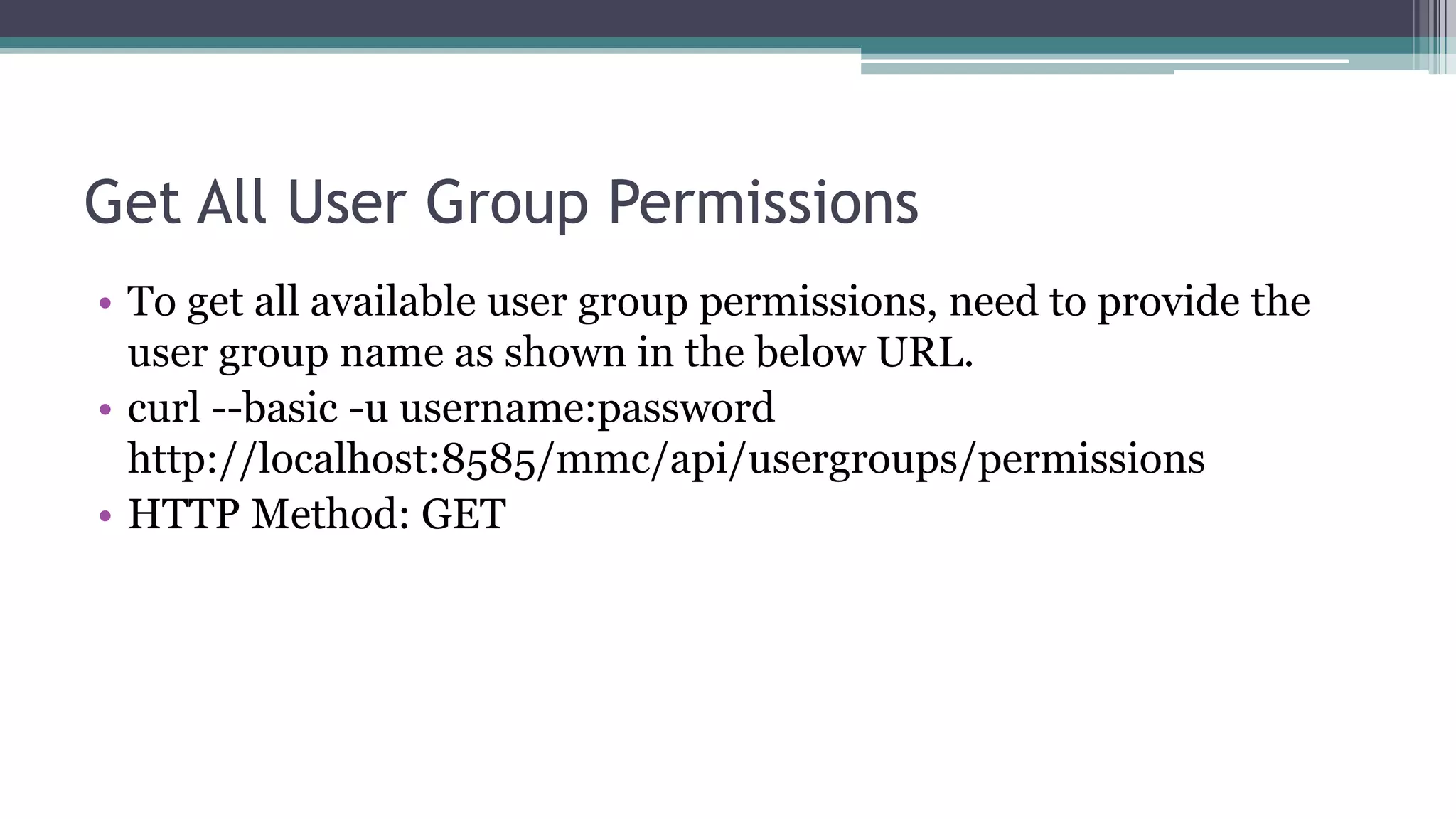
Get All User Group Permissions
• To get all available user group permissions, need to provide the
user group name as shown in the below URL.
• curl --basic -u username:password
http://localhost:8585/mmc/api/usergroups/permissions
• HTTP Method: GET
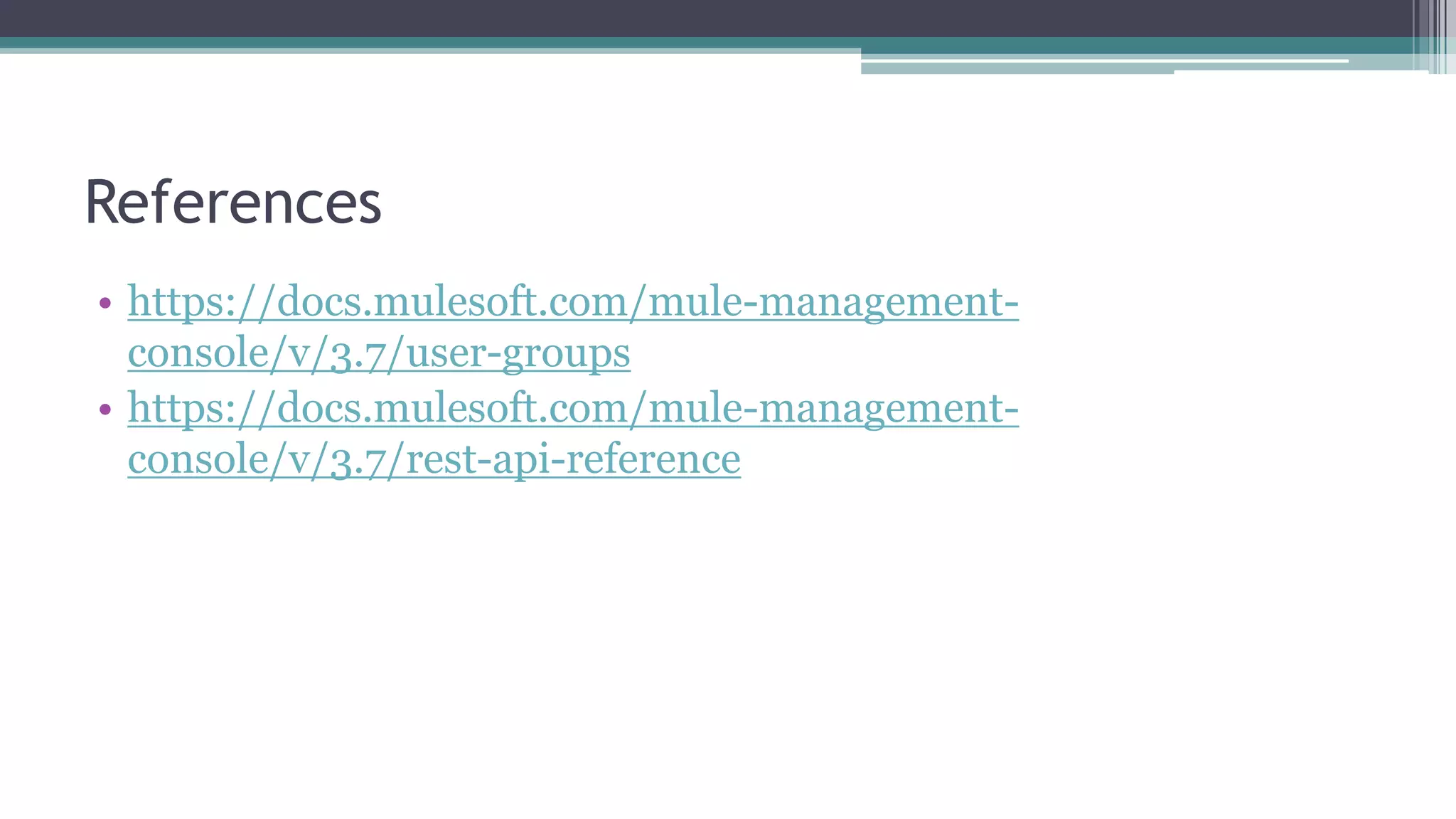
References
• https://docs.mulesoft.com/mule-management-
console/v/3.7/user-groups
• https://docs.mulesoft.com/mule-management-
console/v/3.7/rest-api-reference
Thank You

Mmc rest api user groups

  • 1.
    MMC Rest API– User Groups
  • 2.
    Introduction • This presentationcontains the following MMC Rest API operations of User Groups. 1.Create a User Group 2.Get All User Groups 3.Get a User Group 4.Update a User Group 5.Delete a User Group 6.Get All User Group Permissions
  • 3.
    Create a UserGroup • To create a user group, need to provide the group name, description and Permissions as shown in the below URL. • curl --basic -u username:password -d '{ "name" : "NewUserGroup", "description": "View and Delete Events", "permissions": ["VIEW_ACTIVITY","TRACKING_DELETE"] }' -- header 'Content-Type: application/json' http://localhost:8585/mmc/api/usergroups • HTTP Method: POST
  • 4.
    Get All UserGroups • To get all available user groups, need to provide the below URL. • curl --basic -u username:password http://localhost:8585/mmc/api/usergroups • HTTP Method: GET
  • 5.
    Get a UserGroup • To get a specific user group, need to provide the user group name as shown in the below URL. • curl --basic -u username:password http://localhost:8585/mmc/api/usergroups/{userGroupName} • HTTP Method: GET
  • 6.
    Update a UserGroup • To update a specific user group, need to provide the json string as shown in the below URL. • curl --basic -u username:password -X PUT -d { "name" : "NewUserGroup", "description": "View and Delete Events", "permissions": ["VIEW_ACTIVITY","TRACKING_DELETE"] }" -- header 'Content-Type: application/json' http://localhost:8585/mmc/api/usergroups/Deployers • HTTP Method: PUT
  • 7.
    Delete a UserGroup • To remove/delete a specific user group, need to give the user group name as shown in the below URL. • curl --basic -u username:password -X DELETE http://localhost:8585/mmc/api/usergroups/{userGroupName} • HTTP Method: DELETE
  • 8.
    Get All UserGroup Permissions • To get all available user group permissions, need to provide the user group name as shown in the below URL. • curl --basic -u username:password http://localhost:8585/mmc/api/usergroups/permissions • HTTP Method: GET
  • 9.
  • 10.