From preparation to
operation
LIVE WEBINAR
MIGRATING TO THE :
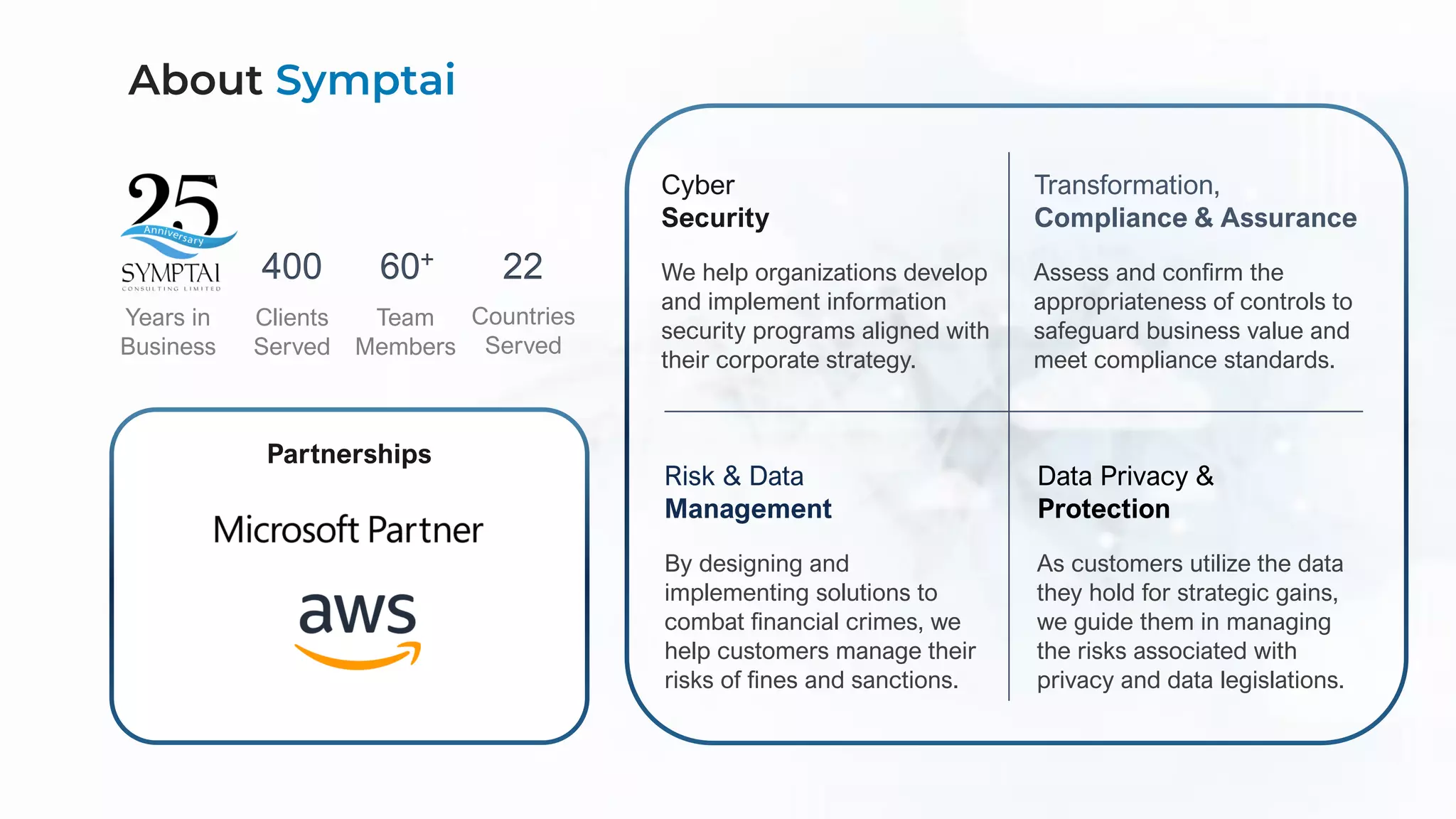
60+
Team
Members
22
Countries
Served
400
Clients
Served
Years in
Business
Cyber
Security
We help organizations develop
and implement information
security programs aligned with
their corporate strategy.
Transformation,
Compliance & Assurance
Assess and confirm the
appropriateness of controls to
safeguard business value and
meet compliance standards.
Risk & Data
Management
By designing and
implementing solutions to
combat financial crimes, we
help customers manage their
risks of fines and sanctions.
Data Privacy &
Protection
As customers utilize the data
they hold for strategic gains,
we guide them in managing
the risks associated with
privacy and data legislations.
Partnerships
About Symptai
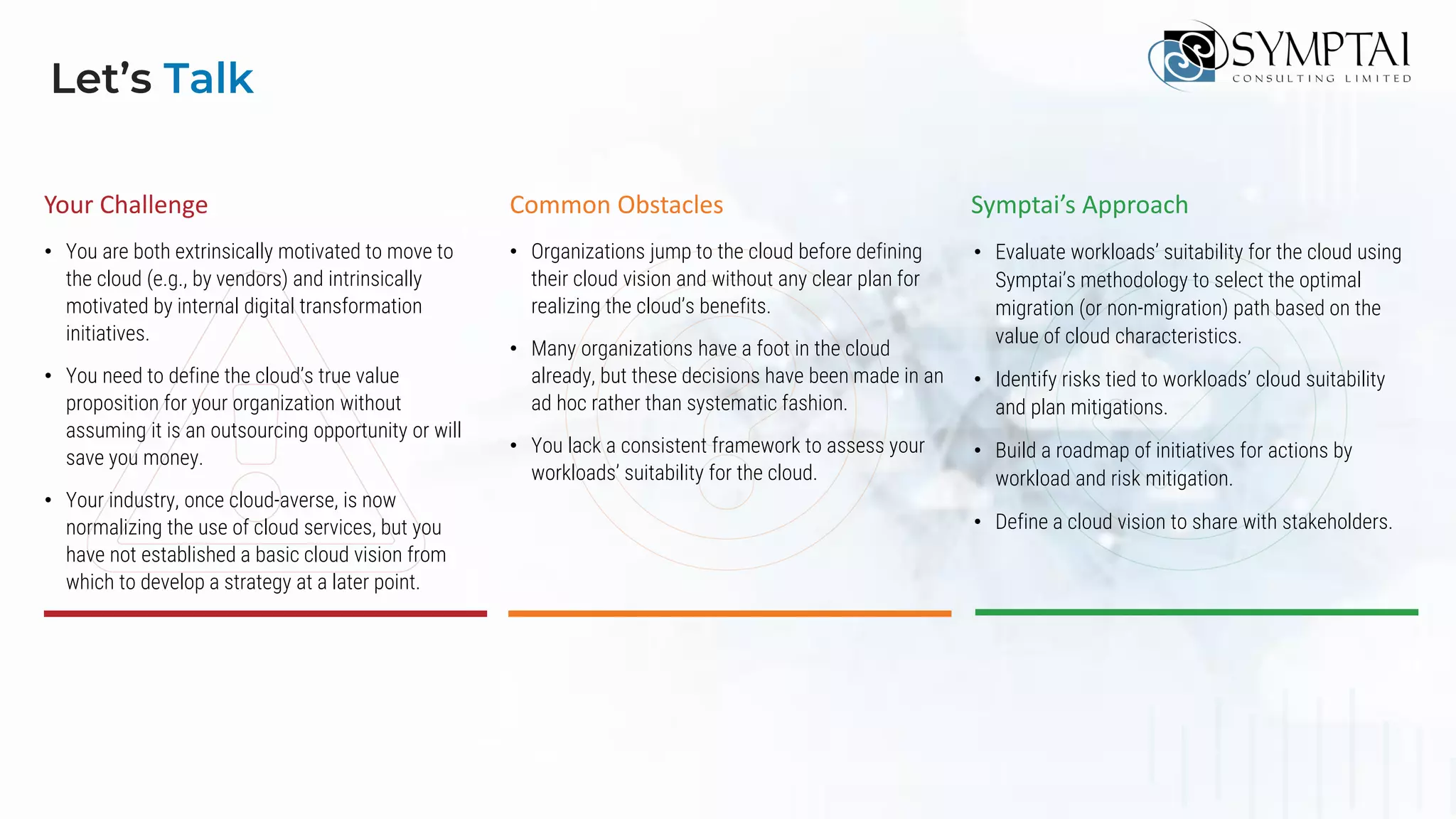
Your Challenge Common Obstacles Symptai’s Approach
• You are both extrinsically motivated to move to
the cloud (e.g., by vendors) and intrinsically
motivated by internal digital transformation
initiatives.
• You need to define the cloud’s true value
proposition for your organization without
assuming it is an outsourcing opportunity or will
save you money.
• Your industry, once cloud-averse, is now
normalizing the use of cloud services, but you
have not established a basic cloud vision from
which to develop a strategy at a later point.
• Organizations jump to the cloud before defining
their cloud vision and without any clear plan for
realizing the cloud’s benefits.
• Many organizations have a foot in the cloud
already, but these decisions have been made in an
ad hoc rather than systematic fashion.
• You lack a consistent framework to assess your
workloads’ suitability for the cloud.
• Evaluate workloads’ suitability for the cloud using
Symptai’s methodology to select the optimal
migration (or non-migration) path based on the
value of cloud characteristics.
• Identify risks tied to workloads’ cloud suitability
and plan mitigations.
• Build a roadmap of initiatives for actions by
workload and risk mitigation.
• Define a cloud vision to share with stakeholders.
Let’s Talk
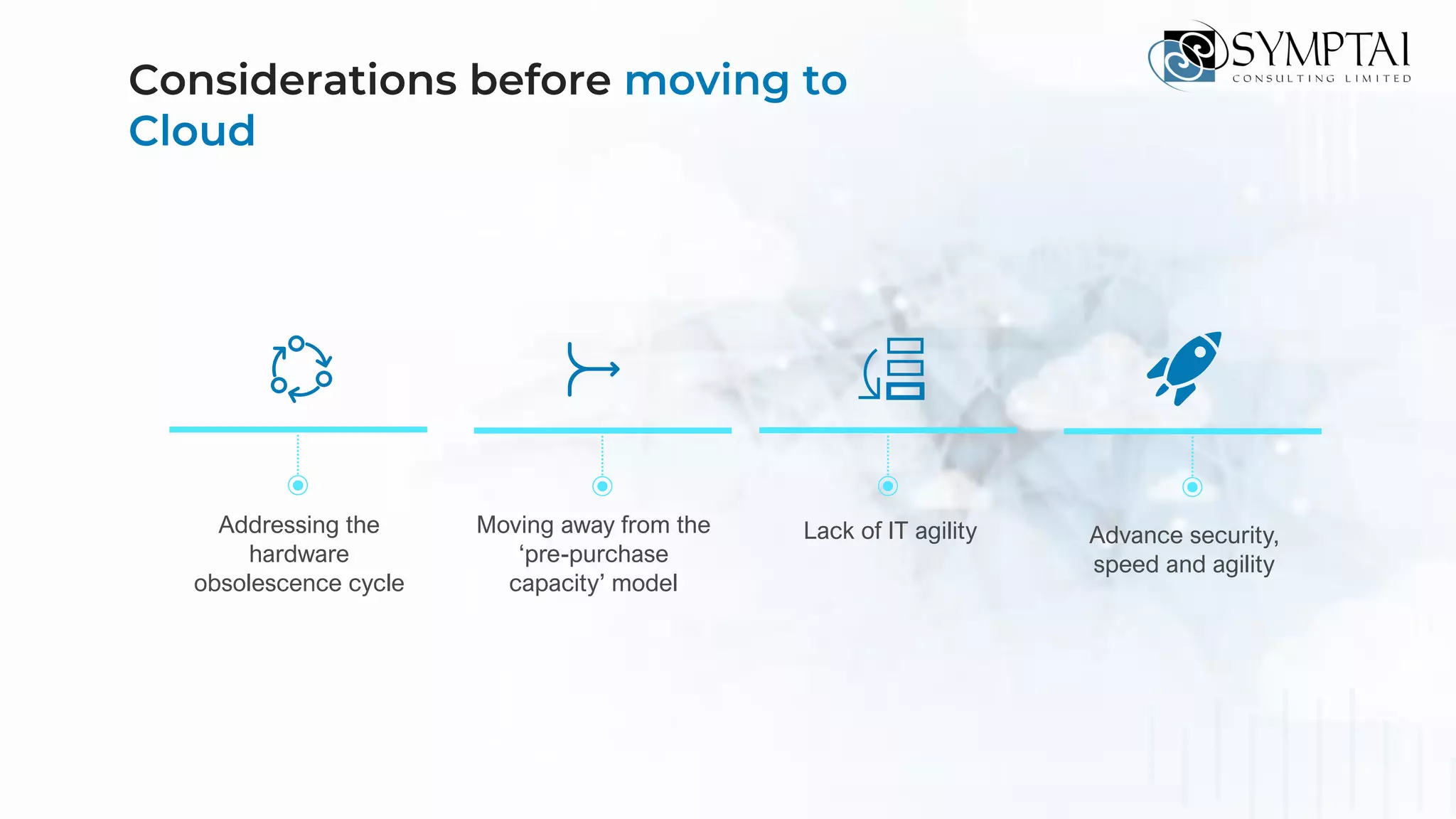
Considerations before moving to
Cloud
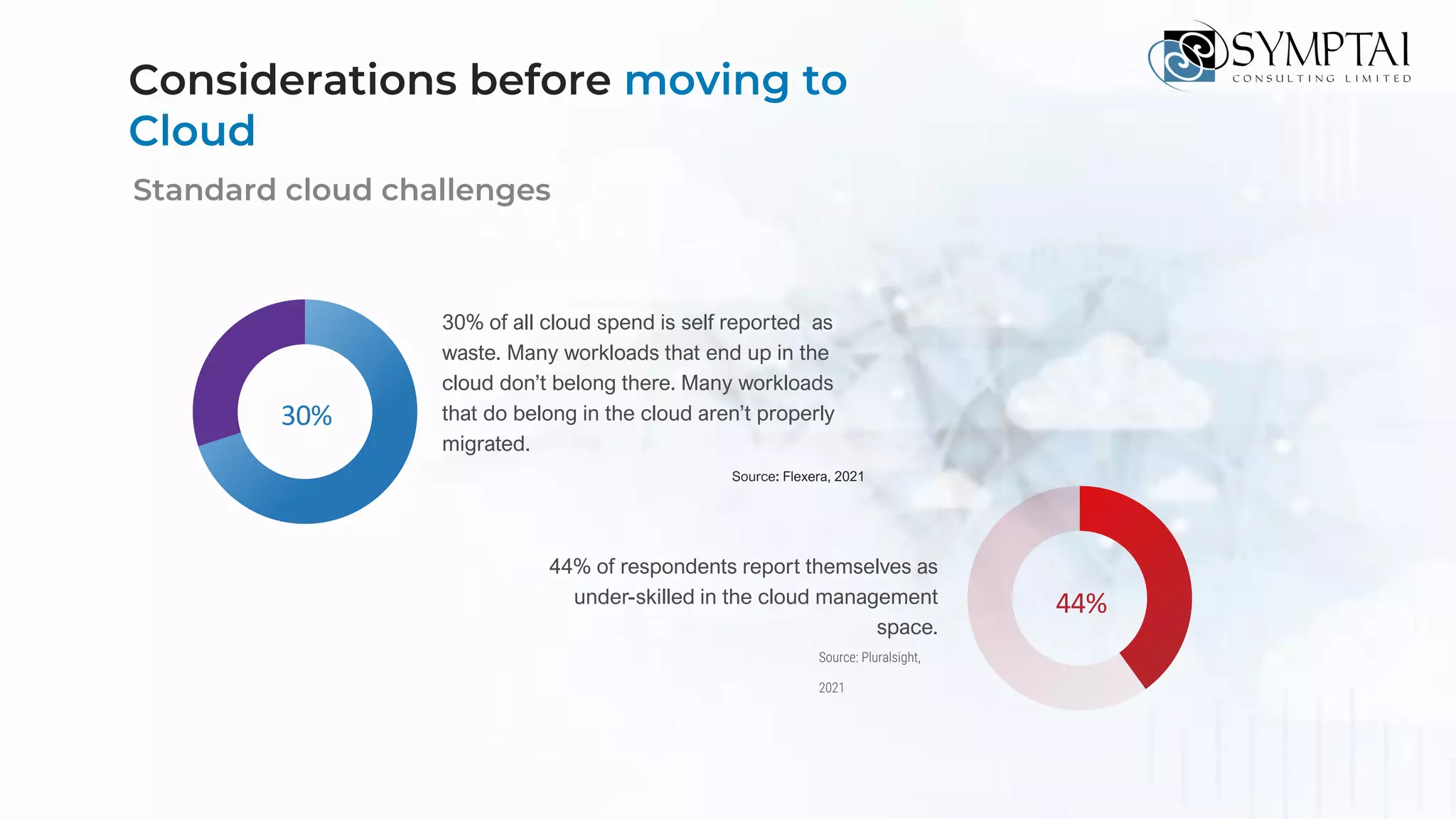
30%
30% of all cloud spend is self reported as
waste. Many workloads that end up in the
cloud don’t belong there. Many workloads
that do belong in the cloud aren’t properly
migrated.
Source: Flexera, 2021
Standard cloud challenges
44% of respondents report themselves as
under-skilled in the cloud management
space.
44%
Source: Pluralsight,
2021
Considerations before moving to
Cloud
Addressing the
hardware
obsolescence cycle
Moving away from the
‘pre-purchase
capacity’ model
Lack of IT agility Advance security,
speed and agility
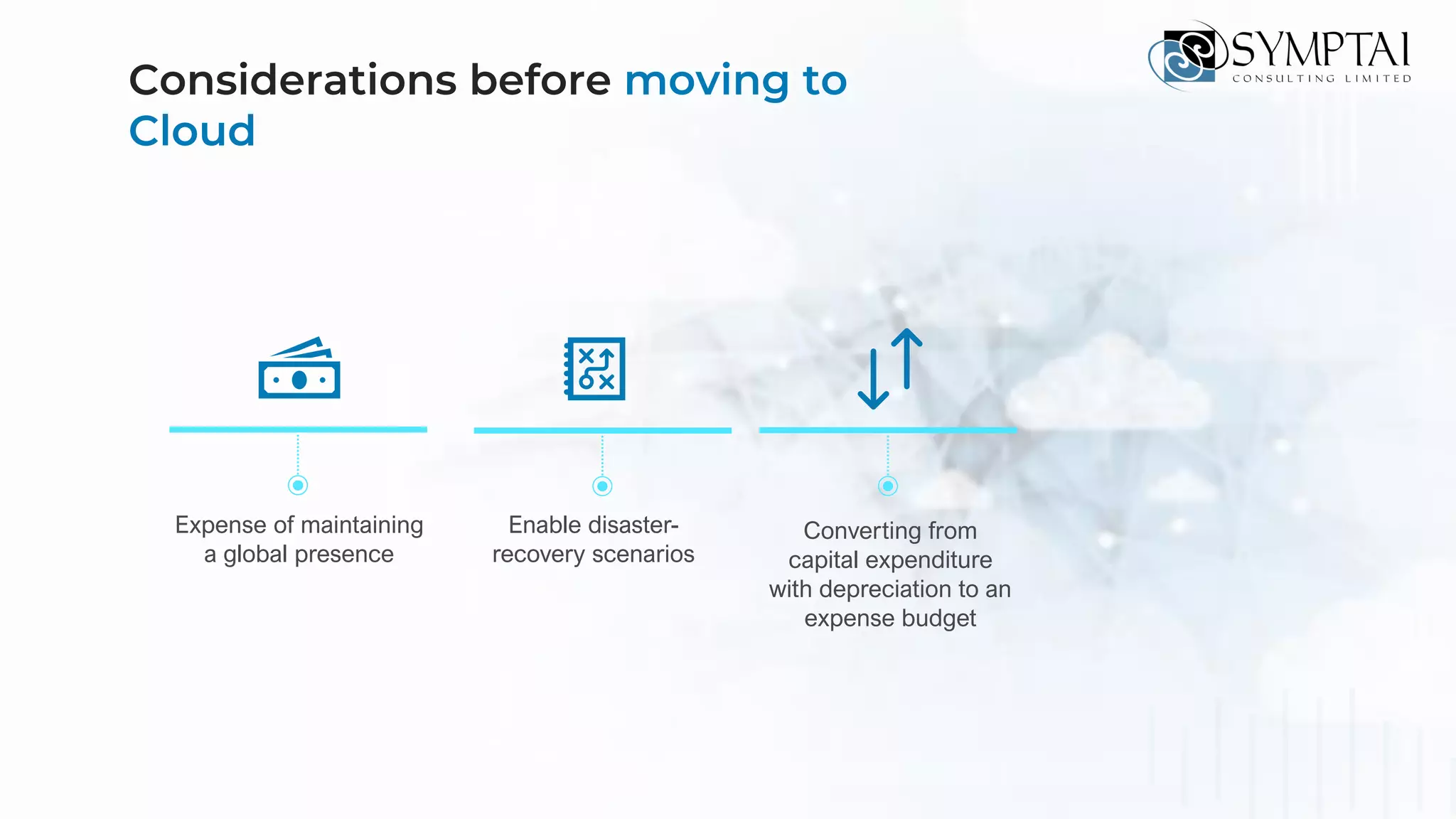
Considerations before moving to
Cloud
Expense of maintaining
a global presence
Enable disaster-
recovery scenarios
Converting from
capital expenditure
with depreciation to an
expense budget
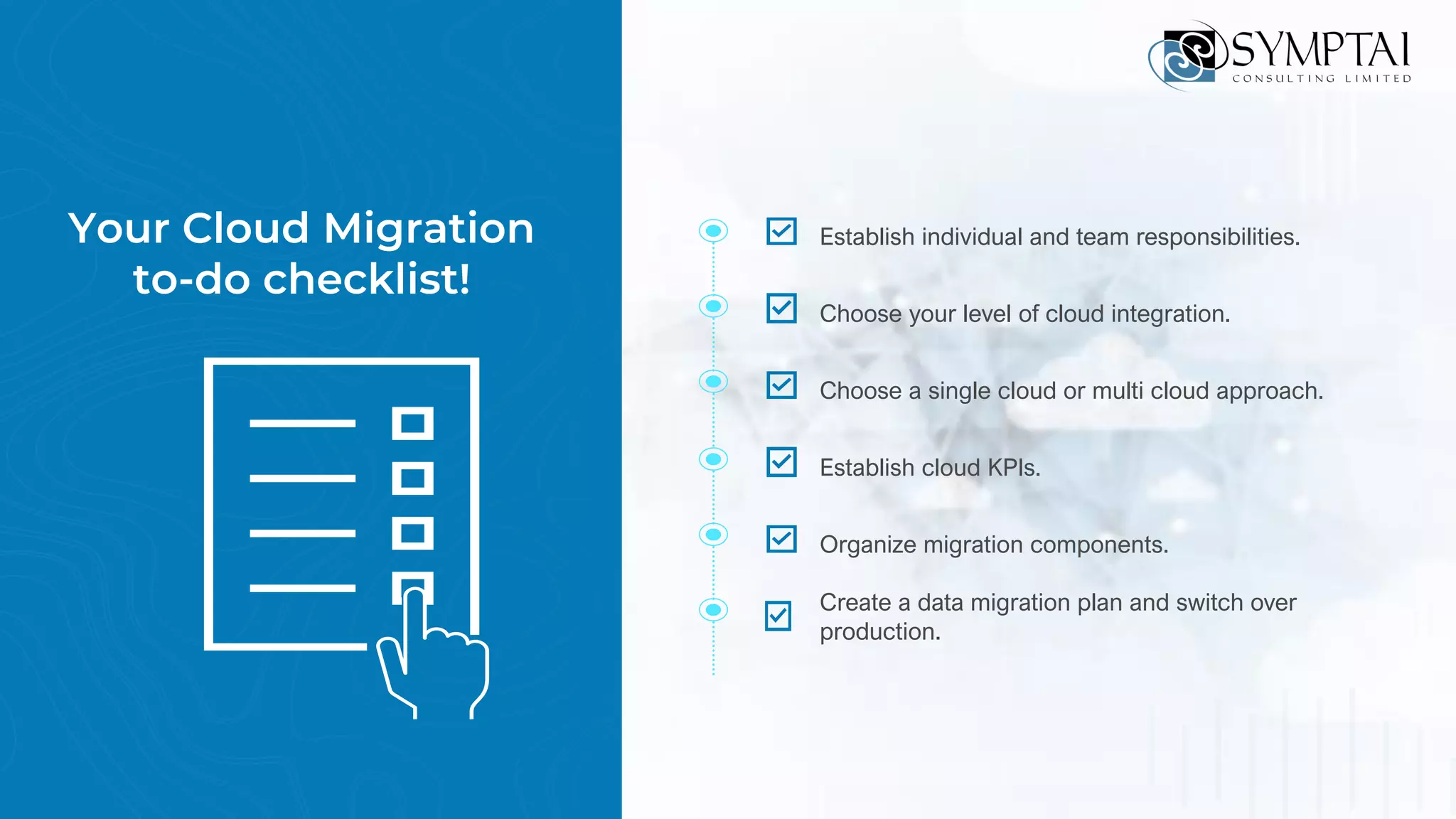
Your Cloud Migration
to-do checklist!
Establish individual and team responsibilities.
Choose your level of cloud integration.
Choose a single cloud or multi cloud approach.
Establish cloud KPIs.
Organize migration components.
Create a data migration plan and switch over
production.
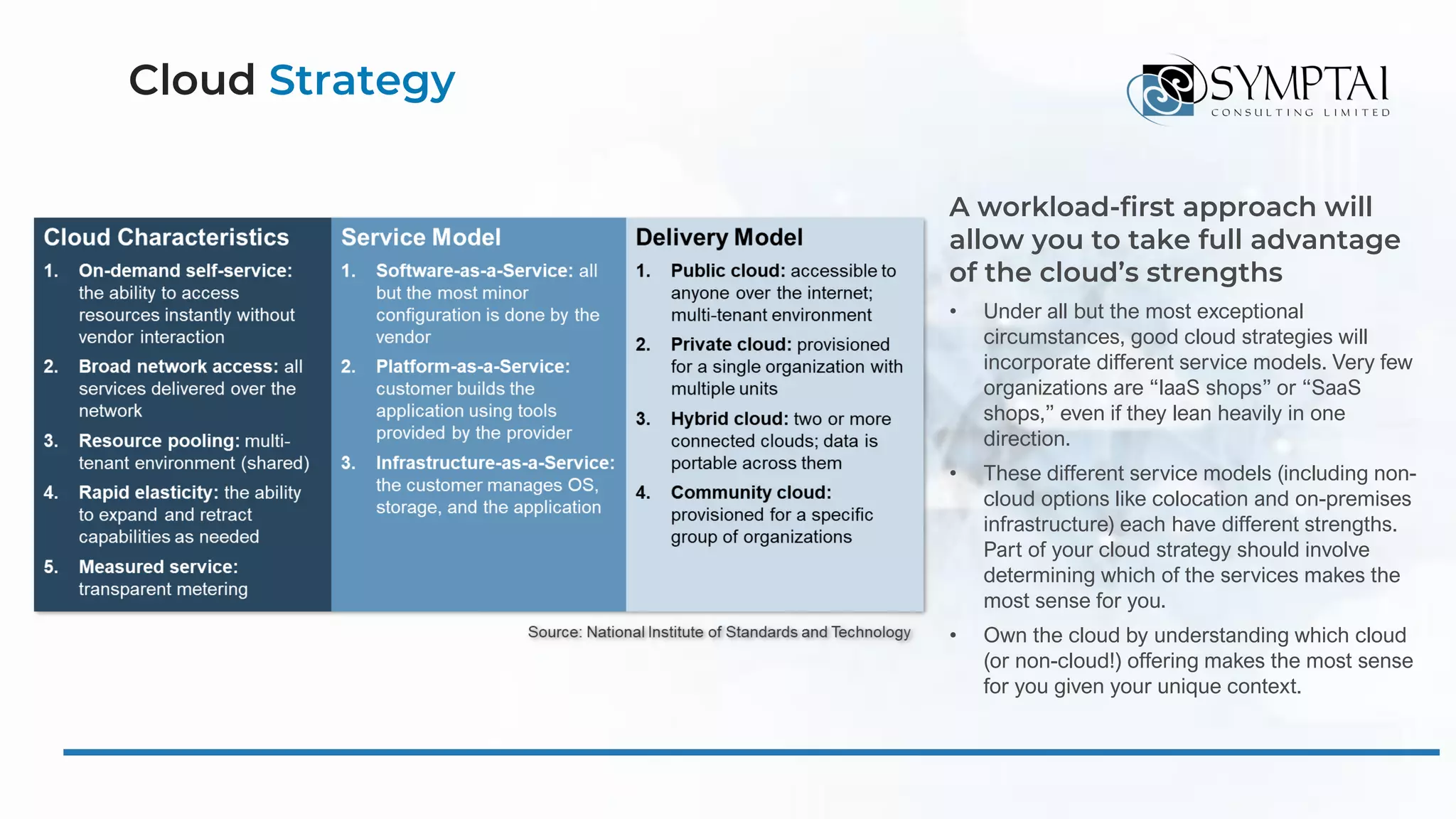
Cloud Strategy
A workload-first approach will
allow you to take full advantage
of the cloud’s strengths
• Under all but the most exceptional
circumstances, good cloud strategies will
incorporate different service models. Very few
organizations are “IaaS shops” or “SaaS
shops,” even if they lean heavily in one
direction.
• These different service models (including non-
cloud options like colocation and on-premises
infrastructure) each have different strengths.
Part of your cloud strategy should involve
determining which of the services makes the
most sense for you.
• Own the cloud by understanding which cloud
(or non-cloud!) offering makes the most sense
for you given your unique context.
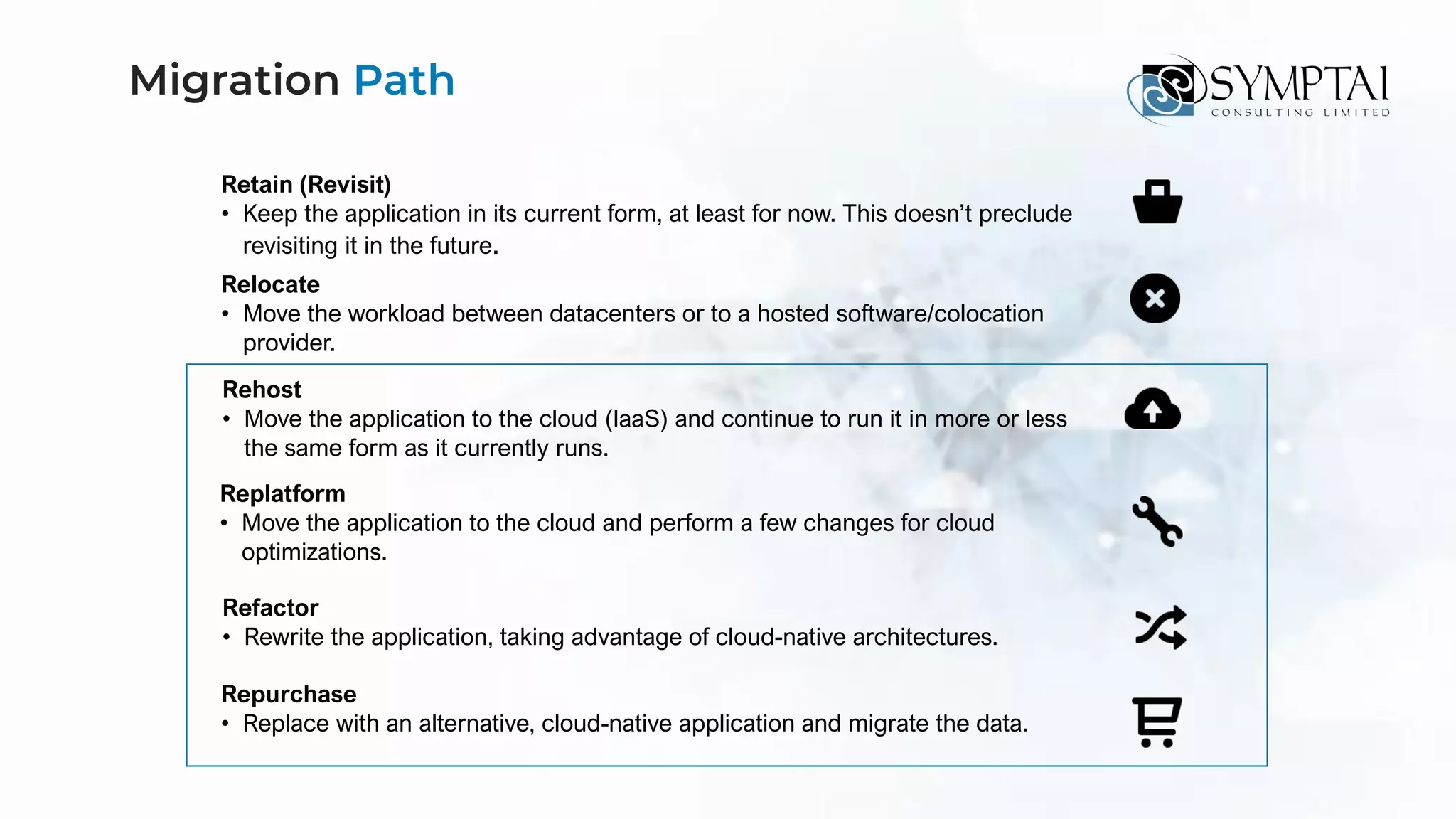
Migration Path
Retain (Revisit)
• Keep the application in its current form, at least for now. This doesn’t preclude
revisiting it in the future.
Relocate
• Move the workload between datacenters or to a hosted software/colocation
provider.
Rehost
• Move the application to the cloud (IaaS) and continue to run it in more or less
the same form as it currently runs.
Replatform
• Move the application to the cloud and perform a few changes for cloud
optimizations.
Refactor
• Rewrite the application, taking advantage of cloud-native architectures.
Repurchase
• Replace with an alternative, cloud-native application and migrate the data.
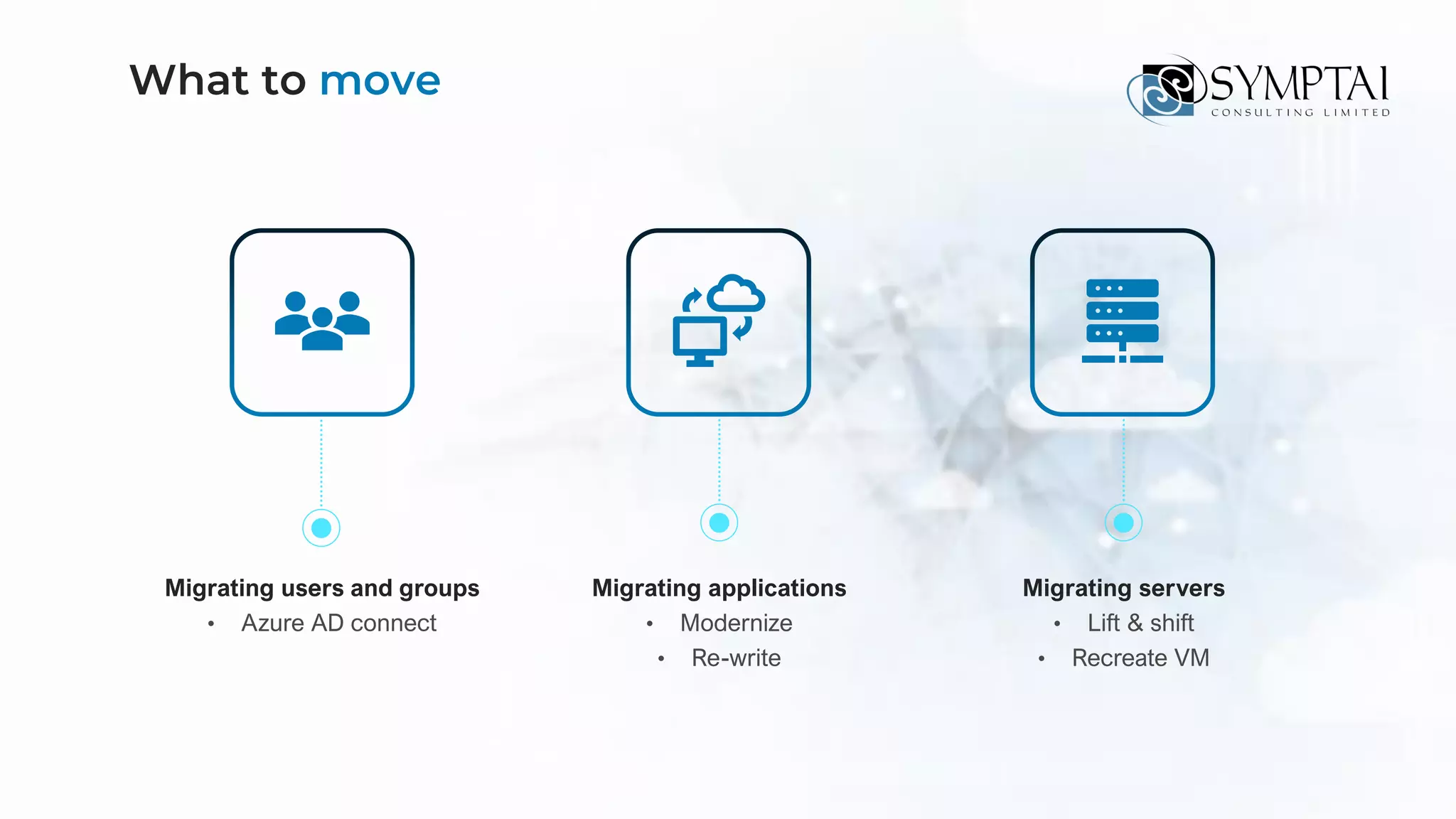
Migrating users and groups
• Azure AD connect
What to move
Migrating applications
• Modernize
• Re-write
Migrating servers
• Lift & shift
• Recreate VM
Preparing for business cultural changes
What to expect when
moving to the Cloud
Scalability, security
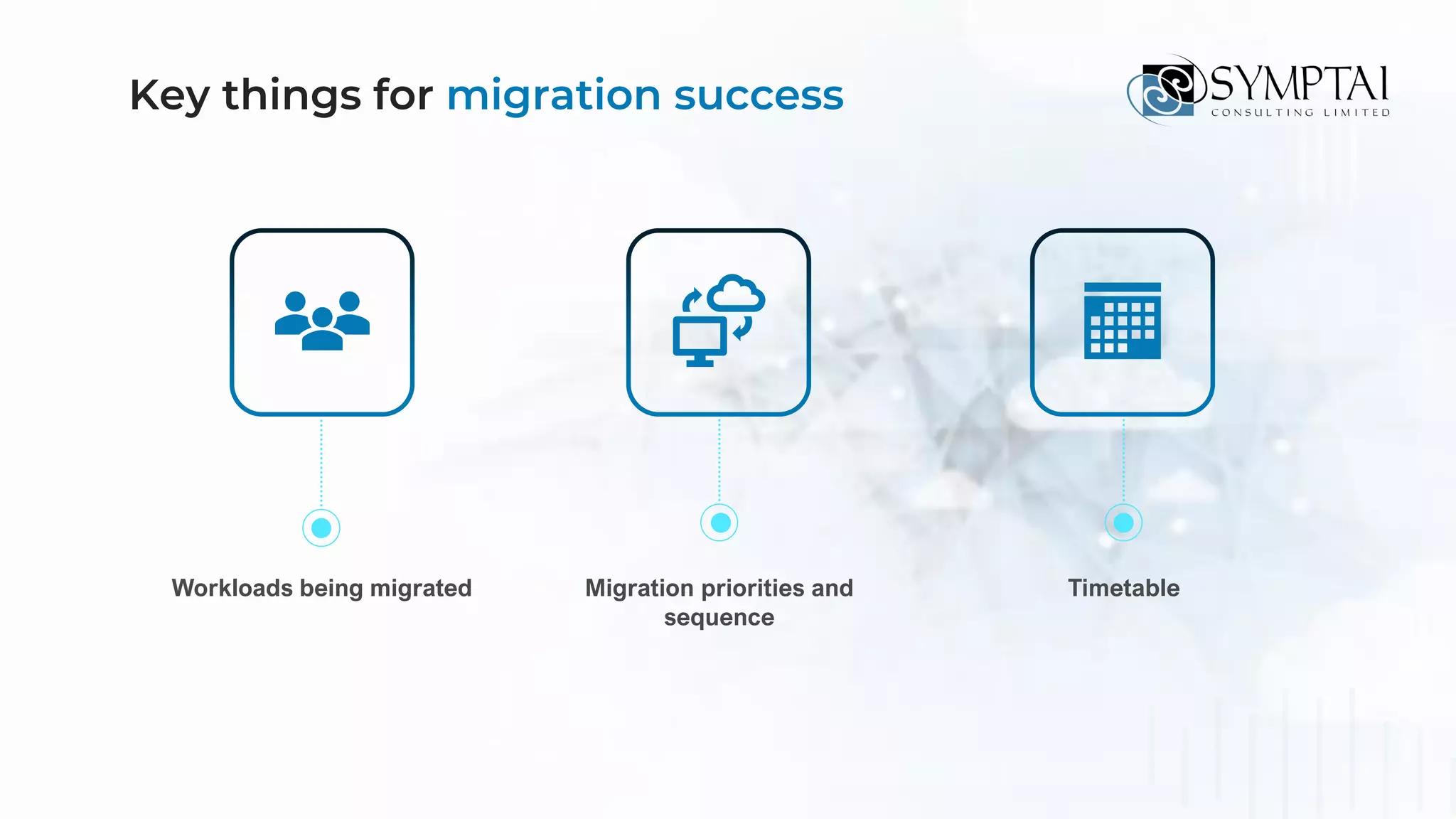
Workloads being migrated
Key things for migration success
Migration priorities and
sequence
Timetable
Definition of processes
and roles
Performance metrics Stakeholder
communication
Key things for migration success
01
Be more productive
from anywhere
02
Secure your business
with technology
you can trust
03
Get one
cost-effective solution
for secure collaboration
How can Microsoft help
Store relevant files, notes and ongoing
chats in a shared space
Create better content together
Work together with trust and
confidence thanks to version history
and trusted cloud locations
Leverage the power of AI to make your
work even better
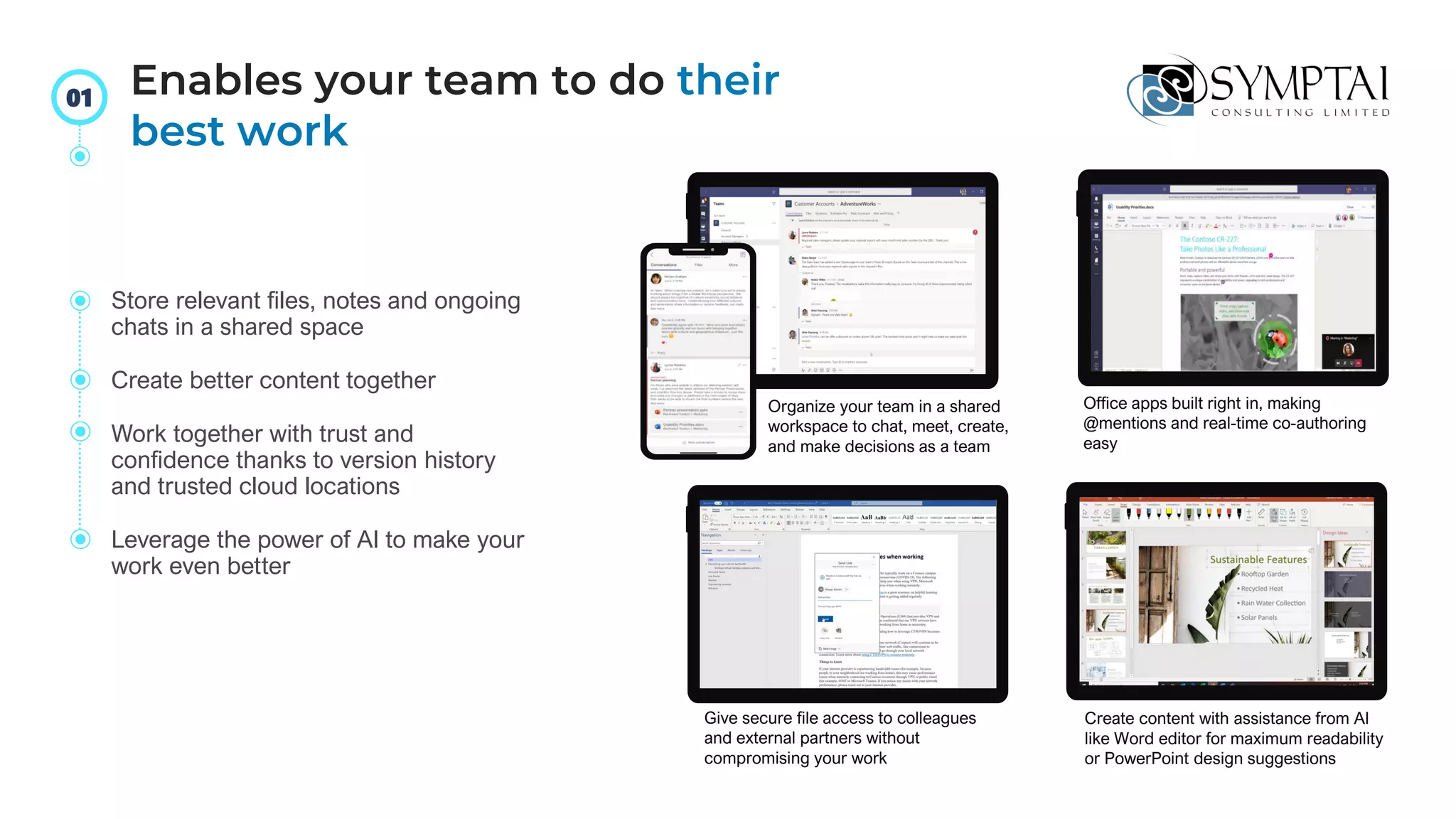
Office apps built right in, making
@mentions and real-time co-authoring
easy
Give secure file access to colleagues
and external partners without
compromising your work
Create content with assistance from AI
like Word editor for maximum readability
or PowerPoint design suggestions
Organize your team in a shared
workspace to chat, meet, create,
and make decisions as a team
Enables your team to do their
best work
01
Budget Allocation
Budget
Allocati
on
Budget
Allocatio
n
Connect & collaborate with one platform
for all business partners
Share and edit files in real time with
integrated Office 365 apps
Download as app for Windows, macOS,
iOS and Android – or in a browser
Get a fluid, familiar experience across PC,
mobile, web, and meeting rooms
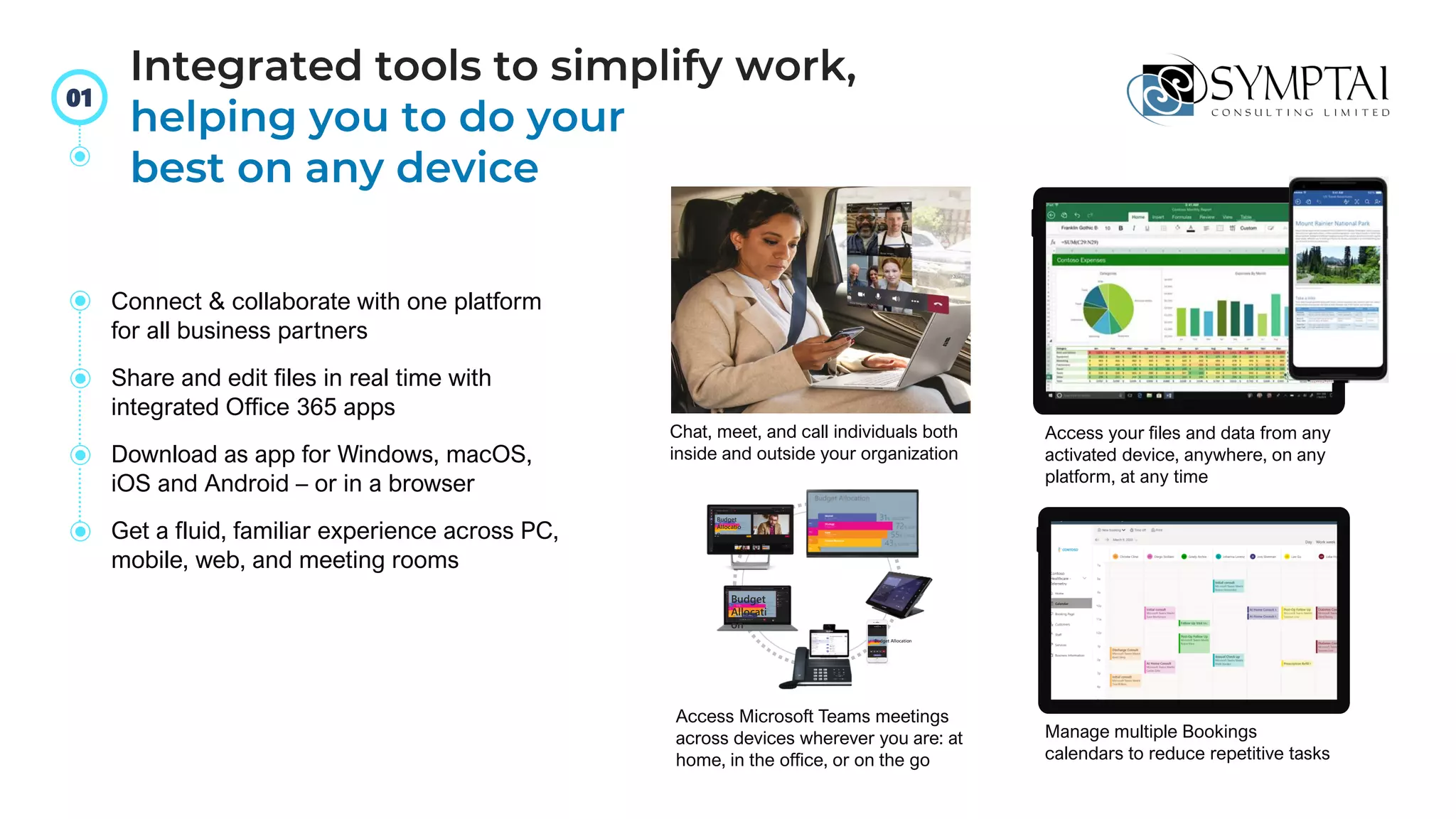
Chat, meet, and call individuals both
inside and outside your organization
Access your files and data from any
activated device, anywhere, on any
platform, at any time
Access Microsoft Teams meetings
across devices wherever you are: at
home, in the office, or on the go
Manage multiple Bookings
calendars to reduce repetitive tasks
Integrated tools to simplify work,
helping you to do your
best on any device
01
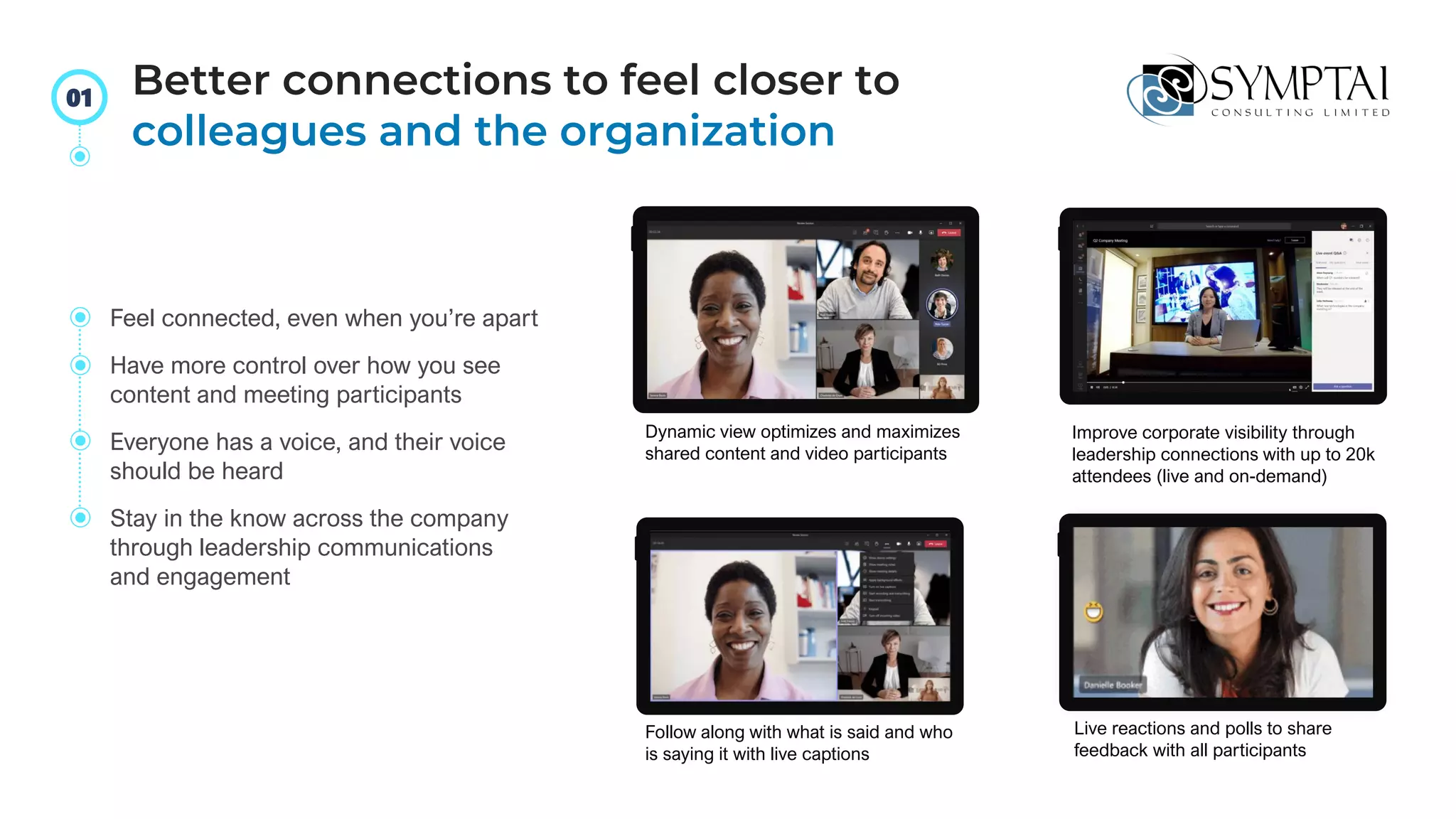
Dynamic view optimizes and maximizes
shared content and video participants
Improve corporate visibility through
leadership connections with up to 20k
attendees (live and on-demand)
Follow along with what is said and who
is saying it with live captions
Live reactions and polls to share
feedback with all participants
Feel connected, even when you’re apart
Have more control over how you see
content and meeting participants
Everyone has a voice, and their voice
should be heard
Stay in the know across the company
through leadership communications
and engagement
Better connections to feel closer to
colleagues and the organization
01
Secure your business
with technology you
can trust
02
Protect your data through security best practices and
easy-to-use policies that prevent accidental data leaks
Proactively block threats
through insights and recommended preventative actions
Ensure only the right users
have access without affecting productivity
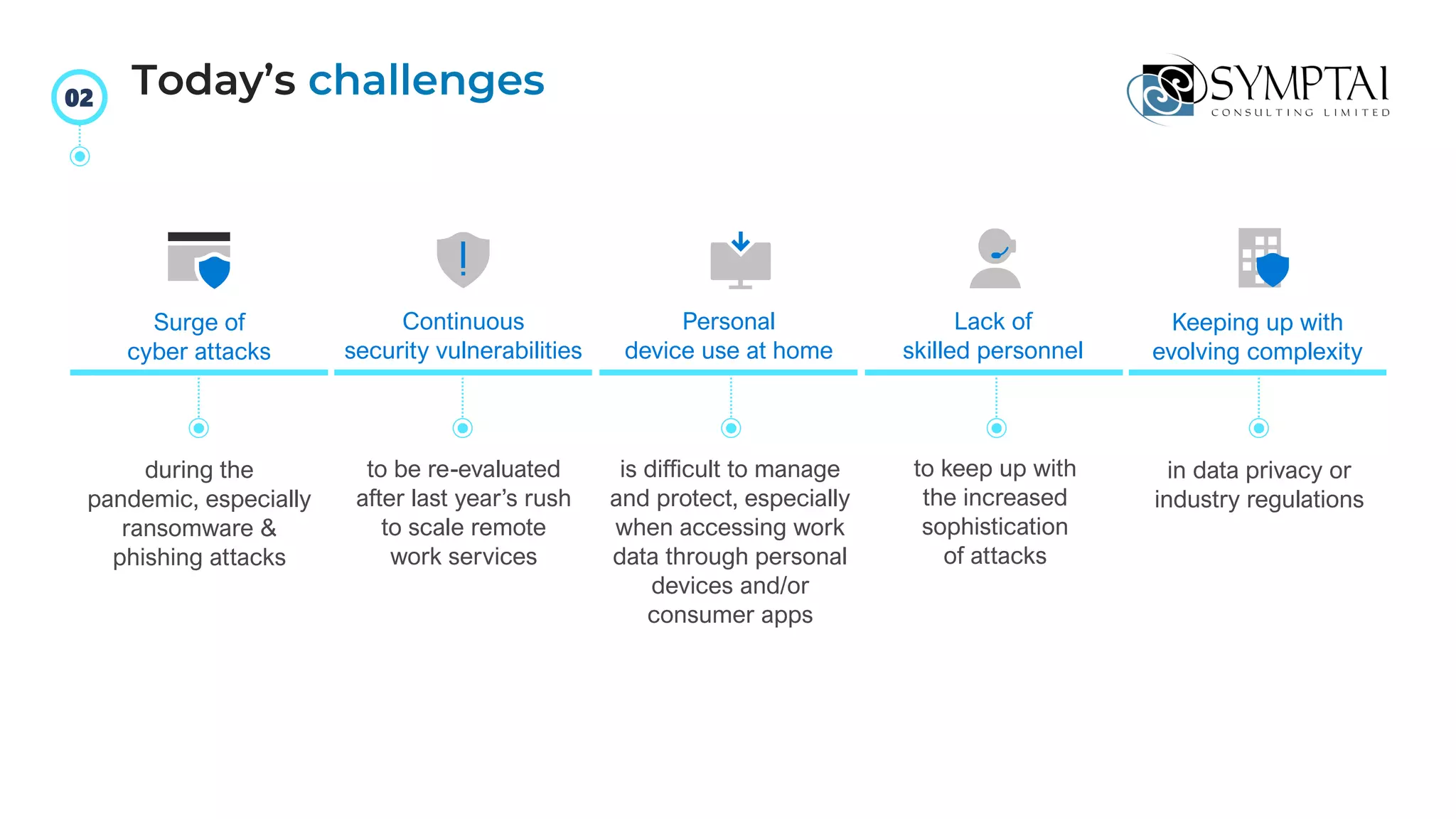
Surge of
cyber attacks
Continuous
security vulnerabilities
to be re-evaluated
after last year’s rush
to scale remote
work services
Personal
device use at home
is difficult to manage
and protect, especially
when accessing work
data through personal
devices and/or
consumer apps
Lack of
skilled personnel
to keep up with
the increased
sophistication
of attacks
Keeping up with
evolving complexity
in data privacy or
industry regulations
during the
pandemic, especially
ransomware &
phishing attacks
Today’s challenges
02
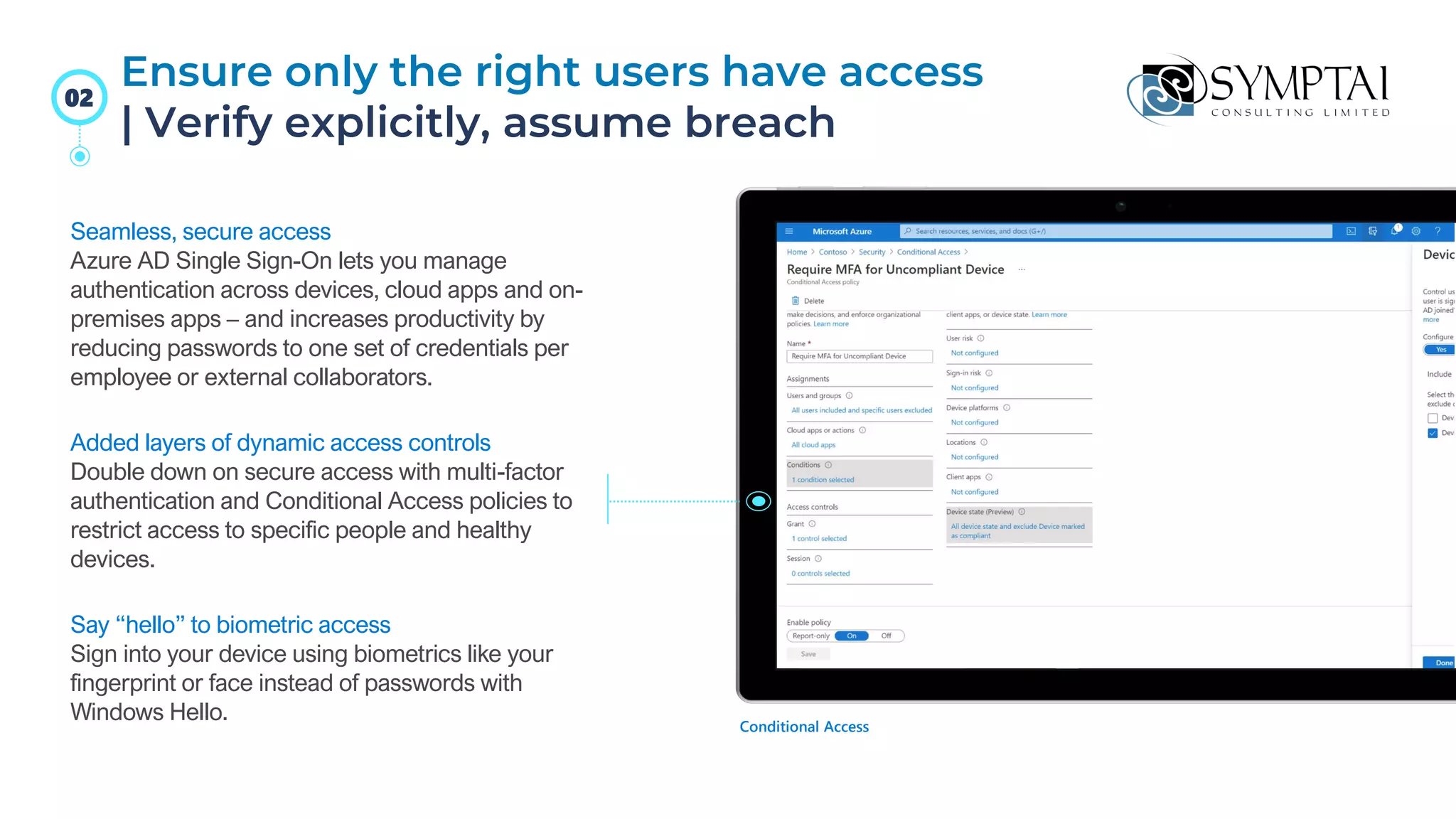
Seamless, secure access
Azure AD Single Sign-On lets you manage
authentication across devices, cloud apps and on-
premises apps – and increases productivity by
reducing passwords to one set of credentials per
employee or external collaborators.
Added layers of dynamic access controls
Double down on secure access with multi-factor
authentication and Conditional Access policies to
restrict access to specific people and healthy
devices.
Say “hello” to biometric access
Sign into your device using biometrics like your
fingerprint or face instead of passwords with
Windows Hello. Conditional Access
Ensure only the right users have access
| Verify explicitly, assume breach
02
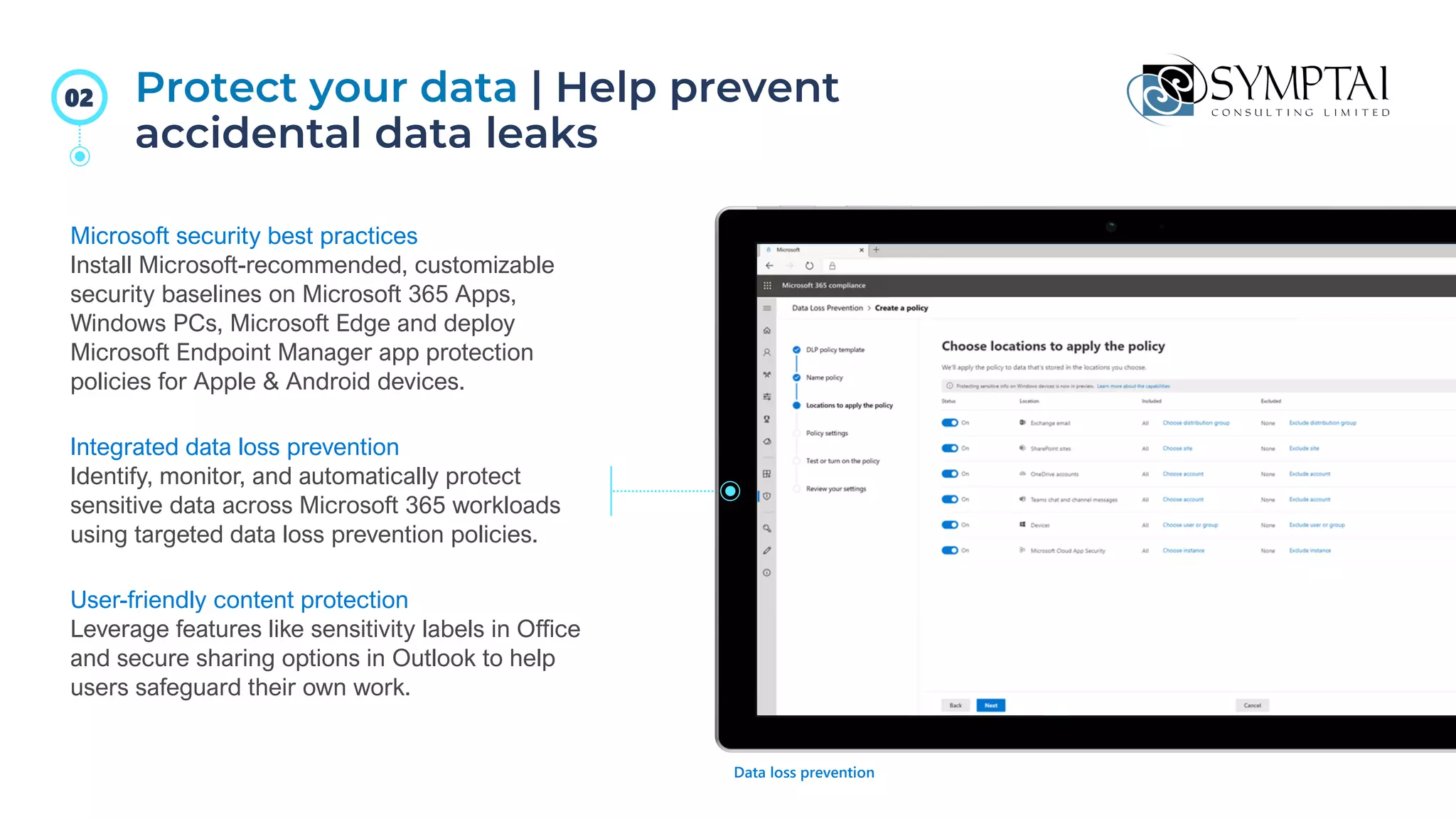
Protect your data | Help prevent
accidental data leaks
Microsoft security best practices
Install Microsoft-recommended, customizable
security baselines on Microsoft 365 Apps,
Windows PCs, Microsoft Edge and deploy
Microsoft Endpoint Manager app protection
policies for Apple & Android devices.
Integrated data loss prevention
Identify, monitor, and automatically protect
sensitive data across Microsoft 365 workloads
using targeted data loss prevention policies.
User-friendly content protection
Leverage features like sensitivity labels in Office
and secure sharing options in Outlook to help
users safeguard their own work.
Data loss prevention
02
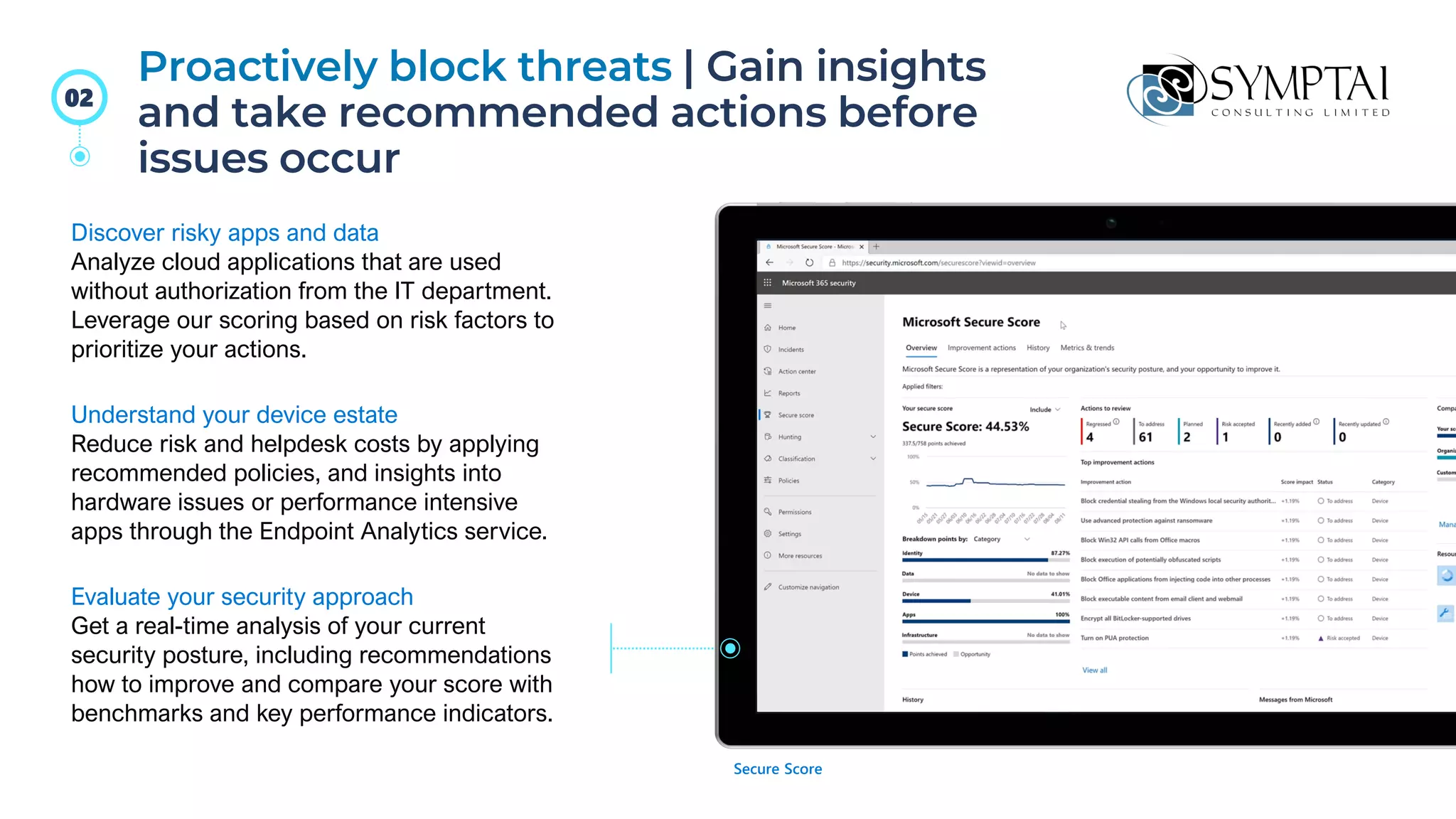
Proactively block threats | Gain insights
and take recommended actions before
issues occur
Discover risky apps and data
Analyze cloud applications that are used
without authorization from the IT department.
Leverage our scoring based on risk factors to
prioritize your actions.
Understand your device estate
Reduce risk and helpdesk costs by applying
recommended policies, and insights into
hardware issues or performance intensive
apps through the Endpoint Analytics service.
Evaluate your security approach
Get a real-time analysis of your current
security posture, including recommendations
how to improve and compare your score with
benchmarks and key performance indicators.
Secure Score
02
Post-migration
considerations (after)
Monitoring and management of hybrid cloud
applications
Identifying and addressing performance issues
Cost optimization strategies
SPECIAL OFFER!
5% discounted rate for Web Application
Penetration Tests.
Free Vulnerability Scan for a Web Application.
Take advantage of our discounted rates and free services until June 16th
2023!
*Conditions apply
PROMO CODE
"SYMPTAI-CYBER-
OFFER"
WEBSITE
https://www.symptai.com/
PHONE & EMAIL
(876) 968-6189
info@symptai.com
SOCIAL MEDIA
Instagram/@symptaiconsulting
LinkedIn/@symptaiconsulting
Connect
With Us
PROMO CODE "SYMPTAI-
CYBER-OFFER"

Migrating to the Cloud - From Preparation to Operation copy.pdf

  • 1.
    From preparation to operation LIVEWEBINAR MIGRATING TO THE :
  • 2.
    60+ Team Members 22 Countries Served 400 Clients Served Years in Business Cyber Security We helporganizations develop and implement information security programs aligned with their corporate strategy. Transformation, Compliance & Assurance Assess and confirm the appropriateness of controls to safeguard business value and meet compliance standards. Risk & Data Management By designing and implementing solutions to combat financial crimes, we help customers manage their risks of fines and sanctions. Data Privacy & Protection As customers utilize the data they hold for strategic gains, we guide them in managing the risks associated with privacy and data legislations. Partnerships About Symptai
  • 3.
    Your Challenge CommonObstacles Symptai’s Approach • You are both extrinsically motivated to move to the cloud (e.g., by vendors) and intrinsically motivated by internal digital transformation initiatives. • You need to define the cloud’s true value proposition for your organization without assuming it is an outsourcing opportunity or will save you money. • Your industry, once cloud-averse, is now normalizing the use of cloud services, but you have not established a basic cloud vision from which to develop a strategy at a later point. • Organizations jump to the cloud before defining their cloud vision and without any clear plan for realizing the cloud’s benefits. • Many organizations have a foot in the cloud already, but these decisions have been made in an ad hoc rather than systematic fashion. • You lack a consistent framework to assess your workloads’ suitability for the cloud. • Evaluate workloads’ suitability for the cloud using Symptai’s methodology to select the optimal migration (or non-migration) path based on the value of cloud characteristics. • Identify risks tied to workloads’ cloud suitability and plan mitigations. • Build a roadmap of initiatives for actions by workload and risk mitigation. • Define a cloud vision to share with stakeholders. Let’s Talk
  • 4.
    Considerations before movingto Cloud 30% 30% of all cloud spend is self reported as waste. Many workloads that end up in the cloud don’t belong there. Many workloads that do belong in the cloud aren’t properly migrated. Source: Flexera, 2021 Standard cloud challenges 44% of respondents report themselves as under-skilled in the cloud management space. 44% Source: Pluralsight, 2021
  • 5.
    Considerations before movingto Cloud Addressing the hardware obsolescence cycle Moving away from the ‘pre-purchase capacity’ model Lack of IT agility Advance security, speed and agility
  • 6.
    Considerations before movingto Cloud Expense of maintaining a global presence Enable disaster- recovery scenarios Converting from capital expenditure with depreciation to an expense budget
  • 7.
    Your Cloud Migration to-dochecklist! Establish individual and team responsibilities. Choose your level of cloud integration. Choose a single cloud or multi cloud approach. Establish cloud KPIs. Organize migration components. Create a data migration plan and switch over production.
  • 8.
    Cloud Strategy A workload-firstapproach will allow you to take full advantage of the cloud’s strengths • Under all but the most exceptional circumstances, good cloud strategies will incorporate different service models. Very few organizations are “IaaS shops” or “SaaS shops,” even if they lean heavily in one direction. • These different service models (including non- cloud options like colocation and on-premises infrastructure) each have different strengths. Part of your cloud strategy should involve determining which of the services makes the most sense for you. • Own the cloud by understanding which cloud (or non-cloud!) offering makes the most sense for you given your unique context.
  • 9.
    Migration Path Retain (Revisit) •Keep the application in its current form, at least for now. This doesn’t preclude revisiting it in the future. Relocate • Move the workload between datacenters or to a hosted software/colocation provider. Rehost • Move the application to the cloud (IaaS) and continue to run it in more or less the same form as it currently runs. Replatform • Move the application to the cloud and perform a few changes for cloud optimizations. Refactor • Rewrite the application, taking advantage of cloud-native architectures. Repurchase • Replace with an alternative, cloud-native application and migrate the data.
  • 10.
    Migrating users andgroups • Azure AD connect What to move Migrating applications • Modernize • Re-write Migrating servers • Lift & shift • Recreate VM
  • 11.
    Preparing for businesscultural changes What to expect when moving to the Cloud Scalability, security
  • 12.
    Workloads being migrated Keythings for migration success Migration priorities and sequence Timetable
  • 13.
    Definition of processes androles Performance metrics Stakeholder communication Key things for migration success
  • 14.
    01 Be more productive fromanywhere 02 Secure your business with technology you can trust 03 Get one cost-effective solution for secure collaboration How can Microsoft help
  • 15.
    Store relevant files,notes and ongoing chats in a shared space Create better content together Work together with trust and confidence thanks to version history and trusted cloud locations Leverage the power of AI to make your work even better Office apps built right in, making @mentions and real-time co-authoring easy Give secure file access to colleagues and external partners without compromising your work Create content with assistance from AI like Word editor for maximum readability or PowerPoint design suggestions Organize your team in a shared workspace to chat, meet, create, and make decisions as a team Enables your team to do their best work 01
  • 16.
    Budget Allocation Budget Allocati on Budget Allocatio n Connect &collaborate with one platform for all business partners Share and edit files in real time with integrated Office 365 apps Download as app for Windows, macOS, iOS and Android – or in a browser Get a fluid, familiar experience across PC, mobile, web, and meeting rooms Chat, meet, and call individuals both inside and outside your organization Access your files and data from any activated device, anywhere, on any platform, at any time Access Microsoft Teams meetings across devices wherever you are: at home, in the office, or on the go Manage multiple Bookings calendars to reduce repetitive tasks Integrated tools to simplify work, helping you to do your best on any device 01
  • 17.
    Dynamic view optimizesand maximizes shared content and video participants Improve corporate visibility through leadership connections with up to 20k attendees (live and on-demand) Follow along with what is said and who is saying it with live captions Live reactions and polls to share feedback with all participants Feel connected, even when you’re apart Have more control over how you see content and meeting participants Everyone has a voice, and their voice should be heard Stay in the know across the company through leadership communications and engagement Better connections to feel closer to colleagues and the organization 01
  • 18.
    Secure your business withtechnology you can trust 02 Protect your data through security best practices and easy-to-use policies that prevent accidental data leaks Proactively block threats through insights and recommended preventative actions Ensure only the right users have access without affecting productivity
  • 19.
    Surge of cyber attacks Continuous securityvulnerabilities to be re-evaluated after last year’s rush to scale remote work services Personal device use at home is difficult to manage and protect, especially when accessing work data through personal devices and/or consumer apps Lack of skilled personnel to keep up with the increased sophistication of attacks Keeping up with evolving complexity in data privacy or industry regulations during the pandemic, especially ransomware & phishing attacks Today’s challenges 02
  • 20.
    Seamless, secure access AzureAD Single Sign-On lets you manage authentication across devices, cloud apps and on- premises apps – and increases productivity by reducing passwords to one set of credentials per employee or external collaborators. Added layers of dynamic access controls Double down on secure access with multi-factor authentication and Conditional Access policies to restrict access to specific people and healthy devices. Say “hello” to biometric access Sign into your device using biometrics like your fingerprint or face instead of passwords with Windows Hello. Conditional Access Ensure only the right users have access | Verify explicitly, assume breach 02
  • 21.
    Protect your data| Help prevent accidental data leaks Microsoft security best practices Install Microsoft-recommended, customizable security baselines on Microsoft 365 Apps, Windows PCs, Microsoft Edge and deploy Microsoft Endpoint Manager app protection policies for Apple & Android devices. Integrated data loss prevention Identify, monitor, and automatically protect sensitive data across Microsoft 365 workloads using targeted data loss prevention policies. User-friendly content protection Leverage features like sensitivity labels in Office and secure sharing options in Outlook to help users safeguard their own work. Data loss prevention 02
  • 22.
    Proactively block threats| Gain insights and take recommended actions before issues occur Discover risky apps and data Analyze cloud applications that are used without authorization from the IT department. Leverage our scoring based on risk factors to prioritize your actions. Understand your device estate Reduce risk and helpdesk costs by applying recommended policies, and insights into hardware issues or performance intensive apps through the Endpoint Analytics service. Evaluate your security approach Get a real-time analysis of your current security posture, including recommendations how to improve and compare your score with benchmarks and key performance indicators. Secure Score 02
  • 23.
    Post-migration considerations (after) Monitoring andmanagement of hybrid cloud applications Identifying and addressing performance issues Cost optimization strategies
  • 24.
    SPECIAL OFFER! 5% discountedrate for Web Application Penetration Tests. Free Vulnerability Scan for a Web Application. Take advantage of our discounted rates and free services until June 16th 2023! *Conditions apply PROMO CODE "SYMPTAI-CYBER- OFFER"
  • 25.
    WEBSITE https://www.symptai.com/ PHONE & EMAIL (876)968-6189 info@symptai.com SOCIAL MEDIA Instagram/@symptaiconsulting LinkedIn/@symptaiconsulting Connect With Us PROMO CODE "SYMPTAI- CYBER-OFFER"