What is Microsoft
Power BI?
Microsoft Power BI with Stratada
Power BI components
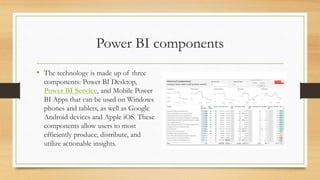
• The technology is made up of three
components: Power BI Desktop,
Power BI Service, and Mobile Power
BI Apps that can be used on Windows
phones and tablets, as well as Google
Android devices and Apple iOS. These
components allow users to most
efficiently produce, distribute, and
utilize actionable insights.
Power BI usage and role
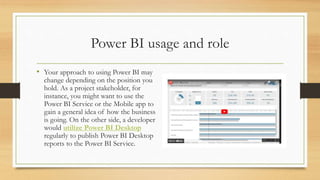
• Your approach to using Power BI may
change depending on the position you
hold. As a project stakeholder, for
instance, you might want to use the
Power BI Service or the Mobile app to
gain a general idea of how the business
is going. On the other side, a developer
would utilize Power BI Desktop
regularly to publish Power BI Desktop
reports to the Power BI Service.
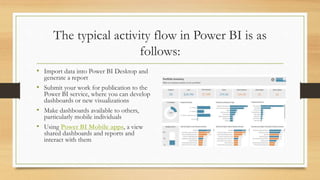
The typical activity flow in Power BI is as
follows:
• Import data into Power BI Desktop and
generate a report
• Submit your work for publication to the
Power BI service, where you can develop
dashboards or new visualizations
• Make dashboards available to others,
particularly mobile individuals
• Using Power BI Mobile apps, a view
shared dashboards and reports and
interact with them
Power BI flow
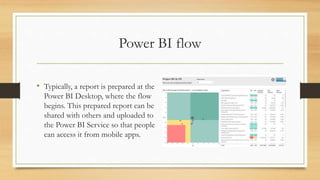
• Typically, a report is prepared at the
Power BI Desktop, where the flow
begins. This prepared report can be
shared with others and uploaded to
the Power BI Service so that people
can access it from mobile apps.
Thank You
117 E Louisa St 276, Seattle, Washington,
98102, United States
WWW.STRATADA.COM

Microsoft Power BI with Stratada.pptx

  • 1.
    What is Microsoft PowerBI? Microsoft Power BI with Stratada
  • 2.
    Power BI components •The technology is made up of three components: Power BI Desktop, Power BI Service, and Mobile Power BI Apps that can be used on Windows phones and tablets, as well as Google Android devices and Apple iOS. These components allow users to most efficiently produce, distribute, and utilize actionable insights.
  • 3.
    Power BI usageand role • Your approach to using Power BI may change depending on the position you hold. As a project stakeholder, for instance, you might want to use the Power BI Service or the Mobile app to gain a general idea of how the business is going. On the other side, a developer would utilize Power BI Desktop regularly to publish Power BI Desktop reports to the Power BI Service.
  • 4.
    The typical activityflow in Power BI is as follows: • Import data into Power BI Desktop and generate a report • Submit your work for publication to the Power BI service, where you can develop dashboards or new visualizations • Make dashboards available to others, particularly mobile individuals • Using Power BI Mobile apps, a view shared dashboards and reports and interact with them
  • 5.
    Power BI flow •Typically, a report is prepared at the Power BI Desktop, where the flow begins. This prepared report can be shared with others and uploaded to the Power BI Service so that people can access it from mobile apps.
  • 6.
    Thank You 117 ELouisa St 276, Seattle, Washington, 98102, United States WWW.STRATADA.COM