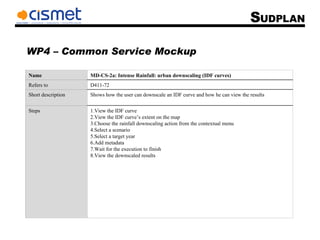
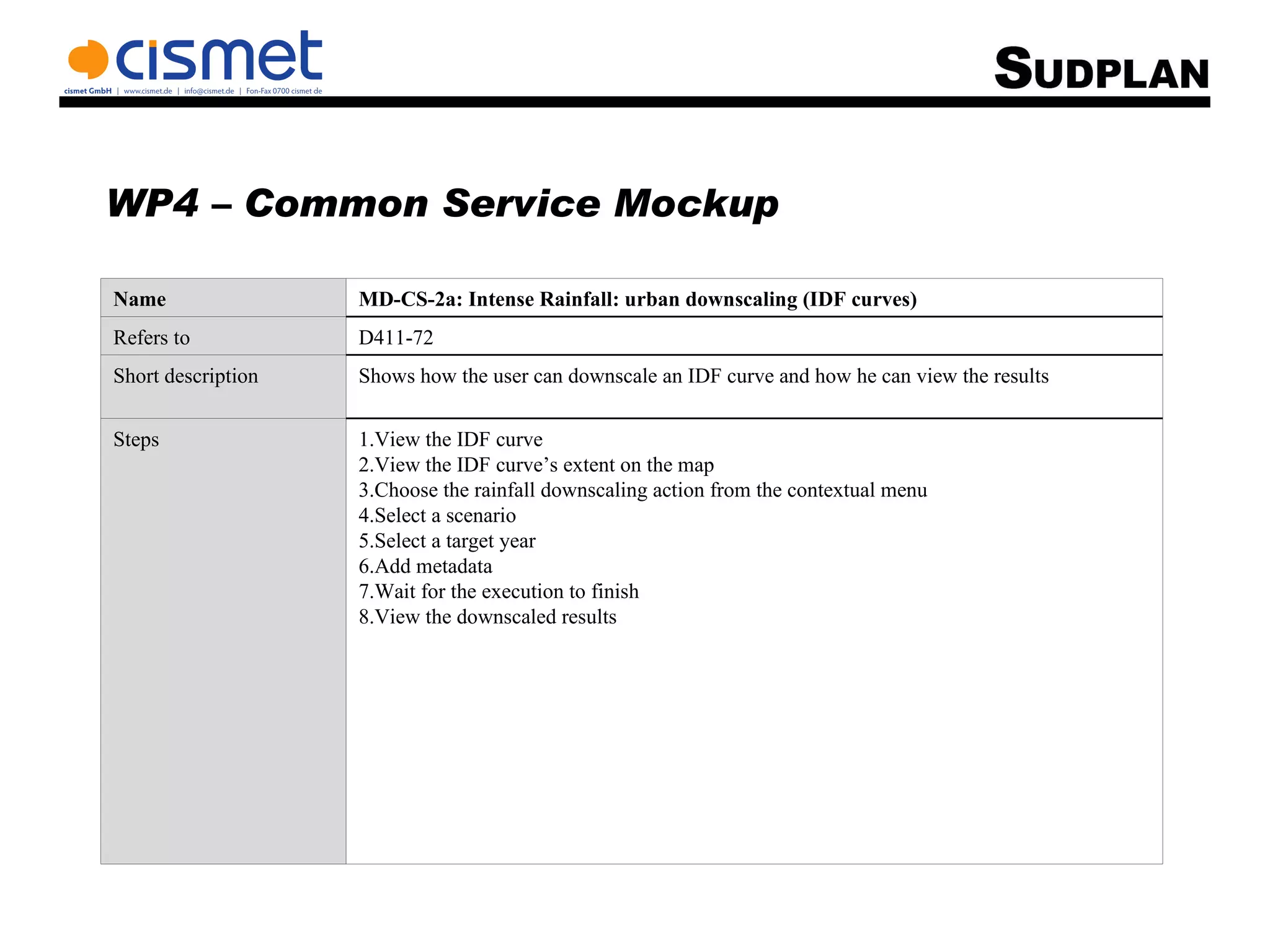
WP4 – Common Service Mockup View the IDF curve View the IDF curve’s extent on the map Choose the rainfall downscaling action from the contextual menu Select a scenario Select a target year Add metadata Wait for the execution to finish View the downscaled results Steps Shows how the user can downscale an IDF curve and how he can view the results Short description D411-72 Refers to MD-CS-2a: Intense Rainfall: urban downscaling (IDF curves) Name
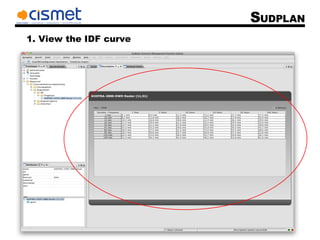
1. View the IDF curve
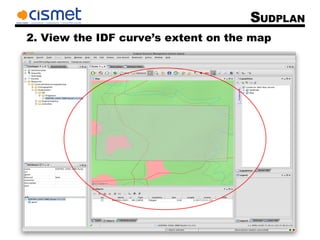
2. View the IDF curve’s extent on the map
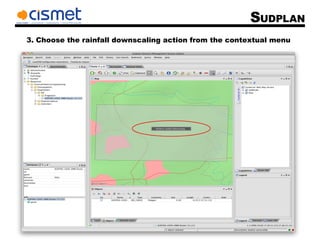
3. Choose the rainfall downscaling action from the contextual menu
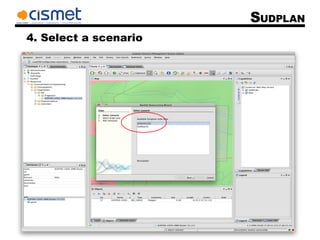
4. Select a scenario
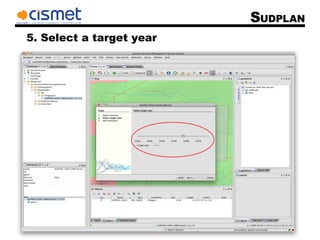
5. Select a target year
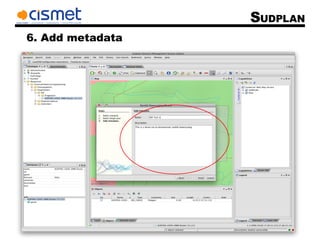
6. Add metadata
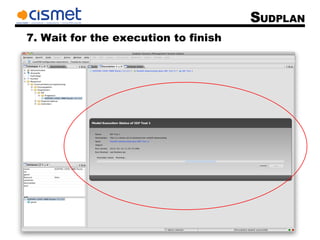
7. Wait for the execution to finish
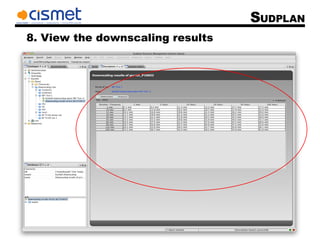
8. View the downscaling results

Md-cs-2a

  • 1.
    WP4 – CommonService Mockup View the IDF curve View the IDF curve’s extent on the map Choose the rainfall downscaling action from the contextual menu Select a scenario Select a target year Add metadata Wait for the execution to finish View the downscaled results Steps Shows how the user can downscale an IDF curve and how he can view the results Short description D411-72 Refers to MD-CS-2a: Intense Rainfall: urban downscaling (IDF curves) Name
  • 2.
    1. View theIDF curve
  • 3.
    2. View theIDF curve’s extent on the map
  • 4.
    3. Choose therainfall downscaling action from the contextual menu
  • 5.
    4. Select ascenario
  • 6.
    5. Select atarget year
  • 7.
  • 8.
    7. Wait forthe execution to finish
  • 9.
    8. View thedownscaling results