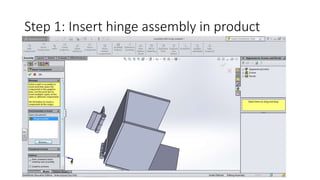
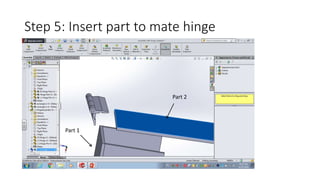
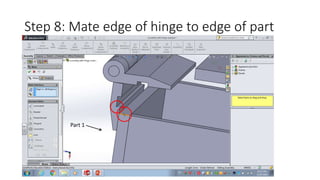
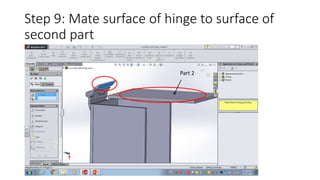
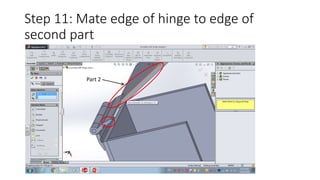
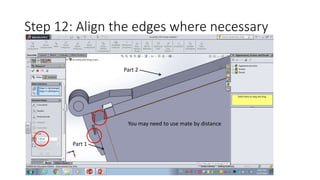
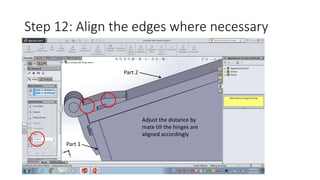
To mate a hinge assembly in Solidworks, first insert the hinge between two parts and rotate it using "move with triad". Then select the hinge's component properties and solve it as flexible. Mate various surfaces and edges of the hinge to the two parts, such as mating a hinge surface to one part and its edge to the other part's edge. Finally, align any edges using mate by distance so the hinged parts rotate smoothly.