Download to read offline

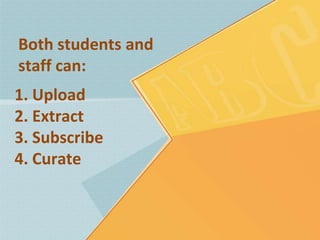
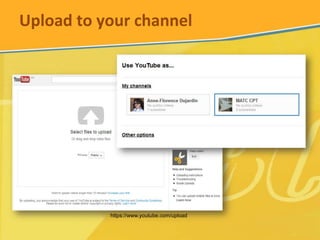
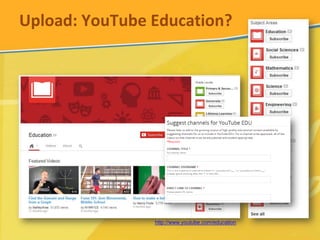
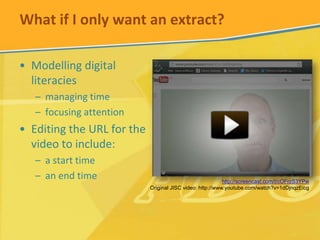
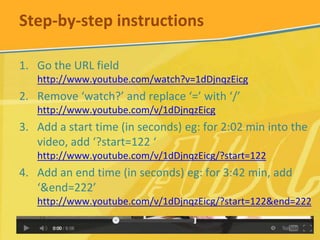
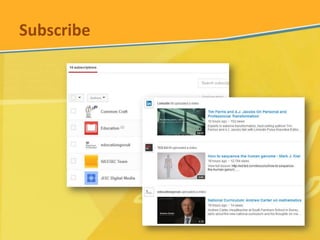
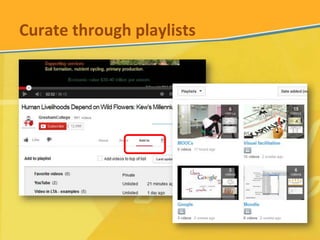


This document provides instructions for managing videos on YouTube. It outlines that both students and staff can upload videos to their channel, extract portions of videos through timestamps, subscribe to channels, and curate playlists. Step-by-step directions are given for extracting a portion of a YouTube video by editing the URL to include start and end times in seconds. The document also mentions that users can subscribe to channels and curate playlists to organize videos.


