

Flip, Tap and Sell!


Managing Your Syncteam Data
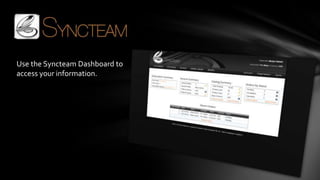
Use the Syncteam Dashboard to
access your information.
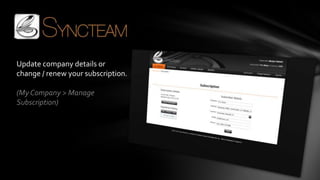
Update company details or
change / renew your subscription.

(My Company > Manage
Subscription)
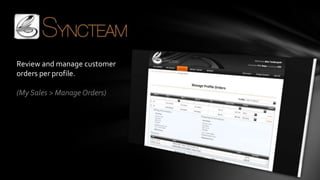
Review and manage customer
orders per profile.

(My Sales > Manage Orders)
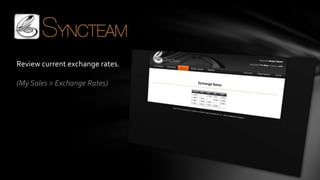
Review current exchange rates.

(My Sales > Exchange Rates)
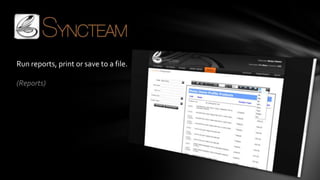
Run reports, print or save to a file.

(Reports)
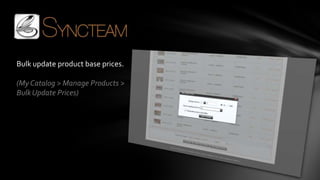
Bulk update product base prices.

(My Catalog > Manage Products >
Bulk Update Prices)
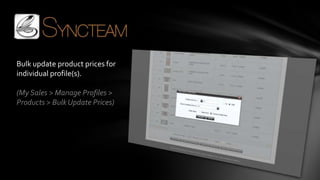
Bulk update product prices for
individual profile(s).

(My Sales > Manage Profiles >
Products > Bulk Update Prices)
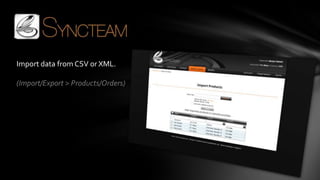
Import data from CSV or XML.

(Import/Export > Products/Orders)
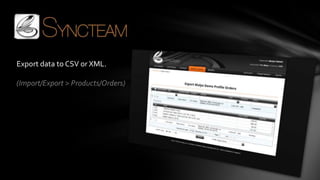
Export data to CSV or XML.

(Import/Export > Products/Orders)
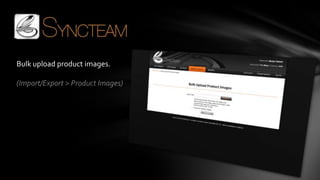
Bulk upload product images.

(Import/Export > Product Images)
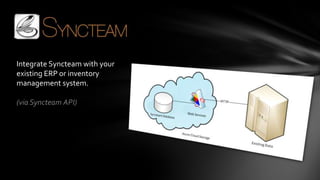
Integrate Syncteam with your
existing ERP or inventory
management system.

(via Syncteam API)
SALES / TECHNICAL INFORMATION:
Phone: : +61 7 3040 9999 / +61 7 3348 2170
E-mail: sales@syncteam.com / info@syncteam.com
Skype: syncteam-sales / syncteam-support

PO Box 7145, Hemmant, Queensland, 4174, Australia

www.syncteam.com

Managing Your Catalog