SLIDE SHARE
BY:JESSA L. LUSTADO
GRADE 11 HUMSS BLOCK 2
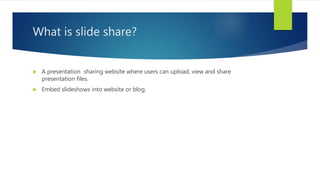
What is slide share?
 A presentation sharing website where users can upload, view and share
presentation files.
 Embed slideshows into website or blog.
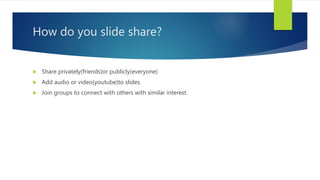
How do you slide share?
 Share privately(friends)or publicly(everyone)
 Add audio or video(youtube)to slides.
 Join groups to connect with others with similar interest.
How does SlideShare work?
 Search via ‘Category’
 Upload presentation instead of sending multiple emails.
 Tag presentation to make them searchable
SlideShare Presentation Explained
 Get file.download original presentation.
 Favourite.Mark for future reference.
 Share.email link to colleagues.
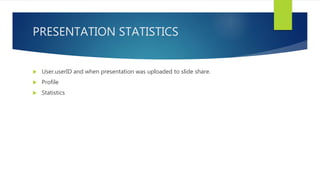
PRESENTATION STATISTICS
 User.userID and when presentation was uploaded to slide share.
 Profile
 Statistics
How can students use SlideShare
 In exactly the same way you do
 Register
 Upload
 Embed/Link
 Share/Favorite
 Use twitter-style hashtag in description to make it easy to find all work related to
class.

making presentation usi

  • 1.
    SLIDE SHARE BY:JESSA L.LUSTADO GRADE 11 HUMSS BLOCK 2
  • 2.
    What is slideshare?  A presentation sharing website where users can upload, view and share presentation files.  Embed slideshows into website or blog.
  • 3.
    How do youslide share?  Share privately(friends)or publicly(everyone)  Add audio or video(youtube)to slides.  Join groups to connect with others with similar interest.
  • 4.
    How does SlideSharework?  Search via ‘Category’  Upload presentation instead of sending multiple emails.  Tag presentation to make them searchable
  • 5.
    SlideShare Presentation Explained Get file.download original presentation.  Favourite.Mark for future reference.  Share.email link to colleagues.
  • 6.
    PRESENTATION STATISTICS  User.userIDand when presentation was uploaded to slide share.  Profile  Statistics
  • 7.
    How can studentsuse SlideShare  In exactly the same way you do  Register  Upload  Embed/Link  Share/Favorite  Use twitter-style hashtag in description to make it easy to find all work related to class.