MacRuby
        For fun...
       and profit!


Presented by: Joshua Ballanco
A quick introduction...
• Been using Ruby since 2004
• MacRuby Core Team member
• Worked for Apple 2006 to 2010
• Currently at Patch (AOL)
• https://github.com/jballanc
• @manhattanmetric
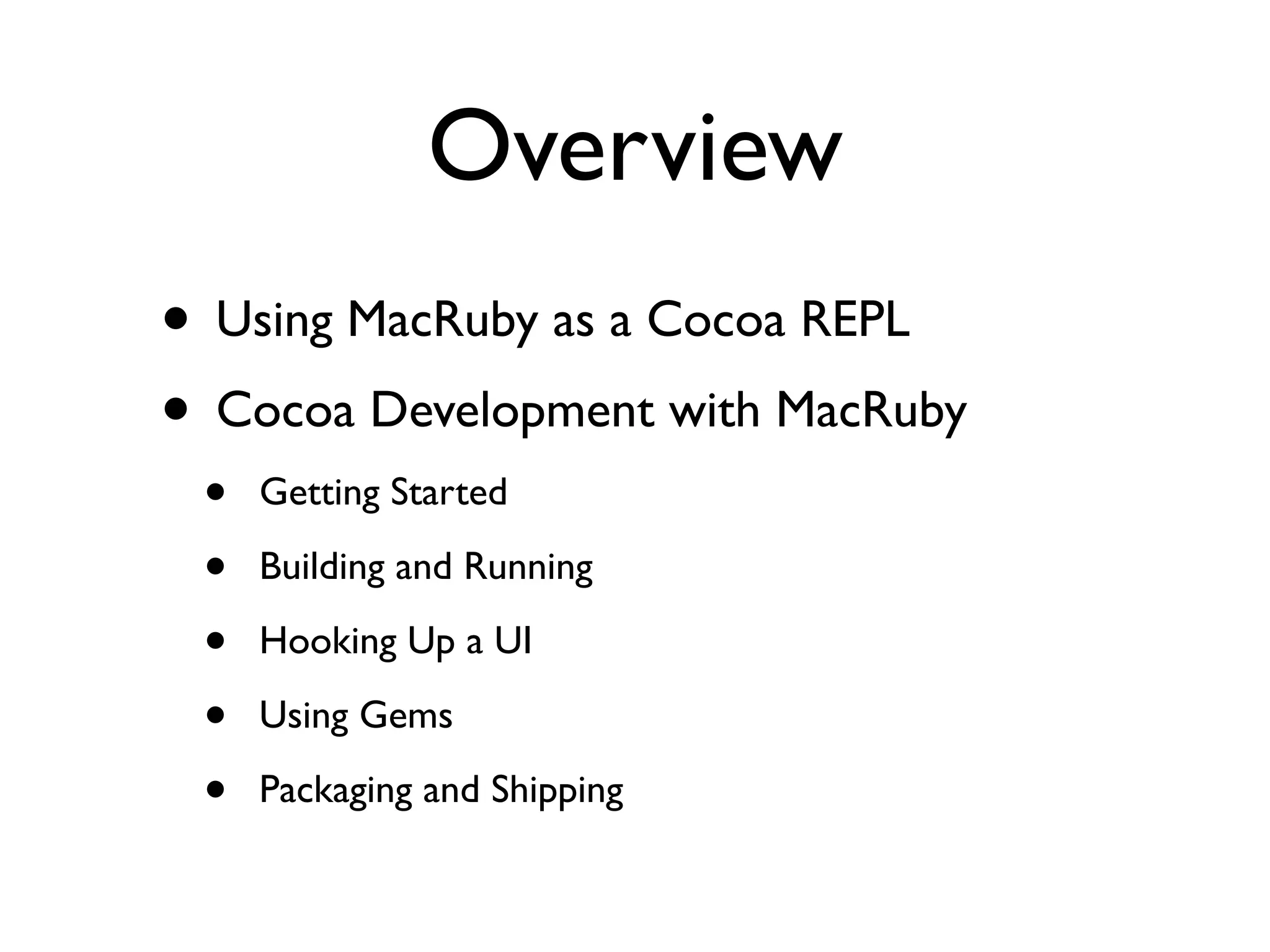
Overview
• Using MacRuby as a Cocoa REPL
• Cocoa Development with MacRuby
 •   Getting Started

 •   Building and Running

 •   Hooking Up a UI

 •   Using Gems

 •   Packaging and Shipping
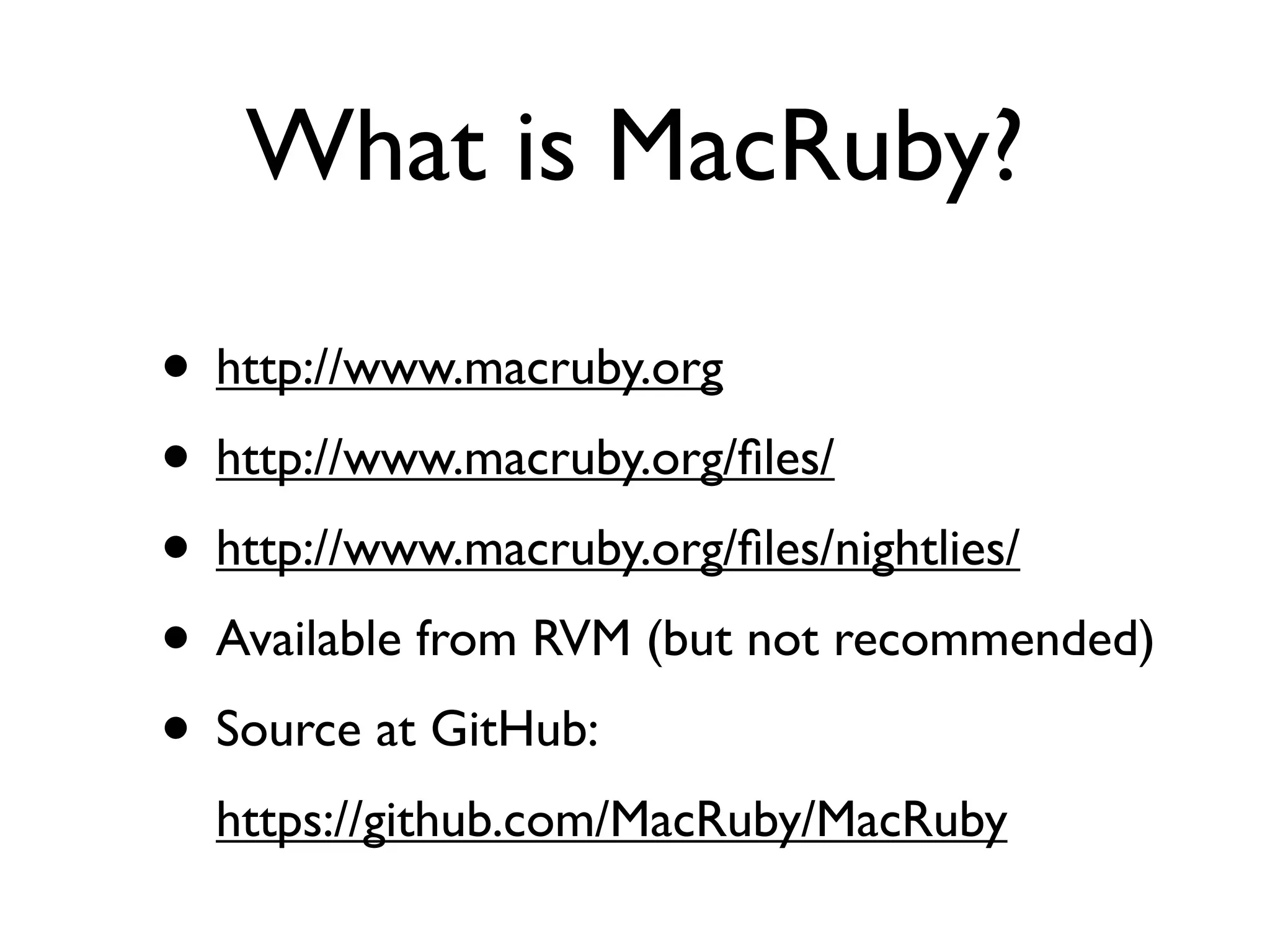
What is MacRuby?

• http://www.macruby.org
• http://www.macruby.org/files/
• http://www.macruby.org/files/nightlies/
• Available from RVM (but not recommended)
• Source at GitHub:
  https://github.com/MacRuby/MacRuby
What is MacRuby?
• Compiling MacRuby:
 •   Need LLVM *2.9* (see the README)

 •   rake ; sudo rake install

• Bugs – https://www.macruby.org/trac/report
• MacRuby-devel mailing list
• @macruby, #macruby
Ruby Syntax
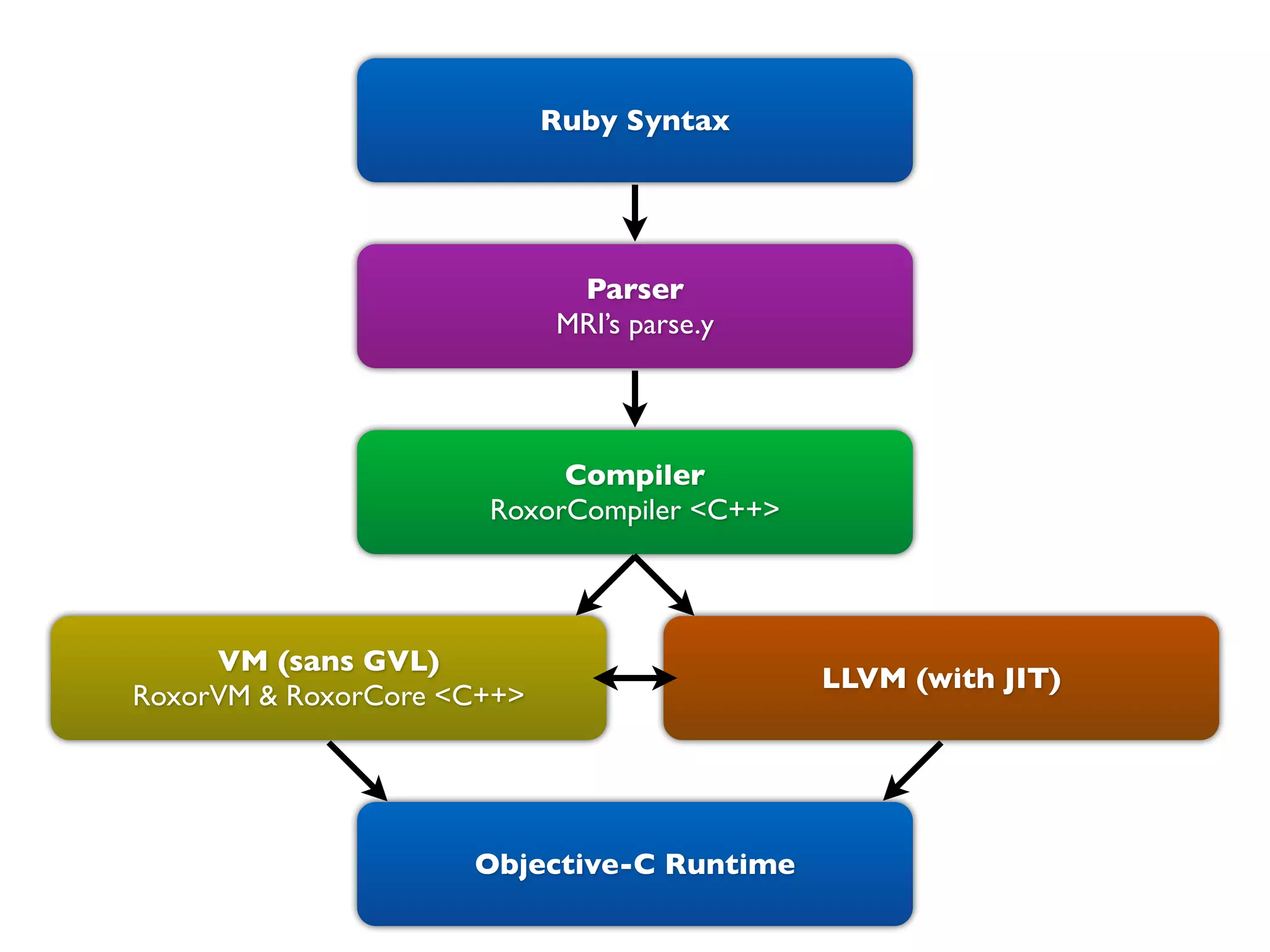
Ruby Syntax


                             Parser
                            MRI’s parse.y


                           Compiler
                      RoxorCompiler <C++>


     VM (sans GVL)
                                            LLVM (with JIT)
RoxorVM & RoxorCore <C++>


                     Objective-C Runtime
MacRuby for Fun!
• REPL – Read Eval Print Loop
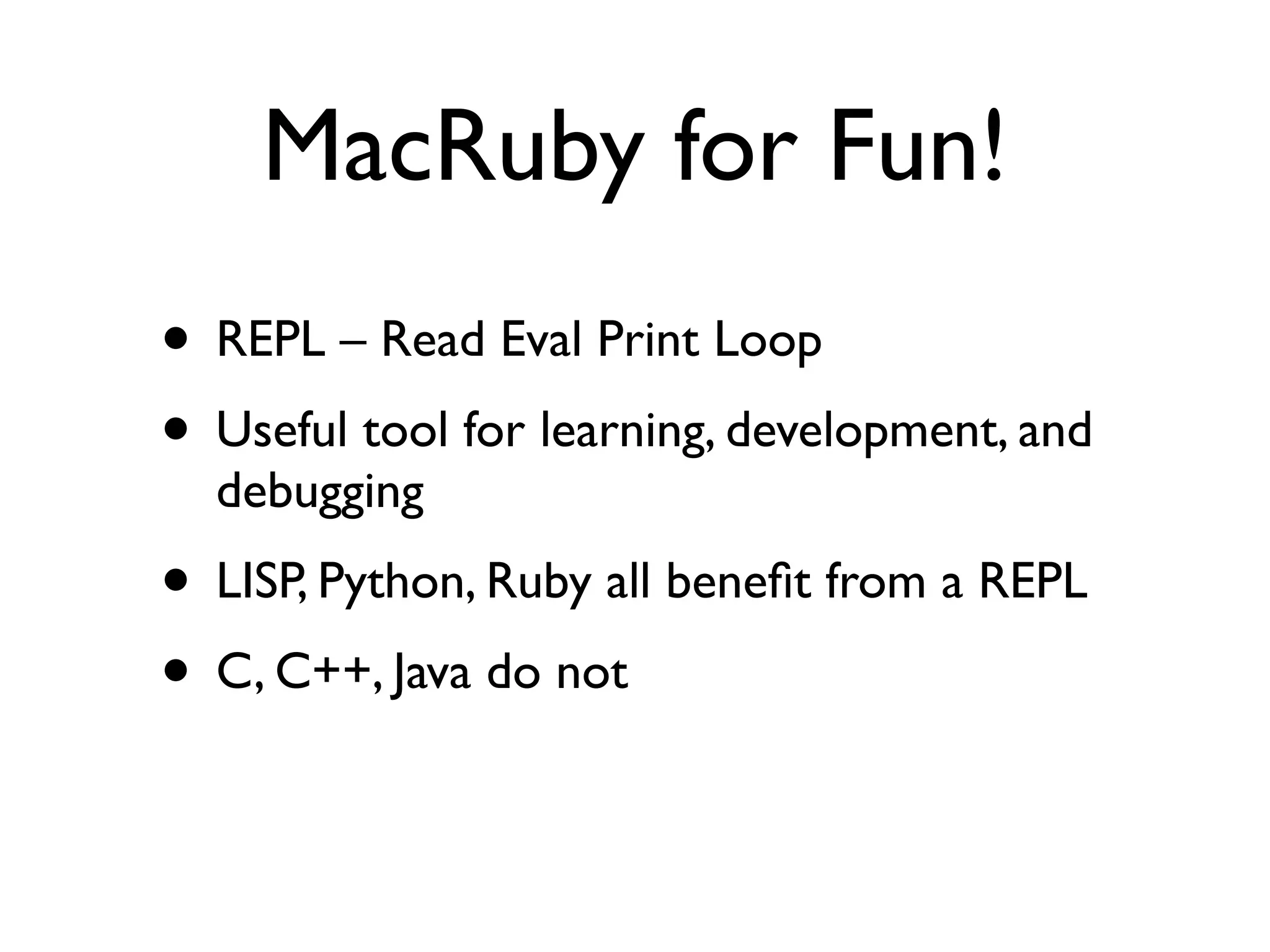
MacRuby for Fun!
• REPL – Read Eval Print Loop
• Useful tool for learning, development, and
  debugging
MacRuby for Fun!
• REPL – Read Eval Print Loop
• Useful tool for learning, development, and
  debugging
• LISP, Python, Ruby all benefit from a REPL
• C, C++, Java do not
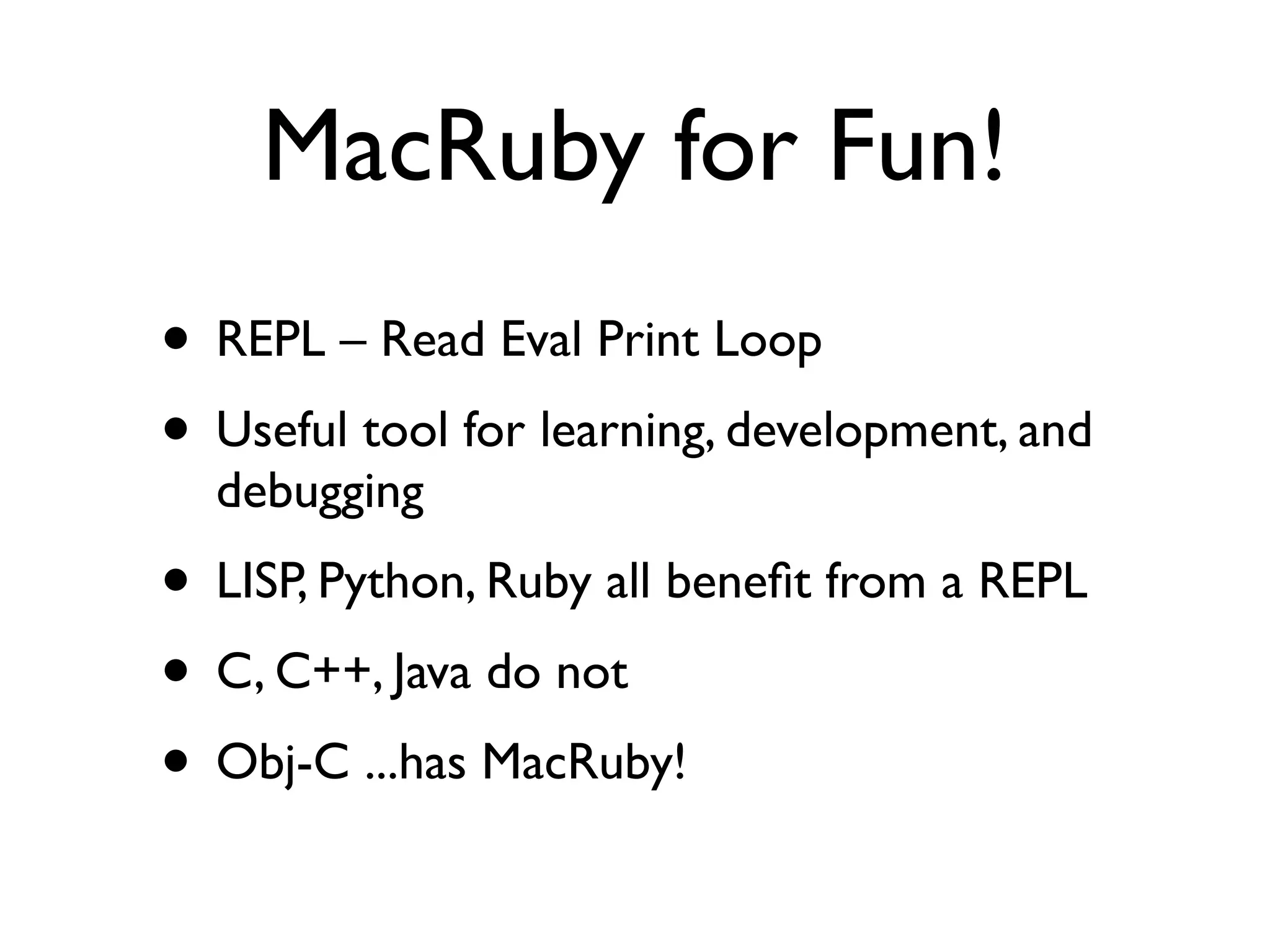
MacRuby for Fun!
• REPL – Read Eval Print Loop
• Useful tool for learning, development, and
  debugging
• LISP, Python, Ruby all benefit from a REPL
• C, C++, Java do not
• Obj-C ...has MacRuby!
MacRuby for Fun!
MacRuby for Fun!

• Let’s learn CoreData!
MacRuby for Fun!

• Let’s learn CoreData!
• There sure is a lot of documentation on
  http://developer.apple.com about CoreData
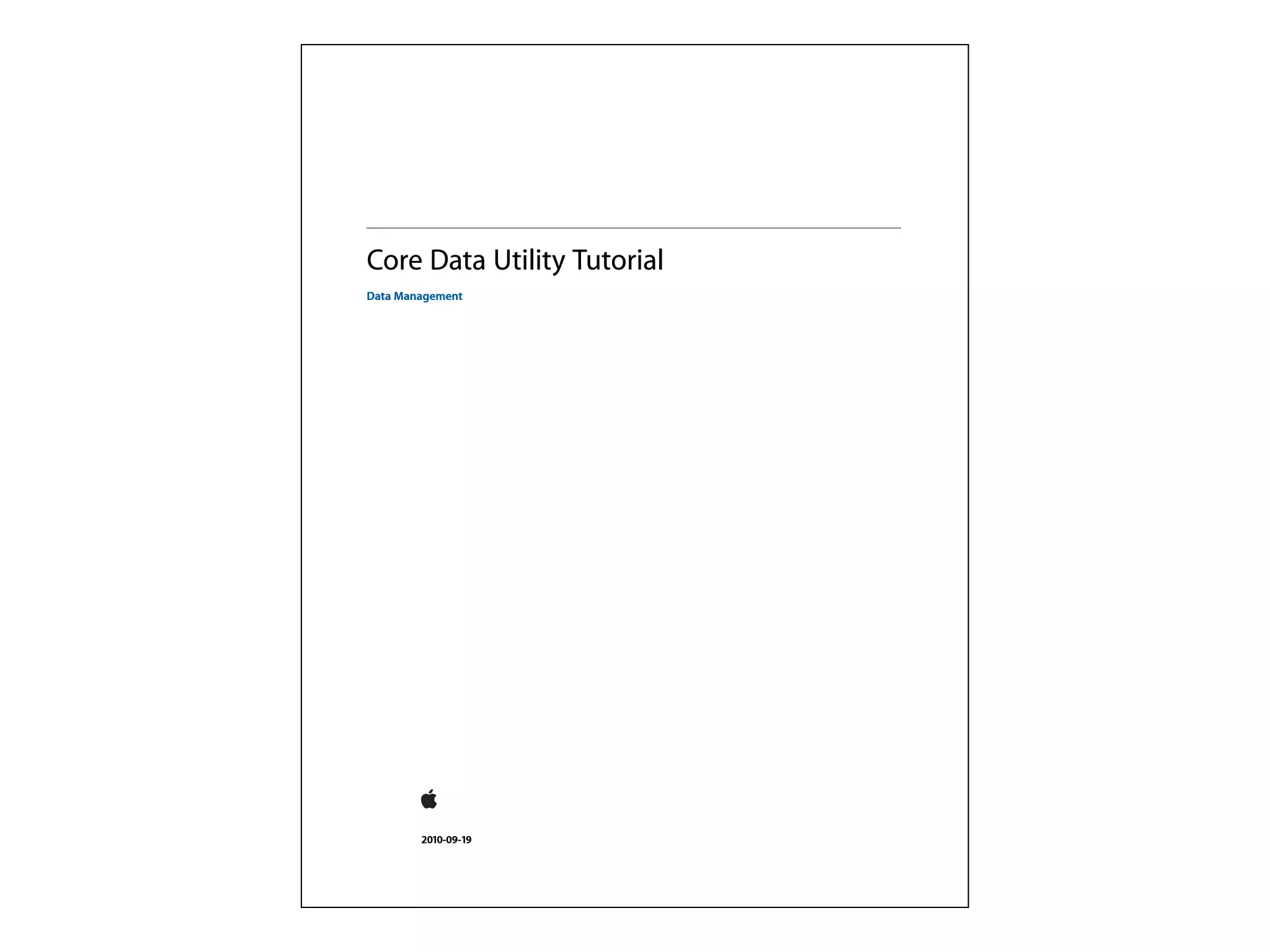
Core Data Utility Tutorial
Data Management


        2010-09-19
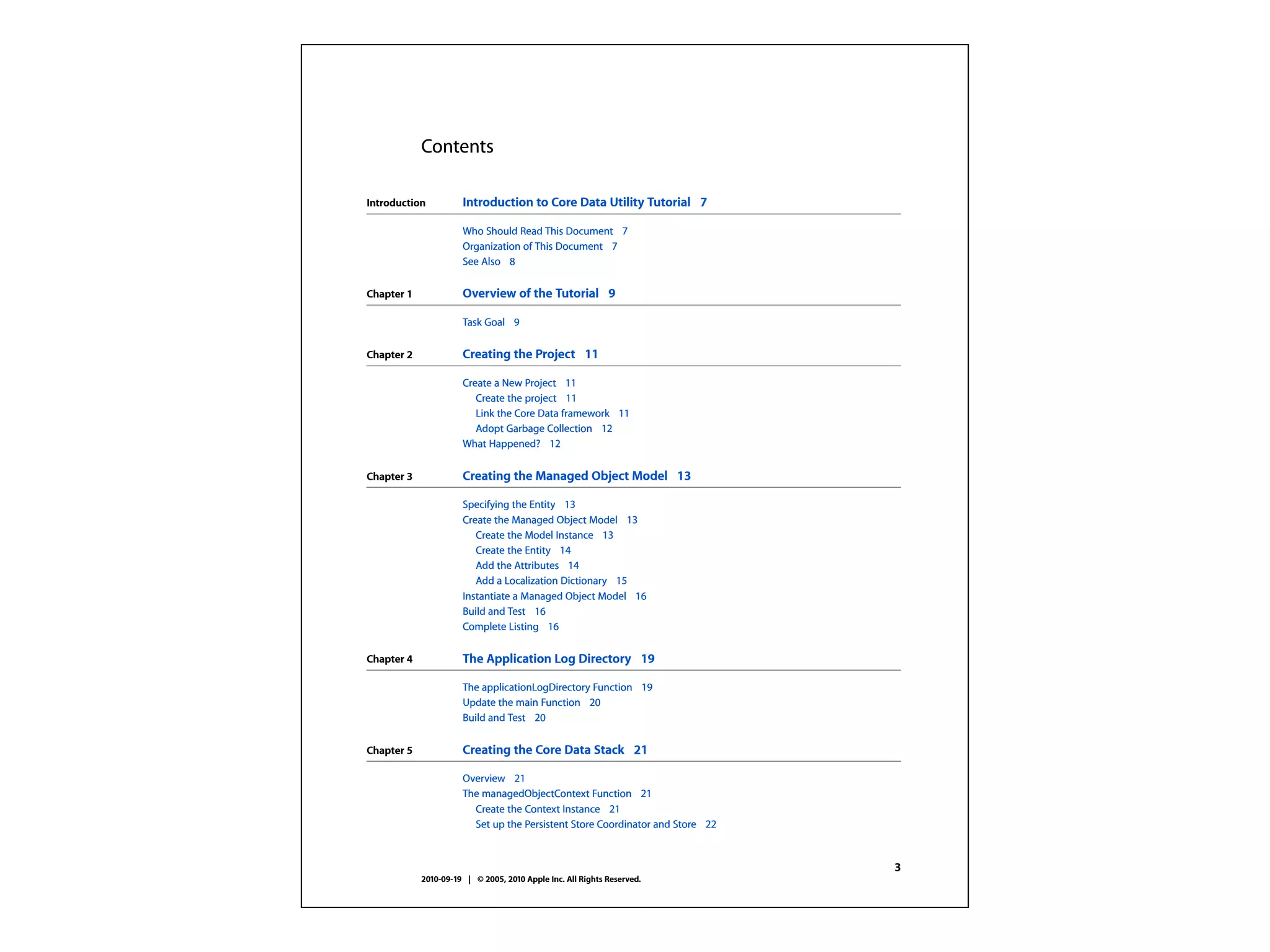
Contents

Introduction          Introduction to Core Data Utility Tutorial 7

                      Who Should Read This Document 7
                      Organization of This Document 7
                      See Also 8


Chapter 1             Overview of the Tutorial 9

                      Task Goal 9

Chapter 2             Creating the Project 11

                      Create a New Project 11
                         Create the project 11
                         Link the Core Data framework 11
                         Adopt Garbage Collection 12
                      What Happened? 12

Chapter 3             Creating the Managed Object Model 13

                      Specifying the Entity 13
                      Create the Managed Object Model 13
                         Create the Model Instance 13
                         Create the Entity 14
                         Add the Attributes 14
                         Add a Localization Dictionary 15
                      Instantiate a Managed Object Model 16
                      Build and Test 16
                      Complete Listing 16


Chapter 4             The Application Log Directory 19

                      The applicationLogDirectory Function 19
                      Update the main Function 20
                      Build and Test 20


Chapter 5             Creating the Core Data Stack 21

                      Overview 21
                      The managedObjectContext Function 21
                        Create the Context Instance 21
                        Set up the Persistent Store Coordinator and Store 22


                                                                               3
            2010-09-19 | © 2005, 2010 Apple Inc. All Rights Reserved.
CHAPTER 8
     Complete Source Listings


          if ([key isEqualToString:@"processID"]) {
              self.processID = 0;
          }
          else {
              [super setNilValueForKey:key];
          }
     }

     @end


38   The Run Class
     2010-09-19 | © 2005, 2010 Apple Inc. All Rights Reserved.
MacRuby for Fun!

• Let’s learn CoreData!
• There sure is a lot of documentation on
  http://developer.apple.com about CoreData
MacRuby for Fun!

• Let’s learn CoreData!
• There sure is a lot of documentation on
  http://developer.apple.com about CoreData
• Documentation is boring :-(
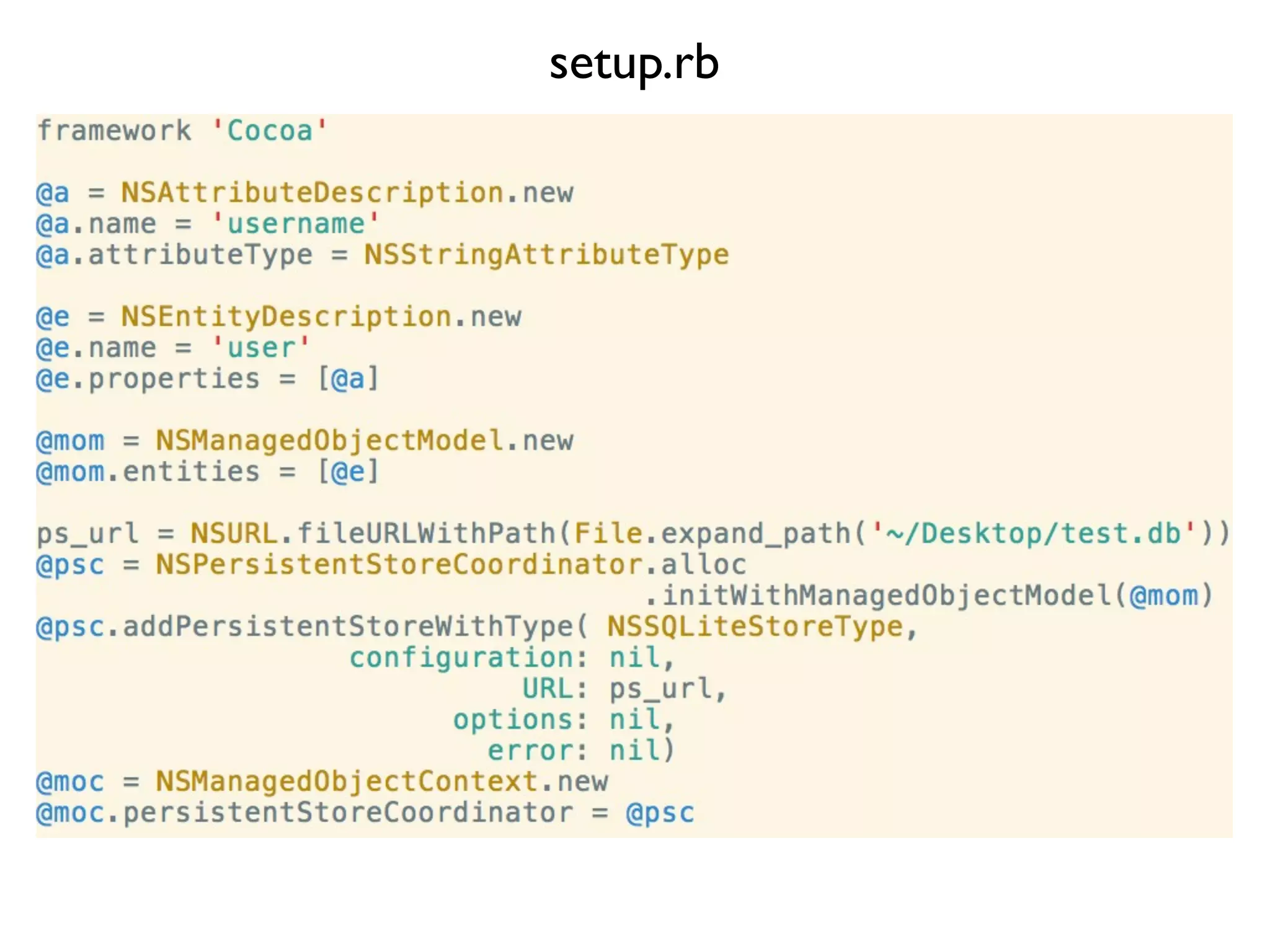
setup.rb
MacRuby for Fun!

• Let’s learn CoreData!
• There sure is a lot of documentation on
  http://developer.apple.com about CoreData
• Documentation is boring... :-(
MacRuby for Fun!

• Let’s learn CoreData!
• There sure is a lot of documentation on
  http://developer.apple.com about CoreData
• Documentation is boring... :-(
• REPLs are fun! :-)
MacRuby for Profit!
• Things you will need:
 • MacRuby nightly build (or 0.11 when it
    comes out)
 • Xcode 4.2 (v4.1 is definitely broken, v3-
    series may still work)
 • Gumption (and the mailing list address)
MacRuby for Profit!

• Install Xcode FIRST! then MacRuby
• Start Xcode, choose the MacRuby template
• Build and go!
Building and Running
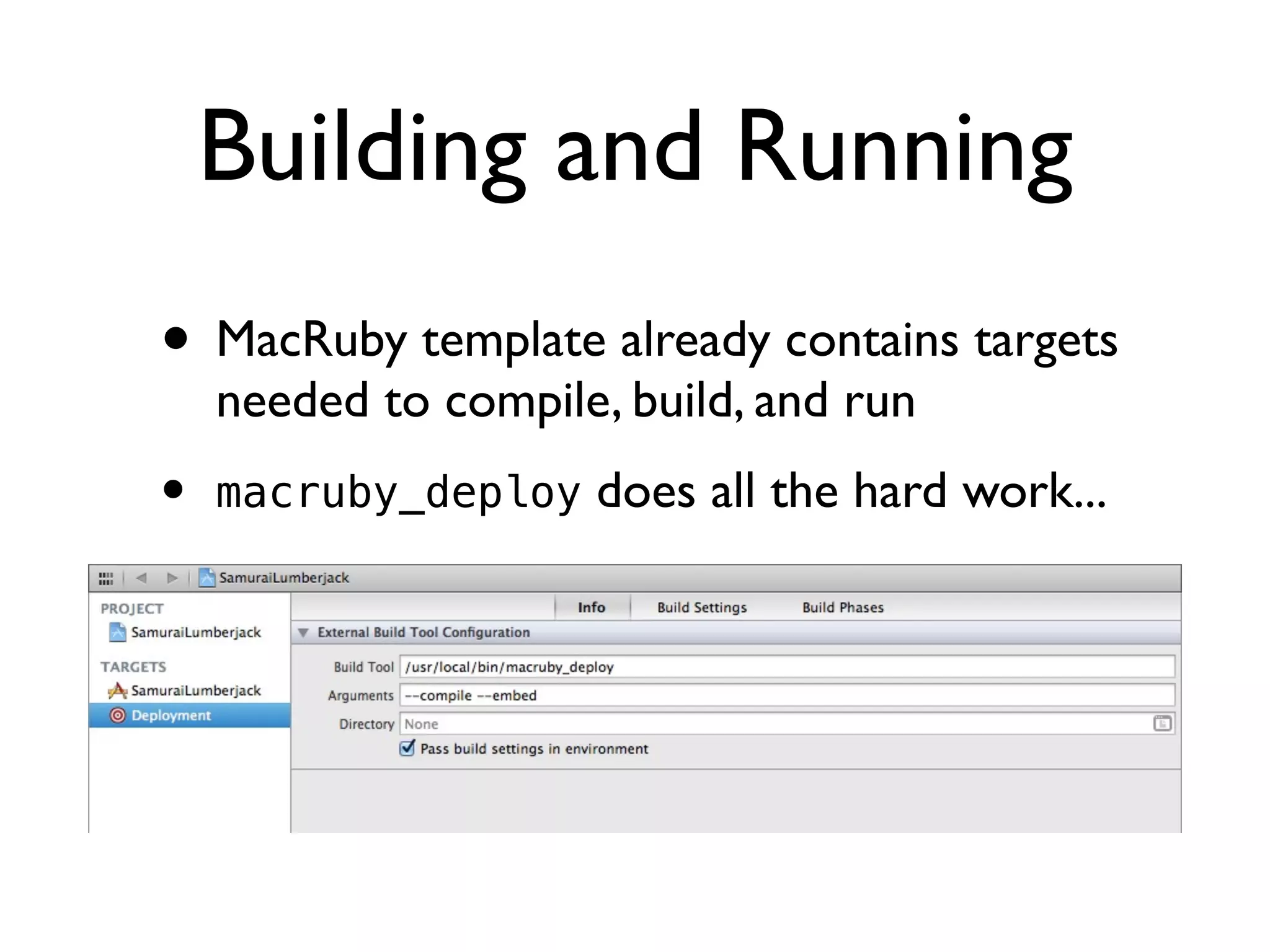
• MacRuby template already contains targets
    needed to compile, build, and run
•   macruby_deploy does all the hard work...
Hooking Up a UI

• MacRuby classes are Objective-C classes
• Define outlets with attr_* methods
• Any MacRuby method with a single
  argument named “sender” can be used as
  an action
Using Gems

• Install with sudo macgem install <gemname>
• Require Gems in rb
• Use Gems for Development
• Vendor Gems with macruby_deploy --gem
  for Distribution
Packaging and Shipping
• App bundles generated by macruby_deploy
  are relocatable to machines without
  MacRuby (or even with incompatible
  versions of MacRuby)
• Bundles can be signed for App store
  distribution with the codesign CLI tool
• Excellent blog post at: http://astonj.com/
  tech/how-to-submit-your-macruby-app-to-
  the-mac-app-store/
Bonus!
MacRuby...
...and you didn’t even know it!!!
• CocoaPods!
• https://github.com/CocoaPods/CocoaPods
• Like Gems for iOS (and OS X... and
  MacRuby)
• Uses MacRuby under the covers
• Complemented by Laurent Sansonetti!
Thank you!


 *Flame transition quota fulfilled
Questions?


 *Flame transition quota fulfilled

MacRuby for Fun and Profit

  • 1.
    MacRuby For fun... and profit! Presented by: Joshua Ballanco
  • 2.
    A quick introduction... •Been using Ruby since 2004 • MacRuby Core Team member • Worked for Apple 2006 to 2010 • Currently at Patch (AOL) • https://github.com/jballanc • @manhattanmetric
  • 3.
    Overview • Using MacRubyas a Cocoa REPL • Cocoa Development with MacRuby • Getting Started • Building and Running • Hooking Up a UI • Using Gems • Packaging and Shipping
  • 4.
    What is MacRuby? •http://www.macruby.org • http://www.macruby.org/files/ • http://www.macruby.org/files/nightlies/ • Available from RVM (but not recommended) • Source at GitHub: https://github.com/MacRuby/MacRuby
  • 5.
    What is MacRuby? •Compiling MacRuby: • Need LLVM *2.9* (see the README) • rake ; sudo rake install • Bugs – https://www.macruby.org/trac/report • MacRuby-devel mailing list • @macruby, #macruby
  • 6.
  • 7.
    Ruby Syntax Parser MRI’s parse.y Compiler RoxorCompiler <C++> VM (sans GVL) LLVM (with JIT) RoxorVM & RoxorCore <C++> Objective-C Runtime
  • 8.
    MacRuby for Fun! •REPL – Read Eval Print Loop
  • 9.
    MacRuby for Fun! •REPL – Read Eval Print Loop • Useful tool for learning, development, and debugging
  • 10.
    MacRuby for Fun! •REPL – Read Eval Print Loop • Useful tool for learning, development, and debugging • LISP, Python, Ruby all benefit from a REPL • C, C++, Java do not
  • 11.
    MacRuby for Fun! •REPL – Read Eval Print Loop • Useful tool for learning, development, and debugging • LISP, Python, Ruby all benefit from a REPL • C, C++, Java do not • Obj-C ...has MacRuby!
  • 12.
  • 13.
    MacRuby for Fun! •Let’s learn CoreData!
  • 14.
    MacRuby for Fun! •Let’s learn CoreData! • There sure is a lot of documentation on http://developer.apple.com about CoreData
  • 15.
    Core Data UtilityTutorial Data Management 2010-09-19
  • 16.
    Contents Introduction Introduction to Core Data Utility Tutorial 7 Who Should Read This Document 7 Organization of This Document 7 See Also 8 Chapter 1 Overview of the Tutorial 9 Task Goal 9 Chapter 2 Creating the Project 11 Create a New Project 11 Create the project 11 Link the Core Data framework 11 Adopt Garbage Collection 12 What Happened? 12 Chapter 3 Creating the Managed Object Model 13 Specifying the Entity 13 Create the Managed Object Model 13 Create the Model Instance 13 Create the Entity 14 Add the Attributes 14 Add a Localization Dictionary 15 Instantiate a Managed Object Model 16 Build and Test 16 Complete Listing 16 Chapter 4 The Application Log Directory 19 The applicationLogDirectory Function 19 Update the main Function 20 Build and Test 20 Chapter 5 Creating the Core Data Stack 21 Overview 21 The managedObjectContext Function 21 Create the Context Instance 21 Set up the Persistent Store Coordinator and Store 22 3 2010-09-19 | © 2005, 2010 Apple Inc. All Rights Reserved.
  • 17.
    CHAPTER 8 Complete Source Listings if ([key isEqualToString:@"processID"]) { self.processID = 0; } else { [super setNilValueForKey:key]; } } @end 38 The Run Class 2010-09-19 | © 2005, 2010 Apple Inc. All Rights Reserved.
  • 18.
    MacRuby for Fun! •Let’s learn CoreData! • There sure is a lot of documentation on http://developer.apple.com about CoreData
  • 19.
    MacRuby for Fun! •Let’s learn CoreData! • There sure is a lot of documentation on http://developer.apple.com about CoreData • Documentation is boring :-(
  • 20.
  • 21.
    MacRuby for Fun! •Let’s learn CoreData! • There sure is a lot of documentation on http://developer.apple.com about CoreData • Documentation is boring... :-(
  • 22.
    MacRuby for Fun! •Let’s learn CoreData! • There sure is a lot of documentation on http://developer.apple.com about CoreData • Documentation is boring... :-( • REPLs are fun! :-)
  • 23.
    MacRuby for Profit! •Things you will need: • MacRuby nightly build (or 0.11 when it comes out) • Xcode 4.2 (v4.1 is definitely broken, v3- series may still work) • Gumption (and the mailing list address)
  • 24.
    MacRuby for Profit! •Install Xcode FIRST! then MacRuby • Start Xcode, choose the MacRuby template • Build and go!
  • 25.
    Building and Running •MacRuby template already contains targets needed to compile, build, and run • macruby_deploy does all the hard work...
  • 26.
    Hooking Up aUI • MacRuby classes are Objective-C classes • Define outlets with attr_* methods • Any MacRuby method with a single argument named “sender” can be used as an action
  • 27.
    Using Gems • Installwith sudo macgem install <gemname> • Require Gems in rb • Use Gems for Development • Vendor Gems with macruby_deploy --gem for Distribution
  • 28.
    Packaging and Shipping •App bundles generated by macruby_deploy are relocatable to machines without MacRuby (or even with incompatible versions of MacRuby) • Bundles can be signed for App store distribution with the codesign CLI tool • Excellent blog post at: http://astonj.com/ tech/how-to-submit-your-macruby-app-to- the-mac-app-store/
  • 29.
  • 30.
    MacRuby... ...and you didn’teven know it!!! • CocoaPods! • https://github.com/CocoaPods/CocoaPods • Like Gems for iOS (and OS X... and MacRuby) • Uses MacRuby under the covers • Complemented by Laurent Sansonetti!
  • 31.
    Thank you! *Flametransition quota fulfilled
  • 32.