INFORMATION RETRIEVAL
CHAPTER 1:
INTRODUCTION
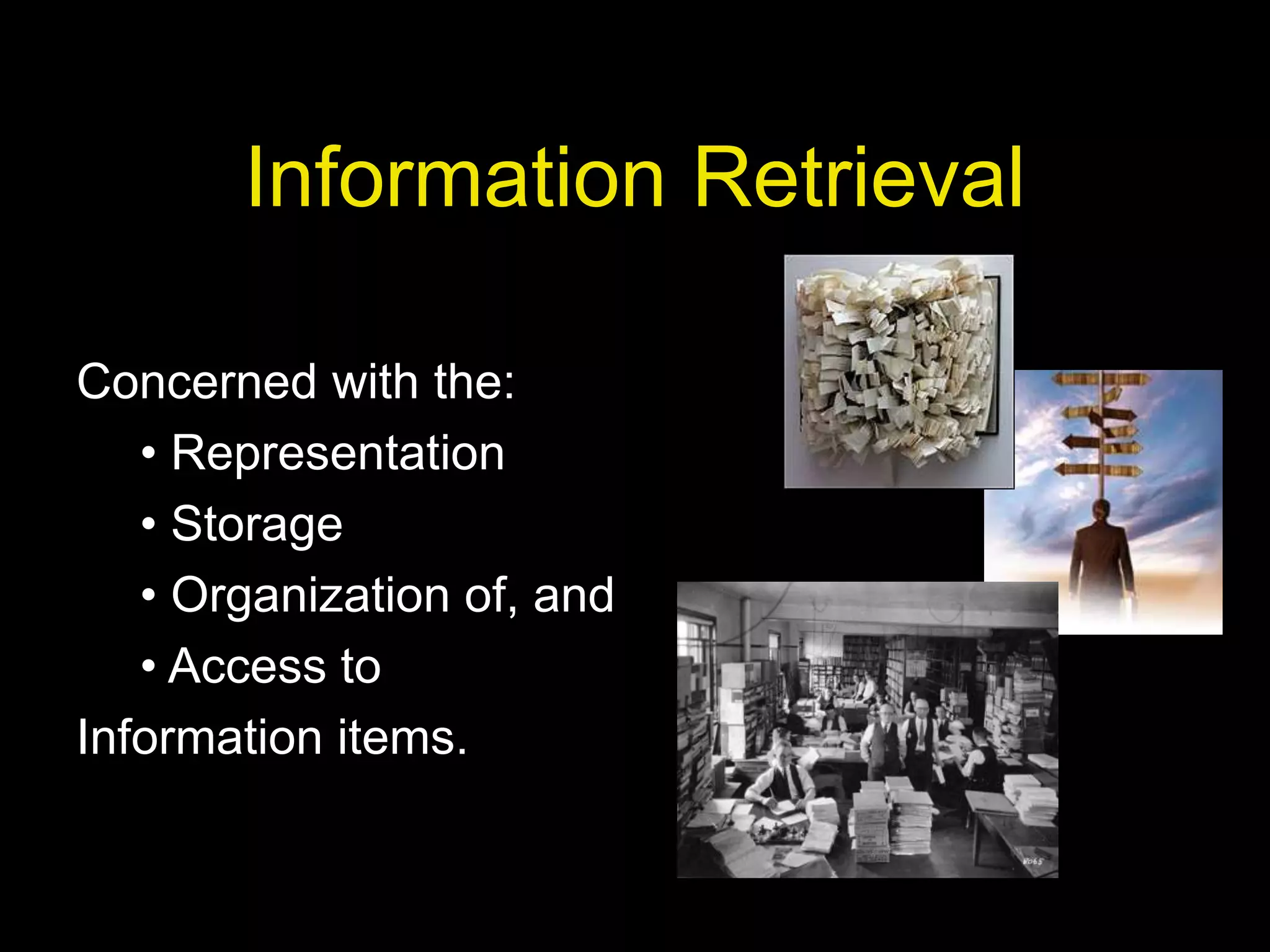
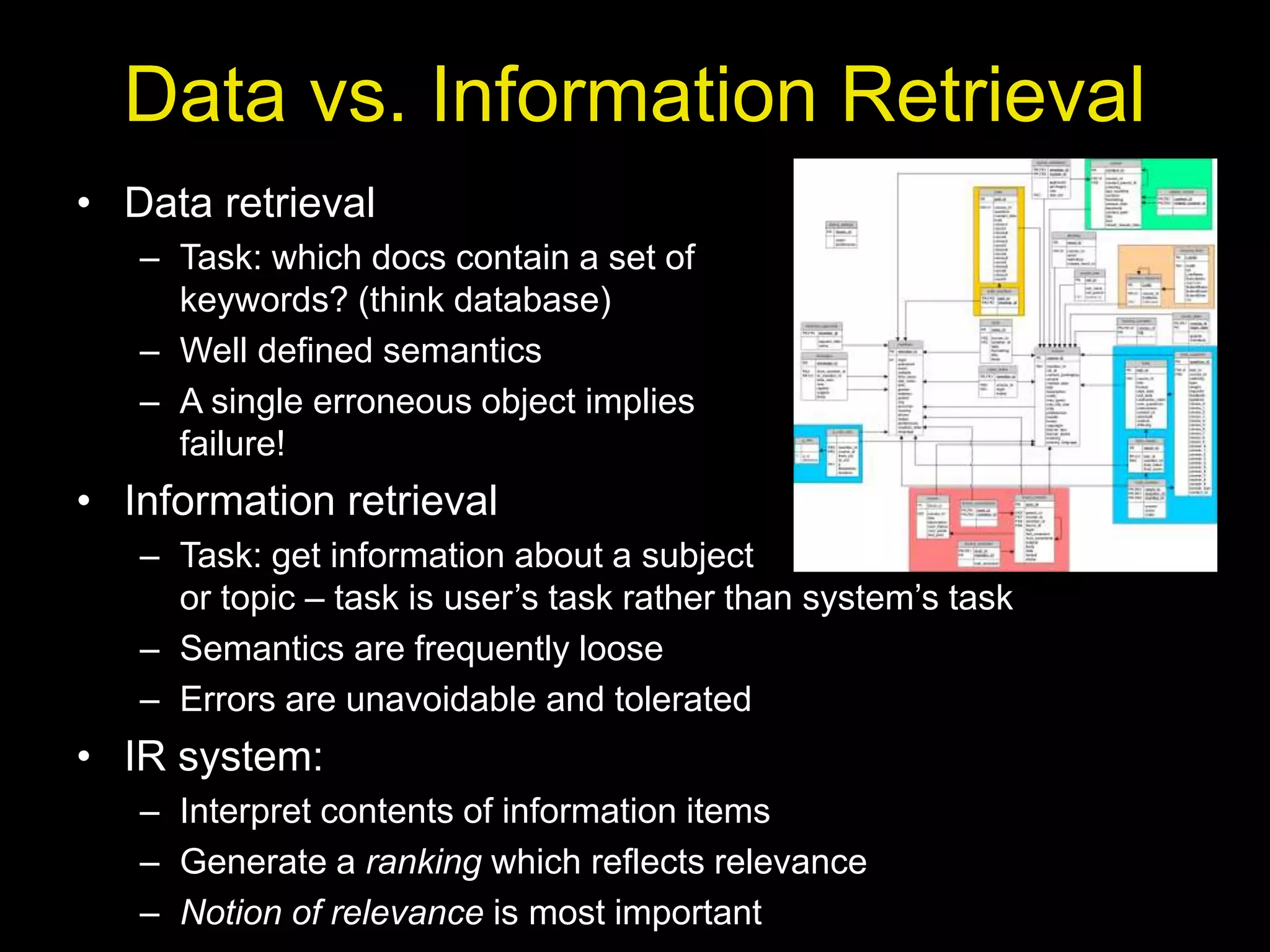
Information Retrieval
Concerned with the:
• Representation
• Storage
• Organization of, and
• Access to
Information items.
Motivation
• Focus is on the user information need
• Example user information need:
– Find all docs containing information on college
tennis teams which: (1) are maintained by a USA
university and (2) participate in the NCAA
tournament.
• Emphasis is on the retrieval of
information (not data)
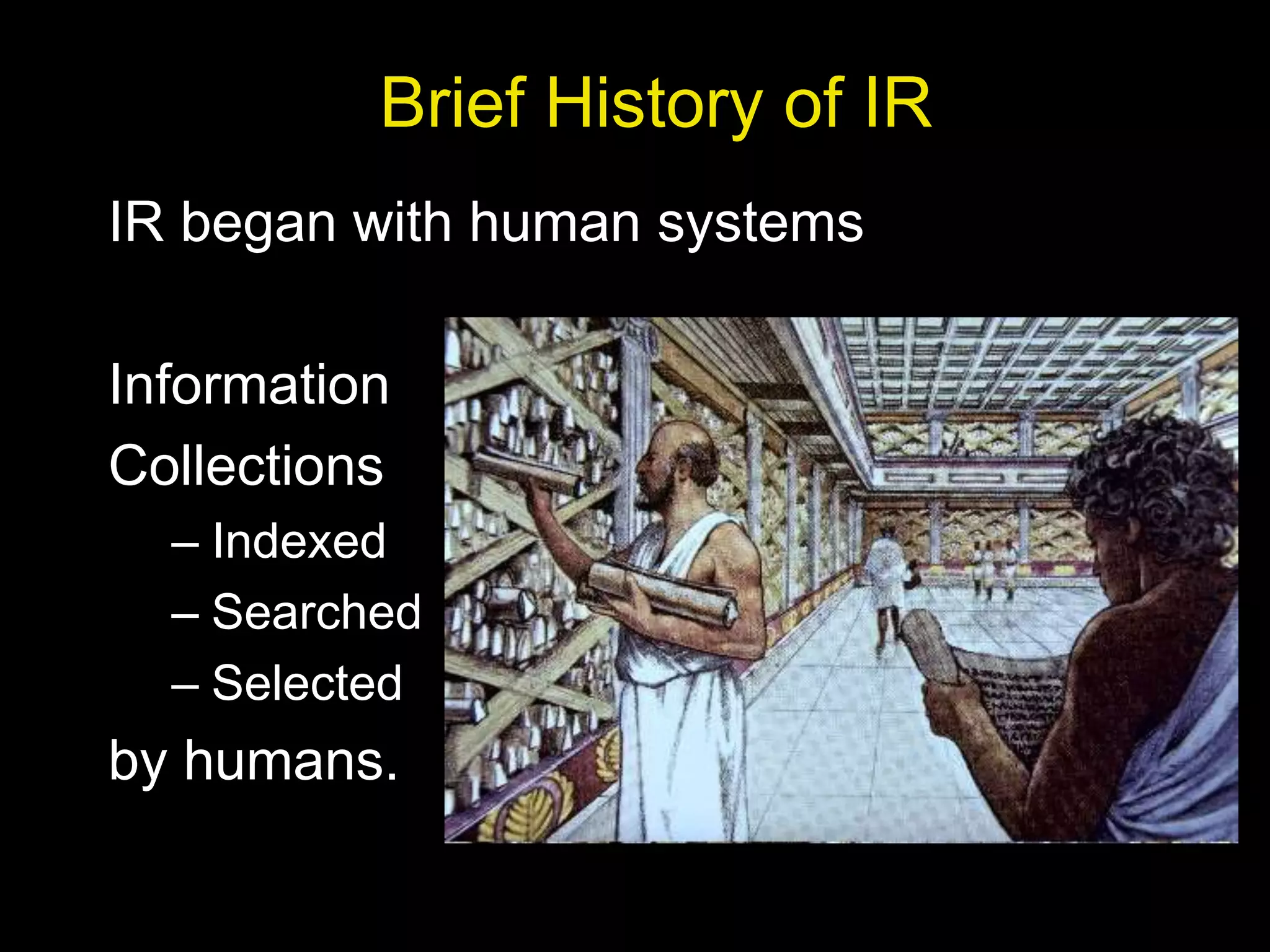
• Data retrieval
– Task: which docs contain a set of
keywords? (think database)
– Well defined semantics
– A single erroneous object implies
failure!
• Information retrieval
– Task: get information about a subject
or topic – task is user’s task rather than system’s task
– Semantics are frequently loose
– Errors are unavoidable and tolerated
• IR system:
– Interpret contents of information items
– Generate a ranking which reflects relevance
– Notion of relevance is most important
Data vs. Information Retrieval
Brief History of IR
IR began with human systems
Information
Collections
– Indexed
– Searched
– Selected
by humans.
Brief History of IR
• IR as a CS field (80s & early 90s):
– classification and
categorization
– systems and
languages
– user interfaces
and visualization
Still, area was seen as of narrow interest
Recent History of IR
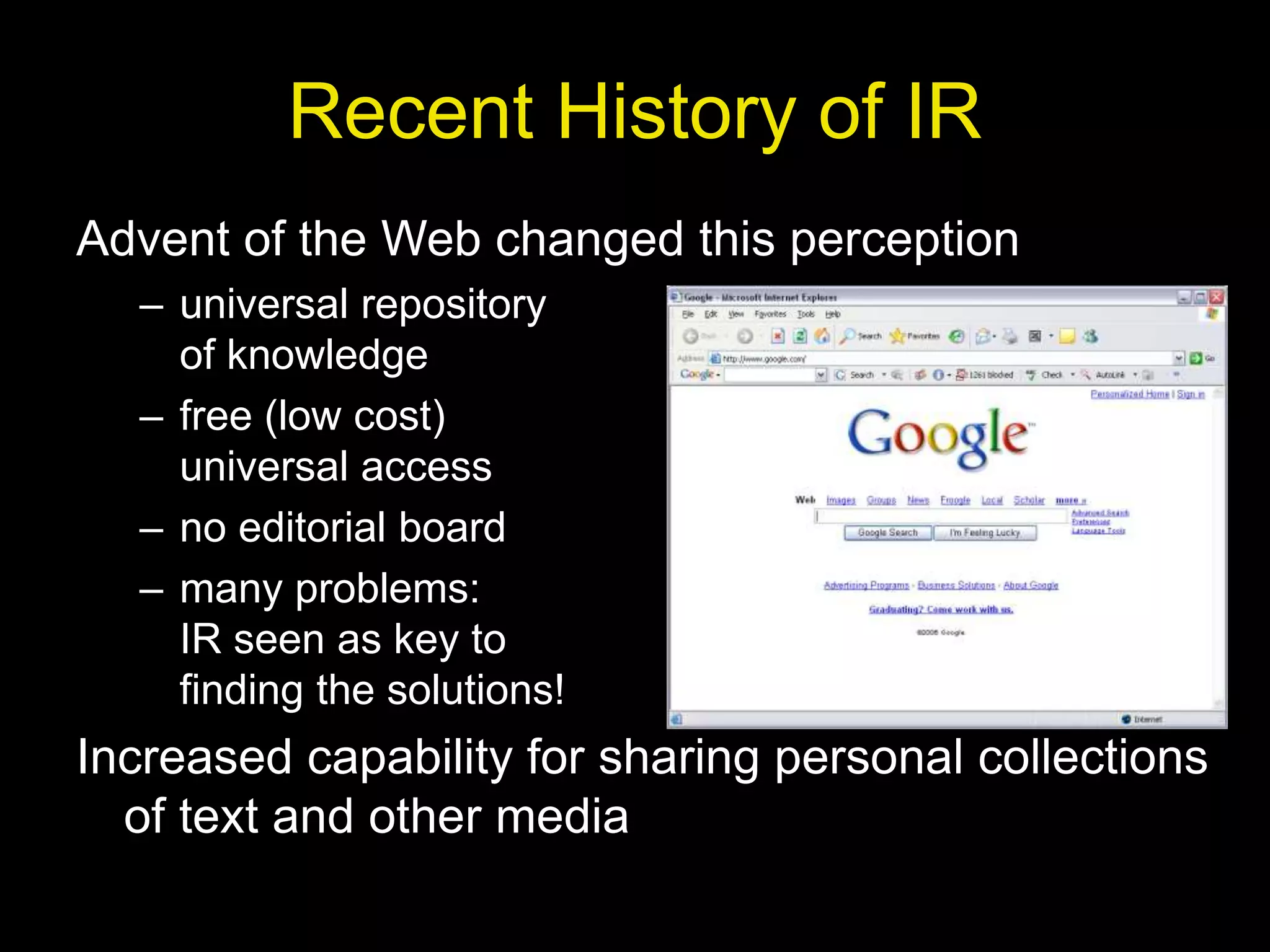
Advent of the Web changed this perception
– universal repository
of knowledge
– free (low cost)
universal access
– no editorial board
– many problems:
IR seen as key to
finding the solutions!
Increased capability for sharing personal collections
of text and other media
Basic Concepts:
Effective retrieval of relevant information
are directly affected by
1. The User Task
– Retrieval
• information or data
• precise request, purposeful
– Browsing
• glancing around
• navigation through associations
Retrieval
Browsing
Database
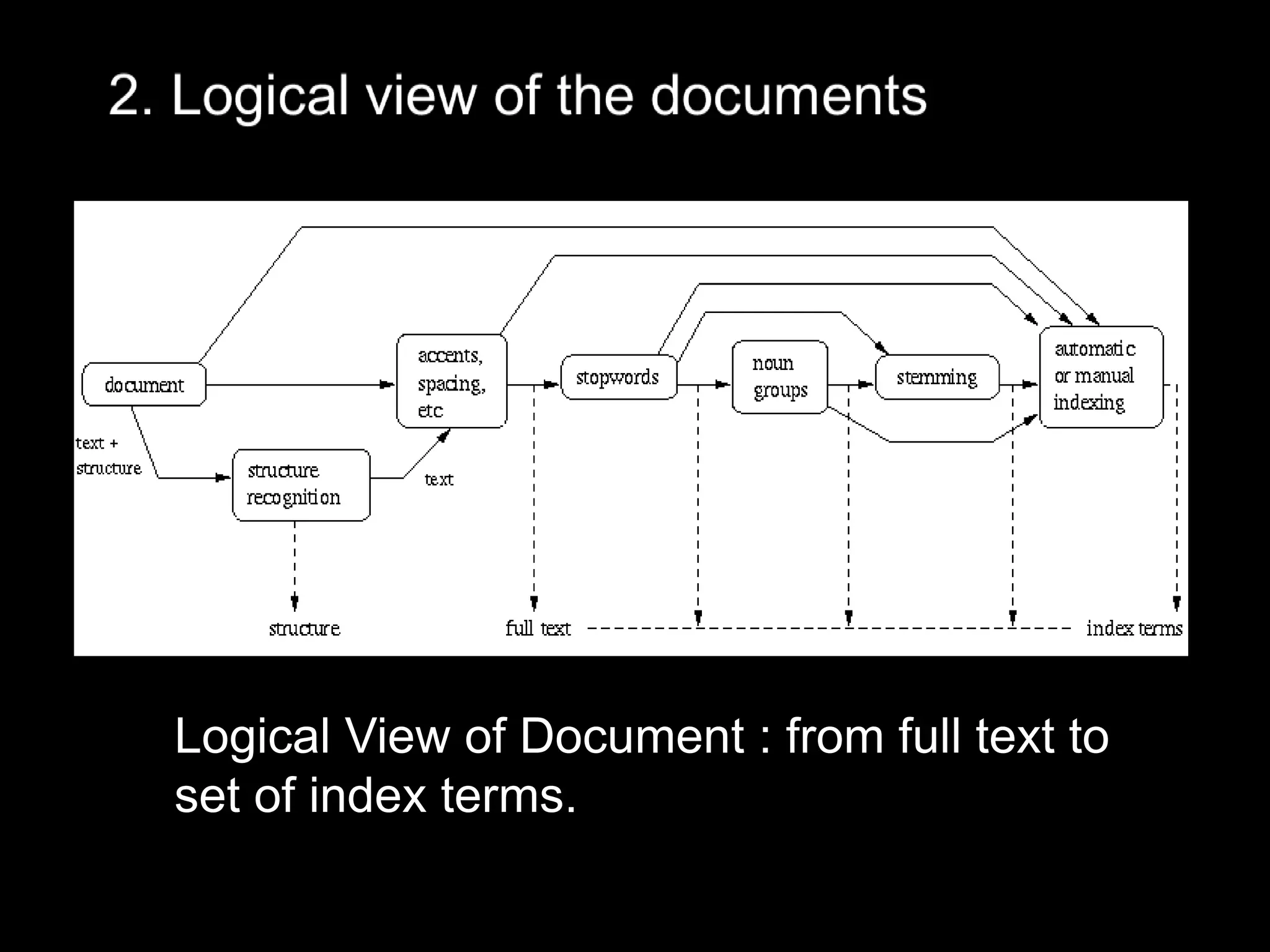
Logical View of Document : from full text to
set of index terms.
User
Interface
Content Processing & Operations
Query
Operations Indexing
Searching
Ranking
Index
Content
query
user
need
user
feedback
ranked
docs
retrieved
docs
logical
view
logical view
inverted file
DB Manager
Module
Content
Database
Content
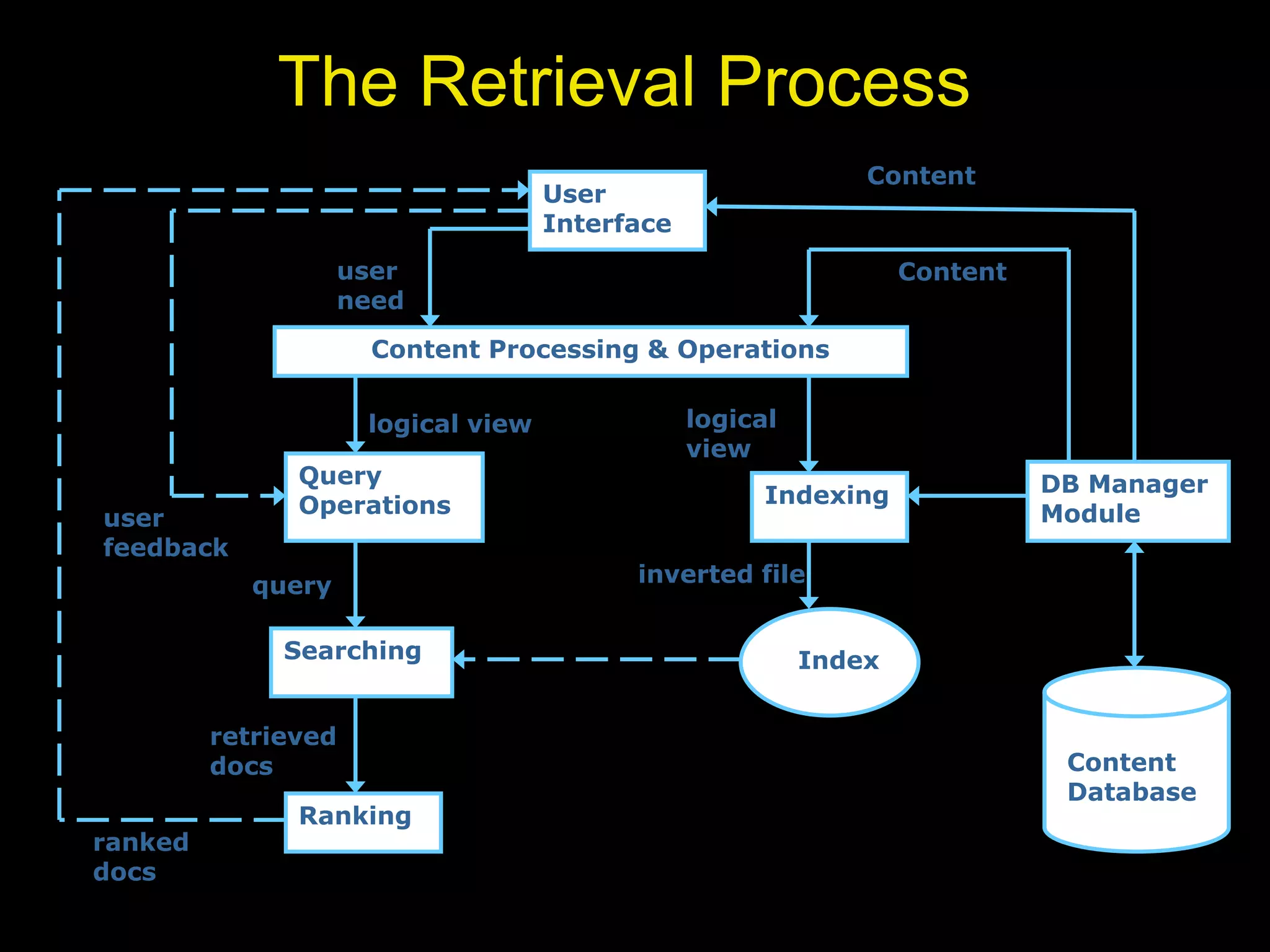
The Retrieval Process

M1-C1.ppt

  • 1.
  • 2.
    Information Retrieval Concerned withthe: • Representation • Storage • Organization of, and • Access to Information items.
  • 3.
    Motivation • Focus ison the user information need • Example user information need: – Find all docs containing information on college tennis teams which: (1) are maintained by a USA university and (2) participate in the NCAA tournament. • Emphasis is on the retrieval of information (not data)
  • 4.
    • Data retrieval –Task: which docs contain a set of keywords? (think database) – Well defined semantics – A single erroneous object implies failure! • Information retrieval – Task: get information about a subject or topic – task is user’s task rather than system’s task – Semantics are frequently loose – Errors are unavoidable and tolerated • IR system: – Interpret contents of information items – Generate a ranking which reflects relevance – Notion of relevance is most important Data vs. Information Retrieval
  • 5.
    Brief History ofIR IR began with human systems Information Collections – Indexed – Searched – Selected by humans.
  • 6.
    Brief History ofIR • IR as a CS field (80s & early 90s): – classification and categorization – systems and languages – user interfaces and visualization Still, area was seen as of narrow interest
  • 7.
    Recent History ofIR Advent of the Web changed this perception – universal repository of knowledge – free (low cost) universal access – no editorial board – many problems: IR seen as key to finding the solutions! Increased capability for sharing personal collections of text and other media
  • 8.
    Basic Concepts: Effective retrievalof relevant information are directly affected by 1. The User Task – Retrieval • information or data • precise request, purposeful – Browsing • glancing around • navigation through associations Retrieval Browsing Database
  • 9.
    Logical View ofDocument : from full text to set of index terms.
  • 10.
    User Interface Content Processing &Operations Query Operations Indexing Searching Ranking Index Content query user need user feedback ranked docs retrieved docs logical view logical view inverted file DB Manager Module Content Database Content The Retrieval Process