Download as PDF, PPTX
![Insert your department logo
here using the logo{}
command.
The LUH logo is copyrighted, so you
must include it manually using the
unilogo{} command.
Some Presentation Title That’s Long Enough To
Need Two Lines
Use titleimage{something}
to place your image here, e.g.:
titleimage{includegraphics
[width=0.6paperwidth]{my-photo}}
Dr. Gordon Freeman](https://image.slidesharecdn.com/example-150128205318-conversion-gate02/75/LUH-Beamer-1-2048.jpg)
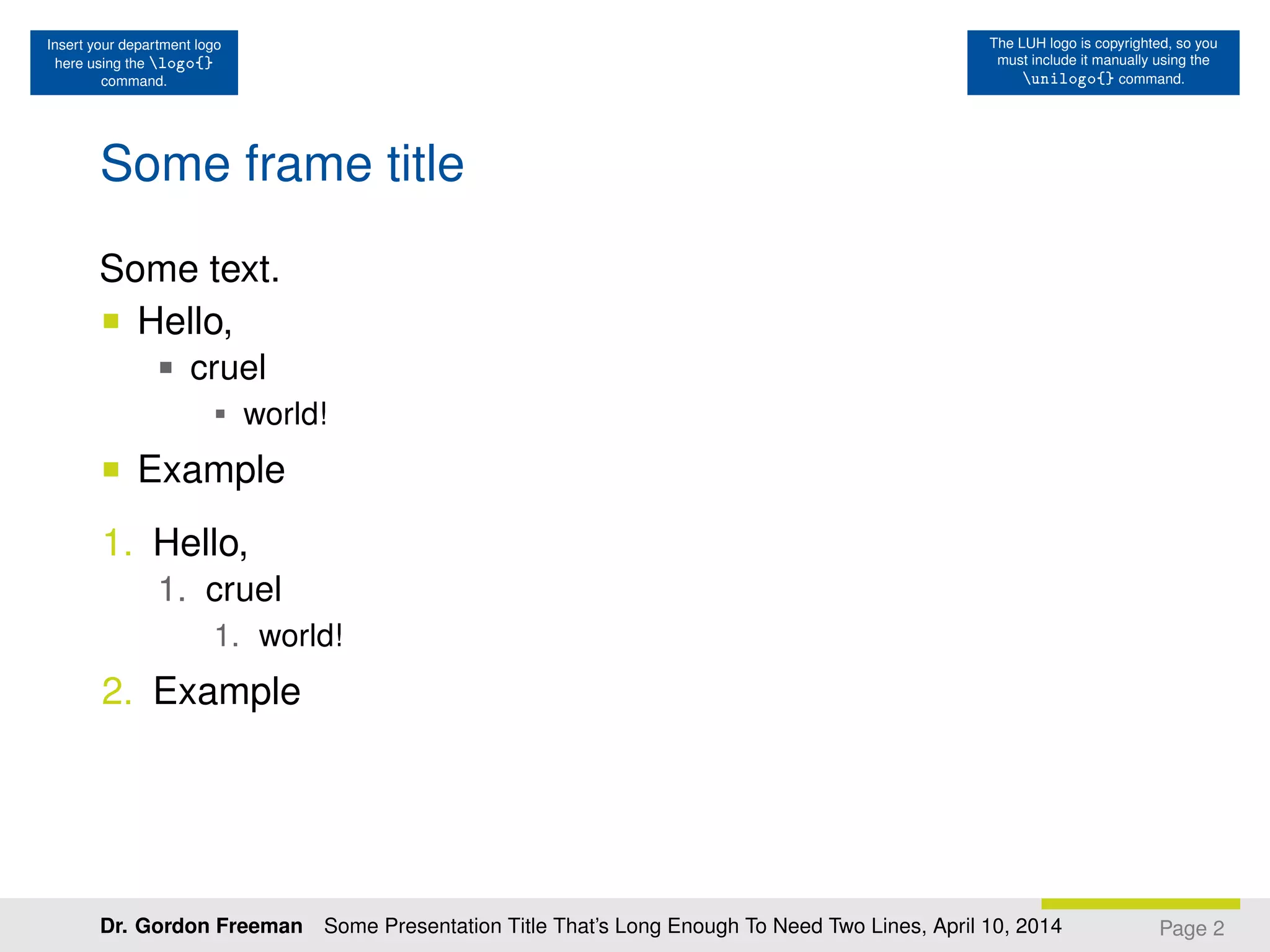
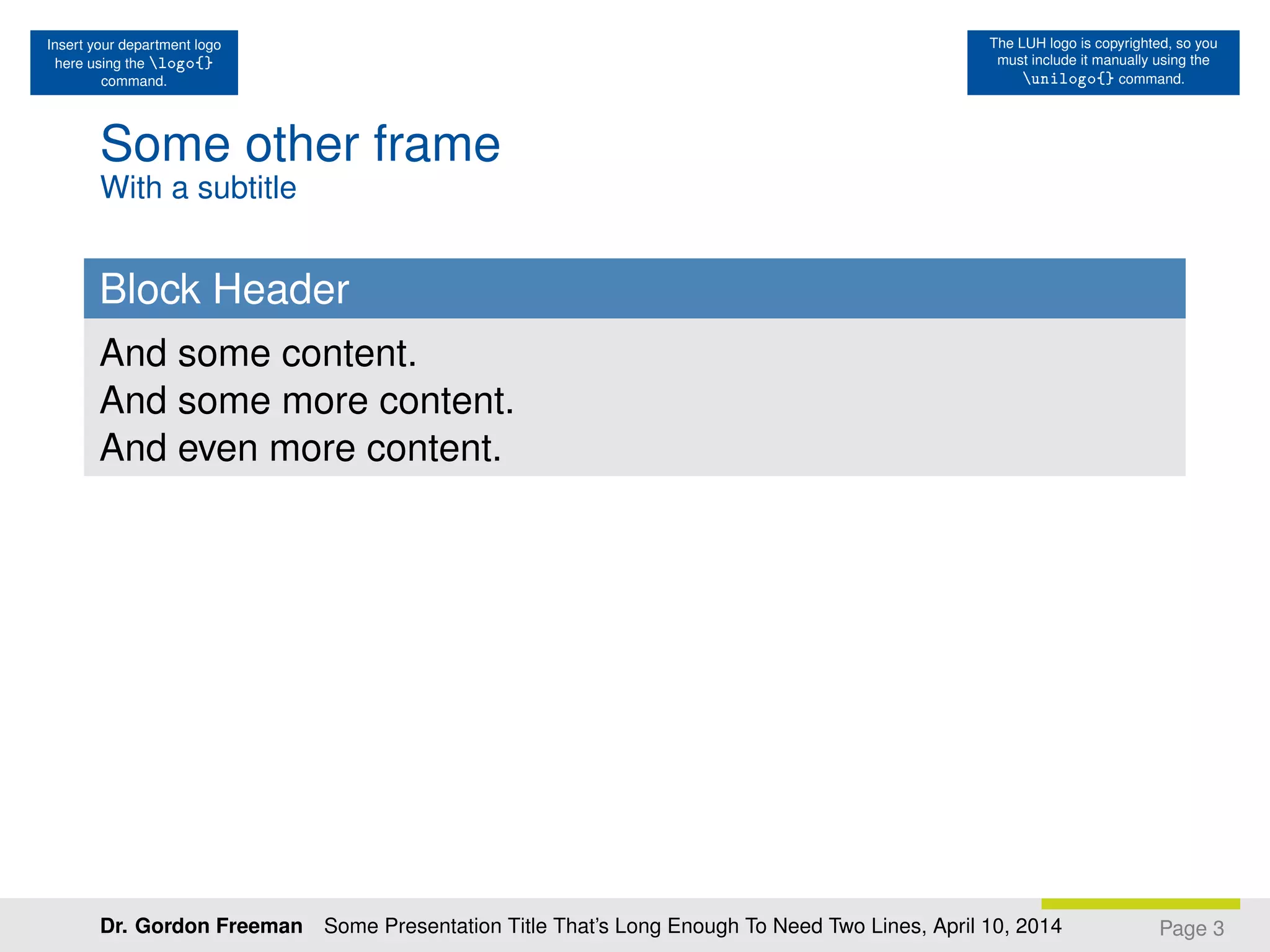

The document provides instructions for formatting a presentation in LaTeX, including inserting logos and images, setting the title, and formatting slide content. It demonstrates using commands like \logo, \unilogo, \titleimage to add elements to the slides. The sample presentation spans 3 pages and includes examples of different slide elements like frames, headers, and content.


