Download to read offline

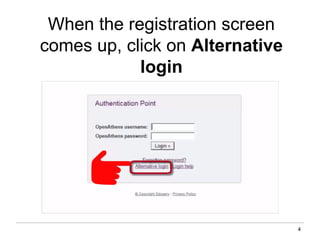
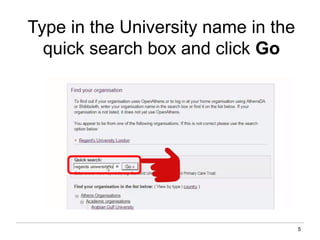
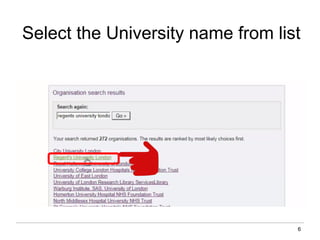
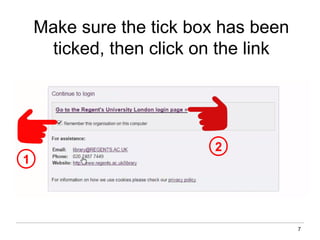
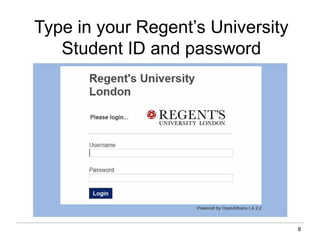
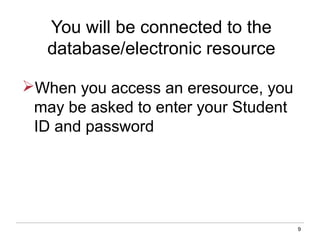
Logging on via OpenAthens allows students at Regents University London to access electronic resources both on and off campus. When accessing an electronic resource, students should login using their OpenAthens account by entering their student ID and password. If students have any other questions about OpenAthens or accessing electronic resources, they should contact the library team via email, phone, or Twitter for assistance.


