Little Hands in the Computer Lab Introducing pre-touch-typing skills to kindergarten and first grade classes (Photos deleted to protect student privacy. )
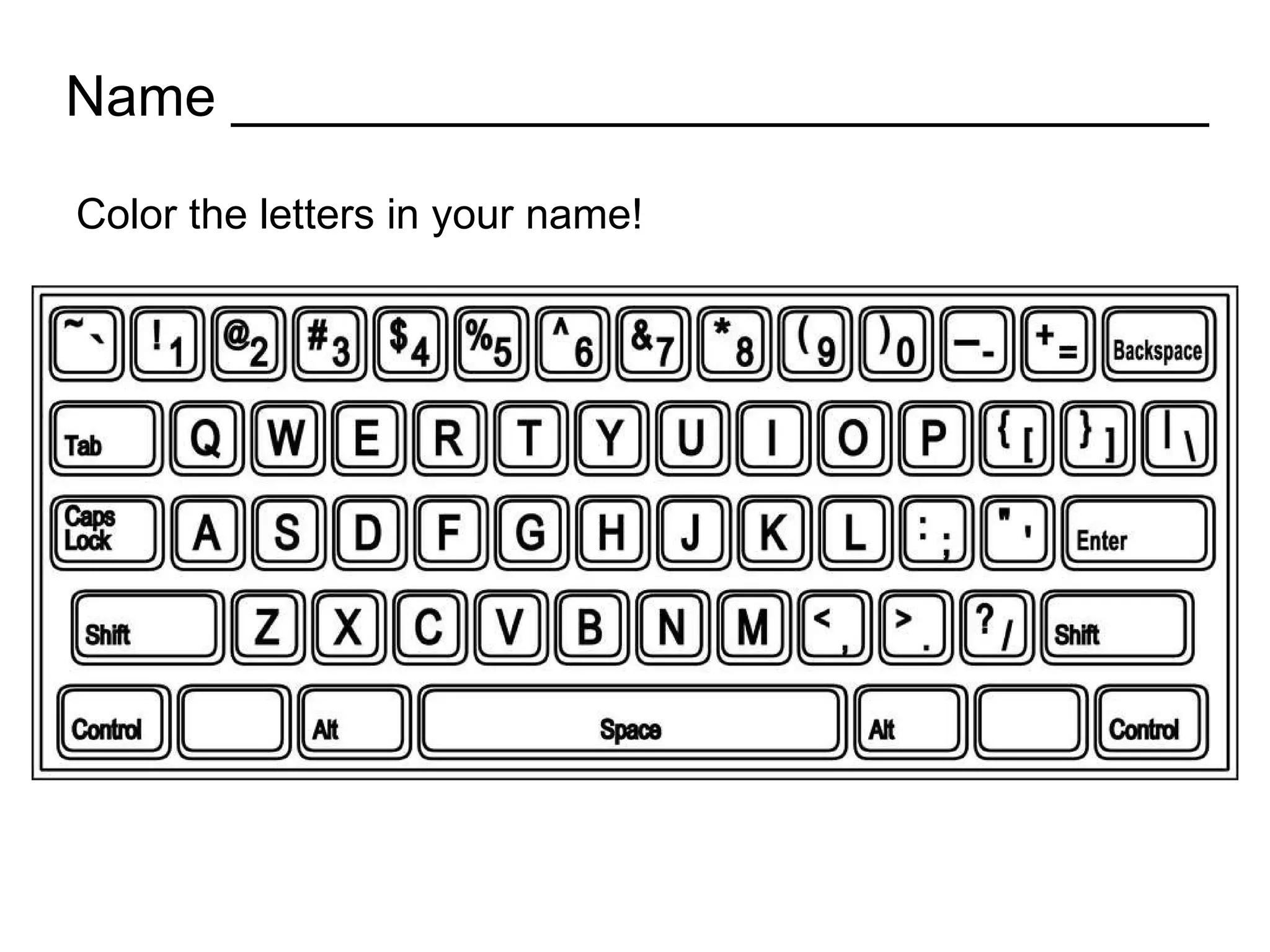
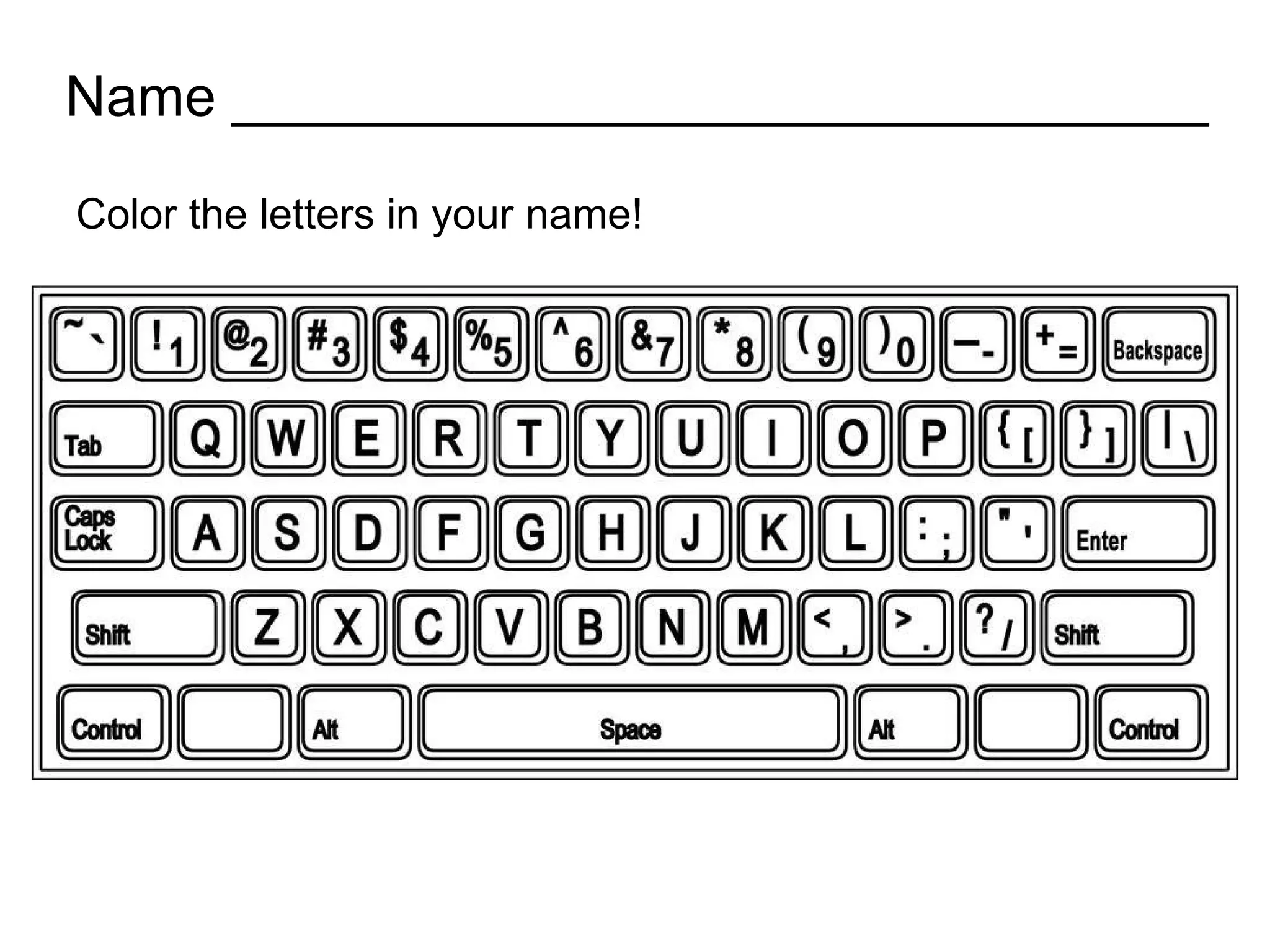
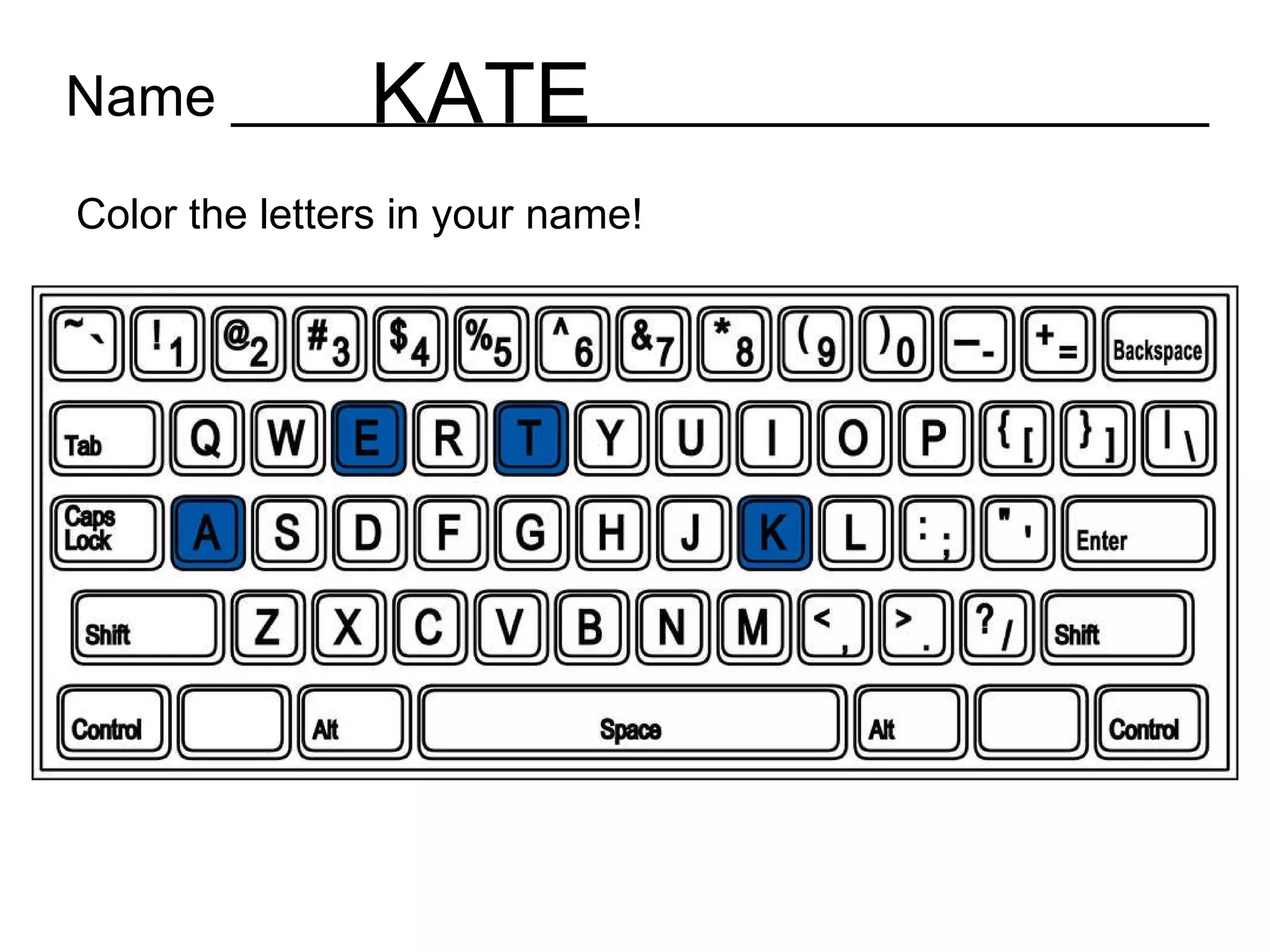
Name _______________________________ Color the letters in your name!
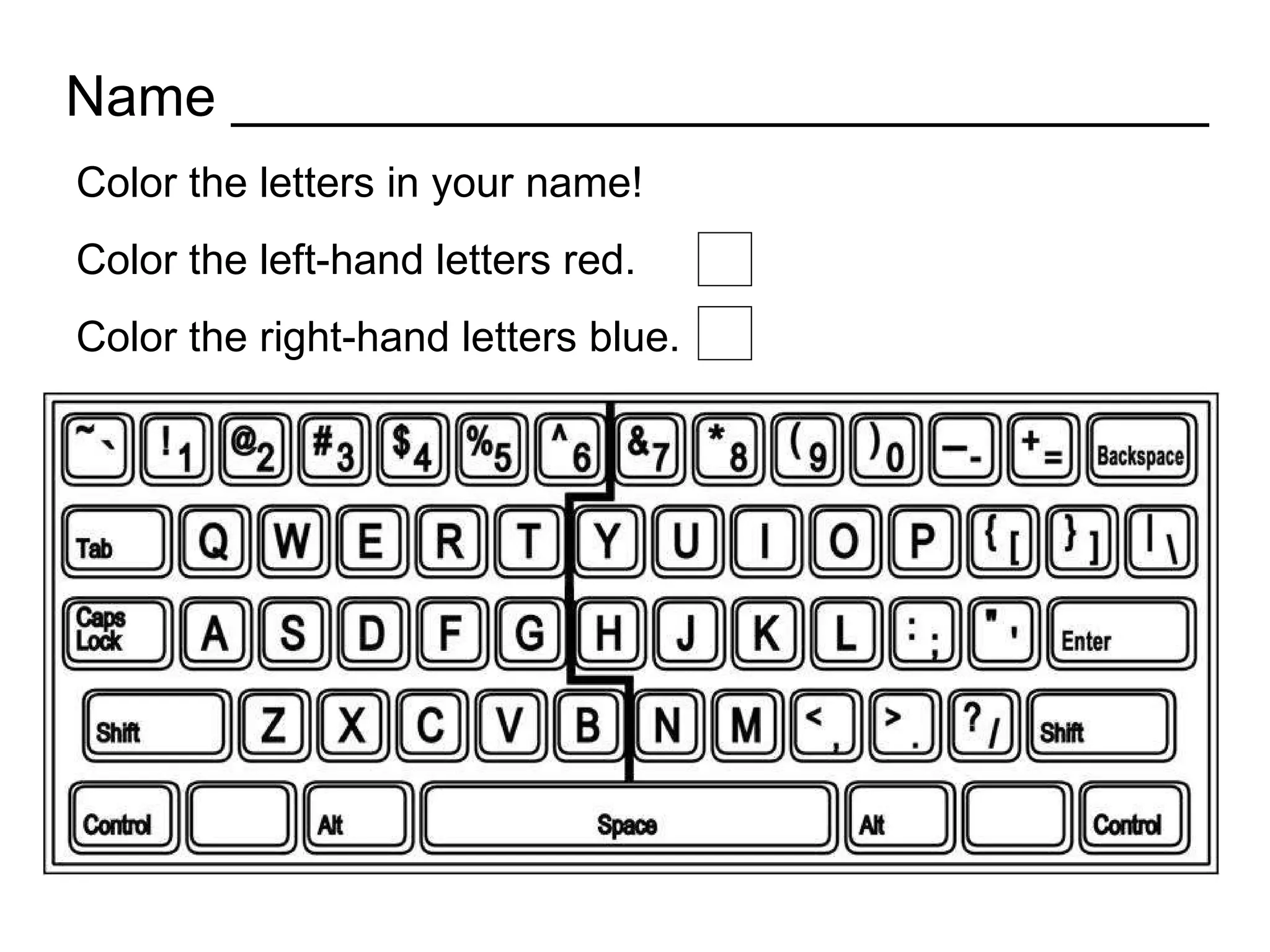
Name _______________________________ Color the letters in your name! Color the left-hand letters red. Color the right-hand letters blue.
Many curriculum choices for older elementary students. But few for kindergarten and first grade.
Challenges faced by early elementary students in the computer lab:
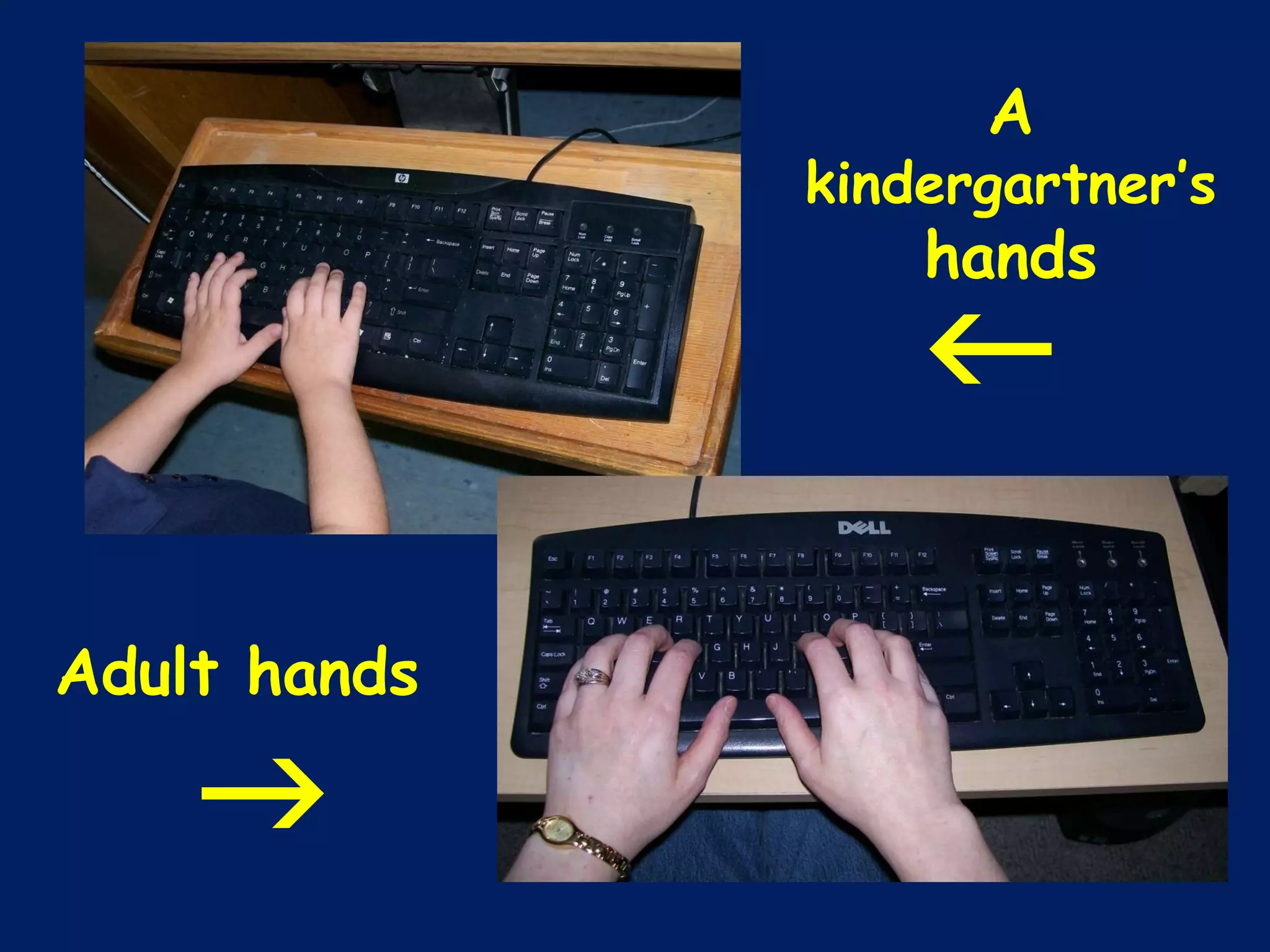
size
A  kindergartner’s  hands Adult hands  
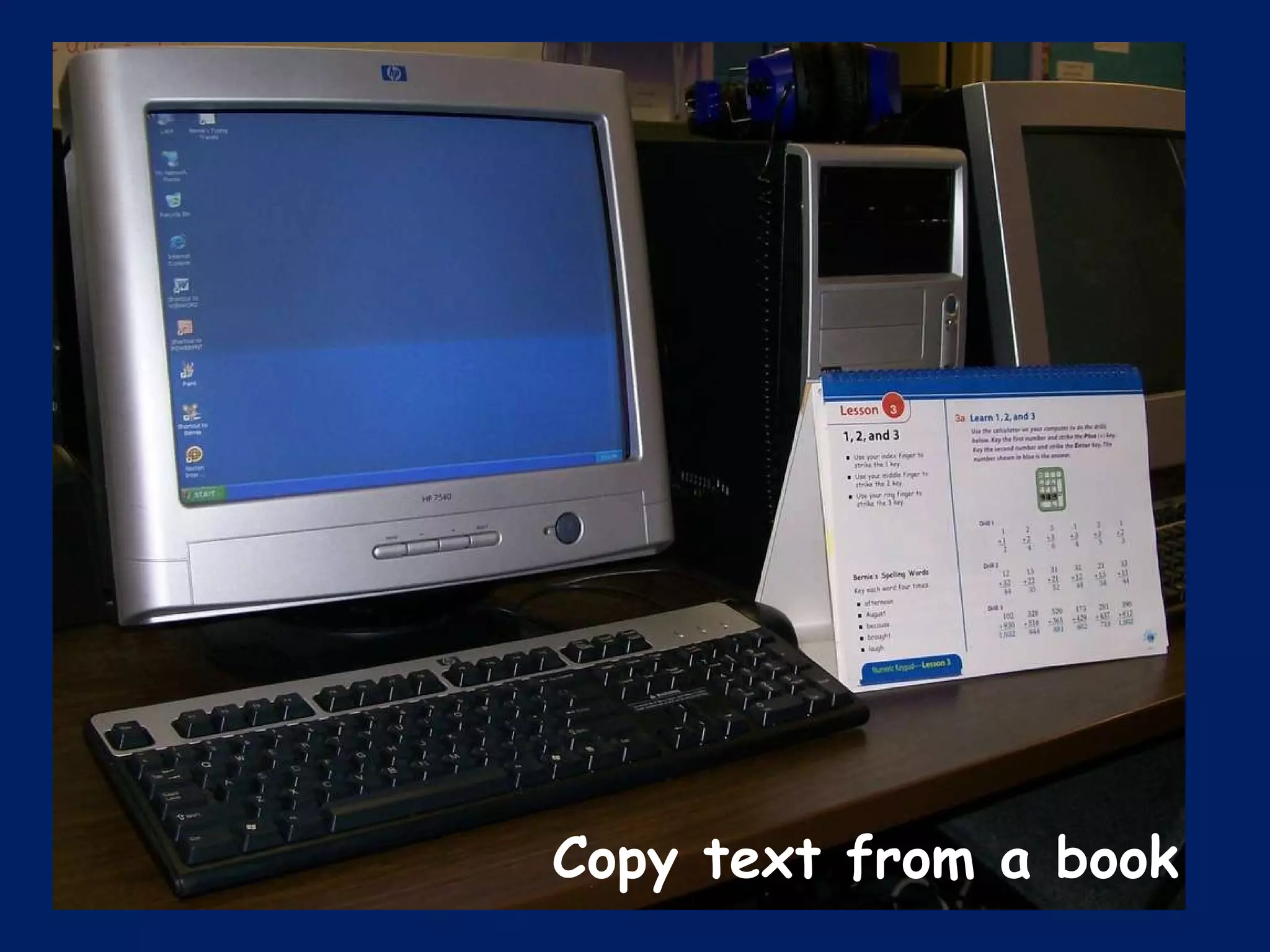
Copy text from a book
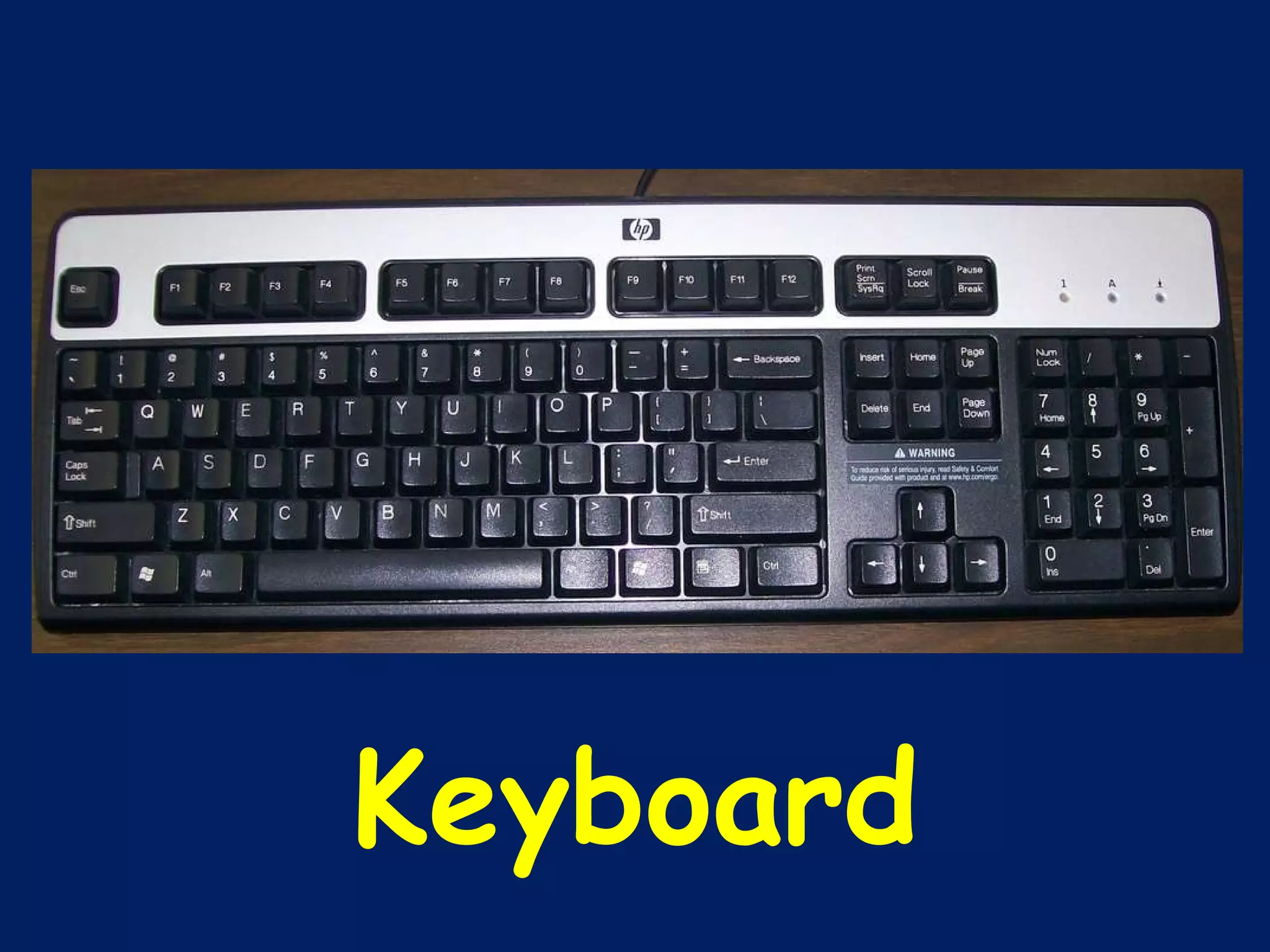
Keyboard
Lack of experience.
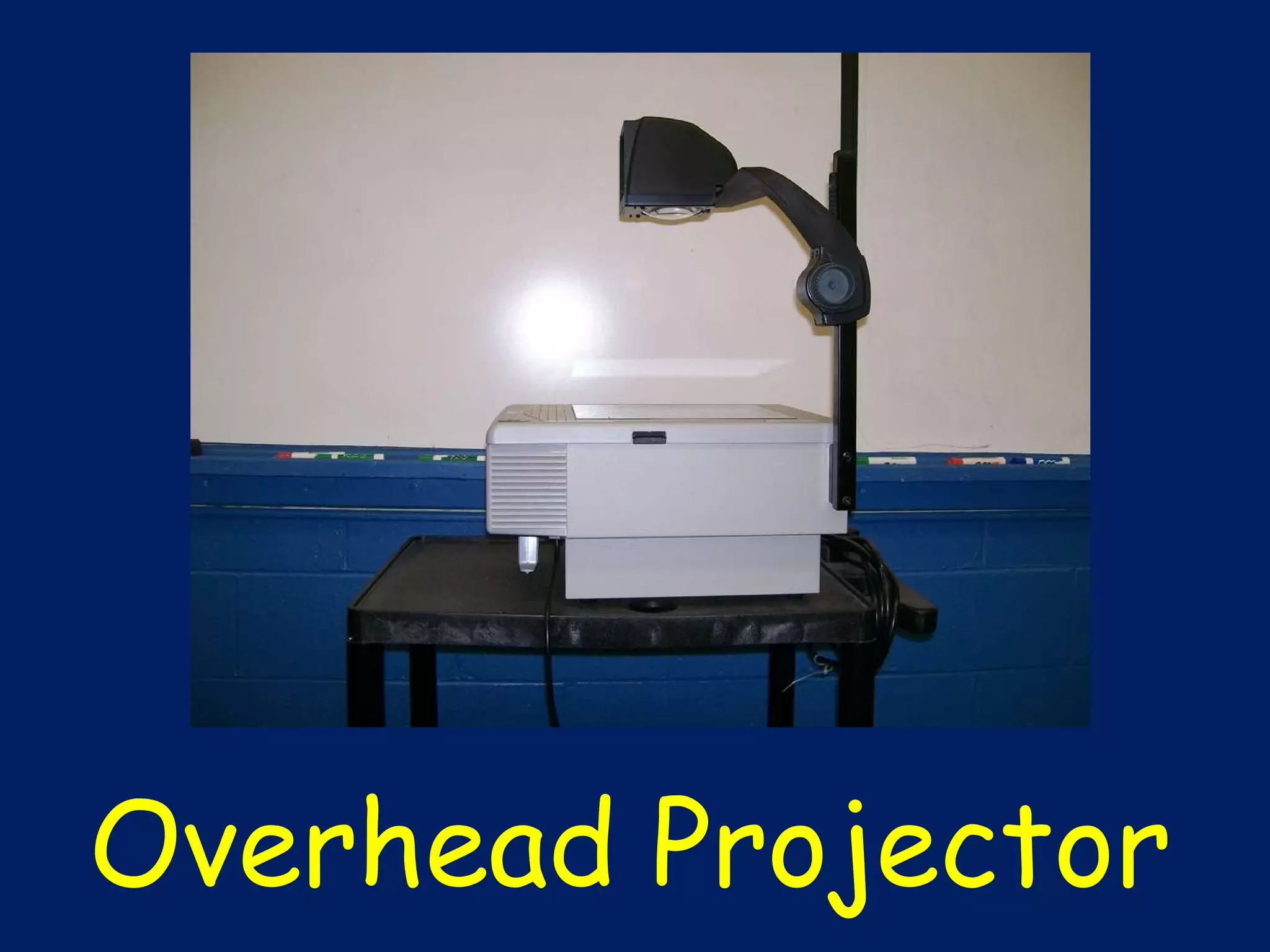
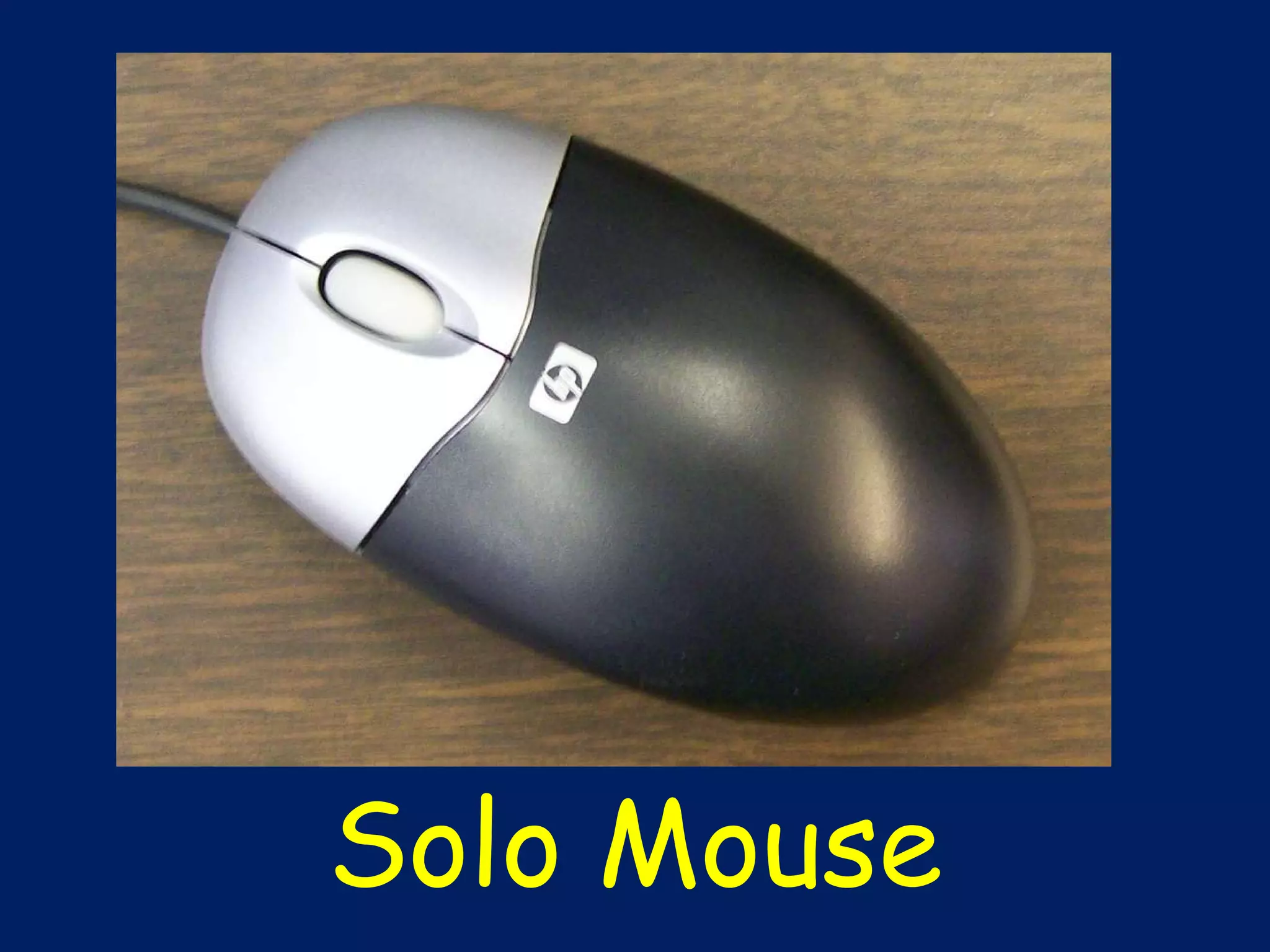
Tools I use
Overhead Projector
 
Solo Mouse
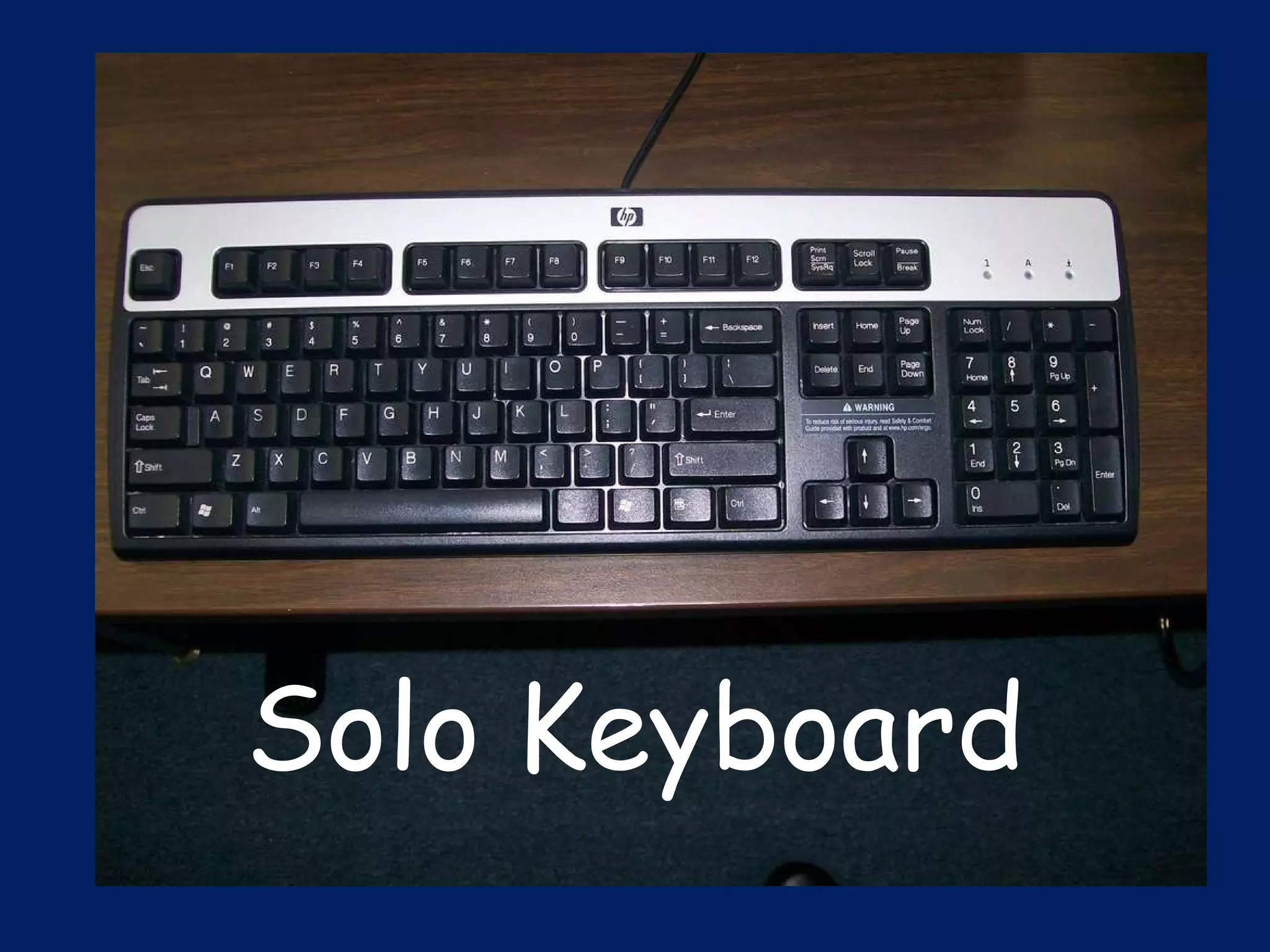
Solo Keyboard
POSTURE
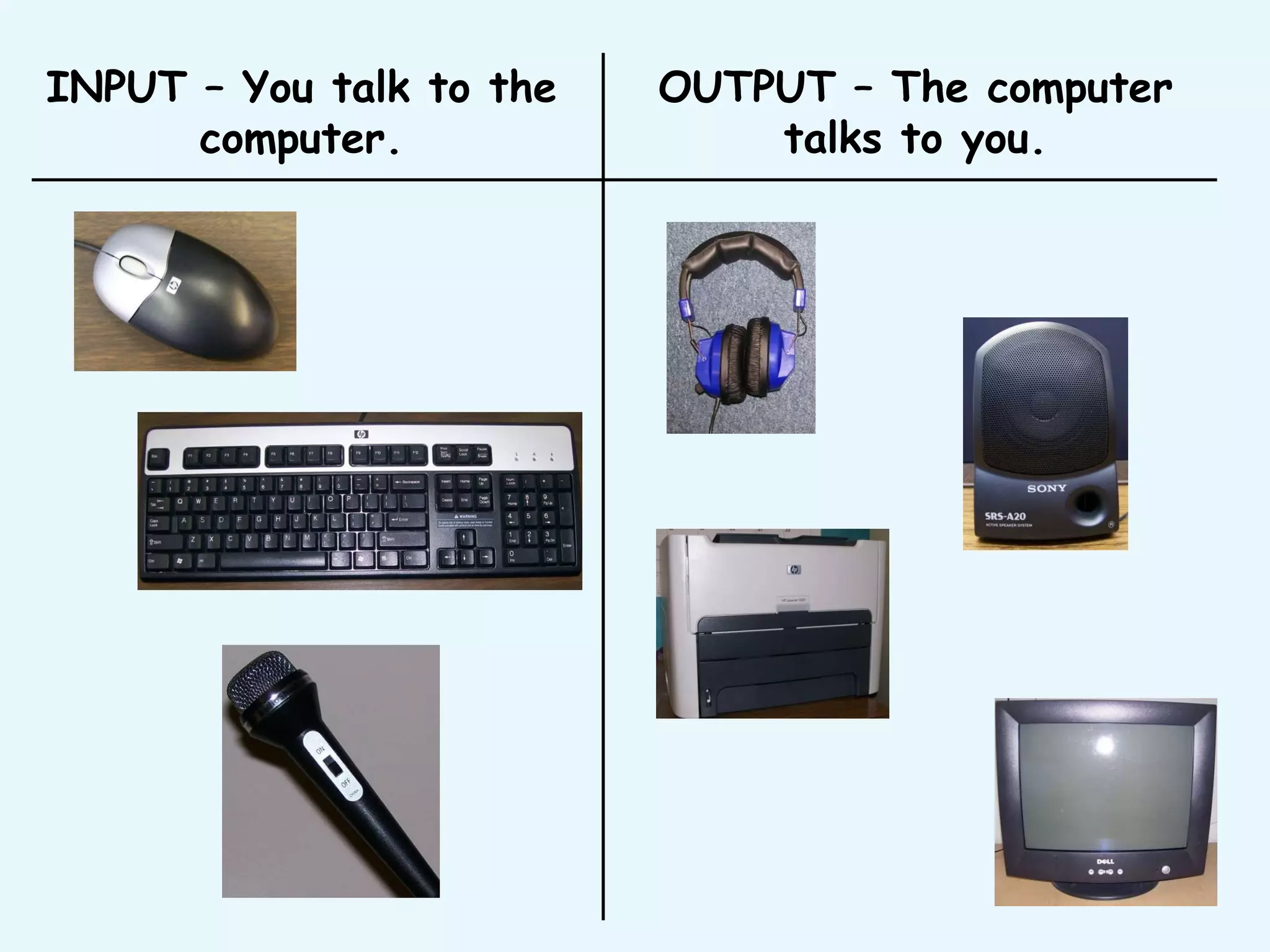
INPUT – You talk to the computer. OUTPUT – The computer talks to you.
Develop our MOUSE SKILLS
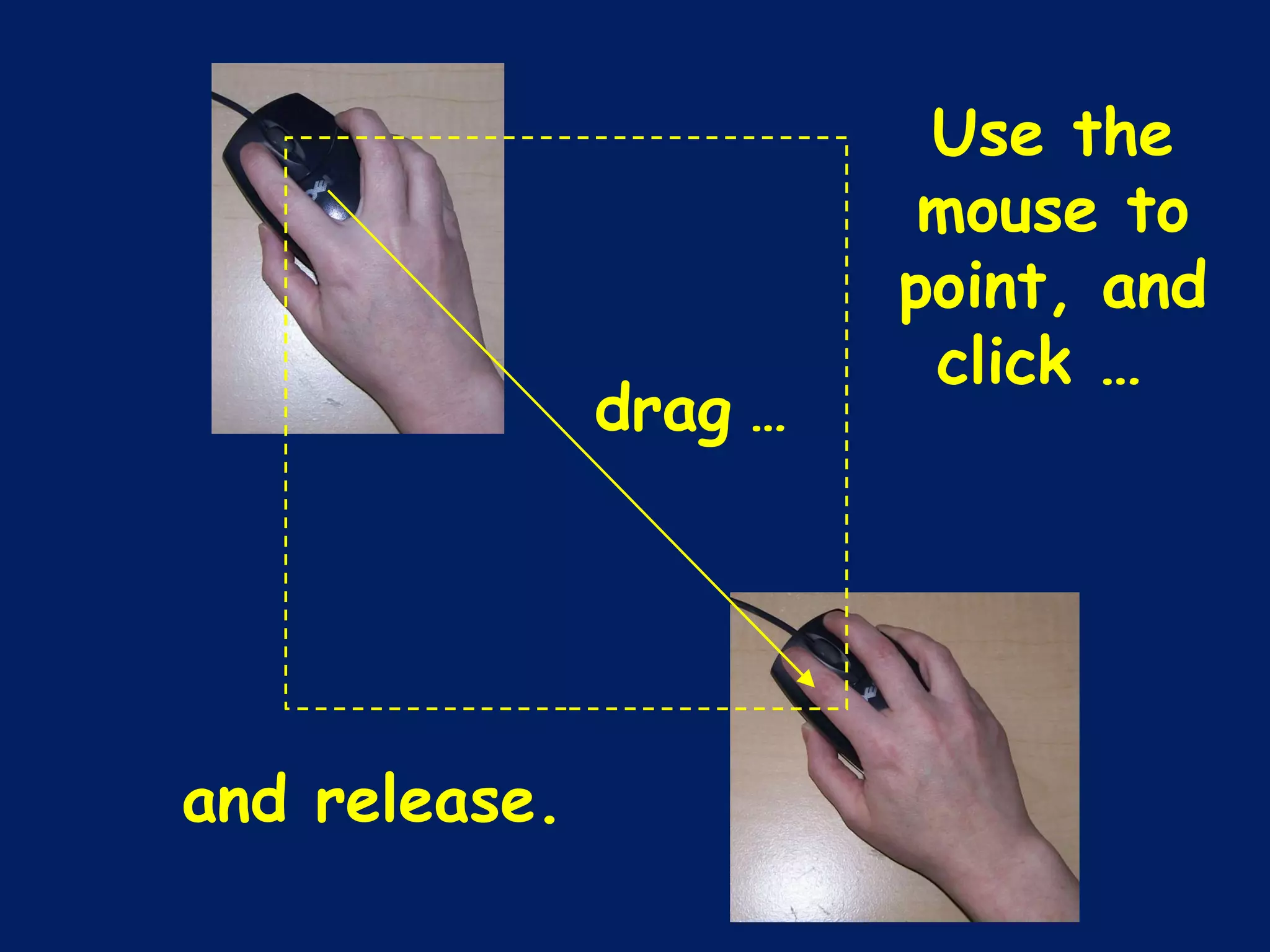
Use the mouse to point, and click …  drag   … and release.
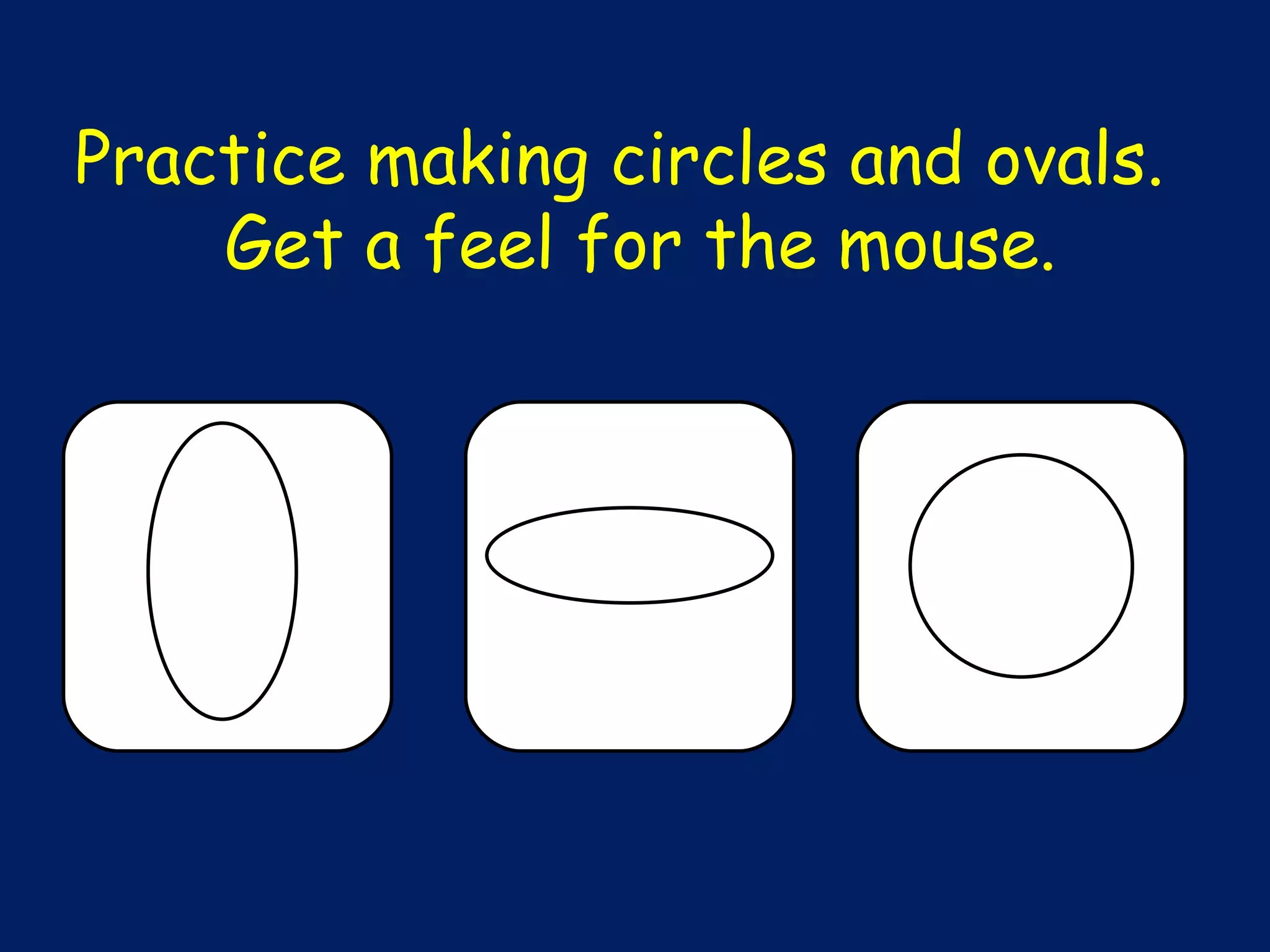
Practice making circles and ovals.  Get a feel for the mouse.
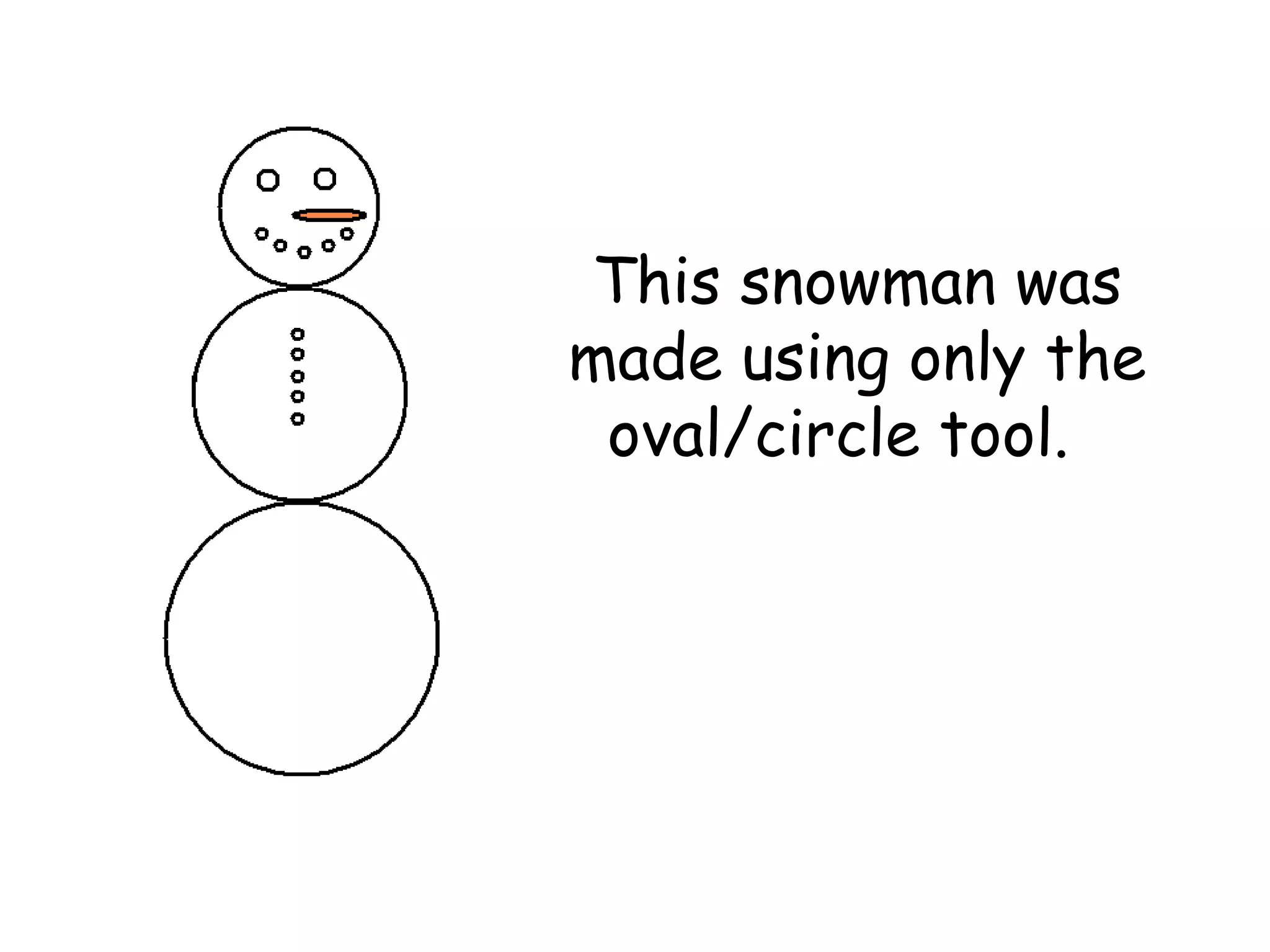
This snowman was made using only the oval/circle tool.
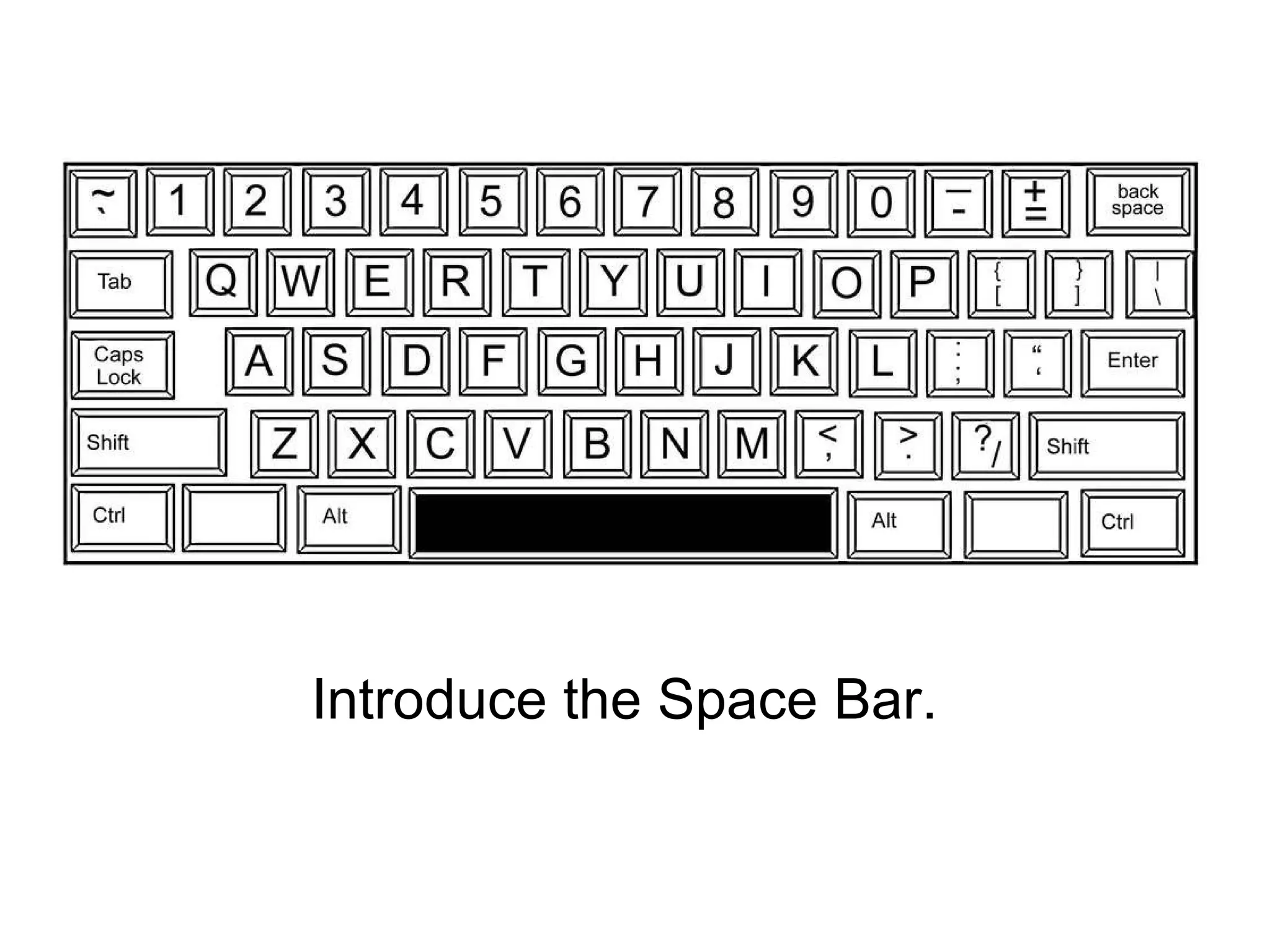
Introduce the Space Bar.
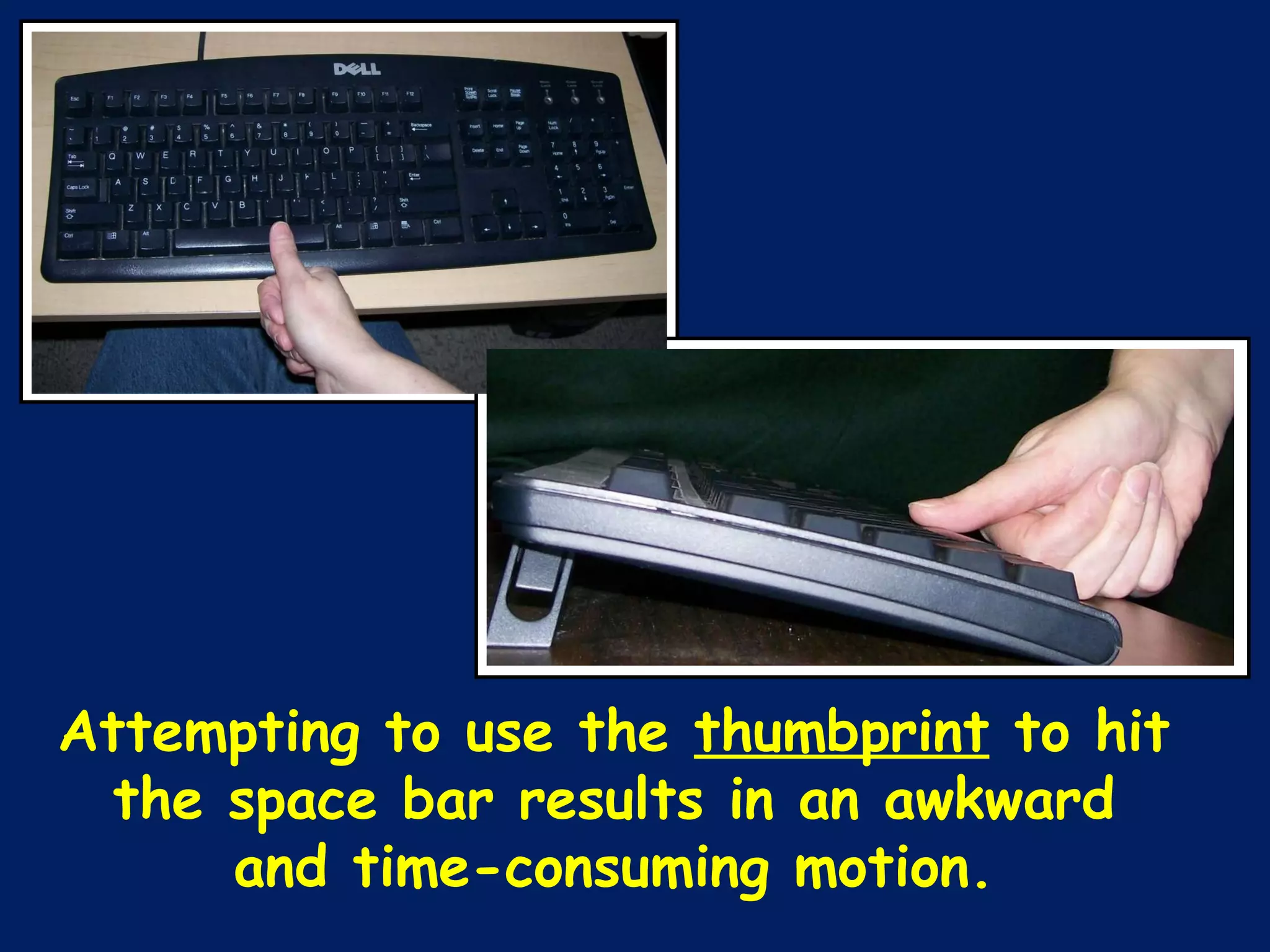
Attempting to use the  thumbprint  to hit the space bar results in an awkward and time-consuming motion.
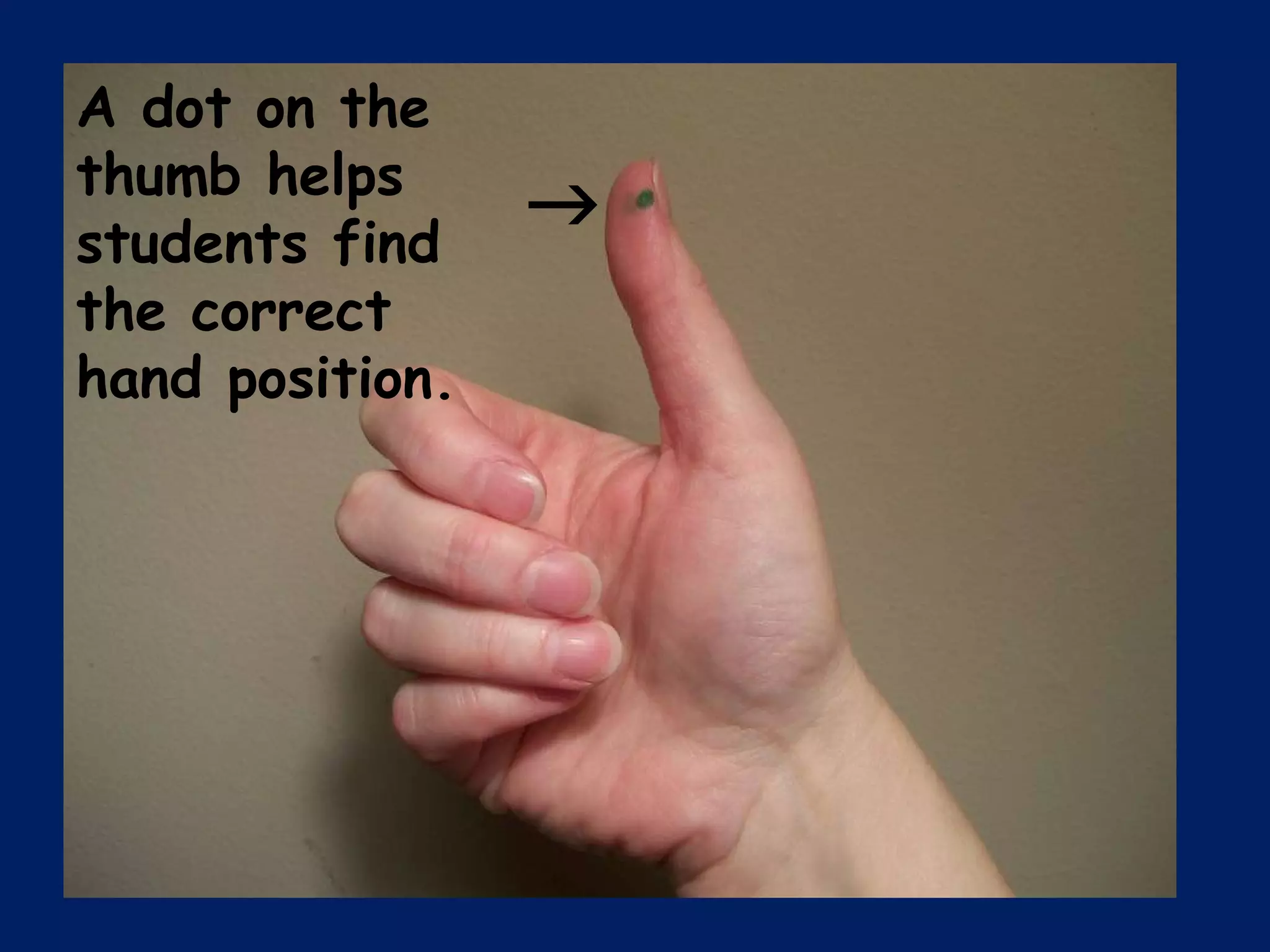
 A dot on the thumb helps students find the correct hand position.
What does QWERTY mean?
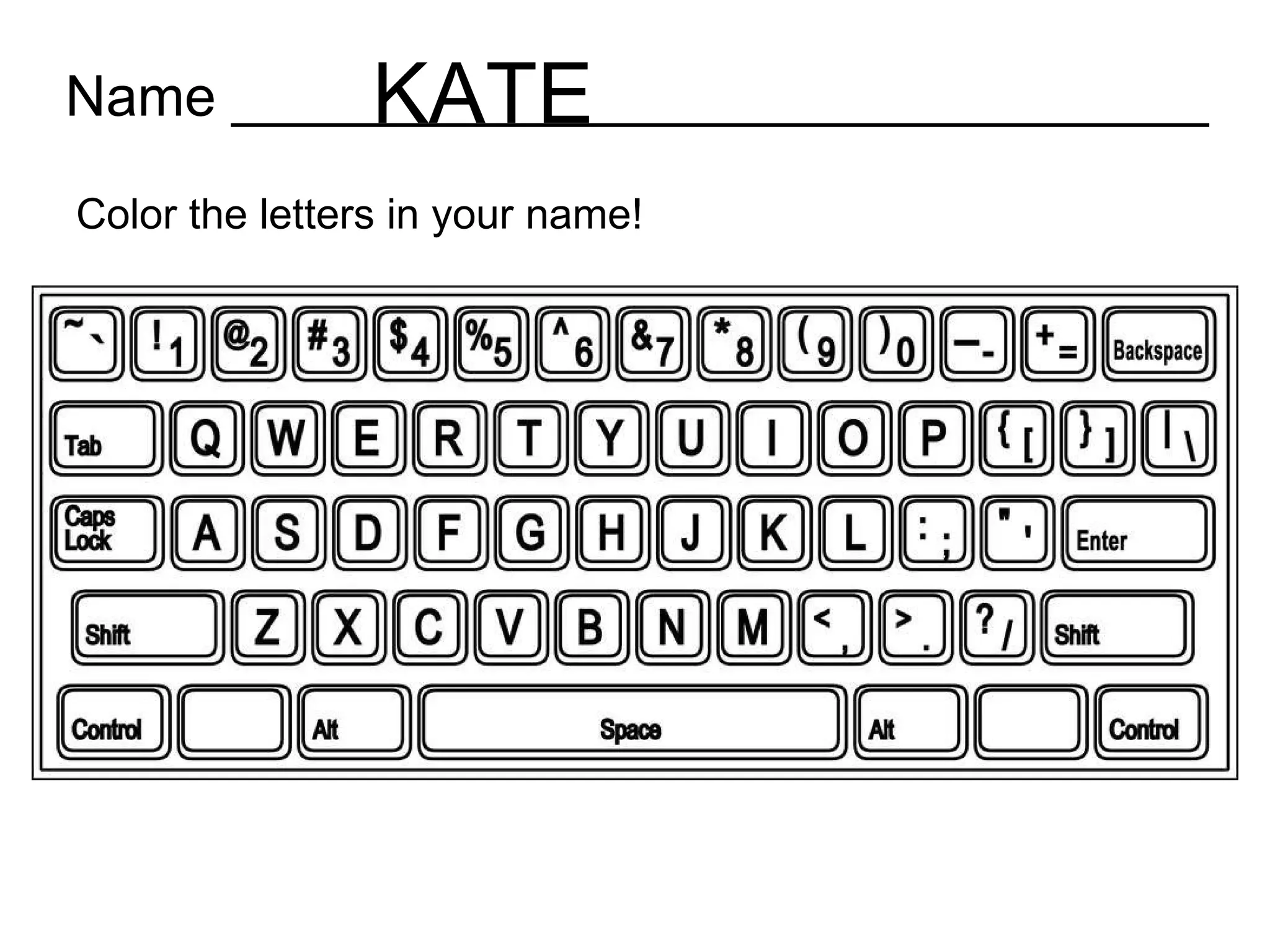
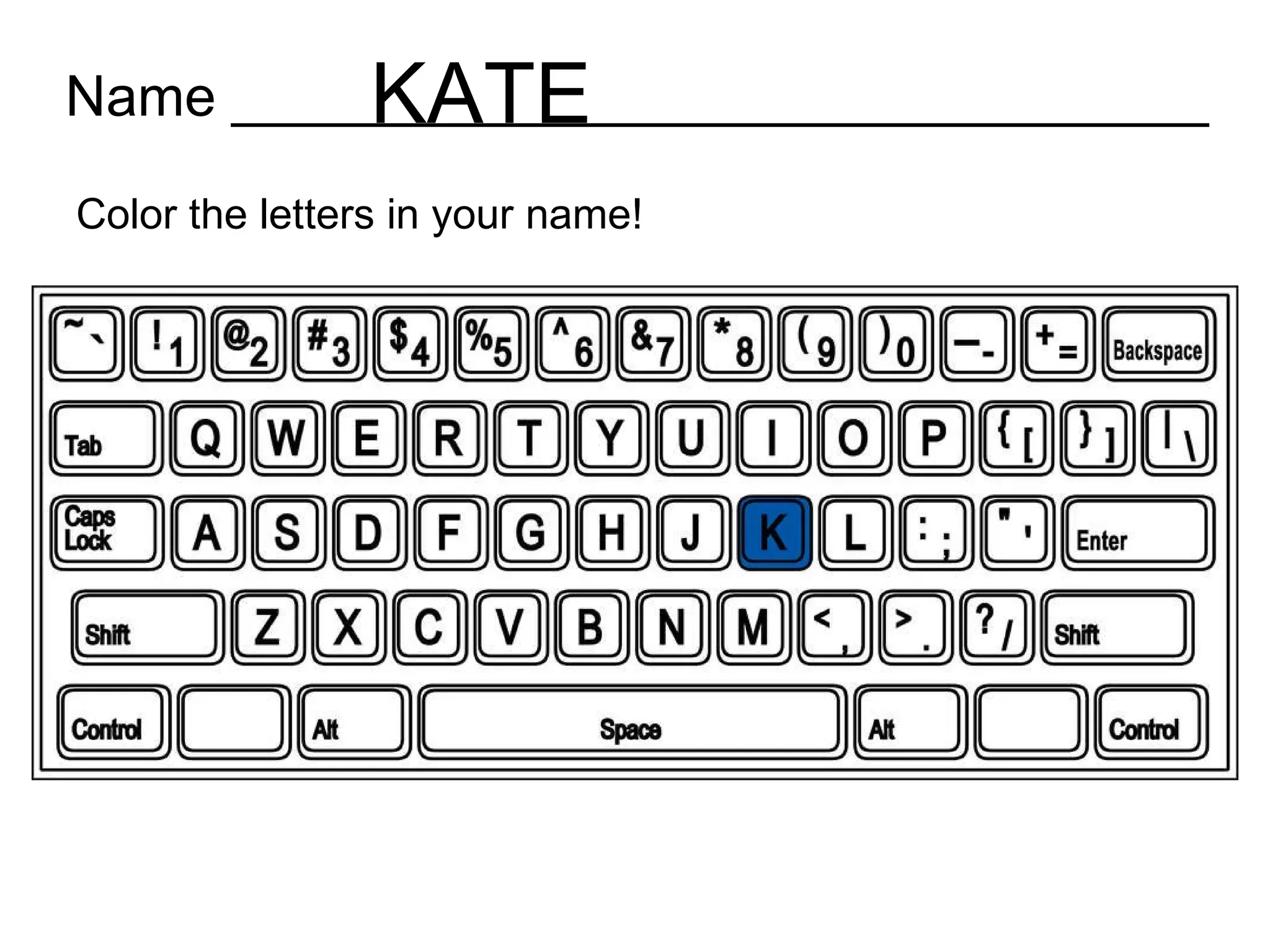
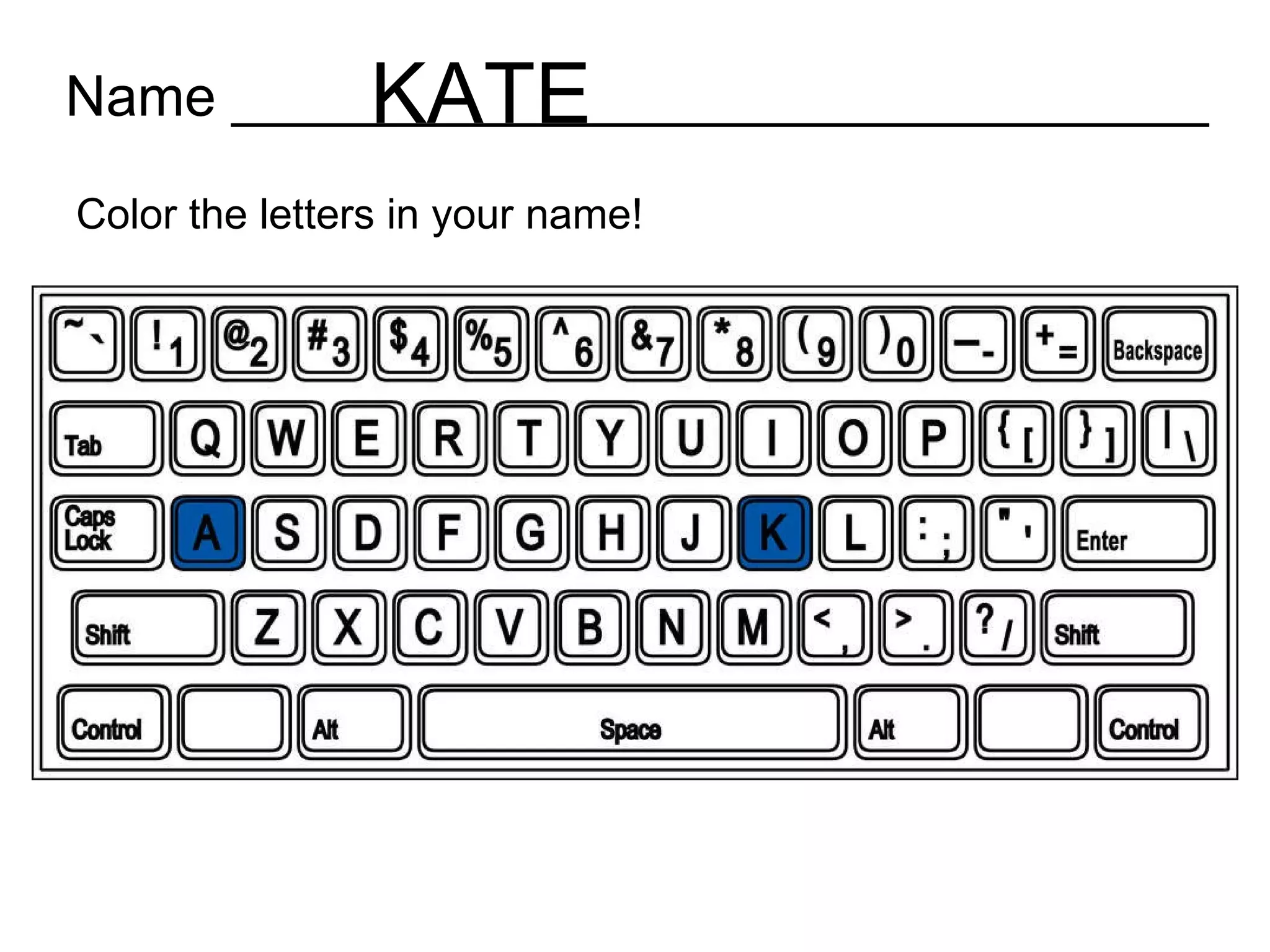
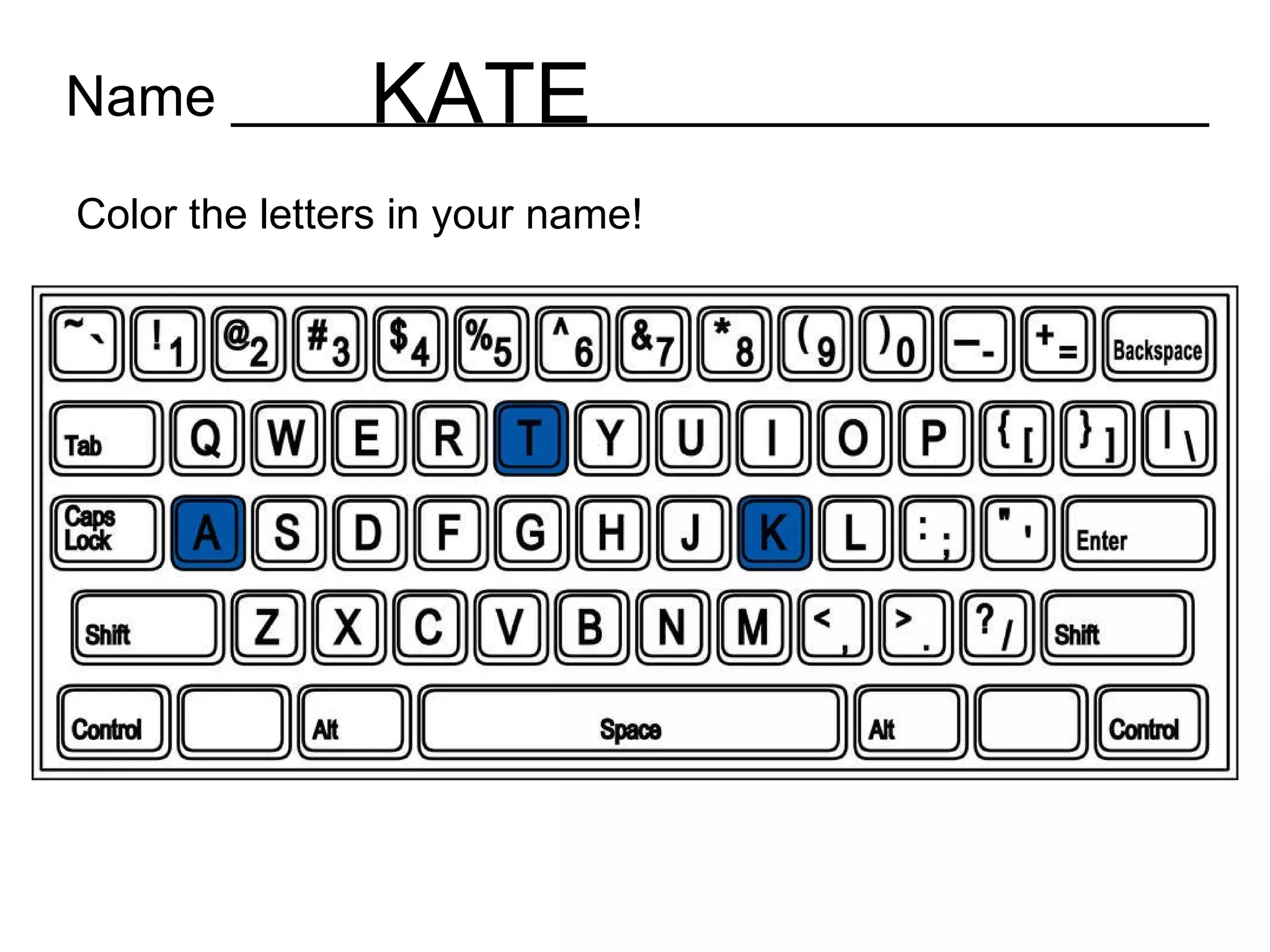
Name _______________________________ Color the letters in your name!
Name _______________________________ Color the letters in your name! KATE
Why the emphasis on typing the student’s name? Recognizing one’s own name in print is an Indiana state standard for kindergarten. Cross curricular activities reinforce the skill. Students can type names and use that as on-screen text for other lessons without having to follow book text.
Backspace and Delete
Anchoring hands!
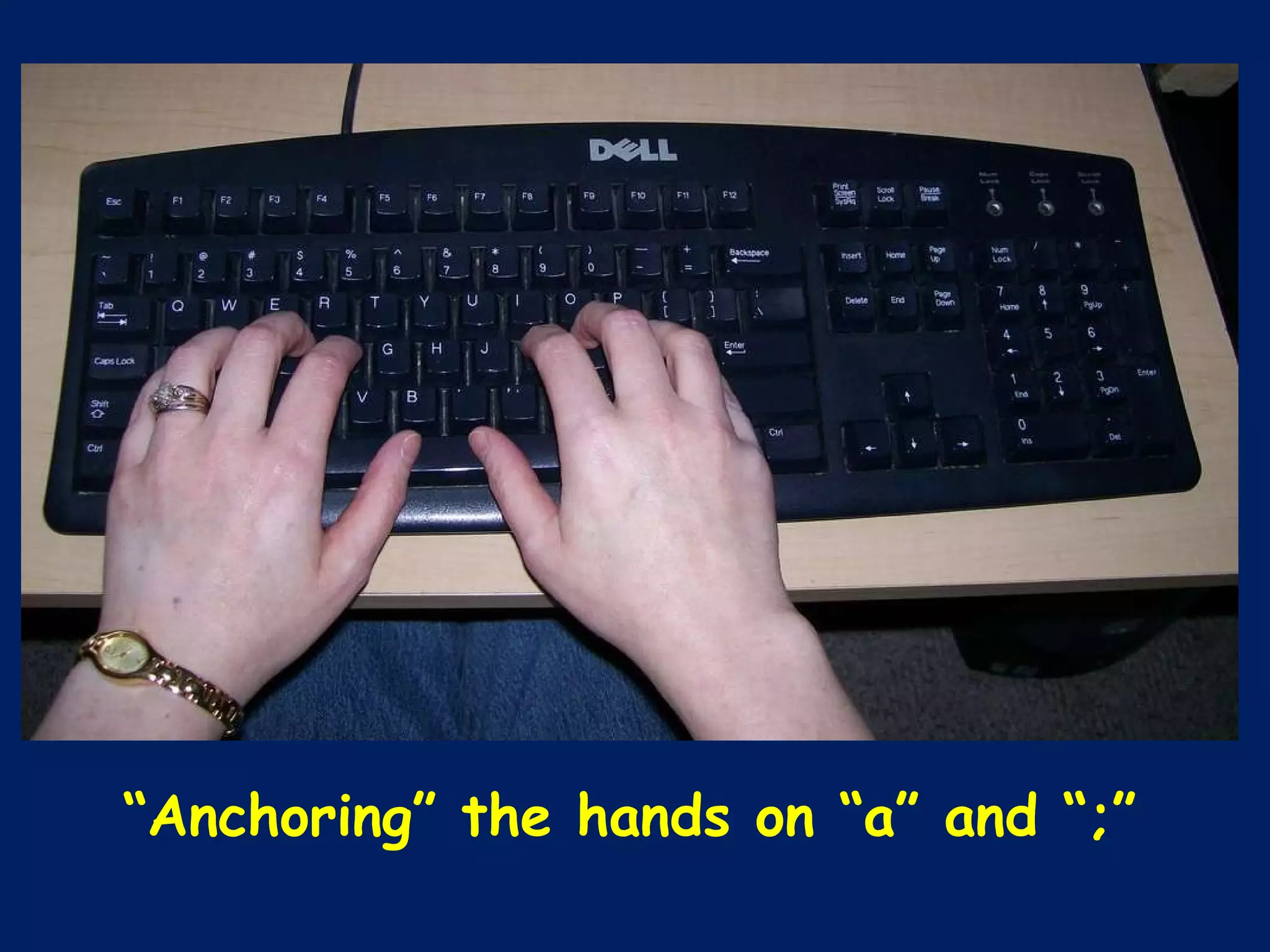
“ Anchoring” the hands on “a” and “;”
Our goal is NOT to teach proper touching typing. Our goal is to teach that the hands have a proper resting place when they aren’t working.
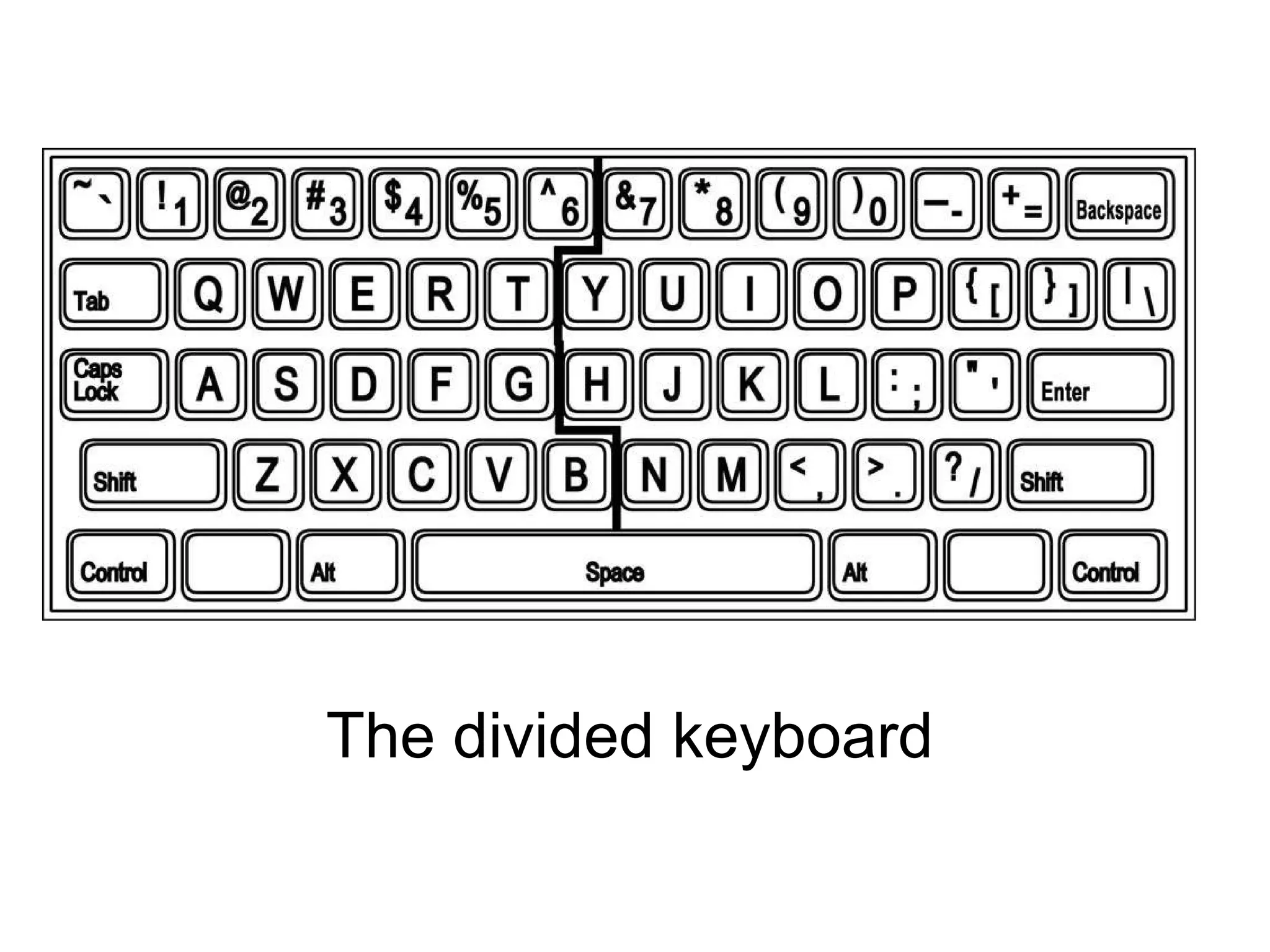
The divided keyboard
Students still aren’t properly touching typing, but by the end of first grade, we have students who can …
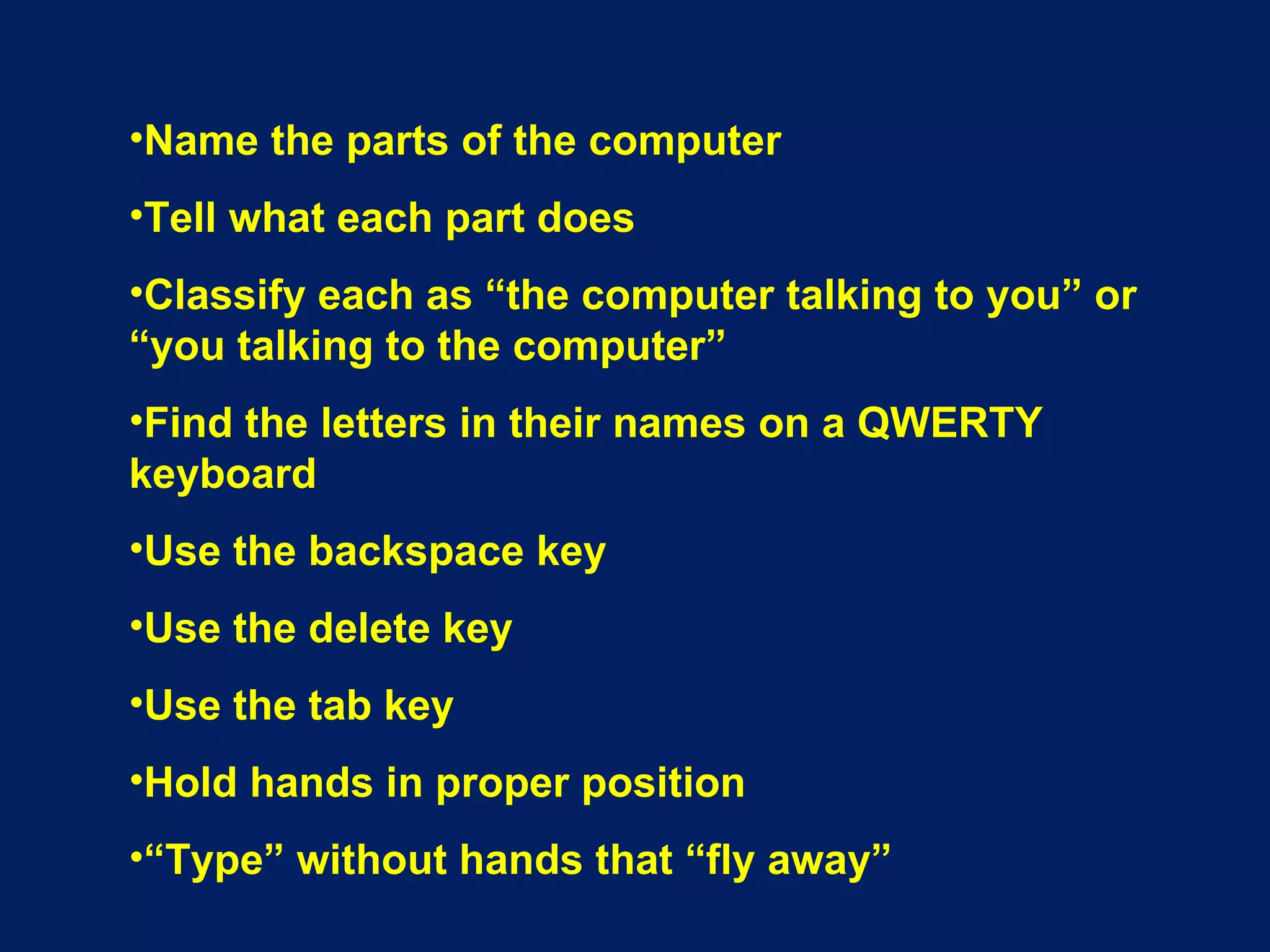
Name the parts of the computer Tell what each part does Classify each as “the computer talking to you” or “you talking to the computer” Find the letters in their names on a QWERTY keyboard Use the backspace key Use the delete key Use the tab key Hold hands in proper position “ Type” without hands that “fly away”
*Students who are not afraid to use a computer *Students who are ready to begin touch-typing
Marti Kramer Suddarth St. Joseph Catholic School 512 N. Mulberry Street Corydon, IN 47112 [email_address]

Little Hands in the Computer Lab