C# Lambda Expression
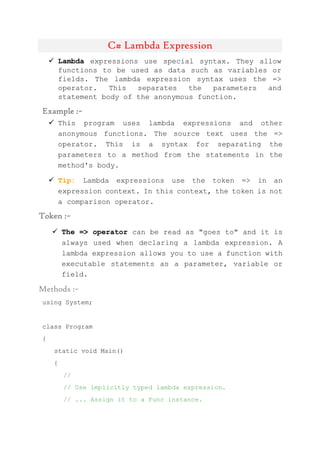
 Lambda expressions use special syntax. They allow
functions to be used as data such as variables or
fields. The lambda expression syntax uses the =>
operator. This separates the parameters and
statement body of the anonymous function.
Example :~
 This program uses lambda expressions and other
anonymous functions. The source text uses the =>
operator. This is a syntax for separating the
parameters to a method from the statements in the
method's body.
 Tip: Lambda expressions use the token => in an
expression context. In this context, the token is not
a comparison operator.
Token :~
 The => operator can be read as "goes to" and it is
always used when declaring a lambda expression. A
lambda expression allows you to use a function with
executable statements as a parameter, variable or
field.
Methods :~
using System;
class Program
{
static void Main()
{
//
// Use implicitly typed lambda expression.
// ... Assign it to a Func instance.
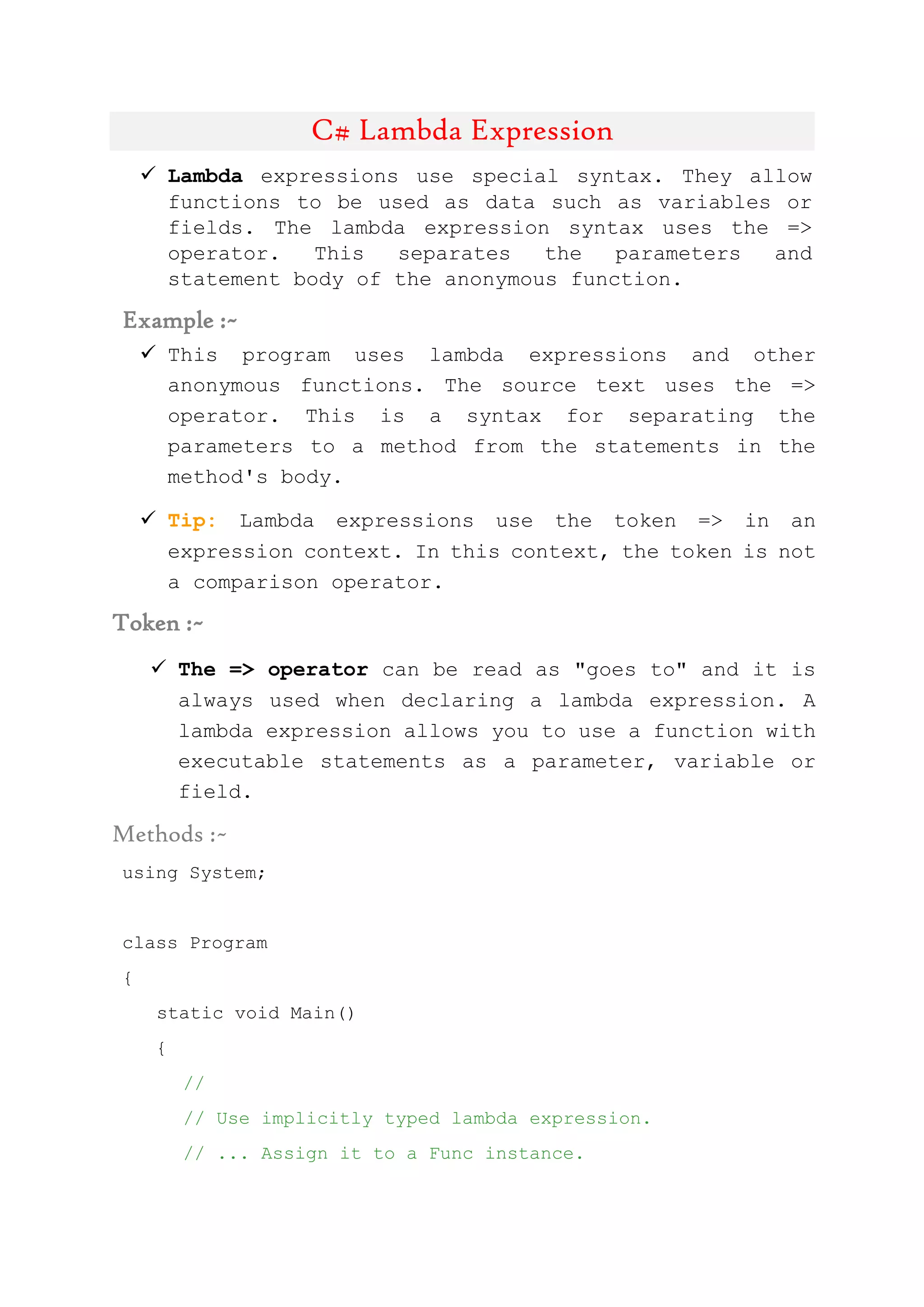
//
Func<int, int> func1 = x => x + 1;
//
// Use lambda expression with statement body.
//
Func<int, int> func2 = x => {return x + 1; };
//
// Use formal parameters with expression body.
//
Func<int, int> func3 = (int x) => x + 1;
//
// Use parameters with a statement body.
//
Func<int, int> func4 = (int x) => { return x + 1; };
//
// Use multiple parameters.
//
Func<int, int, int> func5 = (x, y) => x * y;
//
// Use no parameters in a lambda expression.
//
Action func6 = () => Console.WriteLine();
//
// Use delegate method expression.
//
Func<int, int> func7 = delegate(int x) { return x + 1;
};
//
// Use delegate expression with no parameter list.
//
Func<int> func8 = delegate { return 1 + 1; };
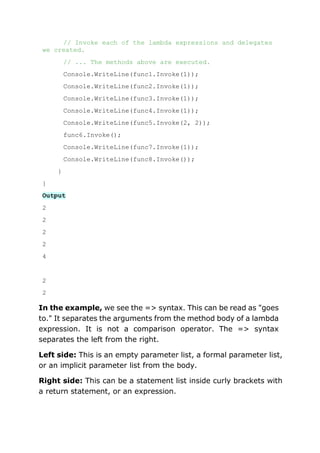
// Invoke each of the lambda expressions and delegates
we created.
// ... The methods above are executed.
Console.WriteLine(func1.Invoke(1));
Console.WriteLine(func2.Invoke(1));
Console.WriteLine(func3.Invoke(1));
Console.WriteLine(func4.Invoke(1));
Console.WriteLine(func5.Invoke(2, 2));
func6.Invoke();
Console.WriteLine(func7.Invoke(1));
Console.WriteLine(func8.Invoke());
}
}
Output
2
2
2
2
4
2
2
In the example, we see the => syntax. This can be read as "goes
to." It separates the arguments from the method body of a lambda
expression. It is not a comparison operator. The => syntax
separates the left from the right.
Left side: This is an empty parameter list, a formal parameter list,
or an implicit parameter list from the body.
Right side: This can be a statement list inside curly brackets with
a return statement, or an expression.
C# LINQ
 LINQ. Imperative code describes how to complete an
algorithm.
It proceeds step by step, emphasizing process, not
result. Declarative code (like LINQ) describes the
end result
 This technology, Language Integrated Query,
introduces extension methods. These work on Lists
and arrays. We even use them on collections not yet
in memory.
 Example:We use the Average extension method to
average all the elements in an int array. A double
value is returned.
 Tip:The Average method is implemented as an
extension method within the .NET Framework.
Extension methods have special syntax.
Program that uses LINQ extension: C#
using System;
using System.Linq;
class Program
{
static void Main()
{
int[] array = { 1, 3, 5, 7 };
Console.WriteLine(array.Average());
}
}
Output
4

Linq & lambda overview C#.net

  • 1.
    C# Lambda Expression Lambda expressions use special syntax. They allow functions to be used as data such as variables or fields. The lambda expression syntax uses the => operator. This separates the parameters and statement body of the anonymous function. Example :~  This program uses lambda expressions and other anonymous functions. The source text uses the => operator. This is a syntax for separating the parameters to a method from the statements in the method's body.  Tip: Lambda expressions use the token => in an expression context. In this context, the token is not a comparison operator. Token :~  The => operator can be read as "goes to" and it is always used when declaring a lambda expression. A lambda expression allows you to use a function with executable statements as a parameter, variable or field. Methods :~ using System; class Program { static void Main() { // // Use implicitly typed lambda expression. // ... Assign it to a Func instance.
  • 2.
    // Func<int, int> func1= x => x + 1; // // Use lambda expression with statement body. // Func<int, int> func2 = x => {return x + 1; }; // // Use formal parameters with expression body. // Func<int, int> func3 = (int x) => x + 1; // // Use parameters with a statement body. // Func<int, int> func4 = (int x) => { return x + 1; }; // // Use multiple parameters. // Func<int, int, int> func5 = (x, y) => x * y; // // Use no parameters in a lambda expression. // Action func6 = () => Console.WriteLine(); // // Use delegate method expression. // Func<int, int> func7 = delegate(int x) { return x + 1; }; // // Use delegate expression with no parameter list. // Func<int> func8 = delegate { return 1 + 1; };
  • 3.
    // Invoke eachof the lambda expressions and delegates we created. // ... The methods above are executed. Console.WriteLine(func1.Invoke(1)); Console.WriteLine(func2.Invoke(1)); Console.WriteLine(func3.Invoke(1)); Console.WriteLine(func4.Invoke(1)); Console.WriteLine(func5.Invoke(2, 2)); func6.Invoke(); Console.WriteLine(func7.Invoke(1)); Console.WriteLine(func8.Invoke()); } } Output 2 2 2 2 4 2 2 In the example, we see the => syntax. This can be read as "goes to." It separates the arguments from the method body of a lambda expression. It is not a comparison operator. The => syntax separates the left from the right. Left side: This is an empty parameter list, a formal parameter list, or an implicit parameter list from the body. Right side: This can be a statement list inside curly brackets with a return statement, or an expression.
  • 4.
    C# LINQ  LINQ.Imperative code describes how to complete an algorithm. It proceeds step by step, emphasizing process, not result. Declarative code (like LINQ) describes the end result  This technology, Language Integrated Query, introduces extension methods. These work on Lists and arrays. We even use them on collections not yet in memory.  Example:We use the Average extension method to average all the elements in an int array. A double value is returned.  Tip:The Average method is implemented as an extension method within the .NET Framework. Extension methods have special syntax. Program that uses LINQ extension: C# using System; using System.Linq; class Program { static void Main() { int[] array = { 1, 3, 5, 7 }; Console.WriteLine(array.Average()); } } Output 4