Learn to Code
in 15 minutes
What is coding?
 Using a programming language
 To write a set of specific instructions
 Describing actions to be done to solve a problem
 That when followed by the computer
 Will give a known answer to that problem
What is a programming language?
 A set of possible instructions with simple, strict, rules
 Describing actions to be done
 Which when followed by the computer
 Will give a known answer every time
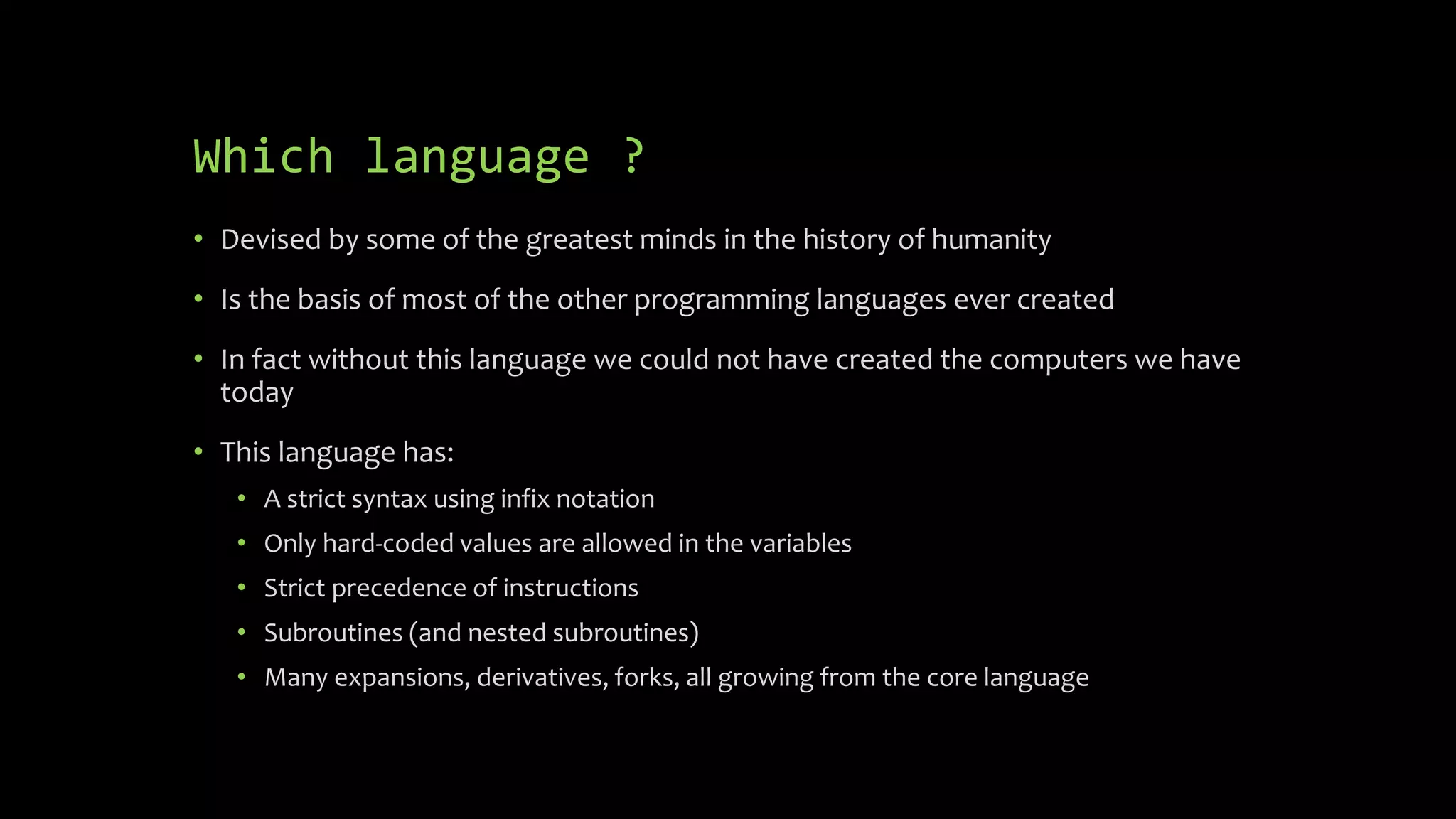
Which language ?
 The primary instruction set of the core language will be used today
 Only 6 rules
 A set of 7 possible instructions
 It can be used by anyone, even young children can use the core language
 With some extension packs it can be used to put satellites in orbit, build
massive structures and allows the GPS system to work
Which language ?
 Devised by some of the greatest minds in the history of humanity
 Is the basis of most of the other programming languages ever created
 In fact without this language we could not have created the computers we
have today
 This language has:
 A strict syntax using infix notation
 Only hard-coded values are allowed in the variables
 Strict precedence of instructions
 Subroutines (and nested subroutines)
 Many expansions, derivatives, forks, all growing from the core language
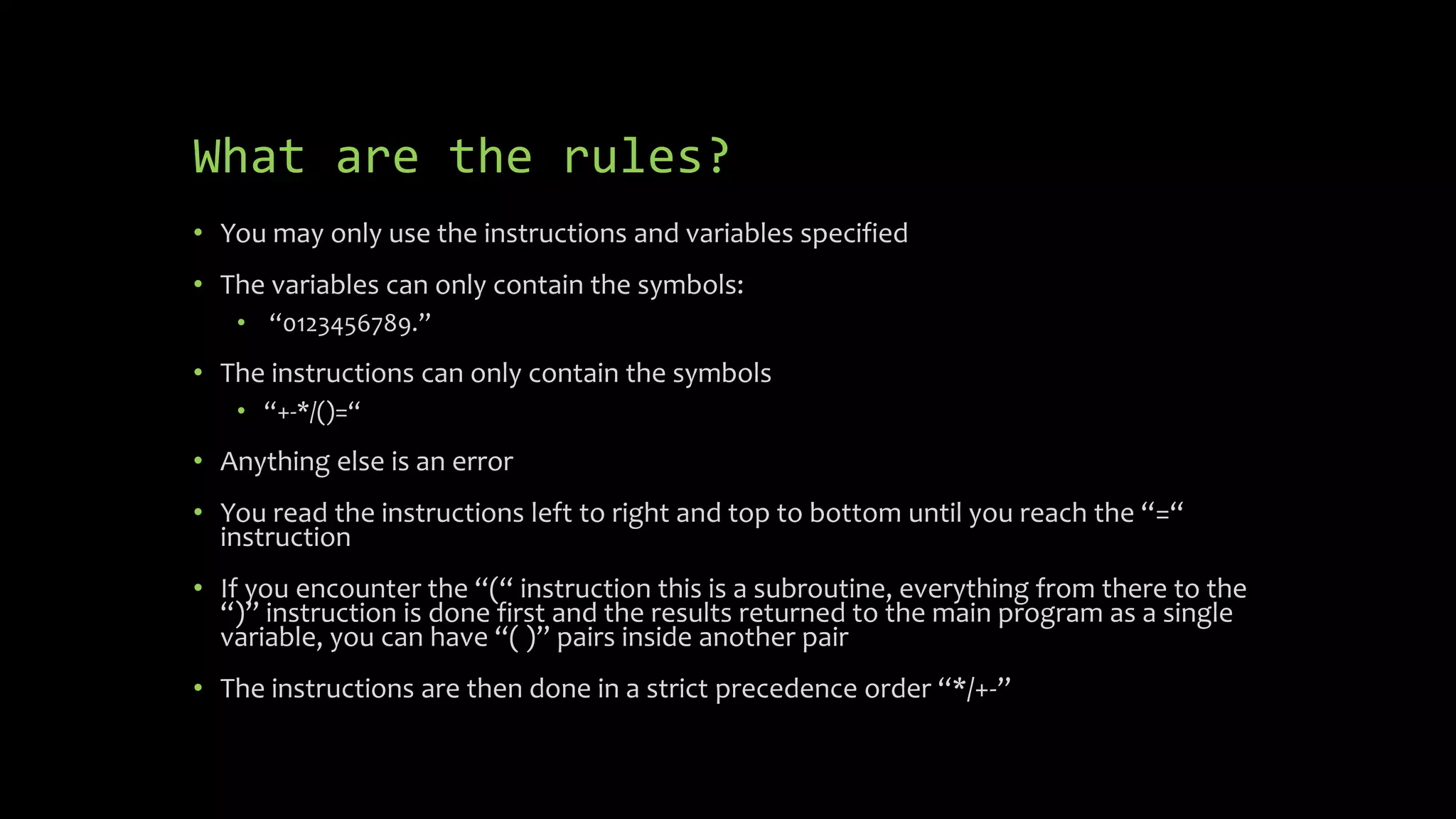
What are the rules?
 You may only use the instructions and variables specified
 The variables can only contain the symbols:
 “0123456789.”
 The instructions can only contain the symbols
 “+-*/()=“
 Anything else is an error
 You read the instructions left to right and top to bottom until you reach the “=“
instruction
 If you encounter the “(“ instruction this is a subroutine, everything from there to
the “)” instruction is done first and the results returned to the main program as a
single variable, you can have “( )” pairs inside another pair
 The instructions are then done in a strict precedence order “*/+-”
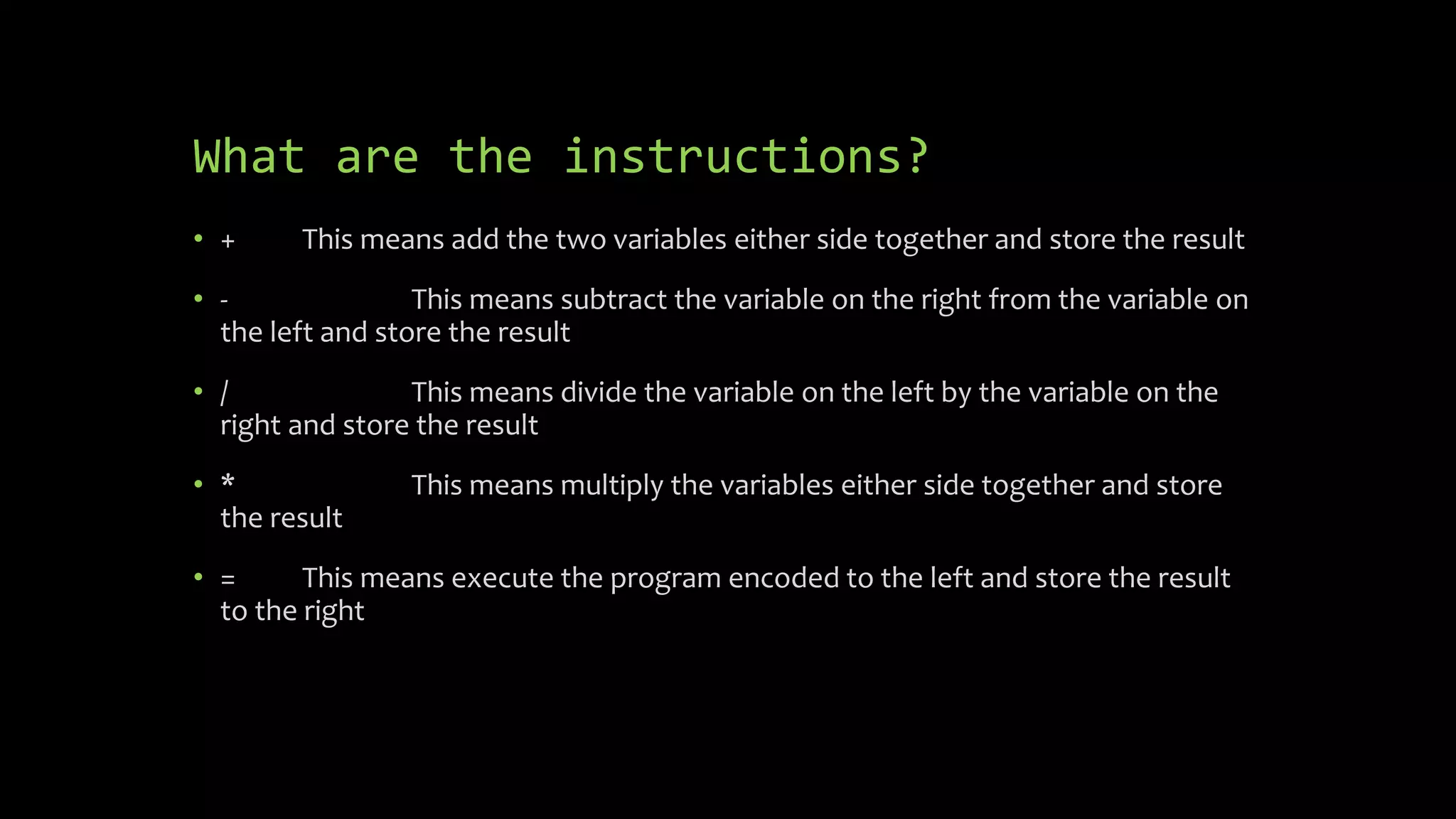
What are the instructions?
 + This means add the two variables either side together and store the
result
 - This means subtract the variable on the right from the variable on the
left and store the result
 / This means divide the variable on the left by the variable on the
right and store the result
 * This means multiply the variables either side together and store the
result
 = This means execute the program encoded to the left and store the
result to the right
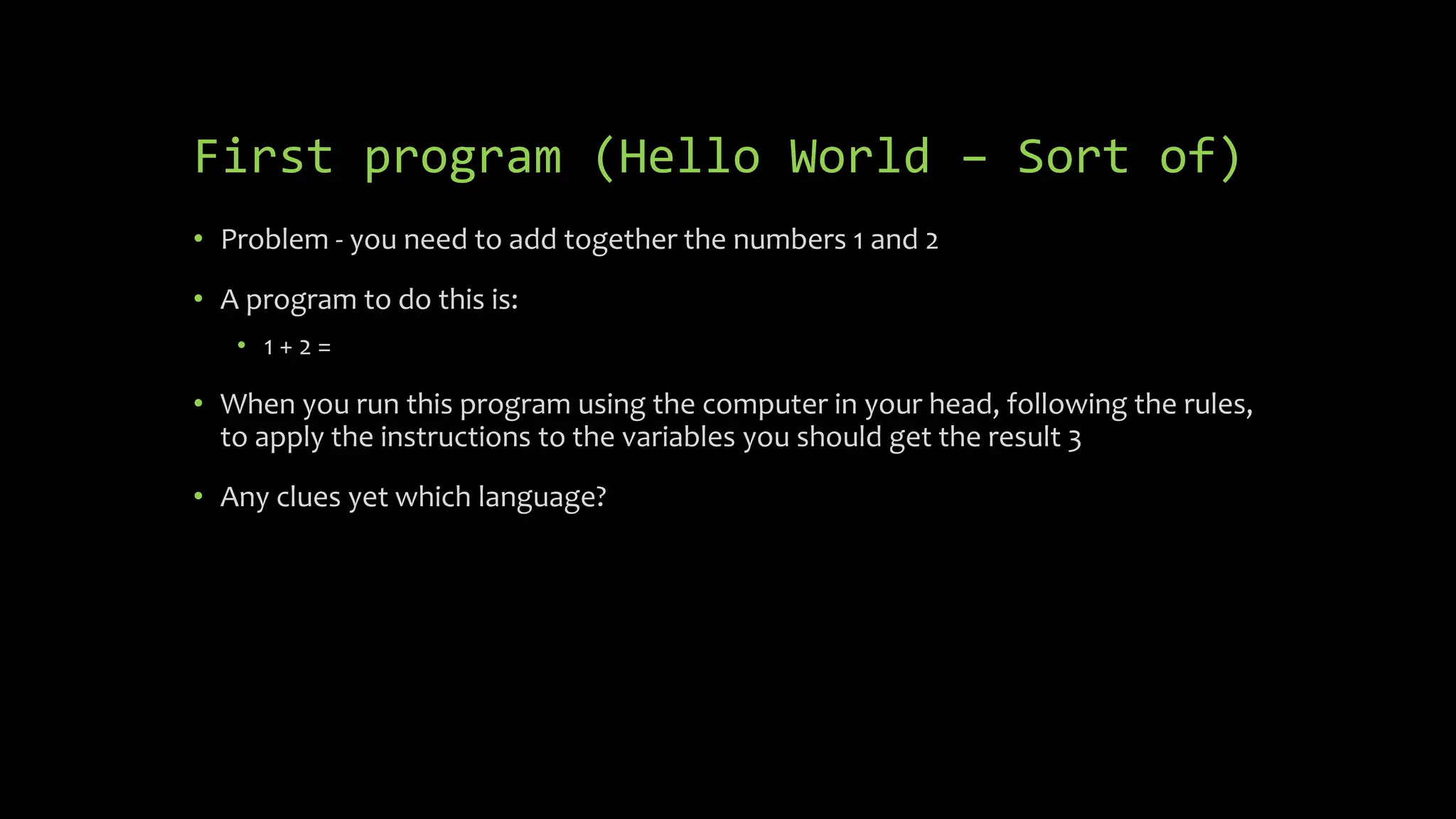
First program (Hello World – Sort of)
 Problem - you need to add together the numbers 1 and 2
 A program to do this is:
 1 + 2 =
 When you run this program using the computer in your head, following the
rules, to apply the instructions to the variables you should get the result 3
 Any clues yet which language?
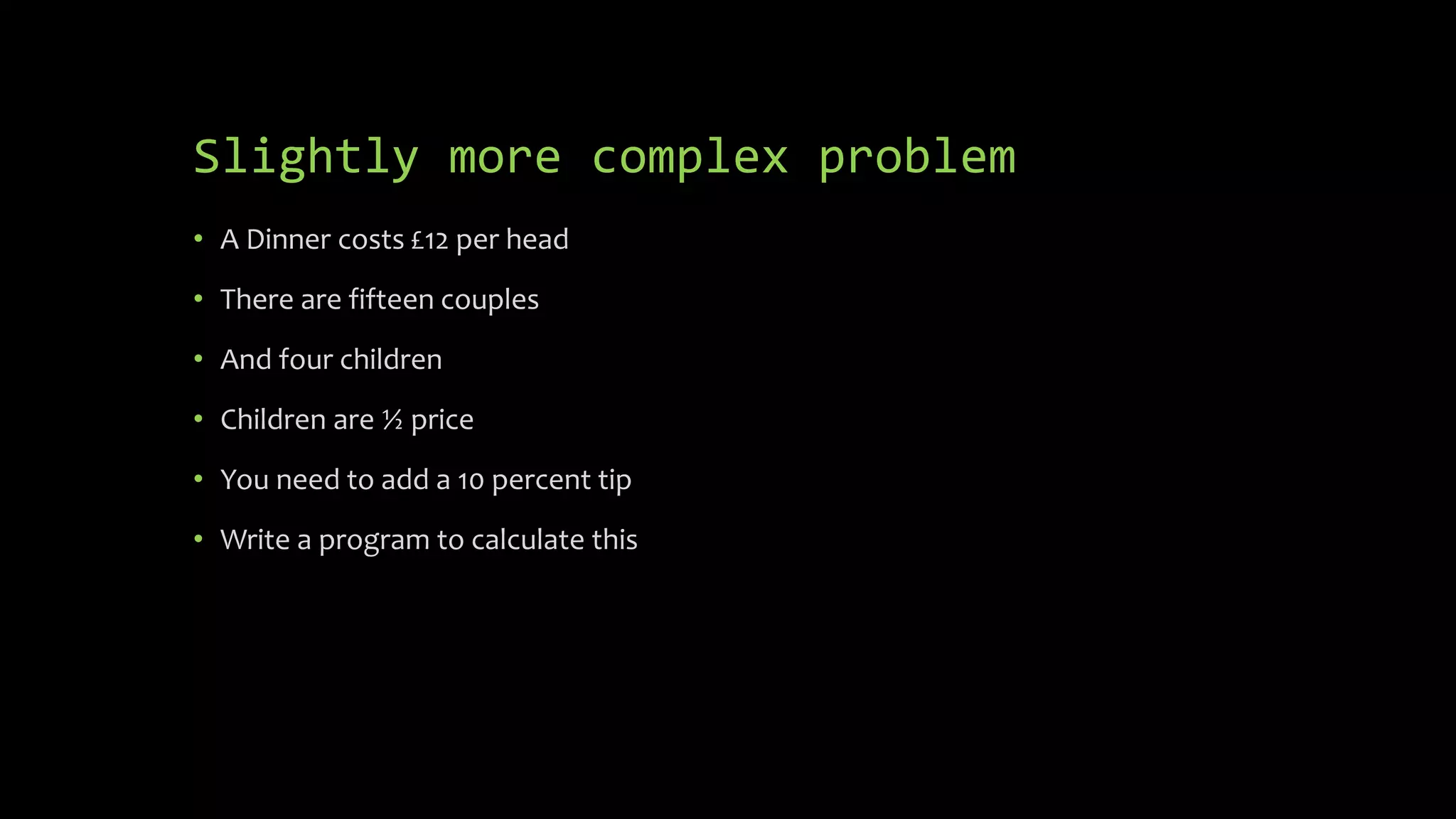
Slightly more complex problem
 A Dinner costs £12 per head
 There are fifteen couples
 And four children
 Children are ½ price
 You need to add a 10 percent tip
 Write a program to calculate this
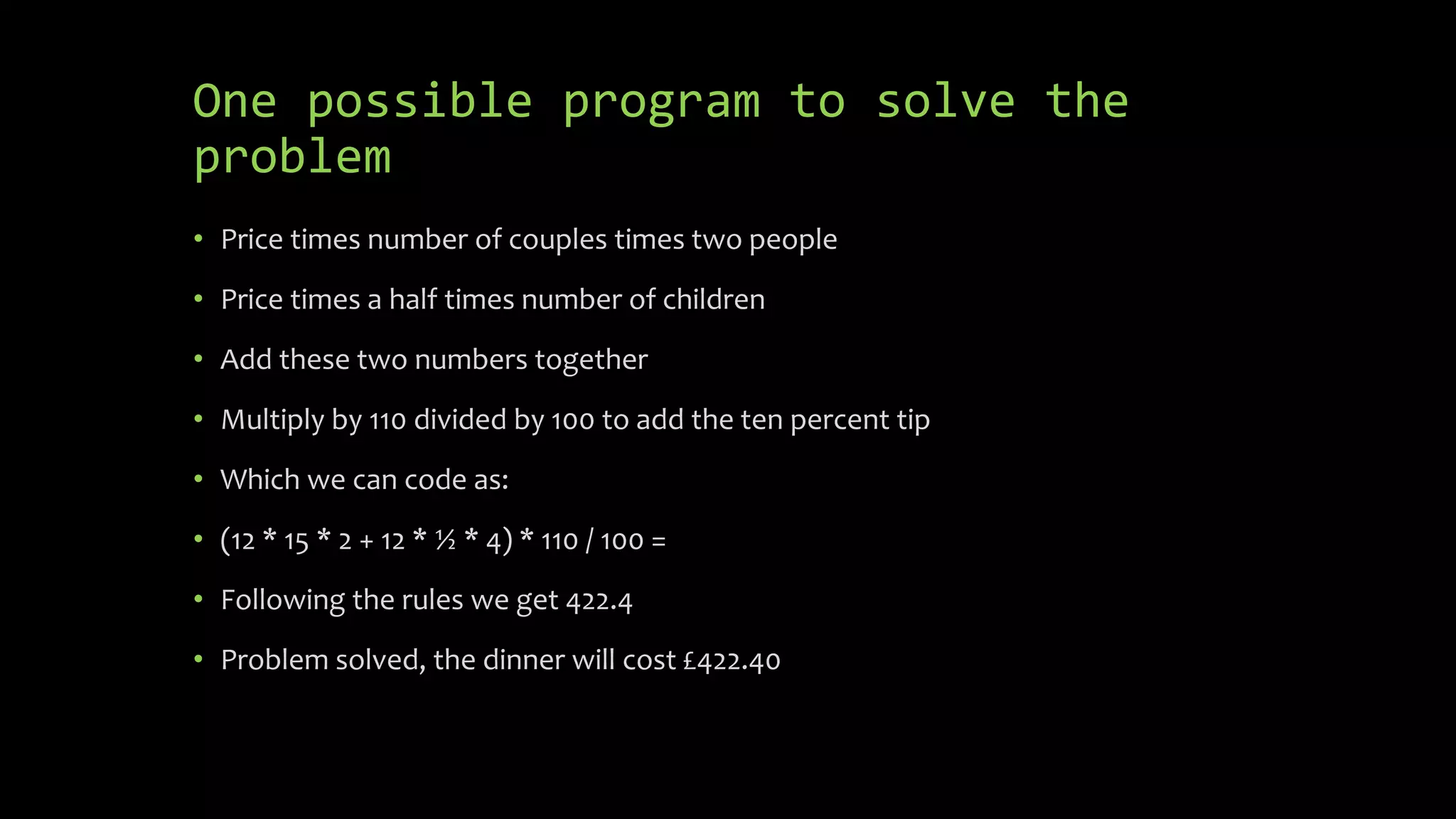
One possible program to solve the
problem
 (12 * 15 * 2 + 12 * ½ * 4) * 110 / 100 =
 Following the rules we get 422.4
 Problem solved, the dinner will cost £422.40
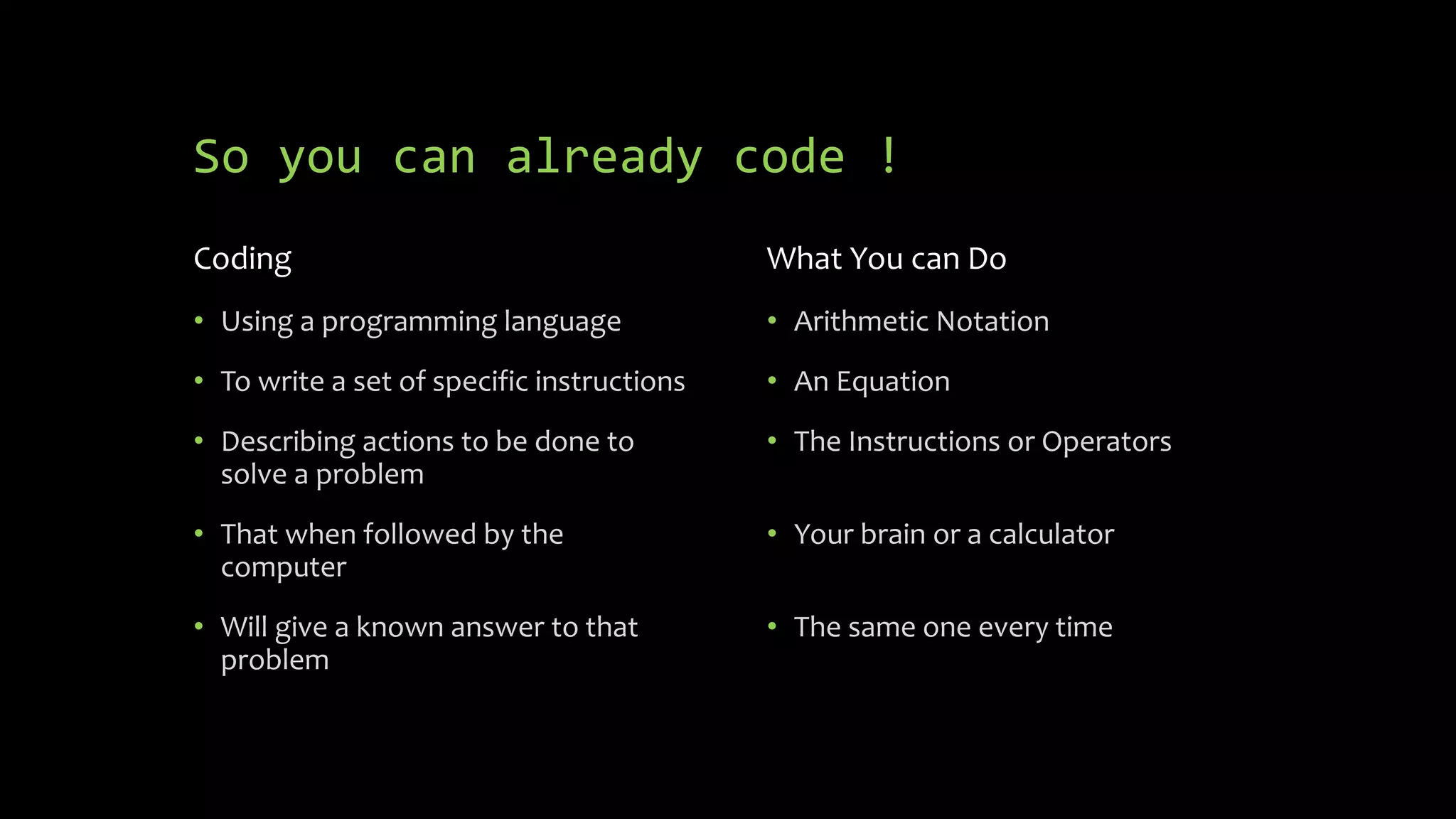
So you can already code !
Coding
 Using a programming language
 To write a set of specific
instructions
 Describing actions to be done to
solve a problem
 That when followed by the
computer
 Will give a known answer to that
problem
What You can Do
 Arithmetic Notation
 An Equation
 The Instructions or Operators
 Your brain or a calculator
 The same one every time
But how did we get to the code?
We got to the code by breaking the problem
into steps, then coding the steps
 Price times number of couples times two people
 Price times a half times number of children
 Add these two numbers together
 Multiply by 110 divided by 100 to add the ten percent tip
But that is programming and that takes more than 15
minutes to learn, but again you probably already know how!
Look out for the next presentation on
programming

Learn to code in 15 minutes

  • 1.
    Learn to Code in15 minutes
  • 2.
    What is coding? Using a programming language  To write a set of specific instructions  Describing actions to be done to solve a problem  That when followed by the computer  Will give a known answer to that problem
  • 3.
    What is aprogramming language?  A set of possible instructions with simple, strict, rules  Describing actions to be done  Which when followed by the computer  Will give a known answer every time
  • 4.
    Which language ? The primary instruction set of the core language will be used today  Only 6 rules  A set of 7 possible instructions  It can be used by anyone, even young children can use the core language  With some extension packs it can be used to put satellites in orbit, build massive structures and allows the GPS system to work
  • 5.
    Which language ? Devised by some of the greatest minds in the history of humanity  Is the basis of most of the other programming languages ever created  In fact without this language we could not have created the computers we have today  This language has:  A strict syntax using infix notation  Only hard-coded values are allowed in the variables  Strict precedence of instructions  Subroutines (and nested subroutines)  Many expansions, derivatives, forks, all growing from the core language
  • 6.
    What are therules?  You may only use the instructions and variables specified  The variables can only contain the symbols:  “0123456789.”  The instructions can only contain the symbols  “+-*/()=“  Anything else is an error  You read the instructions left to right and top to bottom until you reach the “=“ instruction  If you encounter the “(“ instruction this is a subroutine, everything from there to the “)” instruction is done first and the results returned to the main program as a single variable, you can have “( )” pairs inside another pair  The instructions are then done in a strict precedence order “*/+-”
  • 7.
    What are theinstructions?  + This means add the two variables either side together and store the result  - This means subtract the variable on the right from the variable on the left and store the result  / This means divide the variable on the left by the variable on the right and store the result  * This means multiply the variables either side together and store the result  = This means execute the program encoded to the left and store the result to the right
  • 8.
    First program (HelloWorld – Sort of)  Problem - you need to add together the numbers 1 and 2  A program to do this is:  1 + 2 =  When you run this program using the computer in your head, following the rules, to apply the instructions to the variables you should get the result 3  Any clues yet which language?
  • 9.
    Slightly more complexproblem  A Dinner costs £12 per head  There are fifteen couples  And four children  Children are ½ price  You need to add a 10 percent tip  Write a program to calculate this
  • 10.
    One possible programto solve the problem  (12 * 15 * 2 + 12 * ½ * 4) * 110 / 100 =  Following the rules we get 422.4  Problem solved, the dinner will cost £422.40
  • 11.
    So you canalready code ! Coding  Using a programming language  To write a set of specific instructions  Describing actions to be done to solve a problem  That when followed by the computer  Will give a known answer to that problem What You can Do  Arithmetic Notation  An Equation  The Instructions or Operators  Your brain or a calculator  The same one every time But how did we get to the code?
  • 12.
    We got tothe code by breaking the problem into steps, then coding the steps  Price times number of couples times two people  Price times a half times number of children  Add these two numbers together  Multiply by 110 divided by 100 to add the ten percent tip But that is programming and that takes more than 15 minutes to learn, but again you probably already know how! Look out for the next presentation on programming