Download as PDF, PPTX

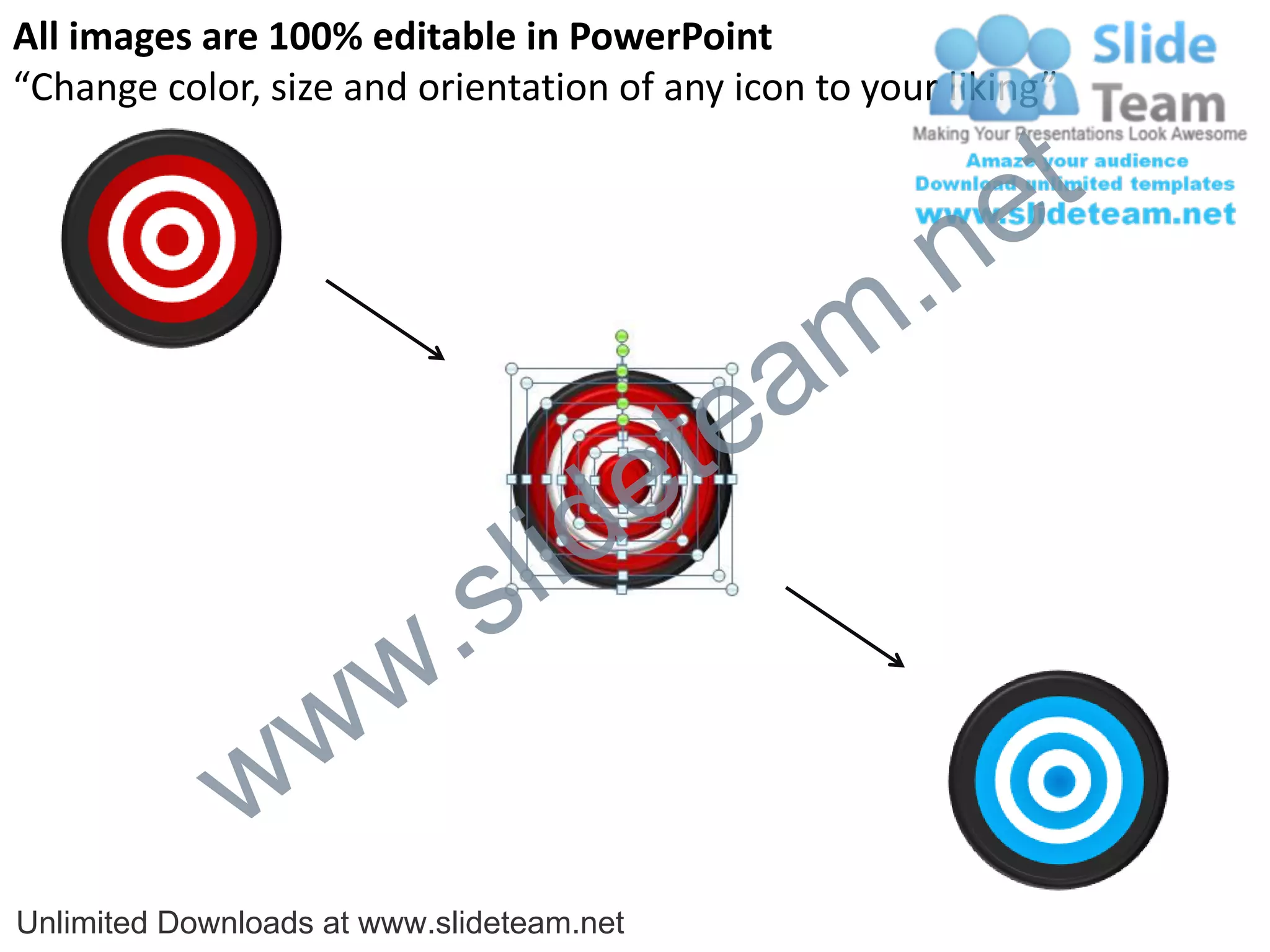
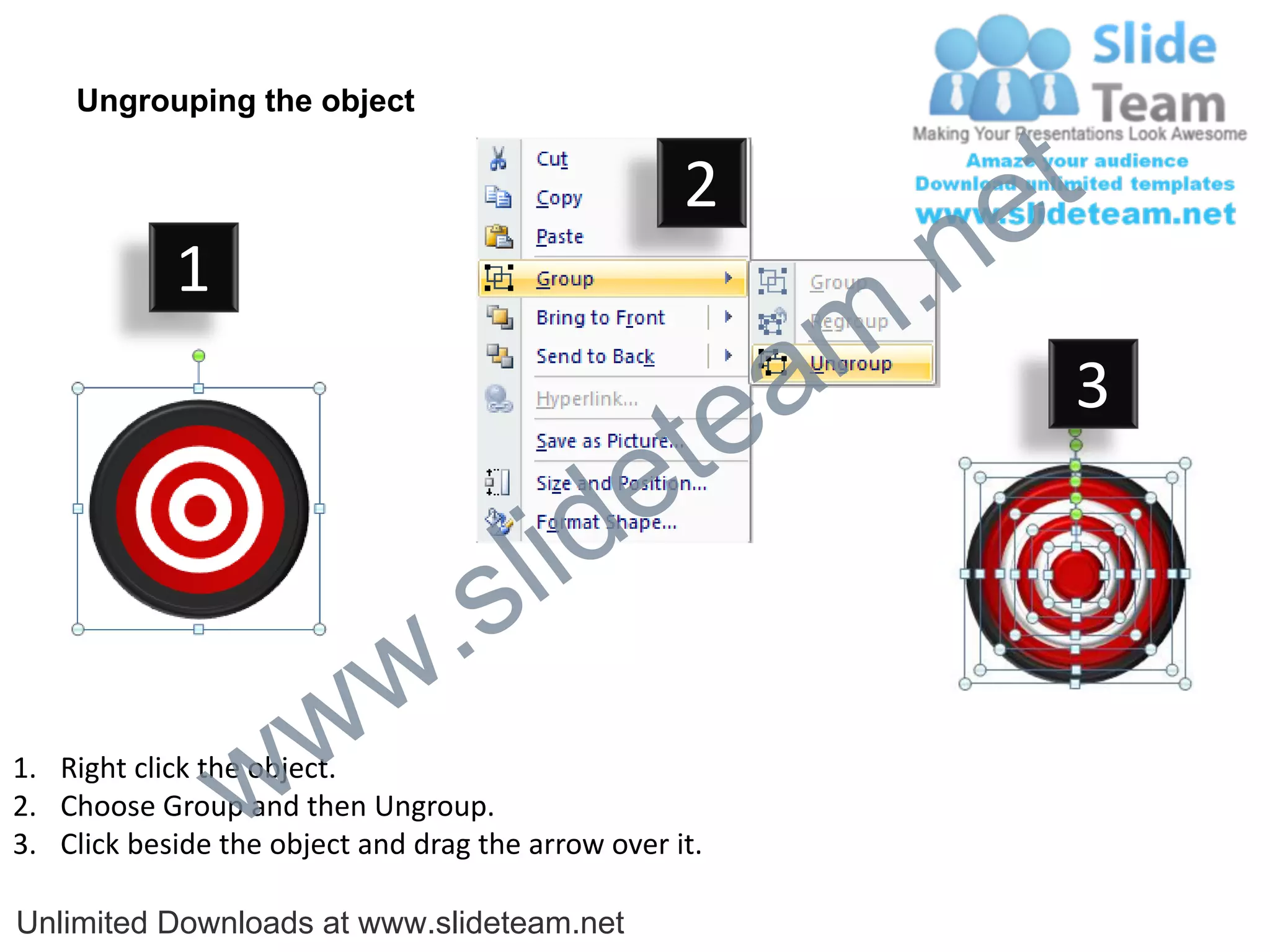
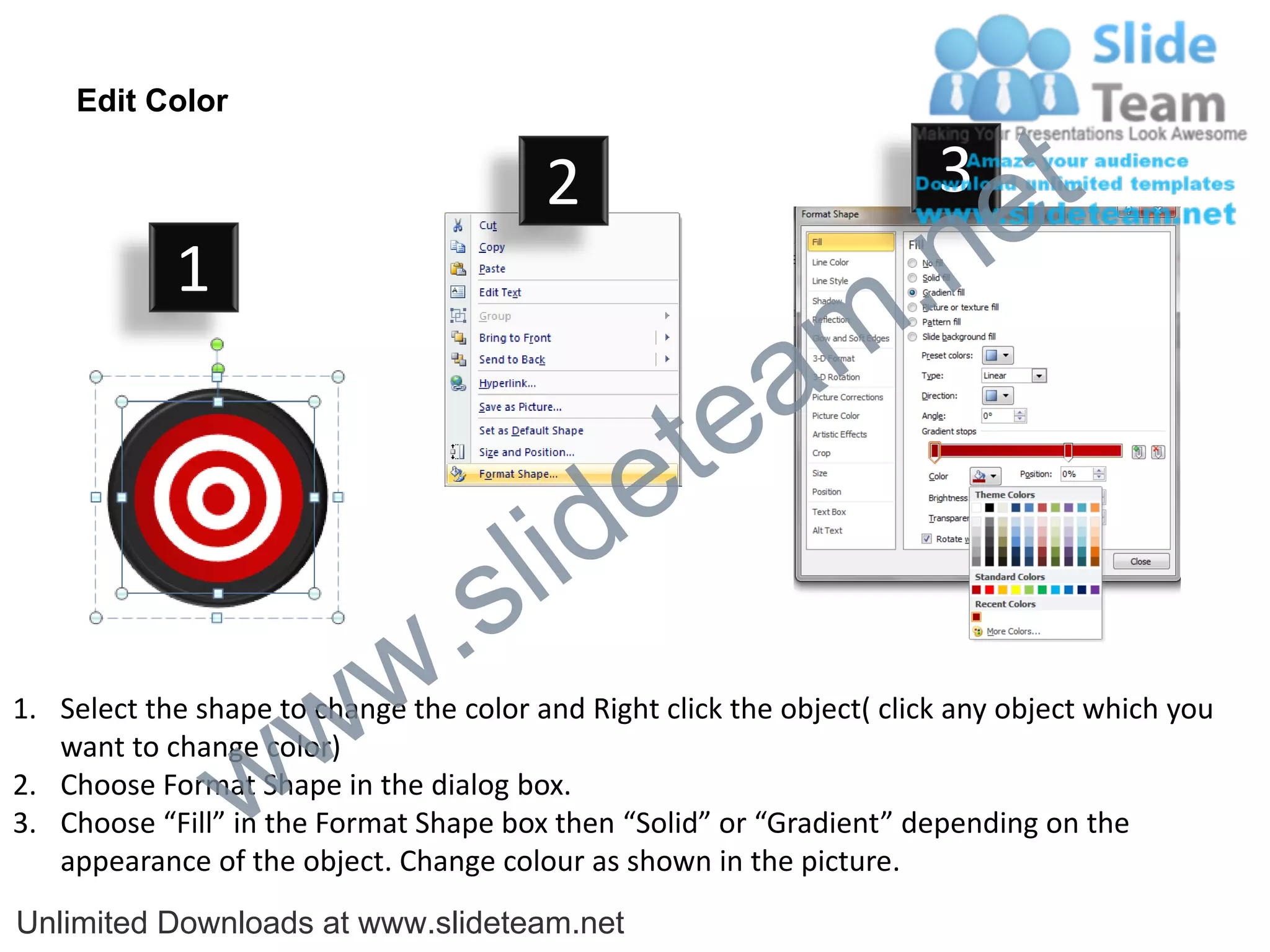

This document provides instructions for editing diagram elements in PowerPoint. It describes how to: 1. Ungroup objects by right clicking, selecting "Group", and then "Ungroup" to edit individual elements. 2. Change the color of a shape by right clicking, selecting "Format Shape", and then choosing "Fill" and a new solid or gradient color. 3. Resize or reposition elements by clicking an arrow next to the object and dragging it. The document encourages using these editable diagram elements to pitch ideas convincingly in presentations.


