Download to read offline

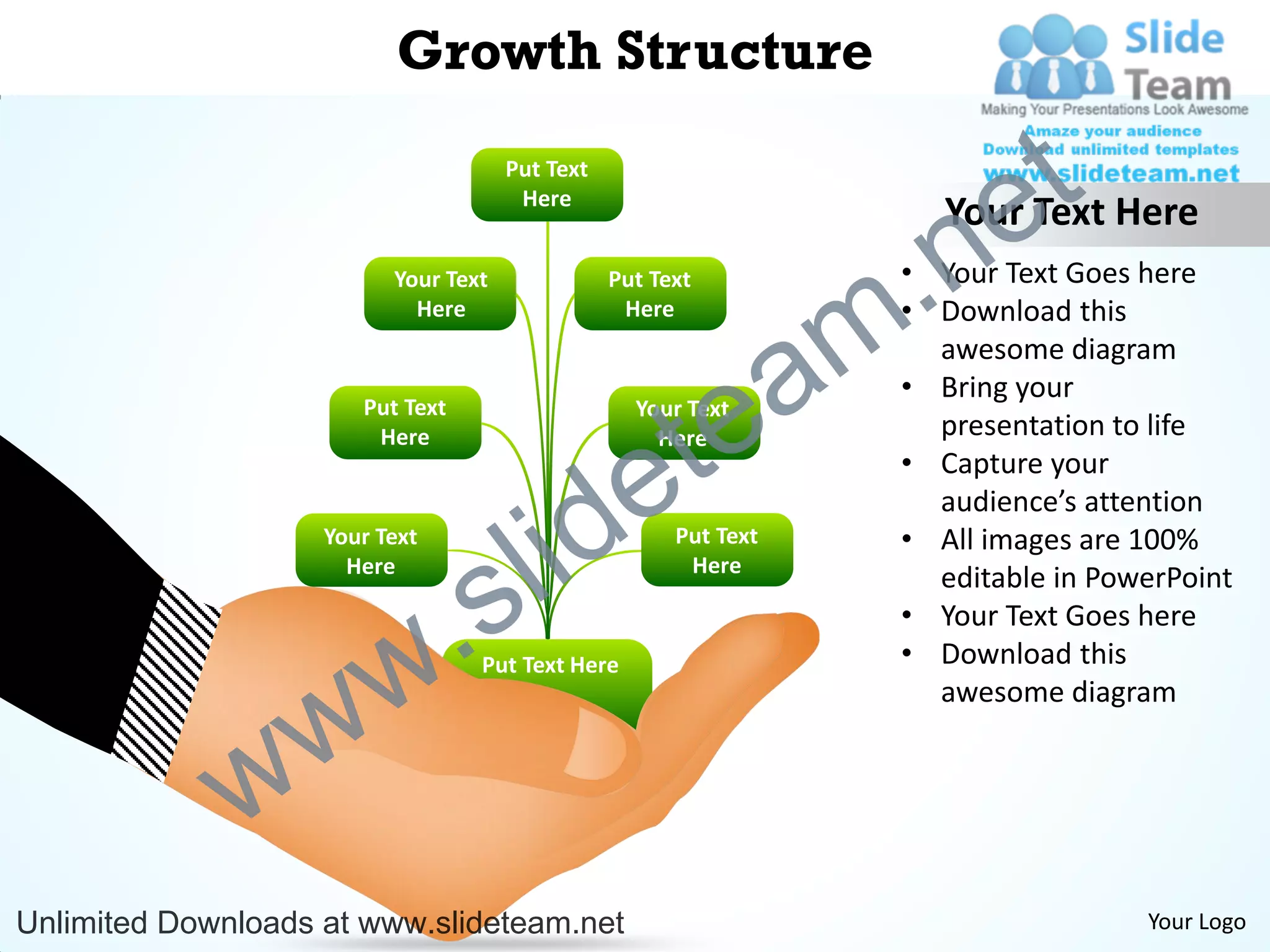
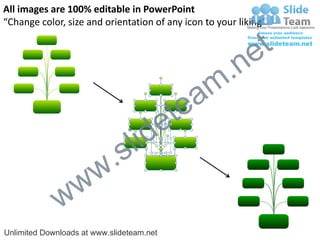
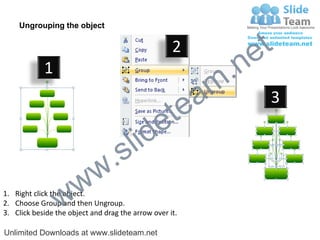
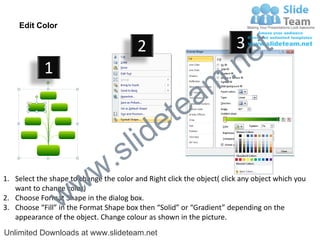

This document provides instructions for editing images in PowerPoint. It explains how to ungroup objects, change colors, resize and reposition icons. The instructions are accompanied by diagrams to illustrate the steps. Key details include ungrouping by right clicking and selecting "Ungroup", changing color by selecting "Format Shape" and choosing solid or gradient fill, and dragging selection arrows to resize or move objects. The document promotes editing stock images for presentations.


