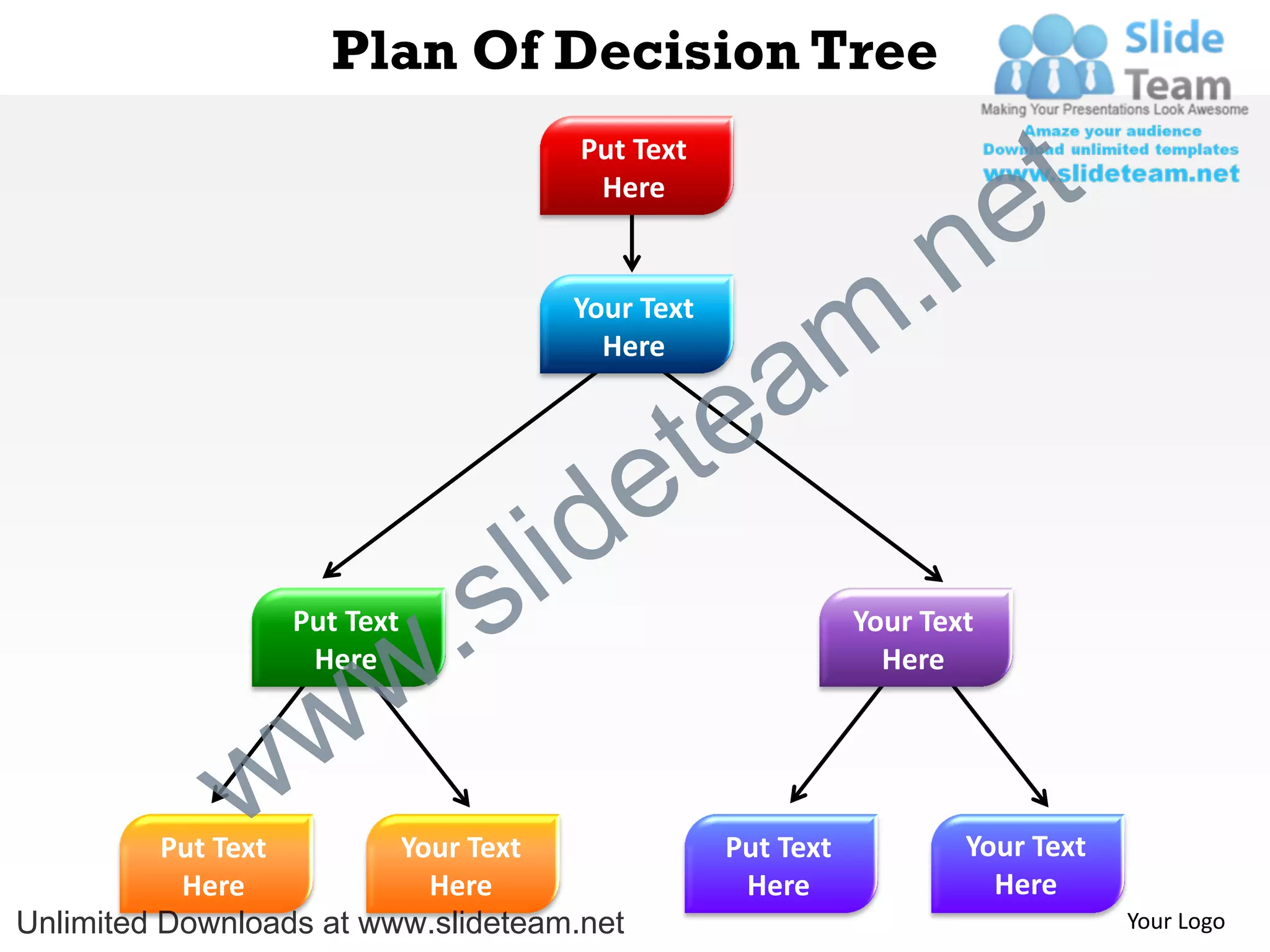
Plan Of Decision Tree
                                     Put Text
                                      Here
                                                                       e t
                                    Your Text

                                                           m .n
                                               a
                                      Here


                                           e te
                              s l id
                   Here
                        w
                  Put Text
                          .                                Your Text
                                                             Here


              w w
          Put Text       Your Text              Put Text           Your Text
           Here            Here                  Here                Here
Unlimited Downloads at www.slideteam.net                                       Your Logo
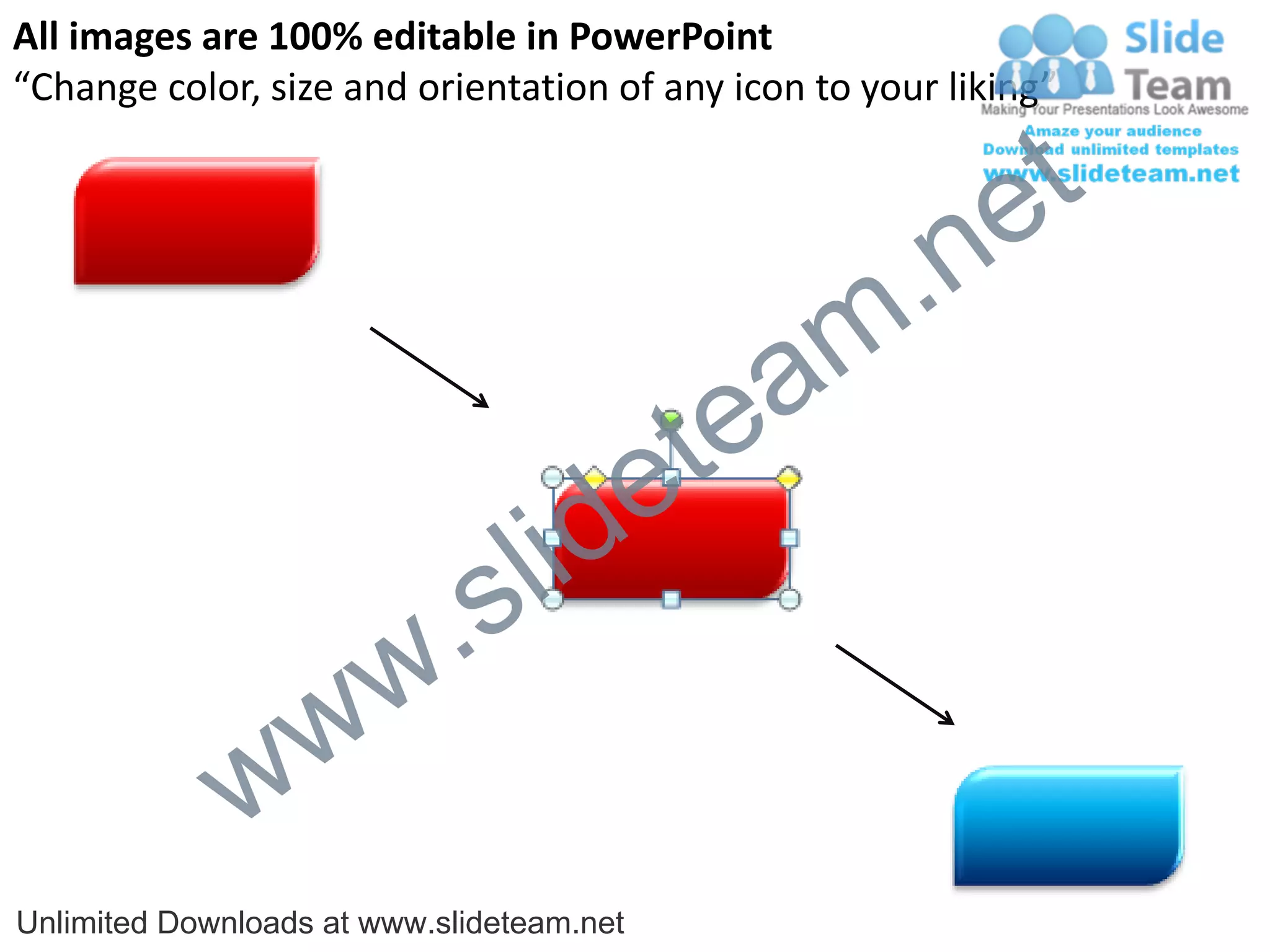
All images are 100% editable in PowerPoint
“Change color, size and orientation of any icon to your liking”


                                                           e t
                                                 m .n
                                             tea
                                  id       e
                          .   s l
                w       w
              w
Unlimited Downloads at www.slideteam.net
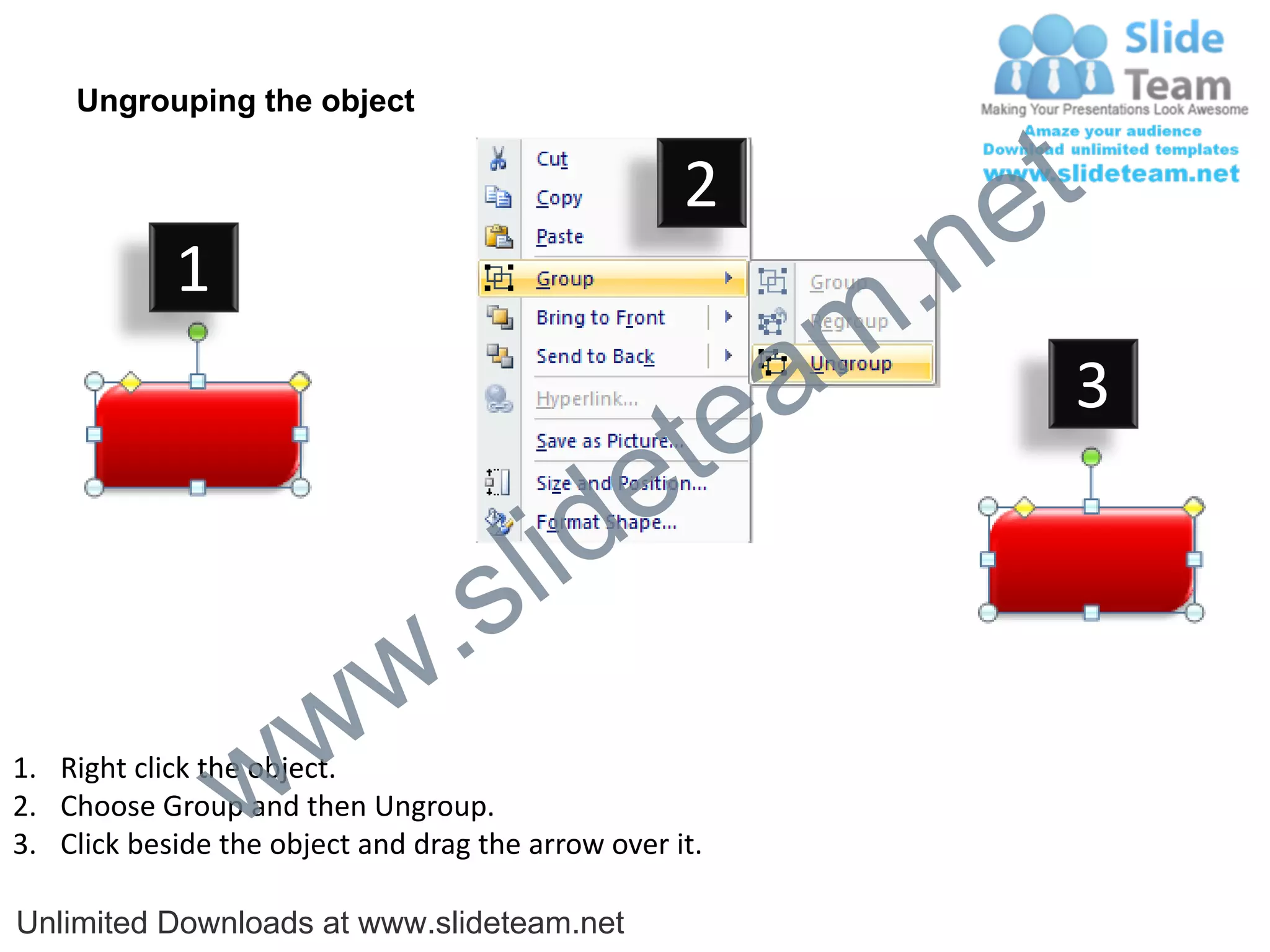
Ungrouping the object

                                                    2
                                                             e t
            1
                                                         m .n
                                                  tea           3

                                        id      e
                              .     s l
                   w        w
                 w
1. Right click the object.
2. Choose Group and then Ungroup.
3. Click beside the object and drag the arrow over it.

Unlimited Downloads at www.slideteam.net
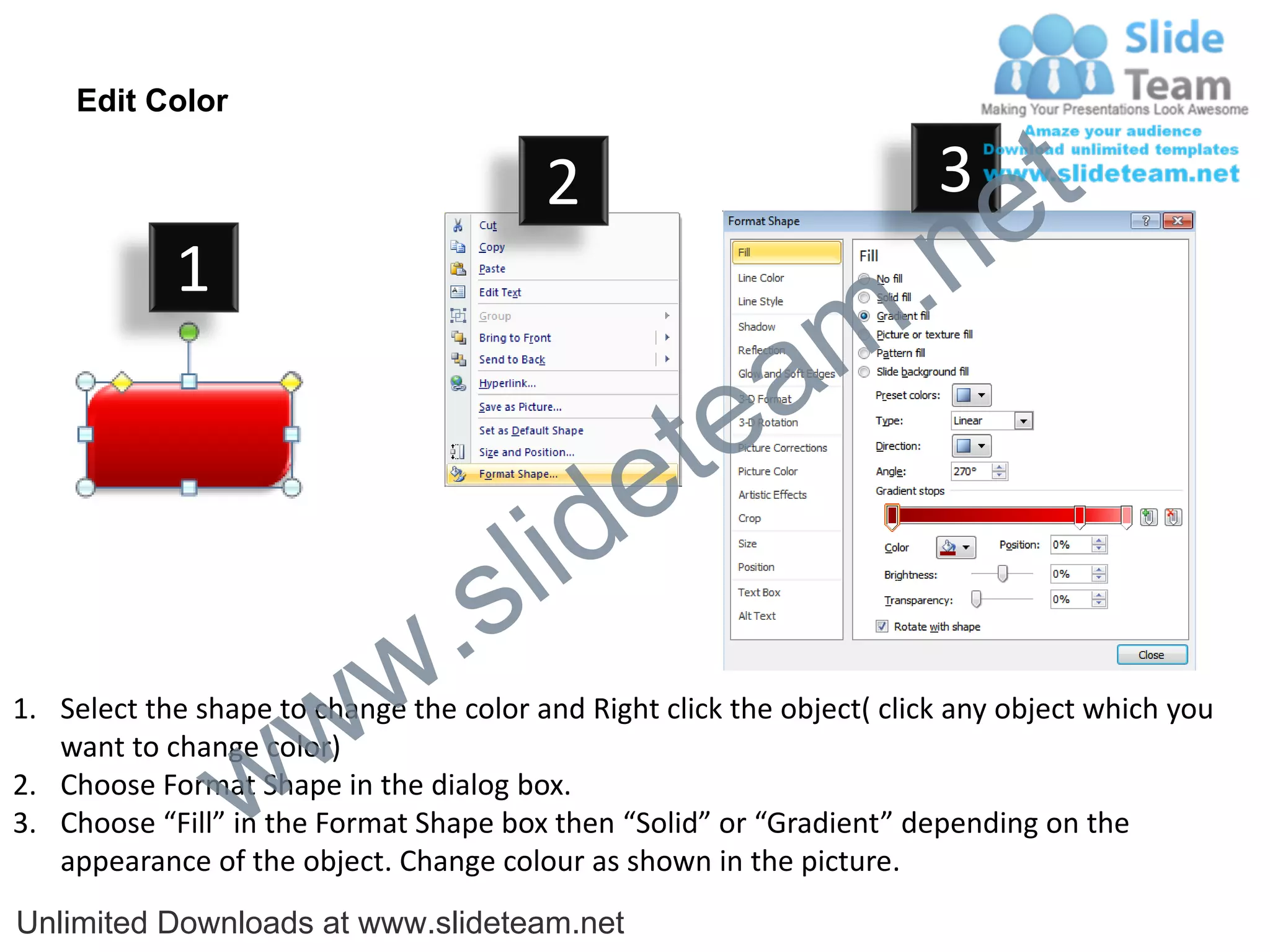
Edit Color

                                         2                              3
                                                                             e t
            1
                                                                m .n
                                                  tea
                                        id      e
                              .     s l
                   w        w
1. Select the shape to change the color and Right click the object( click any object which you


                 w
   want to change color)
2. Choose Format Shape in the dialog box.
3. Choose “Fill” in the Format Shape box then “Solid” or “Gradient” depending on the
   appearance of the object. Change colour as shown in the picture.
Unlimited Downloads at www.slideteam.net

Plan of decision tree powerpoint diagrame templates 0712

  • 1.
    Plan Of DecisionTree Put Text Here e t Your Text m .n a Here e te s l id Here w Put Text . Your Text Here w w Put Text Your Text Put Text Your Text Here Here Here Here Unlimited Downloads at www.slideteam.net Your Logo
  • 2.
    All images are100% editable in PowerPoint “Change color, size and orientation of any icon to your liking” e t m .n tea id e . s l w w w Unlimited Downloads at www.slideteam.net
  • 3.
    Ungrouping the object 2 e t 1 m .n tea 3 id e . s l w w w 1. Right click the object. 2. Choose Group and then Ungroup. 3. Click beside the object and drag the arrow over it. Unlimited Downloads at www.slideteam.net
  • 4.
    Edit Color 2 3 e t 1 m .n tea id e . s l w w 1. Select the shape to change the color and Right click the object( click any object which you w want to change color) 2. Choose Format Shape in the dialog box. 3. Choose “Fill” in the Format Shape box then “Solid” or “Gradient” depending on the appearance of the object. Change colour as shown in the picture. Unlimited Downloads at www.slideteam.net