Download to read offline


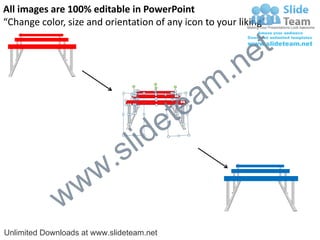
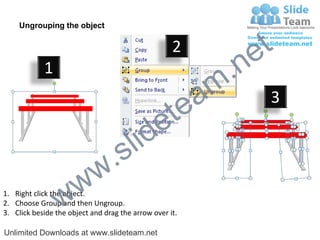
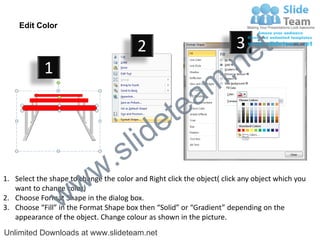

This document provides instructions for editing icons and shapes in PowerPoint. It describes how to ungroup objects so they can be individually edited. It also explains how to change the color of shapes by right clicking to open formatting options and selecting a new solid or gradient fill color. The instructions aim to show users how to customize and personalize icons for presentations.


