10 New FeaturesBy Julee Harlow HR. 3
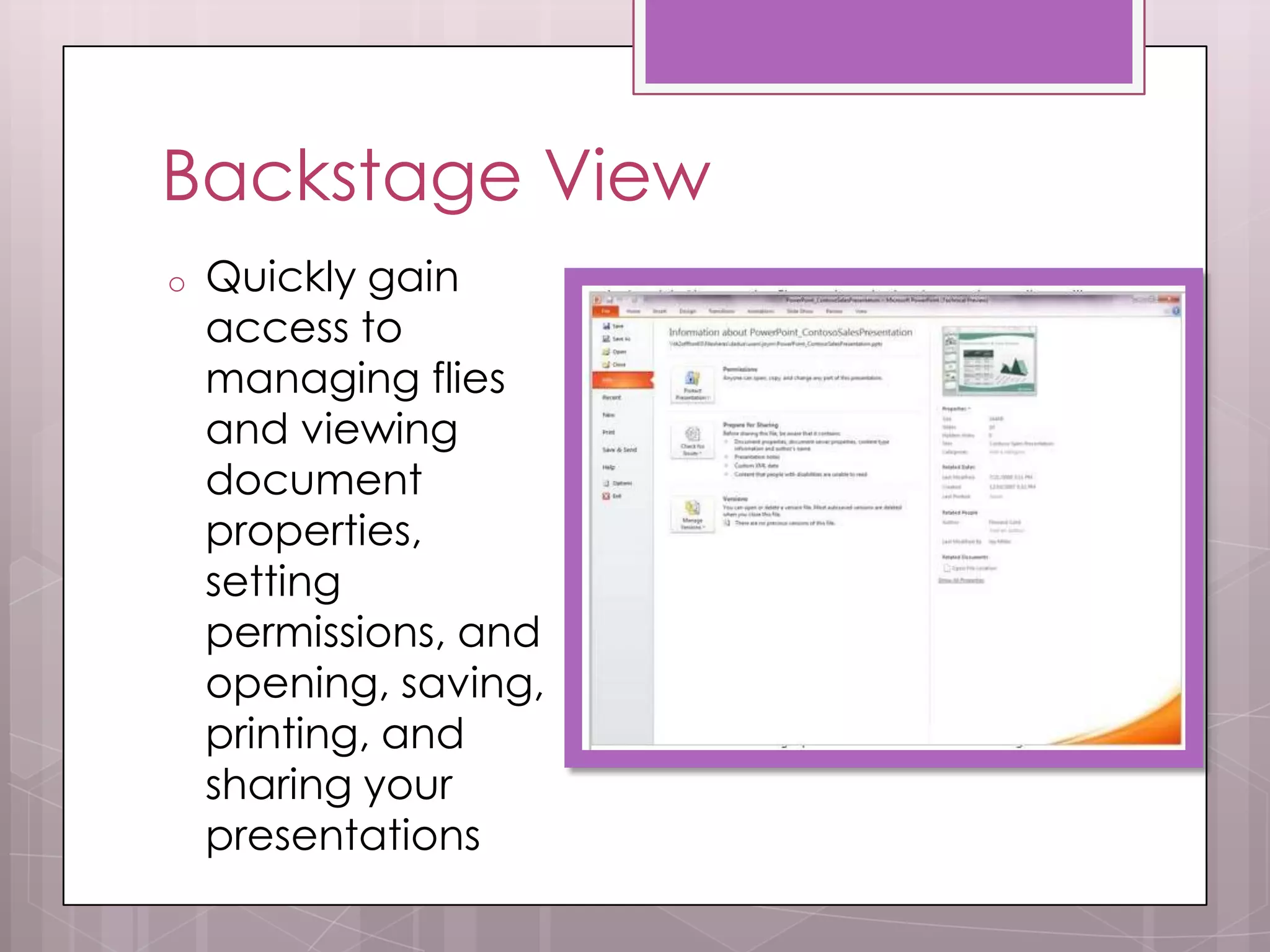
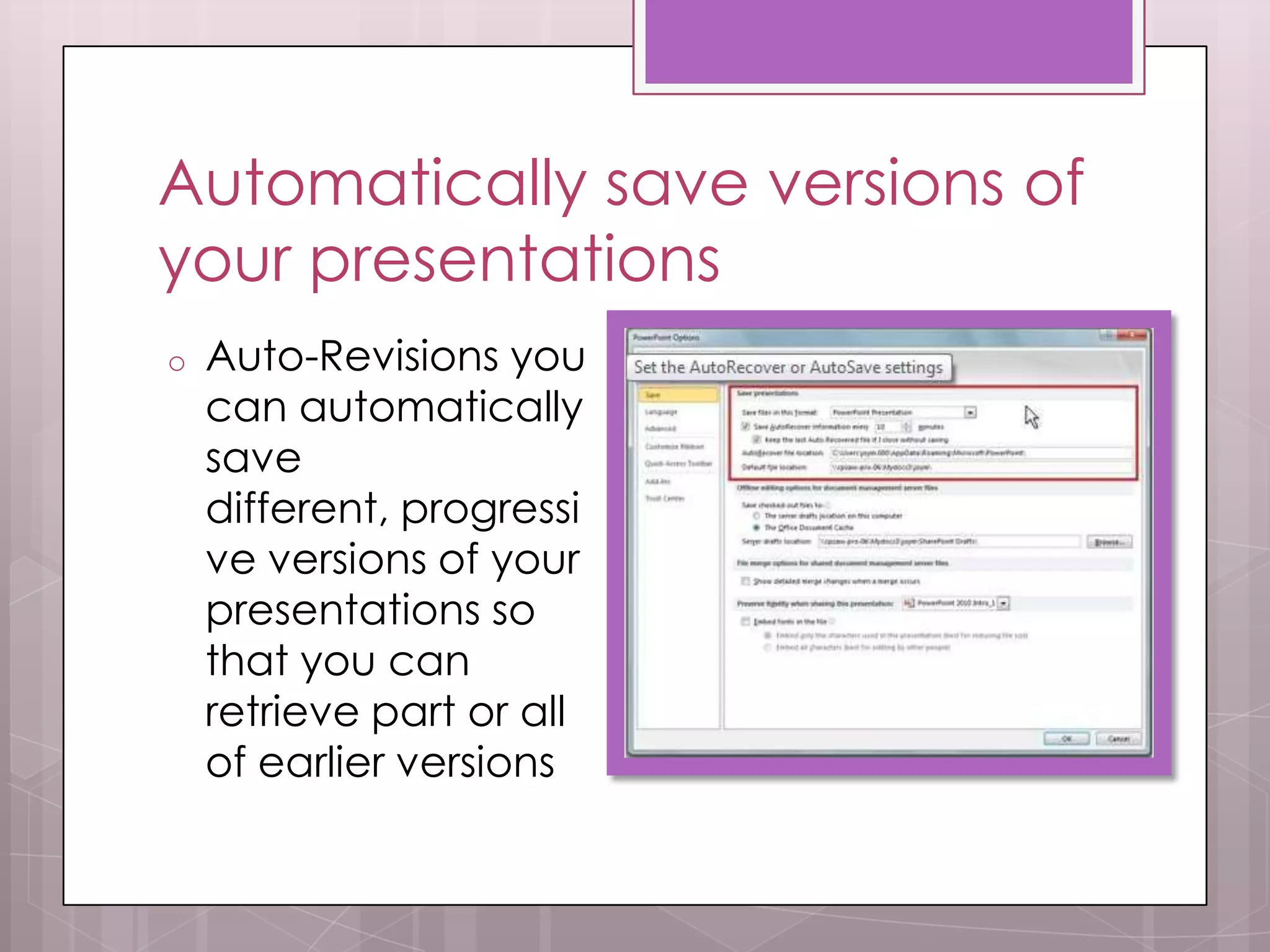
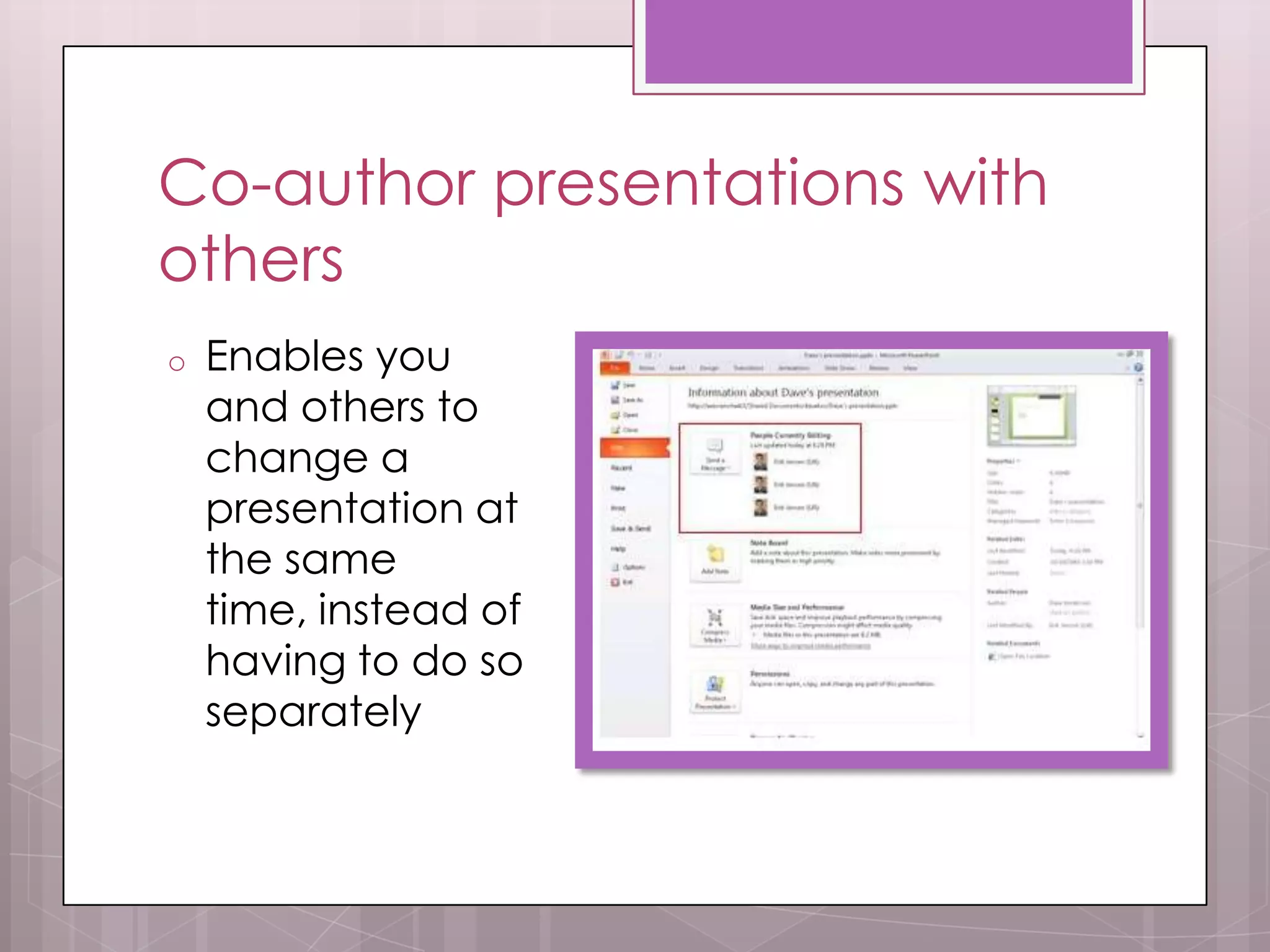
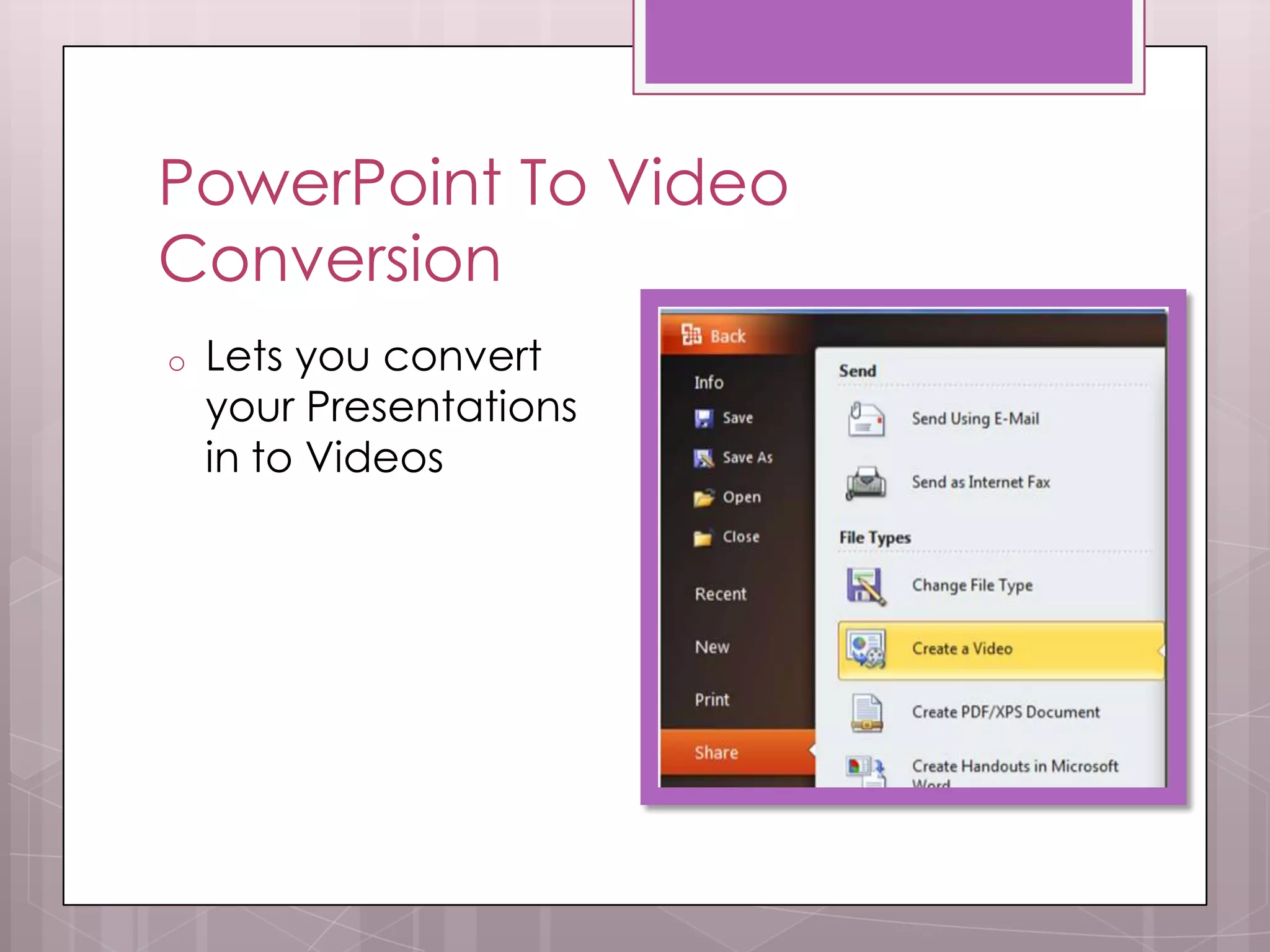
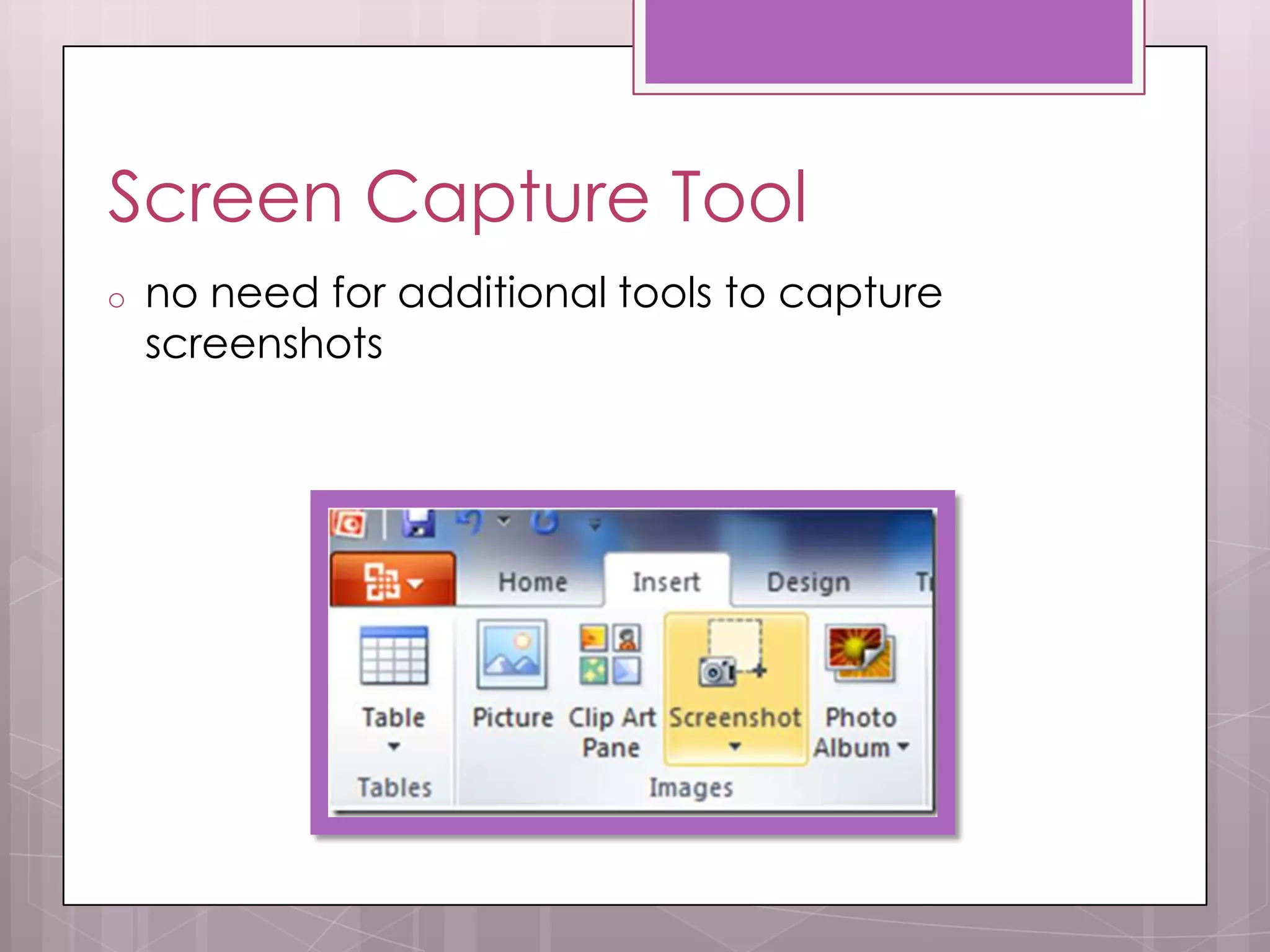
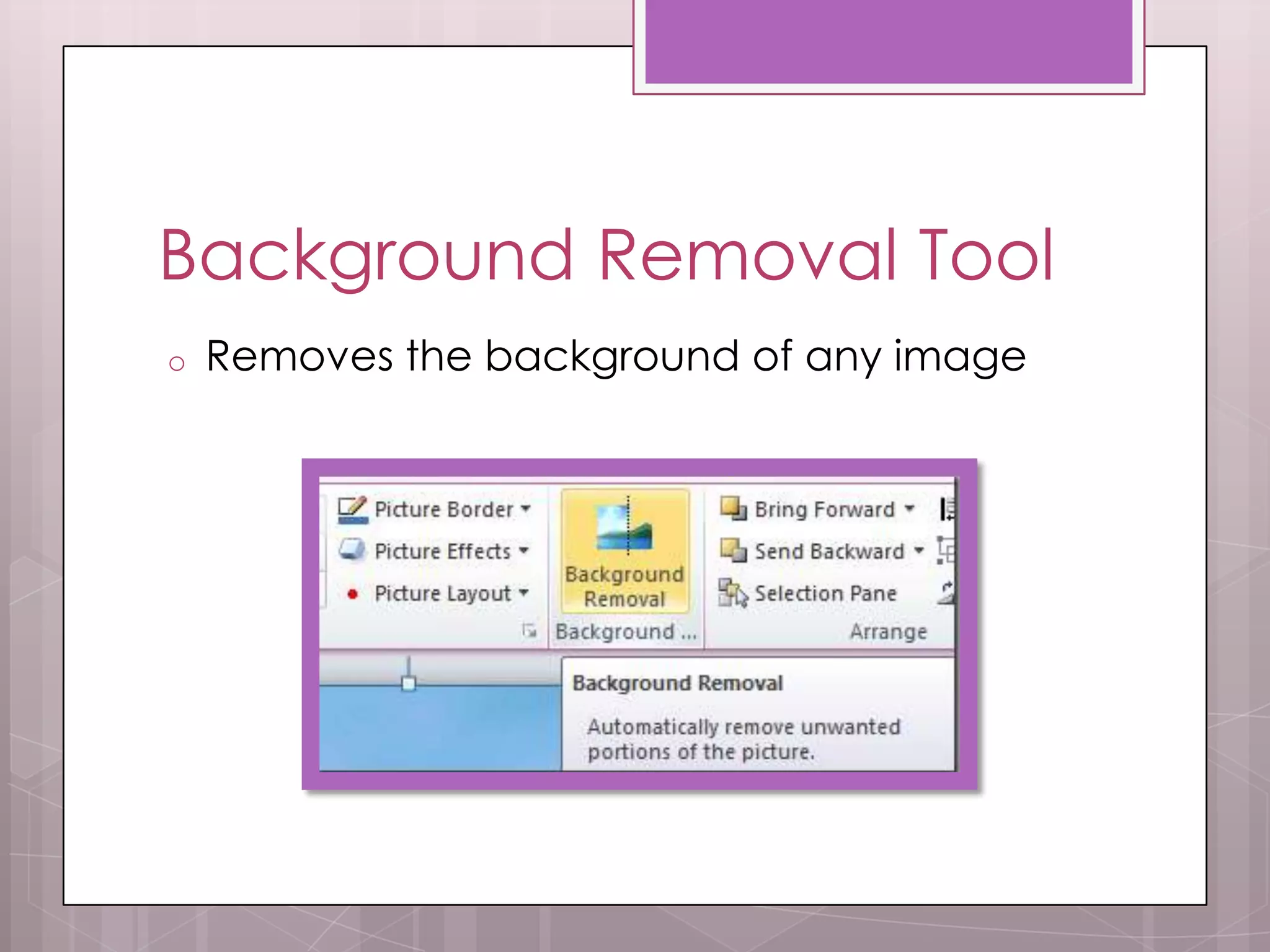
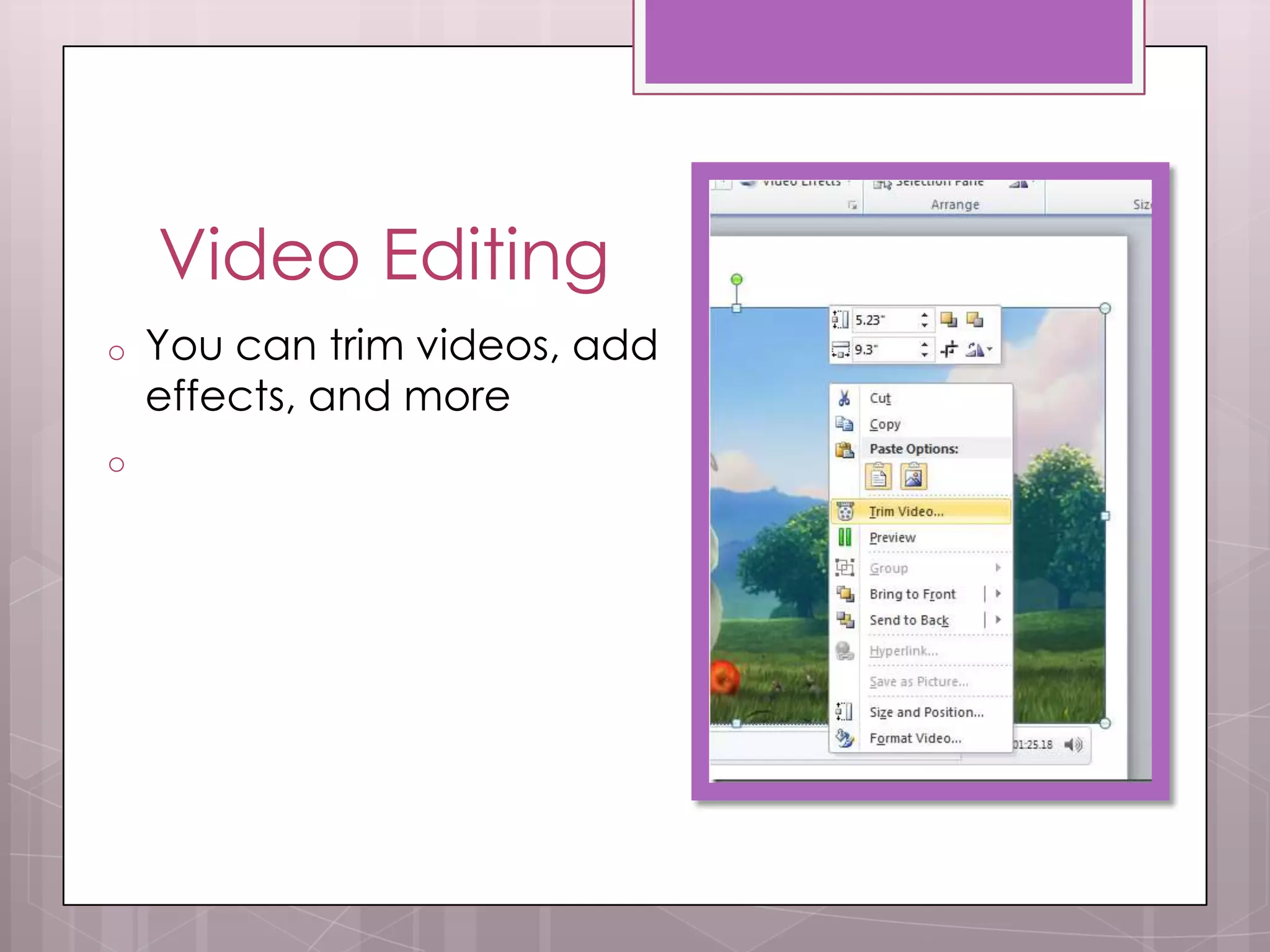
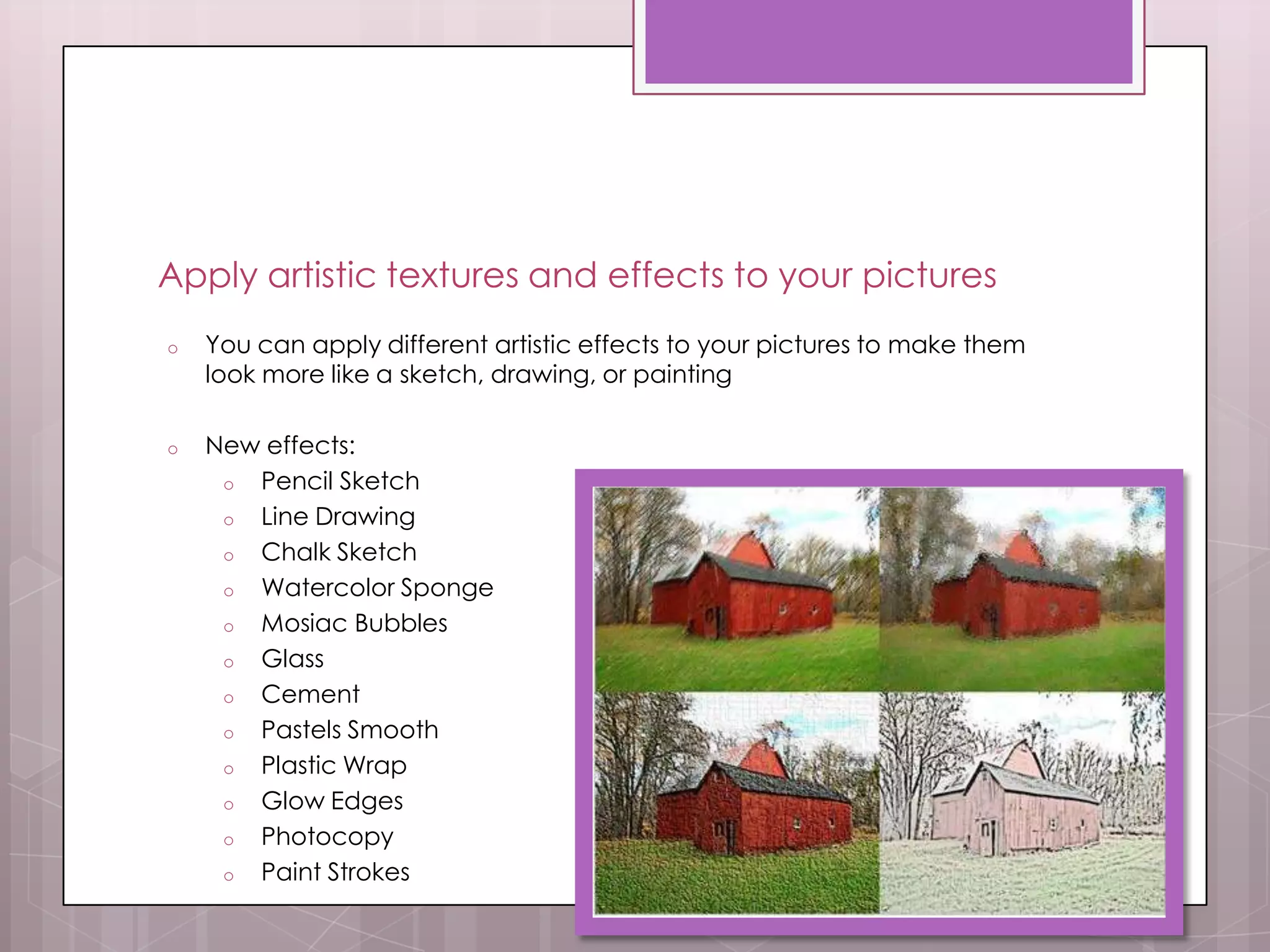
Backstage ViewQuickly gain access to managing flies and viewing document properties, setting permissions, and opening, saving, printing, and sharing your presentations  Automatically save versions of your presentationsAuto-Revisions you can automatically save different, progressive versions of your presentations so that you can retrieve part or all of earlier versions Co-author presentations with othersEnables you and others to change a presentation at the same time, instead of having to do so separatelyPowerPoint To Video ConversionLets you convert your Presentations in to Videos Screen Capture Toolno need for additional tools to capture screenshots Background Removal ToolRemoves the background of any imageVideo EditingYou can trim videos, add effects, and moreApply artistic textures and effects to your picturesYou can apply different artistic effects to your pictures to make them look more like a sketch, drawing, or painting
New effects:
Pencil Sketch
Line Drawing
Chalk Sketch
Watercolor Sponge
Mosiac Bubbles
Glass
Cement
Pastels Smooth
Plastic Wrap

J.Harlow

  • 1.
    10 New FeaturesByJulee Harlow HR. 3
  • 2.
    Backstage ViewQuickly gainaccess to managing flies and viewing document properties, setting permissions, and opening, saving, printing, and sharing your presentations Automatically save versions of your presentationsAuto-Revisions you can automatically save different, progressive versions of your presentations so that you can retrieve part or all of earlier versions Co-author presentations with othersEnables you and others to change a presentation at the same time, instead of having to do so separatelyPowerPoint To Video ConversionLets you convert your Presentations in to Videos Screen Capture Toolno need for additional tools to capture screenshots Background Removal ToolRemoves the background of any imageVideo EditingYou can trim videos, add effects, and moreApply artistic textures and effects to your picturesYou can apply different artistic effects to your pictures to make them look more like a sketch, drawing, or painting
  • 3.
  • 4.
  • 5.
  • 6.
  • 7.
  • 8.
  • 9.
  • 10.
  • 11.
  • 12.
  • 13.
  • 14.
  • 15.
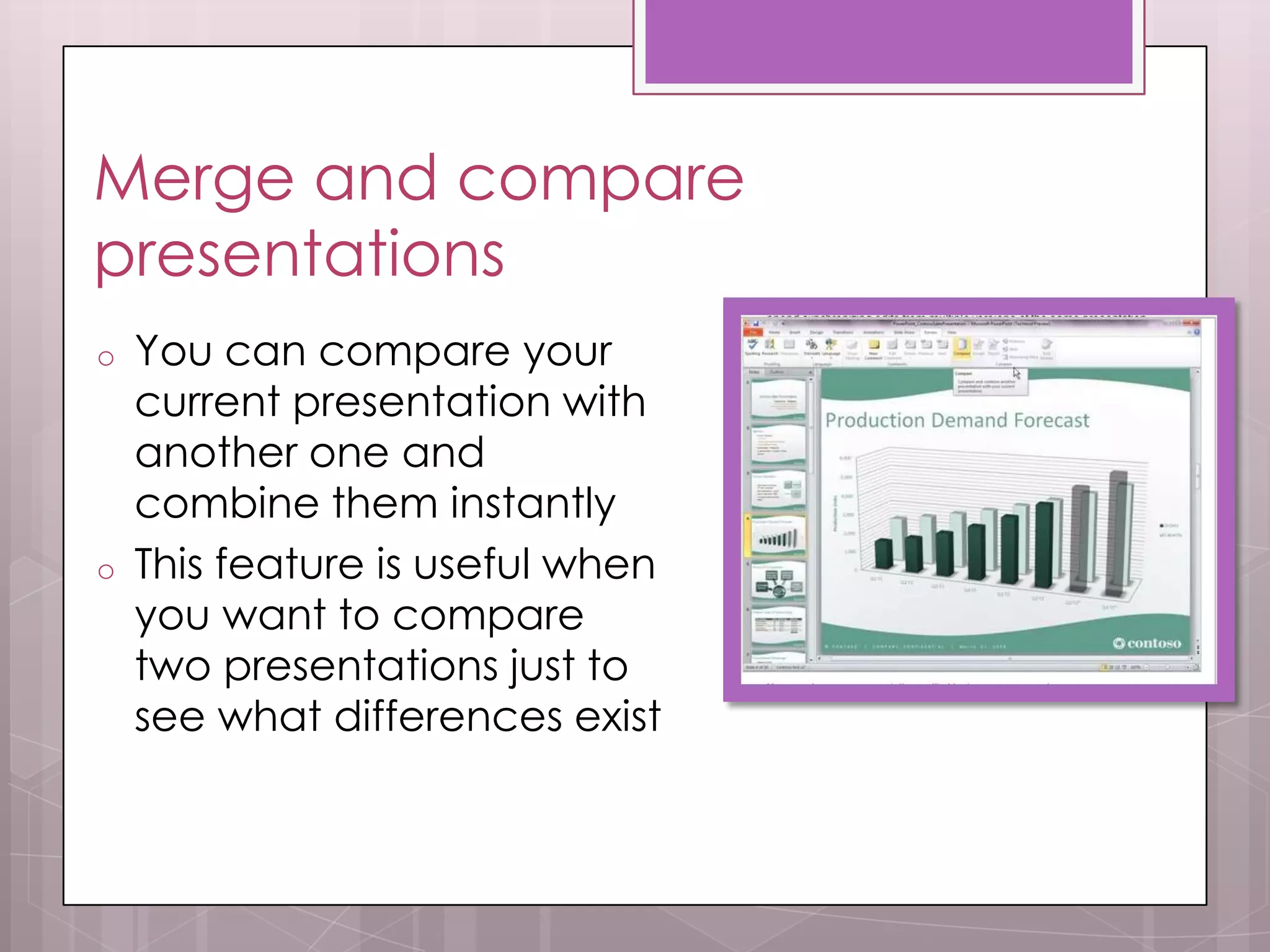
    Paint StrokesMerge andcompare presentations You can compare your current presentation with another one and combine them instantly
  • 16.
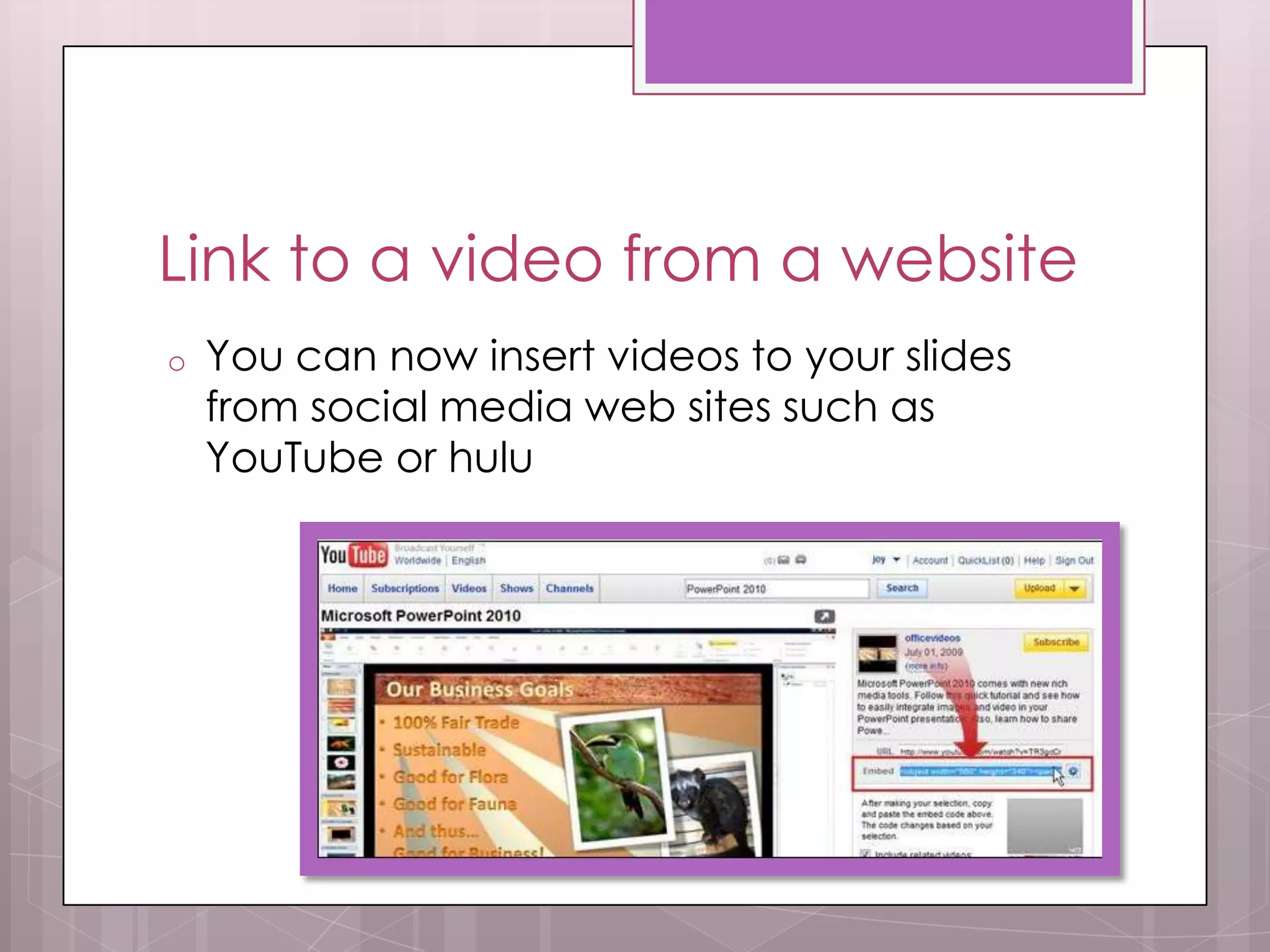
    This feature isuseful when you want to compare two presentations just to see what differences existLink to a video from a website You can now insert videos to your slides from social media web sites such as YouTube or huluSources (Pictures and Information)http://office.microsoft.com/en-us/powerpoint-help/what-s-new-in-powerpoint-2010-HA010336563.aspx#_Toc273966422