JerseyCat Splash Screen Design and Book Review Features A How-To-Do-It  Manual
 
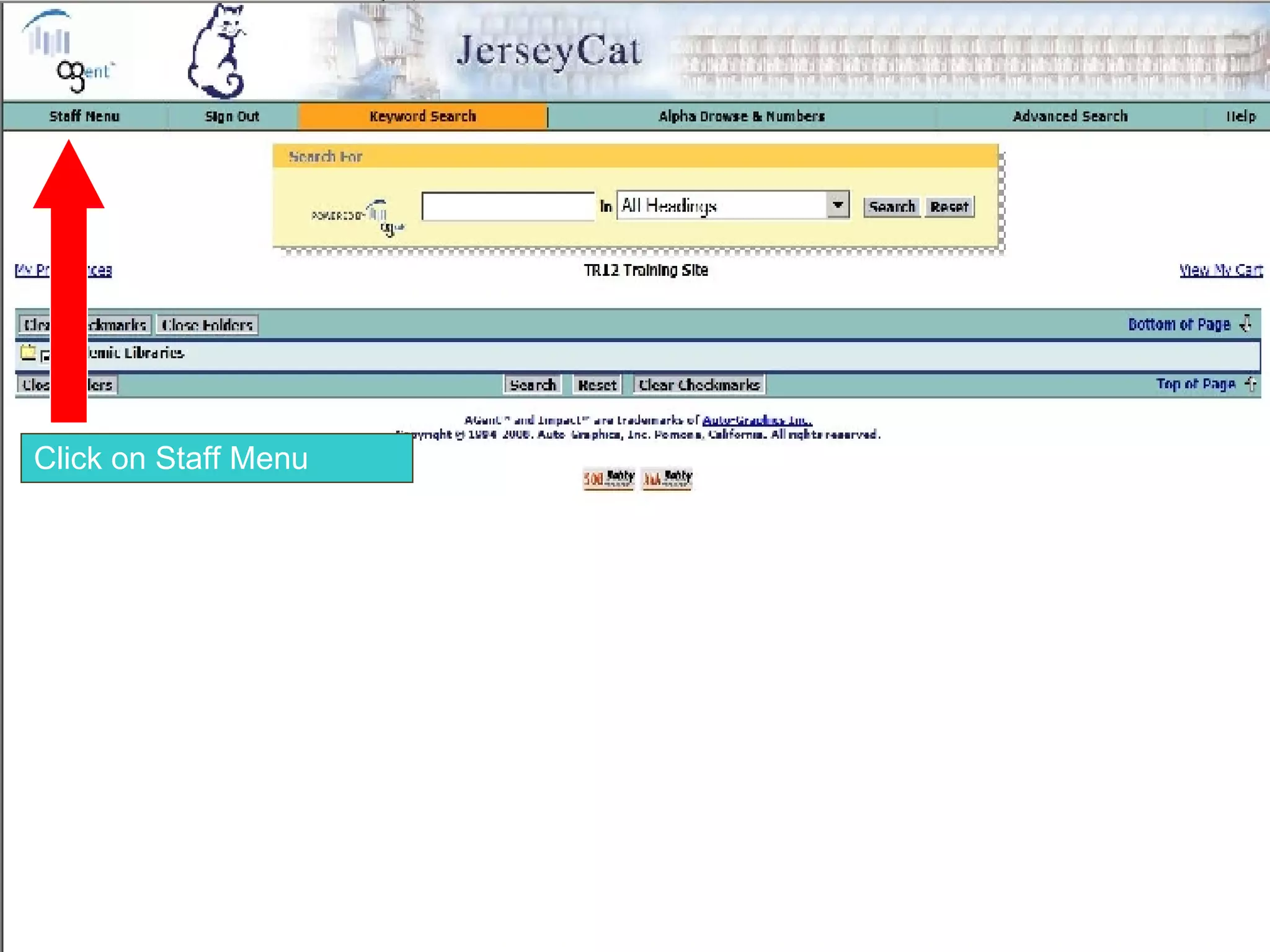
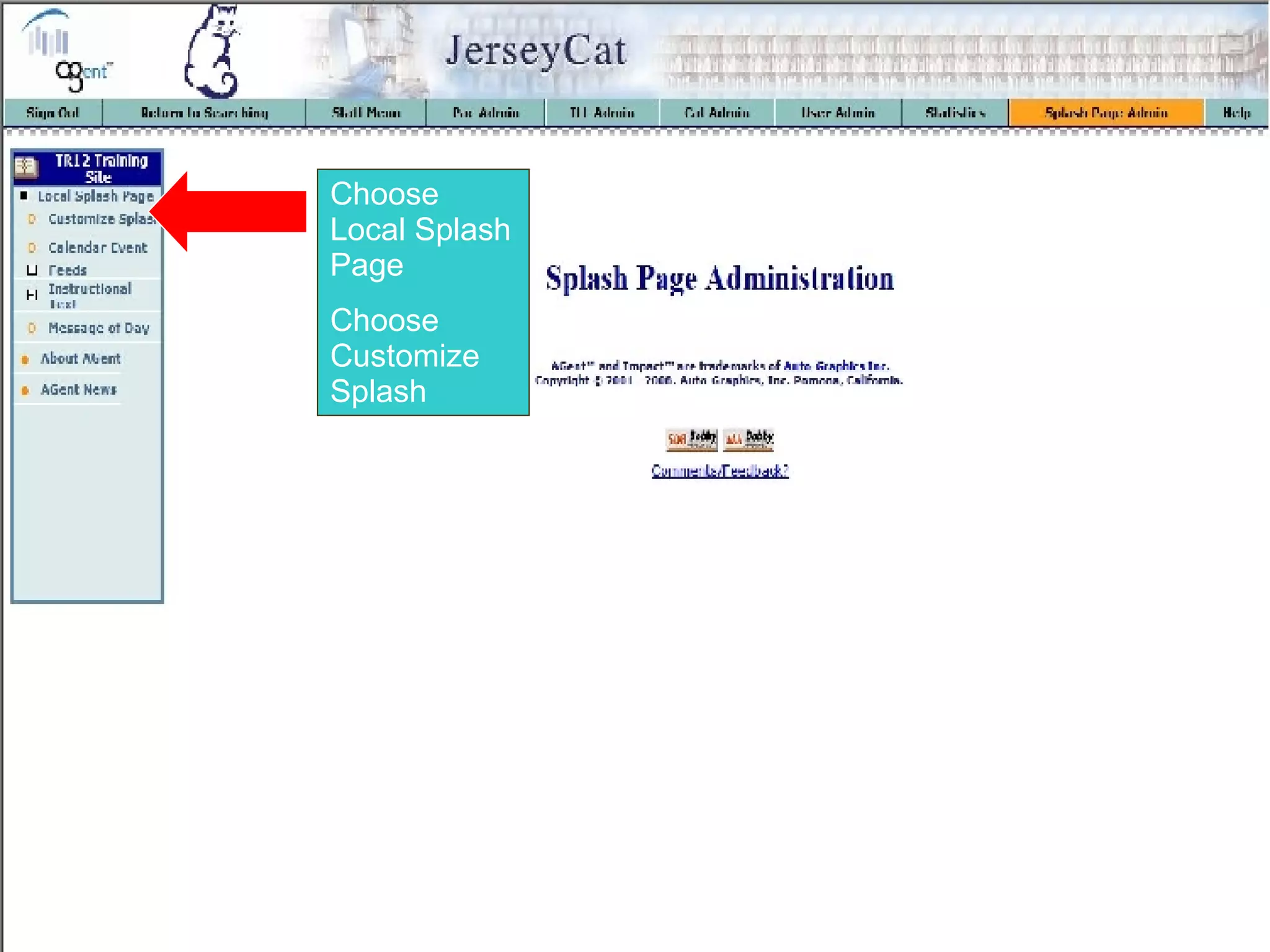
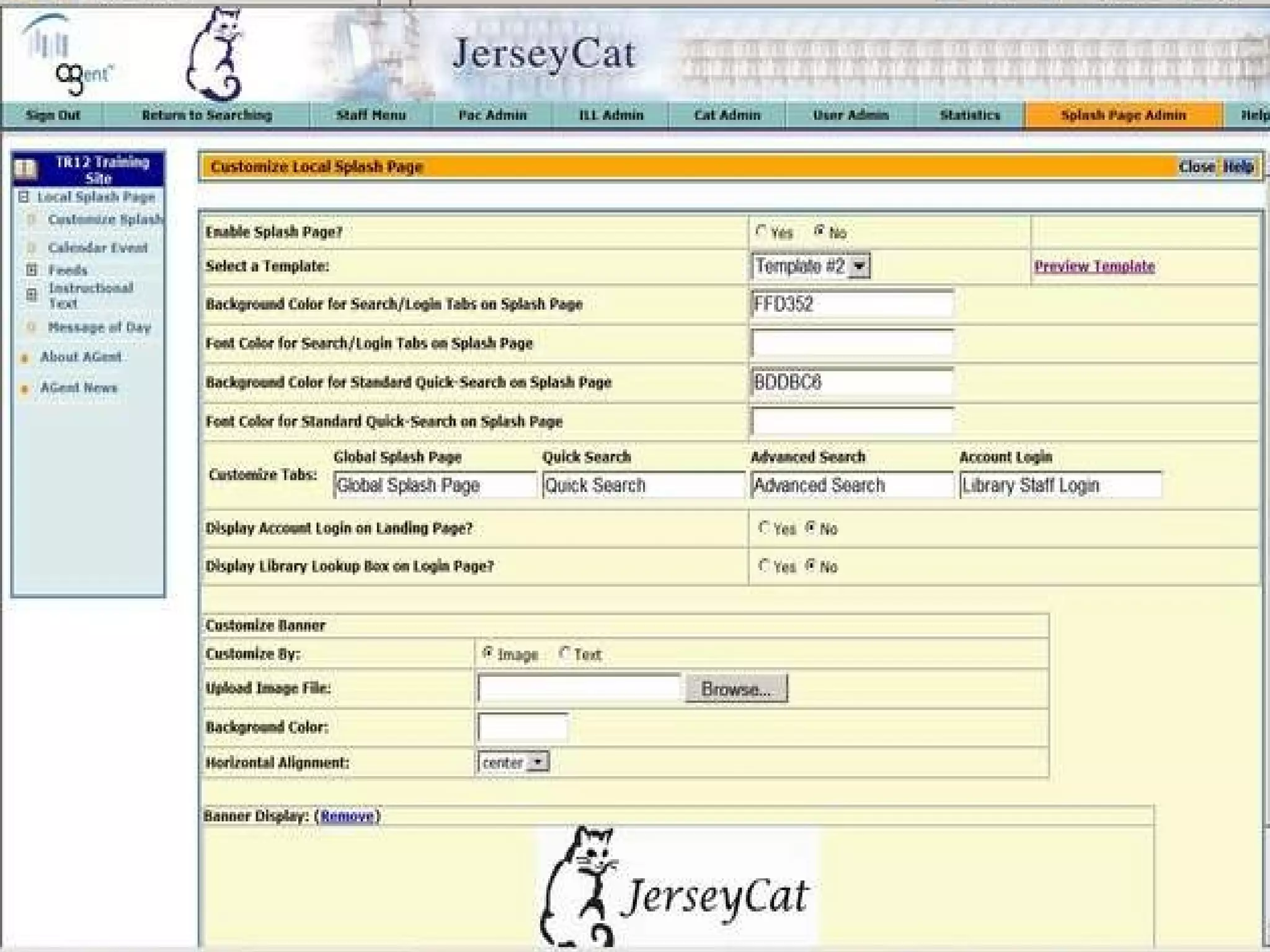
Click on Staff Menu
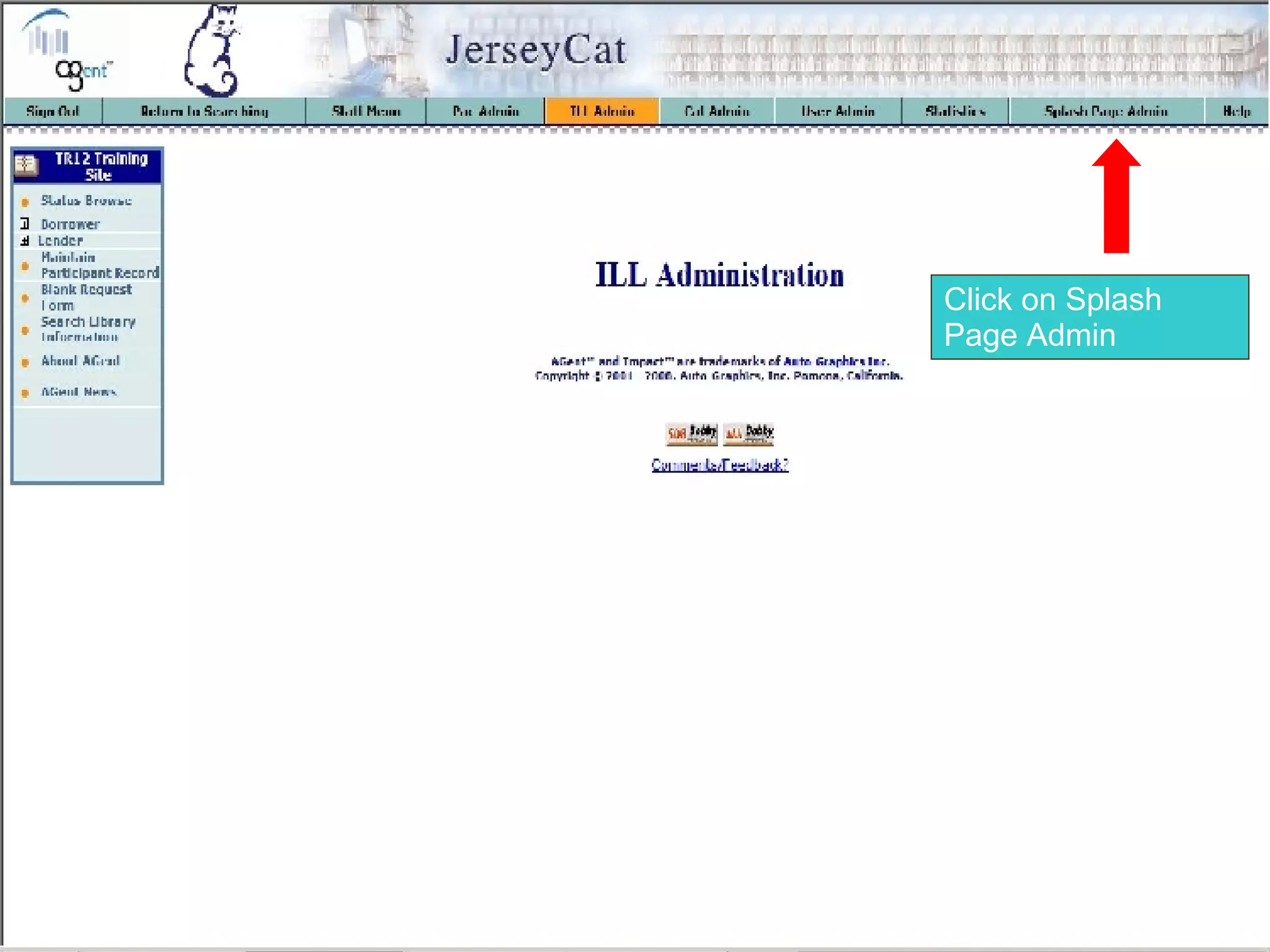
Click on Splash Page Admin
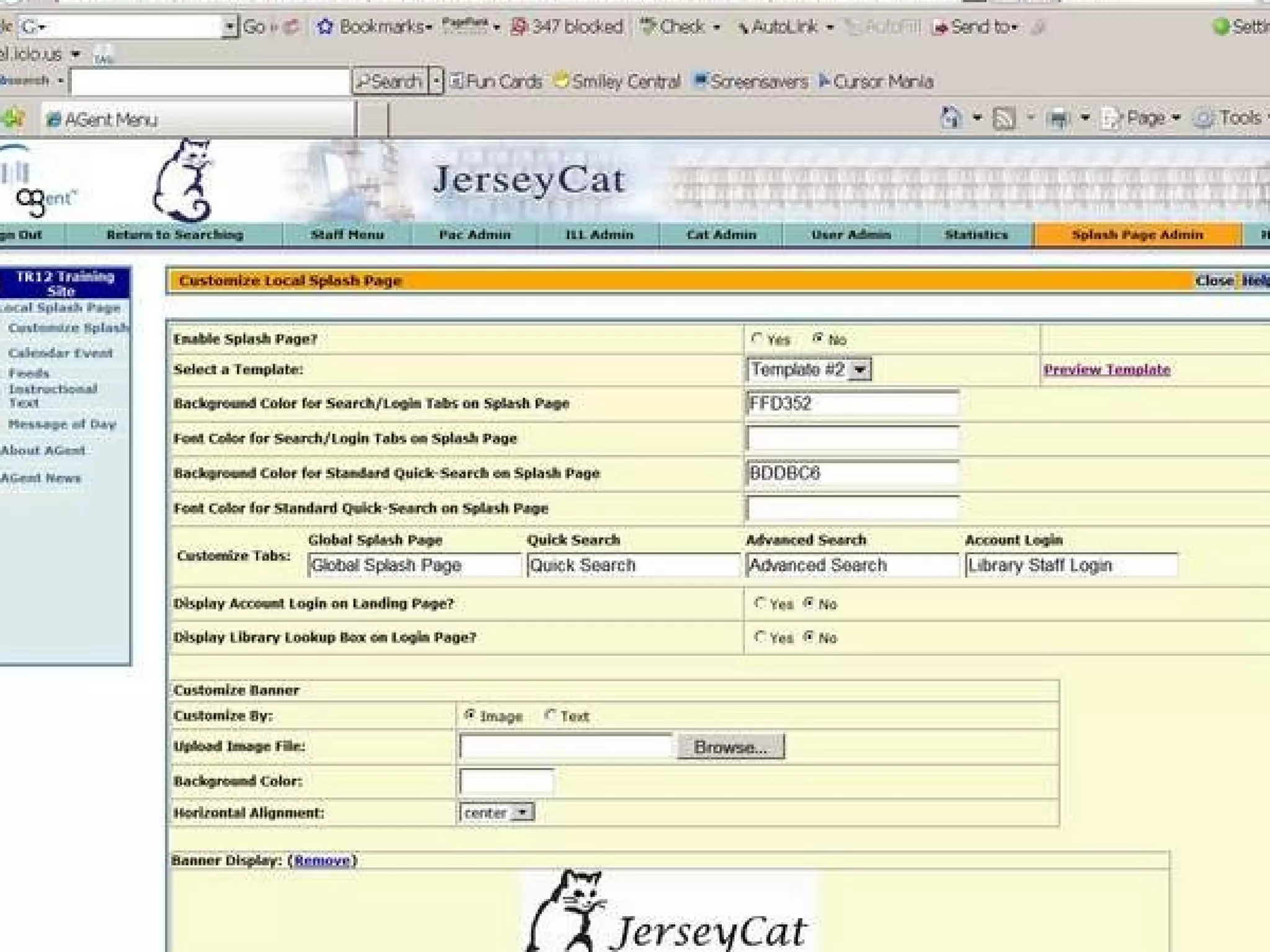
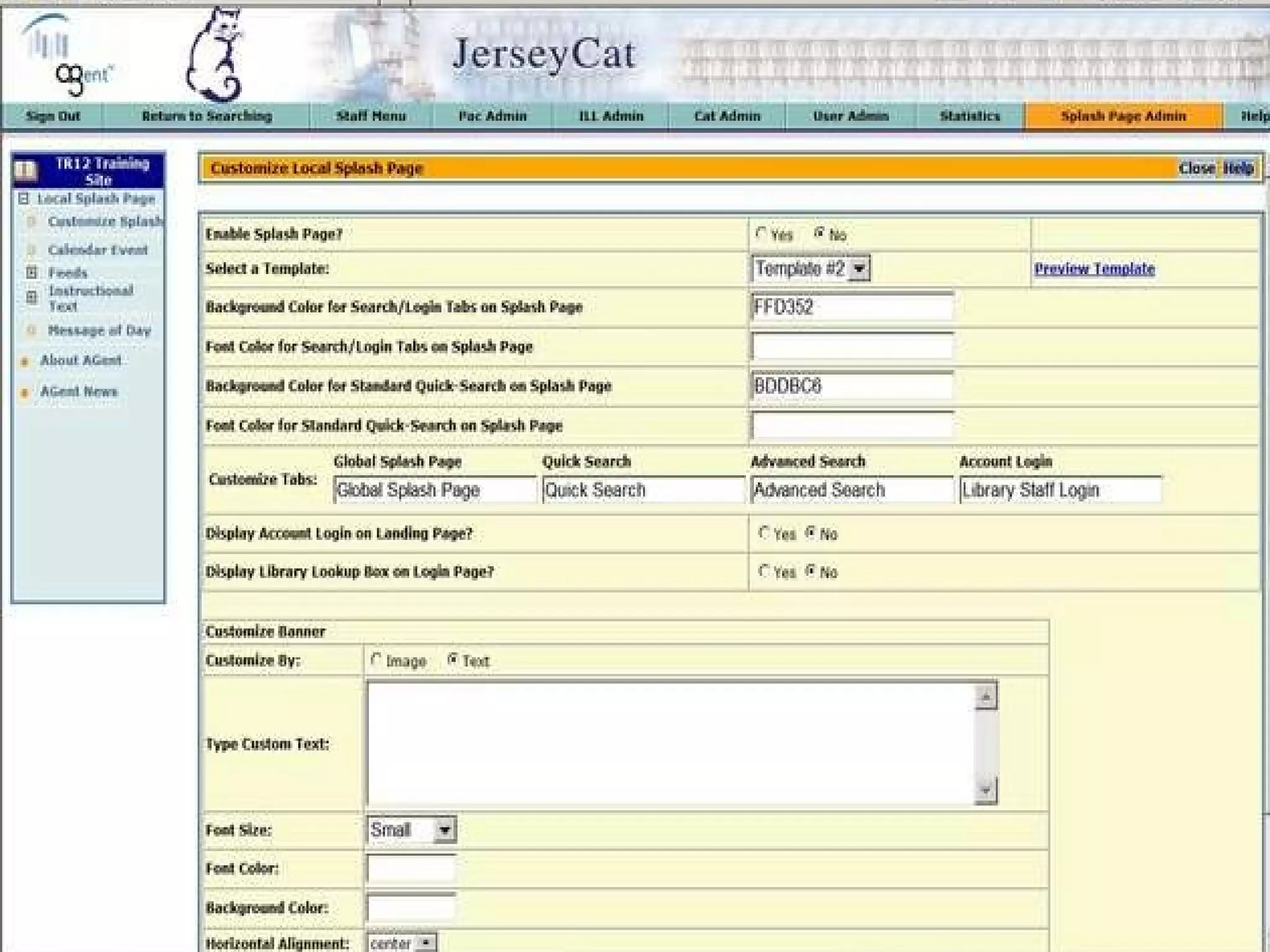
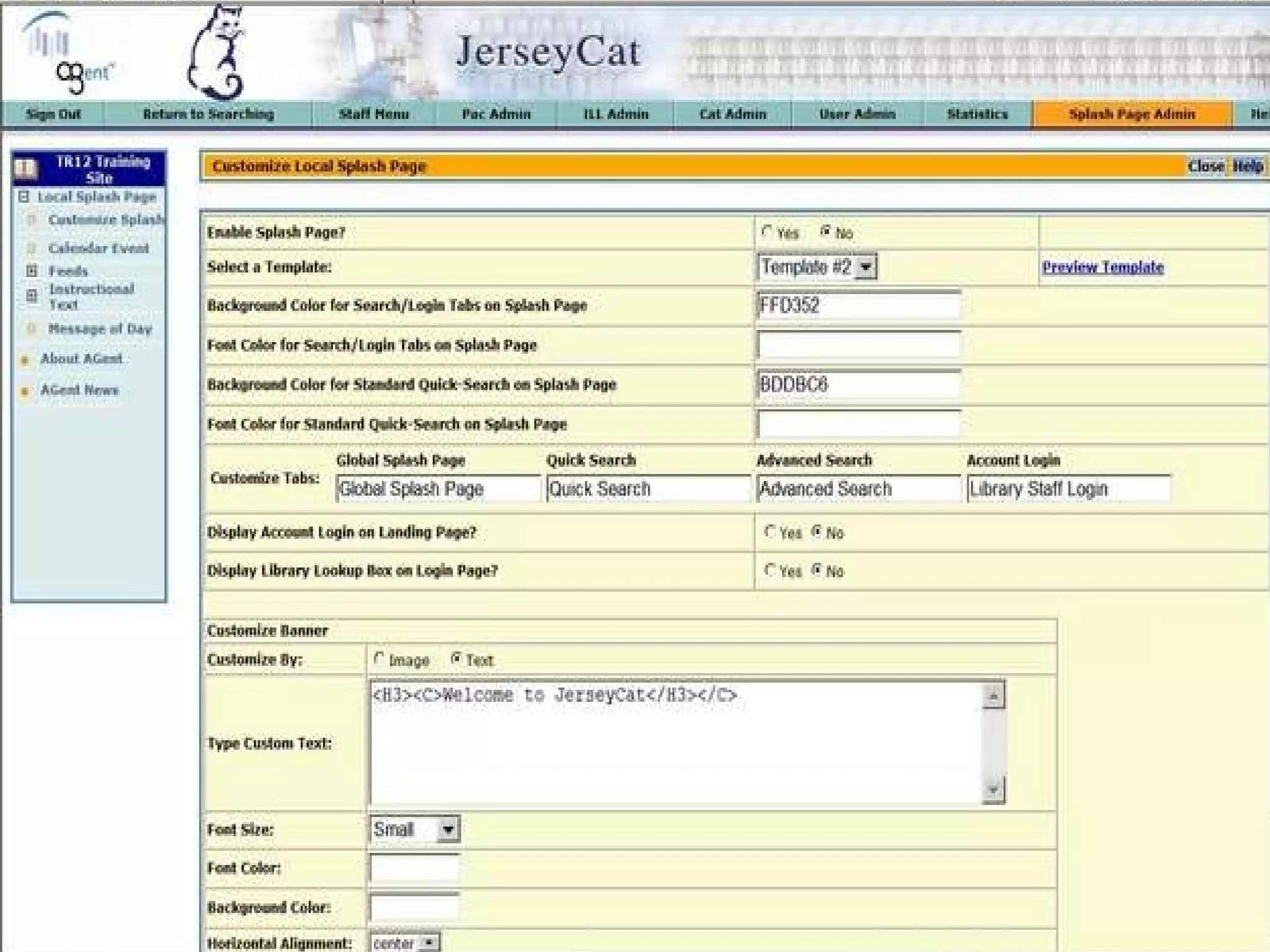
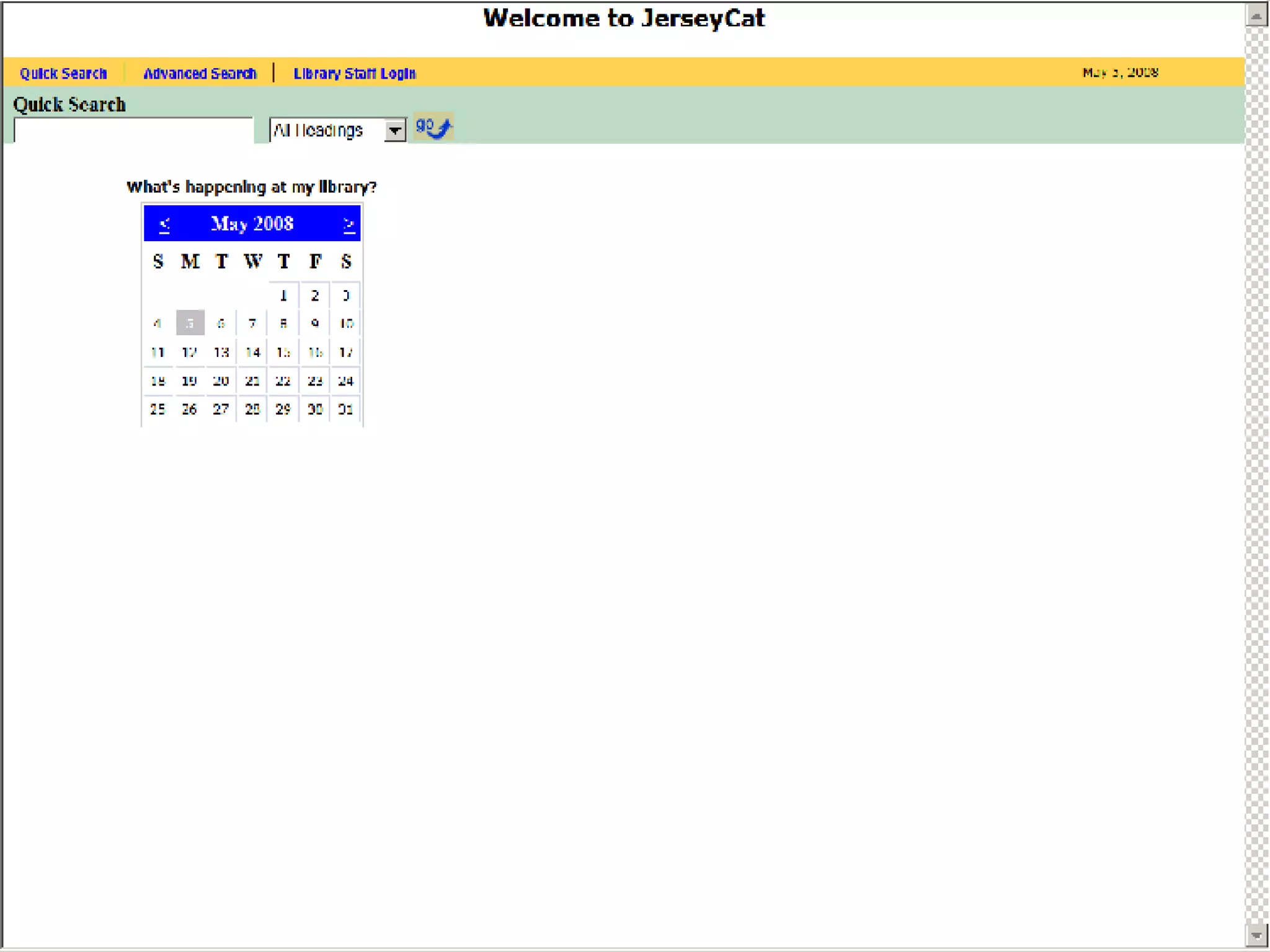
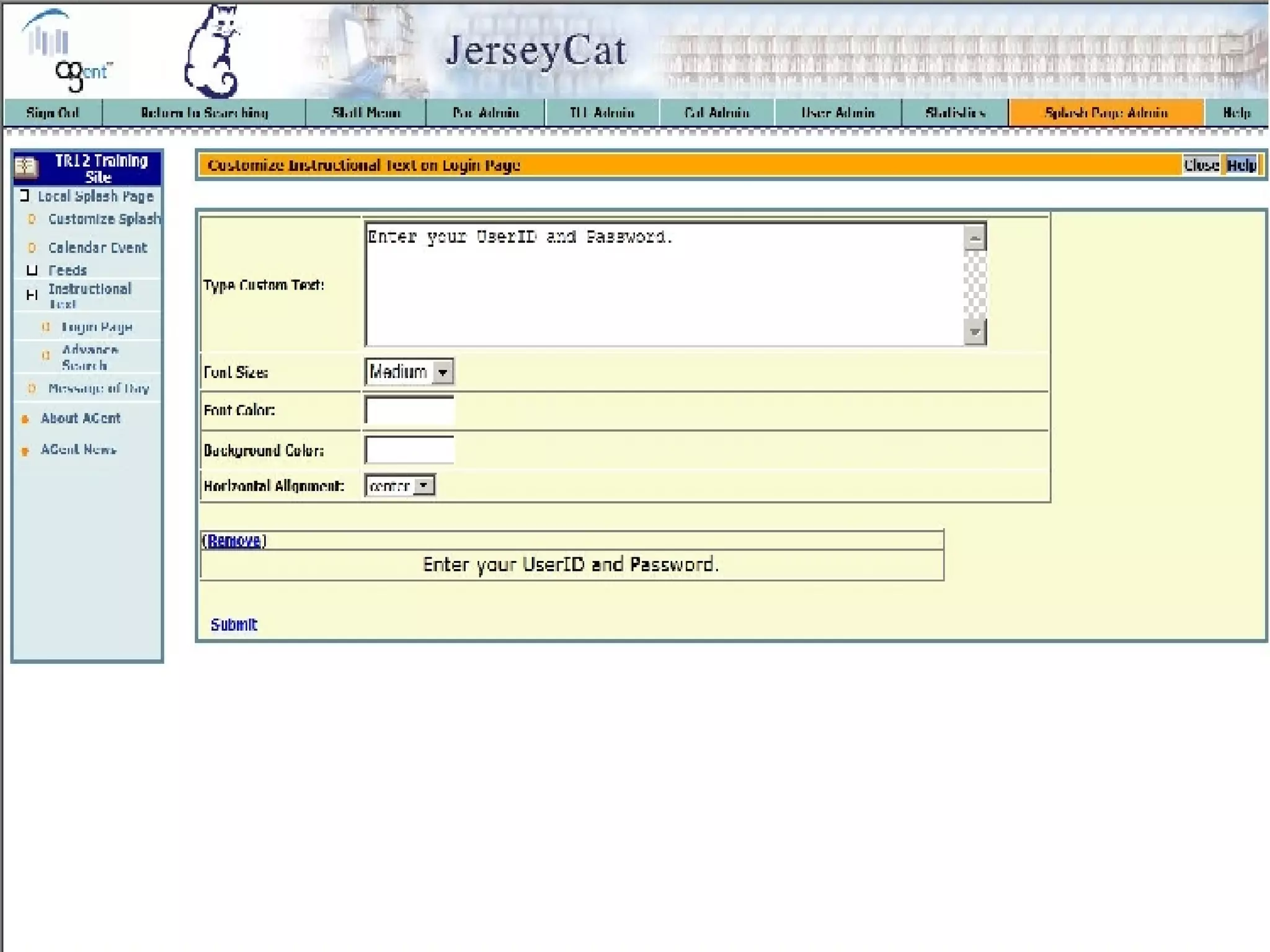
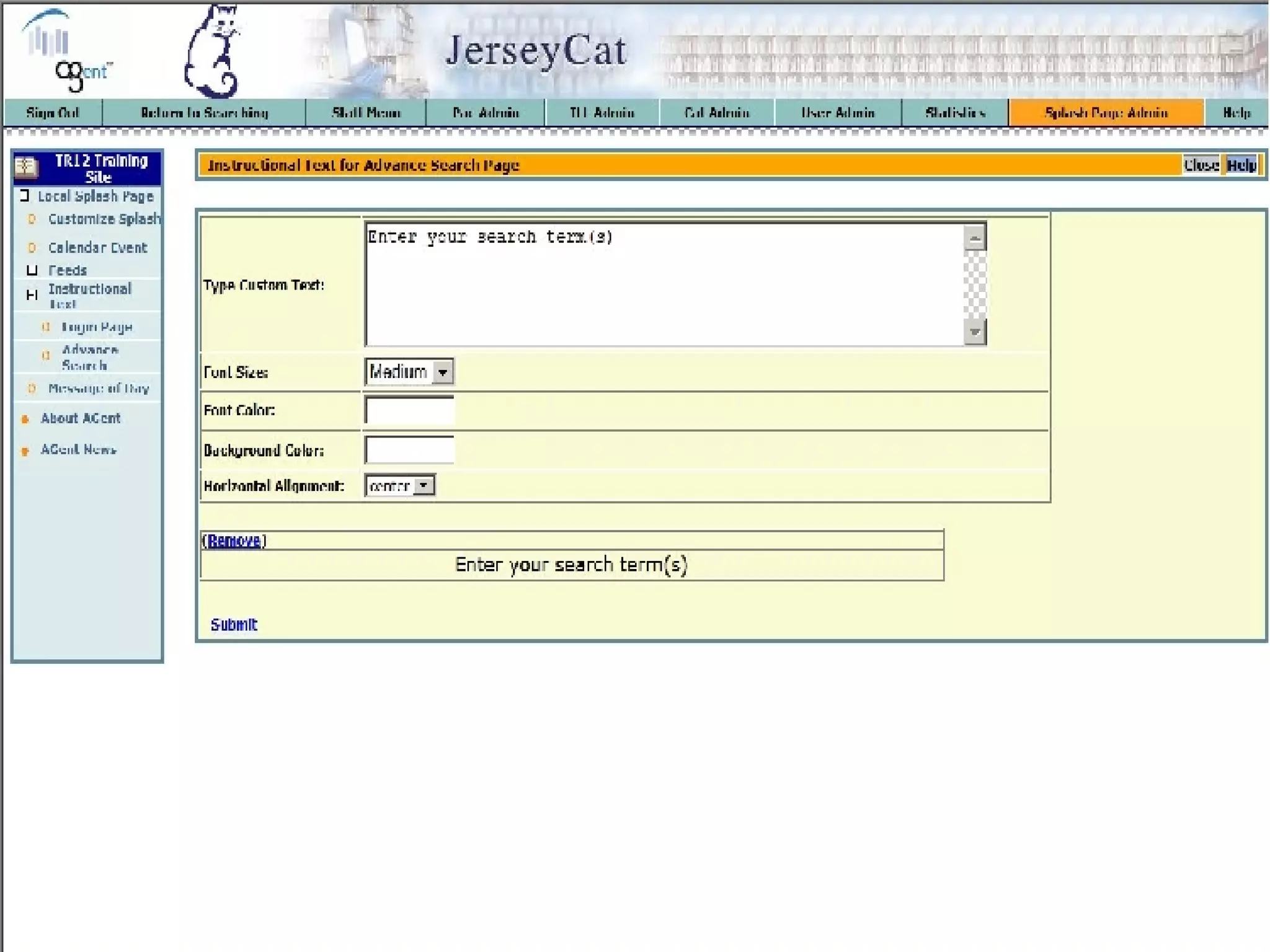
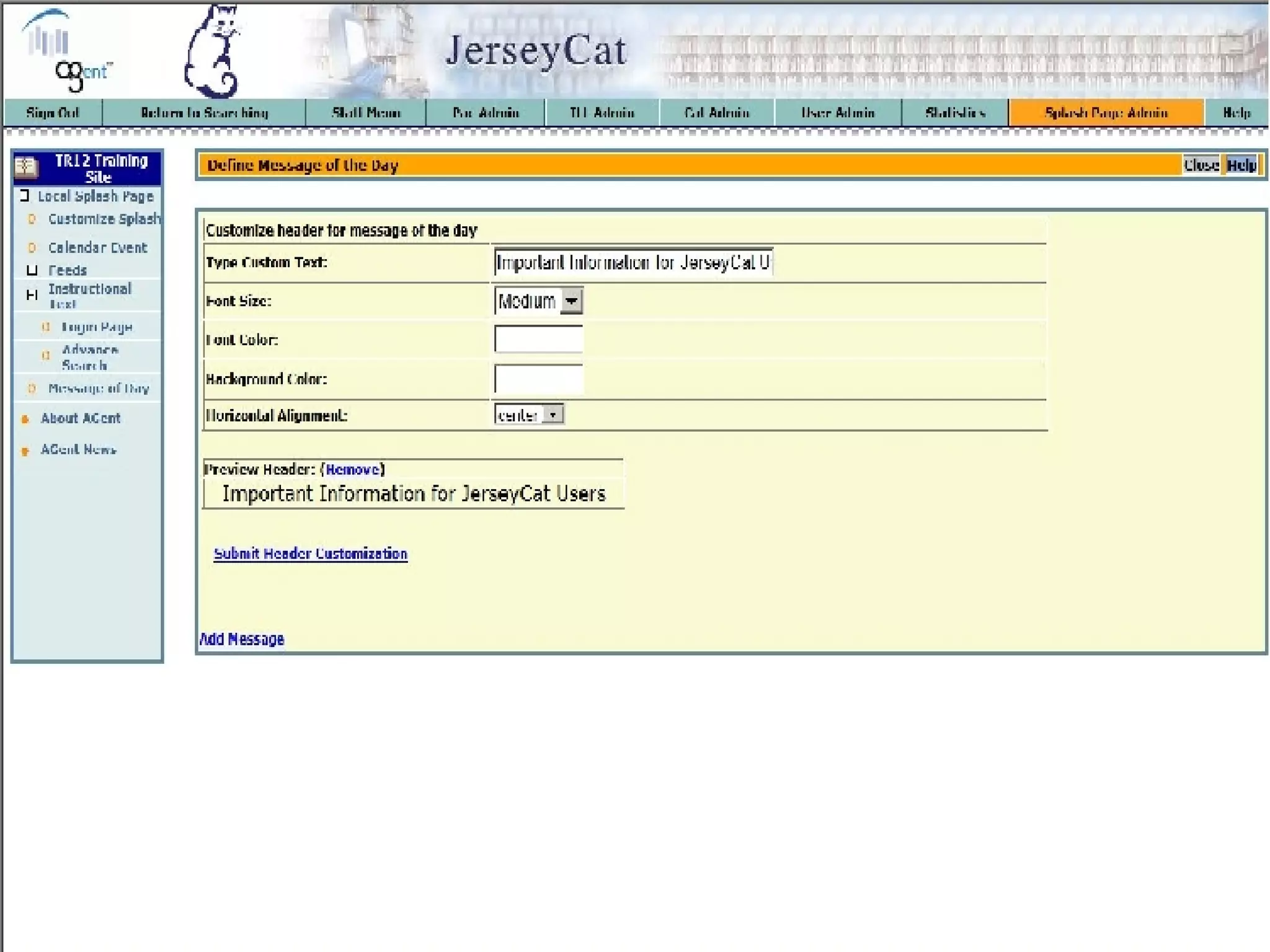
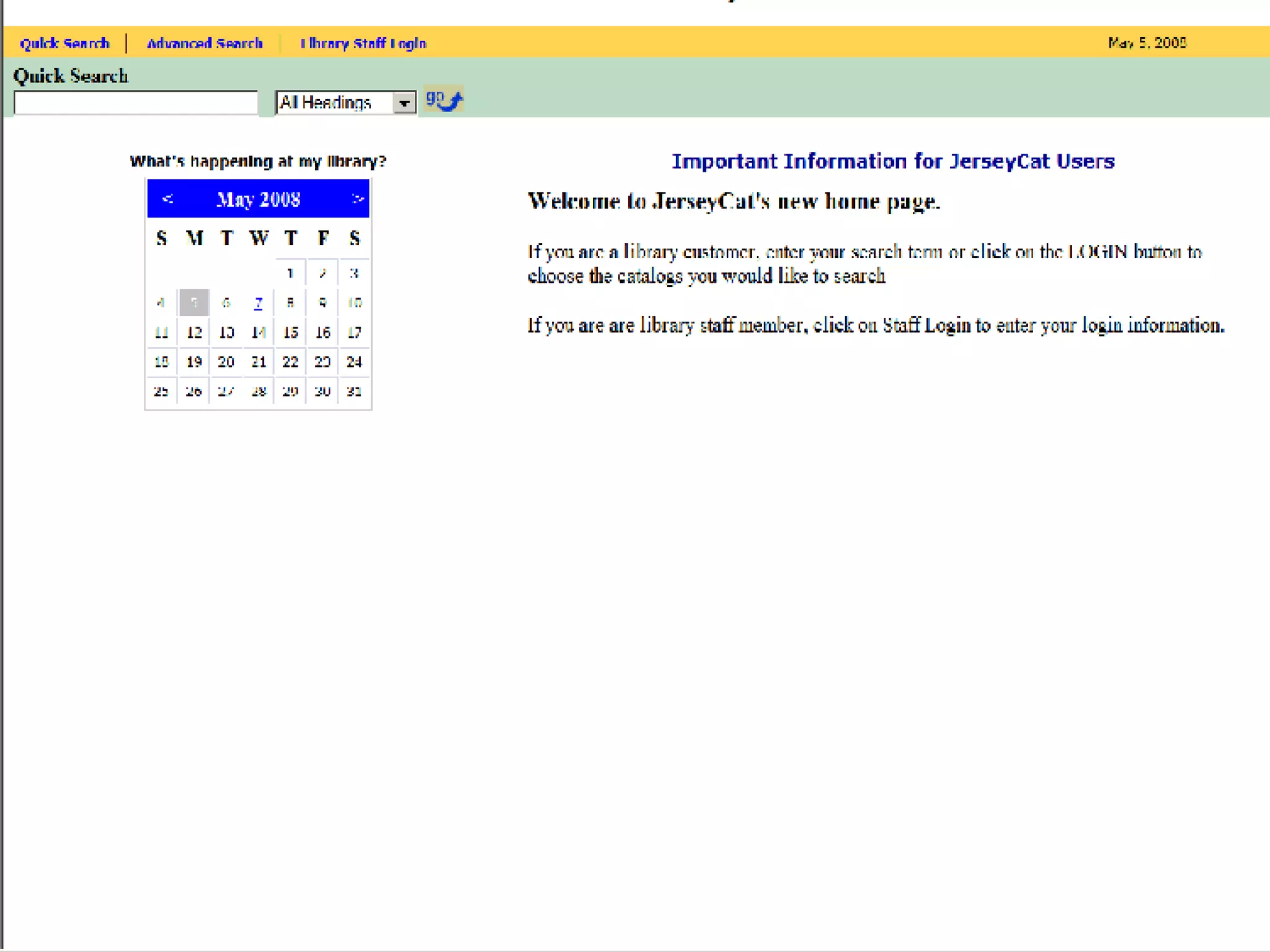
Choose Local Splash Page Choose Customize Splash
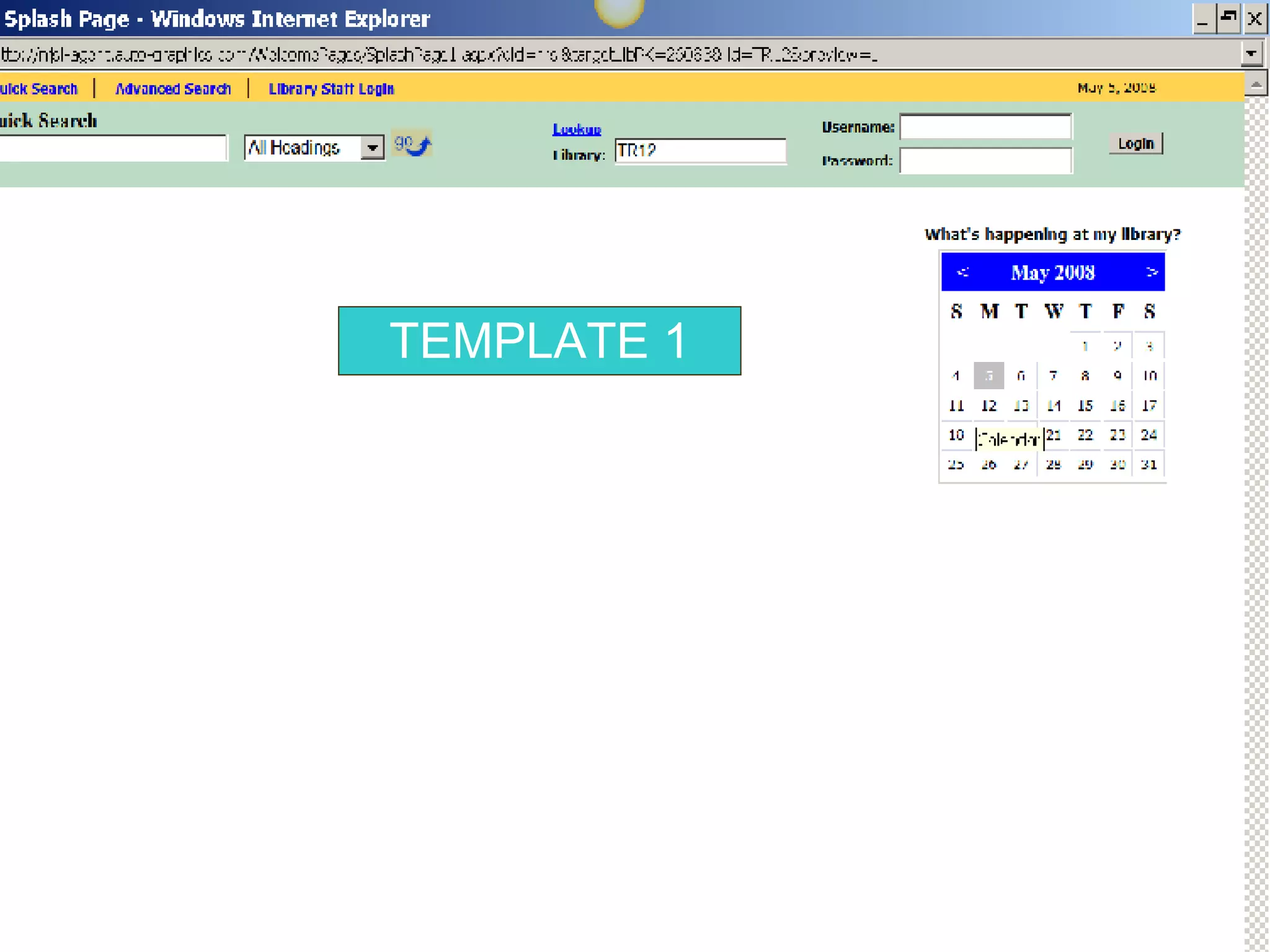
TEMPLATE 1
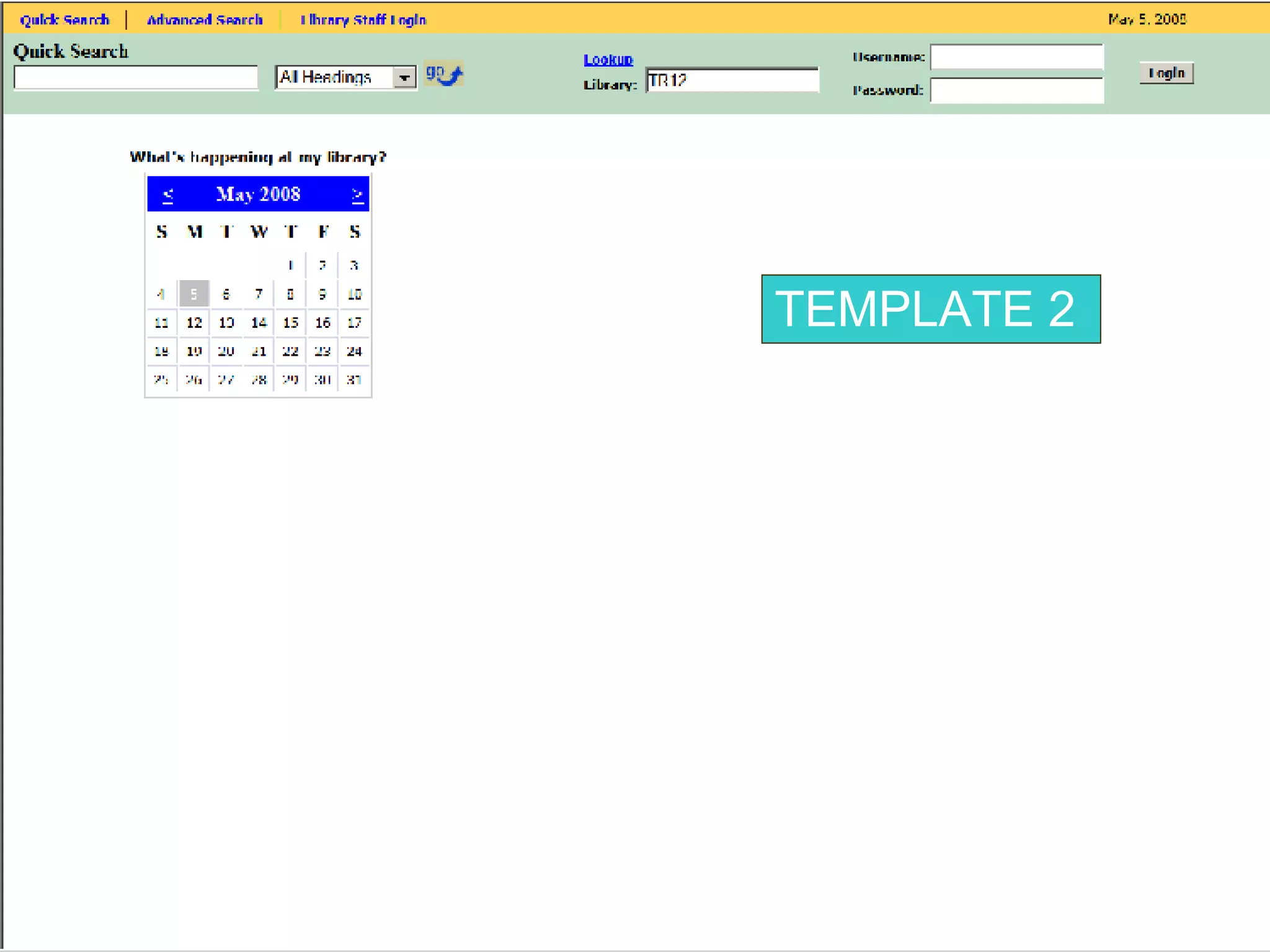
TEMPLATE 2
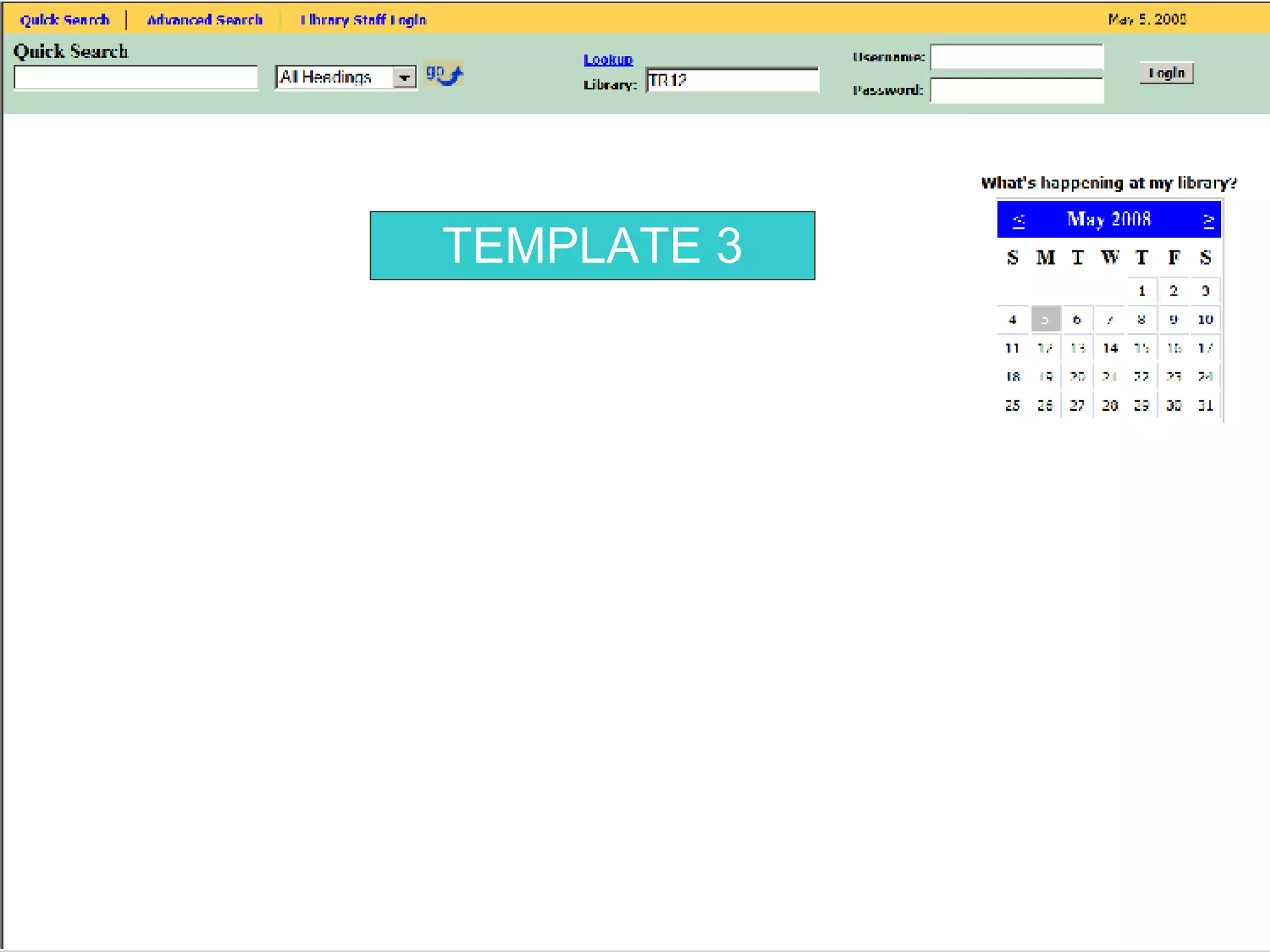
TEMPLATE 3
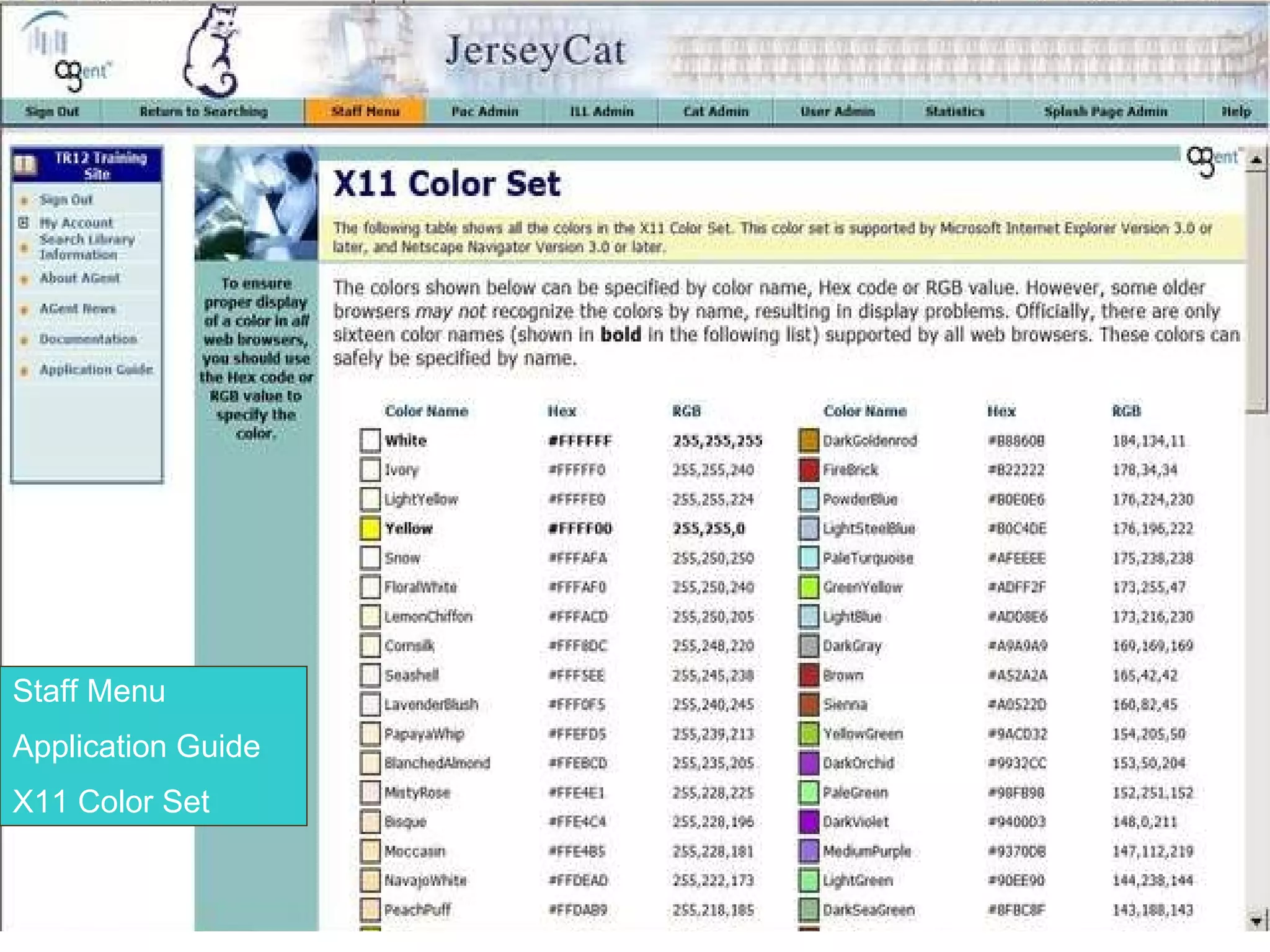
Staff Menu Application Guide X11 Color Set
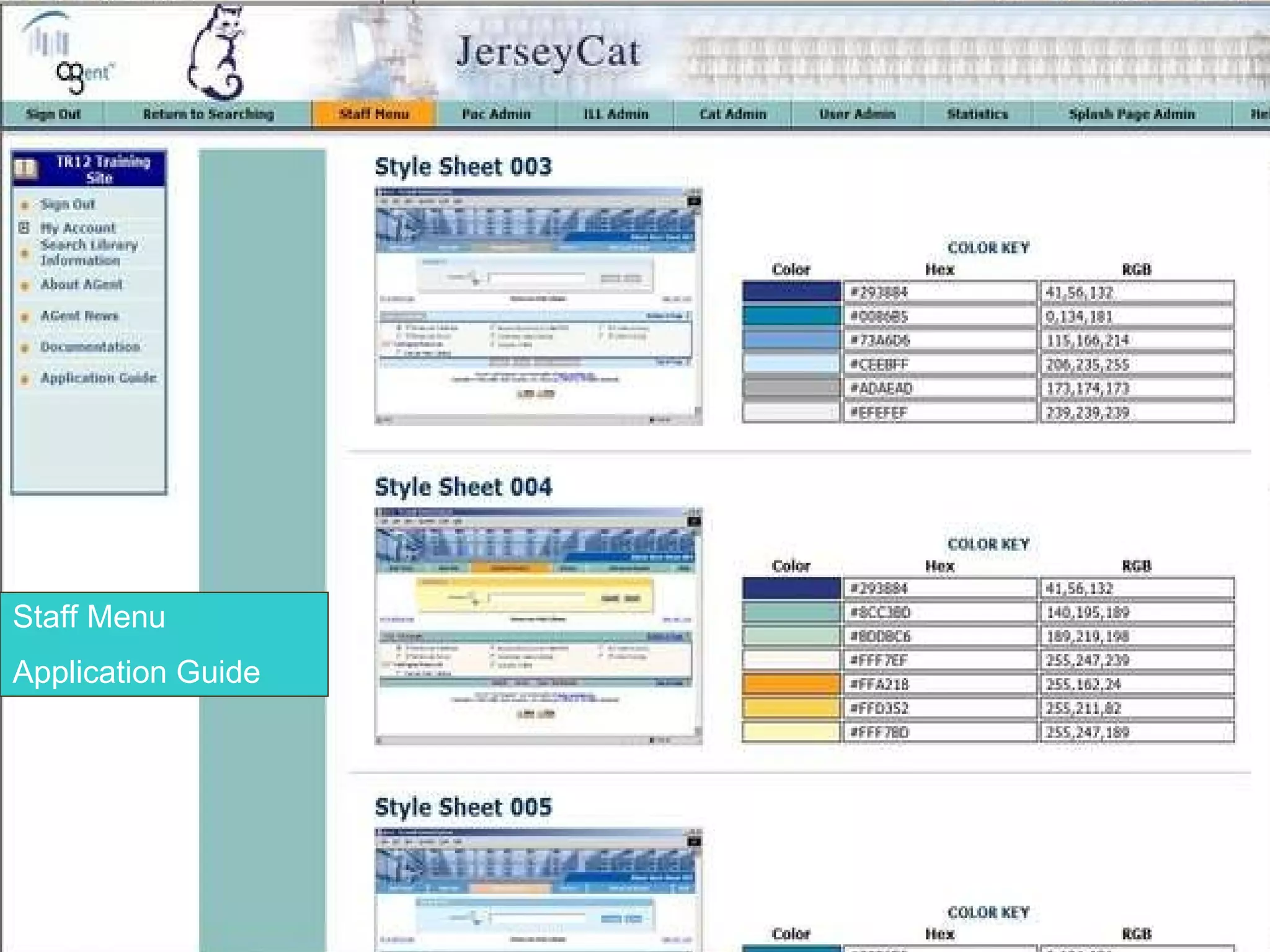
Staff Menu Application Guide


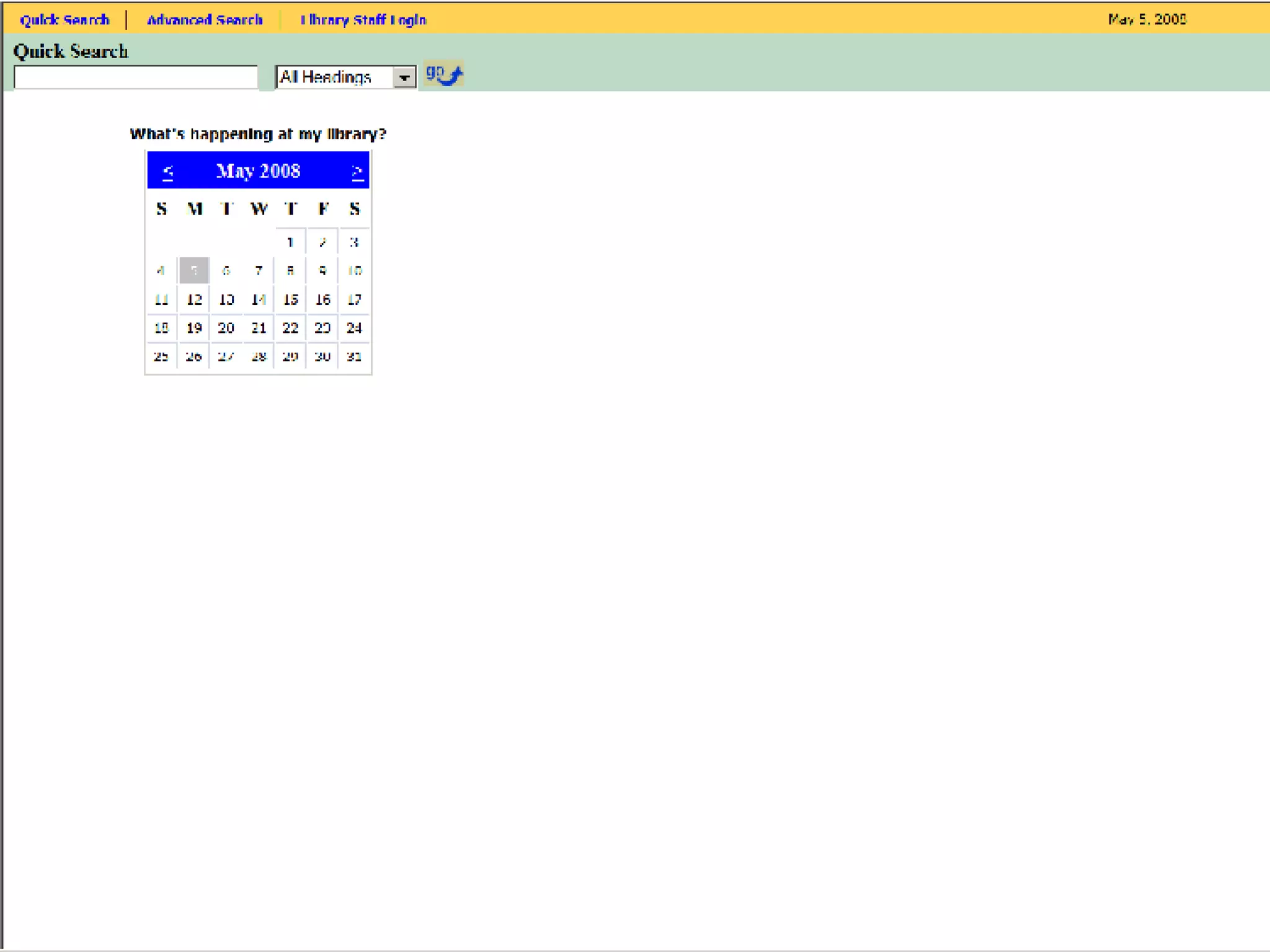
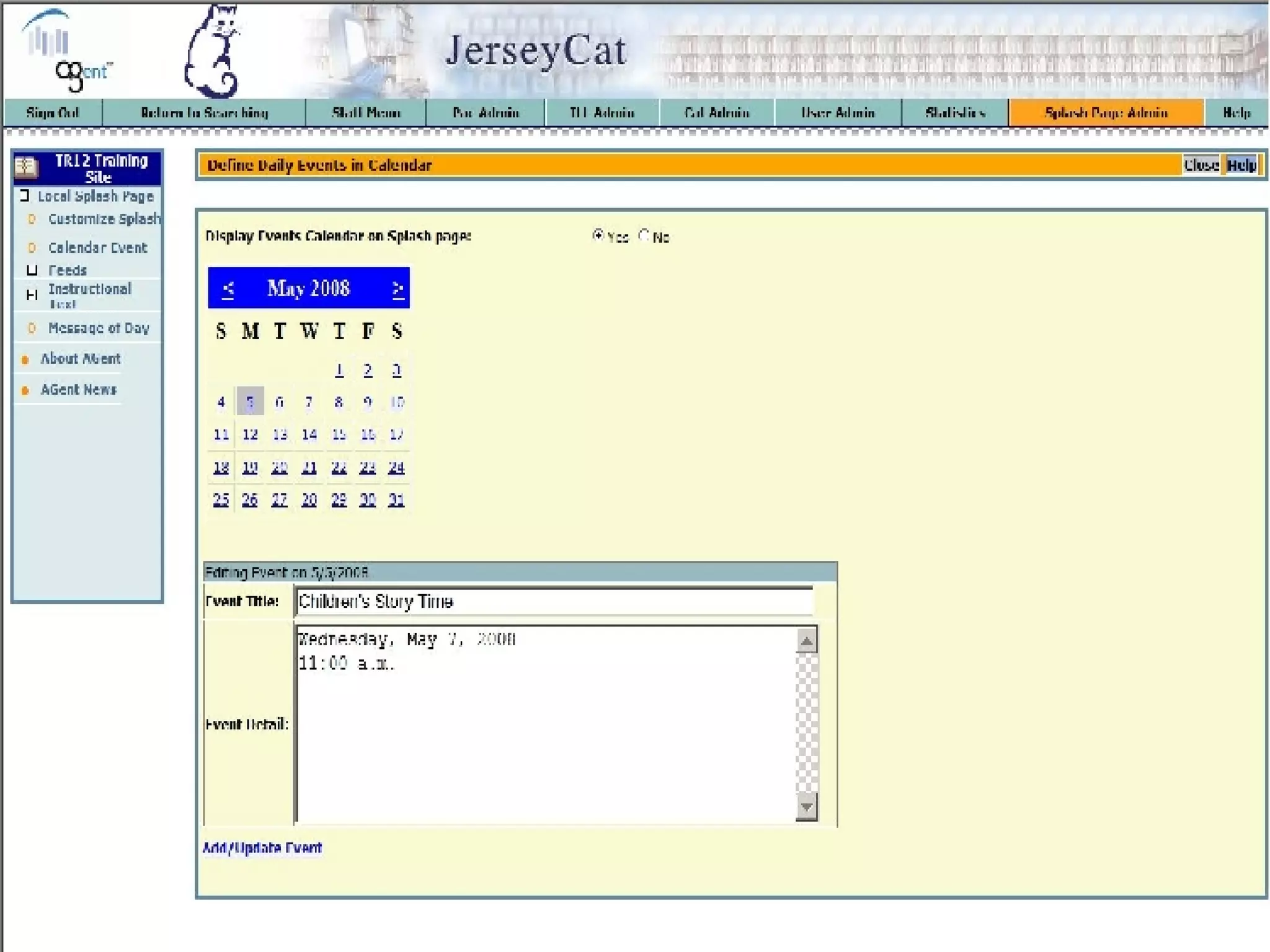
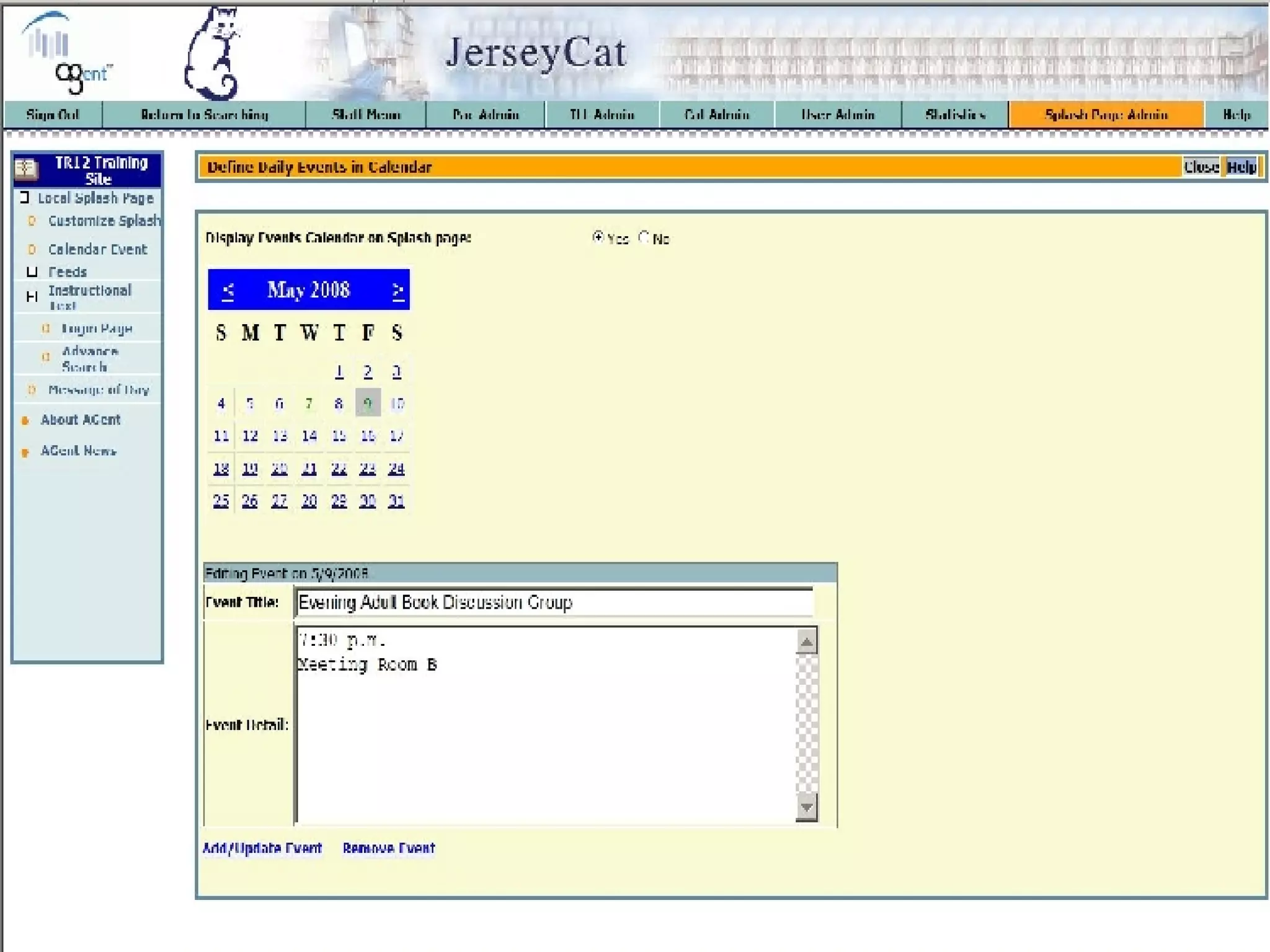
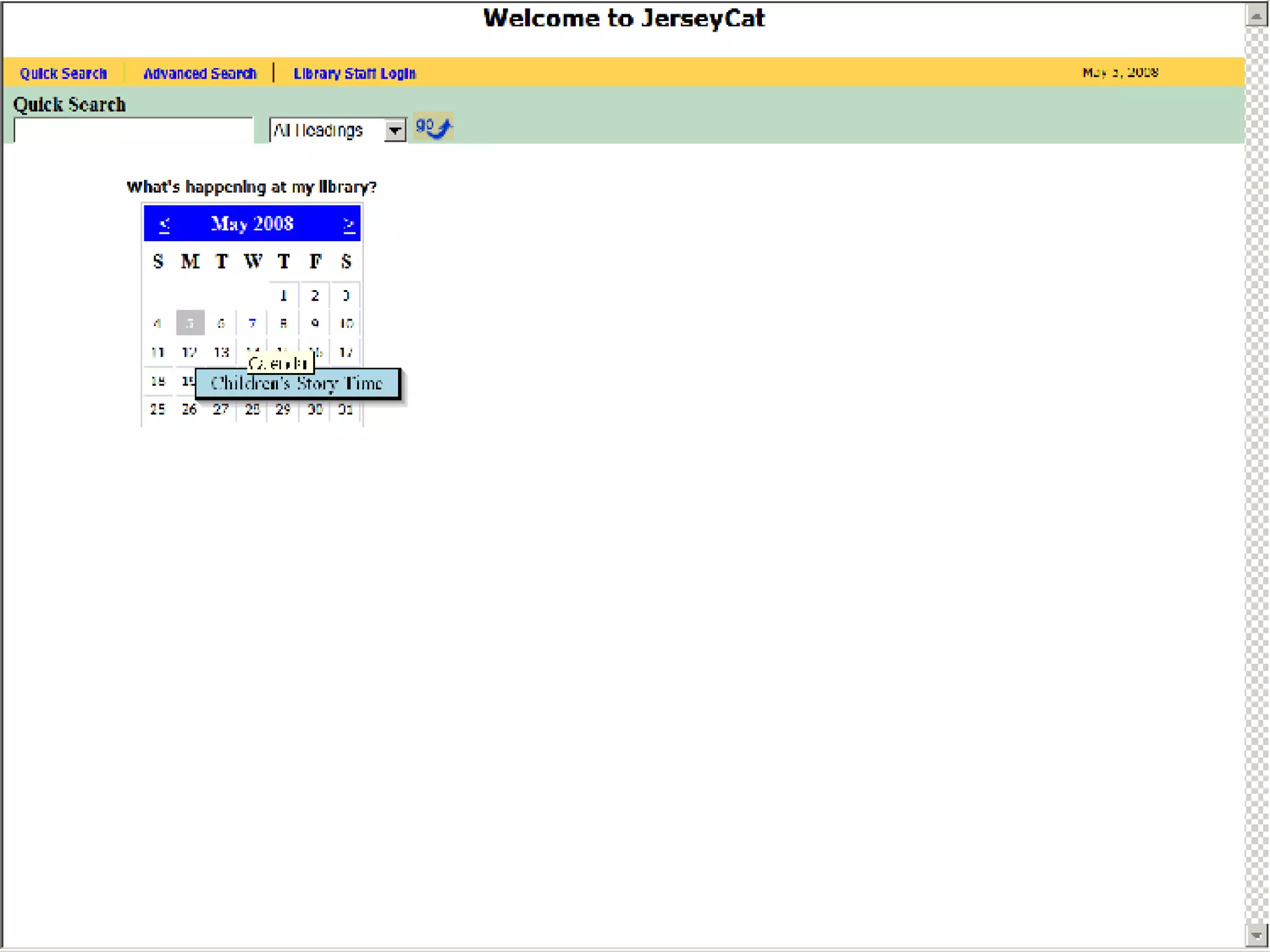
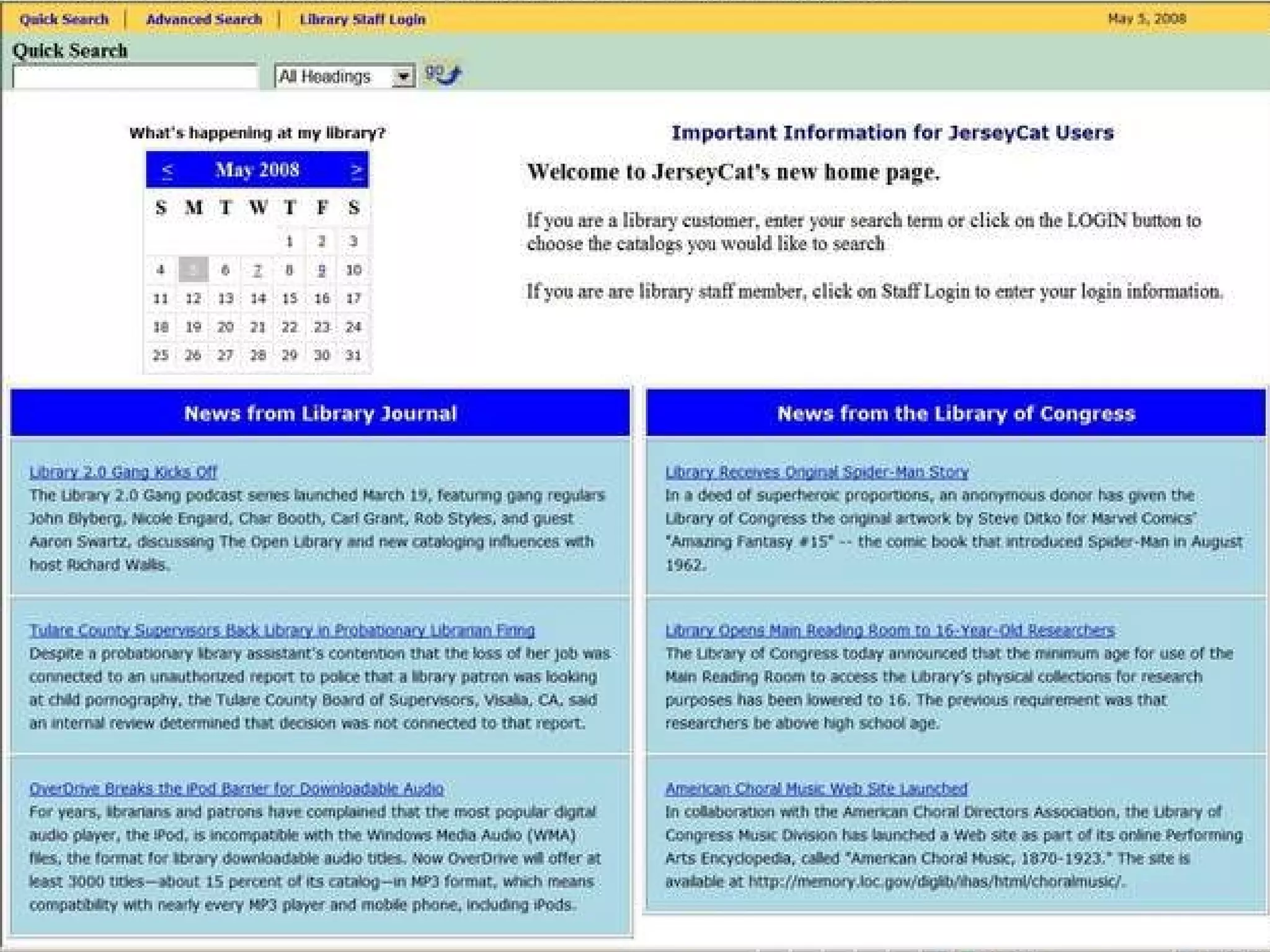
Adding A Calendar Event Click on Calendar Event Choose the date on the calendar you would like to edit. Enter the name of the event and other important information. Click on Add/Update Event.


Enter Start Date. Enter End Date. Enter your message. Click on Submit.
 
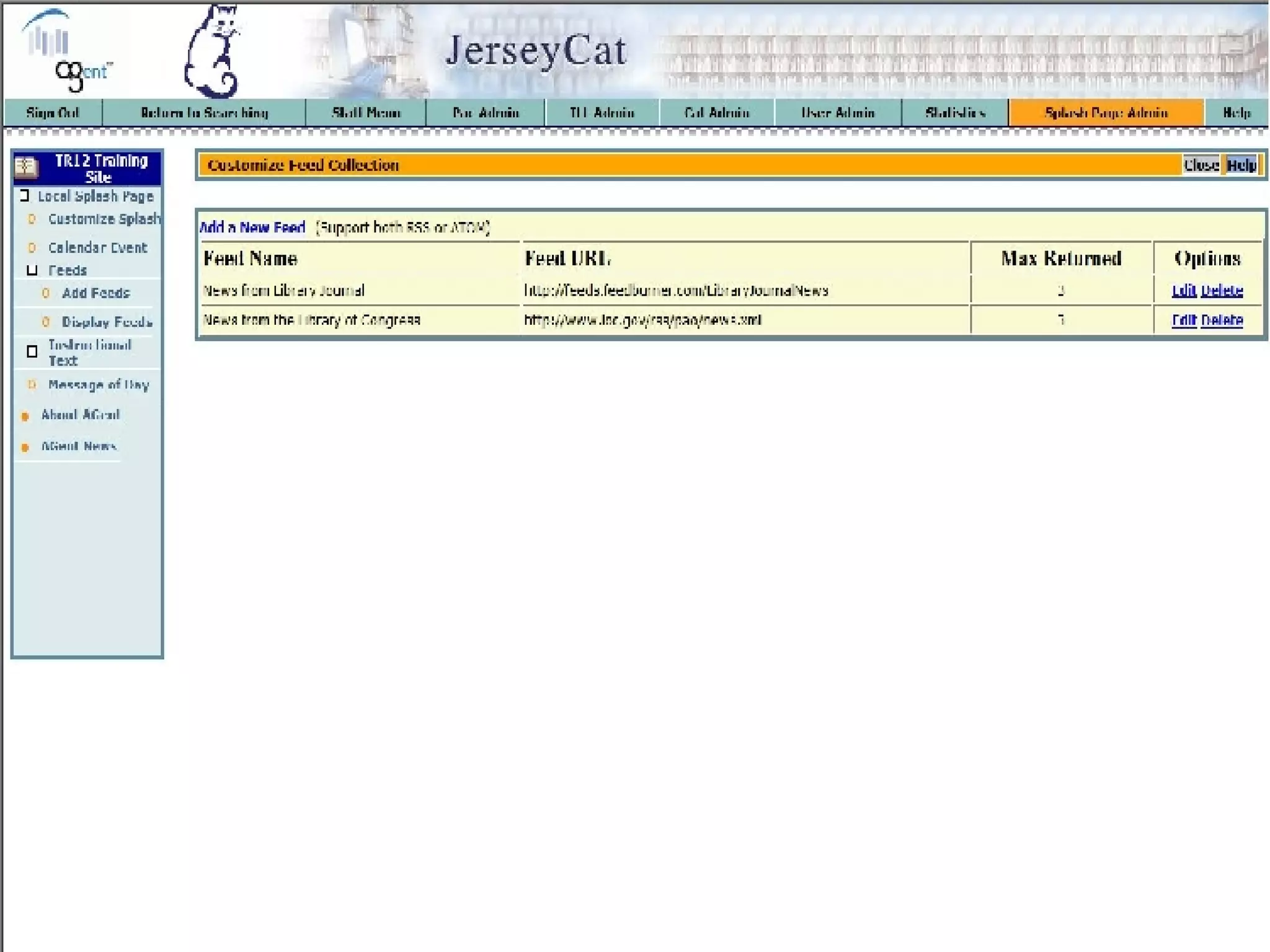
Adding RSS Feeds Click on FEEDS Click on Add feed. Click on Add a new feed link. Find the URL for the RSS feed you wish to add to the screen. Give the RSS feed the title you would like it to have on the screen in the appropriate text box.. Enter the URL in the appropriate text box . Click on Submit.
 
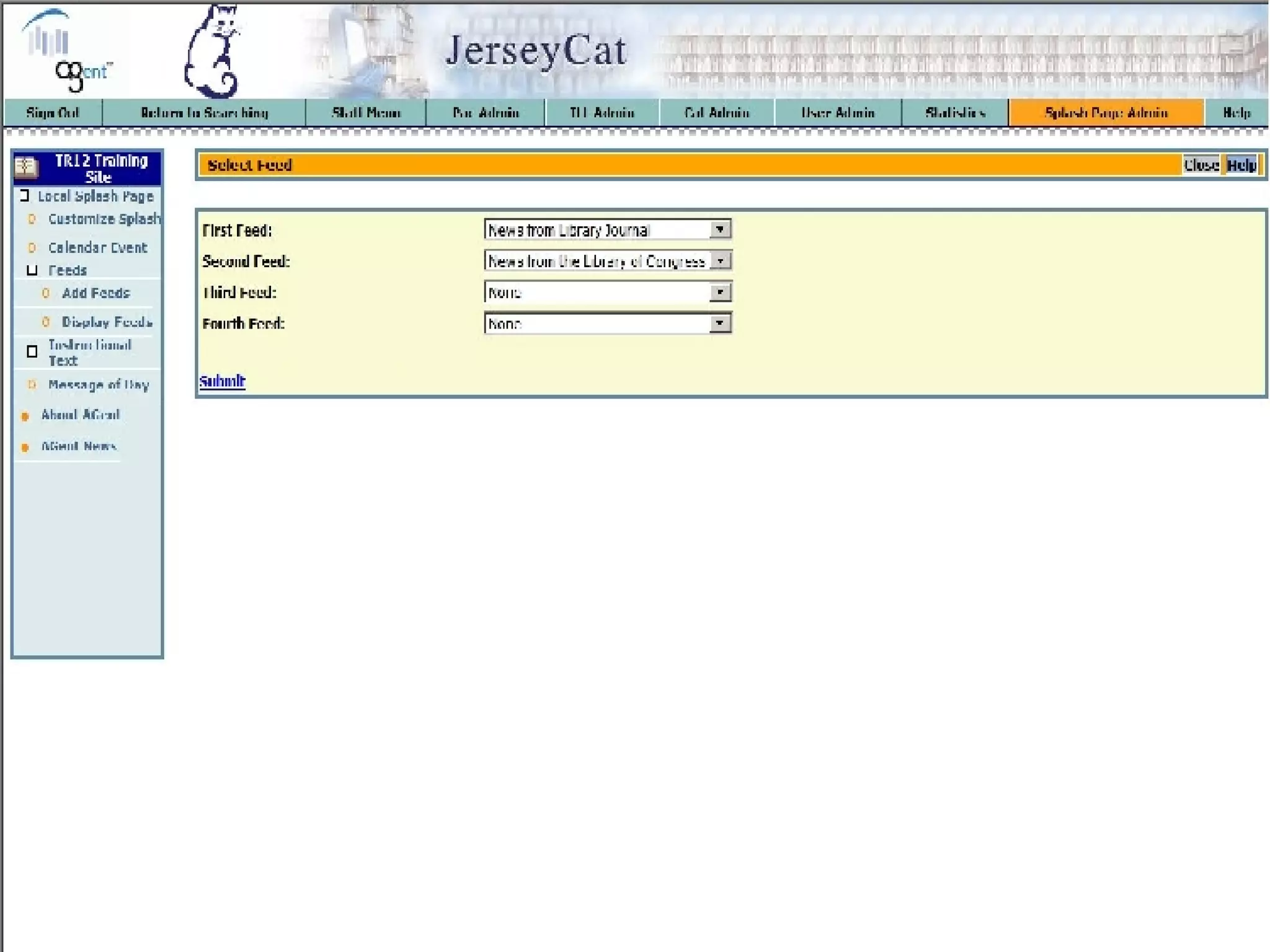
Displaying An RSS Feed Click on Display Feeds Choose the feeds you would like to see on the splash page from the drop down menu. Click on Submit.
 
 
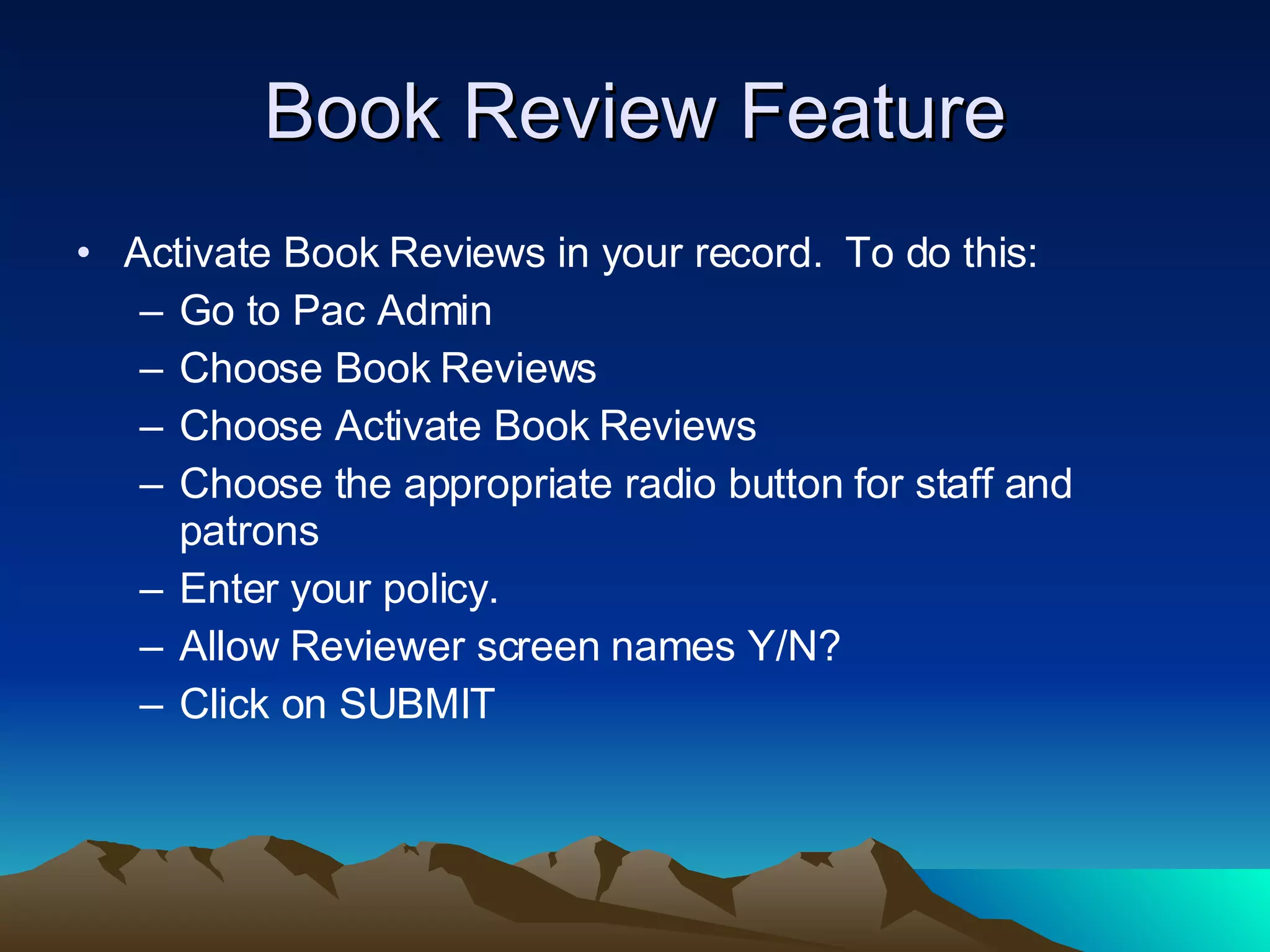
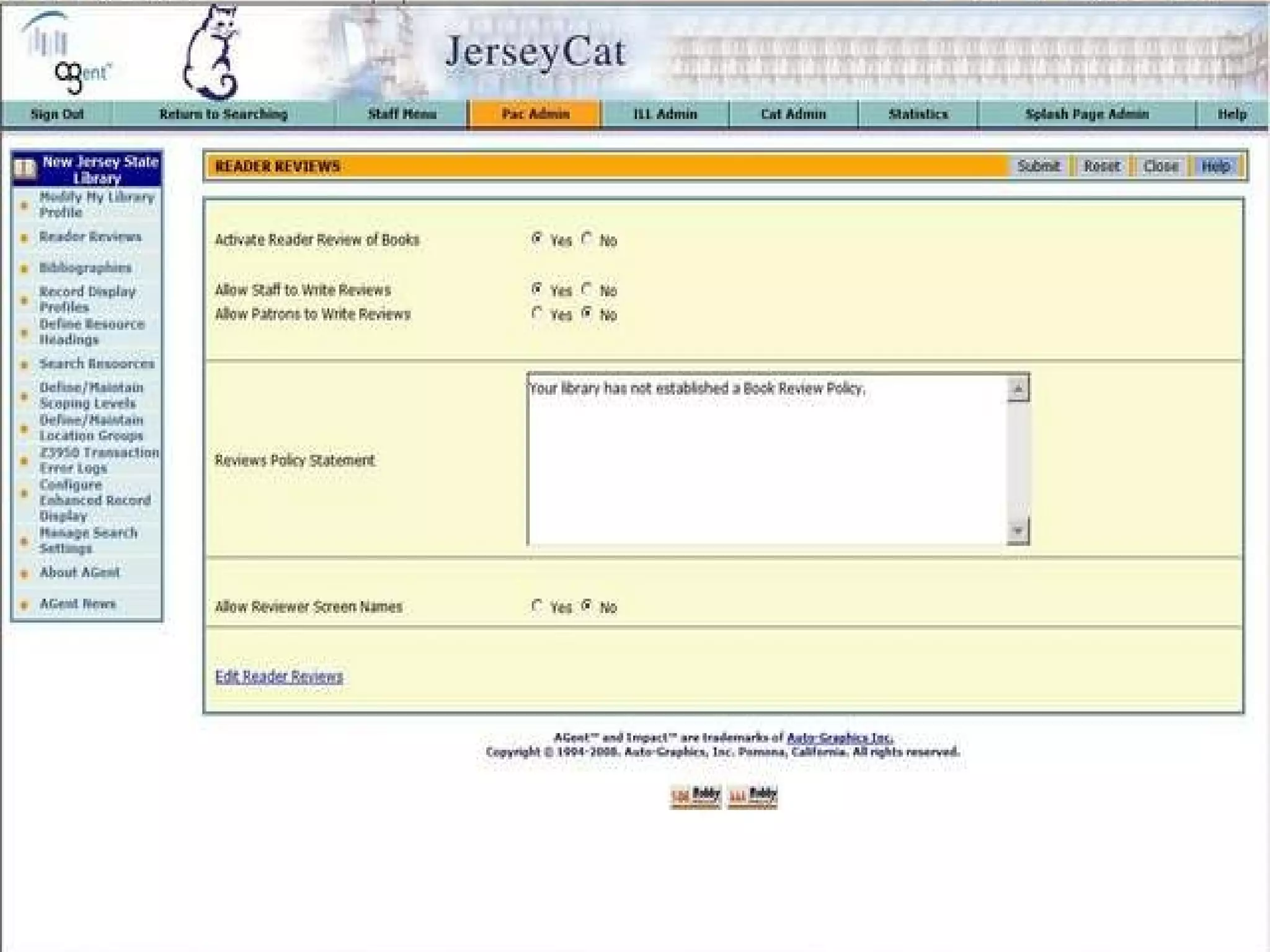
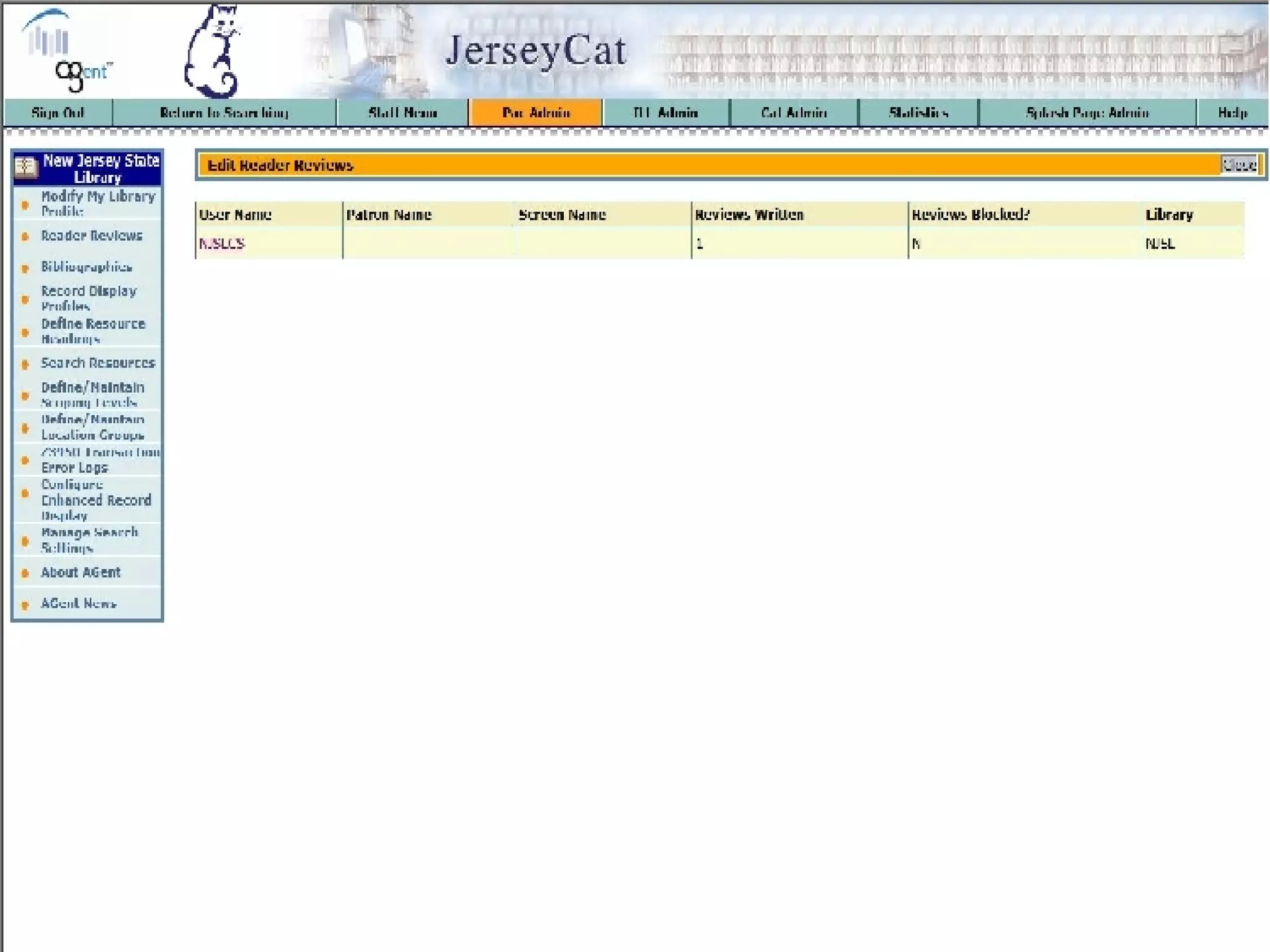
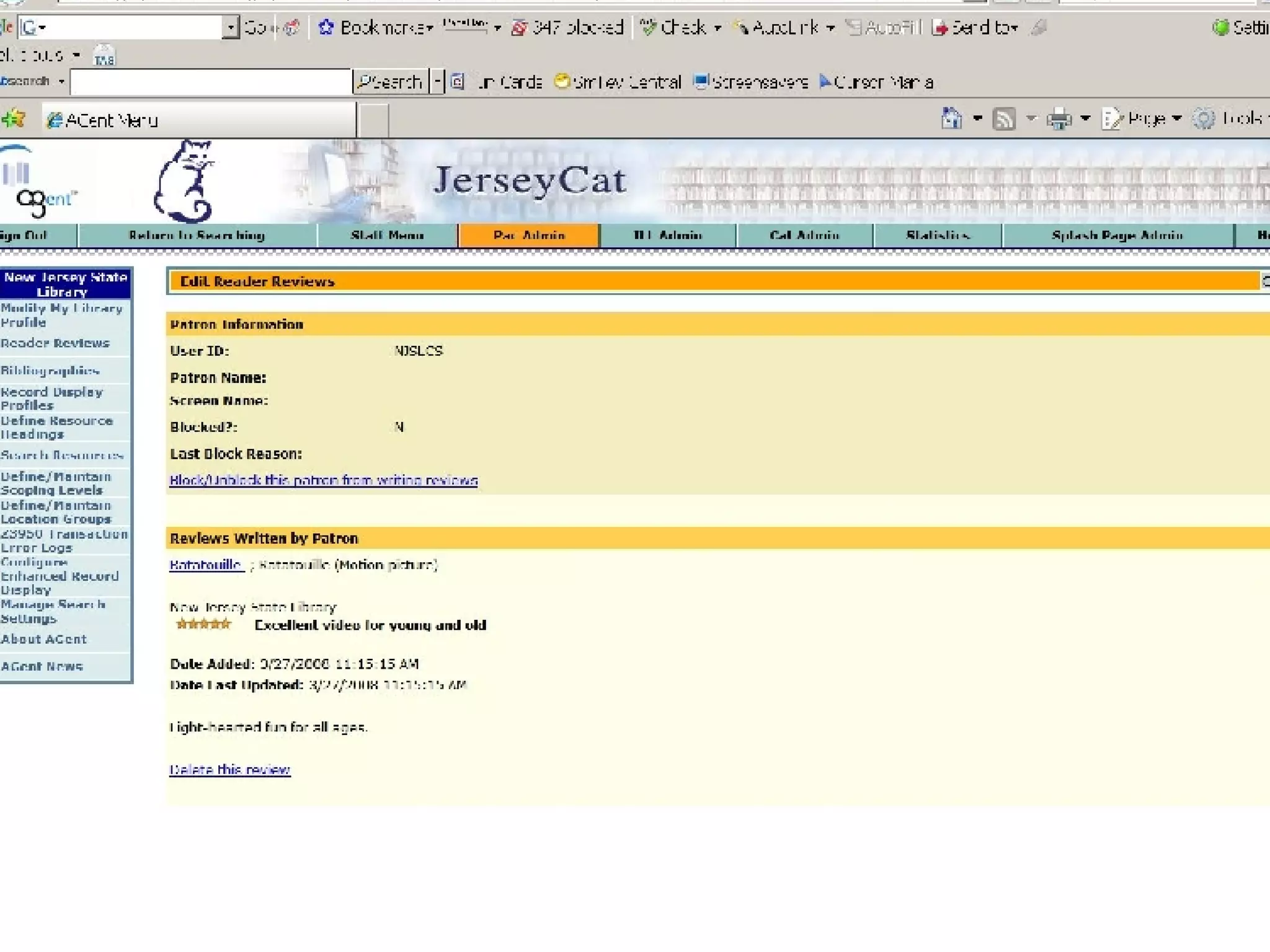
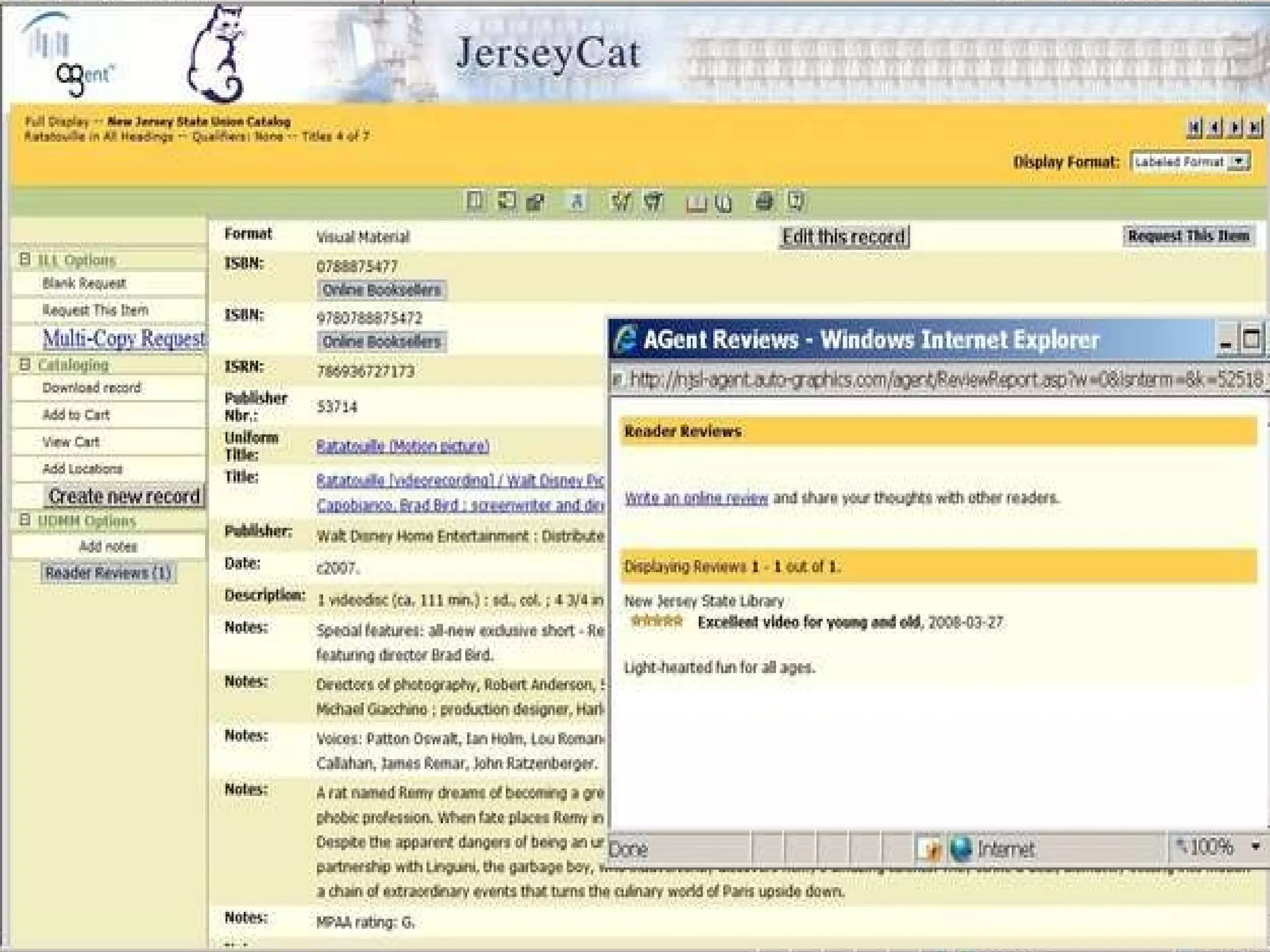
Book Review Feature Activate Book Reviews in your record.  To do this: Go to Pac Admin Choose Book Reviews Choose Activate Book Reviews Choose the appropriate radio button for staff and patrons Enter your policy. Allow Reviewer screen names Y/N? Click on SUBMIT
 
 
Ratatouille
 

Jersey Cat Splash Screen Design And Book Review Features