Introduction to Functions
•• Functions are reusable blocks of code.
• • They help organize code and avoid
repetition.
• • Functions can accept inputs and return
outputs.
3.
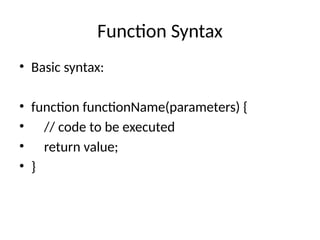
Function Syntax
• Basicsyntax:
• function functionName(parameters) {
• // code to be executed
• return value;
• }
4.
Types of Functions
•• Named Functions
• • Anonymous Functions
• • Arrow Functions
• • Function Expressions
5.
Arrow Functions
• •Introduced in ES6.
• • Shorter syntax for writing functions.
• Example:
• const add = (a, b) => a + b;
6.
Parameters and Arguments
•• Parameters: placeholders for input values.
• • Arguments: actual values passed to a
function.
• • Default Parameters: functions can have
default values.
7.
Return Statement
• •Functions can return a value using the
'return' keyword.
• • Returning ends function execution.
• • A function without return returns
'undefined'.
8.
Function Scope
• •Global Scope: accessible everywhere.
• • Local Scope: accessible only inside the
function.
• • Block Scope (with let/const).
9.
Conclusion
• • Functionsare fundamental building blocks in
JavaScript.
• • They improve code reusability and
readability.
• • Understanding functions is essential for JS
development.