IT NETWORK SECURITY POLICY
Executive Summary
This policy defines the controls applied to the
Trust’s IT network to help ensure the confidentiality,
integrity and availability of information which flows
over it, to ensure compliance with the Data
Protection Act and the Information Governance
Toolkit.
Definitions
computer network – refers to physical (i.e. pc plugged into wall port)
and wireless (wifi) networks, and all supporting infrastructure.
Purpose
The purpose of this Policy is to set out the process to be used to
enable staff to use the network in a responsible and appropriate
way, including:
Understanding their responsibilities when accessing the network
Understanding the possible implications and risk/possible damage
to the organization's reputation of using the network inappropriately.
Scope
This policy applies to all Networks used for:
 The storage, sharing and transmission of official and non- official data and
images
 Printing or scanning non-official or official data or images
 The provision of Internet systems for receiving, sending and storing non-
official or official data or images
 Ensure the protection of the network from unauthorised access, and protect
information from unauthorised disclosure and accidental modification.
 Ensure the accuracy and completeness of the organisation's IT assets
Information Security Manager Responsibility
Information security managers are responsible for protecting their organization’s
computers, networks and data against threats, such as security breaches,
computer viruses or attacks by cyber-criminals.
Risk Assessment
The Information Security Manager, working in conjunction with the Network
Manager, will be responsible for risk assessing, and reporting upon, the Trust’s
network.
Risk assessments will be conducted on the network annually, the scope of the risk
assessment will change depending on which area of the network requires
assessing.
Physical and Environmental Security
 Network computer equipment will be housed in a controlled and secure
environment. Critical or sensitive Network equipment will be housed in an
environment that is monitored for temperature, humidity and power supply
quality.
 All public network facing firewalls will be accredited to Common Criteria EAL4
/ Protection Profile compliant as a minimum.
 All unused network ports will be unpatched to minimise the likelihood of
unauthorized equipment being connected to the network.
 Areas which are controlled with secure key-code locks will be periodically
changed, following a compromise of code or when a member of staff leaves.
 Critical or sensitive Network equipment will be protected from power supply
failures.
 Critical or sensitive Network equipment will be protected by intruder alarms
and/or CCTV and fire suppression systems.
 Smoking, eating and drinking is forbidden in areas housing critical or
sensitive Network equipment.
 All visitors to secure Network areas must be authorised by a senior member
of the IT department.
 All visitors to secure Network areas must be made aware of Network
security requirements.
 All visitors to secure Network areas must be logged in and out. The log will
contain name, organization, purpose of visit, date, and time in and out.
 The Information Security Manager will ensure that all relevant staff are made
aware of procedures for visitors and that visitors are escorted, when
necessary.
 The Information Security Manager / Network manager will receive, and
action, Cyber Security ‘CareCERT’ recommendations where applicable
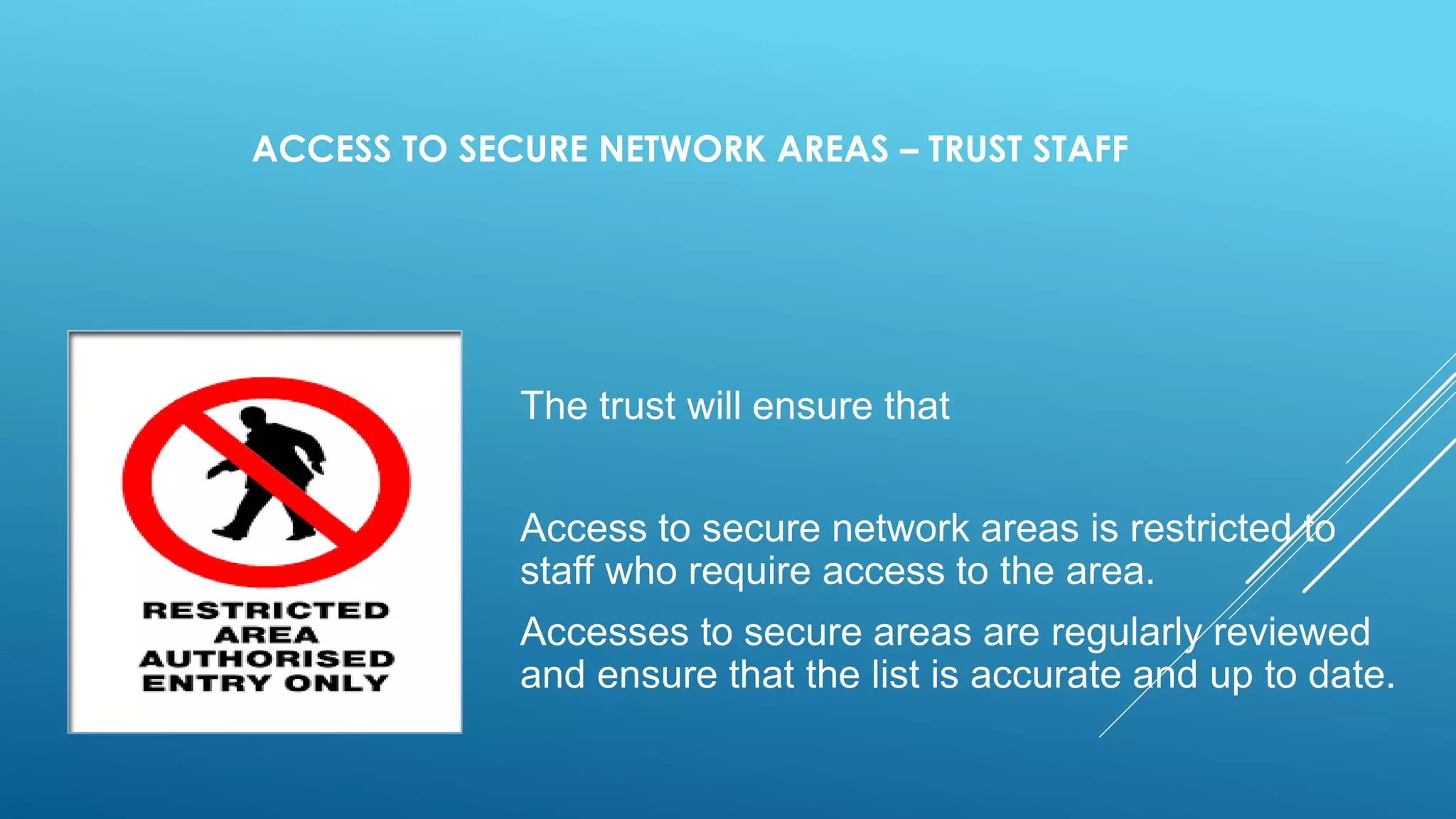
ACCESS TO SECURE NETWORK AREAS – TRUST STAFF
The trust will ensure that
Access to secure network areas is restricted to
staff who require access to the area.
Accesses to secure areas are regularly reviewed
and ensure that the list is accurate and up to date.
Logical Access to Network – All Staff
 All access to the network must be via a secure log-on procedure, designed to
minimize the opportunity for unauthorized access.
 Ensure a formal registration and de-registration procedure to access the
network, with line manager authorization.
 User access rights (as configured in Active Directory) will be removed or
reviewed when a user leaves the organization or changes job upon notification
from the HR department.
 Security privileges must be granted to those that require the access. This
access is limited to trust Staff whose role requires them to have System
Administrative access.
 All users must have an individual user identification (username) and
password.
 Users are responsible for ensuring that their username and password is kept
safe.
 Generic/shared user identification and password will only be granted with a
justifiable business requirement and must be only used for the purpose they
have been created for. Approval can be sought from the IAO, Deputy Director
of IM&T, or the Information Security Manager.
 All users must conform to the Acceptable Use Policy.
Third Party Access To The Network
THIRD PARTY ACCESS TO THE NETWORK WILL BASED ON A FORMAL
CONTRACT THAT SATISFIES ALL NECESSARY, AND INFORMATION
GOVERNANCE TOOLKIT SECURITY CONDITIONS
ALL THIRD PARTY ACCESSES TO THE NETWORK WILL MANAGED AND
LOGGED ON THE TRUST’S SERVICE DESK SYSTEM.
Connections to External Networks
All connections to external networks and systems conform to the wide
Network Security policy, Code of Connection and supporting guidance
ACCESS VIA VPN (VIRTUAL PRIVATE NETWORK
THE VPN TOKEN WILL ONLY BE ISSUED AFTER THE COMPLETION OF THE
USER ACCEPTANCE FORM. COMPLETED FORMS ARE HELD BY THE IT
DEPARTMENT.
ACCESS WILL ONLY BE PROVIDED TO TRUST MANAGED DEVICES.
ALL USERS MUST CONFORM TO THE ACCEPTABLE USE POLICY (AS IF
CONNECTED TO THE LOCAL NETWORK
APPROVED EMPLOYEES AND AUTHORIZED THIRD PARTIES (CUSTOMERS,
VENDORS, ETC.) MAY UTILIZE THE BENEFITS OF VPNS, WHICH ARE A
"USER MANAGED" SERVICE. THIS MEANS THAT THE USER IS
RESPONSIBLE FOR SELECTING AN INTERNET SERVICE PROVIDER (ISP),
COORDINATING INSTALLATION, INSTALLING ANY REQUIRED SOFTWARE
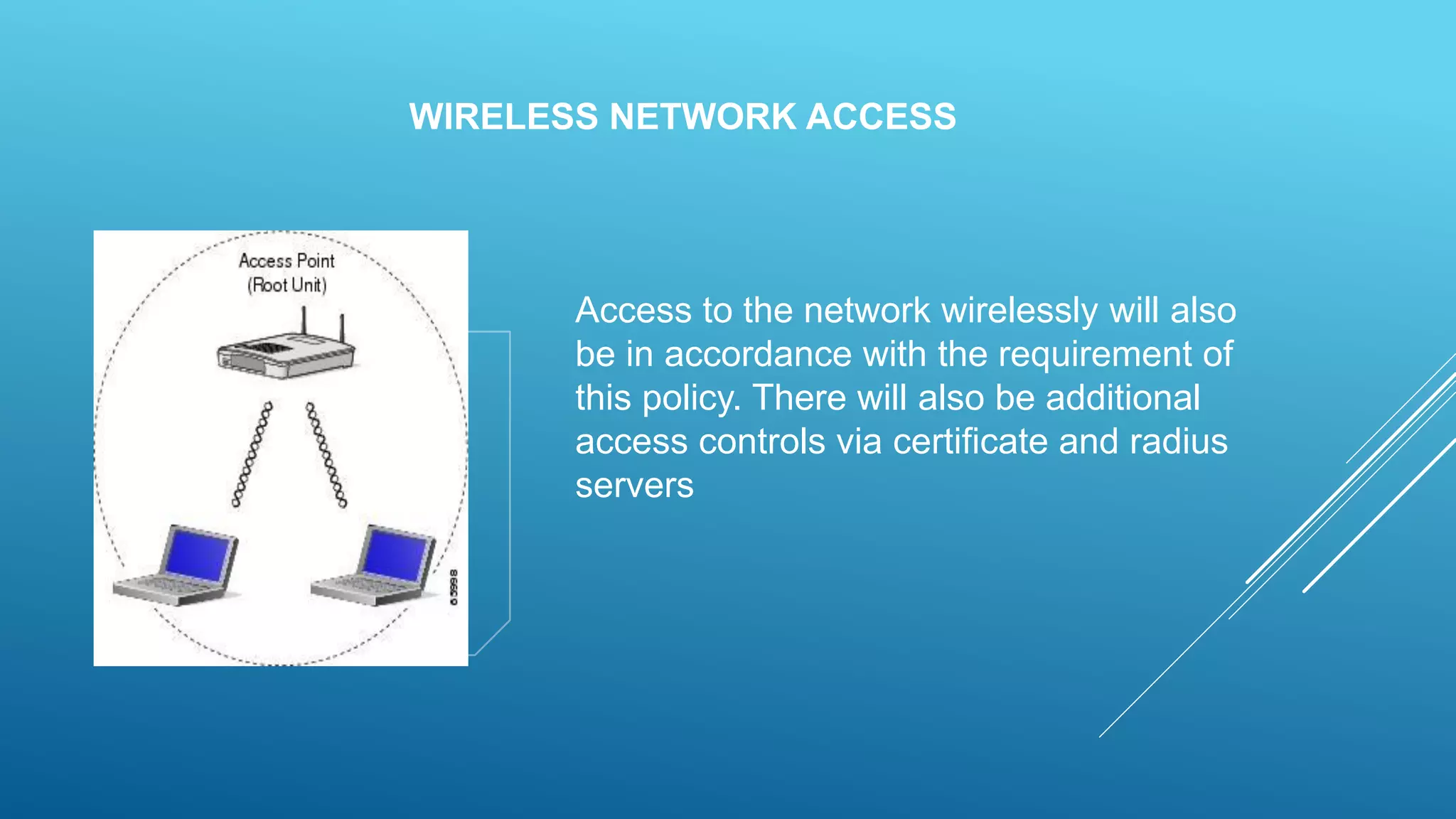
WIRELESS NETWORK ACCESS
Access to the network wirelessly will also
be in accordance with the requirement of
this policy. There will also be additional
access controls via certificate and radius
servers
SOFTWARE INSTALLATION POLICY
Not allowed to install unauthorized computer
programs and software, excepted licensed by
IT team including files downloaded and
accessed on the Internet, can easily and
quickly introduce serious, fast-spreading
security vulnerabilities. Unauthorized software
programs,
Data Backup and Restoration
 The Network Manager is responsible for ensuring that:
 Backup copies of Network configuration data are taken regularly.
 Documented procedures for the backup process and storage of backup tapes
are produced and communicated to all relevant staff.
 Backup tapes are stored securely and copies stored off-site.
 There are documented procedures for the safe and secure disposal of IT
equipment including backup media and these procedures are communicated to
all relevant staff.
 The disposal of backup media follows and complies with the trust policy for
decommissioning and disposal of old equipment.
REMOVABLE MEDIA ACCEPTABLE USE POLICY
company Policy to prohibit the use of all removable media devices
unless a valid business case for its use is provided.
Prohibited Removable Media Devices
Removable media devices that are prohibited without a valid business
case include, but are not restricted, to the following:
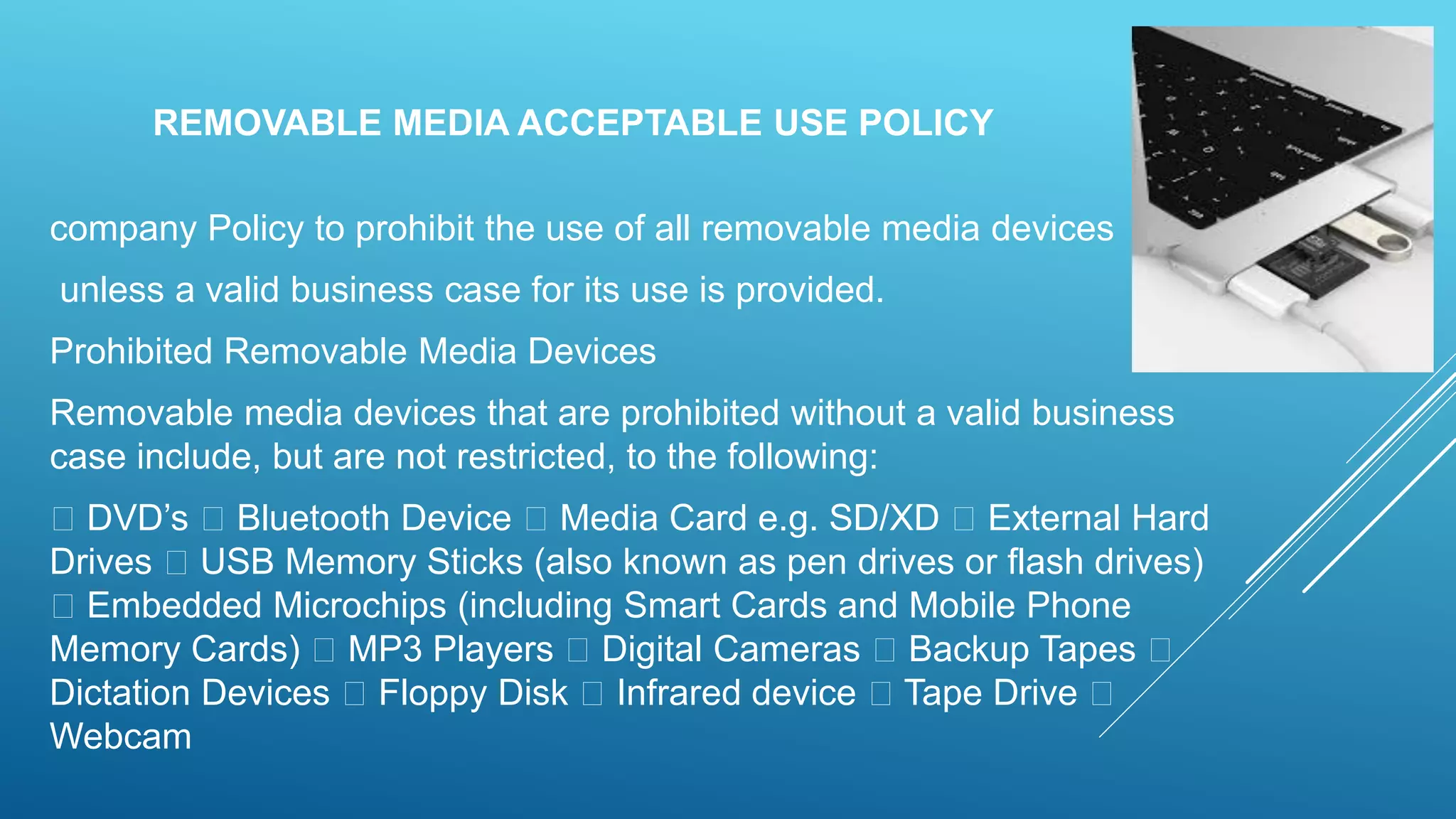
DVD’s Bluetooth Device Media Card e.g. SD/XD External Hard
Drives USB Memory Sticks (also known as pen drives or flash drives)
Embedded Microchips (including Smart Cards and Mobile Phone
Memory Cards) MP3 Players Digital Cameras Backup Tapes
Dictation Devices Floppy Disk Infrared device Tape Drive
Webcam
Email/Communication Policy
A company's email policy is a document that is used to
formally outline how employees can use the business’ chosen
electronic communication medium. I have seen this policy
cover email, blogs, social media and chat technologies.
The primary goal of this policy is to provide guidelines to
employees on what is considered the acceptable and
unacceptable use of any corporate communication
technology. An example of an email policy is available

IT Network Security Policy

  • 1.
    IT NETWORK SECURITYPOLICY Executive Summary This policy defines the controls applied to the Trust’s IT network to help ensure the confidentiality, integrity and availability of information which flows over it, to ensure compliance with the Data Protection Act and the Information Governance Toolkit.
  • 2.
    Definitions computer network –refers to physical (i.e. pc plugged into wall port) and wireless (wifi) networks, and all supporting infrastructure. Purpose The purpose of this Policy is to set out the process to be used to enable staff to use the network in a responsible and appropriate way, including: Understanding their responsibilities when accessing the network Understanding the possible implications and risk/possible damage to the organization's reputation of using the network inappropriately.
  • 3.
    Scope This policy appliesto all Networks used for:  The storage, sharing and transmission of official and non- official data and images  Printing or scanning non-official or official data or images  The provision of Internet systems for receiving, sending and storing non- official or official data or images  Ensure the protection of the network from unauthorised access, and protect information from unauthorised disclosure and accidental modification.  Ensure the accuracy and completeness of the organisation's IT assets
  • 4.
    Information Security ManagerResponsibility Information security managers are responsible for protecting their organization’s computers, networks and data against threats, such as security breaches, computer viruses or attacks by cyber-criminals. Risk Assessment The Information Security Manager, working in conjunction with the Network Manager, will be responsible for risk assessing, and reporting upon, the Trust’s network. Risk assessments will be conducted on the network annually, the scope of the risk assessment will change depending on which area of the network requires assessing.
  • 5.
    Physical and EnvironmentalSecurity  Network computer equipment will be housed in a controlled and secure environment. Critical or sensitive Network equipment will be housed in an environment that is monitored for temperature, humidity and power supply quality.  All public network facing firewalls will be accredited to Common Criteria EAL4 / Protection Profile compliant as a minimum.  All unused network ports will be unpatched to minimise the likelihood of unauthorized equipment being connected to the network.  Areas which are controlled with secure key-code locks will be periodically changed, following a compromise of code or when a member of staff leaves.  Critical or sensitive Network equipment will be protected from power supply failures.
  • 6.
     Critical orsensitive Network equipment will be protected by intruder alarms and/or CCTV and fire suppression systems.  Smoking, eating and drinking is forbidden in areas housing critical or sensitive Network equipment.  All visitors to secure Network areas must be authorised by a senior member of the IT department.  All visitors to secure Network areas must be made aware of Network security requirements.  All visitors to secure Network areas must be logged in and out. The log will contain name, organization, purpose of visit, date, and time in and out.  The Information Security Manager will ensure that all relevant staff are made aware of procedures for visitors and that visitors are escorted, when necessary.  The Information Security Manager / Network manager will receive, and action, Cyber Security ‘CareCERT’ recommendations where applicable
  • 7.
    ACCESS TO SECURENETWORK AREAS – TRUST STAFF The trust will ensure that Access to secure network areas is restricted to staff who require access to the area. Accesses to secure areas are regularly reviewed and ensure that the list is accurate and up to date.
  • 8.
    Logical Access toNetwork – All Staff  All access to the network must be via a secure log-on procedure, designed to minimize the opportunity for unauthorized access.  Ensure a formal registration and de-registration procedure to access the network, with line manager authorization.  User access rights (as configured in Active Directory) will be removed or reviewed when a user leaves the organization or changes job upon notification from the HR department.
  • 9.
     Security privilegesmust be granted to those that require the access. This access is limited to trust Staff whose role requires them to have System Administrative access.  All users must have an individual user identification (username) and password.  Users are responsible for ensuring that their username and password is kept safe.  Generic/shared user identification and password will only be granted with a justifiable business requirement and must be only used for the purpose they have been created for. Approval can be sought from the IAO, Deputy Director of IM&T, or the Information Security Manager.  All users must conform to the Acceptable Use Policy.
  • 10.
    Third Party AccessTo The Network THIRD PARTY ACCESS TO THE NETWORK WILL BASED ON A FORMAL CONTRACT THAT SATISFIES ALL NECESSARY, AND INFORMATION GOVERNANCE TOOLKIT SECURITY CONDITIONS ALL THIRD PARTY ACCESSES TO THE NETWORK WILL MANAGED AND LOGGED ON THE TRUST’S SERVICE DESK SYSTEM. Connections to External Networks All connections to external networks and systems conform to the wide Network Security policy, Code of Connection and supporting guidance
  • 11.
    ACCESS VIA VPN(VIRTUAL PRIVATE NETWORK THE VPN TOKEN WILL ONLY BE ISSUED AFTER THE COMPLETION OF THE USER ACCEPTANCE FORM. COMPLETED FORMS ARE HELD BY THE IT DEPARTMENT. ACCESS WILL ONLY BE PROVIDED TO TRUST MANAGED DEVICES. ALL USERS MUST CONFORM TO THE ACCEPTABLE USE POLICY (AS IF CONNECTED TO THE LOCAL NETWORK APPROVED EMPLOYEES AND AUTHORIZED THIRD PARTIES (CUSTOMERS, VENDORS, ETC.) MAY UTILIZE THE BENEFITS OF VPNS, WHICH ARE A "USER MANAGED" SERVICE. THIS MEANS THAT THE USER IS RESPONSIBLE FOR SELECTING AN INTERNET SERVICE PROVIDER (ISP), COORDINATING INSTALLATION, INSTALLING ANY REQUIRED SOFTWARE
  • 12.
    WIRELESS NETWORK ACCESS Accessto the network wirelessly will also be in accordance with the requirement of this policy. There will also be additional access controls via certificate and radius servers
  • 13.
    SOFTWARE INSTALLATION POLICY Notallowed to install unauthorized computer programs and software, excepted licensed by IT team including files downloaded and accessed on the Internet, can easily and quickly introduce serious, fast-spreading security vulnerabilities. Unauthorized software programs,
  • 14.
    Data Backup andRestoration  The Network Manager is responsible for ensuring that:  Backup copies of Network configuration data are taken regularly.  Documented procedures for the backup process and storage of backup tapes are produced and communicated to all relevant staff.  Backup tapes are stored securely and copies stored off-site.  There are documented procedures for the safe and secure disposal of IT equipment including backup media and these procedures are communicated to all relevant staff.  The disposal of backup media follows and complies with the trust policy for decommissioning and disposal of old equipment.
  • 15.
    REMOVABLE MEDIA ACCEPTABLEUSE POLICY company Policy to prohibit the use of all removable media devices unless a valid business case for its use is provided. Prohibited Removable Media Devices Removable media devices that are prohibited without a valid business case include, but are not restricted, to the following: DVD’s Bluetooth Device Media Card e.g. SD/XD External Hard Drives USB Memory Sticks (also known as pen drives or flash drives) Embedded Microchips (including Smart Cards and Mobile Phone Memory Cards) MP3 Players Digital Cameras Backup Tapes Dictation Devices Floppy Disk Infrared device Tape Drive Webcam
  • 17.
    Email/Communication Policy A company'semail policy is a document that is used to formally outline how employees can use the business’ chosen electronic communication medium. I have seen this policy cover email, blogs, social media and chat technologies. The primary goal of this policy is to provide guidelines to employees on what is considered the acceptable and unacceptable use of any corporate communication technology. An example of an email policy is available