Разработка приложений для iOS


          Лекция 5
         Разное


                            Глеб Тарасов
Возможности
  телефона
Интернет
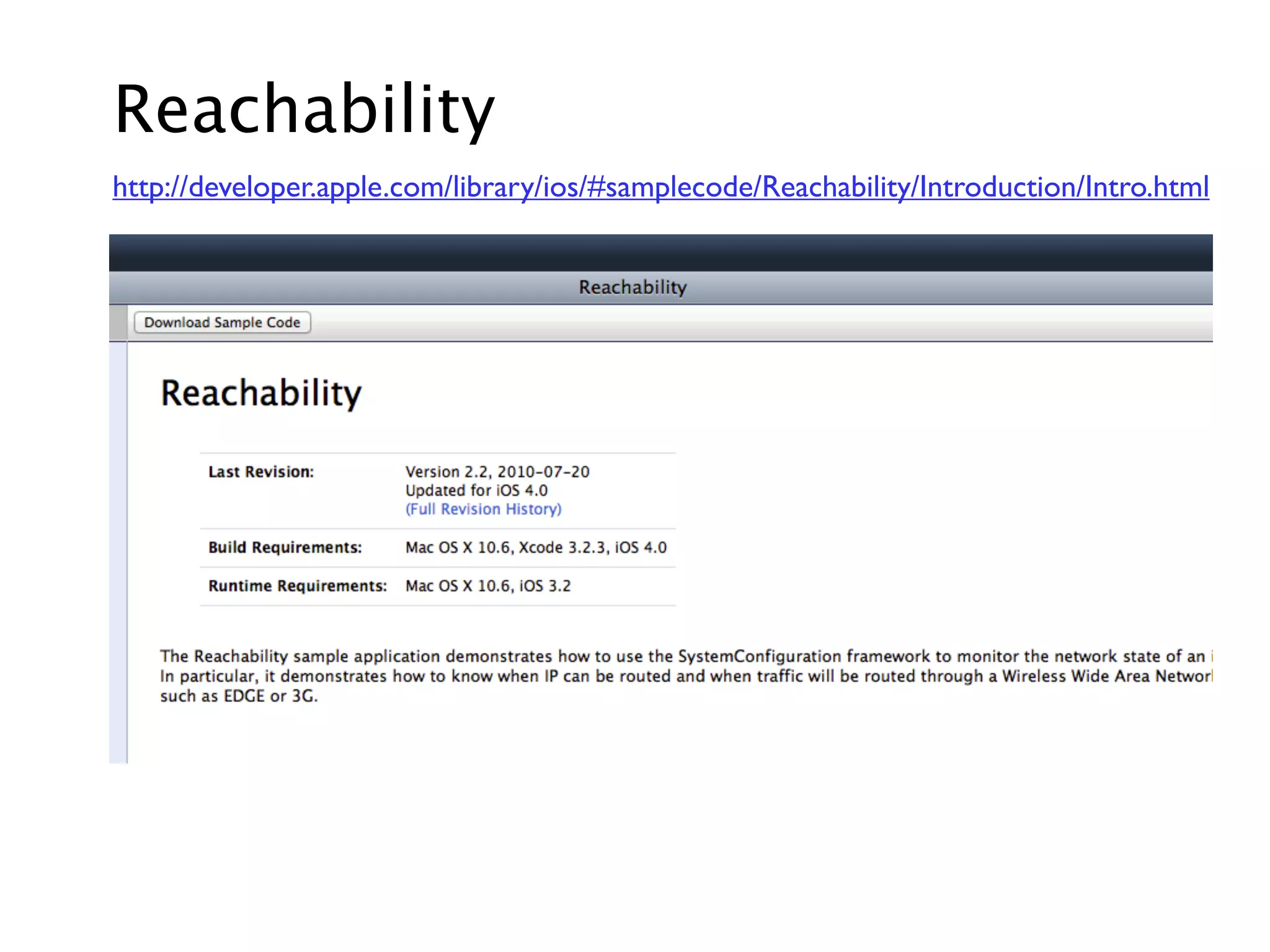
Reachability
http://developer.apple.com/library/ios/#samplecode/Reachability/Introduction/Intro.html
Есть ли интернет?


Reachability *r = [Reachability
                      reachabilityForInternetConnection];
if (r.status != NotReachable)
{
    NSLog(@"Есть интернет");
}
WiFi или 3G


Reachability *r = [Reachability reachabilityForLocalWiFi];
if (r.status != NotReachable)
{
    NSLog(@"Есть wifi");
}
Акселерометр,
  гироскоп
Ориентация
UIInterfaceOrientation orientation =
    [UIApplication sharedApplication].statusBarOrientation;

if (UIInterfaceOrientationIsPortrait(orientation))
   NSLog(@"portrait");
else
    NSLog(@"landscape");


typedef enum {
    UIInterfaceOrientationPortrait,
    UIInterfaceOrientationPortraitUpsideDown,
    UIInterfaceOrientationLandscapeLeft,
    UIInterfaceOrientationLandscapeRight
} UIInterfaceOrientation;
Акселерометр

@interface MyViewController : UIViewController<UIAccelerometerDelegate>


- (void)viewDidLoad
{
    [super viewDidLoad];
    [[UIAccelerometer sharedAccelerometer] setDelegate:self];
    [[UIAccelerometer sharedAccelerometer] setUpdateInterval:0.01];
}


#pragma mark - UIAccelerometerDelegate

- (void)accelerometer:(UIAccelerometer *)accelerometer
                didAccelerate:(UIAcceleration *)acceleration
{
    NSLog(@"%g %g %g", acceleration.x, acceleration.y, acceleration.z);
}
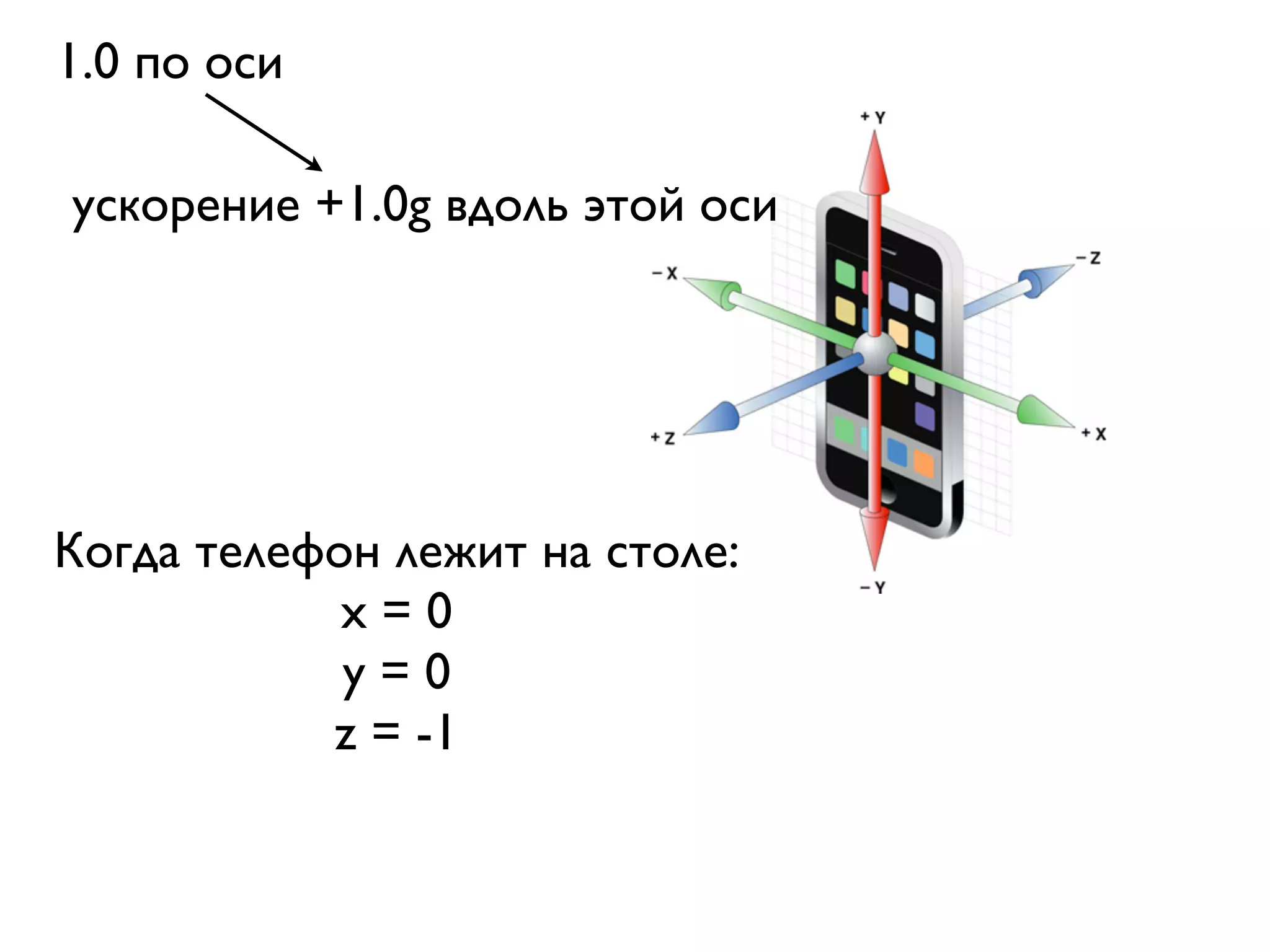
1.0 по оси

ускорение +1.0g вдоль этой оси


Когда телефон лежит на столе:
            x=0
            y=0
           z = -1
Фильтр нижних
              частот
http://ru.wikipedia.org/wiki/Фильтр_нижних_частот


http://developer.apple.com/library/ios/#samplecode/
AccelerometerGraph/Introduction/Intro.html
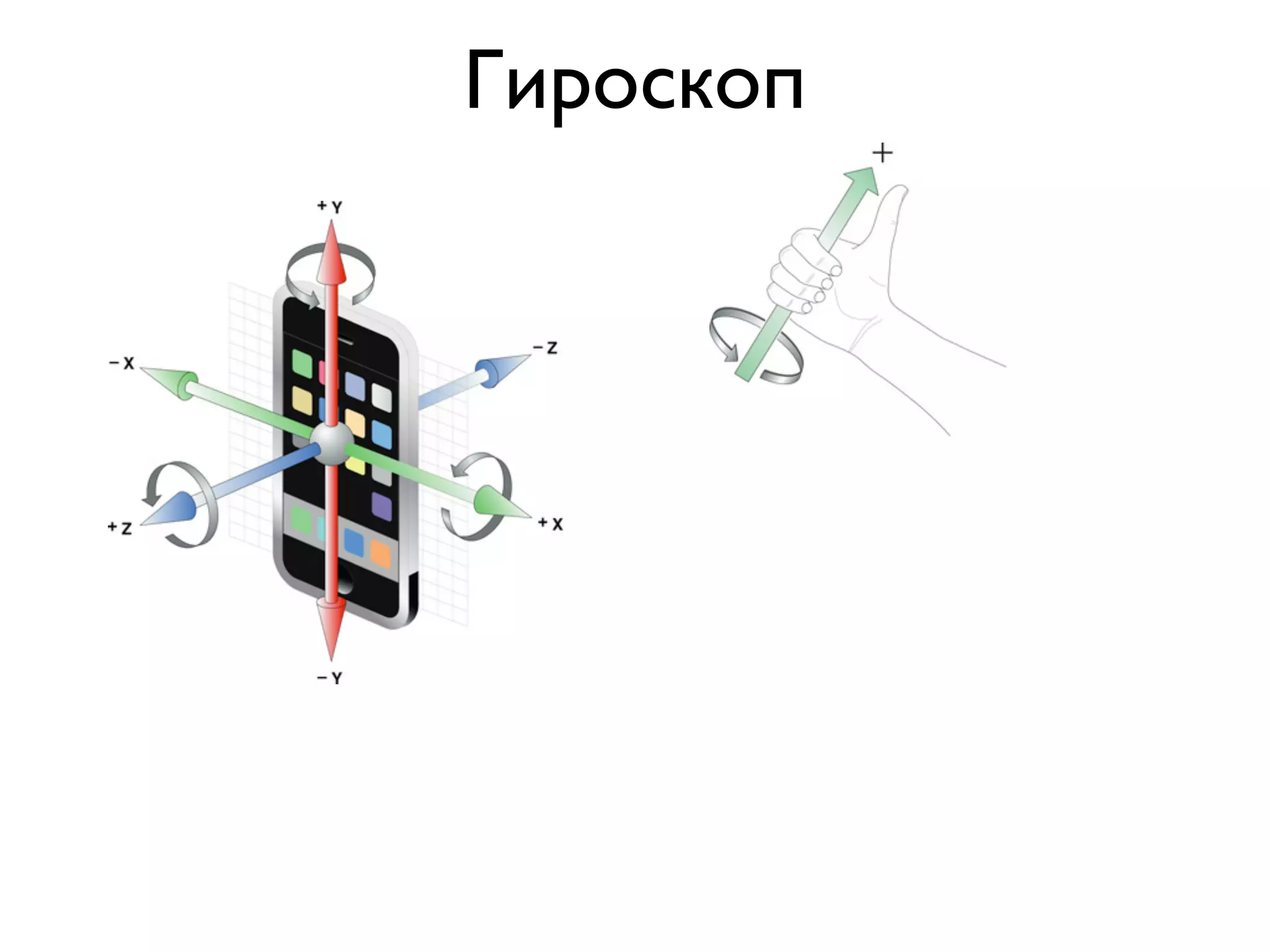
Гироскоп
- (void)viewDidLoad
{
    [super viewDidLoad];
)   motionManager = [[CMMotionManager alloc] init];

    timer = [NSTimer scheduledTimerWithTimeInterval:1/30.0
                                             target:self
                                           selector:@selector(doGyroUpdate)
                                           userInfo:nil
                                            repeats:YES];
}


- (void)doGyroUpdate
{
    CMRotationRate rate = motionManager.gyroData.rotationRate;
)   NSLog(@"%g %g %g", rate.x, rate.y, rate.z);
}

                          радианы в секунду
Геолокация
Координаты
@interface Locator : NSObject<CLLocationManagerDelegate>


manager = [[CLLocationManager alloc] init];
manager.delegate = self;
manager.desiredAccuracy = kCLLocationAccuracyHundredMeters;
[manager startUpdatingLocation];


- (void)locationManager:(CLLocationManager *)m
)   didUpdateToLocation:(CLLocation *)newLocation
           fromLocation:(CLLocation *)oldLocation
{

    CLLocationCoordinate2D coord = newLocation.coordinate;
    NSLog(@"%g %g", coord.latitude, coord.longitude);
}


          Центр Москвы: 55.747598, 37.626801
Компас
locationManager = [[CLLocationManager alloc] init];
locationManager.desiredAccuracy = kCLLocationAccuracyBest;
[locationManager setDelegate:self];
[locationManager startUpdatingHeading];


- (void)locationManager:(CLLocationManager *)manager
       didUpdateHeading:(CLHeading *)newHeading
{
    NSLog(@"%g", newHeading.magneticHeading);
}


      0 - север, 90 - восток, 180 - юг, 270 - запад
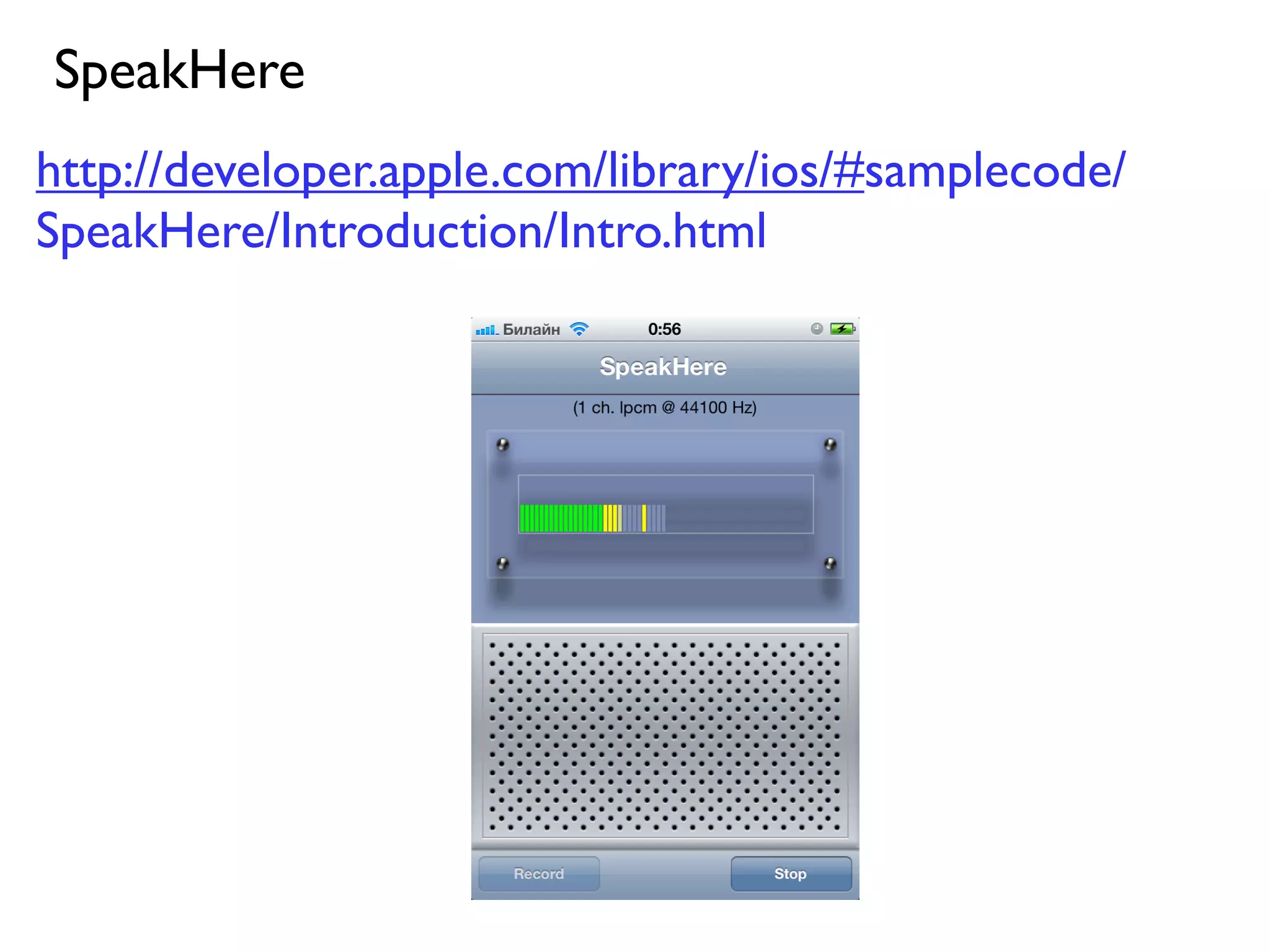
Работа с микрофоном
SpeakHere
http://developer.apple.com/library/ios/#samplecode/
SpeakHere/Introduction/Intro.html
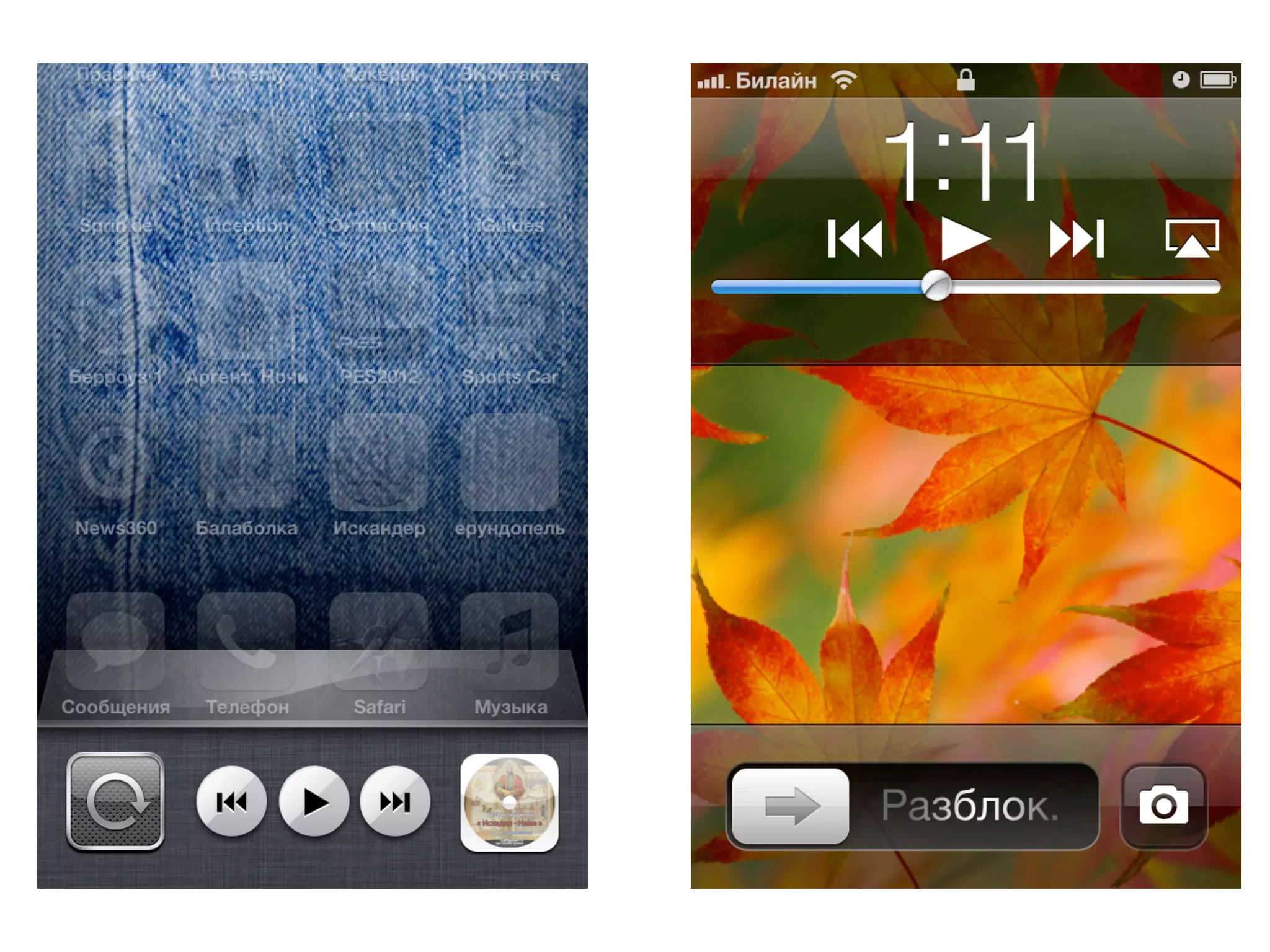
Воспроизведение аудио
AVAudioPlayer

NSString *path = [[NSBundle mainBundle] pathForResource:@"file"
                                                 ofType:@"mp3"];
NSURL *url = [NSURL fileURLWithPath:path];
AVAudioPlayer *player = [[AVAudioPlayer alloc] initWithContentsOfURL:url
                                                               error:nil];
[player play];
- (void) viewDidAppear:(BOOL)animated
{
    [[UIApplication sharedApplication] beginReceivingRemoteControlEvents];
    [self becomeFirstResponder];
}


- (void)remoteControlReceivedWithEvent:(UIEvent *)receivedEvent
{

    if (receivedEvent.type == UIEventTypeRemoteControl)
    {

        switch (receivedEvent.subtype)
        {

            case UIEventSubtypeRemoteControlTogglePlayPause:
                [self playPause];
                break;

            case UIEventSubtypeRemoteControlPreviousTrack:
                [self rewind];
                break;

            case UIEventSubtypeRemoteControlNextTrack:
                [self forward];
                break;

            default:
                break;
        }
    }
}
Воспроизведение видео
MPMoviePlayerViewController
NSString *path = [[NSBundle mainBundle] pathForResource:@"file"
                                                 ofType:@"mp4"];
NSURL *url = [NSURL fileURLWithPath:path];

MPMoviePlayerViewController *c
    = [[MPMoviePlayerViewController alloc] initWithContentURL:url];

[self presentModalViewController:c animated:YES];
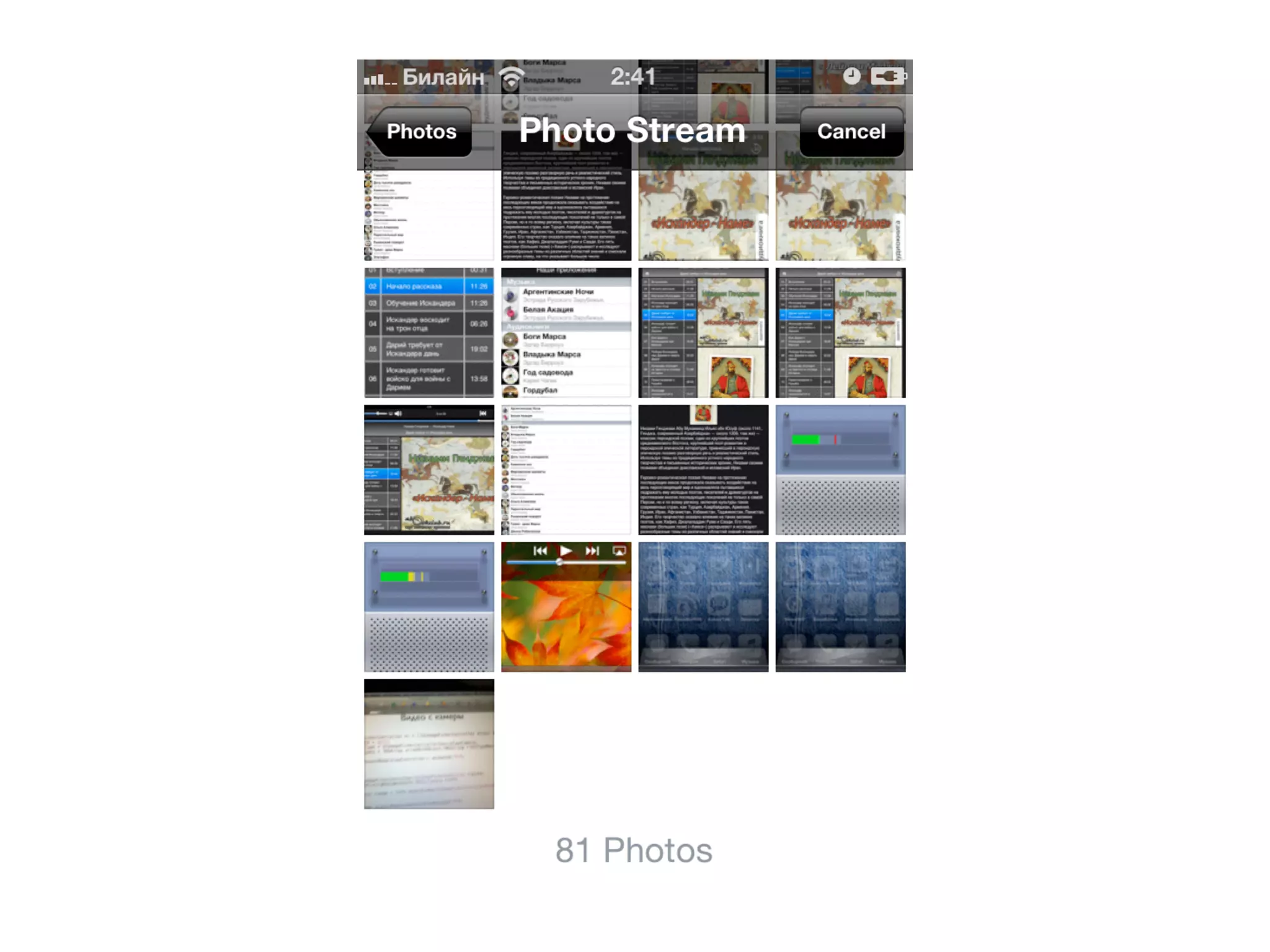
Фото и видео
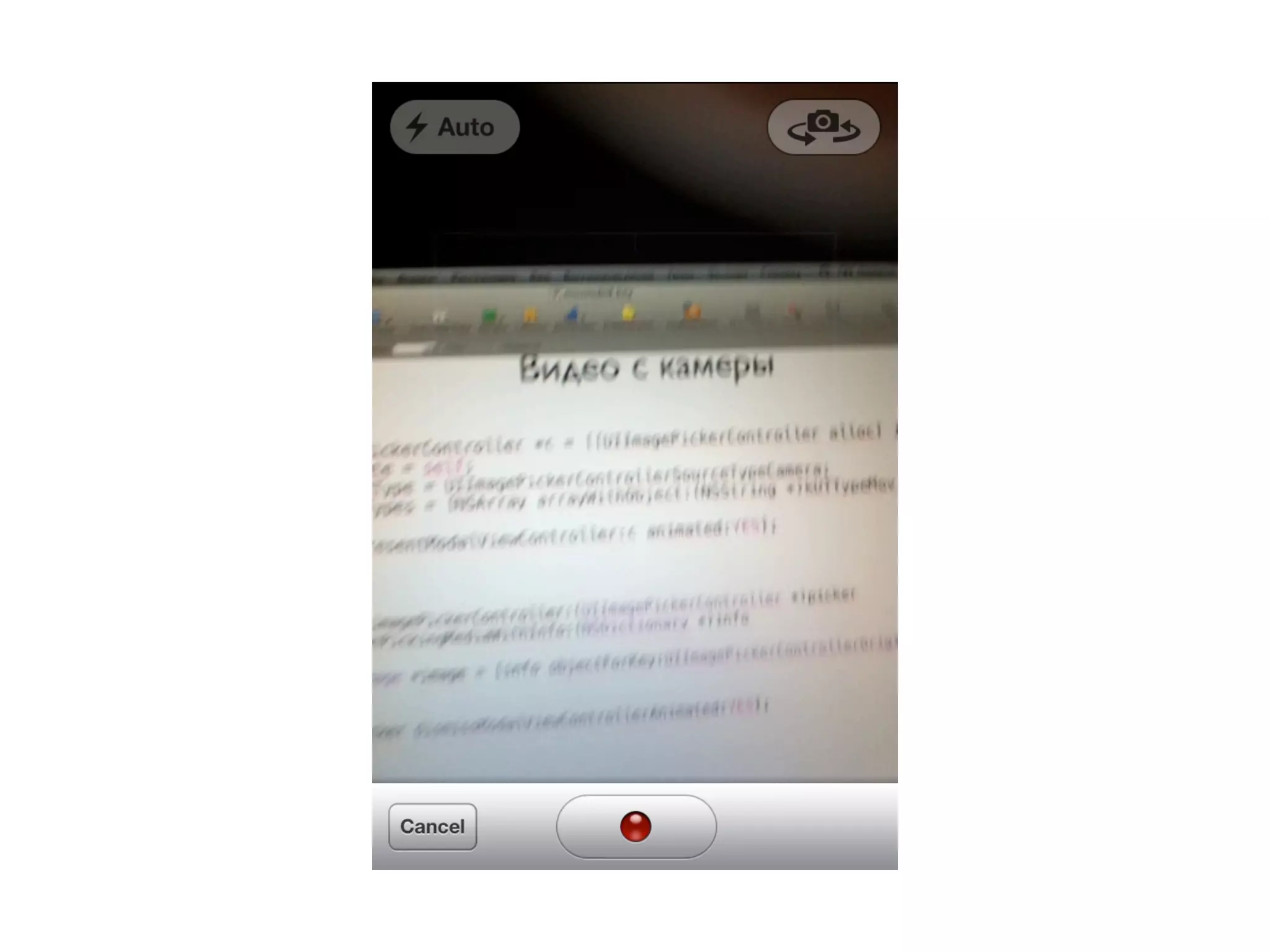
Фото/видео с камеры
UIImagePickerController *c = [[UIImagePickerController alloc] init];
c.delegate = self;
c.sourceType = UIImagePickerControllerSourceTypeCamera;
c.mediaTypes = [NSArray arrayWithObject:(NSString *)kUTTypeMovie];

[self presentModalViewController:c animated:YES];


- (void)imagePickerController:(UIImagePickerController *)picker
didFinishPickingMediaWithInfo:(NSDictionary *)info
{
    UIImage *image = [info objectForKey:UIImagePickerControllerOriginalImage];


    [picker dismissModalViewControllerAnimated:YES];
}
Фото/видео из альбомов

 UIImagePickerController *c = [[UIImagePickerController alloc] init];
 c.delegate = self;
 c.sourceType = UIImagePickerControllerSourceTypePhotoLibrary;


- (void)imagePickerController:(UIImagePickerController *)picker
didFinishPickingMediaWithInfo:(NSDictionary *)info
{
    NSURL *url = [info objectForKey:UIImagePickerControllerMediaURL];
}
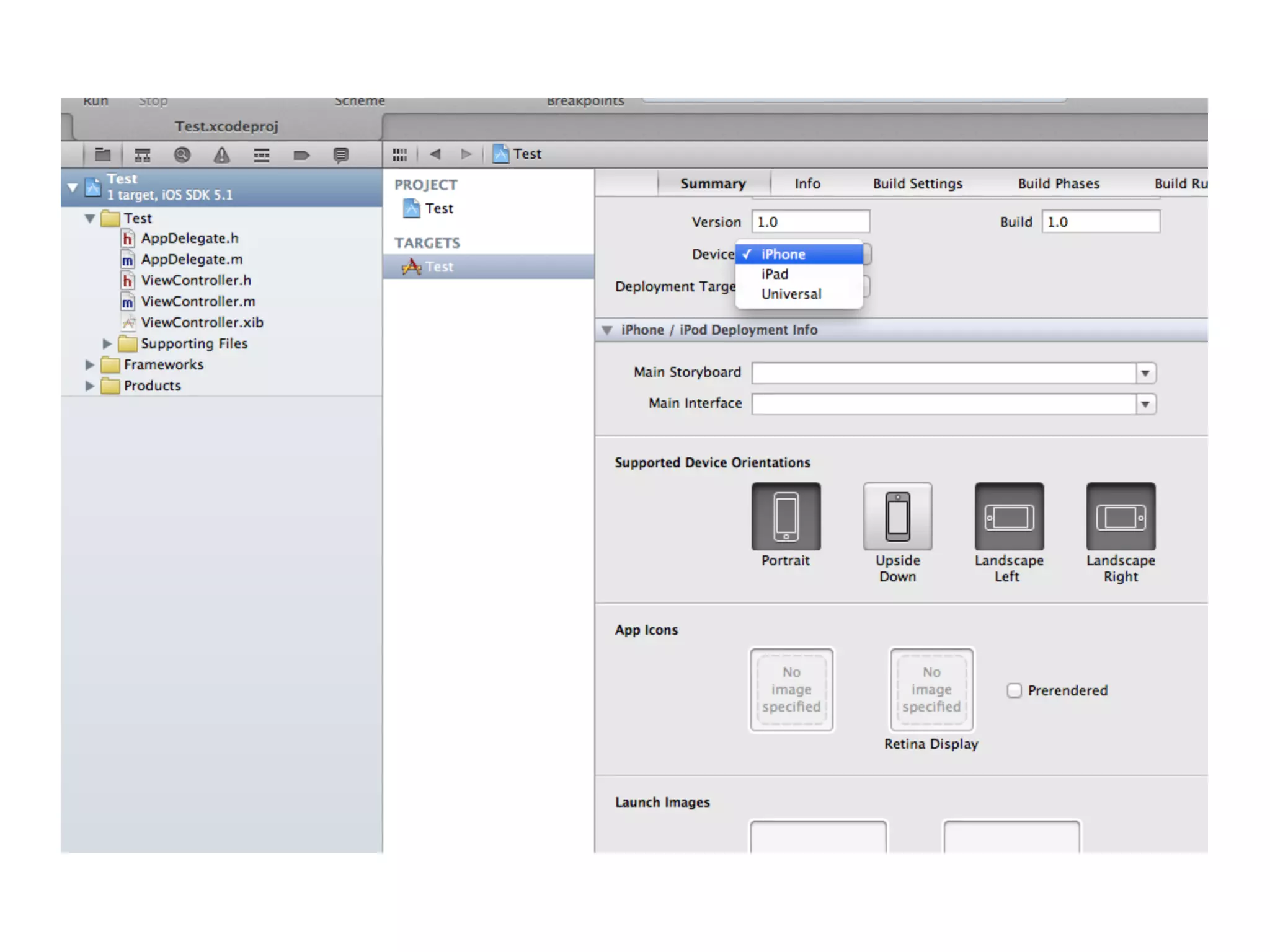
Поддержка iPad
if ([[UIDevice currentDevice] userInterfaceIdiom] == UIUserInterfaceIdiomPhone)
{
    self.viewController = [[ViewController alloc] initWithNibName:@"ViewController_iPhone"
                                                           bundle:nil];
}
else
{
    self.viewController = [[ViewController alloc] initWithNibName:@"ViewController_iPad"
                                                           bundle:nil];
}
if ([[UIDevice currentDevice] userInterfaceIdiom] == UIUserInterfaceIdiomPhone)
{
    self.viewController = [[ViewController alloc] initWithNibName:@"ViewController"
                                                           bundle:nil];
}
else
{
    self.viewController = [[ViewController_iPad alloc] initWithNibName:@"ViewController_iPad"
                                                           bundle:nil];
}
@implementation UIViewController (Utils)

+ (id)fromNib
{
    NSString *nibName = NSStringFromClass(self);
    return [self fromNib:nibName];
}

+ (id)fromNib:(NSString *)nibName
{
    return [[self alloc] initWithNibName:nibName
bundle:nil];
}

@end
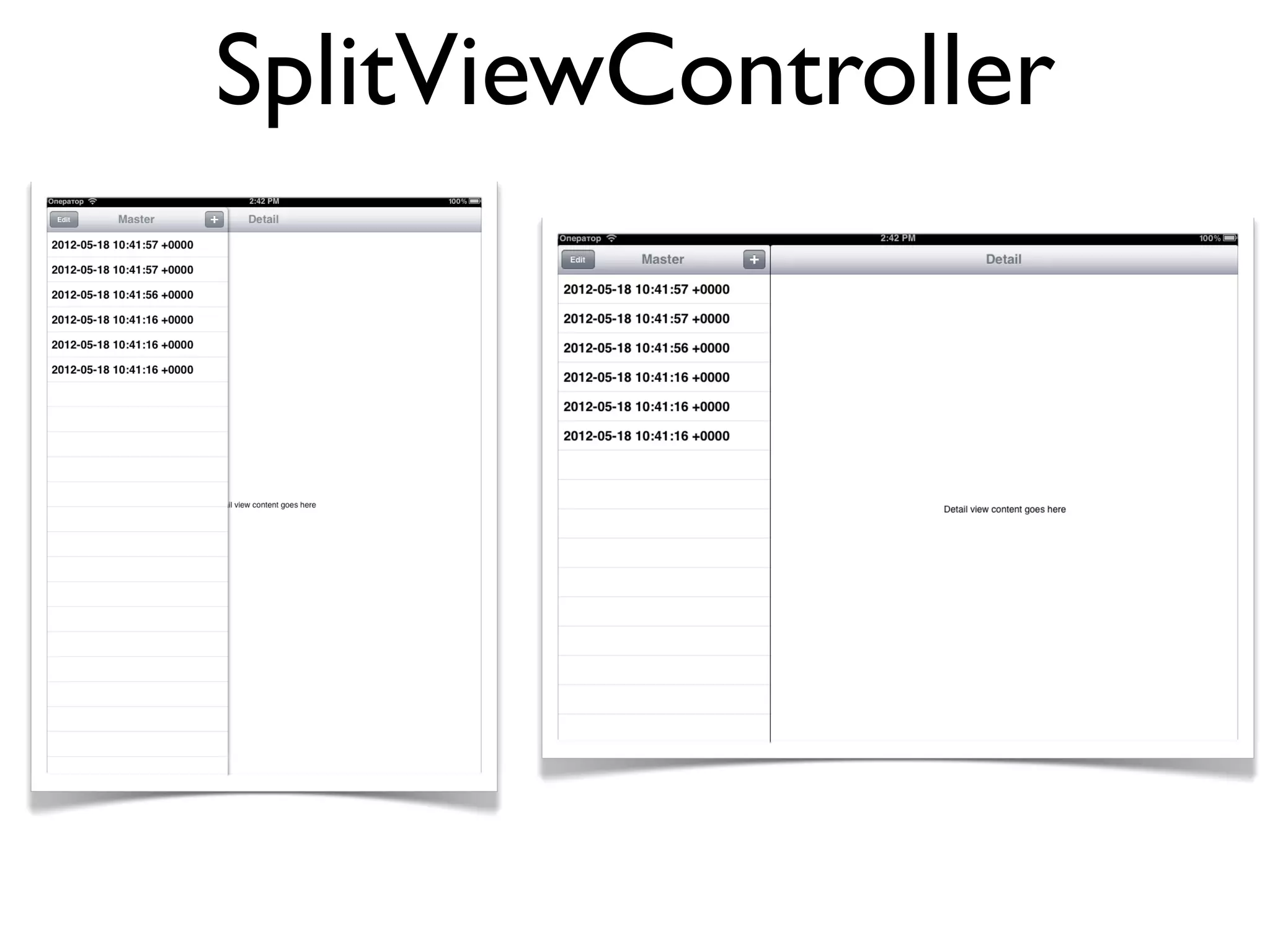
SplitViewController
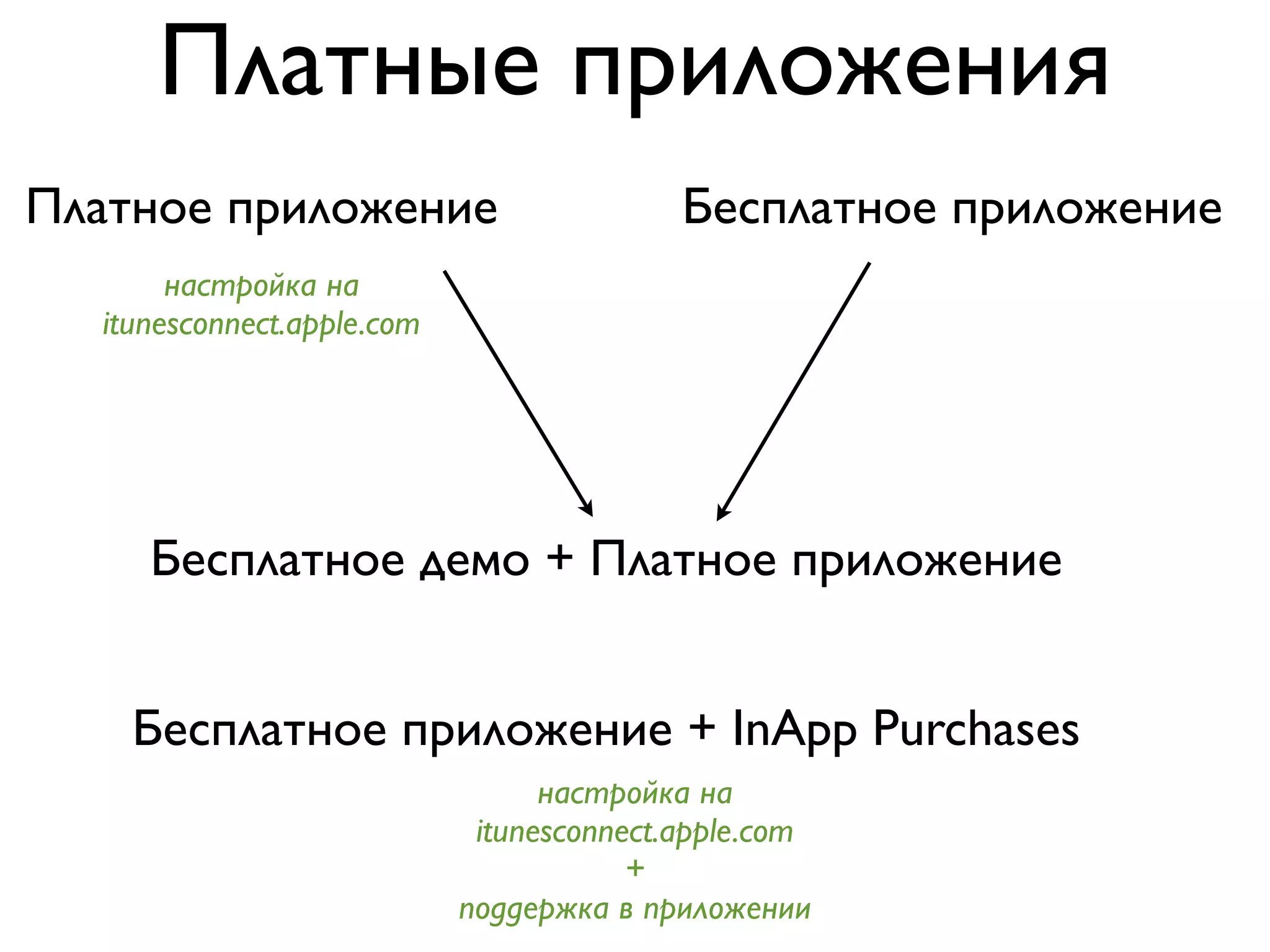
Платные приложения
Платное приложение                         Бесплатное приложение
       настройка на
  itunesconnect.apple.com


     Бесплатное демо + Платное приложение


    Бесплатное приложение + InApp Purchases
                                  настройка на
                             itunesconnect.apple.com
                                        +
                            поддержка в приложении
InApp Purchases
   StoreKit
   http://developer.apple.com/library/ios/#documentation/NetworkingInternet/Conceptual/StoreKitGuide/Introduction/Introduction.html


  MKStoreKit
  https://github.com/MugunthKumar/MKStoreKit

[[MKStoreManager sharedManager] buyFeature:self.appleId onComplete:^(NSString *featureId, NSData *receiptData) {
             // ... купил
            } onCancelled:^{
              // ... отказался
            }];
Демонстрация
Инструменты
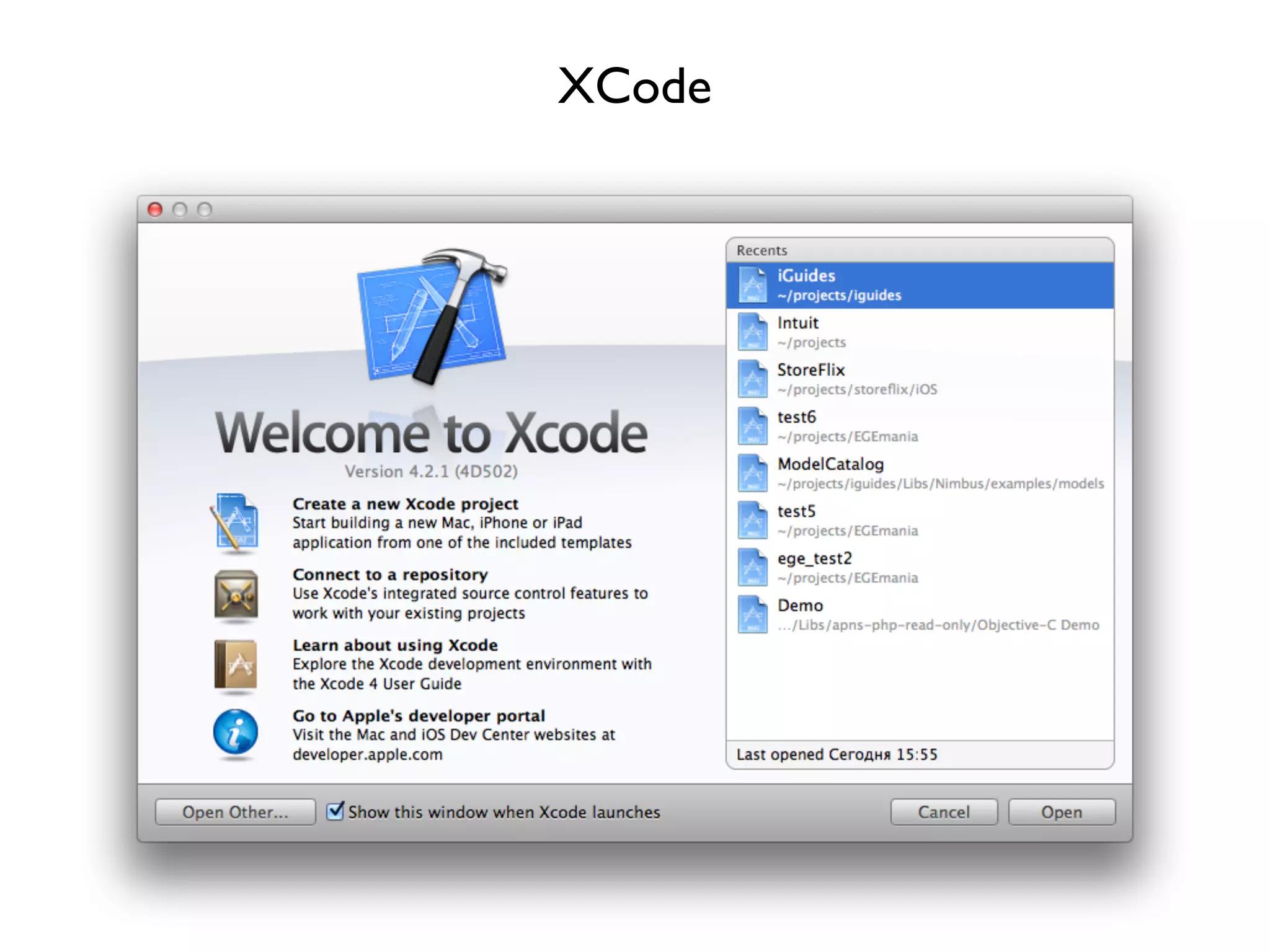
XCode
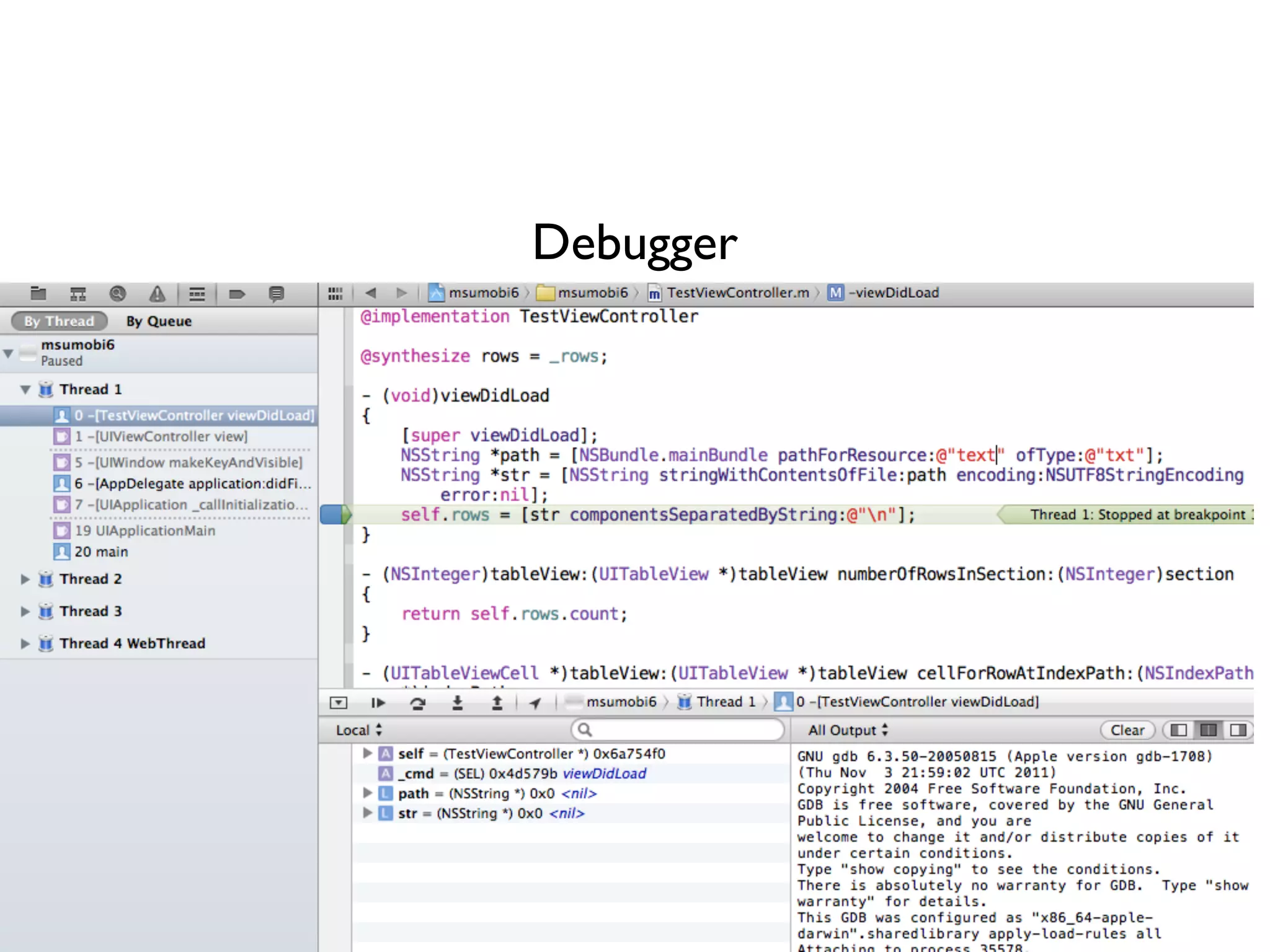
Debugger
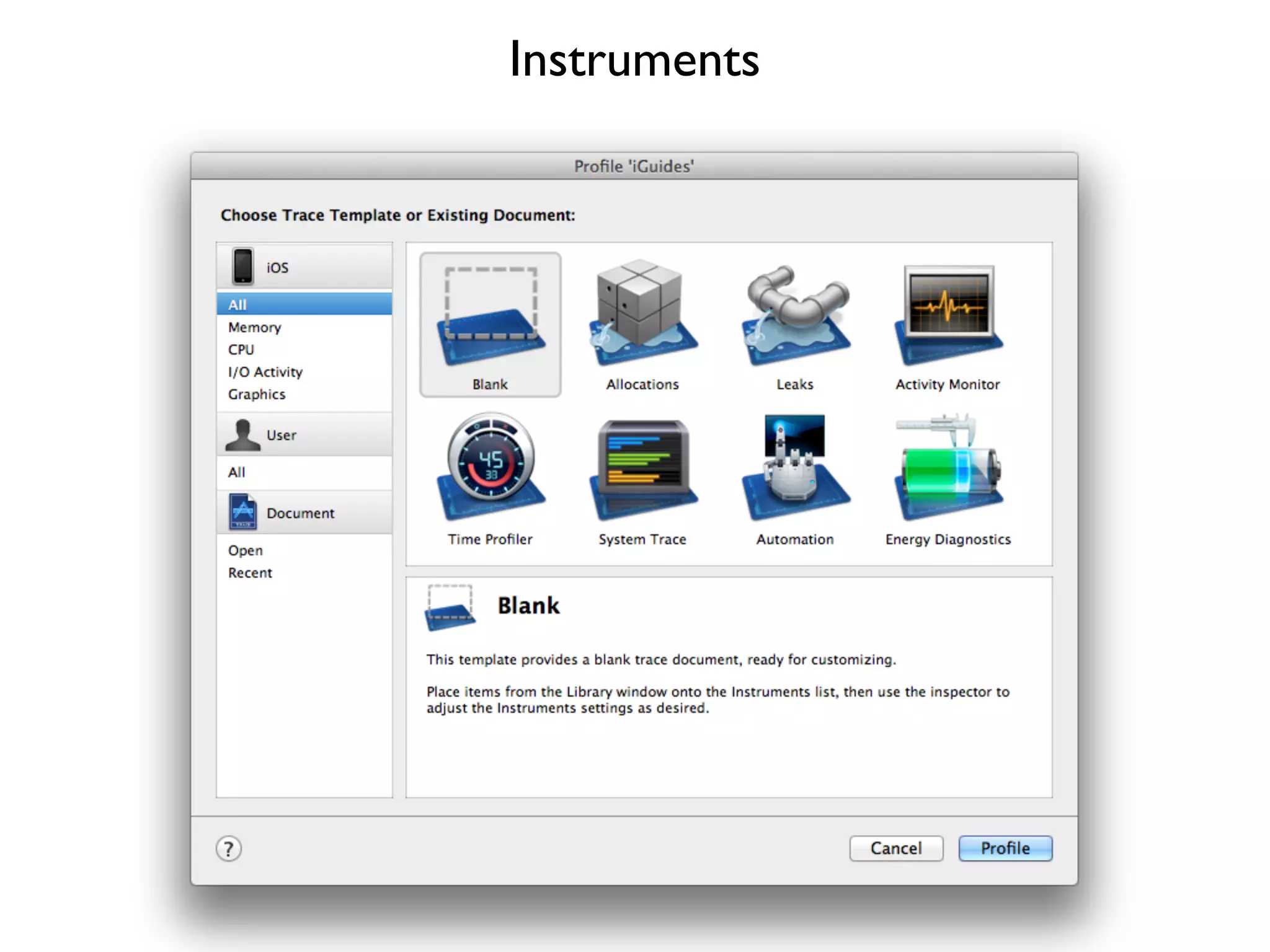
Instruments
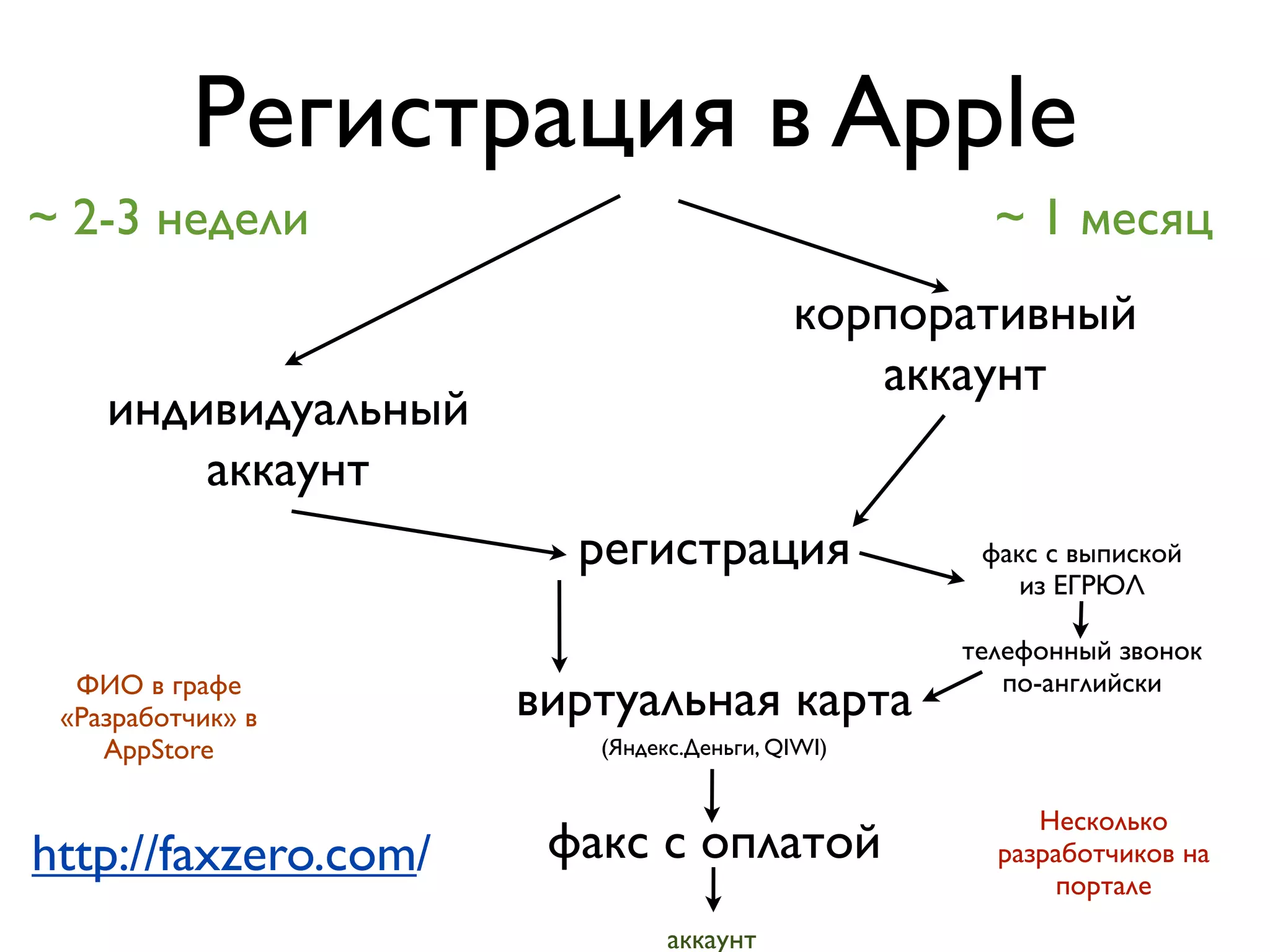
Регистрация в Apple
~ 2-3 недели                                       ~ 1 месяц
                                          корпоративный
                                             аккаунт
    индивидуальный
        аккаунт
                        регистрация               факс с выпиской
                                                     из ЕГРЮЛ

                                                 телефонный звонок
                                                    по-английски
  ФИО в графе
 «Разработчик» в      виртуальная карта
    AppStore             (Яндекс.Деньги, QIWI)


                                                      Несколько
http://faxzero.com/    факс с оплатой              разработчиков на
                                                       портале
                               аккаунт
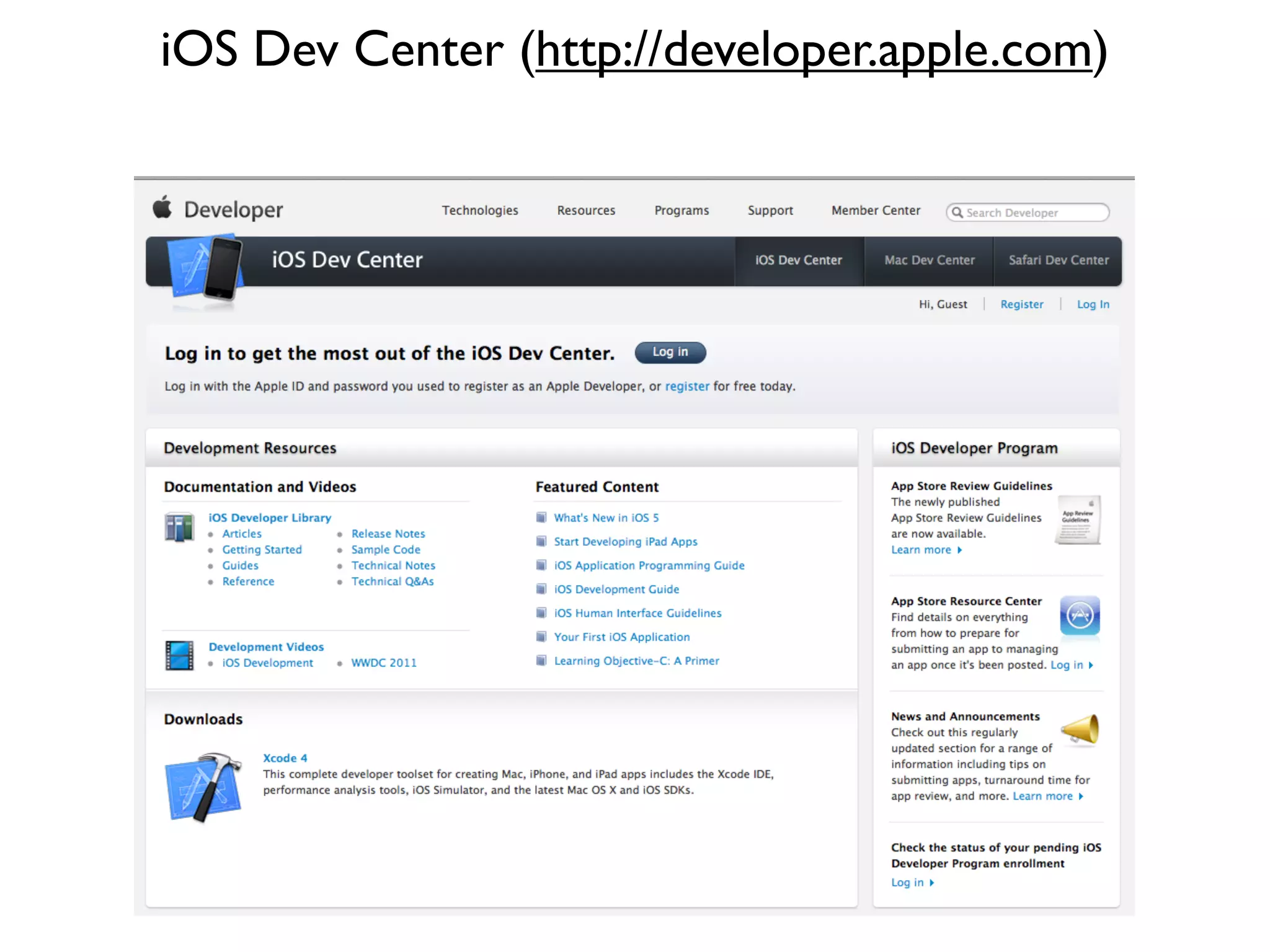
iOS Dev Center (http://developer.apple.com)
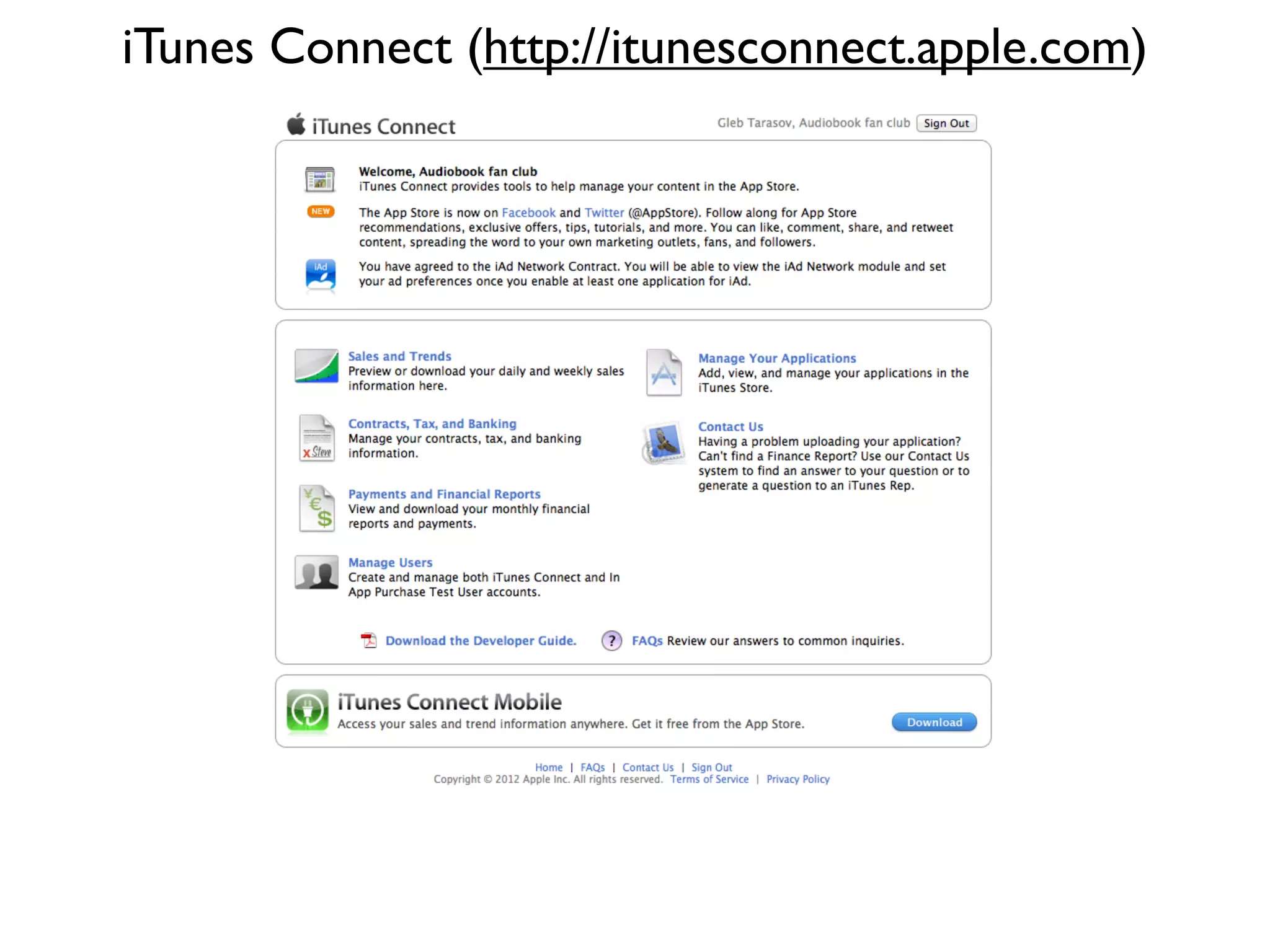
iTunes Connect (http://itunesconnect.apple.com)
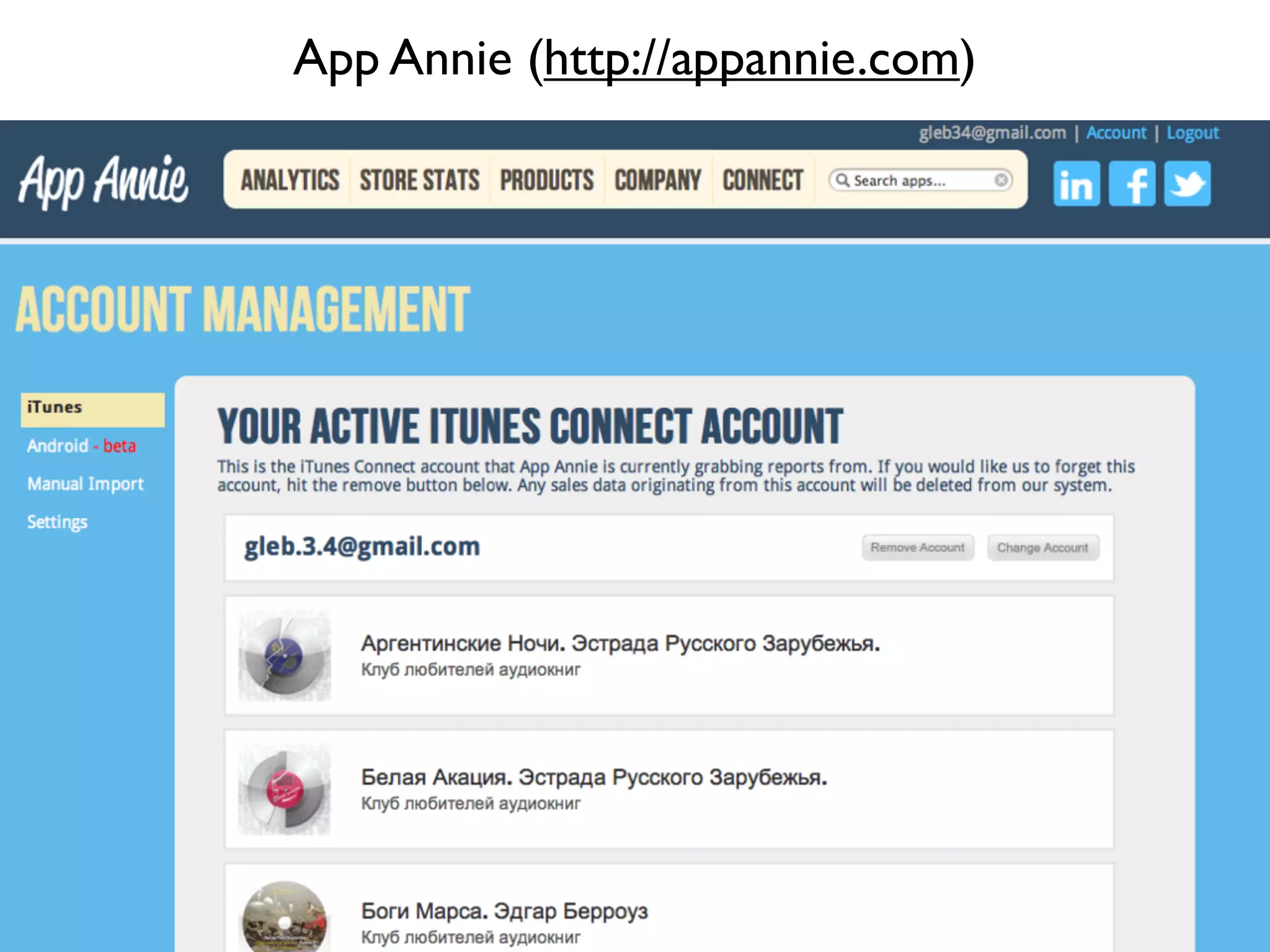
App Annie (http://appannie.com)
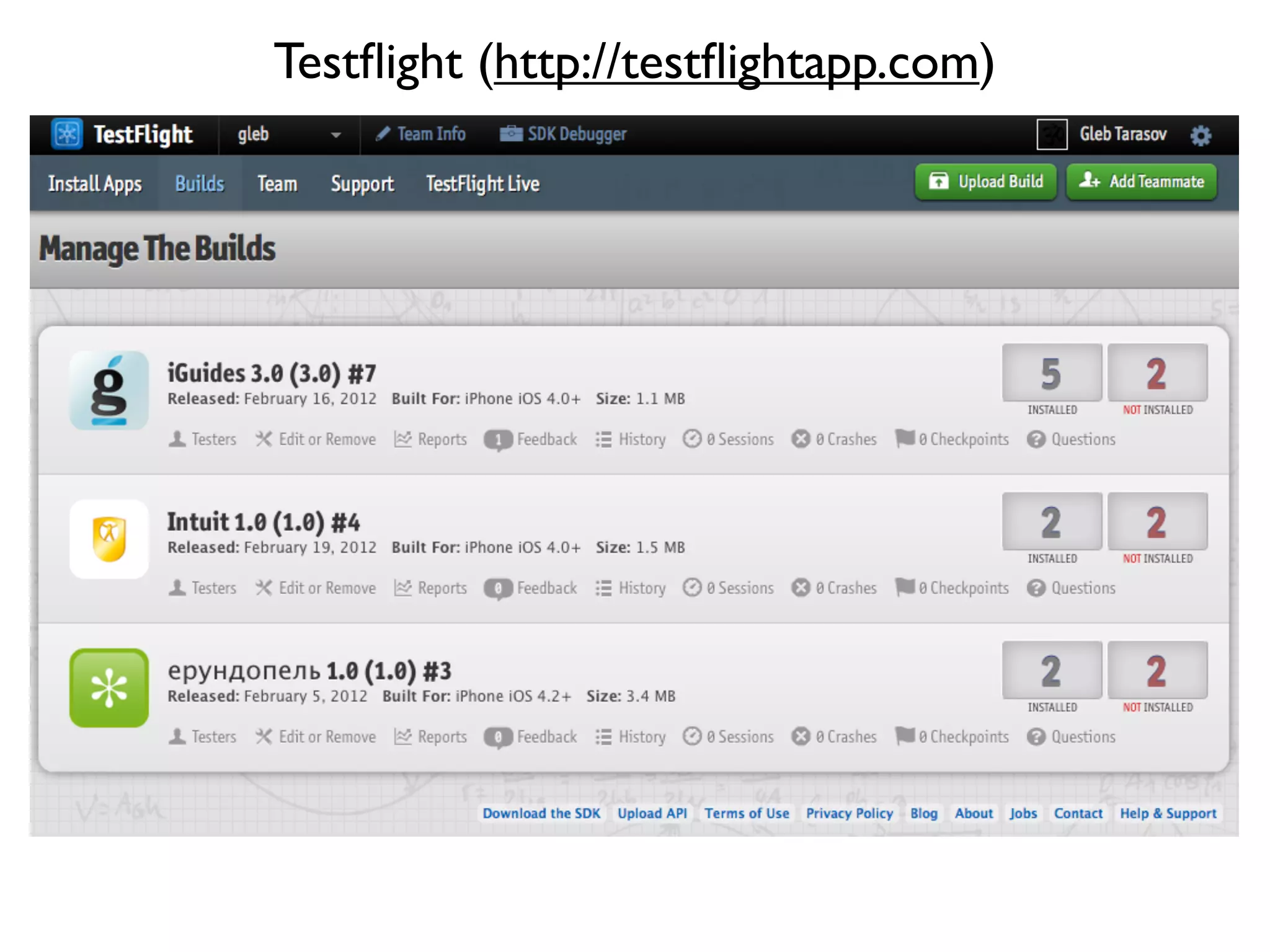
Testflight (http://testflightapp.com)
Закрепим понимание
При запуске приложения создаем корневой
контроллер и кладем его в
window.rootViewController
Несколько экранов - несколько UIViewController
Переходы между экранами:
- UINavigationController
- UITabBarController
- presentModalViewController
Каждый экран (контроллер) рисуем в
InterfaceBuilder
Если кода много - логику отрисовки
выносим в отдельный наследник UIView
Для изменения дизайна используем png-графику

Не забываем про @2x для retina-экранов

Большинство изменений интерфейса делаем с
анимацией

Минимальный размер элемента, на который
пользователь должен нажать: 44px
С сервером общаемся через XML или JSON
Работаем с сетью в фоновом потоке
Файлы локально сохраняем в Documents или Caches
Если нужно сохранить пару строк - используем
NSUserDefaults

Если нужно сохранять много данных –
CoreData

Загрузка больших файлов – ASIHTTPRequest
Перед выпуском в AppStore обязательно проверить
работу на реальном устройстве

Тестируем желательно на самом старом
поддерживаемом девайсе

Тестируем на всех поддерживаемых iOS

При выпуске новой версии не забыть проверить
обновление

Ознакомиться с AppStore Review Guidelines
https://developer.apple.com/appstore/guidelines.html
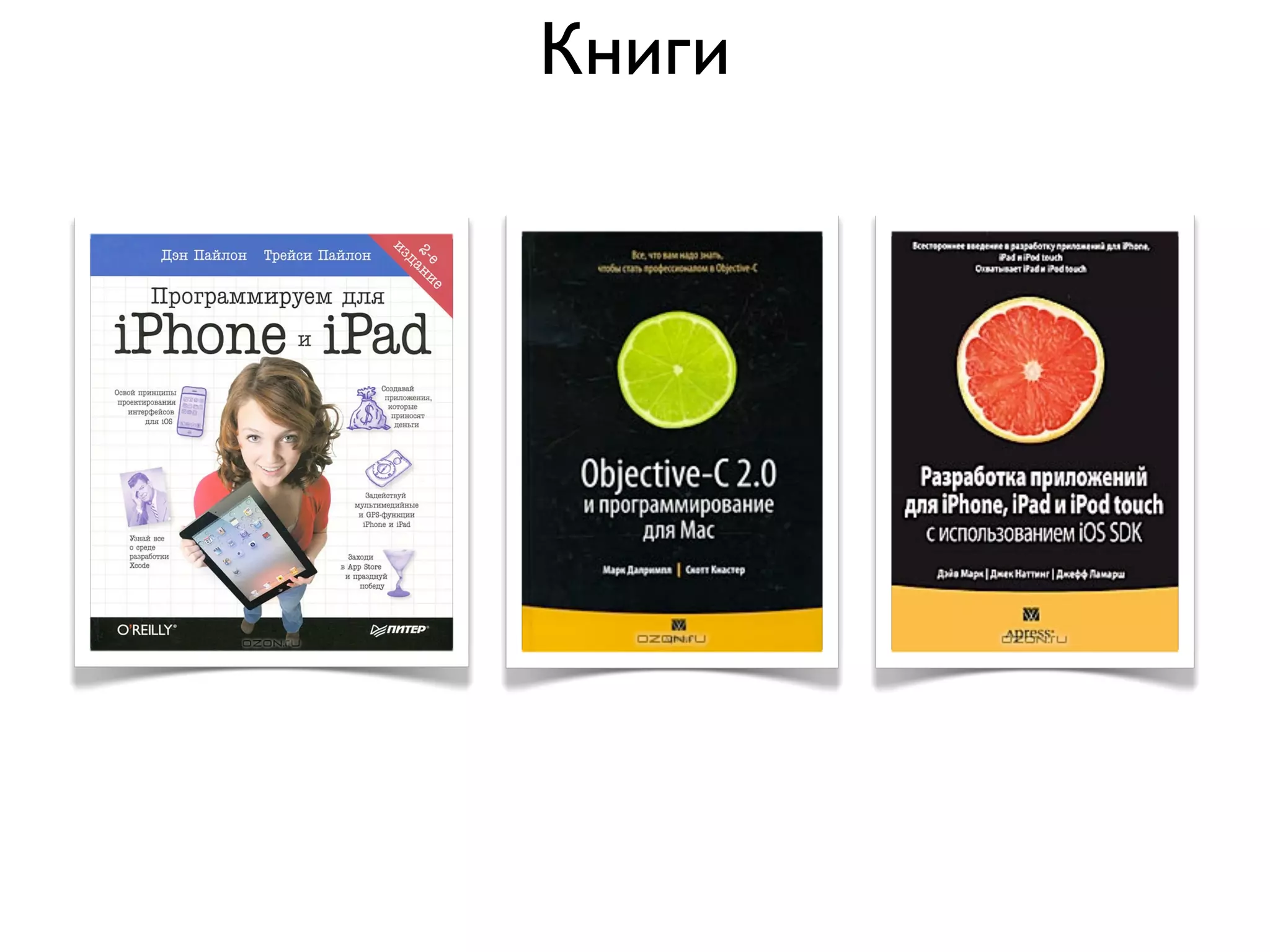
Книги


http://habrahabr.ru/post/118282/
Книги
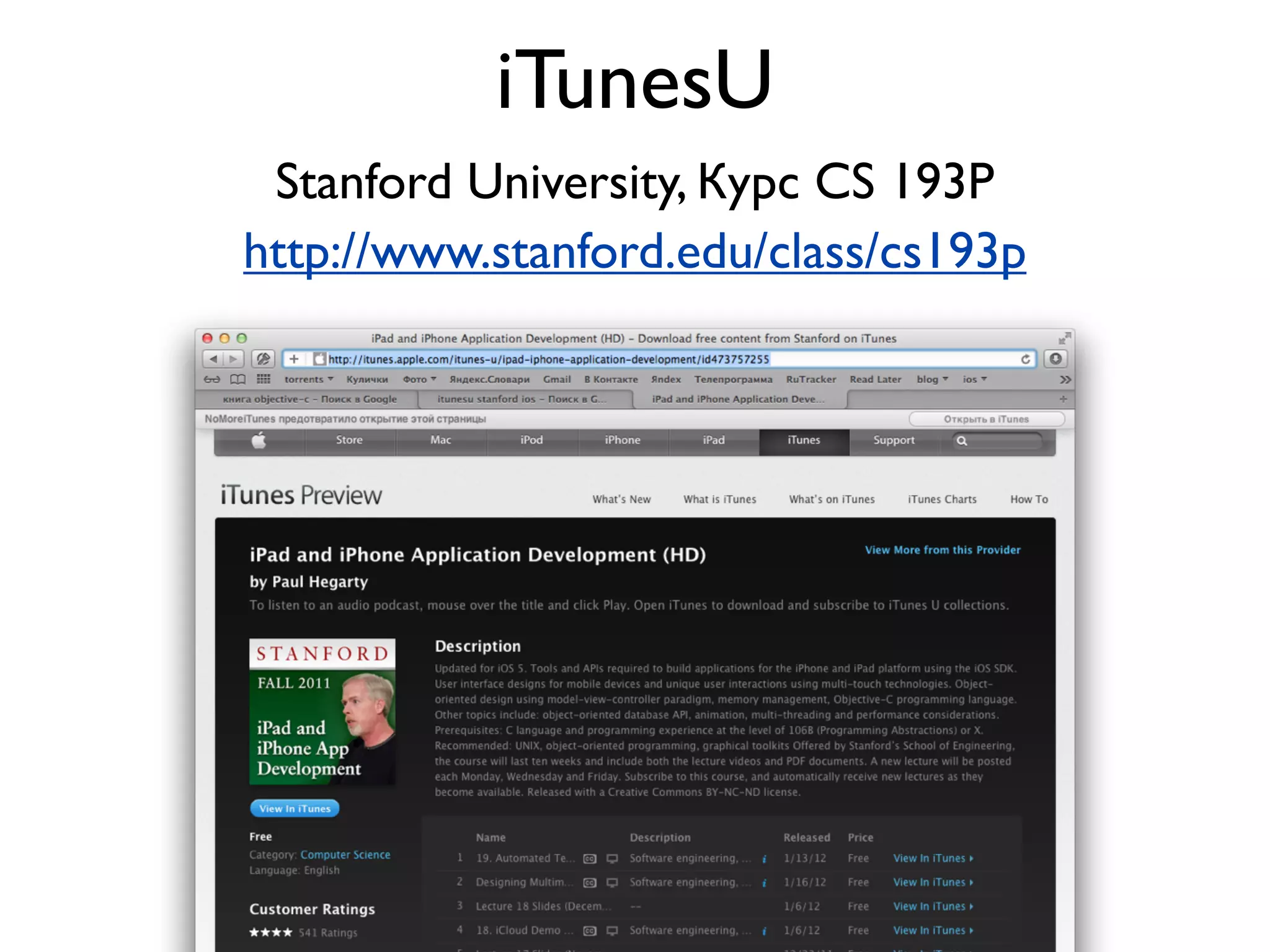
iTunesU
 Stanford University, Курс CS 193P
http://www.stanford.edu/class/cs193p
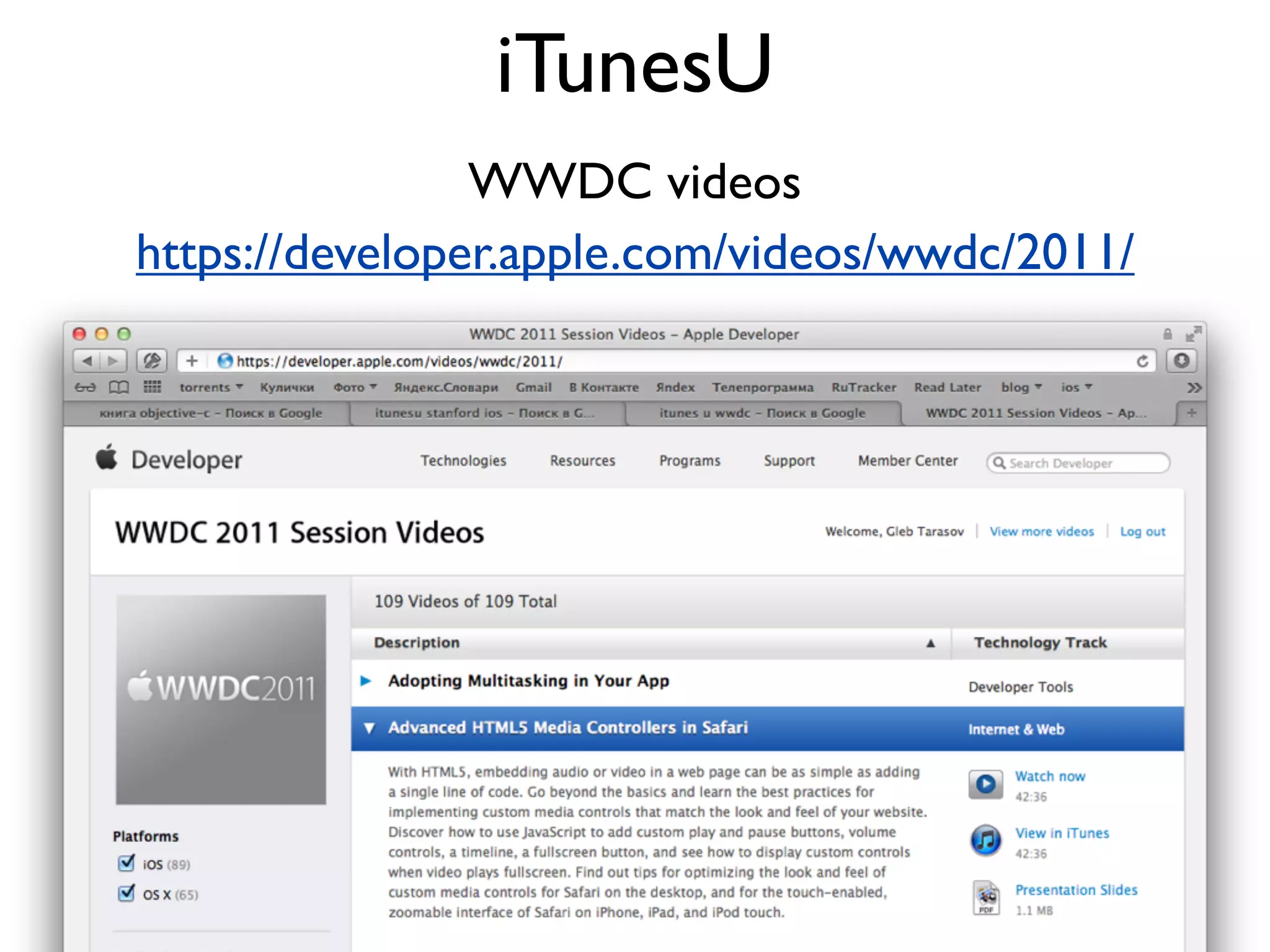
iTunesU
                WWDC videos
https://developer.apple.com/videos/wwdc/2011/
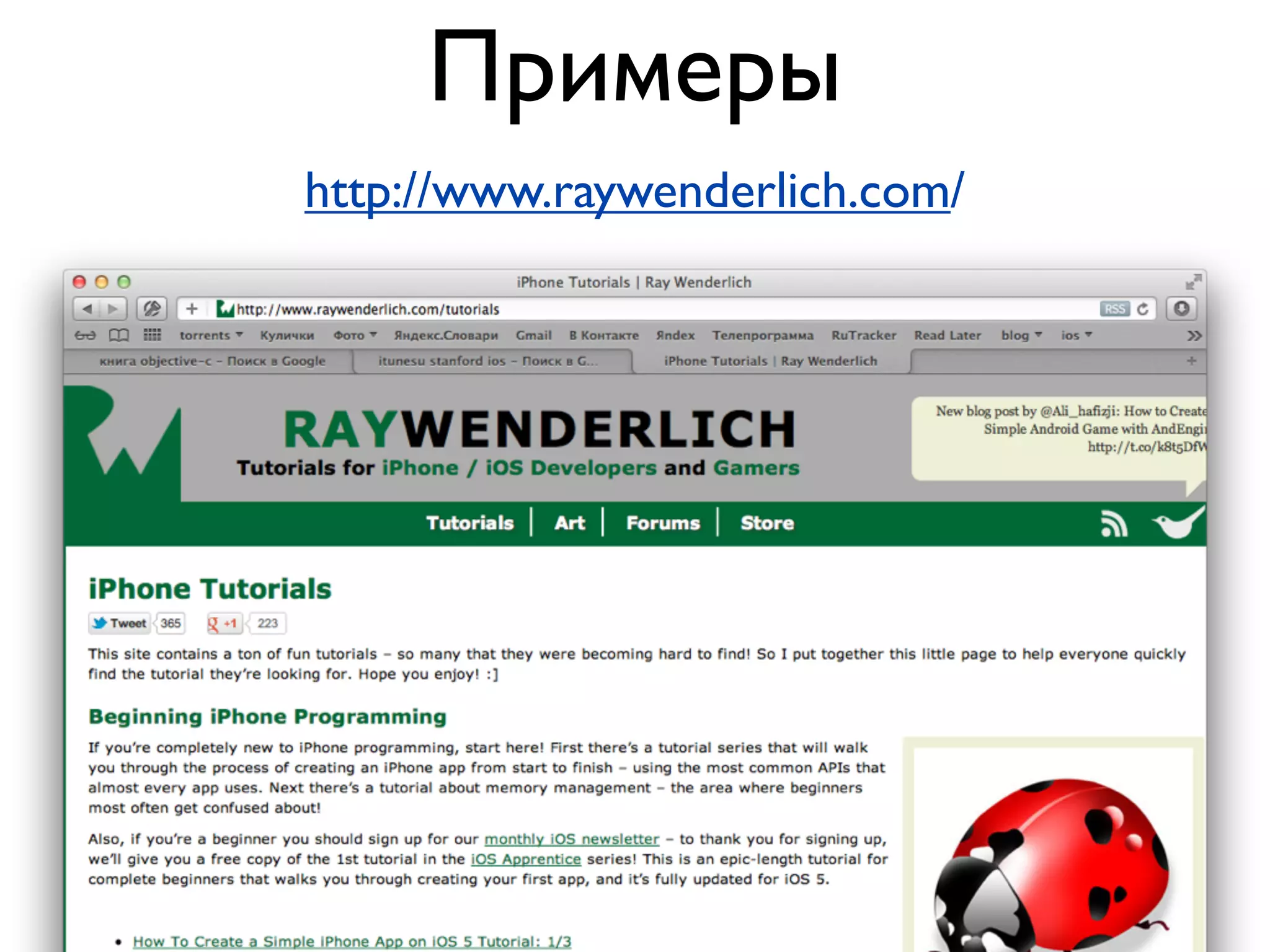
Примеры
http://www.raywenderlich.com/
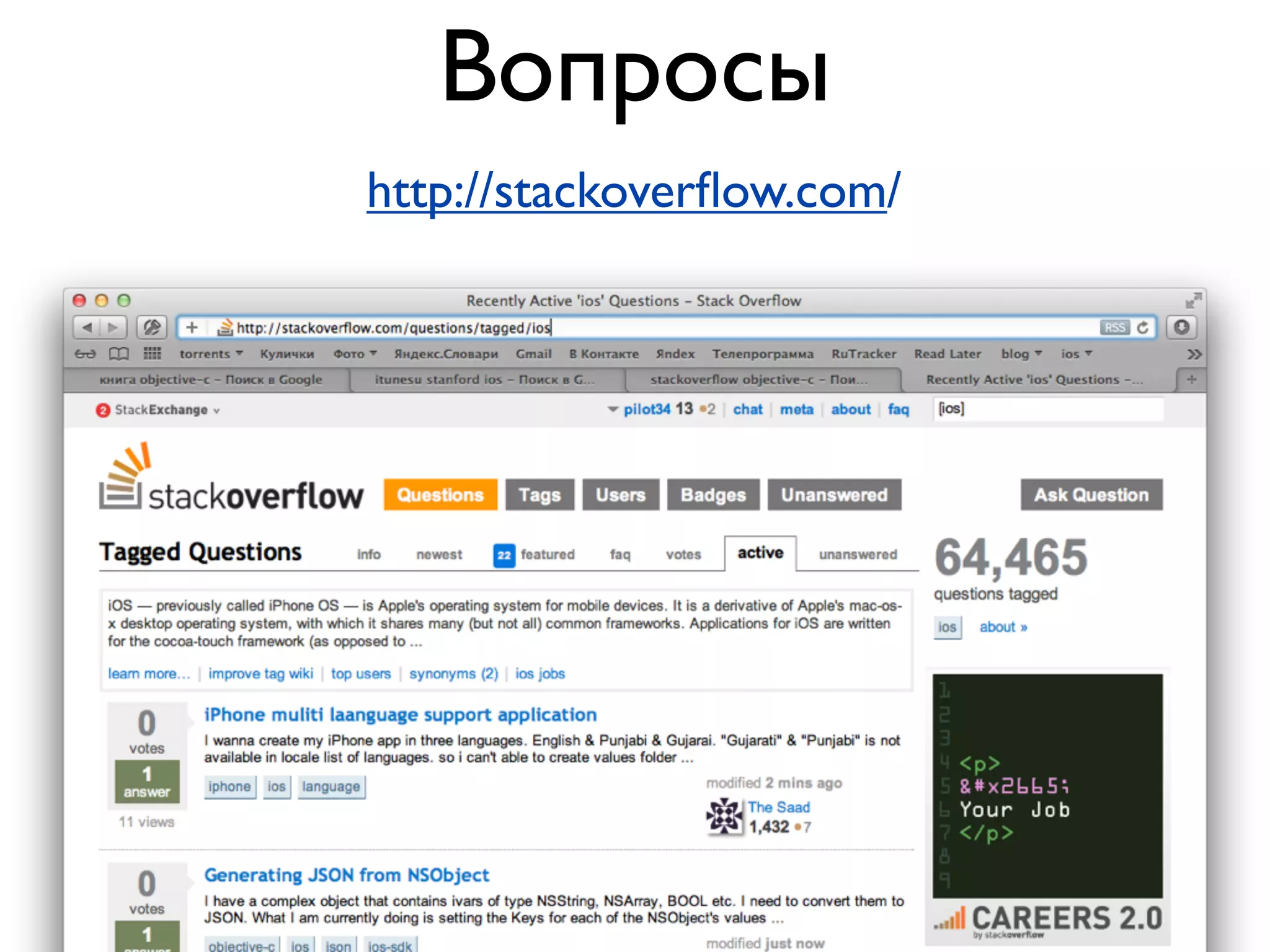
Вопросы
http://stackoverflow.com/
Совсем всё!
       Глеб Тарасов
       gleb34@gmail.com
       twitter.com/pilot34

Школа-Студия разработки приложений для iOS. 5 лекция. Разное

  • 1.
    Разработка приложений дляiOS Лекция 5 Разное Глеб Тарасов
  • 2.
  • 3.
  • 4.
  • 5.
    Есть ли интернет? Reachability*r = [Reachability reachabilityForInternetConnection]; if (r.status != NotReachable) { NSLog(@"Есть интернет"); }
  • 6.
    WiFi или 3G Reachability*r = [Reachability reachabilityForLocalWiFi]; if (r.status != NotReachable) { NSLog(@"Есть wifi"); }
  • 7.
  • 8.
    Ориентация UIInterfaceOrientation orientation = [UIApplication sharedApplication].statusBarOrientation; if (UIInterfaceOrientationIsPortrait(orientation)) NSLog(@"portrait"); else NSLog(@"landscape"); typedef enum { UIInterfaceOrientationPortrait, UIInterfaceOrientationPortraitUpsideDown, UIInterfaceOrientationLandscapeLeft, UIInterfaceOrientationLandscapeRight } UIInterfaceOrientation;
  • 9.
    Акселерометр @interface MyViewController :UIViewController<UIAccelerometerDelegate> - (void)viewDidLoad { [super viewDidLoad]; [[UIAccelerometer sharedAccelerometer] setDelegate:self]; [[UIAccelerometer sharedAccelerometer] setUpdateInterval:0.01]; } #pragma mark - UIAccelerometerDelegate - (void)accelerometer:(UIAccelerometer *)accelerometer didAccelerate:(UIAcceleration *)acceleration { NSLog(@"%g %g %g", acceleration.x, acceleration.y, acceleration.z); }
  • 10.
    1.0 по оси ускорение+1.0g вдоль этой оси Когда телефон лежит на столе: x=0 y=0 z = -1
  • 11.
    Фильтр нижних частот http://ru.wikipedia.org/wiki/Фильтр_нижних_частот http://developer.apple.com/library/ios/#samplecode/ AccelerometerGraph/Introduction/Intro.html
  • 12.
  • 13.
    - (void)viewDidLoad { [super viewDidLoad]; ) motionManager = [[CMMotionManager alloc] init]; timer = [NSTimer scheduledTimerWithTimeInterval:1/30.0 target:self selector:@selector(doGyroUpdate) userInfo:nil repeats:YES]; } - (void)doGyroUpdate { CMRotationRate rate = motionManager.gyroData.rotationRate; ) NSLog(@"%g %g %g", rate.x, rate.y, rate.z); } радианы в секунду
  • 14.
  • 15.
    Координаты @interface Locator :NSObject<CLLocationManagerDelegate> manager = [[CLLocationManager alloc] init]; manager.delegate = self; manager.desiredAccuracy = kCLLocationAccuracyHundredMeters; [manager startUpdatingLocation]; - (void)locationManager:(CLLocationManager *)m ) didUpdateToLocation:(CLLocation *)newLocation fromLocation:(CLLocation *)oldLocation { CLLocationCoordinate2D coord = newLocation.coordinate; NSLog(@"%g %g", coord.latitude, coord.longitude); } Центр Москвы: 55.747598, 37.626801
  • 16.
    Компас locationManager = [[CLLocationManageralloc] init]; locationManager.desiredAccuracy = kCLLocationAccuracyBest; [locationManager setDelegate:self]; [locationManager startUpdatingHeading]; - (void)locationManager:(CLLocationManager *)manager didUpdateHeading:(CLHeading *)newHeading { NSLog(@"%g", newHeading.magneticHeading); } 0 - север, 90 - восток, 180 - юг, 270 - запад
  • 17.
  • 18.
  • 19.
  • 20.
    AVAudioPlayer NSString *path =[[NSBundle mainBundle] pathForResource:@"file" ofType:@"mp3"]; NSURL *url = [NSURL fileURLWithPath:path]; AVAudioPlayer *player = [[AVAudioPlayer alloc] initWithContentsOfURL:url error:nil]; [player play];
  • 22.
    - (void) viewDidAppear:(BOOL)animated { [[UIApplication sharedApplication] beginReceivingRemoteControlEvents]; [self becomeFirstResponder]; } - (void)remoteControlReceivedWithEvent:(UIEvent *)receivedEvent { if (receivedEvent.type == UIEventTypeRemoteControl) { switch (receivedEvent.subtype) { case UIEventSubtypeRemoteControlTogglePlayPause: [self playPause]; break; case UIEventSubtypeRemoteControlPreviousTrack: [self rewind]; break; case UIEventSubtypeRemoteControlNextTrack: [self forward]; break; default: break; } } }
  • 23.
  • 24.
    MPMoviePlayerViewController NSString *path =[[NSBundle mainBundle] pathForResource:@"file" ofType:@"mp4"]; NSURL *url = [NSURL fileURLWithPath:path]; MPMoviePlayerViewController *c = [[MPMoviePlayerViewController alloc] initWithContentURL:url]; [self presentModalViewController:c animated:YES];
  • 25.
  • 26.
    Фото/видео с камеры UIImagePickerController*c = [[UIImagePickerController alloc] init]; c.delegate = self; c.sourceType = UIImagePickerControllerSourceTypeCamera; c.mediaTypes = [NSArray arrayWithObject:(NSString *)kUTTypeMovie]; [self presentModalViewController:c animated:YES]; - (void)imagePickerController:(UIImagePickerController *)picker didFinishPickingMediaWithInfo:(NSDictionary *)info { UIImage *image = [info objectForKey:UIImagePickerControllerOriginalImage]; [picker dismissModalViewControllerAnimated:YES]; }
  • 28.
    Фото/видео из альбомов UIImagePickerController *c = [[UIImagePickerController alloc] init]; c.delegate = self; c.sourceType = UIImagePickerControllerSourceTypePhotoLibrary; - (void)imagePickerController:(UIImagePickerController *)picker didFinishPickingMediaWithInfo:(NSDictionary *)info { NSURL *url = [info objectForKey:UIImagePickerControllerMediaURL]; }
  • 30.
  • 32.
    if ([[UIDevice currentDevice]userInterfaceIdiom] == UIUserInterfaceIdiomPhone) { self.viewController = [[ViewController alloc] initWithNibName:@"ViewController_iPhone" bundle:nil]; } else { self.viewController = [[ViewController alloc] initWithNibName:@"ViewController_iPad" bundle:nil]; }
  • 33.
    if ([[UIDevice currentDevice]userInterfaceIdiom] == UIUserInterfaceIdiomPhone) { self.viewController = [[ViewController alloc] initWithNibName:@"ViewController" bundle:nil]; } else { self.viewController = [[ViewController_iPad alloc] initWithNibName:@"ViewController_iPad" bundle:nil]; }
  • 34.
    @implementation UIViewController (Utils) +(id)fromNib { NSString *nibName = NSStringFromClass(self); return [self fromNib:nibName]; } + (id)fromNib:(NSString *)nibName { return [[self alloc] initWithNibName:nibName bundle:nil]; } @end
  • 35.
  • 36.
    Платные приложения Платное приложение Бесплатное приложение настройка на itunesconnect.apple.com Бесплатное демо + Платное приложение Бесплатное приложение + InApp Purchases настройка на itunesconnect.apple.com + поддержка в приложении
  • 37.
    InApp Purchases StoreKit http://developer.apple.com/library/ios/#documentation/NetworkingInternet/Conceptual/StoreKitGuide/Introduction/Introduction.html MKStoreKit https://github.com/MugunthKumar/MKStoreKit [[MKStoreManager sharedManager] buyFeature:self.appleId onComplete:^(NSString *featureId, NSData *receiptData) { // ... купил } onCancelled:^{ // ... отказался }];
  • 38.
  • 39.
  • 40.
  • 41.
  • 42.
  • 43.
    Регистрация в Apple ~2-3 недели ~ 1 месяц корпоративный аккаунт индивидуальный аккаунт регистрация факс с выпиской из ЕГРЮЛ телефонный звонок по-английски ФИО в графе «Разработчик» в виртуальная карта AppStore (Яндекс.Деньги, QIWI) Несколько http://faxzero.com/ факс с оплатой разработчиков на портале аккаунт
  • 44.
    iOS Dev Center(http://developer.apple.com)
  • 45.
  • 46.
  • 47.
  • 48.
  • 49.
    При запуске приложениясоздаем корневой контроллер и кладем его в window.rootViewController Несколько экранов - несколько UIViewController Переходы между экранами: - UINavigationController - UITabBarController - presentModalViewController Каждый экран (контроллер) рисуем в InterfaceBuilder Если кода много - логику отрисовки выносим в отдельный наследник UIView
  • 50.
    Для изменения дизайнаиспользуем png-графику Не забываем про @2x для retina-экранов Большинство изменений интерфейса делаем с анимацией Минимальный размер элемента, на который пользователь должен нажать: 44px
  • 51.
    С сервером общаемсячерез XML или JSON Работаем с сетью в фоновом потоке Файлы локально сохраняем в Documents или Caches Если нужно сохранить пару строк - используем NSUserDefaults Если нужно сохранять много данных – CoreData Загрузка больших файлов – ASIHTTPRequest
  • 52.
    Перед выпуском вAppStore обязательно проверить работу на реальном устройстве Тестируем желательно на самом старом поддерживаемом девайсе Тестируем на всех поддерживаемых iOS При выпуске новой версии не забыть проверить обновление Ознакомиться с AppStore Review Guidelines https://developer.apple.com/appstore/guidelines.html
  • 53.
  • 54.
  • 55.
    iTunesU Stanford University,Курс CS 193P http://www.stanford.edu/class/cs193p
  • 56.
    iTunesU WWDC videos https://developer.apple.com/videos/wwdc/2011/
  • 57.
  • 58.
  • 59.
    Совсем всё! Глеб Тарасов gleb34@gmail.com twitter.com/pilot34