HTML is born(199O)
• HTML (HyperText Markup Language) is
created
— First standardized language programmers
could use to communicate with web browsers
— Tells browser what content should appear
on a web page, and in what order the content
should appear
—Basic building blocks of a website, the structure
3.
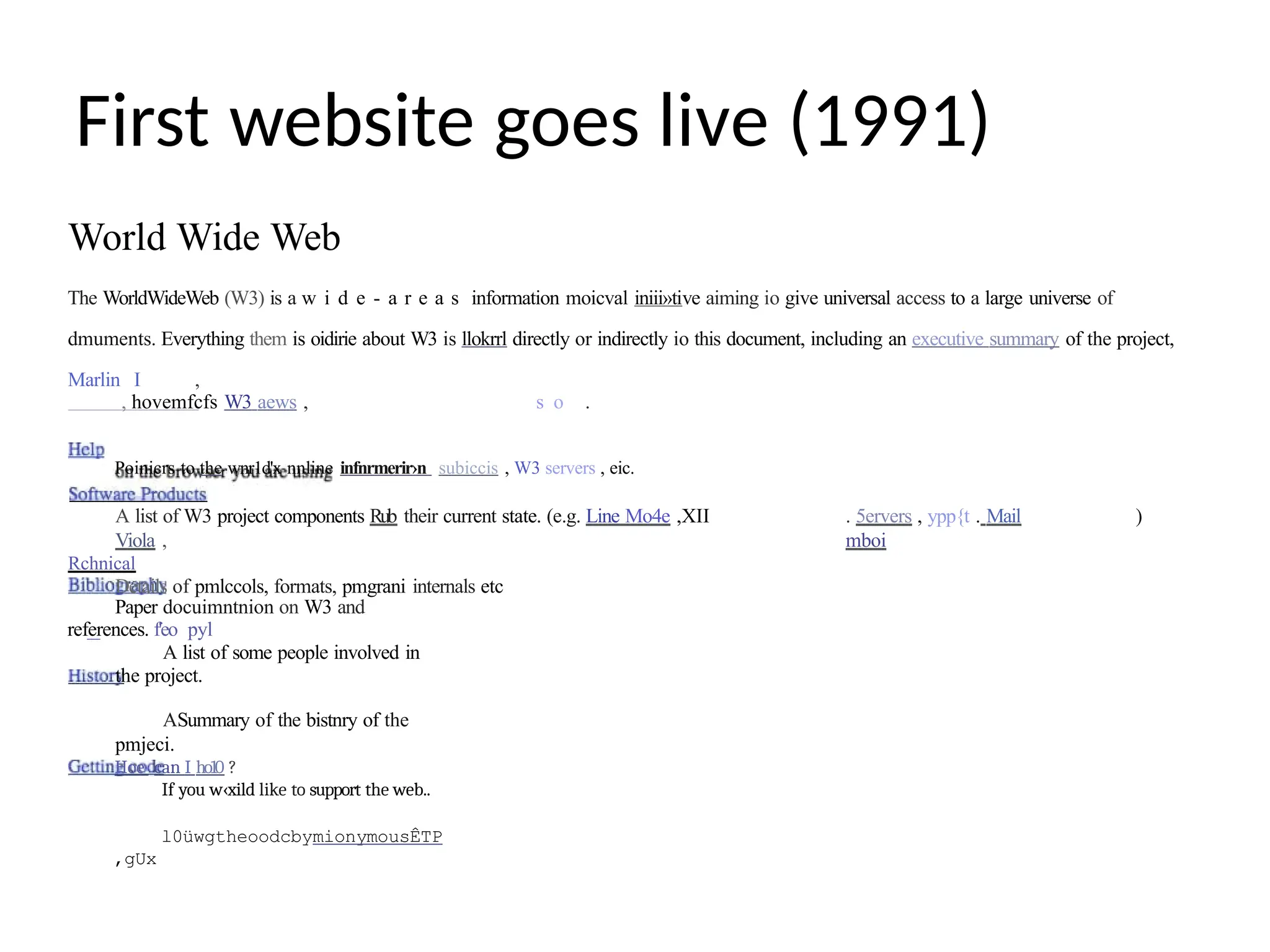
First website goeslive (1991)
World Wide Web
The WorldWideWeb (W3) is a w i d e - a r e a s information moicval iniii»tive aiming io give universal access to a large universe of
dmuments. Everything them is oidirie about W3 is llokrrl directly or indirectly io this document, including an executive summary of the project,
Marlin I ,
, hovemfcfs W3 aews , s o .
Poinicrs to the wnr1d'x nnline infnrmerir›n subiccis , W3 servers , eic.
A list of W3 project components Rub their current state. (e.g. Line Mo4e ,XII
Viola ,
Rchnical
Details of pmlccols, formats, pmgrani internals etc
. 5ervers , ypp{t . Mail
mboi
)
Paper docuimntnion on W3 and
references. f'eo pyl
A list of some people involved in
the project.
ASummary of the bistnry of the
pmjeci.
Hoe can I ho10 ?
If you w‹xild like to support the web..
l0üwgtheoodcbymionymousÊTP
,gUx
4.
First website goeslive (1991)
• First browser introduced called “World Wide Web,”
soon after changed to Nexus to avoid being confused
with the Internet
• rovide in the
World Wide Web
• Lightweight, optimized for slow internet connections
• Design features were limited to bold, italicized
and underlined text
• Interactivity was limited to links that brought you
to
other pages
• Images and media were not supported
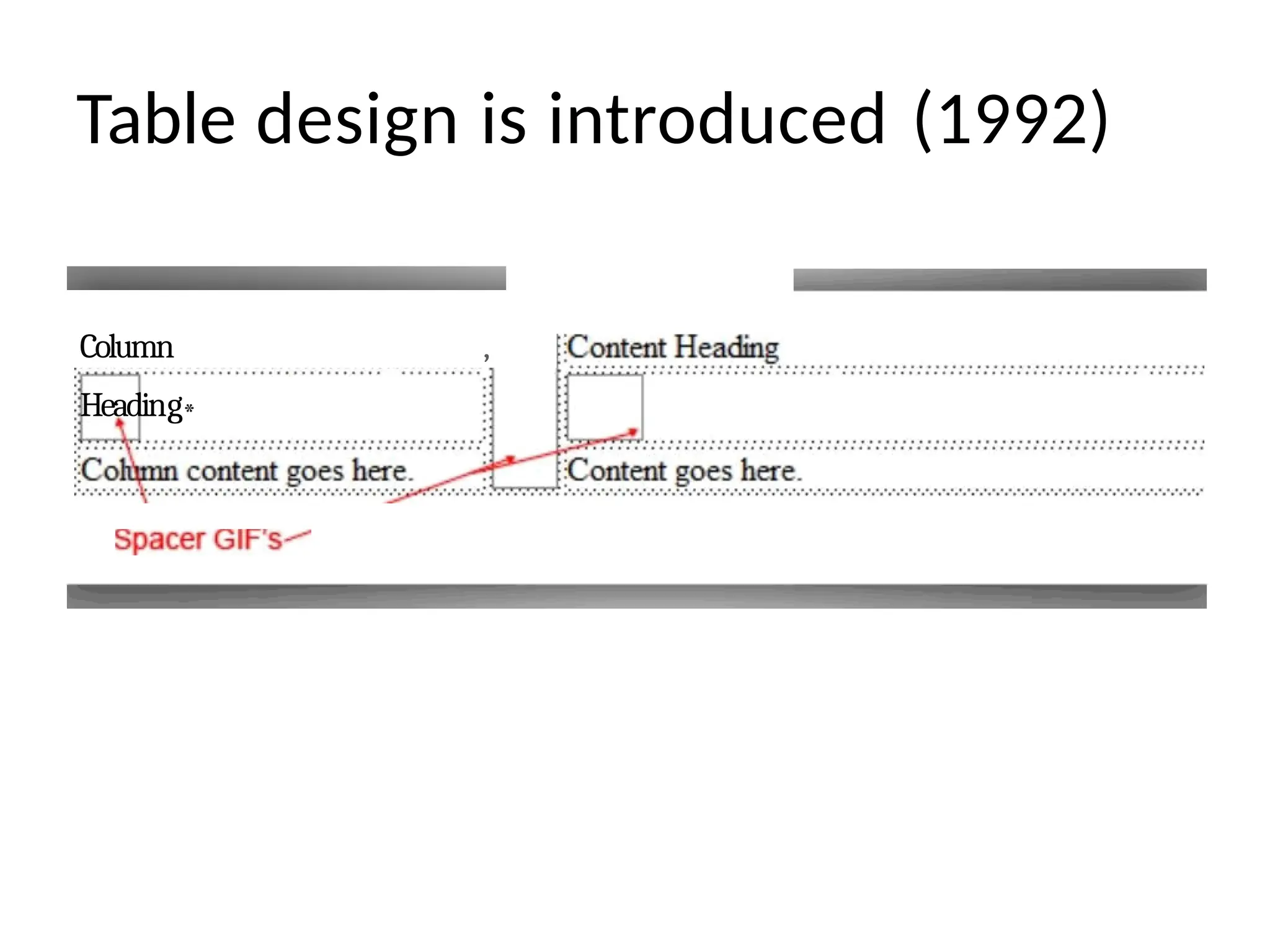
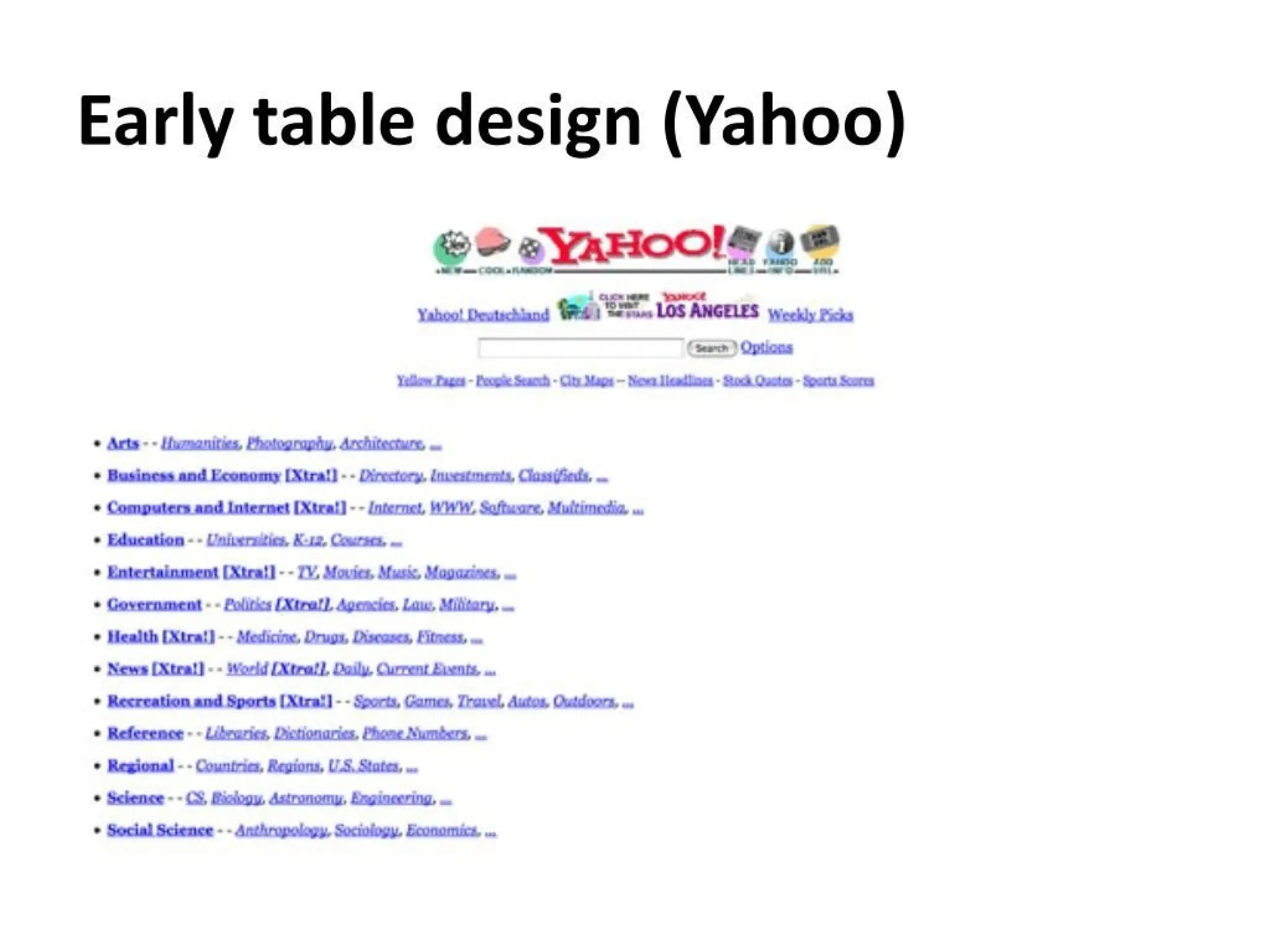
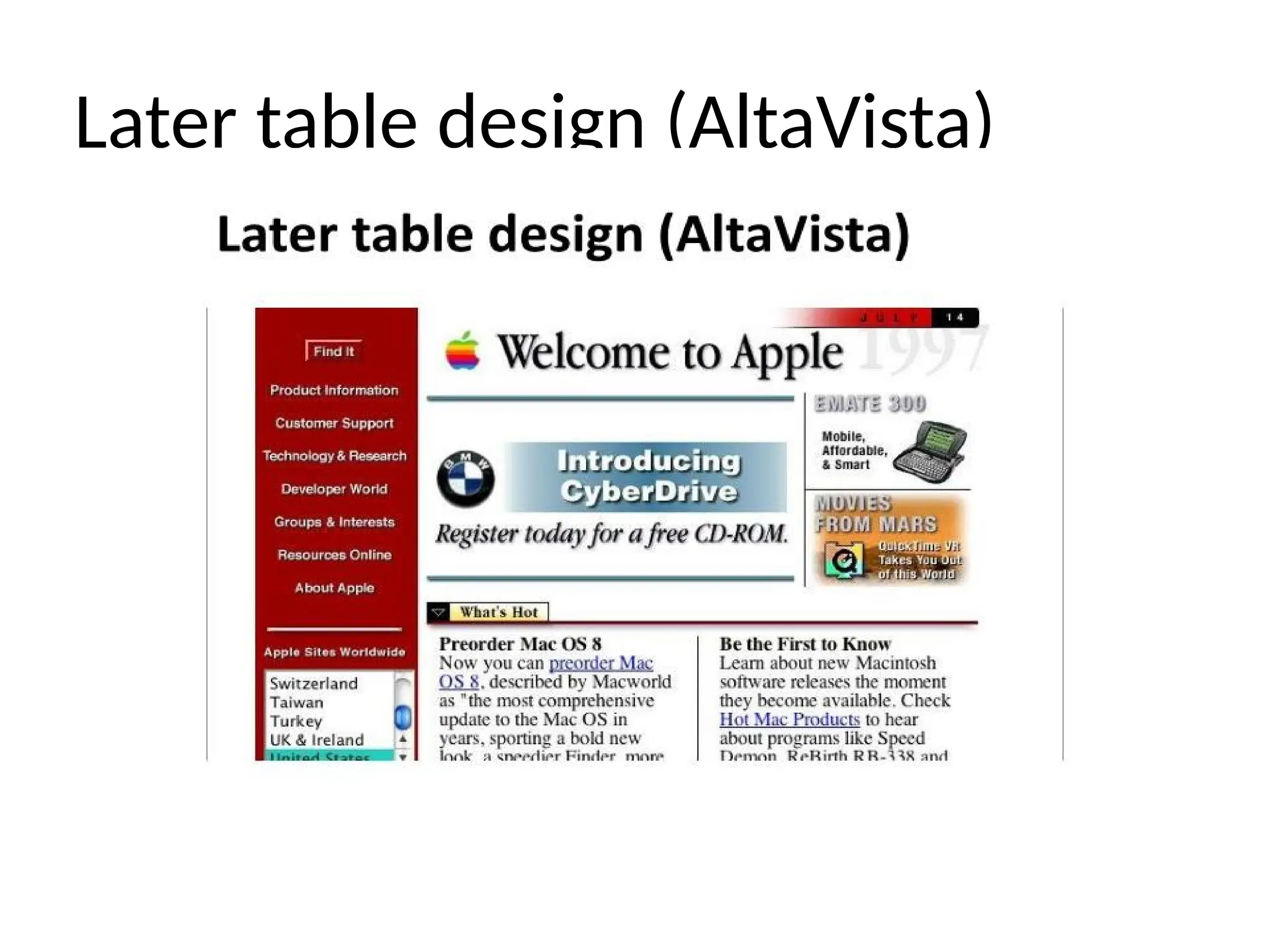
Table design isintroduced (1992)
• Initially meant for displaying tabular
data, similar to an Excel
spreadsheet
• Text could be divided into columns &
rows
• Designers began placing “spacer.gifs” inside
the tables to create the illusion of white
space
• Downsides included extensive markup &
visual inconsistency
• Marked the beqinninq o{o movement
W3C forms (1994)
•W3C (World Wide Web Consortium) forms
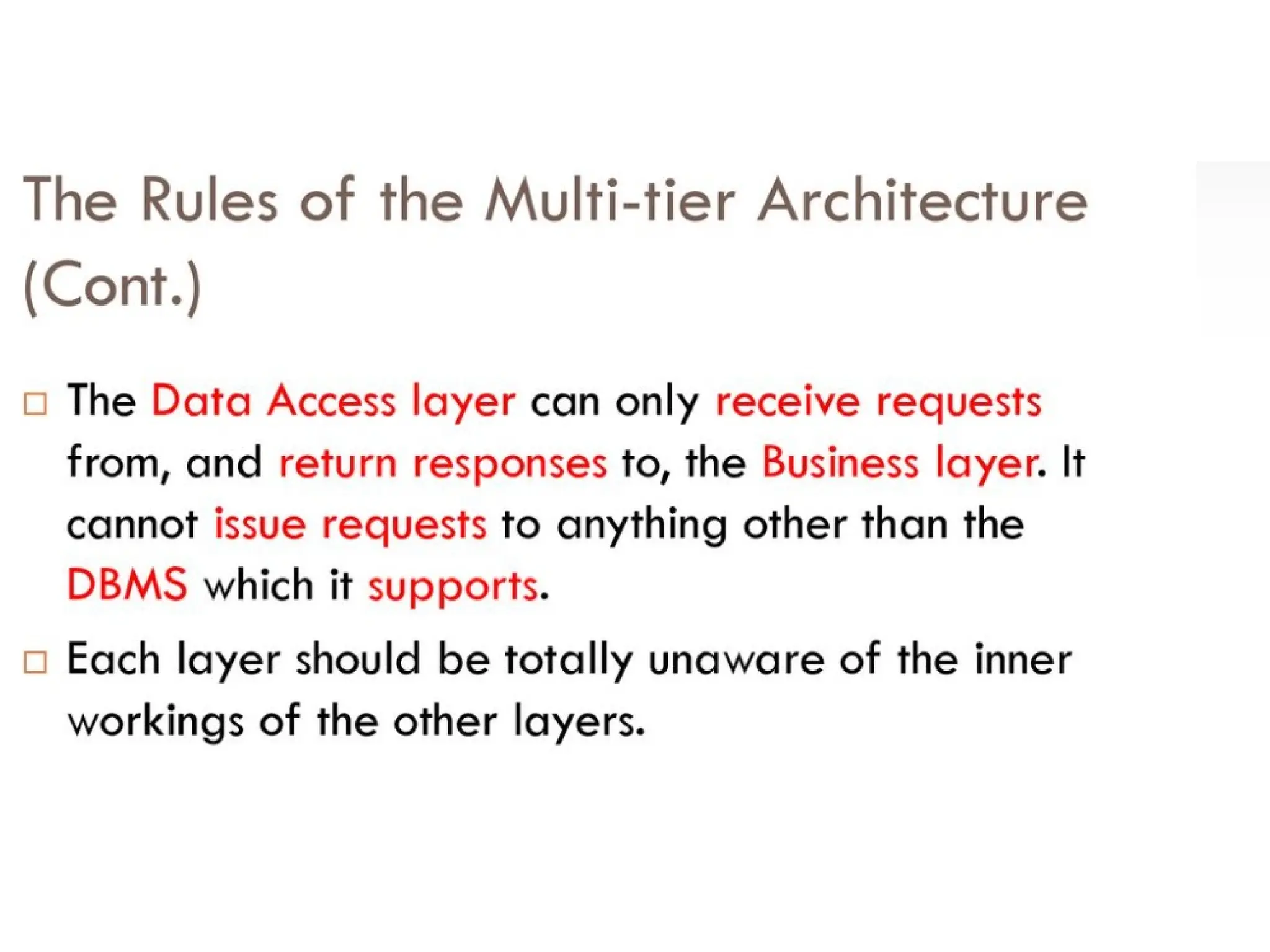
• Discourages companies from setting up
competing browsers and programming
languages, arguing that it would destroy the Web
° Makes HTML the standard markup language
for the World Wide Web
° Establishes standards and goals for the future
of
web design
° Acceptable programming languages
must be approved by W3C
11.
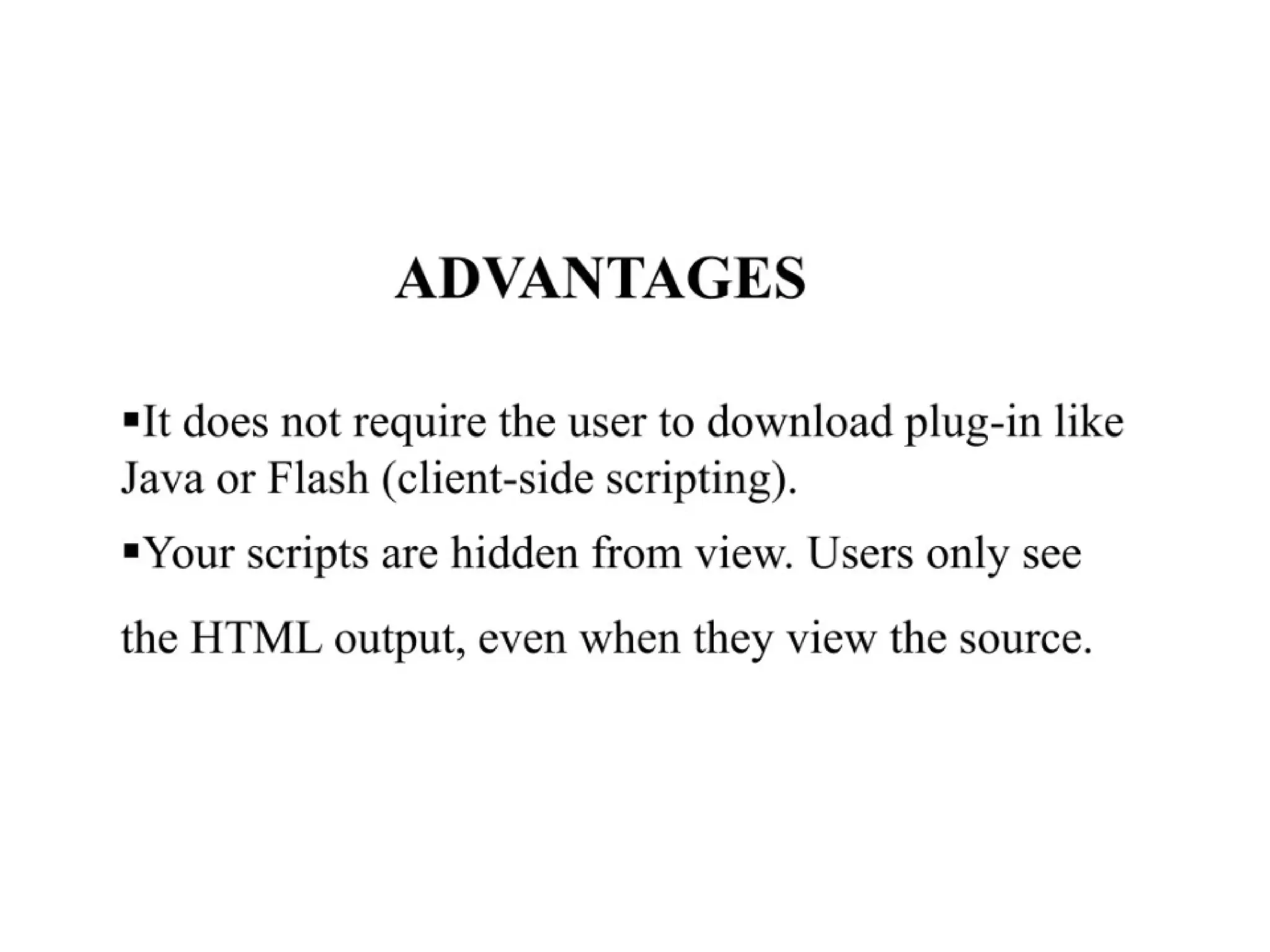
JS & Flashare introduced (1995)
• JS (JavaScript) is introduced as the first
interactive programming language on the
web
—Allowed the users to interact with the browser,
control the browser, and even alter content
displayed on the page
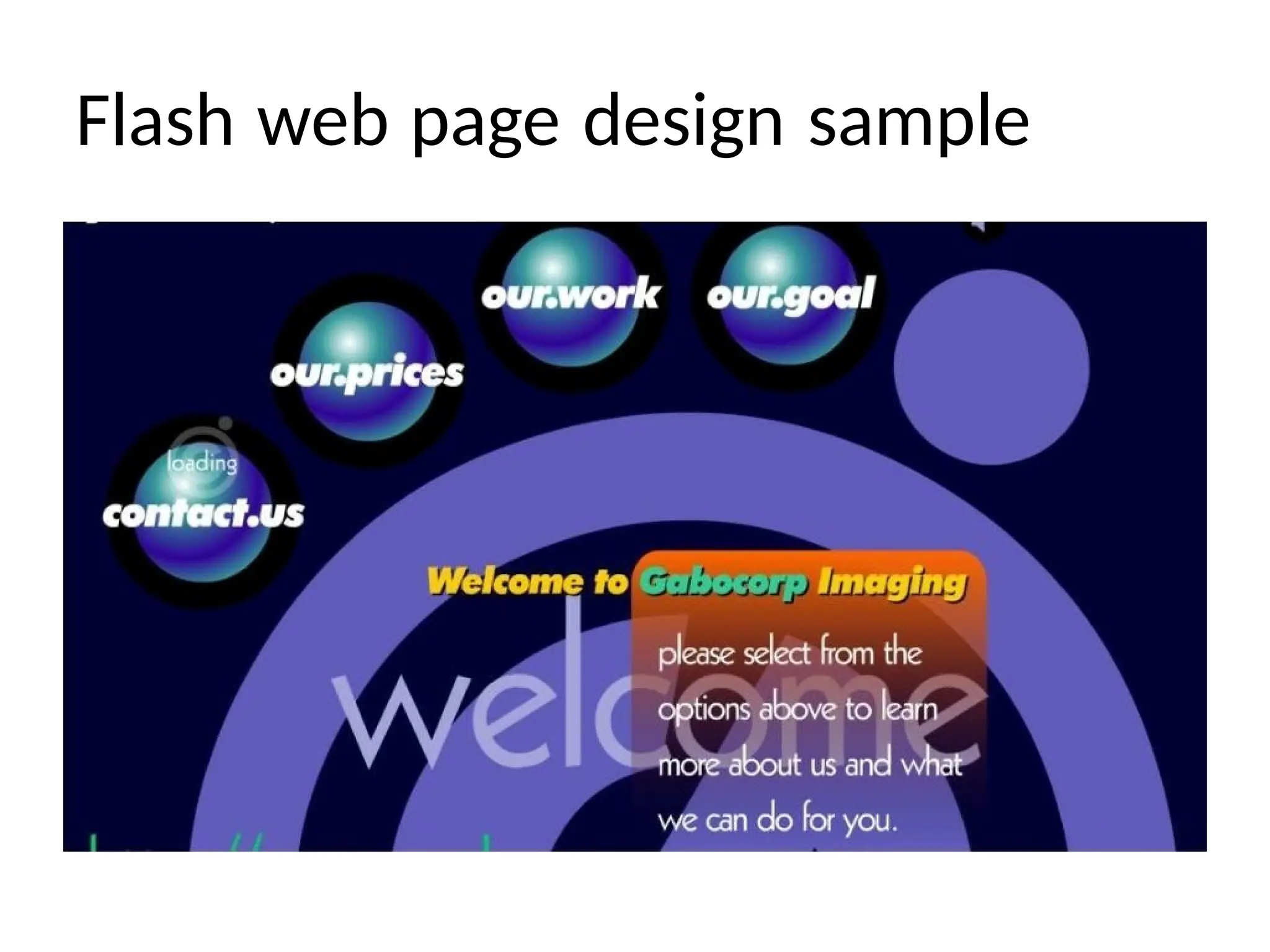
• Flash animations were also introduced
— Enabled designers to deliver rich
content over browsers, creating motion,
interactivity and a more visual, linear
experience
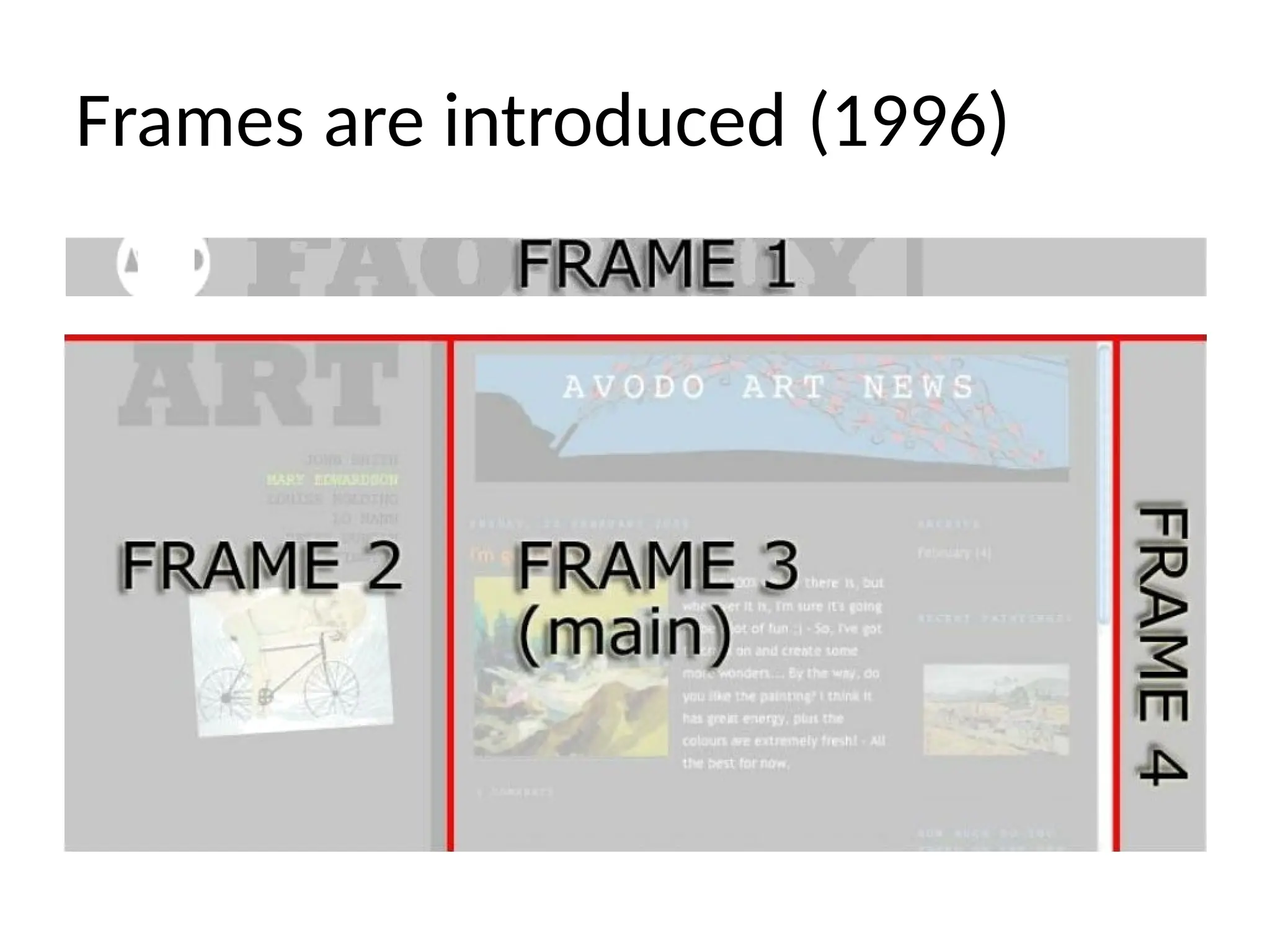
Frames are introduced(1996)
• This was the first design element
introduced
after tables
• Allowed designers to place two
media elements side by side within
the same browser window
CSS is introduced(1996)
• CSS (Cascading Style Sheets) is introduced as the
language describing the
presentation/style/look of a website
• Created to separate the content (HTML)
from the presentation (layout,
colors, fonts, etc.)
° Made site-wide consistency easy
° Made page reformatting easy
• Downside was many browsers read the style
sheets differently, creating visual inconsistency
across different browsers
16.
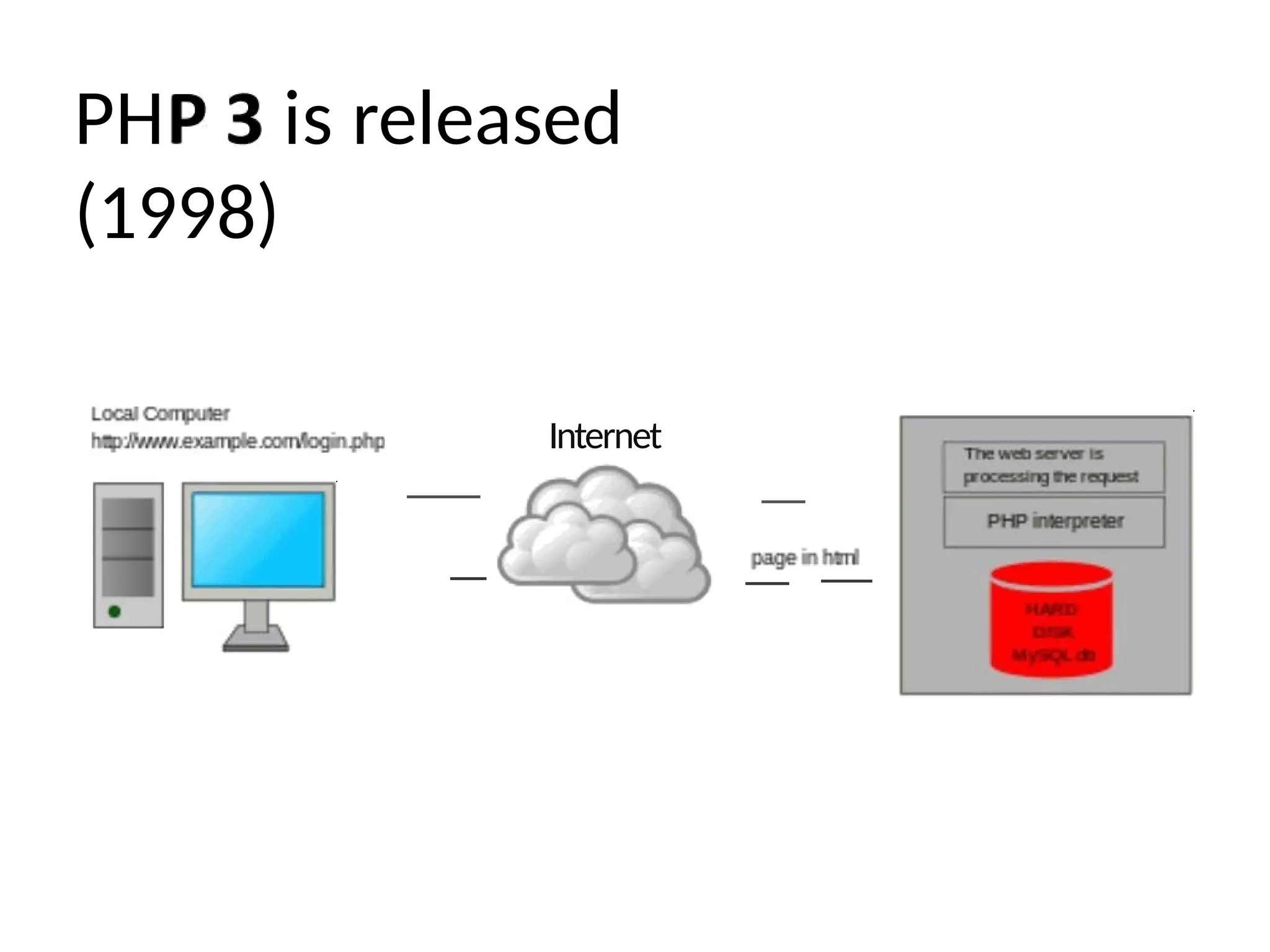
PHP 3 isreleased (1998)
• PHP (first called “Personal Home Page”) is
released, paving way for dynamic pages
• Created a richer, more interactive
experience
• Allows user to change the interface
behaviors with the click of a mouse or
keyboard actions
Web 2.0 movement(2003)
• With the introduction of JS & PHP, a new
web movement is born
° Web 2.0 introduces the age of user-based
information sites
• Users interact & collaborate in a
virtual
community
—Social networking sites
—Blogs
—Video sharing
—Wikis
21.
Web 2.0
highlights
• 2003:Skype transfers its first spoken sentence
from one user to another
—“Tere, kas sa kuuled min?” (Estonian for “Hello, can
you hear me?”)
• 2004: Facebook gets its first non-founder to
join
—Arie Hasit
• 2005: First YouTube video is posted
—“Me at the zoo”
° 2006: First Tweet is written
—“just setting up my twttr”
22.
Mobile web comesalong (2008)
• First generation iPhone introduced late 2007
• Mobile web takes over
• More people are accessing the Internet
via phone than computer
• Introduction of responsive design
—Crafting sites & user interfaces that work across a
wide range of devices
—Flexible layouts that change based on the device
23.
HTML 5 isintroduced (2010)
• 5th revision of the HTML standard
• Main goal is to improve the language with
support for the latest multimedia
• Released in 2012
• Set to release new version in 2016
24.
Present-day web design
•Intro of HTML5 & CSS3 brought game-changing
features
—Multiple, full-page background images
—Box & text shadows
—Transparency
• Beginning of the postmodern web
design movement
° Shifting from “less is more” to “less is a
bore”
° Reintroducing type & image elements used in
traditional print design
25.
“Form follows function”
•“Form follows function” art theory
—An object's design should be based primarily upon its
function
Introduced first by an architect during the modernist
art movement in the late 19th century
—Often applied to web design, and other
industrial design fields
• Web & UI designers are discovering their
designs do allow
for ornamentation, as long as the
ornamentation serves a purpose & carries the
intended message
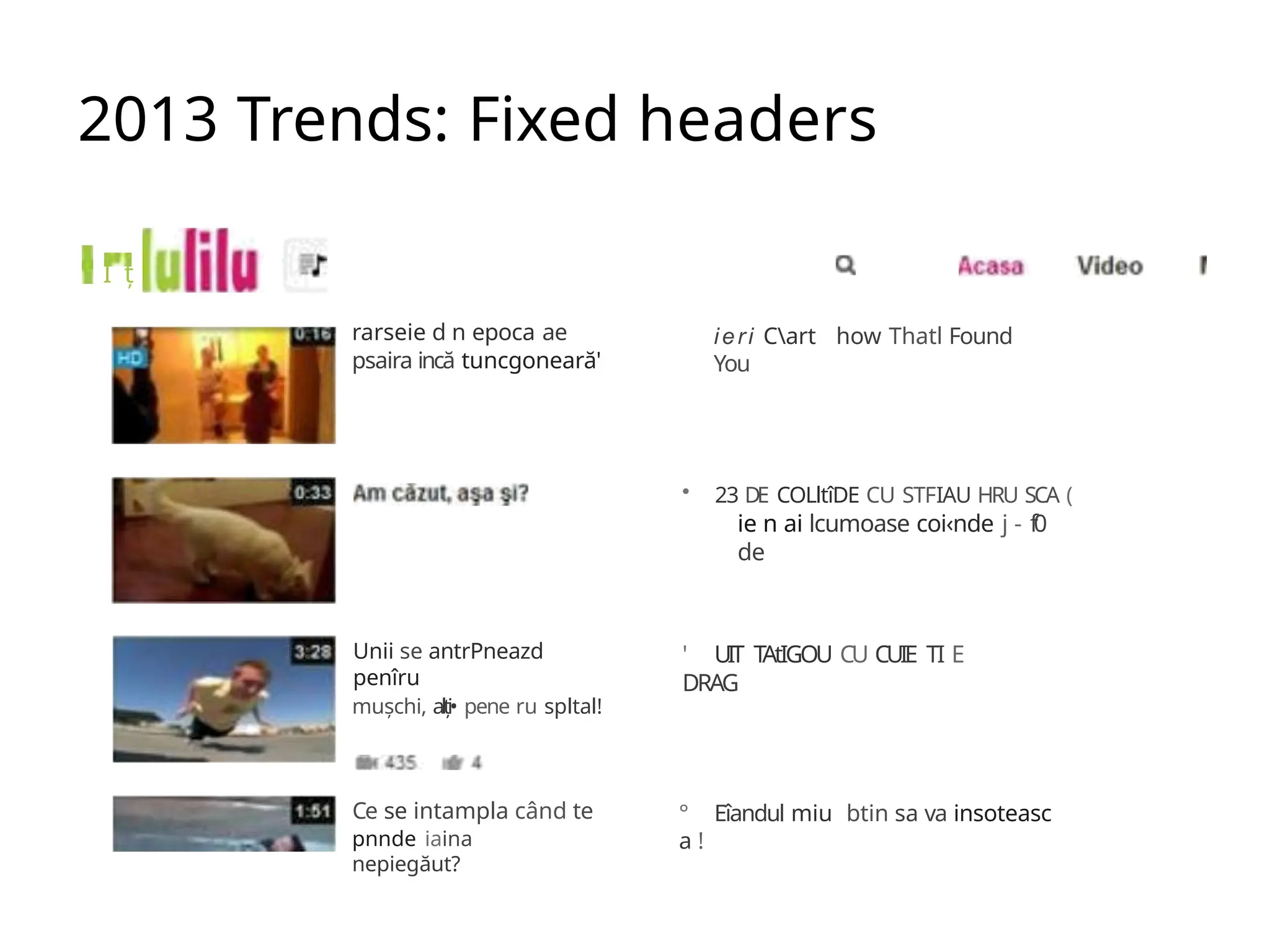
2013 Trends: Fixedheaders
I ț
rarseie d n epoca ae
psaira incă tuncgoneară'
Unii se antrPneazd
penîru
mușchi, alți• pene ru spltal!
Ce se intampla când te
pnnde iaina
nepiegăut?
ieri Cart how Thatl Found
You
• 23 DE COLltîDE CU STFIAU HRU SCA (
ie n ai lcumoase coi‹nde j - f0
de
' UIT TAtIGOU CU CUIE TI E
DRAG
° Eîandul miu btin sa va insoteasc
a !
28.
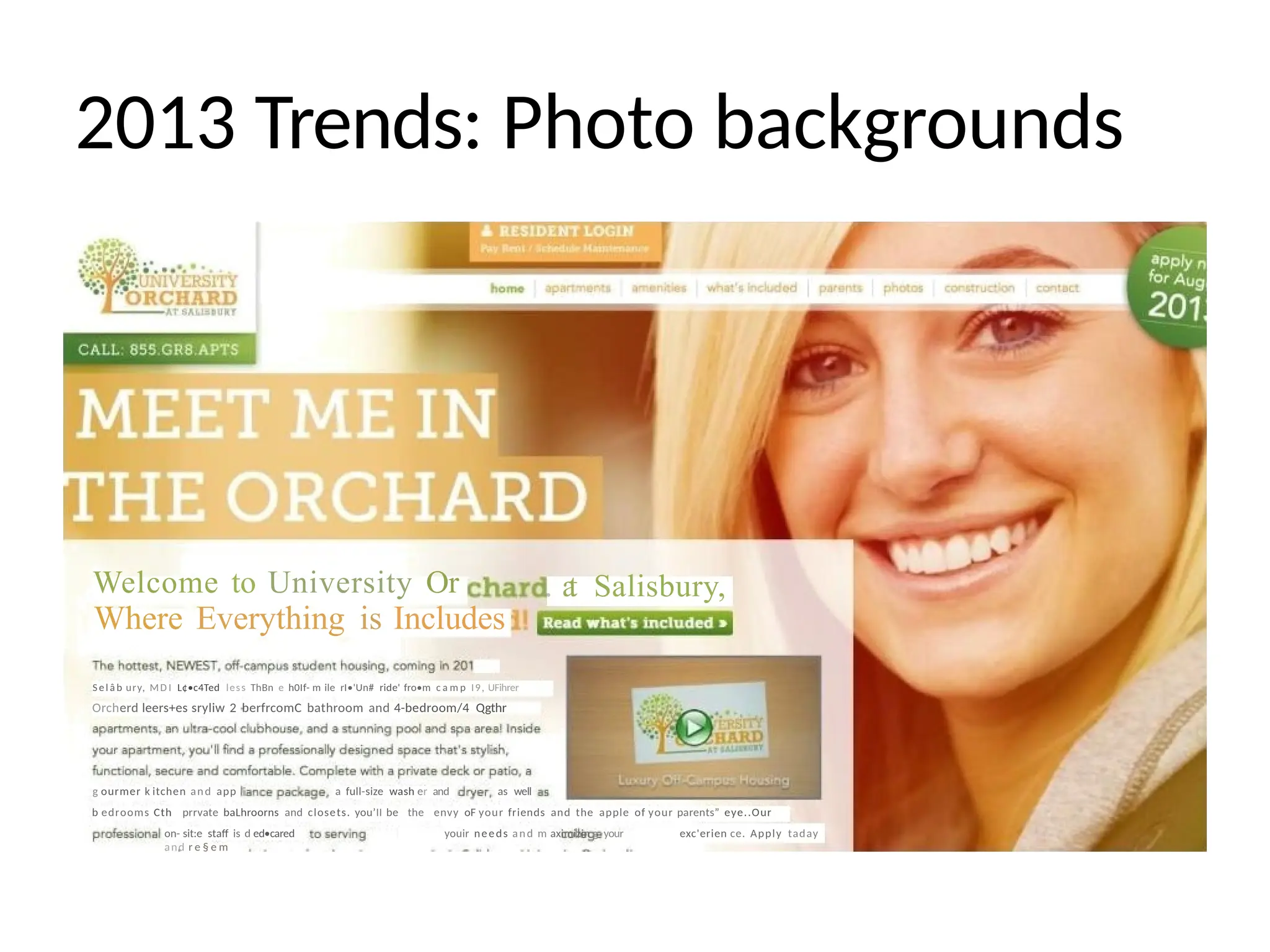
2013 Trends: Photobackgrounds
. a
t Salisbury,
Welcome to University Or
Where Everything is Includes
Se l â b ury, MD I L¢•c4Ted less ThBn e h0If- m ile rI•'Un# ride' fro•m c a m p I9, UFihrer
Orcherd leers+es sryliw 2 berfrcomC bathroom and 4-bedroom/4 Qgthr
g ourmer k itchen and app a full-size wash er and as well
b edrooms Cth prrvate baLhroorns and closets. you’II be the envy oF your friends and the apple of your parents” eye..Our
on- sit:e staff is d ed•cared youir needs and m aximizin g your exc'erien ce. Apply taday
and r e § e m
29.
2013 Trends: CSSTransparency
New Business
Templates:
Aviator and Devlin
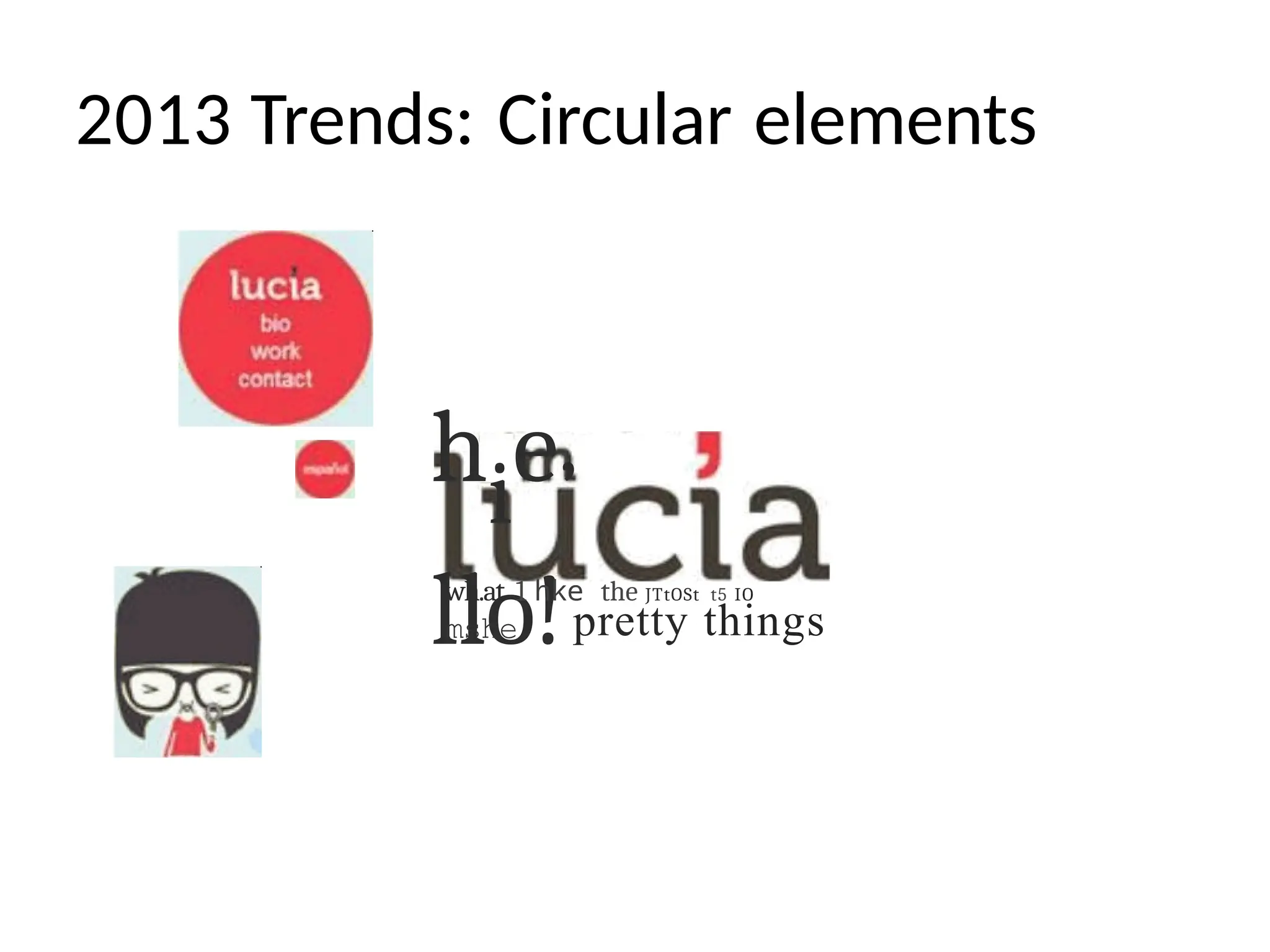
2013 Trends: Circularelements
hie’
llo!
wh.at 1 hke the JTtOSt t5 IO
mshe pretty things
37.
Web pages vs.websites
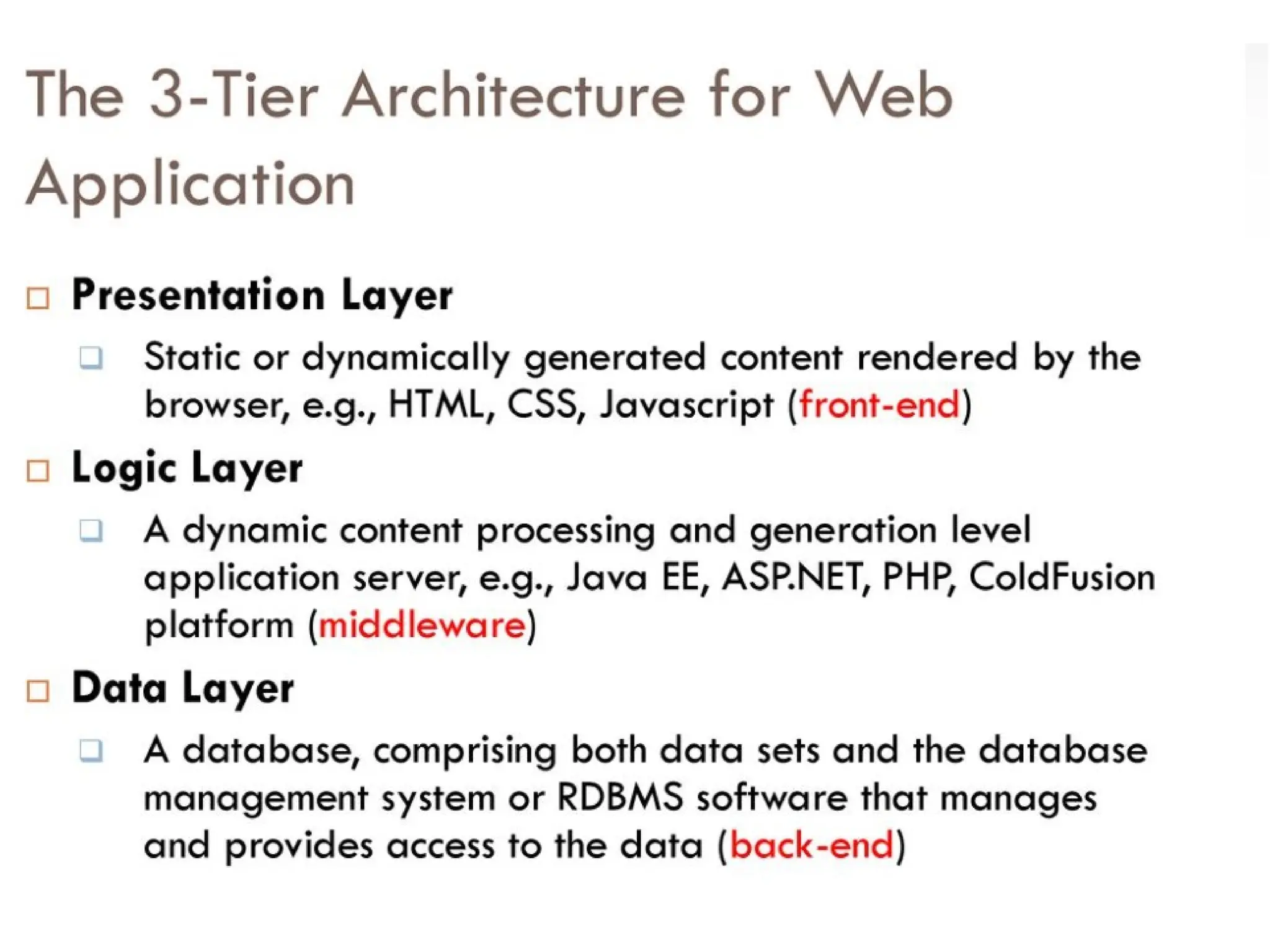
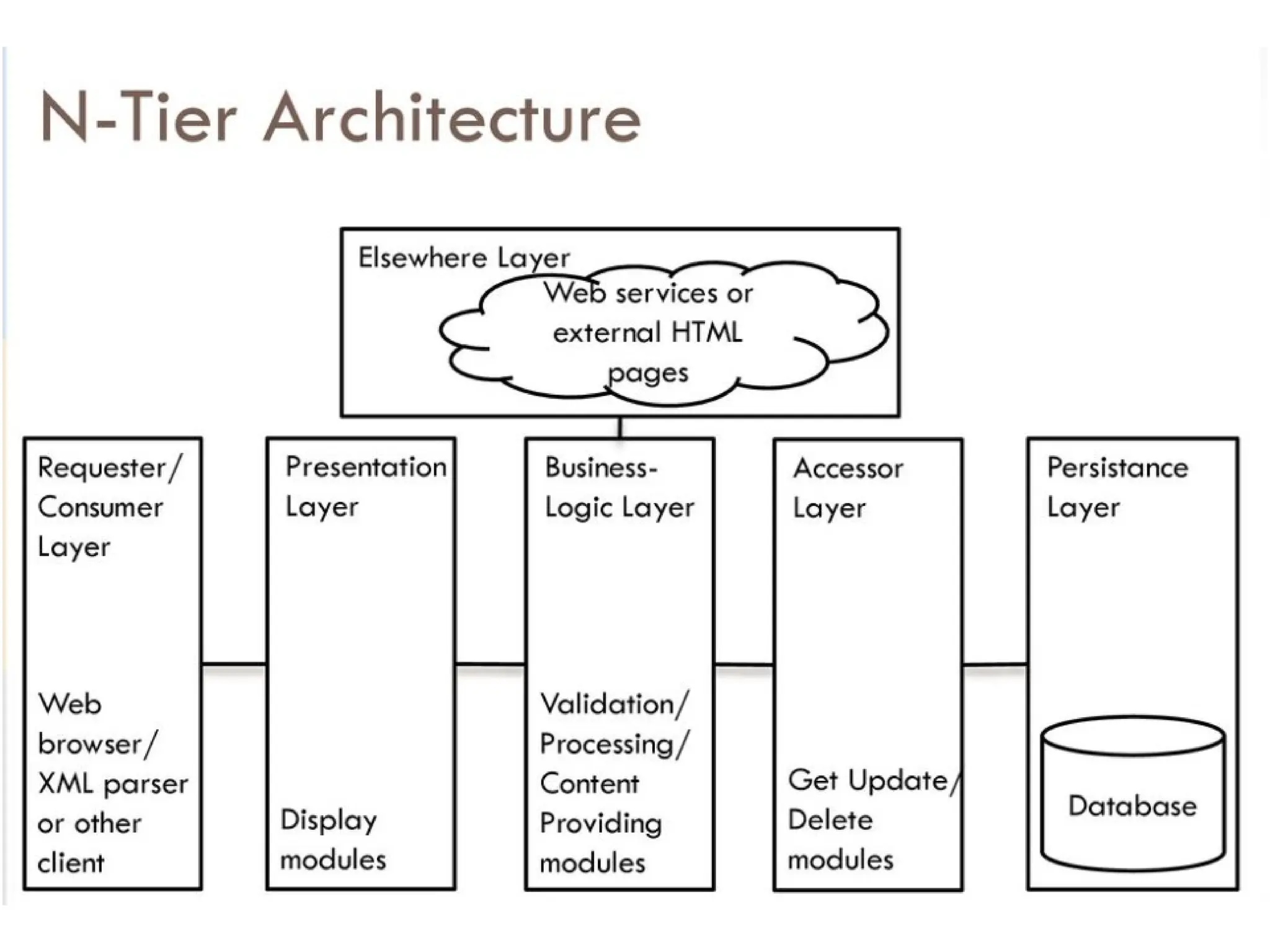
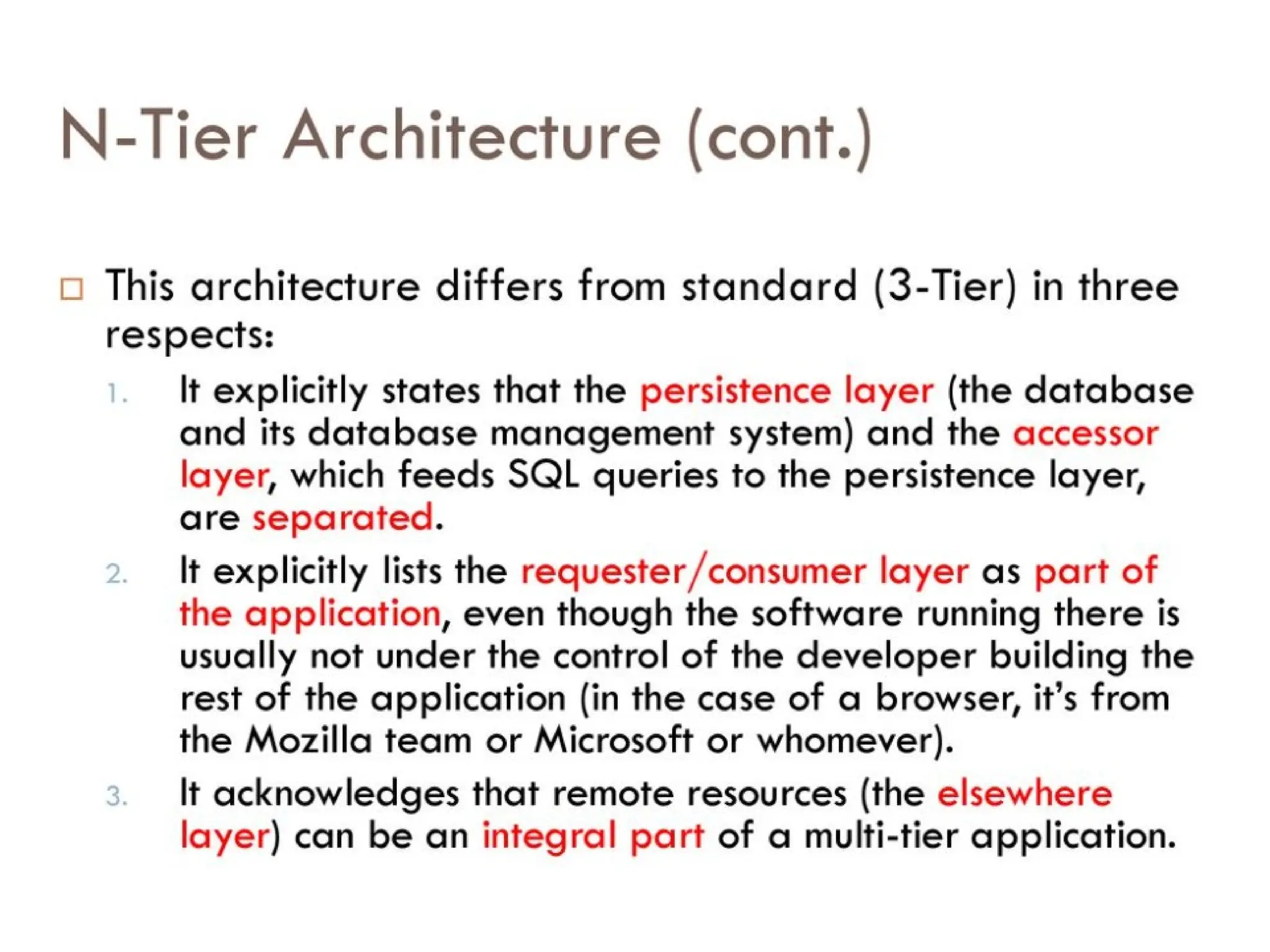
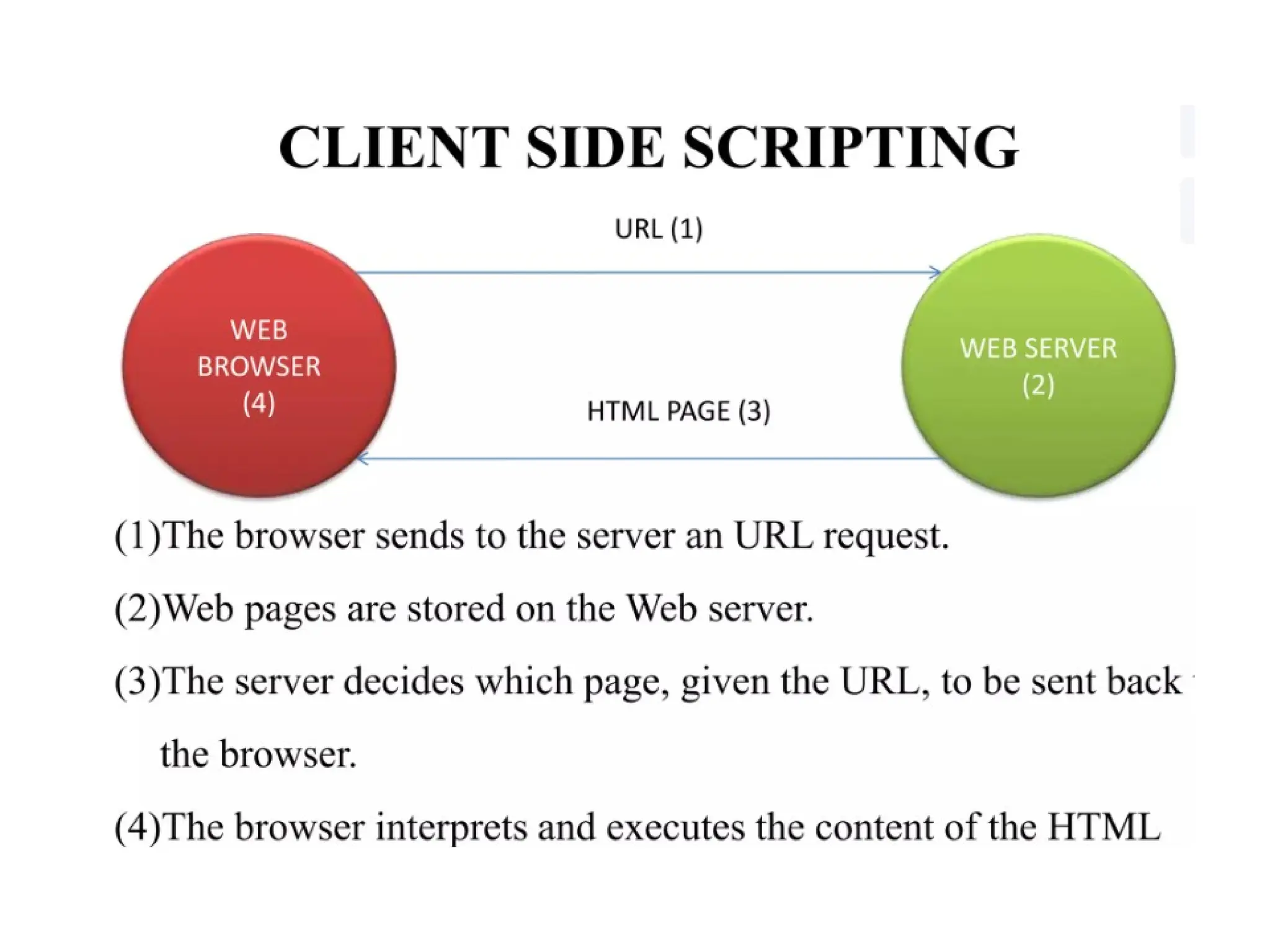
• Web pages are HTML documents on the
Internet, and any related style, script,
and graphics files, often hyperlinked to
other documents on the web
• Websites are a collection of interconnected
web pages, located on the same server, on
the Internet
38.
Main components ofweb pages
• HTML
• CSS (Cascading Style
Sheets)
• Interactive Programming
• Audiovisual Content
39.
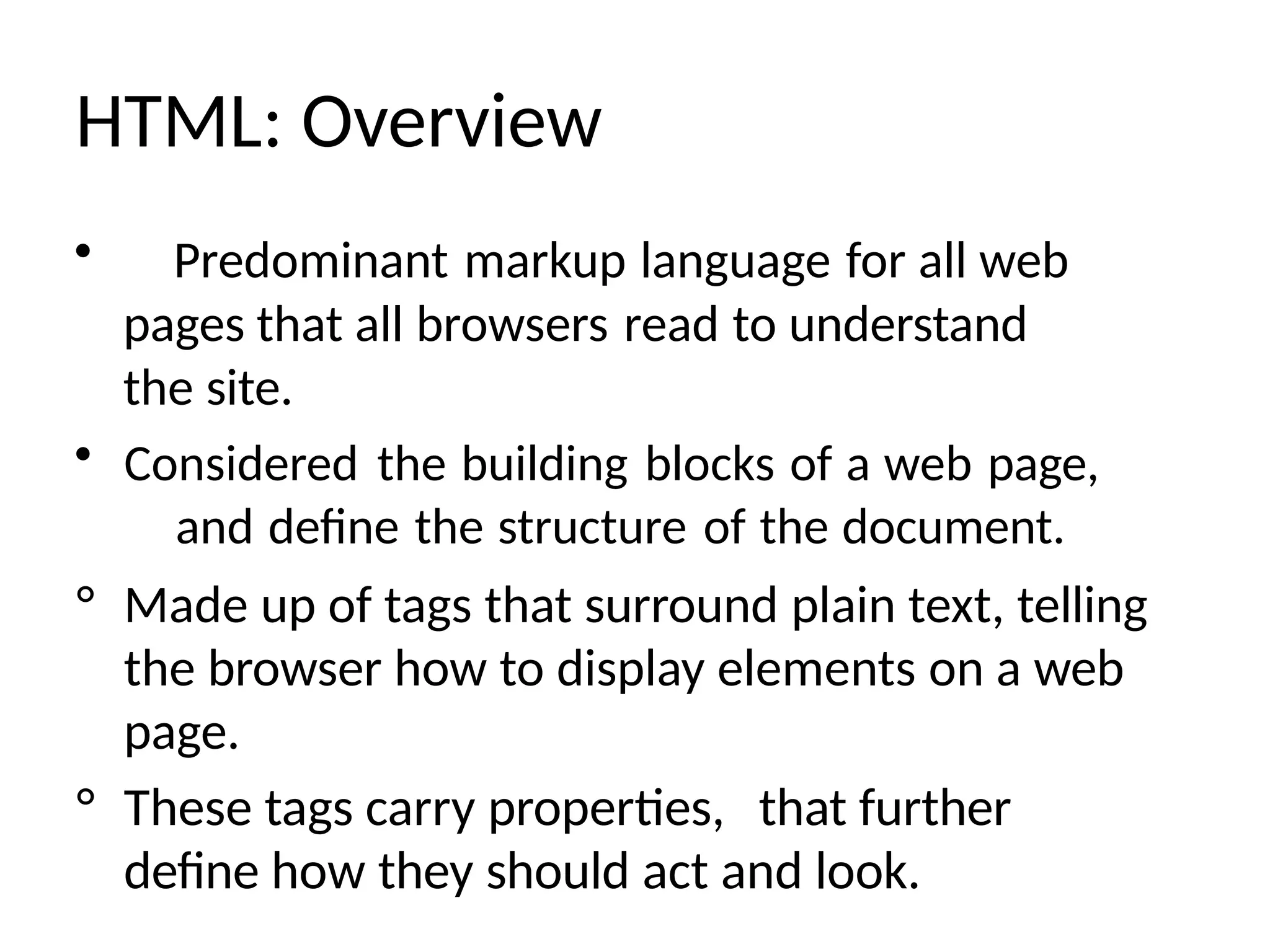
HTML: Overview
• Predominantmarkup language for all web
pages that all browsers read to understand
the site.
• Considered the building blocks of a web page,
and define the structure of the document.
° Made up of tags that surround plain text, telling
the browser how to display elements on a web
page.
° These tags carry properties, that further
define how they should act and look.
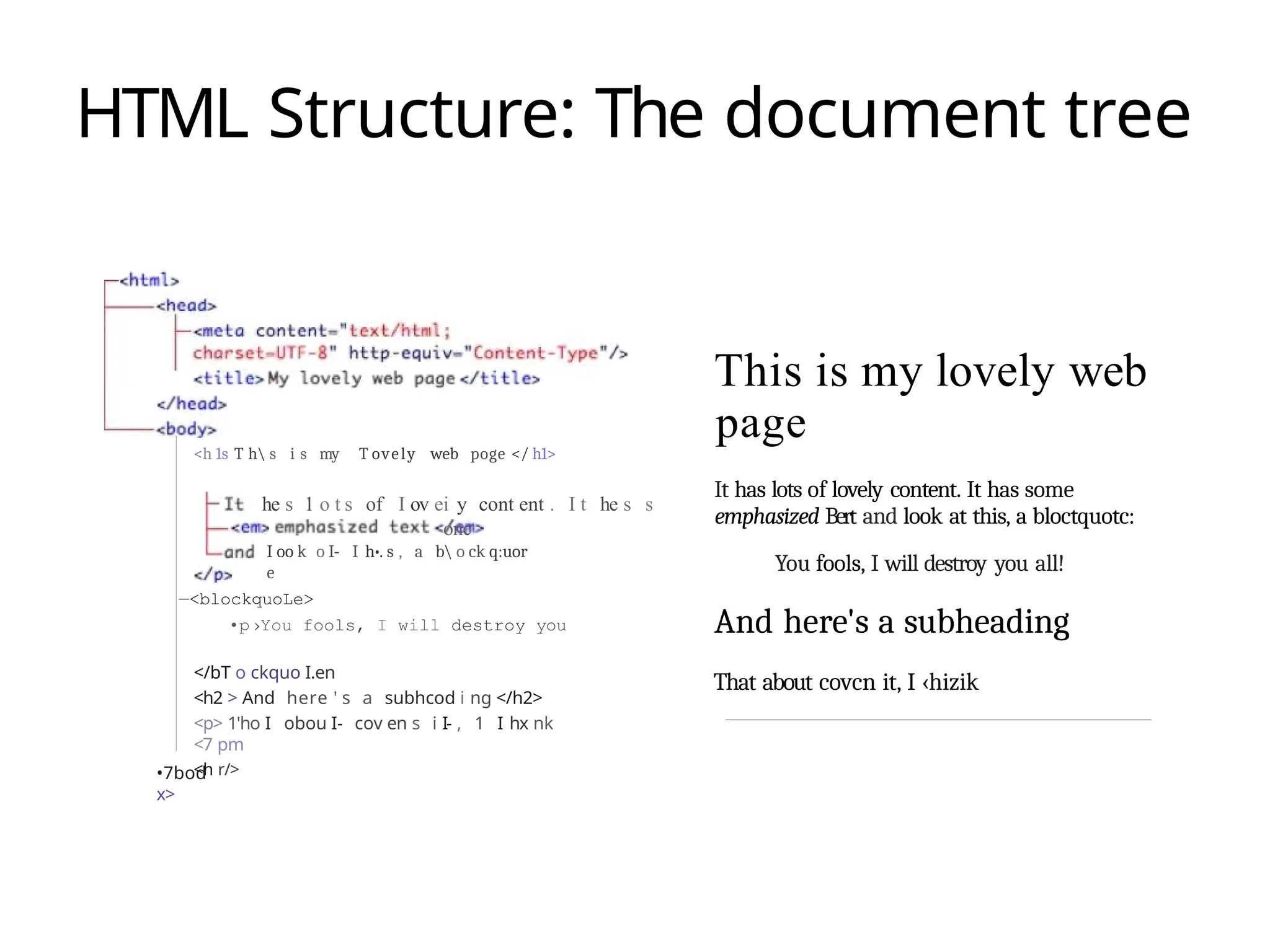
HTML Structure: Thedocument tree
<h 1s T h s i s my T ovely web poge </ h1>
he s 1 o t s of I ov ei y cont ent . I t he s s
one
I oo k o I- I h•. s , a b o ck q:uor
e
—<blockquoLe>
•p›You fools, I will destroy you
</bT o ckquo I.en
<h2 > And here ' s a subhcod i ng </h2>
<p> 1'ho I obou I- cov en s i I- , 1 I hx nk
<7 pm
<h r/>
•7bod
x>
This is my lovely web
page
It has lots of lovely content. It has some
emphasized Bert and look at this, a bloctquotc:
You fools, I will destroy you all!
And here's a subheading
That about covcn it, I ‹hizik
42.
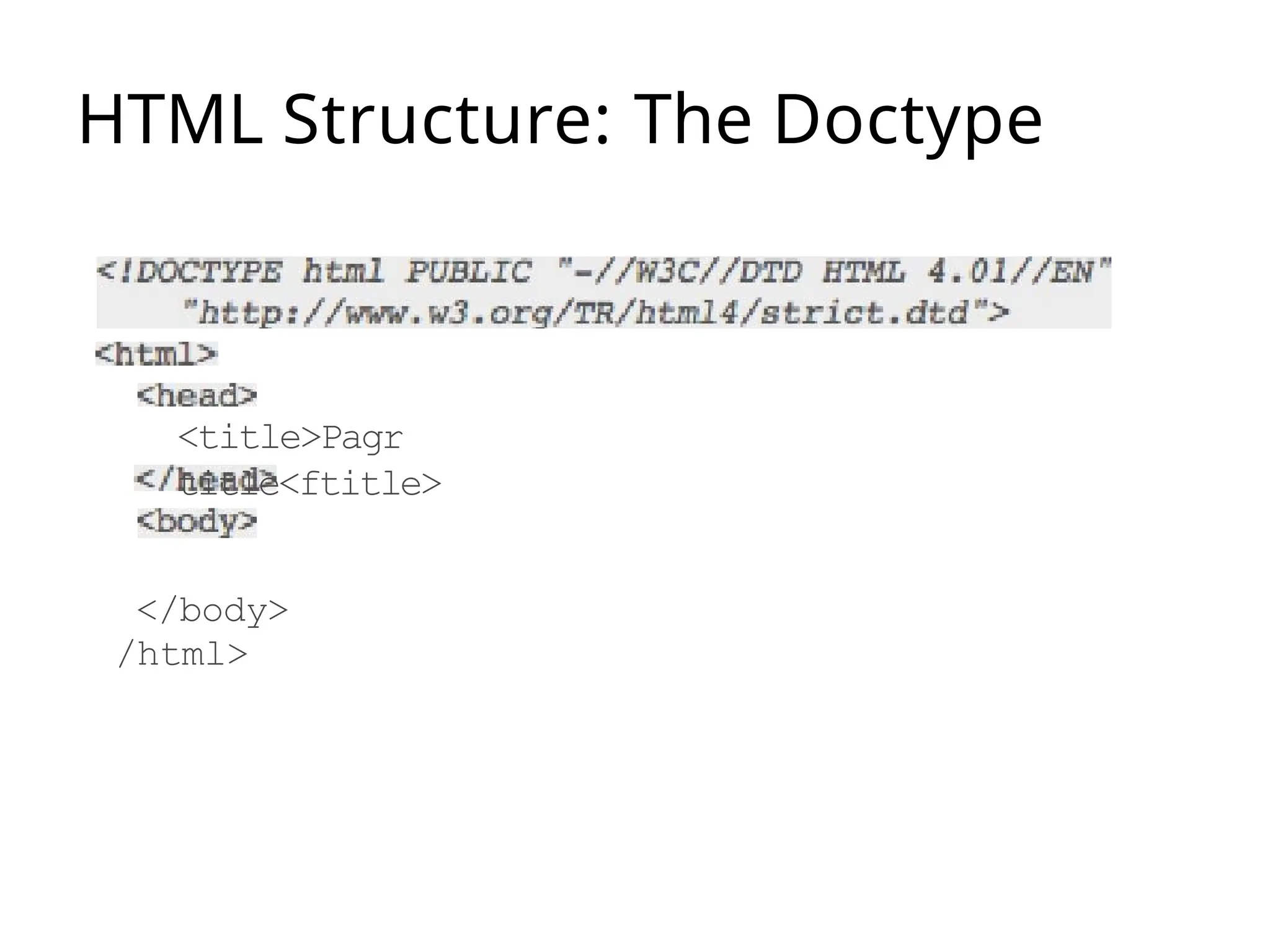
HTML Structure: Tags& tag rules
• The basic building block of HTML structure
• Composed of the name of the element, surrounded by
angle brackets
• Tags are always surrounded by angle brackets
— Opening tags: < >
— Closing tags: </>
• Tags always come in pairs
— Opening tag turns action on, closing tag turns it off
- <head> </head>
- <body> </body>
• Tags can be nested inside of other tags
— Inner tag must be closed before the outer tag
• Tags have optional attributes that further tell the browser
what to do, i.e. alignment, width, etc.
CSS (Cascading stylesheets)
• Language that describes the presentation of a
website.
• Similar to the style sheets that
newspapers and magazines use in
InDesign
• Define colors, fonts, positioning, etc.
45.
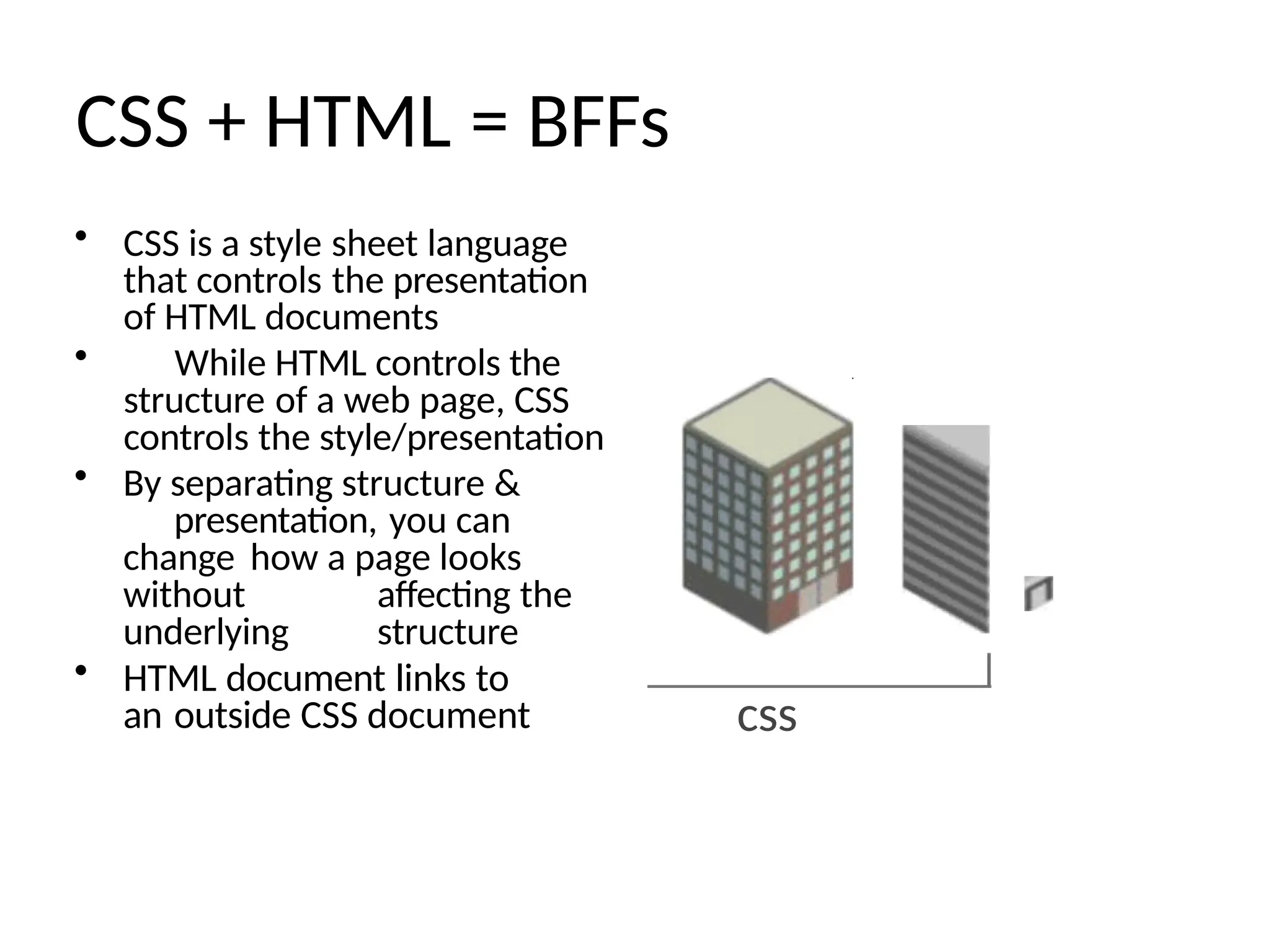
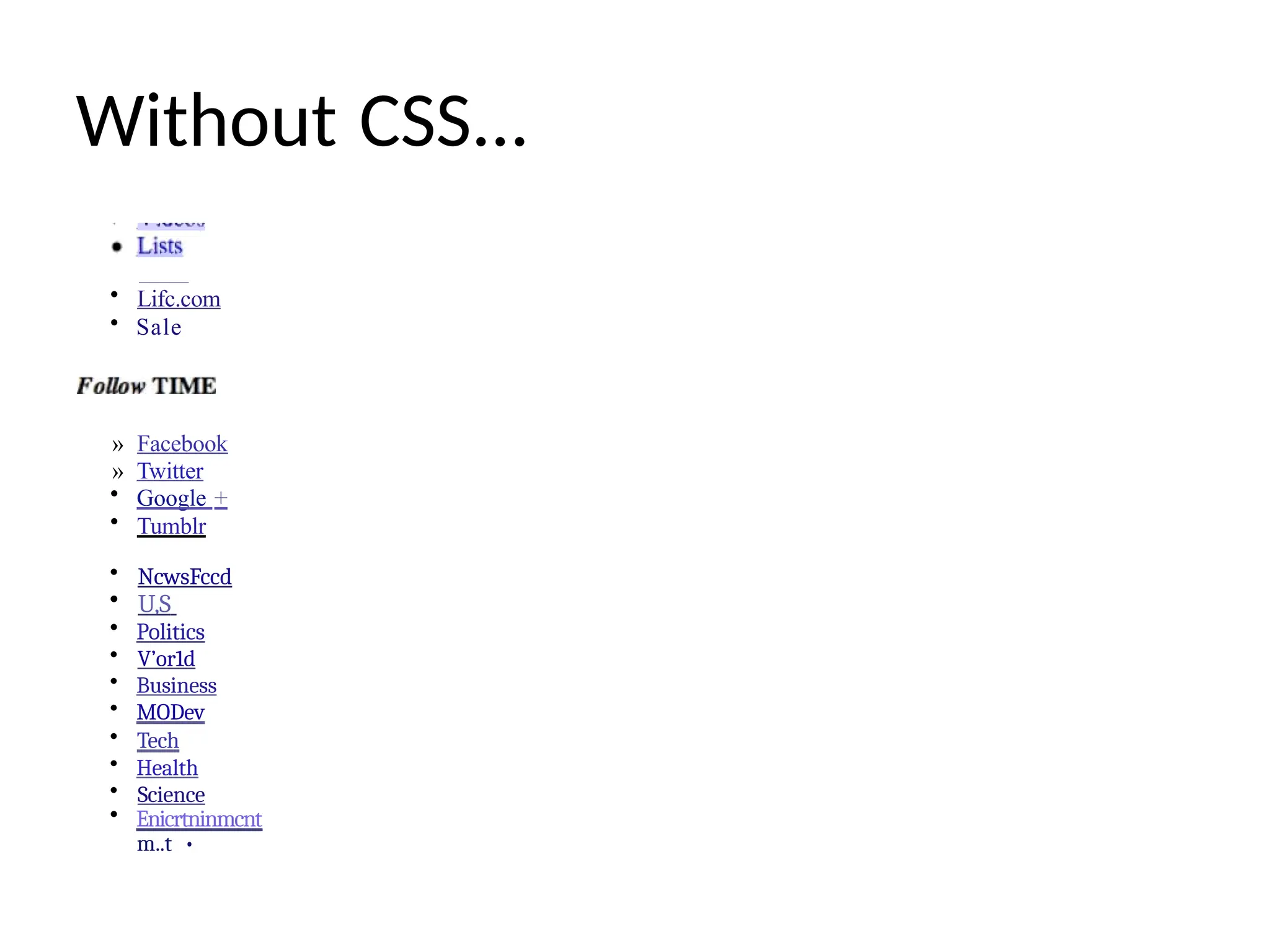
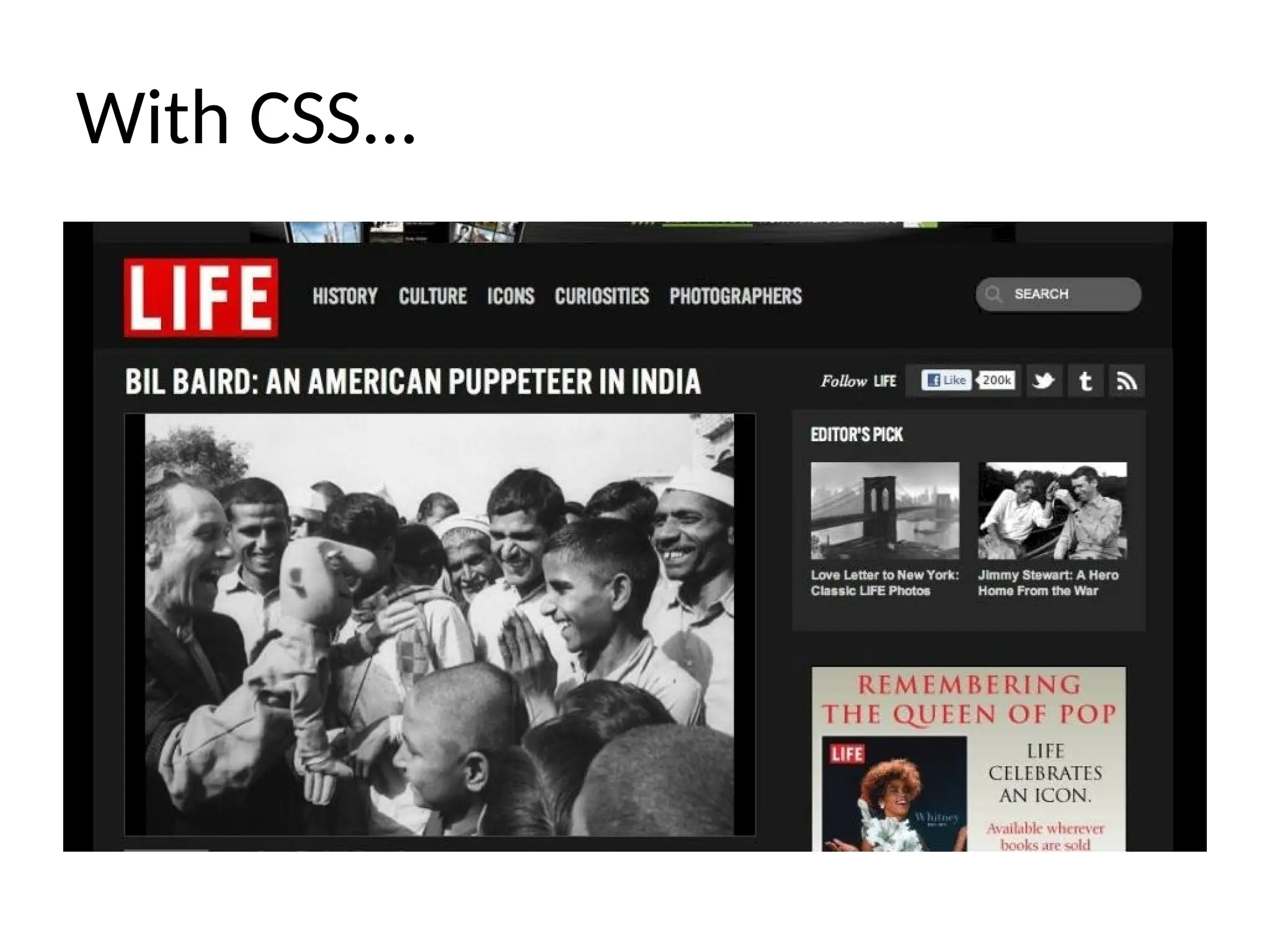
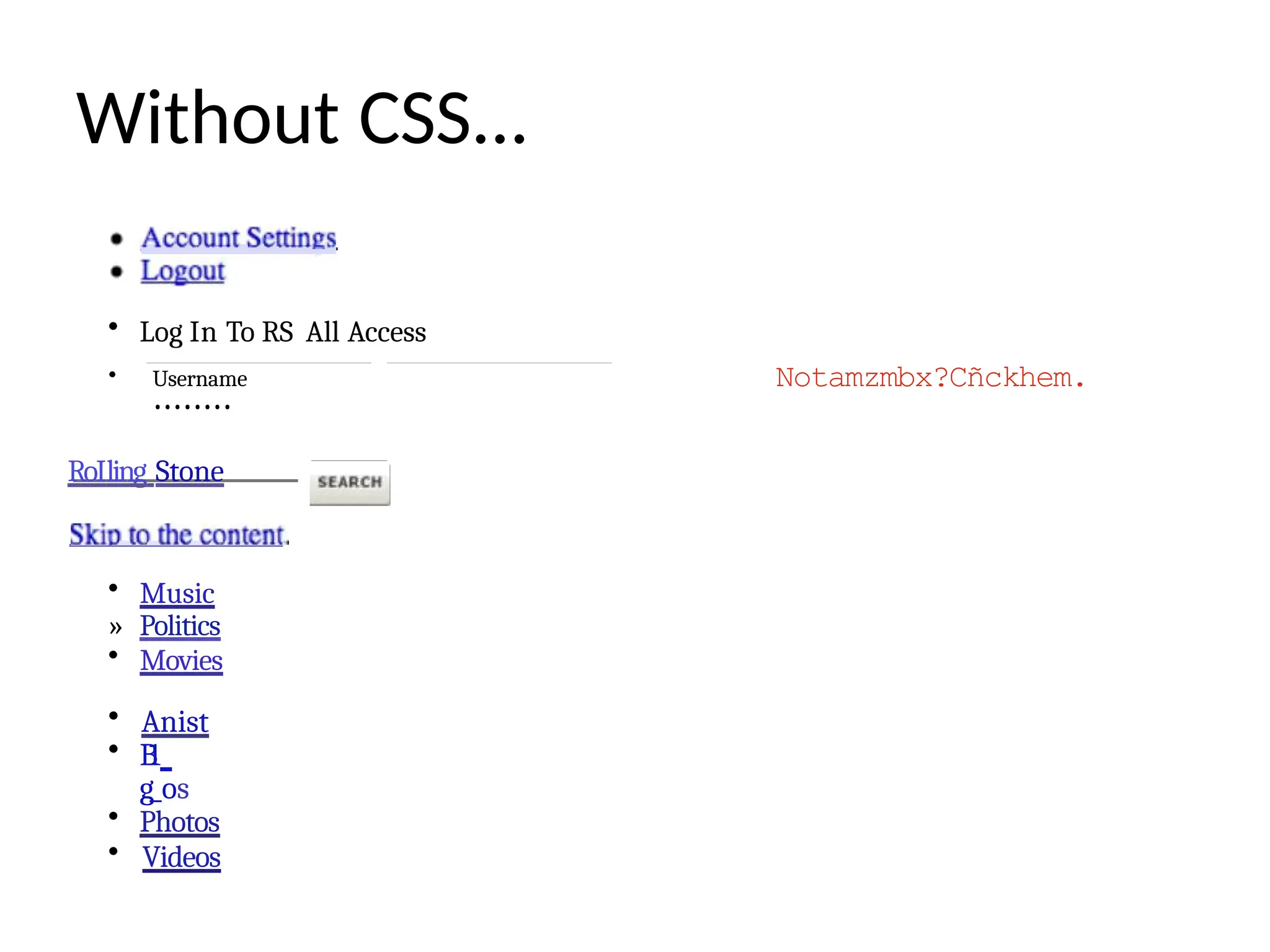
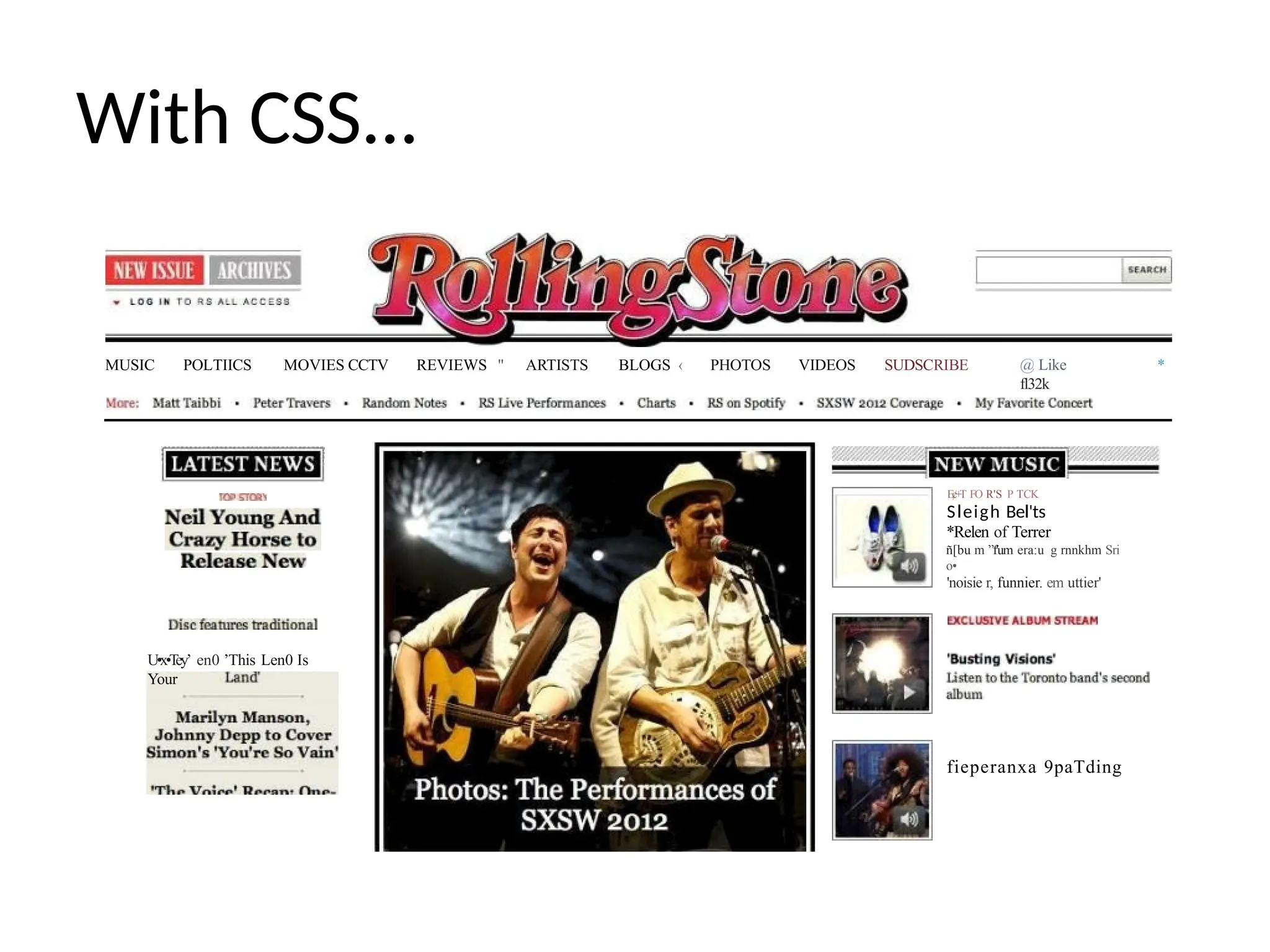
CSS + HTML= BFFs
• CSS is a style sheet language
that controls the presentation
of HTML documents
• While HTML controls the
structure of a web page, CSS
controls the style/presentation
• By separating structure &
presentation, you can
change how a page looks
without affecting the
underlying structure
• HTML document links to
an outside CSS document css
46.
Without CSS...
• Lifc.com
•Sale
» Facebook
» Twitter
• Google +
• Tumblr
• NcwsFccd
• U,S
• Politics
• V’or1d
• Business
• MODev
• Tech
• Health
• Science
• Enicrtninmcnt
m..t •
Without CSS...
• LogIn To RS All Access
• Username
••••••••
RoIling Stone
• Music
» Politics
• Movies
• Anist
• B
1
g_os
• Photos
• Videos
Notamzmbx?Cñckhem.
49.
With CSS...
MUSIC POLTIICSMOVIES CCTV REVIEWS " ARTISTS BLOGS ‹ PHOTOS VIDEOS SUDSCRIBE @ Like
fl32k
*
U•x•T
ey’ en0 ’This Len0 Is
Your
E¢+T FO R'S P TCK
Sleigh Bel'ts
*Relen of Terrer
ñ[bu m ”f'um era:u g rnnkhm Sri
o•
'noisie r, funnier. em uttier'
fieperanxa 9paTding
50.
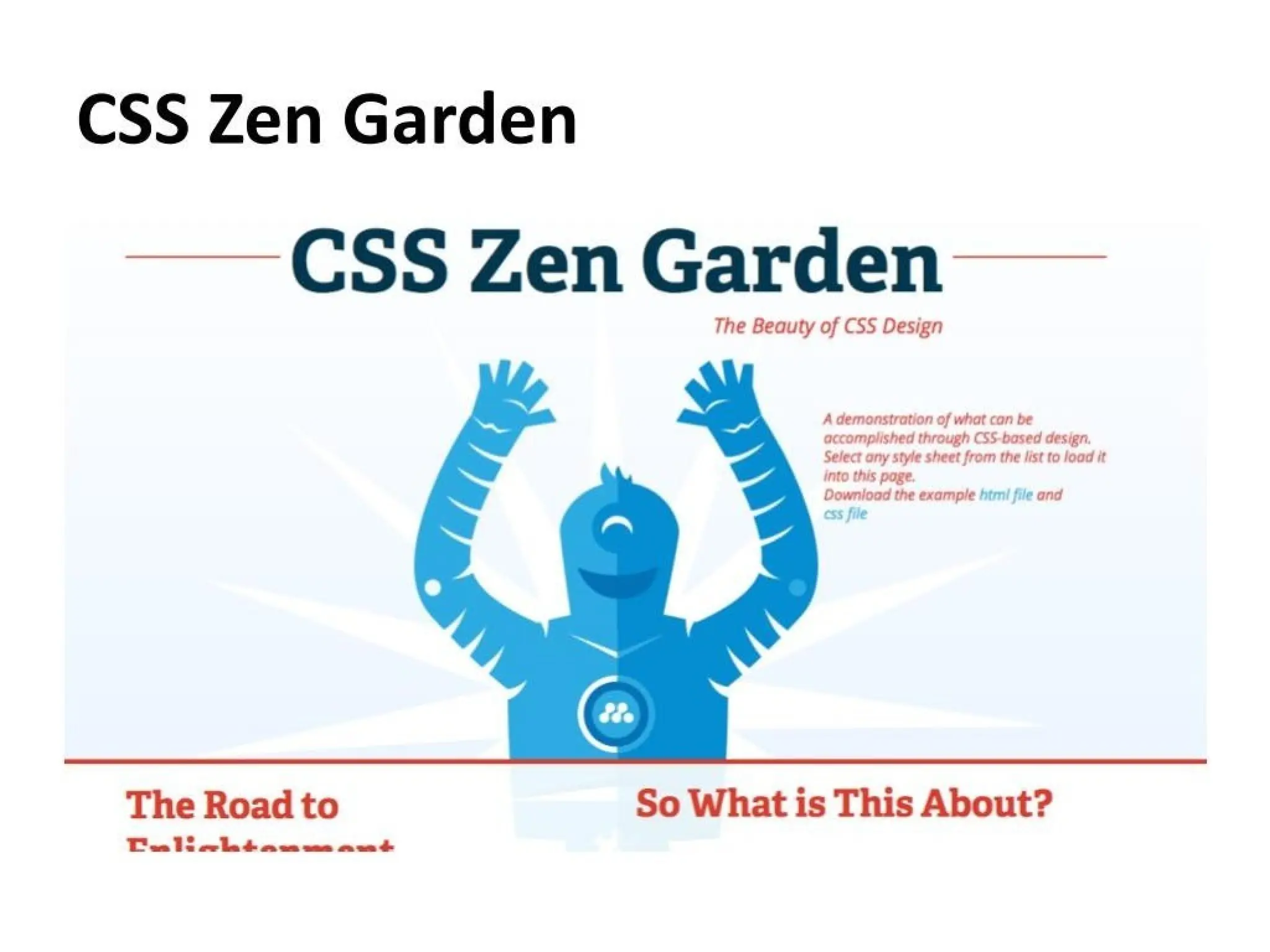
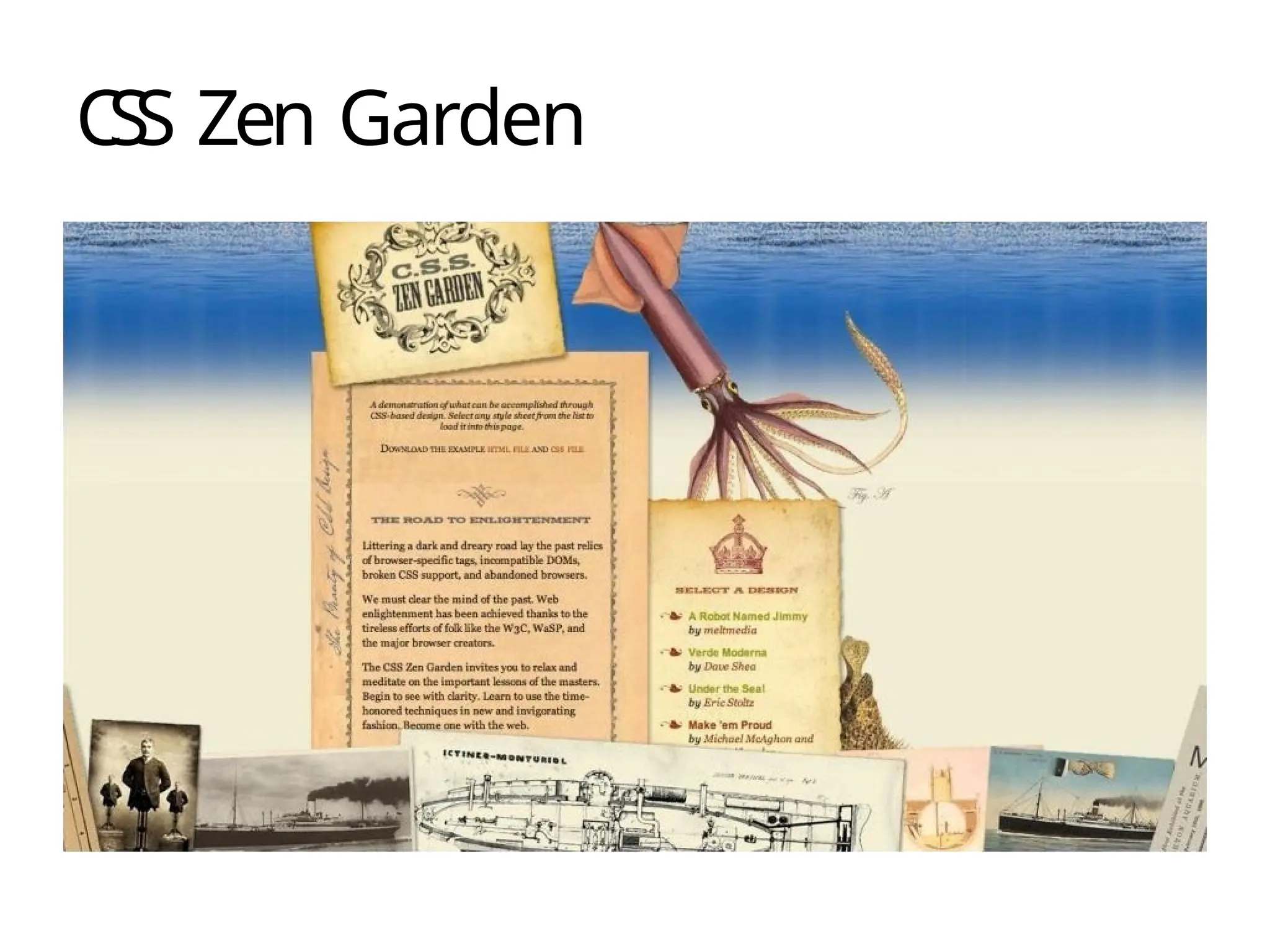
CSS ZEN GAßDEN
CSS Zen Garden
emonstrufinn of that can be accomplished through css-Waned design. Select any e
sheet from the liit to leed it inta this pege.
rzdoad the era-y}c .1 H T/VL F!LF and 1 CSS
FILE
E ROAD TO ENLIGHTEN/VENT
ering i dark and dreary road >Y part relief Ot brow8W-8pecifiC
impatibln cop broken As support, and abandoned browsers.
A ROBOT NAMED jIMMY
VER.DE MODERNA
UNDtR. THE SEAI
'/ srtc edu.
With CSS youcan format...
• Backgrounds (images, colors)
° Fonts (family, size, style)
• Paragraphs (alignment, indentation,
letter spacing, word spacing, line height)
• Margins & padding
• Borders (style, size, color)
• Color (text)
• Positioning (relative, absolute)
° Floating (left, right)
54.
Font & paragraphstyle properties
• Font-family (type face)
° Font-size (size of font)
• Font-style (bold, italics, etc.)
° Text-align (paragraph alignment)
• Text-indent (first line of paragraph indentation)
• Letter-spacing (space between letters)
• Word-spacing (space between words)
• Line-height (space between lines of type)
55.
Margins padding styleproperties
• Margins
—Can be set the same for entire element, or individually
based on side
Example
• margin-top: 10px; margin-right: 20px; margin-bottom: 10px;
margin-left: 20px
• Padding
—Also can be set the same for entire element,
or individually based on side
Example:
• padding-top: 10px; padding-right: 20px;
padding-bottom: 10px; padding-left: 20px
56.
Border style properties
•Can be set the same for entire element, or
individually based on side
• Three main properties:
—Border-style
—Border-width
—Border—color
• Example:
—Border-top-style: solid; Border-top-width: 1px;
Border-top-color: black;
57.
Background & colorstyle properties
• Basic background properties:
Background-color (basic color or gradient)
—Background-image (photo, graphic, etc.)
—Background-repeat (image repetition
• Basic background properties:
Border-color (color of border)
Background-color (color of background)
—Color (color of text)
58.
Positioning & floatingproperties
• Fixed (positioned relative to the browser
window)
• Relative (positioned relative to its normal
position)
• Absolute (positioned relative to its
nearest positioned parent element)
• Floating (positioned directionally relative
to
other elements on the page)
59.
CSS syntax
• Selector:References which element needs
to be styled
• Declaration: The formatting instructions
—Always enclosed in curly brackets
—Can contain multiple styles
• Property: The item that needs to be styled
—Font family, font size, etc.
• Value: The style applied to that item
—Helvetica, 12px, etc.
60.
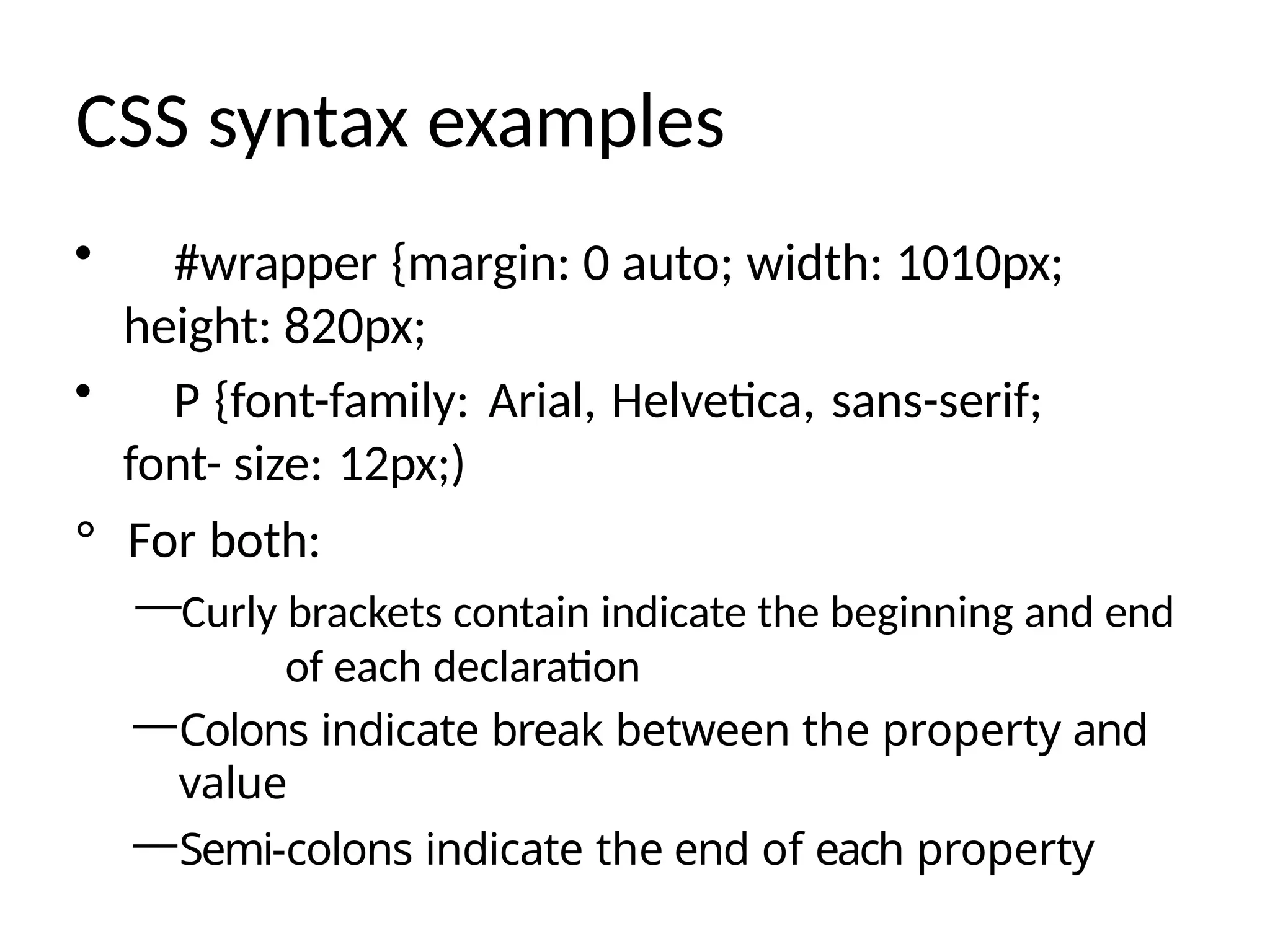
CSS syntax examples
•#wrapper {margin: 0 auto; width: 1010px;
height: 820px;
• P {font-family: Arial, Helvetica, sans-serif;
font- size: 12px;)
° For both:
—Curly brackets contain indicate the beginning and end
of each declaration
—Colons indicate break between the property and
value
—Semi-colons indicate the end of each property
61.
HTML + CSS:The DIV tag
• Actual <div> tag is an HTML tag, but is
referenced in the CSS document, which
carries its properties
• Used to group items on a web page into
sections/blocks/boxes
• Used to create more manageable content
—Positioning
—Styles
62.
Audiovisual content
• Images
•Audio
• Movies
• Web pages don't actually contain
audiovisual
content, they link to audiovisual content
—Heavy audiovisual content slows down sites
—Optimize your images to speed up loading time
63.
Interactive scripting
• Interactivescripting allows users to
interact with web content.
• Examples:
—Rollover images
Buttons
Links
—Multimedia
Recent Trends
Web DesignHistory - Web Design Museum
15 Website Design Trends You Don't Want to Miss in 2025 | Looka
11 Most Popular Web Design Trends for 2025