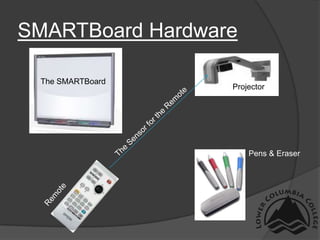
1) The document introduces the hardware components of a SMARTBoard, including the projector, sensor for the remote, pens, eraser and remote.
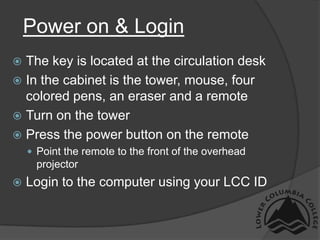
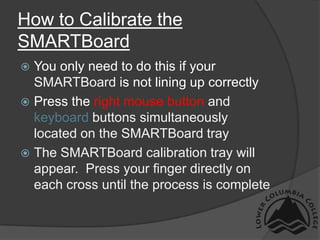
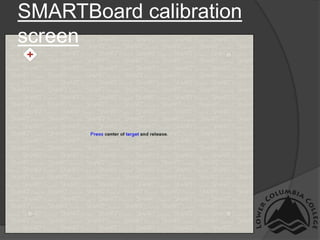
2) It provides instructions for powering on the SMARTBoard and logging in, as well as how to calibrate the SMARTBoard if it is not lining up correctly.
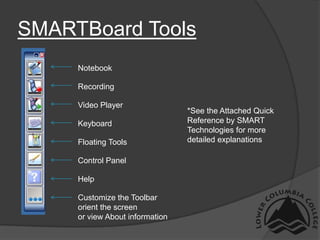
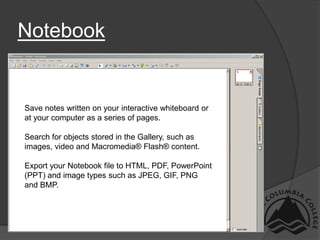
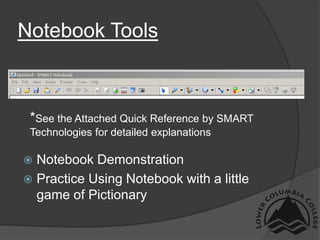
3) An overview is given of the SMARTBoard software tools, including the Notebook for saving notes, recordings, a video player, and customizing the toolbar. Touching the screen with a finger controls the SMARTBoard.



![Getting Started with Apache Spark: Big Data Made Simple [Free Meetup]](https://cdn.slidesharecdn.com/ss_thumbnails/apachesparkgettingstarted-260203175547-8361bcc3-thumbnail.jpg?width=640&height=640&fit=bounds)


