Introduction To PHPIntroduction To PHP
ContentsContents
• IntroductionIntroduction
• Environmental SetupEnvironmental Setup
• Syntax OverviewSyntax Overview
• Variable typesVariable types
• OperatorsOperators
• Decision makingDecision making
• Looping statementsLooping statements
• ArraysArrays
• StringsStrings
• Get and postGet and post
• Database (MYSQL)Database (MYSQL)
IntroductionIntroduction
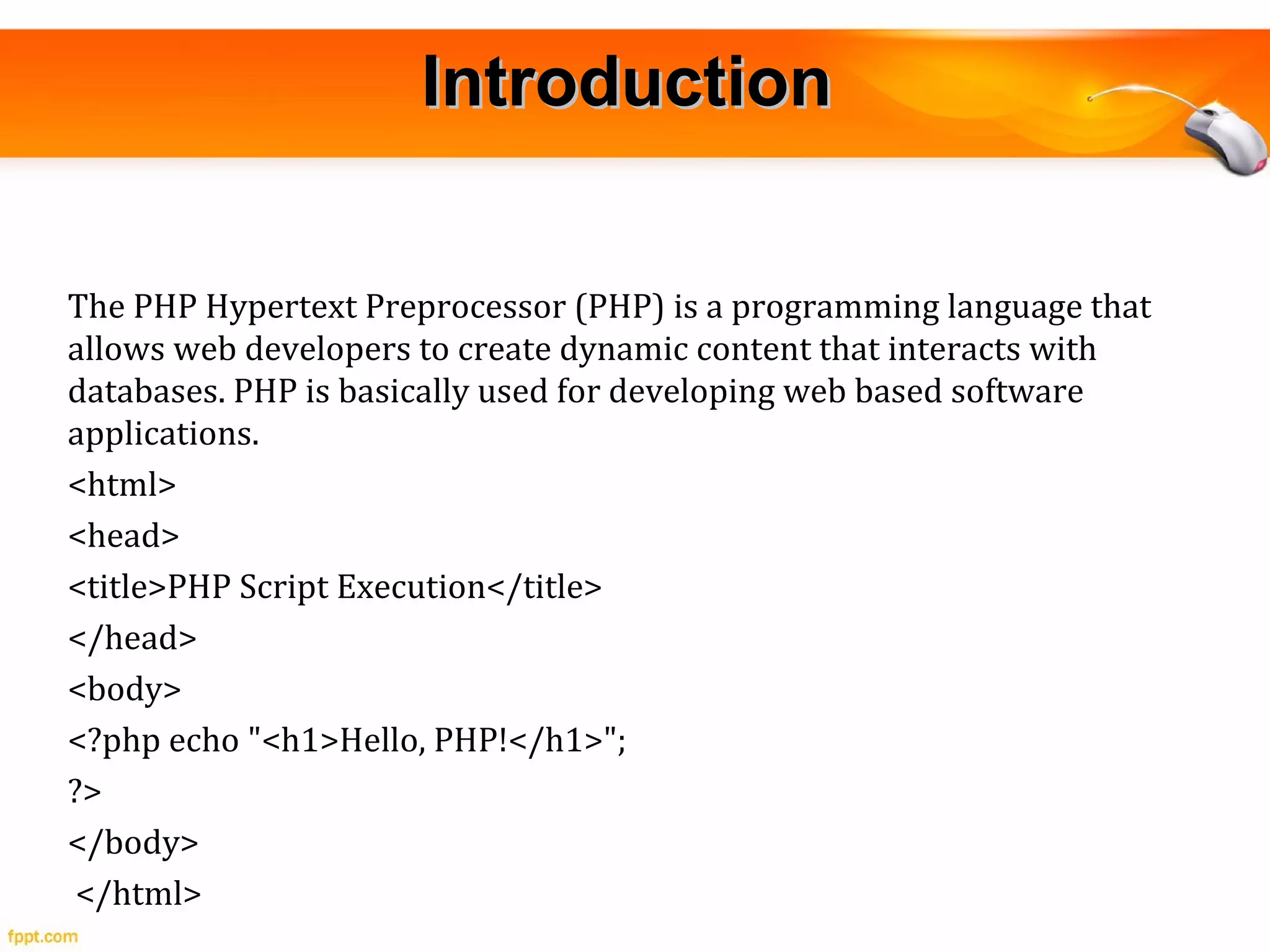
The PHP Hypertext Preprocessor (PHP) is a programming language that
allows web developers to create dynamic content that interacts with
databases. PHP is basically used for developing web based software
applications.
<html>
<head>
<title>PHP Script Execution</title>
</head>
<body>
<?php echo "<h1>Hello, PHP!</h1>";
?>
</body>
</html>
Environmental SetupEnvironmental Setup
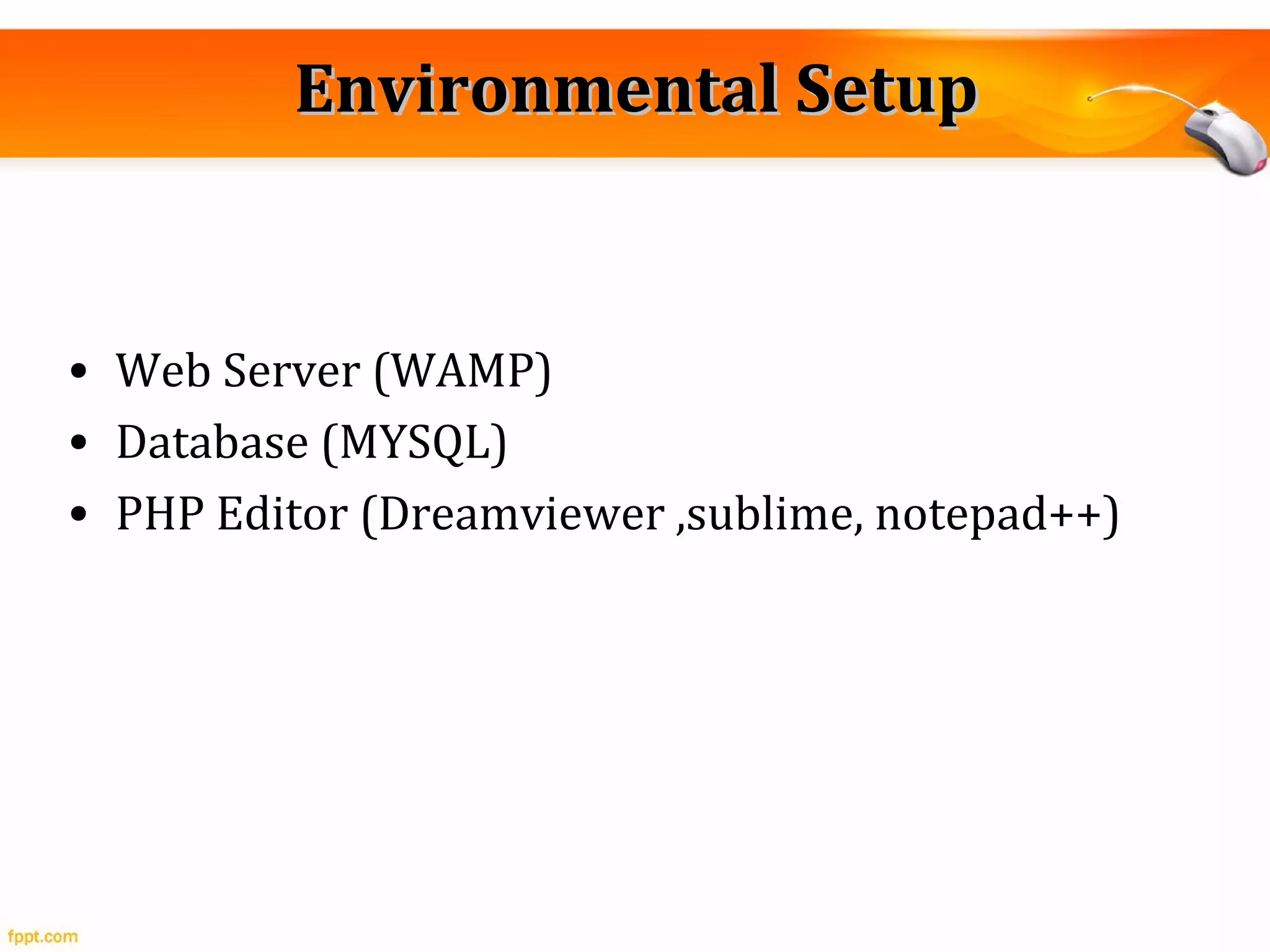
• Web Server (WAMP)
• Database (MYSQL)
• PHP Editor (Dreamviewer ,sublime, notepad++)
Syntax OverviewSyntax Overview
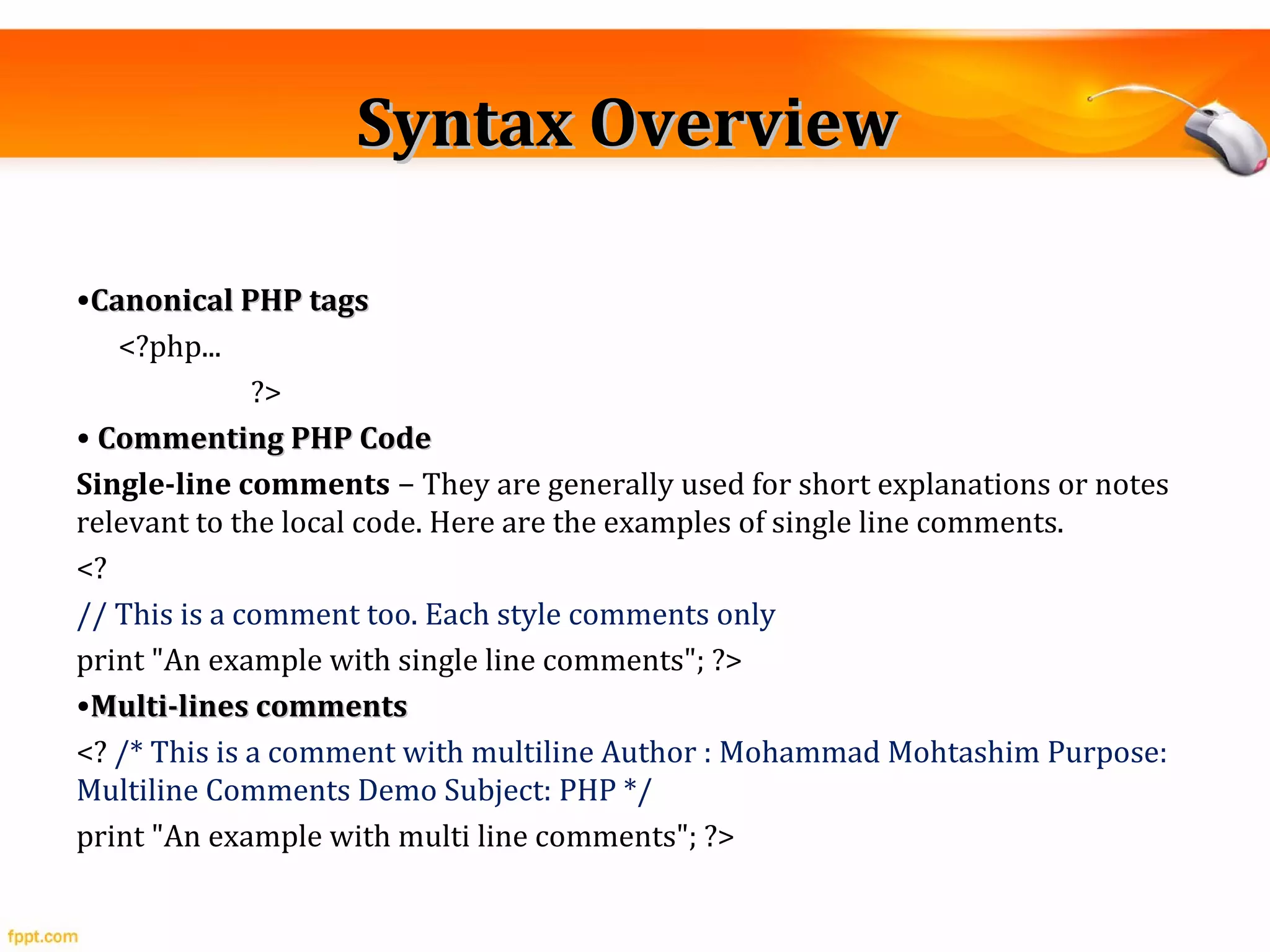
•Canonical PHP tagsCanonical PHP tags
<?php...
?>
• Commenting PHP CodeCommenting PHP Code
Single-line comments − They are generally used for short explanations or notes
relevant to the local code. Here are the examples of single line comments.
<?
// This is a comment too. Each style comments only
print "An example with single line comments"; ?>
•Multi-lines commentsMulti-lines comments
<? /* This is a comment with multiline Author : Mohammad Mohtashim Purpose:
Multiline Comments Demo Subject: PHP */
print "An example with multi line comments"; ?>
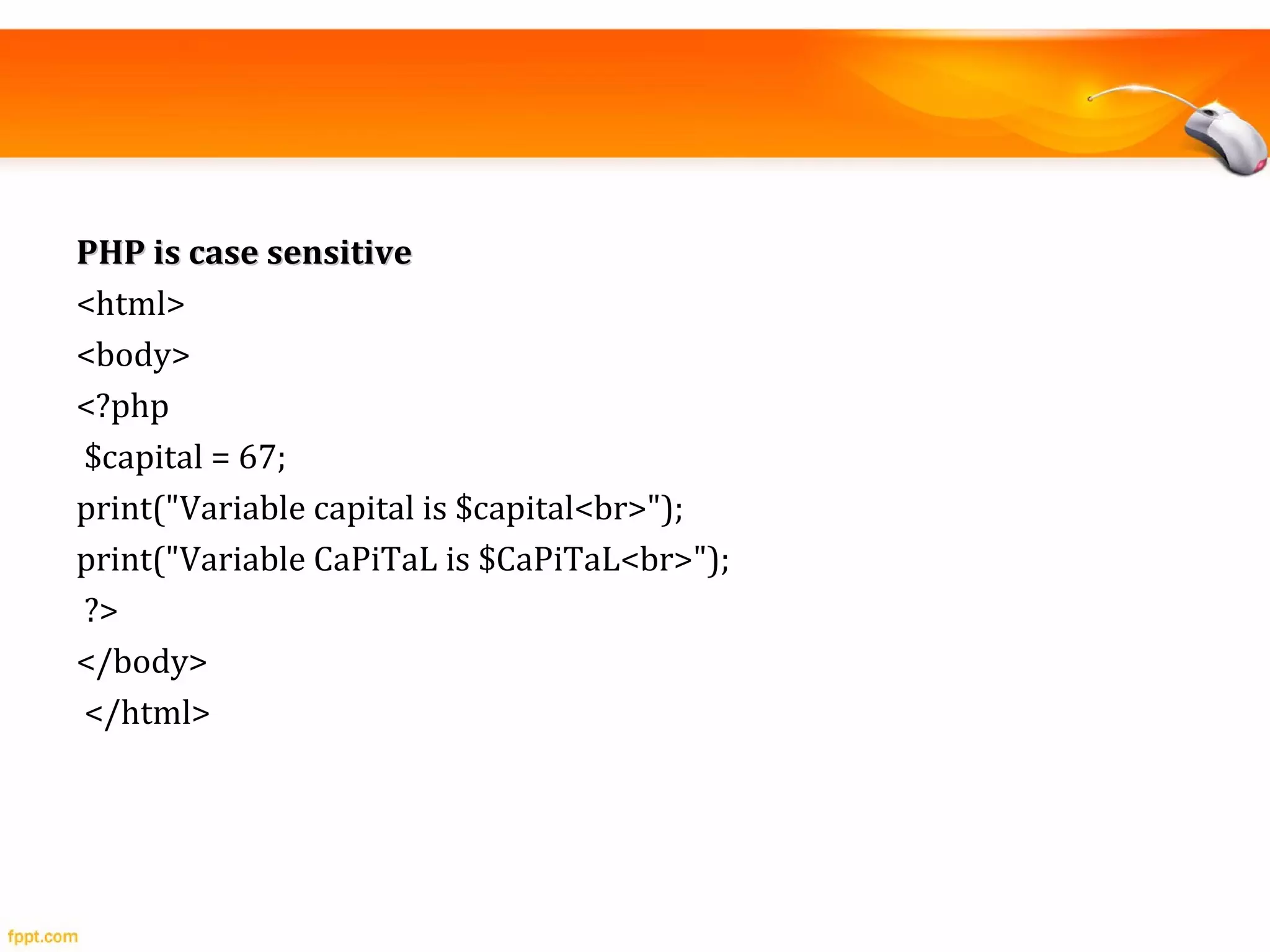
PHP is case sensitivePHP is case sensitive
<html>
<body>
<?php
$capital = 67;
print("Variable capital is $capital<br>");
print("Variable CaPiTaL is $CaPiTaL<br>");
?>
</body>
</html>
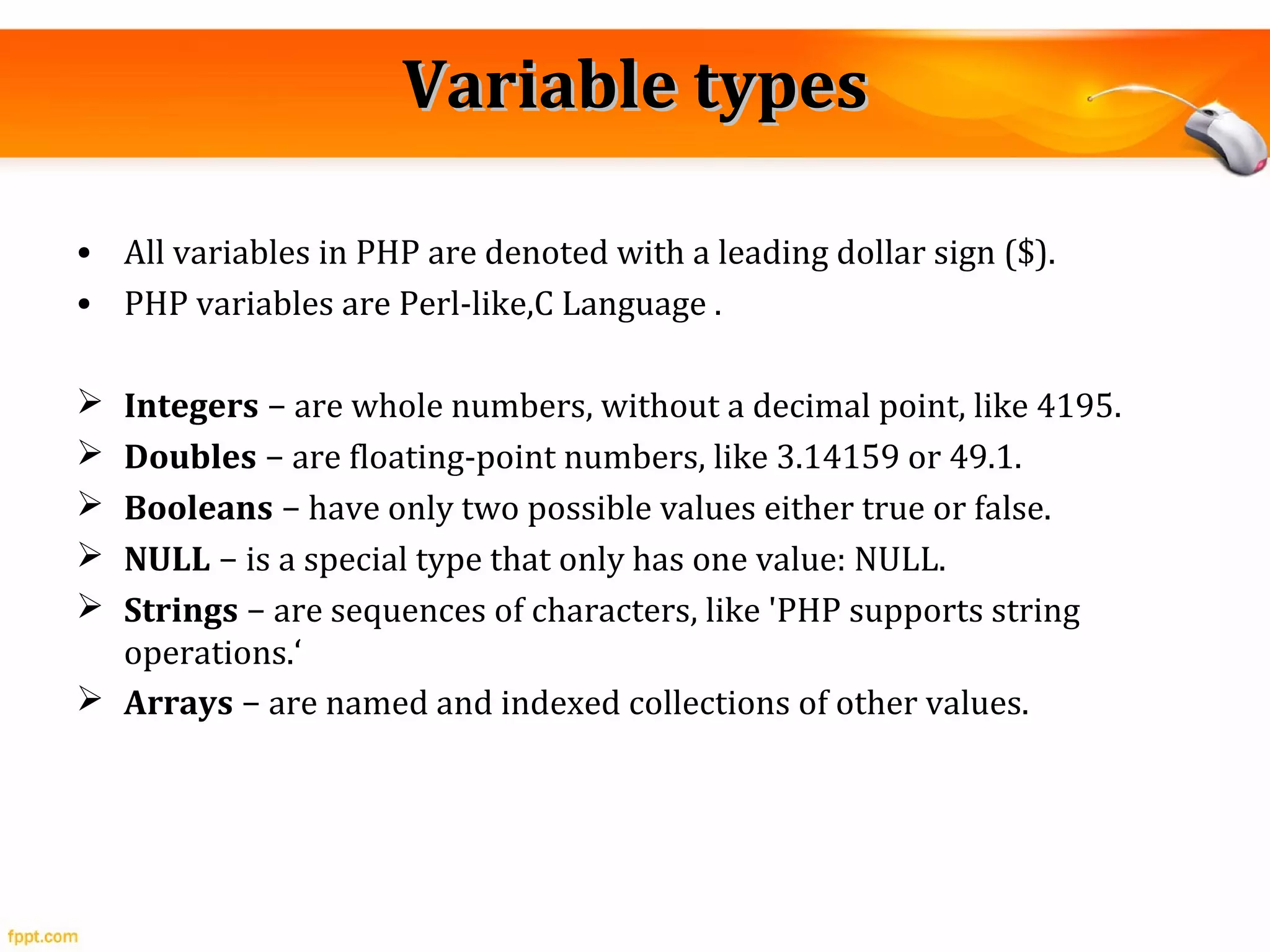
Variable typesVariable types
• All variables in PHP are denoted with a leading dollar sign ($).
• PHP variables are Perl-like,C Language .
 Integers − are whole numbers, without a decimal point, like 4195.
 Doubles − are floating-point numbers, like 3.14159 or 49.1.
 Booleans − have only two possible values either true or false.
 NULL − is a special type that only has one value: NULL.
 Strings − are sequences of characters, like 'PHP supports string
operations.‘
 Arrays − are named and indexed collections of other values.
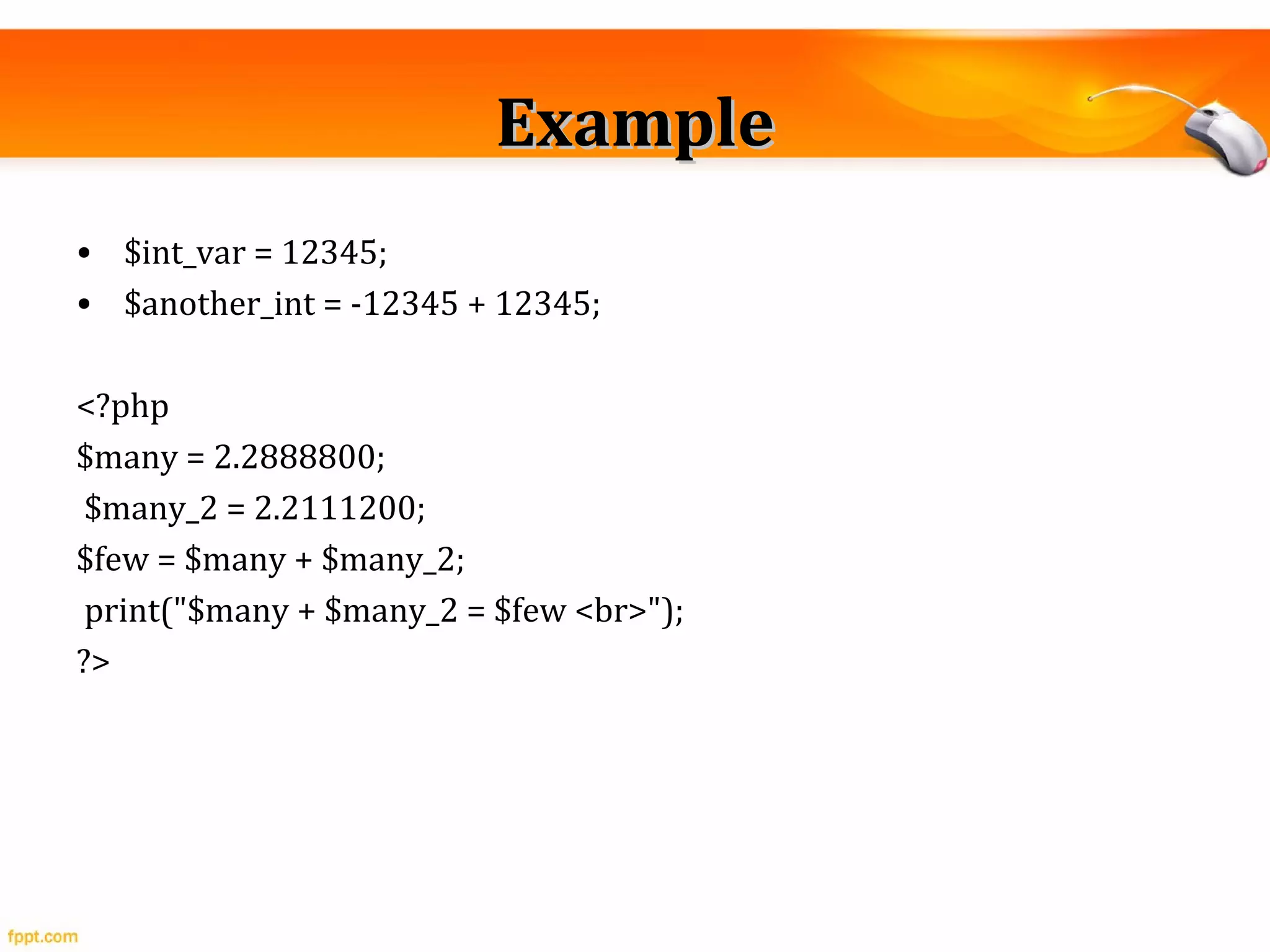
ExampleExample
• $int_var = 12345;
• $another_int = -12345 + 12345;
<?php
$many = 2.2888800;
$many_2 = 2.2111200;
$few = $many + $many_2;
print("$many + $many_2 = $few <br>");
?>
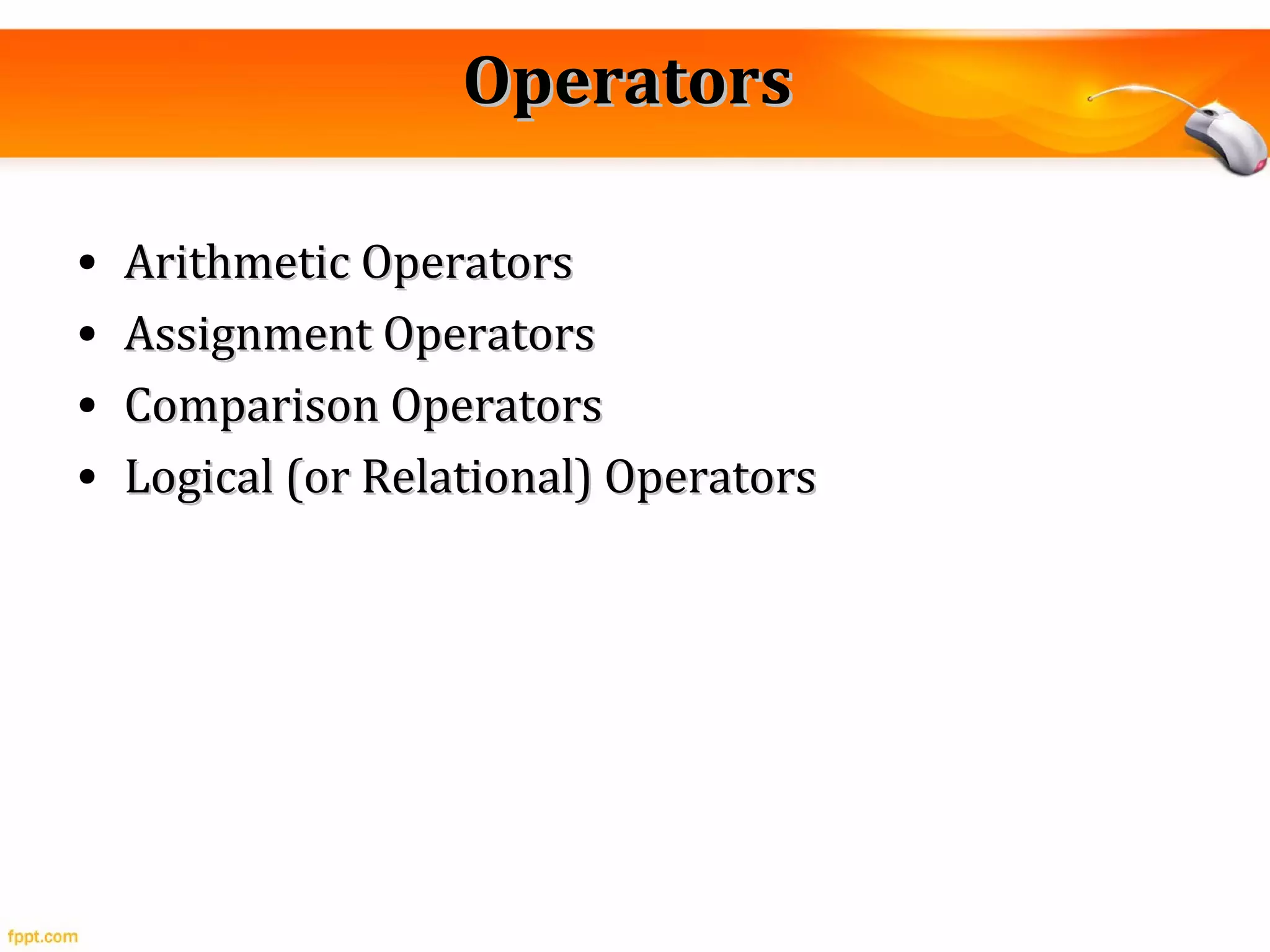
OperatorsOperators
• Arithmetic OperatorsArithmetic Operators
• Assignment OperatorsAssignment Operators
• Comparison OperatorsComparison Operators
• Logical (or Relational) OperatorsLogical (or Relational) Operators
ExamplesExamples
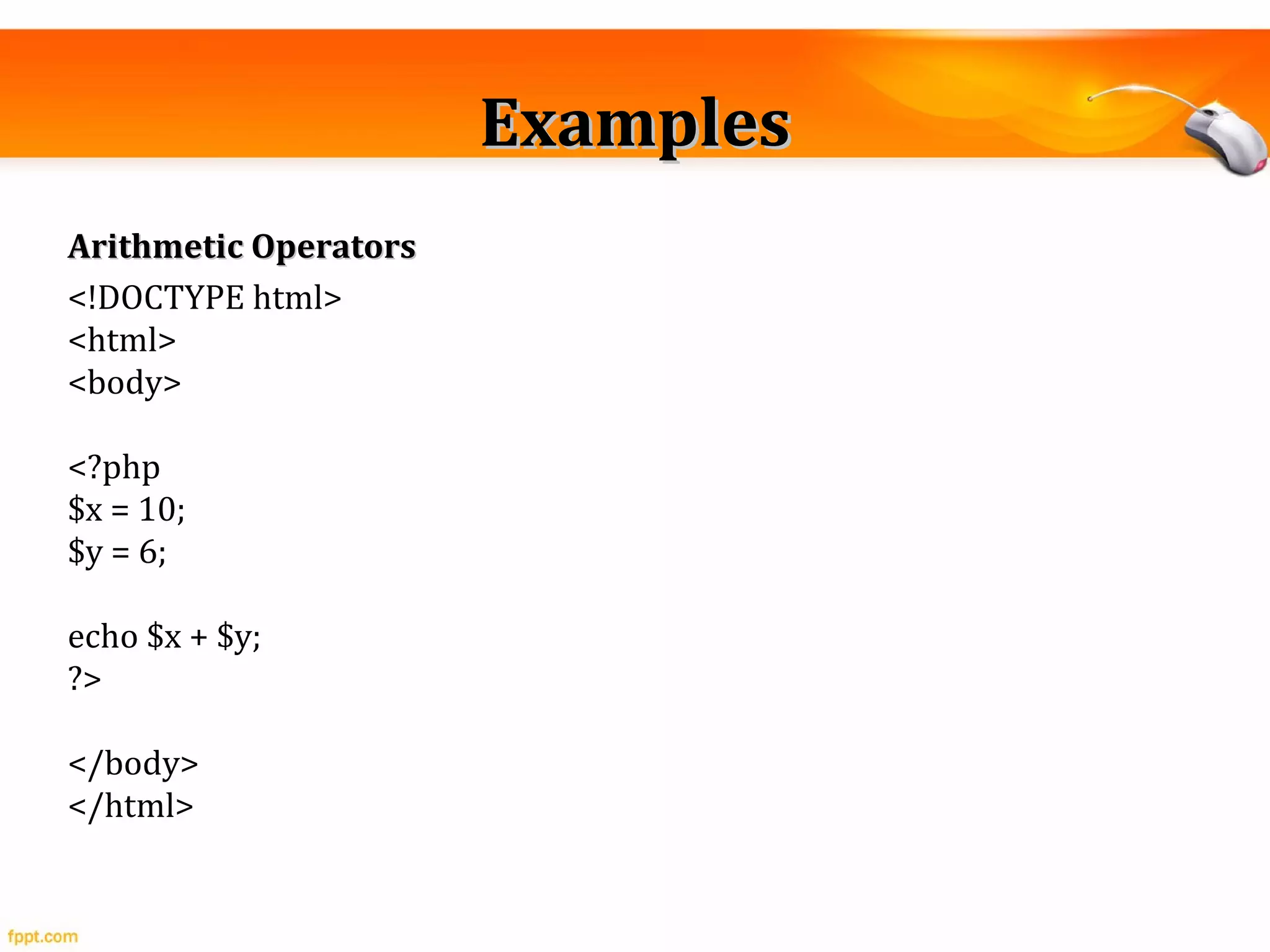
Arithmetic OperatorsArithmetic Operators
<!DOCTYPE html>
<html>
<body>
<?php
$x = 10;
$y = 6;
echo $x + $y;
?>
</body>
</html>
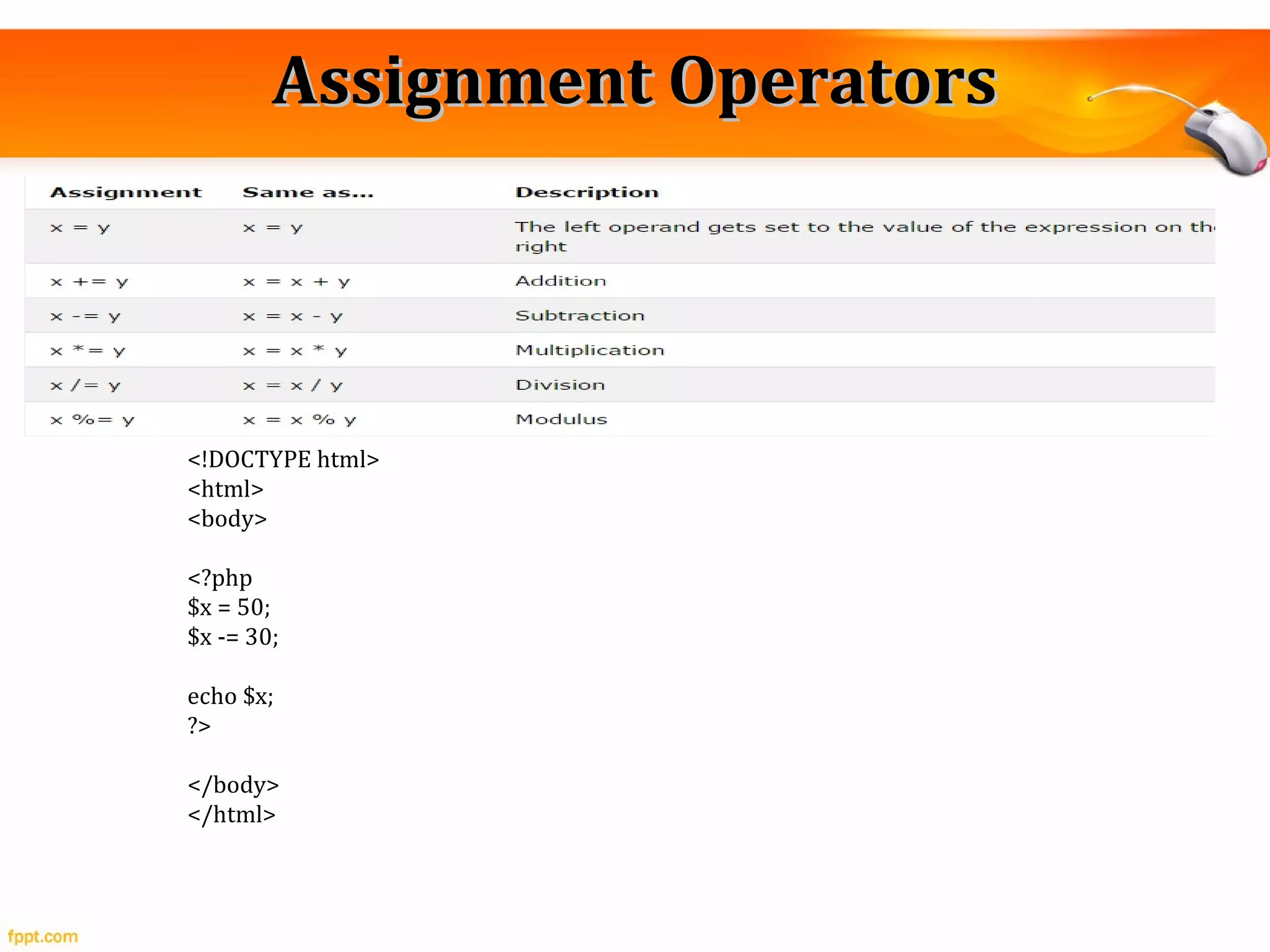
Assignment OperatorsAssignment Operators
<!DOCTYPE html>
<html>
<body>
<?php
$x = 50;
$x -= 30;
echo $x;
?>
</body>
</html>
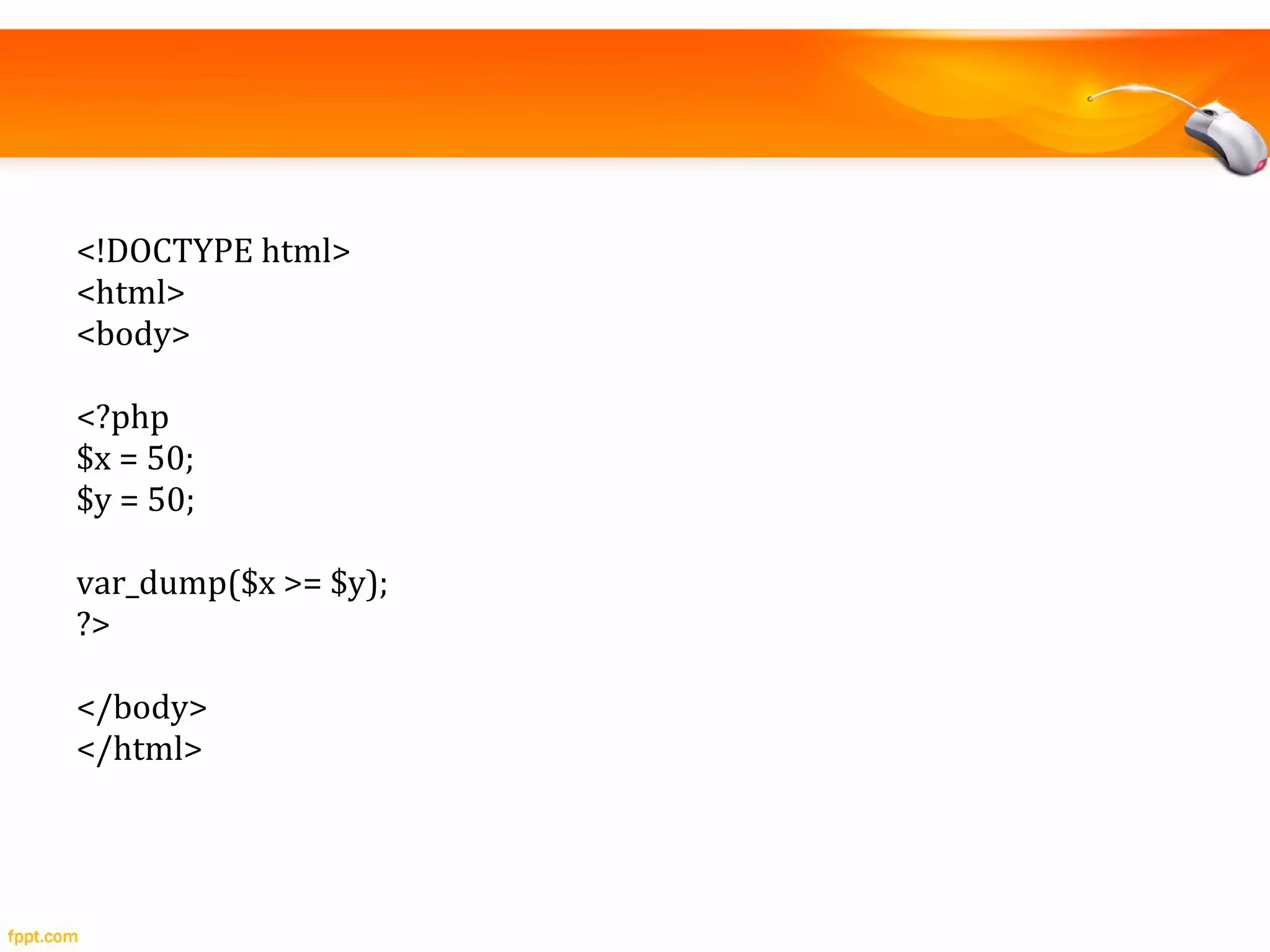
Comparison OperatorsComparison Operators
<!DOCTYPE html>
<html>
<body>
<?php
$x = 50;
$y = 50;
var_dump($x >= $y);
?>
</body>
</html>
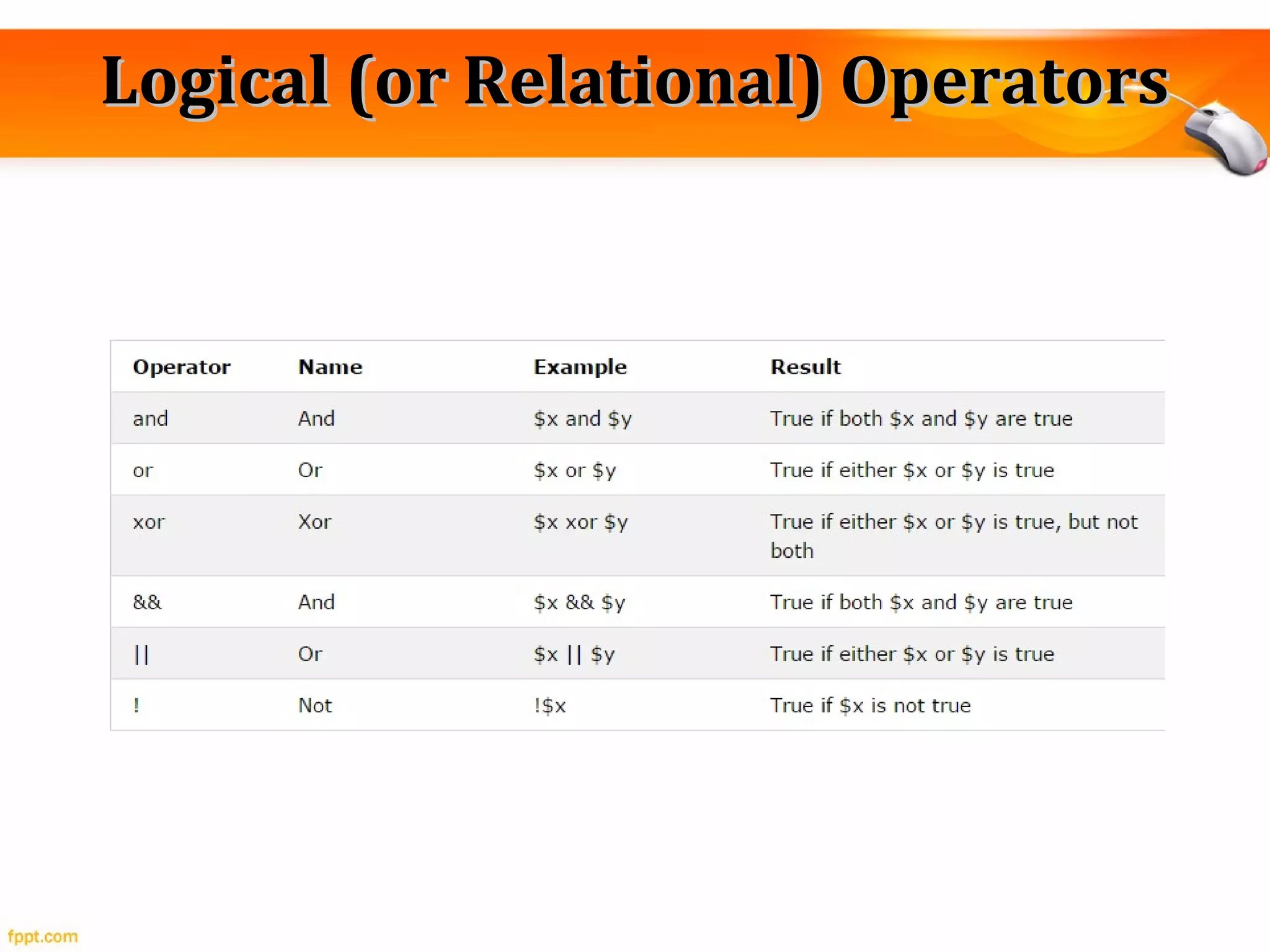
Logical (or Relational) OperatorsLogical (or Relational) Operators
ExampleExample
<!DOCTYPE html>
<html>
<body>
<?php
$x = 100;
$y = 50;
if ($x == 100 && $y == 50) {
echo "Hello world!";
}
?>
</body>
</html>
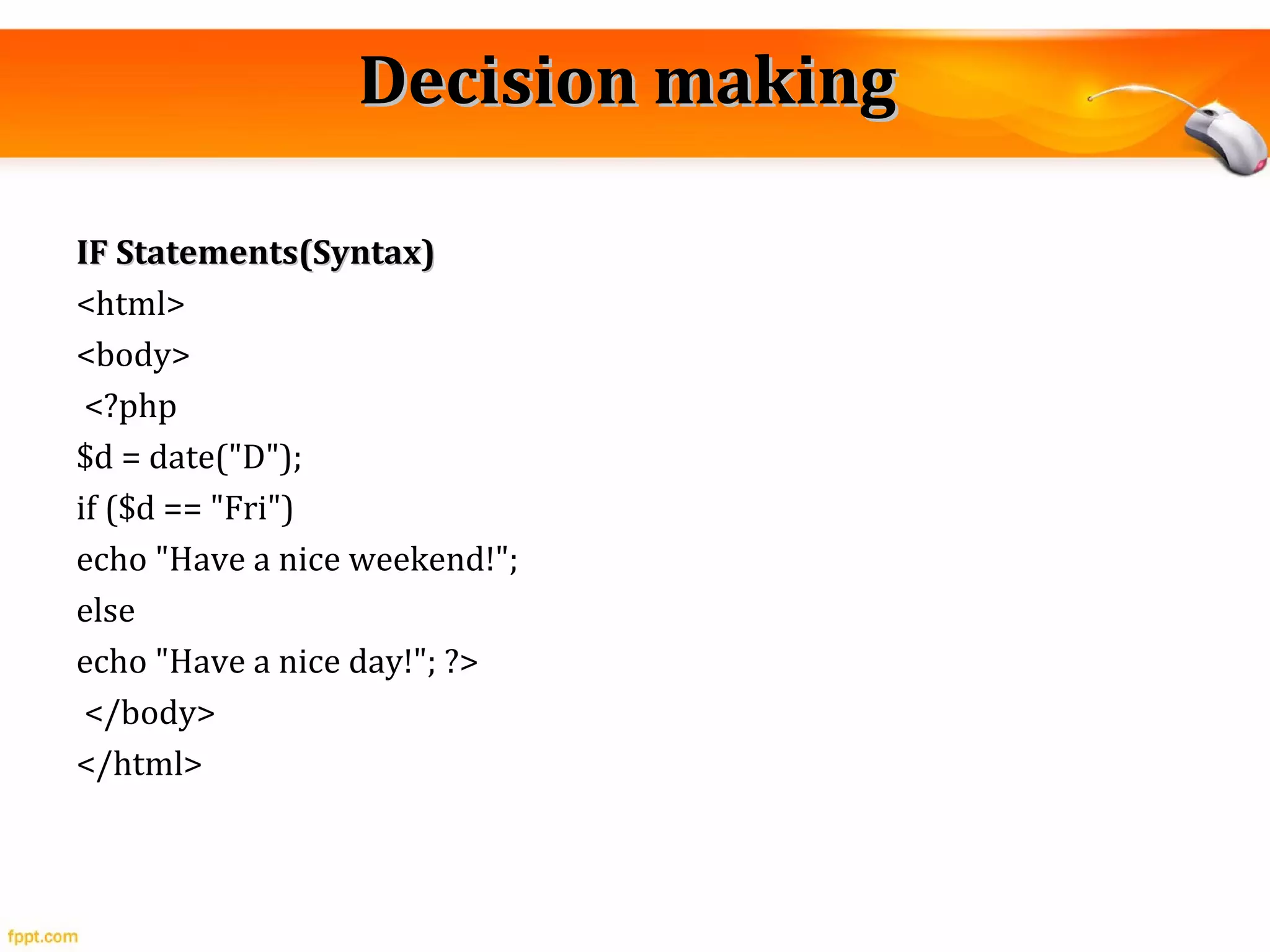
Decision makingDecision making
IF Statements(Syntax)IF Statements(Syntax)
<html>
<body>
<?php
$d = date("D");
if ($d == "Fri")
echo "Have a nice weekend!";
else
echo "Have a nice day!"; ?>
</body>
</html>
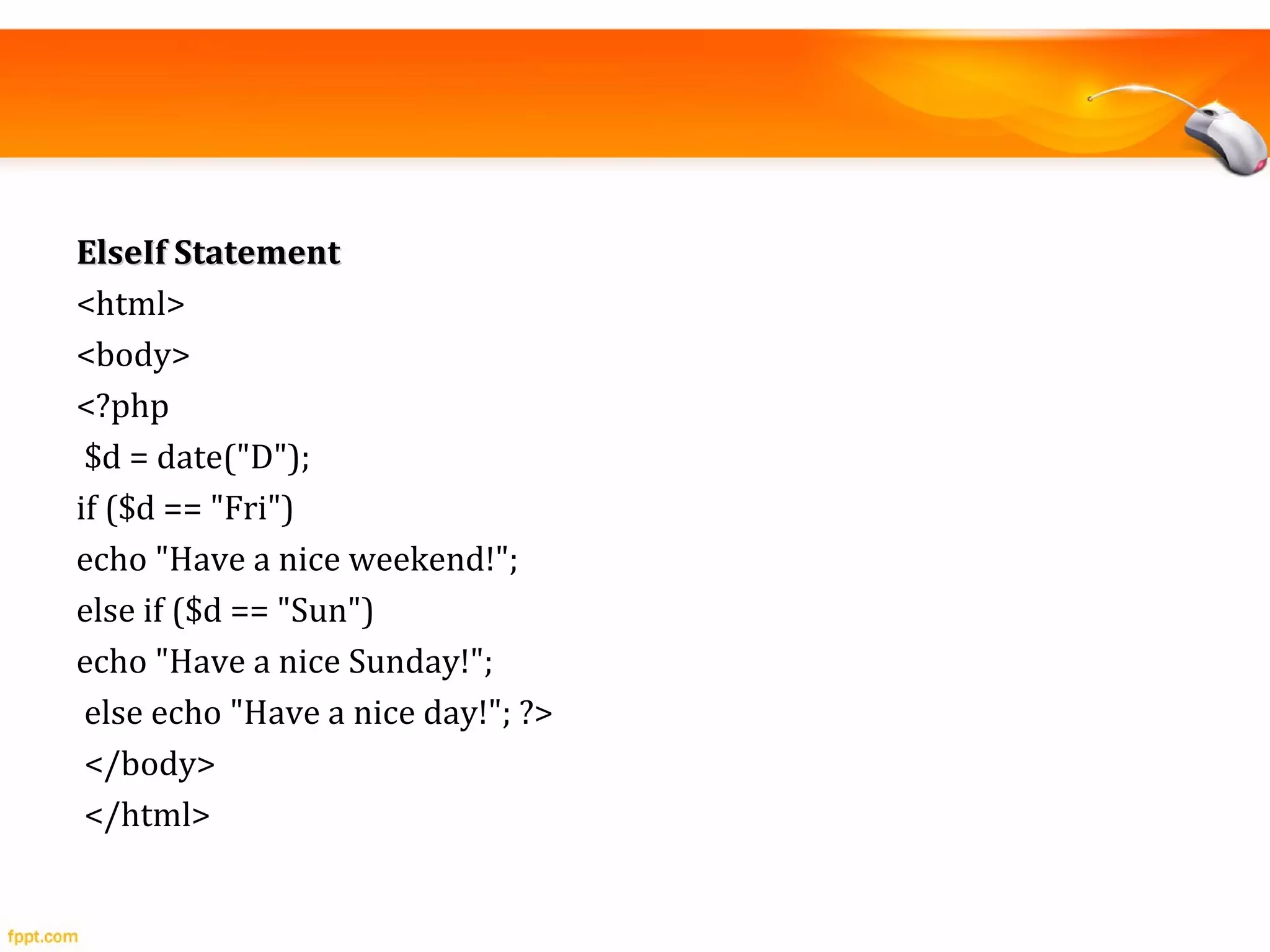
ElseIf StatementElseIf Statement
<html>
<body>
<?php
$d = date("D");
if ($d == "Fri")
echo "Have a nice weekend!";
else if ($d == "Sun")
echo "Have a nice Sunday!";
else echo "Have a nice day!"; ?>
</body>
</html>
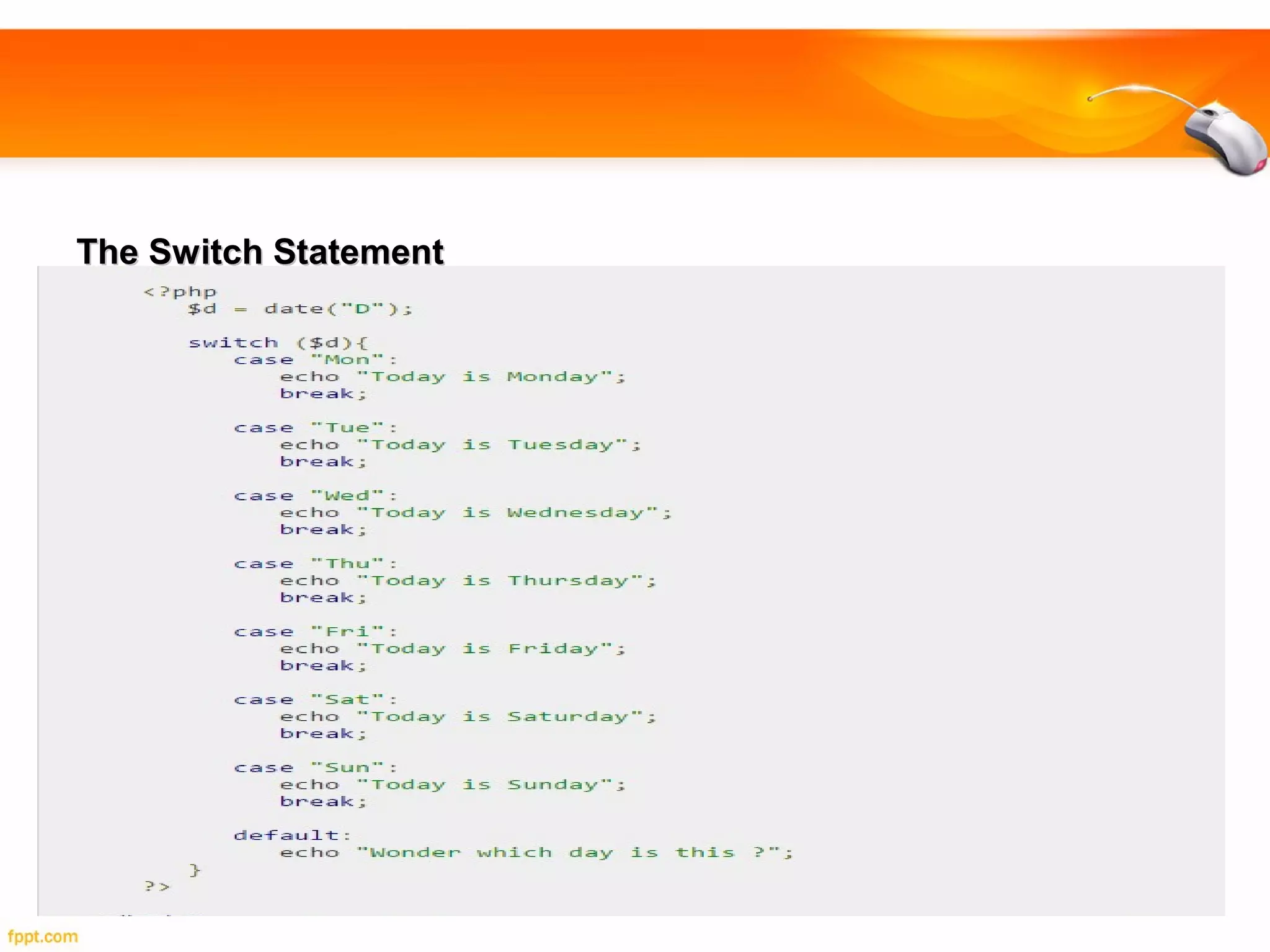
The Switch StatementThe Switch Statement
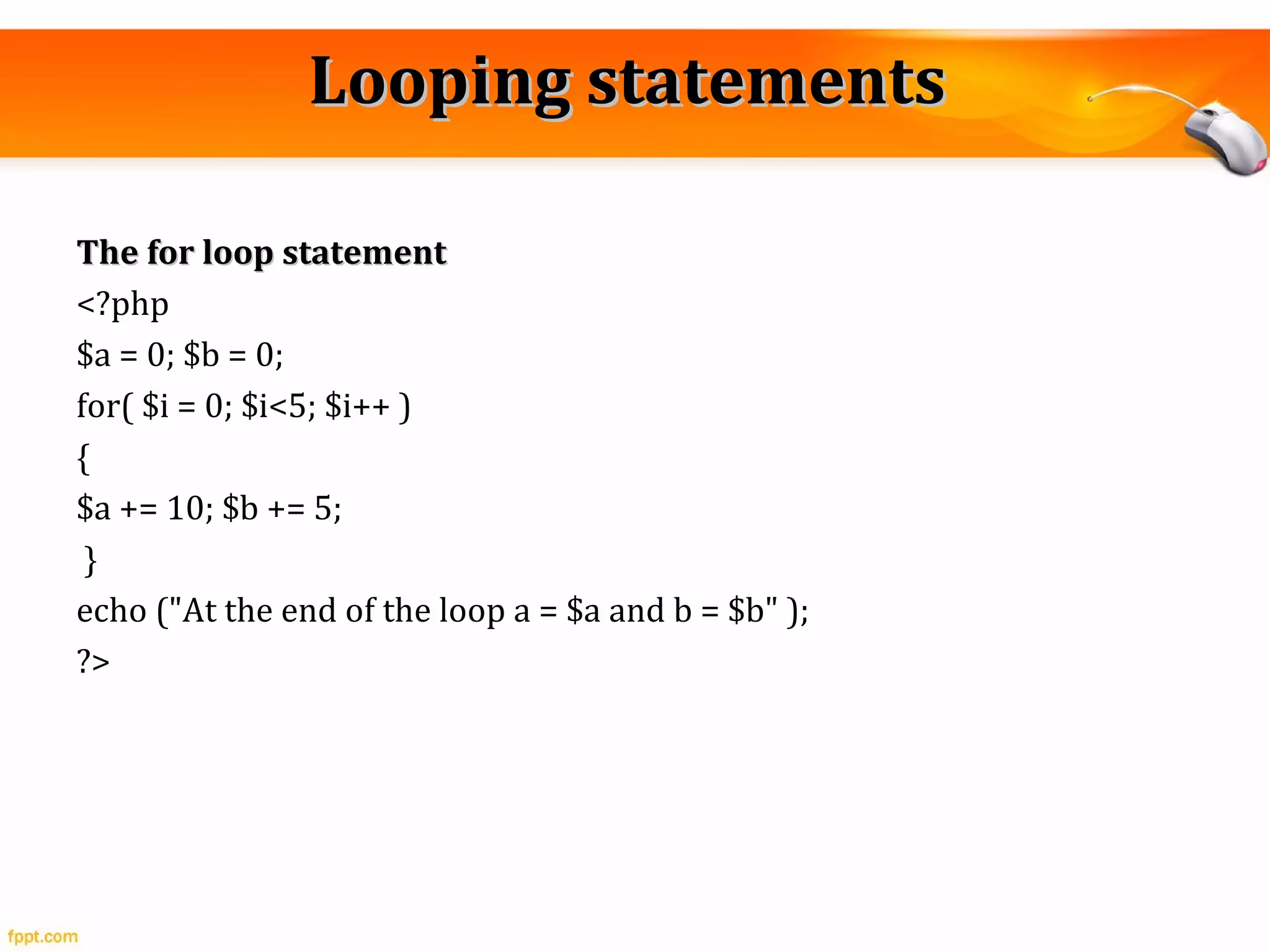
Looping statementsLooping statements
The for loop statementThe for loop statement
<?php
$a = 0; $b = 0;
for( $i = 0; $i<5; $i++ )
{
$a += 10; $b += 5;
}
echo ("At the end of the loop a = $a and b = $b" );
?>
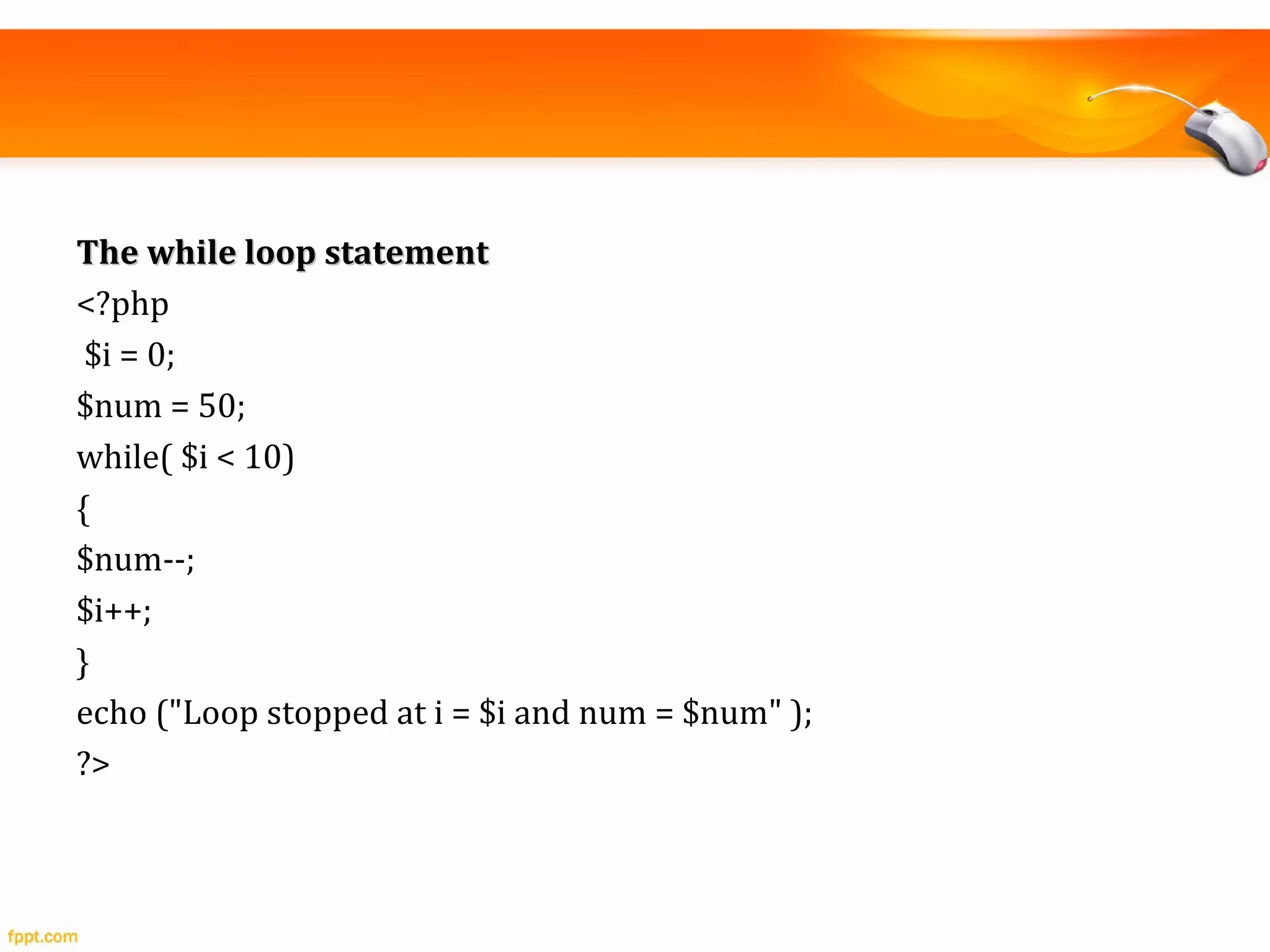
The while loop statementThe while loop statement
<?php
$i = 0;
$num = 50;
while( $i < 10)
{
$num--;
$i++;
}
echo ("Loop stopped at i = $i and num = $num" );
?>
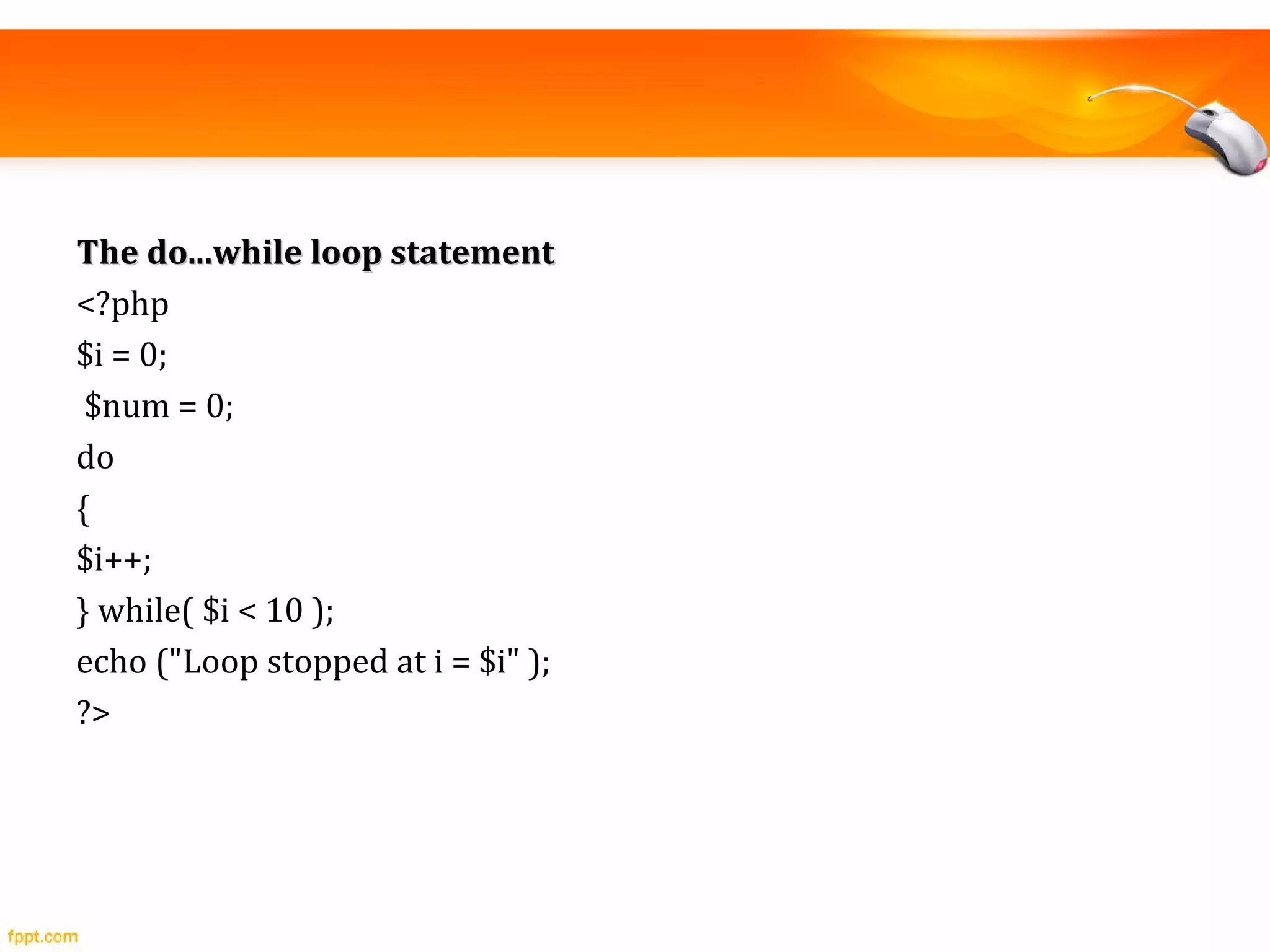
The do...while loop statementThe do...while loop statement
<?php
$i = 0;
$num = 0;
do
{
$i++;
} while( $i < 10 );
echo ("Loop stopped at i = $i" );
?>
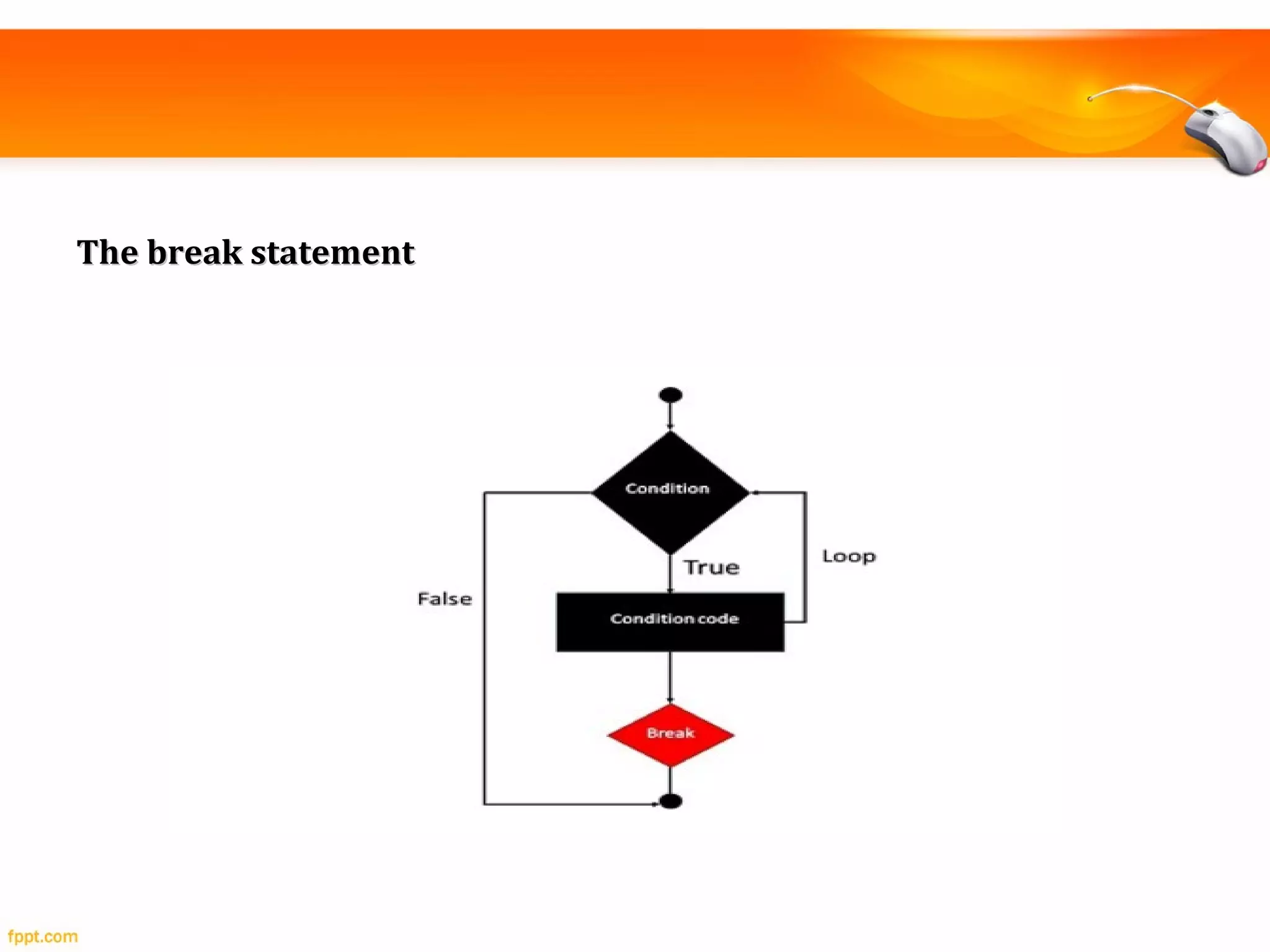
The break statementThe break statement
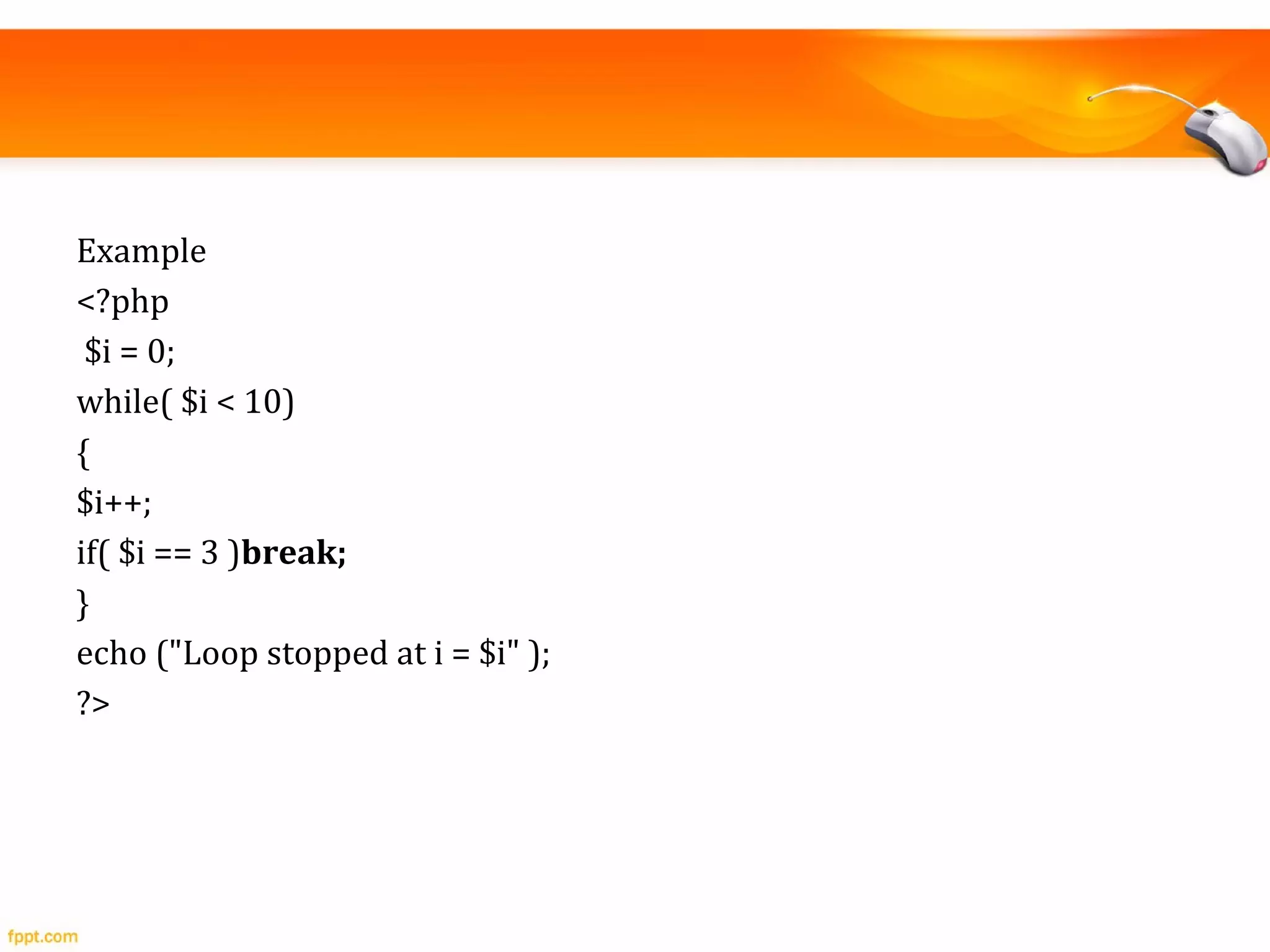
Example
<?php
$i = 0;
while( $i < 10)
{
$i++;
if( $i == 3 )break;
}
echo ("Loop stopped at i = $i" );
?>
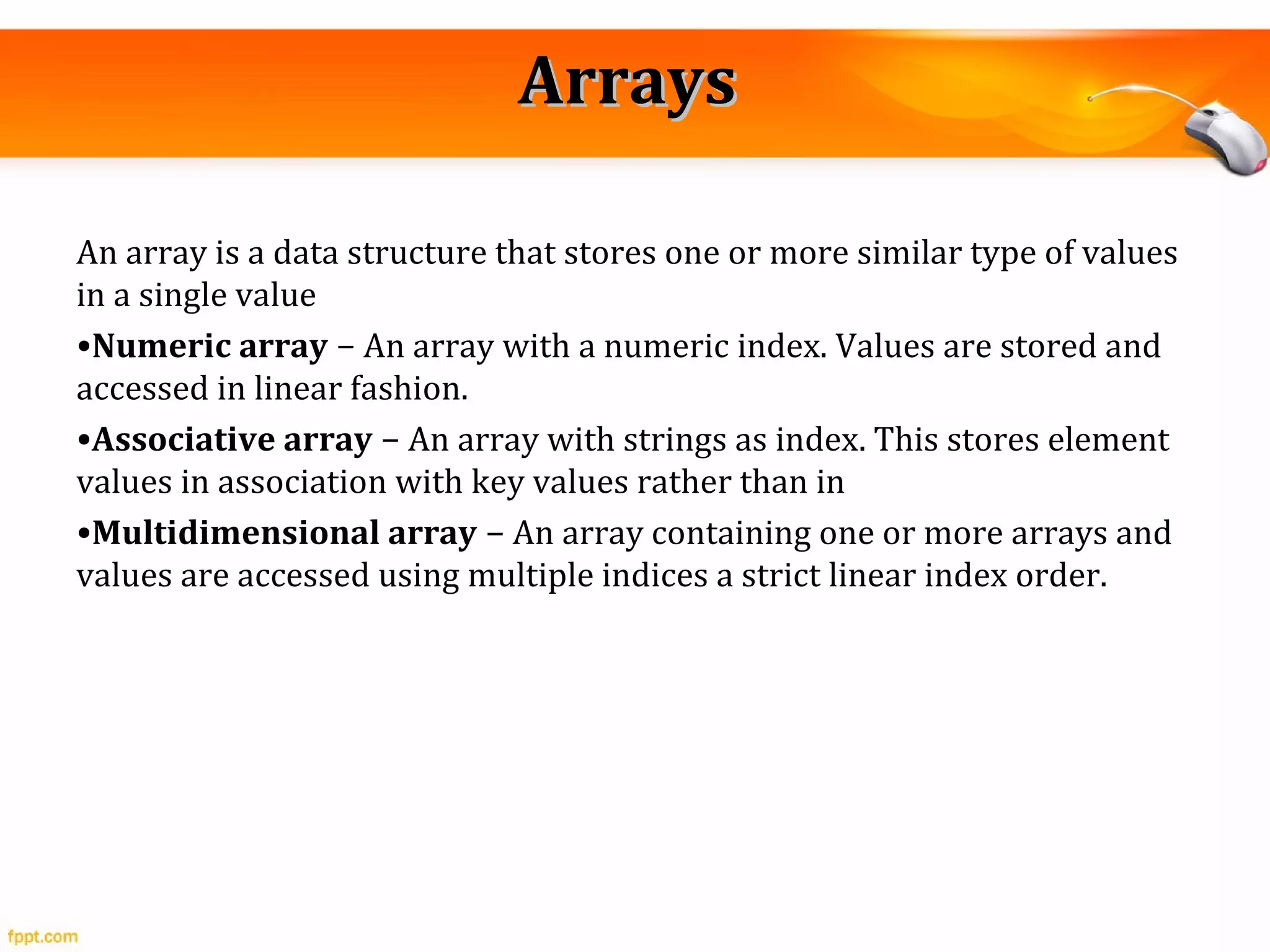
ArraysArrays
An array is a data structure that stores one or more similar type of values
in a single value
•Numeric array − An array with a numeric index. Values are stored and
accessed in linear fashion.
•Associative array − An array with strings as index. This stores element
values in association with key values rather than in
•Multidimensional array − An array containing one or more arrays and
values are accessed using multiple indices a strict linear index order.
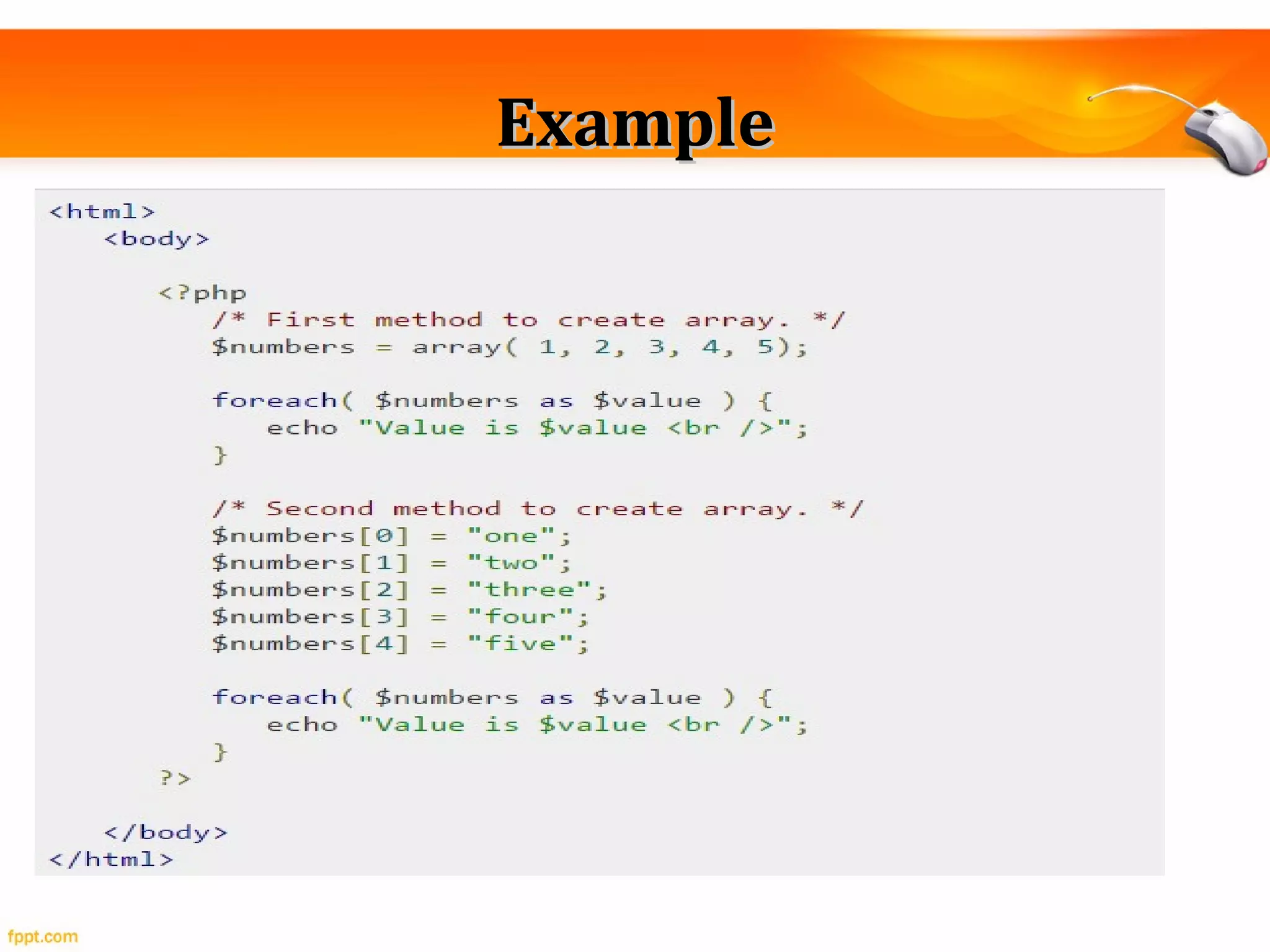
ExampleExample
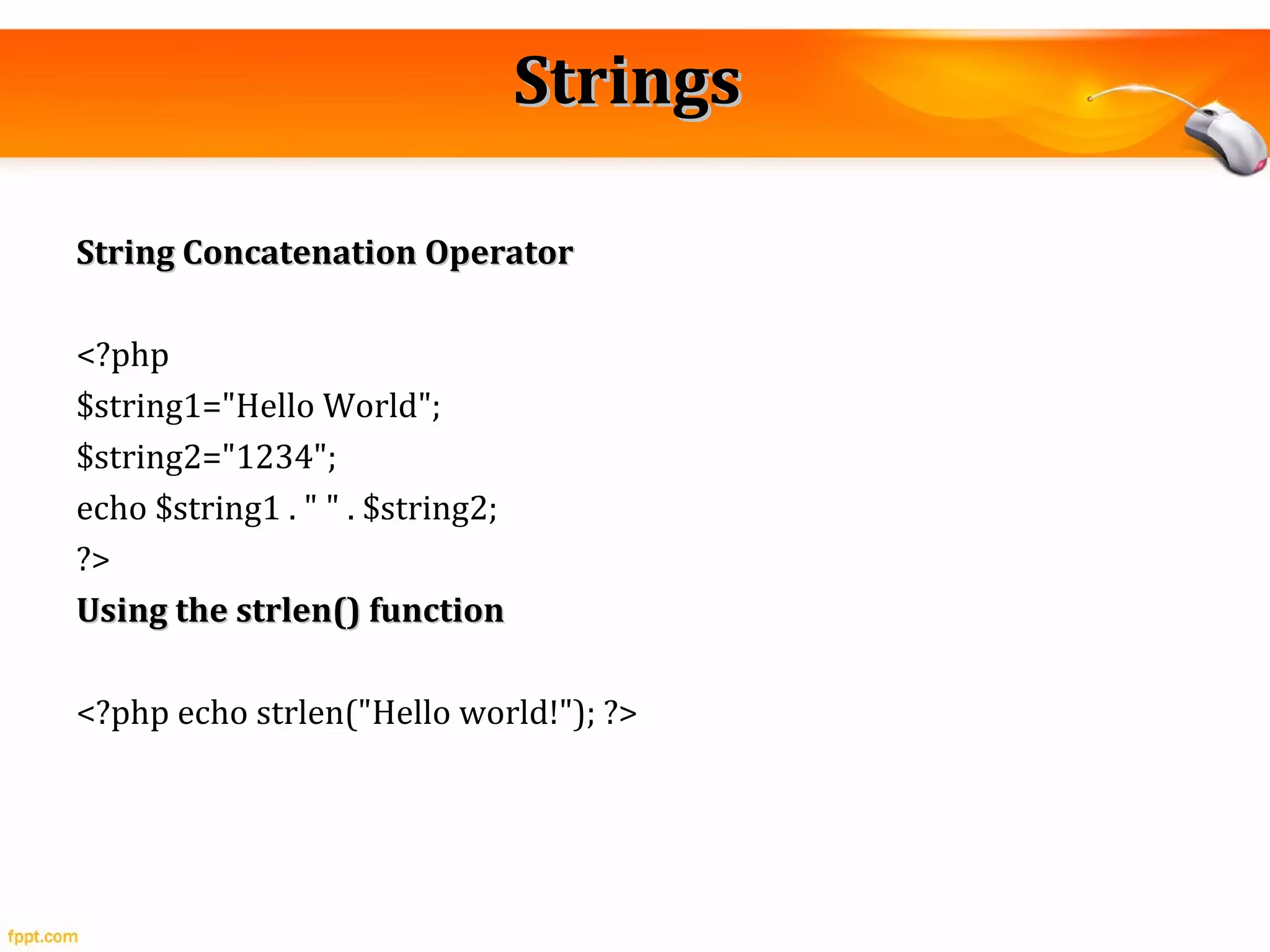
StringsStrings
String Concatenation OperatorString Concatenation Operator
<?php
$string1="Hello World";
$string2="1234";
echo $string1 . " " . $string2;
?>
Using the strlen() functionUsing the strlen() function
<?php echo strlen("Hello world!"); ?>
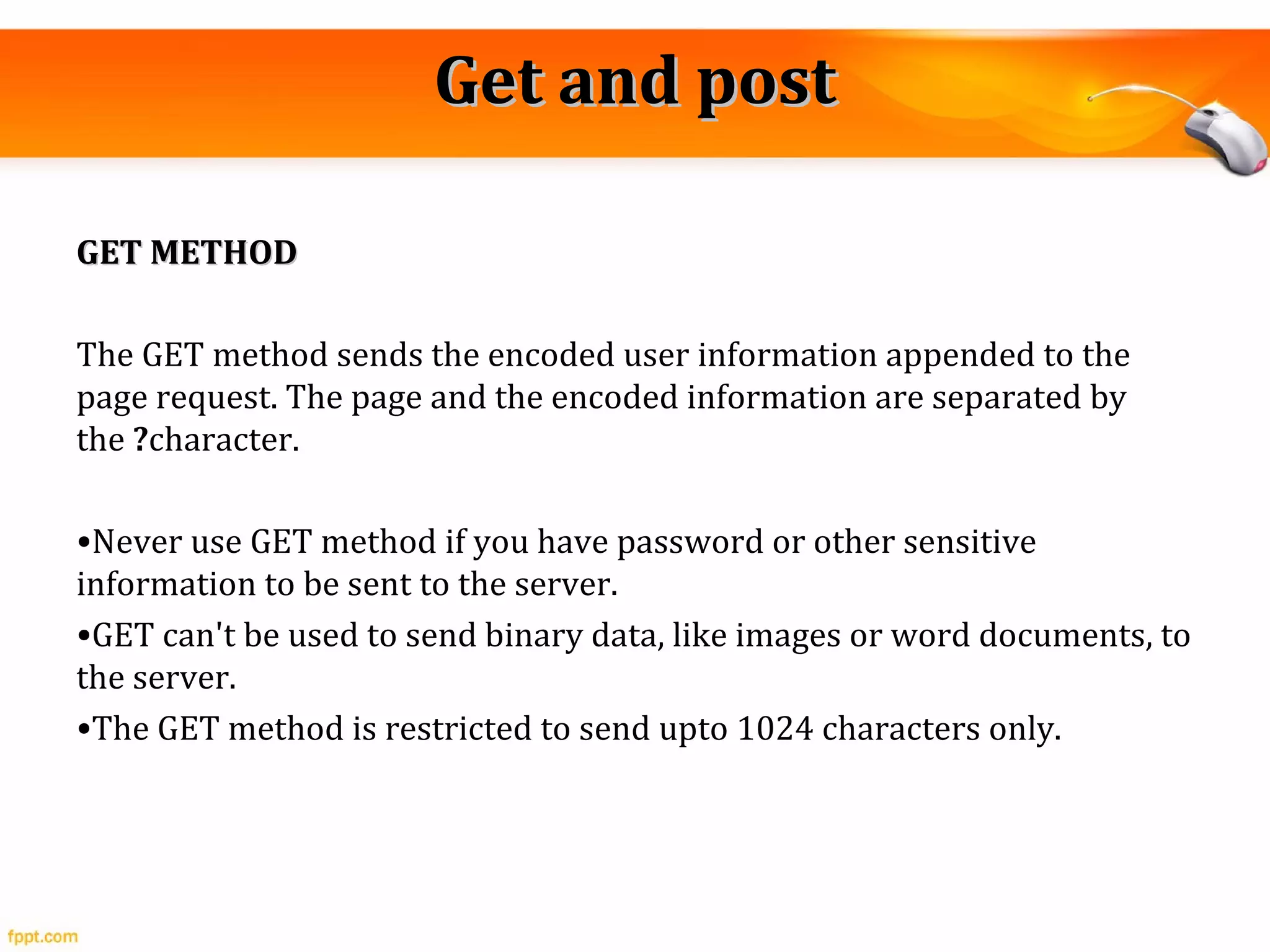
Get and postGet and post
GET METHODGET METHOD
The GET method sends the encoded user information appended to the
page request. The page and the encoded information are separated by
the ?character.
•Never use GET method if you have password or other sensitive
information to be sent to the server.
•GET can't be used to send binary data, like images or word documents, to
the server.
•The GET method is restricted to send upto 1024 characters only.
<?php
if( $_GET["name"] || $_GET["age"] ) {
echo "Welcome ". $_GET['name']. "<br />";
echo "You are ". $_GET['age']. " years old.";
exit();
}
?>
<html>
<body>
<form action = "<?php $_PHP_SELF ?>" method = "GET">
Name: <input type = "text" name = "name" />
Age: <input type = "text" name = "age" />
<input type = "submit" />
</form>
</body>
</html>
The POST MethodThe POST Method
•The POST method does not have any restriction on data size to be sent.
•The POST method can be used to send ASCII as well as binary data.
•The data sent by POST method goes through HTTP header so security
depends on HTTP protocol. By using Secure HTTP you can make sure that
your information is secure.
Database (MYSQL)
• DDL
• DML
• Queries
• Assignments on DDL and DML
• Wamp server installation
THANK YOUTHANK YOU

Introduction To PHP

  • 1.
  • 2.
    ContentsContents • IntroductionIntroduction • EnvironmentalSetupEnvironmental Setup • Syntax OverviewSyntax Overview • Variable typesVariable types • OperatorsOperators • Decision makingDecision making • Looping statementsLooping statements • ArraysArrays • StringsStrings • Get and postGet and post • Database (MYSQL)Database (MYSQL)
  • 3.
    IntroductionIntroduction The PHP HypertextPreprocessor (PHP) is a programming language that allows web developers to create dynamic content that interacts with databases. PHP is basically used for developing web based software applications. <html> <head> <title>PHP Script Execution</title> </head> <body> <?php echo "<h1>Hello, PHP!</h1>"; ?> </body> </html>
  • 4.
    Environmental SetupEnvironmental Setup •Web Server (WAMP) • Database (MYSQL) • PHP Editor (Dreamviewer ,sublime, notepad++)
  • 5.
    Syntax OverviewSyntax Overview •CanonicalPHP tagsCanonical PHP tags <?php... ?> • Commenting PHP CodeCommenting PHP Code Single-line comments − They are generally used for short explanations or notes relevant to the local code. Here are the examples of single line comments. <? // This is a comment too. Each style comments only print "An example with single line comments"; ?> •Multi-lines commentsMulti-lines comments <? /* This is a comment with multiline Author : Mohammad Mohtashim Purpose: Multiline Comments Demo Subject: PHP */ print "An example with multi line comments"; ?>
  • 6.
    PHP is casesensitivePHP is case sensitive <html> <body> <?php $capital = 67; print("Variable capital is $capital<br>"); print("Variable CaPiTaL is $CaPiTaL<br>"); ?> </body> </html>
  • 7.
    Variable typesVariable types •All variables in PHP are denoted with a leading dollar sign ($). • PHP variables are Perl-like,C Language .  Integers − are whole numbers, without a decimal point, like 4195.  Doubles − are floating-point numbers, like 3.14159 or 49.1.  Booleans − have only two possible values either true or false.  NULL − is a special type that only has one value: NULL.  Strings − are sequences of characters, like 'PHP supports string operations.‘  Arrays − are named and indexed collections of other values.
  • 8.
    ExampleExample • $int_var =12345; • $another_int = -12345 + 12345; <?php $many = 2.2888800; $many_2 = 2.2111200; $few = $many + $many_2; print("$many + $many_2 = $few <br>"); ?>
  • 9.
    OperatorsOperators • Arithmetic OperatorsArithmeticOperators • Assignment OperatorsAssignment Operators • Comparison OperatorsComparison Operators • Logical (or Relational) OperatorsLogical (or Relational) Operators
  • 10.
    ExamplesExamples Arithmetic OperatorsArithmetic Operators <!DOCTYPEhtml> <html> <body> <?php $x = 10; $y = 6; echo $x + $y; ?> </body> </html>
  • 11.
    Assignment OperatorsAssignment Operators <!DOCTYPEhtml> <html> <body> <?php $x = 50; $x -= 30; echo $x; ?> </body> </html>
  • 12.
  • 13.
    <!DOCTYPE html> <html> <body> <?php $x =50; $y = 50; var_dump($x >= $y); ?> </body> </html>
  • 14.
    Logical (or Relational)OperatorsLogical (or Relational) Operators
  • 15.
    ExampleExample <!DOCTYPE html> <html> <body> <?php $x =100; $y = 50; if ($x == 100 && $y == 50) { echo "Hello world!"; } ?> </body> </html>
  • 16.
    Decision makingDecision making IFStatements(Syntax)IF Statements(Syntax) <html> <body> <?php $d = date("D"); if ($d == "Fri") echo "Have a nice weekend!"; else echo "Have a nice day!"; ?> </body> </html>
  • 17.
    ElseIf StatementElseIf Statement <html> <body> <?php $d= date("D"); if ($d == "Fri") echo "Have a nice weekend!"; else if ($d == "Sun") echo "Have a nice Sunday!"; else echo "Have a nice day!"; ?> </body> </html>
  • 18.
    The Switch StatementTheSwitch Statement
  • 19.
    Looping statementsLooping statements Thefor loop statementThe for loop statement <?php $a = 0; $b = 0; for( $i = 0; $i<5; $i++ ) { $a += 10; $b += 5; } echo ("At the end of the loop a = $a and b = $b" ); ?>
  • 20.
    The while loopstatementThe while loop statement <?php $i = 0; $num = 50; while( $i < 10) { $num--; $i++; } echo ("Loop stopped at i = $i and num = $num" ); ?>
  • 21.
    The do...while loopstatementThe do...while loop statement <?php $i = 0; $num = 0; do { $i++; } while( $i < 10 ); echo ("Loop stopped at i = $i" ); ?>
  • 22.
    The break statementThebreak statement
  • 23.
    Example <?php $i = 0; while($i < 10) { $i++; if( $i == 3 )break; } echo ("Loop stopped at i = $i" ); ?>
  • 24.
    ArraysArrays An array isa data structure that stores one or more similar type of values in a single value •Numeric array − An array with a numeric index. Values are stored and accessed in linear fashion. •Associative array − An array with strings as index. This stores element values in association with key values rather than in •Multidimensional array − An array containing one or more arrays and values are accessed using multiple indices a strict linear index order.
  • 25.
  • 26.
    StringsStrings String Concatenation OperatorStringConcatenation Operator <?php $string1="Hello World"; $string2="1234"; echo $string1 . " " . $string2; ?> Using the strlen() functionUsing the strlen() function <?php echo strlen("Hello world!"); ?>
  • 27.
    Get and postGetand post GET METHODGET METHOD The GET method sends the encoded user information appended to the page request. The page and the encoded information are separated by the ?character. •Never use GET method if you have password or other sensitive information to be sent to the server. •GET can't be used to send binary data, like images or word documents, to the server. •The GET method is restricted to send upto 1024 characters only.
  • 28.
    <?php if( $_GET["name"] ||$_GET["age"] ) { echo "Welcome ". $_GET['name']. "<br />"; echo "You are ". $_GET['age']. " years old."; exit(); } ?> <html> <body> <form action = "<?php $_PHP_SELF ?>" method = "GET"> Name: <input type = "text" name = "name" /> Age: <input type = "text" name = "age" /> <input type = "submit" /> </form> </body> </html>
  • 29.
    The POST MethodThePOST Method •The POST method does not have any restriction on data size to be sent. •The POST method can be used to send ASCII as well as binary data. •The data sent by POST method goes through HTTP header so security depends on HTTP protocol. By using Secure HTTP you can make sure that your information is secure.
  • 30.
    Database (MYSQL) • DDL •DML • Queries • Assignments on DDL and DML • Wamp server installation
  • 31.