WEB PROGRAMMING
PHP Basics
S.Muthuganesh M.Sc.,B.Ed
Assistant Professor
Department of Computer Science
Vivekananda College
Tiruvedakam West
ganesh01muthu@gmail.com
Comments
• Giving the name of the program, the author and other details, which the
programmer would like to use.
• Its not executed part and its only for one who looking at the code.
Syntax
// This is the first programme (Single line Comments //)
# Declaring Variable (Single line Comments #)
/*this is block comment
Placed over two or more
Lines*/ (Multiple line comments /*………*/)
Constants
• A constant is an identifier (name) for a simple value. As the name suggests, that
value cannot change during the execution of the script. A constant is case-
sensitive by default should follow the variables rules to define a constant. There
is no need $(dollar symbol).
Syntax
define(“<constantname>”,<expr> [,<casesensitive>]);
Example
define(“stringcons”,”hai welcome”);
define(“intcons”,2000);
define(“pi”,3.14);
Data types
• PHP has several types, all holds specific class of information.
String
Strings are sequences of characters that are always internally NULL terminated.
There is no limit to size Ex $str=”hai how are you?”;
Integer
It holds whole numbers, it can be specified in decimal (base 10), hexadecimal (base
16 - prefixed with 0x) or octal (base 8 - prefixed with 0) notation, optionally
preceded by a sign (- or +). There is a maximum limit from -2147483647(-231) to
+2147483647(+231).
Float
Floating point numbers that holds high integer values or fractional numbers
Ex $pi=3.14;
Data types
Boolean
Booleans are like a switch it has only two possible values either 1 (true) or 0 (false).
Arrays
An array is a variable that can hold more than one value at a time. It is useful to
aggregate a series of related items together.
Ex $weekdays=(“Sunday”,”Monday”,”Tuesday”);
Objects
Object variable are complex variables that holds own properties and methods for
accessing or manipulating their content.
Resource
A resource is a special variable that hold anything that is not PHP data. Resource
variables typically hold special handlers to opened files and database connections.
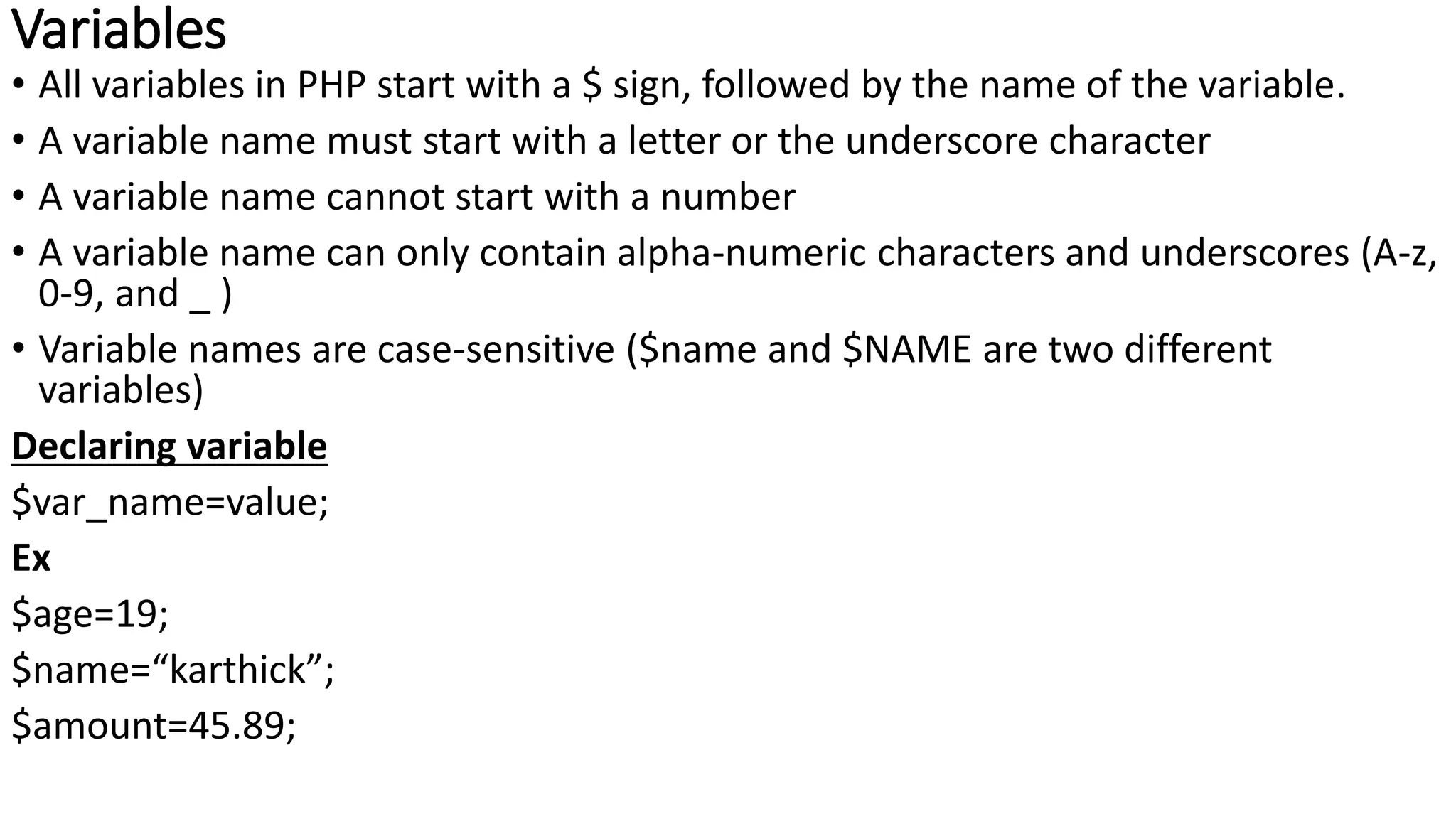
Variables
• All variables in PHP start with a $ sign, followed by the name of the variable.
• A variable name must start with a letter or the underscore character
• A variable name cannot start with a number
• A variable name can only contain alpha-numeric characters and underscores (A-z,
0-9, and _ )
• Variable names are case-sensitive ($name and $NAME are two different
variables)
Declaring variable
$var_name=value;
Ex
$age=19;
$name=“karthick”;
$amount=45.89;
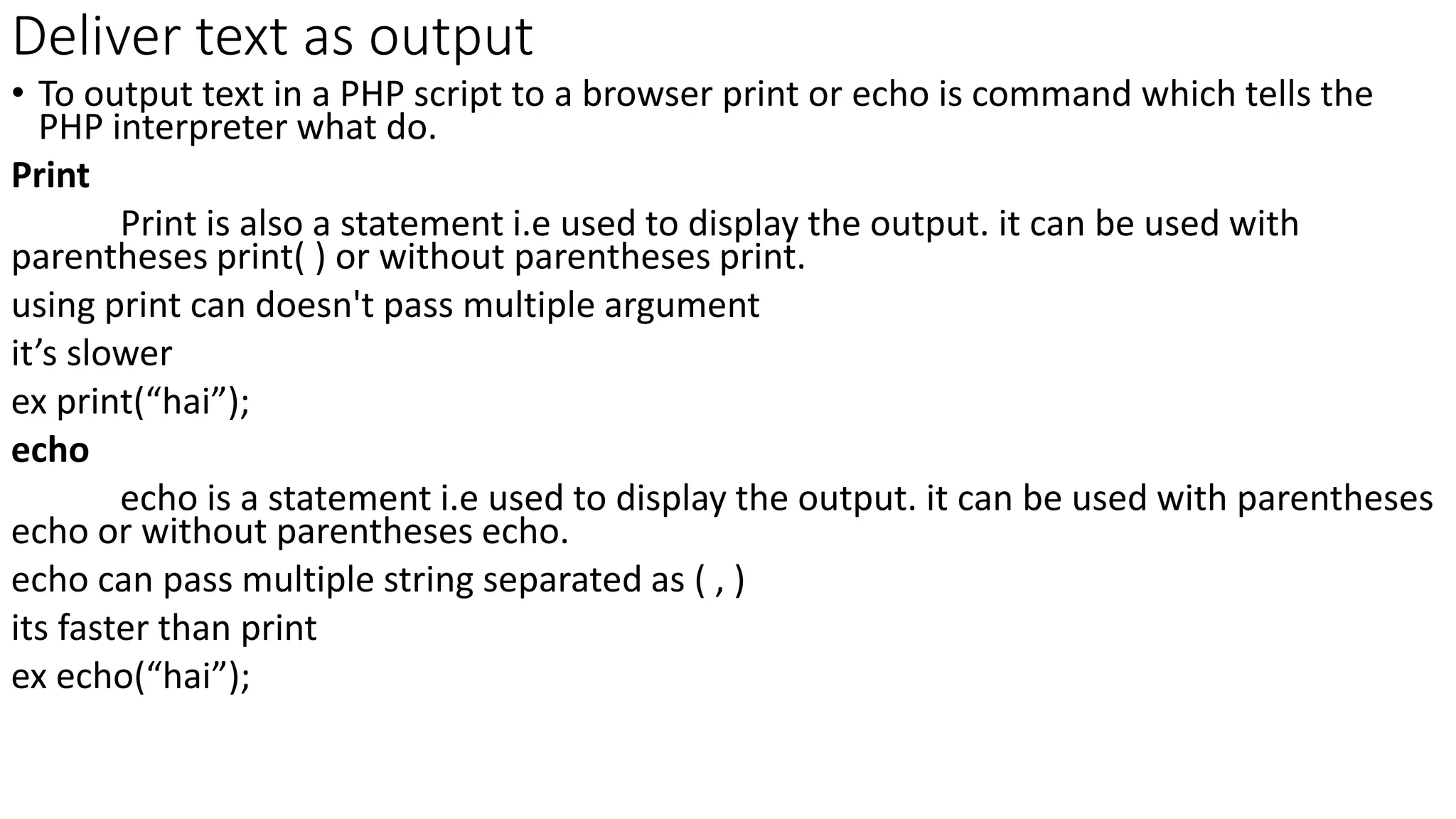
Deliver text as output
• To output text in a PHP script to a browser print or echo is command which tells the
PHP interpreter what do.
Print
Print is also a statement i.e used to display the output. it can be used with
parentheses print( ) or without parentheses print.
using print can doesn't pass multiple argument
it’s slower
ex print(“hai”);
echo
echo is a statement i.e used to display the output. it can be used with parentheses
echo or without parentheses echo.
echo can pass multiple string separated as ( , )
its faster than print
ex echo(“hai”);
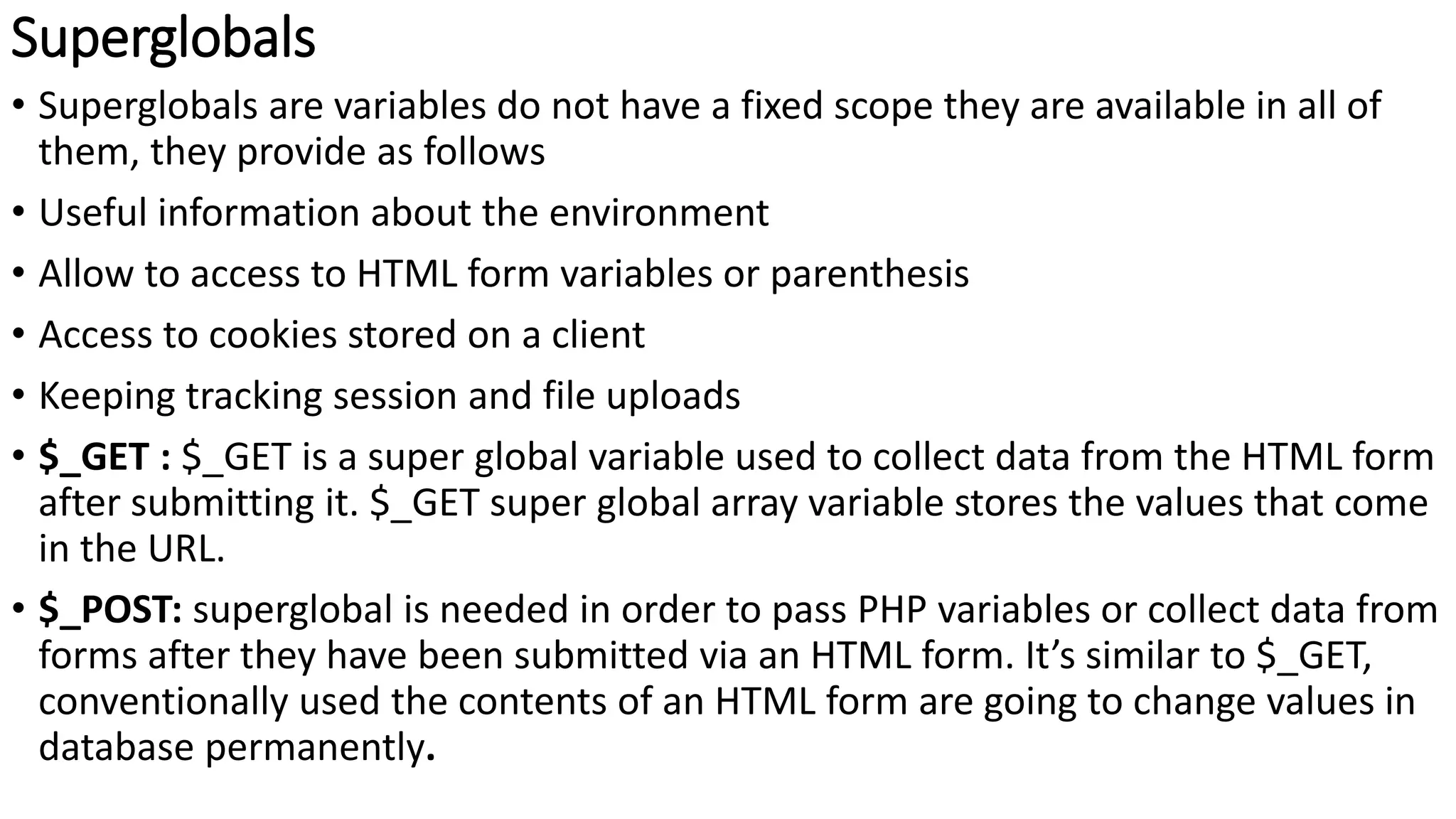
Superglobals
• Superglobals are variables do not have a fixed scope they are available in all of
them, they provide as follows
• Useful information about the environment
• Allow to access to HTML form variables or parenthesis
• Access to cookies stored on a client
• Keeping tracking session and file uploads
• $_GET : $_GET is a super global variable used to collect data from the HTML form
after submitting it. $_GET super global array variable stores the values that come
in the URL.
• $_POST: superglobal is needed in order to pass PHP variables or collect data from
forms after they have been submitted via an HTML form. It’s similar to $_GET,
conventionally used the contents of an HTML form are going to change values in
database permanently.
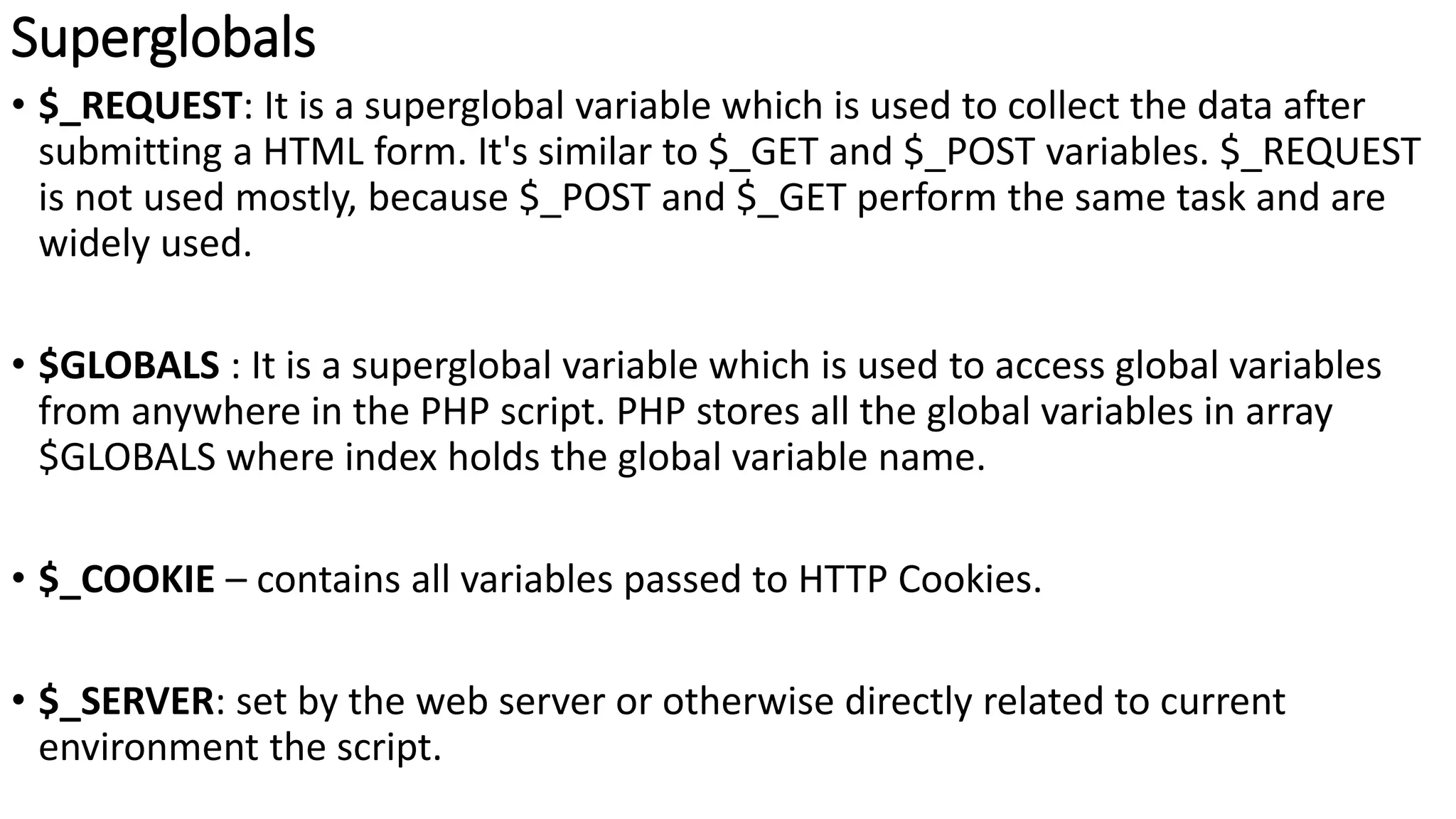
Superglobals
• $_REQUEST: It is a superglobal variable which is used to collect the data after
submitting a HTML form. It's similar to $_GET and $_POST variables. $_REQUEST
is not used mostly, because $_POST and $_GET perform the same task and are
widely used.
• $GLOBALS : It is a superglobal variable which is used to access global variables
from anywhere in the PHP script. PHP stores all the global variables in array
$GLOBALS where index holds the global variable name.
• $_COOKIE – contains all variables passed to HTTP Cookies.
• $_SERVER: set by the web server or otherwise directly related to current
environment the script.
Superglobals
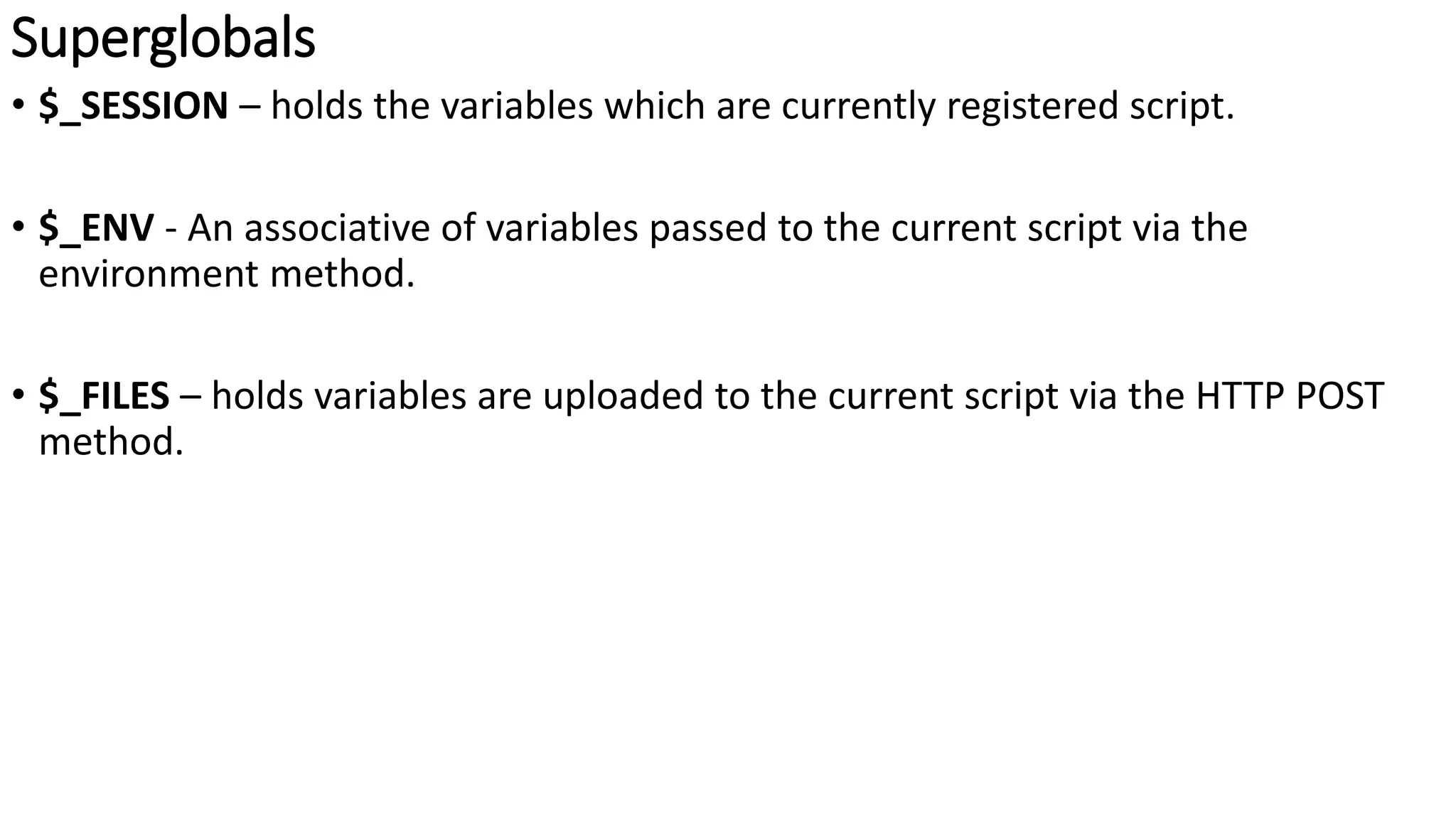
• $_SESSION – holds the variables which are currently registered script.
• $_ENV - An associative of variables passed to the current script via the
environment method.
• $_FILES – holds variables are uploaded to the current script via the HTTP POST
method.
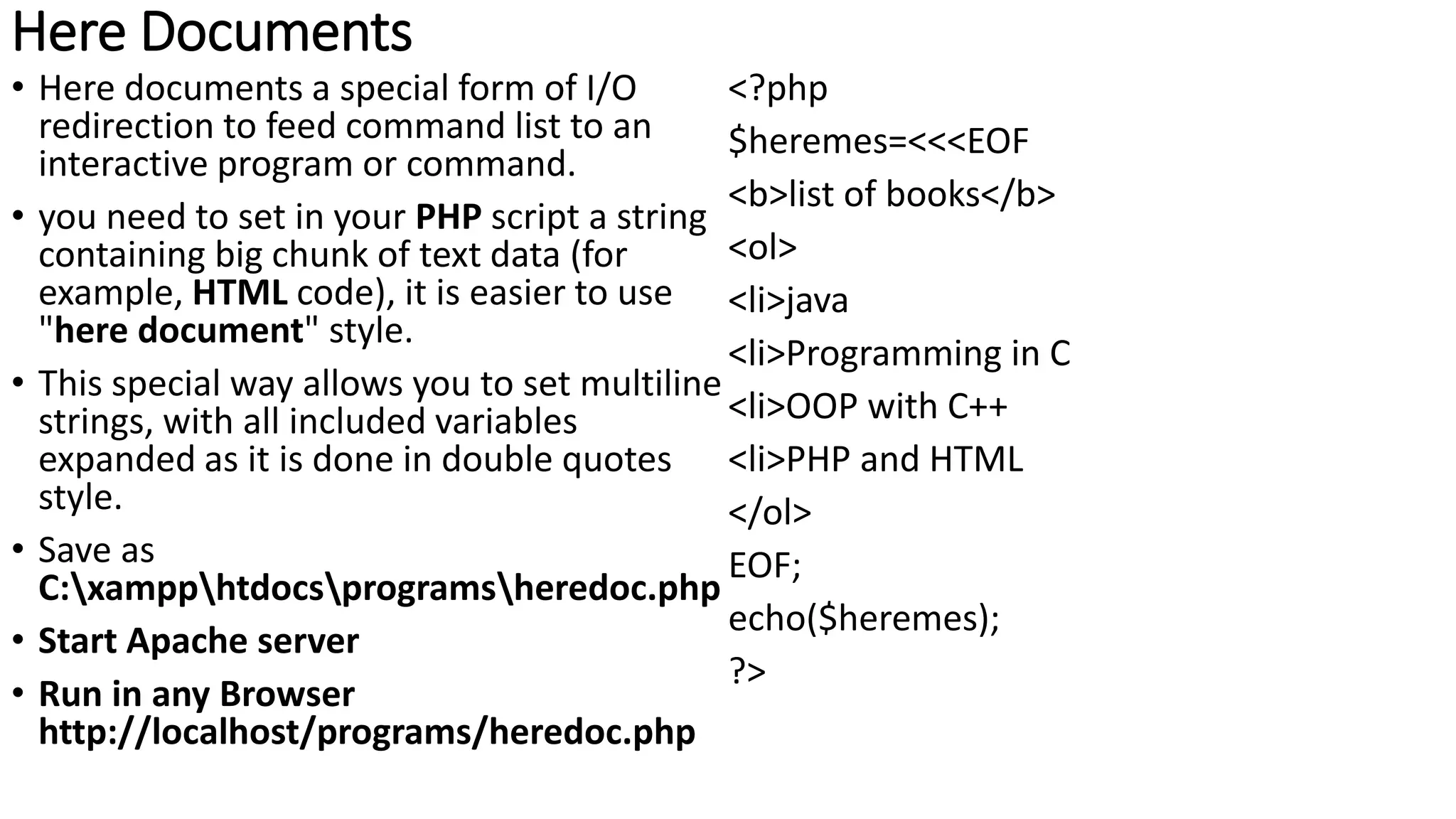
Here Documents
• Here documents a special form of I/O
redirection to feed command list to an
interactive program or command.
• you need to set in your PHP script a string
containing big chunk of text data (for
example, HTML code), it is easier to use
"here document" style.
• This special way allows you to set multiline
strings, with all included variables
expanded as it is done in double quotes
style.
• Save as
C:xampphtdocsprogramsheredoc.php
• Start Apache server
• Run in any Browser
http://localhost/programs/heredoc.php
<?php
$heremes=<<<EOF
<b>list of books</b>
<ol>
<li>java
<li>Programming in C
<li>OOP with C++
<li>PHP and HTML
</ol>
EOF;
echo($heremes);
?>
Operators
• Operators is any symbol used to perform an operation on a value. PHP operator
classified into
• Unary operator
• Binary operator
• Ternary operator
Unary operator
It works on only one operand
Operator Meaning Description
! Logical Negation True if the operand evaluates to false
False if the operand evaluates to true
~ Bitwise negation Bitwise representation
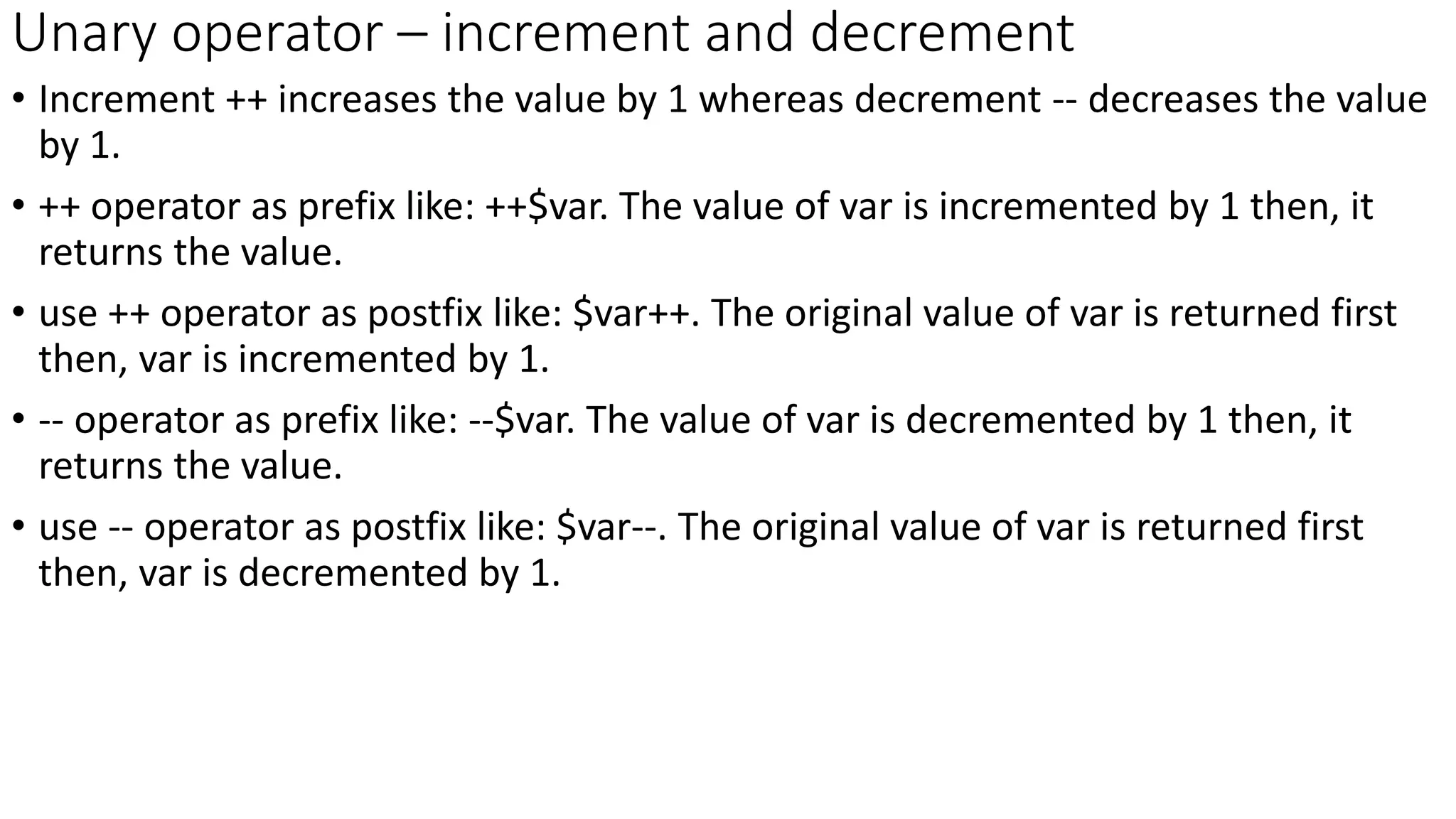
Unary operator – increment and decrement
• Increment ++ increases the value by 1 whereas decrement -- decreases the value
by 1.
• ++ operator as prefix like: ++$var. The value of var is incremented by 1 then, it
returns the value.
• use ++ operator as postfix like: $var++. The original value of var is returned first
then, var is incremented by 1.
• -- operator as prefix like: --$var. The value of var is decremented by 1 then, it
returns the value.
• use -- operator as postfix like: $var--. The original value of var is returned first
then, var is decremented by 1.
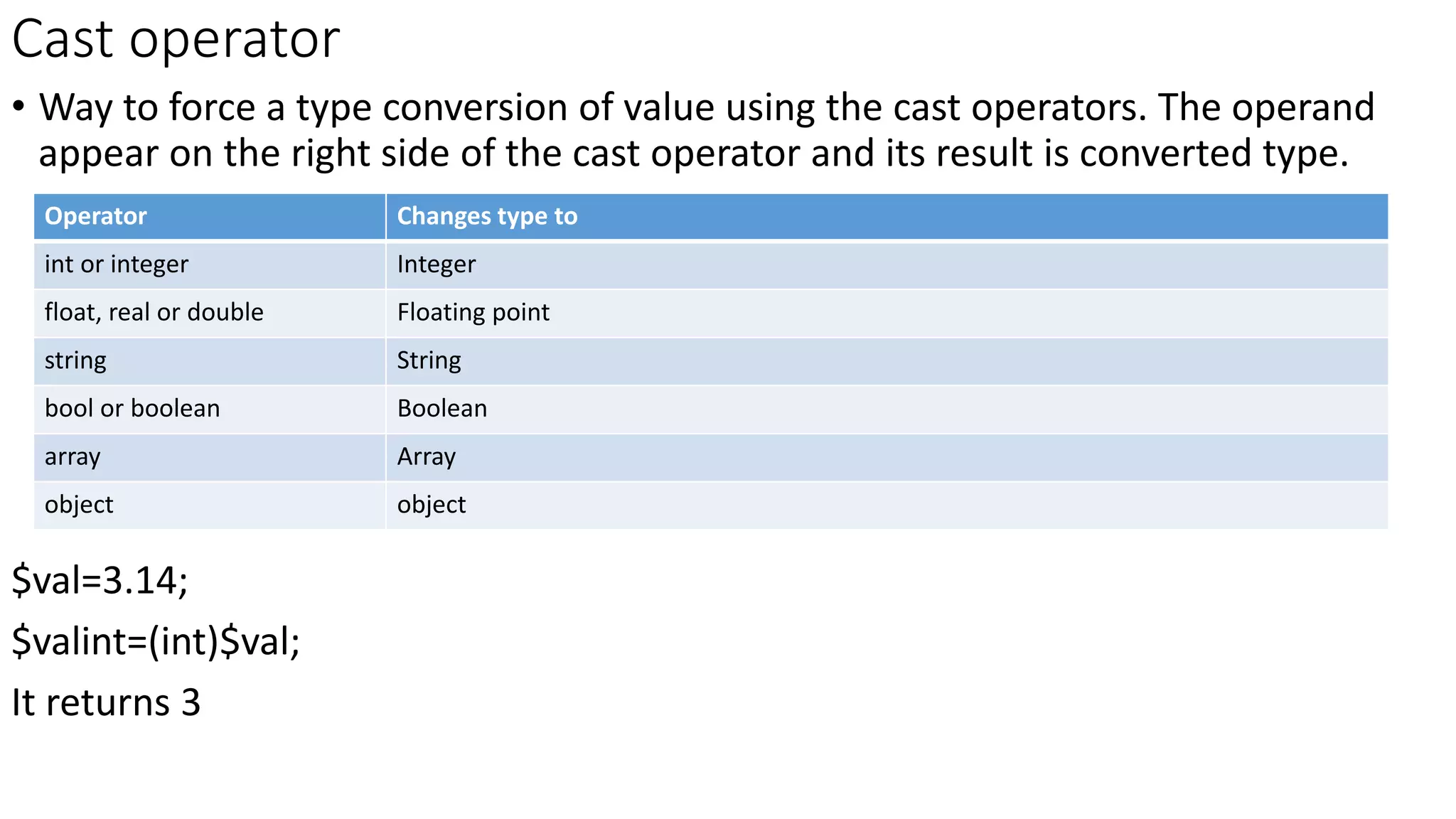
Cast operator
• Way to force a type conversion of value using the cast operators. The operand
appear on the right side of the cast operator and its result is converted type.
$val=3.14;
$valint=(int)$val;
It returns 3
Operator Changes type to
int or integer Integer
float, real or double Floating point
string String
bool or boolean Boolean
array Array
object object
Arithmetic Operator
• Here are following arithmetic operators supported by PHP language −Assume
variable A holds 10 and variable B holds 5 then −
Operator Description Example
+ Adds two operands $A + $B will give 15
- Subtracts second operand from the first $A - $B will give 5
* Multiply both operands $A * $B will give 50
/ Divide numerator by de-numerator $A / $B will give 2
% Modulus Operator and remainder of after an integer division $A % $B will give 0
++ Increment operator, increases integer value by one $A++ will give 11
-- Decrement operator, decreases integer value by one $A-- will give 9
Assignment operator
• The assignment operators are used to assign values result of an expression to a variable Assigns
values from right side operands to left side operand
Opera
tor
Description Example
= Simple assignment operator. $C = $A + $B will assign the value of $A + $B to $C
+= Add AND assignment operator. $C+= $A is equivalent to $C = $C + $A
-= Subtract AND assignment operator. $C -= $A is equivalent to $C = $C - $A
*= Multiply AND assignment operator. $C *= $A is equivalent to $C = $C * $A
/= Divide AND assignment operator. $C /= $A is equivalent to $C = $C / $A
%= Modulus AND assignment operator. $C %= $A is equivalent to $C = $C % $A
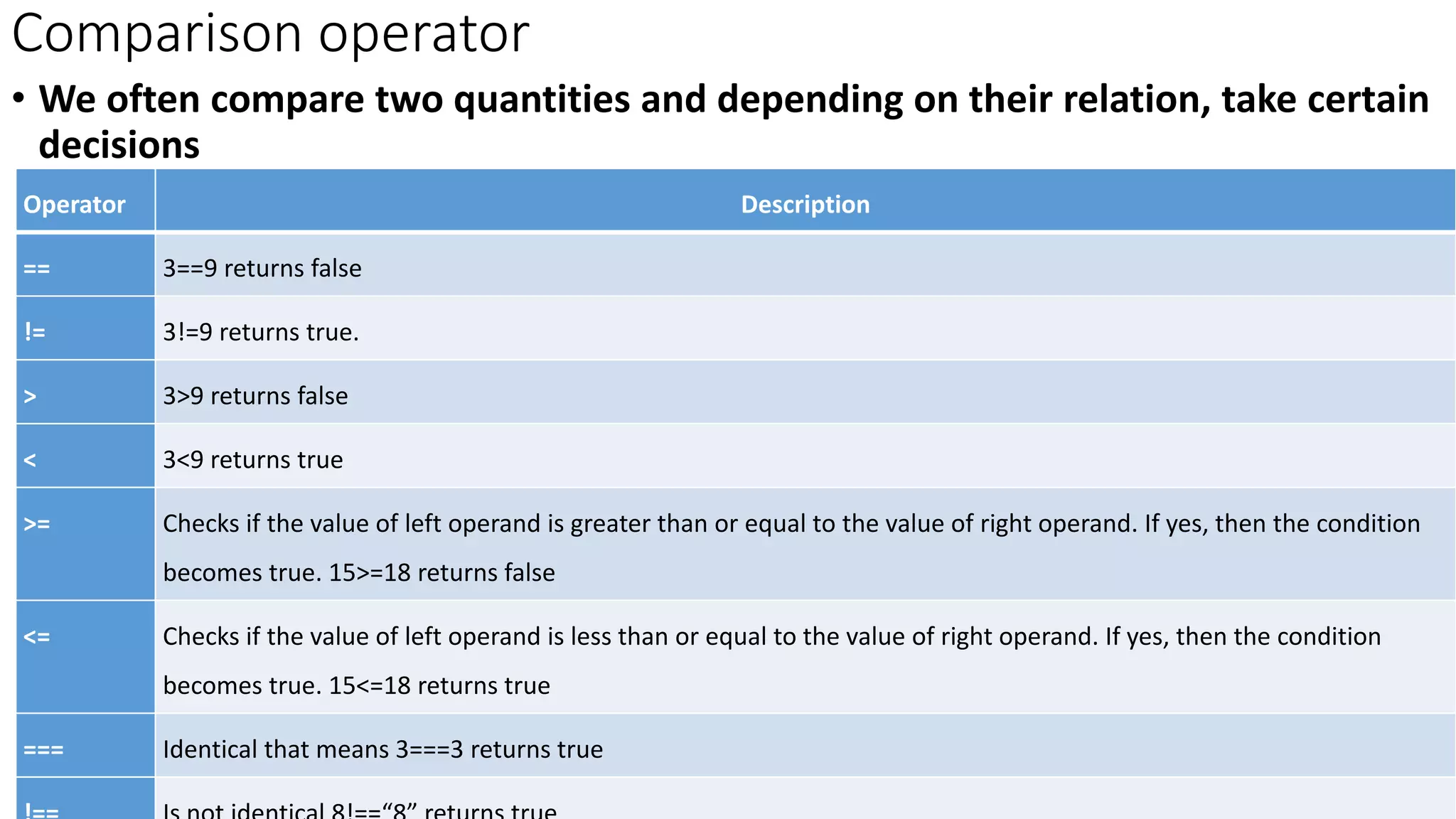
Comparison operator
• We often compare two quantities and depending on their relation, take certain
decisions
Operator Description
== 3==9 returns false
!= 3!=9 returns true.
> 3>9 returns false
< 3<9 returns true
>= Checks if the value of left operand is greater than or equal to the value of right operand. If yes, then the condition
becomes true. 15>=18 returns false
<= Checks if the value of left operand is less than or equal to the value of right operand. If yes, then the condition
becomes true. 15<=18 returns true
=== Identical that means 3===3 returns true
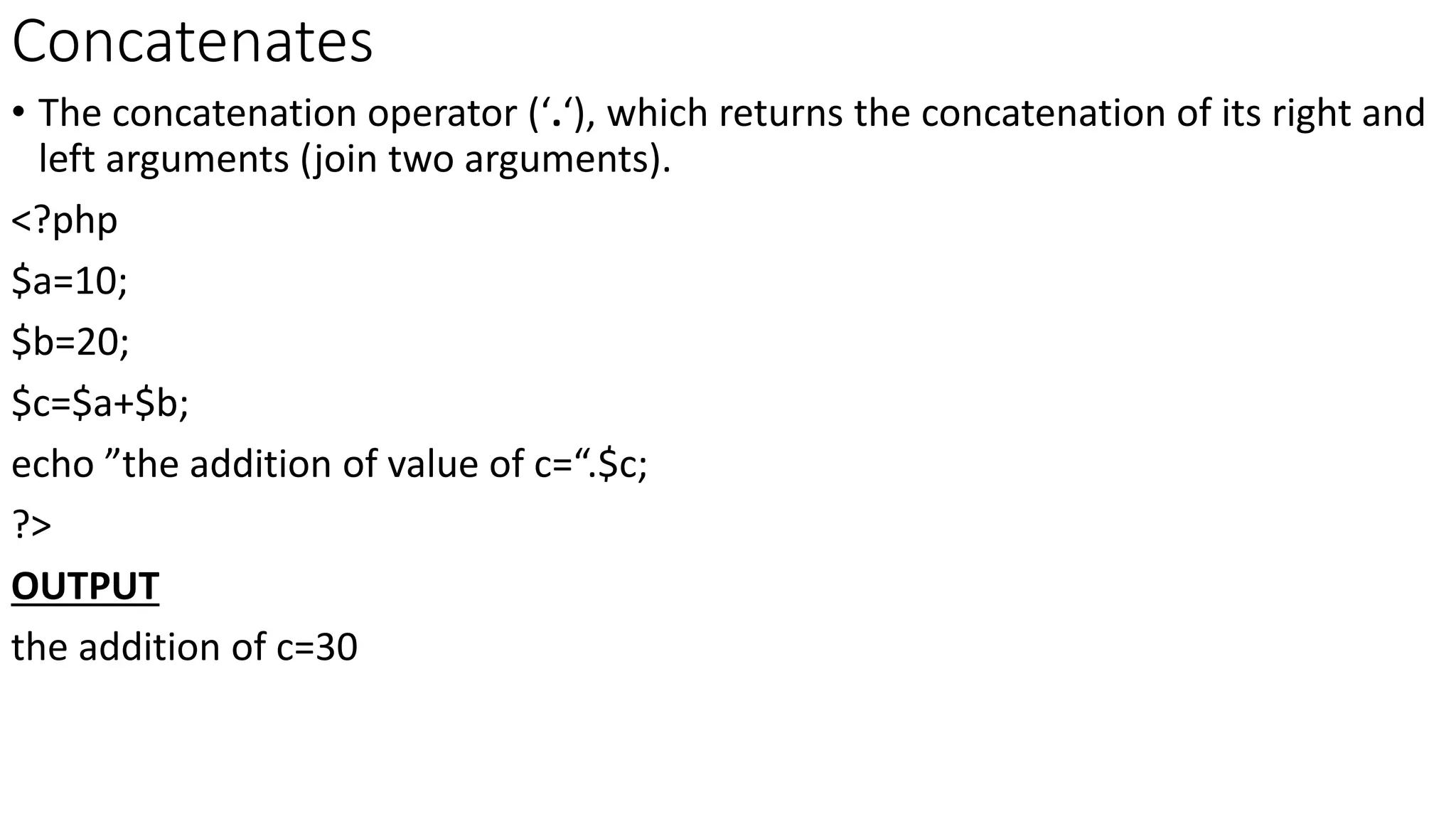
Concatenates
• The concatenation operator (‘.‘), which returns the concatenation of its right and
left arguments (join two arguments).
<?php
$a=10;
$b=20;
$c=$a+$b;
echo ”the addition of value of c=“.$c;
?>
OUTPUT
the addition of c=30
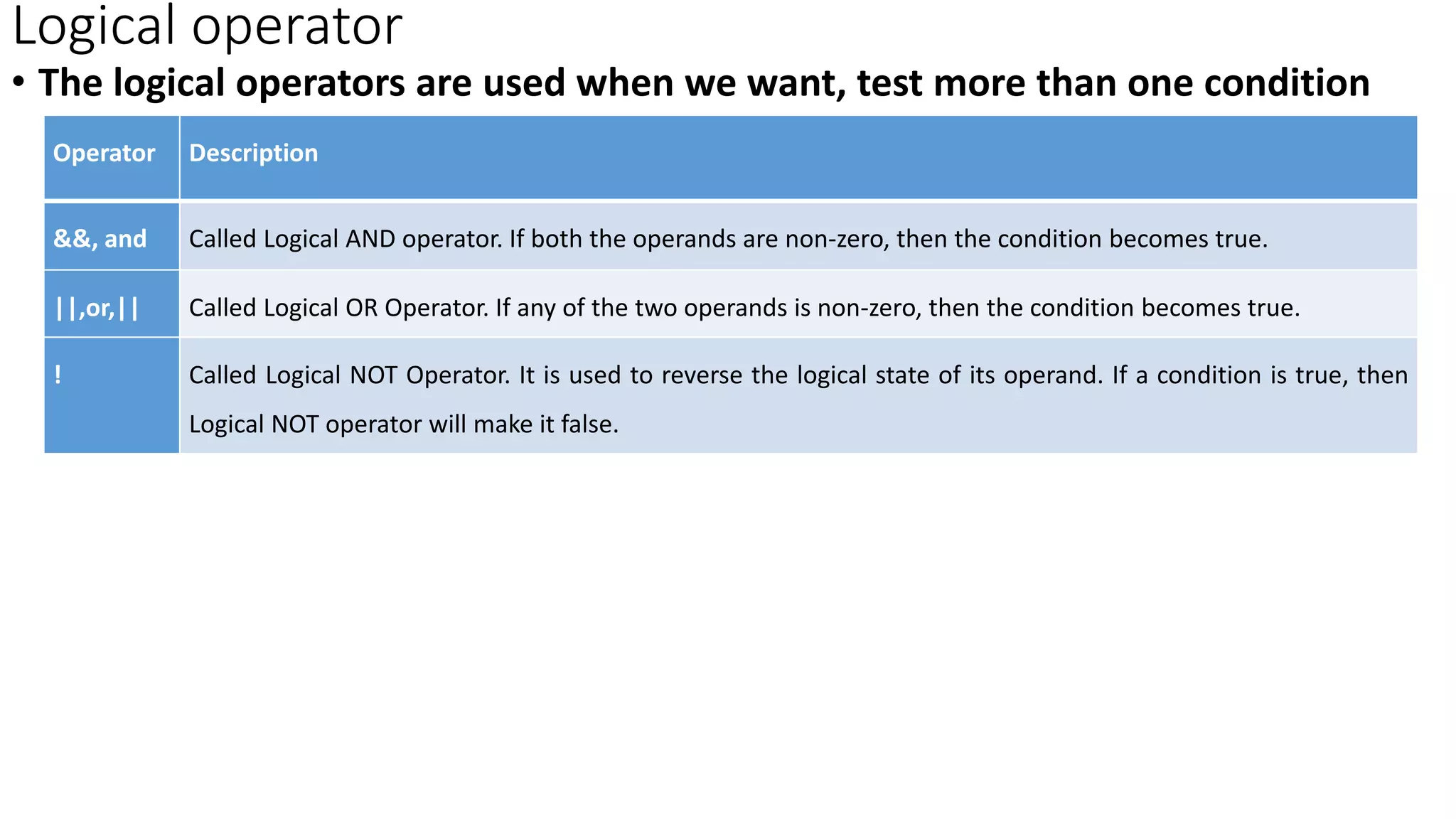
Logical operator
• The logical operators are used when we want, test more than one condition
Operator Description
&&, and Called Logical AND operator. If both the operands are non-zero, then the condition becomes true.
||,or,|| Called Logical OR Operator. If any of the two operands is non-zero, then the condition becomes true.
! Called Logical NOT Operator. It is used to reverse the logical state of its operand. If a condition is true, then
Logical NOT operator will make it false.
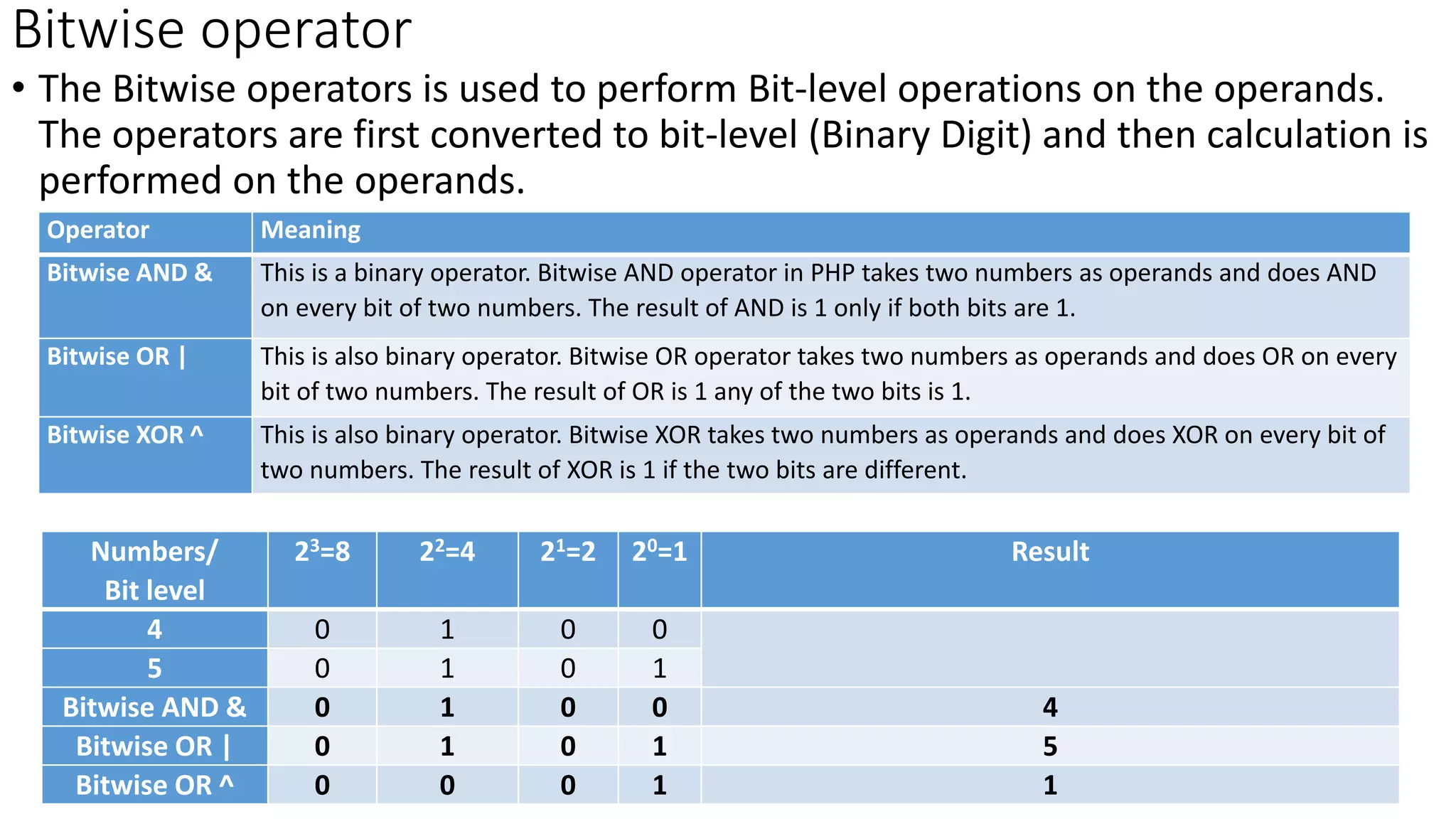
Bitwise operator
• The Bitwise operators is used to perform Bit-level operations on the operands.
The operators are first converted to bit-level (Binary Digit) and then calculation is
performed on the operands.
Operator Meaning
Bitwise AND & This is a binary operator. Bitwise AND operator in PHP takes two numbers as operands and does AND
on every bit of two numbers. The result of AND is 1 only if both bits are 1.
Bitwise OR | This is also binary operator. Bitwise OR operator takes two numbers as operands and does OR on every
bit of two numbers. The result of OR is 1 any of the two bits is 1.
Bitwise XOR ^ This is also binary operator. Bitwise XOR takes two numbers as operands and does XOR on every bit of
two numbers. The result of XOR is 1 if the two bits are different.
Numbers/
Bit level
23=8 22=4 21=2 20=1 Result
4 0 1 0 0
5 0 1 0 1
Bitwise AND & 0 1 0 0 4
Bitwise OR | 0 1 0 1 5
Bitwise OR ^ 0 0 0 1 1
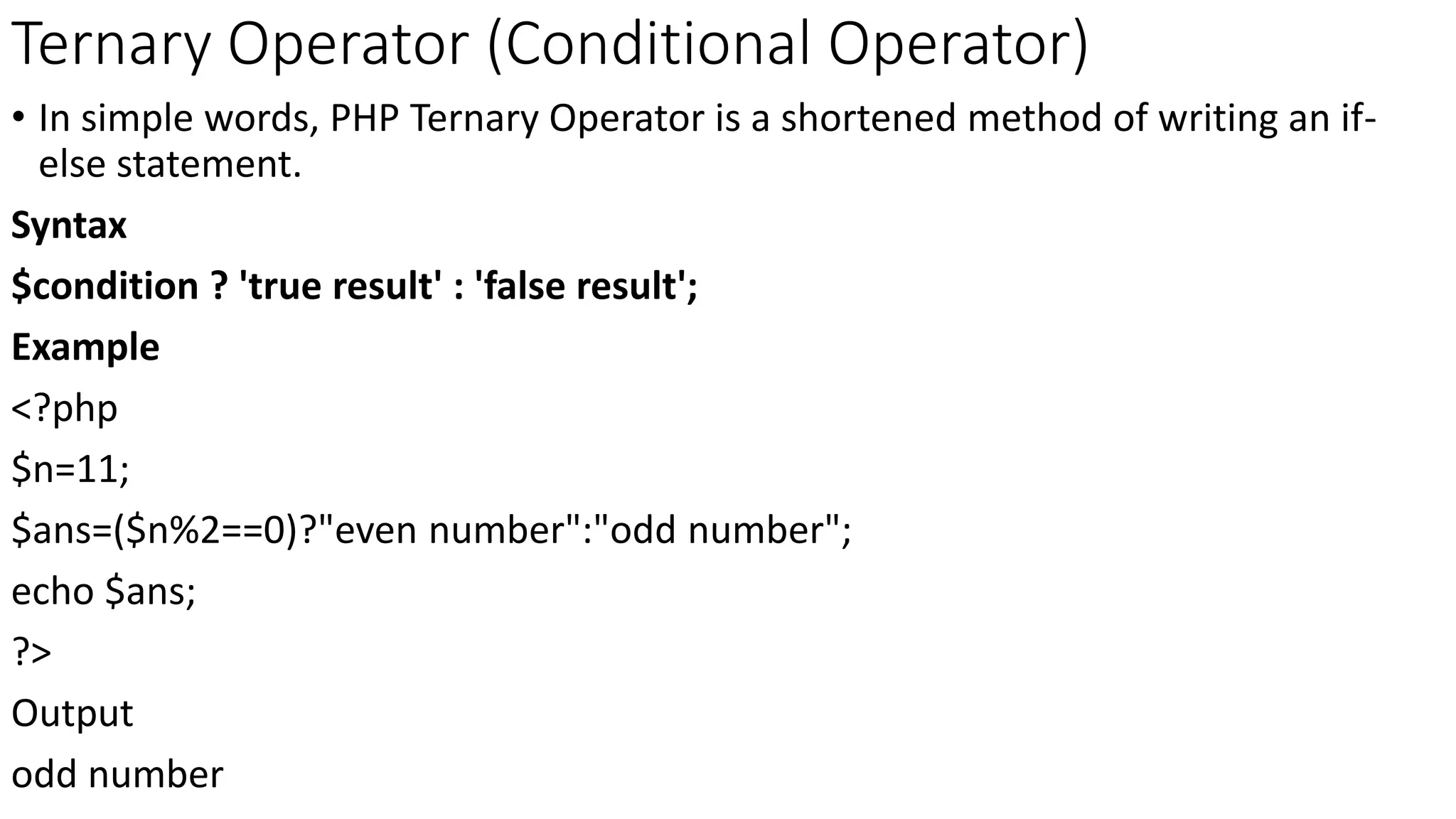
Ternary Operator (Conditional Operator)
• In simple words, PHP Ternary Operator is a shortened method of writing an if-
else statement.
Syntax
$condition ? 'true result' : 'false result';
Example
<?php
$n=11;
$ans=($n%2==0)?"even number":"odd number";
echo $ans;
?>
Output
odd number
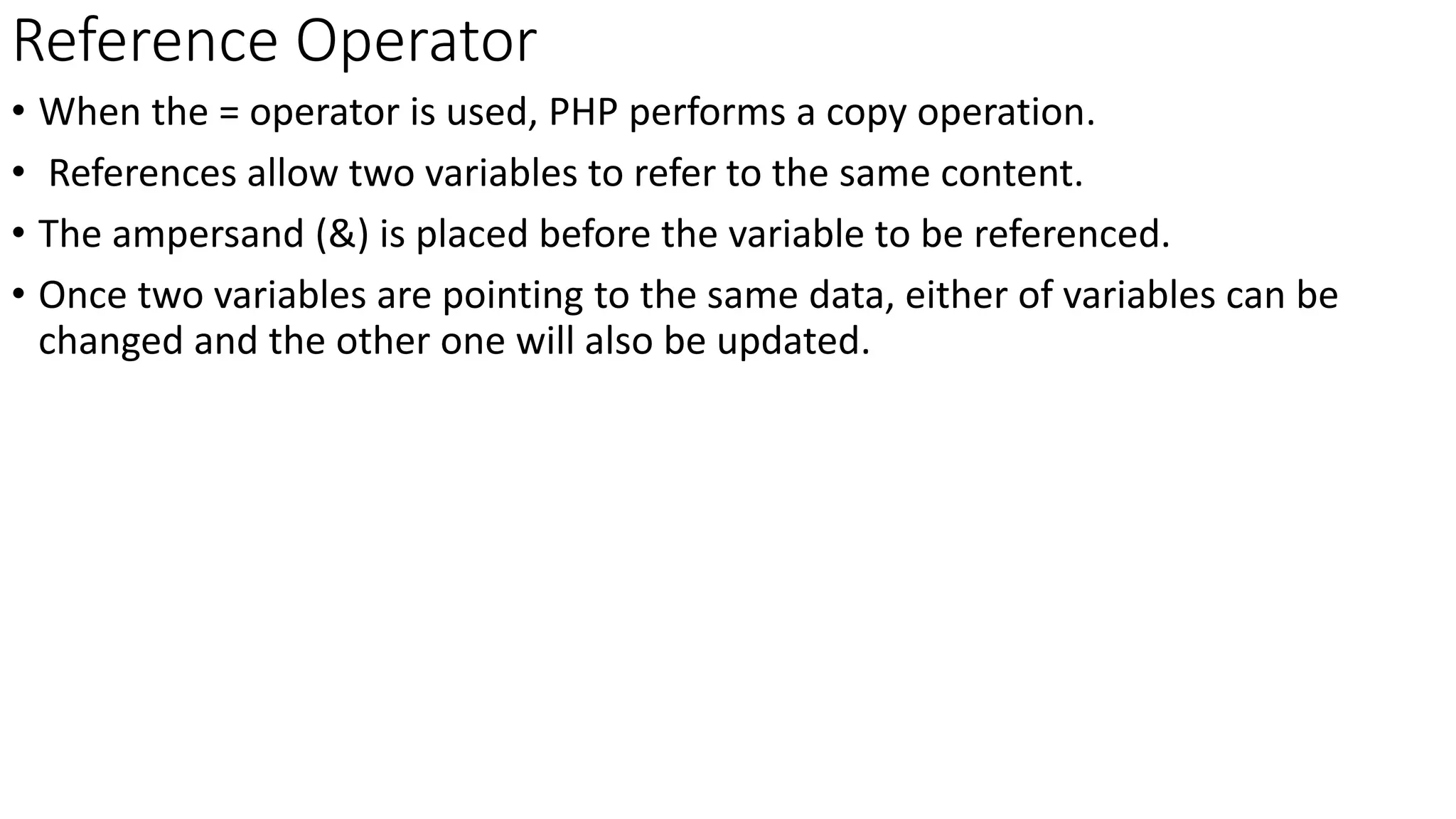
Reference Operator
• When the = operator is used, PHP performs a copy operation.
• References allow two variables to refer to the same content.
• The ampersand (&) is placed before the variable to be referenced.
• Once two variables are pointing to the same data, either of variables can be
changed and the other one will also be updated.
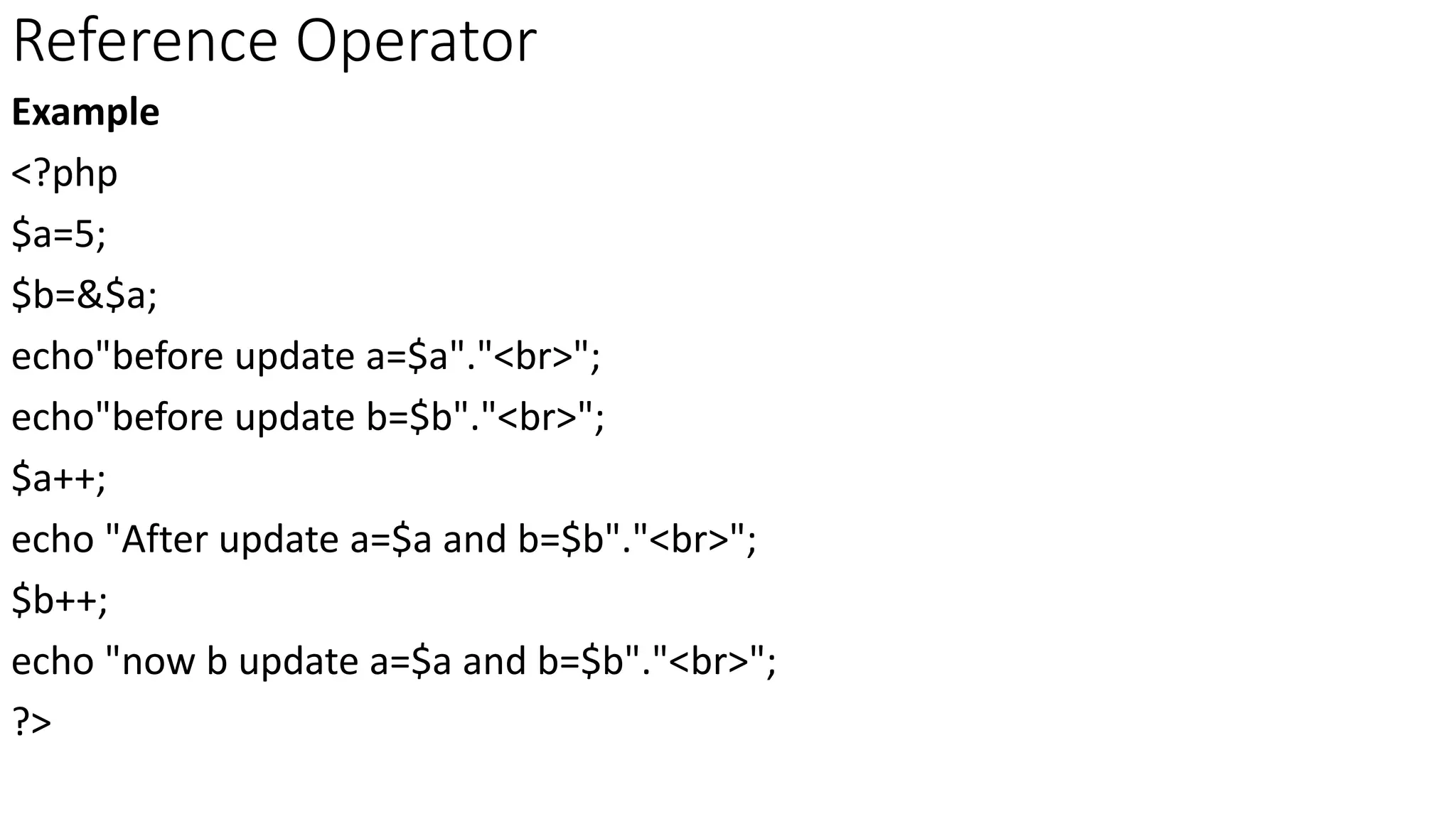
Reference Operator
Example
<?php
$a=5;
$b=&$a;
echo"before update a=$a"."<br>";
echo"before update b=$b"."<br>";
$a++;
echo "After update a=$a and b=$b"."<br>";
$b++;
echo "now b update a=$a and b=$b"."<br>";
?>
Thank you

PHP Basics

  • 1.
    WEB PROGRAMMING PHP Basics S.MuthuganeshM.Sc.,B.Ed Assistant Professor Department of Computer Science Vivekananda College Tiruvedakam West ganesh01muthu@gmail.com
  • 2.
    Comments • Giving thename of the program, the author and other details, which the programmer would like to use. • Its not executed part and its only for one who looking at the code. Syntax // This is the first programme (Single line Comments //) # Declaring Variable (Single line Comments #) /*this is block comment Placed over two or more Lines*/ (Multiple line comments /*………*/)
  • 3.
    Constants • A constantis an identifier (name) for a simple value. As the name suggests, that value cannot change during the execution of the script. A constant is case- sensitive by default should follow the variables rules to define a constant. There is no need $(dollar symbol). Syntax define(“<constantname>”,<expr> [,<casesensitive>]); Example define(“stringcons”,”hai welcome”); define(“intcons”,2000); define(“pi”,3.14);
  • 4.
    Data types • PHPhas several types, all holds specific class of information. String Strings are sequences of characters that are always internally NULL terminated. There is no limit to size Ex $str=”hai how are you?”; Integer It holds whole numbers, it can be specified in decimal (base 10), hexadecimal (base 16 - prefixed with 0x) or octal (base 8 - prefixed with 0) notation, optionally preceded by a sign (- or +). There is a maximum limit from -2147483647(-231) to +2147483647(+231). Float Floating point numbers that holds high integer values or fractional numbers Ex $pi=3.14;
  • 5.
    Data types Boolean Booleans arelike a switch it has only two possible values either 1 (true) or 0 (false). Arrays An array is a variable that can hold more than one value at a time. It is useful to aggregate a series of related items together. Ex $weekdays=(“Sunday”,”Monday”,”Tuesday”); Objects Object variable are complex variables that holds own properties and methods for accessing or manipulating their content. Resource A resource is a special variable that hold anything that is not PHP data. Resource variables typically hold special handlers to opened files and database connections.
  • 6.
    Variables • All variablesin PHP start with a $ sign, followed by the name of the variable. • A variable name must start with a letter or the underscore character • A variable name cannot start with a number • A variable name can only contain alpha-numeric characters and underscores (A-z, 0-9, and _ ) • Variable names are case-sensitive ($name and $NAME are two different variables) Declaring variable $var_name=value; Ex $age=19; $name=“karthick”; $amount=45.89;
  • 7.
    Deliver text asoutput • To output text in a PHP script to a browser print or echo is command which tells the PHP interpreter what do. Print Print is also a statement i.e used to display the output. it can be used with parentheses print( ) or without parentheses print. using print can doesn't pass multiple argument it’s slower ex print(“hai”); echo echo is a statement i.e used to display the output. it can be used with parentheses echo or without parentheses echo. echo can pass multiple string separated as ( , ) its faster than print ex echo(“hai”);
  • 8.
    Superglobals • Superglobals arevariables do not have a fixed scope they are available in all of them, they provide as follows • Useful information about the environment • Allow to access to HTML form variables or parenthesis • Access to cookies stored on a client • Keeping tracking session and file uploads • $_GET : $_GET is a super global variable used to collect data from the HTML form after submitting it. $_GET super global array variable stores the values that come in the URL. • $_POST: superglobal is needed in order to pass PHP variables or collect data from forms after they have been submitted via an HTML form. It’s similar to $_GET, conventionally used the contents of an HTML form are going to change values in database permanently.
  • 9.
    Superglobals • $_REQUEST: Itis a superglobal variable which is used to collect the data after submitting a HTML form. It's similar to $_GET and $_POST variables. $_REQUEST is not used mostly, because $_POST and $_GET perform the same task and are widely used. • $GLOBALS : It is a superglobal variable which is used to access global variables from anywhere in the PHP script. PHP stores all the global variables in array $GLOBALS where index holds the global variable name. • $_COOKIE – contains all variables passed to HTTP Cookies. • $_SERVER: set by the web server or otherwise directly related to current environment the script.
  • 10.
    Superglobals • $_SESSION –holds the variables which are currently registered script. • $_ENV - An associative of variables passed to the current script via the environment method. • $_FILES – holds variables are uploaded to the current script via the HTTP POST method.
  • 11.
    Here Documents • Heredocuments a special form of I/O redirection to feed command list to an interactive program or command. • you need to set in your PHP script a string containing big chunk of text data (for example, HTML code), it is easier to use "here document" style. • This special way allows you to set multiline strings, with all included variables expanded as it is done in double quotes style. • Save as C:xampphtdocsprogramsheredoc.php • Start Apache server • Run in any Browser http://localhost/programs/heredoc.php <?php $heremes=<<<EOF <b>list of books</b> <ol> <li>java <li>Programming in C <li>OOP with C++ <li>PHP and HTML </ol> EOF; echo($heremes); ?>
  • 12.
    Operators • Operators isany symbol used to perform an operation on a value. PHP operator classified into • Unary operator • Binary operator • Ternary operator Unary operator It works on only one operand Operator Meaning Description ! Logical Negation True if the operand evaluates to false False if the operand evaluates to true ~ Bitwise negation Bitwise representation
  • 13.
    Unary operator –increment and decrement • Increment ++ increases the value by 1 whereas decrement -- decreases the value by 1. • ++ operator as prefix like: ++$var. The value of var is incremented by 1 then, it returns the value. • use ++ operator as postfix like: $var++. The original value of var is returned first then, var is incremented by 1. • -- operator as prefix like: --$var. The value of var is decremented by 1 then, it returns the value. • use -- operator as postfix like: $var--. The original value of var is returned first then, var is decremented by 1.
  • 14.
    Cast operator • Wayto force a type conversion of value using the cast operators. The operand appear on the right side of the cast operator and its result is converted type. $val=3.14; $valint=(int)$val; It returns 3 Operator Changes type to int or integer Integer float, real or double Floating point string String bool or boolean Boolean array Array object object
  • 15.
    Arithmetic Operator • Hereare following arithmetic operators supported by PHP language −Assume variable A holds 10 and variable B holds 5 then − Operator Description Example + Adds two operands $A + $B will give 15 - Subtracts second operand from the first $A - $B will give 5 * Multiply both operands $A * $B will give 50 / Divide numerator by de-numerator $A / $B will give 2 % Modulus Operator and remainder of after an integer division $A % $B will give 0 ++ Increment operator, increases integer value by one $A++ will give 11 -- Decrement operator, decreases integer value by one $A-- will give 9
  • 16.
    Assignment operator • Theassignment operators are used to assign values result of an expression to a variable Assigns values from right side operands to left side operand Opera tor Description Example = Simple assignment operator. $C = $A + $B will assign the value of $A + $B to $C += Add AND assignment operator. $C+= $A is equivalent to $C = $C + $A -= Subtract AND assignment operator. $C -= $A is equivalent to $C = $C - $A *= Multiply AND assignment operator. $C *= $A is equivalent to $C = $C * $A /= Divide AND assignment operator. $C /= $A is equivalent to $C = $C / $A %= Modulus AND assignment operator. $C %= $A is equivalent to $C = $C % $A
  • 17.
    Comparison operator • Weoften compare two quantities and depending on their relation, take certain decisions Operator Description == 3==9 returns false != 3!=9 returns true. > 3>9 returns false < 3<9 returns true >= Checks if the value of left operand is greater than or equal to the value of right operand. If yes, then the condition becomes true. 15>=18 returns false <= Checks if the value of left operand is less than or equal to the value of right operand. If yes, then the condition becomes true. 15<=18 returns true === Identical that means 3===3 returns true
  • 18.
    Concatenates • The concatenationoperator (‘.‘), which returns the concatenation of its right and left arguments (join two arguments). <?php $a=10; $b=20; $c=$a+$b; echo ”the addition of value of c=“.$c; ?> OUTPUT the addition of c=30
  • 19.
    Logical operator • Thelogical operators are used when we want, test more than one condition Operator Description &&, and Called Logical AND operator. If both the operands are non-zero, then the condition becomes true. ||,or,|| Called Logical OR Operator. If any of the two operands is non-zero, then the condition becomes true. ! Called Logical NOT Operator. It is used to reverse the logical state of its operand. If a condition is true, then Logical NOT operator will make it false.
  • 20.
    Bitwise operator • TheBitwise operators is used to perform Bit-level operations on the operands. The operators are first converted to bit-level (Binary Digit) and then calculation is performed on the operands. Operator Meaning Bitwise AND & This is a binary operator. Bitwise AND operator in PHP takes two numbers as operands and does AND on every bit of two numbers. The result of AND is 1 only if both bits are 1. Bitwise OR | This is also binary operator. Bitwise OR operator takes two numbers as operands and does OR on every bit of two numbers. The result of OR is 1 any of the two bits is 1. Bitwise XOR ^ This is also binary operator. Bitwise XOR takes two numbers as operands and does XOR on every bit of two numbers. The result of XOR is 1 if the two bits are different. Numbers/ Bit level 23=8 22=4 21=2 20=1 Result 4 0 1 0 0 5 0 1 0 1 Bitwise AND & 0 1 0 0 4 Bitwise OR | 0 1 0 1 5 Bitwise OR ^ 0 0 0 1 1
  • 21.
    Ternary Operator (ConditionalOperator) • In simple words, PHP Ternary Operator is a shortened method of writing an if- else statement. Syntax $condition ? 'true result' : 'false result'; Example <?php $n=11; $ans=($n%2==0)?"even number":"odd number"; echo $ans; ?> Output odd number
  • 22.
    Reference Operator • Whenthe = operator is used, PHP performs a copy operation. • References allow two variables to refer to the same content. • The ampersand (&) is placed before the variable to be referenced. • Once two variables are pointing to the same data, either of variables can be changed and the other one will also be updated.
  • 23.
    Reference Operator Example <?php $a=5; $b=&$a; echo"before updatea=$a"."<br>"; echo"before update b=$b"."<br>"; $a++; echo "After update a=$a and b=$b"."<br>"; $b++; echo "now b update a=$a and b=$b"."<br>"; ?>
  • 24.