www.webstackacademy.com
Selectors and Events
jQuery
www.webstackacademy.comwww.webstackacademy.com
Selectors in jQuery
(Manipulating HTML elements easily)
www.webstackacademy.com
Introduction to selectors
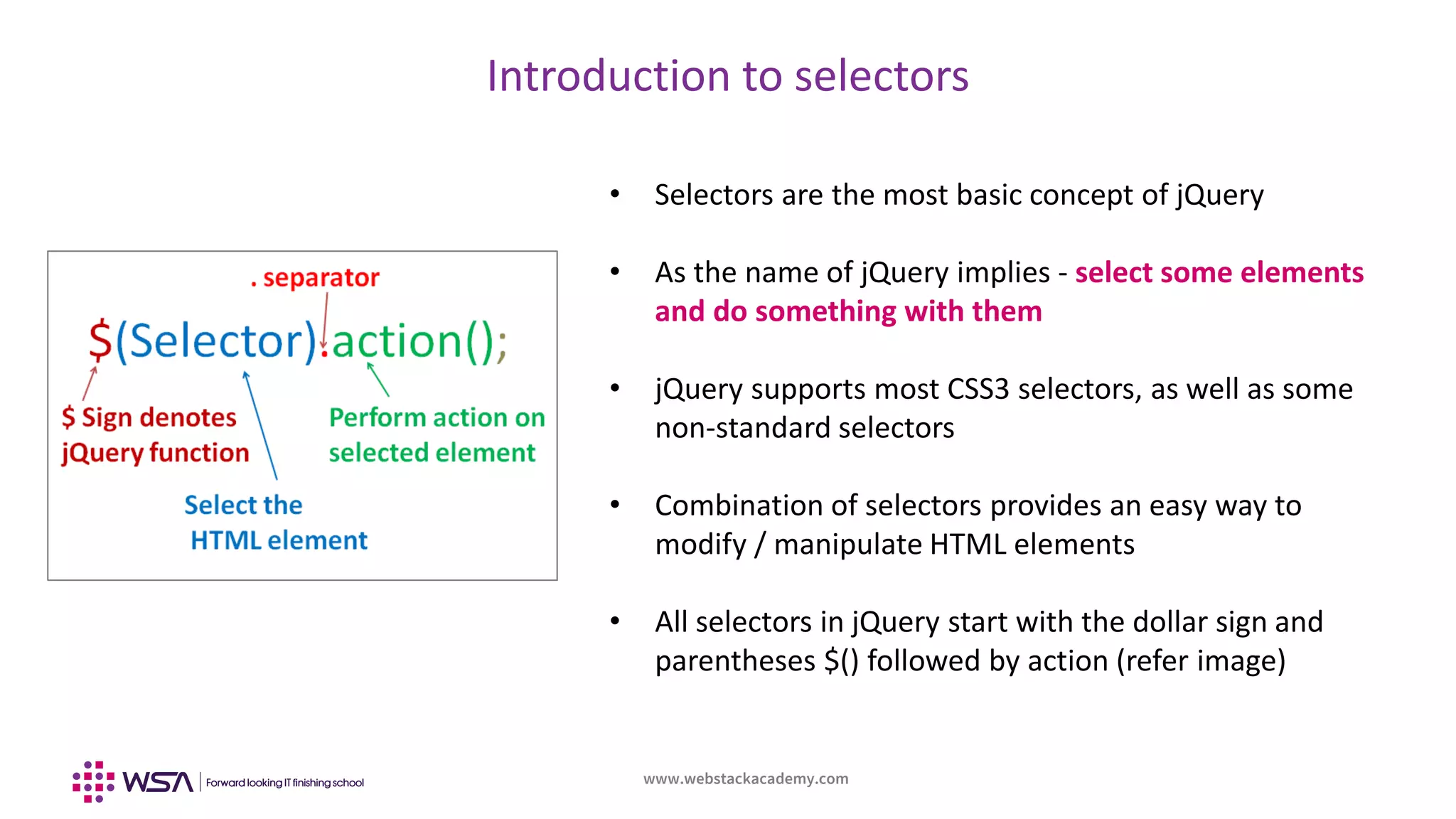
• Selectors are the most basic concept of jQuery
• As the name of jQuery implies - select some elements
and do something with them
• jQuery supports most CSS3 selectors, as well as some
non-standard selectors
• Combination of selectors provides an easy way to
modify / manipulate HTML elements
• All selectors in jQuery start with the dollar sign and
parentheses $() followed by action (refer image)
www.webstackacademy.com
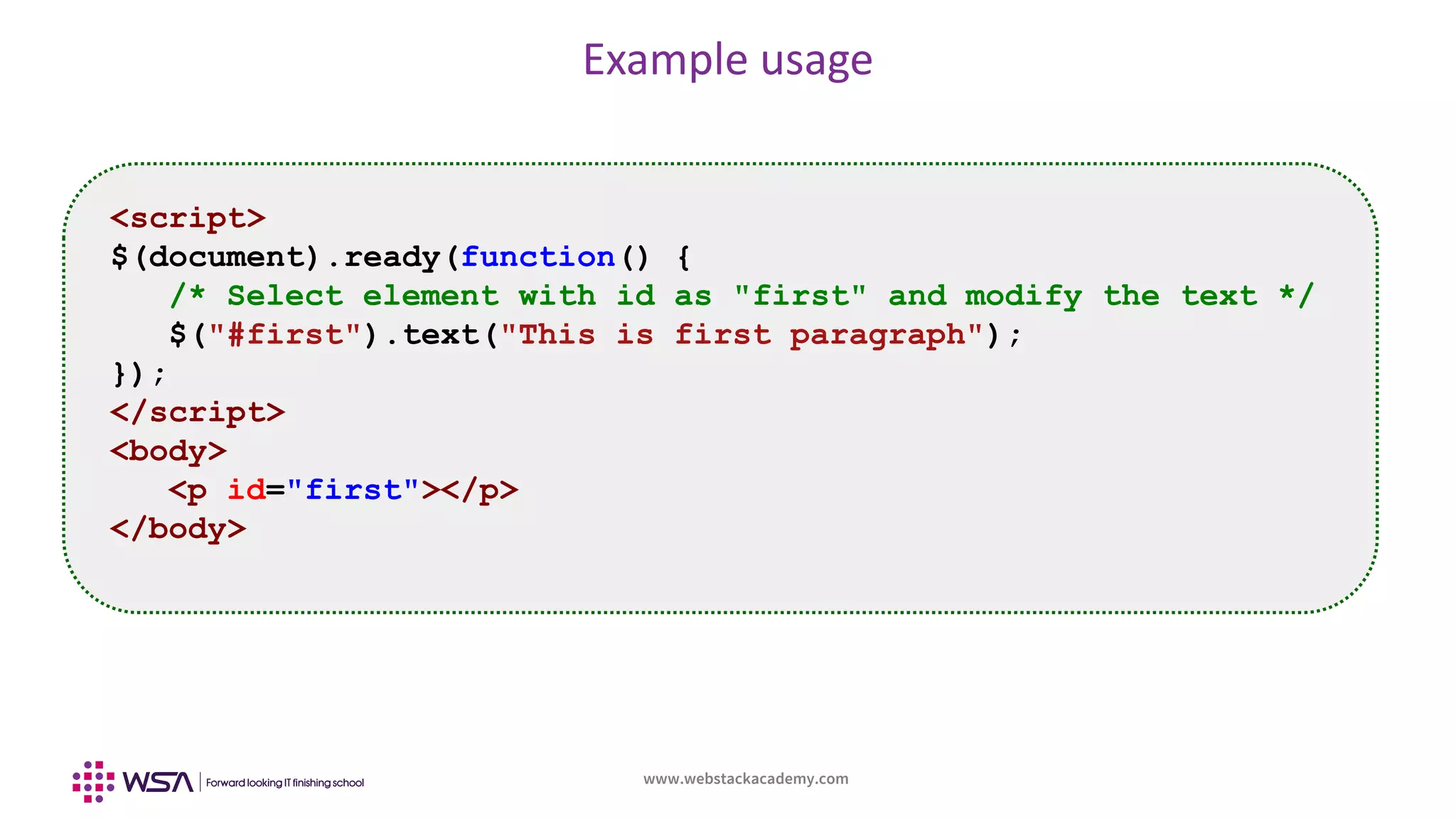
Example usage
<script>
$(document).ready(function() {
/* Select element with id as "first" and modify the text */
$("#first").text("This is first paragraph");
});
</script>
<body>
<p id="first"></p>
</body>
www.webstackacademy.com
Element selectors
Selector Description
$("*") Selects all elements
$("#id") Selects an element having identifier as id
$(".class-name") Selects element with class as class-name
$("p:first") Selects first element in a paragraph
$("ul li:first") Selects the first <li> element of the first <ul>
$("[href]") Selects all elements with an href attribute
$(":button") Selects all <button> elements and <input> elements of type="button"
$("tr:even") Selects all even <tr> elements
$("tr:odd") Selects all odd <tr> elements
$("div:gt(2)") All div elements except the first three
www.webstackacademy.comwww.webstackacademy.com
Event handling using jQuery
(Handling various events)
www.webstackacademy.com
Event handling using jQuery
• Events play important role in bringing interactivity with users
• Many peripherals (ex: mouse) can be the source of events
• Upon events appropriate handling need to be done, which is called Event Handling
• In vanilla JavaScript event handling was done by implementing methods in HTML element
itself
• jQuery provides better facility to handle them by de-coupling from HTML
• Selectors are combined with actions on a particular event
www.webstackacademy.com
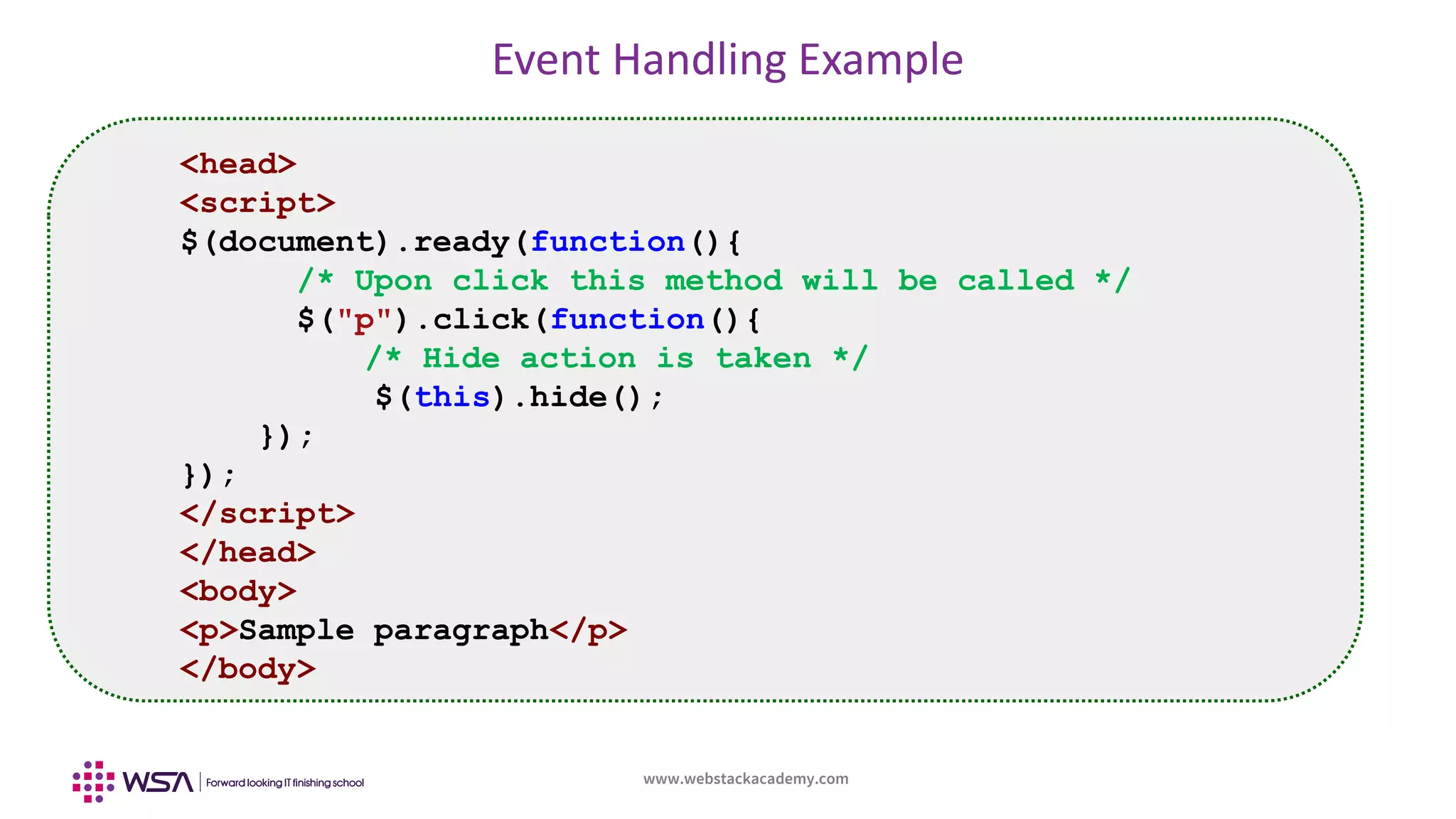
Event Handling Example
<head>
<script>
$(document).ready(function(){
/* Upon click this method will be called */
$("p").click(function(){
/* Hide action is taken */
$(this).hide();
});
});
</script>
</head>
<body>
<p>Sample paragraph</p>
</body>
www.webstackacademy.com
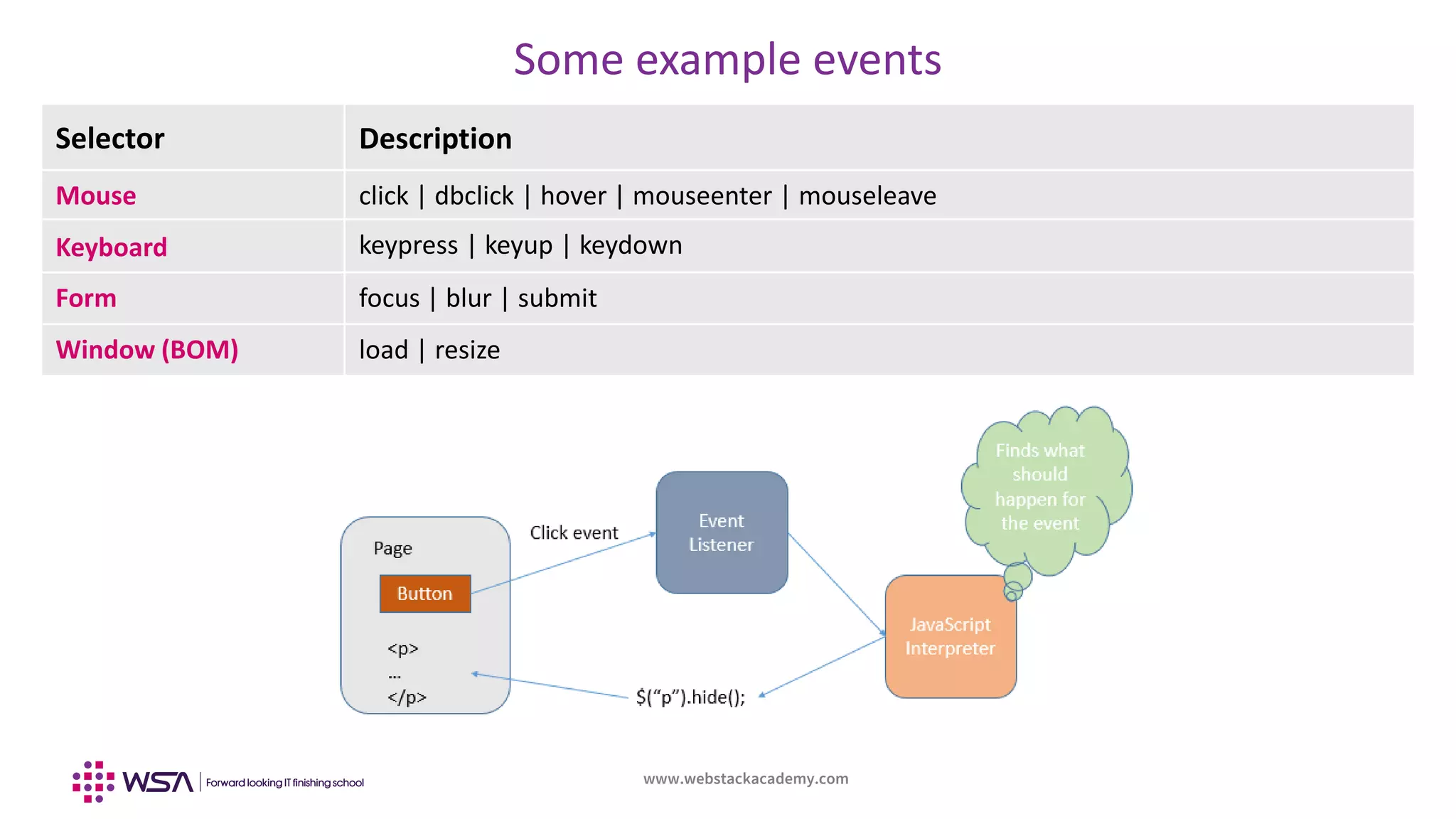
Some example events
Selector Description
Mouse click | dbclick | hover | mouseenter | mouseleave
Keyboard keypress | keyup | keydown
Form focus | blur | submit
Window (BOM) load | resize
www.webstackacademy.com
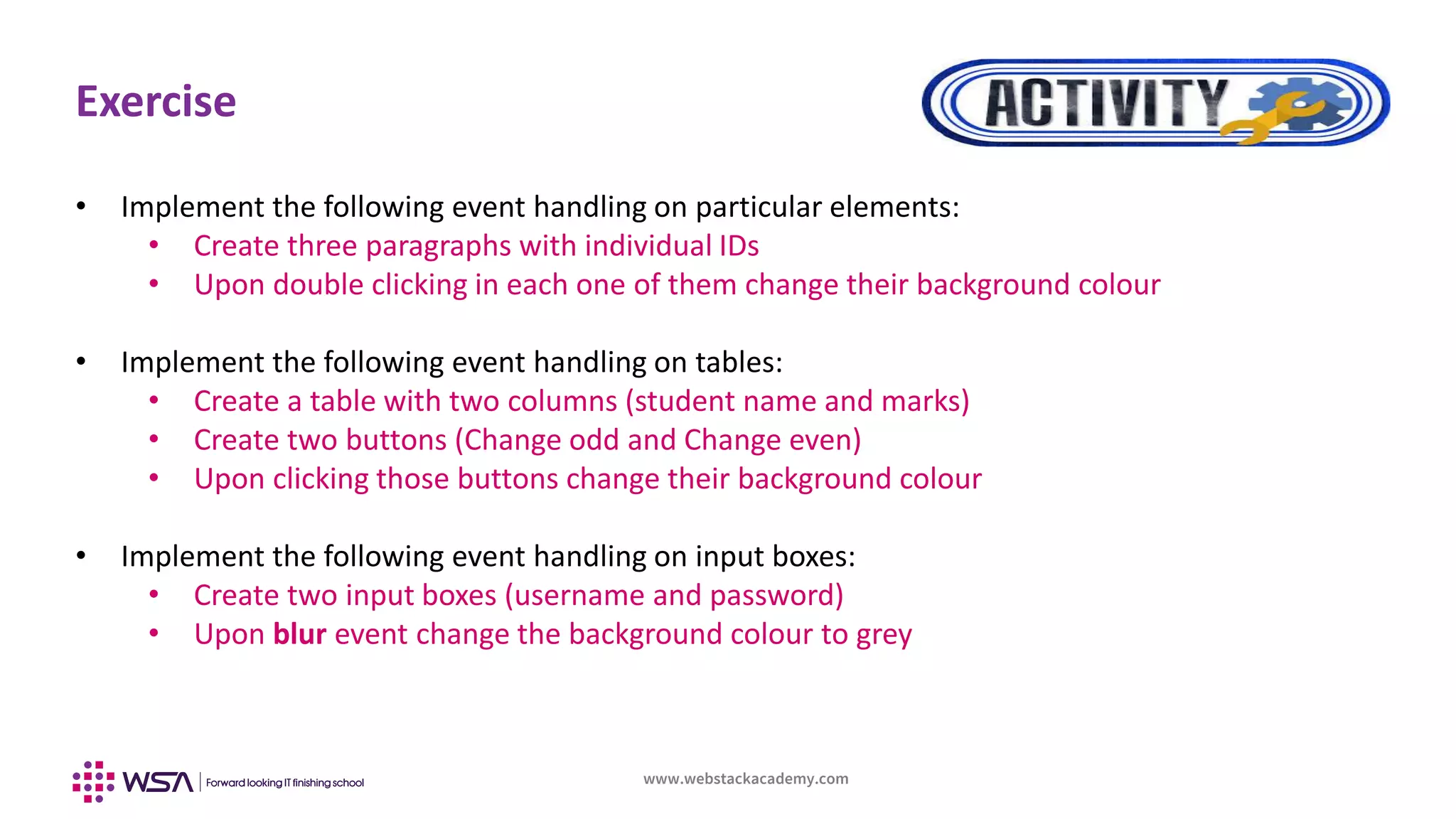
Exercise
• Implement the following event handling on particular elements:
• Create three paragraphs with individual IDs
• Upon double clicking in each one of them change their background colour
• Implement the following event handling on tables:
• Create a table with two columns (student name and marks)
• Create two buttons (Change odd and Change even)
• Upon clicking those buttons change their background colour
• Implement the following event handling on input boxes:
• Create two input boxes (username and password)
• Upon blur event change the background colour to grey
www.webstackacademy.com
WebStack Academy
#83, Farah Towers,
1st Floor, MG Road,
Bangalore – 560001
M: +91-809 555 7332
E: training@webstackacademy.com
WSA in Social Media:

jQuery -Chapter 2 - Selectors and Events