Introduzione a
firebird 3.x
Fabio Codebue
Firebird Foundation
Committe Member
Features and changes from 2.5.x
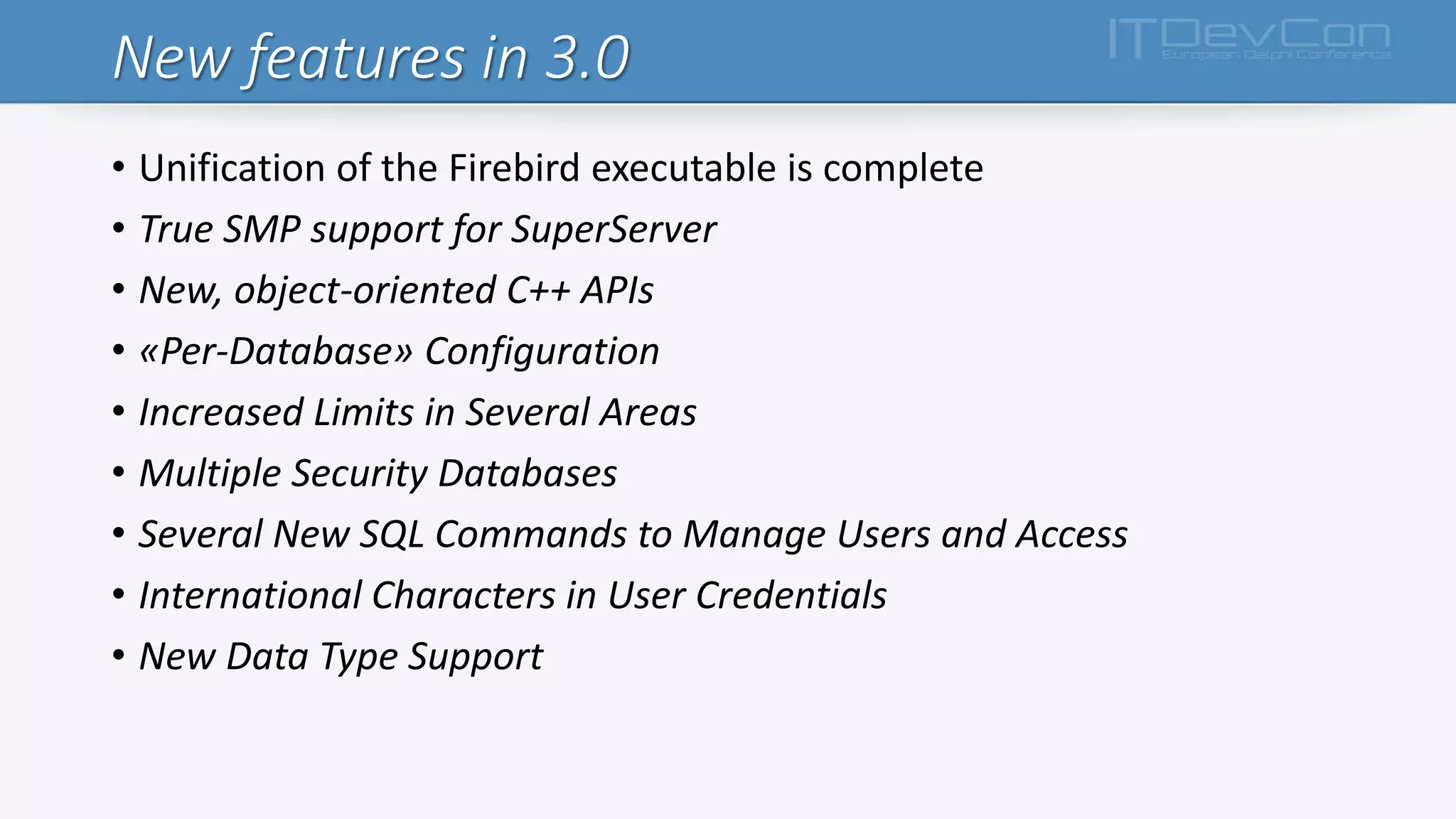
New features in 3.0
• Unification of the Firebird executable is complete
• True SMP support for SuperServer
• New, object-oriented C++ APIs
• «Per-Database» Configuration
• Increased Limits in Several Areas
• Multiple Security Databases
• Several New SQL Commands to Manage Users and Access
• International Characters in User Credentials
• New Data Type Support
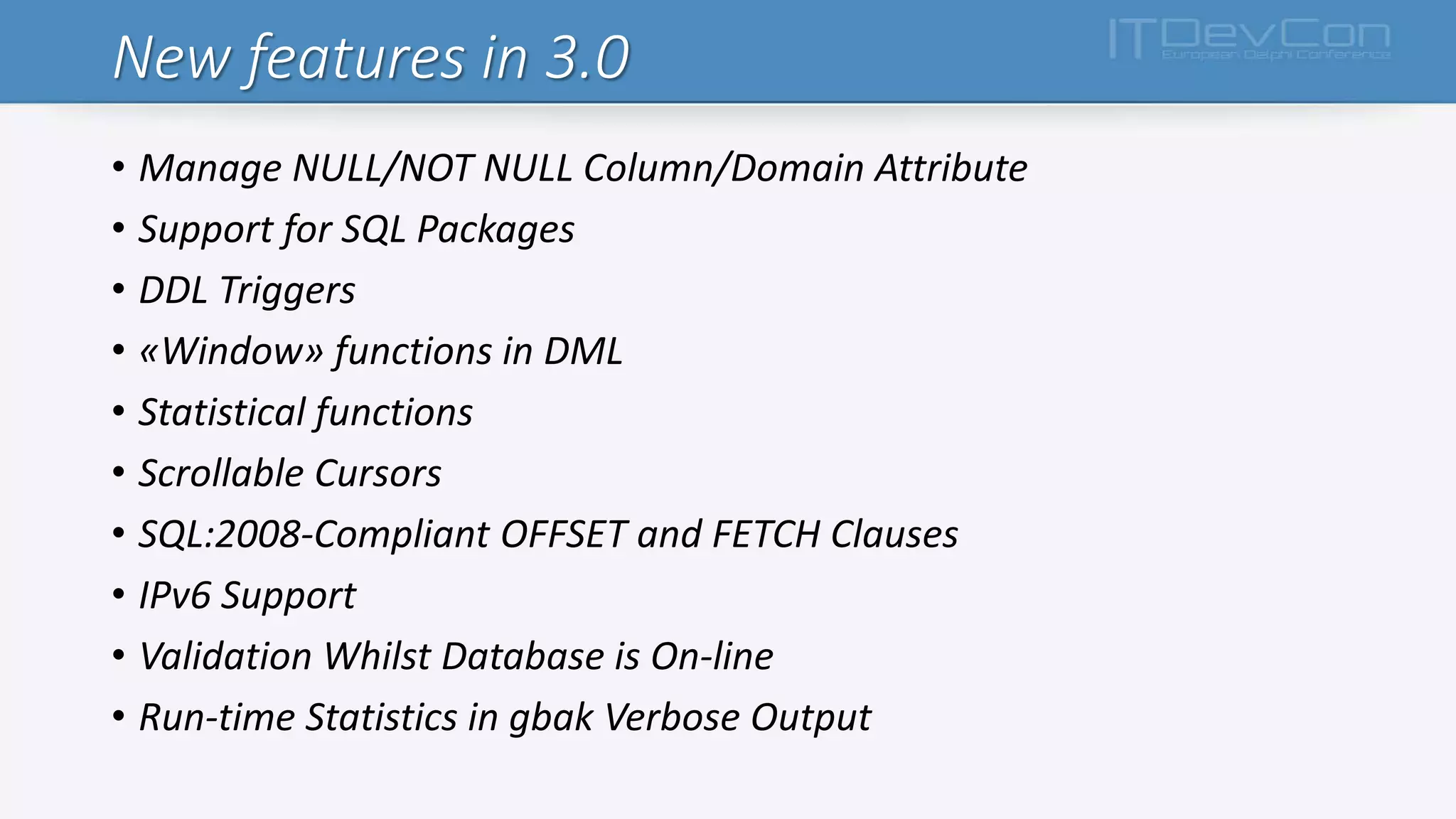
New features in 3.0
• Manage NULL/NOT NULL Column/Domain Attribute
• Support for SQL Packages
• DDL Triggers
• «Window» functions in DML
• Statistical functions
• Scrollable Cursors
• SQL:2008-Compliant OFFSET and FETCH Clauses
• IPv6 Support
• Validation Whilst Database is On-line
• Run-time Statistics in gbak Verbose Output
Changes in database engine
Changes in firebird engine
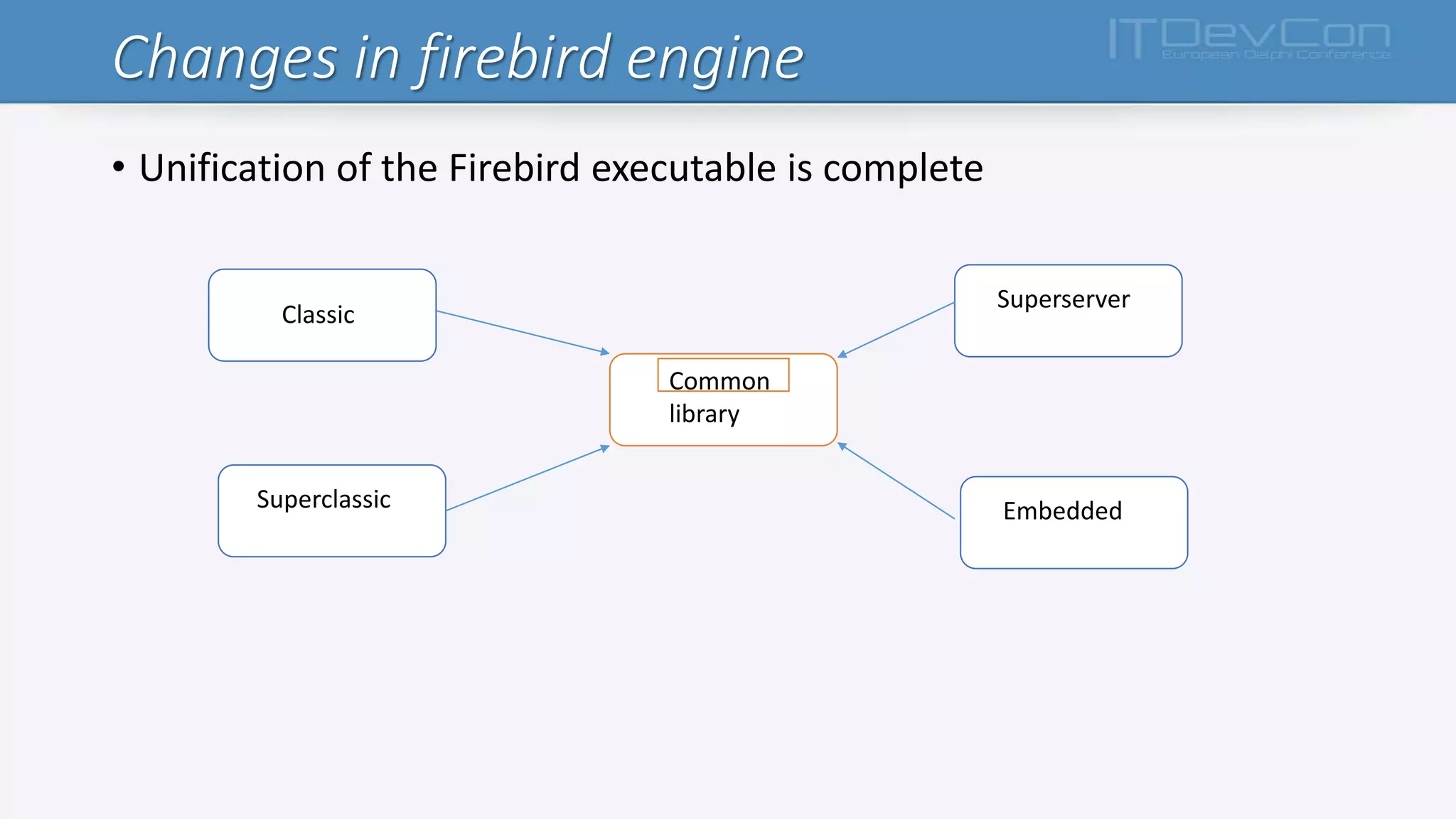
• Unification of the Firebird executable is complete
Classic
Superserver
Superclassic Embedded
Common
library
Changes in firebird engine
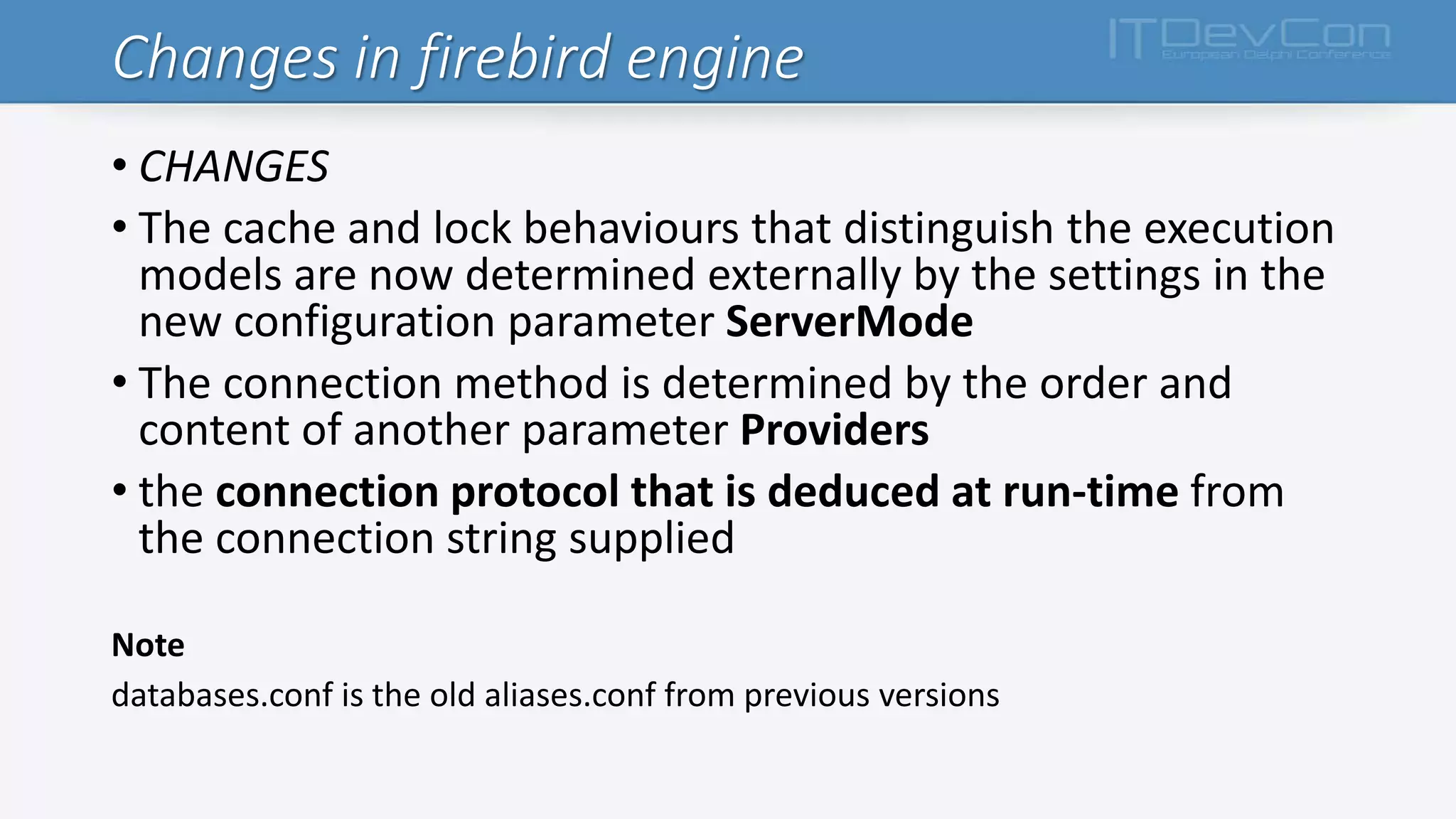
• CHANGES
• The cache and lock behaviours that distinguish the execution
models are now determined externally by the settings in the
new configuration parameter ServerMode
• The connection method is determined by the order and
content of another parameter Providers
• the connection protocol that is deduced at run-time from
the connection string supplied
Note
databases.conf is the old aliases.conf from previous versions
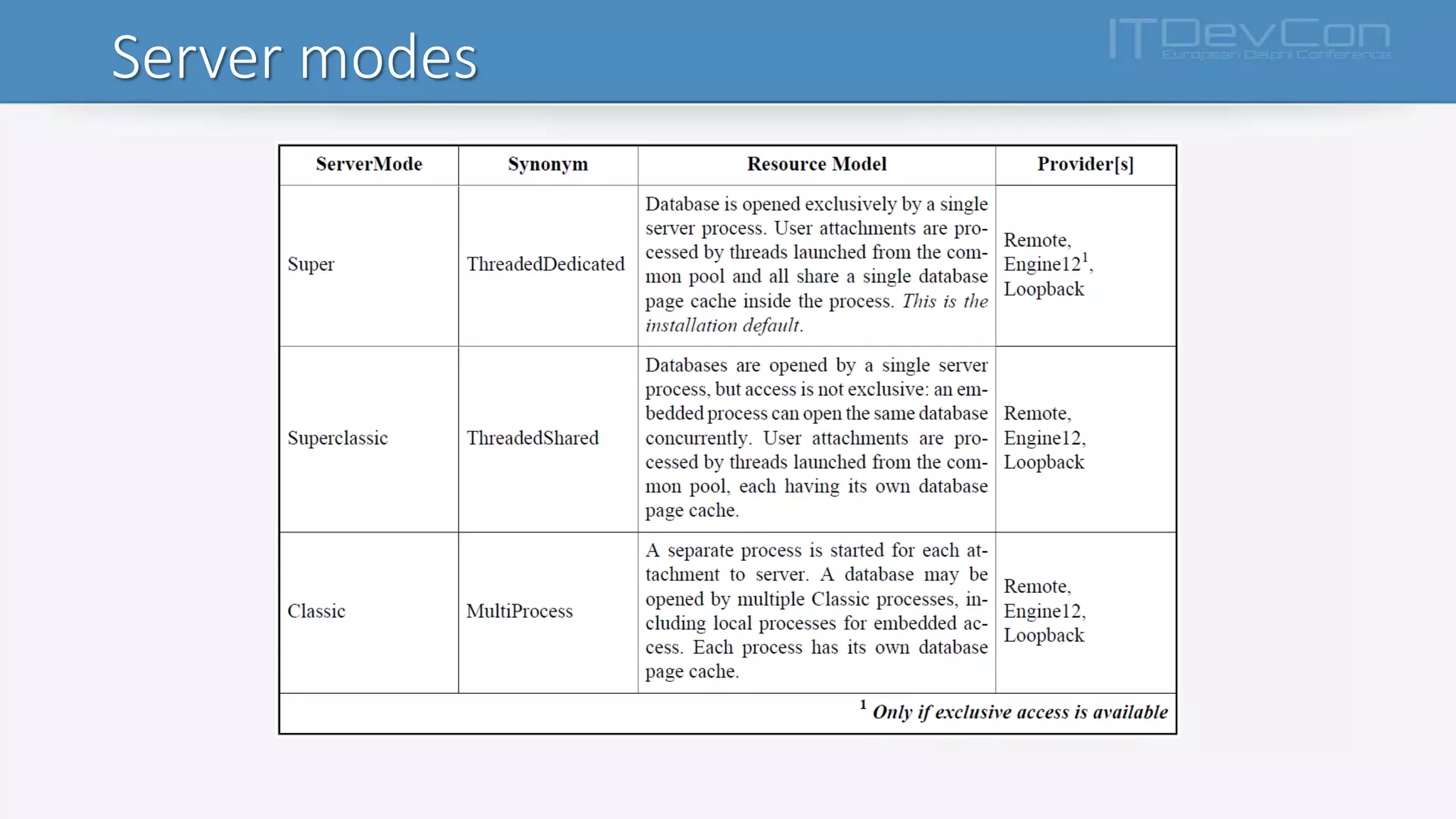
Server modes
Providers
• PROVIDERS… IS LIKE WE ALREADY KNOWN
• methods used to connect a client to a server:
• across a network,
• host-locally,
• via the local loopback (“localhost”)
In firebird.conf, all are available by default, as follows:
#Providers = Remote,Engine12,Loopback
In databases.conf, one or more providers can be blocked by pasting the line
from firebird.conf,
uncommenting it, and deleting the unwanted provider[s].
Connection strings
• For TCP/IP (aka INET) protocol
<host> [ / <port>] : <database file path or alias>
• For named pipes (aka NetBEUI, aka WNET) protocol:
 <host> [ @ <port>]  <database file path or alias>
• For local connections, simply:
<database file path or alias>
• URL-Style Connection Strings – Firebird 3.0
<protocol> : // [ <host> [ : <port> ] ] ] / <database file path or alias>
<protocol> ::= INET | WNET | XNET
Plug-Ins
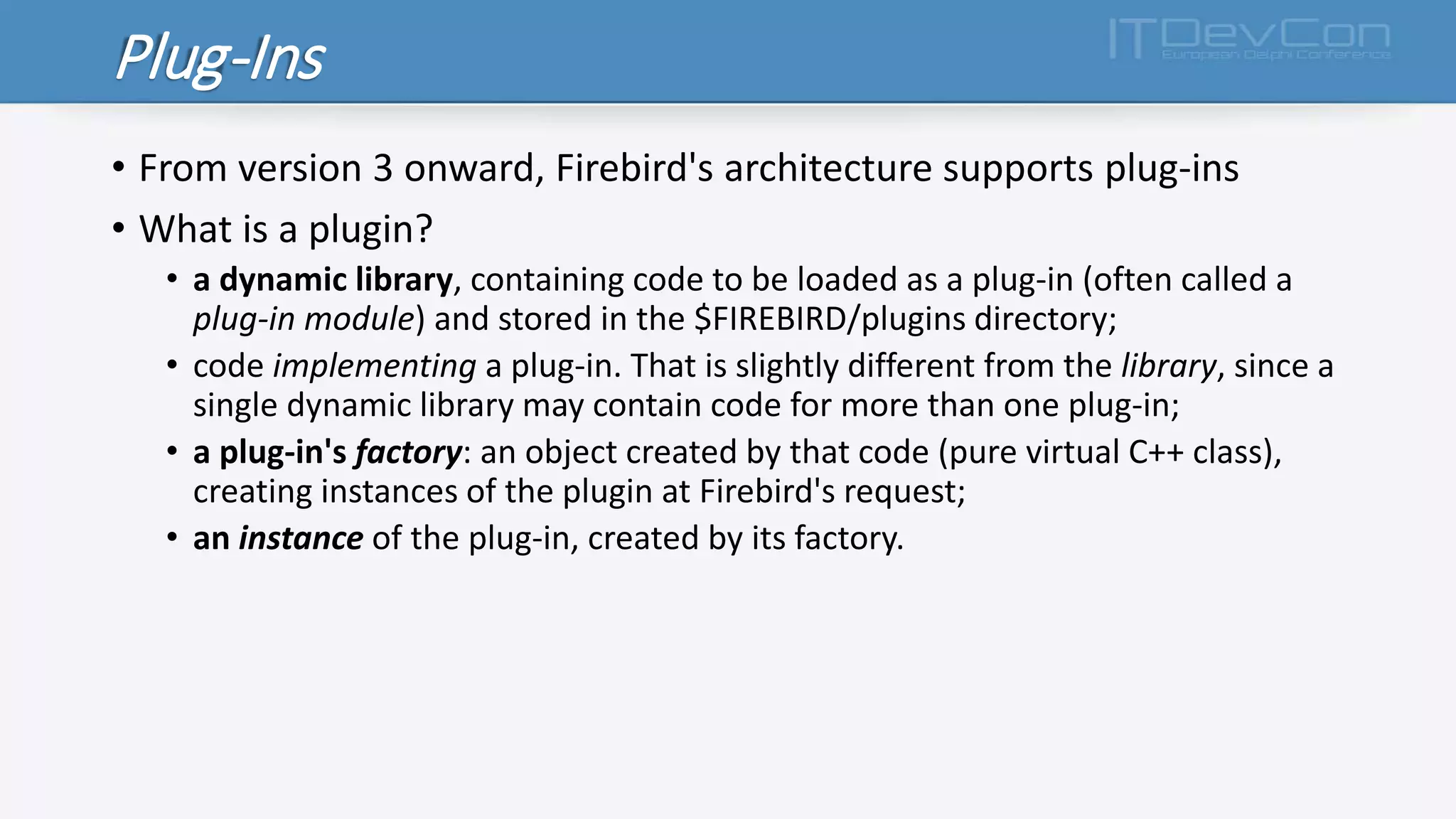
• From version 3 onward, Firebird's architecture supports plug-ins
• What is a plugin?
• a dynamic library, containing code to be loaded as a plug-in (often called a
plug-in module) and stored in the $FIREBIRD/plugins directory;
• code implementing a plug-in. That is slightly different from the library, since a
single dynamic library may contain code for more than one plug-in;
• a plug-in's factory: an object created by that code (pure virtual C++ class),
creating instances of the plugin at Firebird's request;
• an instance of the plug-in, created by its factory.
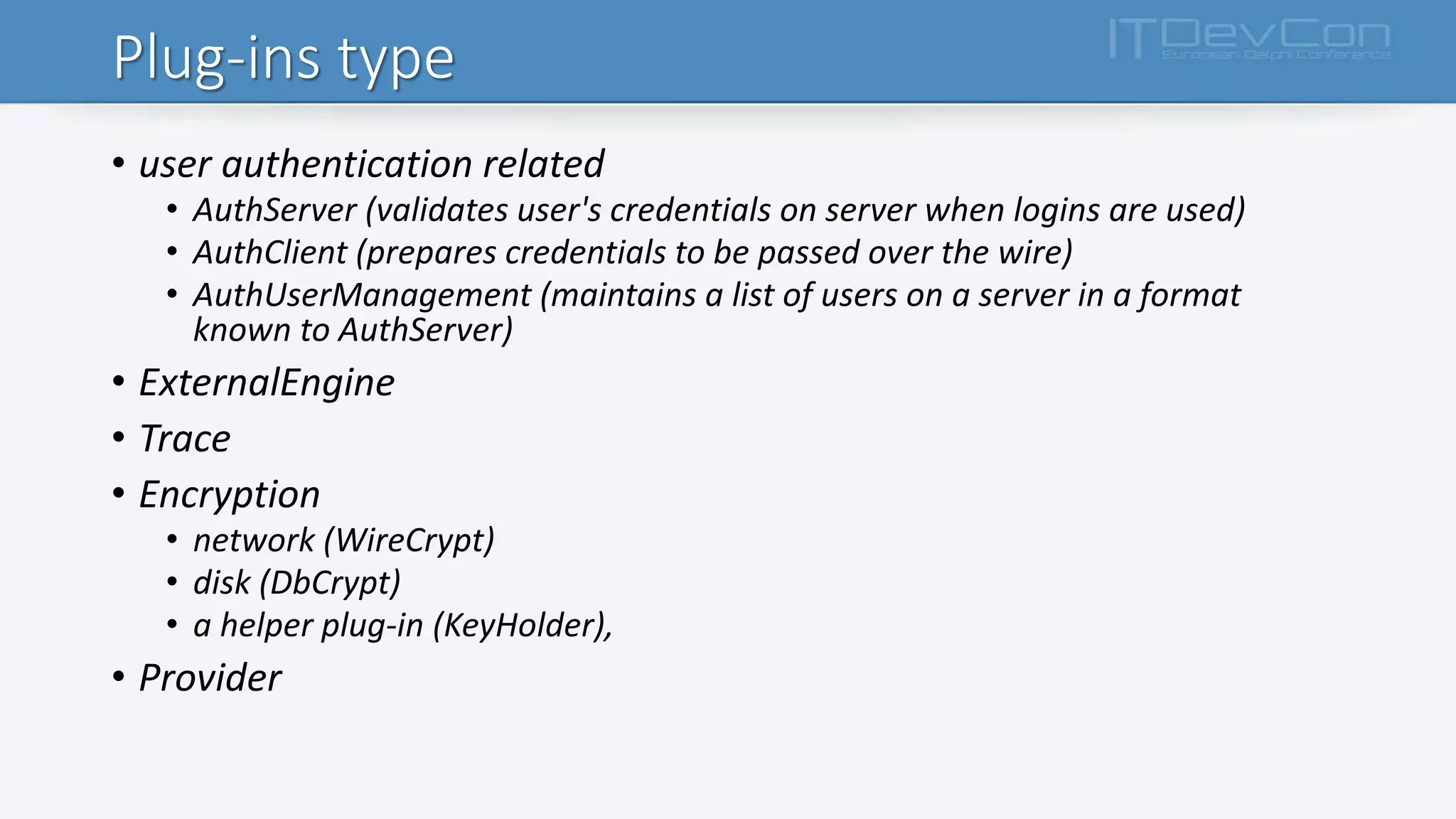
Plug-ins type
• user authentication related
• AuthServer (validates user's credentials on server when logins are used)
• AuthClient (prepares credentials to be passed over the wire)
• AuthUserManagement (maintains a list of users on a server in a format
known to AuthServer)
• ExternalEngine
• Trace
• Encryption
• network (WireCrypt)
• disk (DbCrypt)
• a helper plug-in (KeyHolder),
• Provider
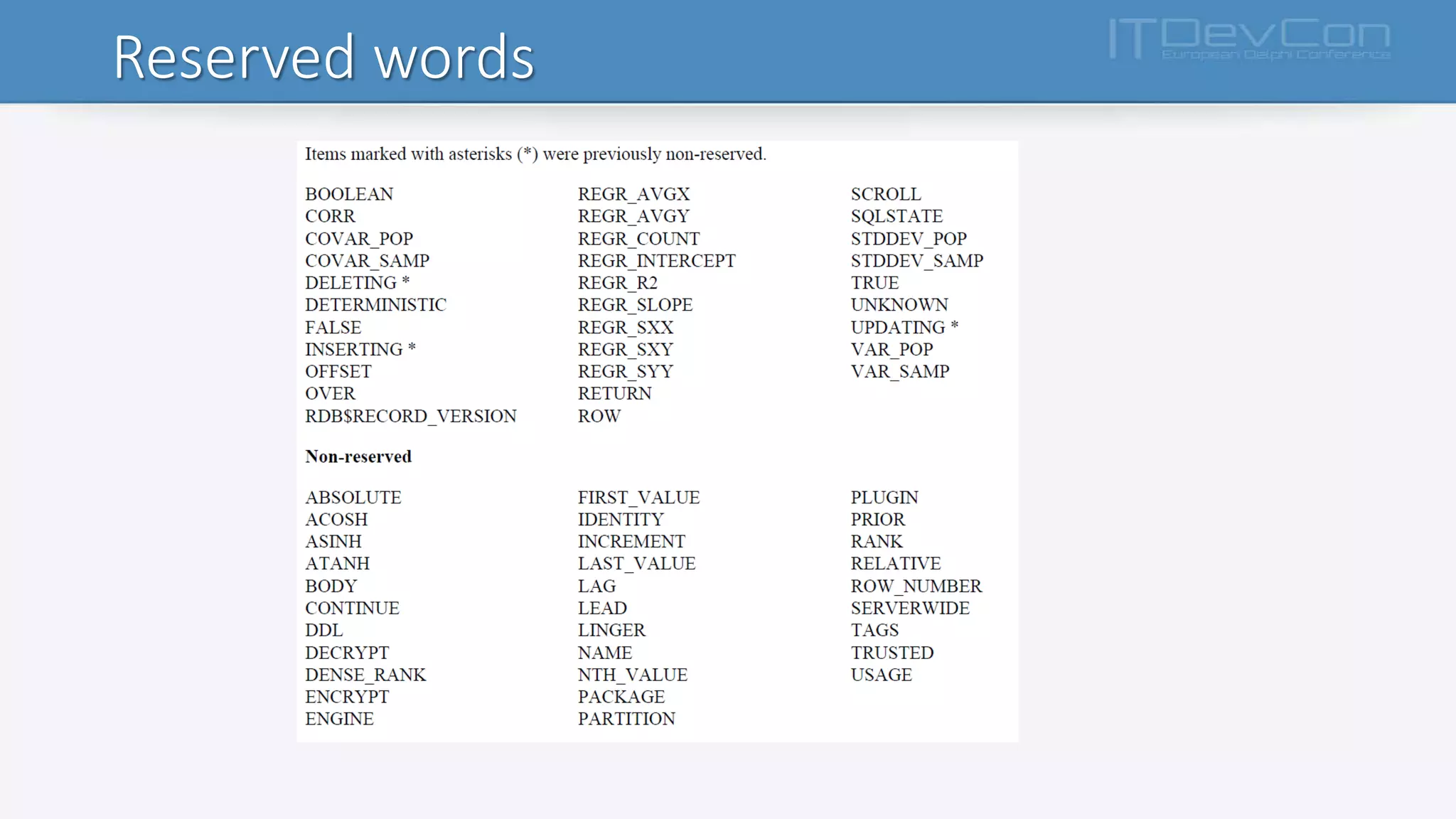
Reserved word changes
Reserved words
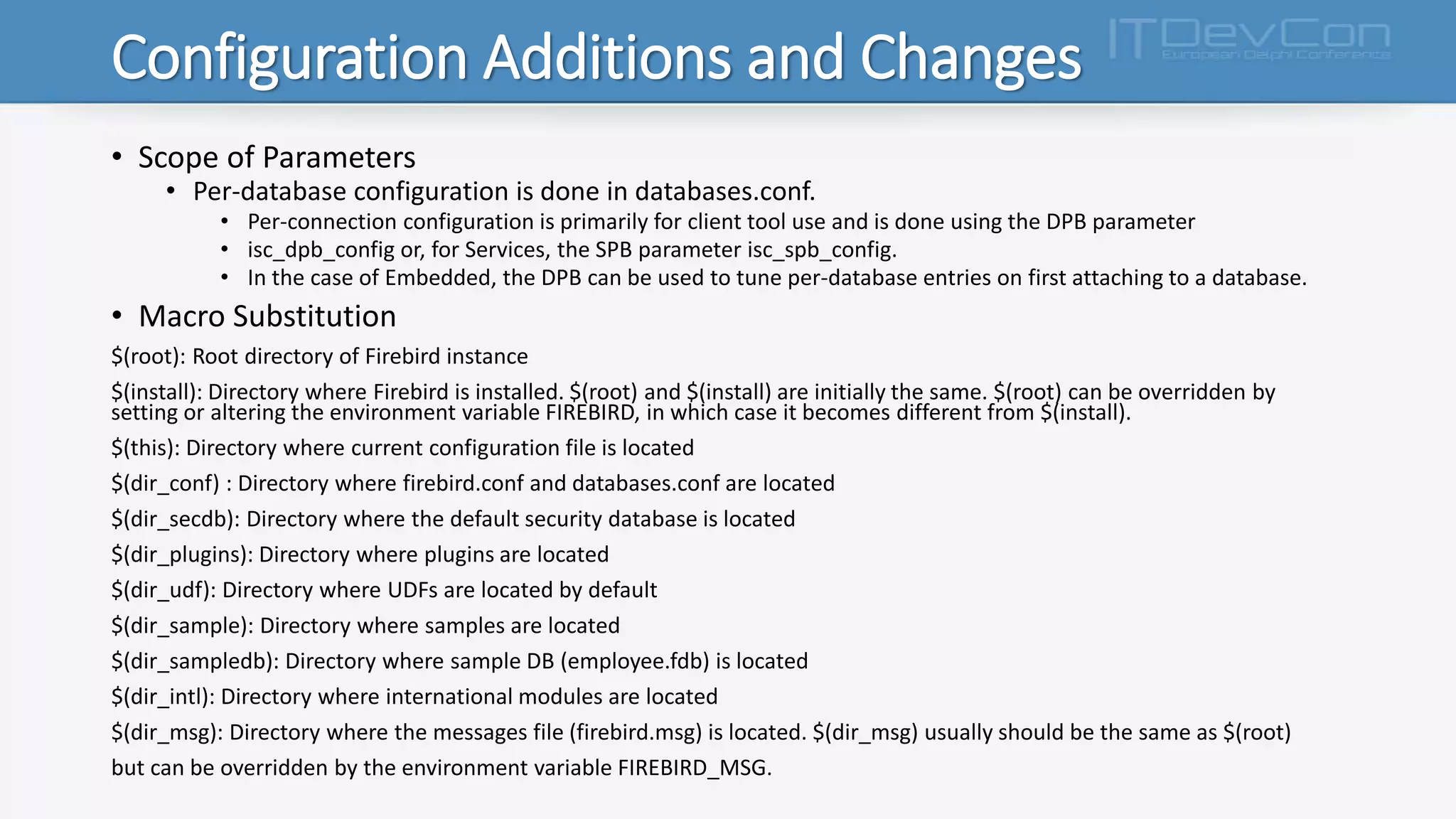
Configuration Additions and Changes
• Scope of Parameters
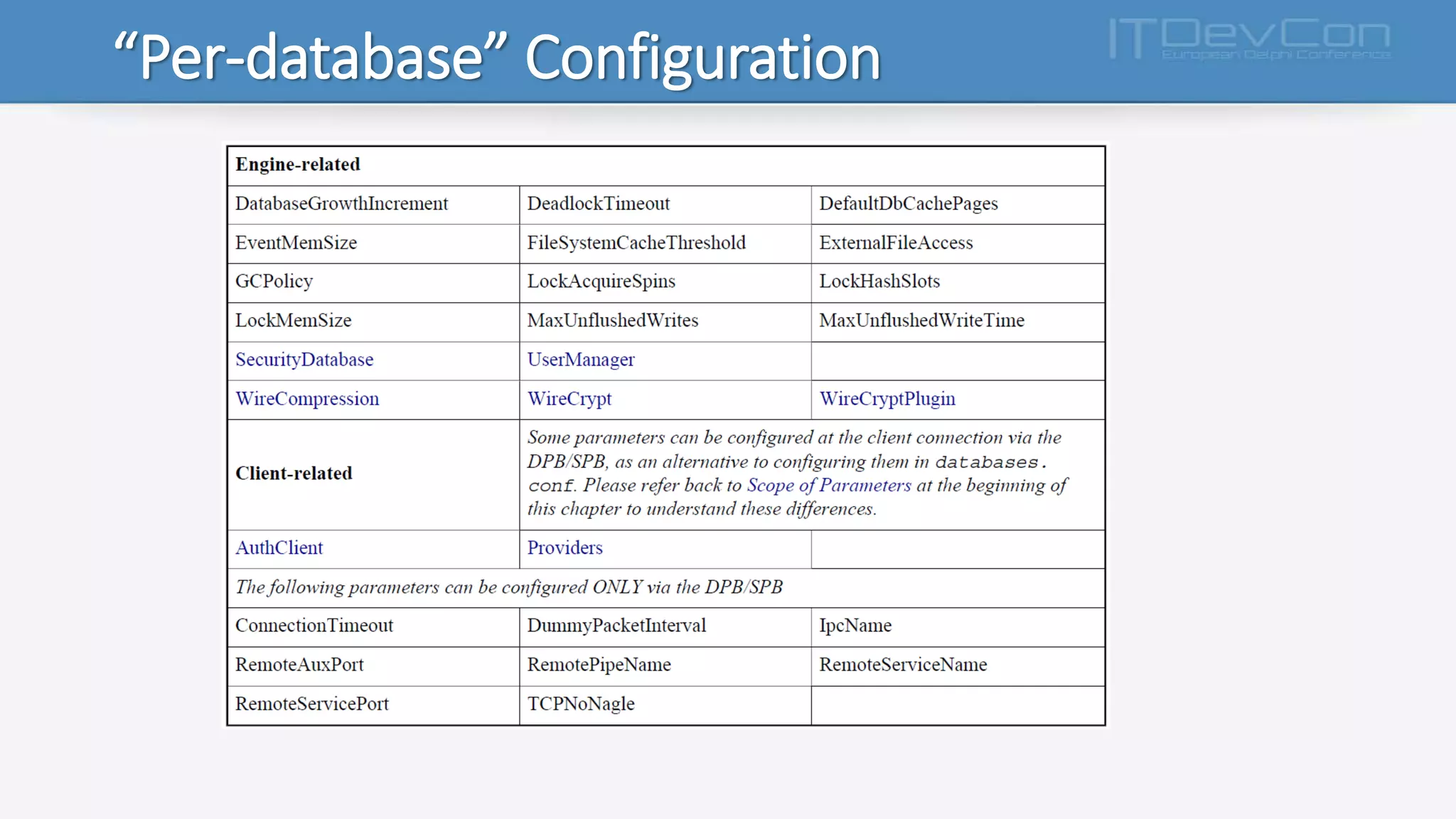
• Per-database configuration is done in databases.conf.
• Per-connection configuration is primarily for client tool use and is done using the DPB parameter
• isc_dpb_config or, for Services, the SPB parameter isc_spb_config.
• In the case of Embedded, the DPB can be used to tune per-database entries on first attaching to a database.
• Macro Substitution
$(root): Root directory of Firebird instance
$(install): Directory where Firebird is installed. $(root) and $(install) are initially the same. $(root) can be overridden by
setting or altering the environment variable FIREBIRD, in which case it becomes different from $(install).
$(this): Directory where current configuration file is located
$(dir_conf) : Directory where firebird.conf and databases.conf are located
$(dir_secdb): Directory where the default security database is located
$(dir_plugins): Directory where plugins are located
$(dir_udf): Directory where UDFs are located by default
$(dir_sample): Directory where samples are located
$(dir_sampledb): Directory where sample DB (employee.fdb) is located
$(dir_intl): Directory where international modules are located
$(dir_msg): Directory where the messages file (firebird.msg) is located. $(dir_msg) usually should be the same as $(root)
but can be overridden by the environment variable FIREBIRD_MSG.
Configuration Additions and Changes
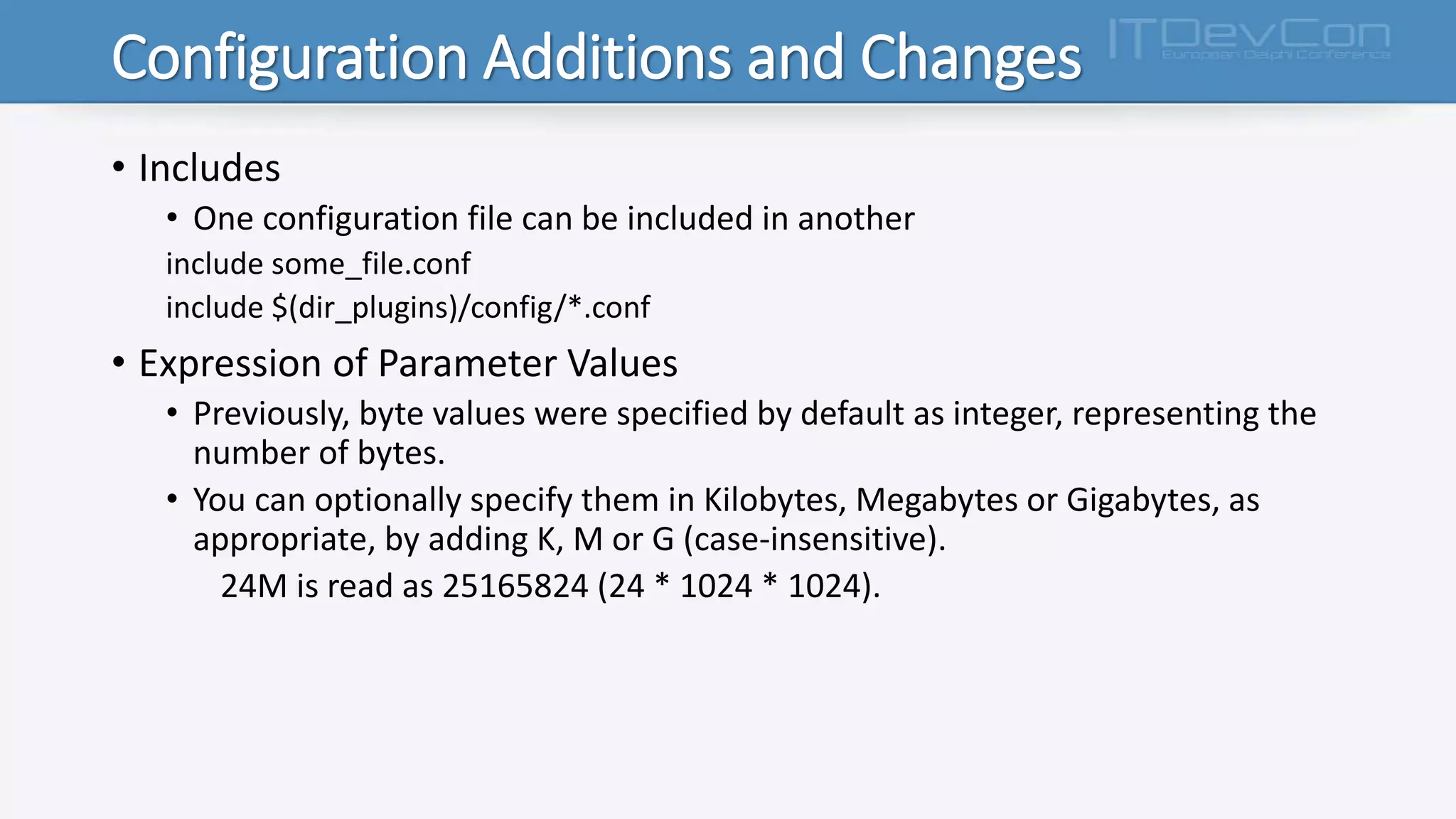
• Includes
• One configuration file can be included in another
include some_file.conf
include $(dir_plugins)/config/*.conf
• Expression of Parameter Values
• Previously, byte values were specified by default as integer, representing the
number of bytes.
• You can optionally specify them in Kilobytes, Megabytes or Gigabytes, as
appropriate, by adding K, M or G (case-insensitive).
24M is read as 25165824 (24 * 1024 * 1024).
“Per-database” Configuration
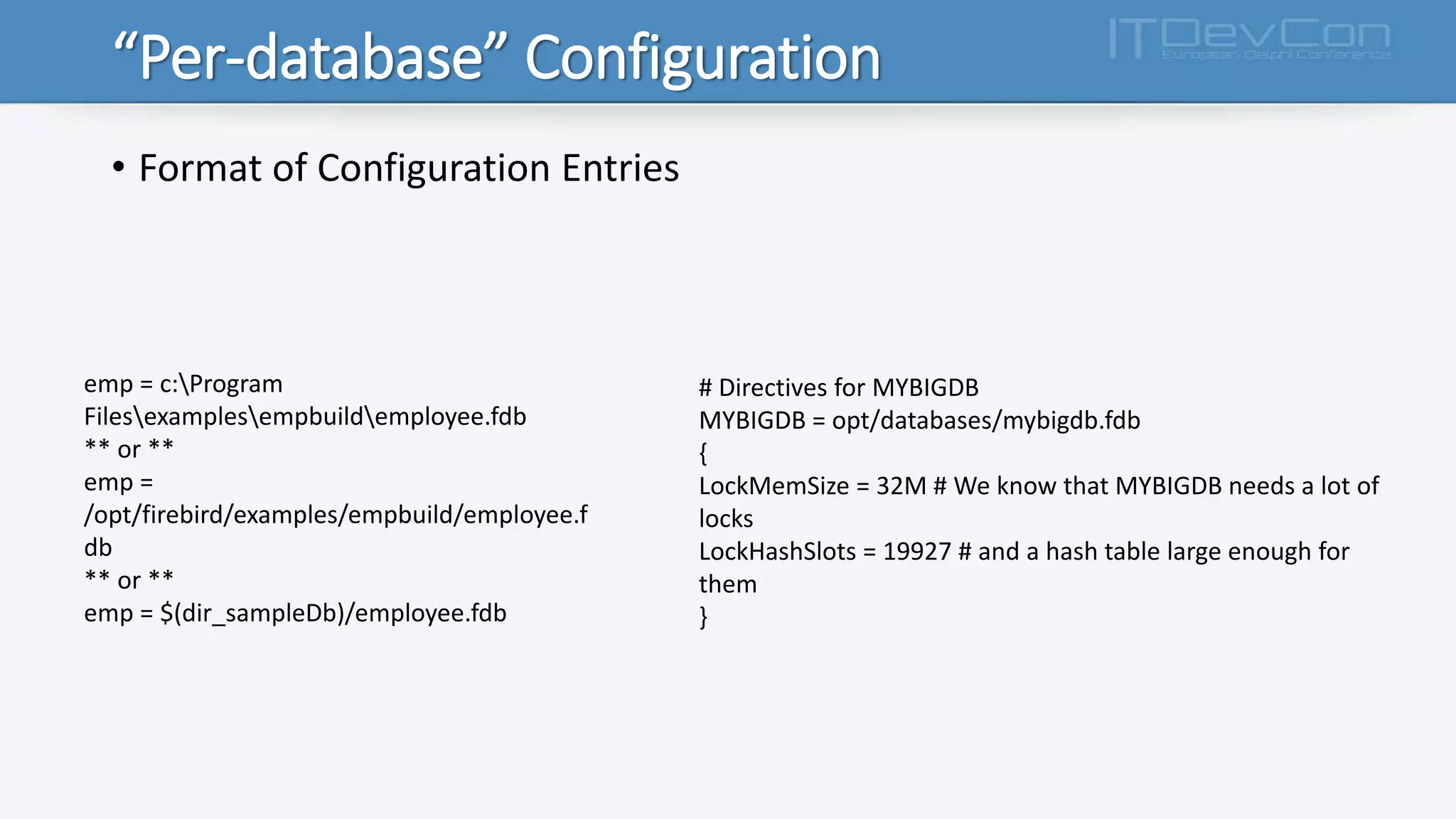
• Format of Configuration Entries
emp = c:Program
Filesexamplesempbuildemployee.fdb
** or **
emp =
/opt/firebird/examples/empbuild/employee.f
db
** or **
emp = $(dir_sampleDb)/employee.fdb
# Directives for MYBIGDB
MYBIGDB = opt/databases/mybigdb.fdb
{
LockMemSize = 32M # We know that MYBIGDB needs a lot of
locks
LockHashSlots = 19927 # and a hash table large enough for
them
}
“Per-database” Configuration
Parameters
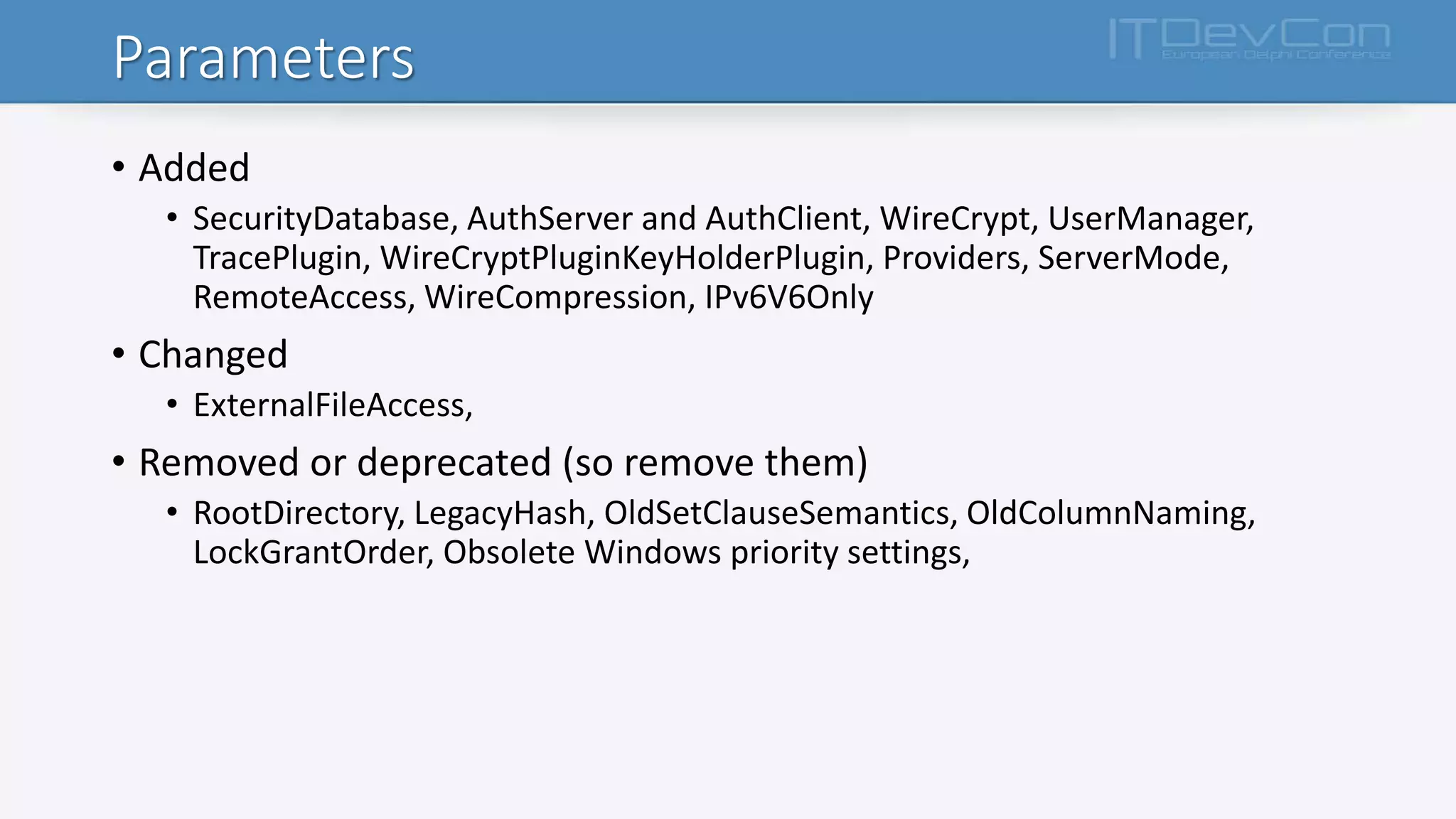
• Added
• SecurityDatabase, AuthServer and AuthClient, WireCrypt, UserManager,
TracePlugin, WireCryptPluginKeyHolderPlugin, Providers, ServerMode,
RemoteAccess, WireCompression, IPv6V6Only
• Changed
• ExternalFileAccess,
• Removed or deprecated (so remove them)
• RootDirectory, LegacyHash, OldSetClauseSemantics, OldColumnNaming,
LockGrantOrder, Obsolete Windows priority settings,
Security
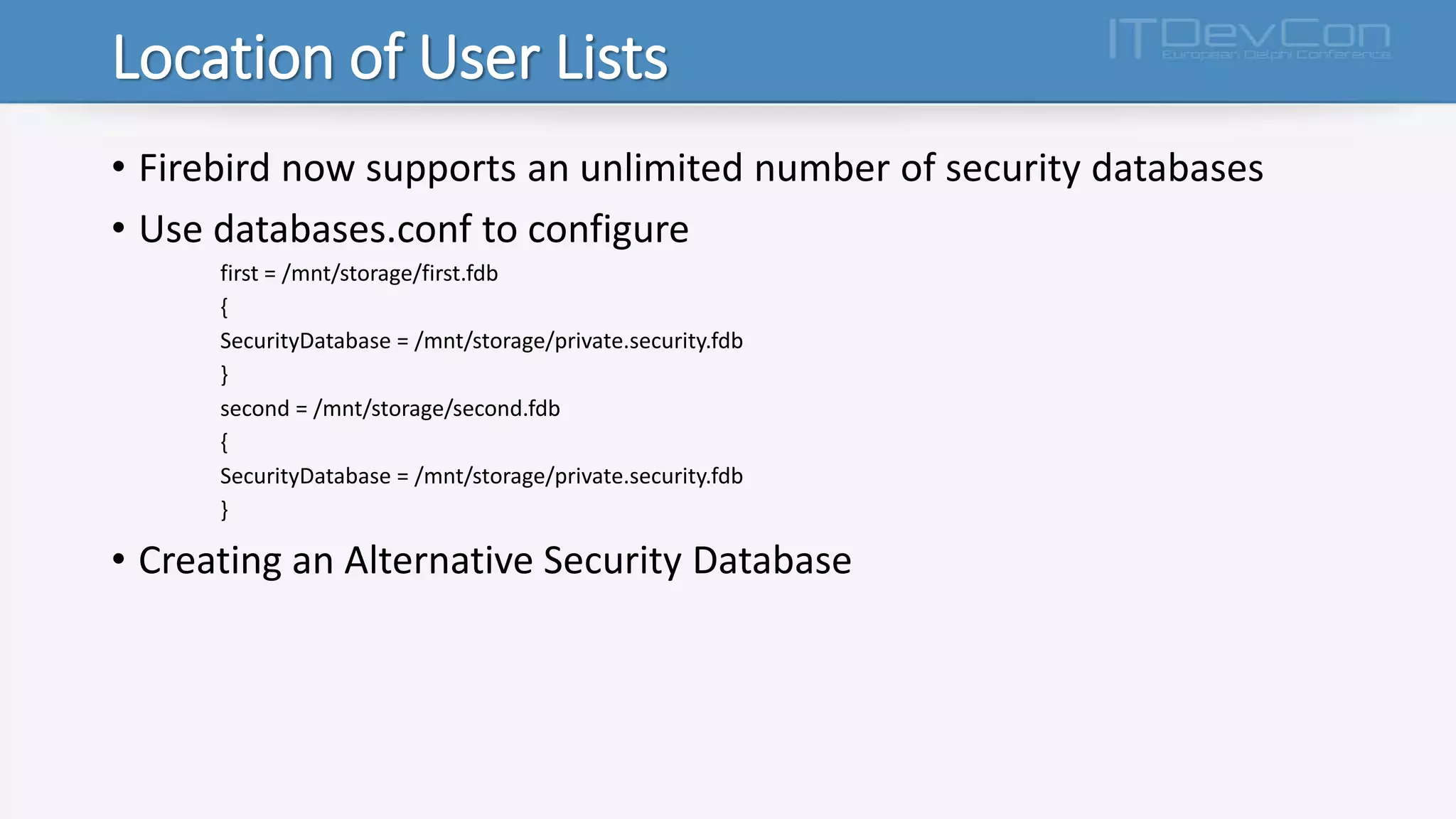
Location of User Lists
• Firebird now supports an unlimited number of security databases
• Use databases.conf to configure
first = /mnt/storage/first.fdb
{
SecurityDatabase = /mnt/storage/private.security.fdb
}
second = /mnt/storage/second.fdb
{
SecurityDatabase = /mnt/storage/private.security.fdb
}
• Creating an Alternative Security Database
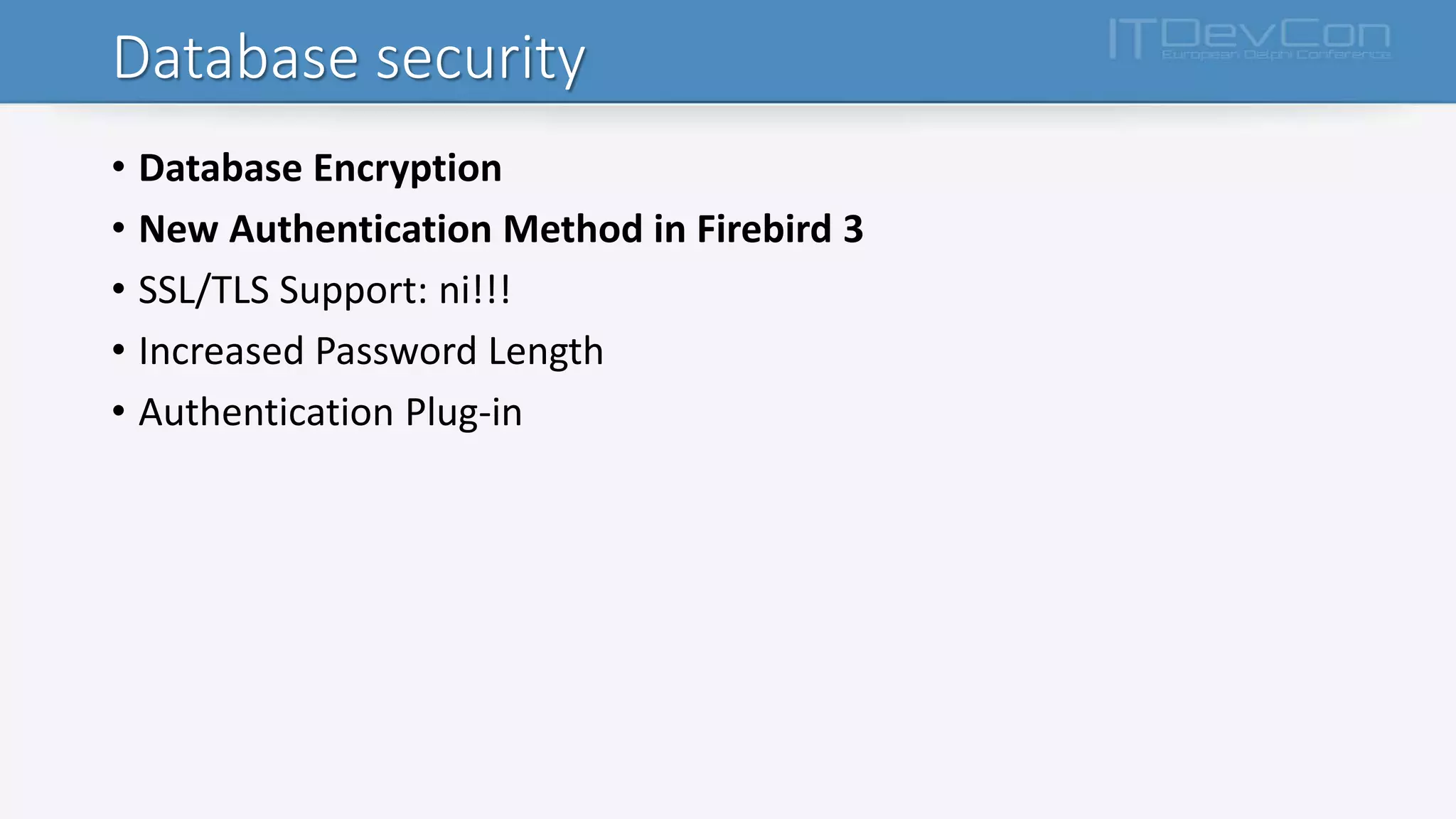
Database security
• Database Encryption
• New Authentication Method in Firebird 3
• SSL/TLS Support: ni!!!
• Increased Password Length
• Authentication Plug-in
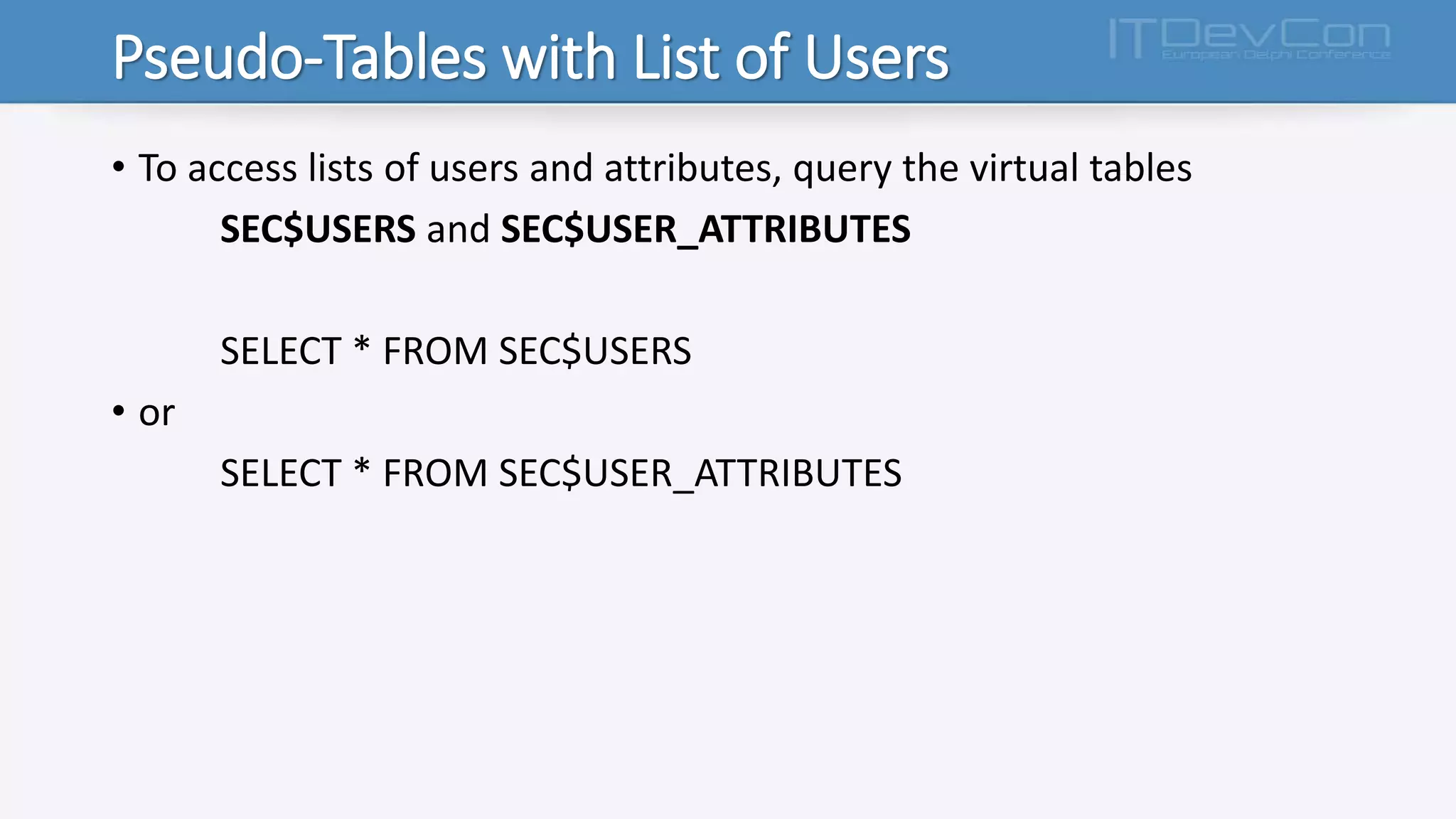
Pseudo-Tables with List of Users
• To access lists of users and attributes, query the virtual tables
SEC$USERS and SEC$USER_ATTRIBUTES
SELECT * FROM SEC$USERS
• or
SELECT * FROM SEC$USER_ATTRIBUTES
Data Definition Language (DDL)
DDL
• BOOLEAN Data Type
• IDENTITY-Style Column
• Manage Nullability in Domains and Columns
• Modify Generators (Sequences)
• Alter Default Character Set
• BLOB Expressions in Computed Columns
• “Linger” Database Closure for Superserver
• New option in DROP SHADOW to Preserve the Shadow File
• New SQL for Managing Users and Access Privileges
Data Manipulation Language (DML)
DML part I
• Supplemental SQL 2008 Features for MERGE
• Window (Analytical) Functions
• Advanced PLAN Output
• SUBSTRING With Regular Expressions
• Inverse Hyperbolic Trig Functions
• Statistical Functions
• Enhancements to DATEADD() Internal Function
• TRIM() BLOB Arguments Lose 32 KB limit
DML part II
• Alternatives for Embedding Quotes in String Literals
• SQL:2008-Compliant OFFSET and FETCH Clauses
• Prohibit Edgy Mixing of Implicit/Explicit Joins
• Support for Left-side Parameters in WHERE Clause
• RETURNING Clause Can be Aliased
• RETURNING Clause from Positioned Updates and Deletes
• Cursor Stability
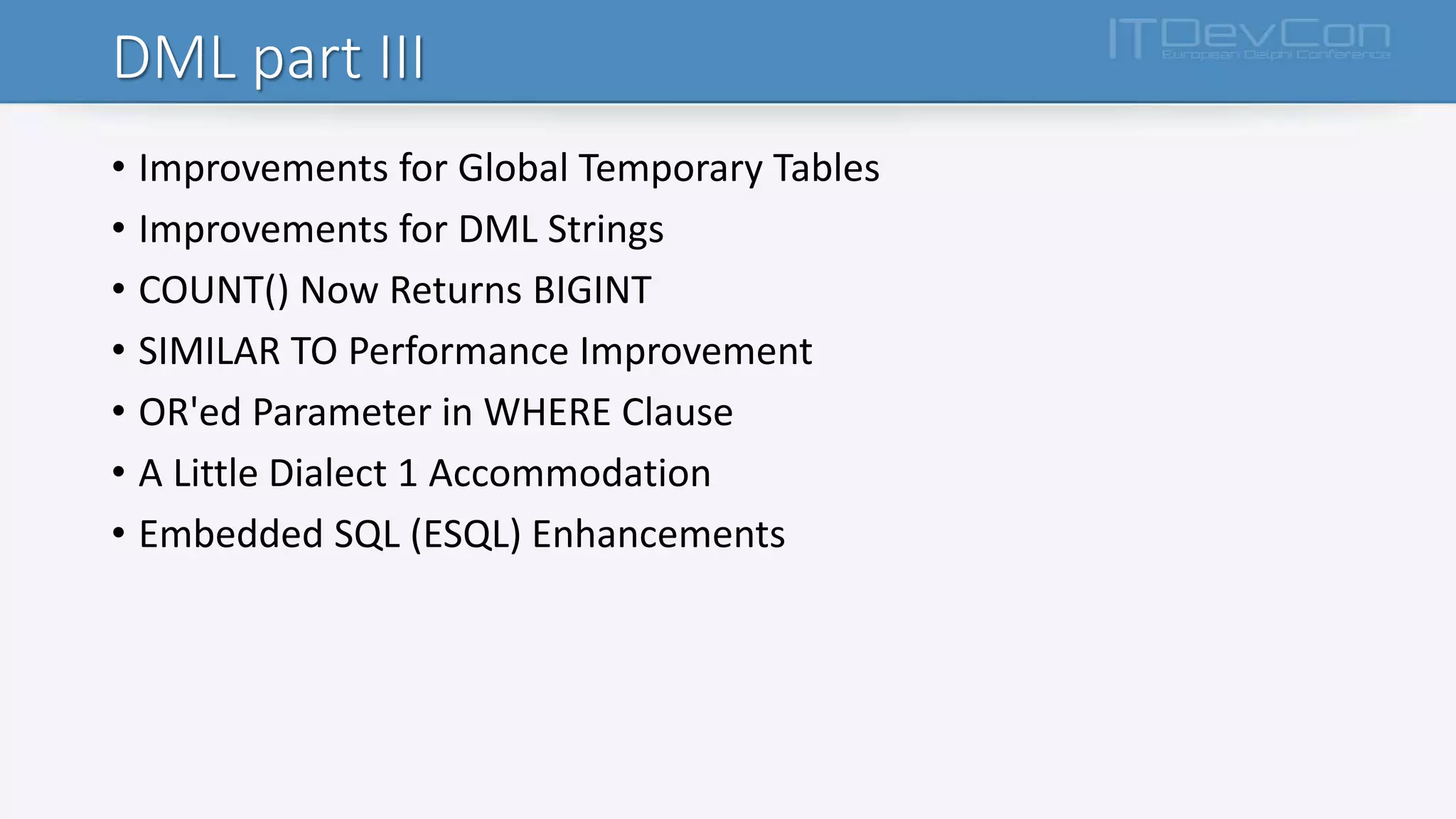
DML part III
• Improvements for Global Temporary Tables
• Improvements for DML Strings
• COUNT() Now Returns BIGINT
• SIMILAR TO Performance Improvement
• OR'ed Parameter in WHERE Clause
• A Little Dialect 1 Accommodation
• Embedded SQL (ESQL) Enhancements
Procedural SQL (PSQL)
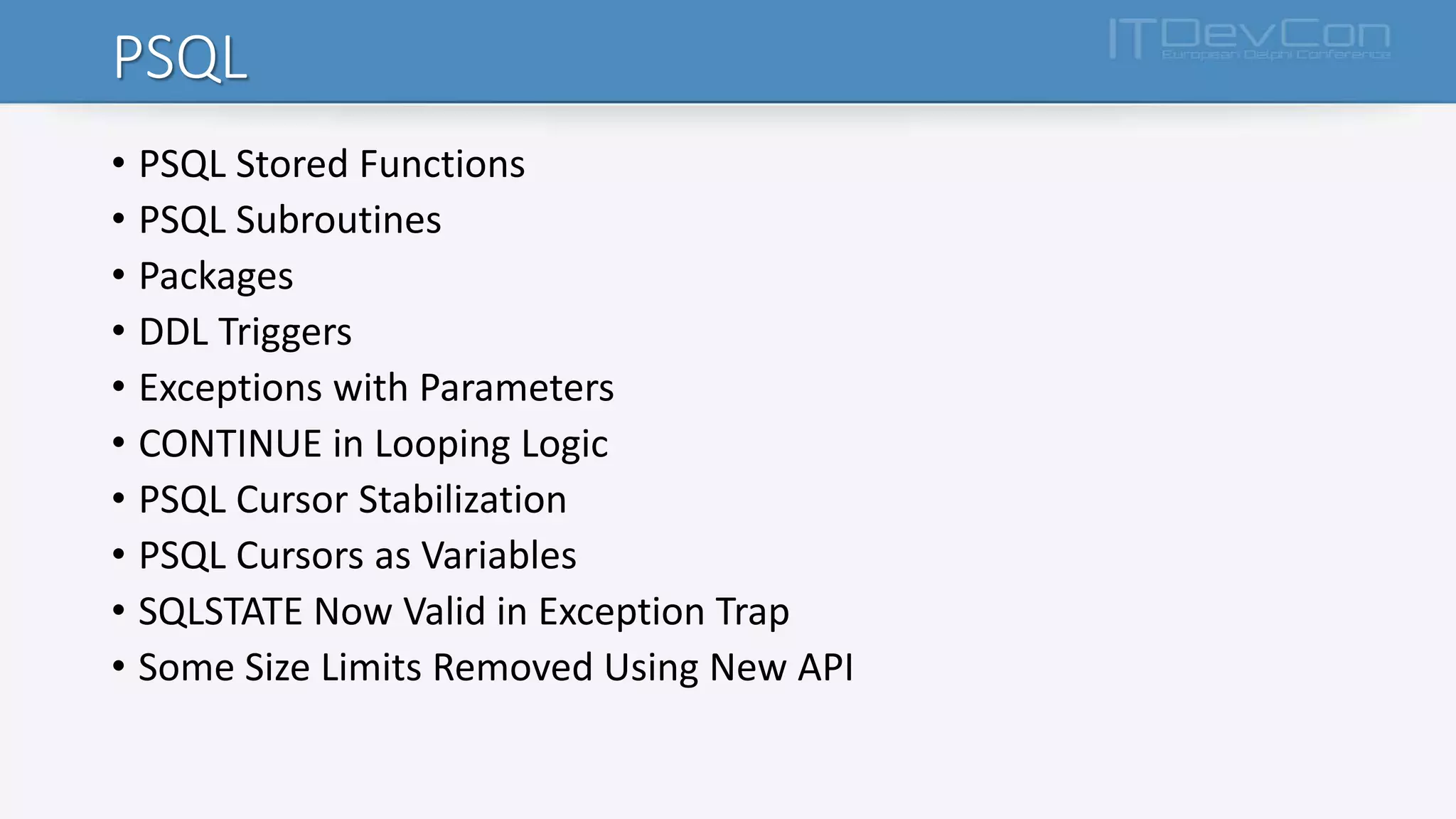
PSQL
• PSQL Stored Functions
• PSQL Subroutines
• Packages
• DDL Triggers
• Exceptions with Parameters
• CONTINUE in Looping Logic
• PSQL Cursor Stabilization
• PSQL Cursors as Variables
• SQLSTATE Now Valid in Exception Trap
• Some Size Limits Removed Using New API
Monitoring & Command-line Utilities
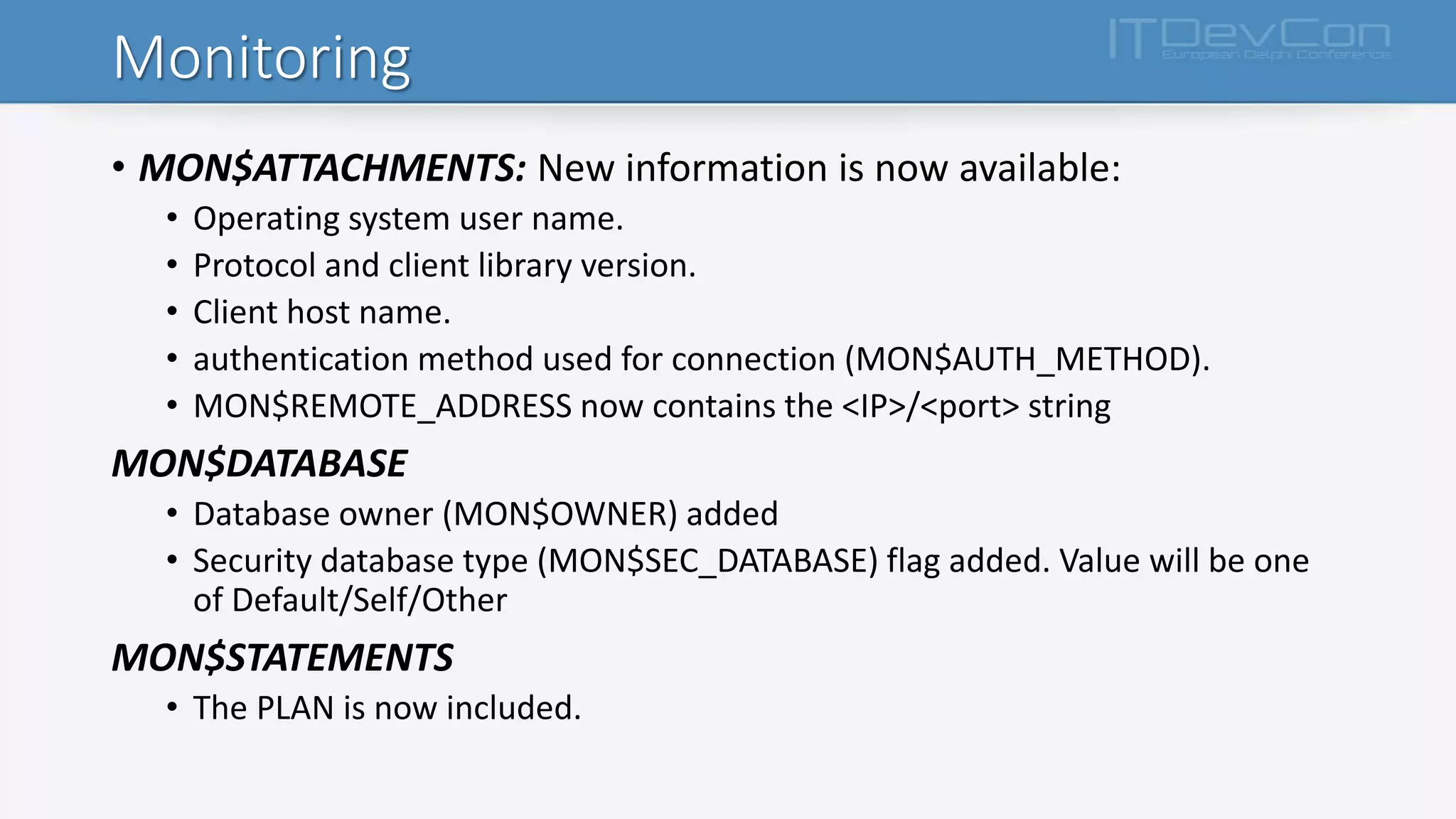
Monitoring
• MON$ATTACHMENTS: New information is now available:
• Operating system user name.
• Protocol and client library version.
• Client host name.
• authentication method used for connection (MON$AUTH_METHOD).
• MON$REMOTE_ADDRESS now contains the <IP>/<port> string
MON$DATABASE
• Database owner (MON$OWNER) added
• Security database type (MON$SEC_DATABASE) flag added. Value will be one
of Default/Self/Other
MON$STATEMENTS
• The PLAN is now included.
More practice and simple ntoes
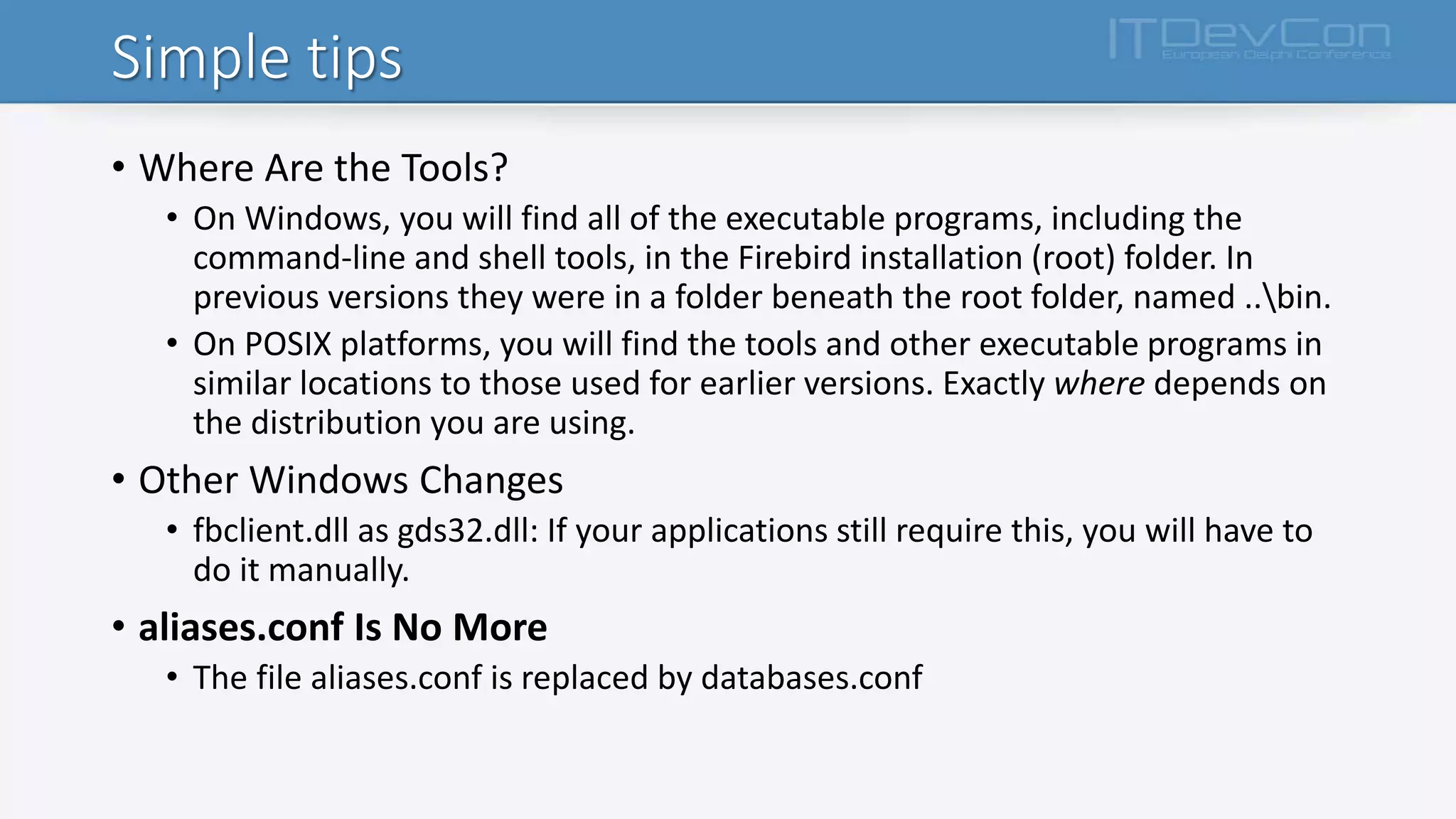
Simple tips
• Where Are the Tools?
• On Windows, you will find all of the executable programs, including the
command-line and shell tools, in the Firebird installation (root) folder. In
previous versions they were in a folder beneath the root folder, named ..bin.
• On POSIX platforms, you will find the tools and other executable programs in
similar locations to those used for earlier versions. Exactly where depends on
the distribution you are using.
• Other Windows Changes
• fbclient.dll as gds32.dll: If your applications still require this, you will have to
do it manually.
• aliases.conf Is No More
• The file aliases.conf is replaced by databases.conf
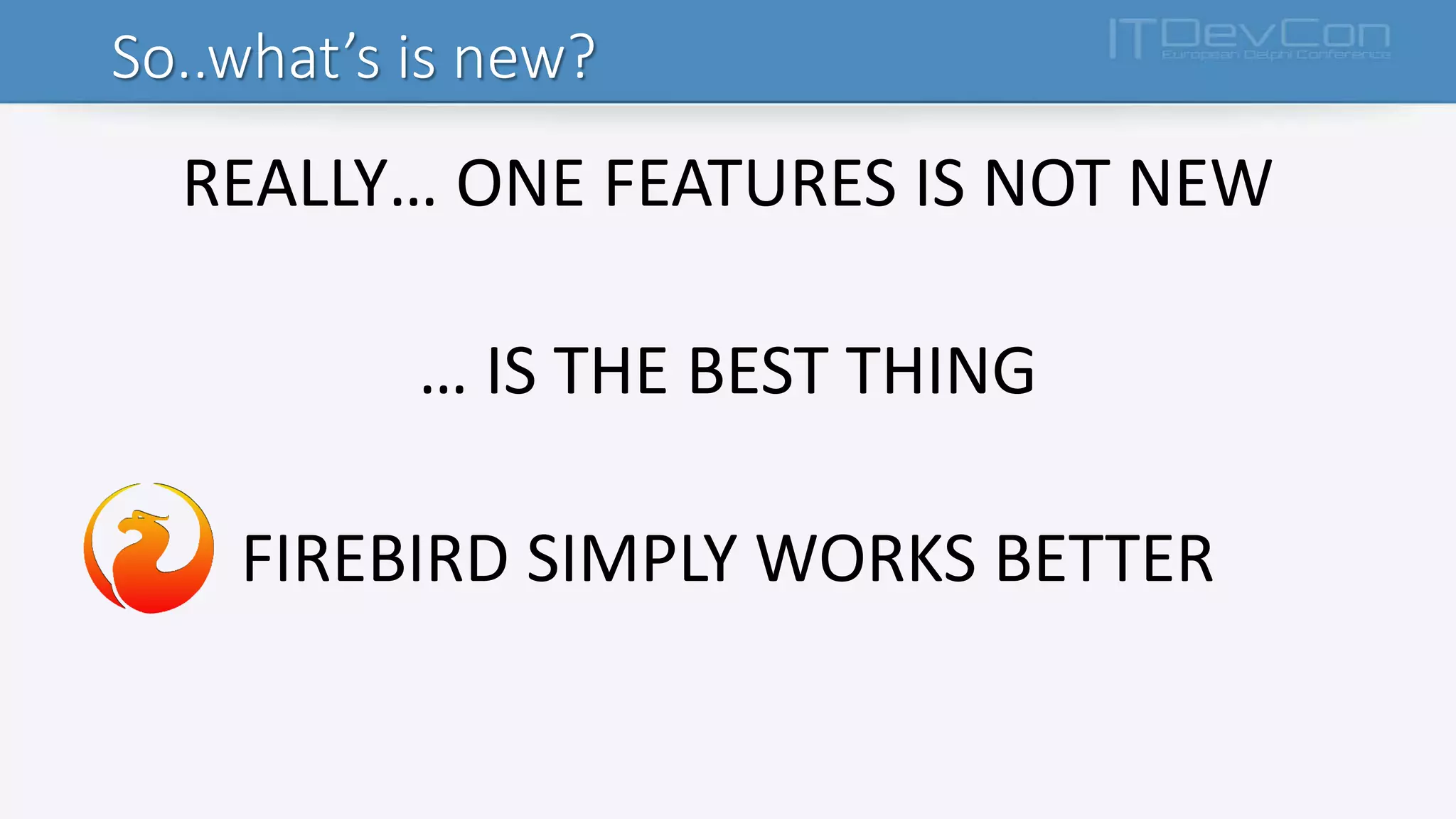
So..what’s is new?
REALLY… ONE FEATURES IS NOT NEW
… IS THE BEST THING
FIREBIRD SIMPLY WORKS BETTER
Thanks…
Fabio Codebue
Firebird Foundation
Committe Member
f.codebue@p-soft.biz
www.p-soft.biz
Firebird Optimization www.ibsurgeon.it

Introduction to firebidSQL 3.x

  • 1.
    Introduzione a firebird 3.x FabioCodebue Firebird Foundation Committe Member
  • 2.
  • 3.
    New features in3.0 • Unification of the Firebird executable is complete • True SMP support for SuperServer • New, object-oriented C++ APIs • «Per-Database» Configuration • Increased Limits in Several Areas • Multiple Security Databases • Several New SQL Commands to Manage Users and Access • International Characters in User Credentials • New Data Type Support
  • 4.
    New features in3.0 • Manage NULL/NOT NULL Column/Domain Attribute • Support for SQL Packages • DDL Triggers • «Window» functions in DML • Statistical functions • Scrollable Cursors • SQL:2008-Compliant OFFSET and FETCH Clauses • IPv6 Support • Validation Whilst Database is On-line • Run-time Statistics in gbak Verbose Output
  • 5.
  • 6.
    Changes in firebirdengine • Unification of the Firebird executable is complete Classic Superserver Superclassic Embedded Common library
  • 7.
    Changes in firebirdengine • CHANGES • The cache and lock behaviours that distinguish the execution models are now determined externally by the settings in the new configuration parameter ServerMode • The connection method is determined by the order and content of another parameter Providers • the connection protocol that is deduced at run-time from the connection string supplied Note databases.conf is the old aliases.conf from previous versions
  • 8.
  • 9.
    Providers • PROVIDERS… ISLIKE WE ALREADY KNOWN • methods used to connect a client to a server: • across a network, • host-locally, • via the local loopback (“localhost”) In firebird.conf, all are available by default, as follows: #Providers = Remote,Engine12,Loopback In databases.conf, one or more providers can be blocked by pasting the line from firebird.conf, uncommenting it, and deleting the unwanted provider[s].
  • 10.
    Connection strings • ForTCP/IP (aka INET) protocol <host> [ / <port>] : <database file path or alias> • For named pipes (aka NetBEUI, aka WNET) protocol: <host> [ @ <port>] <database file path or alias> • For local connections, simply: <database file path or alias> • URL-Style Connection Strings – Firebird 3.0 <protocol> : // [ <host> [ : <port> ] ] ] / <database file path or alias> <protocol> ::= INET | WNET | XNET
  • 11.
    Plug-Ins • From version3 onward, Firebird's architecture supports plug-ins • What is a plugin? • a dynamic library, containing code to be loaded as a plug-in (often called a plug-in module) and stored in the $FIREBIRD/plugins directory; • code implementing a plug-in. That is slightly different from the library, since a single dynamic library may contain code for more than one plug-in; • a plug-in's factory: an object created by that code (pure virtual C++ class), creating instances of the plugin at Firebird's request; • an instance of the plug-in, created by its factory.
  • 12.
    Plug-ins type • userauthentication related • AuthServer (validates user's credentials on server when logins are used) • AuthClient (prepares credentials to be passed over the wire) • AuthUserManagement (maintains a list of users on a server in a format known to AuthServer) • ExternalEngine • Trace • Encryption • network (WireCrypt) • disk (DbCrypt) • a helper plug-in (KeyHolder), • Provider
  • 13.
  • 14.
  • 15.
  • 16.
    Configuration Additions andChanges • Scope of Parameters • Per-database configuration is done in databases.conf. • Per-connection configuration is primarily for client tool use and is done using the DPB parameter • isc_dpb_config or, for Services, the SPB parameter isc_spb_config. • In the case of Embedded, the DPB can be used to tune per-database entries on first attaching to a database. • Macro Substitution $(root): Root directory of Firebird instance $(install): Directory where Firebird is installed. $(root) and $(install) are initially the same. $(root) can be overridden by setting or altering the environment variable FIREBIRD, in which case it becomes different from $(install). $(this): Directory where current configuration file is located $(dir_conf) : Directory where firebird.conf and databases.conf are located $(dir_secdb): Directory where the default security database is located $(dir_plugins): Directory where plugins are located $(dir_udf): Directory where UDFs are located by default $(dir_sample): Directory where samples are located $(dir_sampledb): Directory where sample DB (employee.fdb) is located $(dir_intl): Directory where international modules are located $(dir_msg): Directory where the messages file (firebird.msg) is located. $(dir_msg) usually should be the same as $(root) but can be overridden by the environment variable FIREBIRD_MSG.
  • 17.
    Configuration Additions andChanges • Includes • One configuration file can be included in another include some_file.conf include $(dir_plugins)/config/*.conf • Expression of Parameter Values • Previously, byte values were specified by default as integer, representing the number of bytes. • You can optionally specify them in Kilobytes, Megabytes or Gigabytes, as appropriate, by adding K, M or G (case-insensitive). 24M is read as 25165824 (24 * 1024 * 1024).
  • 18.
    “Per-database” Configuration • Formatof Configuration Entries emp = c:Program Filesexamplesempbuildemployee.fdb ** or ** emp = /opt/firebird/examples/empbuild/employee.f db ** or ** emp = $(dir_sampleDb)/employee.fdb # Directives for MYBIGDB MYBIGDB = opt/databases/mybigdb.fdb { LockMemSize = 32M # We know that MYBIGDB needs a lot of locks LockHashSlots = 19927 # and a hash table large enough for them }
  • 19.
  • 20.
    Parameters • Added • SecurityDatabase,AuthServer and AuthClient, WireCrypt, UserManager, TracePlugin, WireCryptPluginKeyHolderPlugin, Providers, ServerMode, RemoteAccess, WireCompression, IPv6V6Only • Changed • ExternalFileAccess, • Removed or deprecated (so remove them) • RootDirectory, LegacyHash, OldSetClauseSemantics, OldColumnNaming, LockGrantOrder, Obsolete Windows priority settings,
  • 21.
  • 22.
    Location of UserLists • Firebird now supports an unlimited number of security databases • Use databases.conf to configure first = /mnt/storage/first.fdb { SecurityDatabase = /mnt/storage/private.security.fdb } second = /mnt/storage/second.fdb { SecurityDatabase = /mnt/storage/private.security.fdb } • Creating an Alternative Security Database
  • 23.
    Database security • DatabaseEncryption • New Authentication Method in Firebird 3 • SSL/TLS Support: ni!!! • Increased Password Length • Authentication Plug-in
  • 24.
    Pseudo-Tables with Listof Users • To access lists of users and attributes, query the virtual tables SEC$USERS and SEC$USER_ATTRIBUTES SELECT * FROM SEC$USERS • or SELECT * FROM SEC$USER_ATTRIBUTES
  • 25.
  • 26.
    DDL • BOOLEAN DataType • IDENTITY-Style Column • Manage Nullability in Domains and Columns • Modify Generators (Sequences) • Alter Default Character Set • BLOB Expressions in Computed Columns • “Linger” Database Closure for Superserver • New option in DROP SHADOW to Preserve the Shadow File • New SQL for Managing Users and Access Privileges
  • 27.
  • 28.
    DML part I •Supplemental SQL 2008 Features for MERGE • Window (Analytical) Functions • Advanced PLAN Output • SUBSTRING With Regular Expressions • Inverse Hyperbolic Trig Functions • Statistical Functions • Enhancements to DATEADD() Internal Function • TRIM() BLOB Arguments Lose 32 KB limit
  • 29.
    DML part II •Alternatives for Embedding Quotes in String Literals • SQL:2008-Compliant OFFSET and FETCH Clauses • Prohibit Edgy Mixing of Implicit/Explicit Joins • Support for Left-side Parameters in WHERE Clause • RETURNING Clause Can be Aliased • RETURNING Clause from Positioned Updates and Deletes • Cursor Stability
  • 30.
    DML part III •Improvements for Global Temporary Tables • Improvements for DML Strings • COUNT() Now Returns BIGINT • SIMILAR TO Performance Improvement • OR'ed Parameter in WHERE Clause • A Little Dialect 1 Accommodation • Embedded SQL (ESQL) Enhancements
  • 31.
  • 32.
    PSQL • PSQL StoredFunctions • PSQL Subroutines • Packages • DDL Triggers • Exceptions with Parameters • CONTINUE in Looping Logic • PSQL Cursor Stabilization • PSQL Cursors as Variables • SQLSTATE Now Valid in Exception Trap • Some Size Limits Removed Using New API
  • 33.
  • 34.
    Monitoring • MON$ATTACHMENTS: Newinformation is now available: • Operating system user name. • Protocol and client library version. • Client host name. • authentication method used for connection (MON$AUTH_METHOD). • MON$REMOTE_ADDRESS now contains the <IP>/<port> string MON$DATABASE • Database owner (MON$OWNER) added • Security database type (MON$SEC_DATABASE) flag added. Value will be one of Default/Self/Other MON$STATEMENTS • The PLAN is now included.
  • 35.
    More practice andsimple ntoes
  • 36.
    Simple tips • WhereAre the Tools? • On Windows, you will find all of the executable programs, including the command-line and shell tools, in the Firebird installation (root) folder. In previous versions they were in a folder beneath the root folder, named ..bin. • On POSIX platforms, you will find the tools and other executable programs in similar locations to those used for earlier versions. Exactly where depends on the distribution you are using. • Other Windows Changes • fbclient.dll as gds32.dll: If your applications still require this, you will have to do it manually. • aliases.conf Is No More • The file aliases.conf is replaced by databases.conf
  • 37.
    So..what’s is new? REALLY…ONE FEATURES IS NOT NEW … IS THE BEST THING FIREBIRD SIMPLY WORKS BETTER
  • 38.
    Thanks… Fabio Codebue Firebird Foundation CommitteMember f.codebue@p-soft.biz www.p-soft.biz Firebird Optimization www.ibsurgeon.it