Download as PDF, PPTX

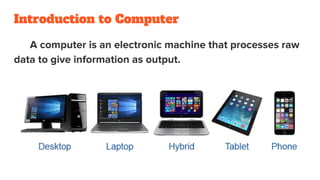
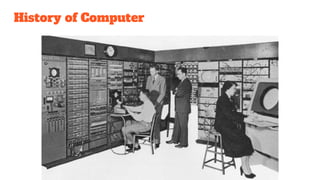
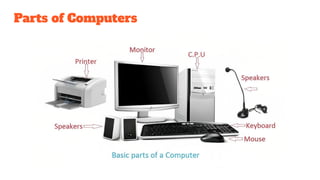
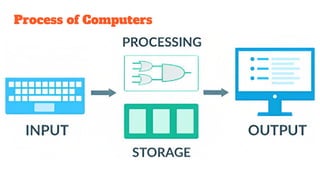
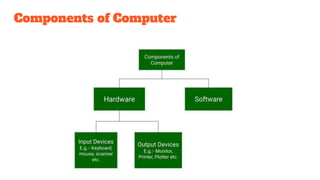
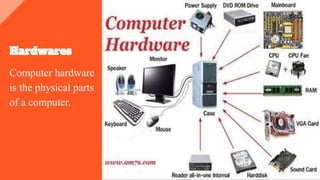
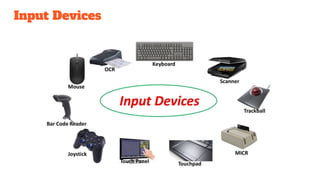
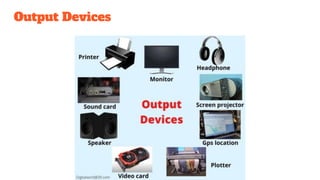
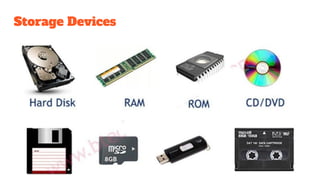
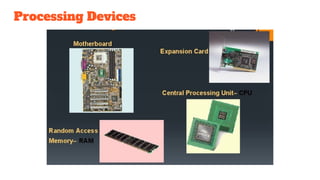
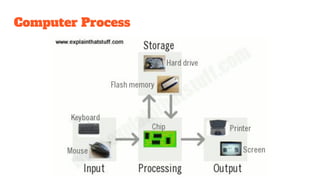




📘 Basics of Computer – Description "Basics of Computer" refers to the foundational knowledge and understanding of how computers work, their components, and how to use them effectively. This subject is essential for beginners who want to become comfortable with computer operations, usage, and terminology. 🧠 Key Topics Covered: Introduction to Computers Definition of a computer History and evolution of computers Characteristics and advantages of computers Types of Computers Desktop, Laptop, Tablet, Smartphone Analog, Digital, and Hybrid computers Supercomputers, Mainframes, Minicomputers, Microcomputers Computer Components (Hardware) Input Devices: Keyboard, Mouse, Scanner Output Devices: Monitor, Printer, Speakers CPU (Central Processing Unit) Memory: RAM, ROM Storage Devices: Hard Drive, SSD, USB, CD/DVD Software Basics System Software: Operating Systems (Windows, Linux, macOS) Application Software: MS Office, Browsers, Media Players Utility Software and Programming Software Operating Systems Role of OS Popular OS examples and their interfaces File and folder management Data and Information Difference between data and information Binary number system Bits and bytes Basic Computer Operations Turning on/off a computer Using a mouse and keyboard Opening and closing applications Creating, saving, and managing files Introduction to the Internet and Email What is the Internet? Web browsers and search engines Using email (Gmail, Outlook) Online safety and netiquette Computer Security Basics Viruses, malware, and antivirus Password protection Safe browsing tips Applications of Computers in Daily Life Education, Business, Healthcare, Banking, Entertainment 🎯 Objective of Learning: By the end of this course, learners will be able to: Understand the basic components and working of a computer. Perform essential computer tasks. Use basic software applications. Browse the internet and use email securely.


