Integrity Constraints
it'sa core concept in database management systems (DBMS).
They are rules enforced on data in a database to ensure its
• accuracy
• consistency
• Reliability
These are enforced automatically by the DBMS (like MySQL, PostgreSQL,
Oracle, etc.).
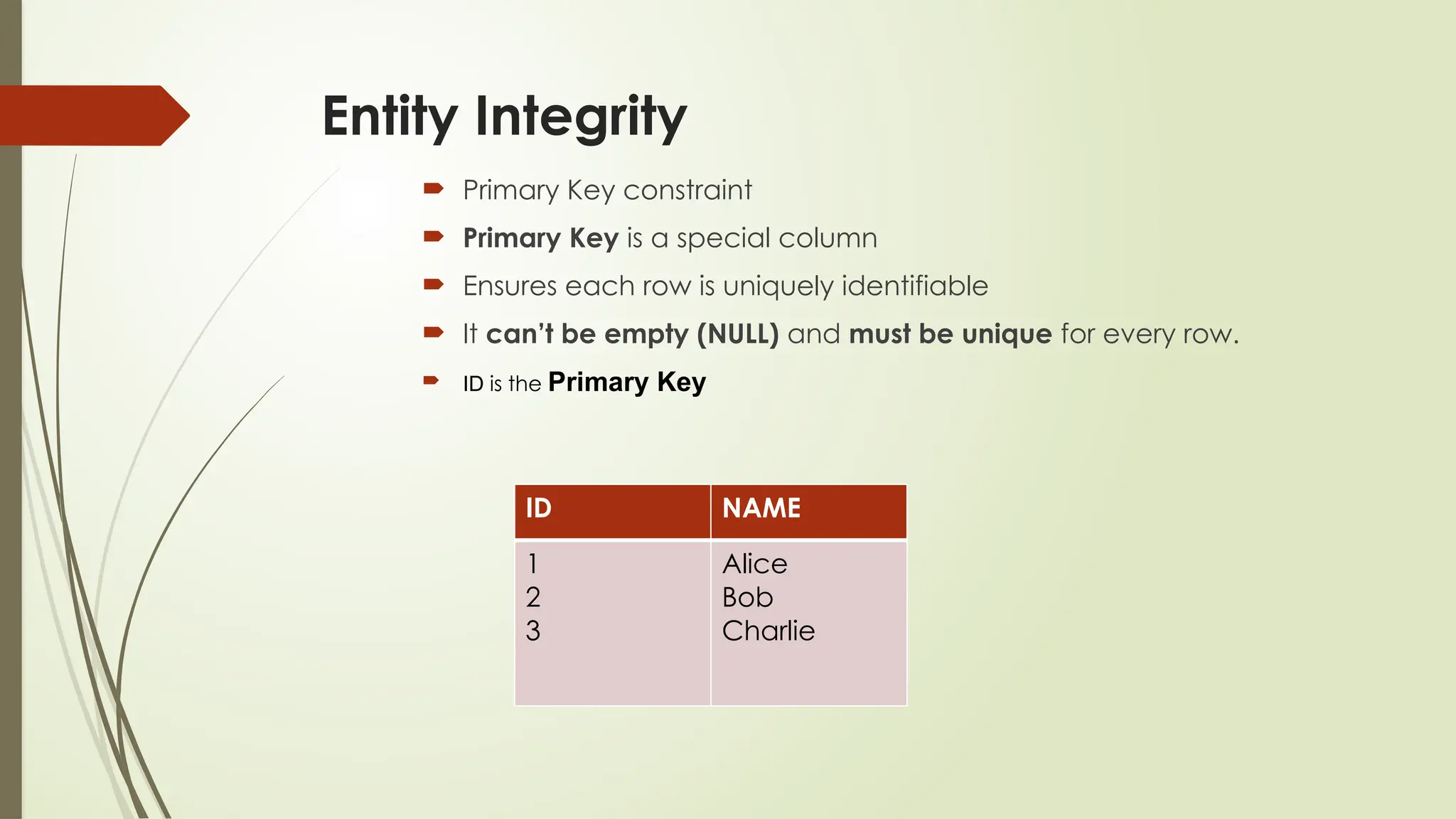
Entity Integrity
PrimaryKey constraint
Primary Key is a special column
Ensures each row is uniquely identifiable
It can’t be empty (NULL) and must be unique for every row.
ID is the Primary Key
ID NAME
1
2
3
Alice
Bob
Charlie
5.
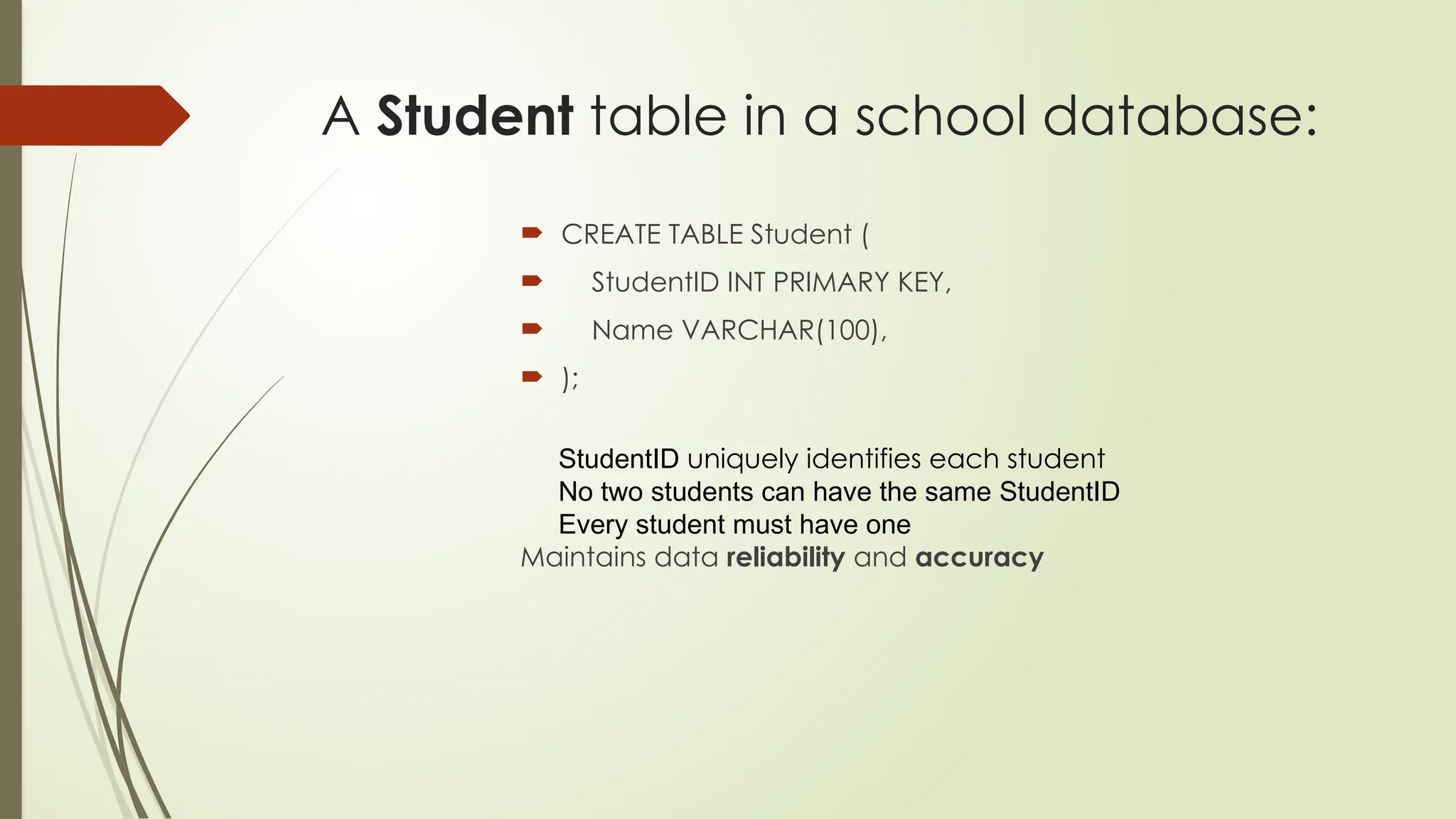
A Student tablein a school database:
CREATE TABLE Student (
StudentID INT PRIMARY KEY,
Name VARCHAR(100),
);
StudentID uniquely identifies each student
No two students can have the same StudentID
Every student must have one
Maintains data reliability and accuracy
6.
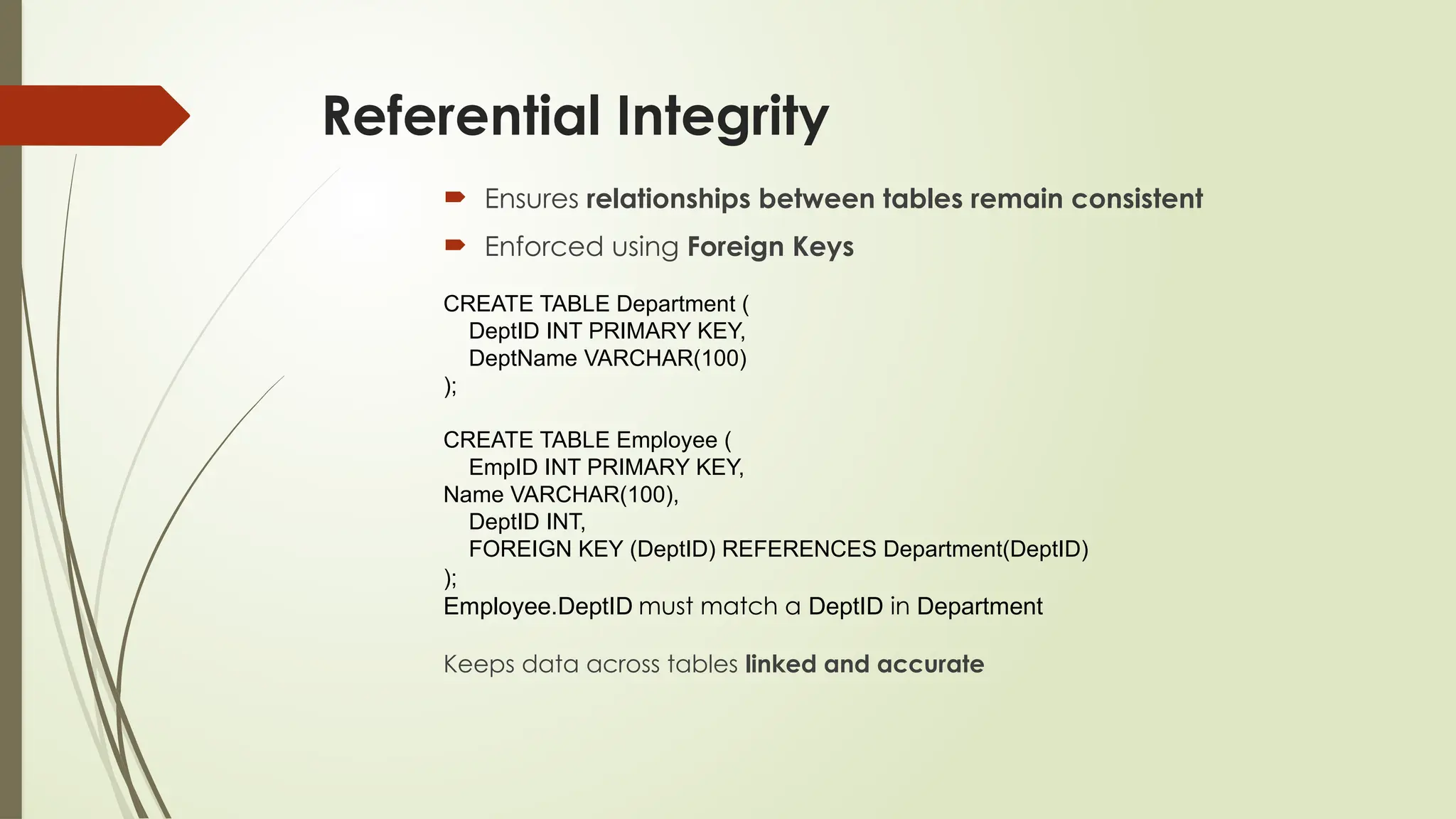
Referential Integrity
Ensuresrelationships between tables remain consistent
Enforced using Foreign Keys
CREATE TABLE Department (
DeptID INT PRIMARY KEY,
DeptName VARCHAR(100)
);
CREATE TABLE Employee (
EmpID INT PRIMARY KEY,
Name VARCHAR(100),
DeptID INT,
FOREIGN KEY (DeptID) REFERENCES Department(DeptID)
);
Employee.DeptID must match a DeptID in Department
Keeps data across tables linked and accurate
7.
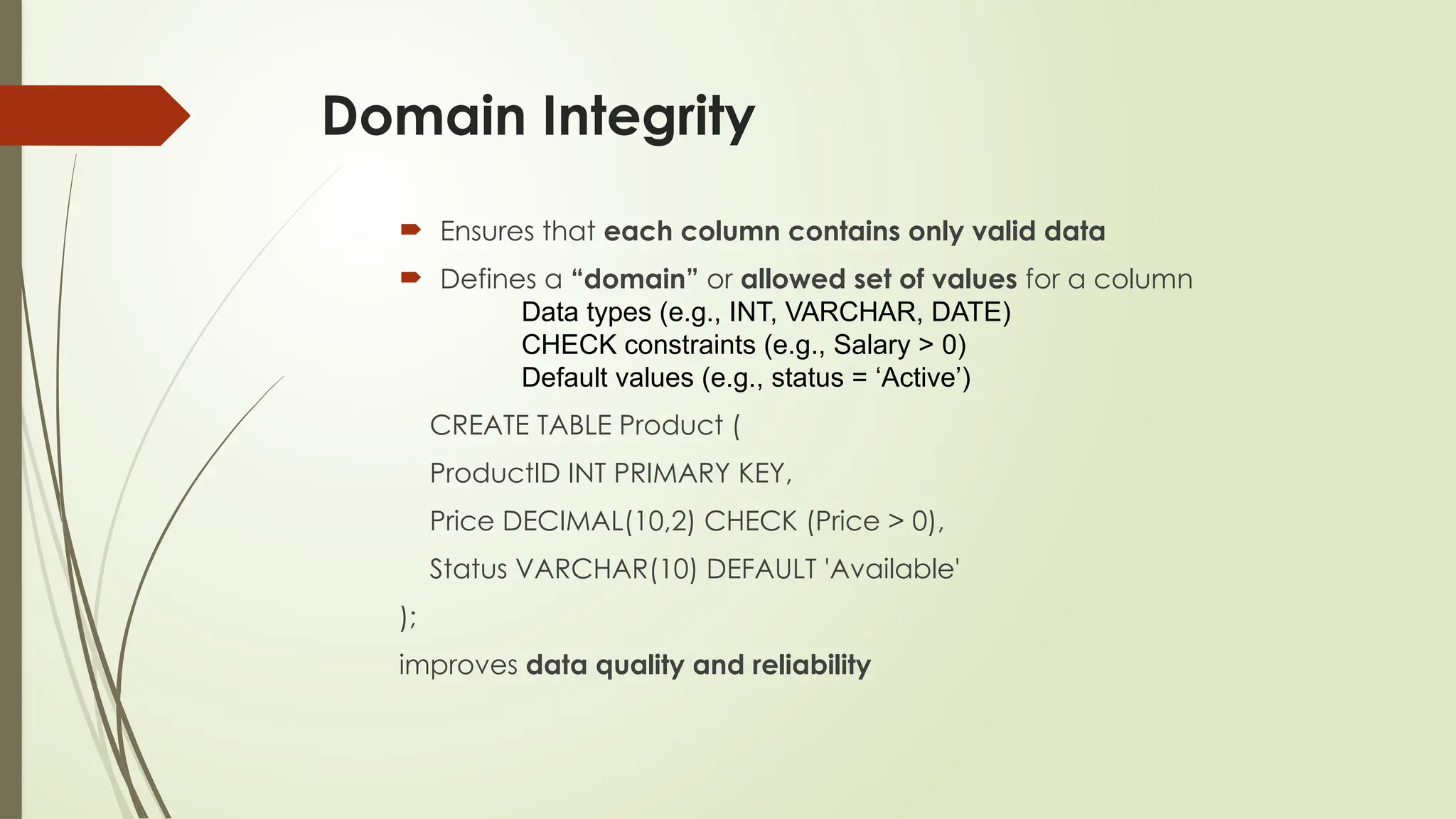
Domain Integrity
Ensuresthat each column contains only valid data
Defines a “domain” or allowed set of values for a column
Data types (e.g., INT, VARCHAR, DATE)
CHECK constraints (e.g., Salary > 0)
Default values (e.g., status = ‘Active’)
CREATE TABLE Product (
ProductID INT PRIMARY KEY,
Price DECIMAL(10,2) CHECK (Price > 0),
Status VARCHAR(10) DEFAULT 'Available'
);
improves data quality and reliability
8.
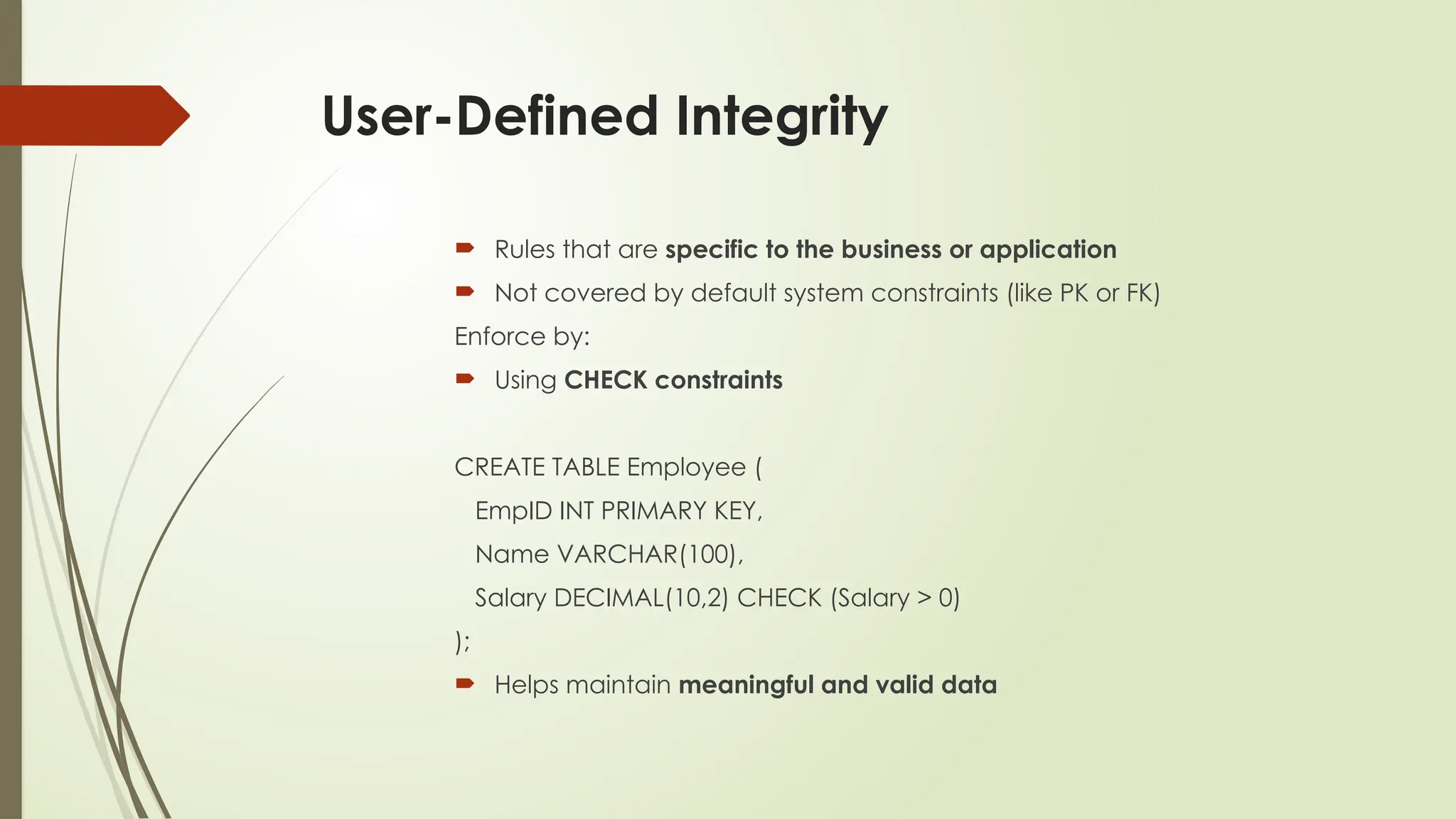
User-Defined Integrity
Rulesthat are specific to the business or application
Not covered by default system constraints (like PK or FK)
Enforce by:
Using CHECK constraints
CREATE TABLE Employee (
EmpID INT PRIMARY KEY,
Name VARCHAR(100),
Salary DECIMAL(10,2) CHECK (Salary > 0)
);
Helps maintain meaningful and valid data
9.
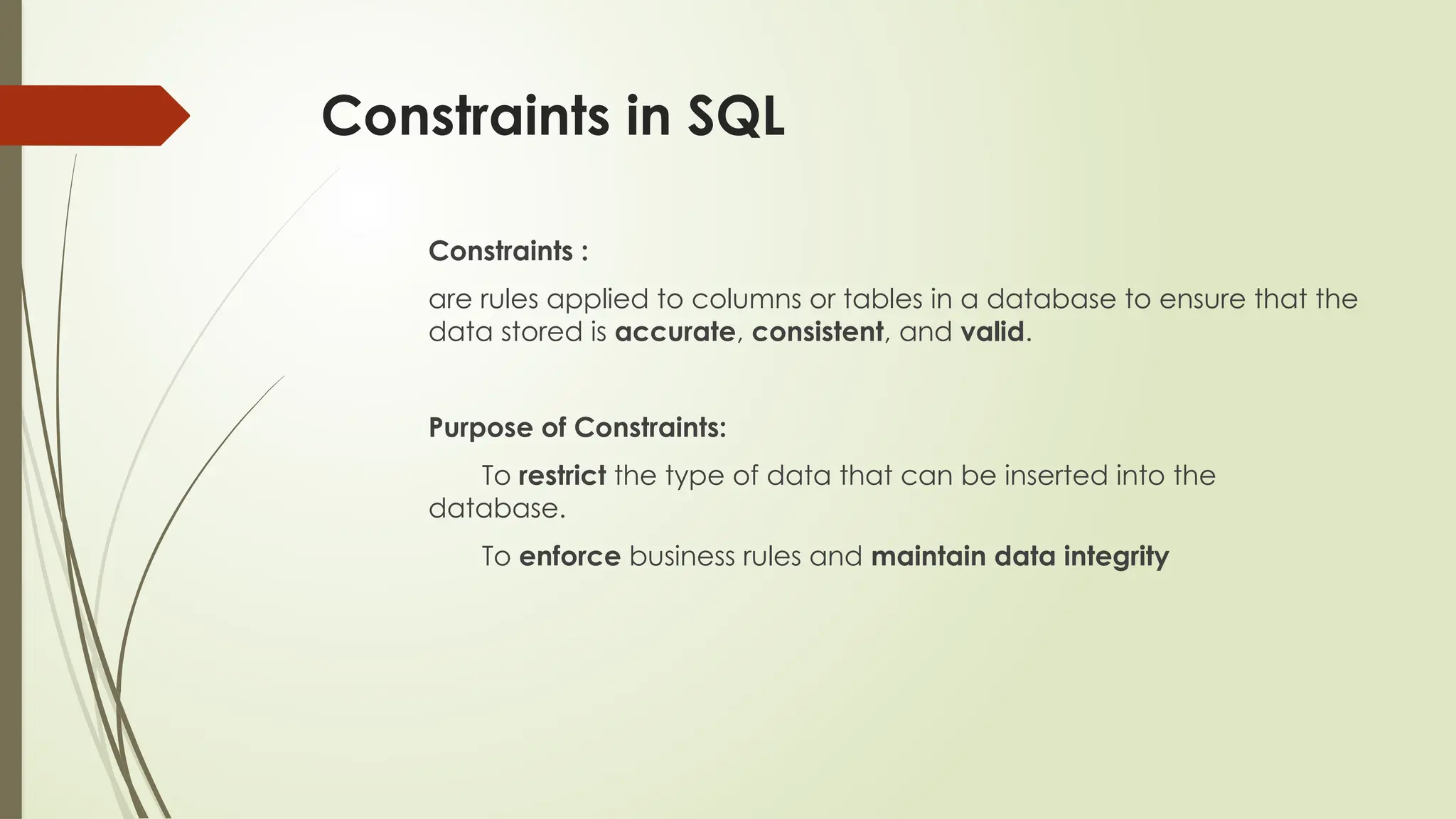
Constraints in SQL
Constraints:
are rules applied to columns or tables in a database to ensure that the
data stored is accurate, consistent, and valid.
Purpose of Constraints:
To restrict the type of data that can be inserted into the
database.
To enforce business rules and maintain data integrity
10.
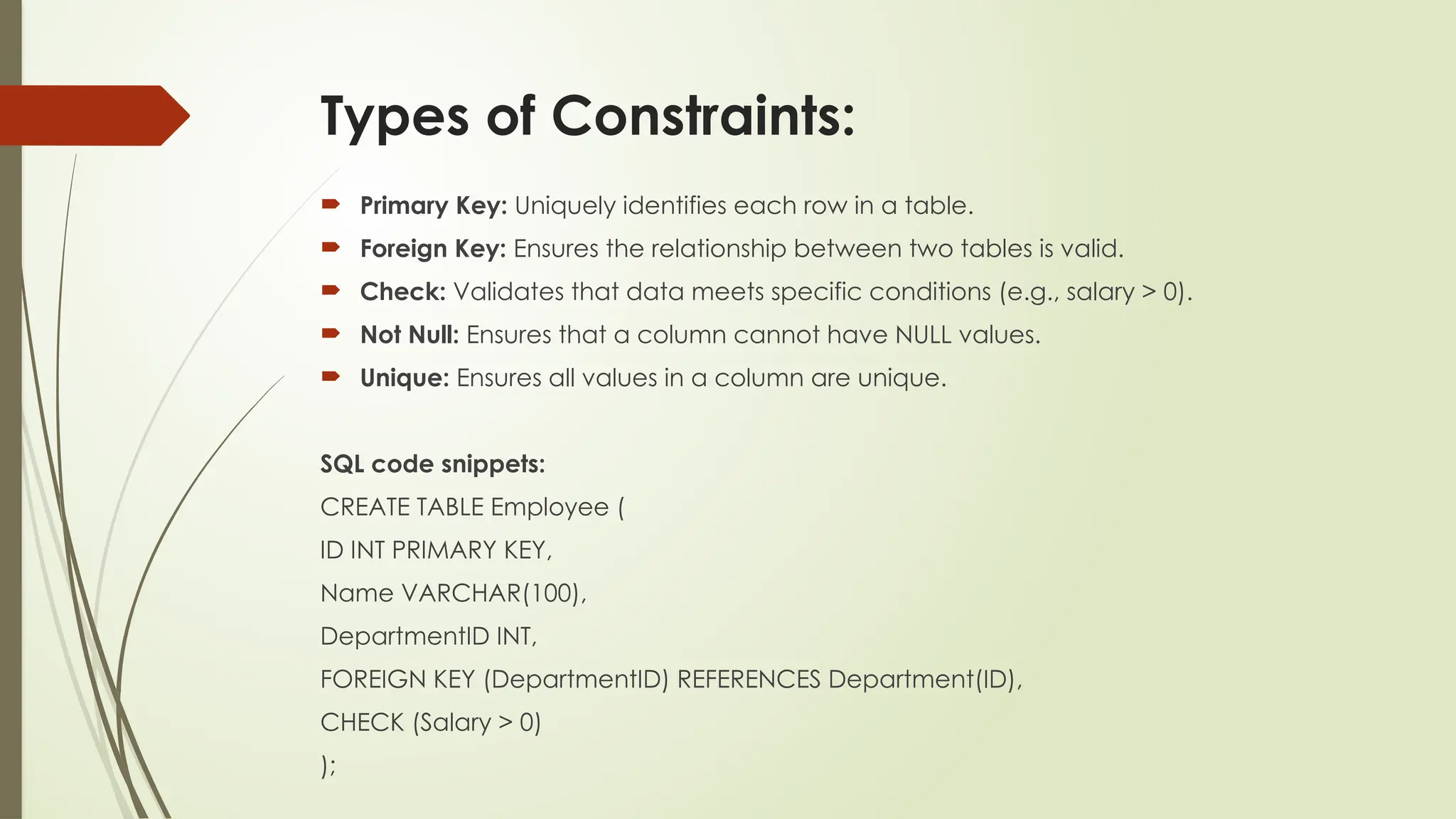
Types of Constraints:
Primary Key: Uniquely identifies each row in a table.
Foreign Key: Ensures the relationship between two tables is valid.
Check: Validates that data meets specific conditions (e.g., salary > 0).
Not Null: Ensures that a column cannot have NULL values.
Unique: Ensures all values in a column are unique.
SQL code snippets:
CREATE TABLE Employee (
ID INT PRIMARY KEY,
Name VARCHAR(100),
DepartmentID INT,
FOREIGN KEY (DepartmentID) REFERENCES Department(ID),
CHECK (Salary > 0)
);
11.
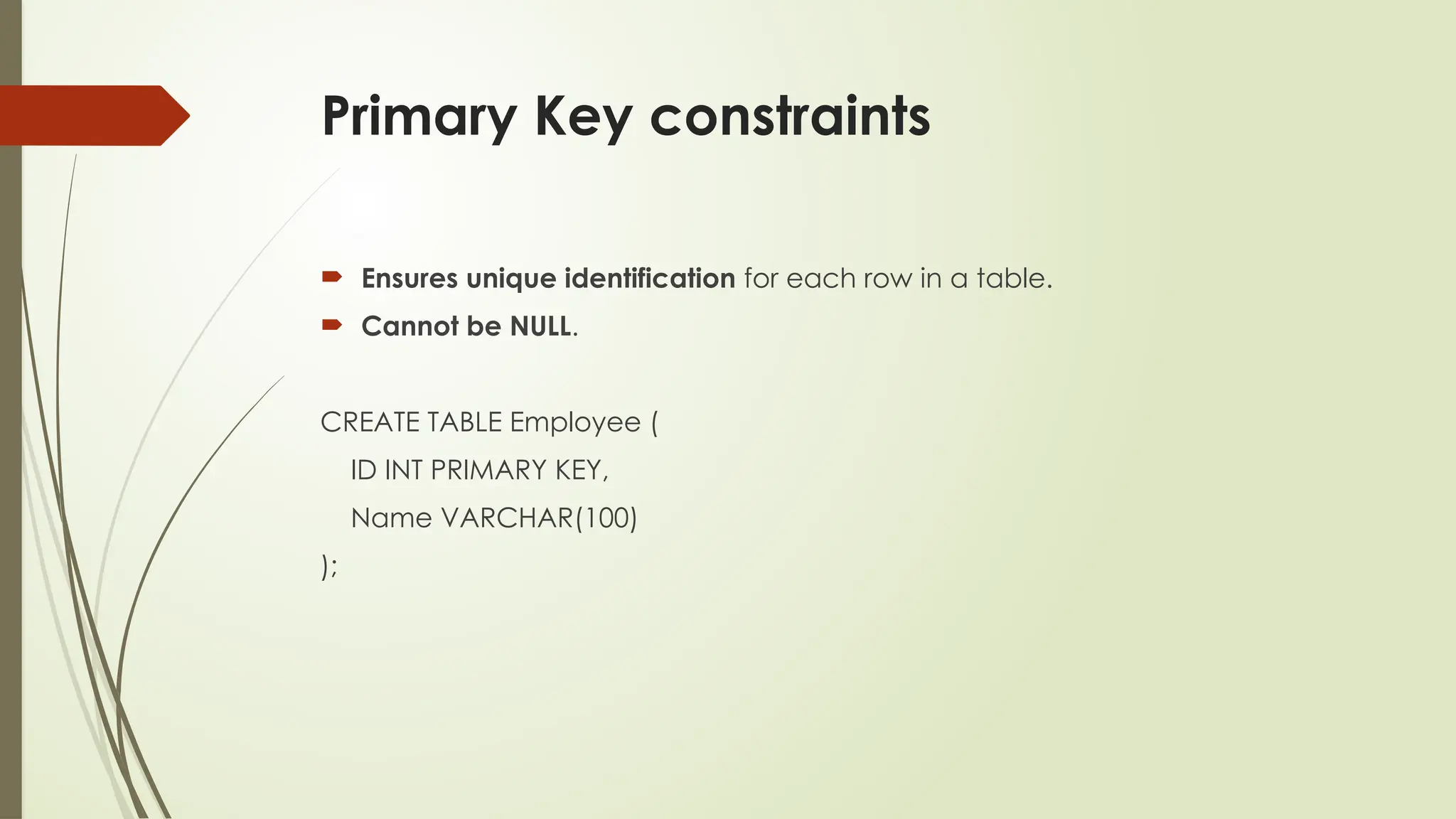
Primary Key constraints
Ensures unique identification for each row in a table.
Cannot be NULL.
CREATE TABLE Employee (
ID INT PRIMARY KEY,
Name VARCHAR(100)
);
12.
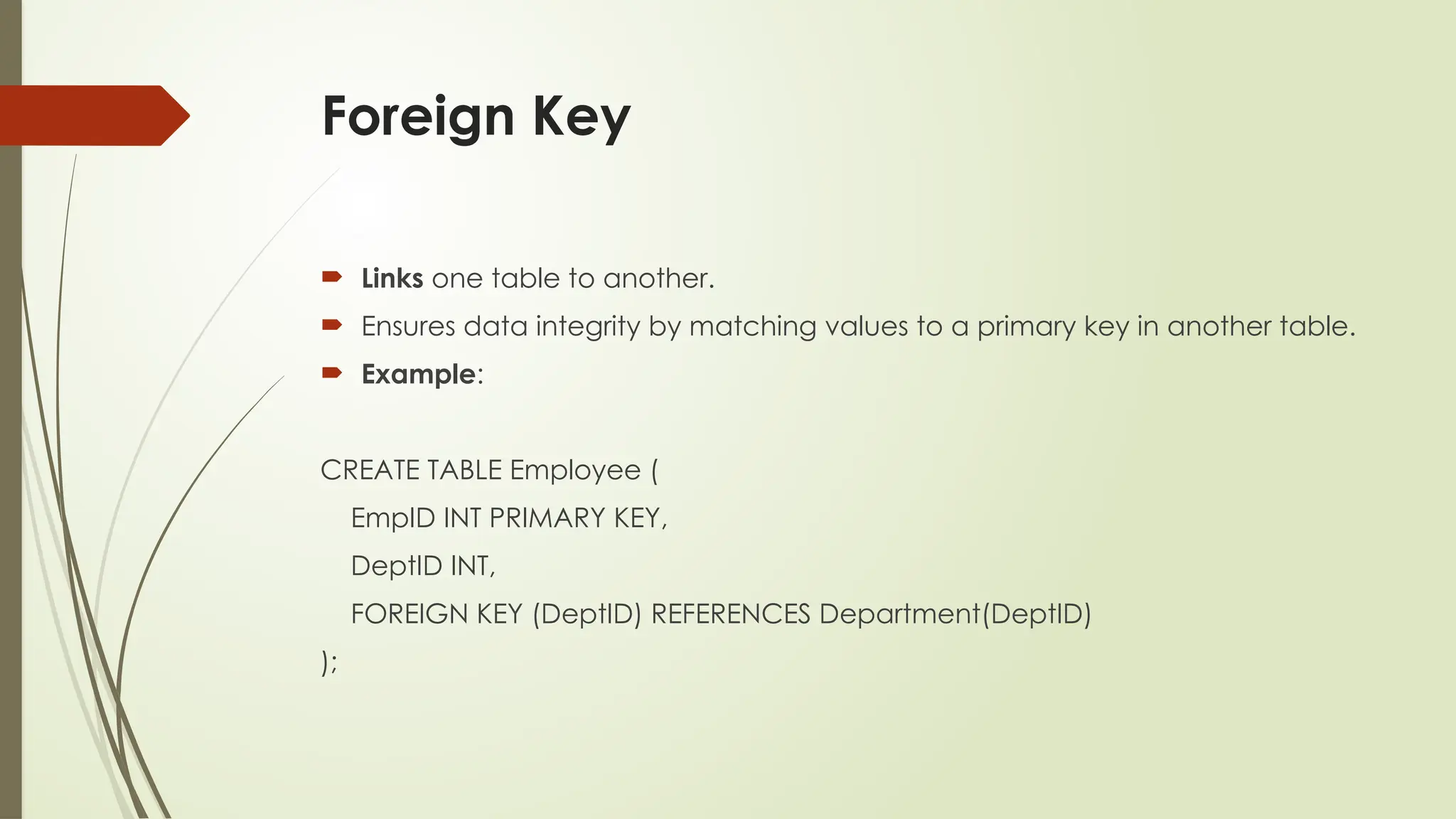
Foreign Key
Linksone table to another.
Ensures data integrity by matching values to a primary key in another table.
Example:
CREATE TABLE Employee (
EmpID INT PRIMARY KEY,
DeptID INT,
FOREIGN KEY (DeptID) REFERENCES Department(DeptID)
);
13.
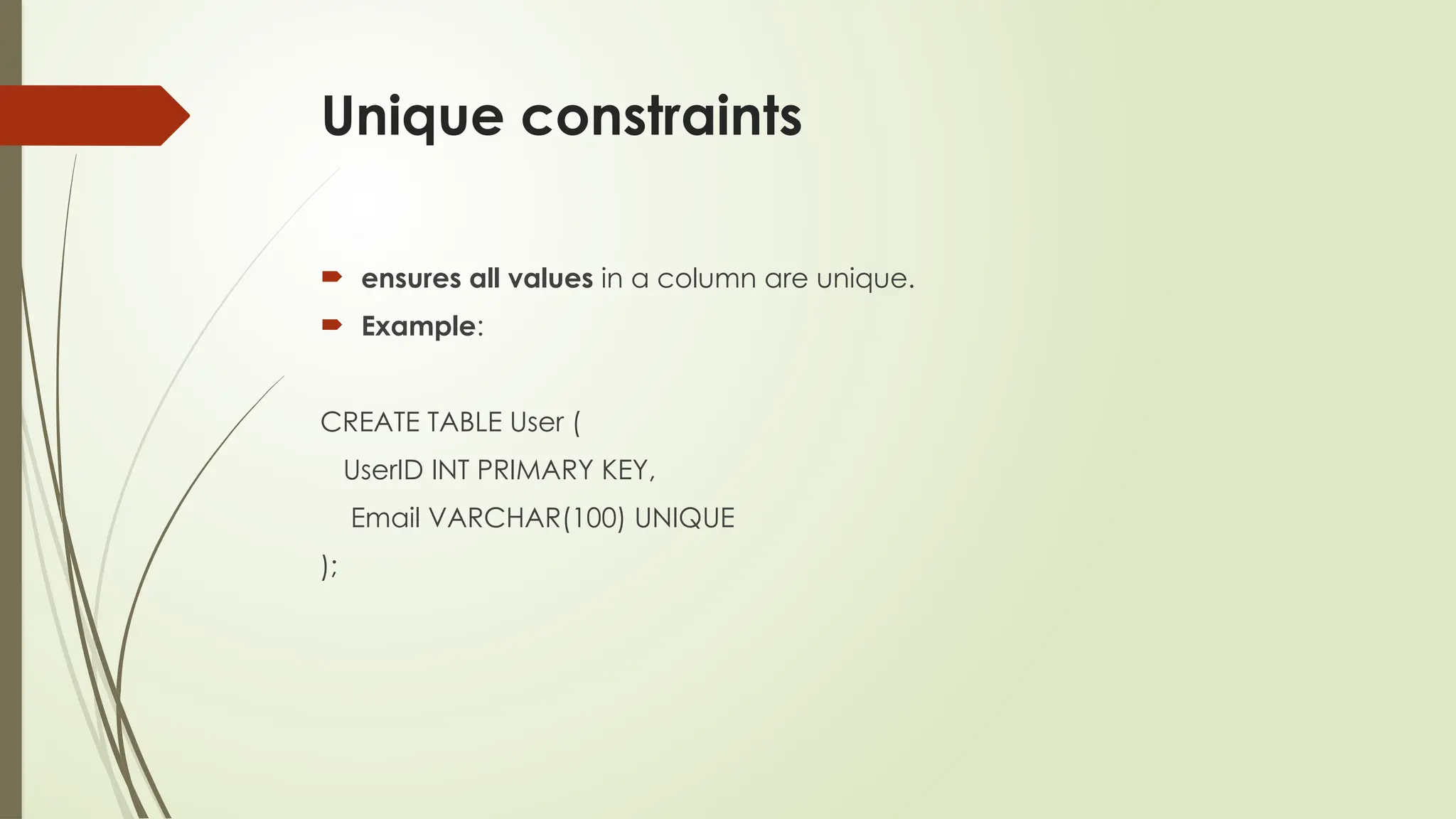
Unique constraints
ensuresall values in a column are unique.
Example:
CREATE TABLE User (
UserID INT PRIMARY KEY,
Email VARCHAR(100) UNIQUE
);
14.
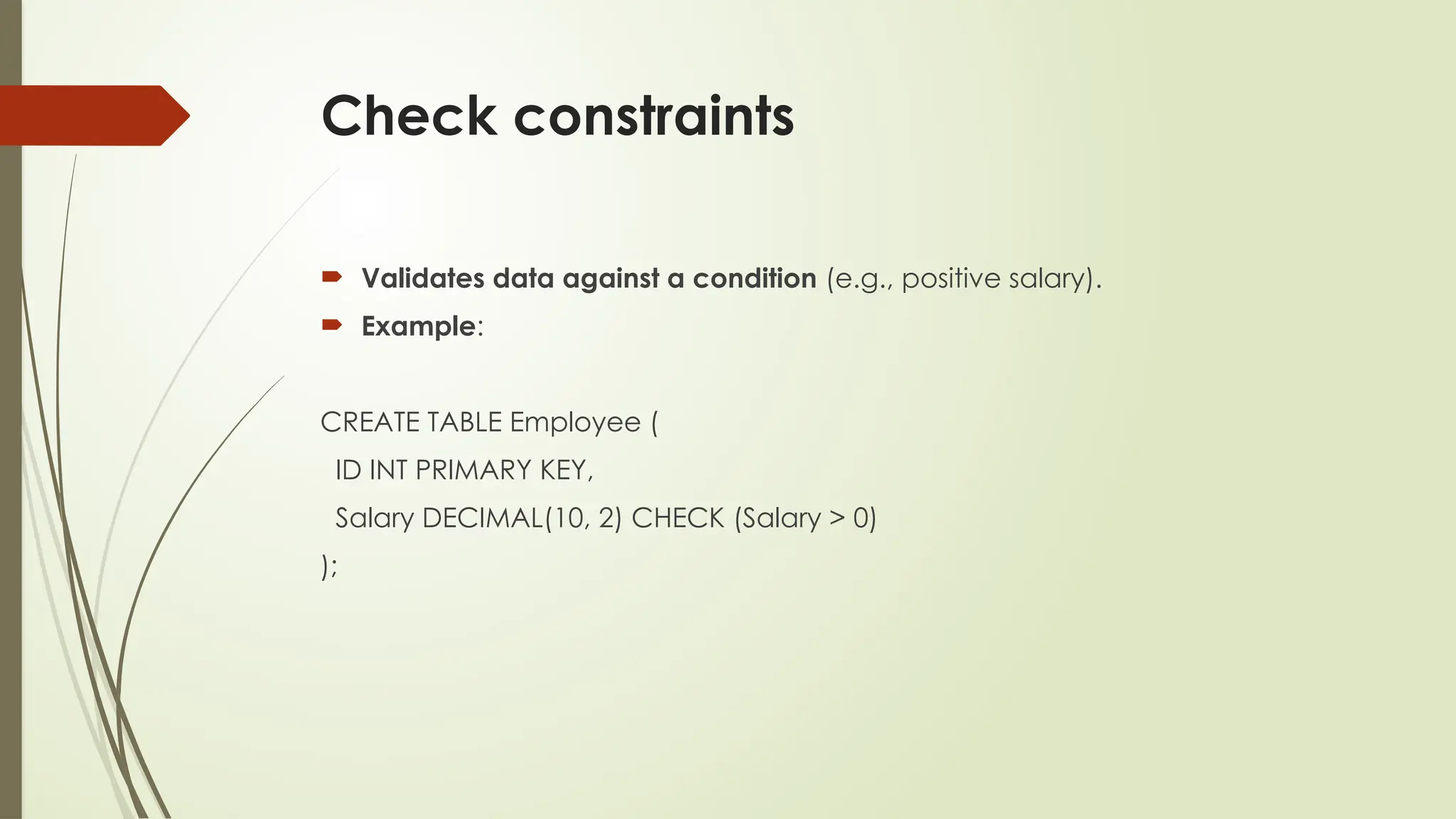
Check constraints
Validatesdata against a condition (e.g., positive salary).
Example:
CREATE TABLE Employee (
ID INT PRIMARY KEY,
Salary DECIMAL(10, 2) CHECK (Salary > 0)
);
Real-Life Applications ofIntegrity
Constraints:
Integrity constraints aren’t just theory
they help run the real world by protecting important data in many systems.
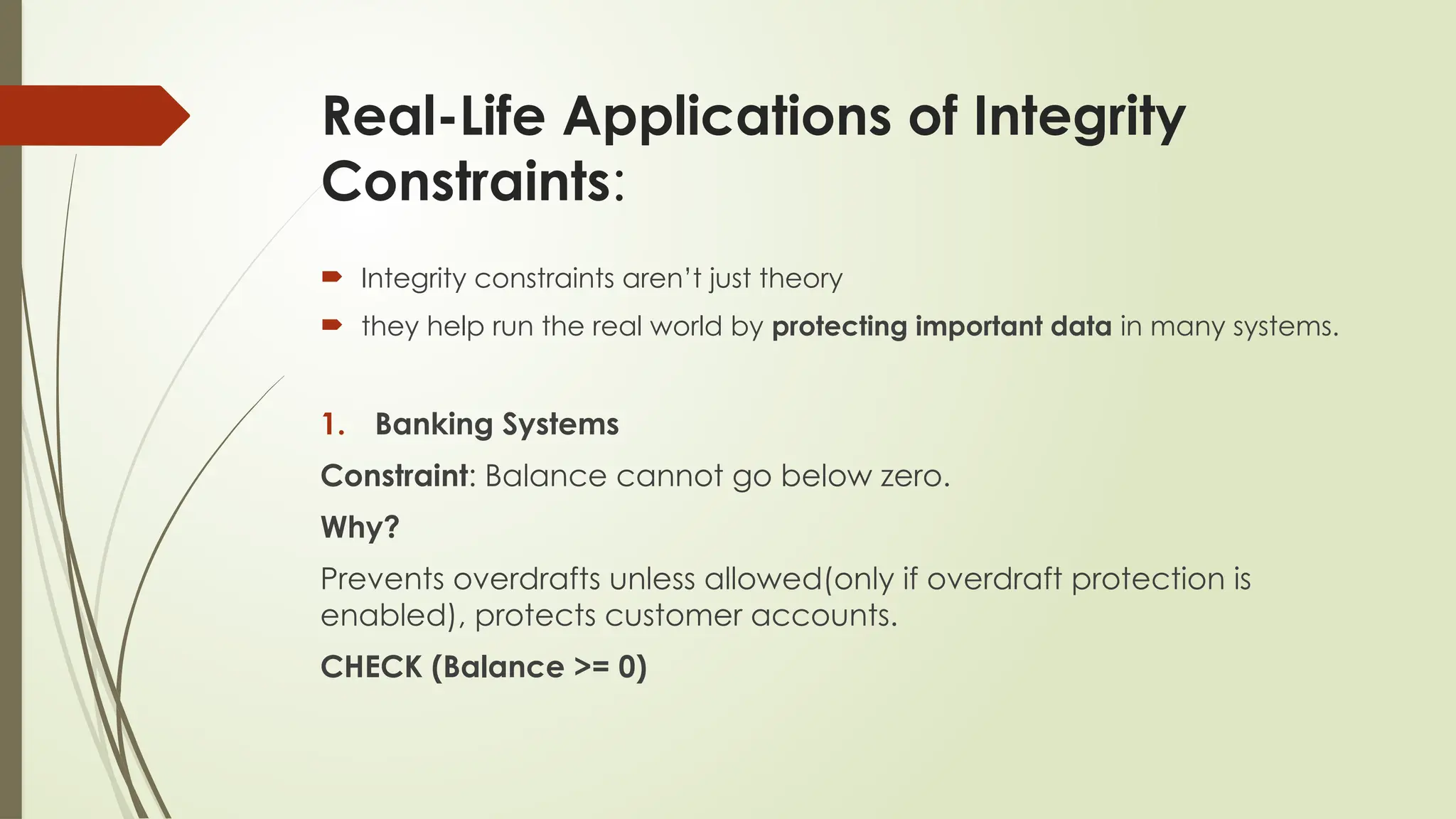
1. Banking Systems
Constraint: Balance cannot go below zero.
Why?
Prevents overdrafts unless allowed(only if overdraft protection is
enabled), protects customer accounts.
CHECK (Balance >= 0)
17.
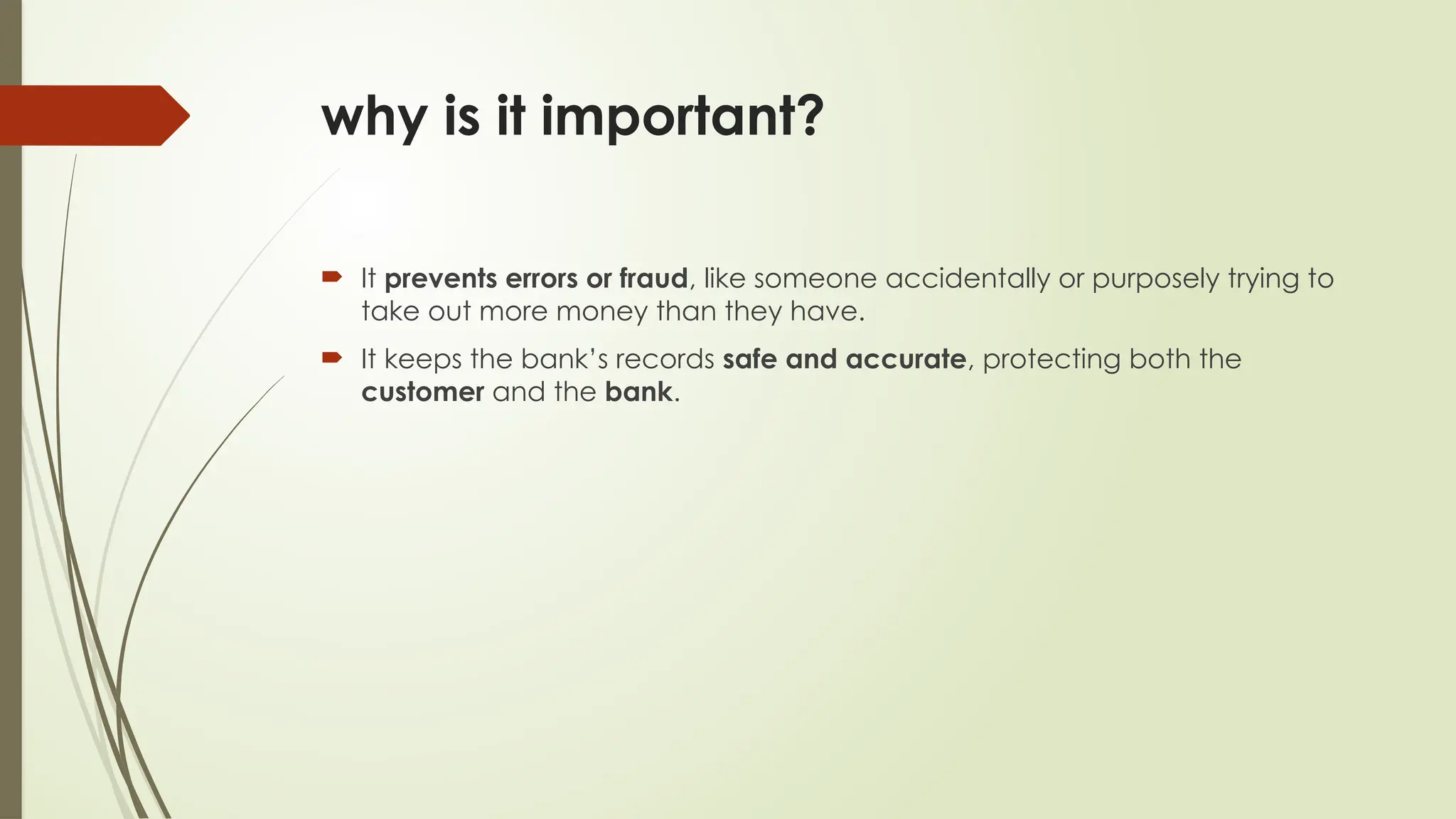
why is itimportant?
It prevents errors or fraud, like someone accidentally or purposely trying to
take out more money than they have.
It keeps the bank’s records safe and accurate, protecting both the
customer and the bank.
18.
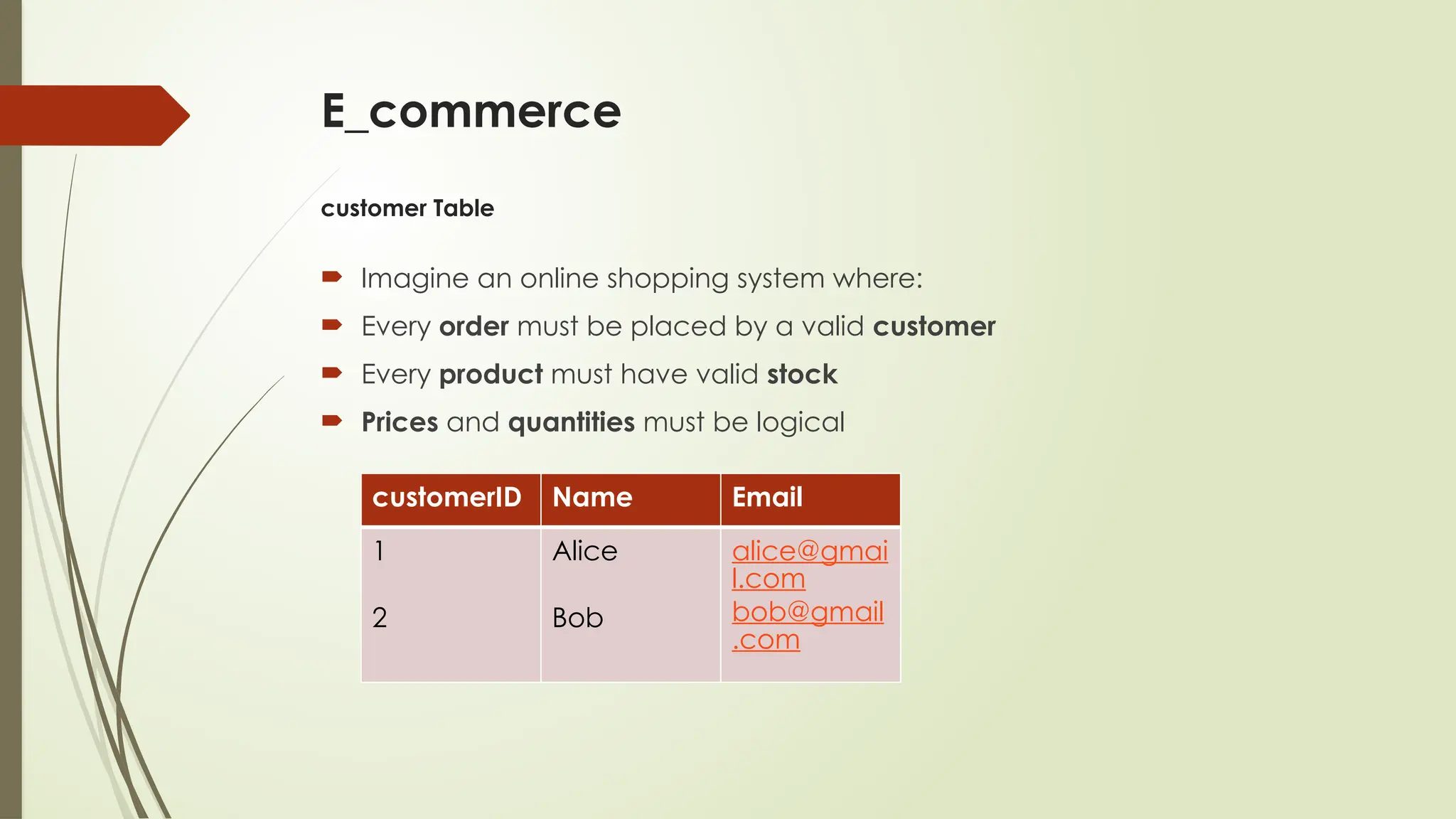
E_commerce
customer Table
Imaginean online shopping system where:
Every order must be placed by a valid customer
Every product must have valid stock
Prices and quantities must be logical
customerID Name Email
1
2
Alice
Bob
alice@gmai
l.com
bob@gmail
.com
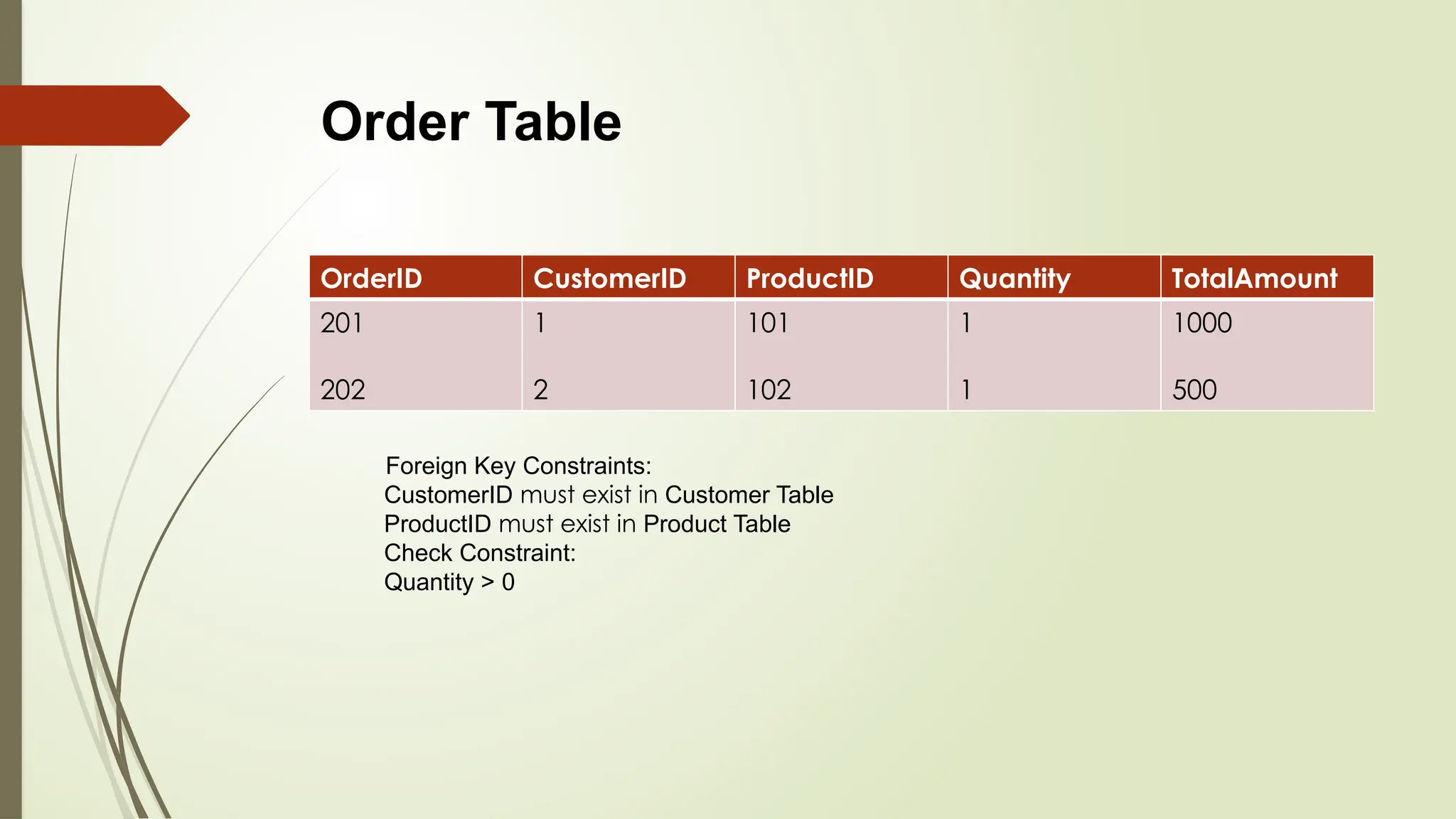
OrderID CustomerID ProductIDQuantity TotalAmount
201
202
1
2
101
102
1
1
1000
500
Foreign Key Constraints:
CustomerID must exist in Customer Table
ProductID must exist in Product Table
Check Constraint:
Quantity > 0
Order Table
21.
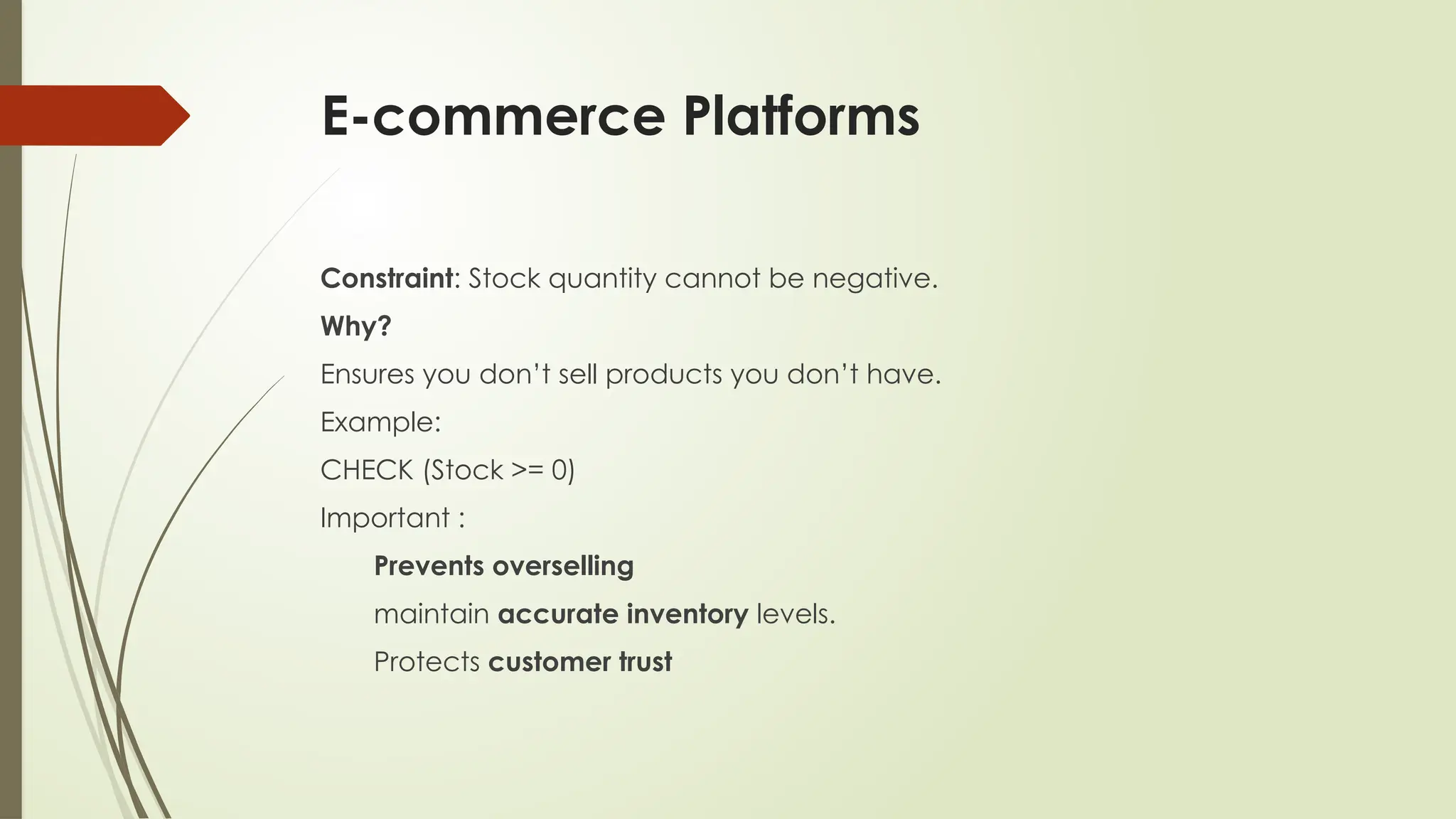
E-commerce Platforms
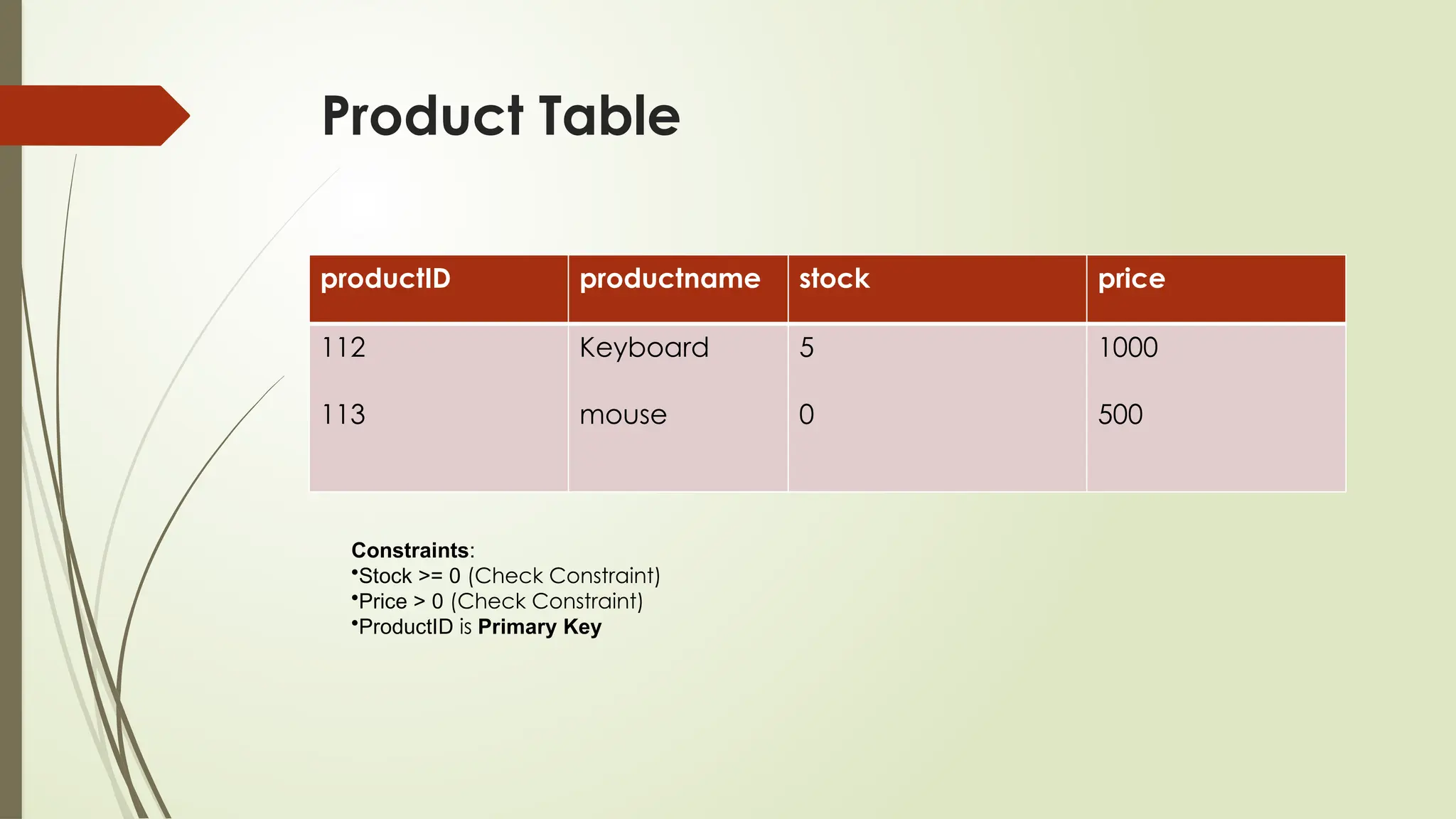
Constraint: Stockquantity cannot be negative.
Why?
Ensures you don’t sell products you don’t have.
Example:
CHECK (Stock >= 0)
Important :
Prevents overselling
maintain accurate inventory levels.
Protects customer trust
22.
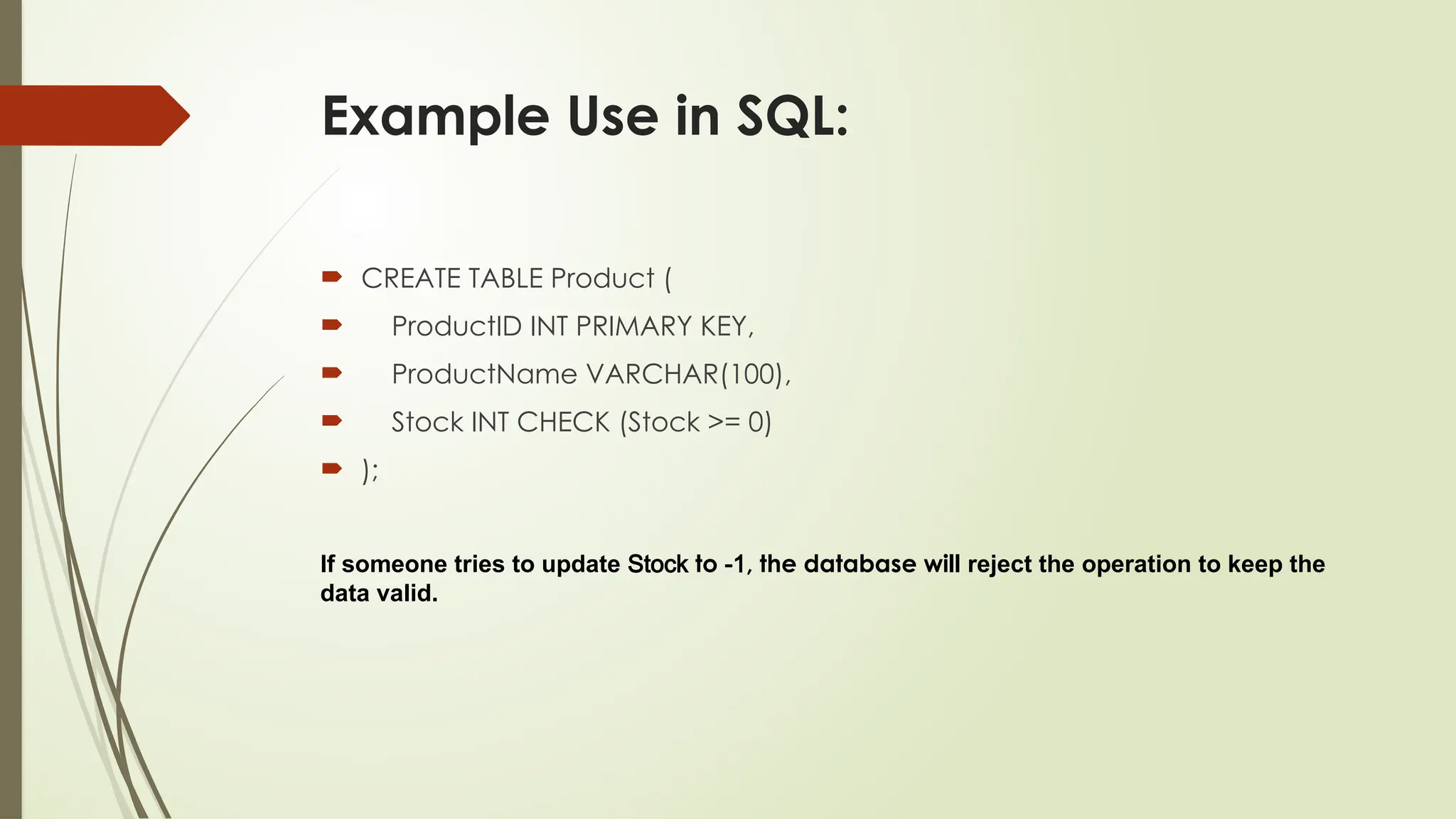
Example Use inSQL:
CREATE TABLE Product (
ProductID INT PRIMARY KEY,
ProductName VARCHAR(100),
Stock INT CHECK (Stock >= 0)
);
If someone tries to update Stock to -1, the database will reject the operation to keep the
data valid.
23.
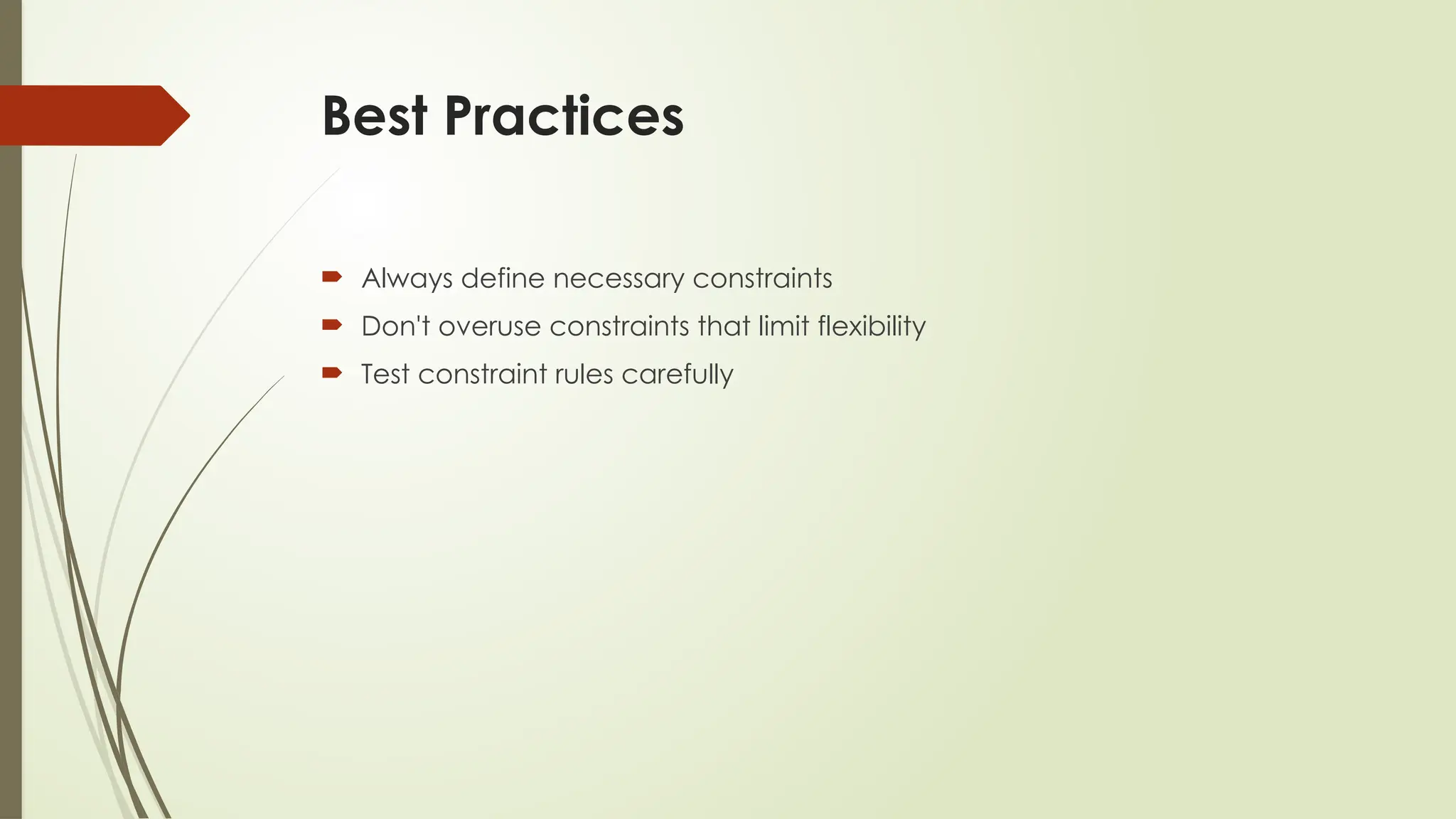
Best Practices
Alwaysdefine necessary constraints
Don't overuse constraints that limit flexibility
Test constraint rules carefully



![[DSC Europe 25] Ivan Peric - Intelligence Swarm Logic and Techno-Functional M...](https://cdn.slidesharecdn.com/ss_thumbnails/7my7c97fsduiccadgavw-2-251212103249-5a03f7c6-thumbnail.jpg?width=640&height=640&fit=bounds)


![[DSC Europe 25] Kaja Kandare - LLM as a judge.pptx](https://cdn.slidesharecdn.com/ss_thumbnails/arxyccaxsdsd1ba99wjw-7-251212104007-2b4e3f64-thumbnail.jpg?width=640&height=640&fit=bounds)
![[DSC Europe 25] Debmalya Biswas - Agentification: the art of transforming man...](https://cdn.slidesharecdn.com/ss_thumbnails/r5azlggvtqiaiiusrqdr-4-251212103249-5a12c89b-thumbnail.jpg?width=640&height=640&fit=bounds)
![[DSC Europe 25] Behzad Hosseini - AI Agents in the Wild: Deploying Models tha...](https://cdn.slidesharecdn.com/ss_thumbnails/3qtejajvsjqrzwfept2c-10-251212103250-7f2b1068-thumbnail.jpg?width=640&height=640&fit=bounds)

![[DSC Europe 25] Milan Sekuloski - Data, Defence, and Development: Cybersecuri...](https://cdn.slidesharecdn.com/ss_thumbnails/dfrkwwx4qly6atqpbl4z-4-251209104645-c3d4b0ca-thumbnail.jpg?width=640&height=640&fit=bounds)

![[DSC Europe 25] Marko Krstic - Understanding the AI Threat Landscape - Risks,...](https://cdn.slidesharecdn.com/ss_thumbnails/tiyim1ins5jvbrvzpzla-2-251209104645-c69d3553-thumbnail.jpg?width=640&height=640&fit=bounds)


![[DSC Europe 25] Sara Polak - The Archaeology of Innovation: AI as the Next Cr...](https://cdn.slidesharecdn.com/ss_thumbnails/7ecbscdnt8mlcuqbd2ln-2-sara-polak-ai-creative-industries-251208152533-aa1fcf54-thumbnail.jpg?width=640&height=640&fit=bounds)


