Integration
Service
Power and govern API-based connection sharing
2
Roy Donaldson Anil Vezendla
Principal Product Manager
Roy.donaldson@uipath.com
Meet today’s speakers:
Principal Product Manager
Anil.vezendla@uipath.com
3
Power and govern API-based connection sharing
Presentation:
• Overview of Integration Service
• Introducing Folder Awareness and Connection Sharing
Live Demo:
• Create a folder, subfolder and maintain permissions
• Assigning roles
• Creating connections with folders
• Building a trigger
• Connection Sharing on Studio Desktop
Q&A
Agenda
4
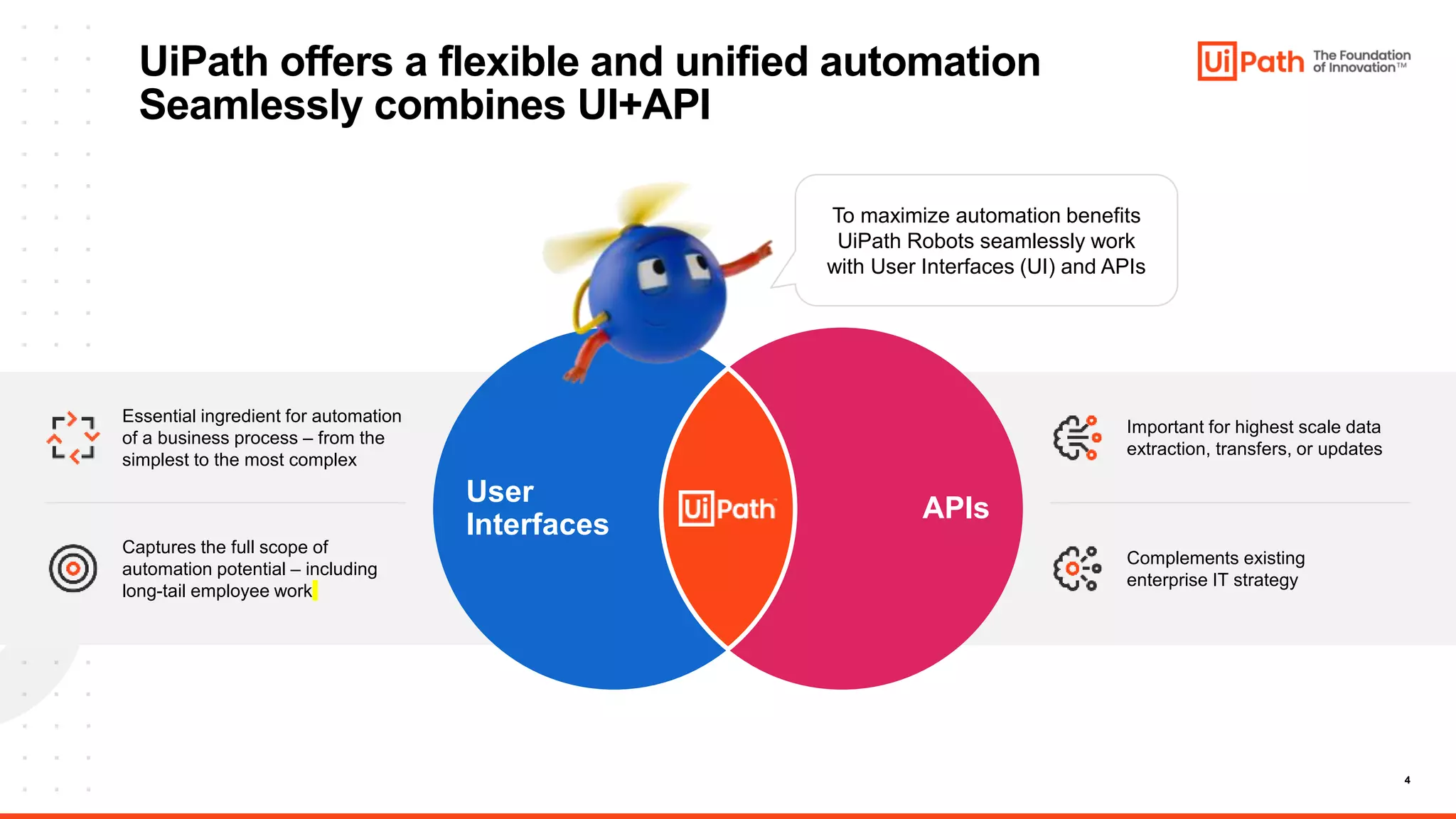
UiPath offers a flexible and unified automation
Seamlessly combines UI+API
APIs
User
Interfaces
To maximize automation benefits
UiPath Robots seamlessly work
with User Interfaces (UI) and APIs
Essential ingredient for automation
of a business process – from the
simplest to the most complex
Captures the full scope of
automation potential – including
long-tail employee work
Important for highest scale data
extraction, transfers, or updates
Complements existing
enterprise IT strategy
5
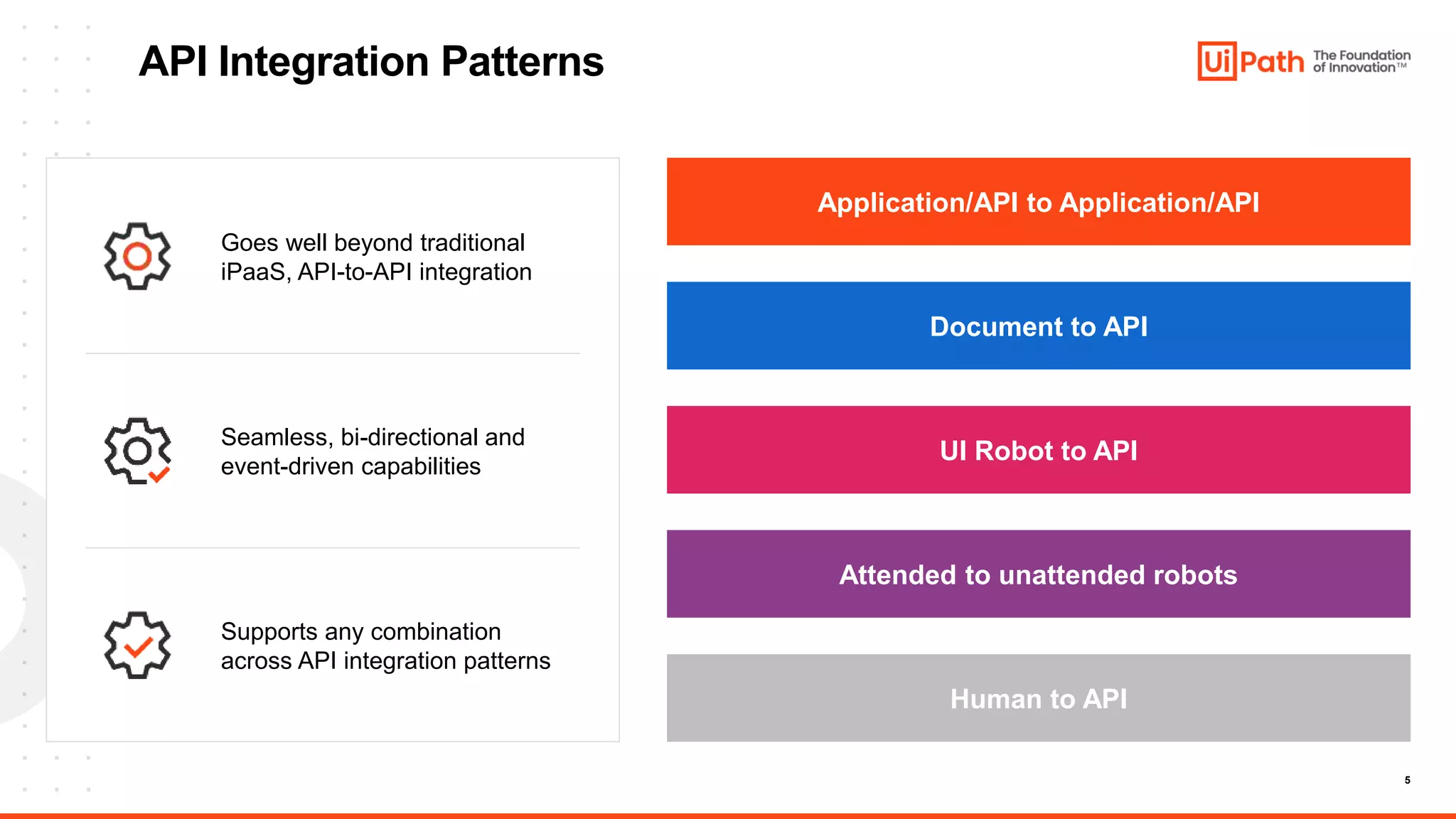
API Integration Patterns
Supports any combination
across API integration patterns
Seamless, bi-directional and
event-driven capabilities
Goes well beyond traditional
iPaaS, API-to-API integration
Application/API to Application/API
Document to API
UI Robot to API
Attended to unattended robots
Human to API
6
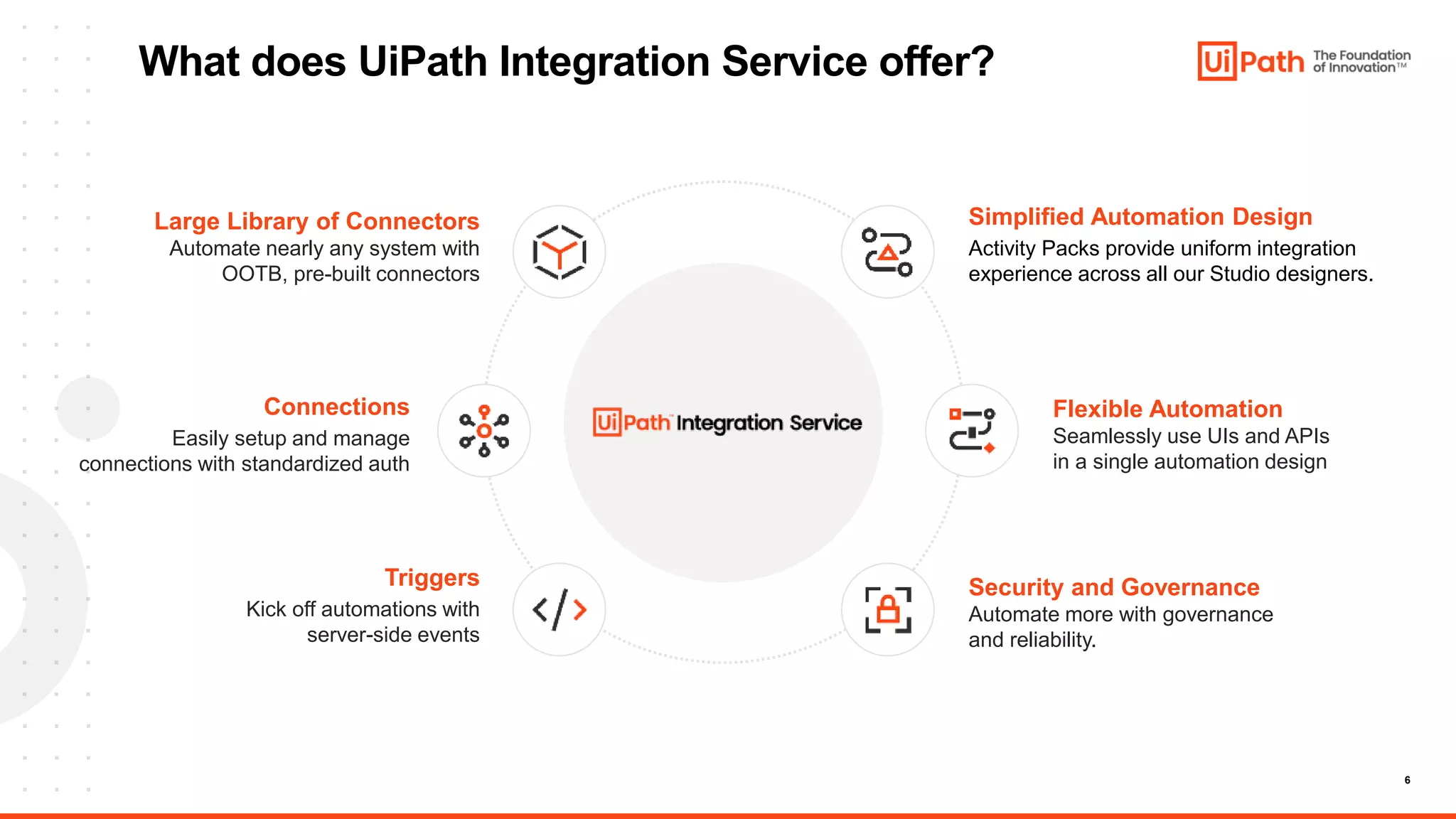
What does UiPath Integration Service offer?
Flexible Automation
Seamlessly use UIs and APIs
in a single automation design
Simplified Automation Design
Activity Packs provide uniform integration
experience across all our Studio designers.
Security and Governance
Automate more with governance
and reliability.
Triggers
Kick off automations with
server-side events
Connections
Easily setup and manage
connections with standardized auth
Large Library of Connectors
Automate nearly any system with
OOTB, pre-built connectors
7
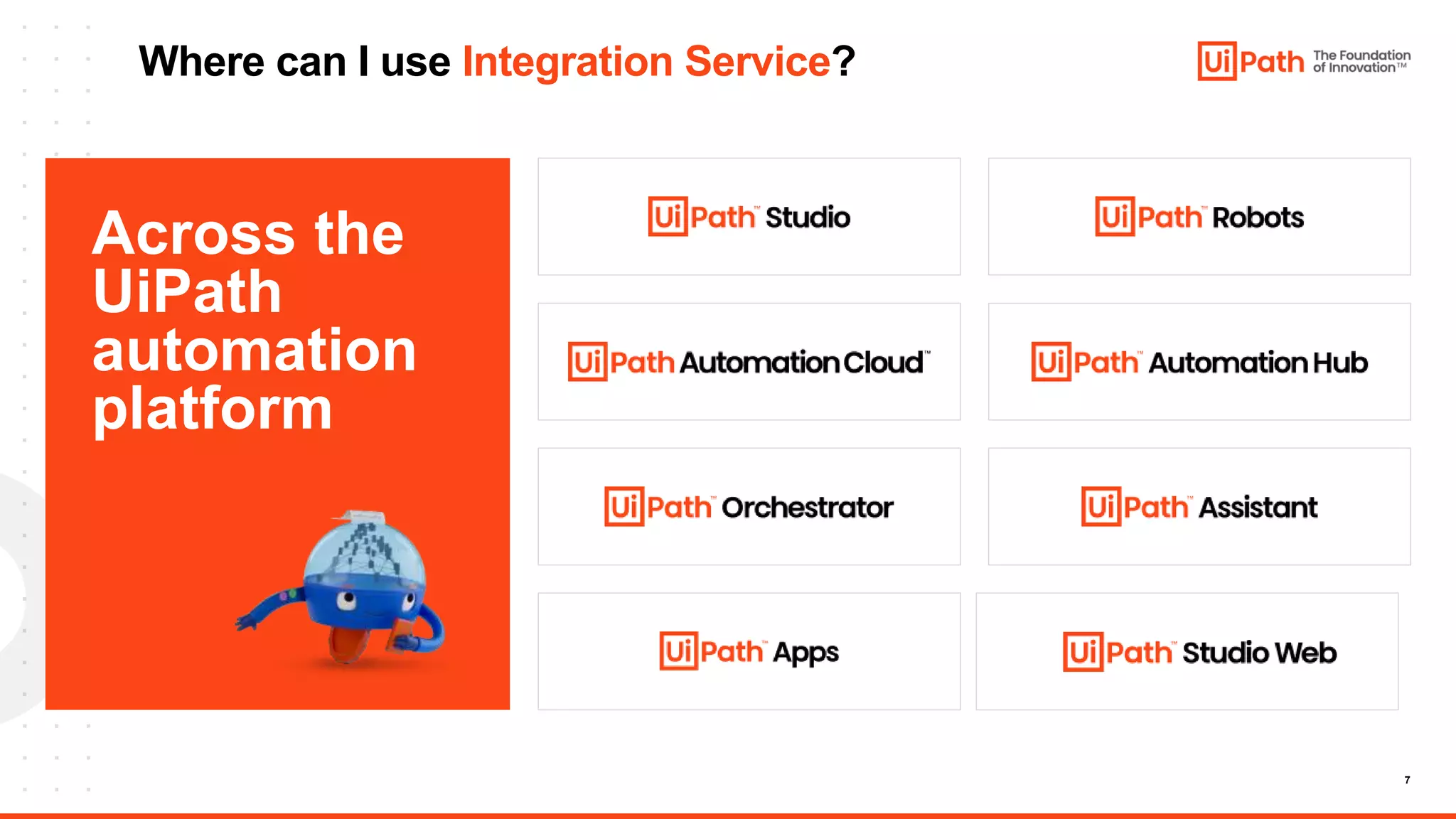
Where can I use Integration Service?
Across the
UiPath
automation
platform
Integration
Service
Folder Awareness and
Connection Sharing
Anil Vezendla
Principal Product Manager
Anil.Vezendla@uipath.com
9
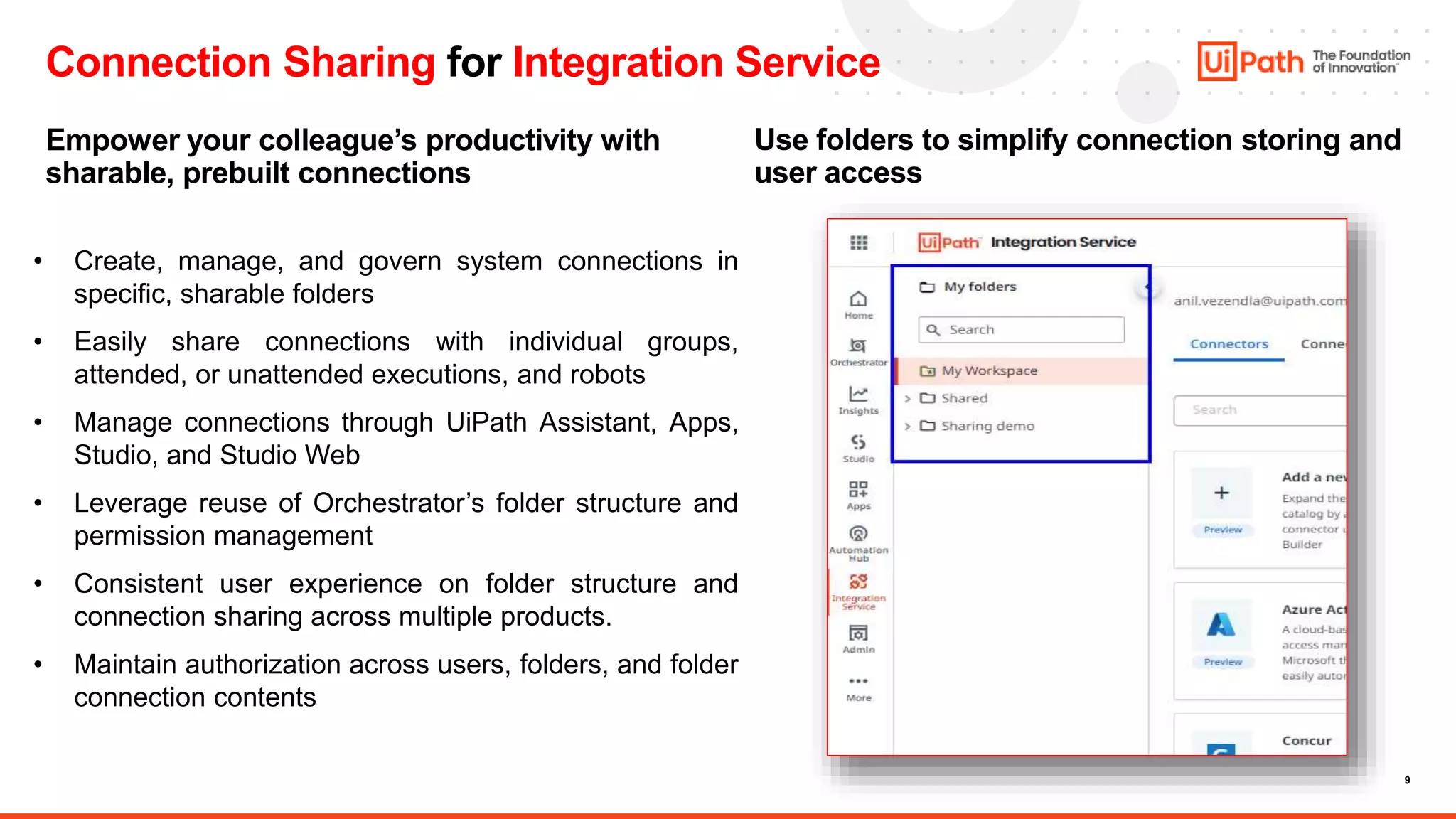
Connection Sharing for Integration Service
Empower your colleague’s productivity with
sharable, prebuilt connections
Use folders to simplify connection storing and
user access
• Create, manage, and govern system connections in
specific, sharable folders
• Easily share connections with individual groups,
attended, or unattended executions, and robots
• Manage connections through UiPath Assistant, Apps,
Studio, and Studio Web
• Leverage reuse of Orchestrator’s folder structure and
permission management
• Consistent user experience on folder structure and
connection sharing across multiple products.
• Maintain authorization across users, folders, and folder
connection contents
11
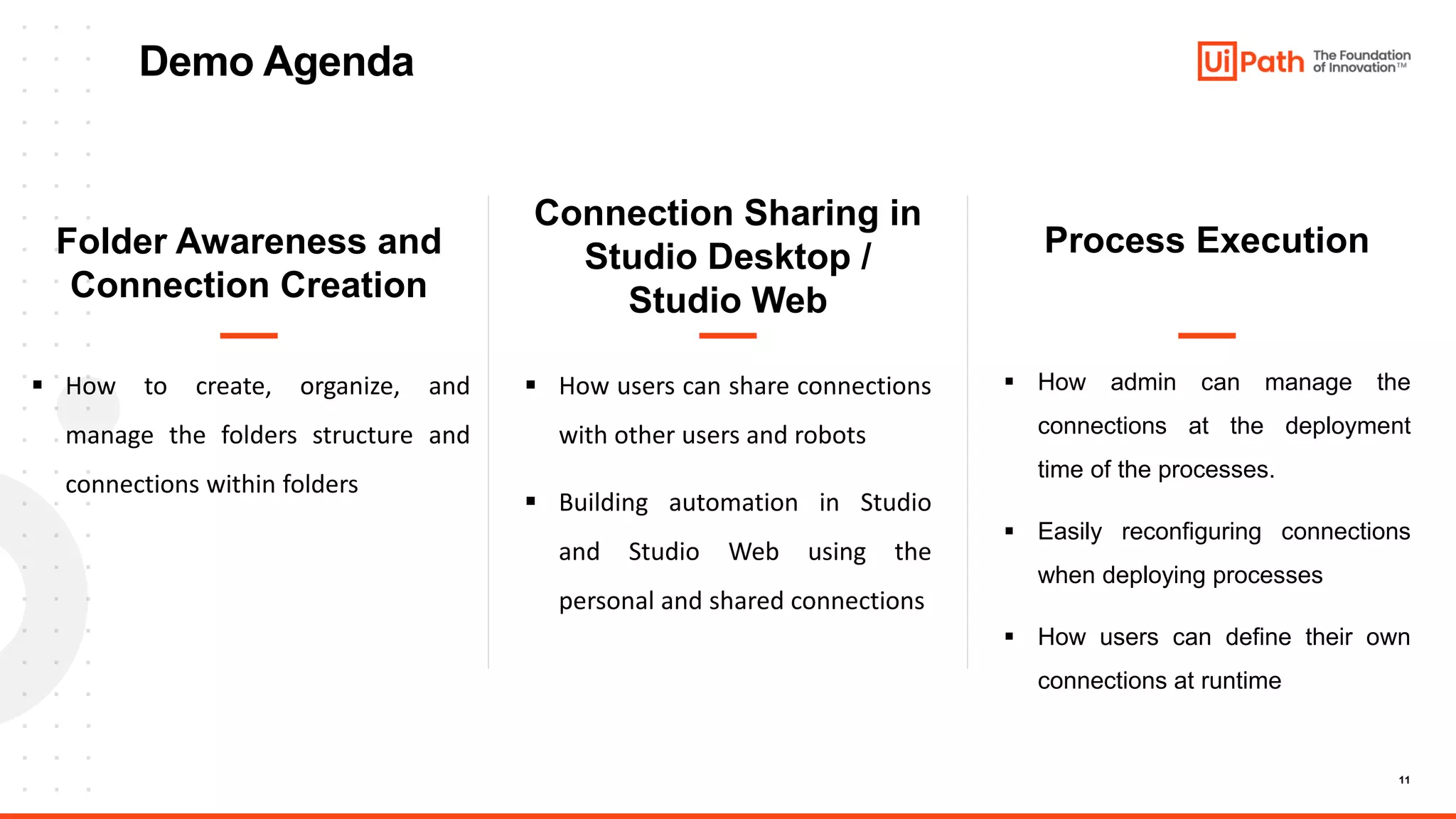
Demo Agenda
Folder Awareness and
Connection Creation
Connection Sharing in
Studio Desktop /
Studio Web
Process Execution
 How to create, organize, and
manage the folders structure and
connections within folders
 How users can share connections
with other users and robots
 Building automation in Studio
and Studio Web using the
personal and shared connections
 How admin can manage the
connections at the deployment
time of the processes.
 Easily reconfiguring connections
when deploying processes
 How users can define their own
connections at runtime
12
FolderAwareness and
Connection Sharing
Demo
13
Rapidly automate APIs and build custom
connectors with Integration Service
• Discover how you can build API automations by using
prebuilt connectors from our Integration Service Connector
Catalog!
• See our new GPT/OpenAI connector in action!
• Learn why Connector Builder is your go-to solution for
deploying new custom connectors into your automated
workflows!
When: May 31, 2023
Register: AMER
EMEA & APAC
Save your seat >>
Join us at Dev Dives in May!
Learn how to..
https://bit.ly/Dev_Dives_5_AMER
14
Q&A
Connection Sharing for Integration Service
Thank you!

Integration Service - Power and Govern API-based connection sharing.pptx

  • 1.
    Integration Service Power and governAPI-based connection sharing
  • 2.
    2 Roy Donaldson AnilVezendla Principal Product Manager Roy.donaldson@uipath.com Meet today’s speakers: Principal Product Manager Anil.vezendla@uipath.com
  • 3.
    3 Power and governAPI-based connection sharing Presentation: • Overview of Integration Service • Introducing Folder Awareness and Connection Sharing Live Demo: • Create a folder, subfolder and maintain permissions • Assigning roles • Creating connections with folders • Building a trigger • Connection Sharing on Studio Desktop Q&A Agenda
  • 4.
    4 UiPath offers aflexible and unified automation Seamlessly combines UI+API APIs User Interfaces To maximize automation benefits UiPath Robots seamlessly work with User Interfaces (UI) and APIs Essential ingredient for automation of a business process – from the simplest to the most complex Captures the full scope of automation potential – including long-tail employee work Important for highest scale data extraction, transfers, or updates Complements existing enterprise IT strategy
  • 5.
    5 API Integration Patterns Supportsany combination across API integration patterns Seamless, bi-directional and event-driven capabilities Goes well beyond traditional iPaaS, API-to-API integration Application/API to Application/API Document to API UI Robot to API Attended to unattended robots Human to API
  • 6.
    6 What does UiPathIntegration Service offer? Flexible Automation Seamlessly use UIs and APIs in a single automation design Simplified Automation Design Activity Packs provide uniform integration experience across all our Studio designers. Security and Governance Automate more with governance and reliability. Triggers Kick off automations with server-side events Connections Easily setup and manage connections with standardized auth Large Library of Connectors Automate nearly any system with OOTB, pre-built connectors
  • 7.
    7 Where can Iuse Integration Service? Across the UiPath automation platform
  • 8.
    Integration Service Folder Awareness and ConnectionSharing Anil Vezendla Principal Product Manager Anil.Vezendla@uipath.com
  • 9.
    9 Connection Sharing forIntegration Service Empower your colleague’s productivity with sharable, prebuilt connections Use folders to simplify connection storing and user access • Create, manage, and govern system connections in specific, sharable folders • Easily share connections with individual groups, attended, or unattended executions, and robots • Manage connections through UiPath Assistant, Apps, Studio, and Studio Web • Leverage reuse of Orchestrator’s folder structure and permission management • Consistent user experience on folder structure and connection sharing across multiple products. • Maintain authorization across users, folders, and folder connection contents
  • 10.
    11 Demo Agenda Folder Awarenessand Connection Creation Connection Sharing in Studio Desktop / Studio Web Process Execution  How to create, organize, and manage the folders structure and connections within folders  How users can share connections with other users and robots  Building automation in Studio and Studio Web using the personal and shared connections  How admin can manage the connections at the deployment time of the processes.  Easily reconfiguring connections when deploying processes  How users can define their own connections at runtime
  • 11.
  • 12.
    13 Rapidly automate APIsand build custom connectors with Integration Service • Discover how you can build API automations by using prebuilt connectors from our Integration Service Connector Catalog! • See our new GPT/OpenAI connector in action! • Learn why Connector Builder is your go-to solution for deploying new custom connectors into your automated workflows! When: May 31, 2023 Register: AMER EMEA & APAC Save your seat >> Join us at Dev Dives in May! Learn how to.. https://bit.ly/Dev_Dives_5_AMER
  • 13.
    14 Q&A Connection Sharing forIntegration Service
  • 14.