2013
How to install and
configure vBulletin 5
beta 13
MOHAMMED S.A. KWAIK
Contents
Chapter 1.......................................................................................................................................................2
Step1: Install Apserv or wmap ..................................................................................................................2
Step 2: Create database............................................................................................................................6
Step 3: Configure the vBulletin.................................................................................................................7
Step 4: Install the vBulletin forum ..........................................................................................................11
Chapter 2.....................................................................................................................................................16
Add Arabic language ...............................................................................................................................16
Appendix .....................................................................................................................................................20
Chapter 1
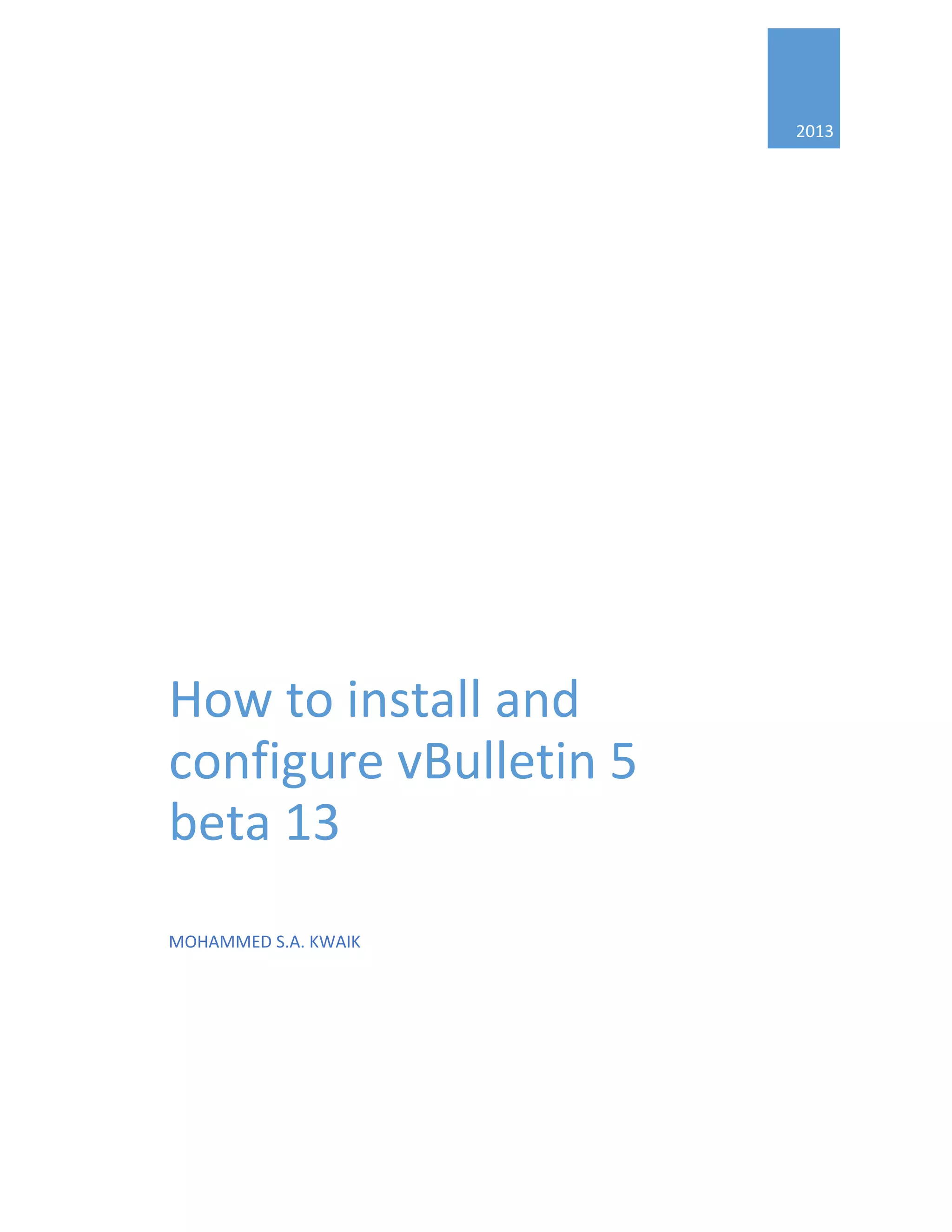
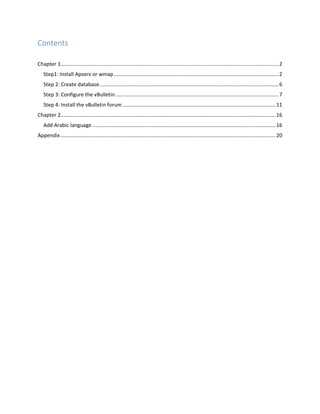
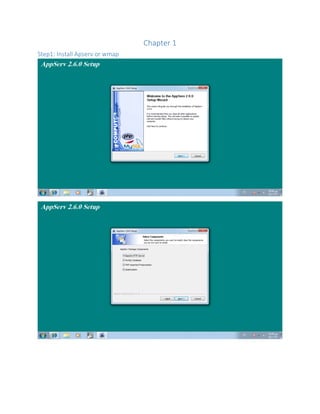
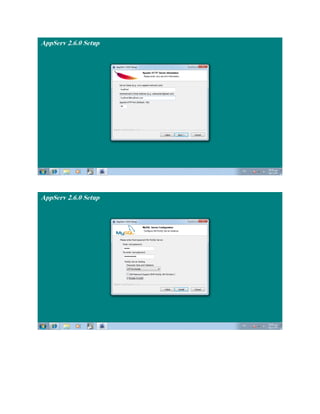
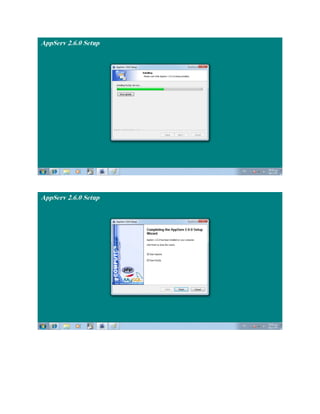
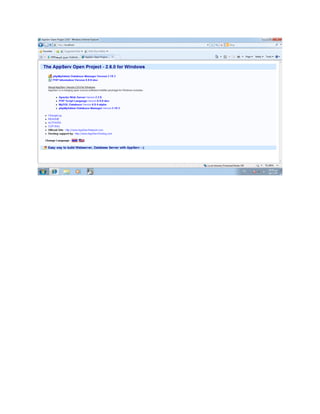
Step1: Install Apserv or wmap
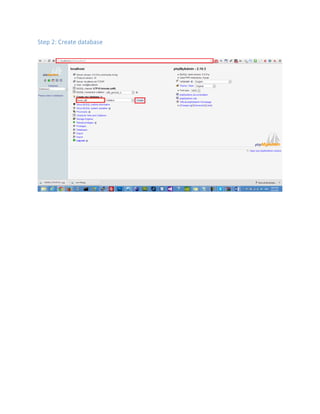
Step 2: Create database
Step 3: Configure the vBulletin
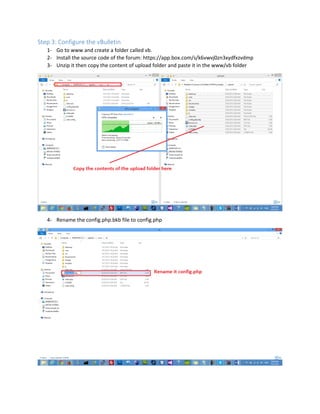
1- Go to www and create a folder called vb.
2- Install the source code of the forum: https://app.box.com/s/k6vwvj0zn3xydfxzvdmp
3- Unzip it then copy the content of upload folder and paste it in the www/vb folder
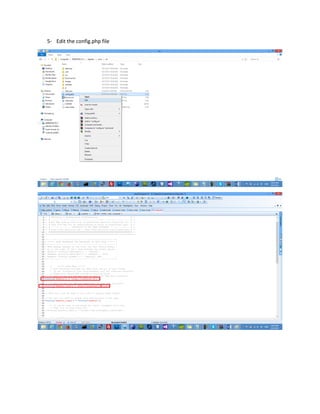
4- Rename the config.php.bkb file to config.php
5- Edit the config.php file
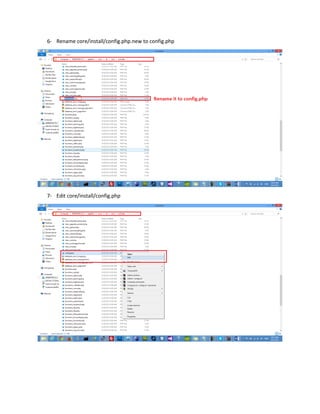
6- Rename core/install/config.php.new to config.php
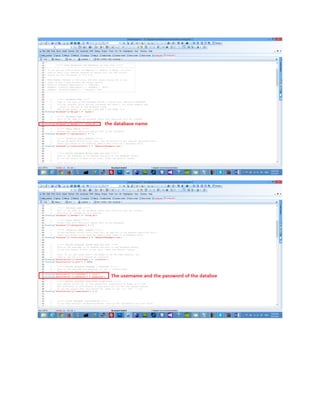
7- Edit core/install/config.php
Step 4: Install the vBulletin forum
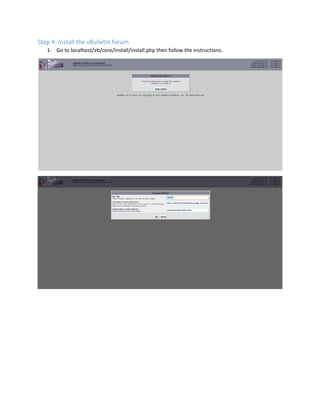
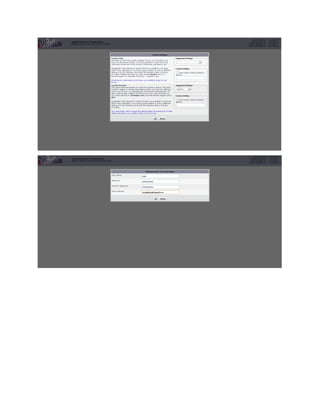
1- Go to localhost/vb/core/install/install.php then follow the instructions.
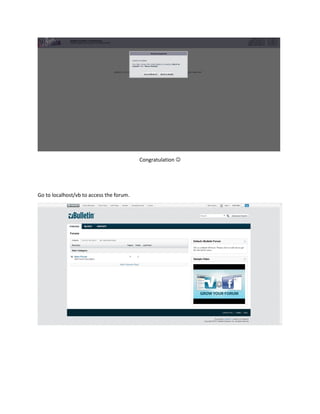
Congratulation 
Go to localhost/vb to access the forum.
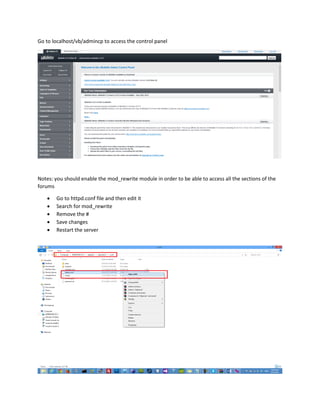
Go to localhost/vb/admincp to access the control panel
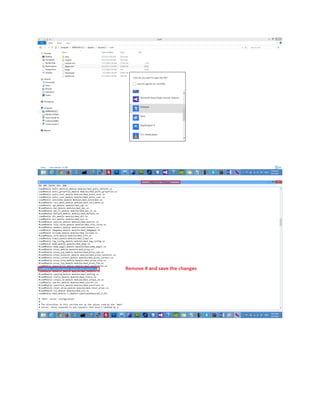
Notes: you should enable the mod_rewrite module in order to be able to access all the sections of the
forums
 Go to httpd.conf file and then edit it
 Search for mod_rewrite
 Remove the #
 Save changes
 Restart the server
Chapter 2
Add Arabic language
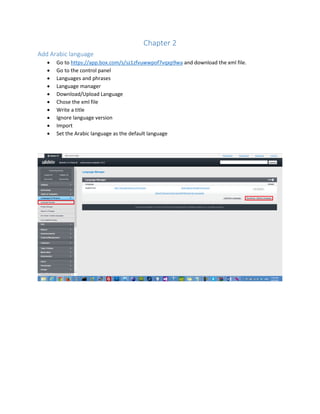
 Go to https://app.box.com/s/sz1zfvuwwpof7vqxp9wa and download the xml file.
 Go to the control panel
 Languages and phrases
 Language manager
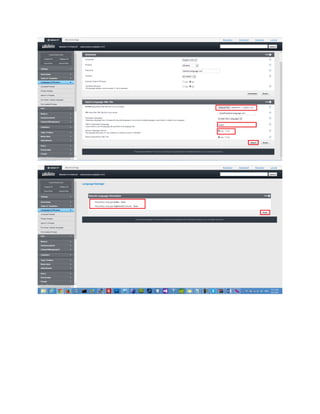
 Download/Upload Language
 Chose the xml file
 Write a title
 Ignore language version
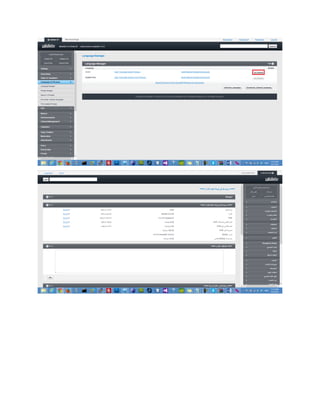
 Import
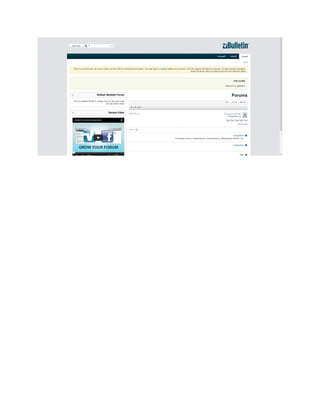
 Set the Arabic language as the default language
Appendix
https://app.box.com/s/j0zlcmwxb3unpqahf6fj
http://www.youtube.com/watch?v=ZHvcAVNGdWI
http://www.youtube.com/watch?v=0iUig7bnFsQ
http://www.youtube.com/watch?v=BRUQFR_sGgg

Install vb5 beta 13