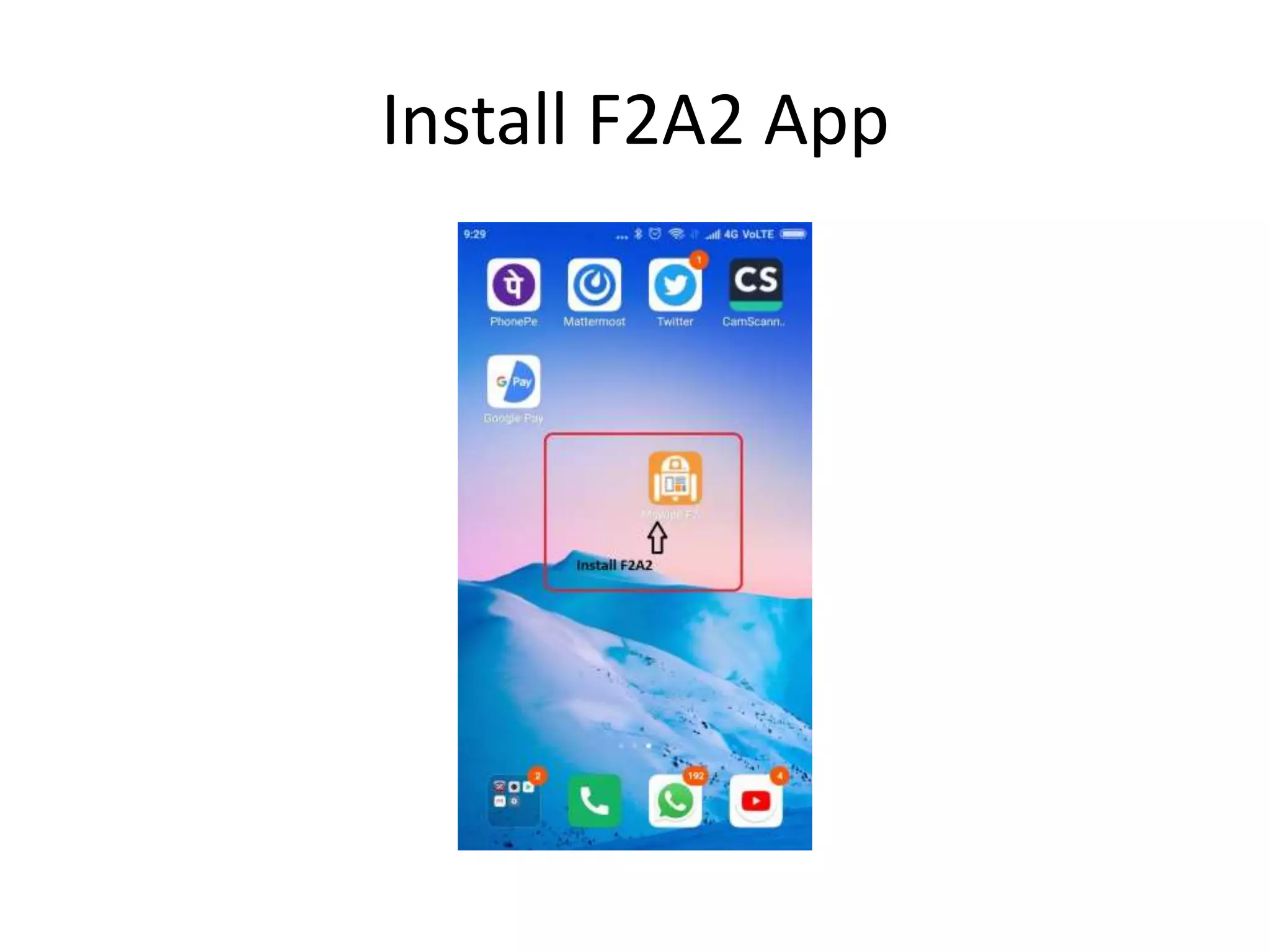
Install F2A2 App
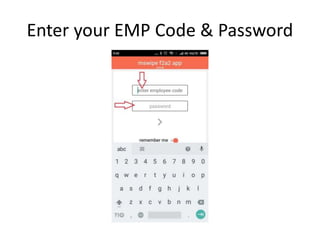
Enter your EMP Code & Password
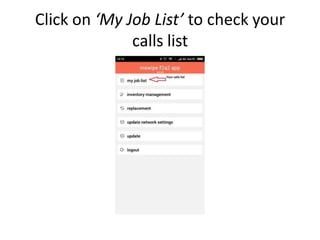
Click on ‘My Job List’ to check your
calls list
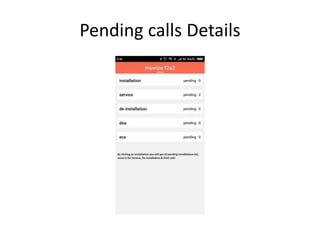
Pending calls Details
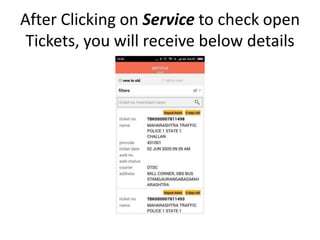
After Clicking on Service to check open
Tickets, you will receive below details
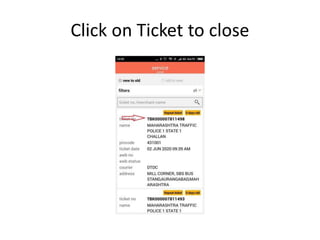
Click on Ticket to close
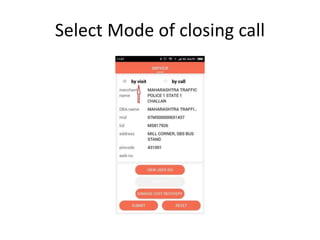
Select Mode of closing call
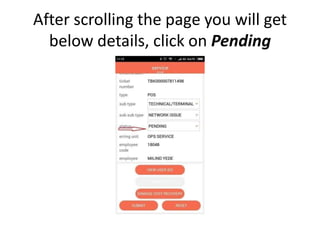
After scrolling the page you will get
below details, click on Pending
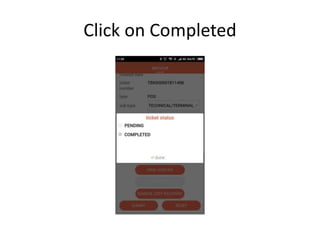
Click on Completed
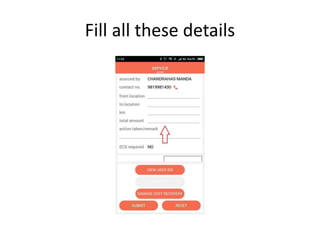
Fill all these details
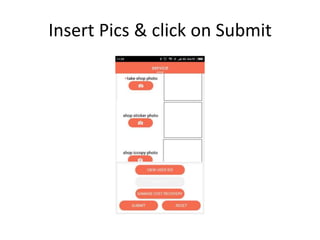
Insert Pics & click on Submit
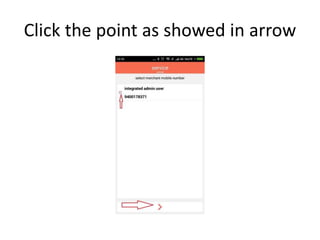
Click the point as showed in arrow
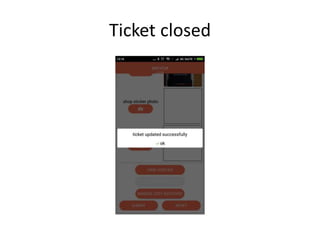
Ticket closed
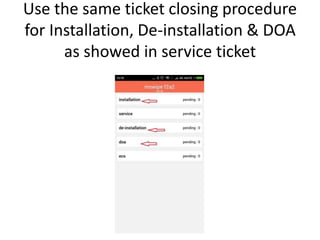
Use the same ticket closing procedure
for Installation, De-installation & DOA
as showed in service ticket
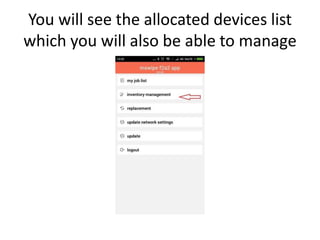
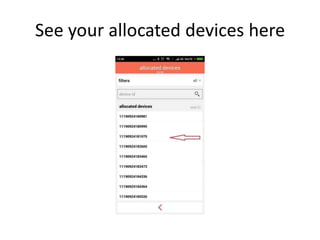
You will see the allocated devices list
which you will also be able to manage
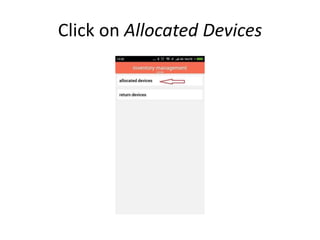
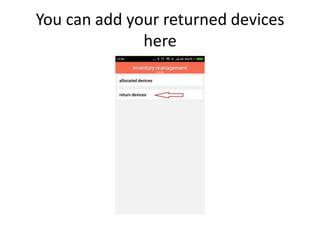
Click on Allocated Devices
See your allocated devices here
You can add your returned devices
here
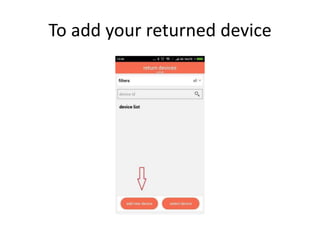
To add your returned device
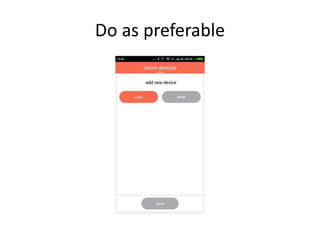
Do as preferable
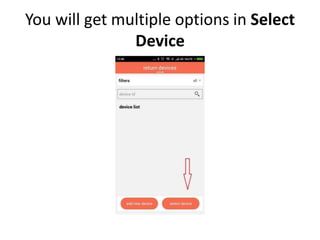
You will get multiple options in Select
Device
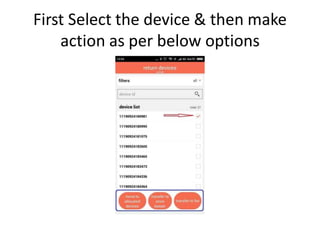
First Select the device & then make
action as per below options
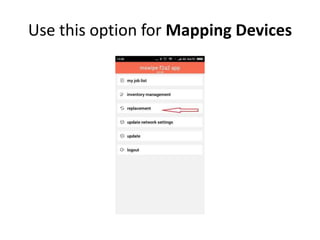
Use this option for Mapping Devices
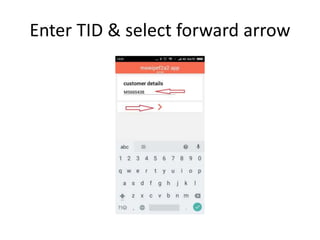
Enter TID & select forward arrow
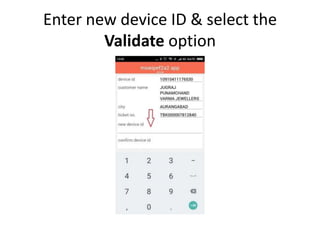
Enter new device ID & select the
Validate option
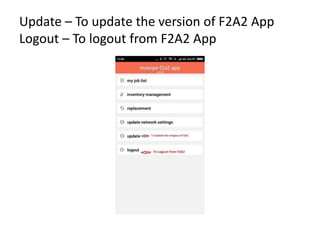
Update – To update the version of F2A2 App
Logout – To logout from F2A2 App
Thank You

Install F2A2 App